Free Cosmetic Bottle Mockups
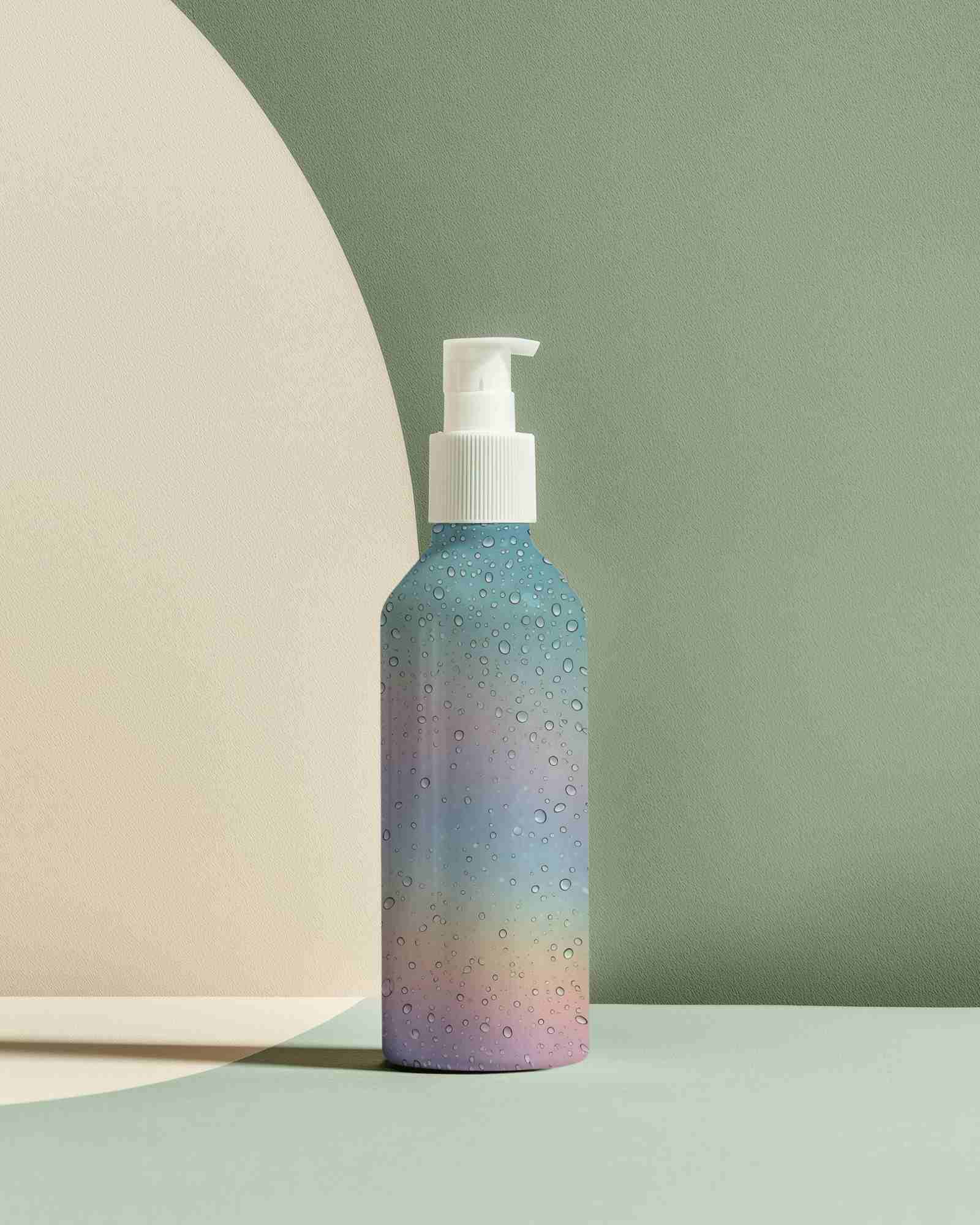
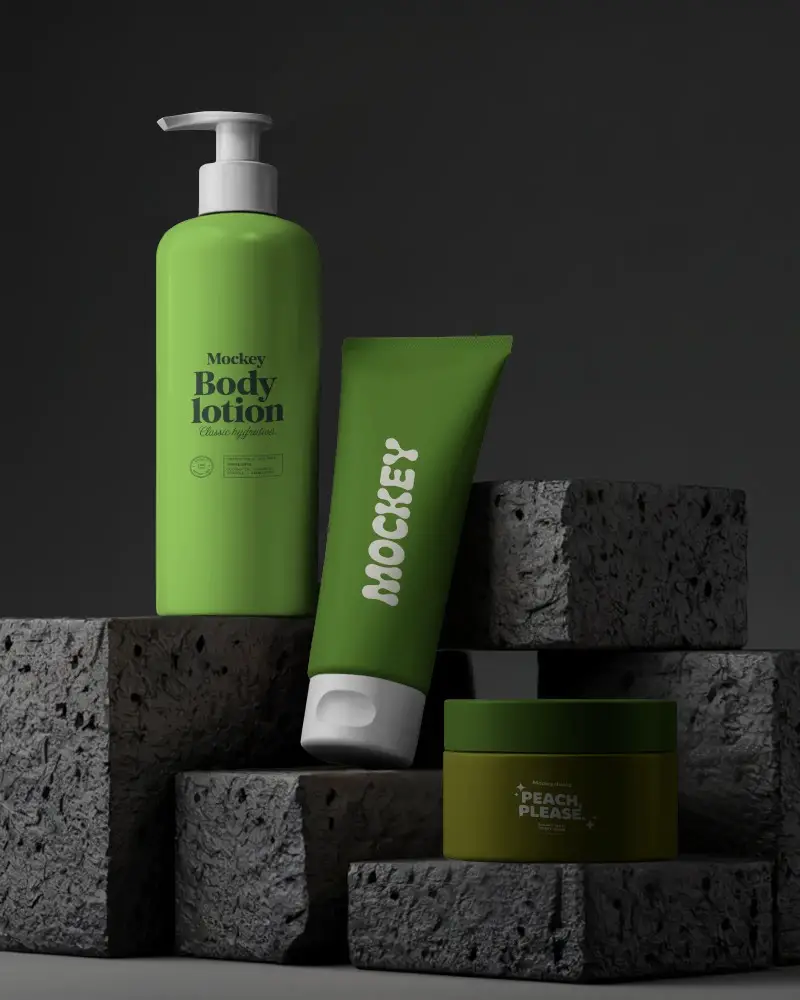
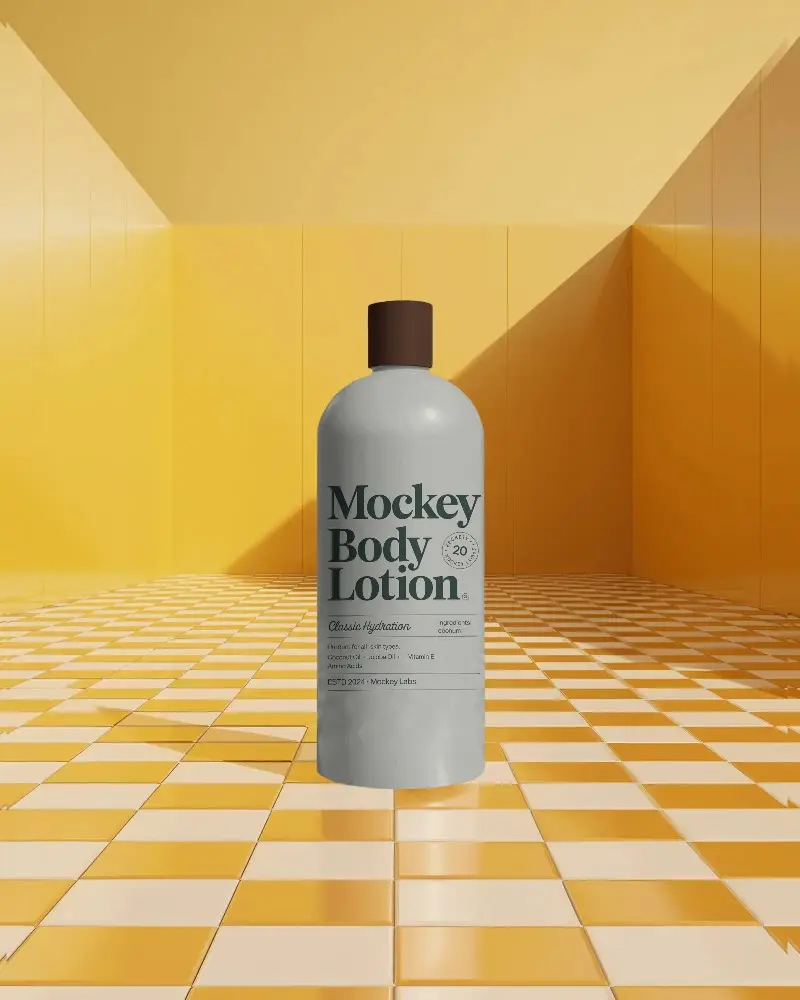
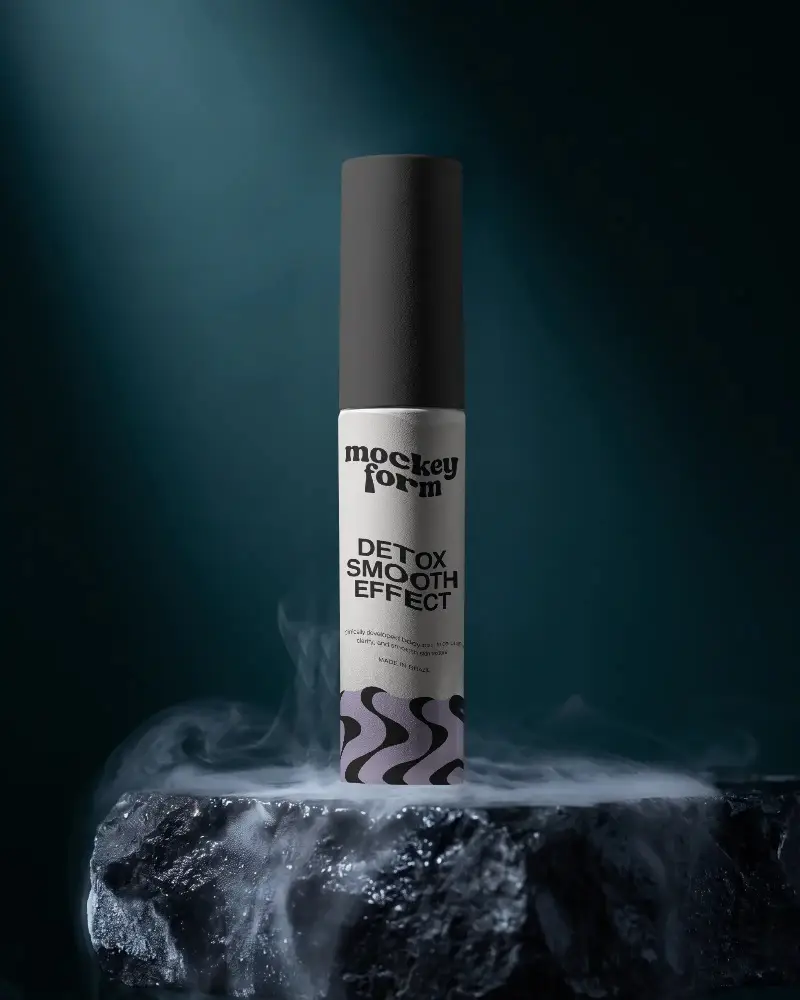
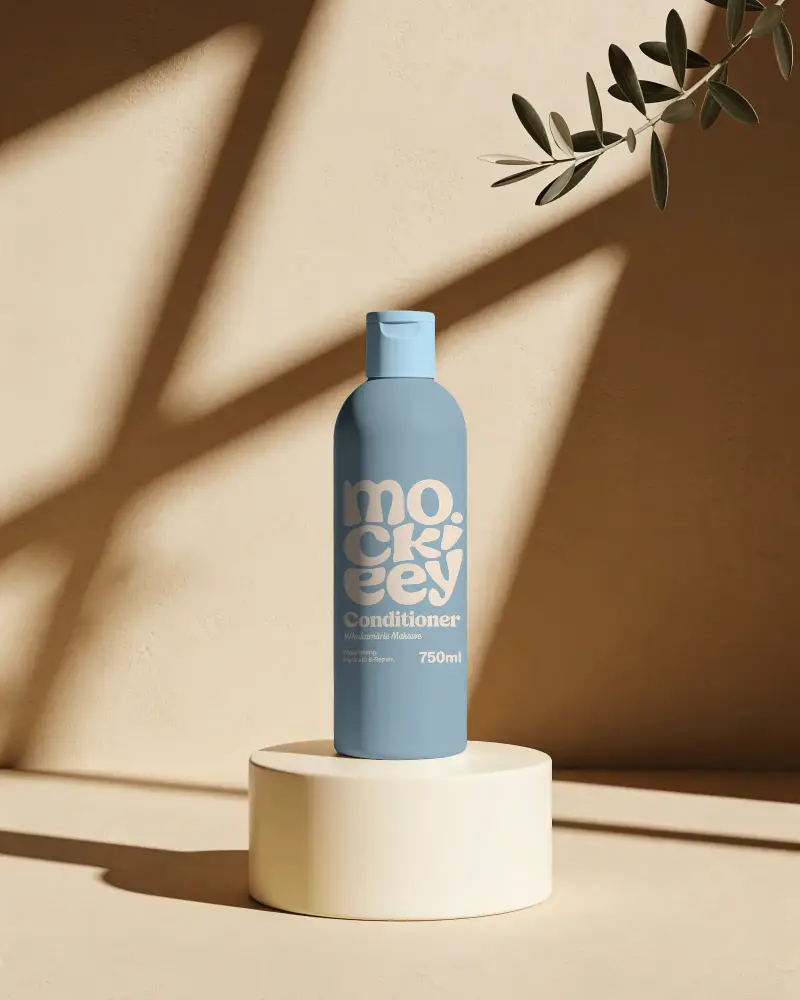
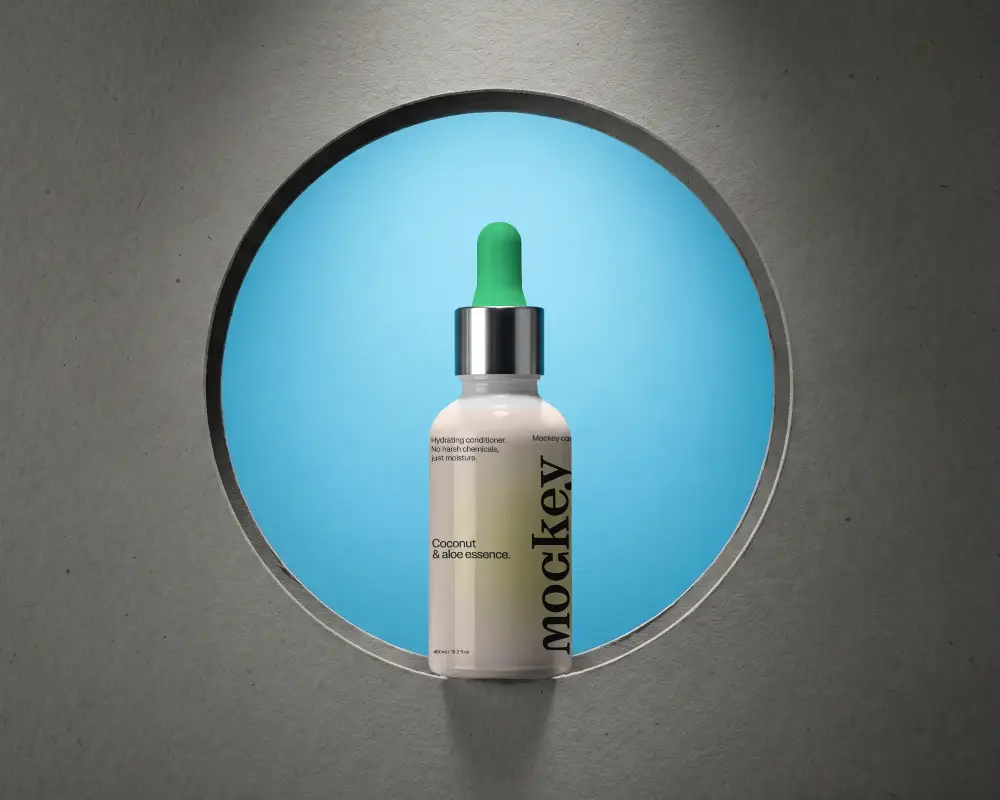
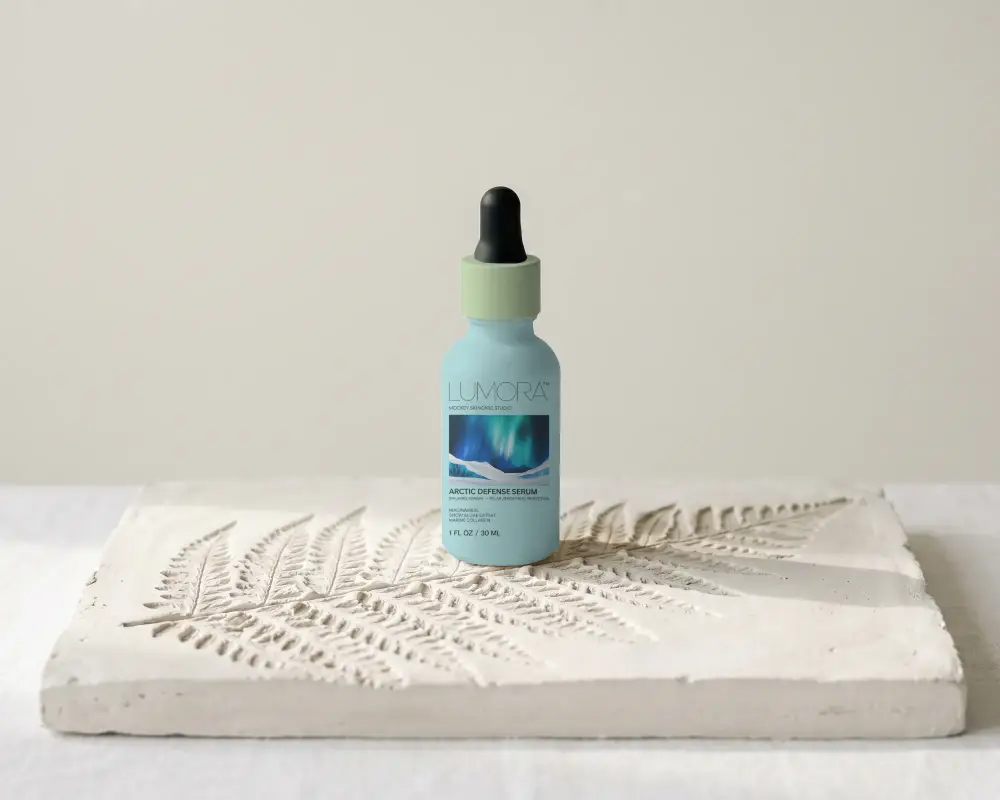
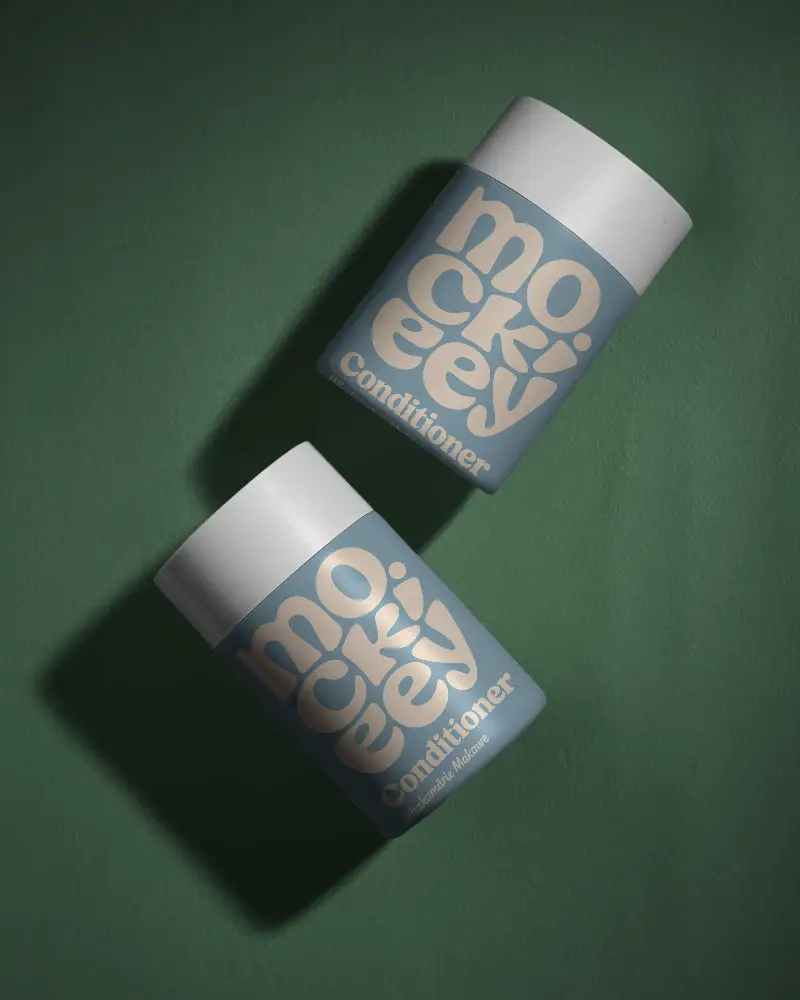
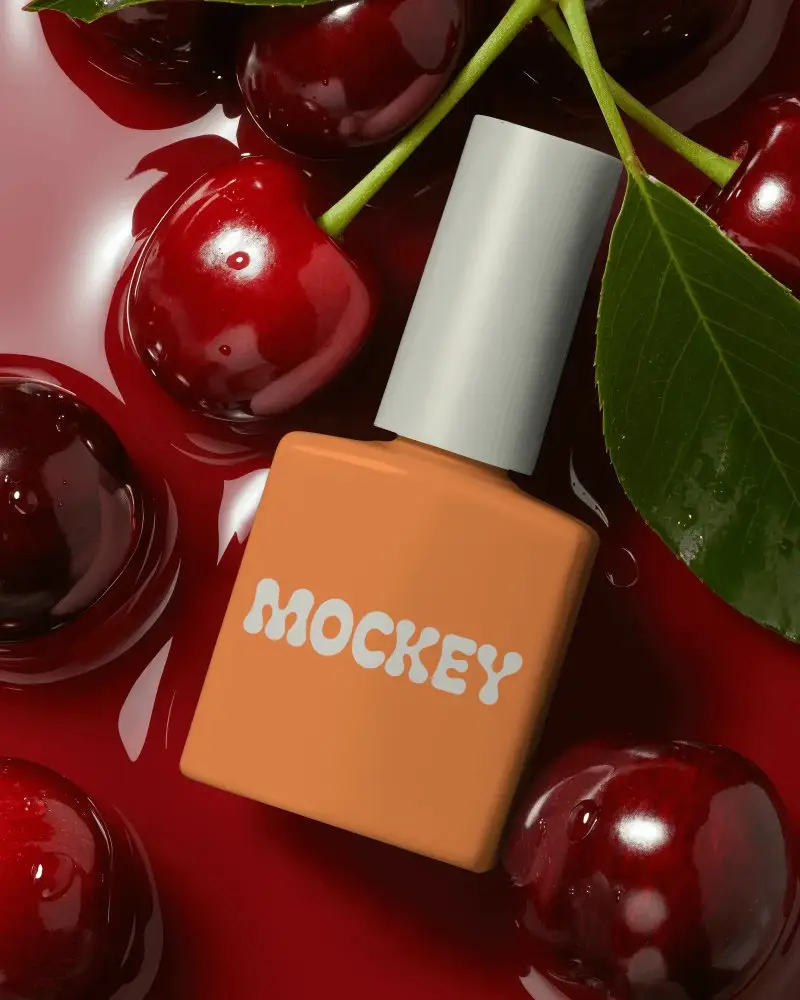
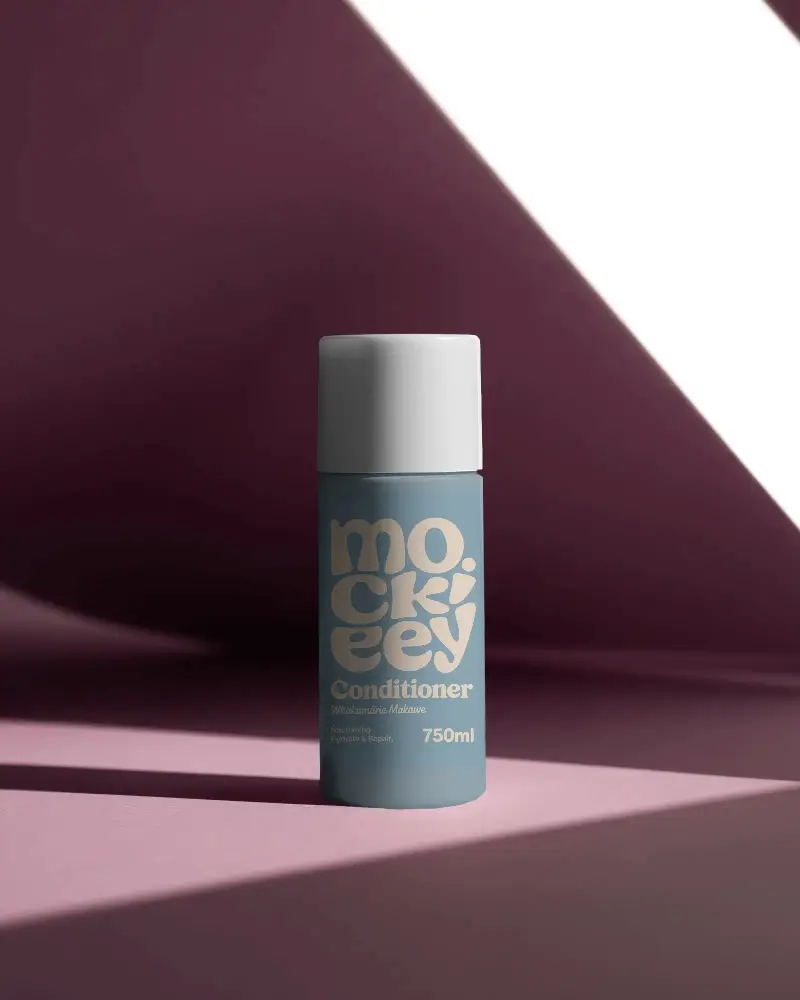
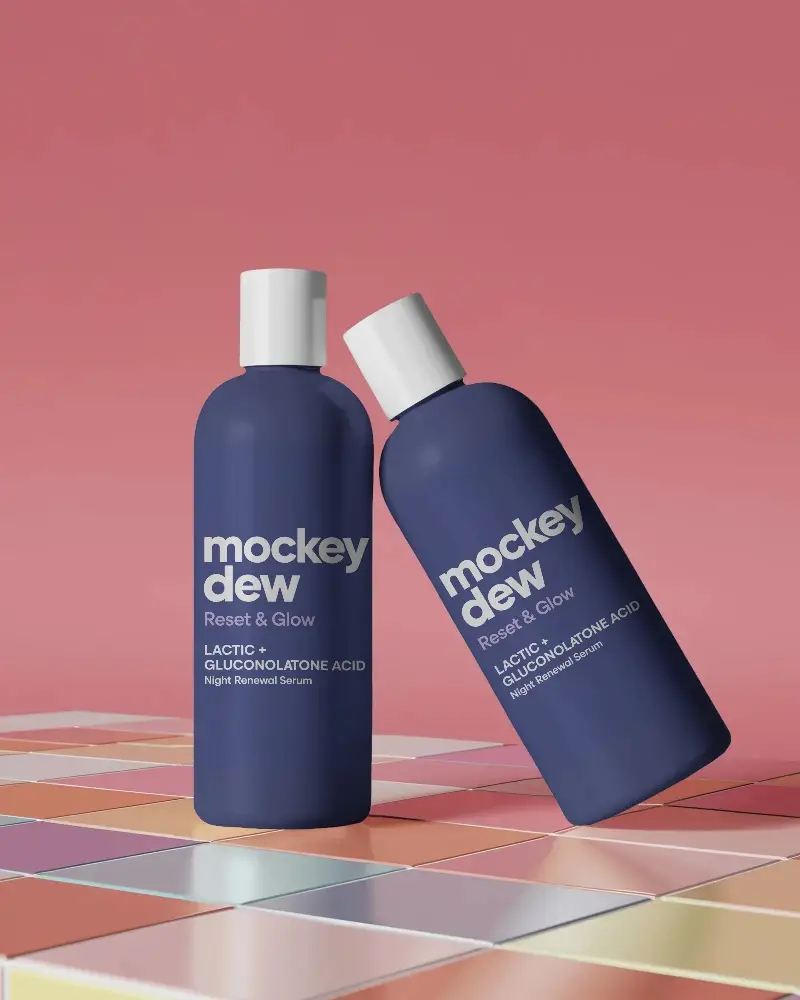
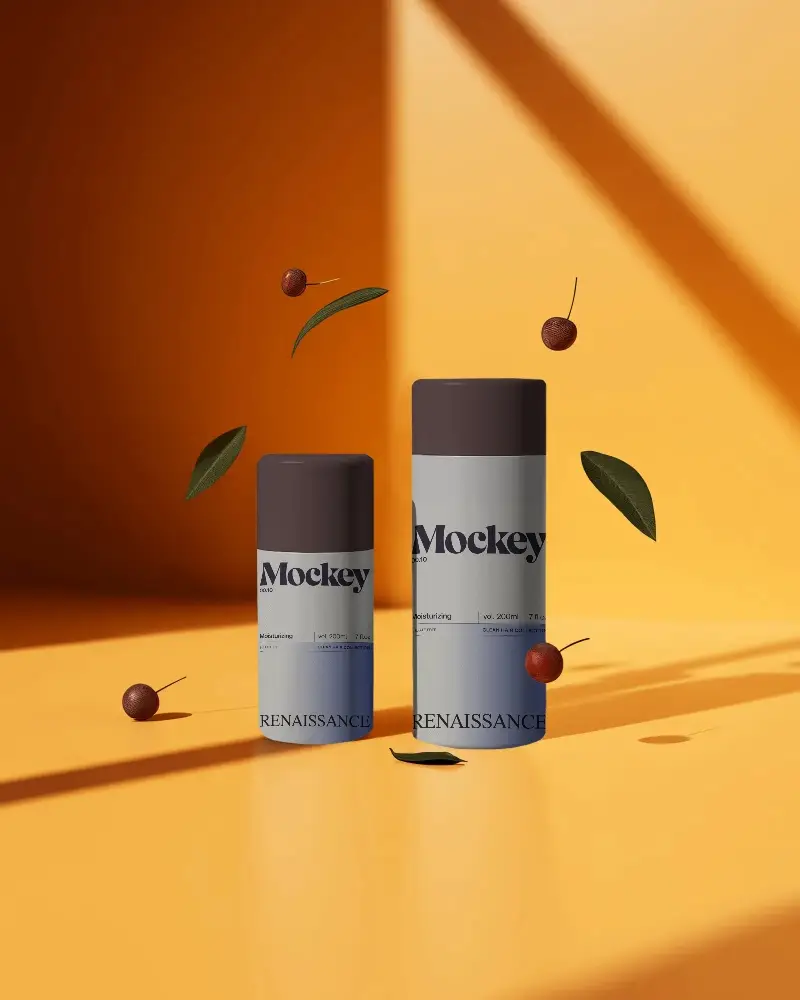
Choose from Mockey's vast collection of free cosmetic bottle mockups and showcase your designs in minutes. Download as high-quality PNG/JPG images.
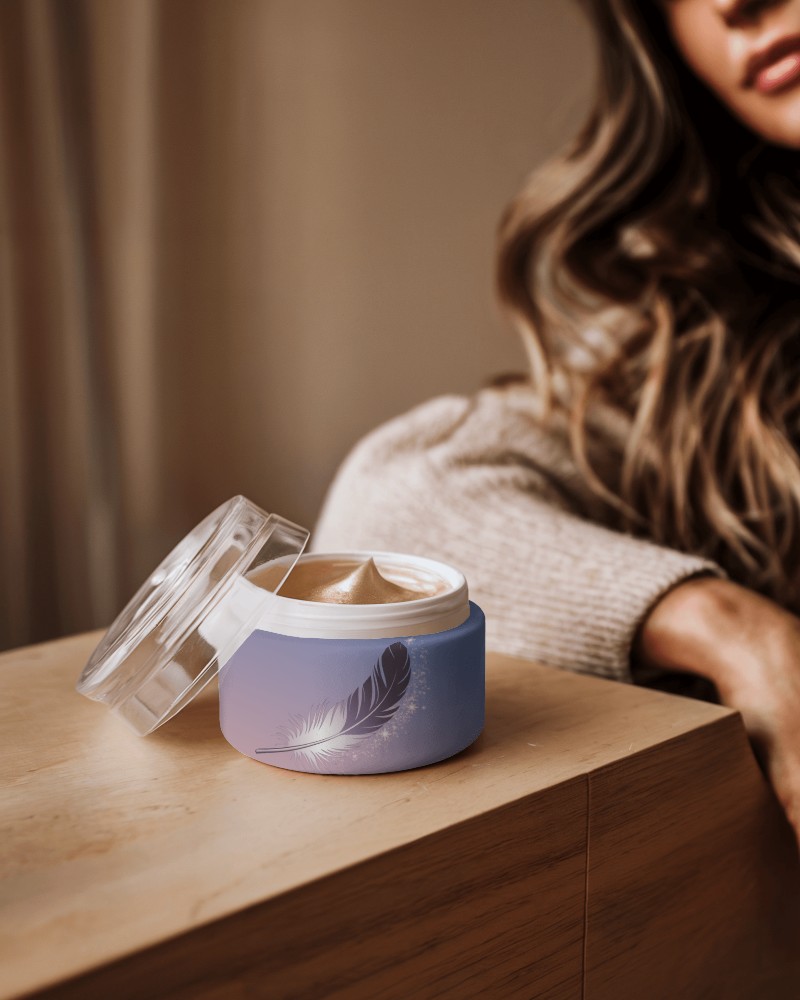
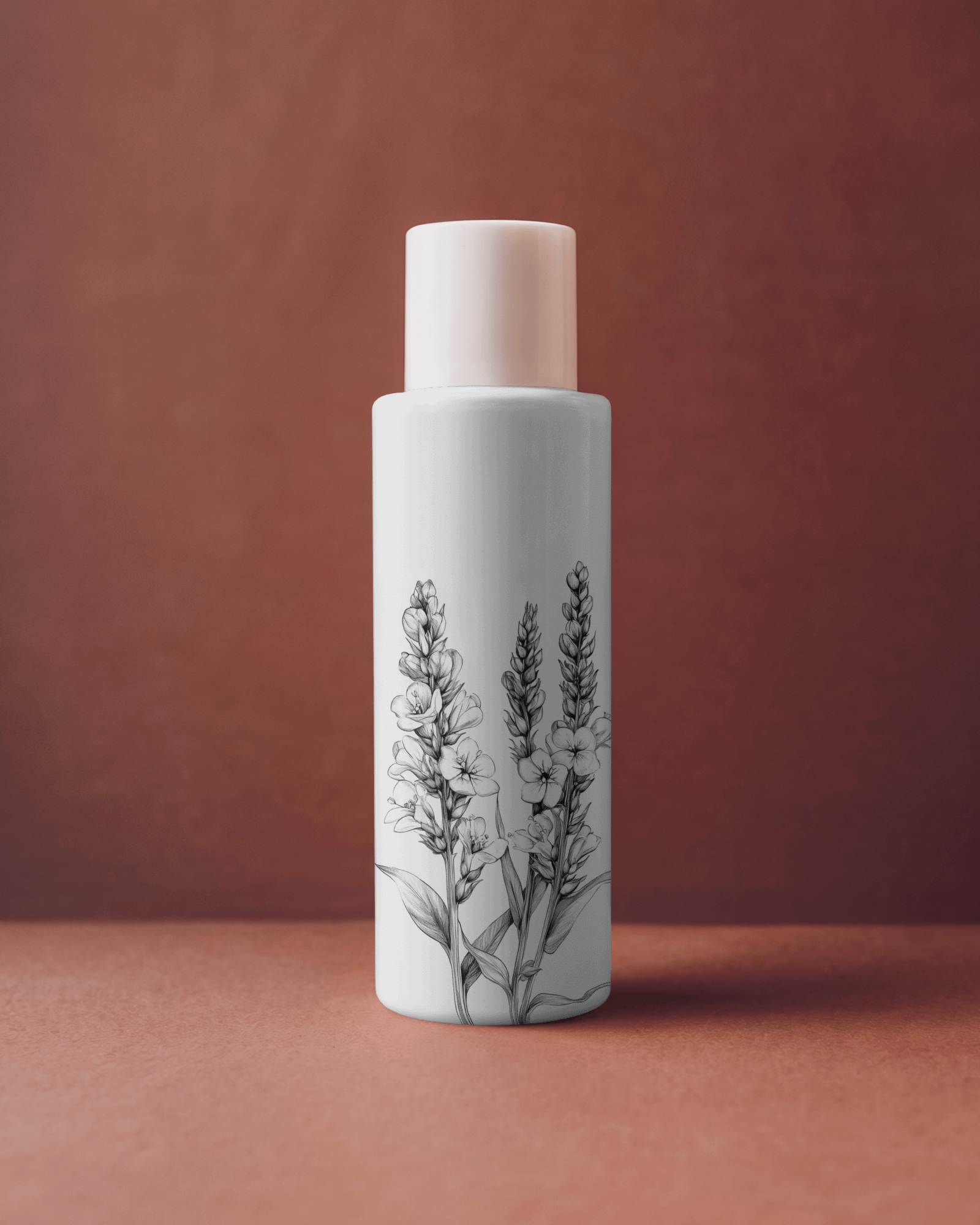
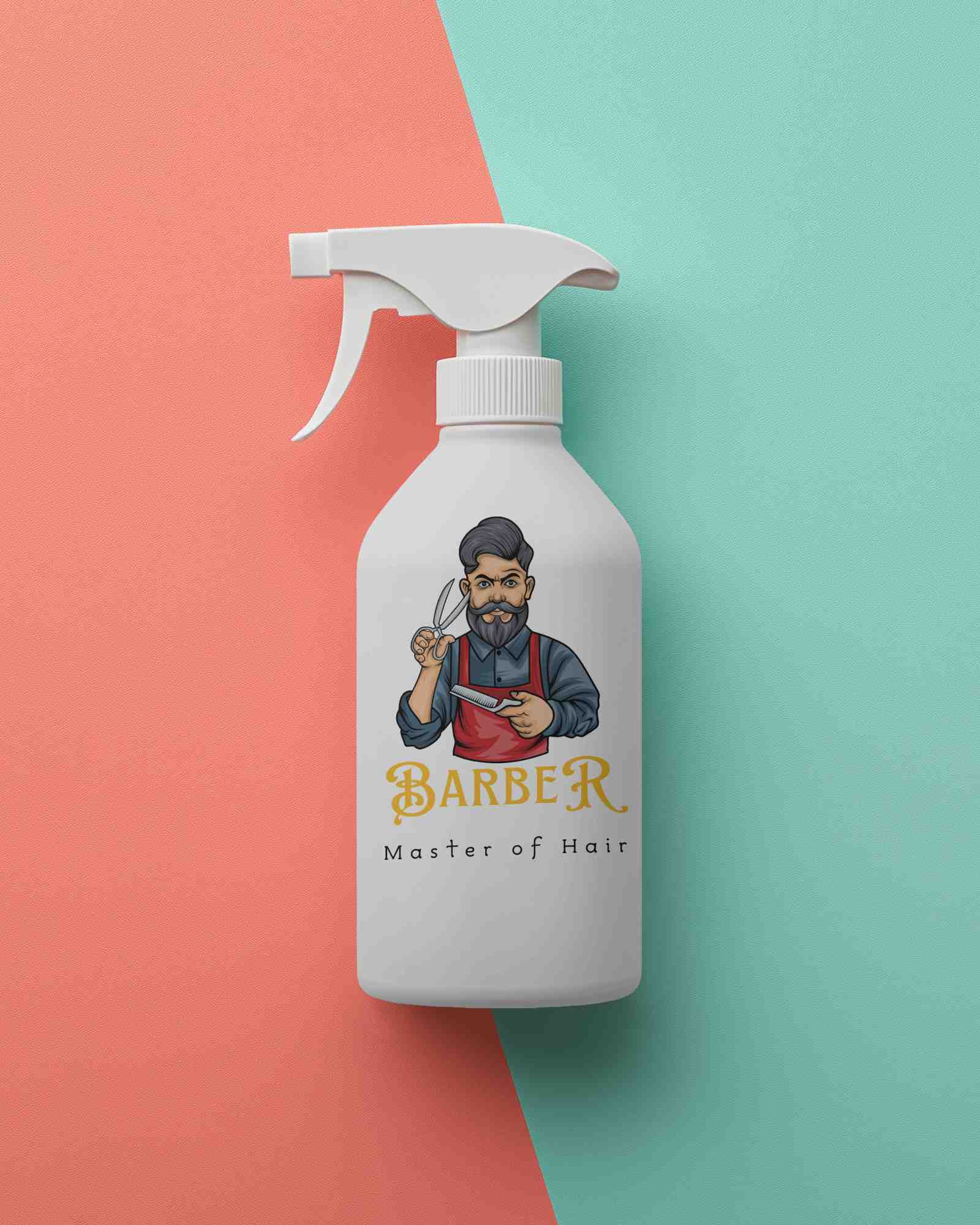
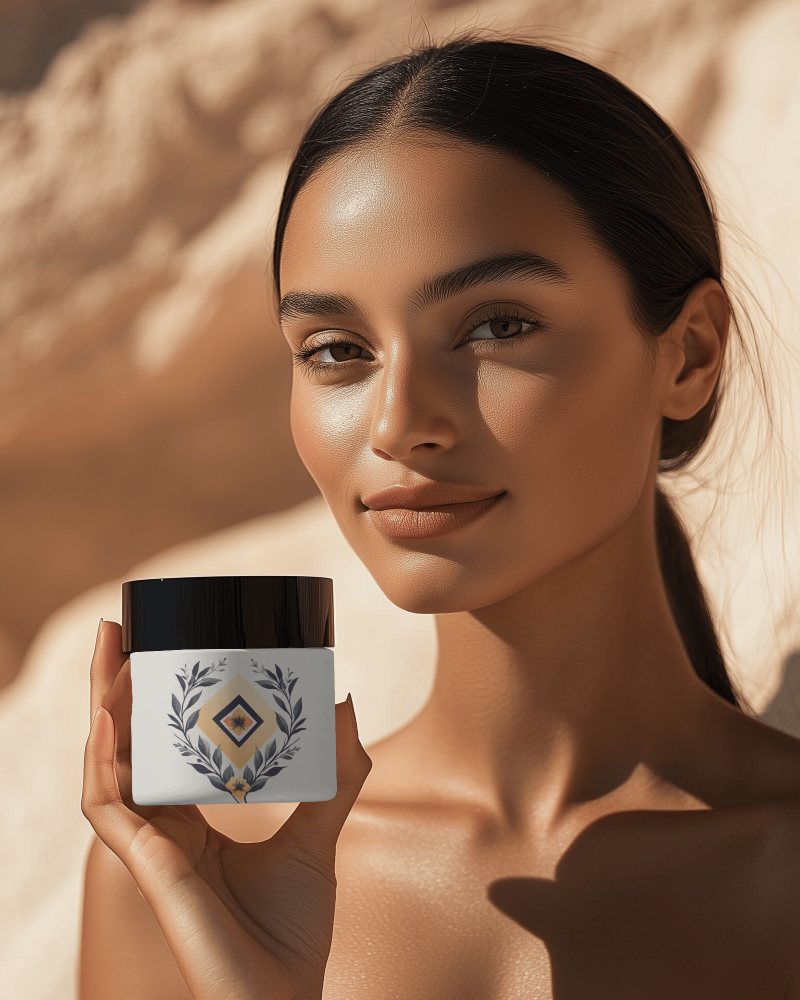
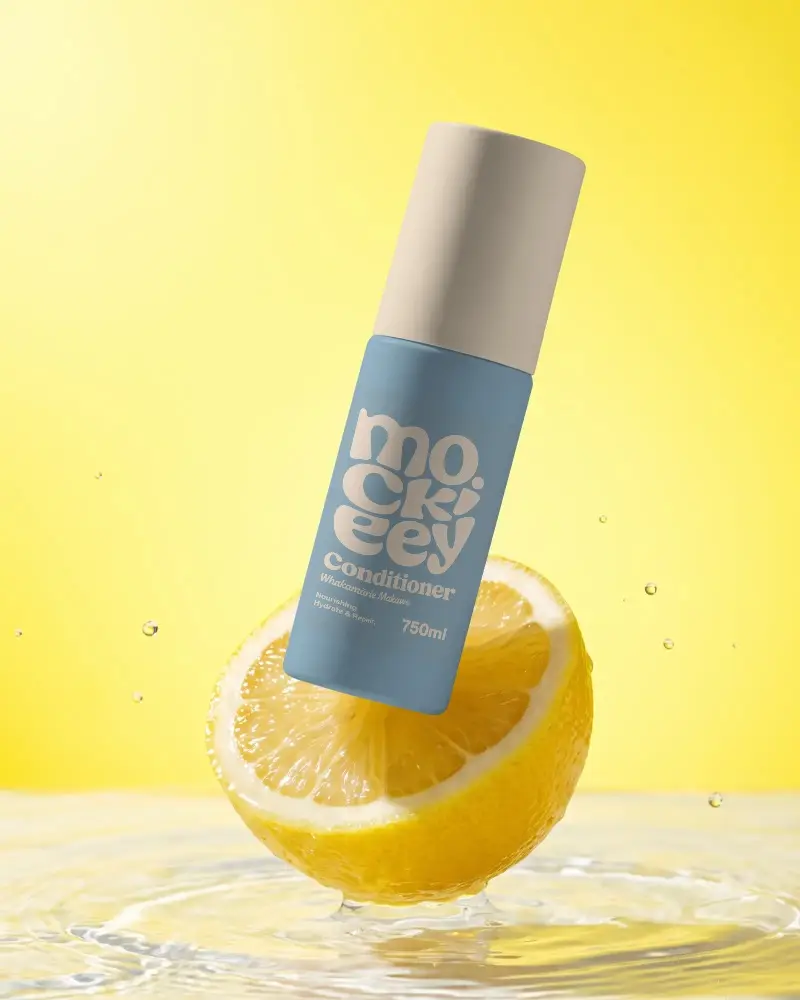
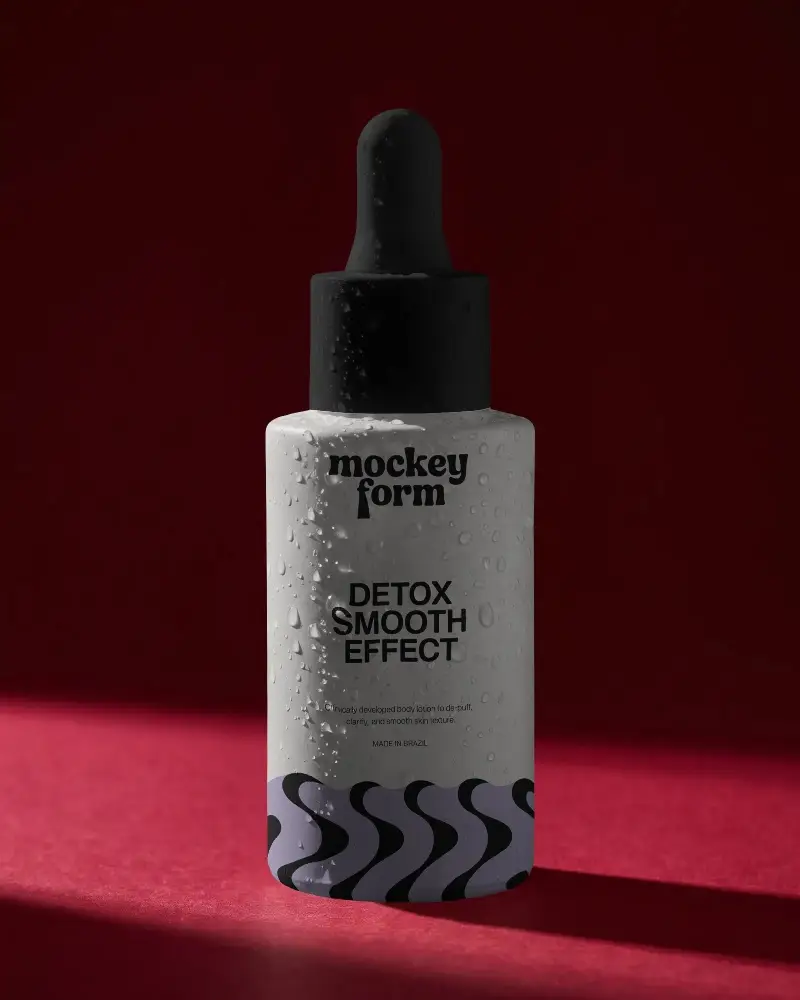
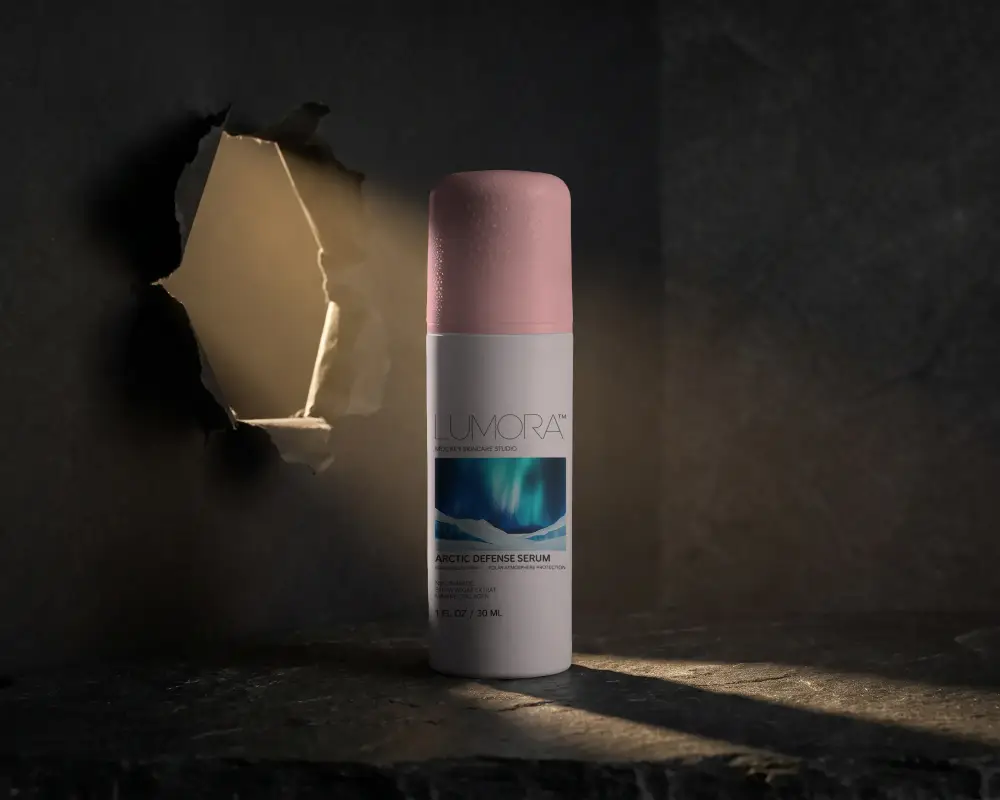
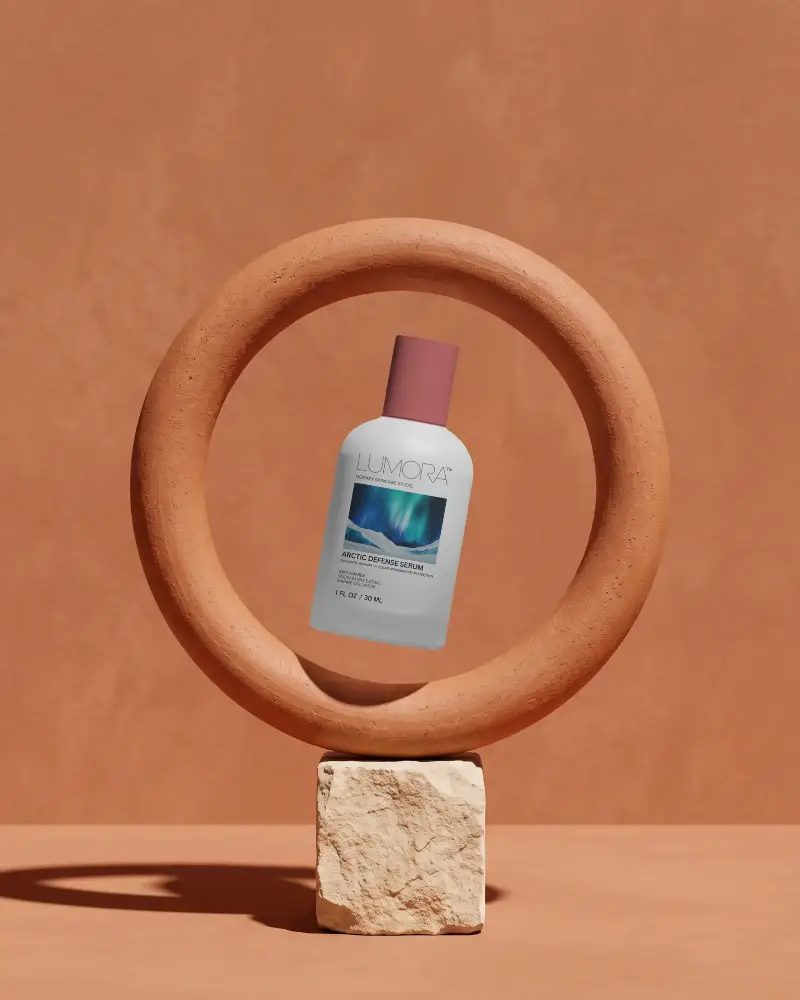
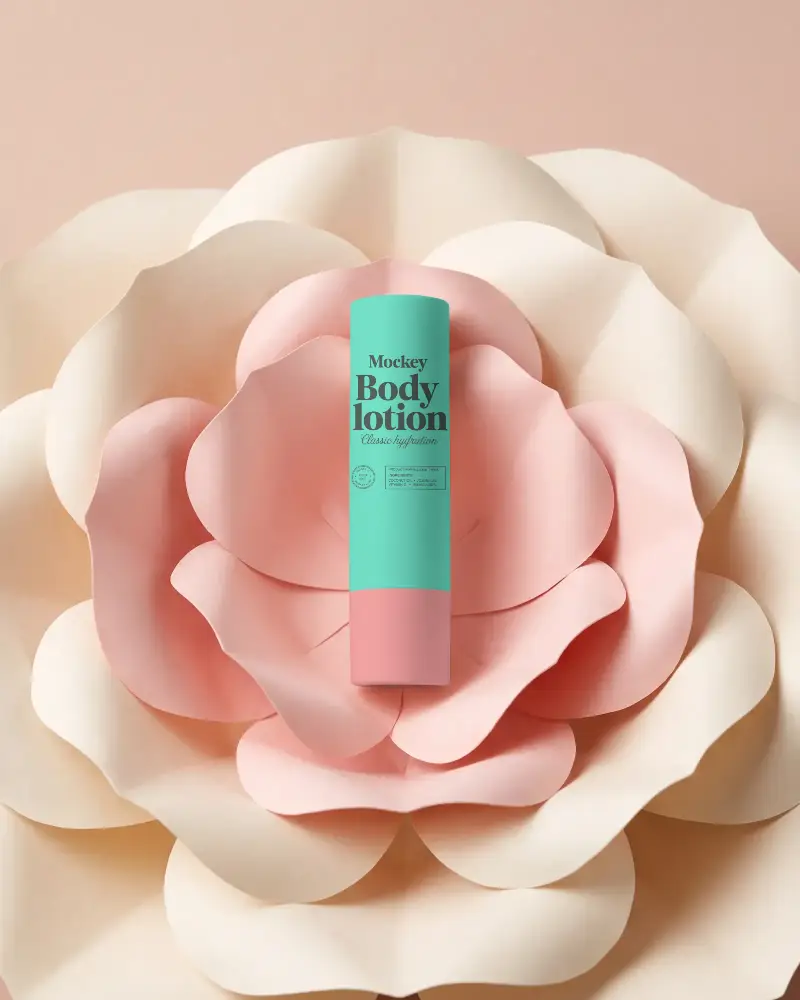
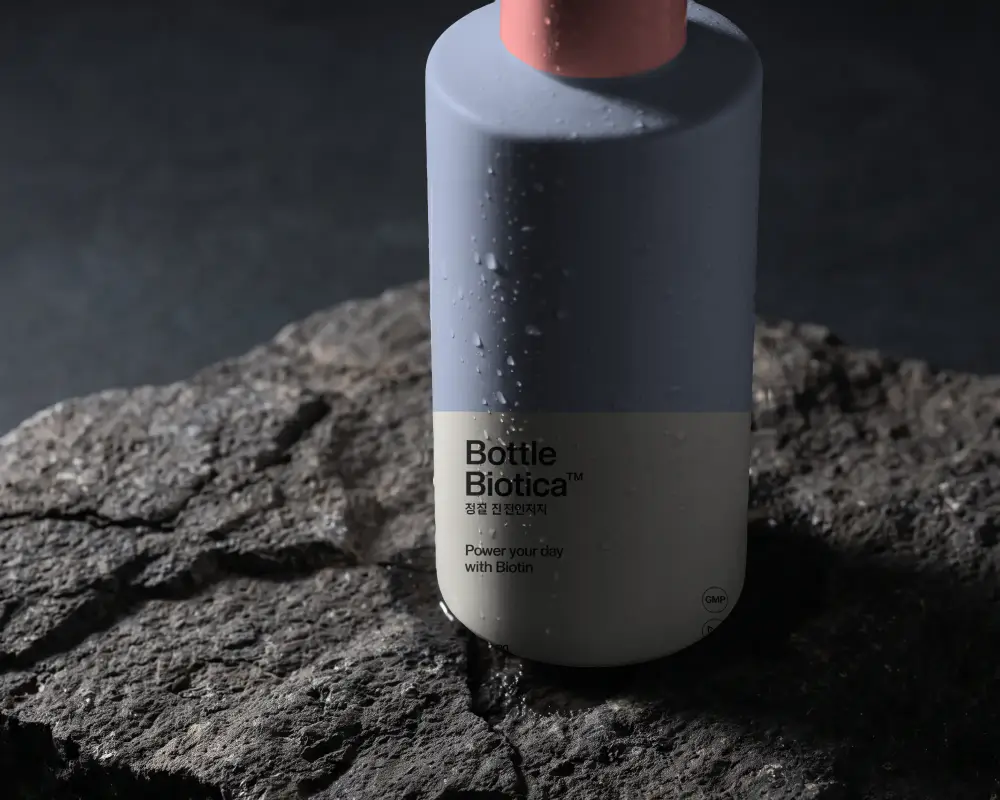
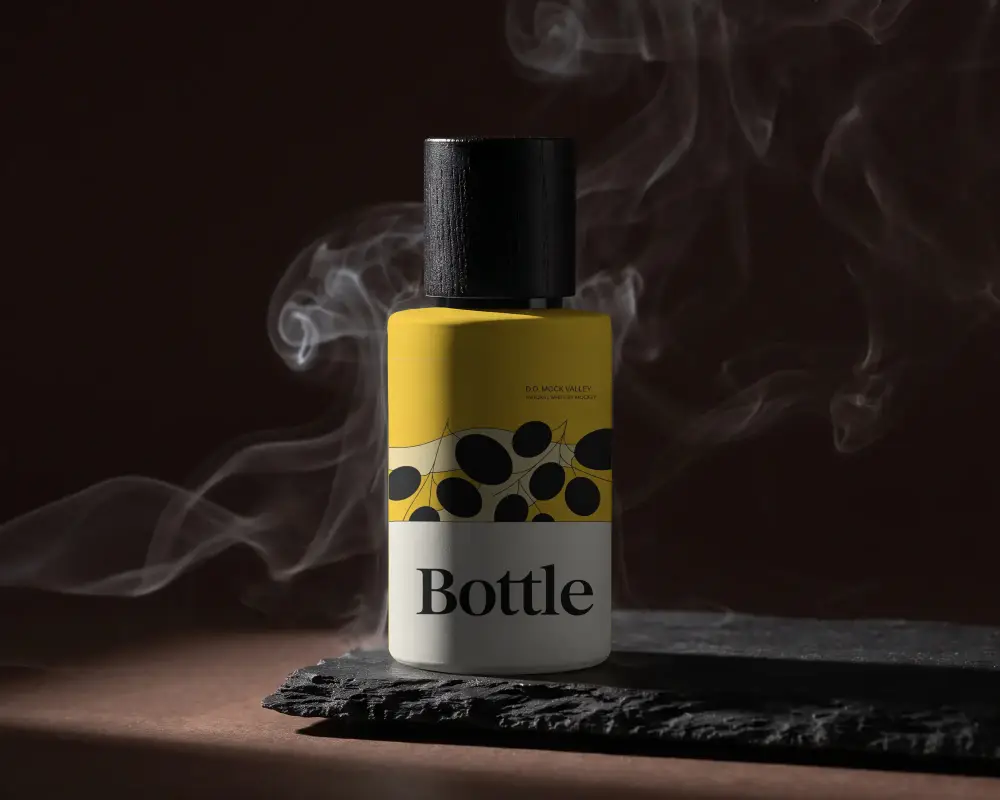
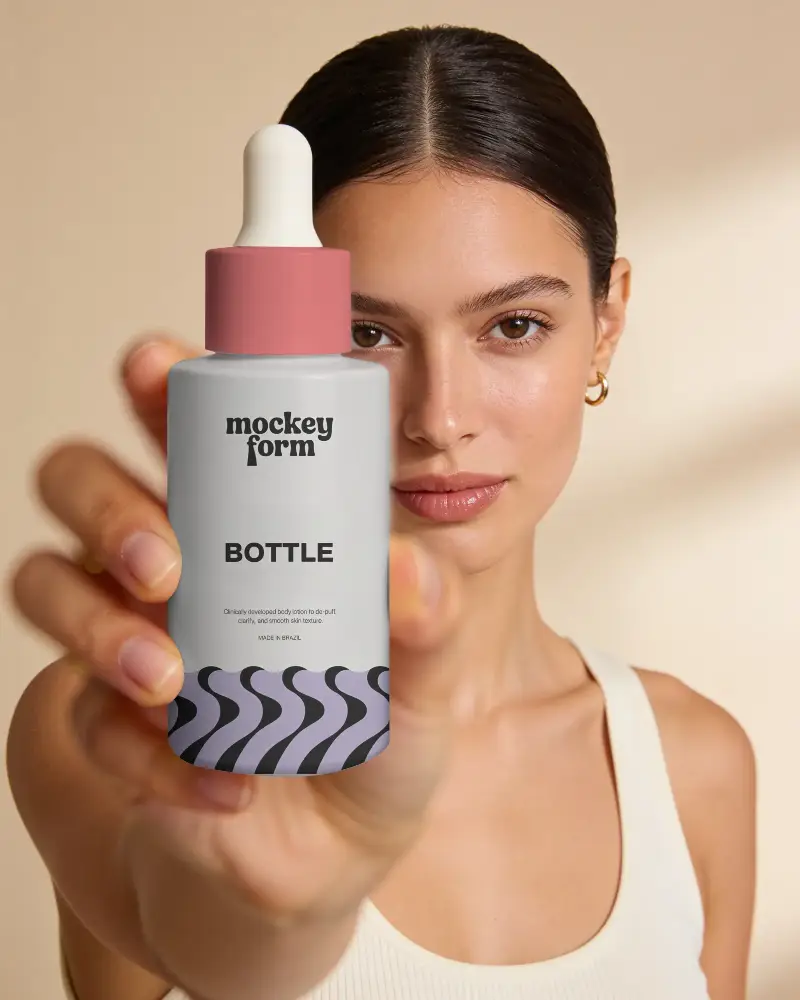
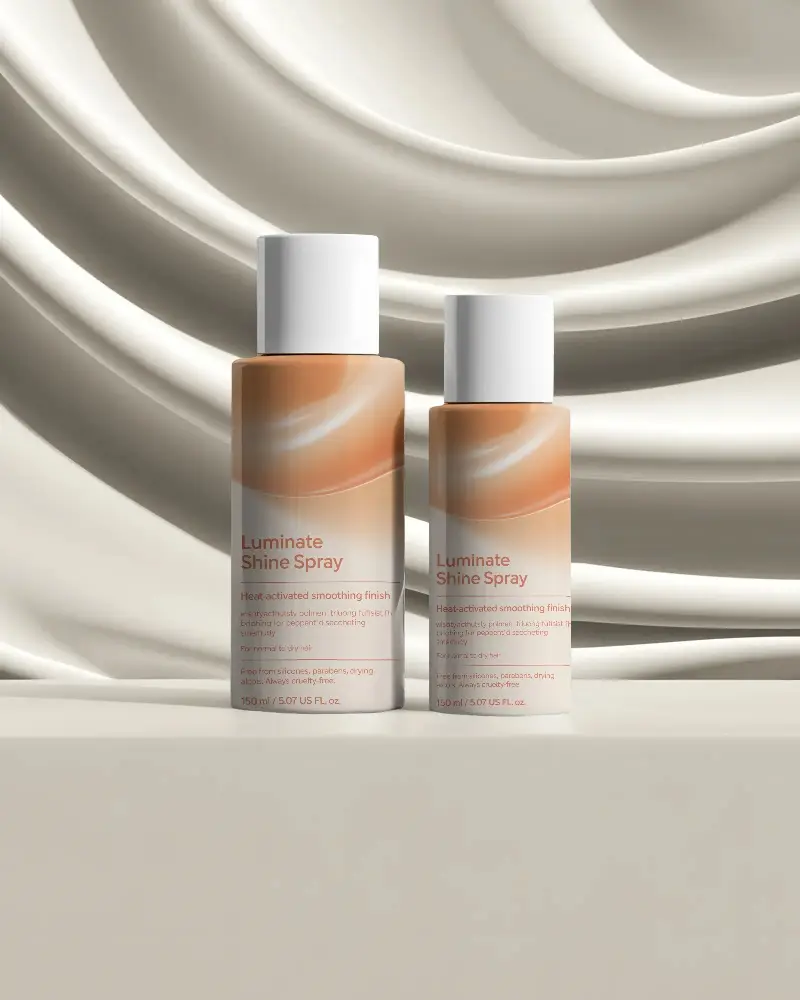
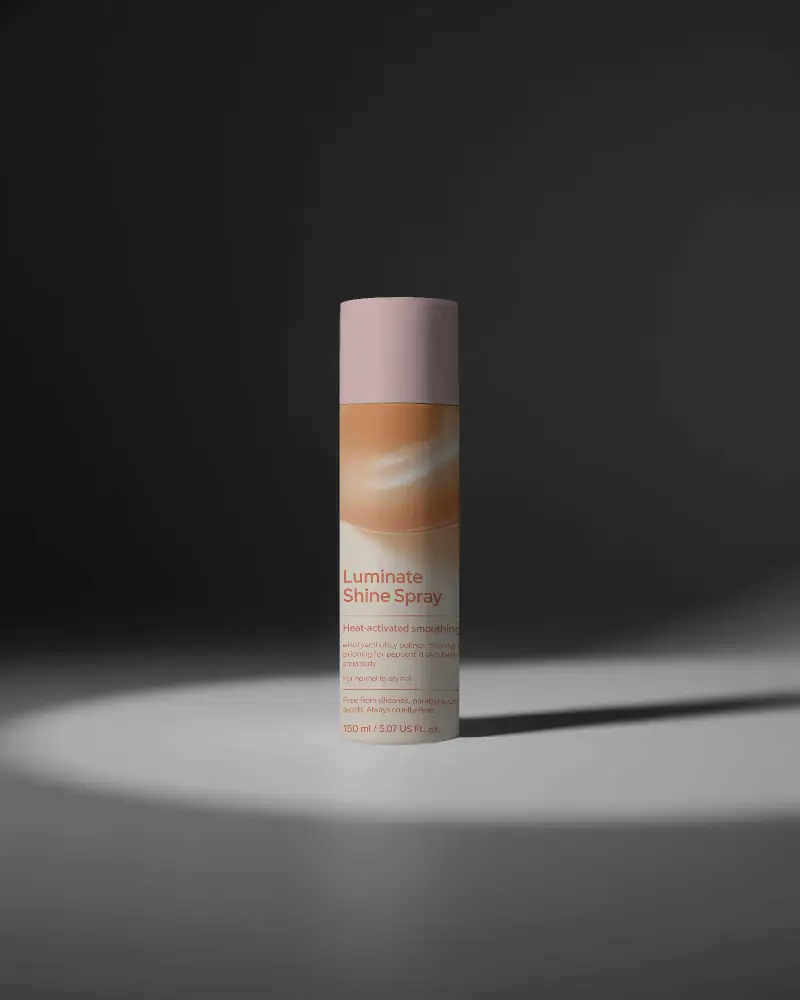
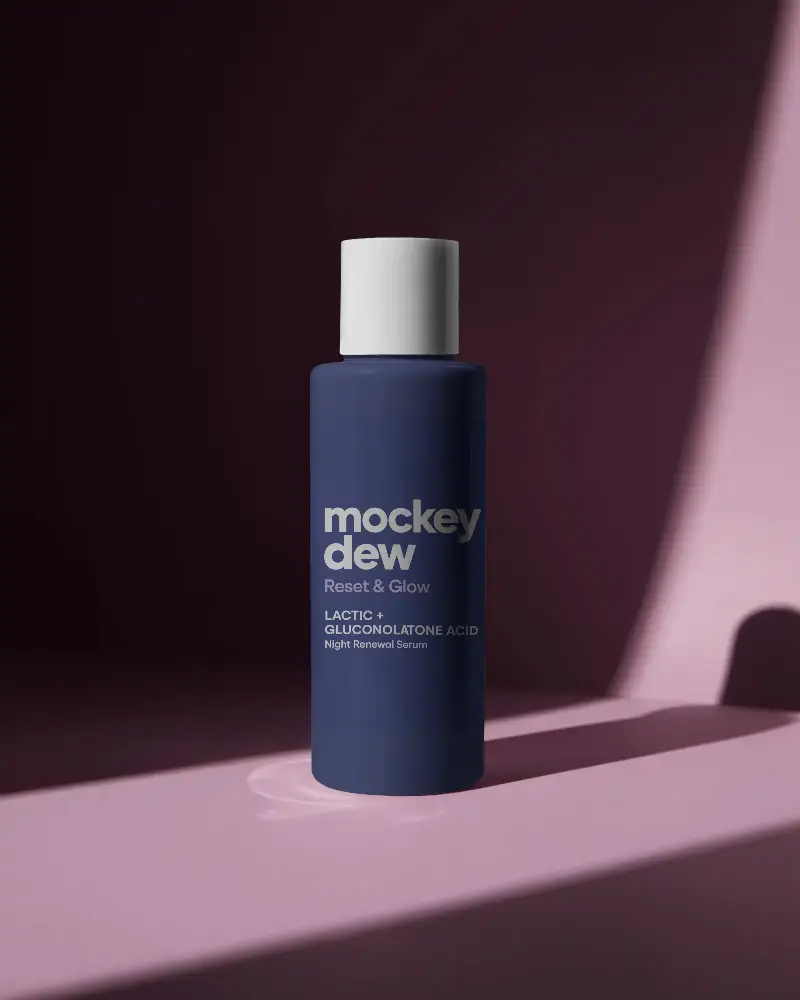
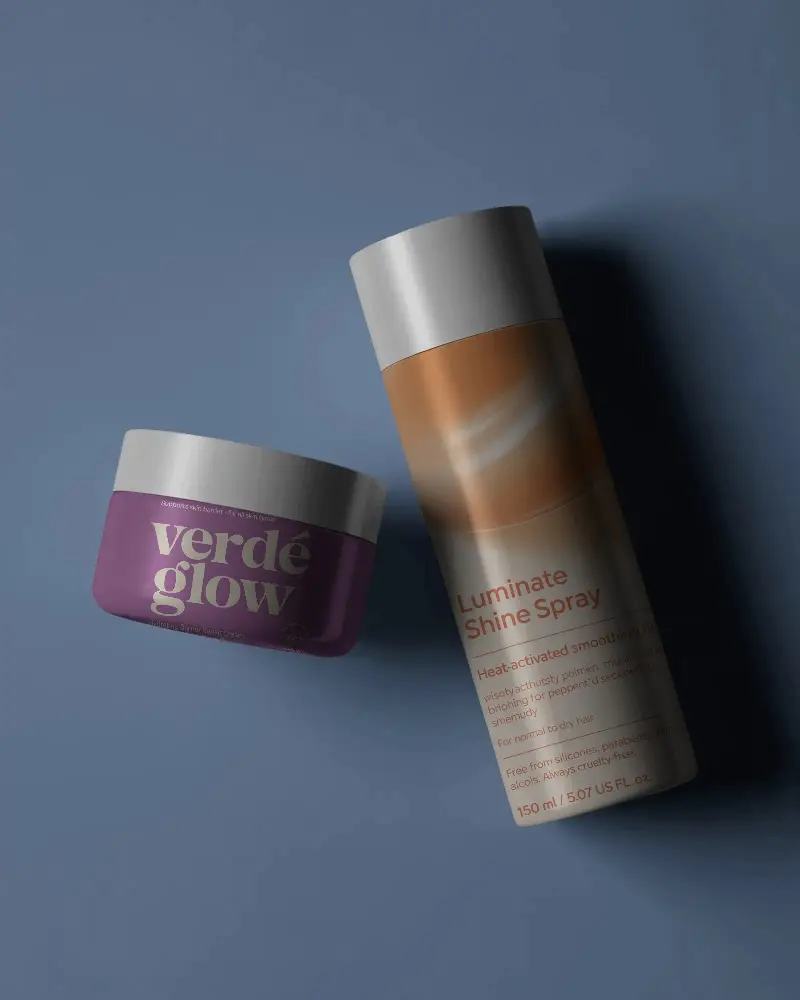
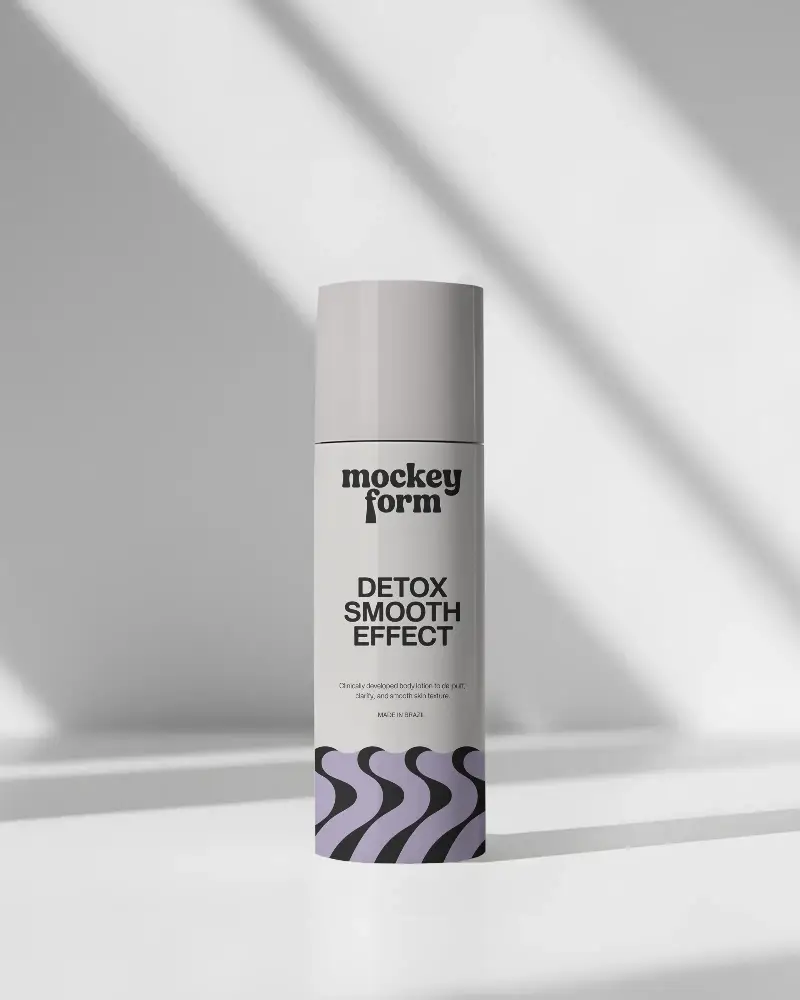
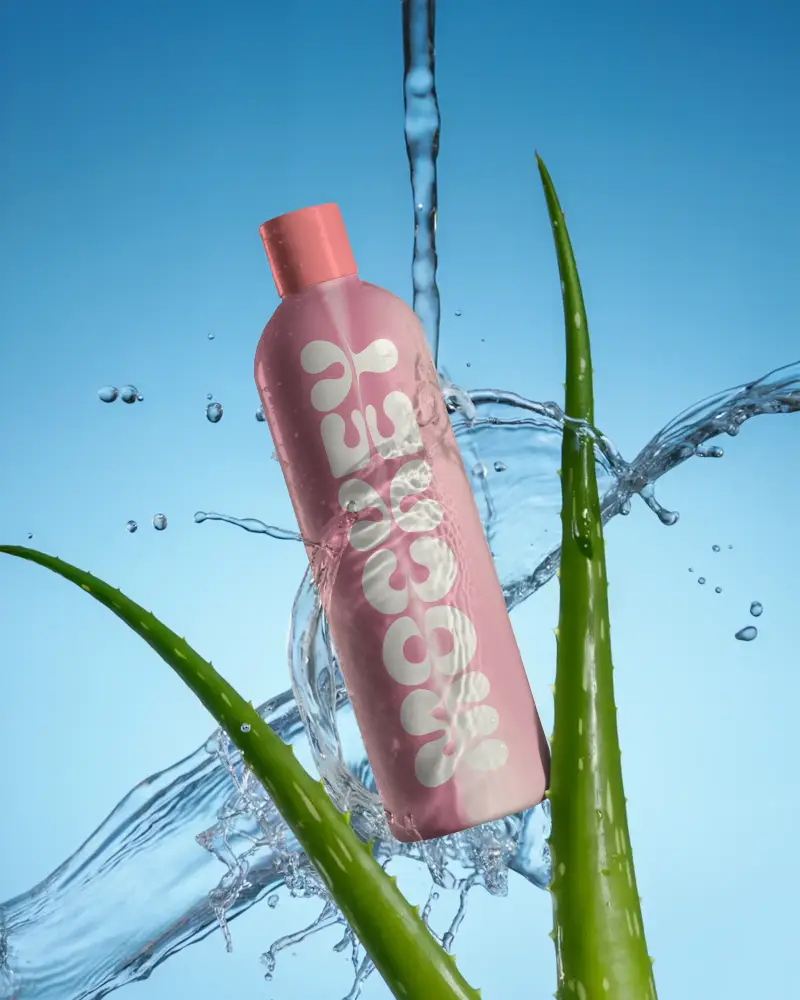
How to Create a Cosmetic Bottle Mockup with Mockey
To create a cosmetic bottle mockup in Mockey AI:
- Step 1: Sign up on Mockey AI and go to Mockups > Packaging > Cosmetic and pick Bottle tag.
- Step 2: Pick a template and start editing.
- Step 3: Upload your design, change colors, use ready-made backgrounds or AI effects.
- Step 4: Download your design as PNG or JPEG.


FAQs on Cosmetic Bottle Mockups
What is a Cosmetic Bottle Mockup?
An image mockup of a cosmetic bottle allows you to see it before it's produced by adding your design to it. People use it to show, teach, or promote a product before making the real one.
How can I customize a Cosmetic Bottle Mockup?
Sign up on Mockey AI. Follow Mockups > Packaging > Cosmetic and pick Bottle tag. Pick a template, add your design, change colors, use ready-made backgrounds or AI effects, and then save as PNG or JPEG.
Why should I use a cosmetic Bottle mockup?
A cosmetic bottle mockup is a sample of how the final product will look. It helps show the product in real life, get opinions before making many, or present it to important people.
Can I download Cosmetic Bottle Mockups for free?
After you finish customization of your cosmetic bottle, hit the Download button to save it. You will get it in PNG or JPEG format, available in different sizes.
