Clear Cosmetic Jar Mockup Free Download
Bring your cosmetic jar designs to life with this realistic cosmetic jar mockup. Easily upload, customize, and download your stunning presentation in seconds.
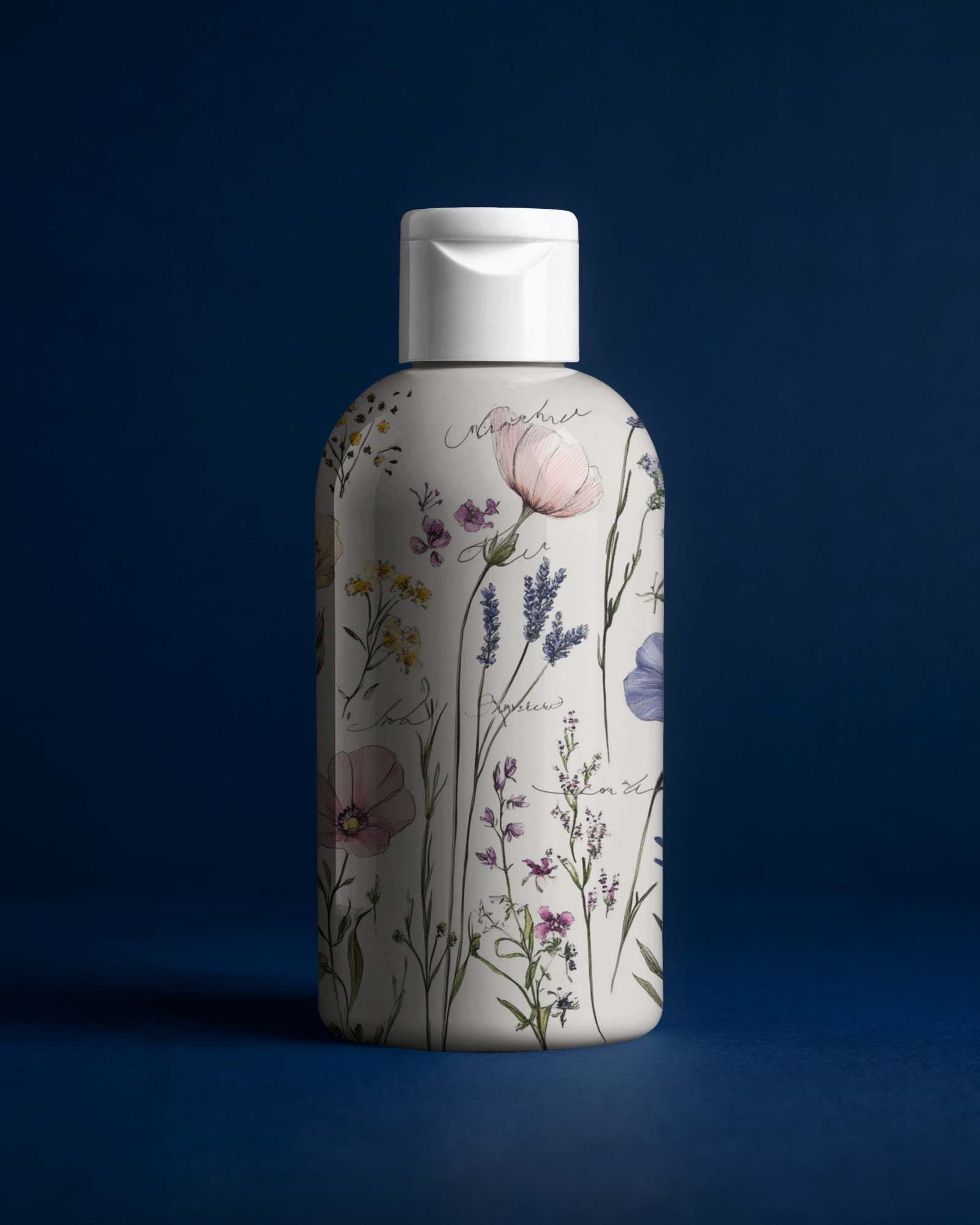
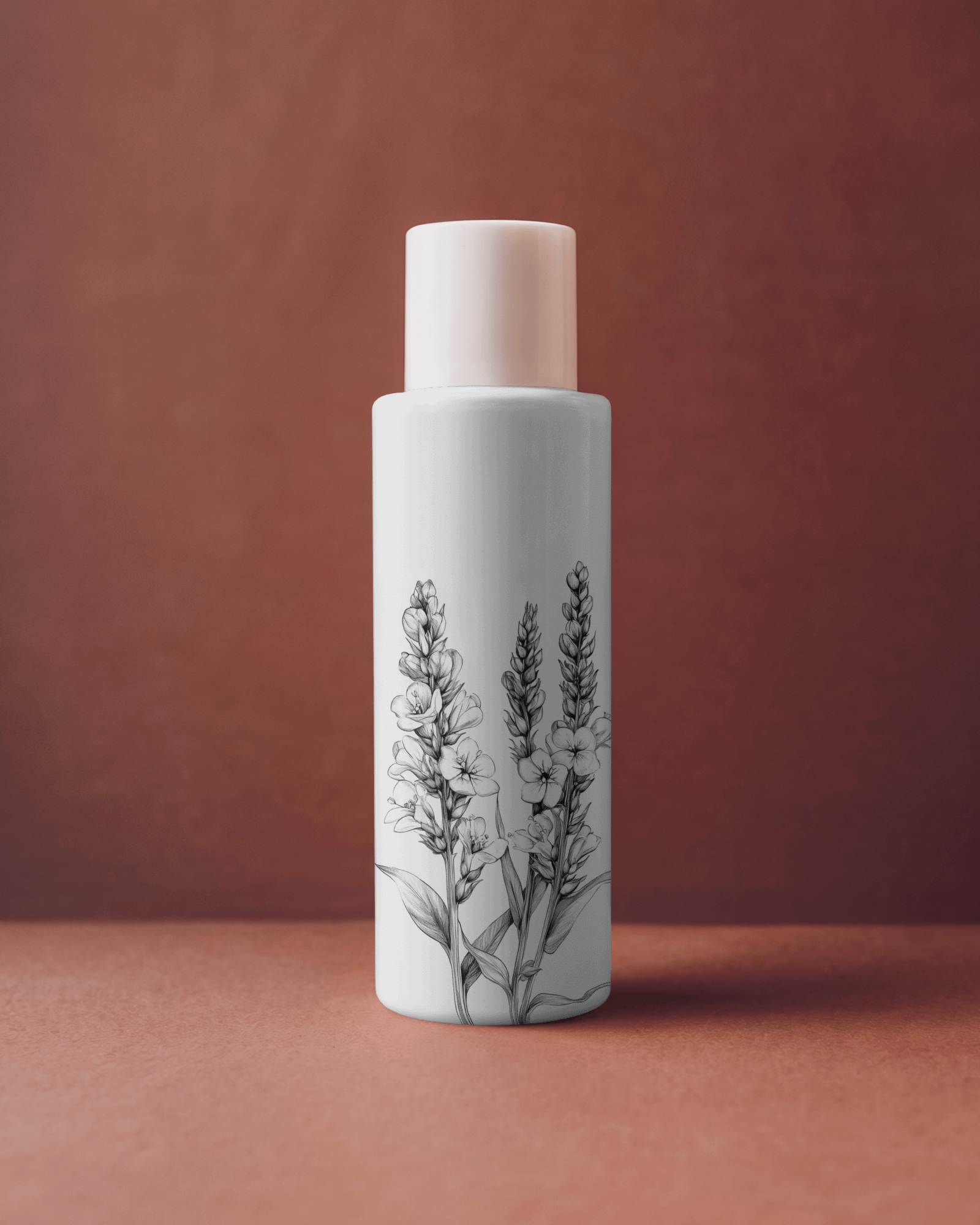
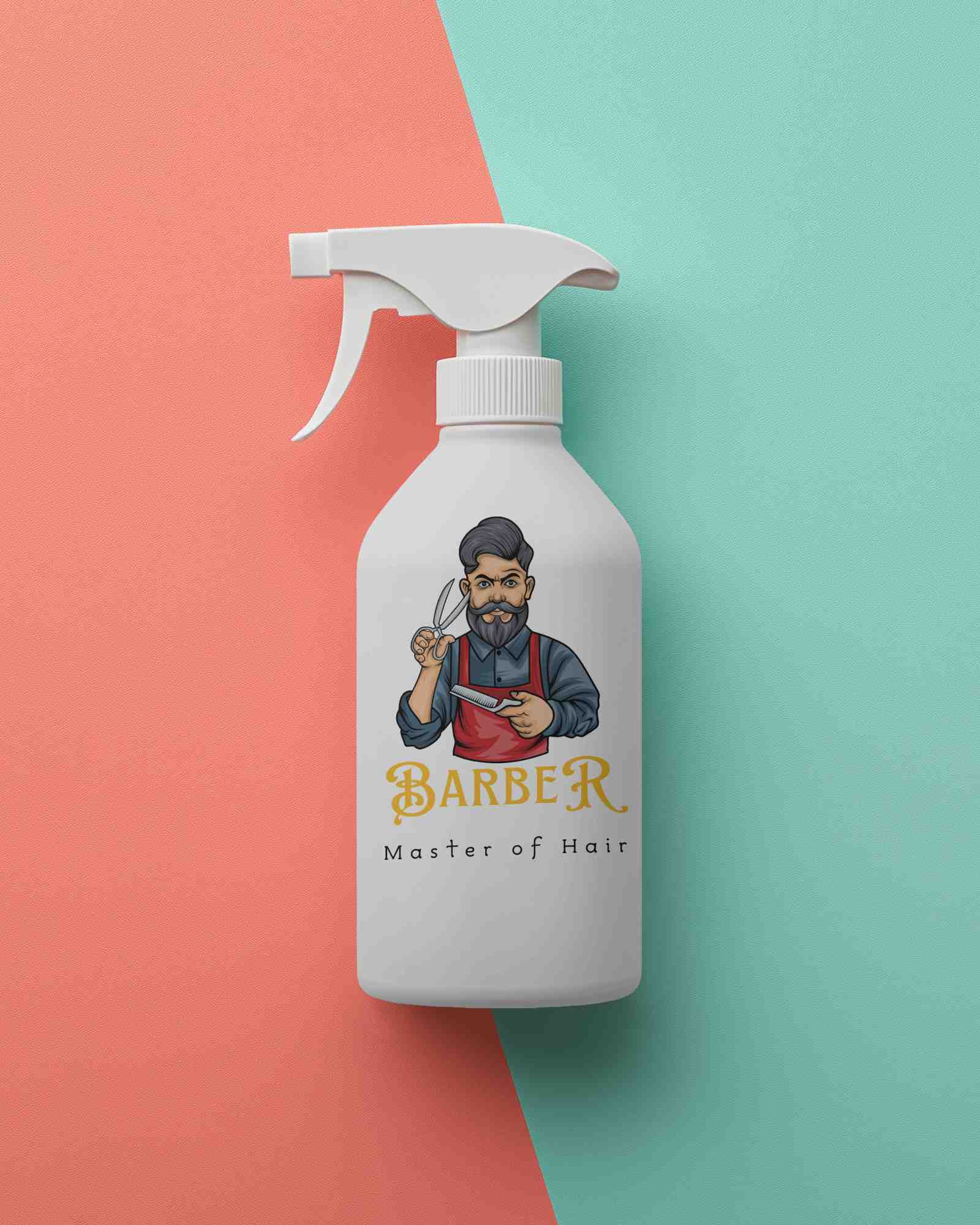
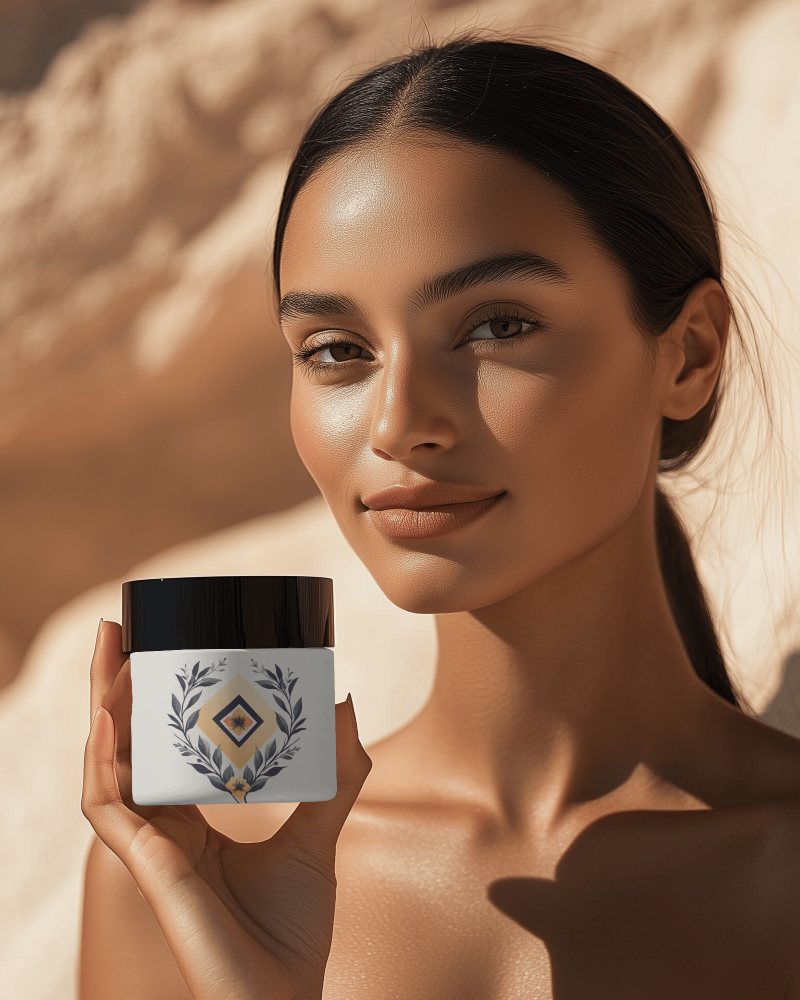
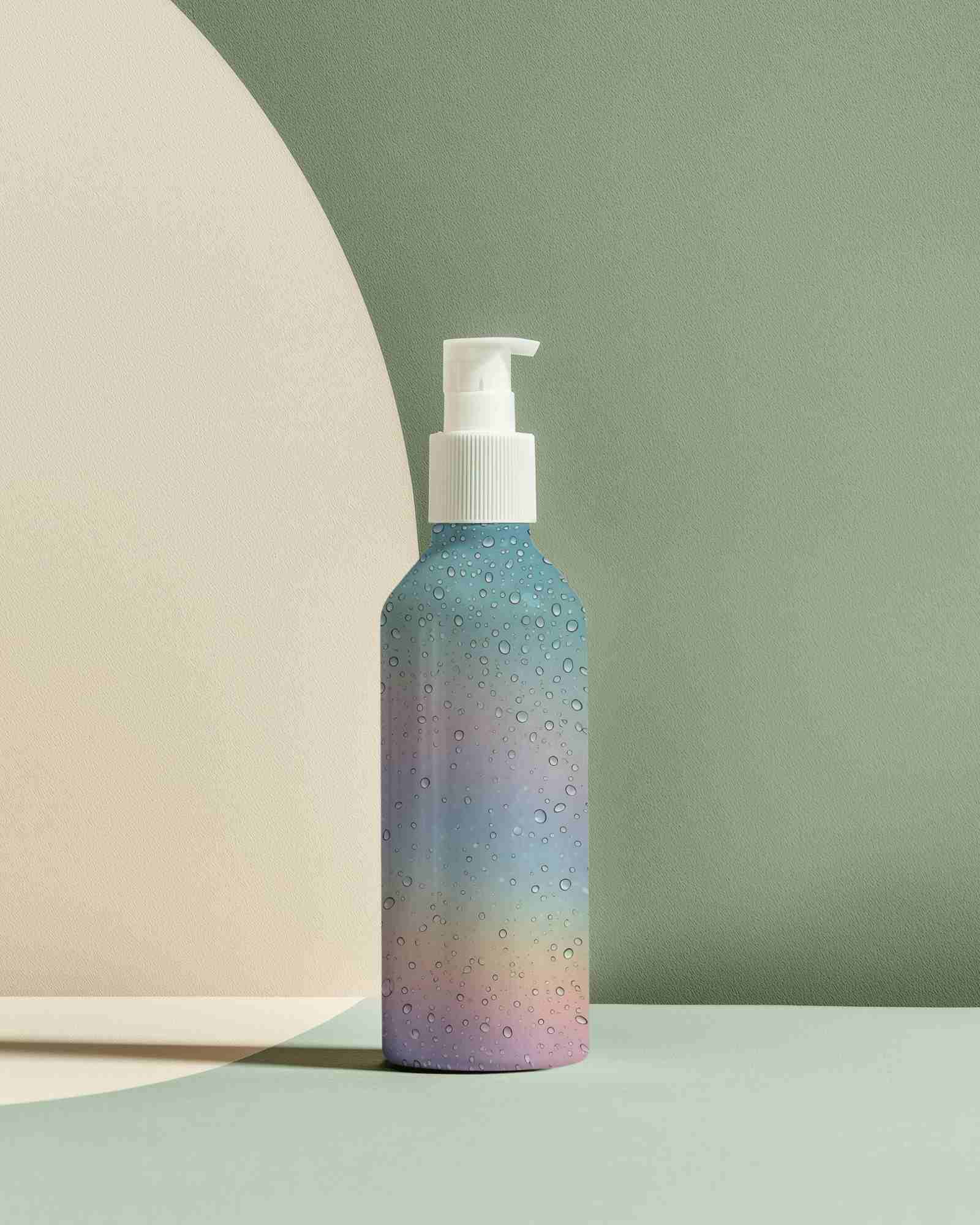
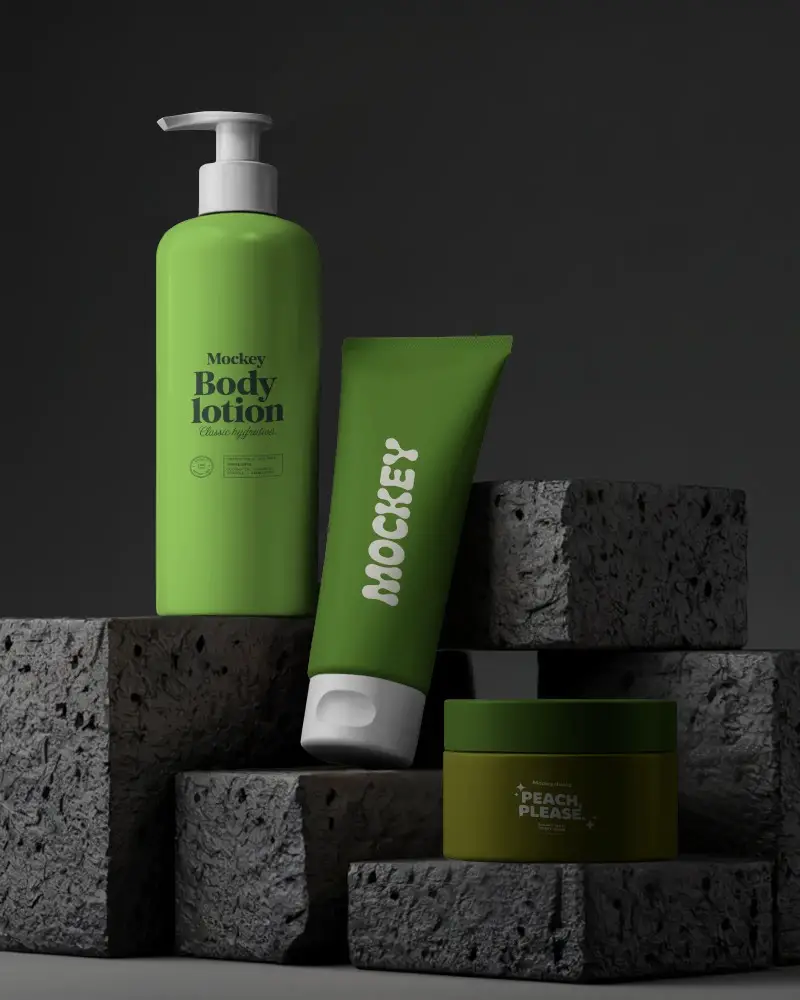
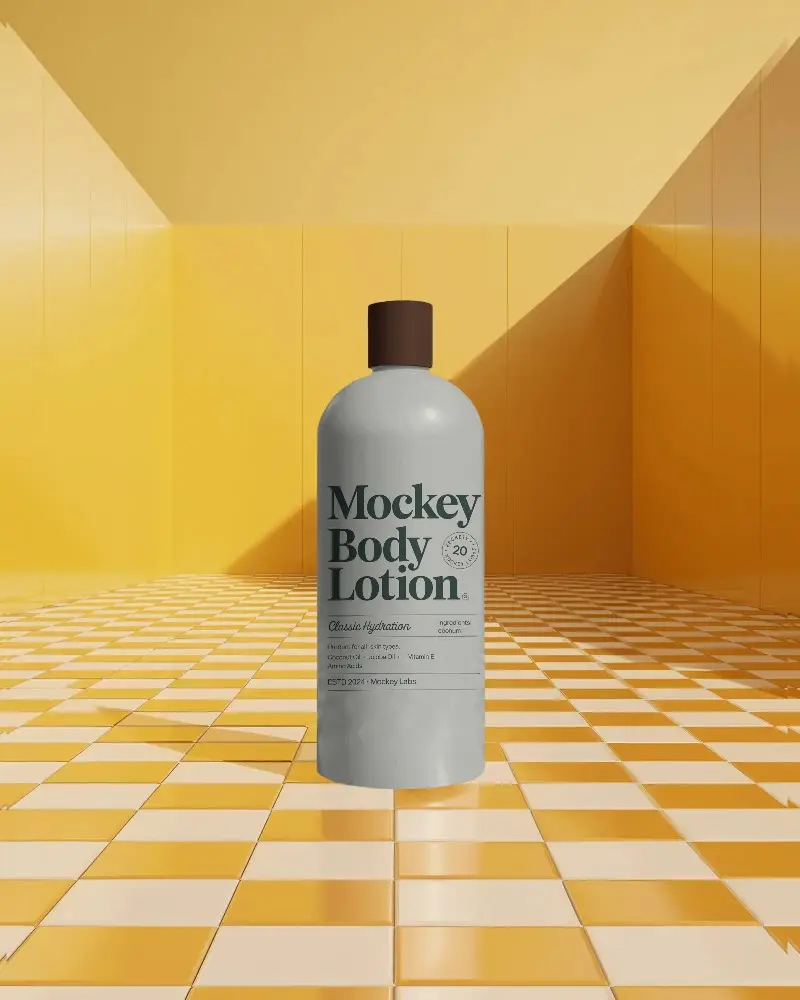
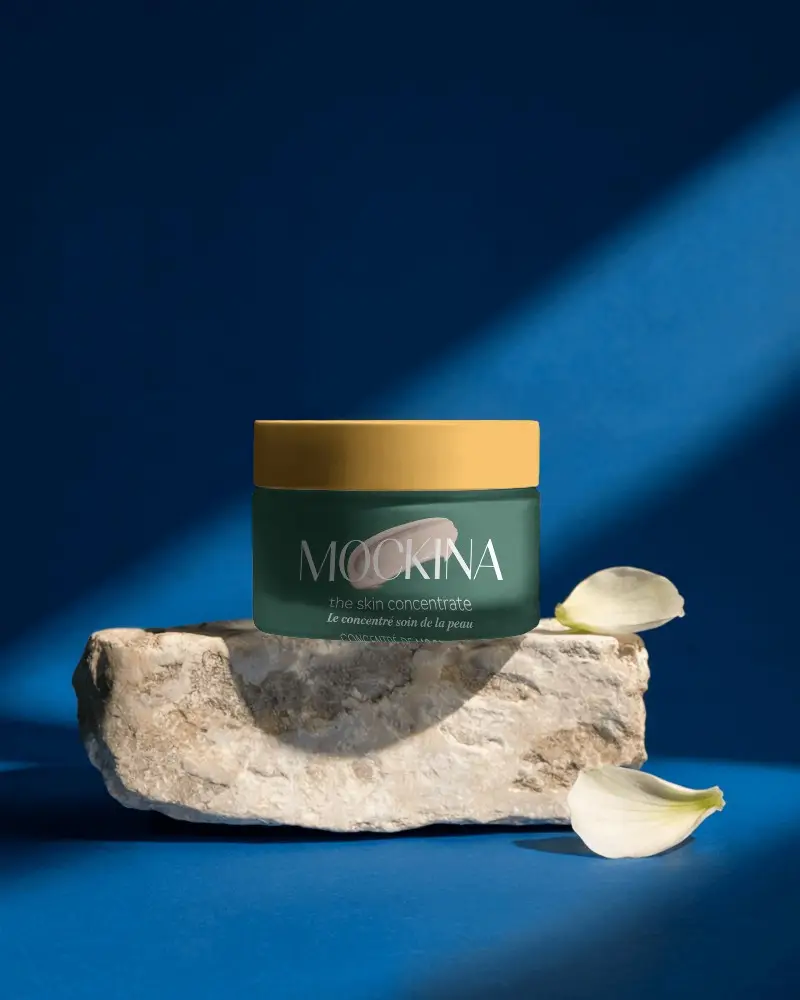
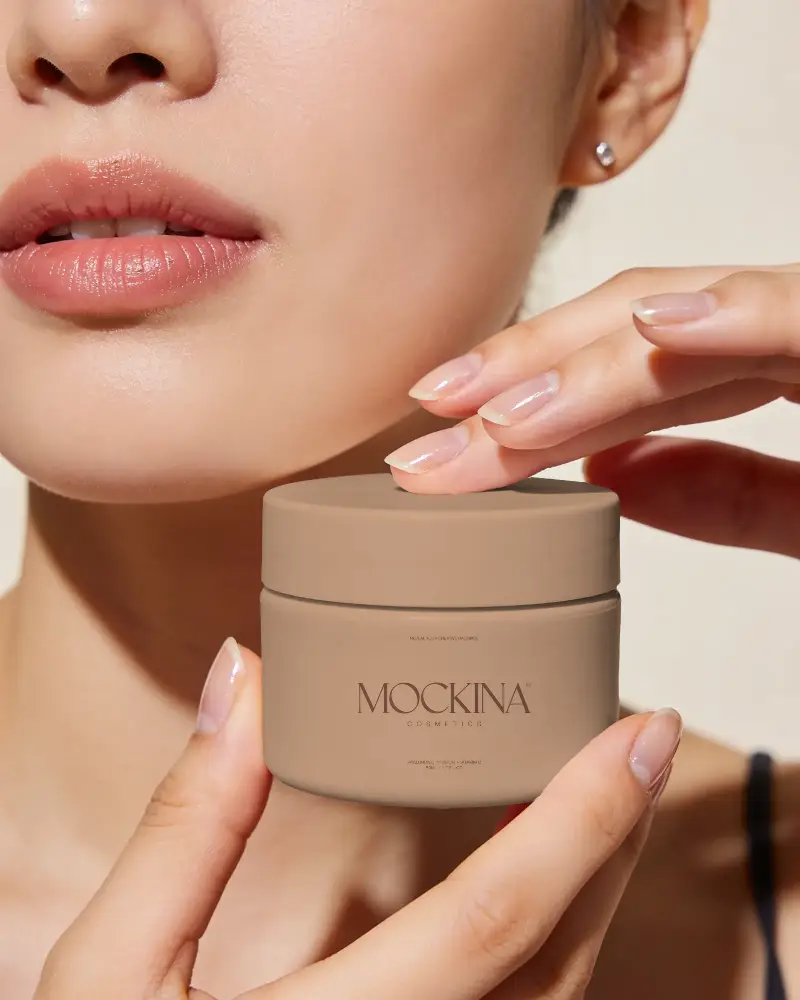
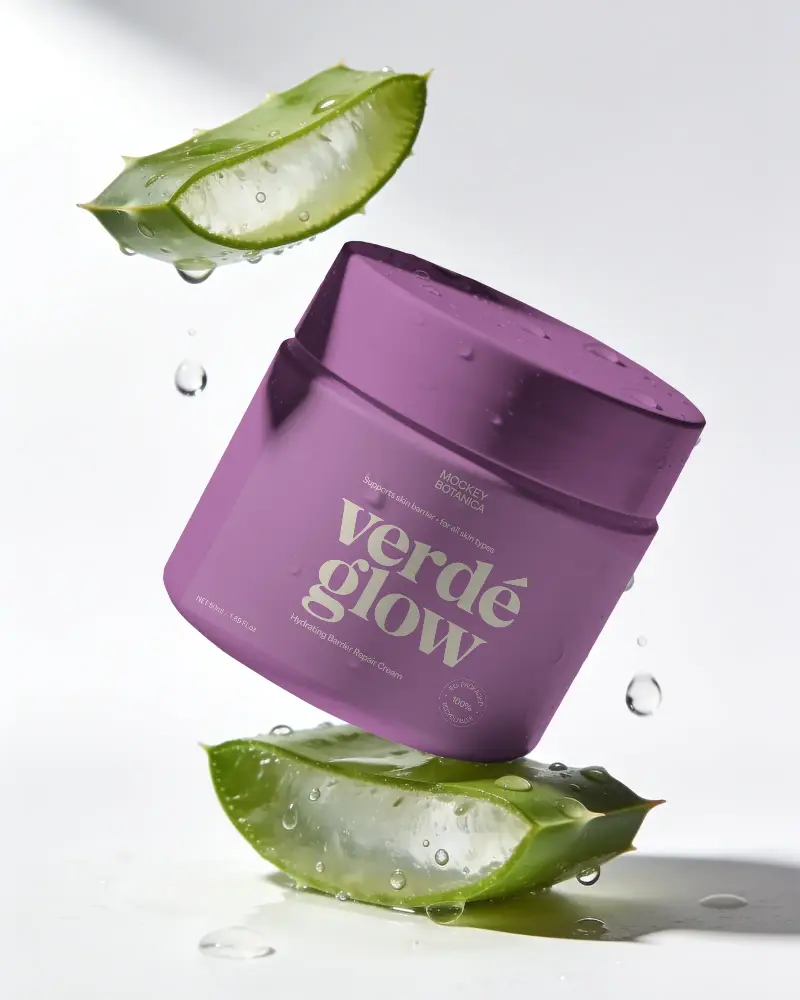
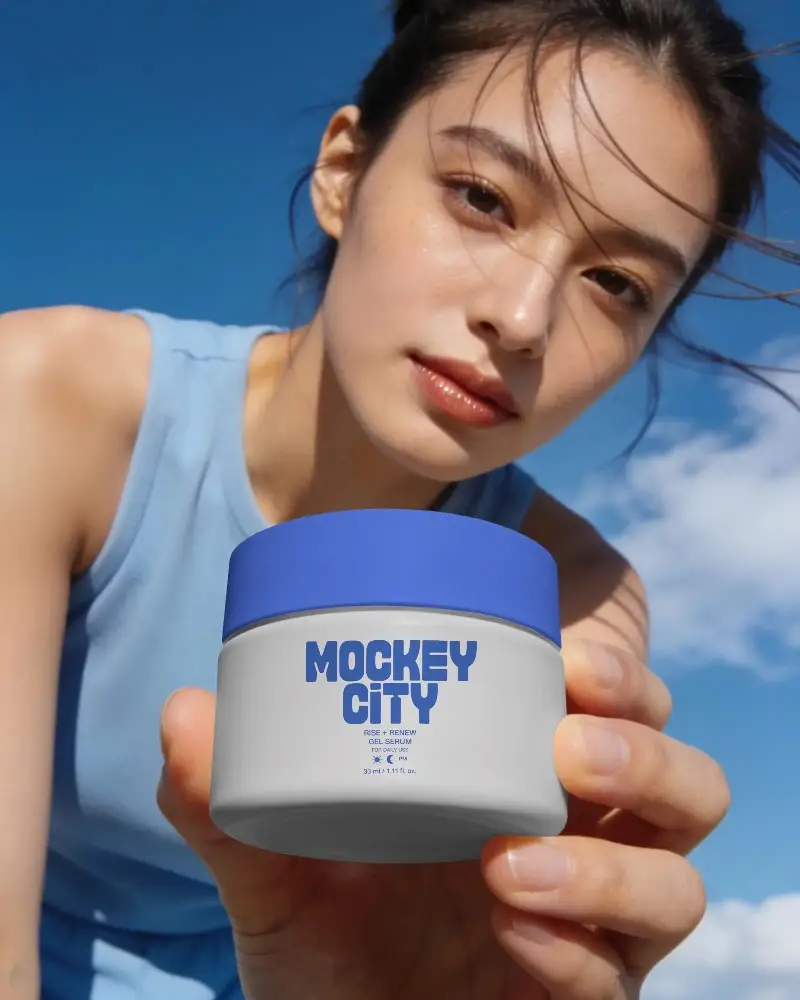
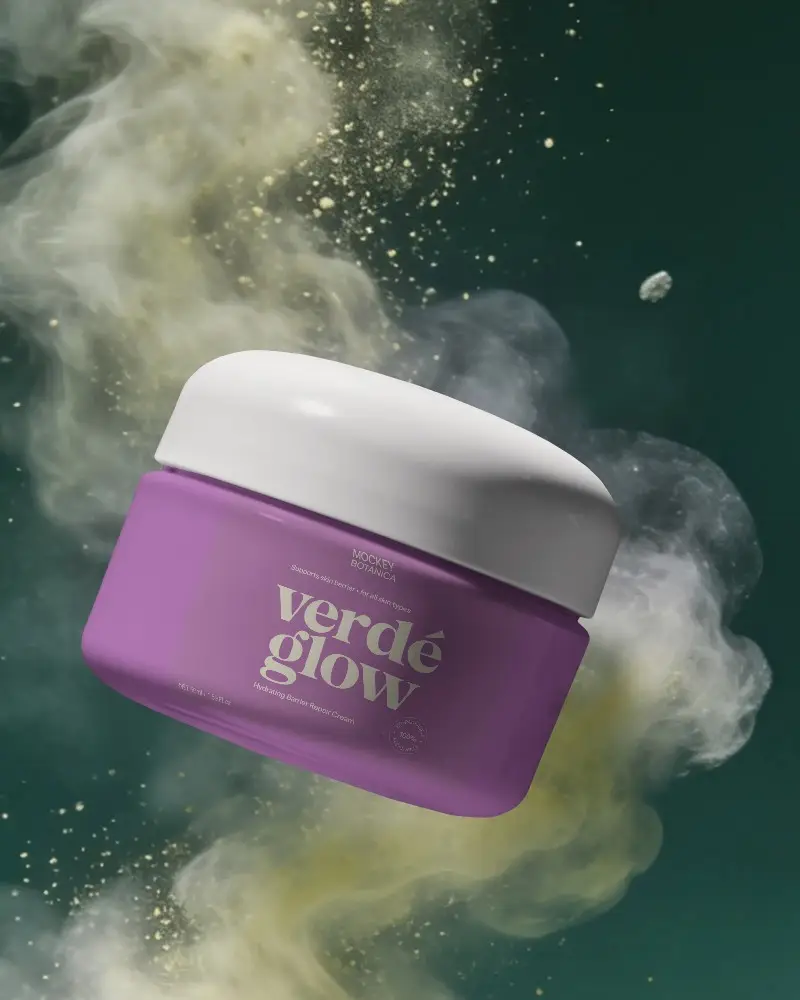
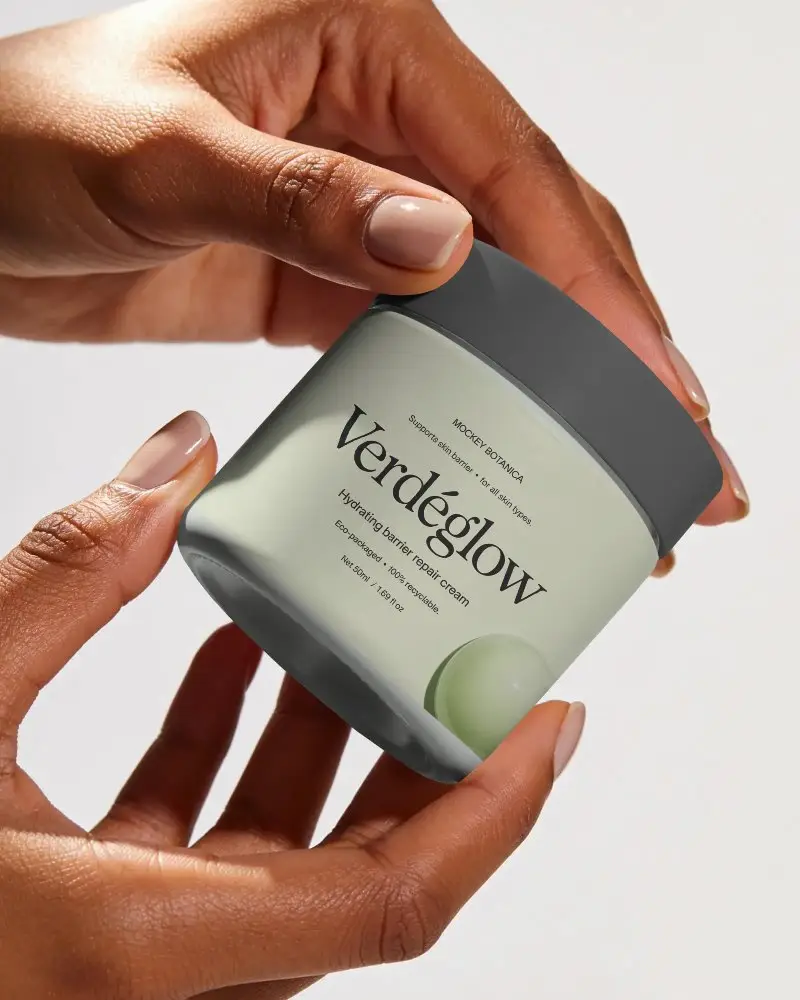
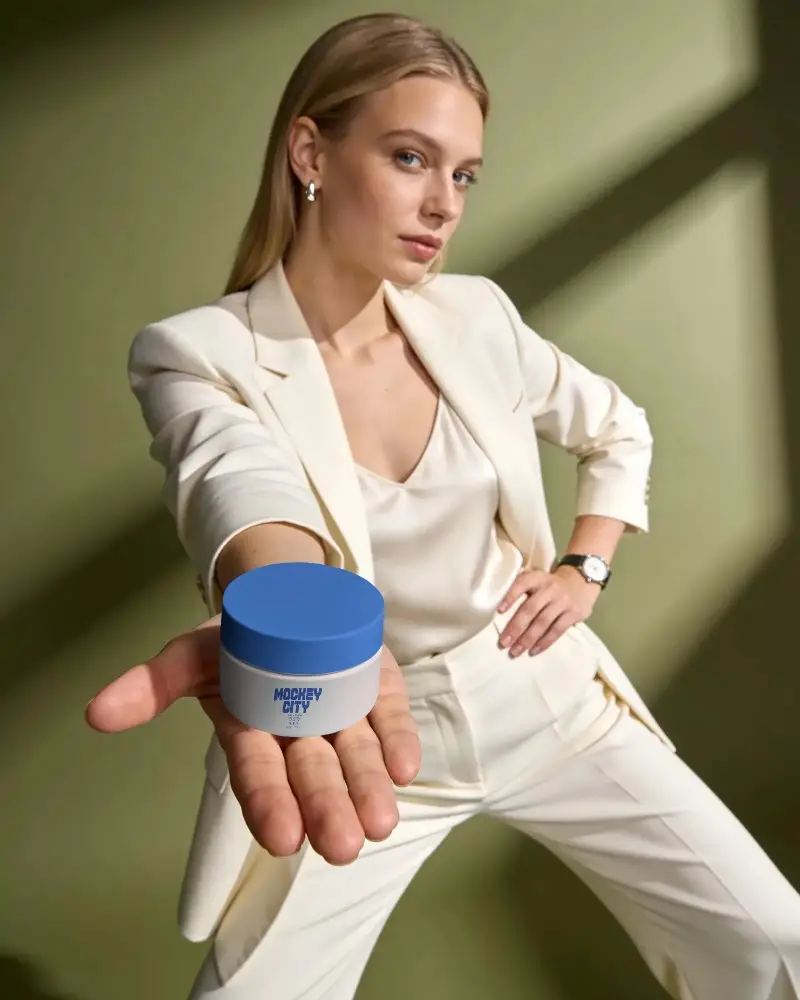
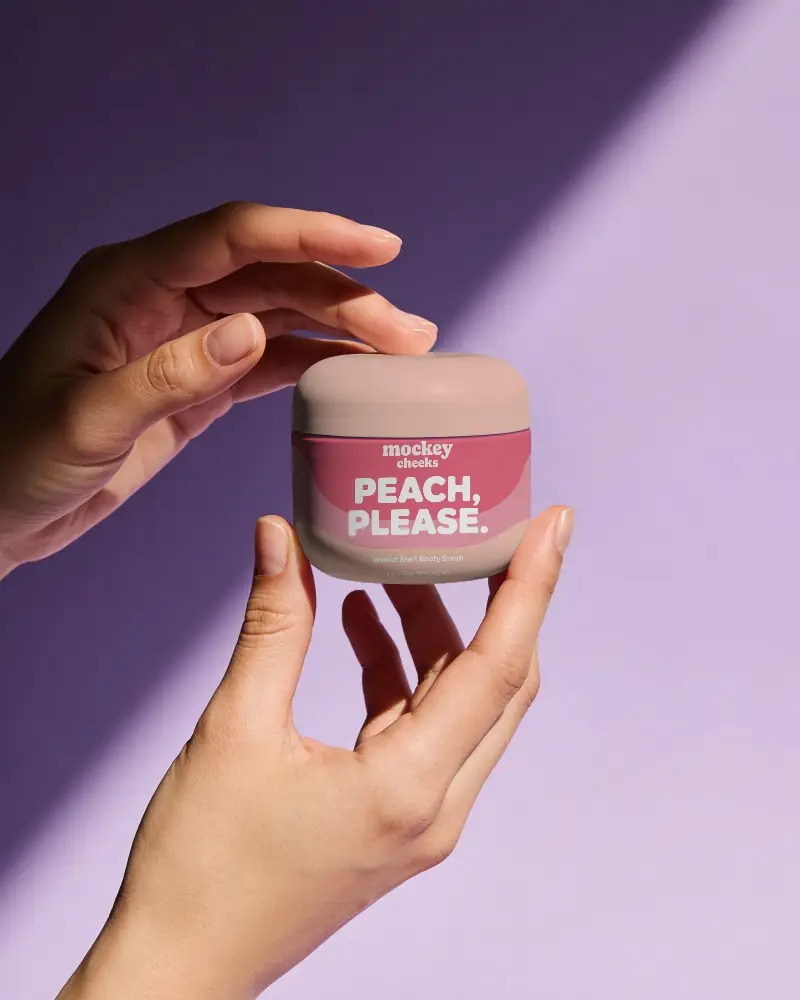
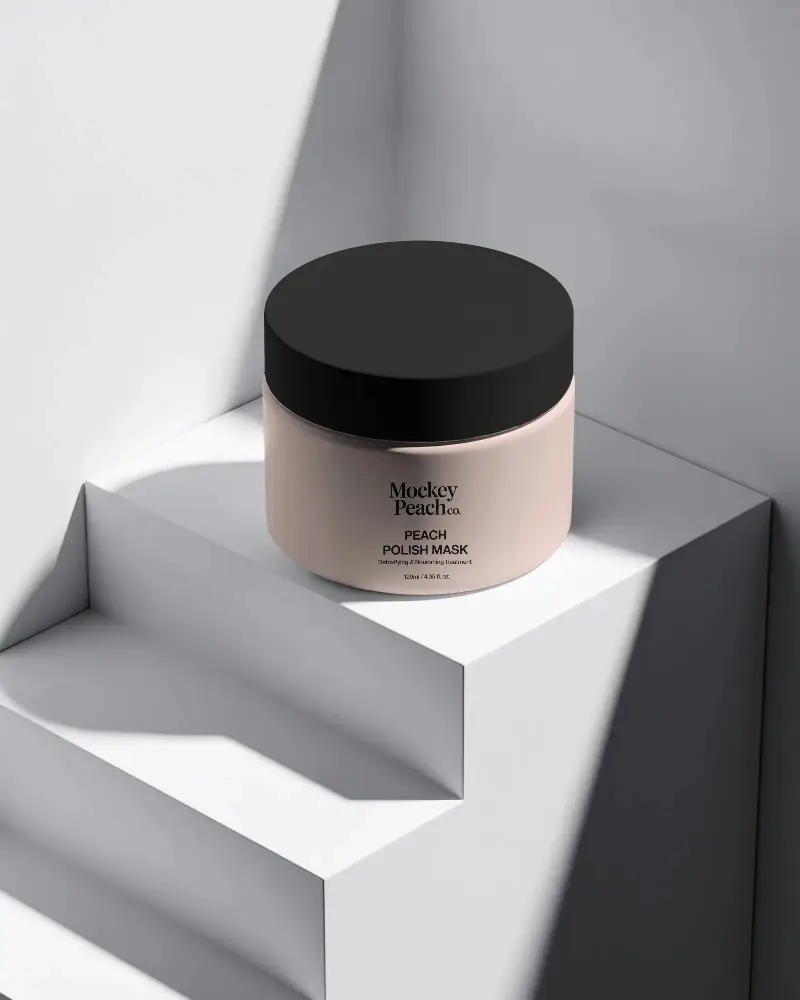
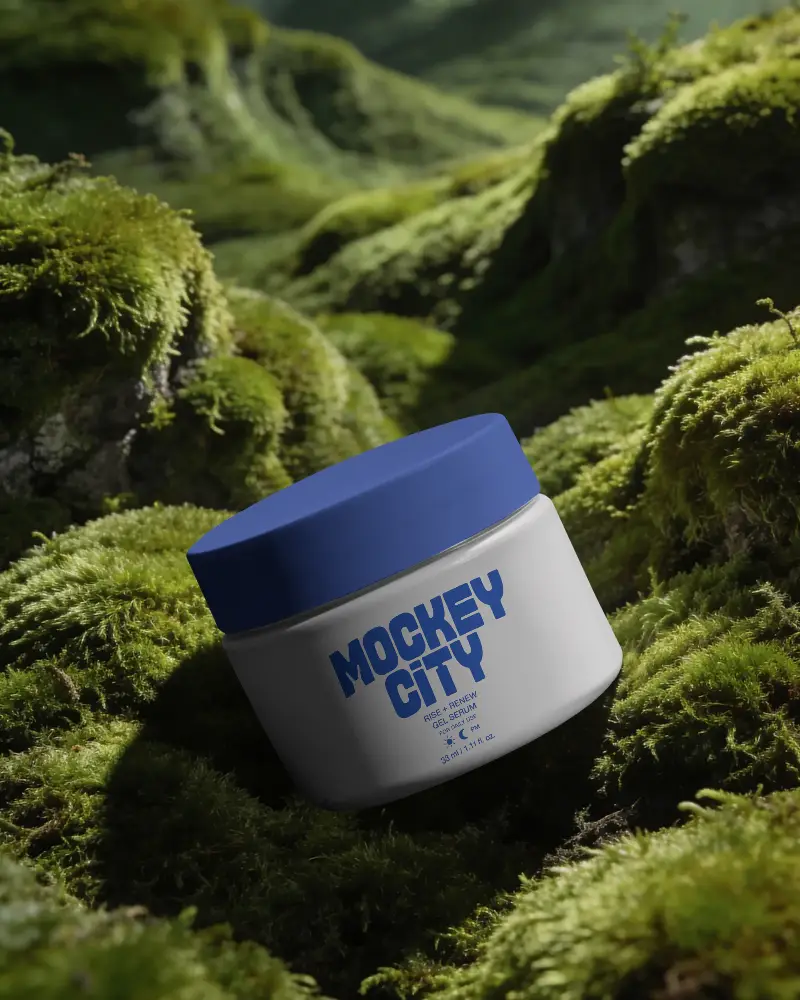
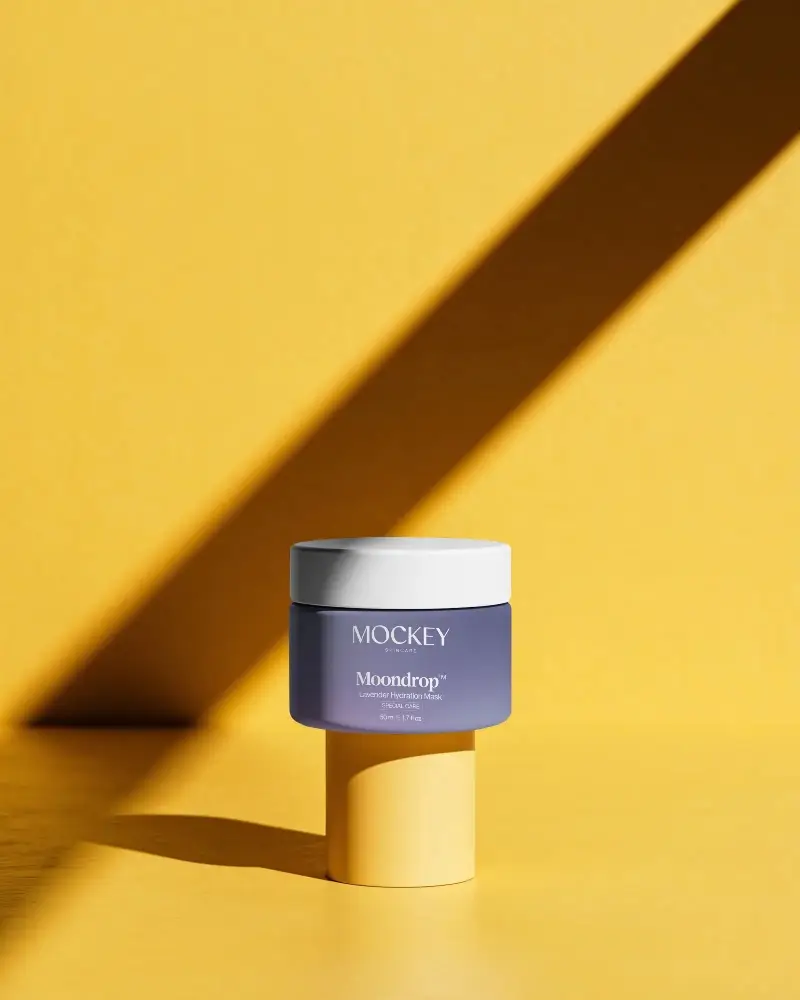
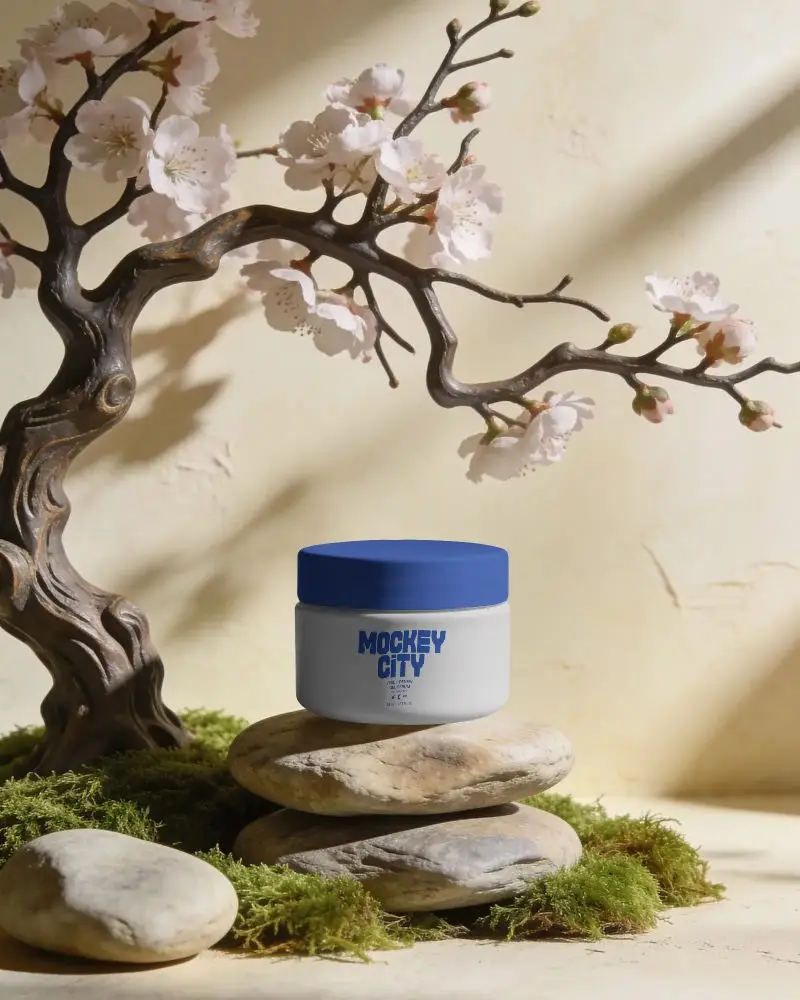
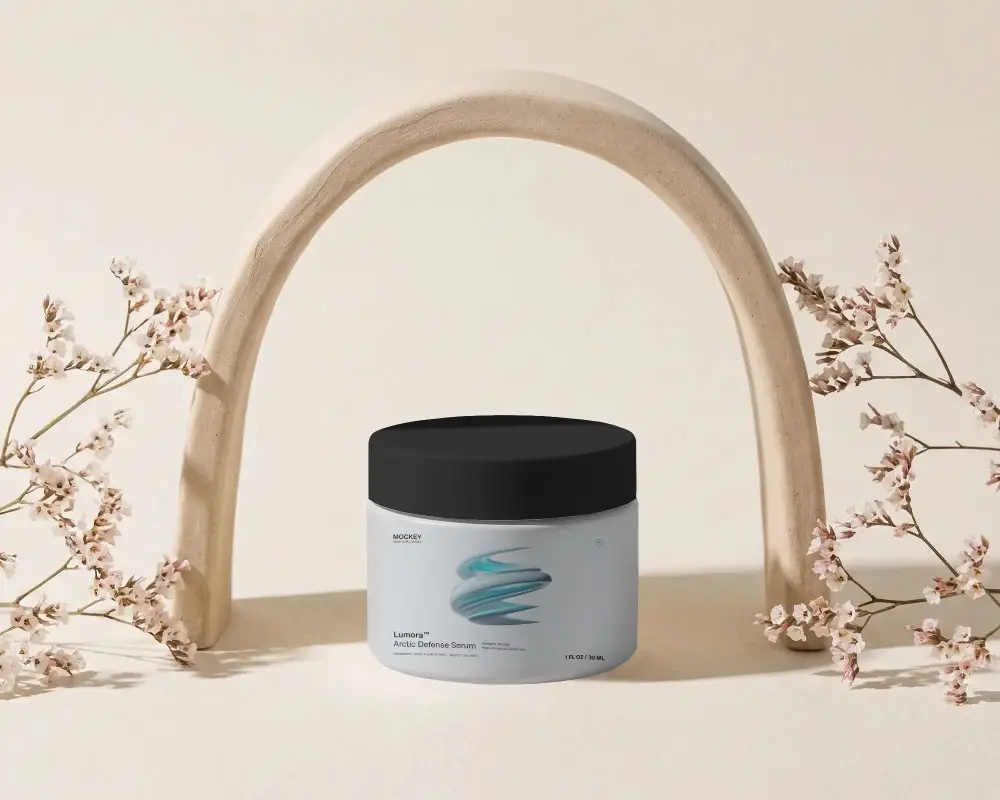
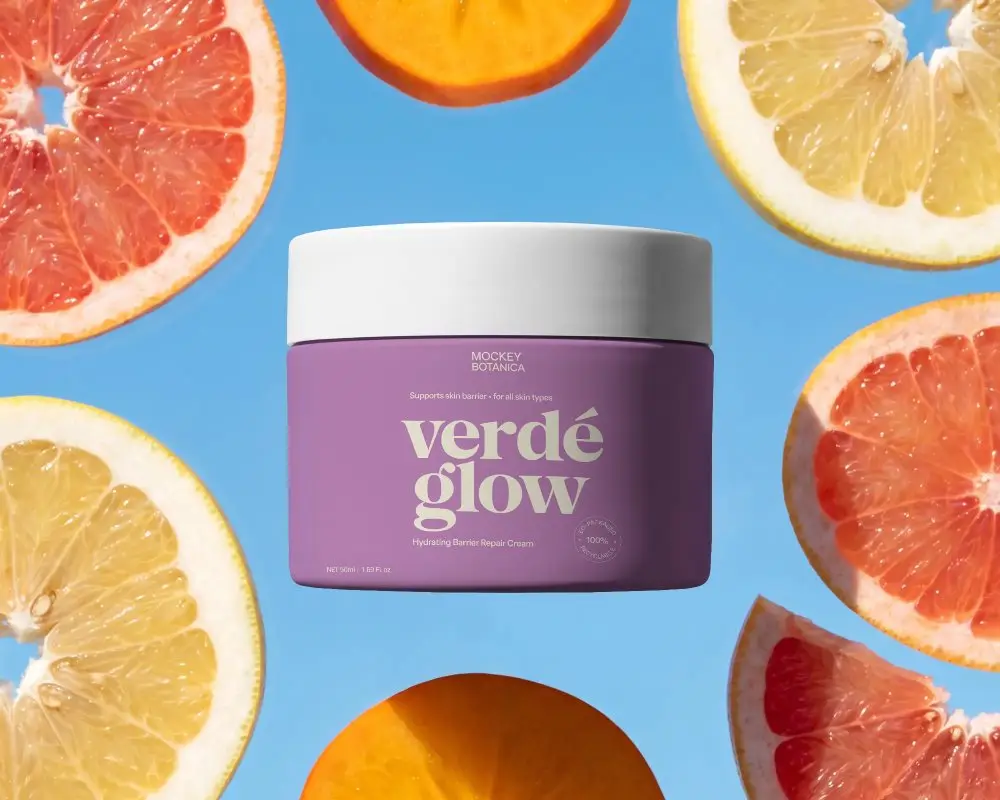
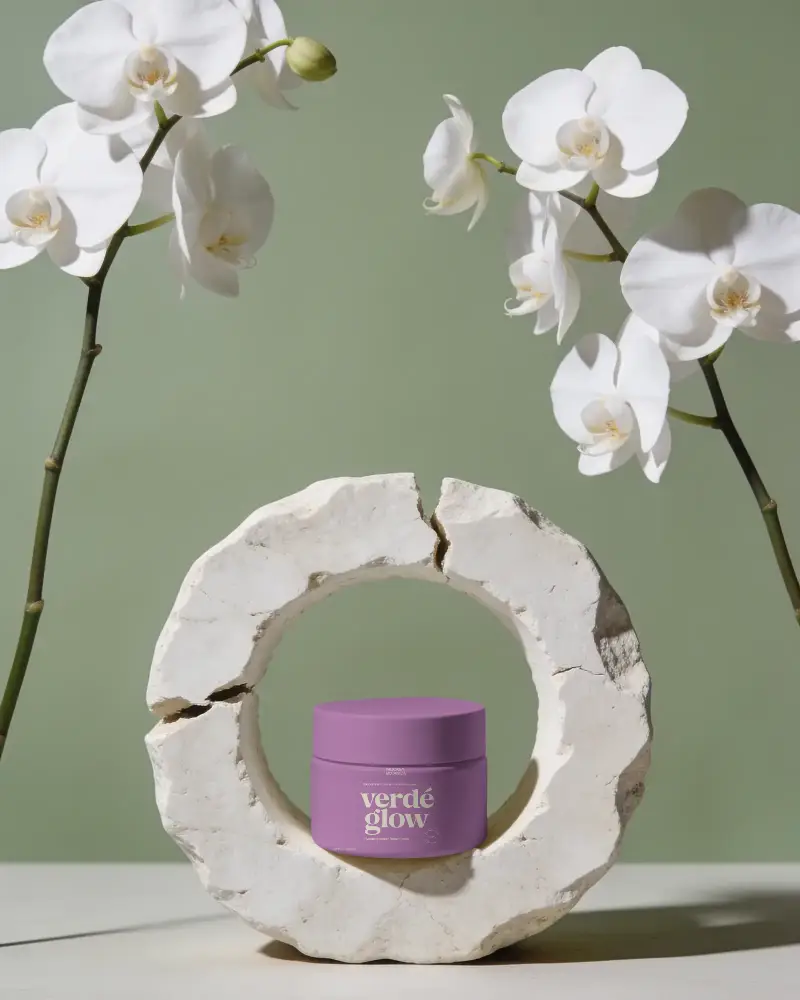
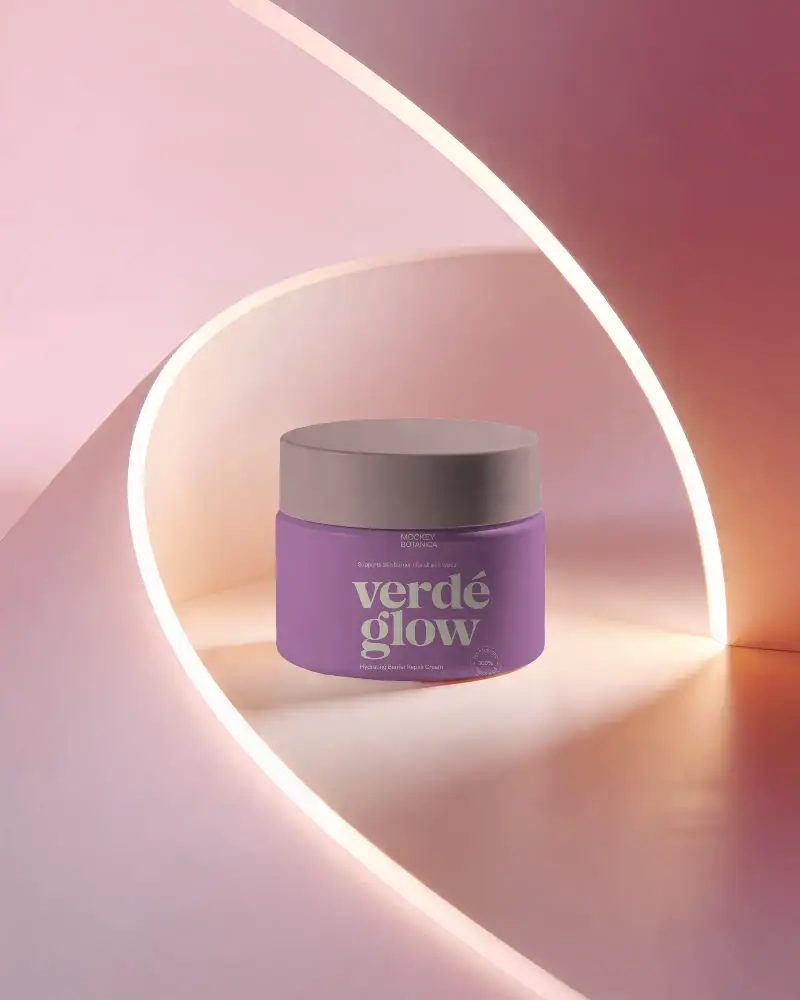
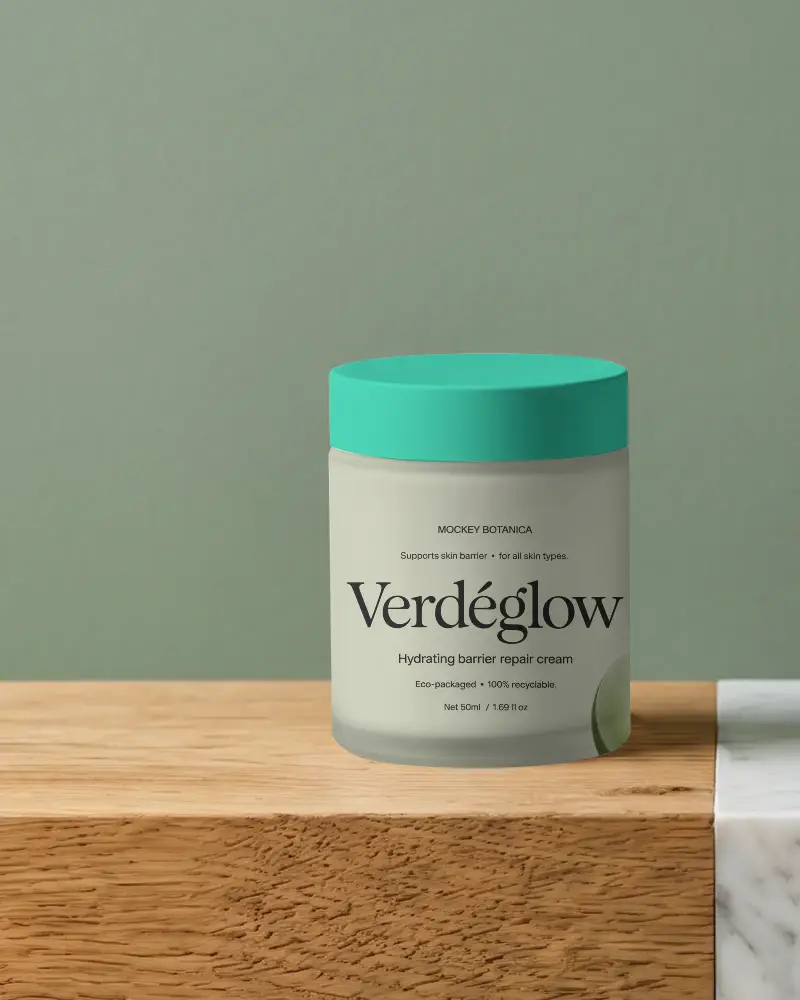
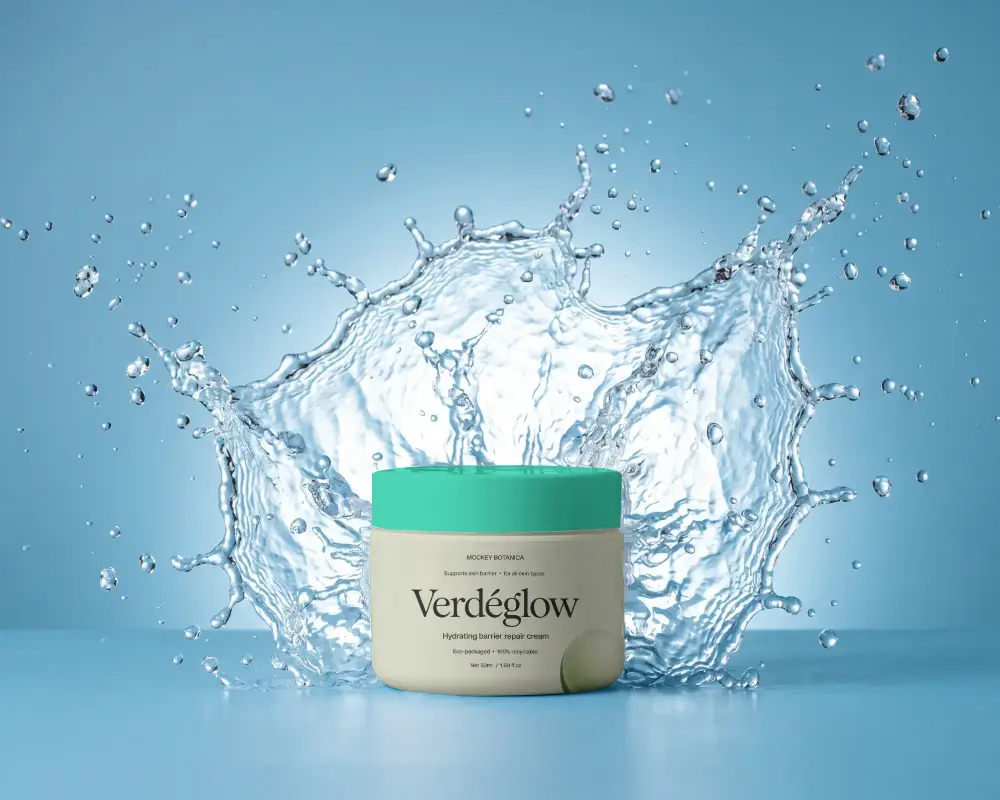
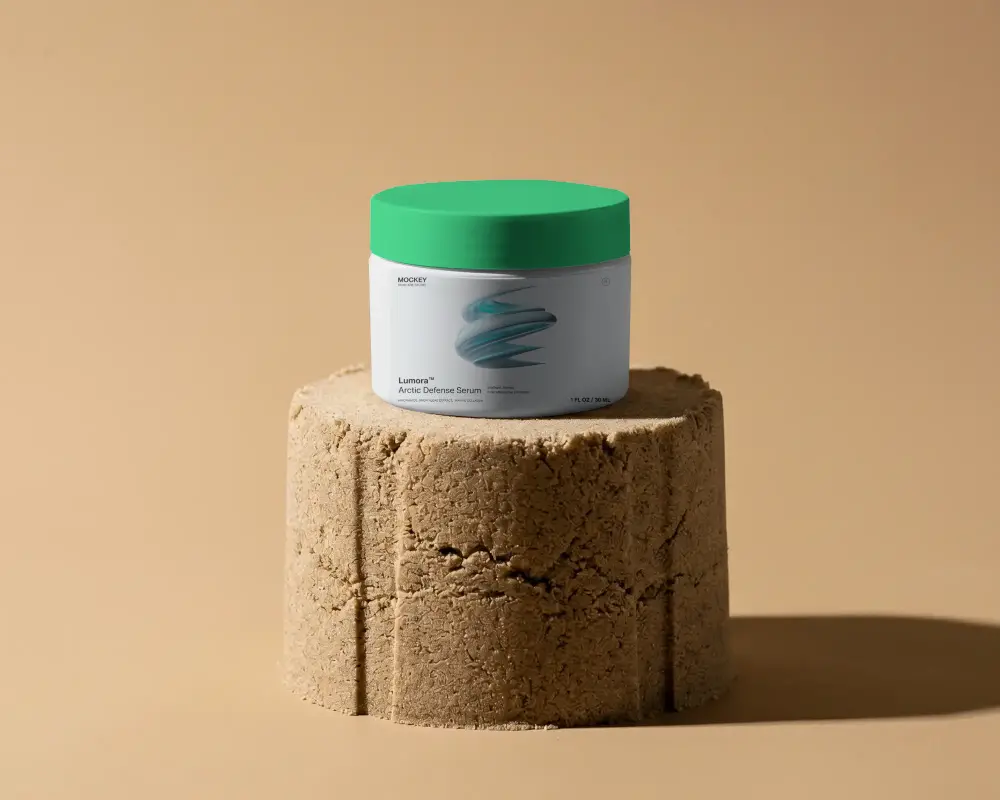
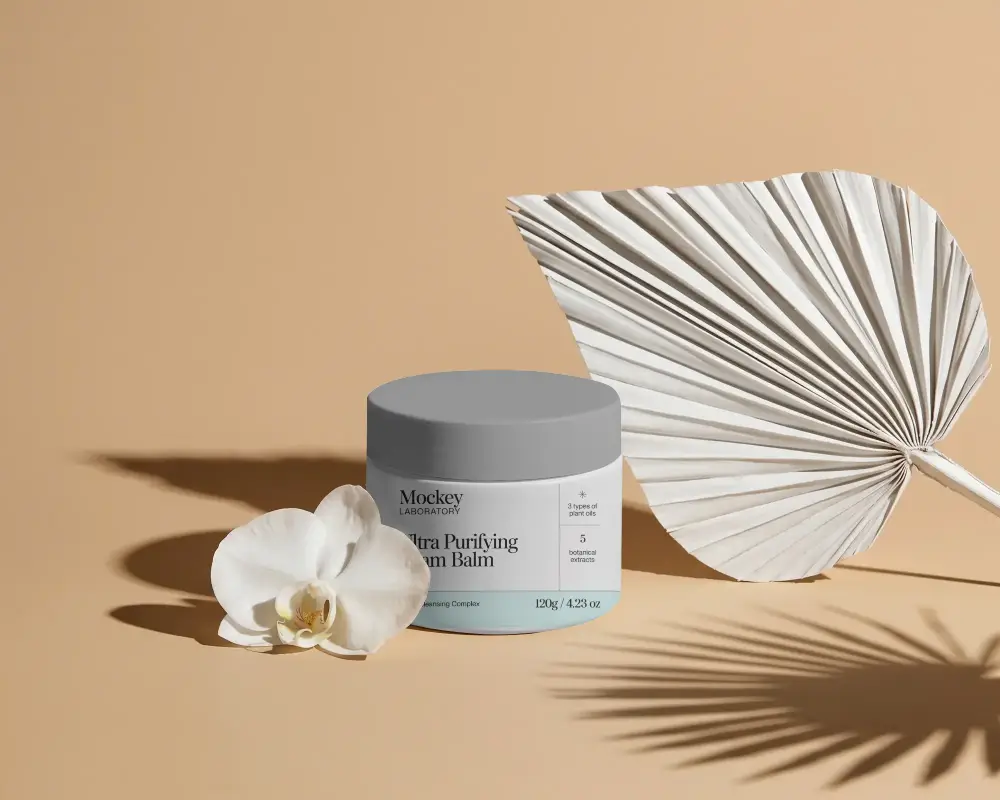
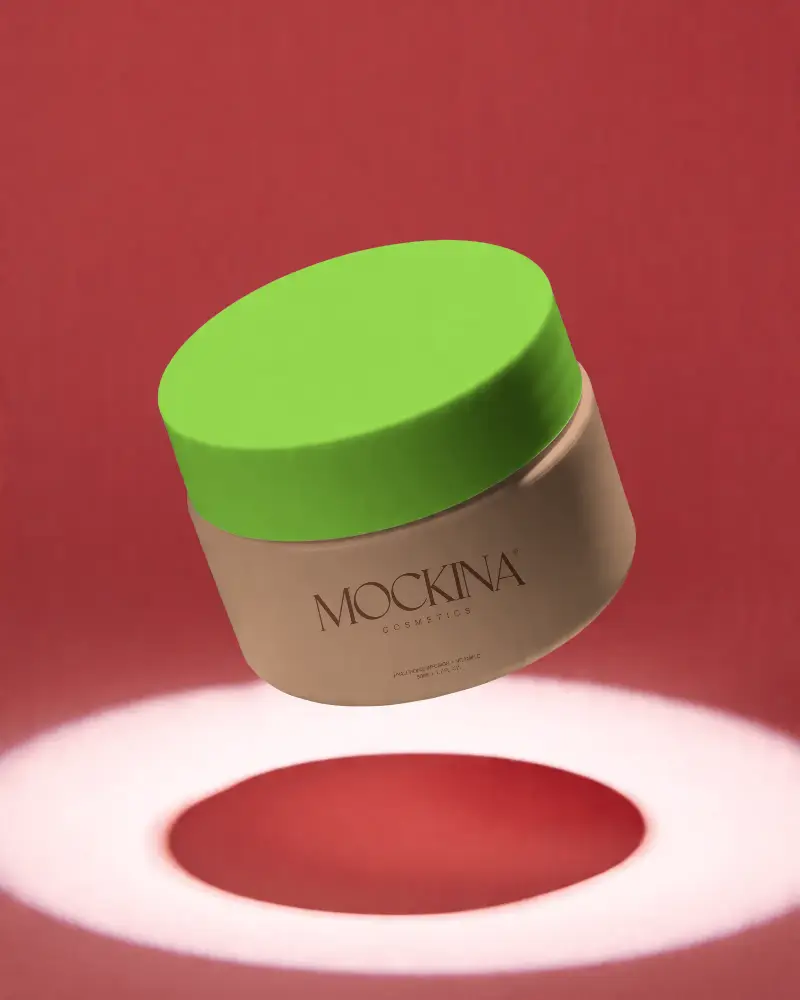
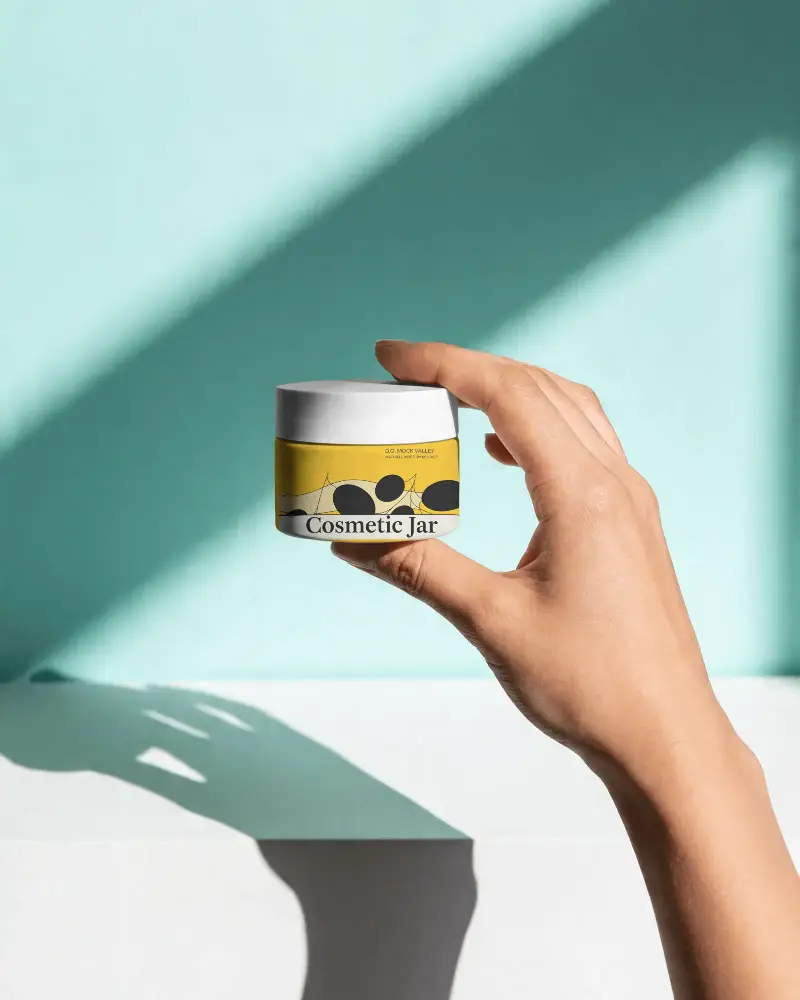
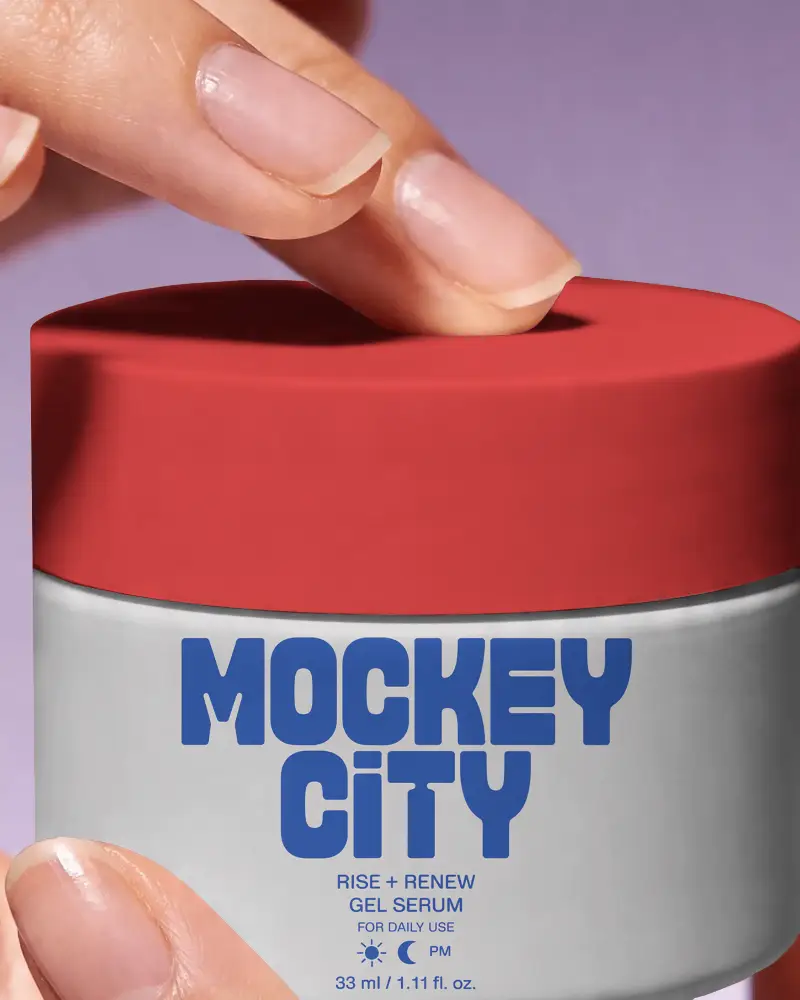
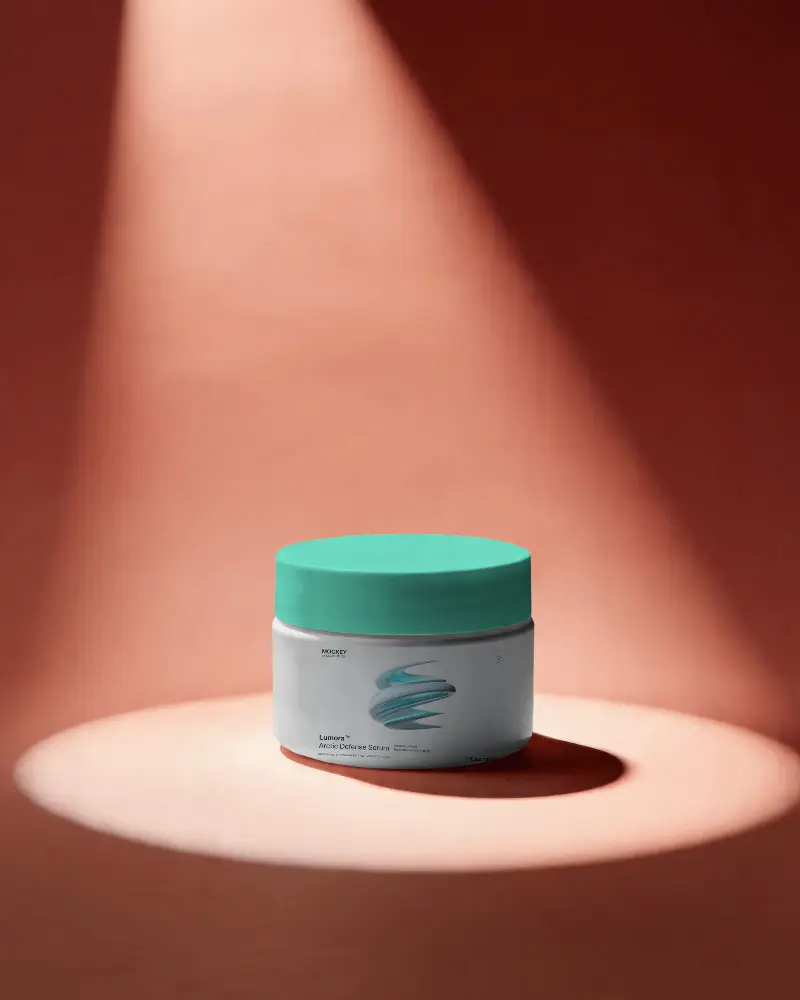
How to Create a Cosmetic-jar Mockup with Mockey
To create a cosmetic-jar mockup in Mockey AI:
- Step 1: Sign up at Mockey AI and go to Mockups > Packaging > Cosmetic and choose the Jar tag.
- Step 2: Upload your design or logo in PNG or JPEG format.
- Step 3: Customize the background and colors or apply AI Photoshoot or Anime features.
- Step 4: Download your mockup in PNG or JPEG format in high resolution.


FAQs on Cosmetic Jar Mockups
What is a Cosmetic-Jar Mockup?
A cosmetic jar mockup is a digital picture that shows how your logo will look on a jar used for creams or other beauty products.
Why Should I Use Cosmetic-Jar Mockups?
Cosmetic jar mockups help beauty brands show how their products will look before making them. They make branding easy, save money on samples, and are simple to edit.
How Can I Customize a Cosmetic-Jar Mockup?
Sign up at Mockey AI and follow Mockups > Packaging > Cosmetic and select Jar tag. Add your logo or design using a template. You can change colors or use AI Anime or Photoshoots to edit the mockup. When you like it, save it as a PNG or JPEG file.
Are Cosmetic-Jar Mockups Free to Download?
You can download free cosmetic jar mockups after customization using Mockey AI. It has easy-to-edit tools with a preview button.
What File Formats Are Cosmetic-Jar Mockups Available In?
Mockey AI lets you save cosmetic jar mockups in two formats such as PNG or JPEG files.
How Do I Make My Cosmetic-Jar Mockup Look Realistic?
If you need real-looking cosmetic jar mockups, use Mockey AI. You can edit and save them in PNG up to 1600*2000 pixels.
What Are the Best Use Cases for Cosmetic-Jar Mockups?
Cosmetic jar mockups are best for advertising and online stores. Brands use them to attract customers, and designers add them to portfolios to display their skills.
