Editable Cargo Shorts Mockup Collection for Clothing & Sportswear
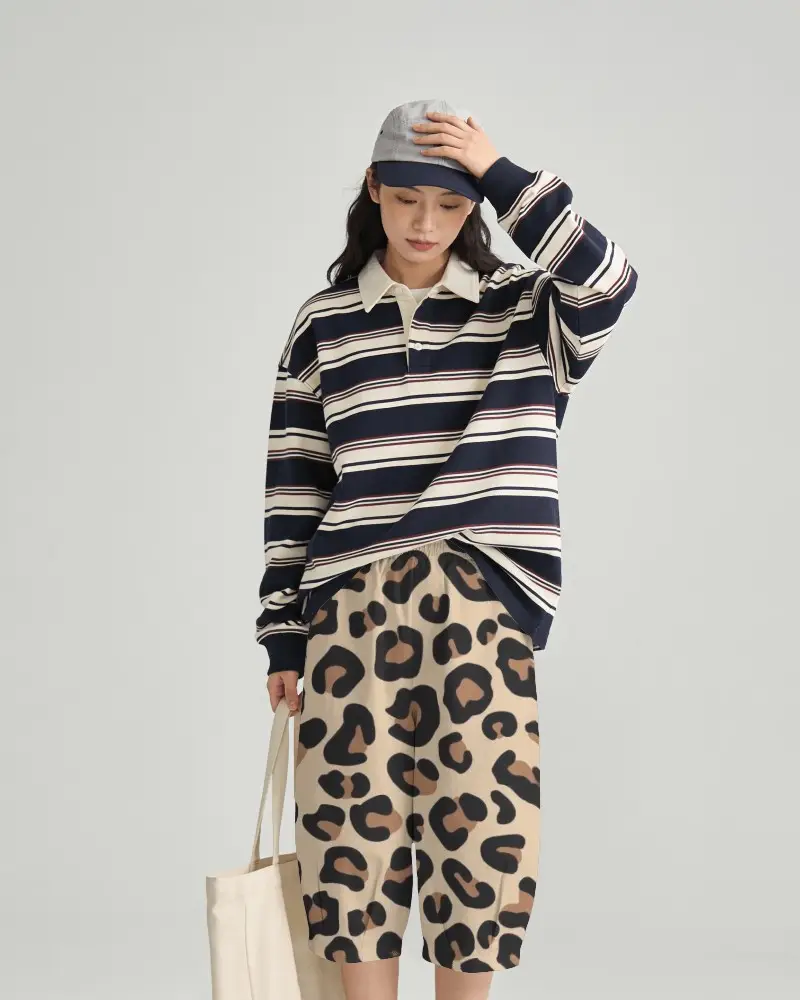
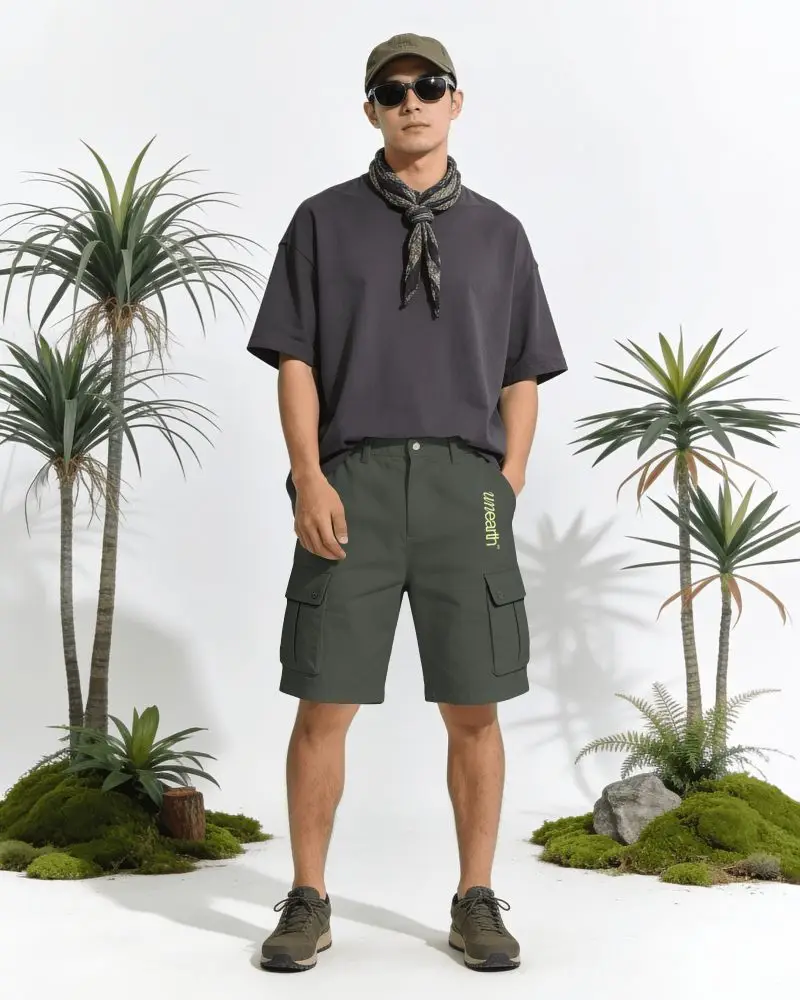
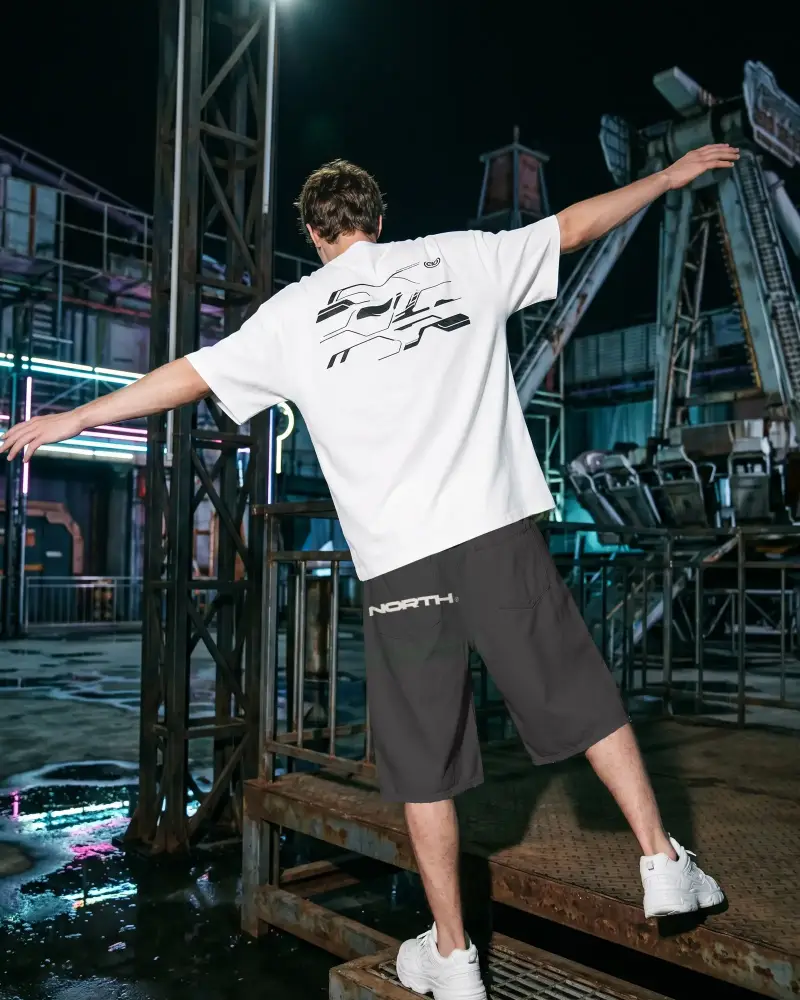
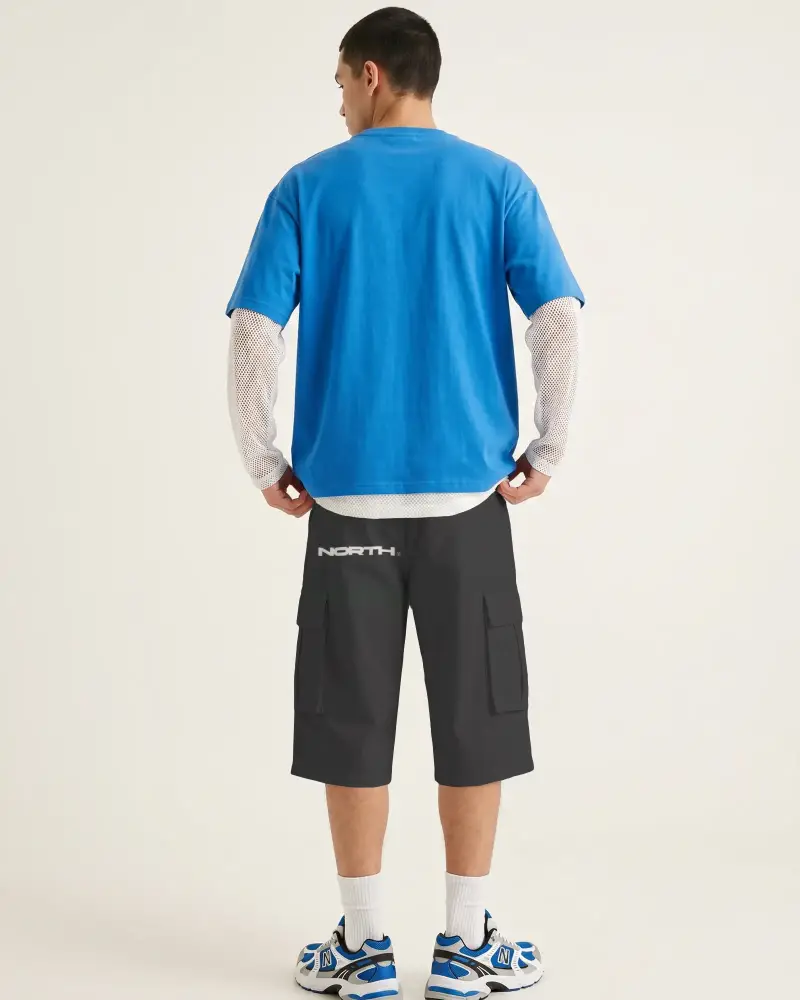
Design previews matter when presenting your ideas clearly. With these Cargo Shorts mockup on Mockey, you can place your artwork on realistic templates and instantly see how the final product might look. Whether you're preparing visuals for a store, portfolio, or social media, Mockey helps you create polished presentations in just a few clicks.
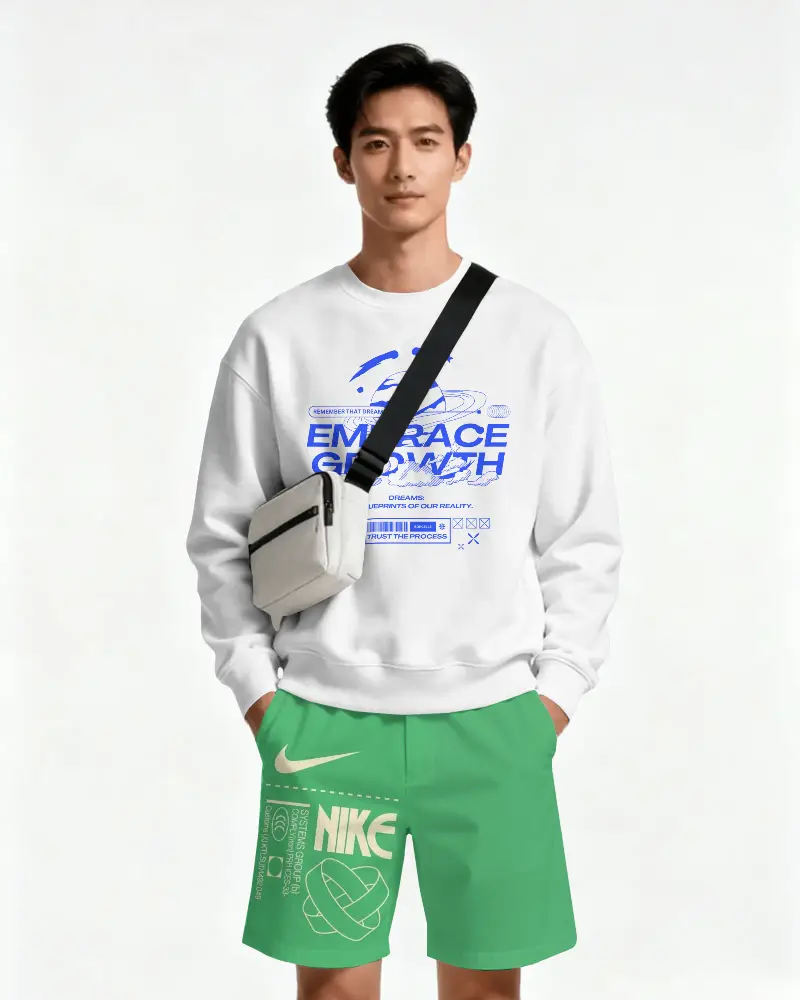
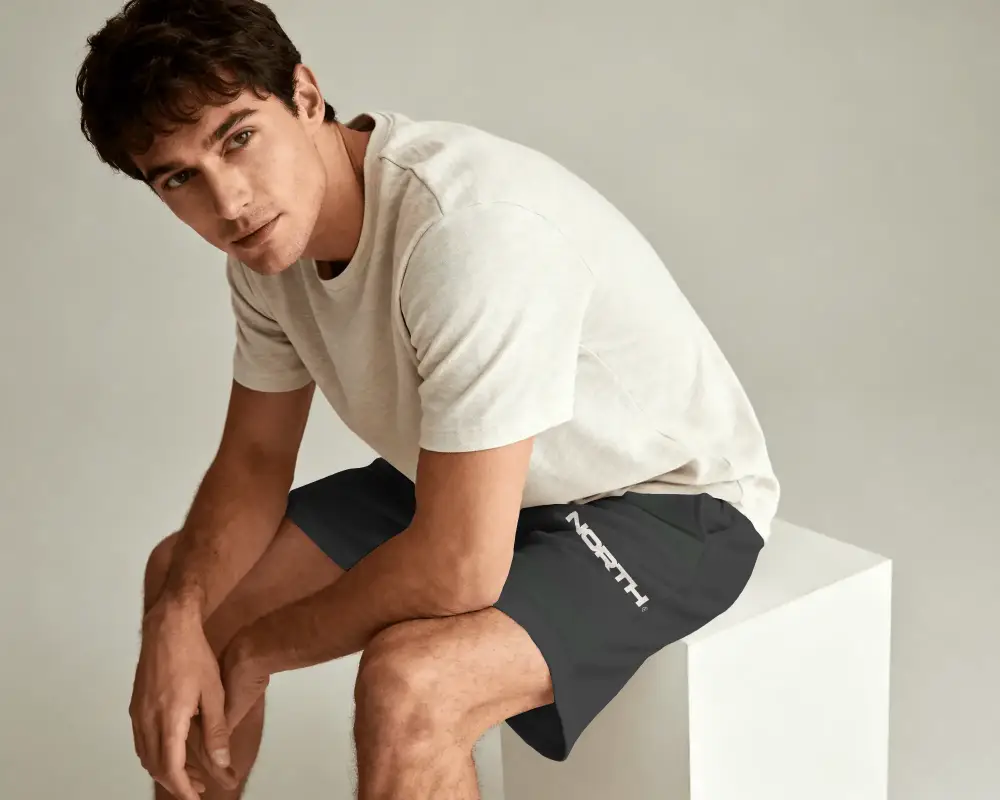
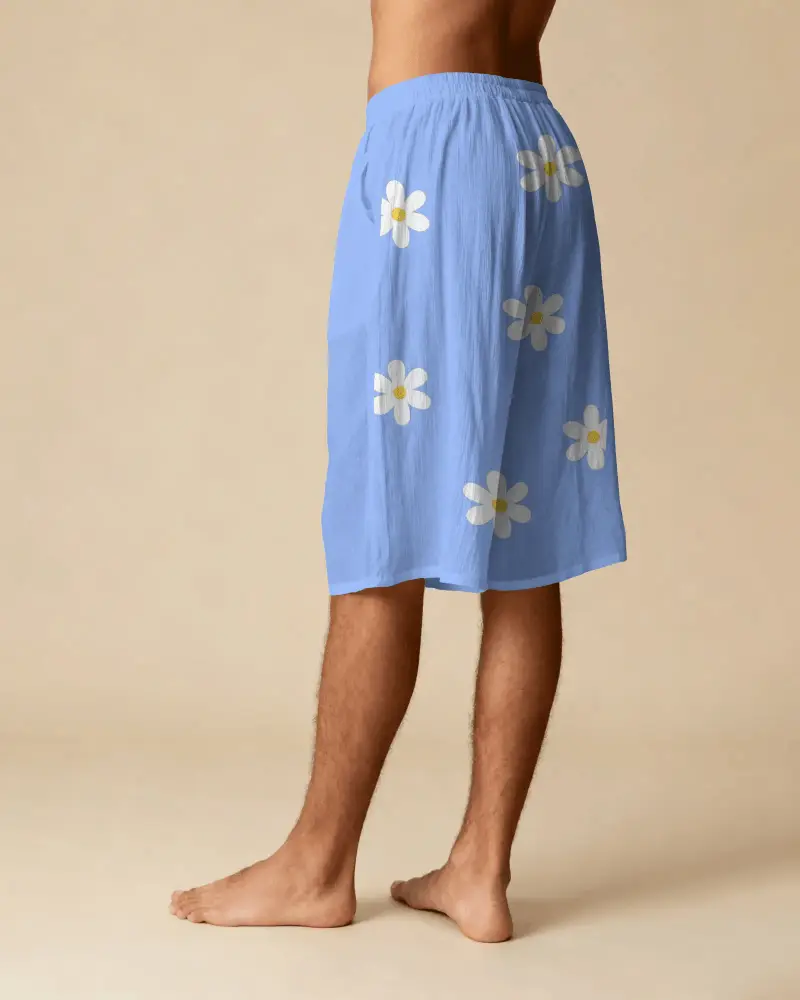
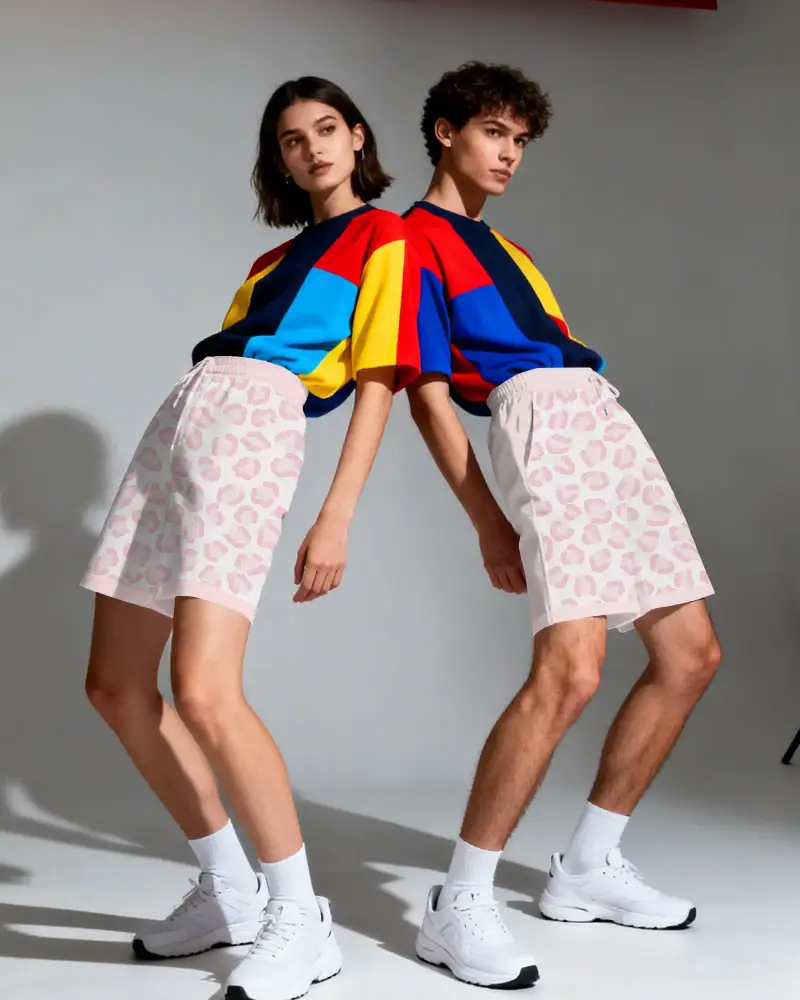
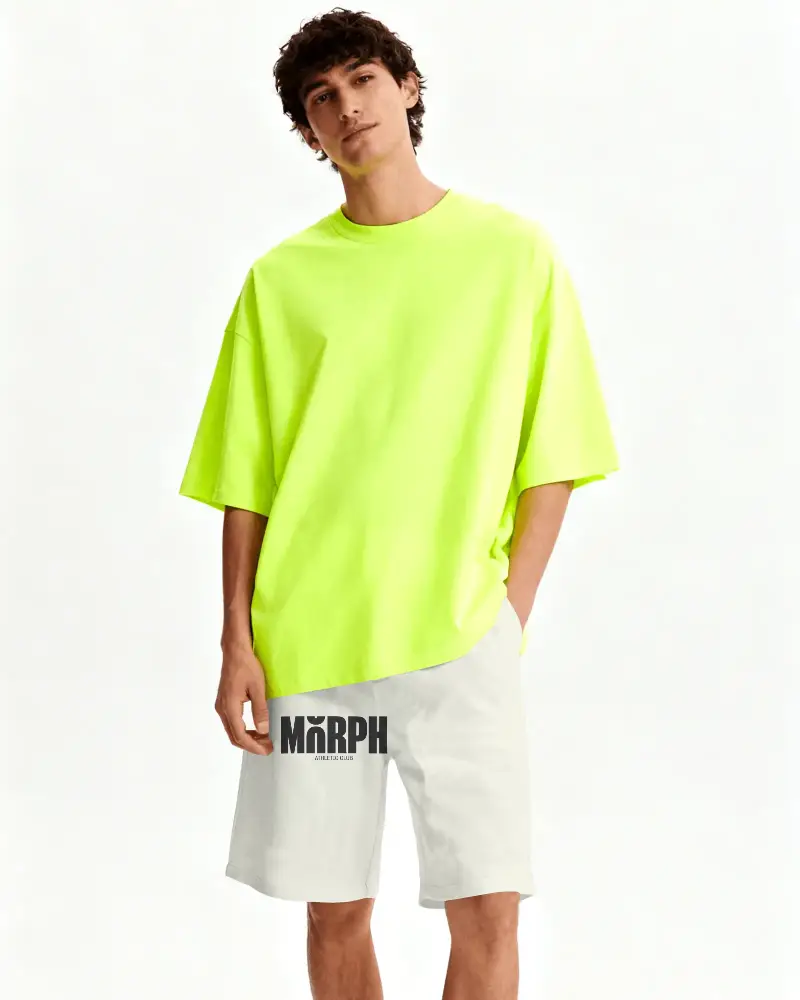
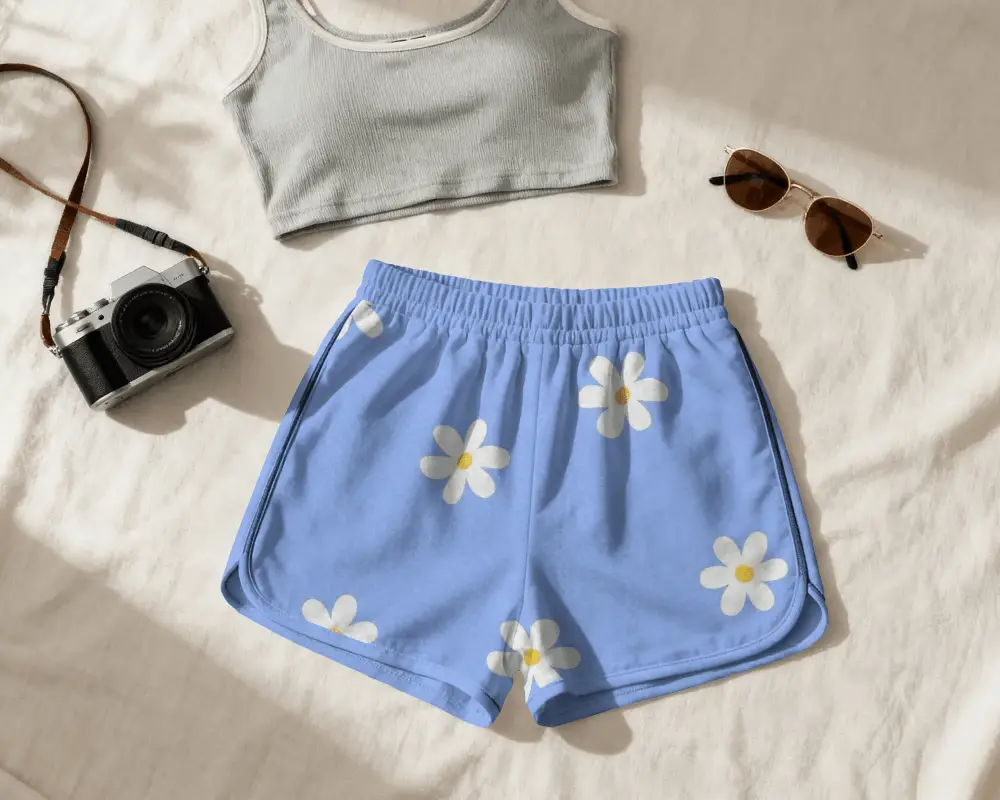
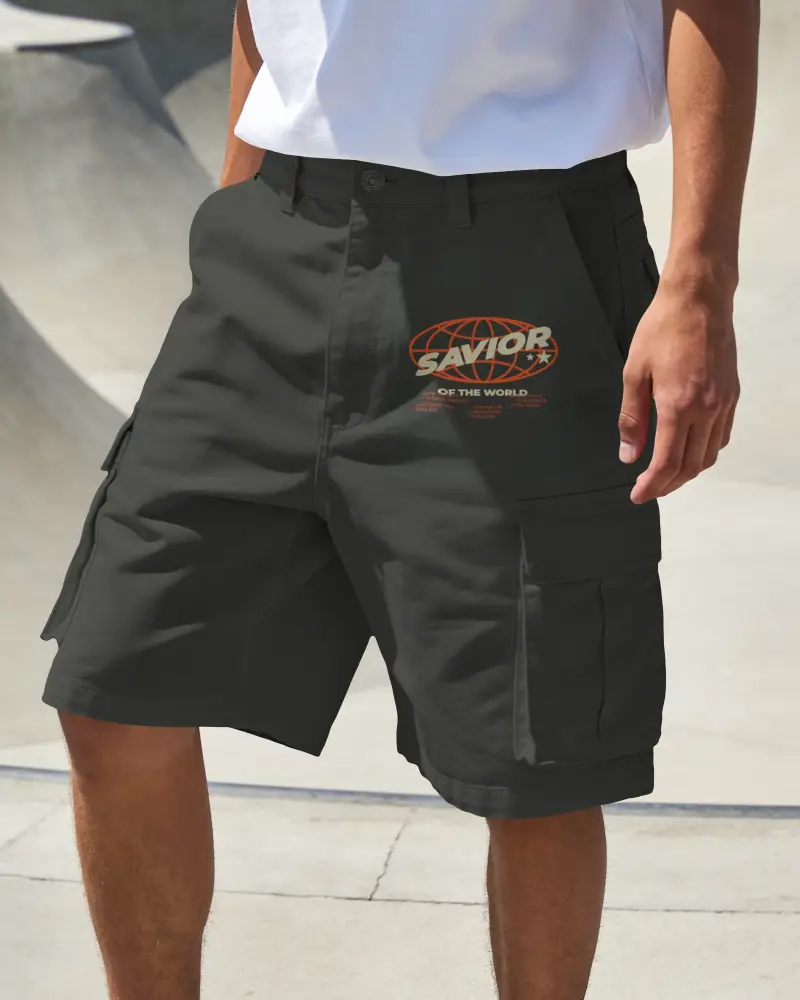
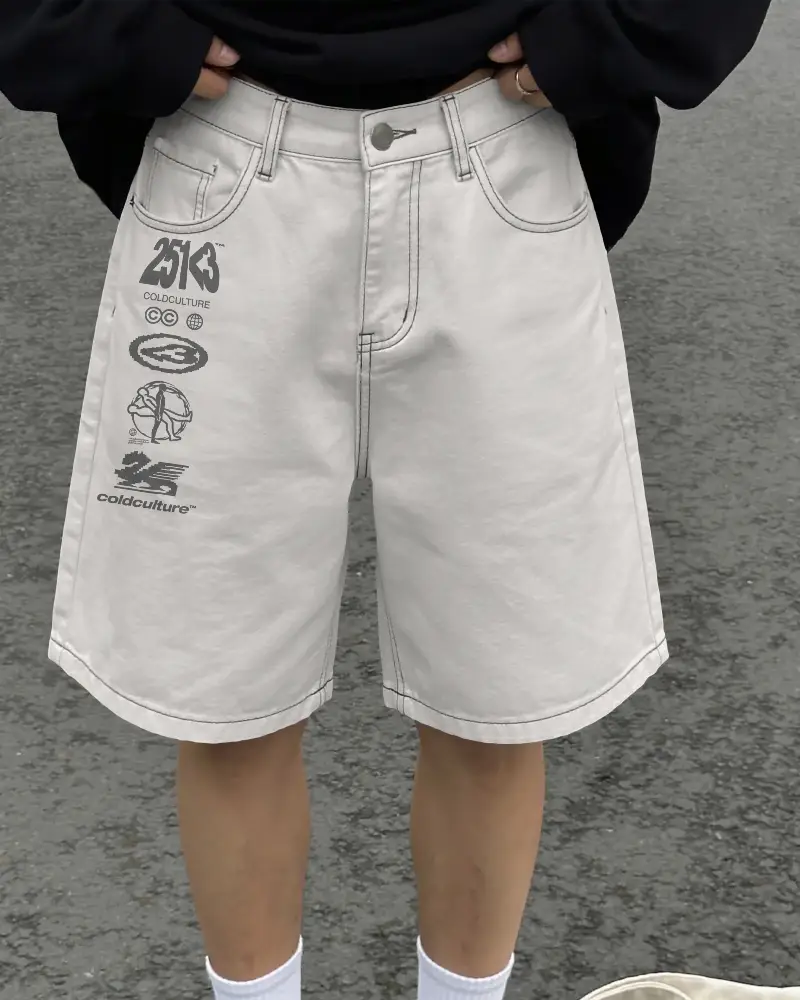
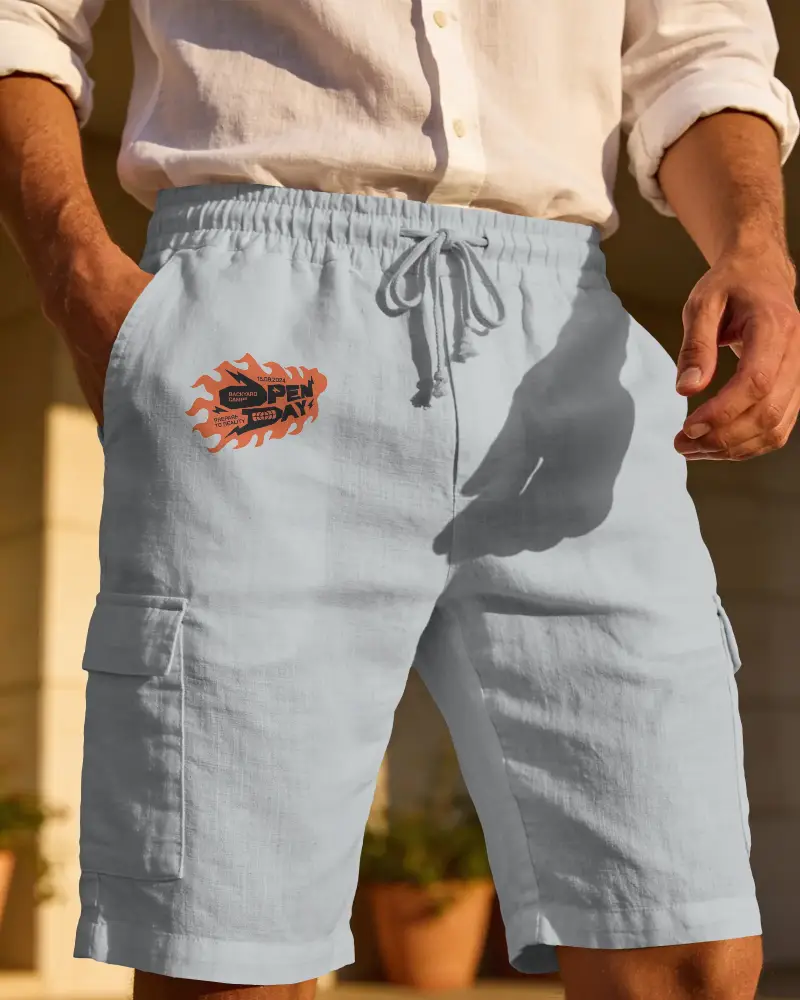
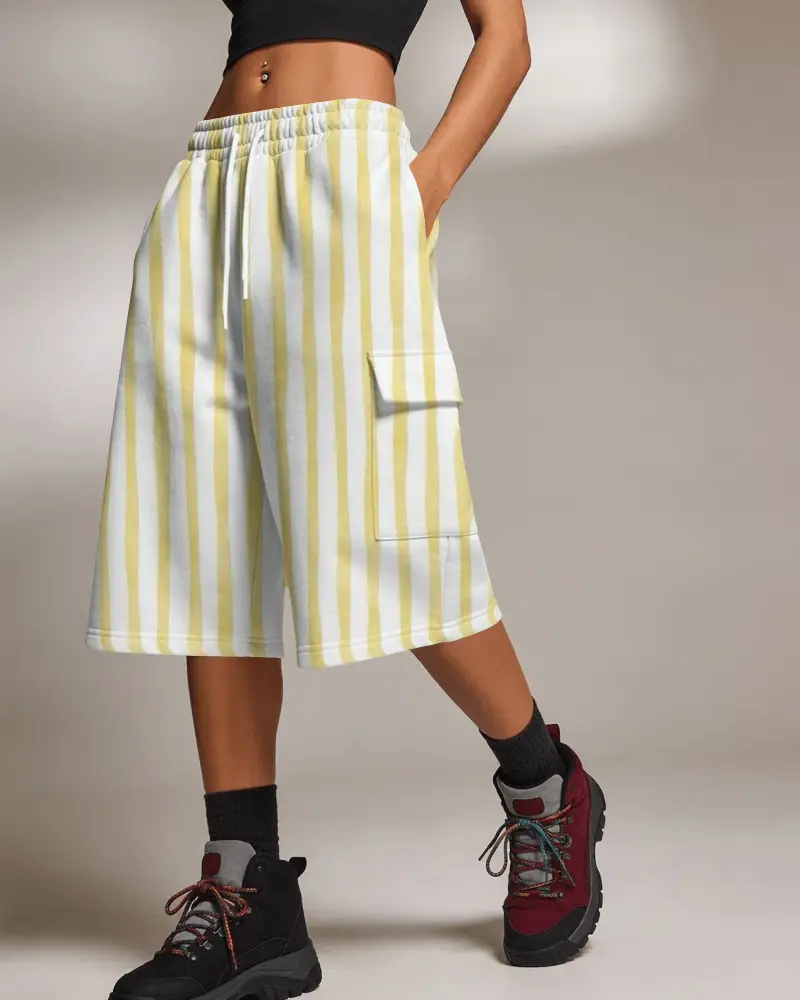
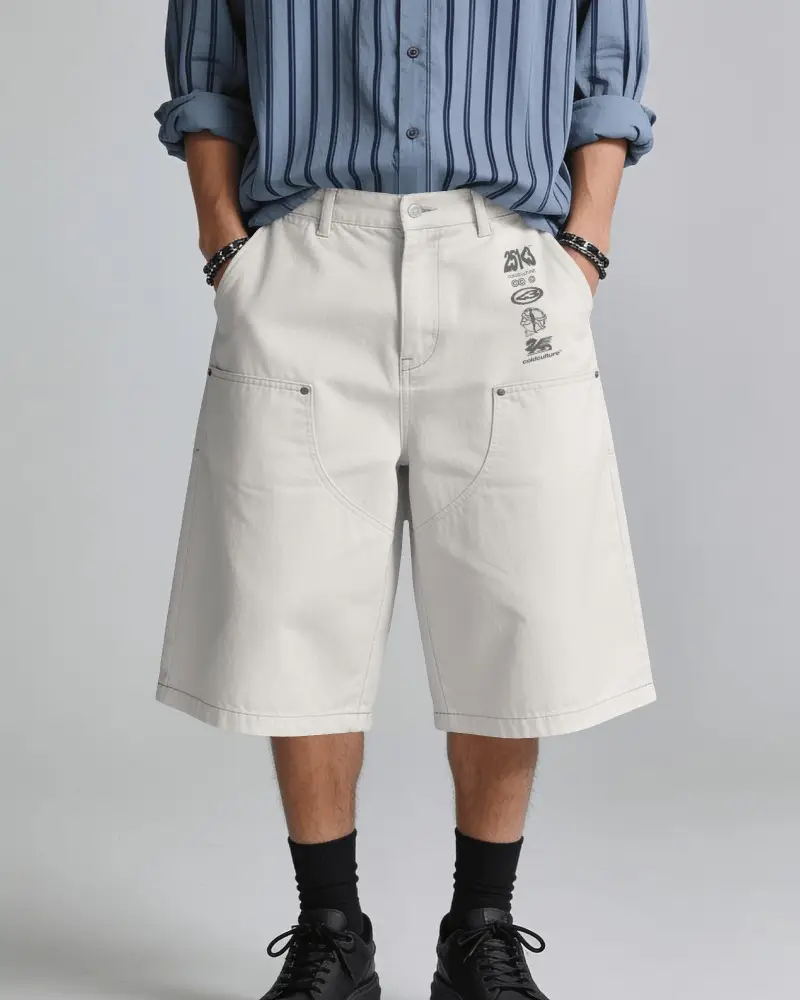
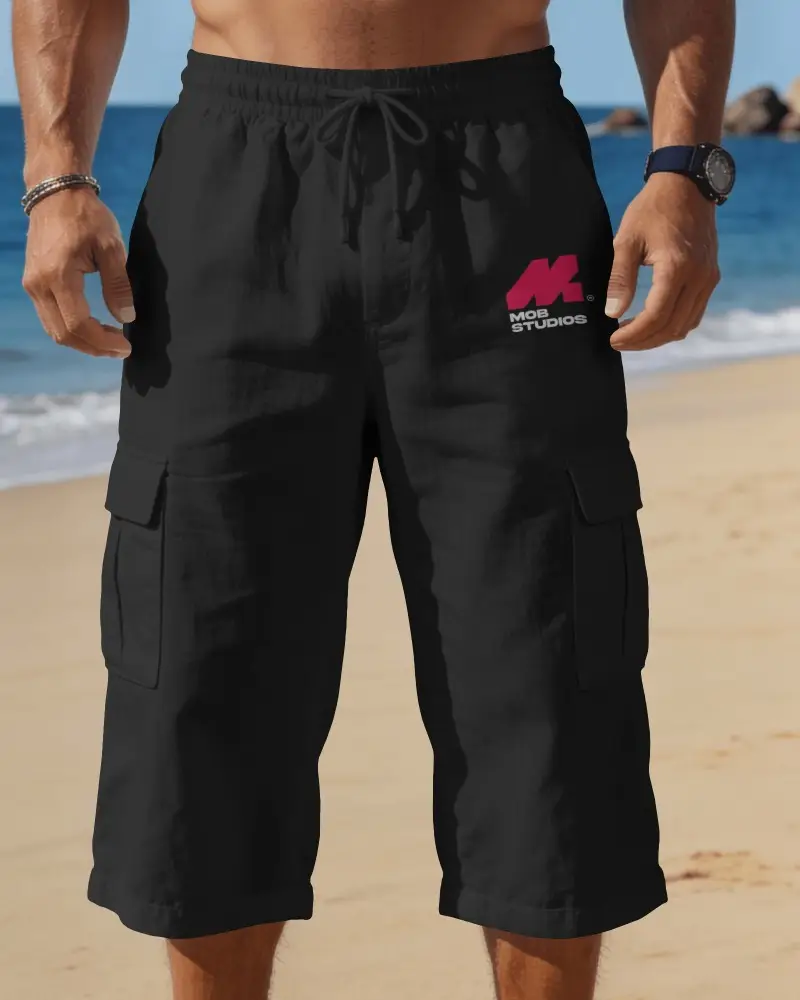
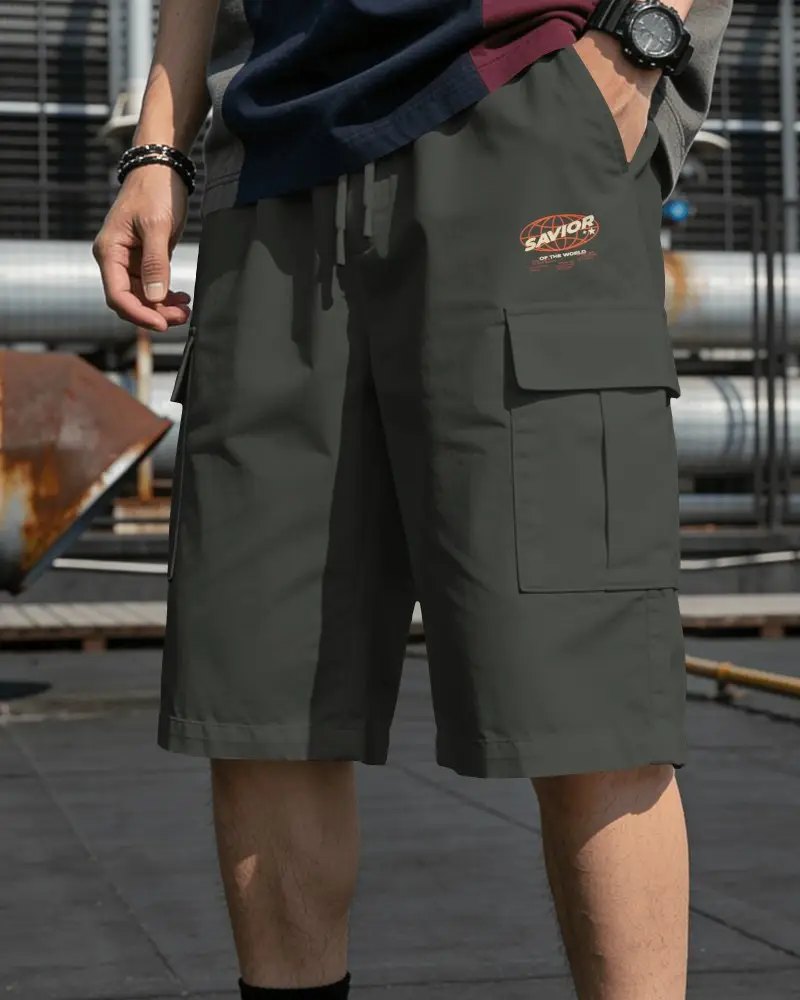
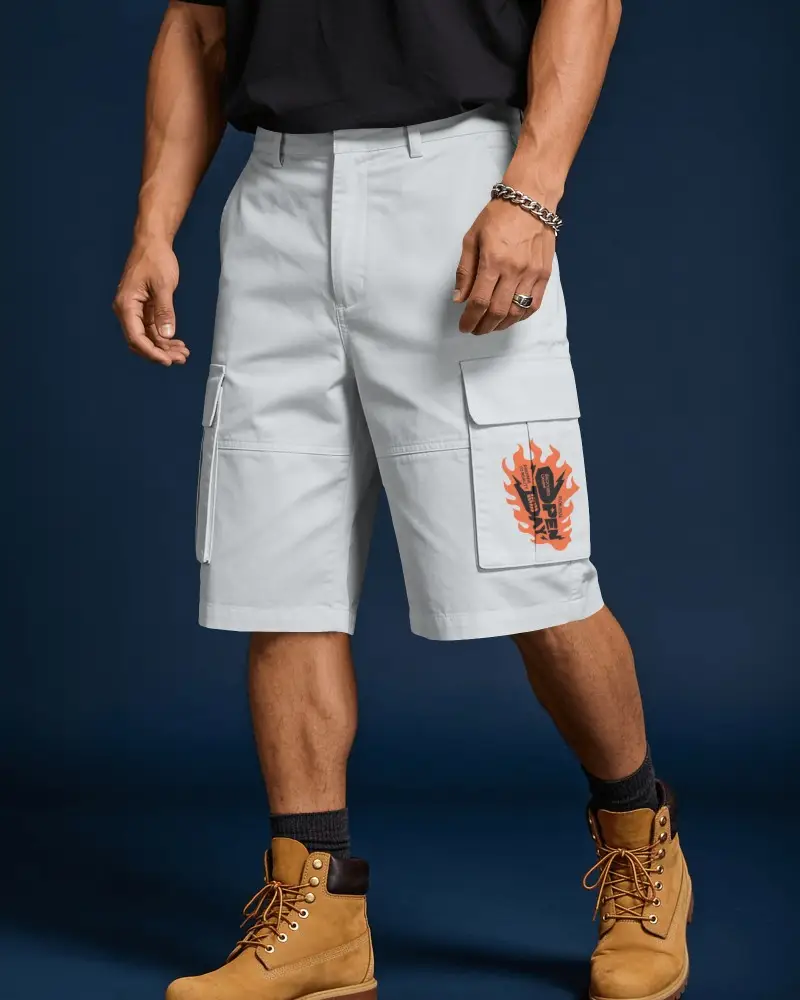
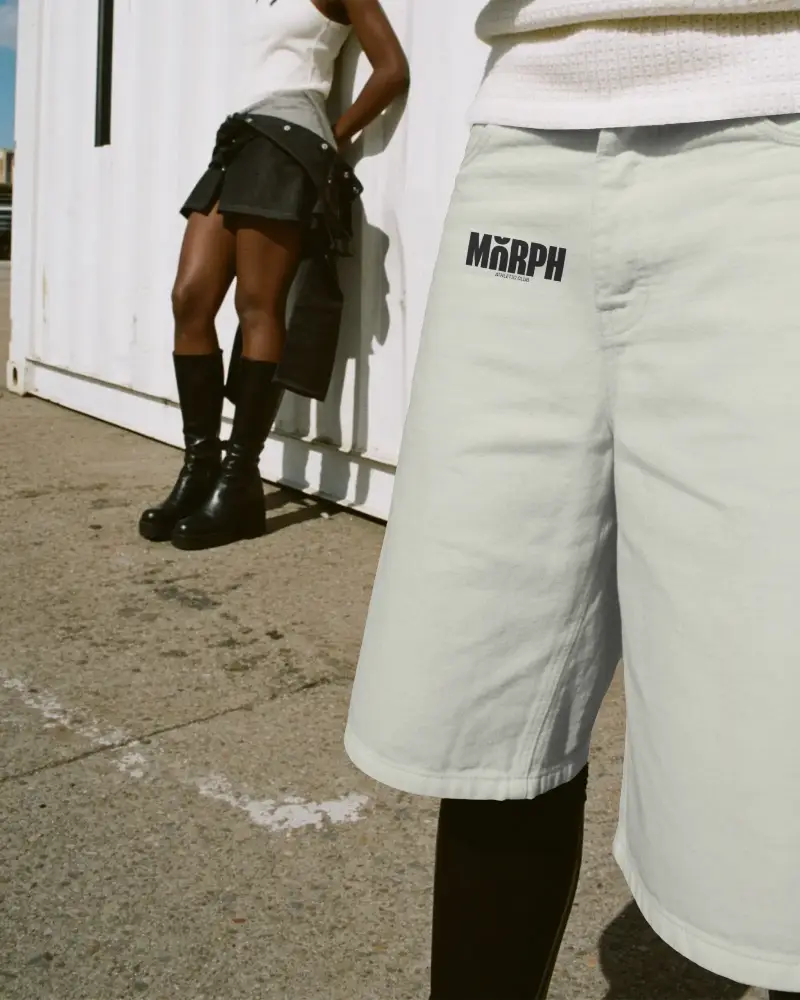
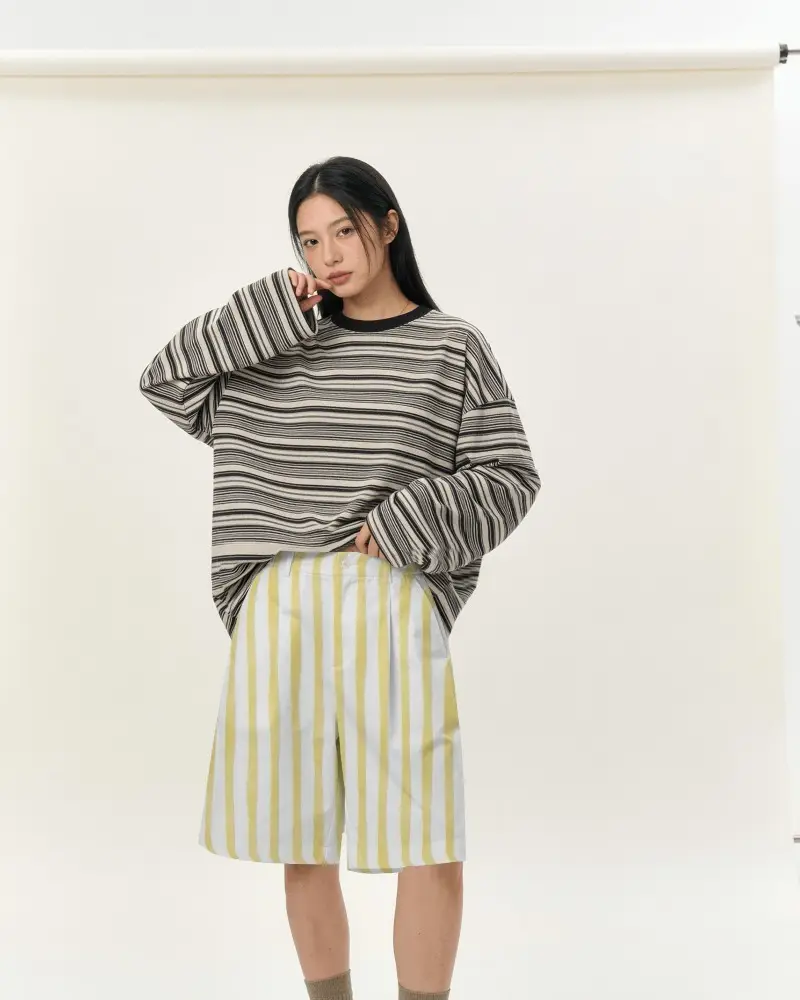


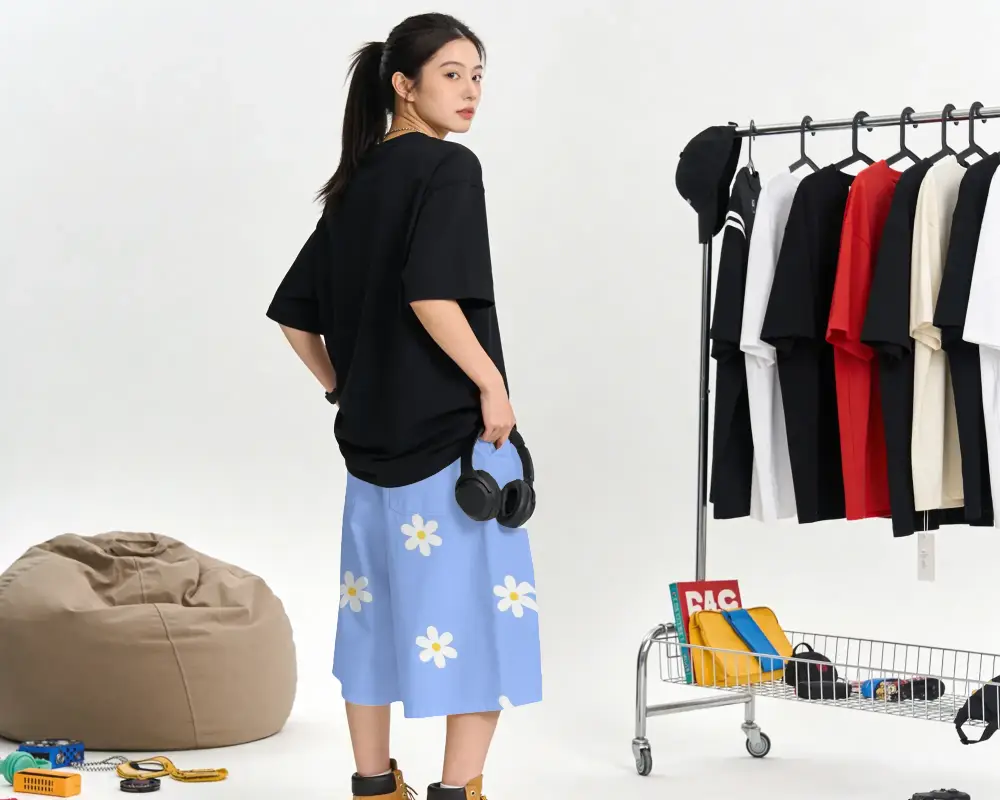
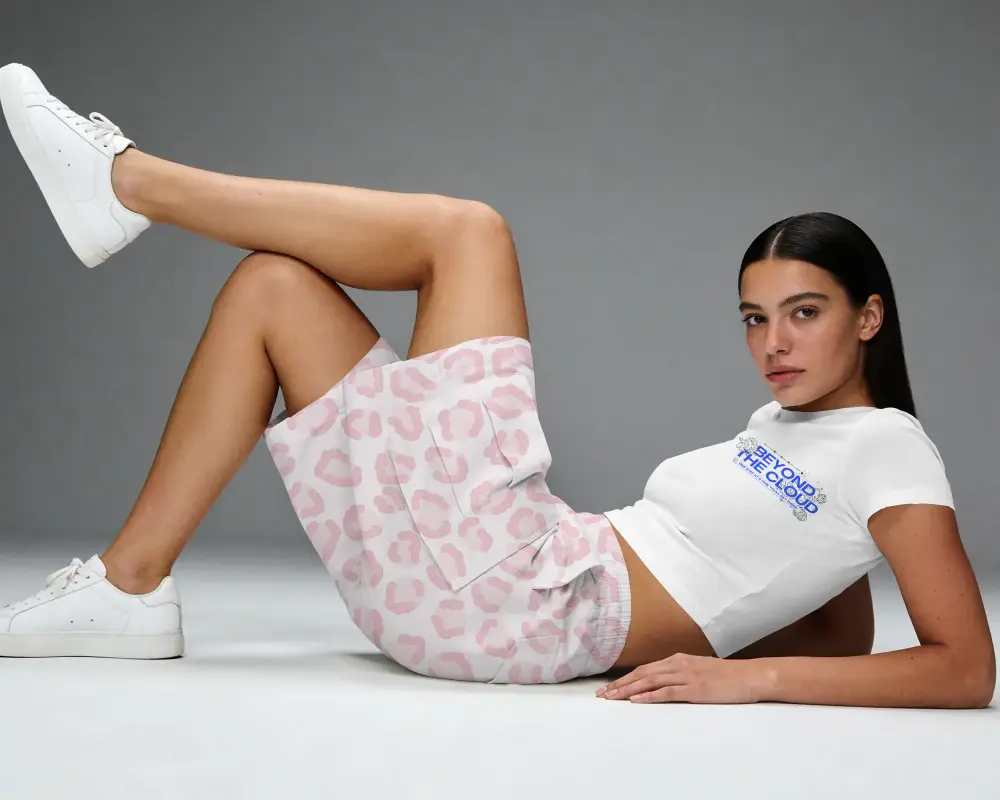
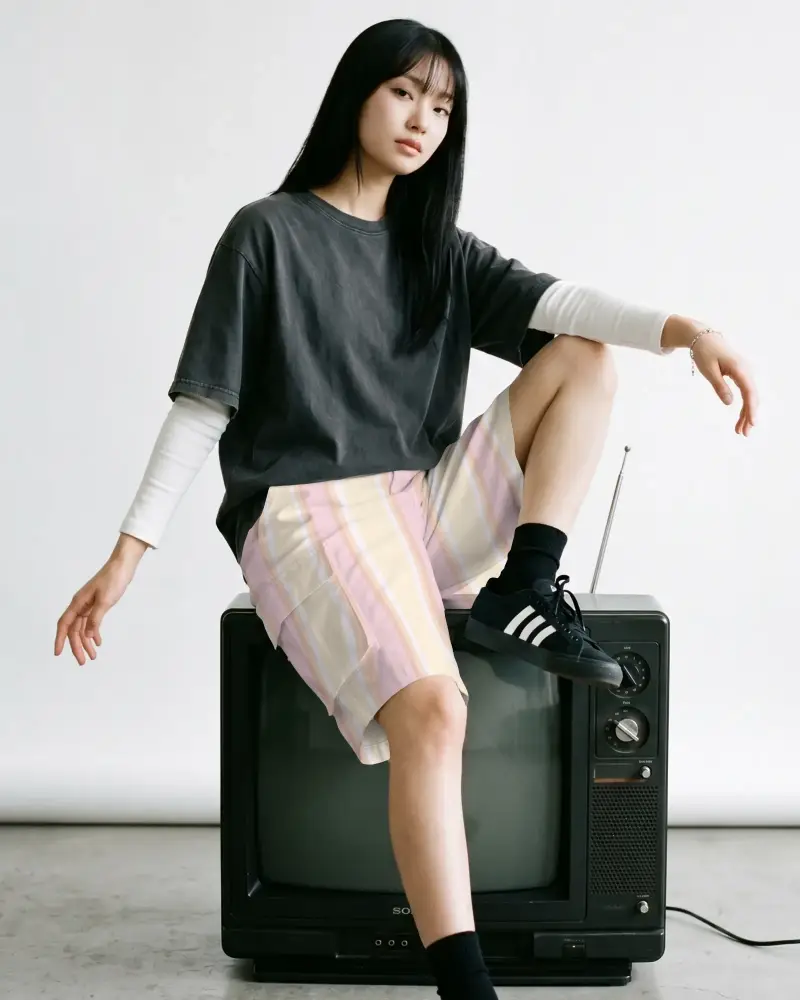
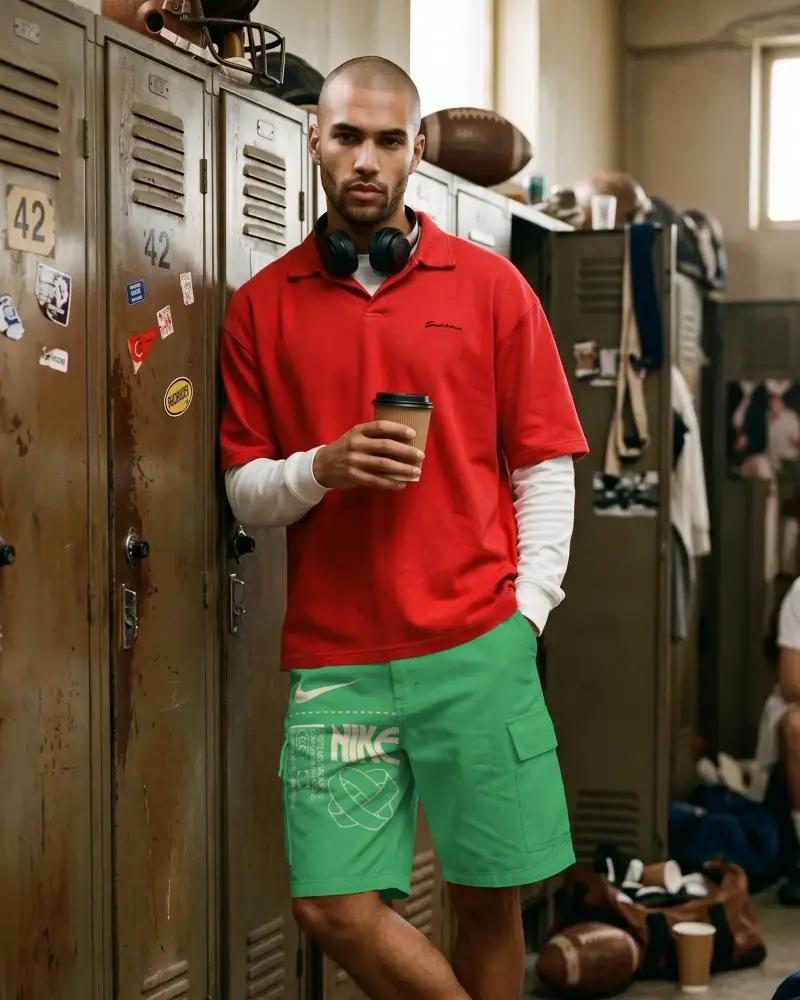
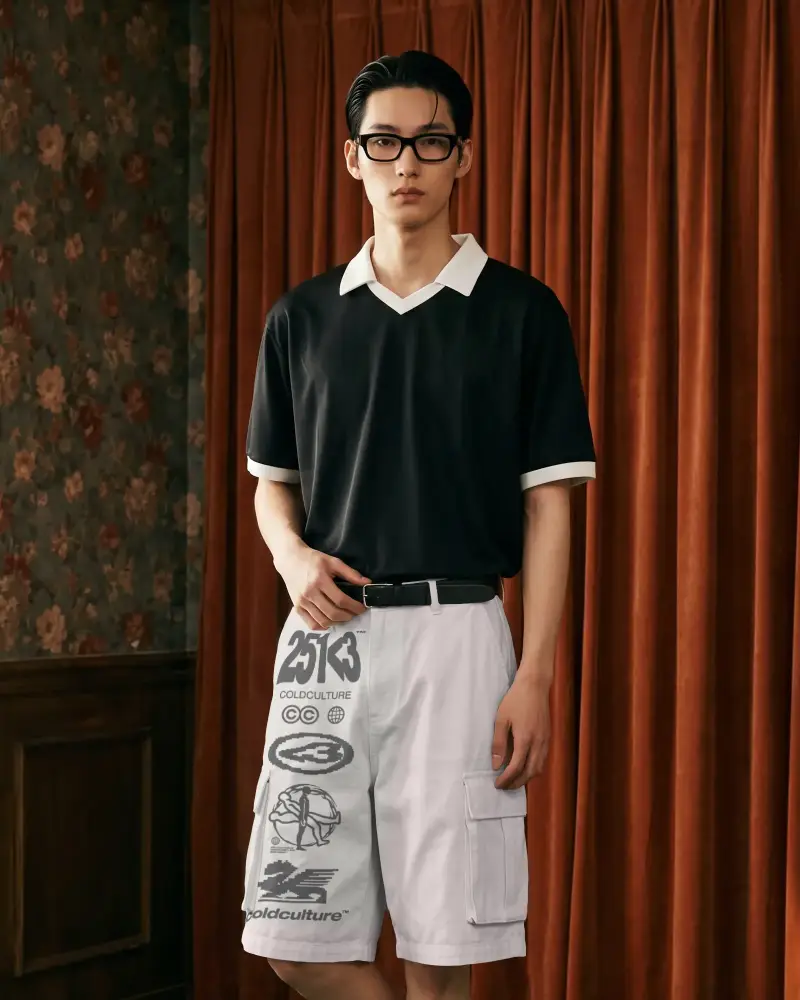
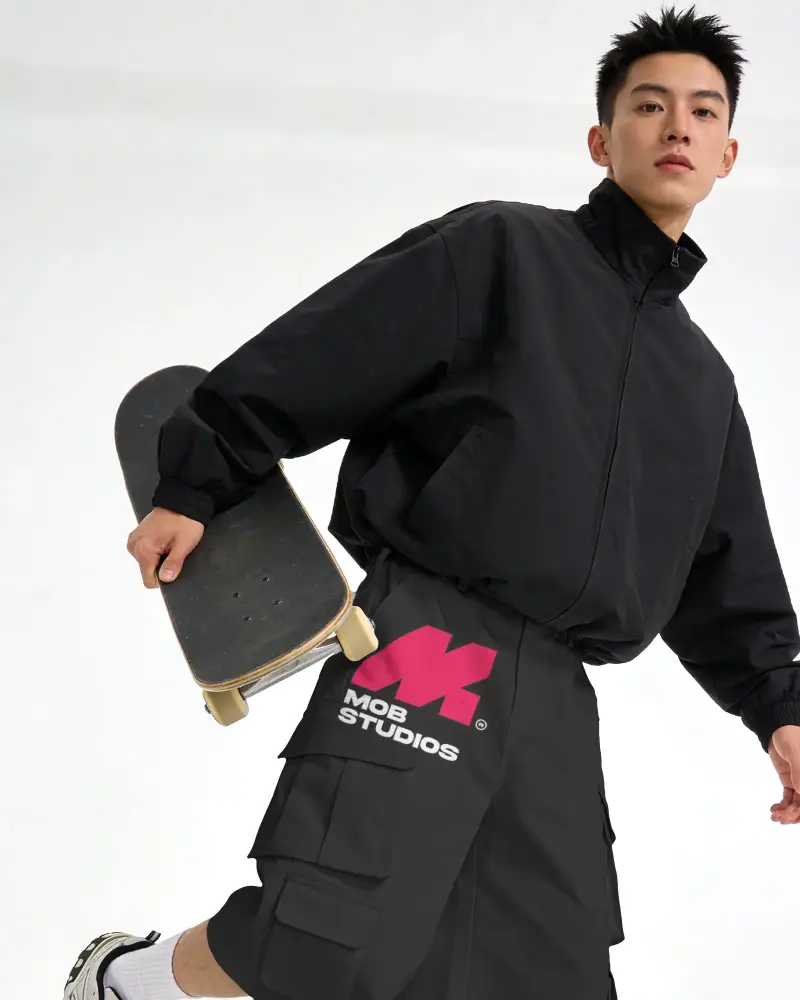
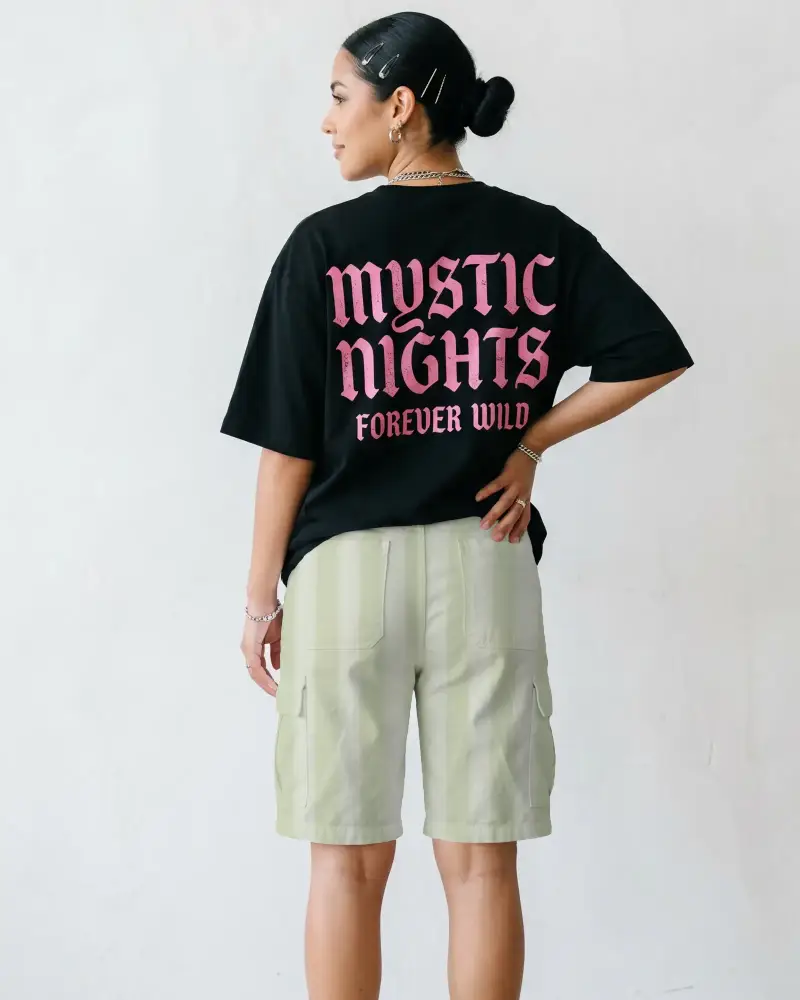
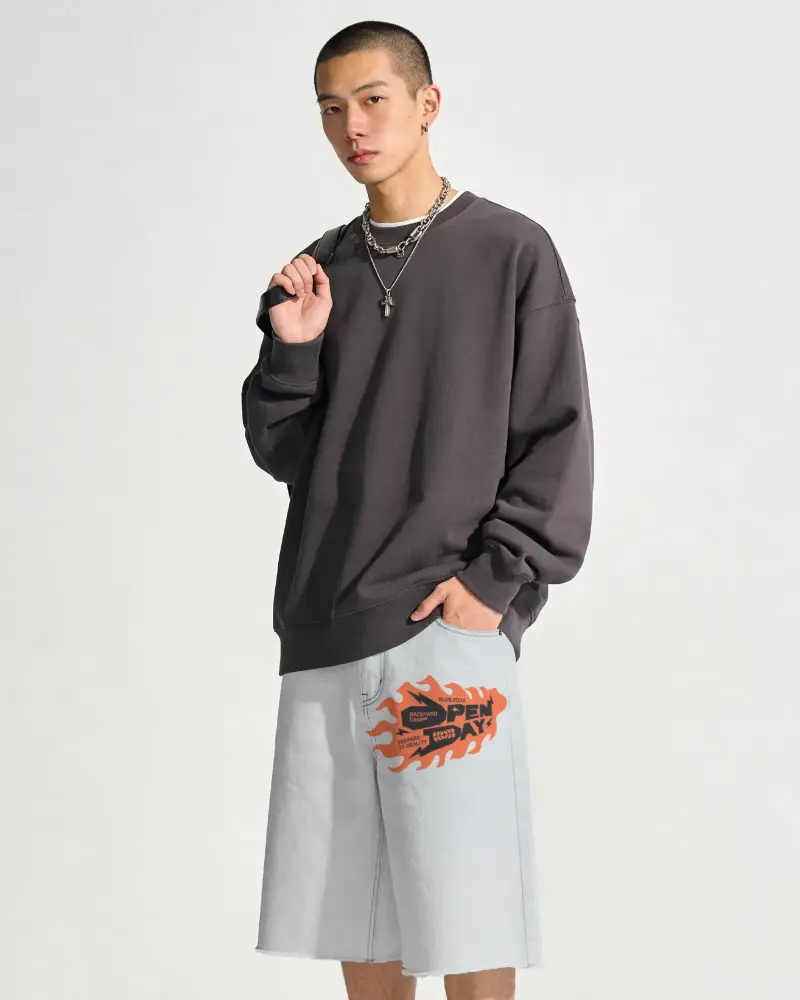
How to Create Cargo Shorts Mockups in Mockey AI
To create Cargo Shorts mockups:
- Step 1: Click on Mockups. In the Categories, look for Apparel, and find Shorts and choose Cargo Shorts .
- Step 2: Choose any template where you wish to upload your design and make edits.
- Step 3: Once done, click the Download button and save the Cargo Shorts mockup.


FAQs on Cargo Shorts Mockups
Is this Cargo Shorts mockup free?
Mockey offers free Cargo Shorts mockups for download, and they come without any watermark. You can add your design and edit the mockup without buying plans.
Can I customize the Cargo Shorts mockup with my own design?
If you have your own design, upload and customize it using Mockey's Cargo Shorts mockup. Just click the Upload Design button, and your design will automatically attach to the template. Then, adjust where the design appears on the Cargo Shorts.
Where can I use Cargo Shorts mockups?
Cargo Shorts mockups are the best way to showcase your products if you run a brand, an e-commerce store, or an ad campaign.
Are Cargo Shorts mockups useful for showcasing designs?
Cargo Shorts mockups are one of the best ways to showcase your designs. They help you save money. Simply choose a Cargo Shorts using the mockup generator and add your design. You'll find a large number of templates to choose from.
