Editable Black Shorts Mockup Collection for Clothing & Sportswear
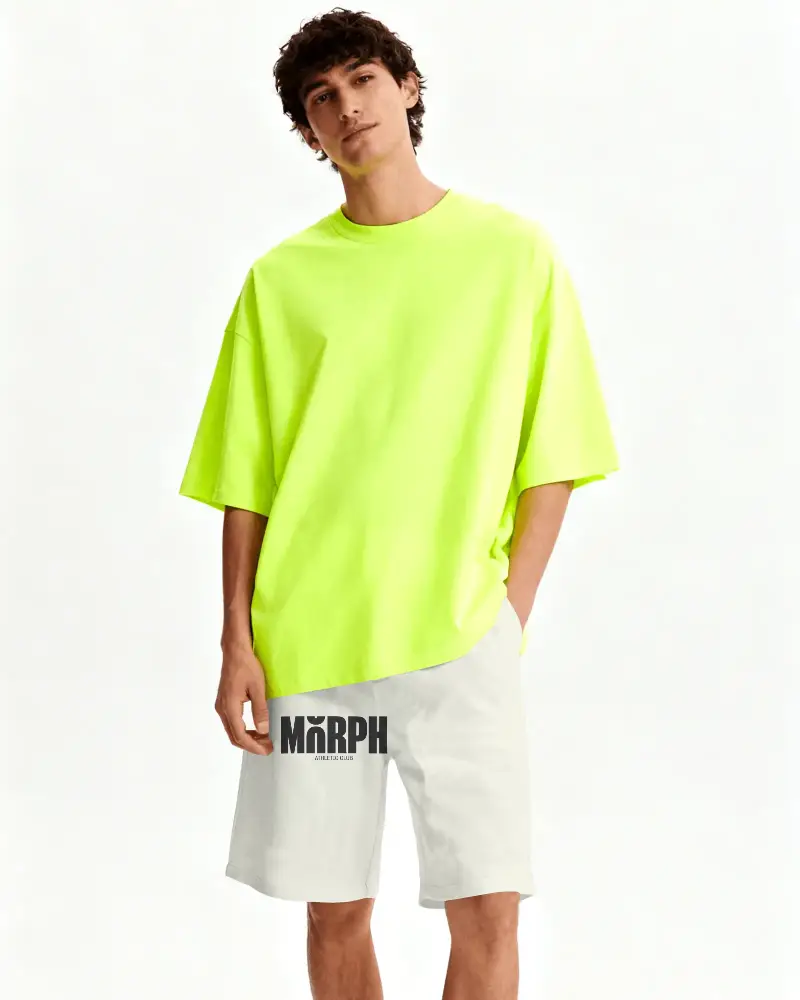
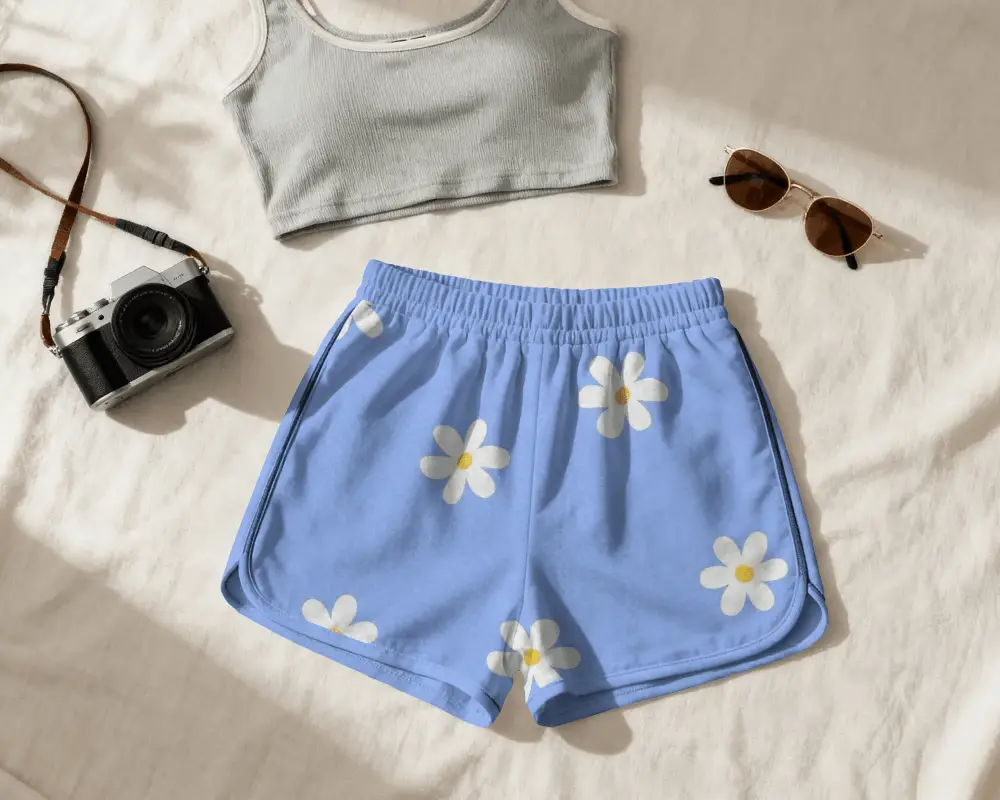
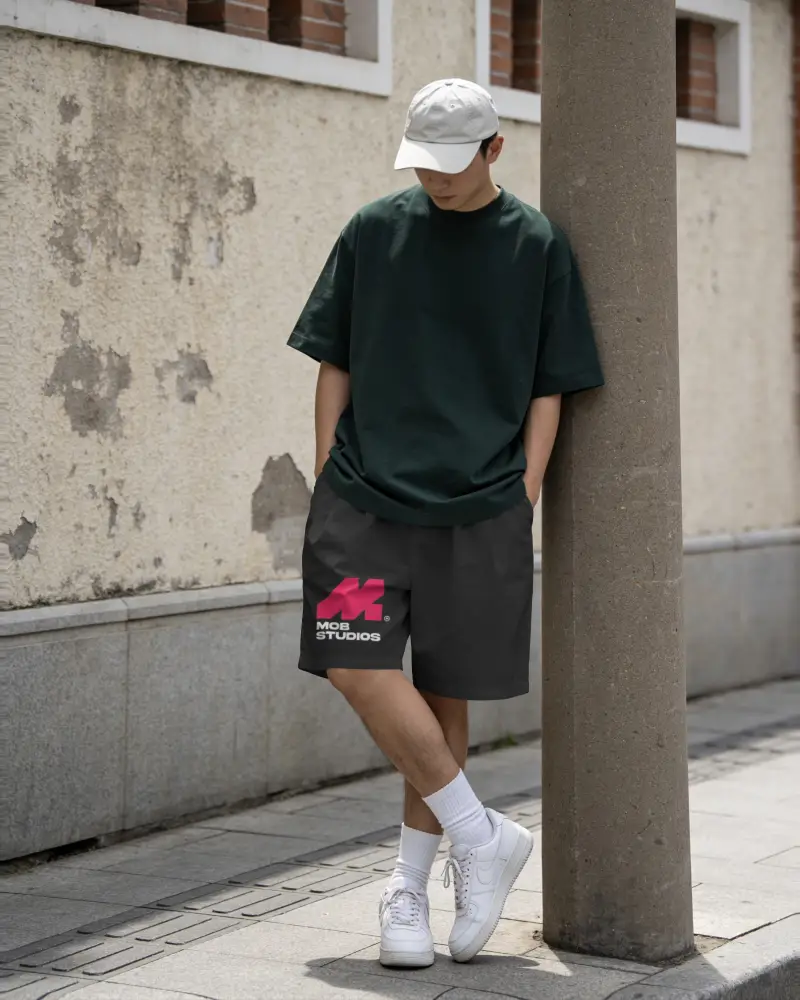
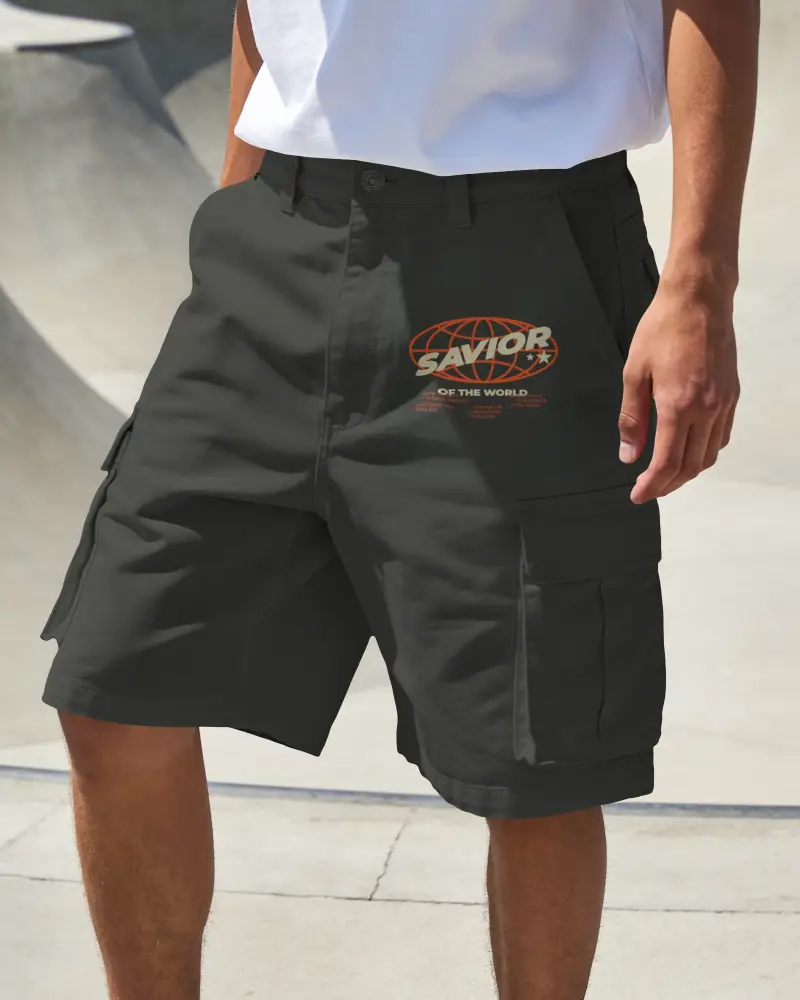
Design previews matter when presenting your ideas clearly. With these Black Shorts mockup on Mockey, you can place your artwork on realistic templates and instantly see how the final product might look. Whether you're preparing visuals for a store, portfolio, or social media, Mockey helps you create polished presentations in just a few clicks.
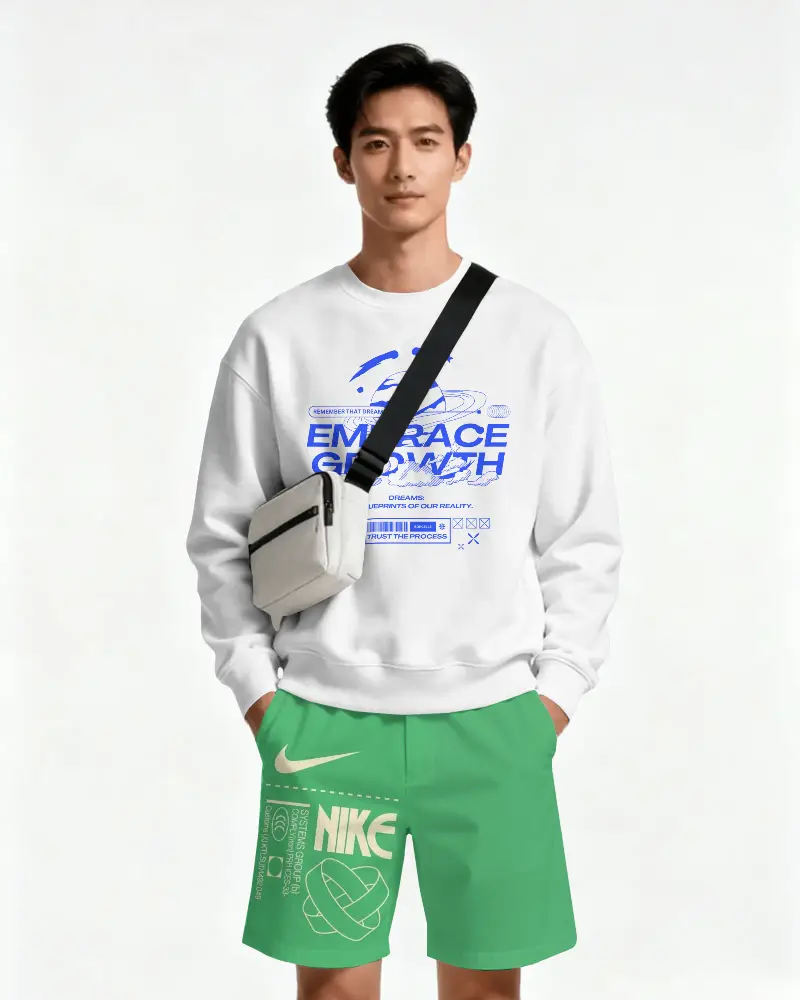
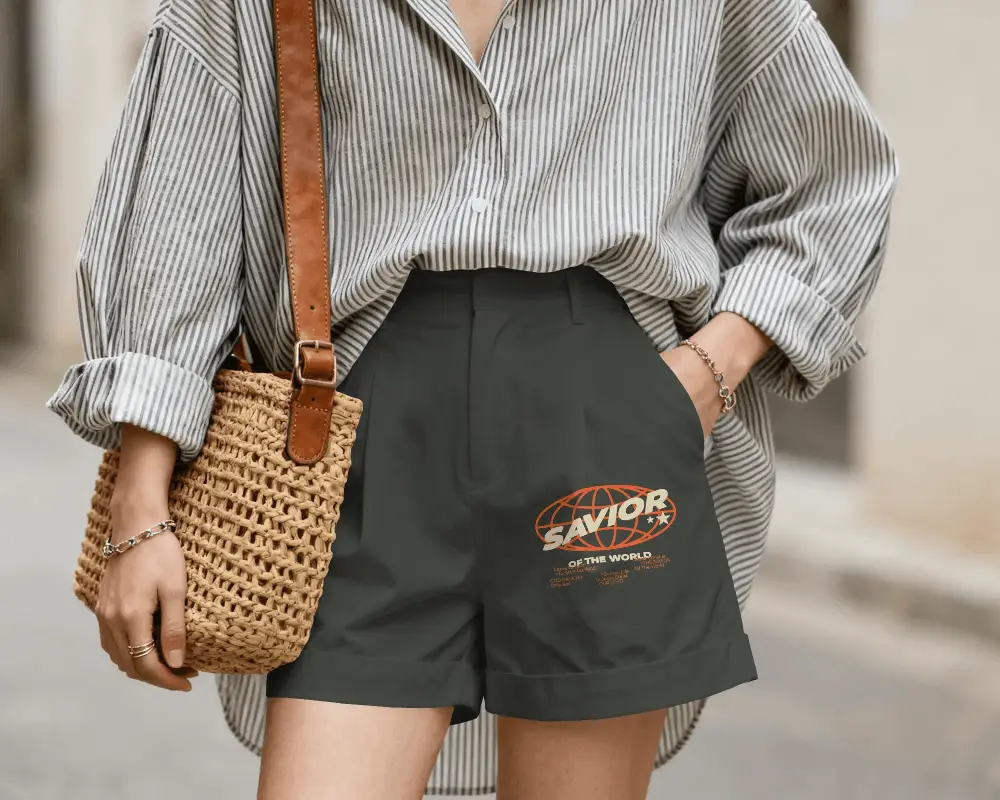
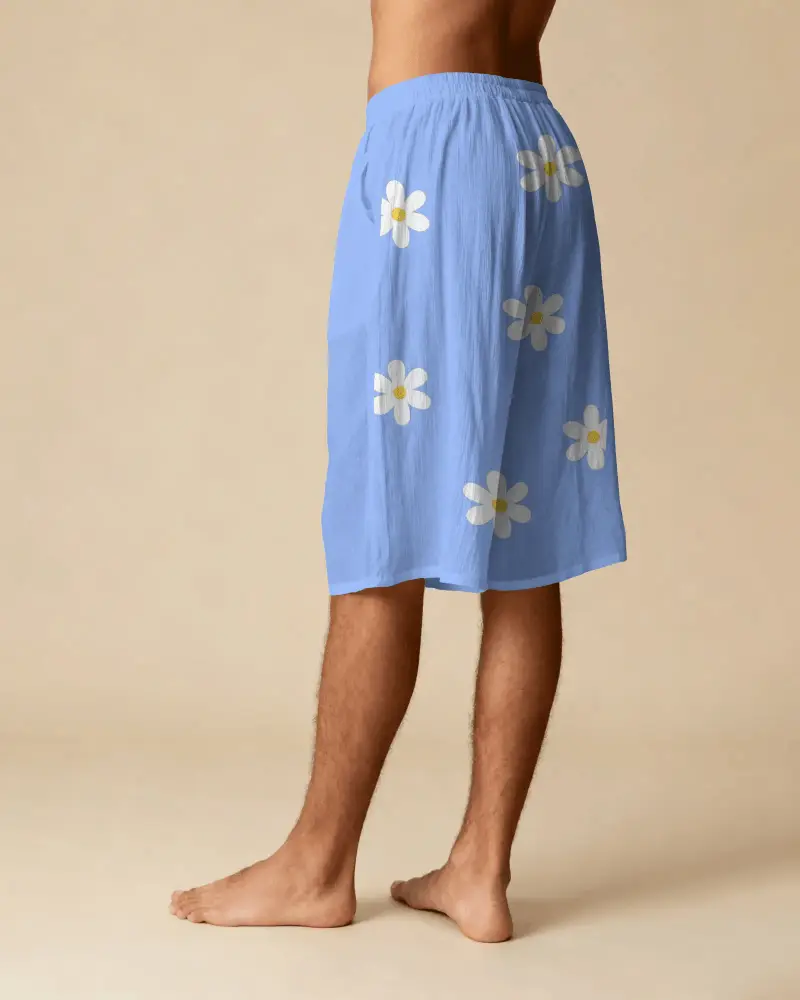
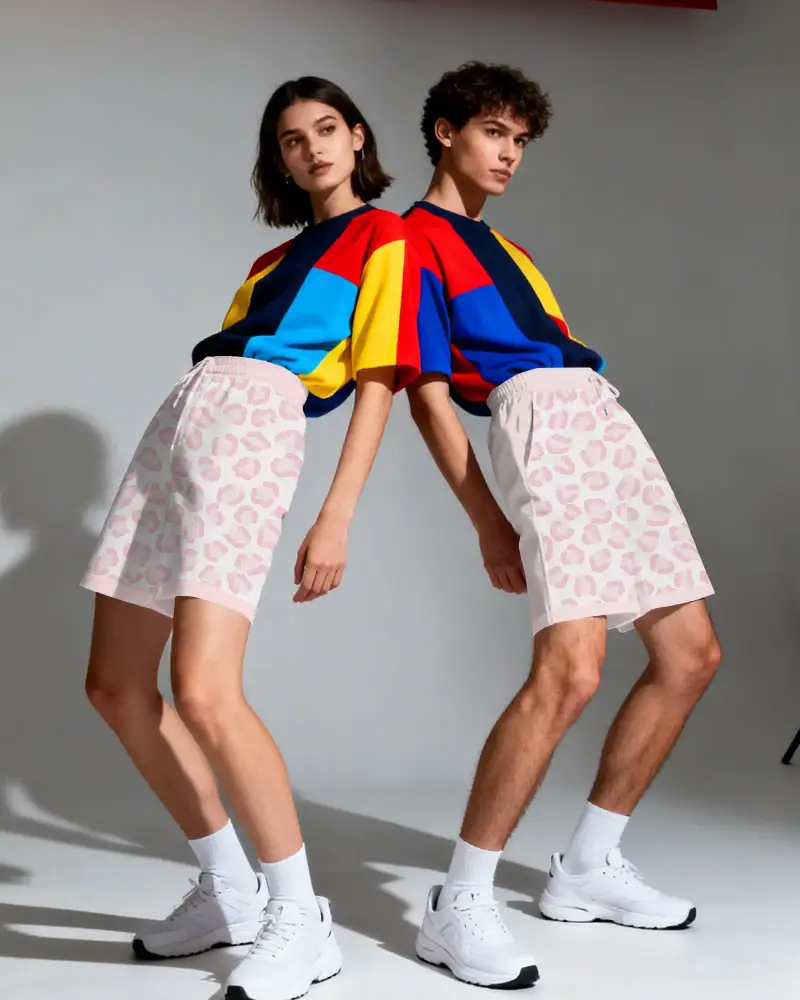
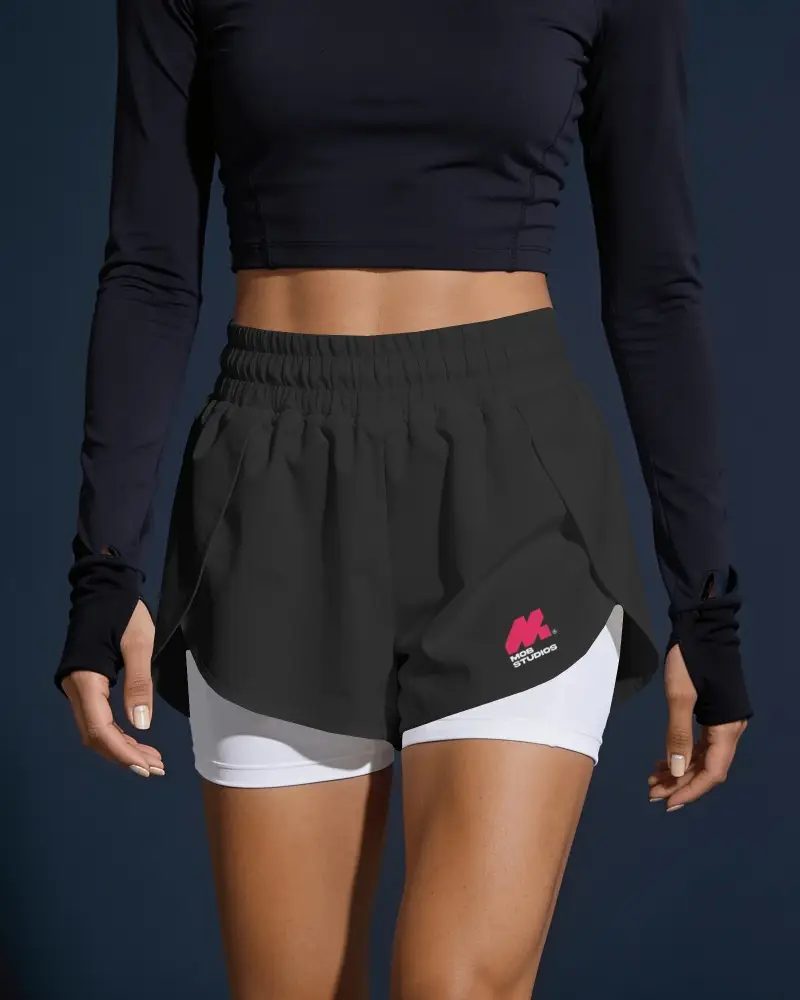
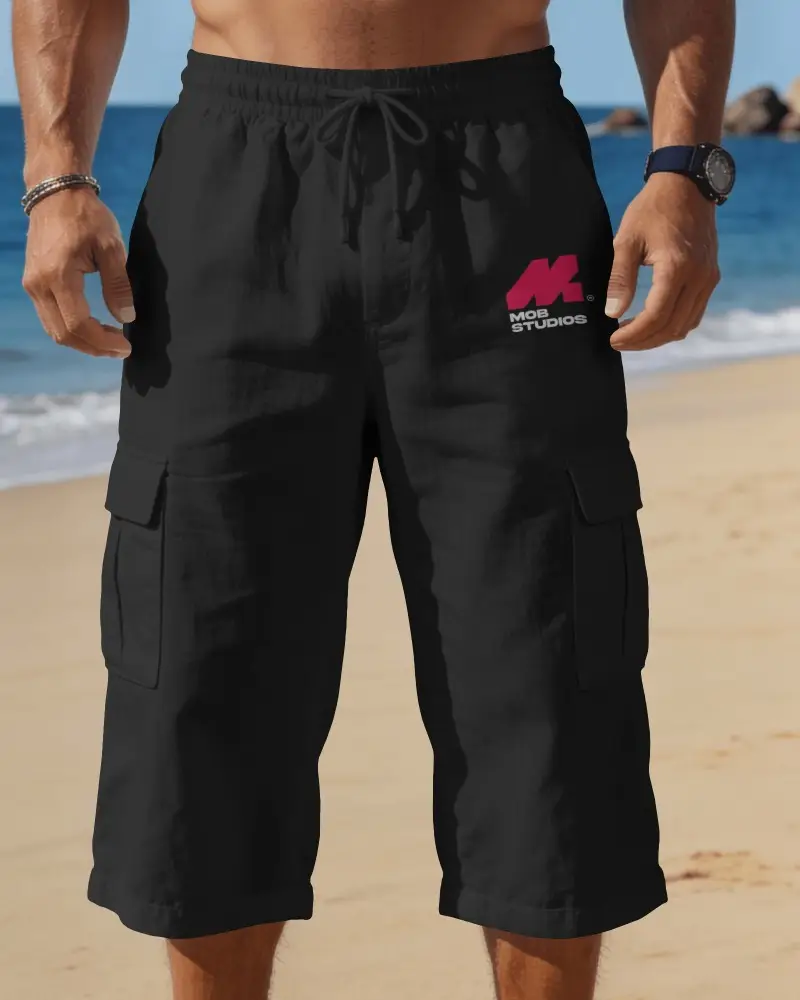
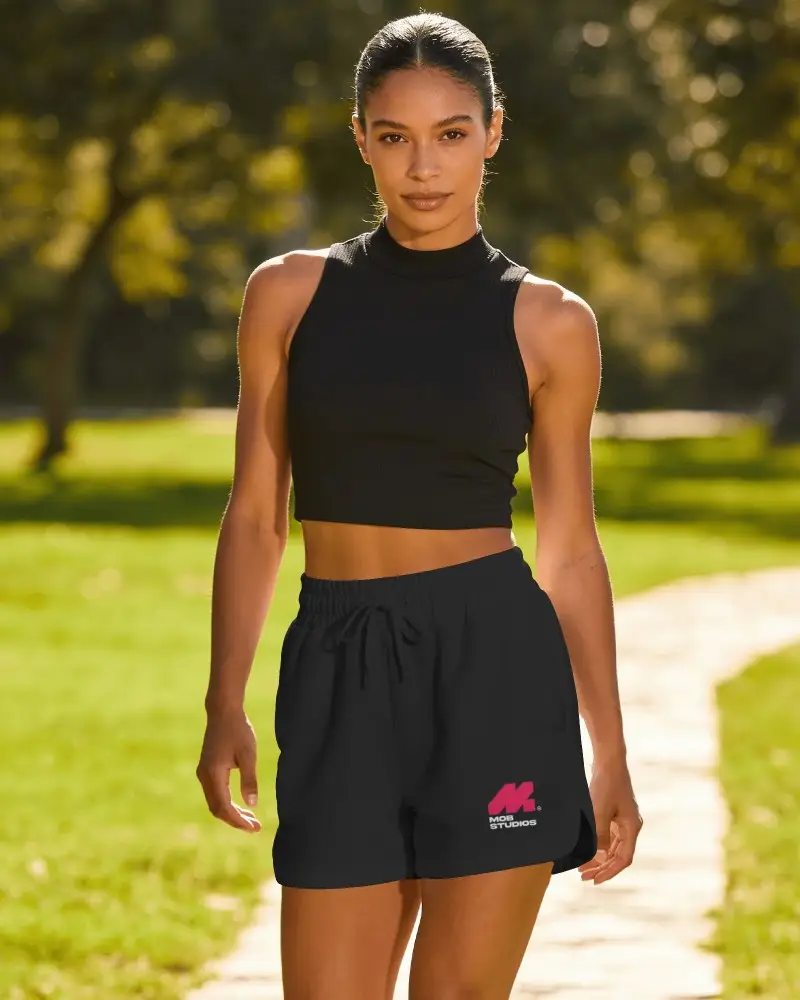
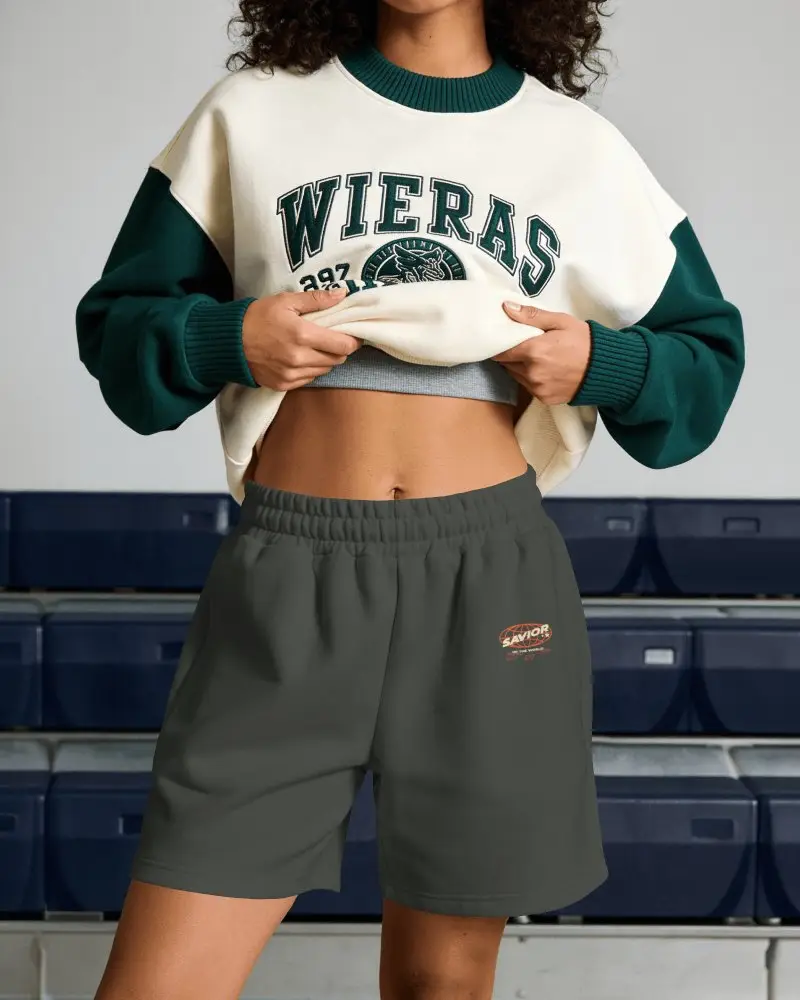
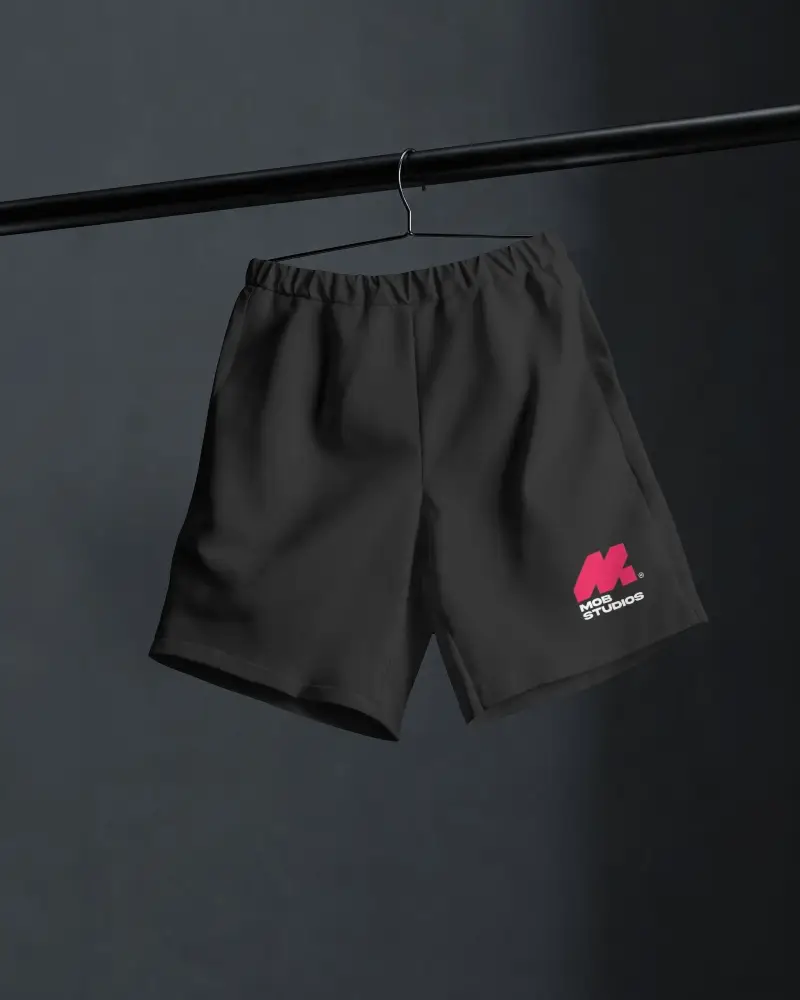
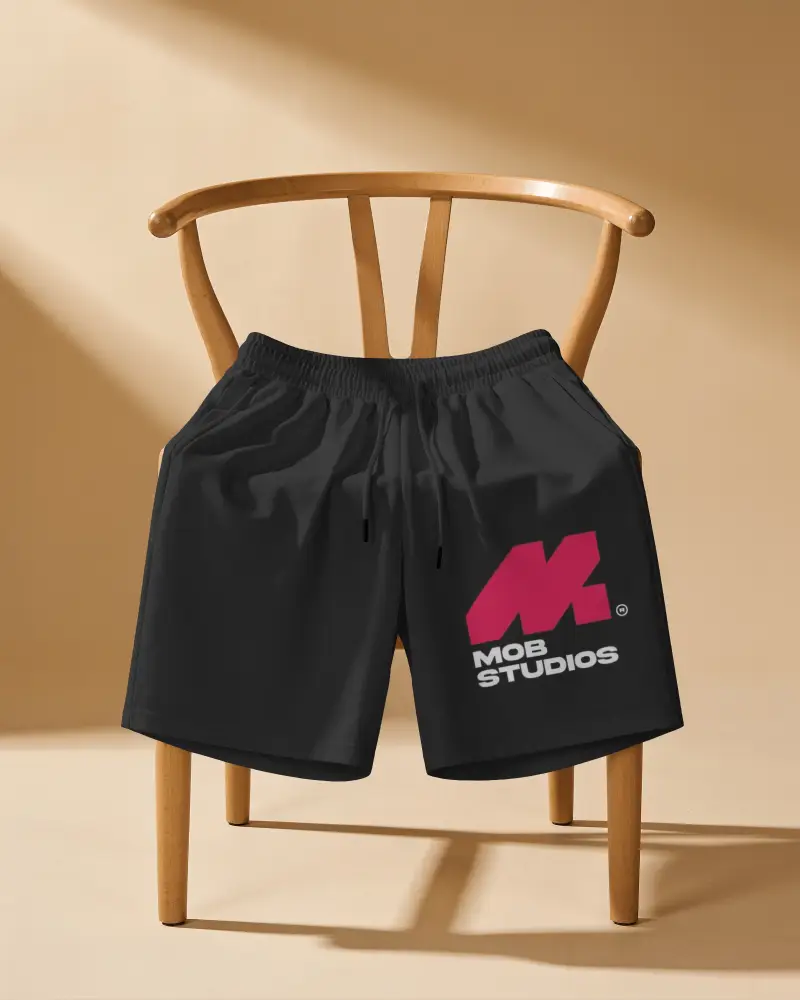
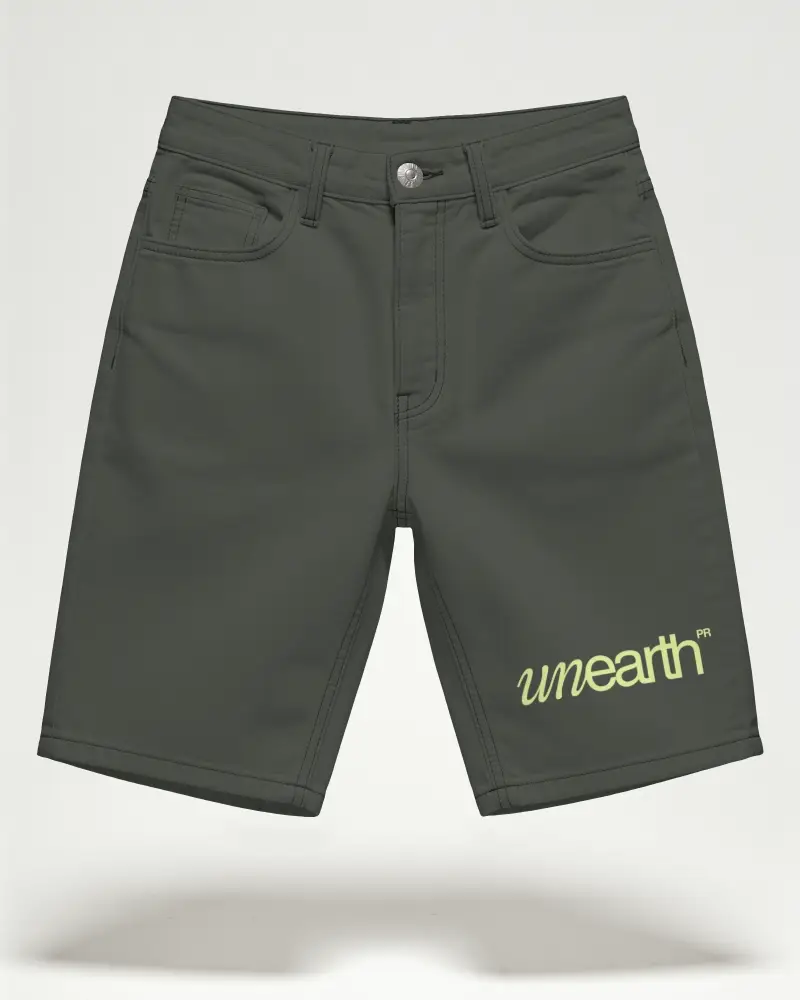
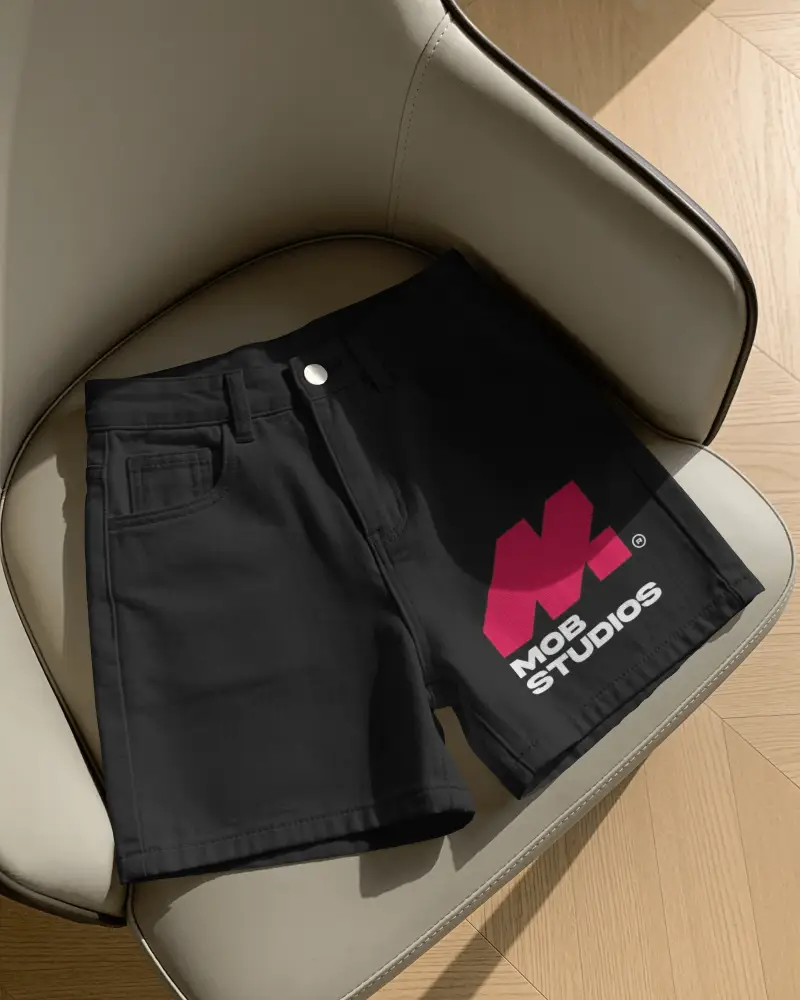
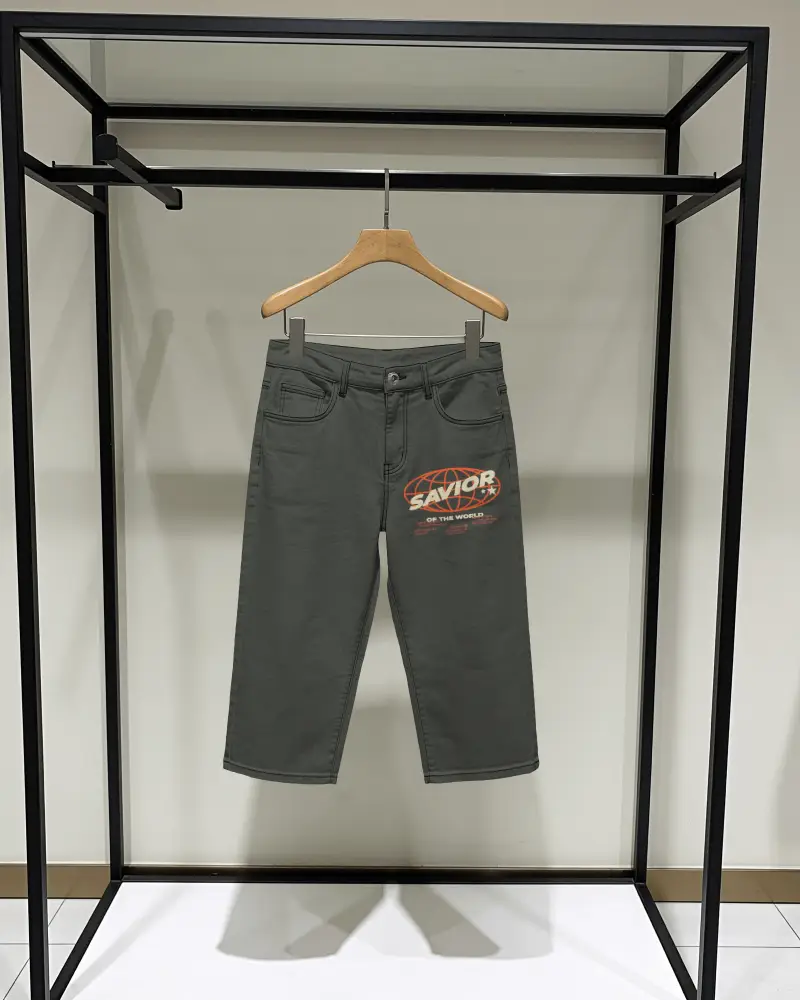
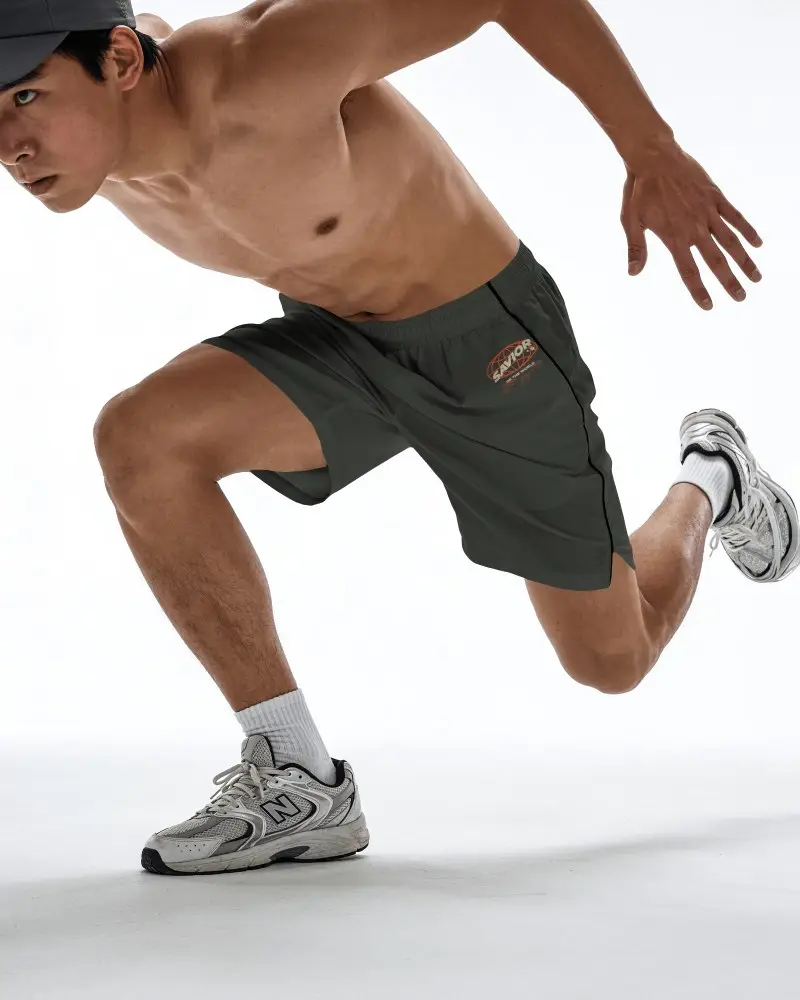
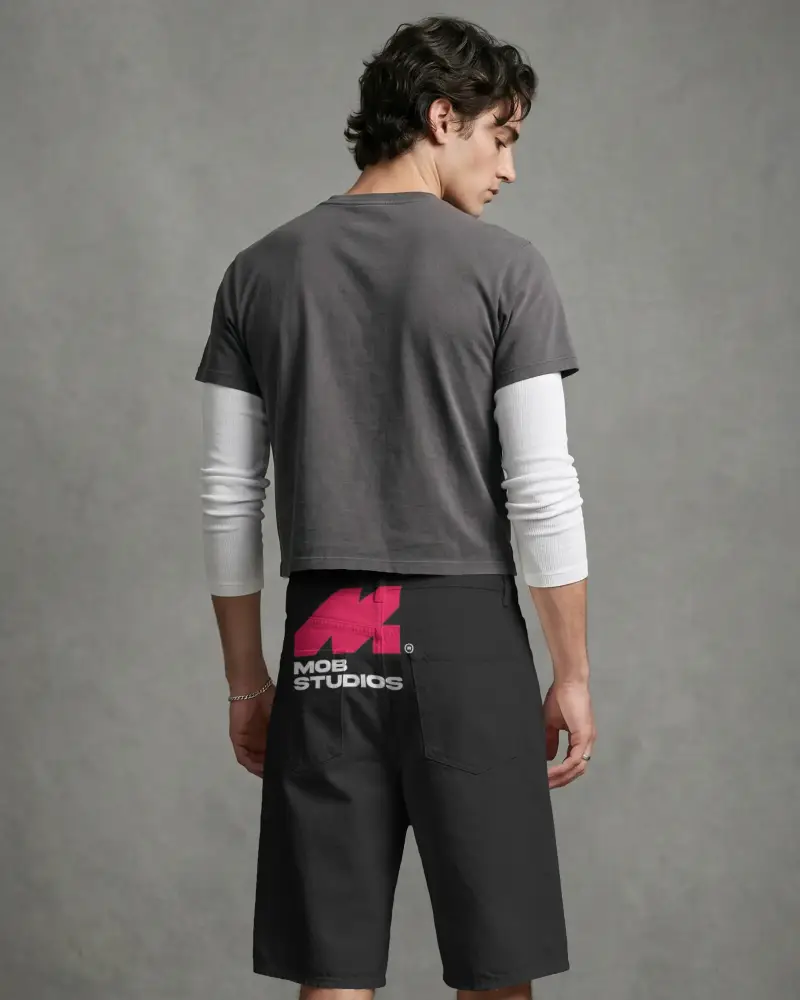
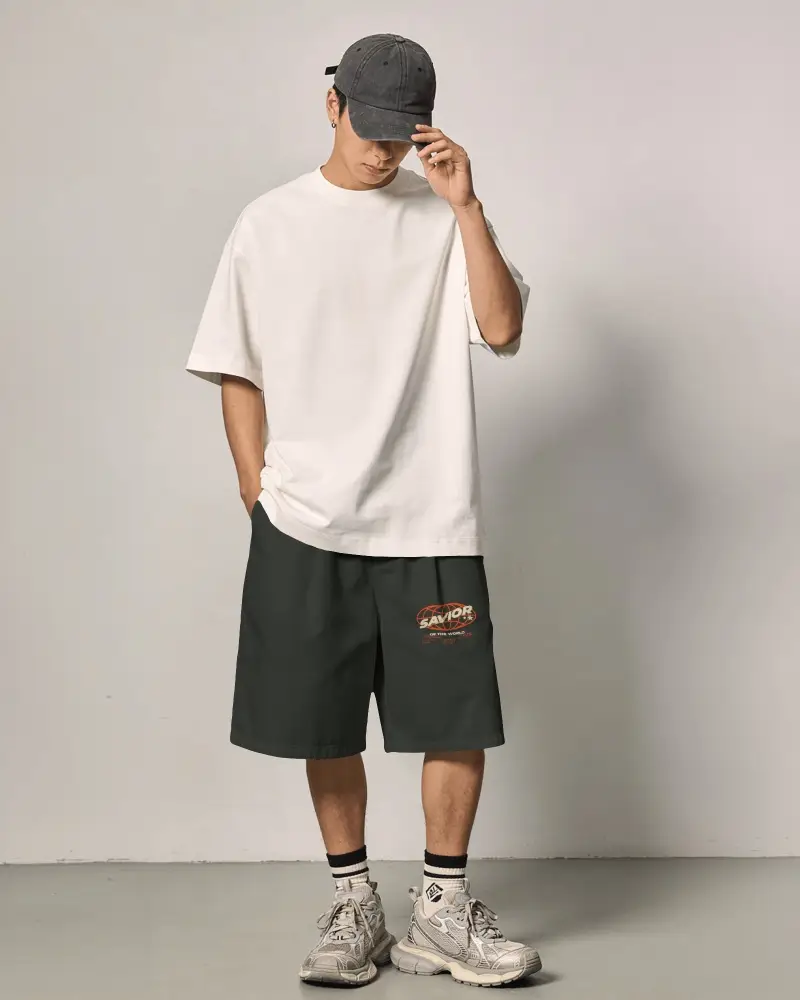
How to Create Black Shorts Mockups in Mockey AI
To create Black Shorts mockups:
- Step 1: Click on Mockups. In the Categories, look for Apparel, and find Shorts and choose Black Shorts .
- Step 2: Choose any template where you wish to upload your design and make edits.
- Step 3: Once done, click the Download button and save the Black Shorts mockup.


FAQs on Black Shorts Mockups
Is this Black Shorts mockup free?
Mockey offers free Black Shorts mockups for download, and they come without any watermark. You can add your design and edit the mockup without buying plans.
Can I customize the Black Shorts mockup with my own design?
If you have your own design, upload and customize it using Mockey's Black Shorts mockup. Just click the Upload Design button, and your design will automatically attach to the template. Then, adjust where the design appears on the Black Shorts.
Where can I use Black Shorts mockups?
Black Shorts mockups are the best way to showcase your products if you run a brand, an e-commerce store, or an ad campaign.
Are Black Shorts mockups useful for showcasing designs?
Black Shorts mockups are one of the best ways to showcase your designs. They help you save money. Simply choose a Black Shorts using the mockup generator and add your design. You'll find a large number of templates to choose from.
