Free Blue Cap Mockups
Create stunning blue cap mockups for free with Mockey! Choose from 100+ cap mockup templates, customize online, and download high-quality mockups instantly.


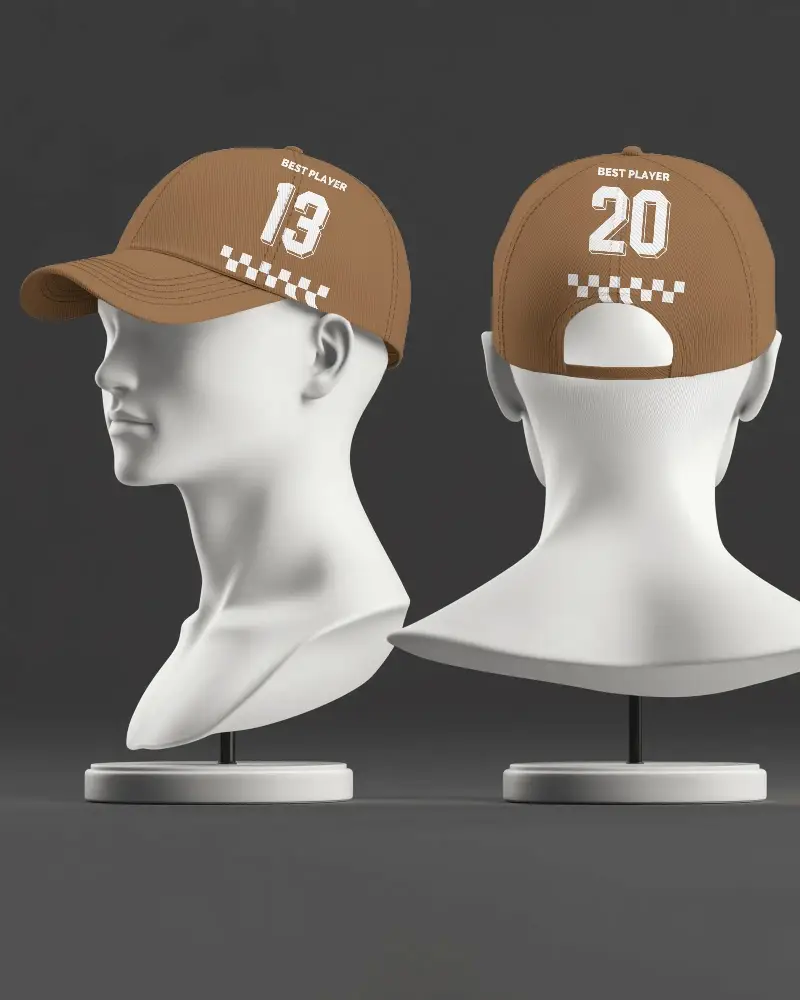




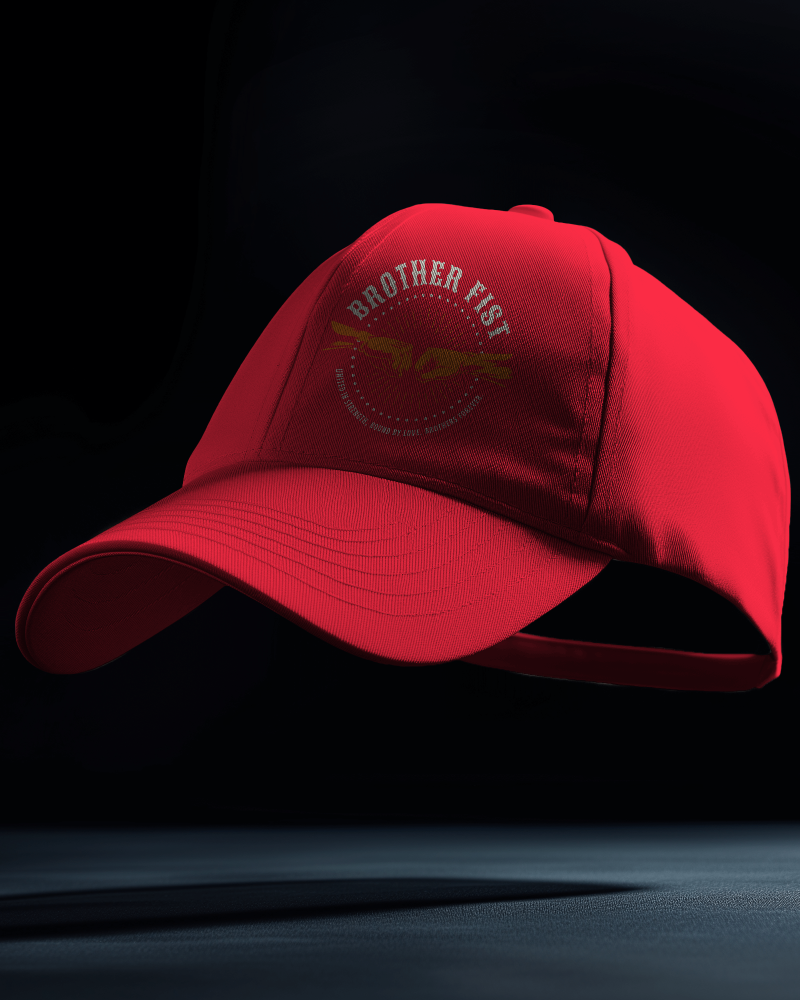


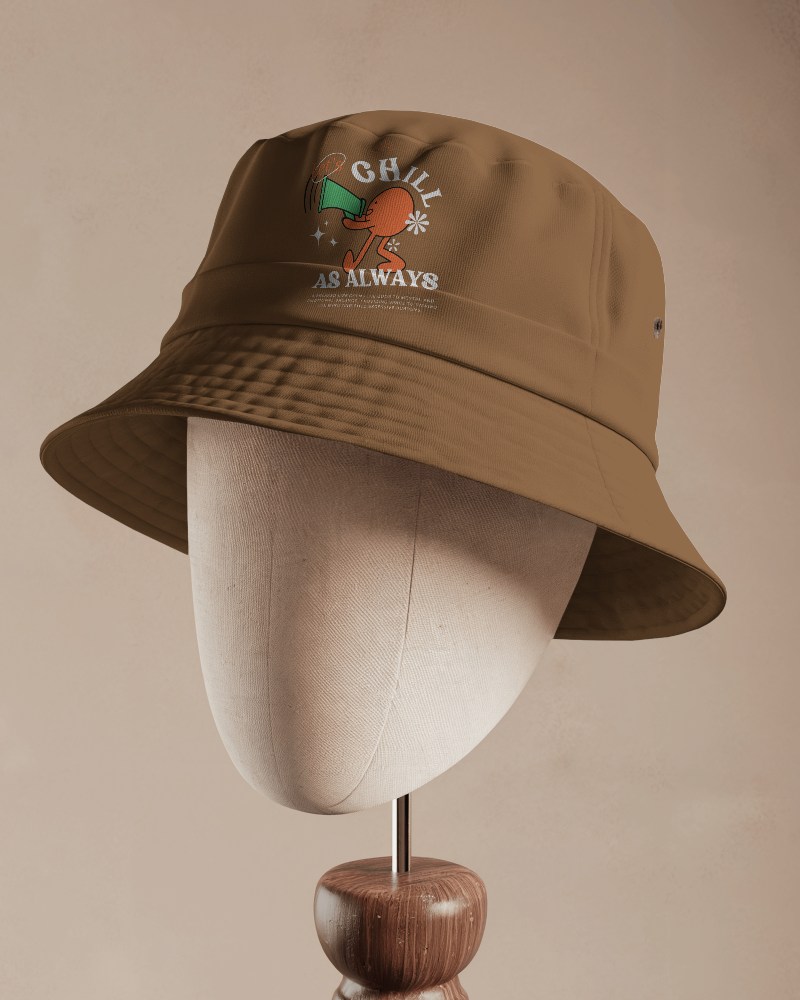

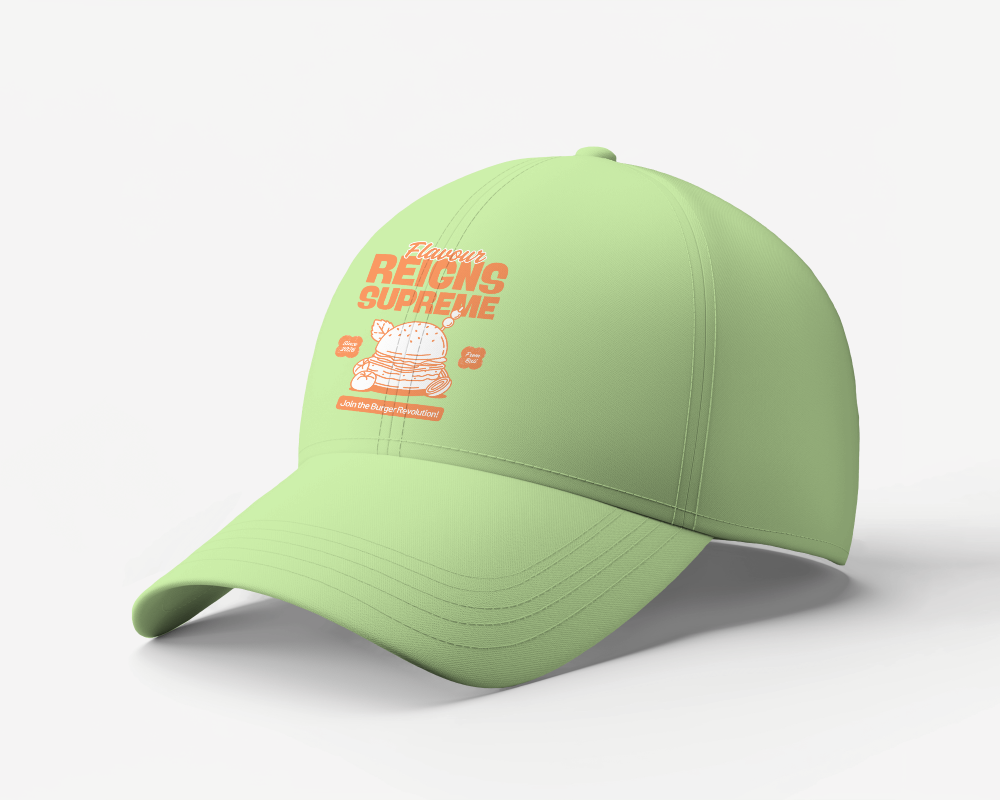


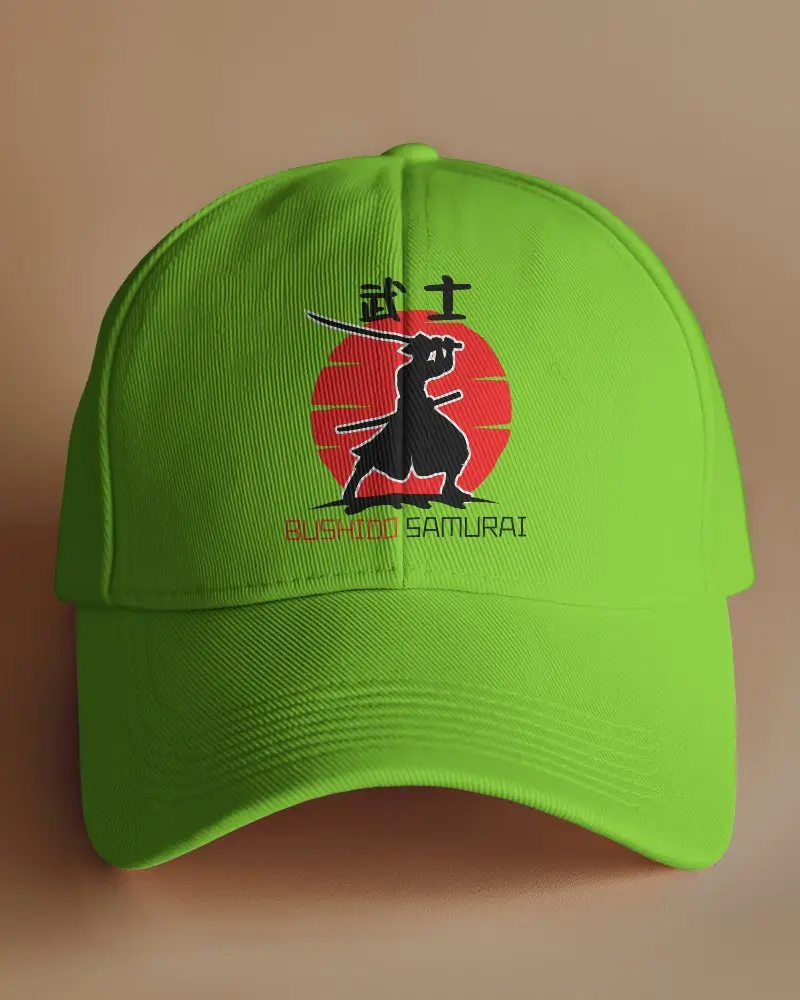


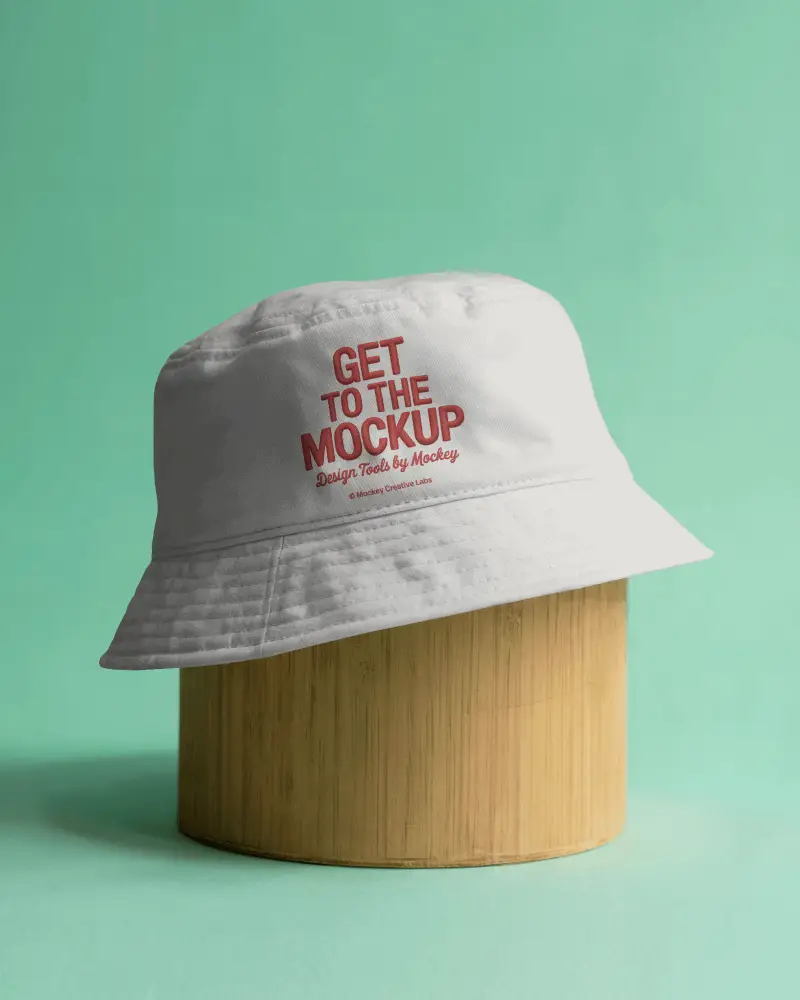


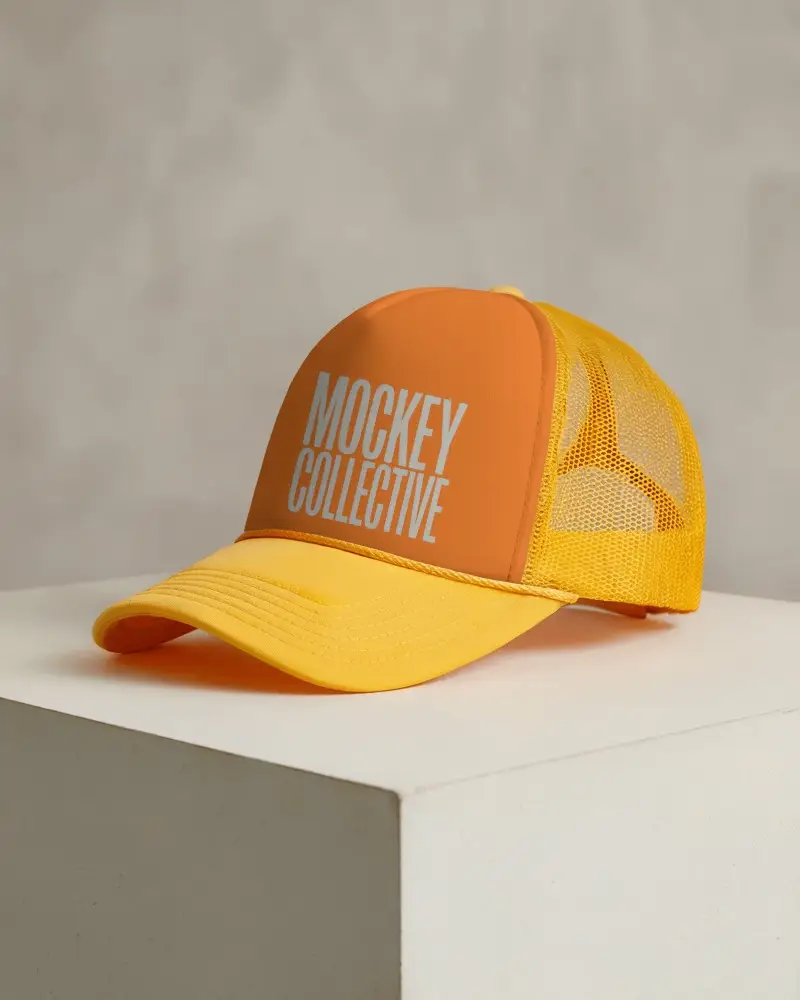
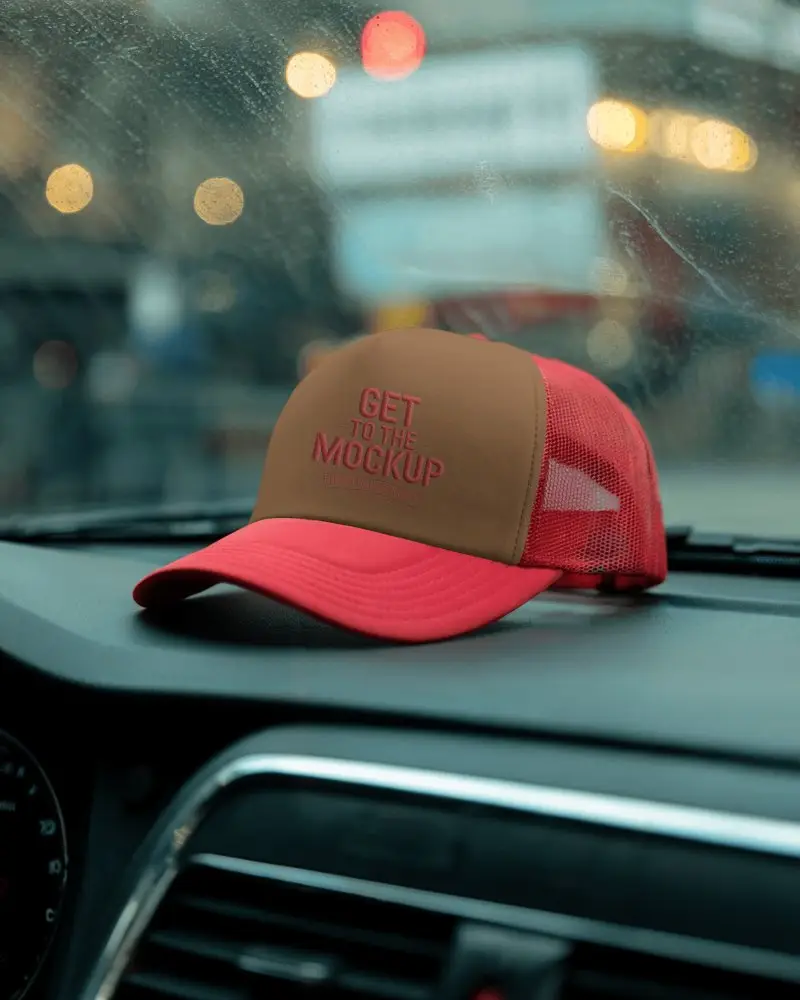


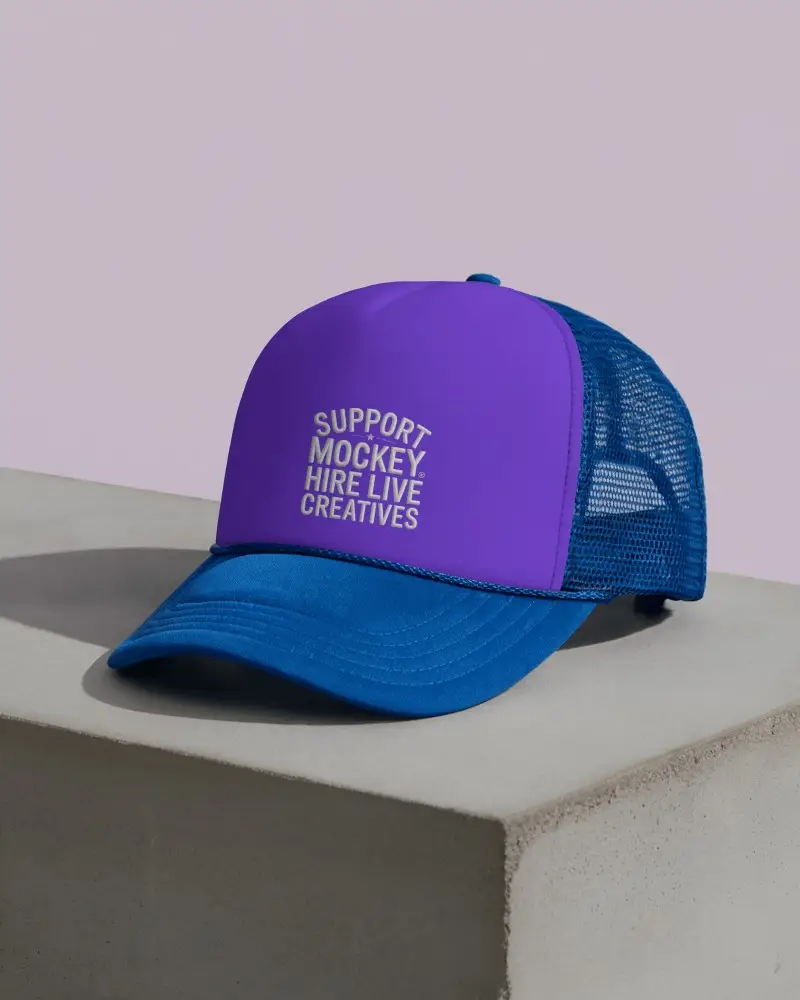

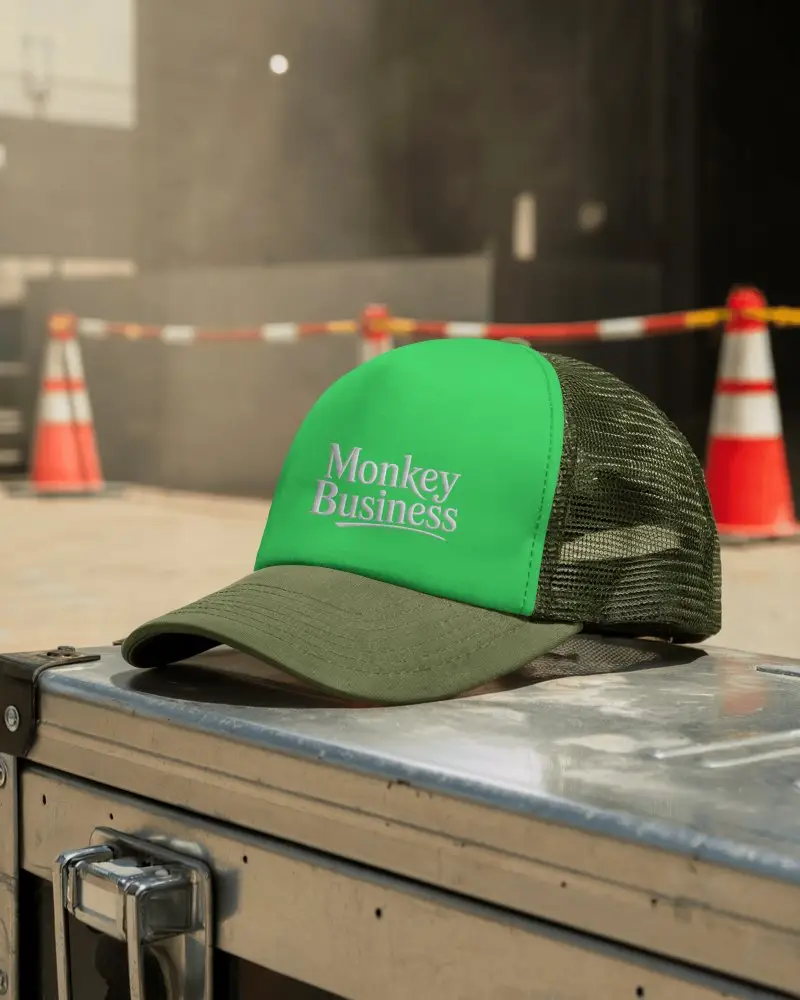



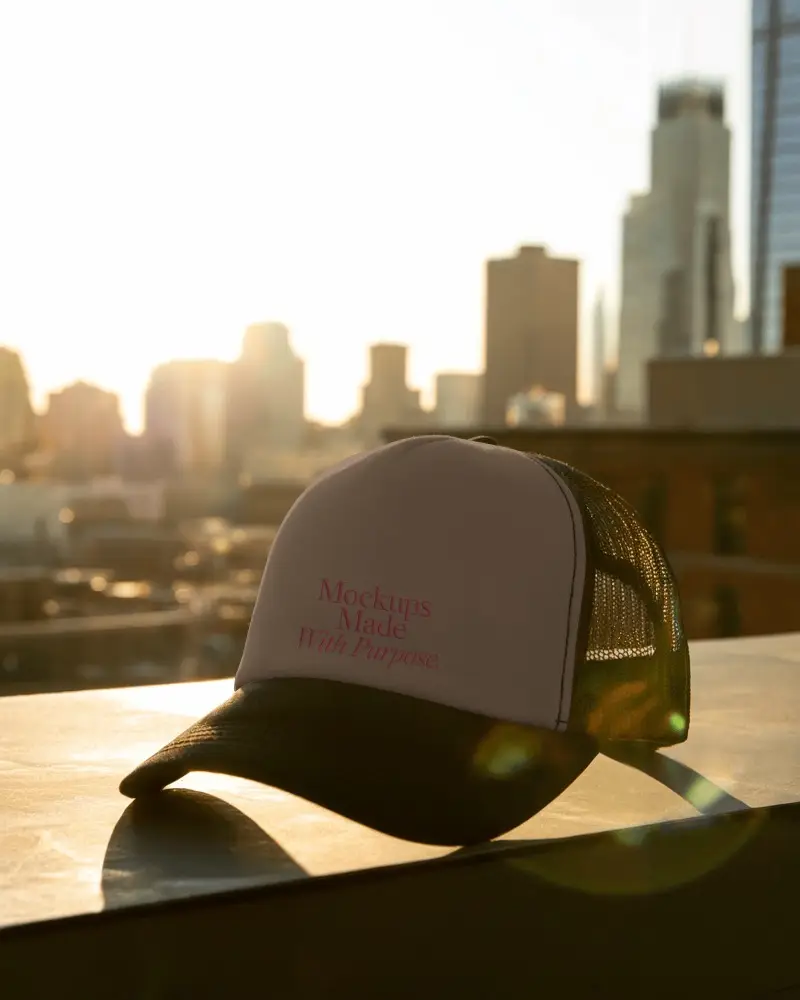



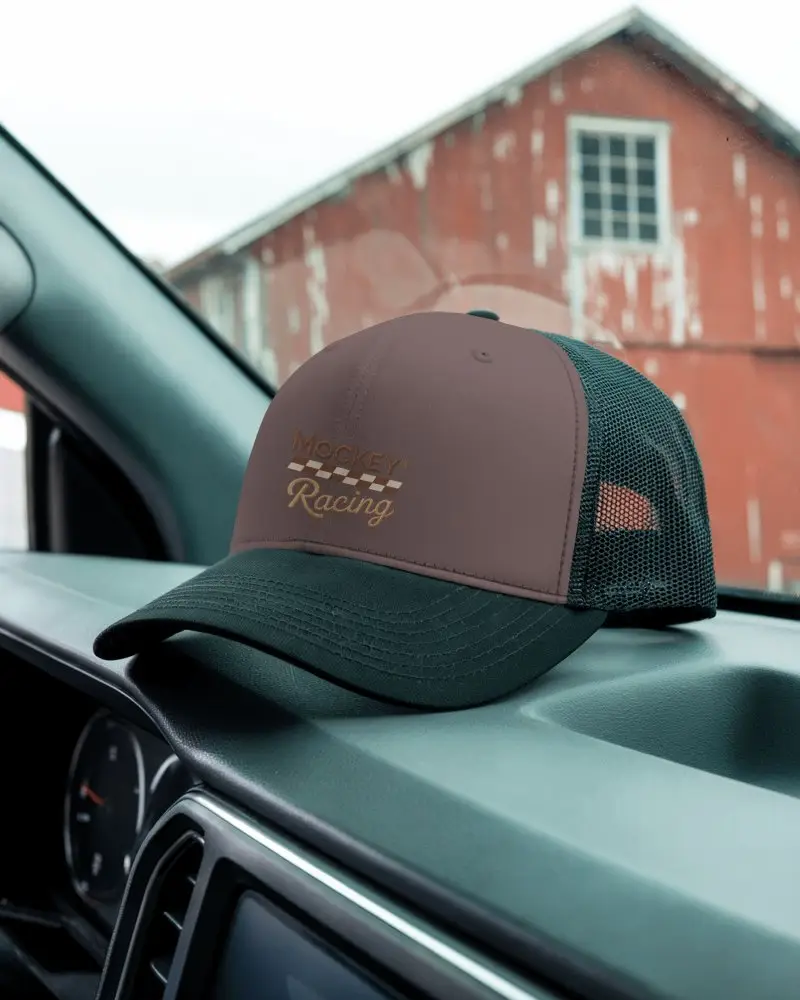




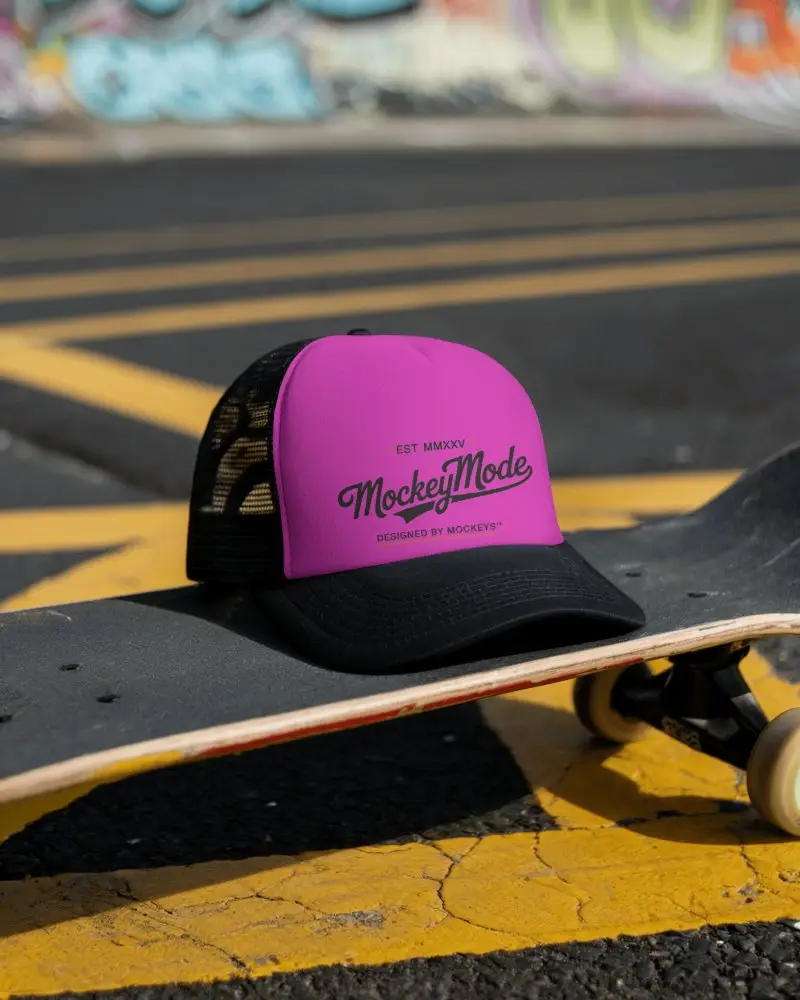
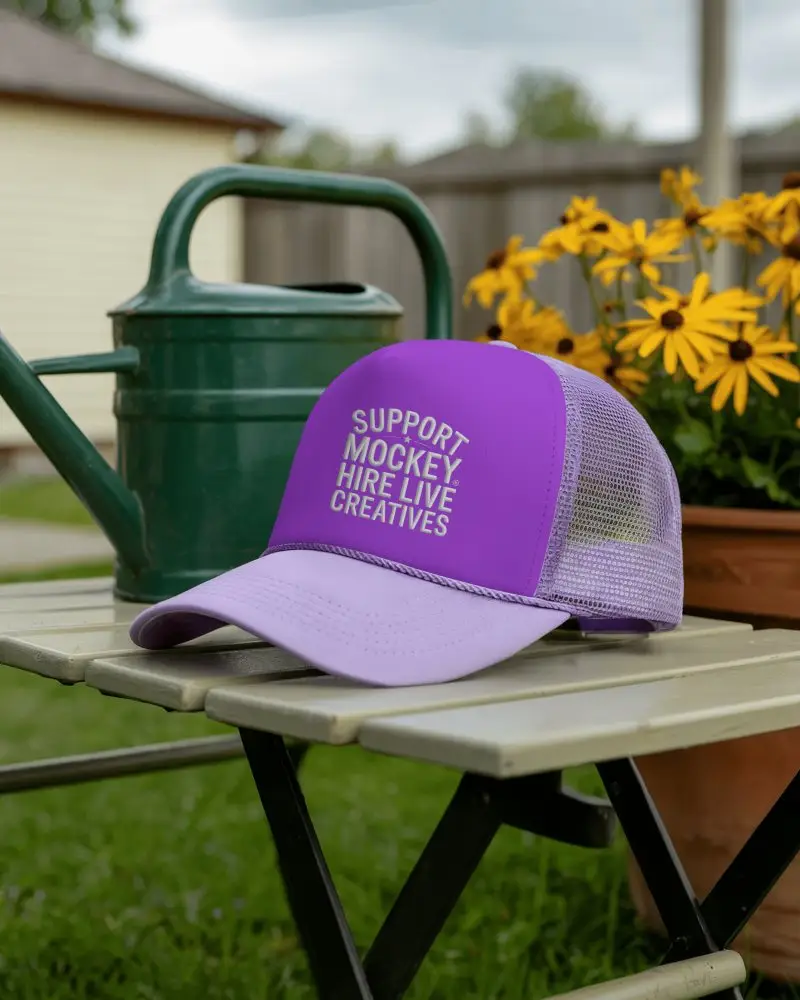

How to Create a Blue Cap Mockup with Mockey
Use these easy steps to create a blue cap mockup in seconds using Mockey AI.
- Step 1: Go to Mockups > Accessories > Cap > blue-cap tag in the menu.
- Step 2: Select your preferred blue cap mockup template.
- Step 3: Click 'Upload Design' to add your logo or artwork.
- Step 4: Change cap color, add a custom background, or keep it transparent.
- Step 5: Download your high-resolution blue cap mockup instantly.


FAQs on Blue Cap Mockups
What is a Blue Cap Mockup?
A blue cap mockup is a pretend picture on a computer. It shows how your logo will look on a blue cap. You don’t need to make a real cap.
How can I create a Blue Cap Mockup?
Open Mockey AI. First, tap on Mockups, then Accessories, then Cap. Pick the blue cap. Press Upload Design to add your logo. You can change the color or background. Finally, tap Download to save it.
Are Blue Cap Mockups free to use?
Mockey AI has blue cap mockups. Some are free and easy, good for fun or small use. If you want nicer ones with more options, you need the Starter, which gives better mockups with extra features.
Can I change the color of the cap in the mockup?
Pick a color or paste any color code to change the blue cap color. Make it look just how you want. Then save the picture in clear and sharp quality.
Do I need design skills to use a cap mockup?
You don’t need to know design to use a blue cap mockup. Mockey is super simple. Even if it’s your first time, you can do it easily without help.
