Black Lanyard Mockup free Download - Lanyard Mockup Templates
Unlock 100+ free Black lanyard mockups online, ready for instant use! Explore Mockey’s premium and free Lanyard mockup templates to showcase your designs in style.
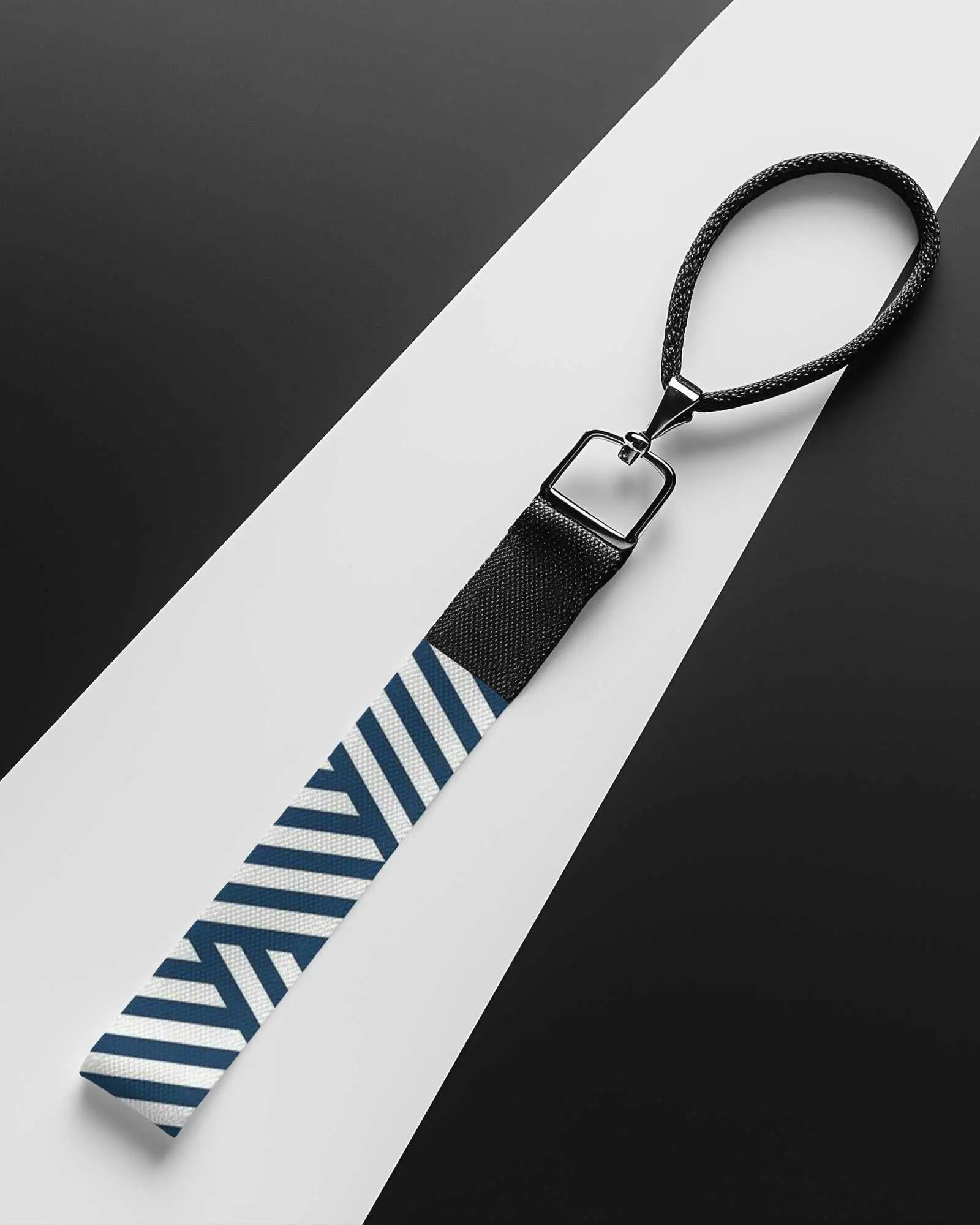
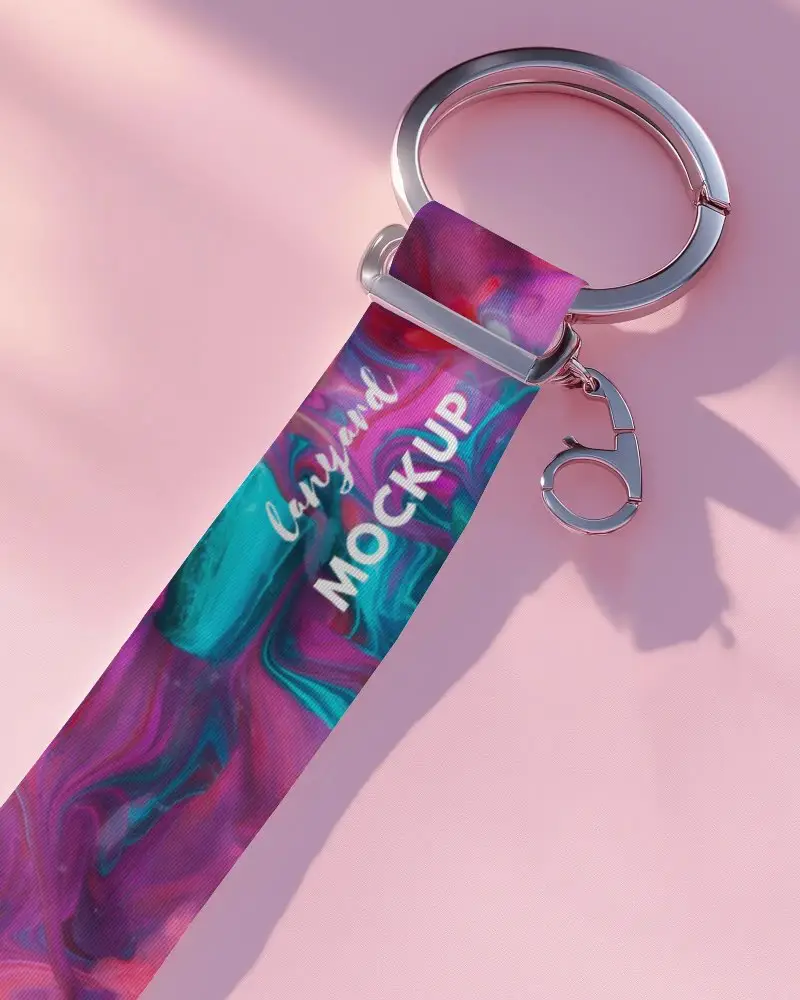
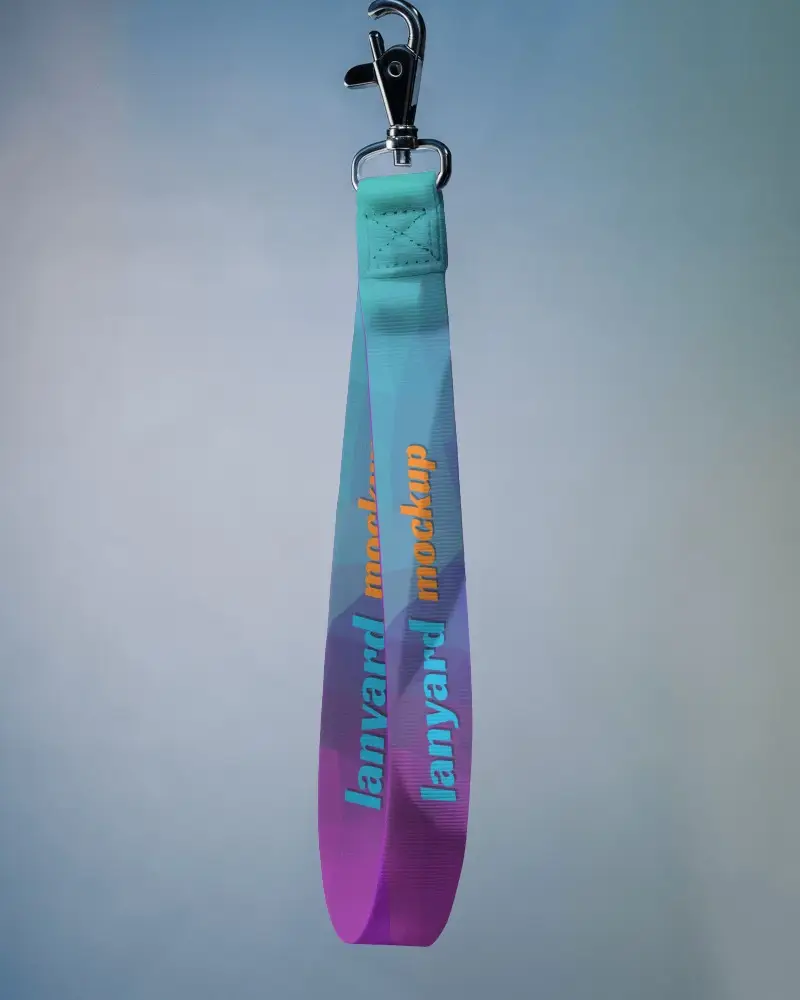
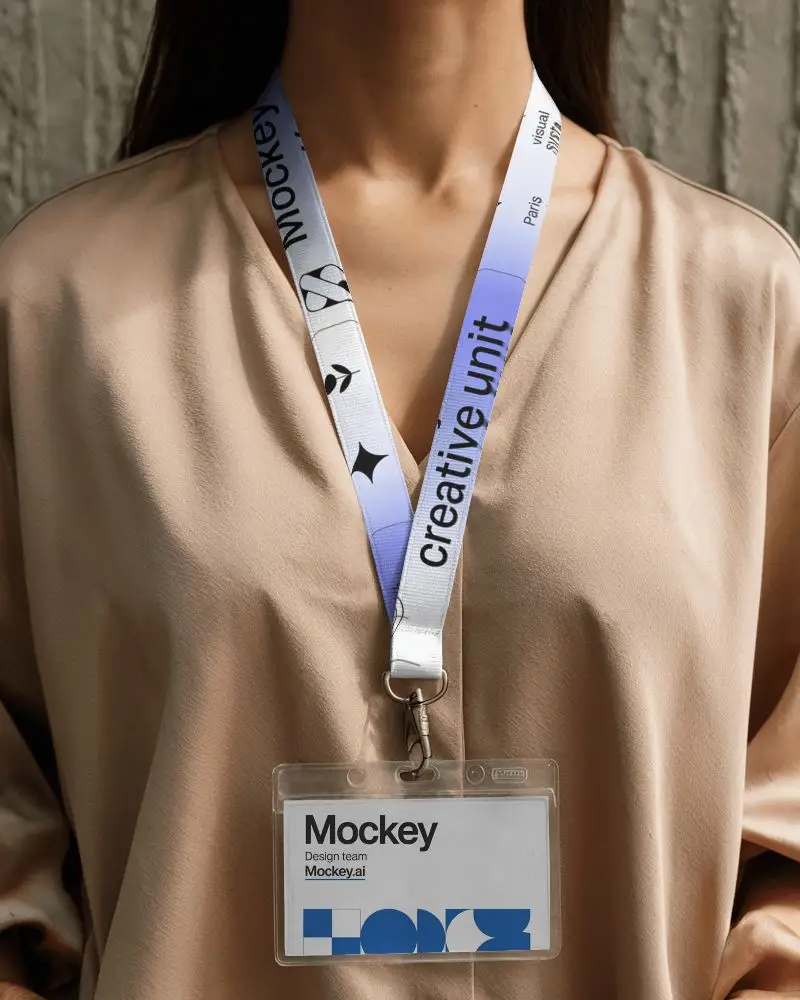
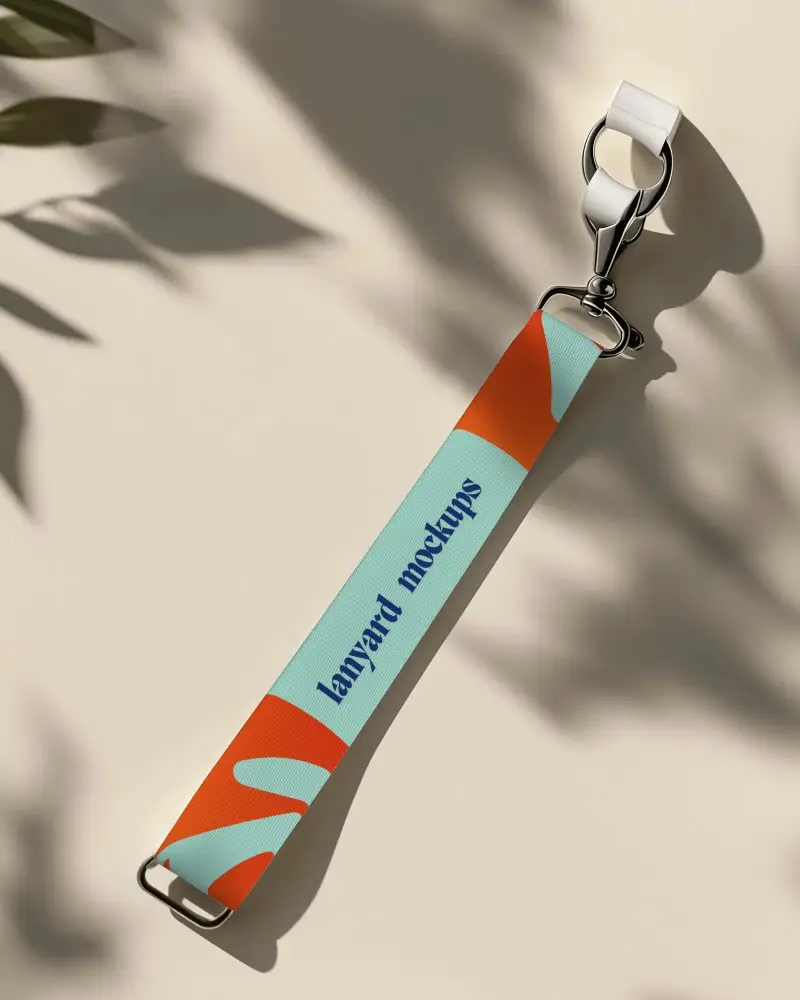
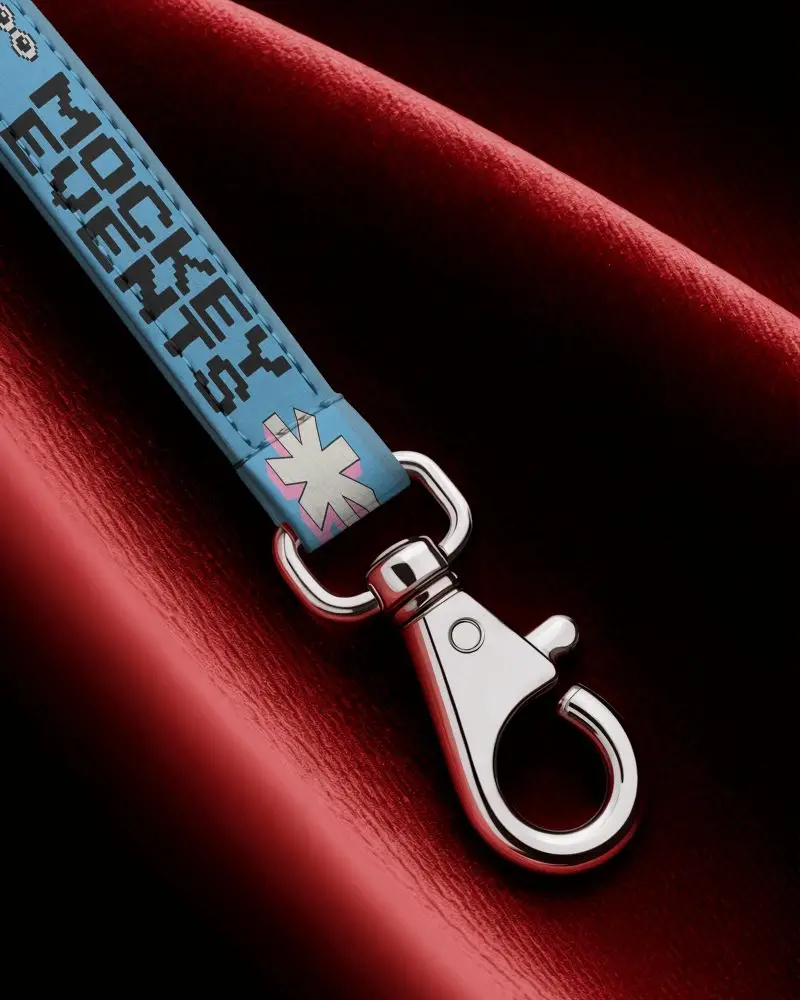
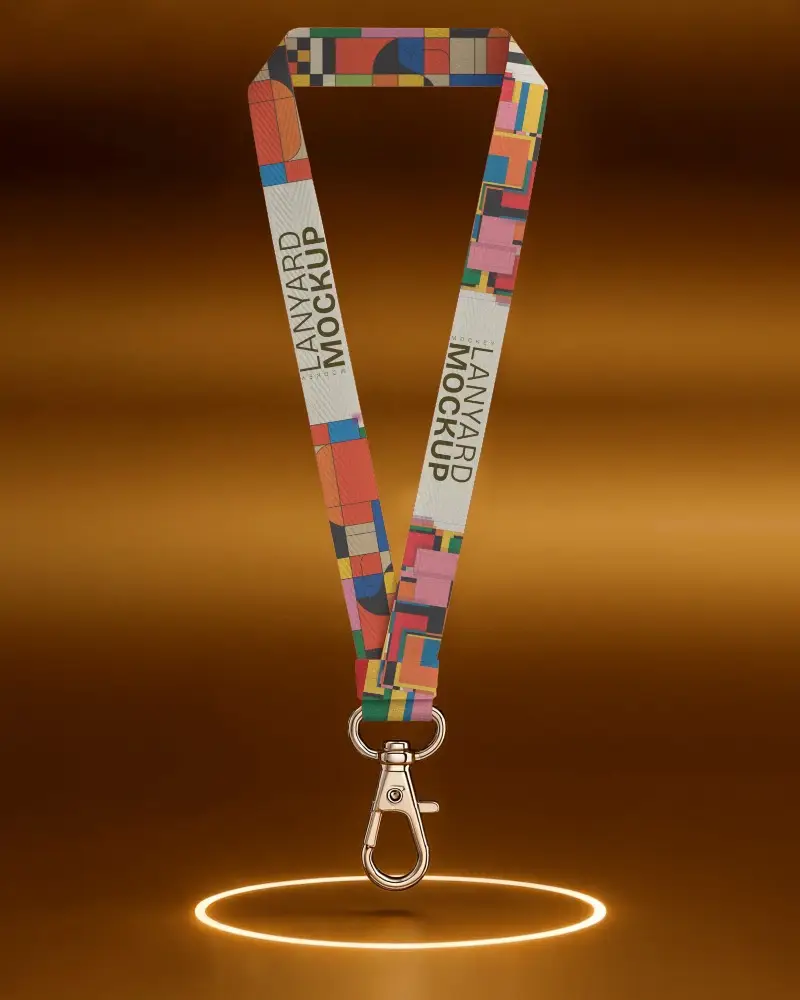
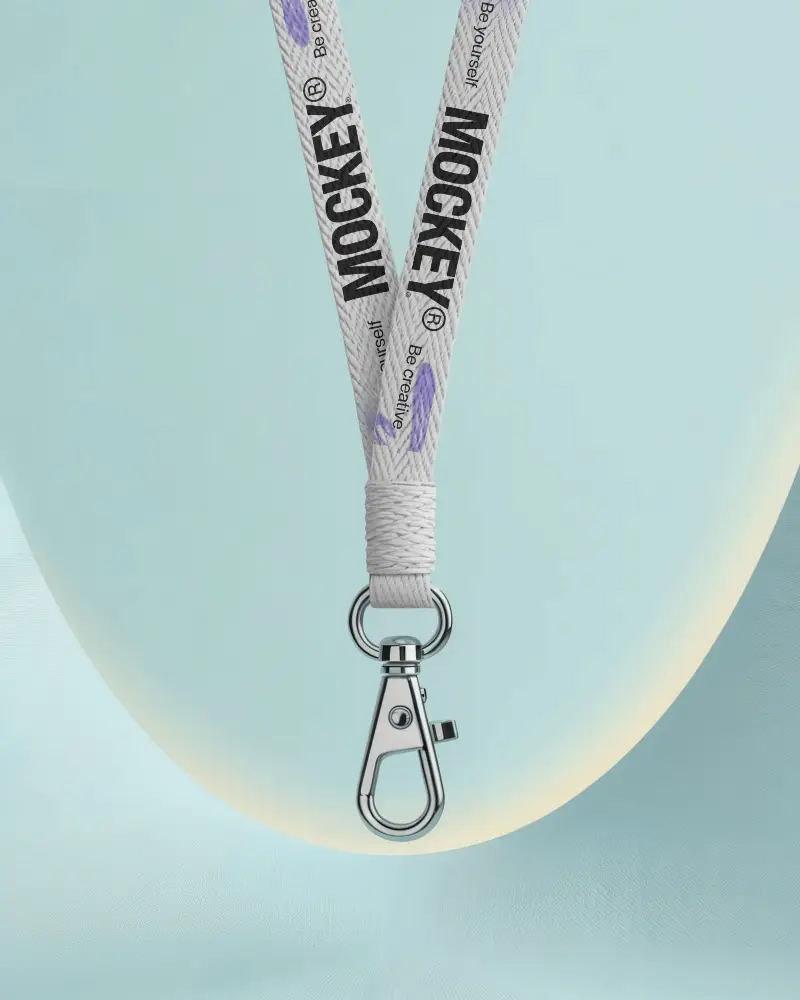
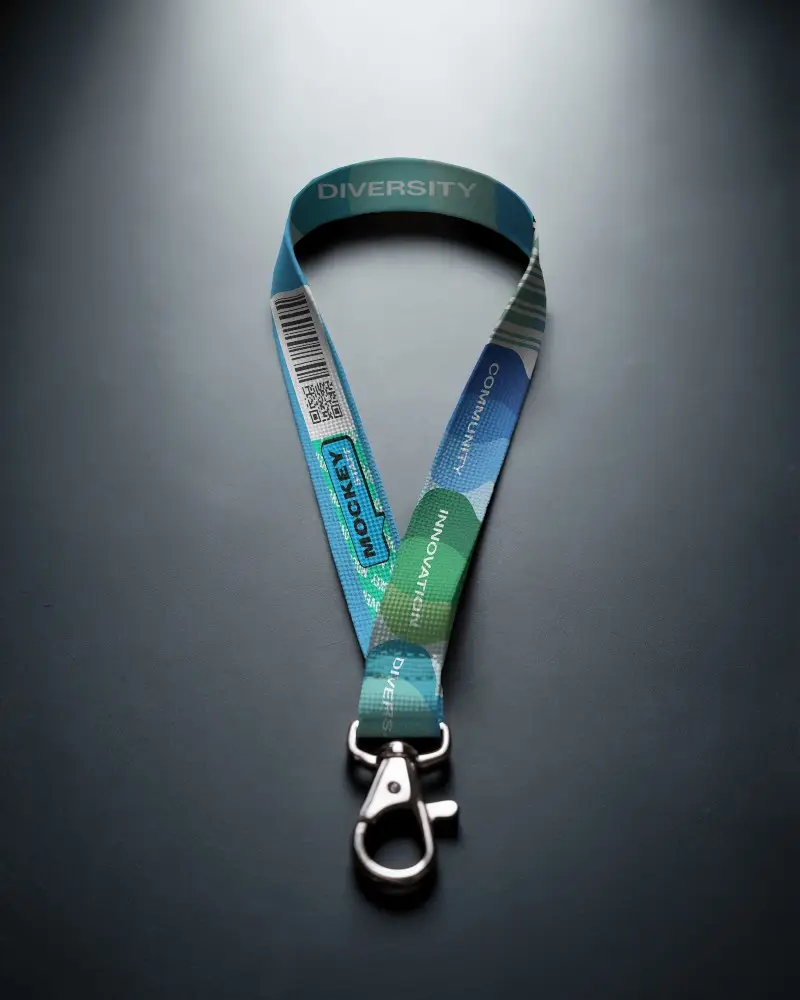
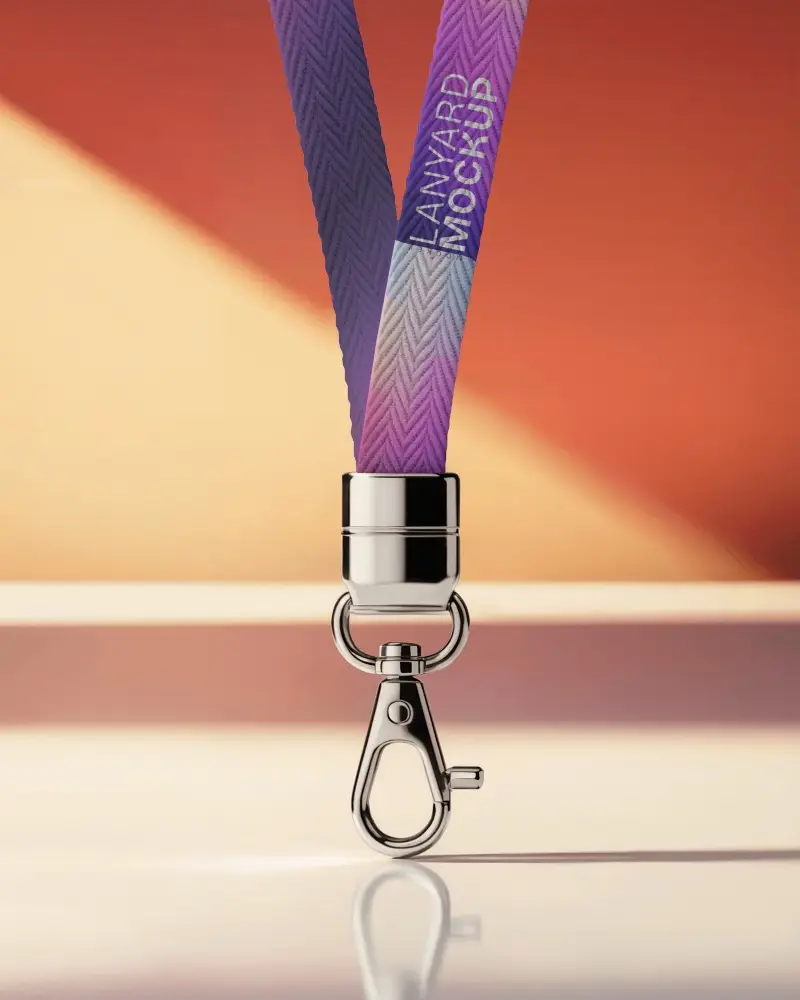
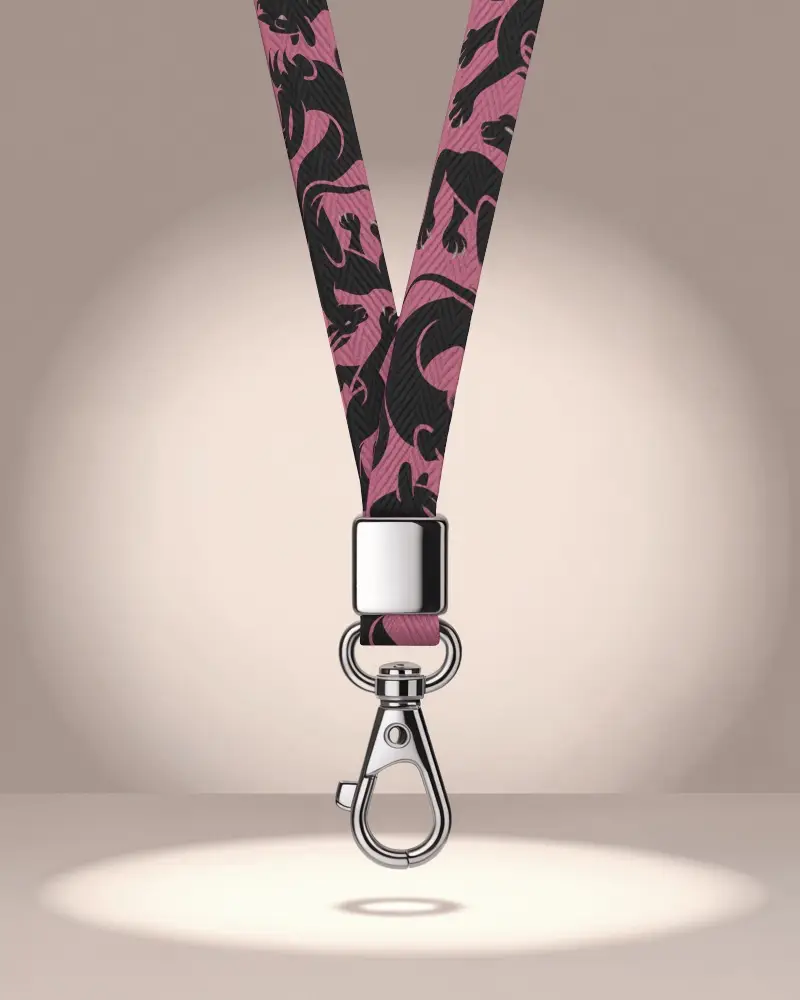
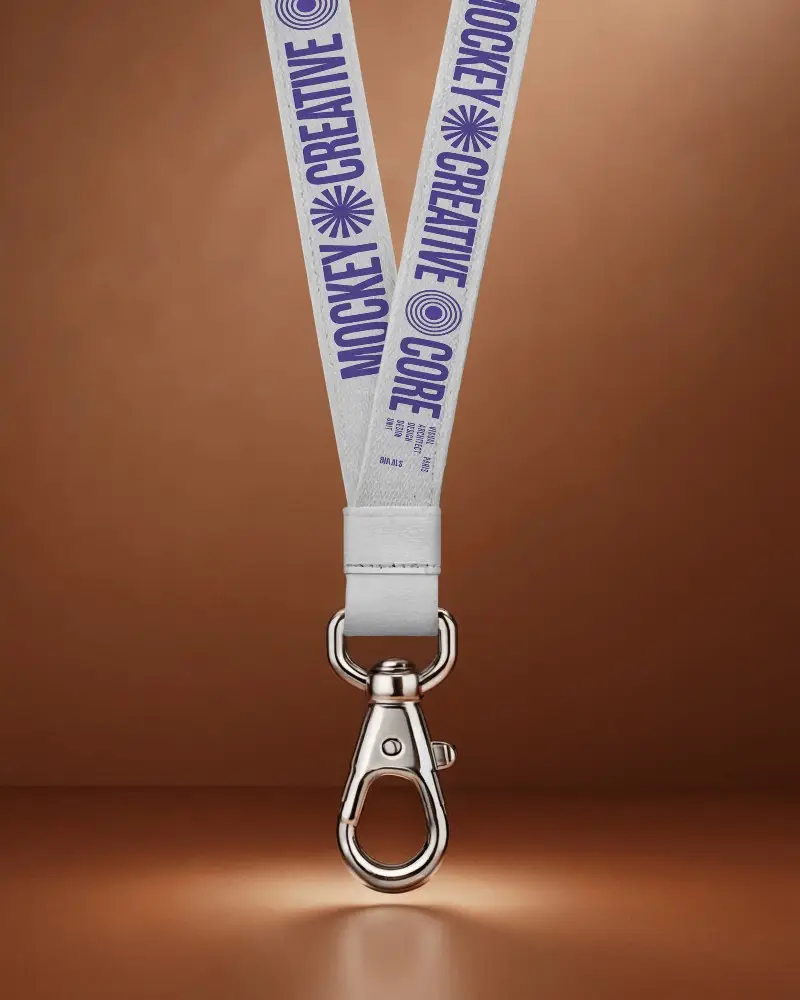
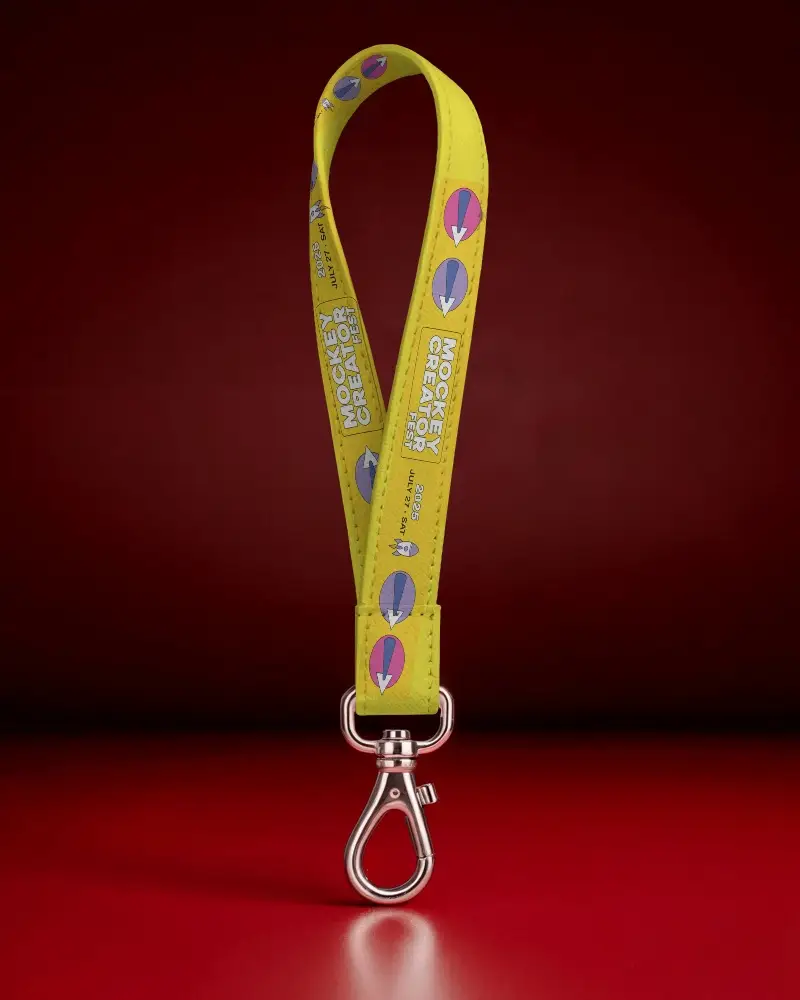
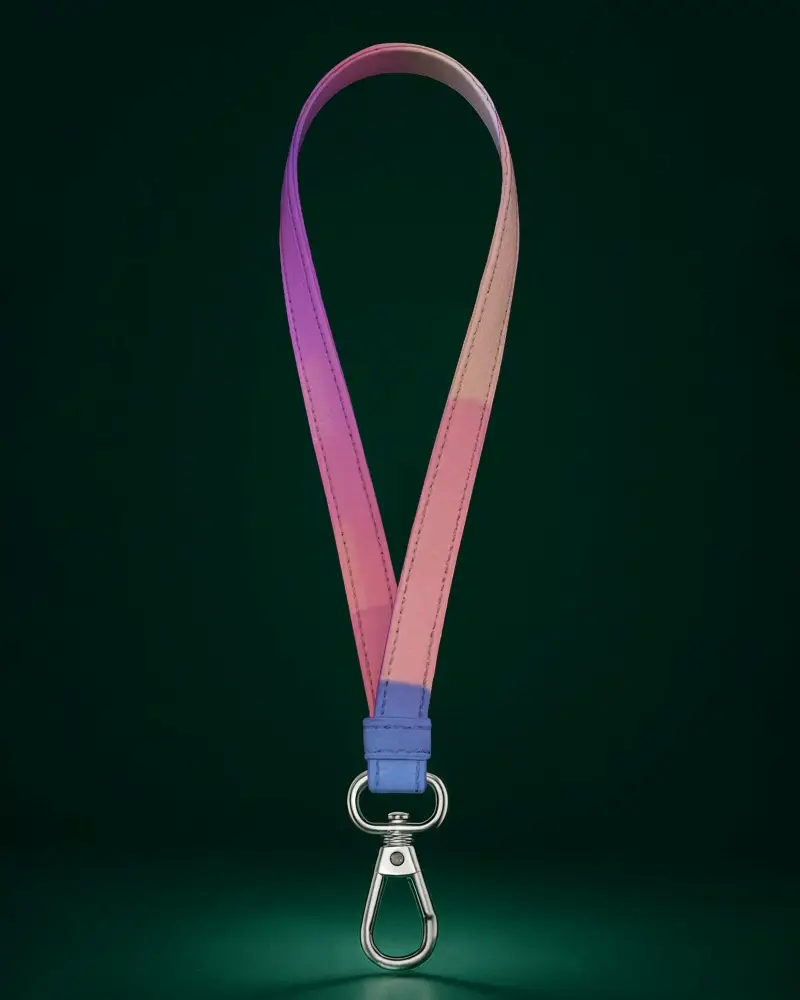
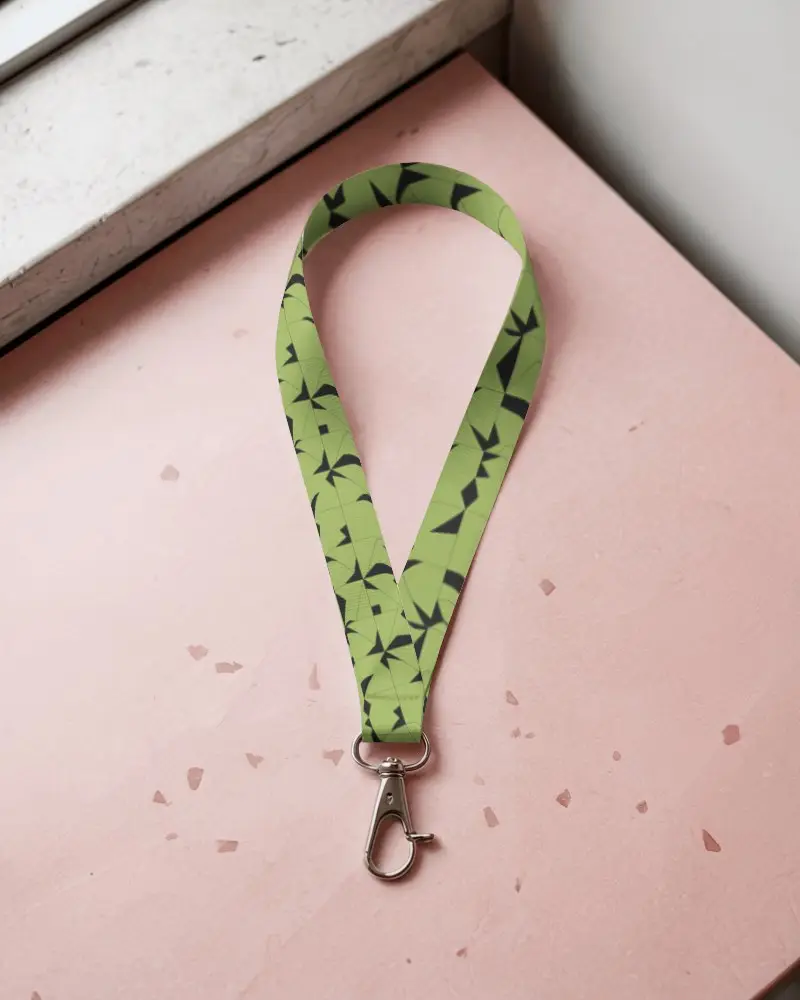
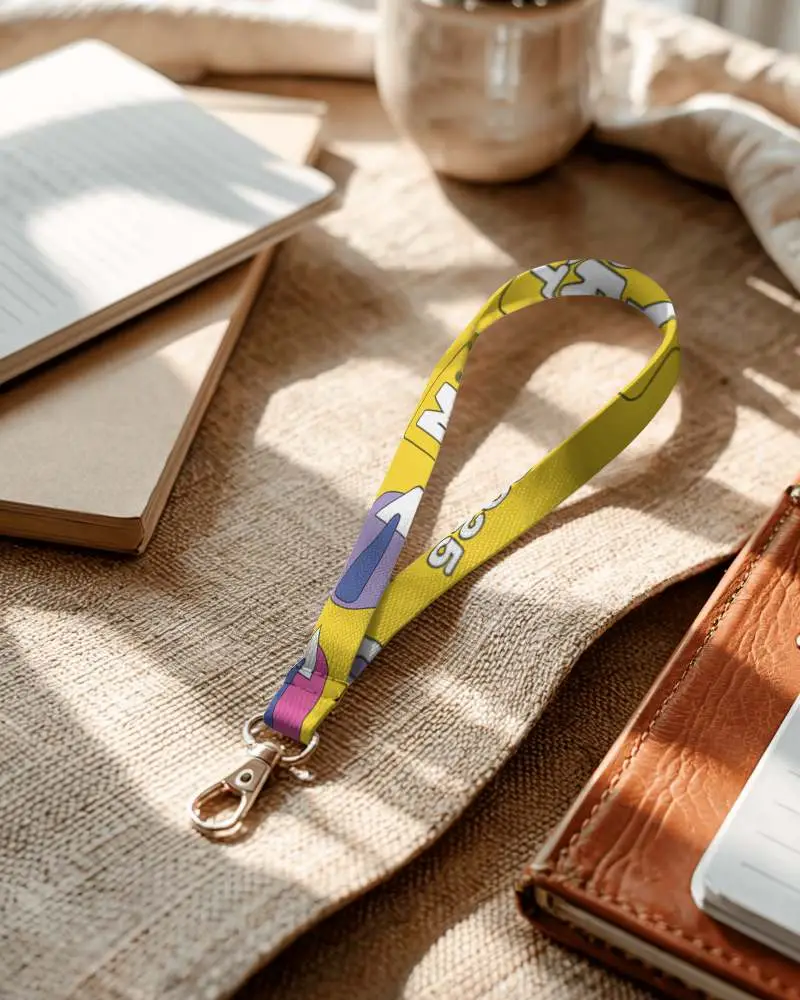
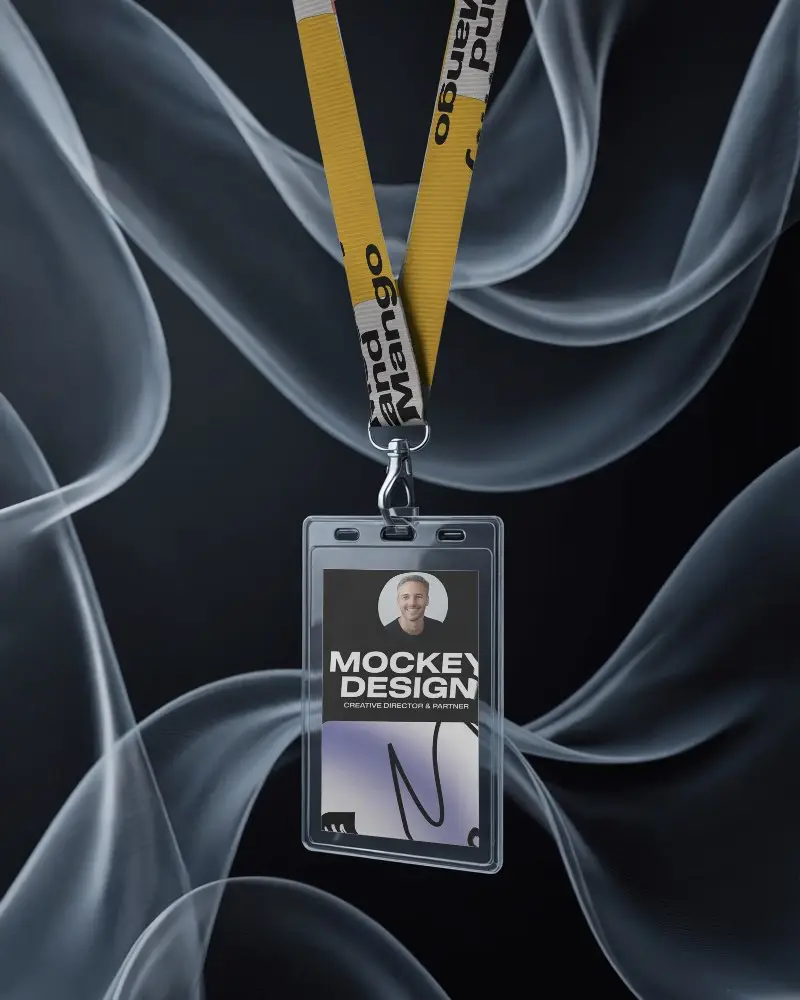
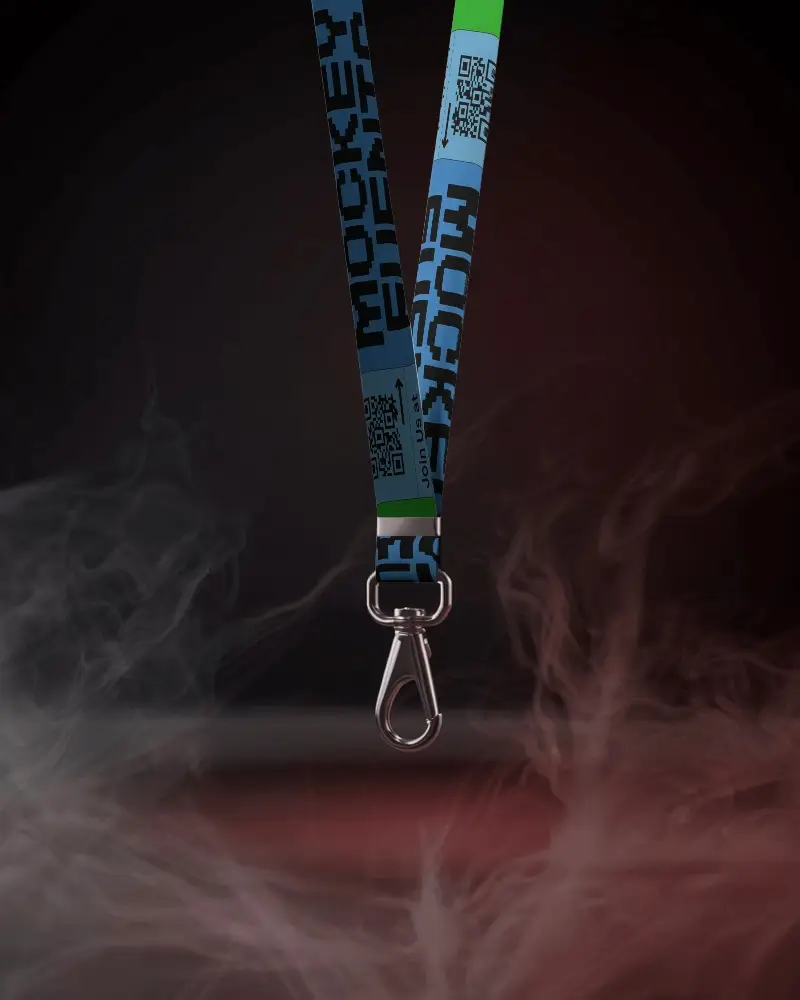

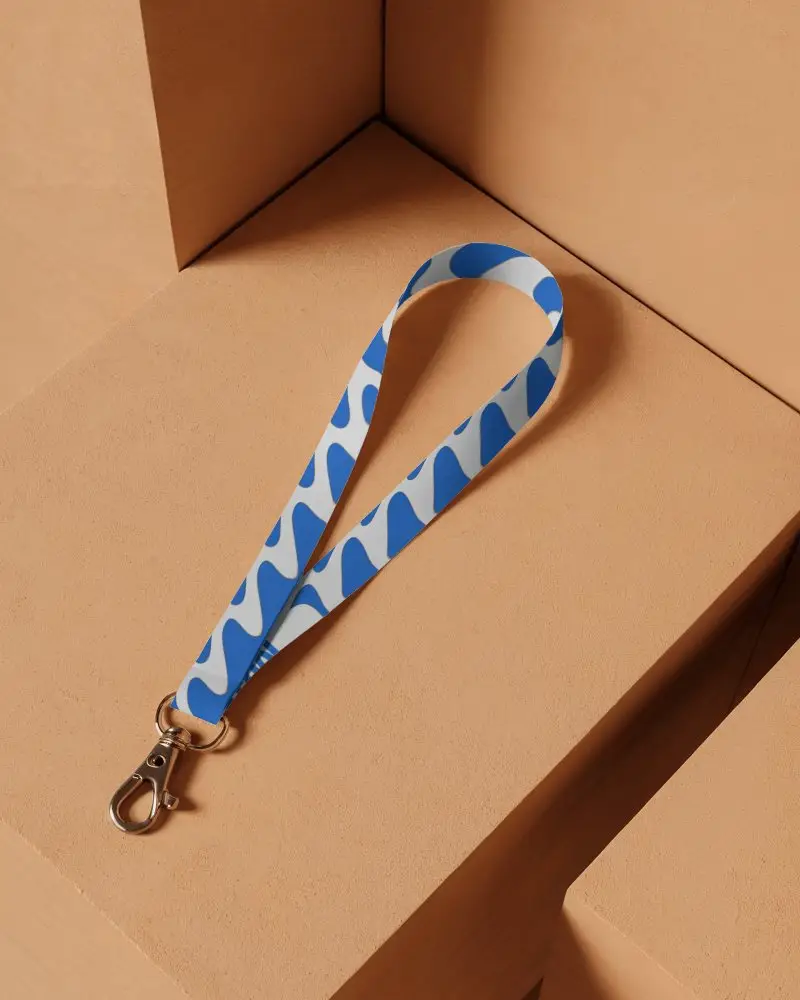
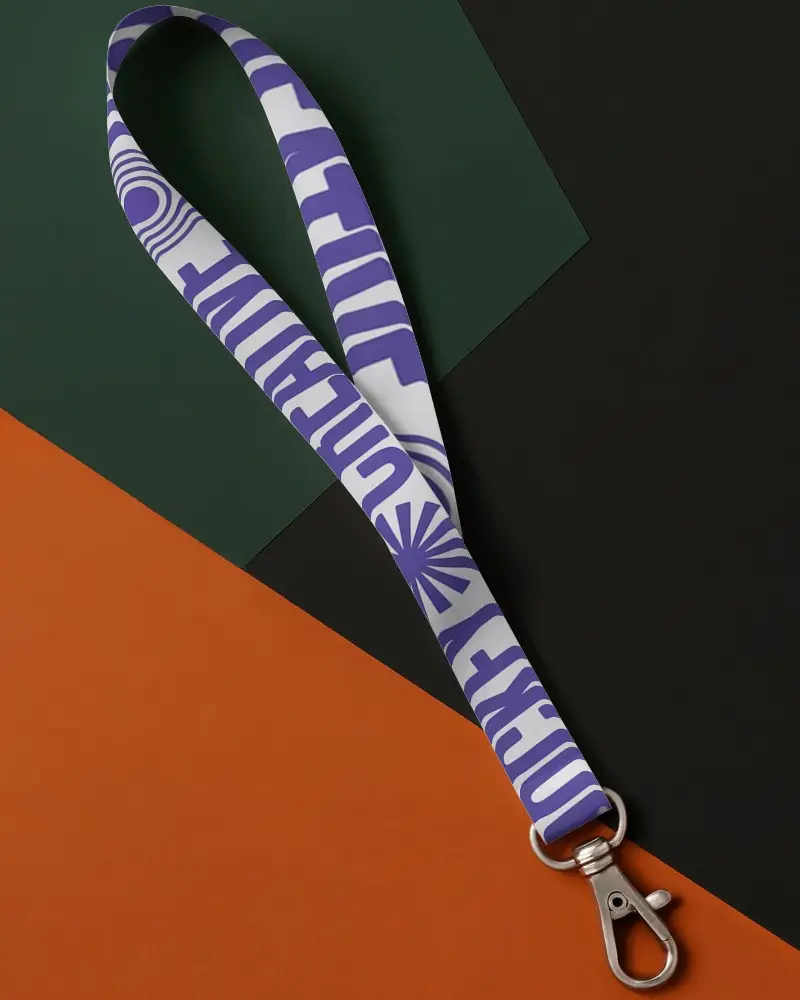
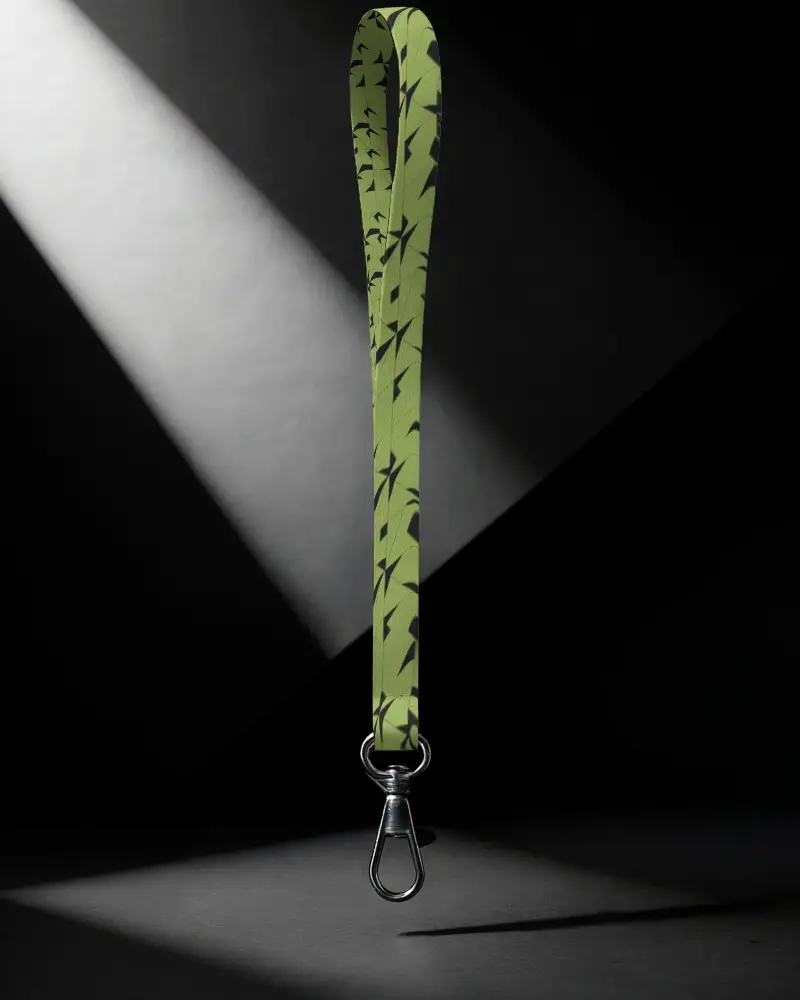
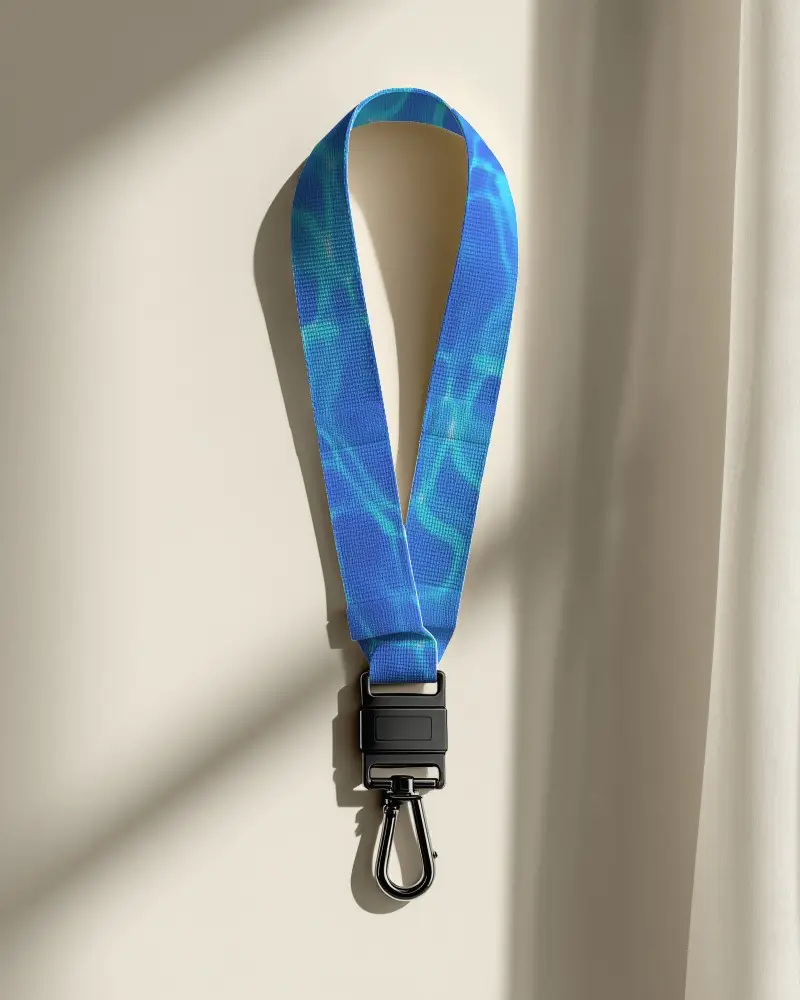
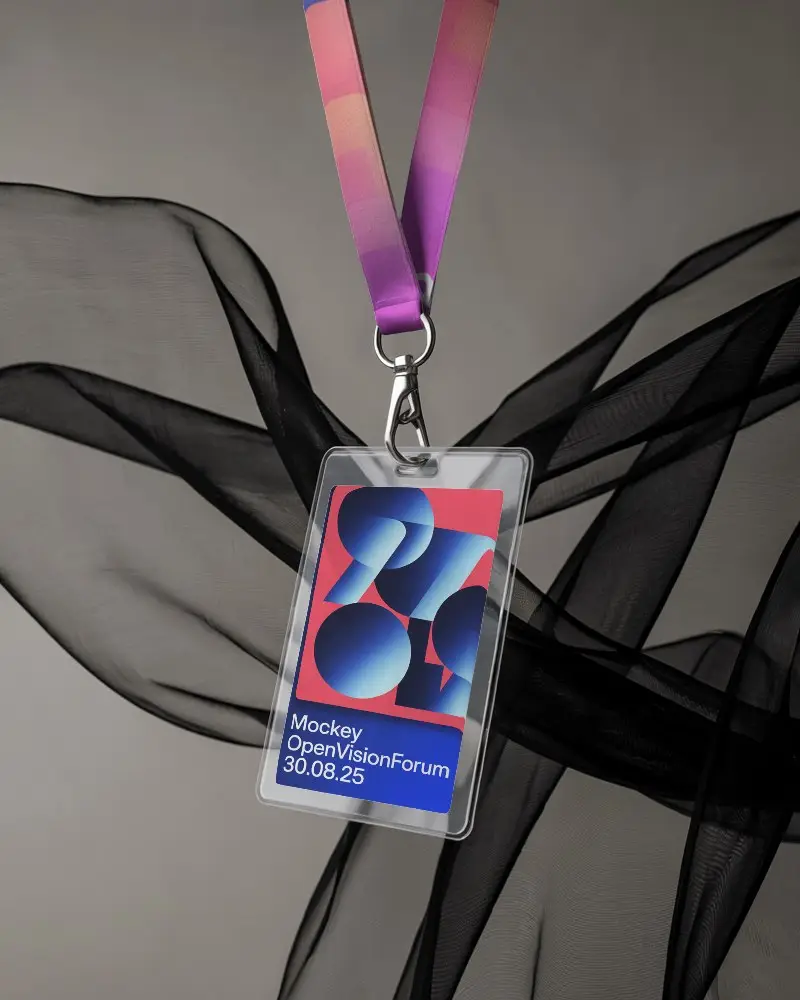
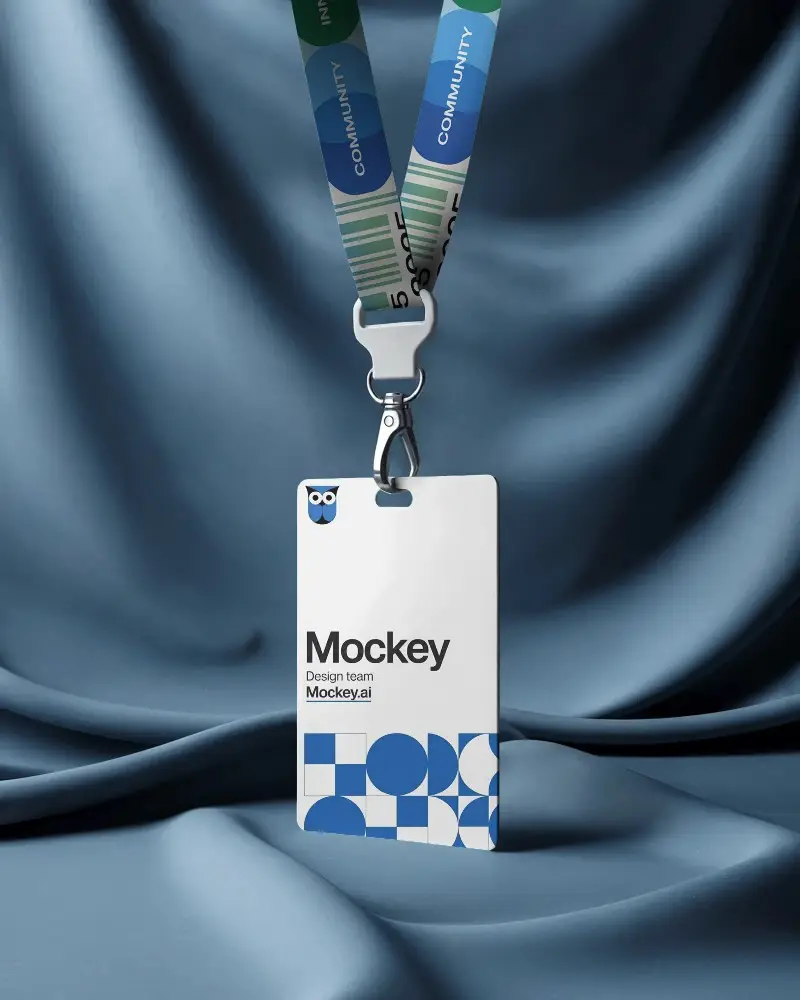
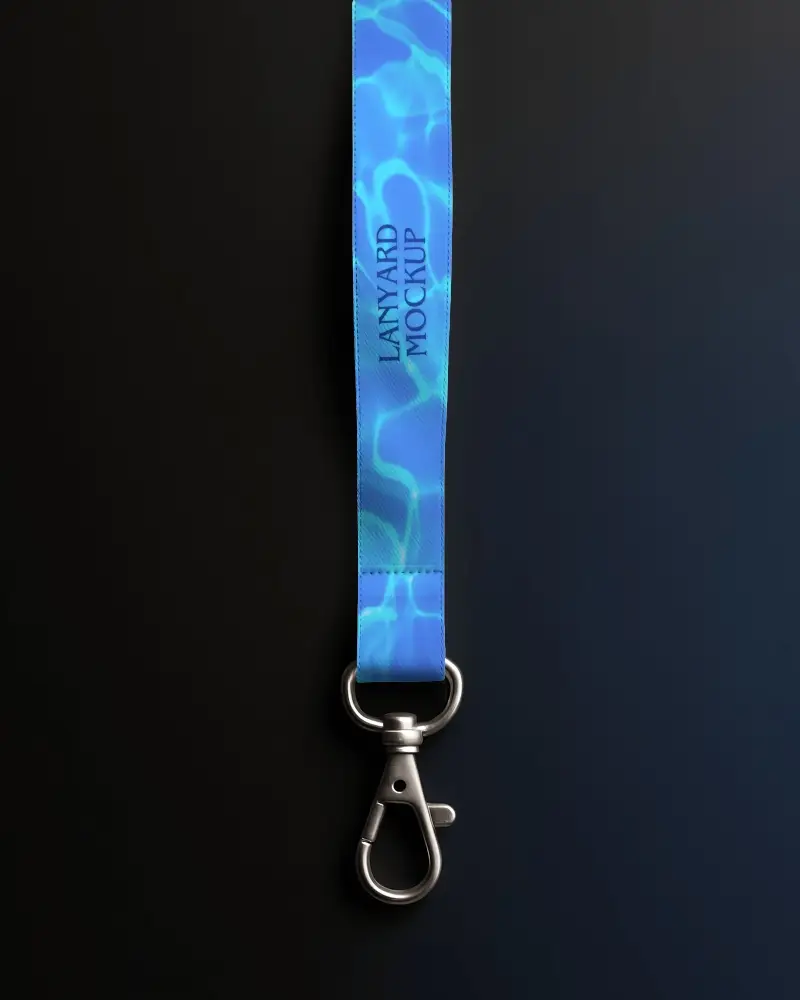
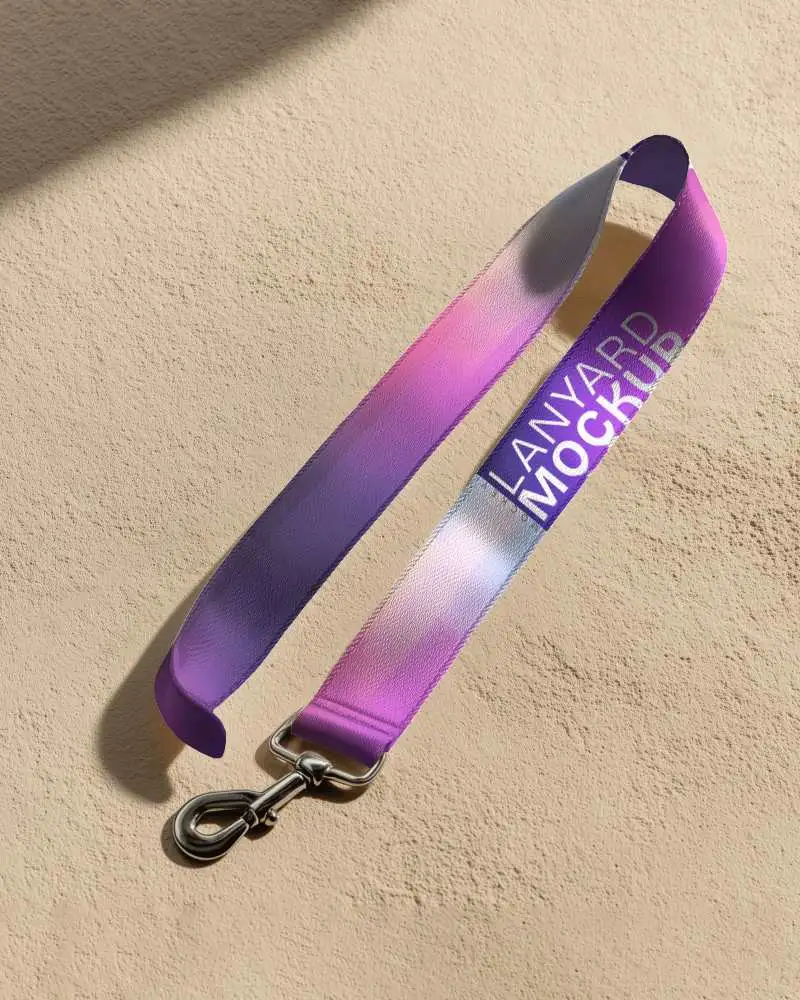
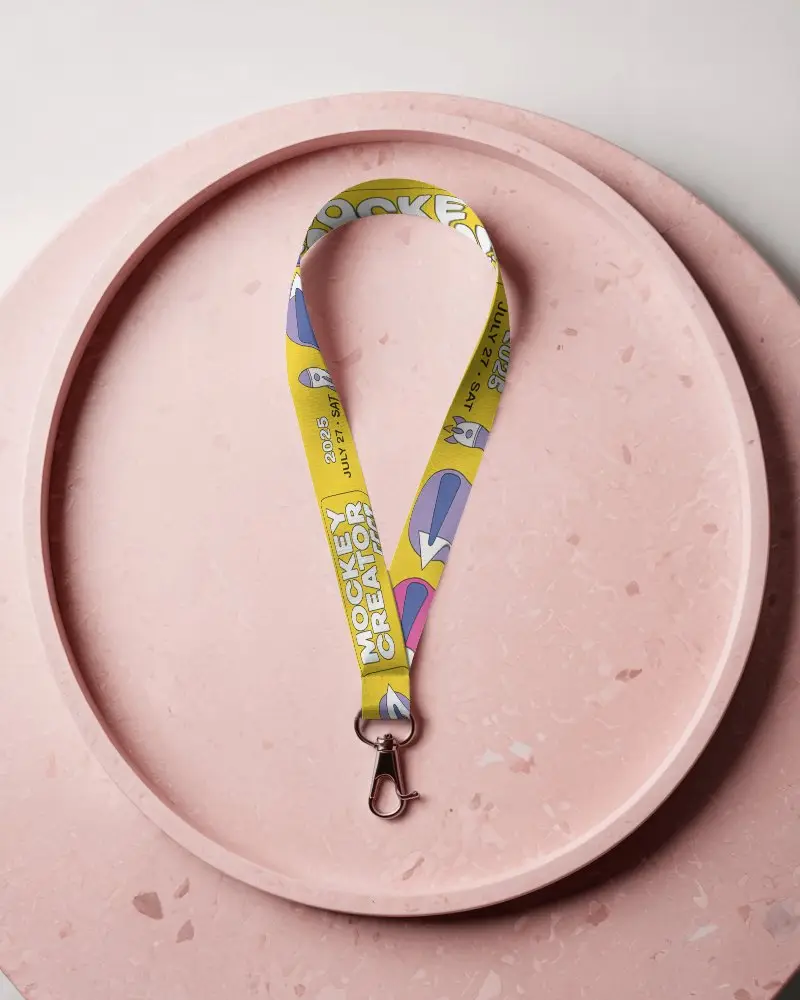
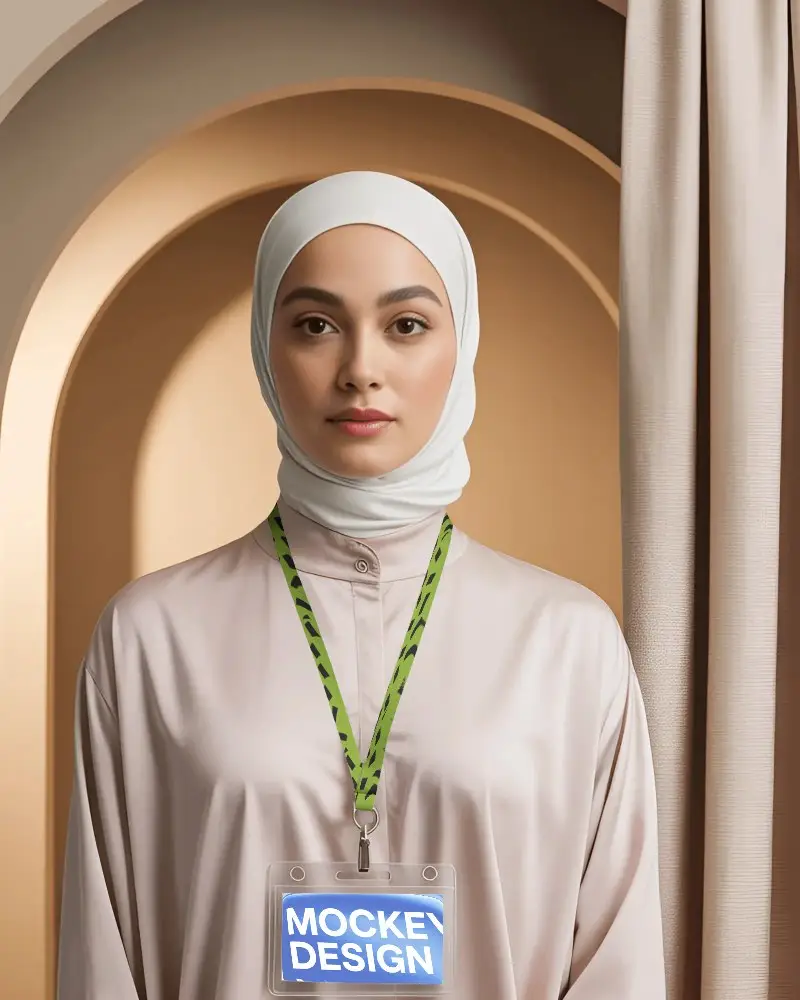
How to Make Black Lanyard Mockup with Mockey
To create a black lanyard mockup in Mockey AI:
- Step 1: Sign up on Mockey and follow: Mockups > Print > Lanyard > Black Lanyard.
- Step 2: Choose a black lanyard template and upload your logo or design in JPG or PNG format.
- Step 3: Customize the size, placement, and background, then download your mockup in high quality.


FAQs on Black Lanyard Mockups
What is a Black Lanyard Mockup?
A Black Lanyard Mockup is a picture that helps show how a design, logo, or brand will look on a black lanyard.
Why Use Mockey’s Black Lanyard Mockup?
Mockey's Black Lanyard Mockup is easy to use, lets you change colors, and helps make sure everything fits the brand’s style perfectly before making it real.
Is this Black Lanyard Mockup Free?
Mockey AI gives you a free black lanyard mockup that you can easily download. Just sign up, pick a template, add your design, and get your mockup with no cost or watermark.
Are Mockey’s Black lanyard mockups suitable for commercial use?
Mockey's black lanyard mockups are best for commercial use, showing in ads, and sharing on social media.
Can I add a logo to my Black lanyard mockup on Mockey?
You can add your logo by hitting the Upload Design button in Mockey AI. Just make sure your file is in JPG or PNG format before uploading.
Is there customer support available for Mockey’s Black lanyard mockup tool?
Mockey’s Black Lanyard Mockup tool has customer support available. You can get support by sending an email or filling out a form on the website to ask for assistance.
Why create a Black Lanyard mockup?
Creating a Black Lanyard mockup is perfect for promotions, marketing, and sharing on social media or portfolios to attract attention.
