Badge Lanyard Mockup free Download - Lanyard Mockup Templates
Unlock 100+ free Badge lanyard mockups online, ready for instant use! Explore Mockey’s premium and free Lanyard mockup templates to showcase your designs in style.
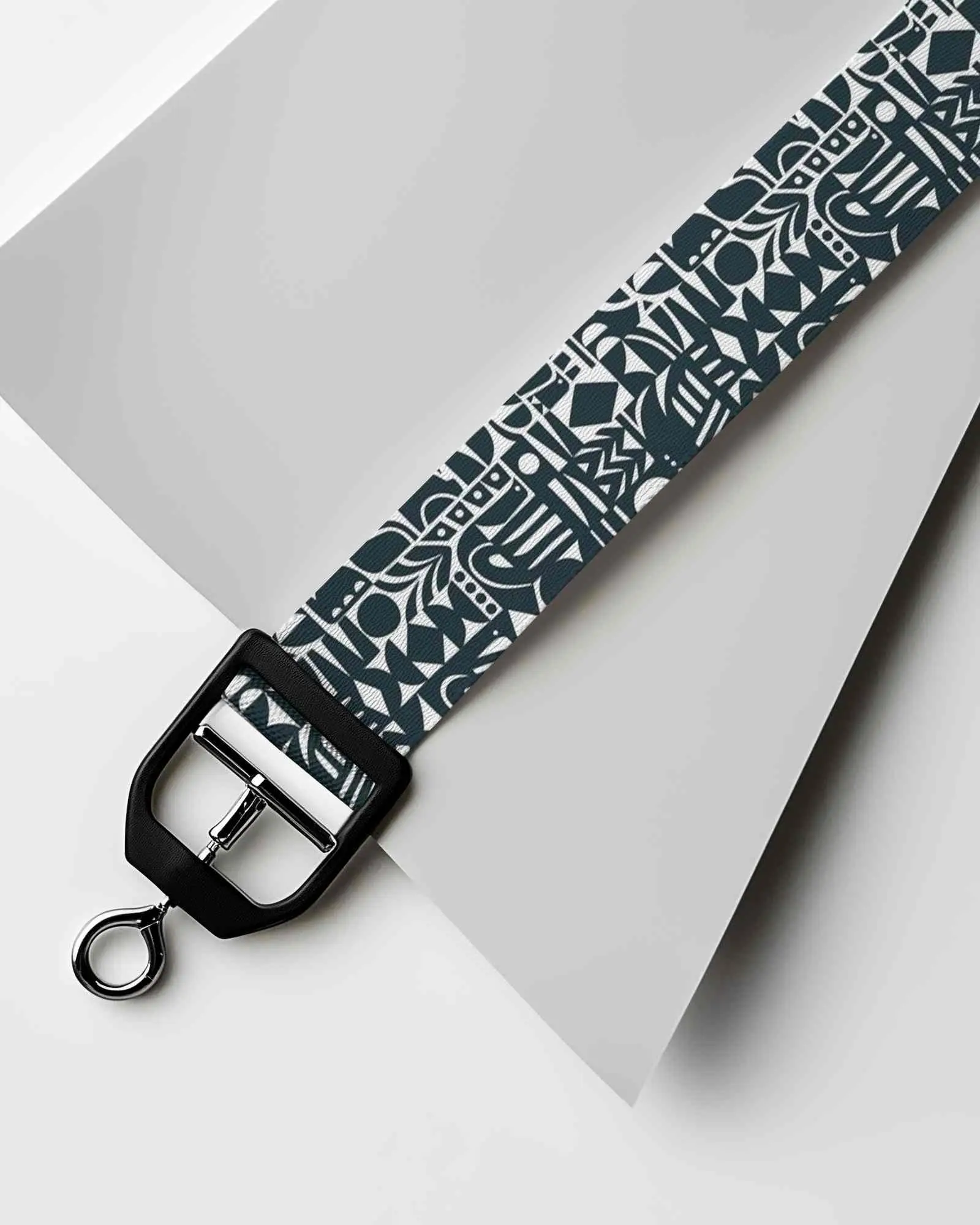
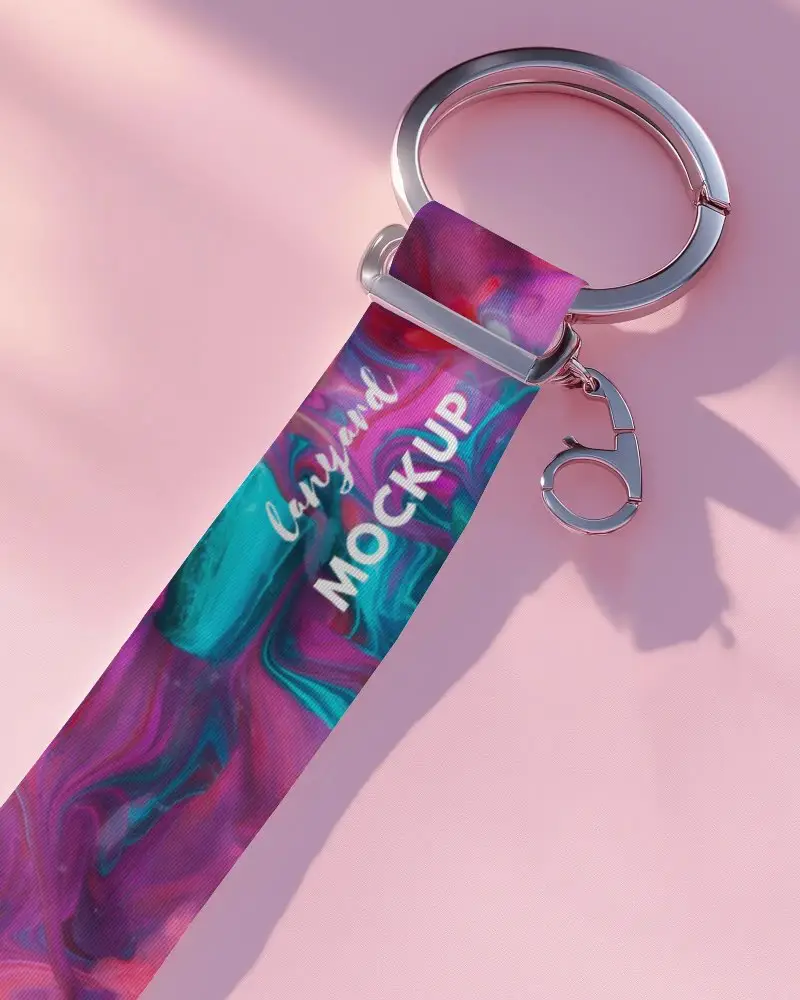
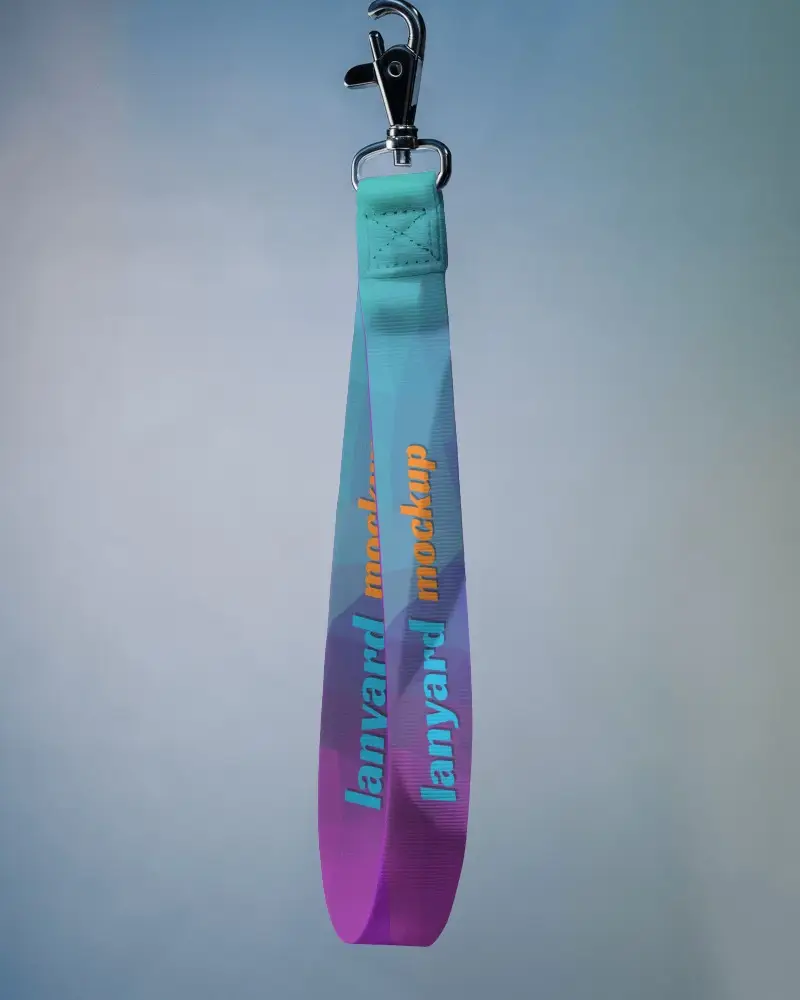
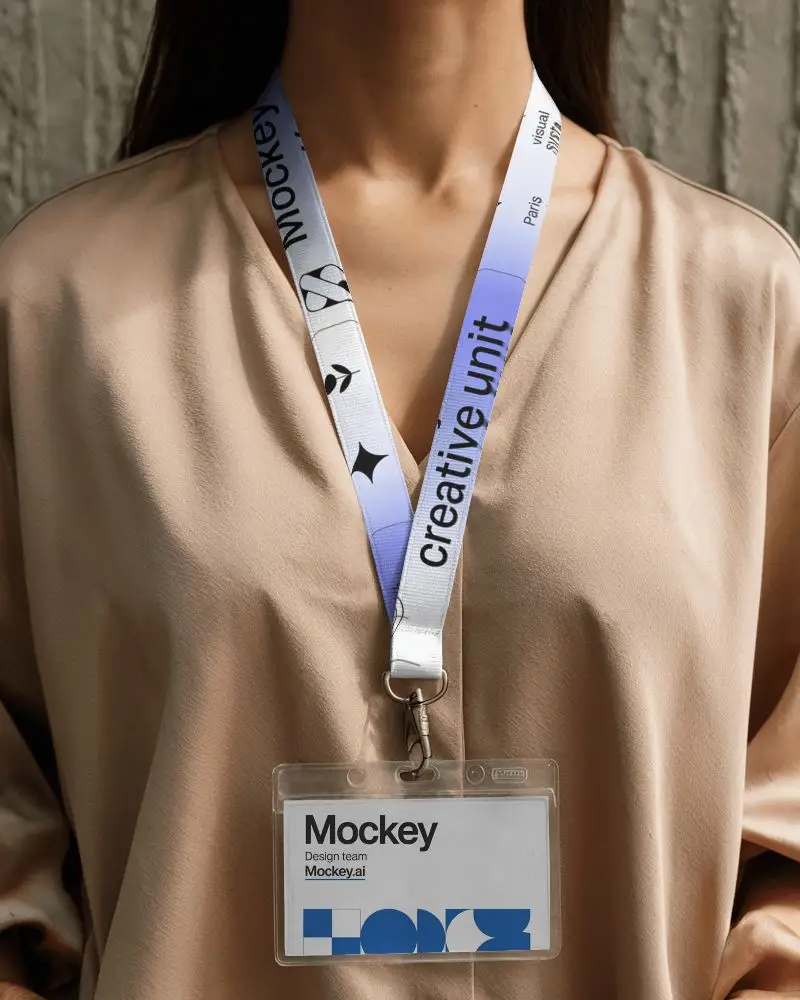
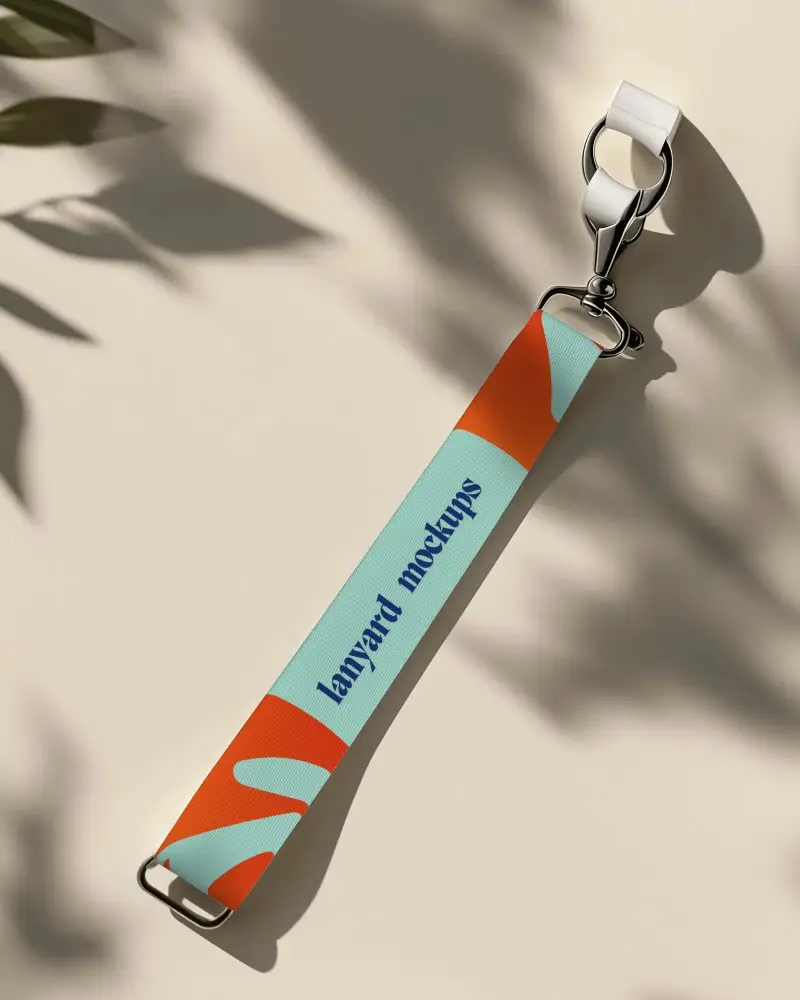
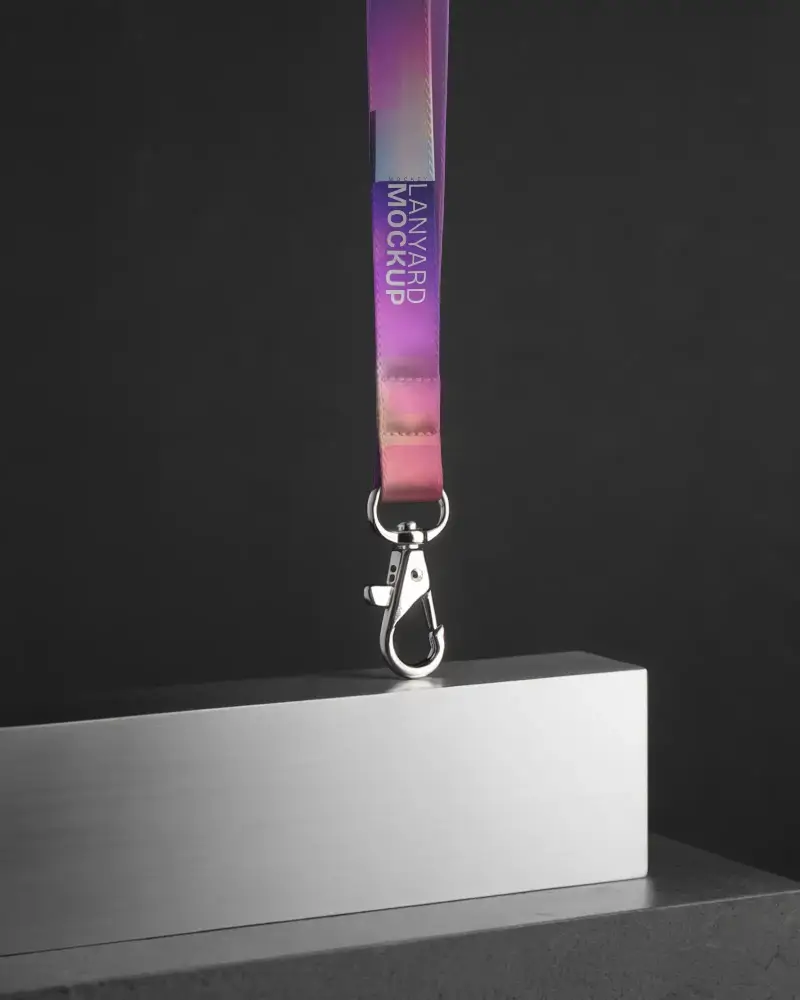
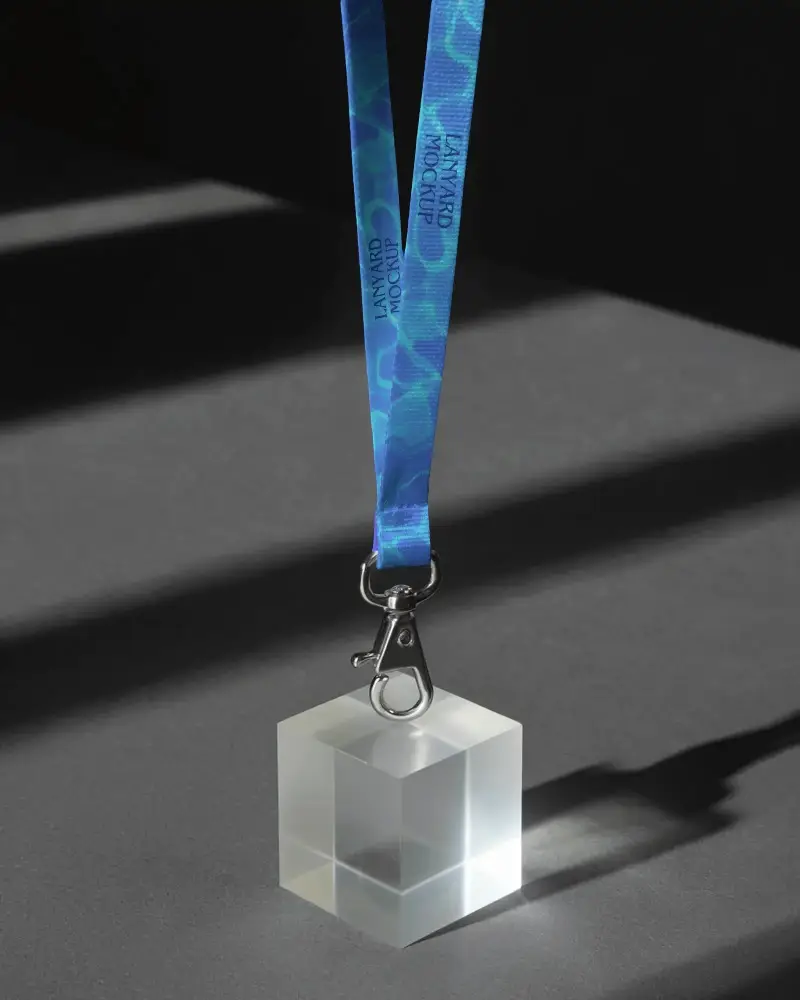
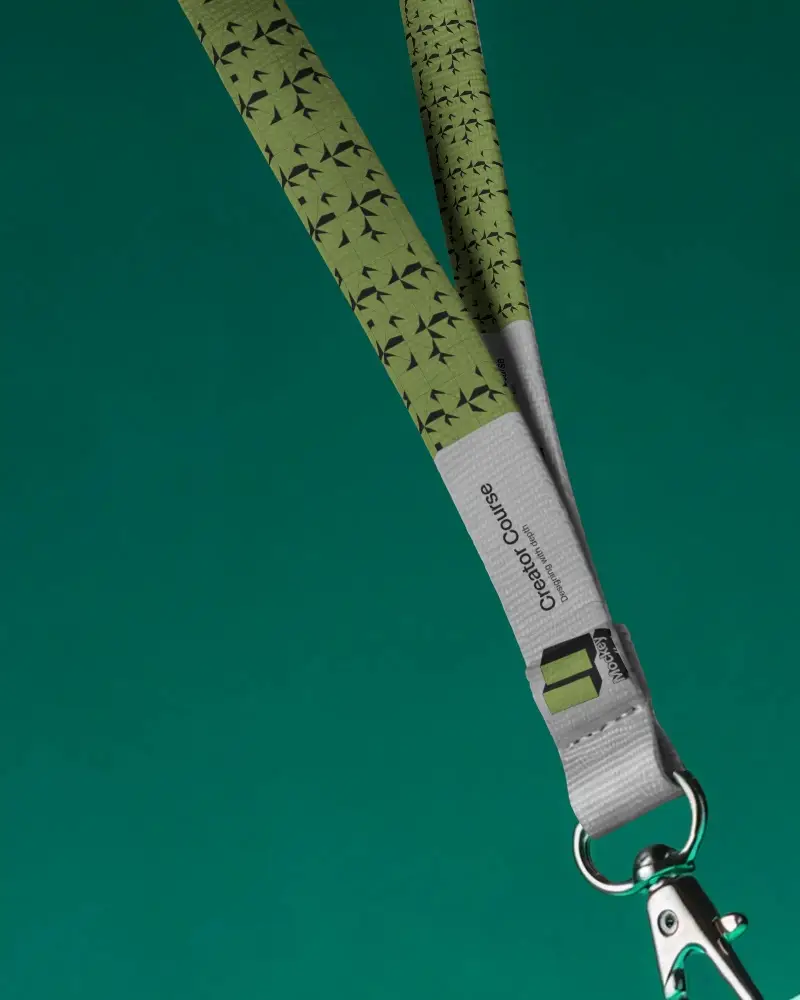
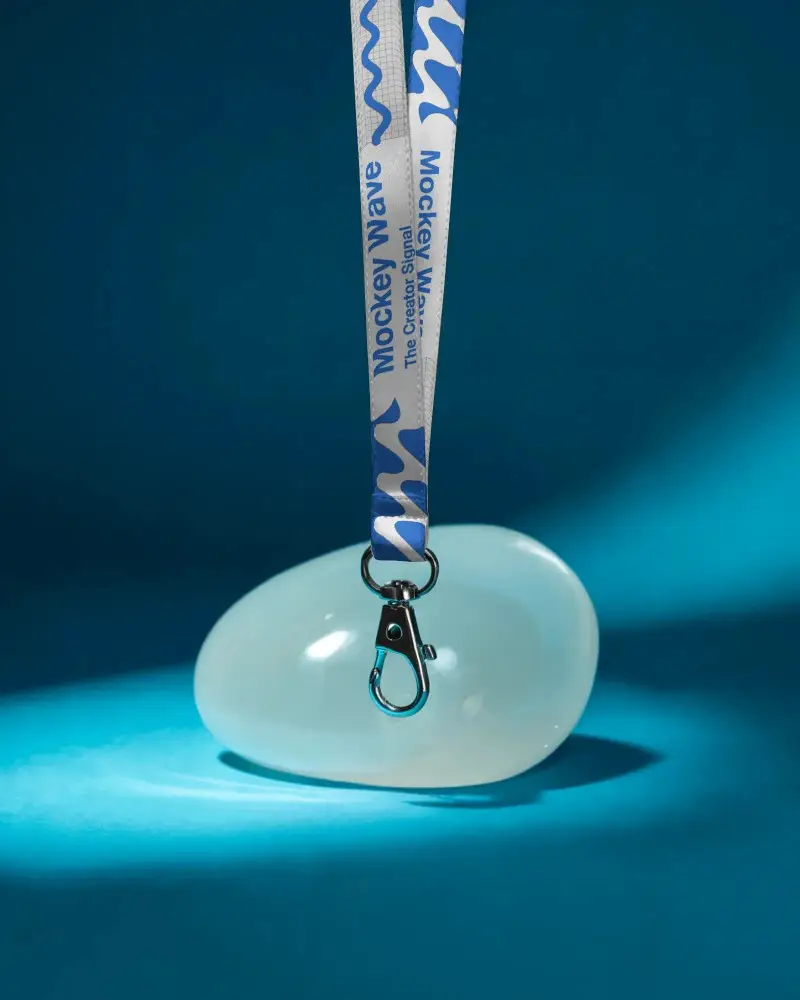
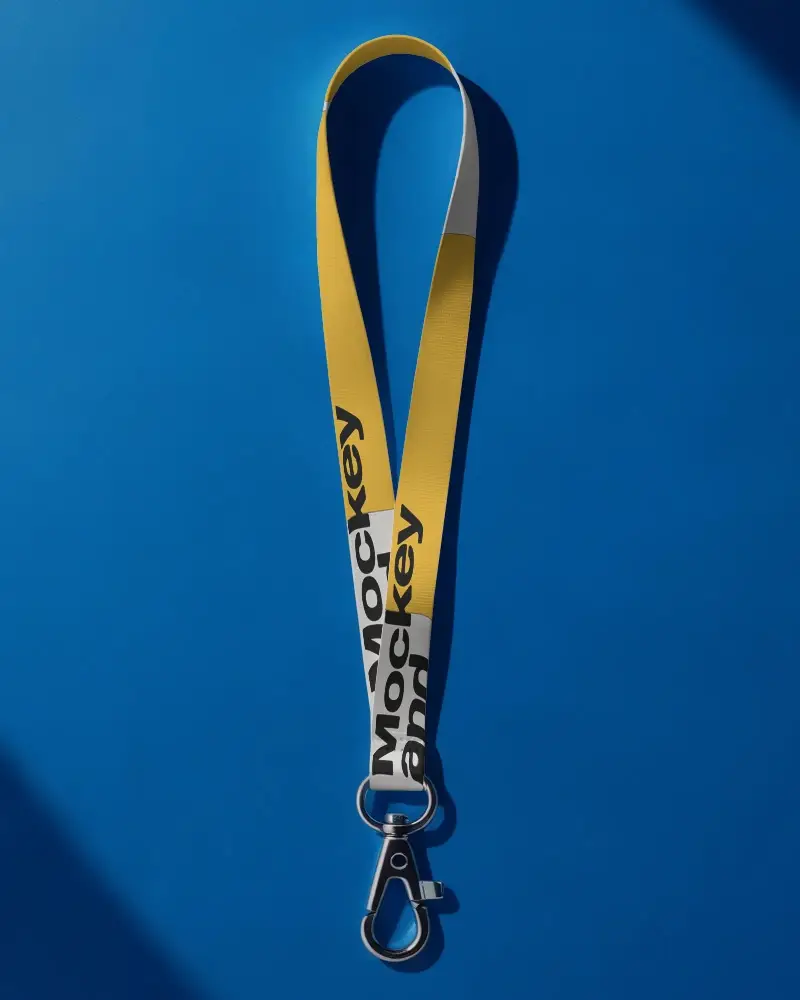
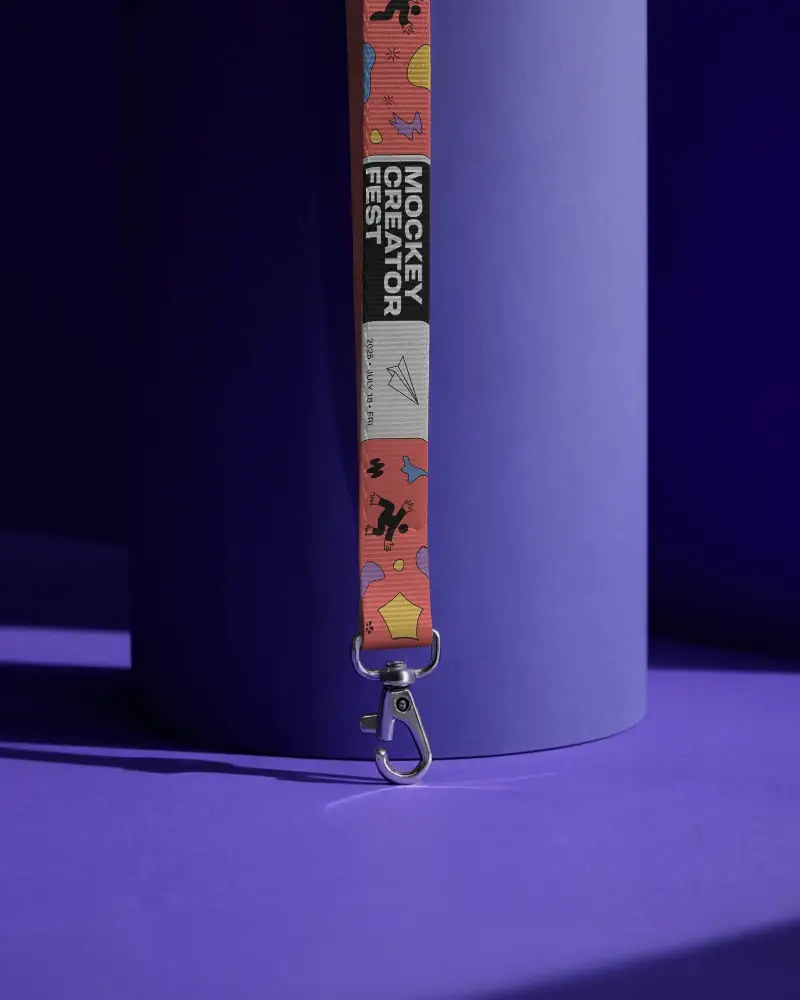


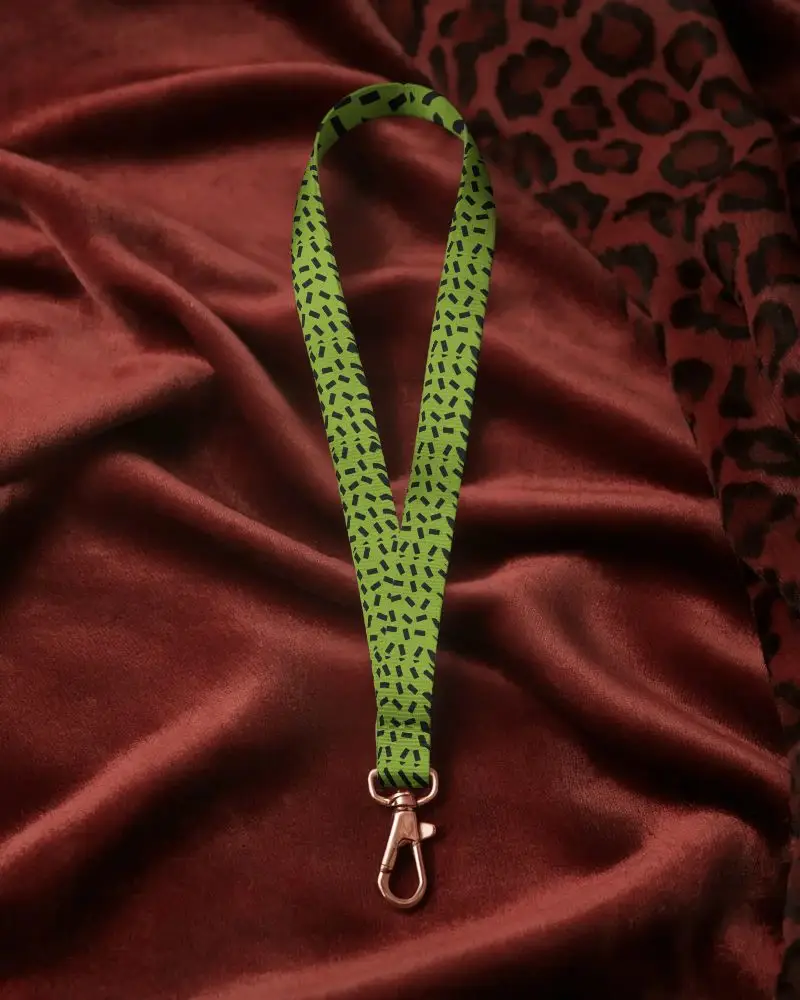

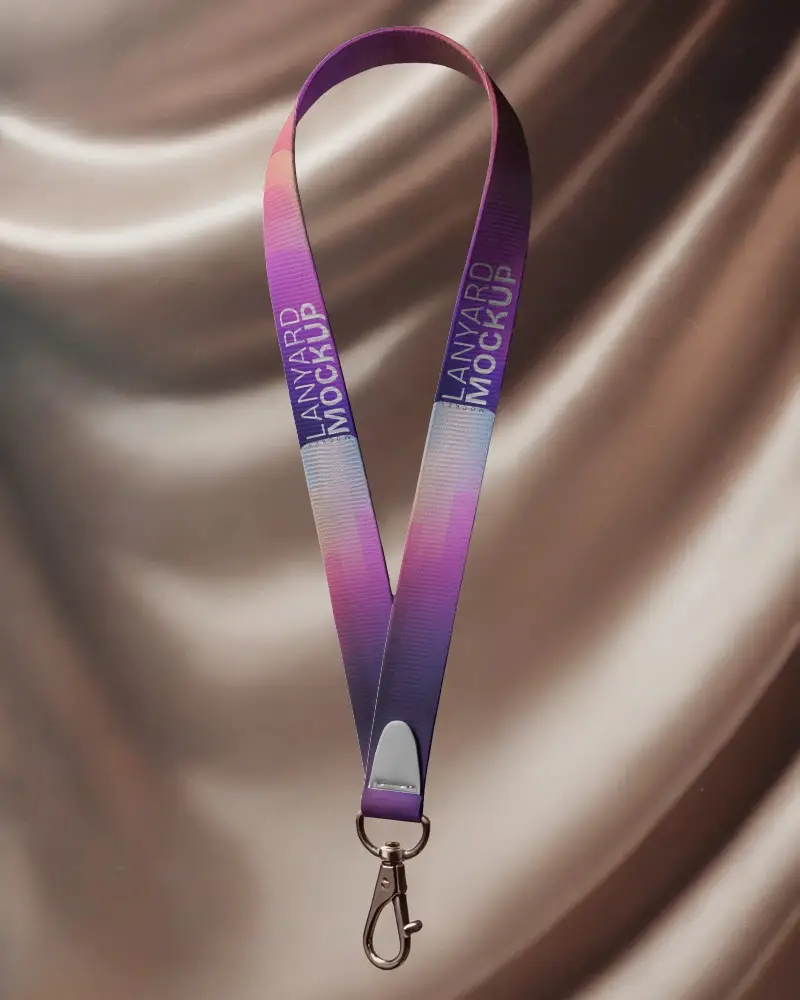
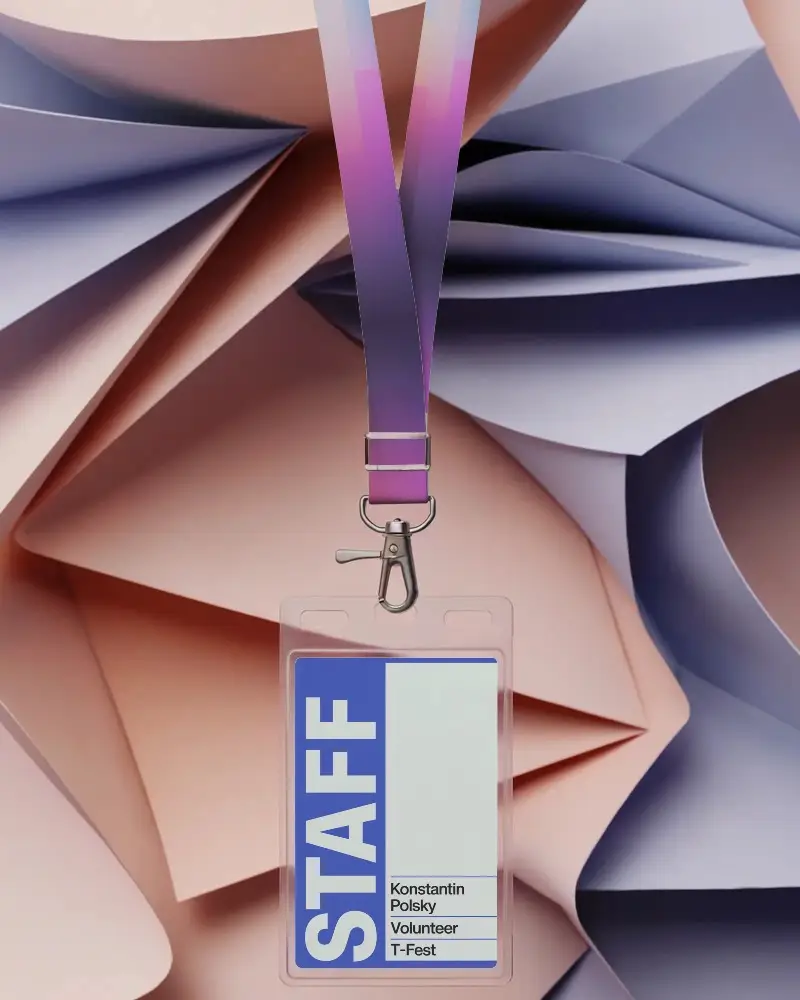
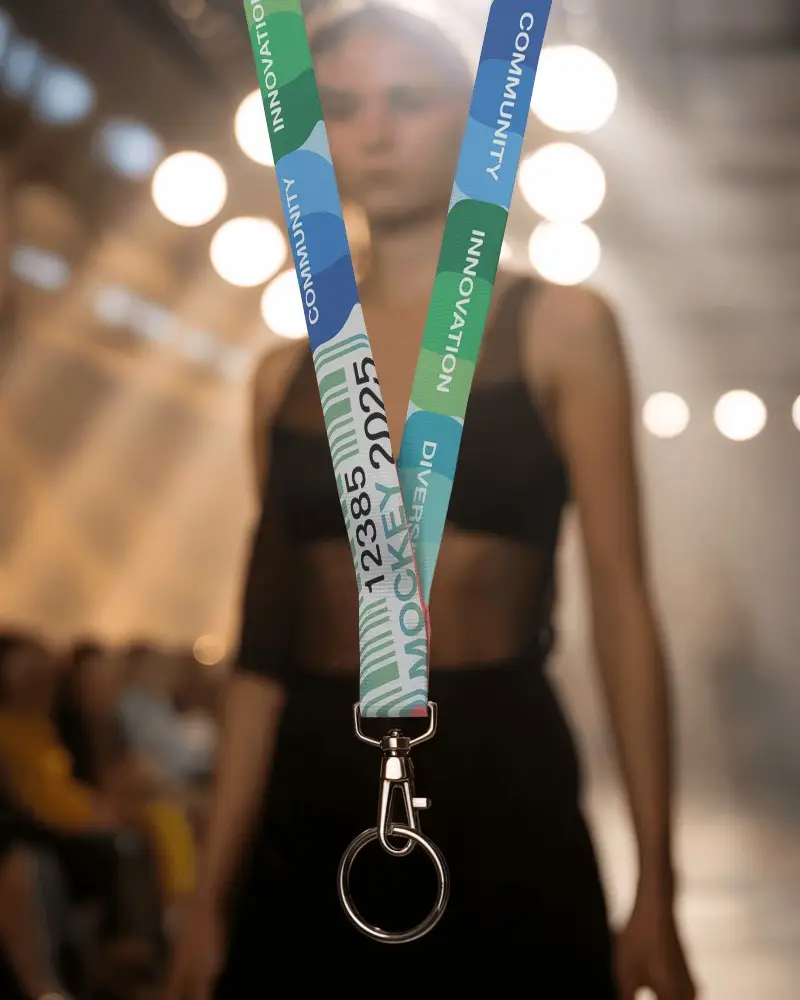
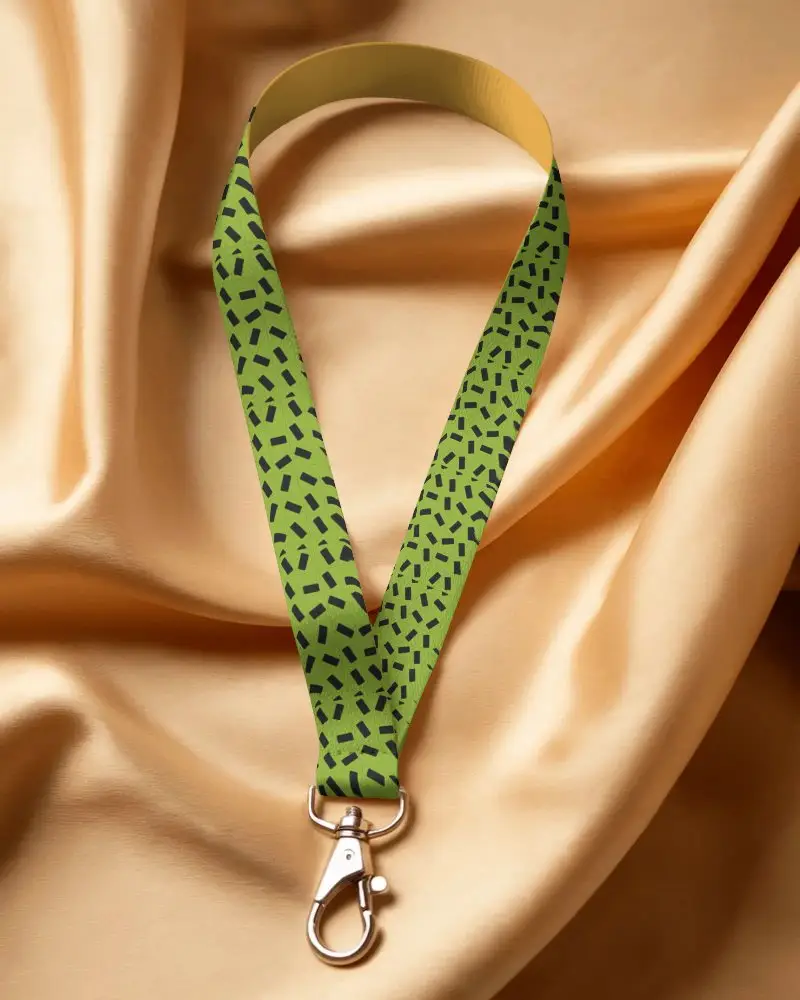
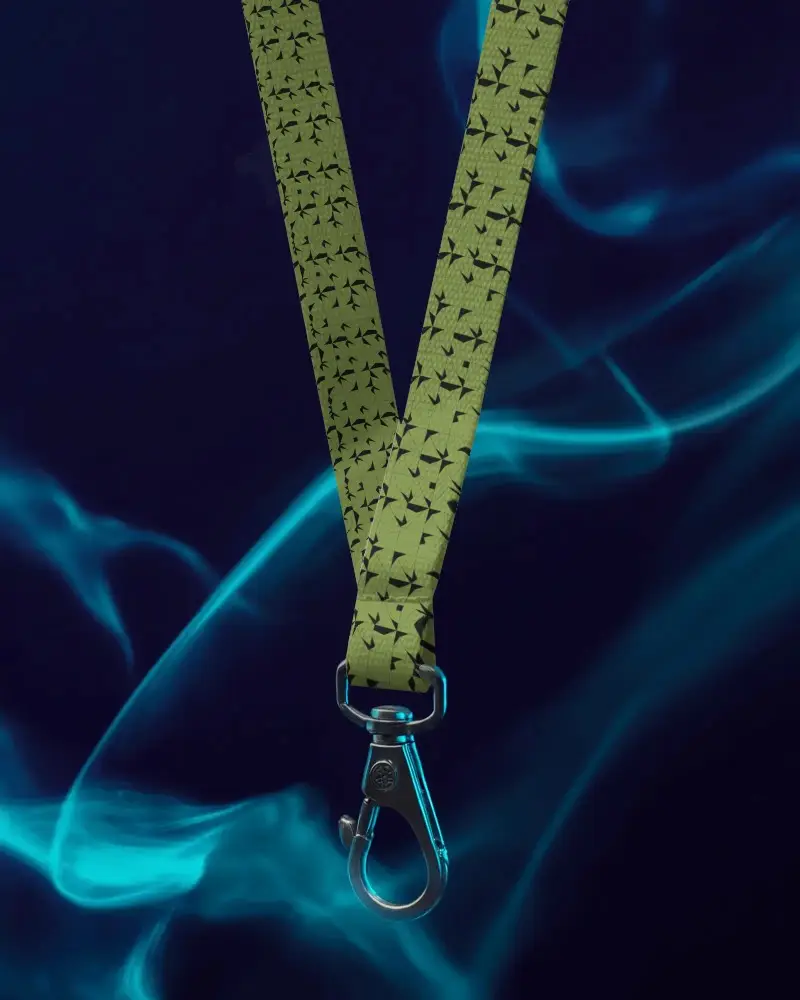
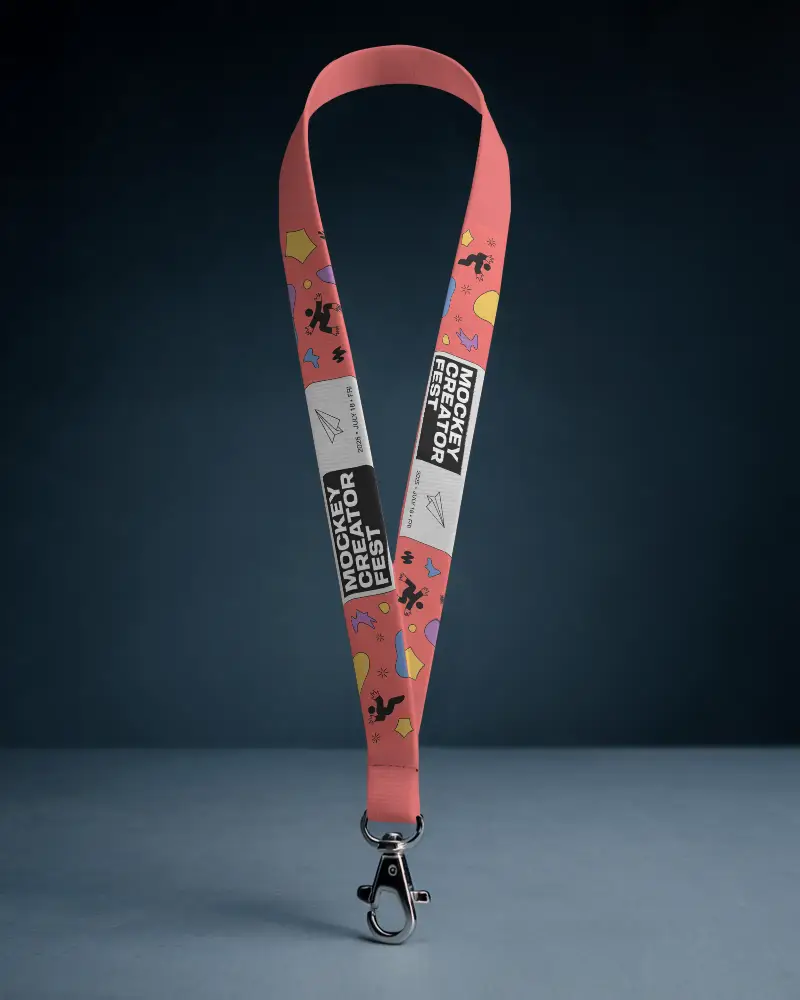

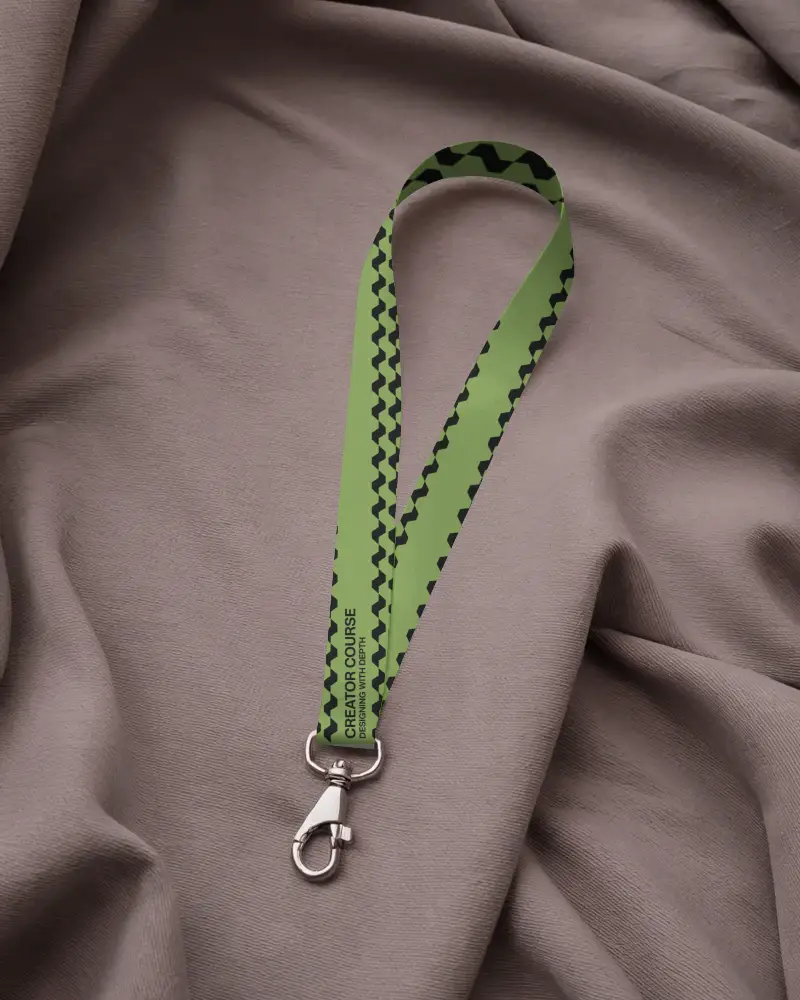

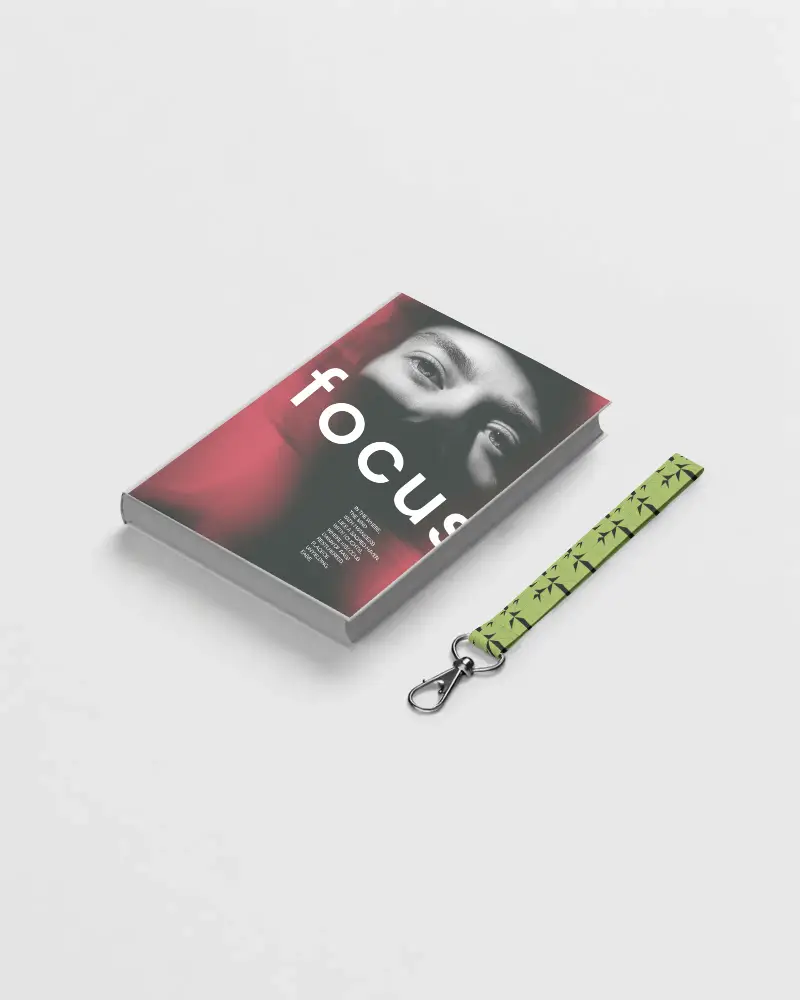
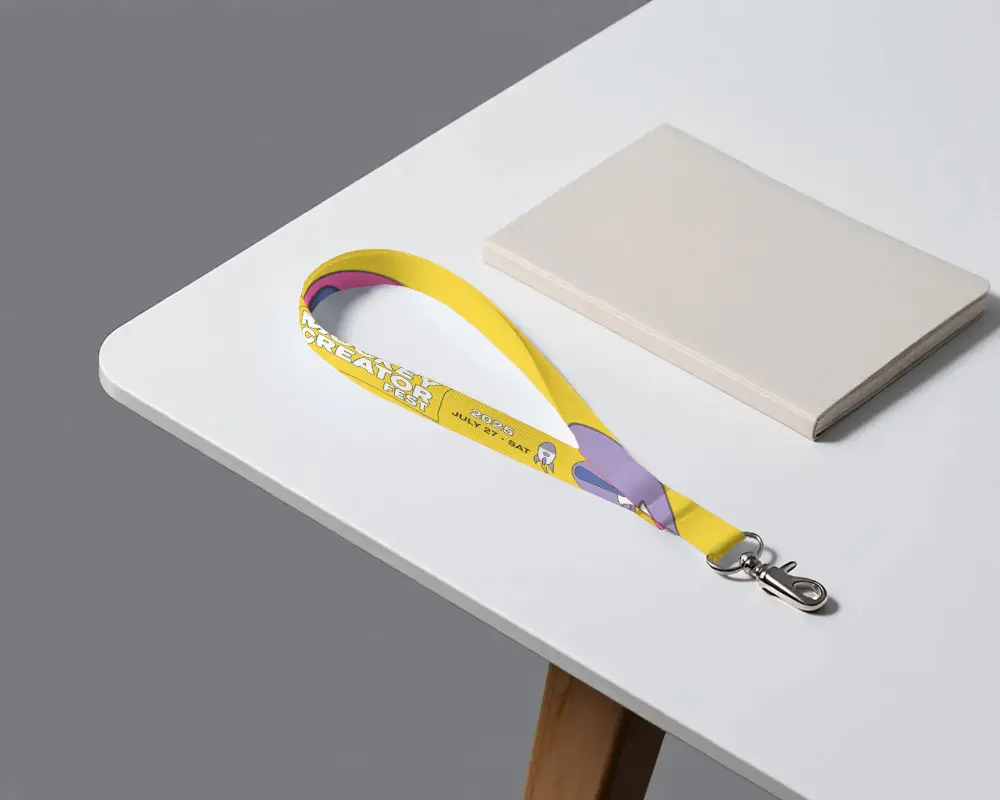
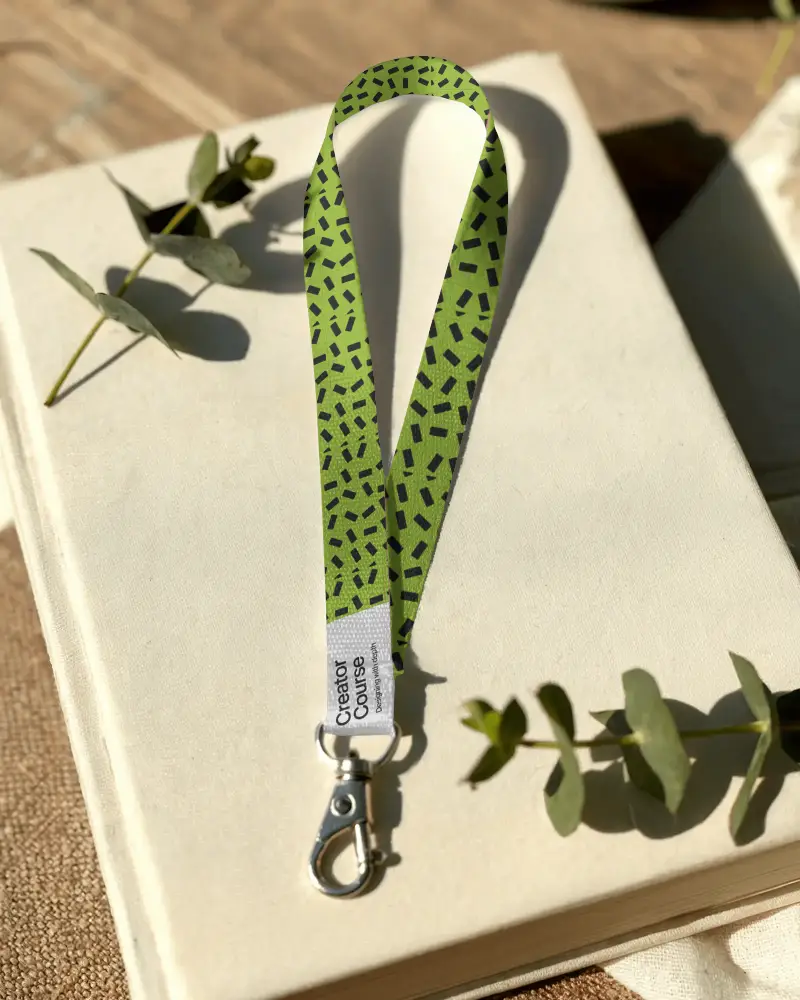

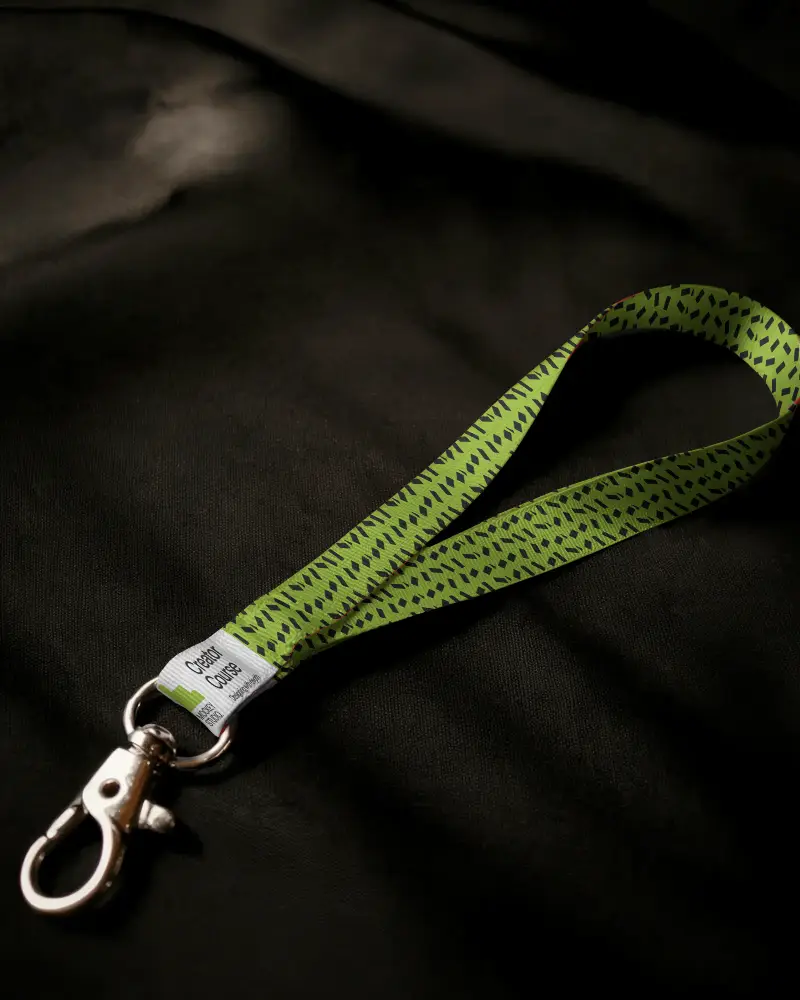
How to Make Badge Lanyard Mockup with Mockey
To create a badge lanyard mockup in Mockey AI:
- Step 1: Go to Mockey and follow: Mockups > Print > Lanyard > Badge Lanyard.
- Step 2: Choose a mockup template and upload your logo or design in PNG or JPEG format.
- Step 3: Adjust the placement, change colors, and download your mockup in high quality.


FAQs on Badge Lanyard Mockups
What is a Badge Lanyard Mockup?
A Badge Lanyard Mockup is a picture that shows how a name badge with a neck strap will look before printed.
Why Use Mockey’s Badge Lanyard Mockup?
Mockey's Badge Lanyard Mockup is free, so you don’t need to buy expensive software. The simple tools let anyone, even without design skills, create great lanyards in minutes.
Is this Badge Lanyard Mockup Free?
Mockey AI lets anyone make free lanyard mockups online. Just add your picture, change colors, and resize as needed. When happy, download without watermarks.
Are Mockey’s Badge lanyard mockups suitable for commercial use?
Mockey's Badge lanyard mockups can be used for commercials. Some websites, like Canva, have strict rules. Always check if the mockup has permission for selling before using it.
Can I add a logo to my Badge lanyard mockup on Mockey?
Tap Upload Design to add your custom design. You can adjust it to fit perfectly. Make sure your file is in PNG or JPEG format.
Is there customer support available for Mockey’s Badge lanyard mockup tool?
Mockey's Badge Lanyard Mockup tool has customer support. You can ask for help by sending an email or filling out a form on the website.
Why create a Badge Lanyard mockup?
A badge lanyard mockup helps with branding, saves money on photoshoots, allows easy changes, and creates marketing images.
