
Free Online Gildan Mockup Generator
Upload design using Mockey AI's Gildan mockup generator in your browser. Select the Gildan product template, edit the colors, create multiple views, and download in PNG.
- 100+ Templates
- Free PNG Files
- Bulk Mode
Mockups ready for



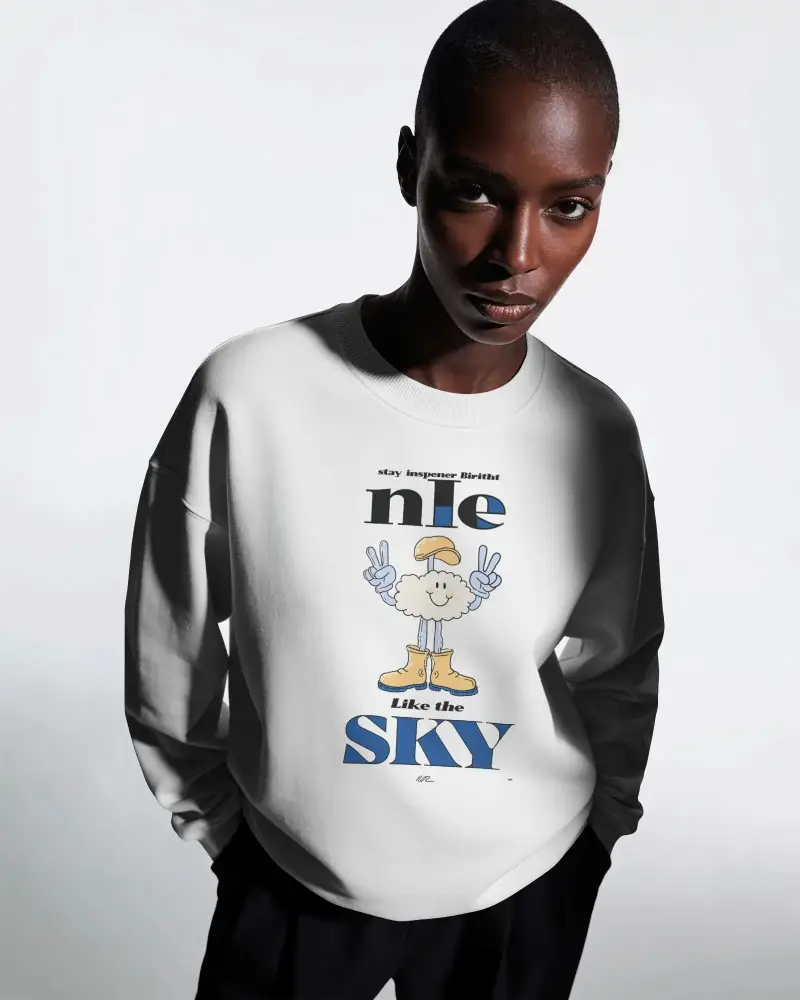
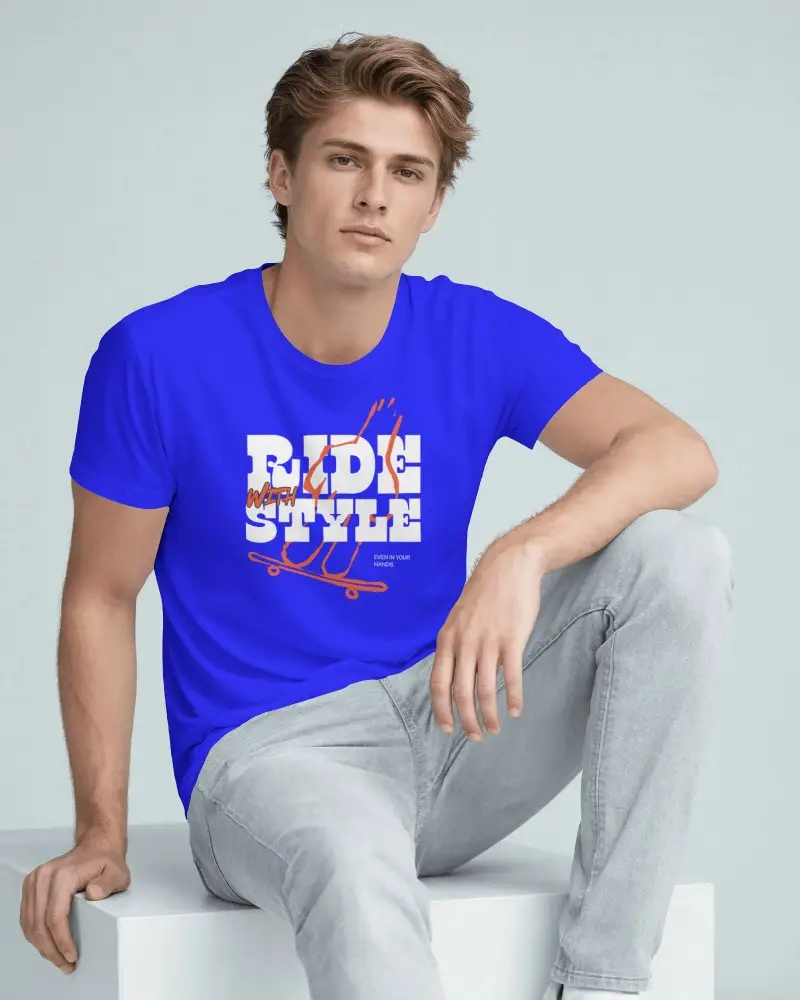

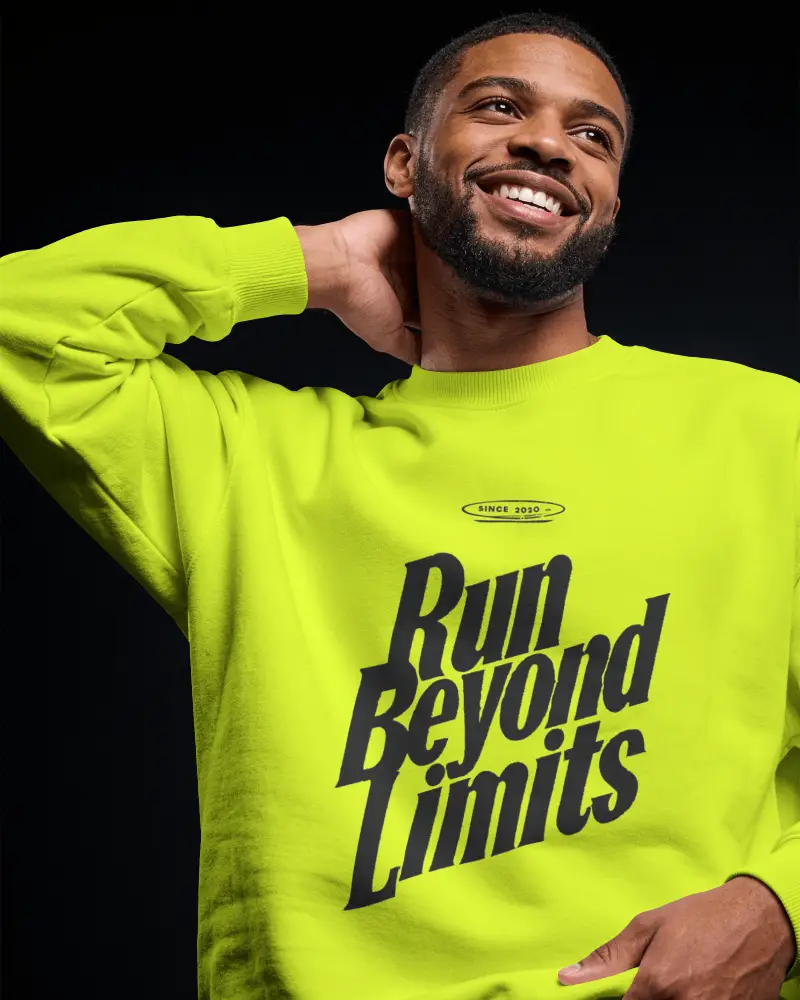
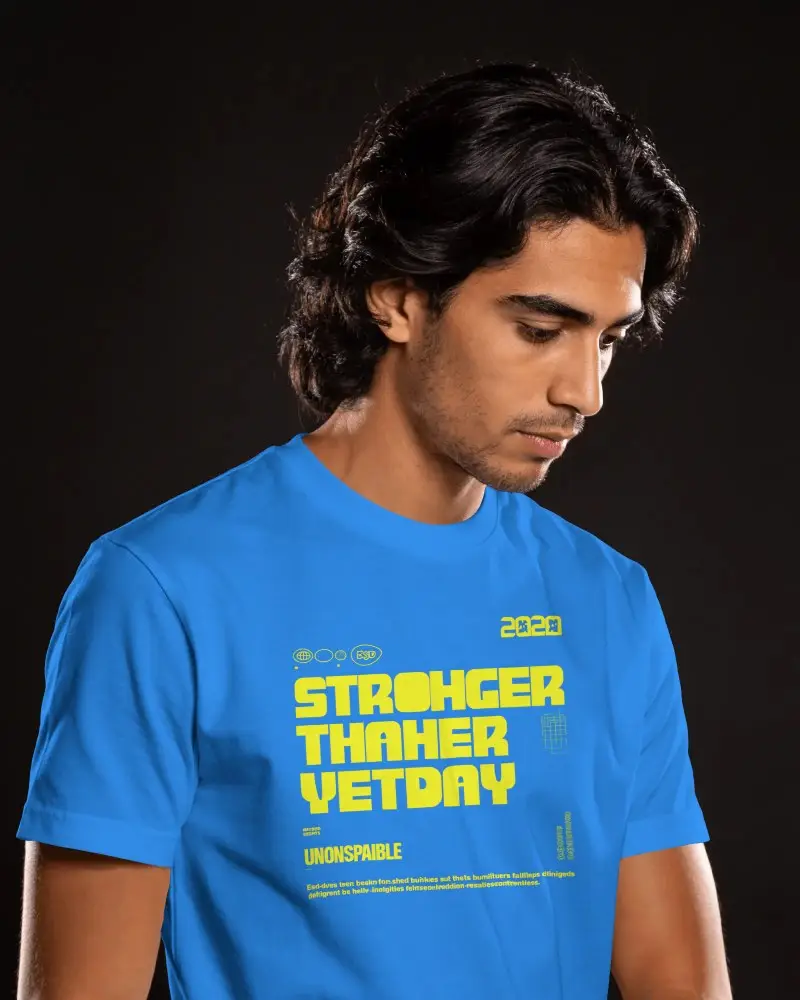


Get Your Gildan Mockup Ready in 3 Steps
Choose the Gildan Product Template
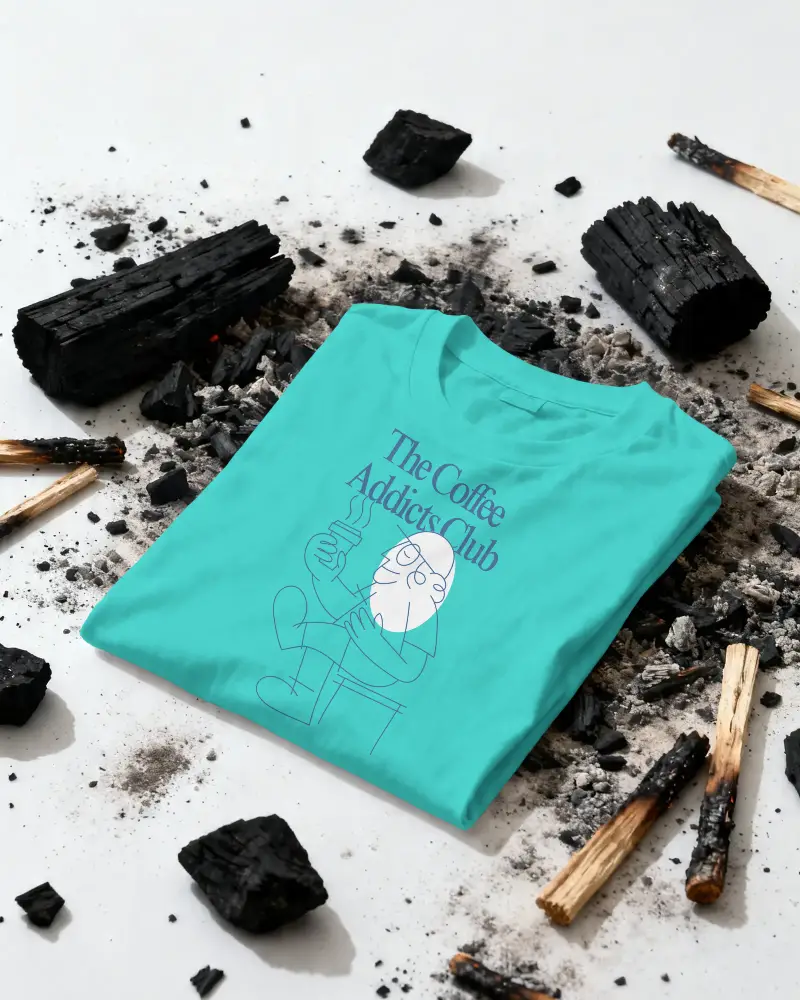
Upload your design and choose a Gildan product from the Apparel Mockup section. Browse from a flat-lay or on-model shot and select the one you like.



Customize Using Editing Tools
You can resize or adjust your design, change its color, use the warping feature, or try out the available AI tools.
 Warp Design
Change Color
Download & Use It
Click Export to download your Gildan mockup in your preferred format and size, with no watermark. Start with the free plan and get high-quality results.


Gildan Mockups for Tees, Hoodies, and Sweatshirts
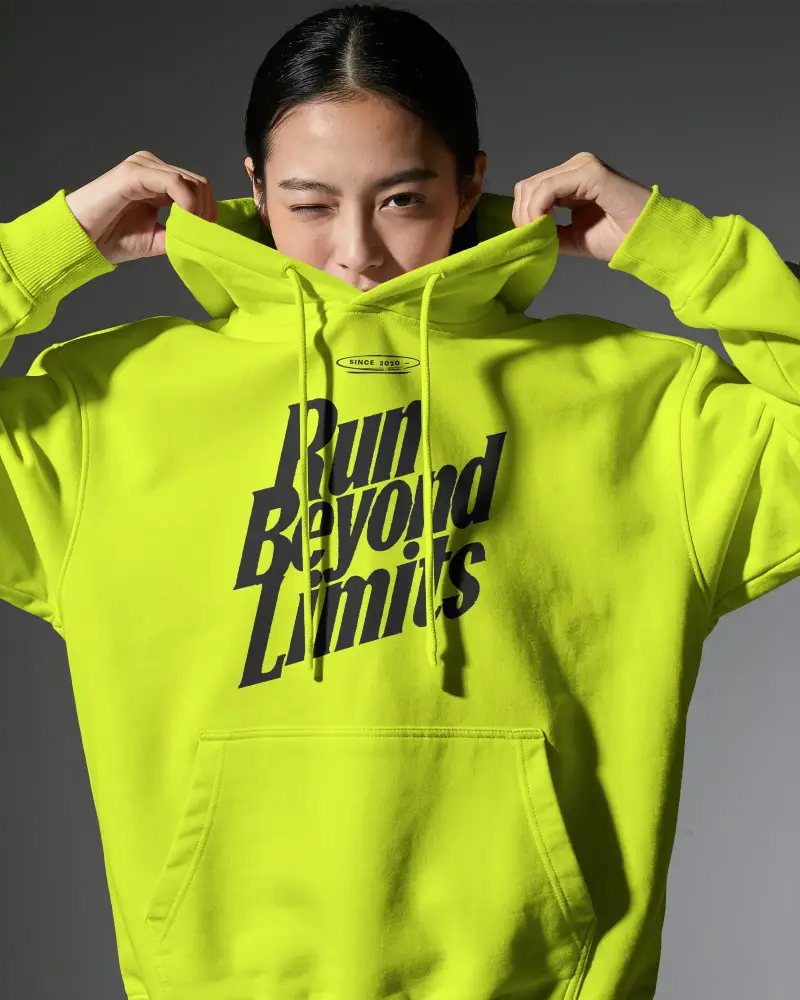
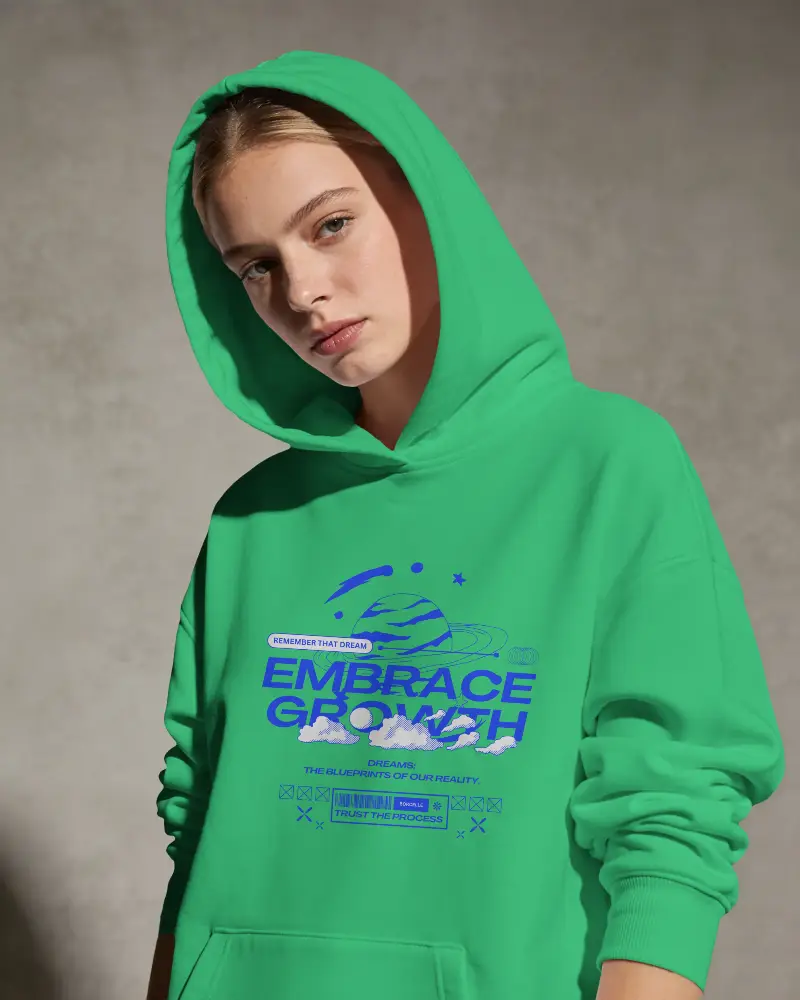
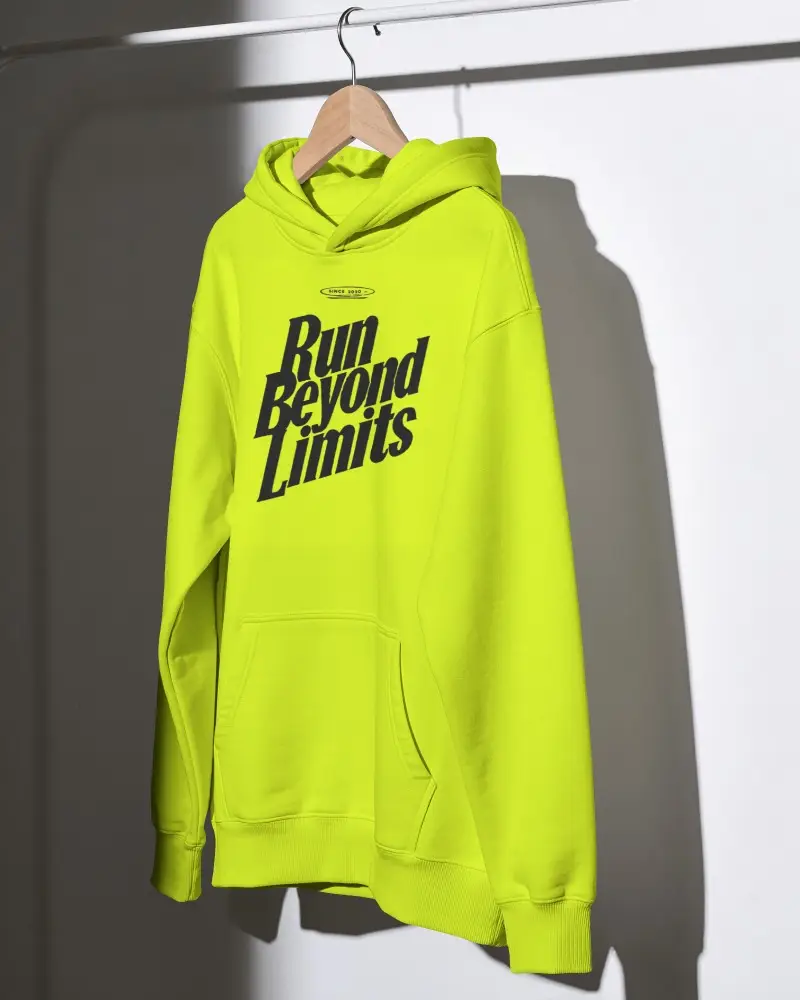
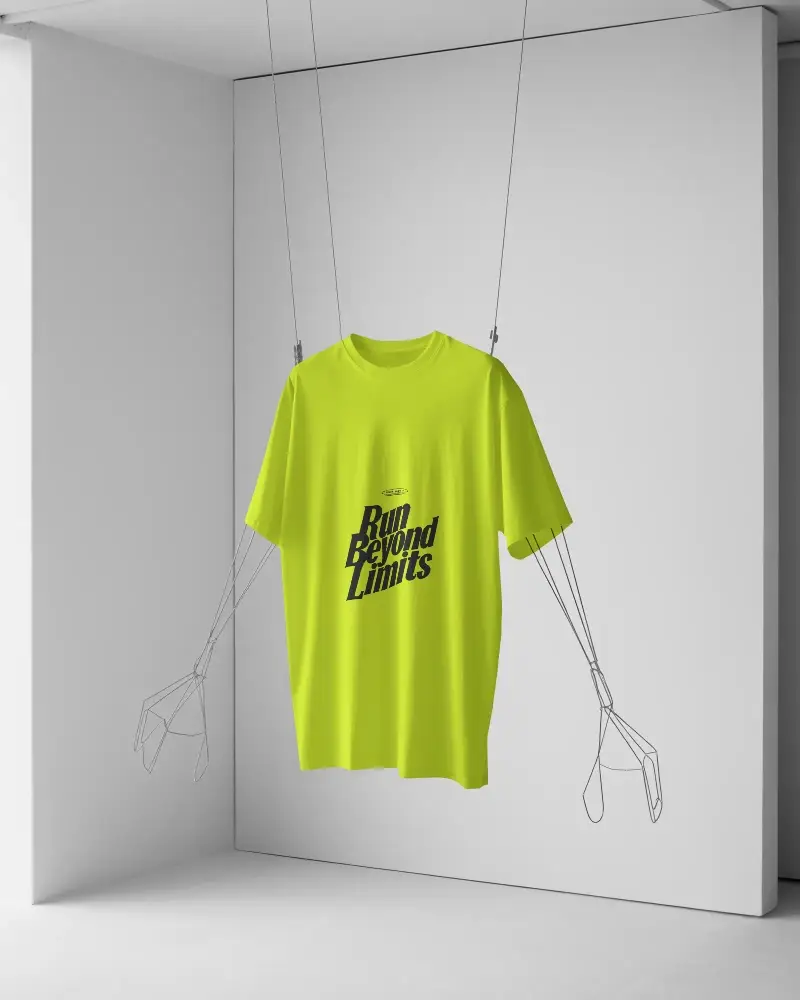
We have Gildan 18500 hoodies, 5000 & 64000 tees, and 18000 sweatshirts in a variety of colors. Choose from models, flat-lays, on hangers, or close-up shots and mockup bundles that show the garment the way shoppers expect to see it. You will see the realistic folds, wrinkles, and shape of the Gildan garment.
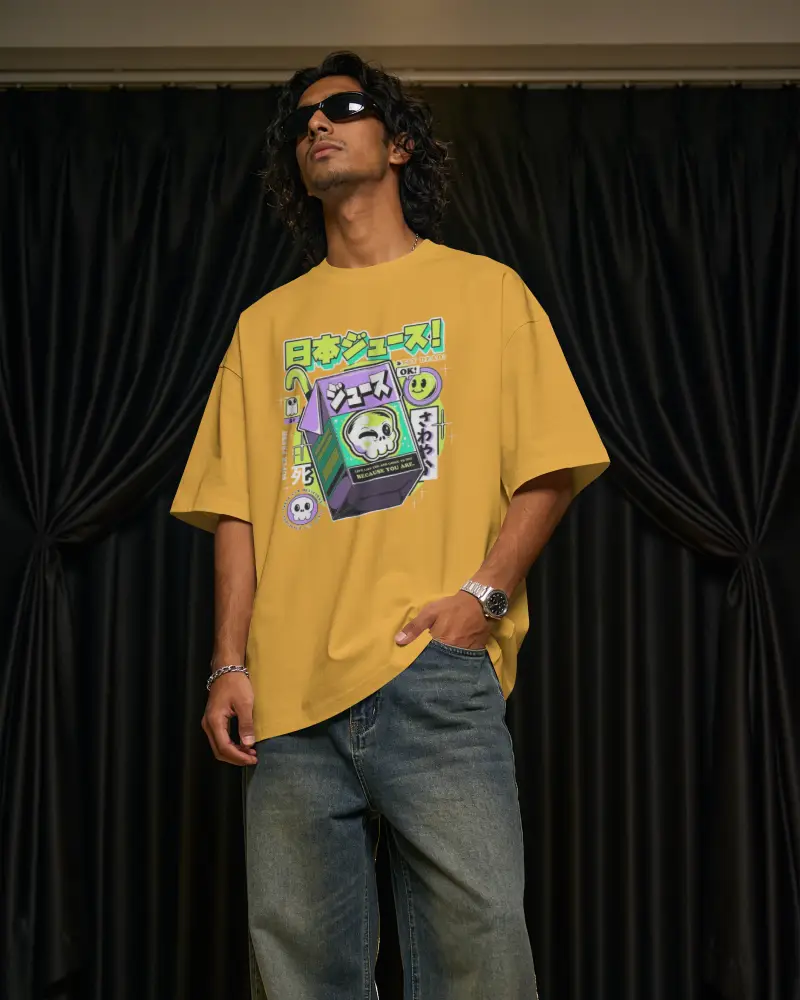


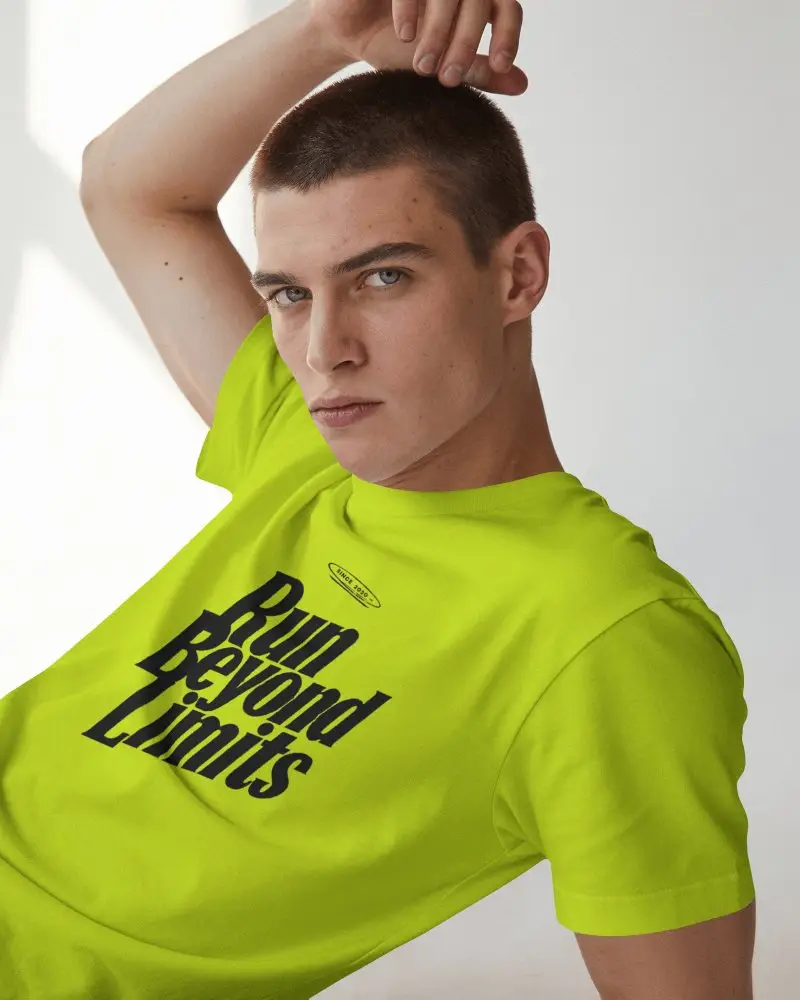
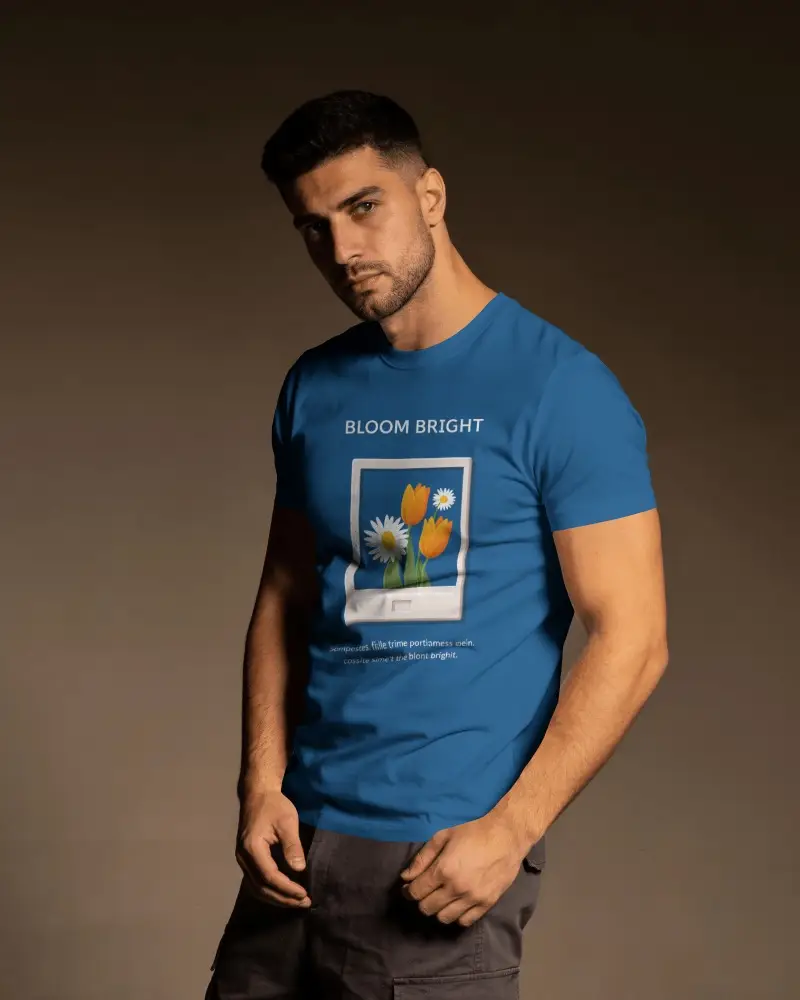
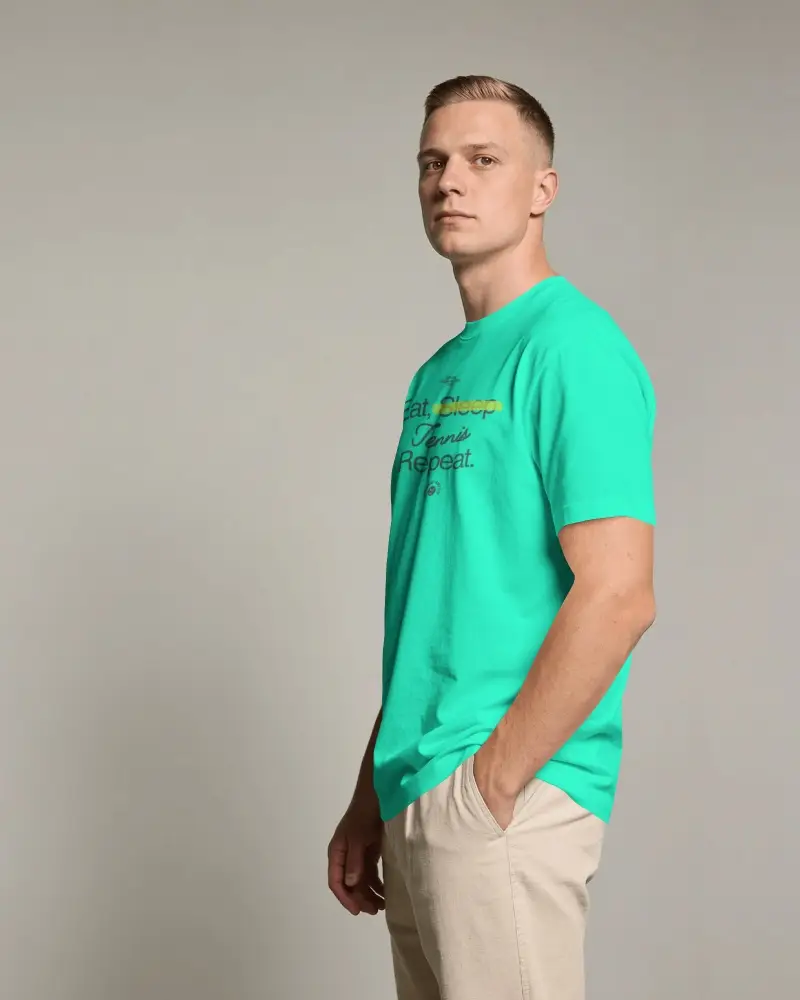
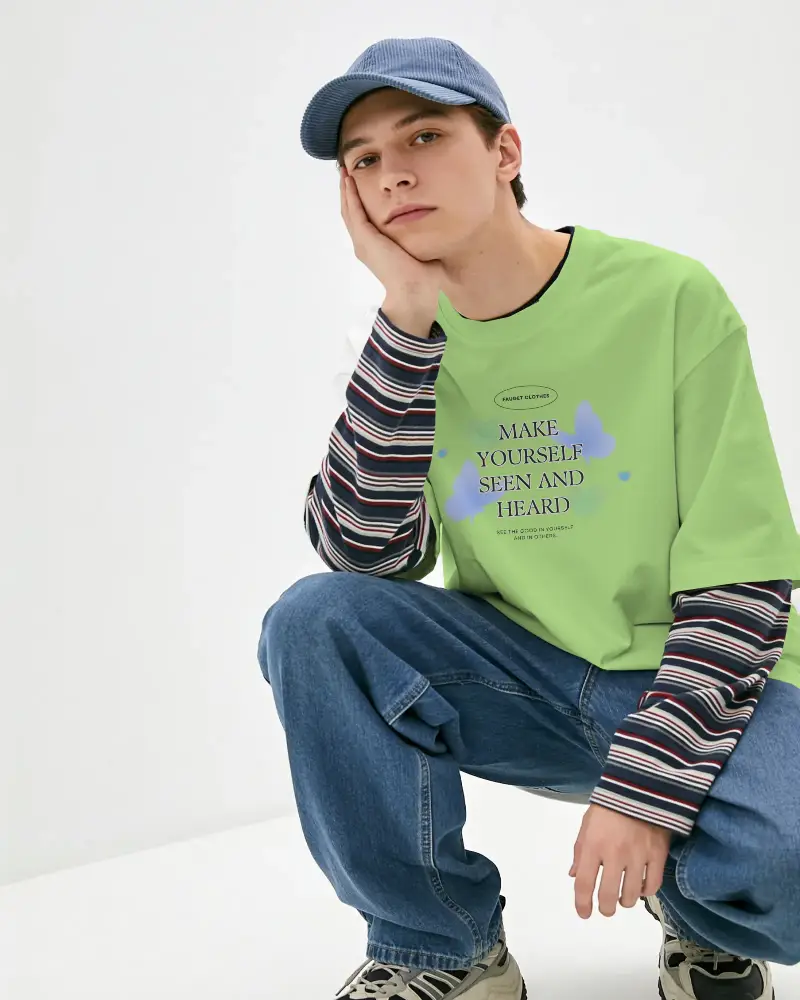
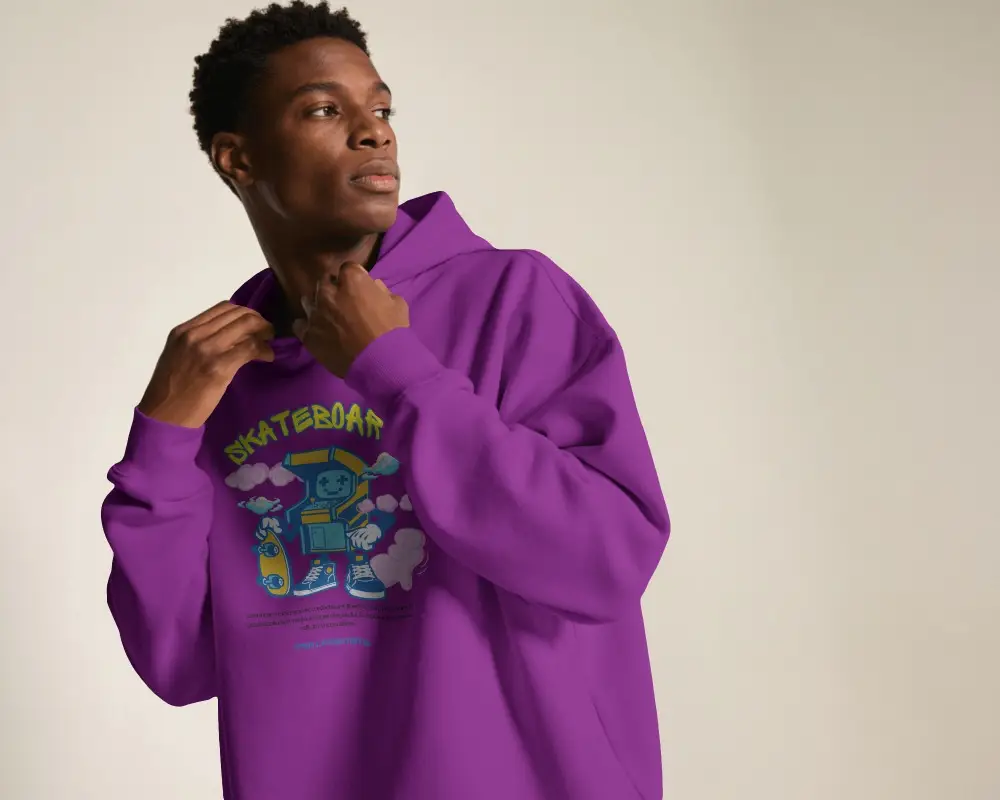
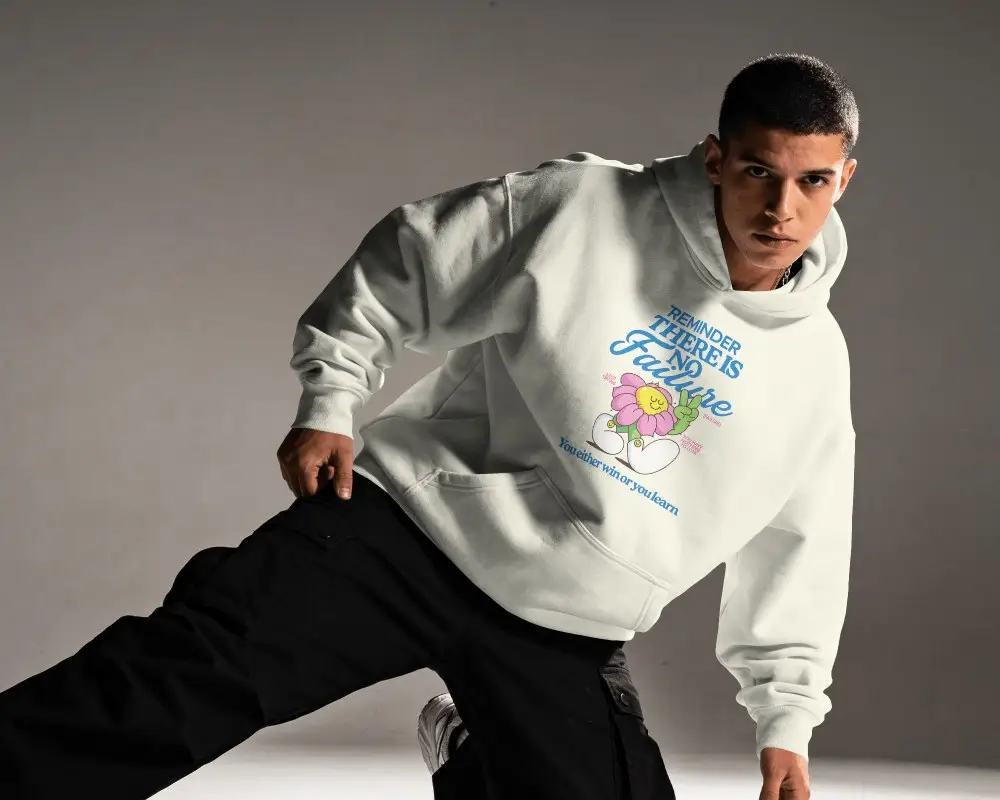
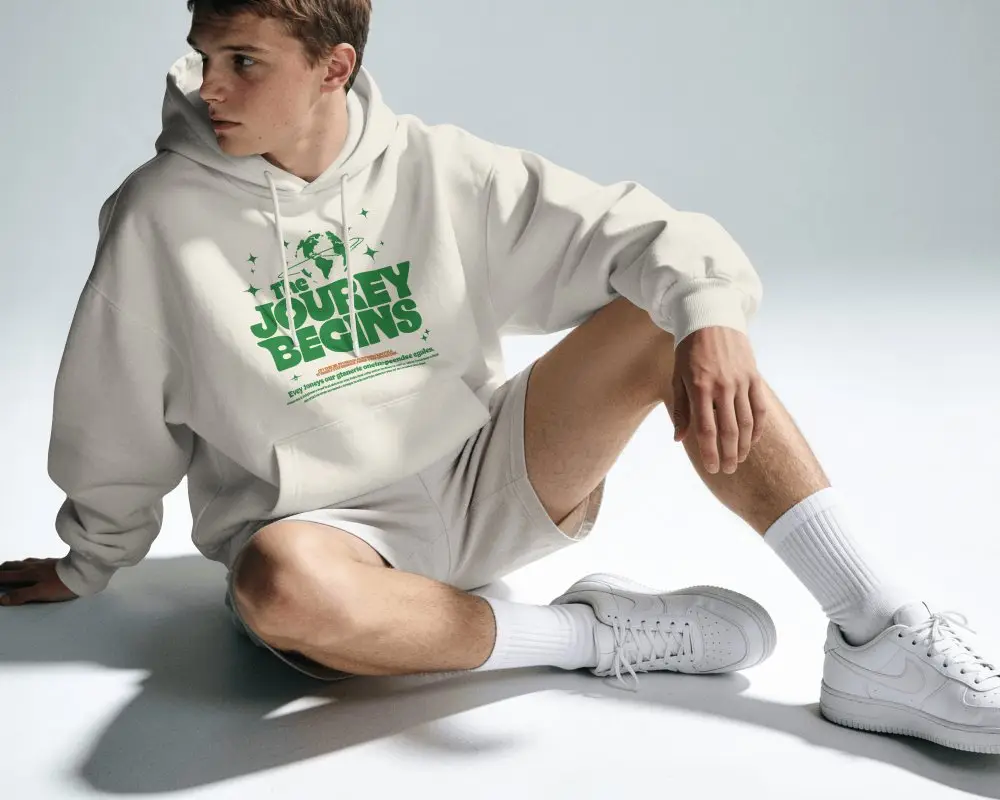
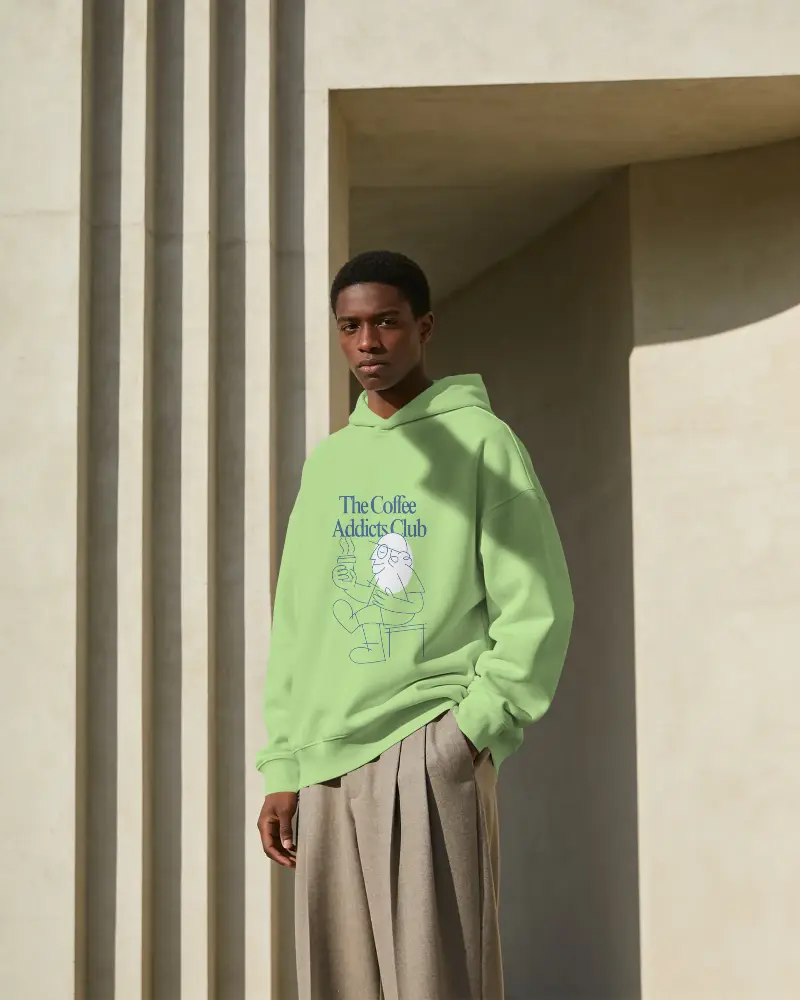
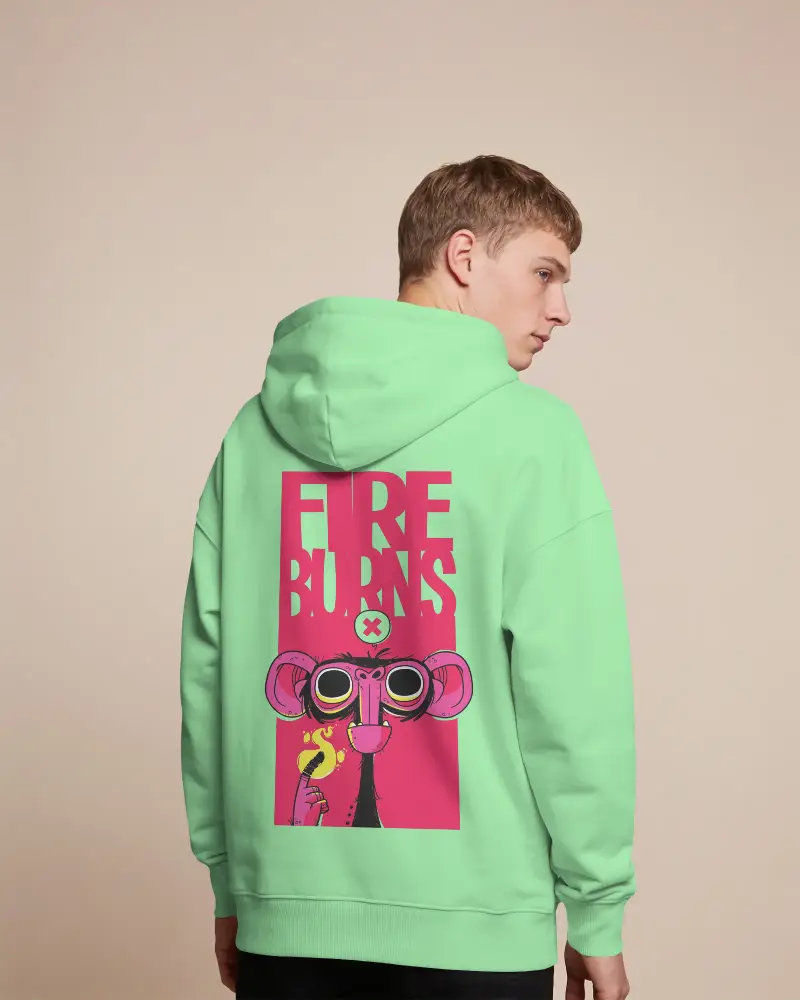
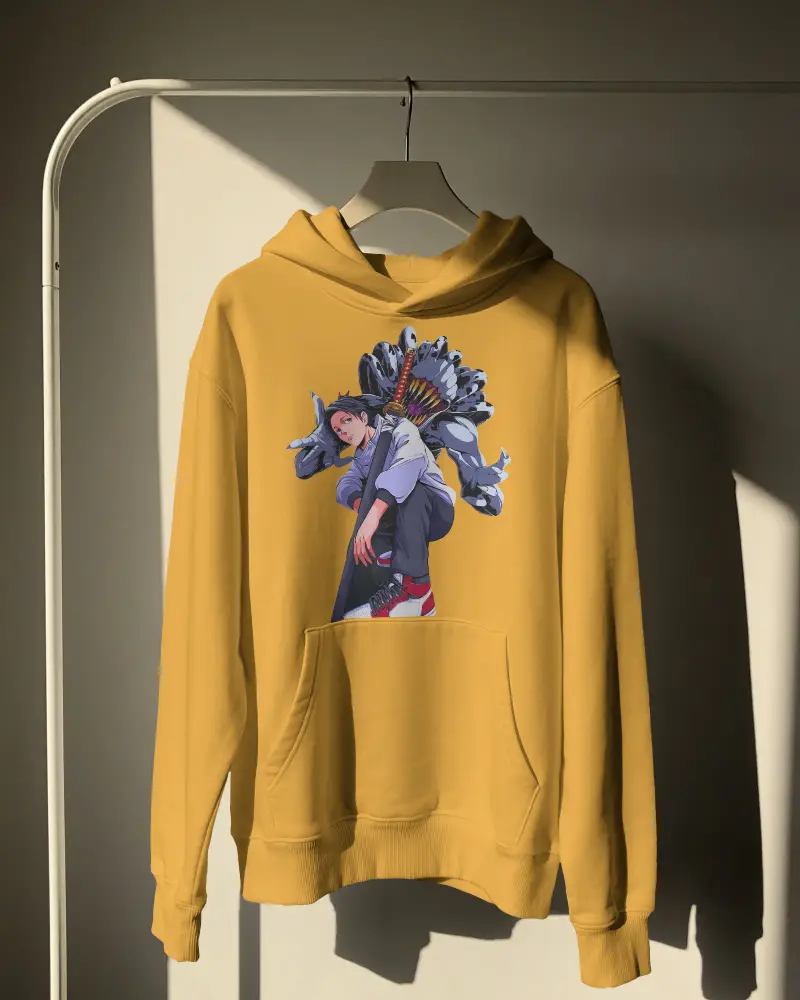
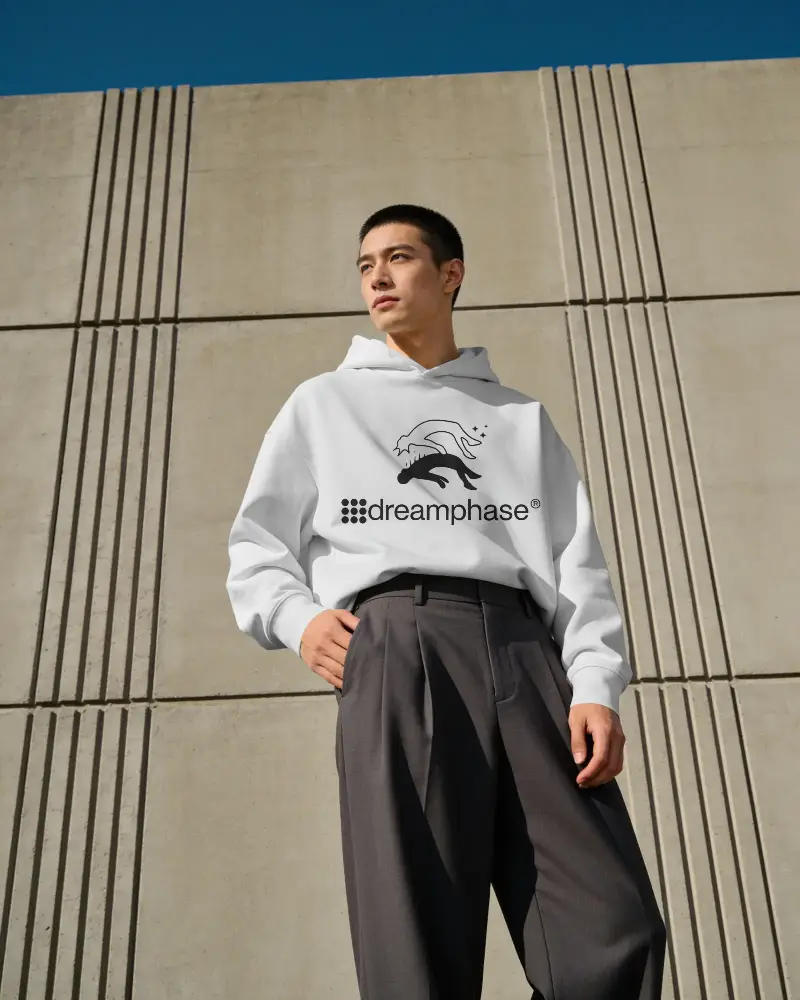












Our Gildan Mockup Generator Covers Every Selling Need

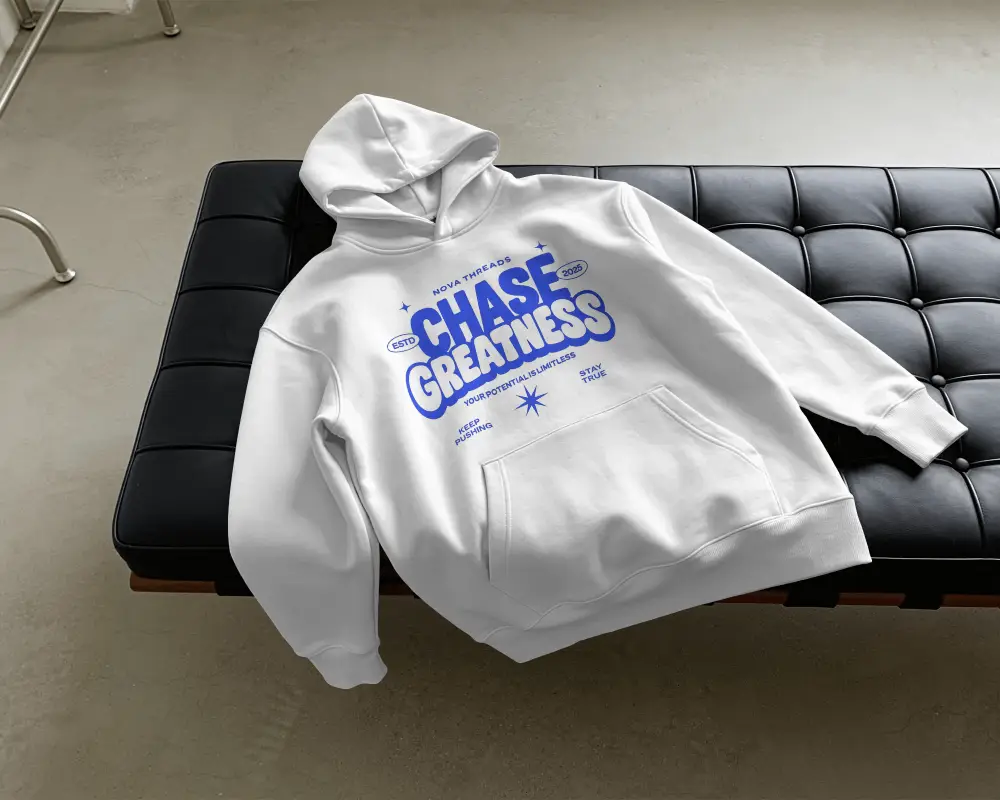 Heather texture
Item As Described
Sellers don't want customers to complain that the product looks different from the picture.
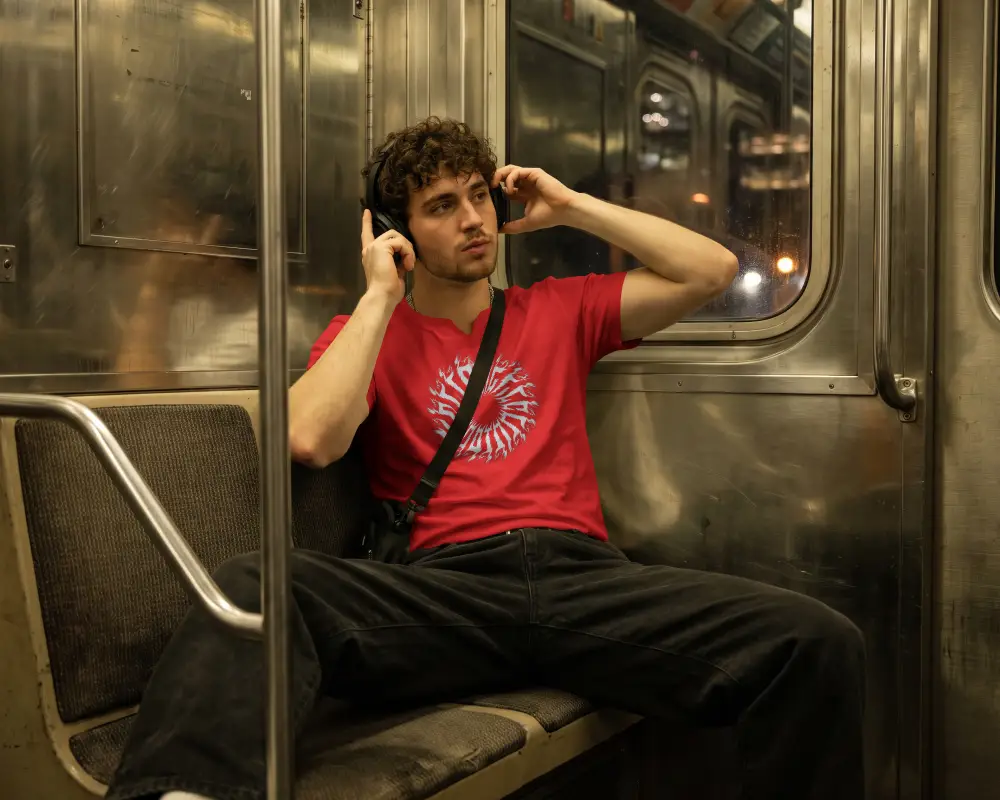
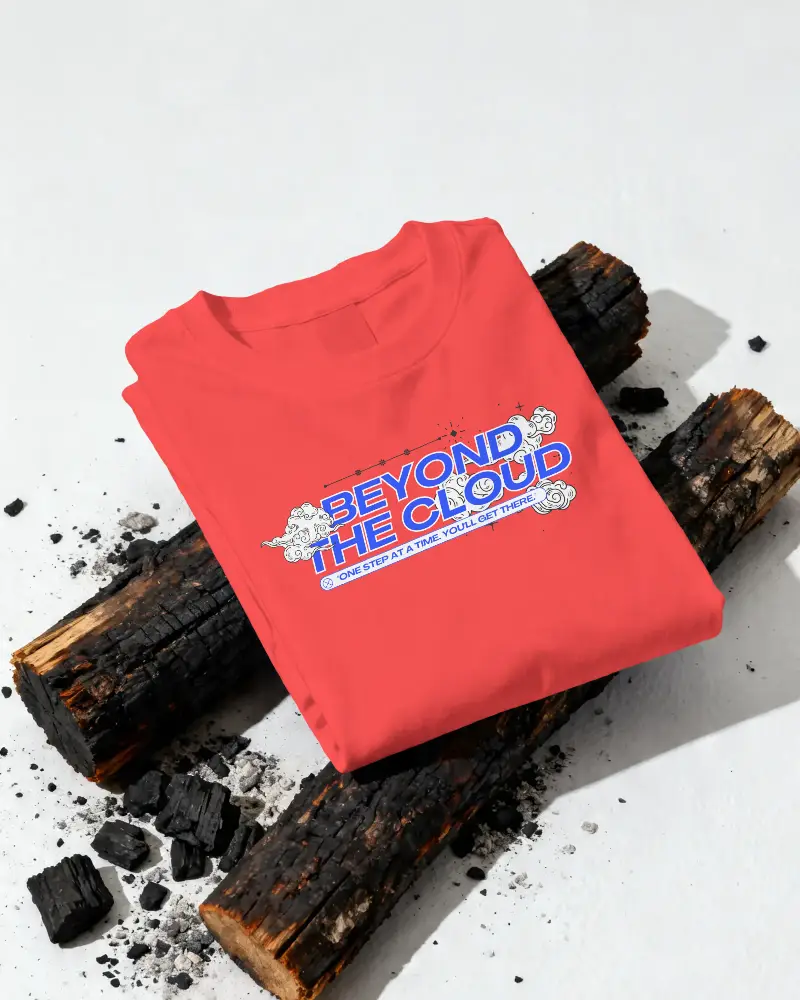
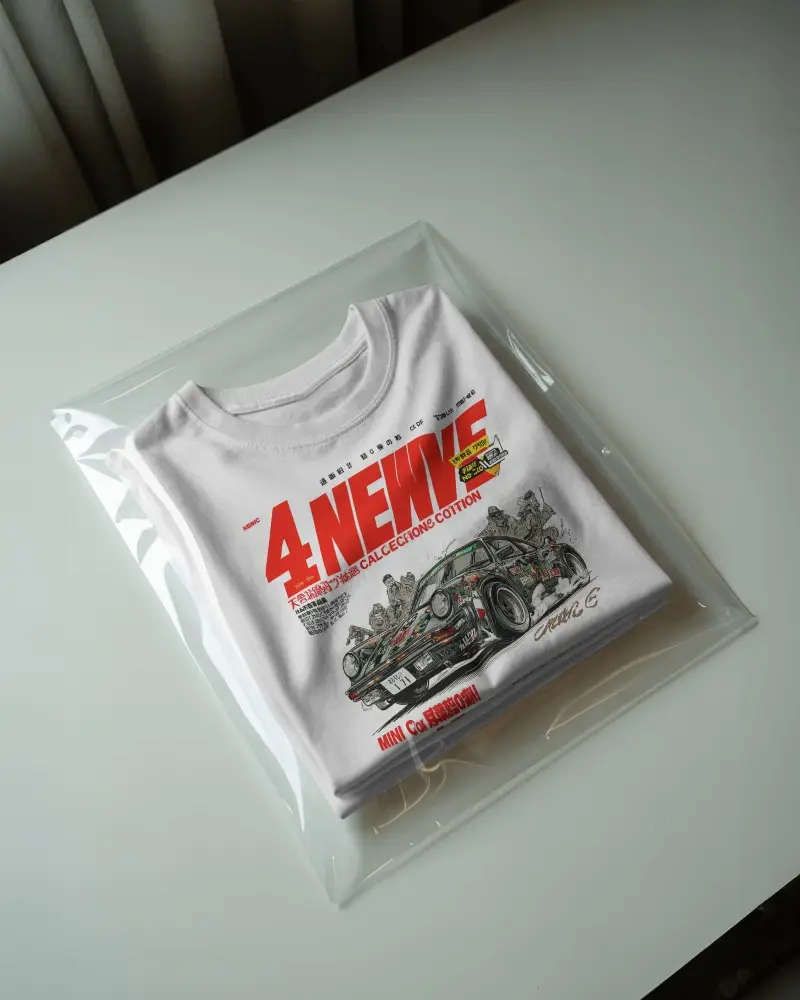
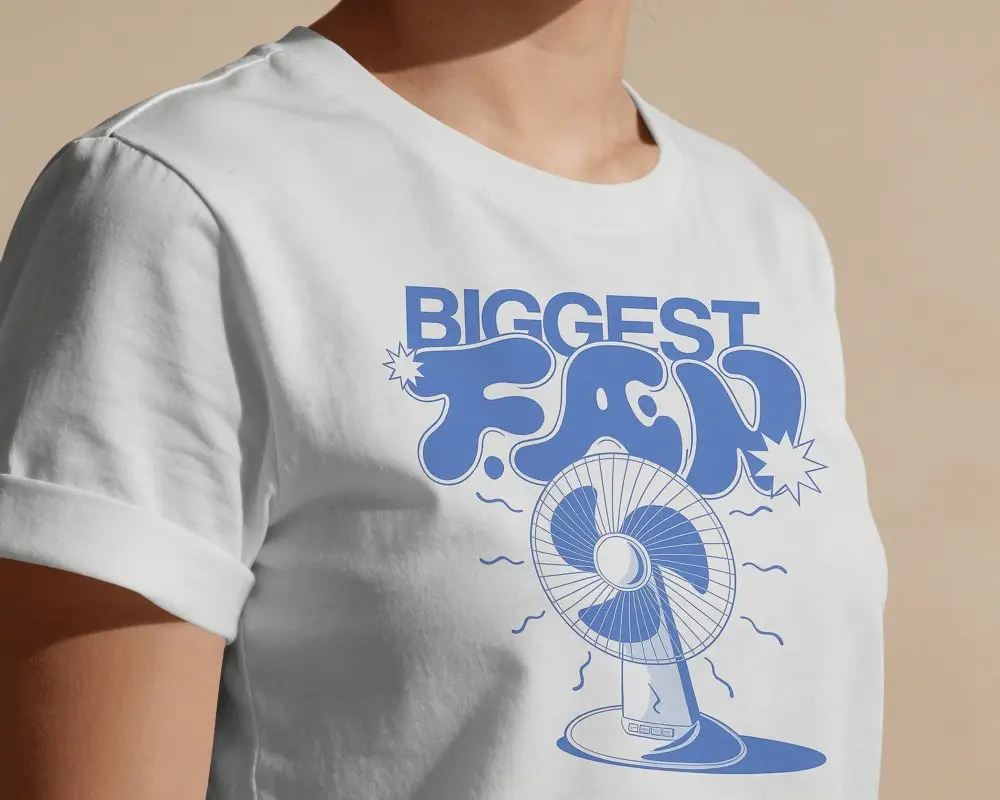
In Mockey, your design will appear as if it were printed on fabric. It follows the product's folds, wrinkles, and shape.
Whether you explore t-shirt mockups or hoodie mockups, we keep the heather texture visible through the printed design.
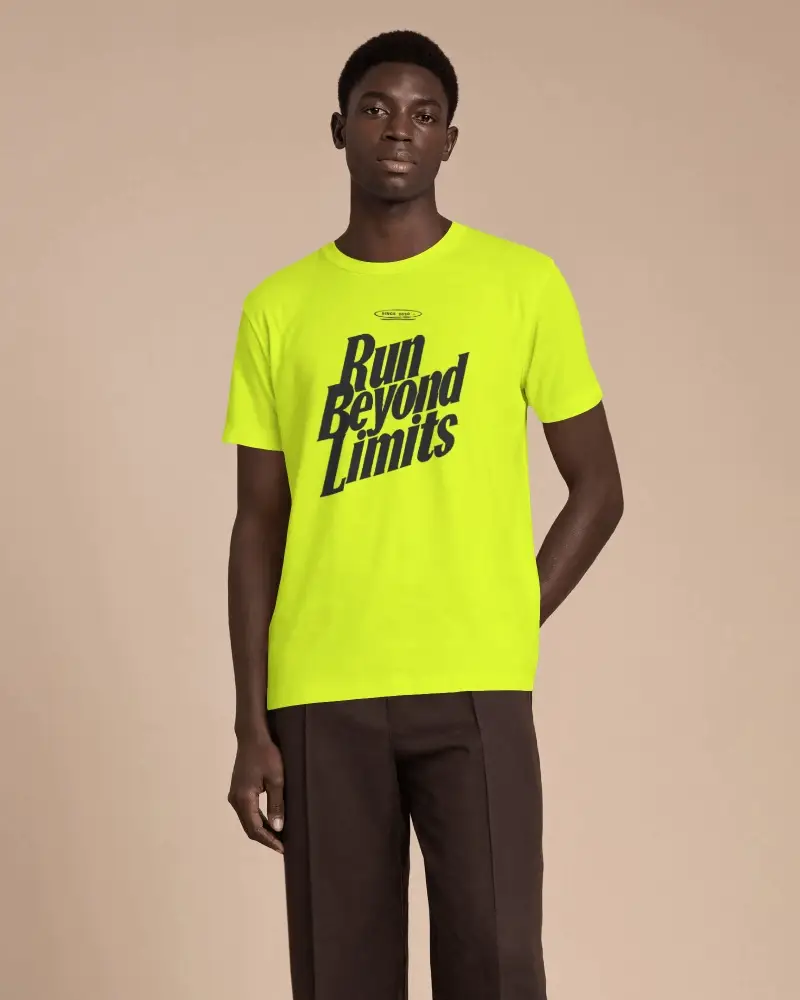
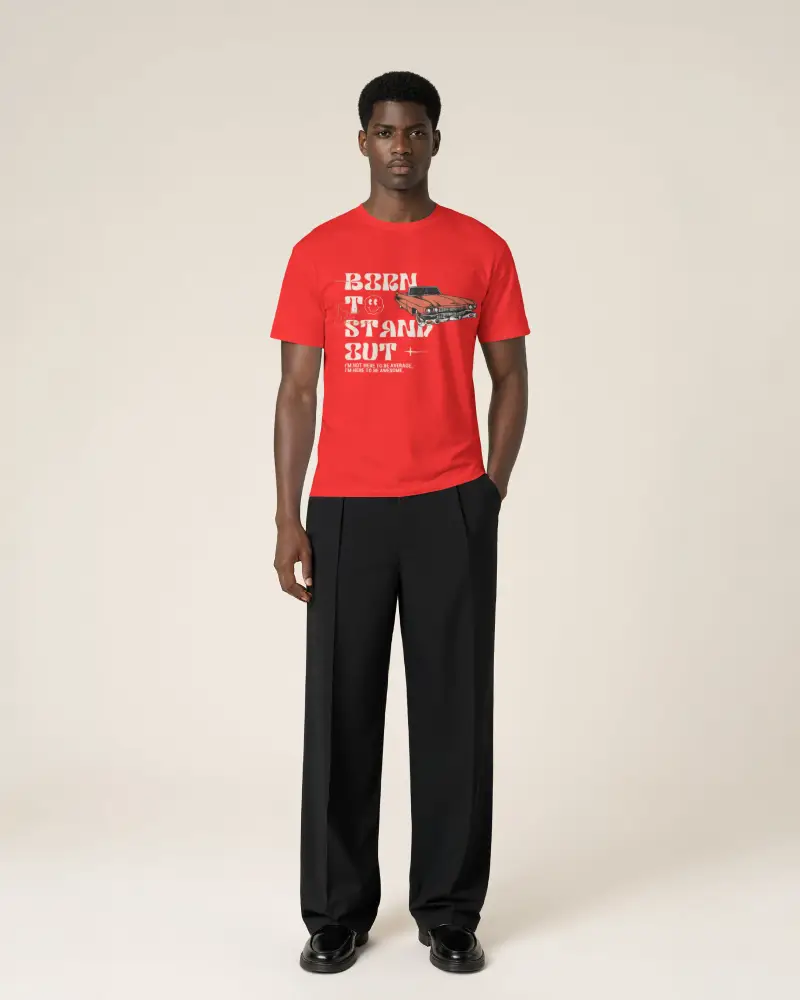
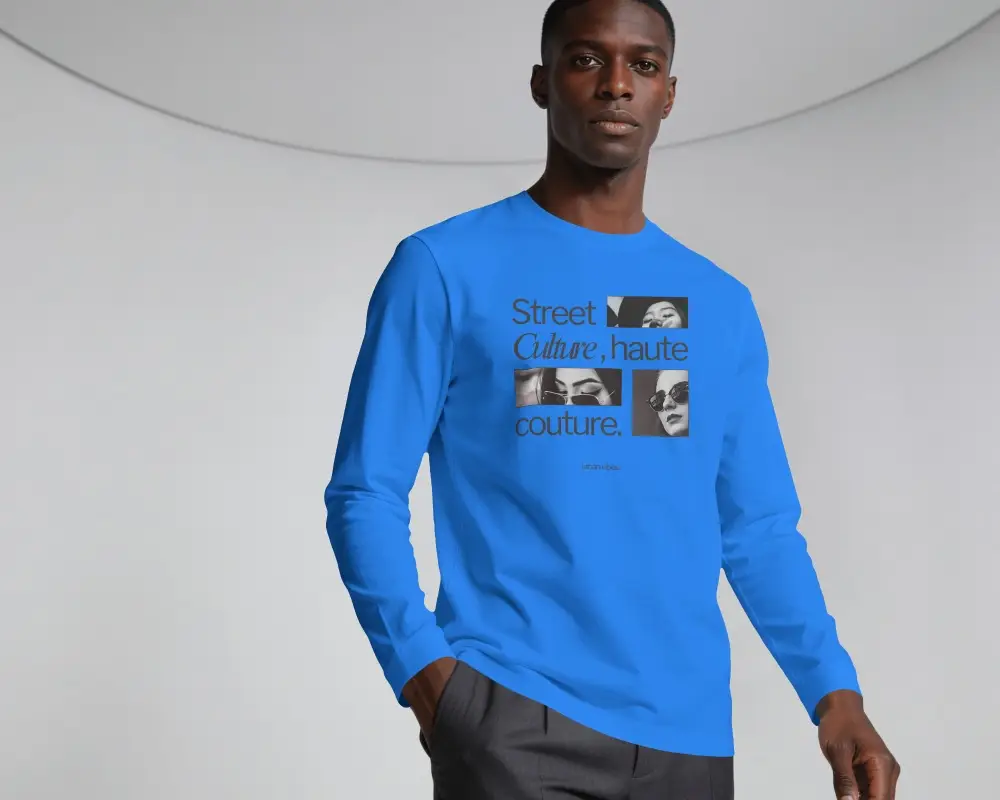
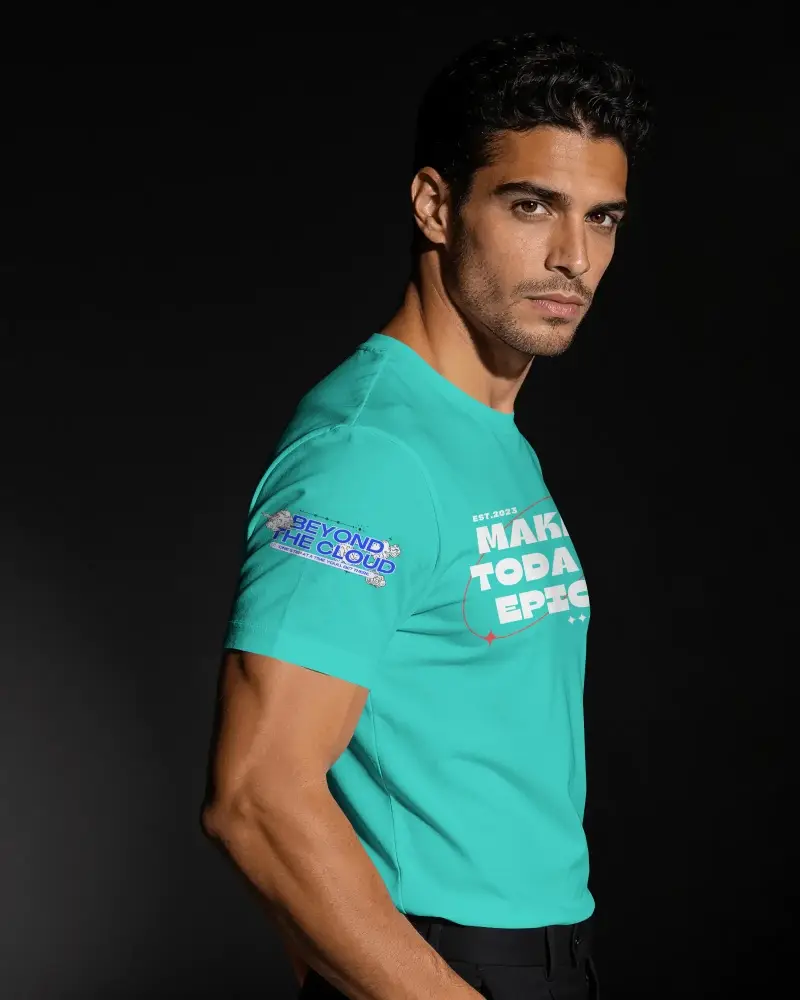
Match Gildan's Actual Colors
Our Gildan mockup generator shows the exact colors provided by the manufacturer.
Whether you want "Sand" or "Military Green" color, it looks accurate on the product mockup.
Bulk Mode · 1 design
Up to 50 products
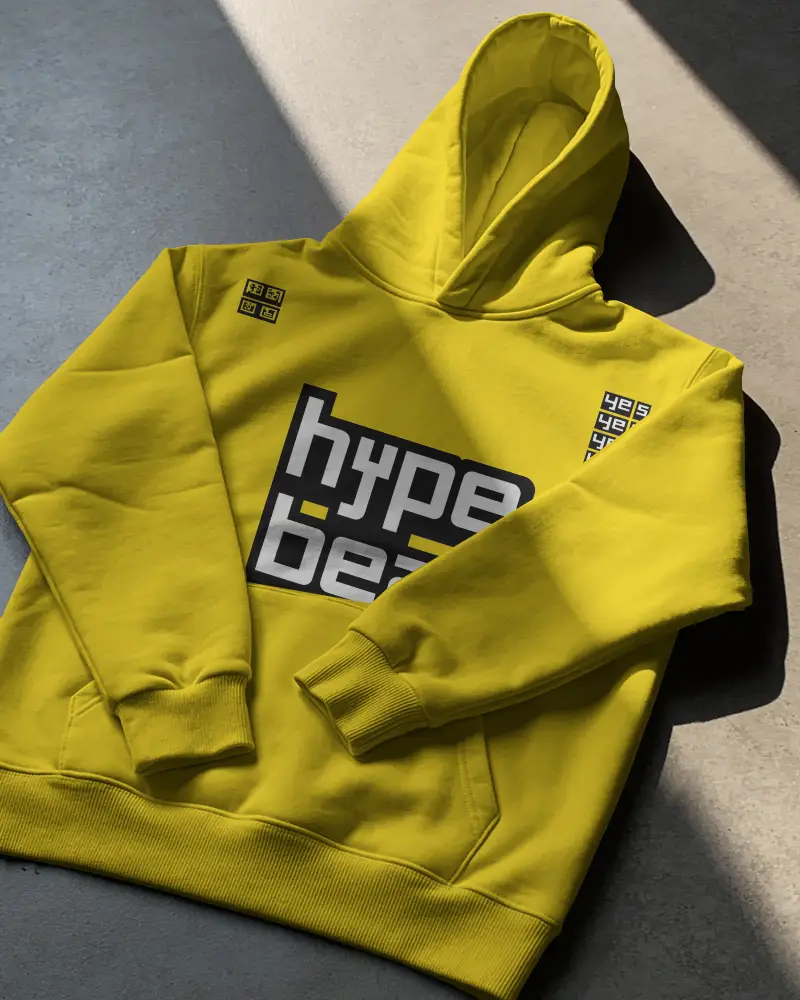


Bulk Mode Feature
Sellers want to save time. If it takes 5 minutes to create one shirt, they choose another generator that works faster.
For sellers who design every day, we offer a bulk mode feature. You upload one design, change colors, and put it on up to 50 products at once.
The export sizes are for Etsy and Shopify listings.
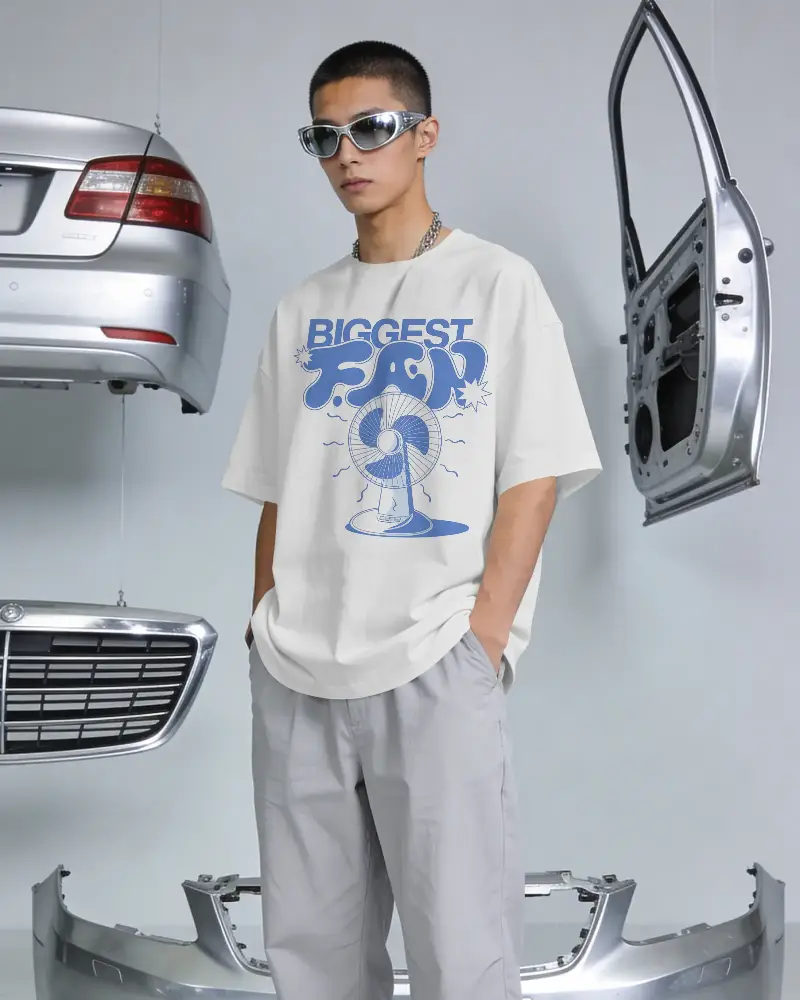


Trending Aesthetics
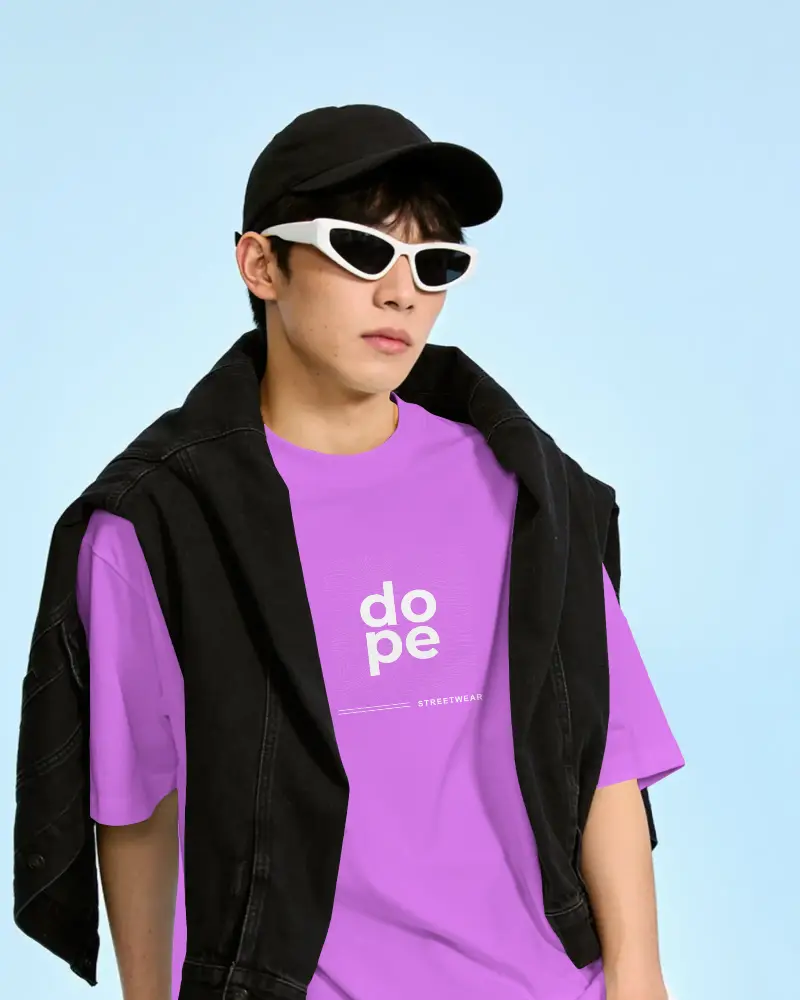
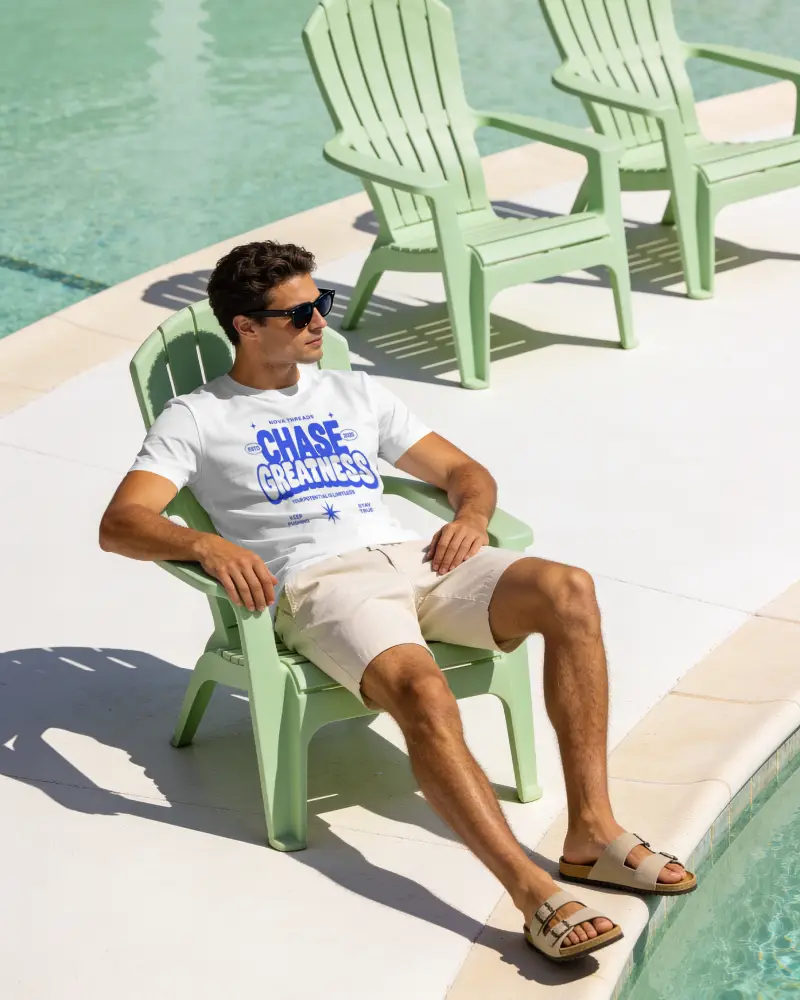
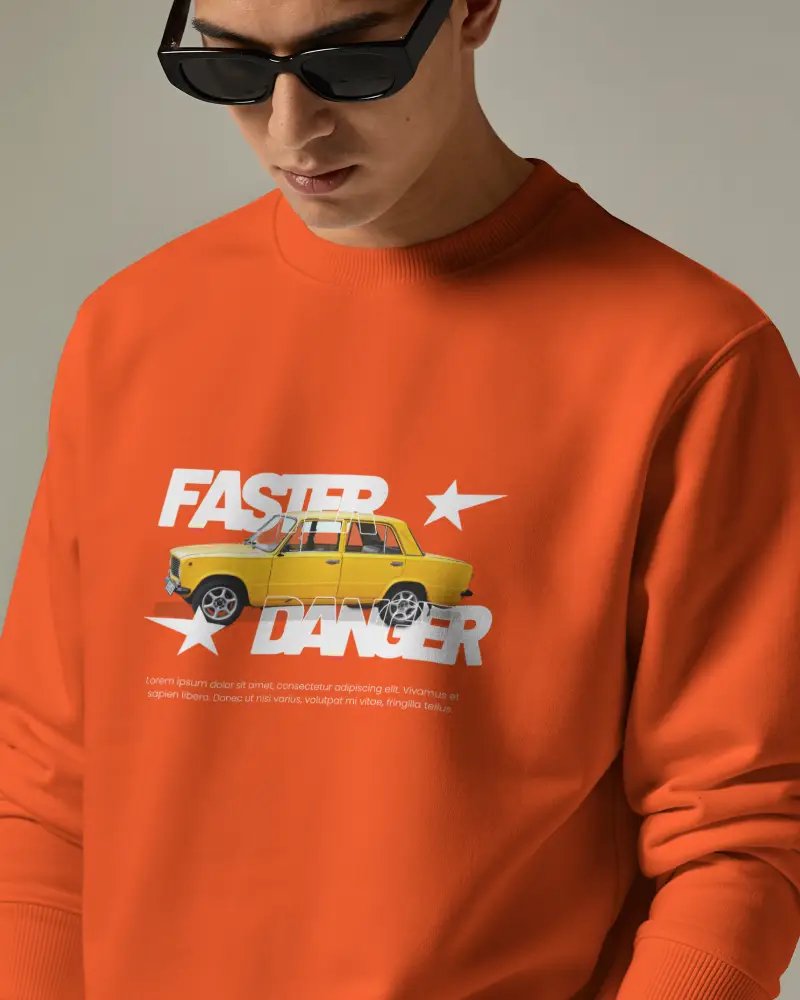
You see products with items like sunglasses, plants, denim jackets, or shoes.
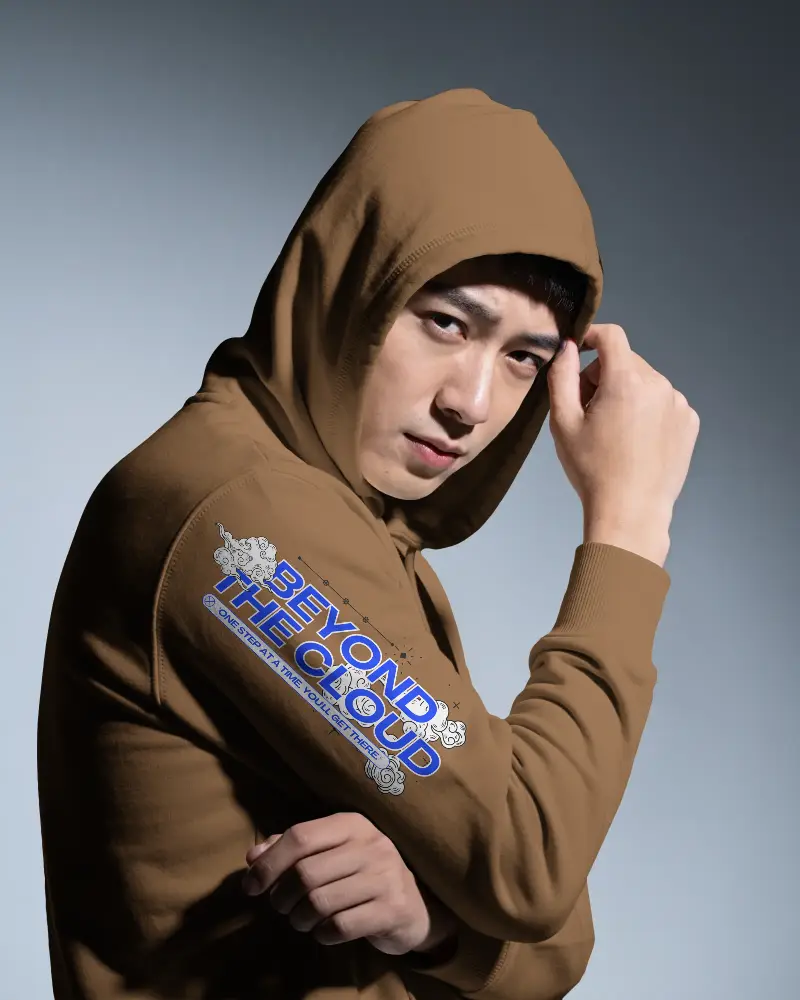
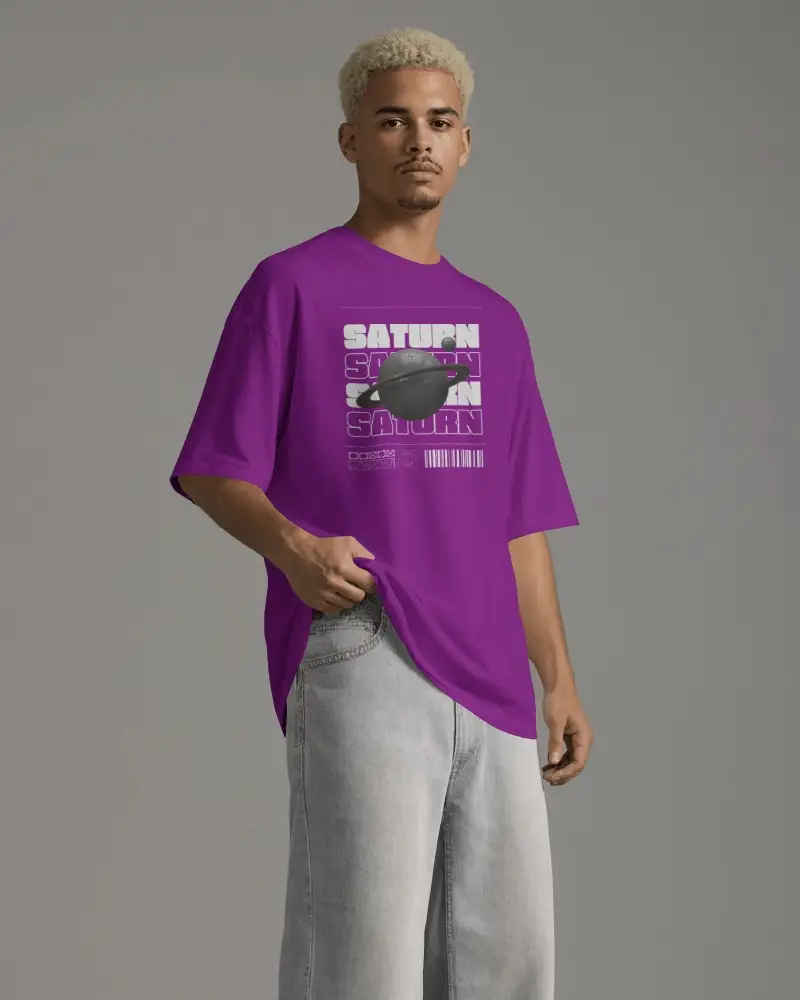
See dark, faded city-style backgrounds or old-school TV effects with boxy hoodies and T-shirts.
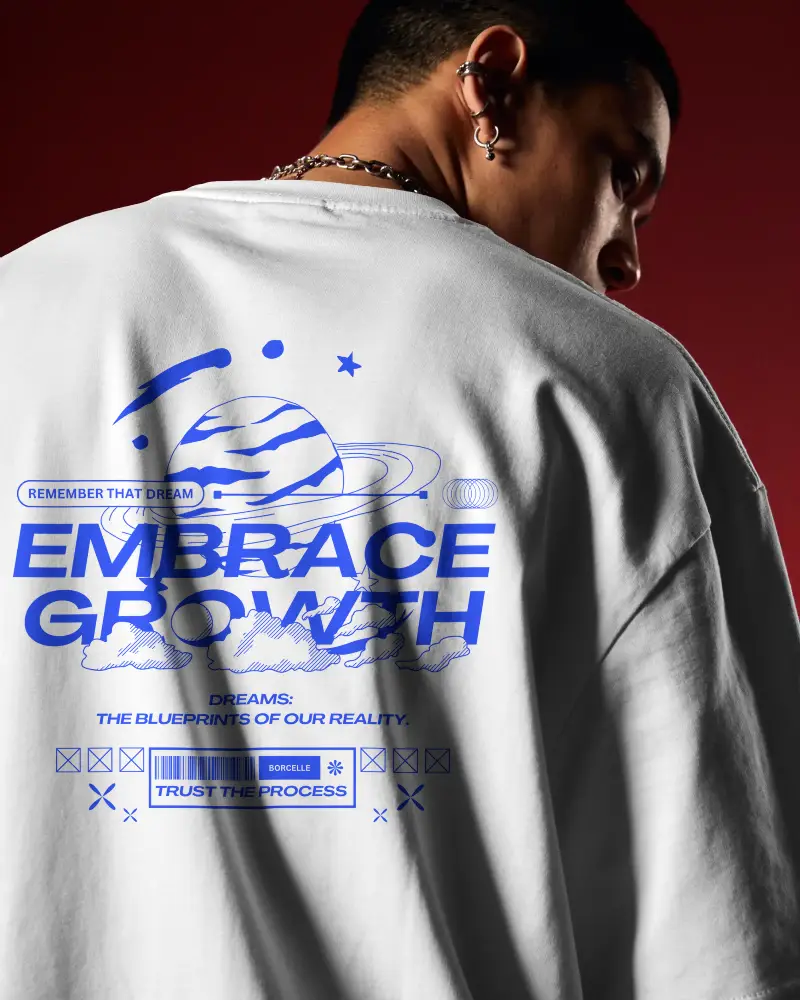
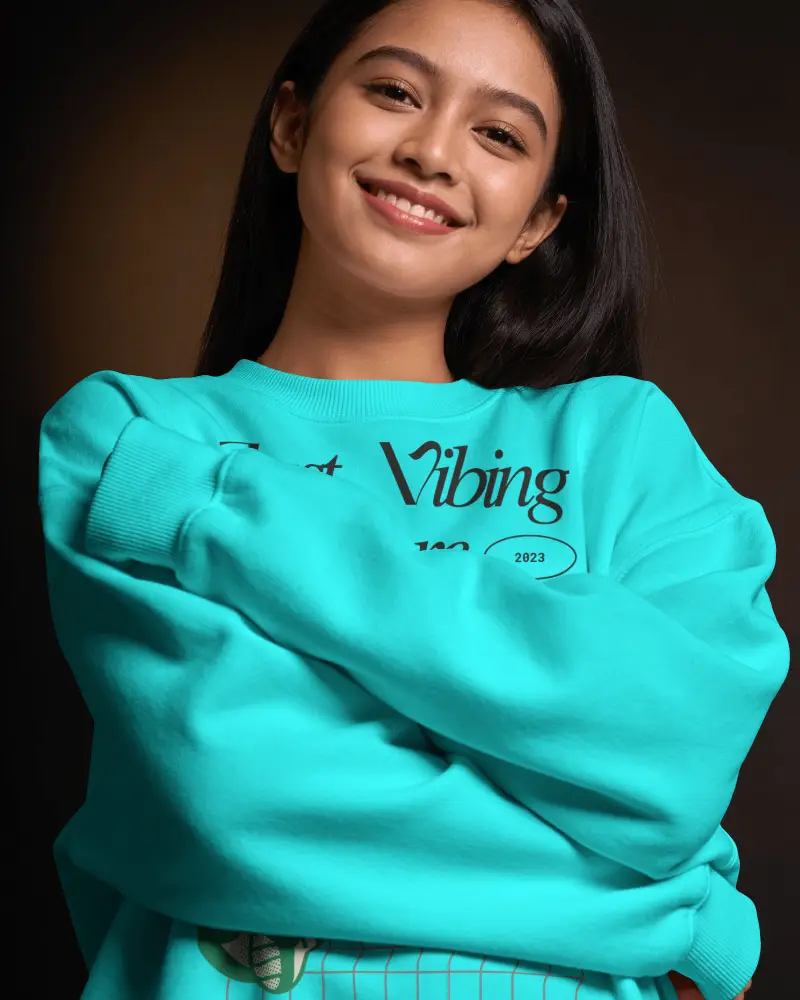
Photos of real people wearing your clothes in coffee shops or city streets.


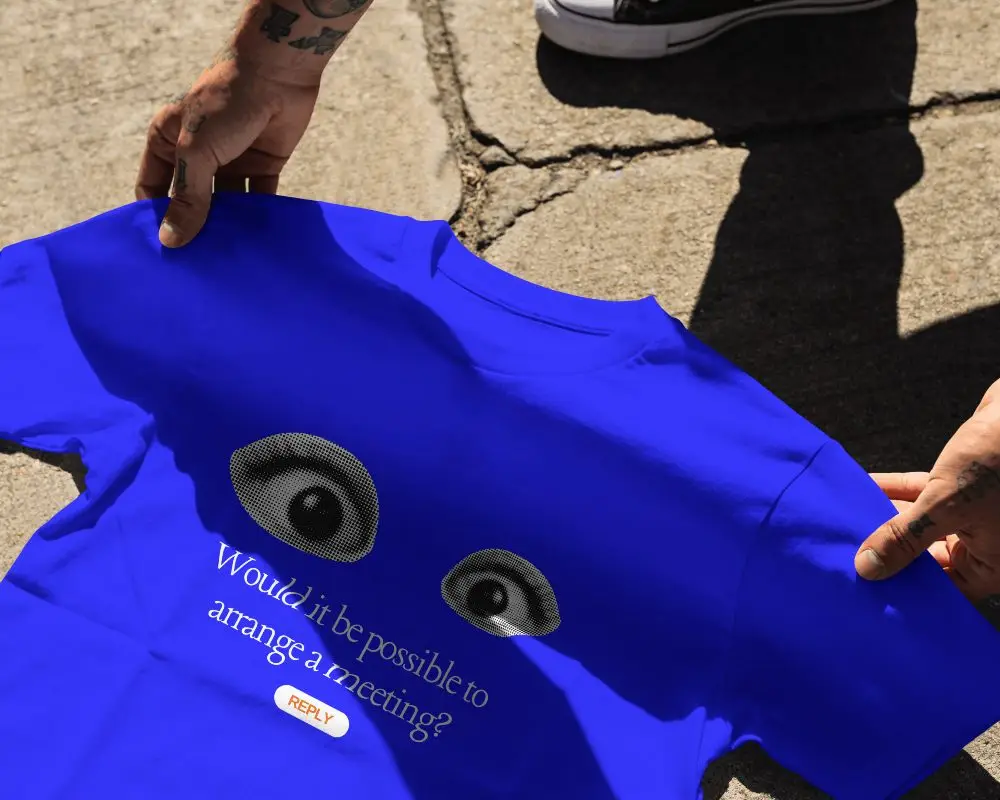

Multiple Views
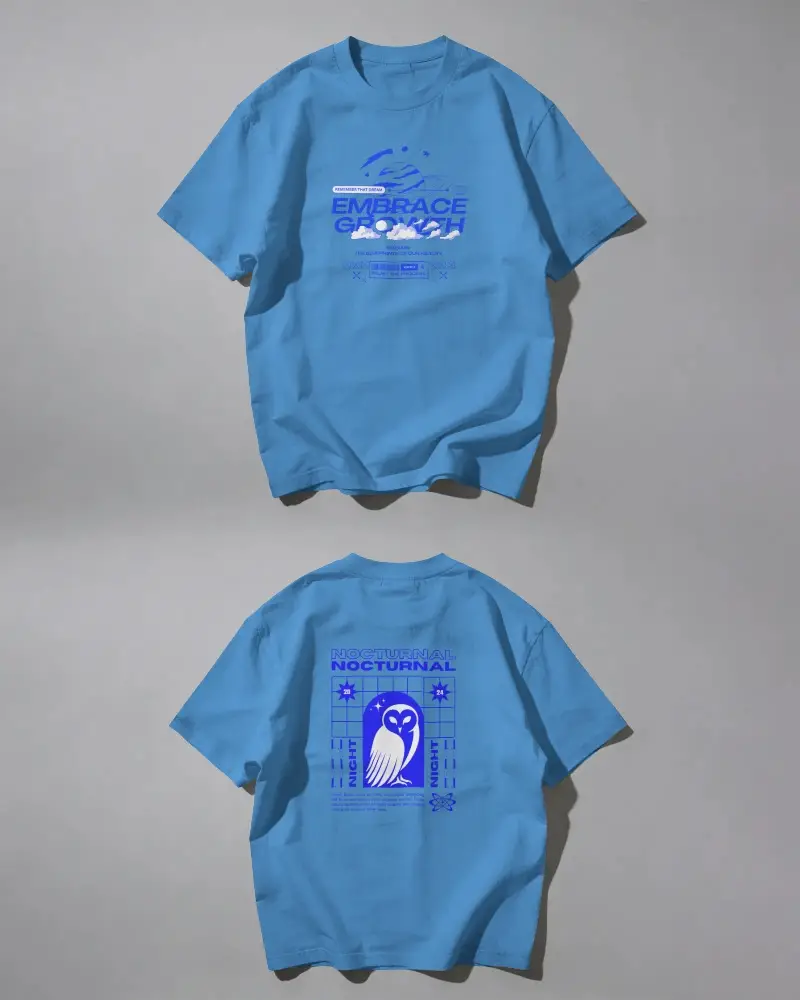
Mockey offers the Multi Shot feature. Select a Gildan product template, add your design, and make the necessary adjustments.
Then use Multi Shot to generate front view, back view, close-up, flat-lay shots, and more.
Gildan Styles Made for Your Store
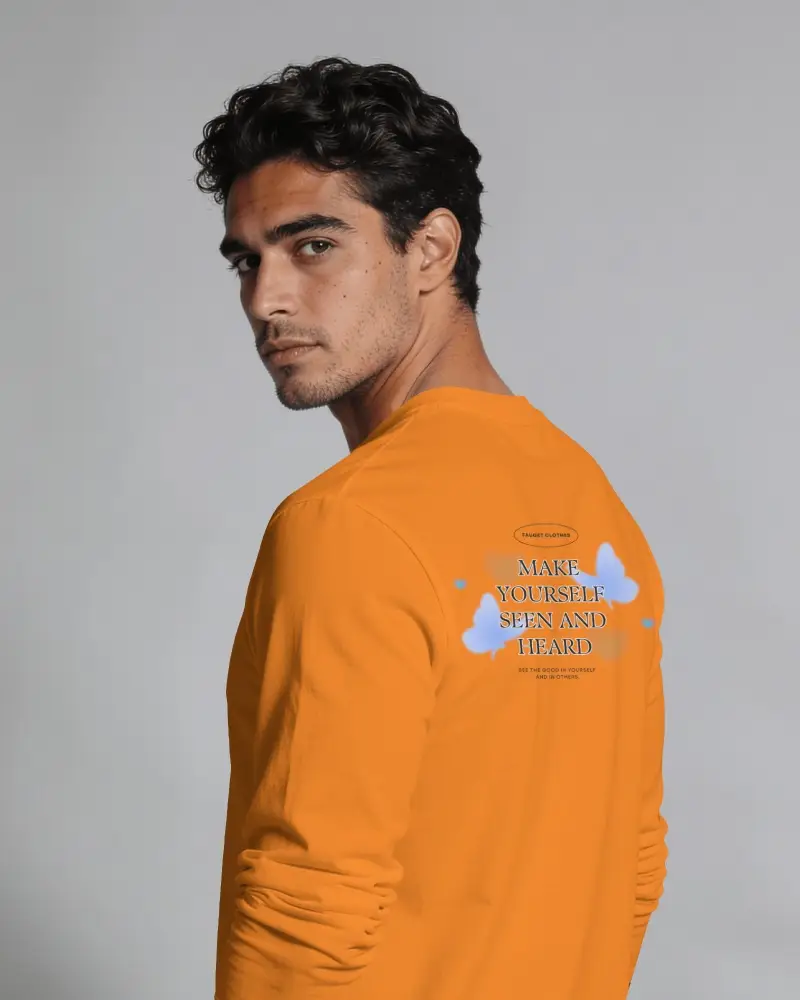
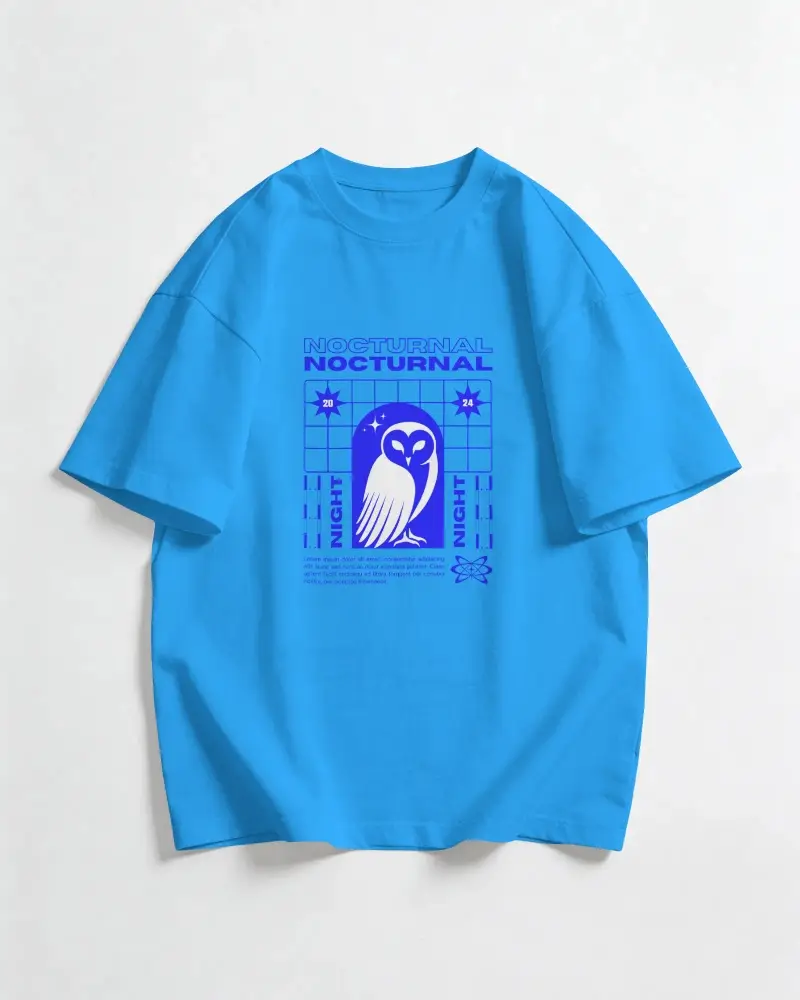
T-shirt · Gildan 5000 & 64000
Gildan 5000 is thick and boxy. In our free AI mockup generator, you get thick folds, wide shoulders, and a thick neck.
Gildan 64000 is soft. You get a natural fit, a little shape around the body, and a flexible collar.
These two Gildan T-shirts are available in men's, women's, and unisex styles.
Go to T-shirt Mockups
Hoodie · Gildan 18500
The Gildan 18500 is one of the most popular hoodies for custom designs. Many sellers make good money from it, especially in the fall and winter.
Our free Gildan mockup generator is a favorite among sellers who create mockups regularly because it follows fabric folds, even when it goes over the pocket seams.
Go to Hoodie Mockups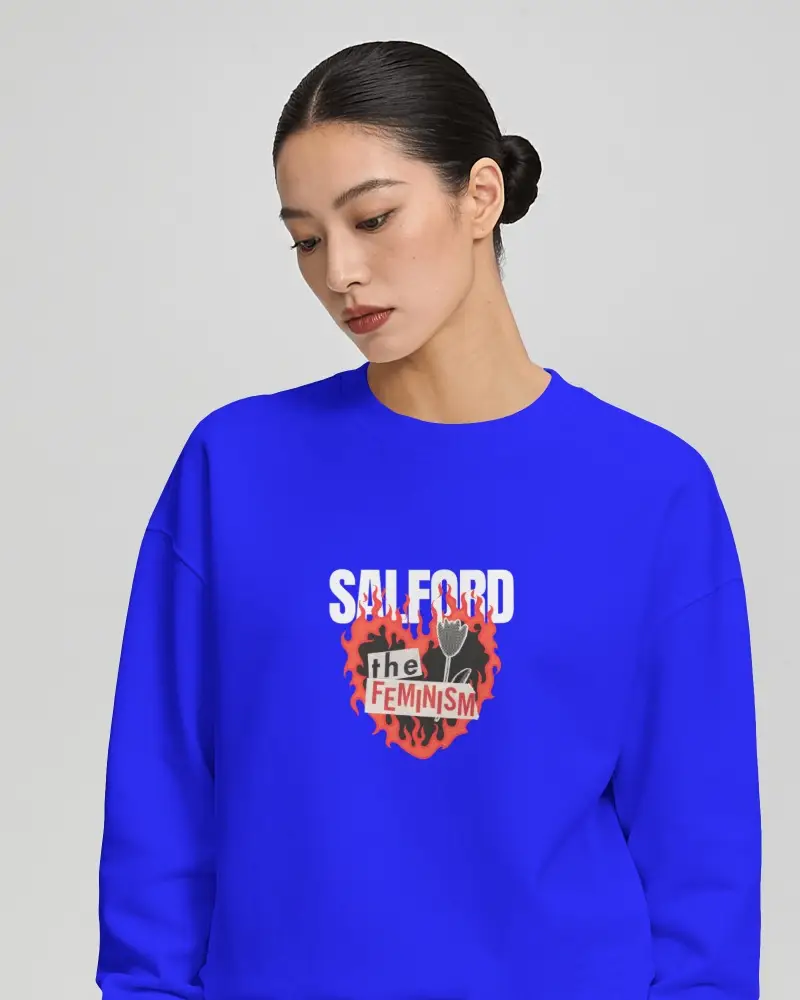
Sweatshirt · Gildan 18000
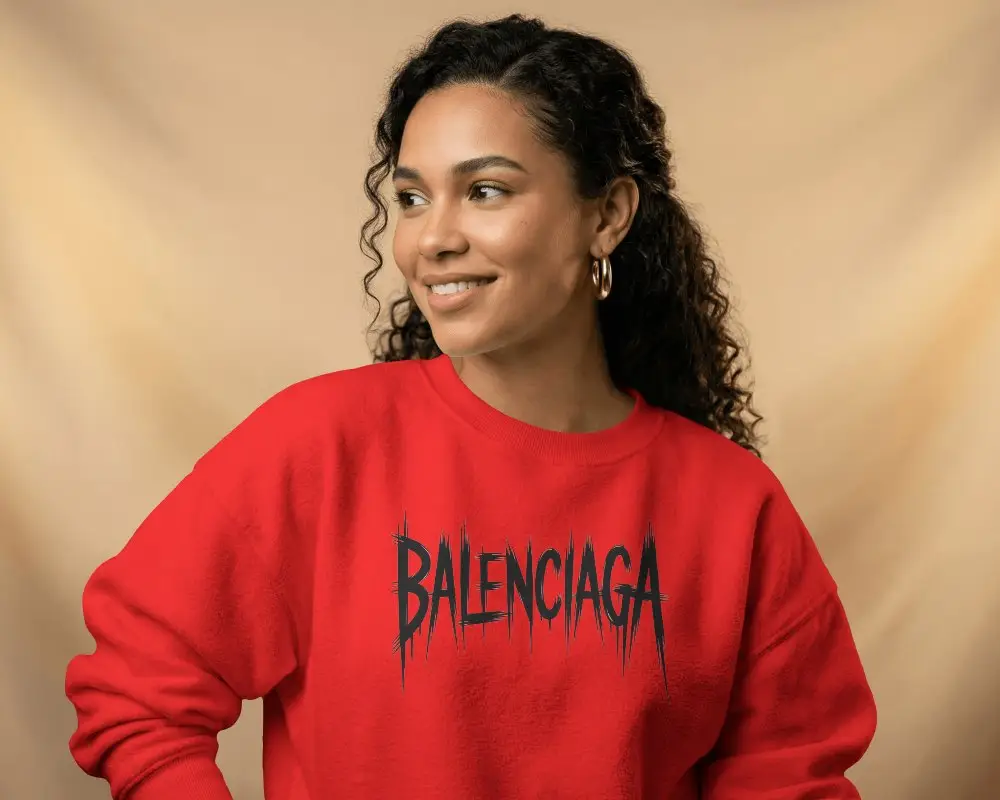
The Gildan 18000 crewneck is a popular choice for college-style lettering and ugly Christmas sweaters.
Many sellers use Mockey to show the Gildan 18000 as a loose sweater.
Go to Sweatshirt MockupsLooking Beyond Gildan?
Your catalog should not stop at one type. Explore Mockey's other generators.

Bella Canvas Mockup Generator
Create Bella+Canvas mockups that show the fit, fabric, and details shoppers care about.

Lifestyle Mockup Generator
Show shoppers how your apparel looks in everyday scenes, rather than just in product shots.
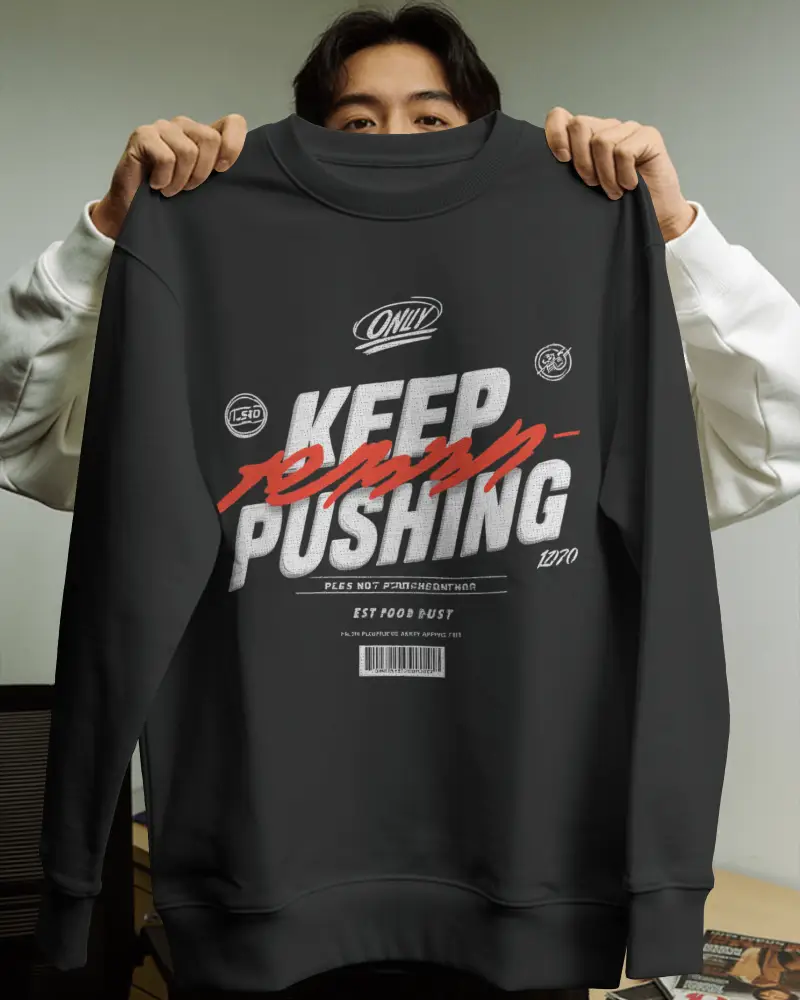
Streetwear Mockup Generator
Show oversized fits, layered looks, and bold designs in scenes built around streetwear culture.
Design Your Gildan Mockup
Choose your Gildan style, pick a scene, and get the product shots you need without arranging a photoshoot or building each mockup from scratch.


FAQs
01 Does the Gildan mockup generator use actual Gildan blank templates?
Mockey AI's Gildan mockup generator reflects the actual garment, not just placing the artwork on a generic shirt.
02 Can I upload multiple designs to a Gildan mockup?
Yes. On the Editor page, click the + icon above the Upload Design button to add multiple designs and adjust them on the template.
03 Do the color swatches exactly match Gildan's official colors?
Your print provider's garment matches the color of our mockup. Whether it is sport grey or military green, it looks the same on screen.
04 Can I swap the background to a lifestyle scene?
Once you upload your design, use the Photoshoot feature to describe a background scene or choose from preset scenes to swap.
05 Does Mockey's Gildan mockup generator have commercial rights?
Mockey's Gildan mockups have commercial rights. They can be used in paid ads and Etsy listings without putting your shop or business at unnecessary legal risk.