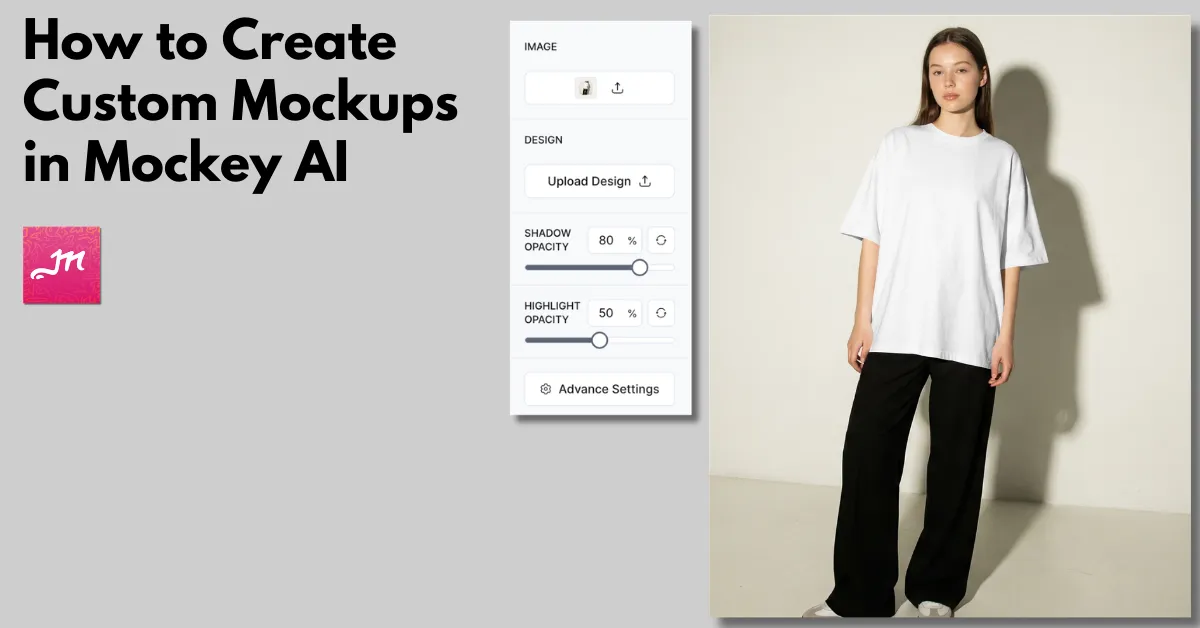
How to Create Custom Mockups in Mockey
How to create custom mockups? Use Mockey AI to drag and drop the image, upload the design, use AI tools, and download the custom mockup in high-quality.
How to create custom mockups? Use Mockey AI to drag and drop the image, upload the design, use AI tools, and download the custom mockup in high-quality.
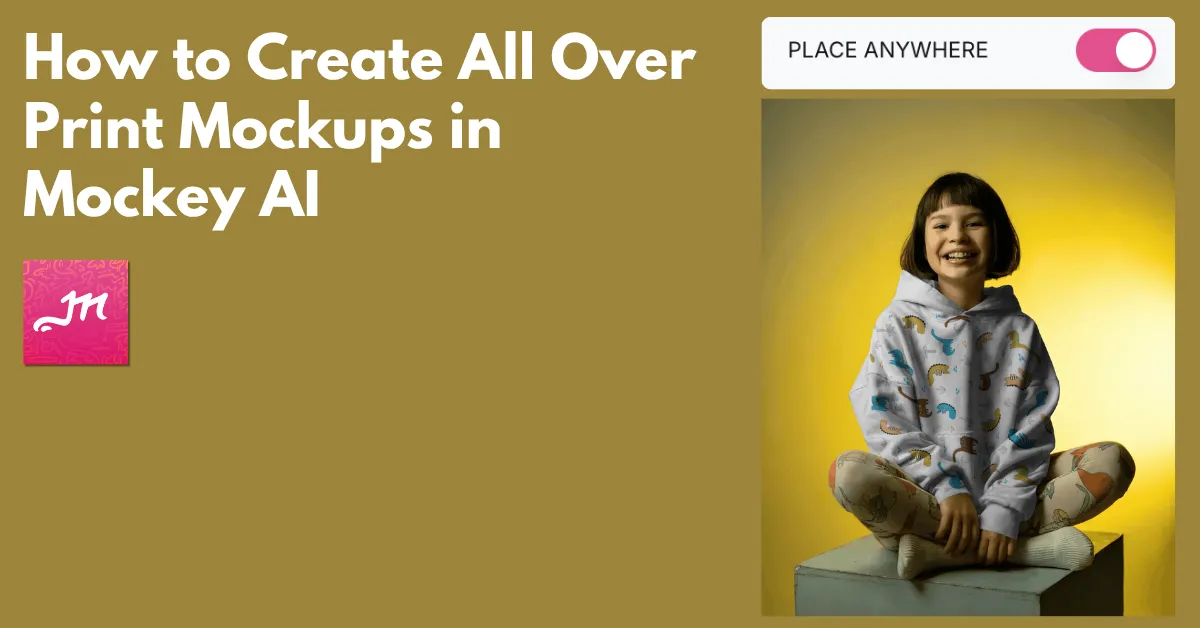
How to create all over print mockups? Use Mockey AI to access the Place Anywhere feature and drag the design to your preferred area.
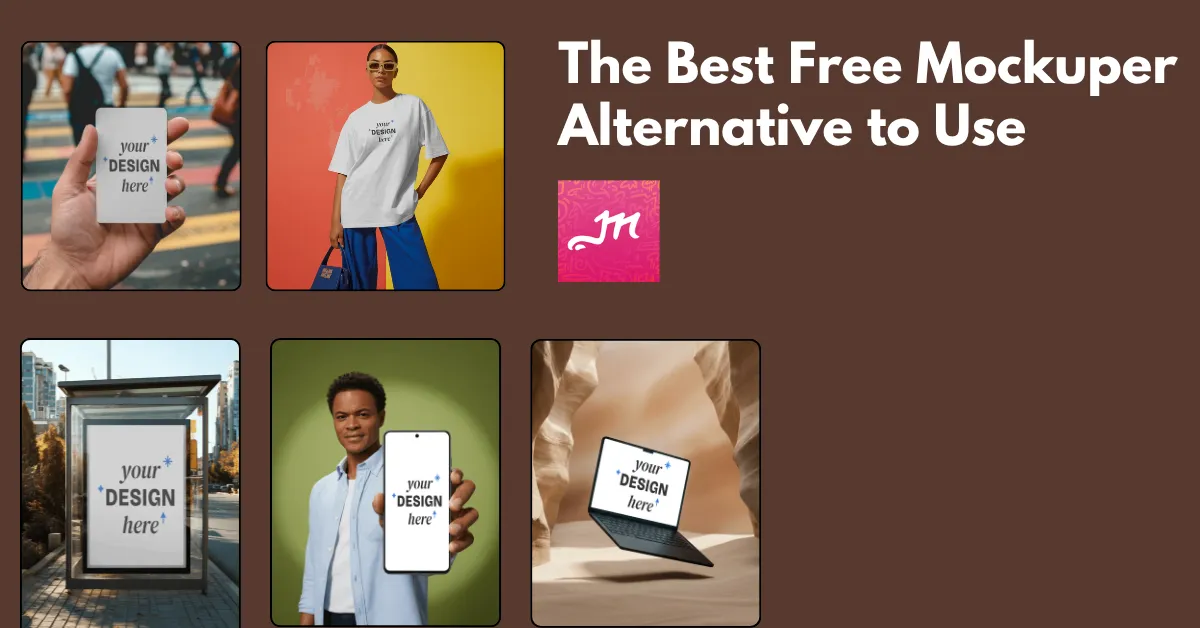
The best Mockuper alternative is Mockey AI because of its free plan, large number of mockup templates, custom mockup, and user-friendly interface.
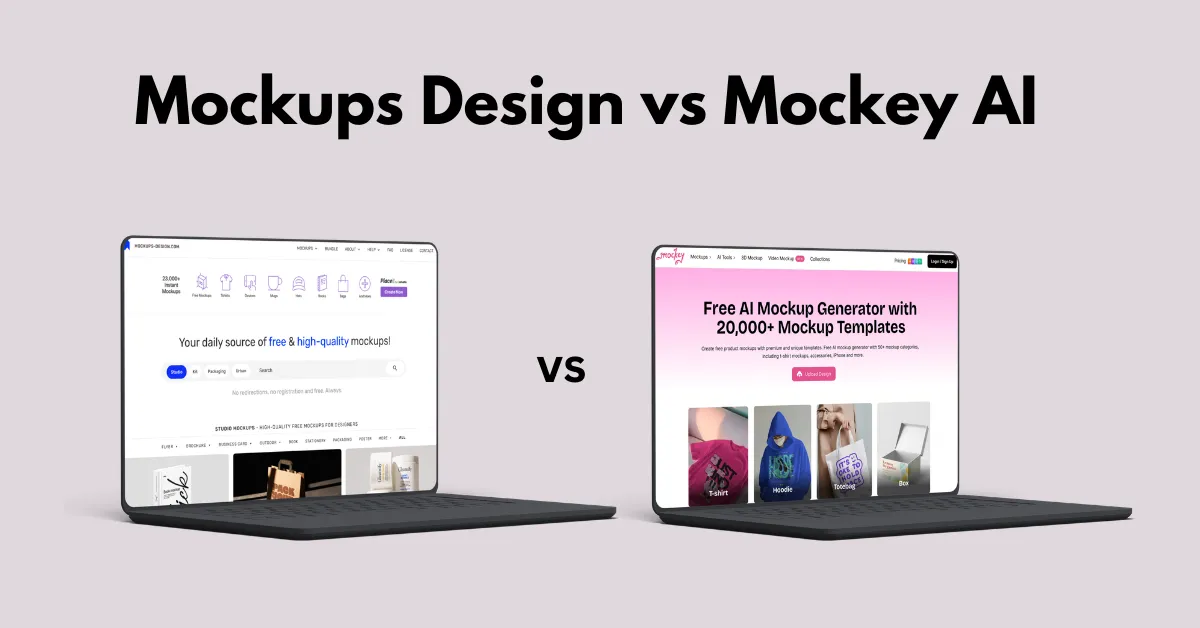
The best mockup generator in Mockups Design vs Mockey AI is Mockey AI, as it offers a wide range of templates, product varieties, and a better mockup bundle.
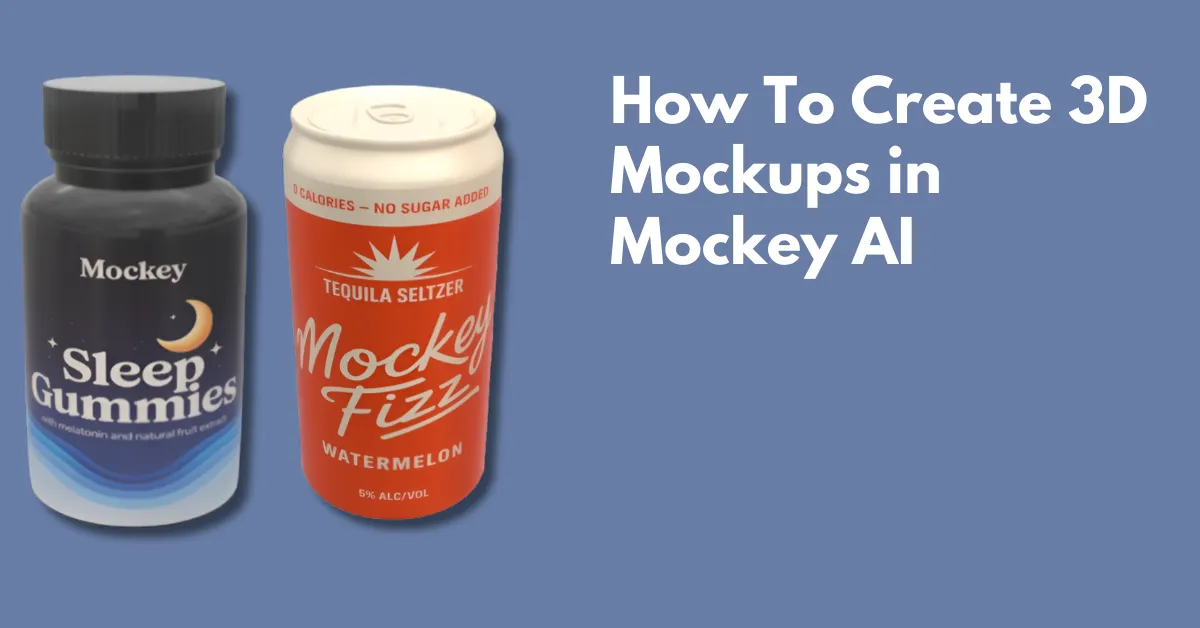
How to create 3D mockups? Use Mockey AI to customize 3D product templates with color and texture. Download in PNG or MP4 files.
Looking for the best AI Image Generators? Explore the 28 best text-to-image AI free and paid tools that are compared to help you choose the best.
The best custom mockup sites are Mockey AI, Photopea, Mockuplabs, and Dynamic Mockups, where you can create custom mockups on your own in 2026.
One of the best mockup sites for clothing is Mockey AI. It offers more than 6000 templates, a free plan to start, and 12 clothing choices for apparel mockups.
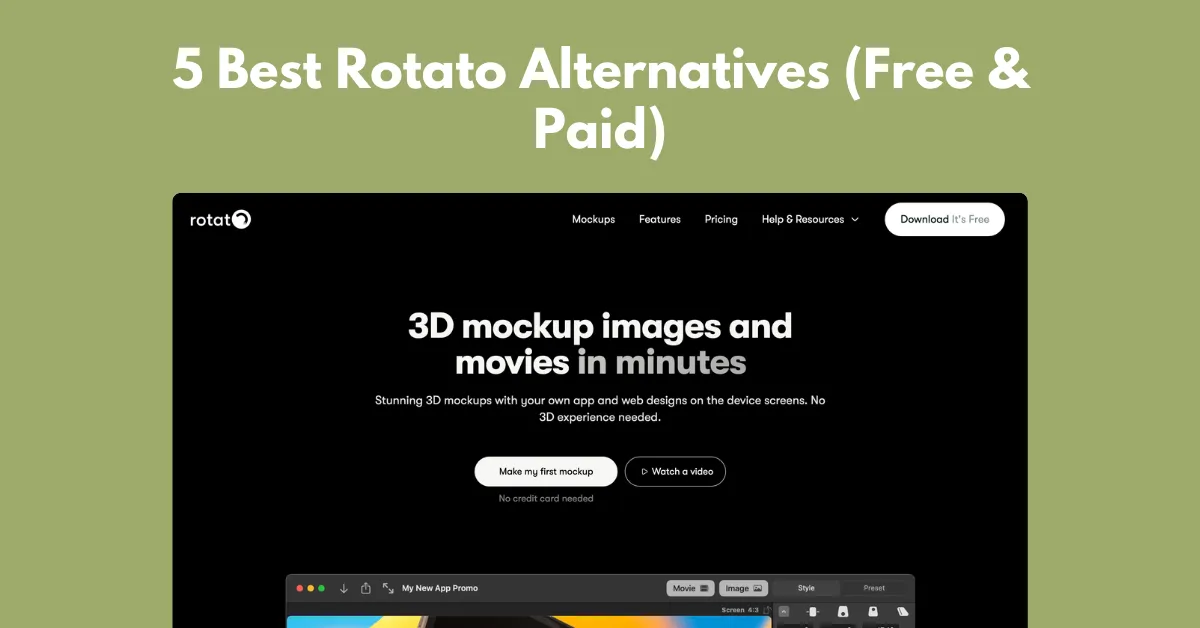
One of the best Rotato alternatives is Mockey AI, which has browser-based templates for uploading a design and exporting it as an image or animation.
Trying to choose between Mock It vs Mockey AI? Compare templates, features, mockup quality, and pricing to find a better mockup generator.