The top Pixeden alternatives for mockups are Mockey, Graphics Burger, LS Graphics, Yellow Images, Mockup World, and Artboard Studio.
Pixeden offers design assets, especially PSD mockups. However, due to drawbacks such as slow loading times and a limited number of mockup files, users are exploring alternative sites.
In this blog, we will discuss the six best Pixeden alternatives that provide online editable PSD mockups, a free plan, a wider range of options, and more.
There are a few reasons that cause trouble for users on Pixeden.
Slow Loading
Whenever a user selects something from the navigation bar, the templates that are supposed to appear don’t become visible at all. We’re not sure if this is a slow-loading issue or something else. Even after clicking, they still don’t show up, which feels frustrating.
The Pricing Plan is Confusing
When you look at their Regular plan, it still comes with download limitations. So, you’re pushed toward the Pro plan for unlimited downloads, which costs $18/month.
Fewer Free PSD Mockups
There are very few free mockups available. Most users would not want to stick with a platform that offers such a limited number of free options.
These are some of the best Pixeden alternatives for mockups that you will love.
Mockey is a Pixeden alternative that offers AI-powered templates for 60+ products. You can explore the platform with a free plan, and also customize and download your designs.
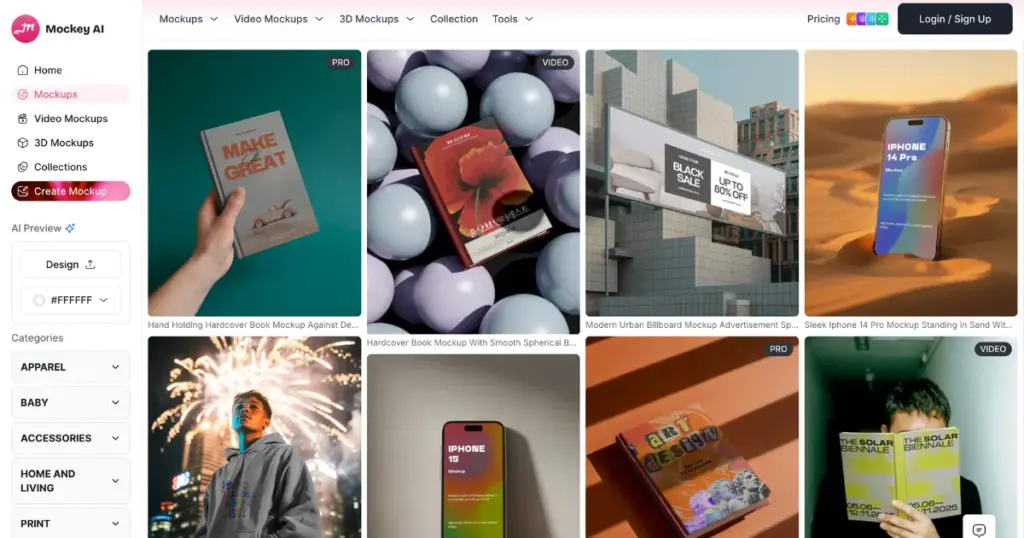
This AI mockup generator provides editable templates where you can upload multiple designs. It has strong editing features, and you can download files in PNG and JPG formats with different size options.
Yes, Photoshop offers more advanced editing options that are not available here. But for most users, the main goal is to properly fit their design on a template and change colors or backgrounds. That is easily possible on this platform, along with animation features.
Mockey also offers several features that make it stand out from others, such as 3D mockups, video mockups, seasonal themes, and more.
GraphicBurger gives you completely free PSD mockups that you can download in just one click. In each mockup’s description, you’ll see details like size, dimensions, format, minimum Photoshop version, and the number of downloads.
You can find mockups for apparel, mugs, bottles, phones, boxes, vans, leggings, helmets, and more. However, it seems they may have stopped adding new mockups, as the last update was on February 20, 2018.
Also, you’ll see ads across the site, whether it’s on the homepage or the download page, which negatively affects the user experience.
LS Graphics is also a Pixeden alternative that offers editable PSD mockups. All the mockups, whether they are devices or branding, can be edited online.
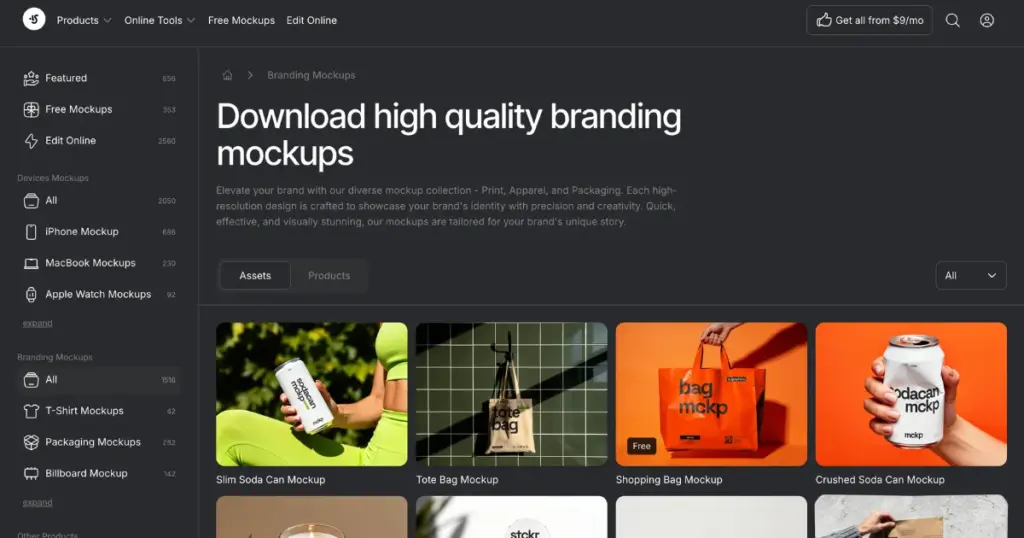
You can add designs or change colors, but for that, you need to purchase a plan, which costs $29 per month. All their mockups are modern, including animated and bundle mockups.
Yellow Images is an alternative to Pixeden that offers high-end PSD mockups for branding. You get options like vehicles, stationery, devices, apparel, advertising, and more.
There are some free mockups available, but they are limited. Pricing for each file starts from $29.99/month. You also get additional features like custom mockups and mockup sets.
Mockup World offers a huge collection of free PSD mockups. Get products like apparel, devices, billboards, books, cosmetics, and packaging. More than 4,000 mockups are available, and their dimensions are also mentioned.
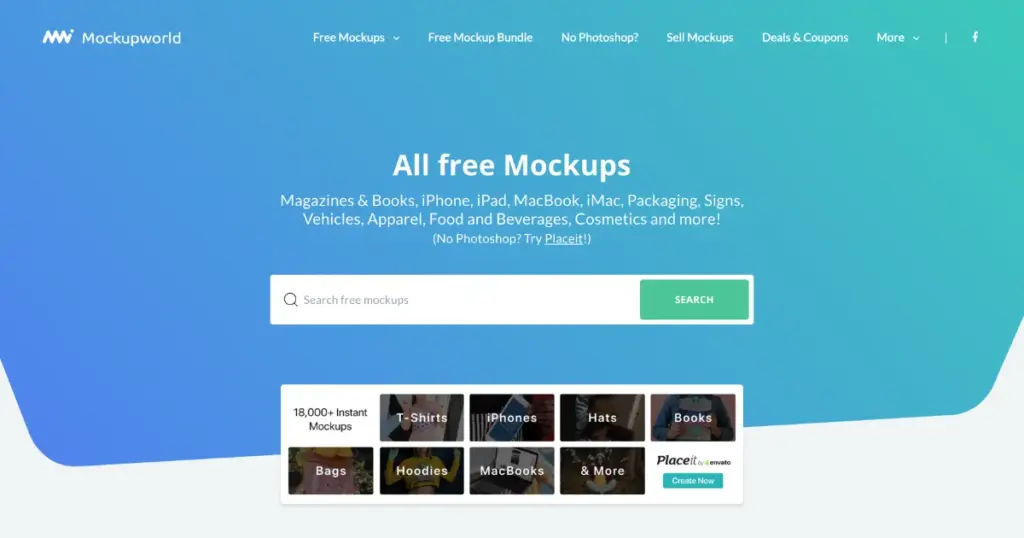
You also get a free mockup bundle that includes 12 products. Animated mockups include a total of 22 mockups, along with some devices, billboards, and mugs.
If you want, you can check a separate blog on Mockup Design vs Mockey AI.
Artboard Studio is a browser-based tool where you can create animation and video mockups without using any complex software.
It includes features like a timeline editor, keyframing, and path animation to help you create animated video mockups easily.
To create animations in Artboard Studio, turn on animation mode and add keyframes on the timeline. Then move your objects or change the position or color over time, and the motion will be created automatically.
Check out some of the best Artboard Studio alternatives for mockups.
These are some of the top Pixeden alternatives for mockups. If you want a large number of templates that you can edit online instead of PSD mockups, then Mockey AI is the best alternative to Pixeden.
If you are starting a print-on-demand business, its mockups are very useful for product listings. Along with mockups, you also get access to AI tools like product photography and text-to-image generation.
Pixeden is a design resource website that offers free and premium PSD files. It mainly provides mockups, UI kits, icons, and templates for designers.
You’ll find the highest number of free PSD mockups on Mockup World. You can download them with just one click.
That’s one of the biggest advantages of Mockey. It is all done online, so you don’t need any design software to make mockups.

Sangram Sahoo
I’m a content writer with 4 years of experience. I specialize in creating practical content around mockups, print-on-demand, apparel, and e-commerce design.
