Customize & Download Free 3D Hat Mockups
Create impressive 3D hat mockups with Mockey.AI. Upload your logo or artwork, personalize the hat style and colors, and download your 3D visuals instantly.
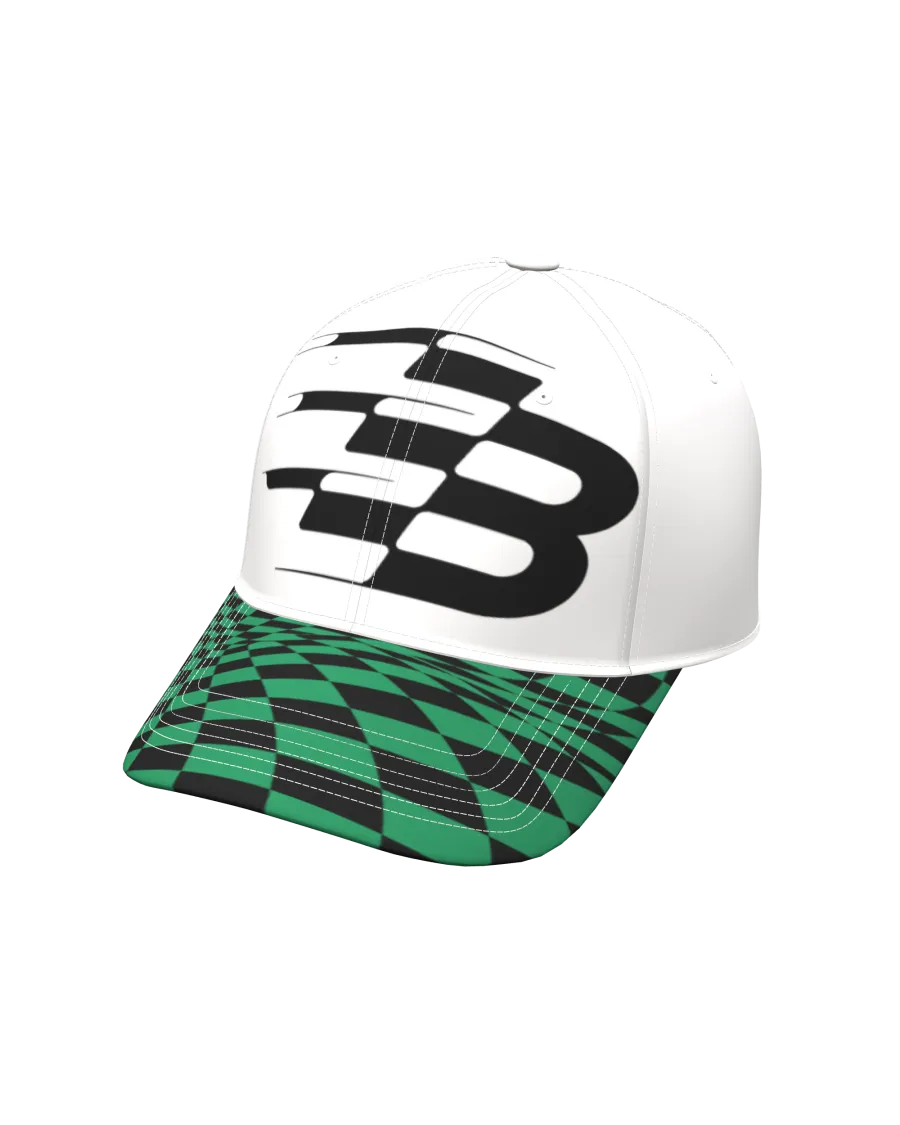
How to Create a 3D Hat Mockup with Mockey
To make a 3D hat mockup in Mockey AI:
- Step 1: Click on 3D Mockup in the menu and select Hat under Apparel.
- Step 2: Upload your artwork or logo, choose hat styles like cap or beanie, and adjust the colors and background.
- Step 3: Preview your 3D design and download it as a PNG, JPEG, or short animation.


FAQs on 3D Hat Mockups
What is a 3D hat mockup?
A 3D hat mockup is a lifelike digital model of a hat used to visualize your design, branding, or logo placement realistically.
Can I make free hat mockups online?
Yes, Mockey AI lets you create and download 3D hat mockups online for free, with no design skills required.
What kinds of hats can I design with Mockey?
You can make mockups for caps, beanies, snapbacks, and more using Mockey’s flexible 3D templates.
Do I need graphic design skills?
Not at all. Mockey AI is designed to be easy to use, even for beginners with no prior design experience.
Can I change the color and texture of the hat?
Yes, you can fully customize the hat’s color, texture, and add your logo or artwork easily.
Are hat mockups free to download?
Yes, all 3D hat mockups on Mockey AI are free to create, customize, and download.
In which formats can I export my mockup?
You can export your 3D hat mockup as a high-quality PNG, JPEG, or short video.
Can I use the mockups for commercial use?
Yes, you can use Mockey AI’s mockups for commercial purposes, including for client work and promotional materials.
How do 3D hat mockups benefit my brand?
They let you present your branding professionally, improve product visualization, and speed up design approvals.
Where can I find the best 3D hat mockups?
Mockey AI offers a wide range of high-quality, customizable 3D hat mockup templates available for free.
