iPad Video Mockups
Showcase your app or design with ipad video mockups that bring your visuals to life. Create engaging motion previews with realistic scenes, perfect for ads, presentations and social media.
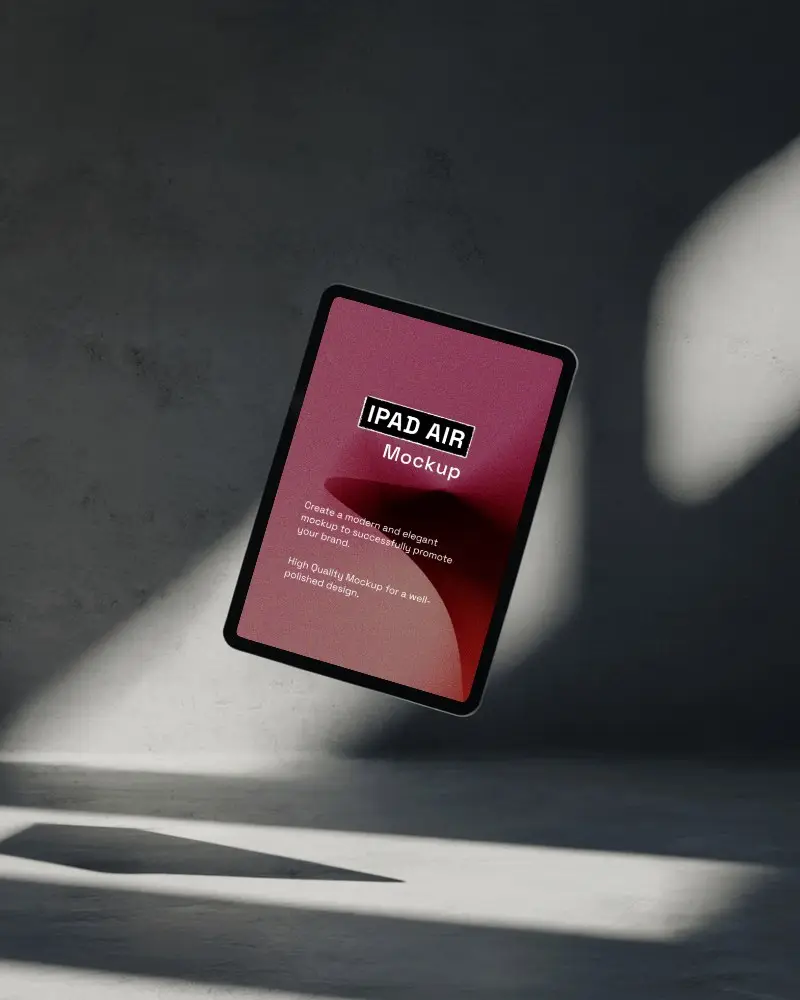
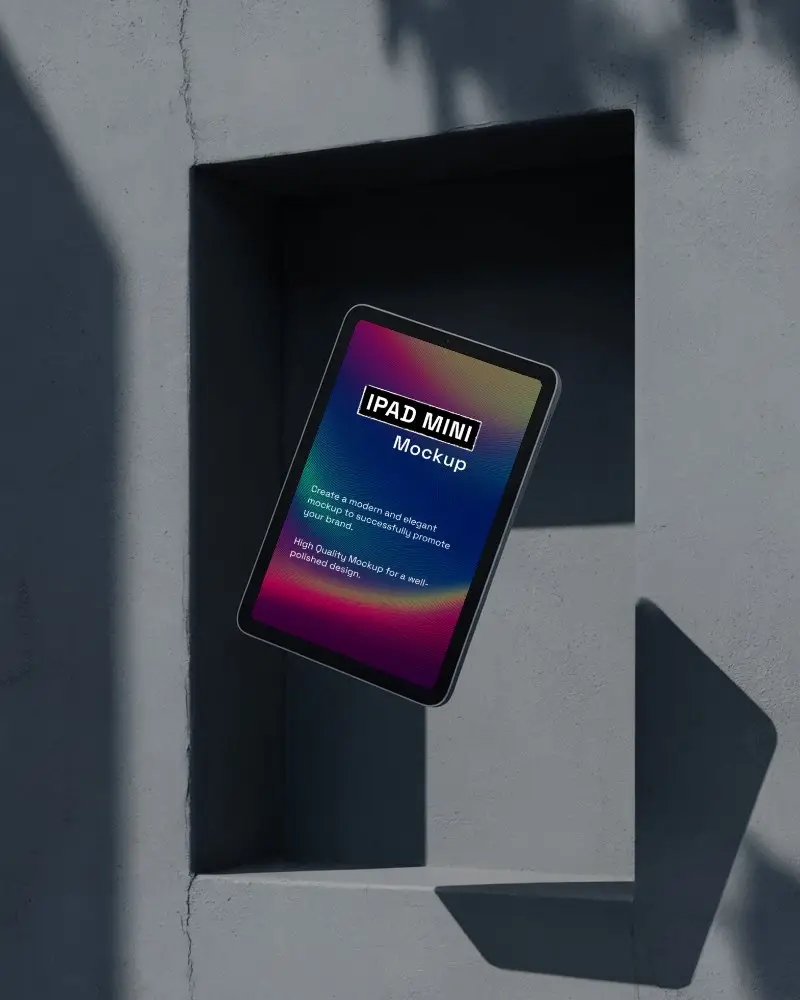
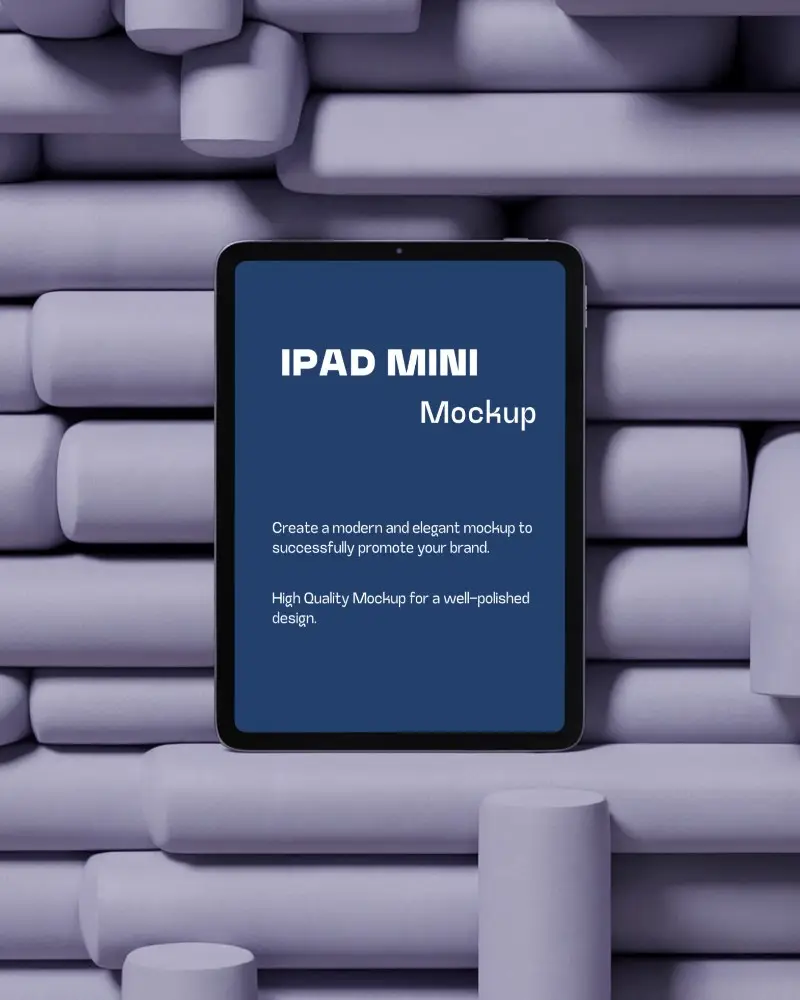


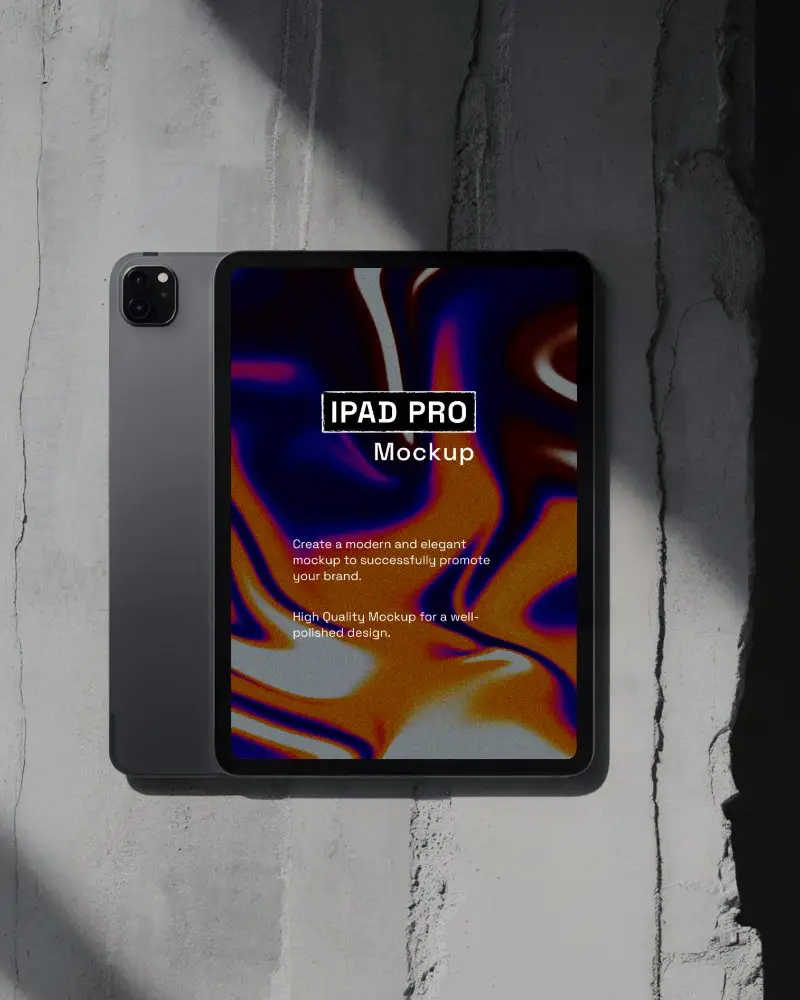

How to Create an iPad Video Mockup in Mockey AI
To create iPad video mockups:
- Step 1: Begin by acquiring the MAX plan. Navigate to 'Video Mockups' and choose 'iPad' under 'Tech'.
- Step 2: Select a template that appeals to you. Upload an image and make the necessary modifications.
- Step 3: Click on 'Generate Video' to produce the iPad mockup. Download the completed video in MP4 format.


FAQs on ipad Video Mockups
Why should I use an iPad video mockup?
Use an iPad video mockup to show your app or website in motion. It looks real and keeps viewers interested. The more they see how it works, the better they understand. iPad video mockups bring user flows and interactions to life. They work far better than static images for marketing, pitches, and portfolios.
What is an iPad video mockup?
An iPad video mockup is a moving display of your app or design on an iPad screen. It comes with real device frames and smooth motion that shows how users interact. Compared to a plain image, it seems more pleasing and genuine.
Where can I use my iPad video mockup?
You can use it to promote a product, highlight a service, or explain how an app works. People often use it on social media and in portfolios. It's also a straightforward method for making app demos.
Why should I use an iPad video mockup free instead of images?
Using a free iPad video mockup is better than static images because it feels more real. People will be able to understand your website, app, or design in motion.
What Types of iPad Video Mockups Are Available?
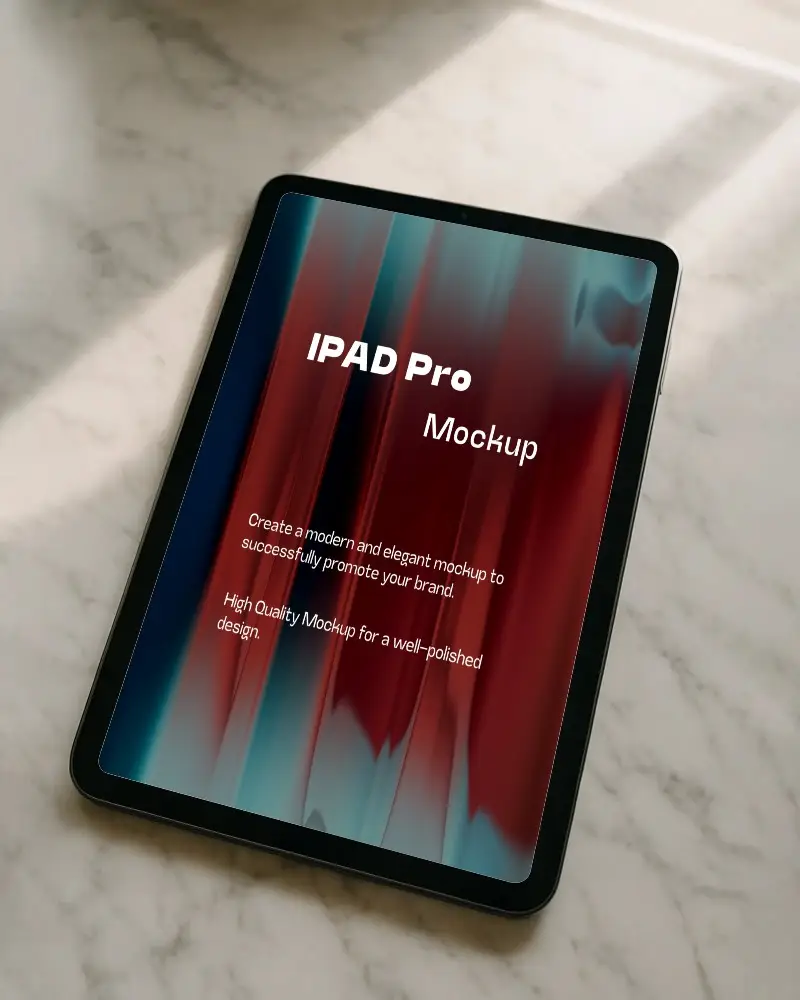
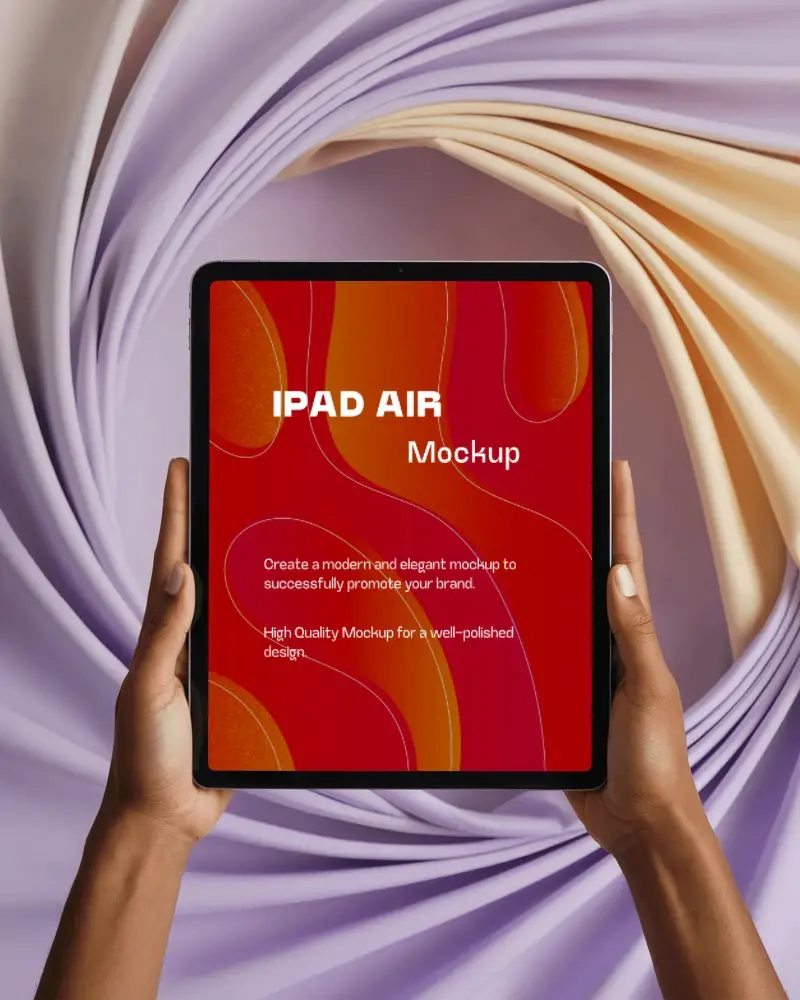
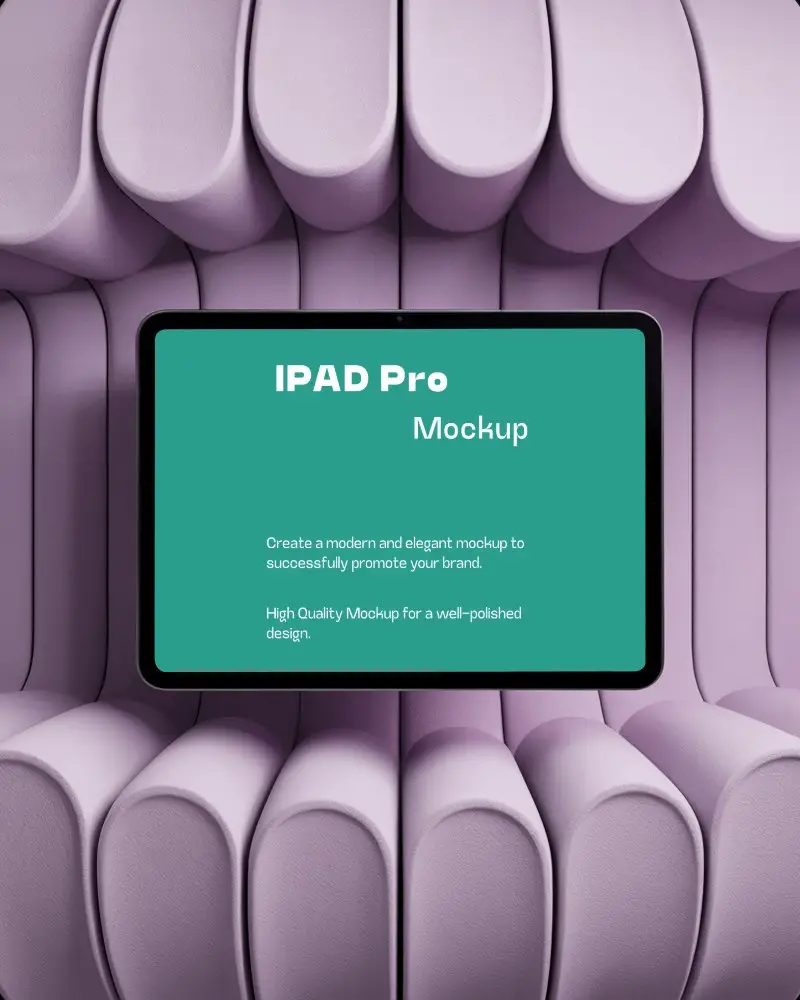
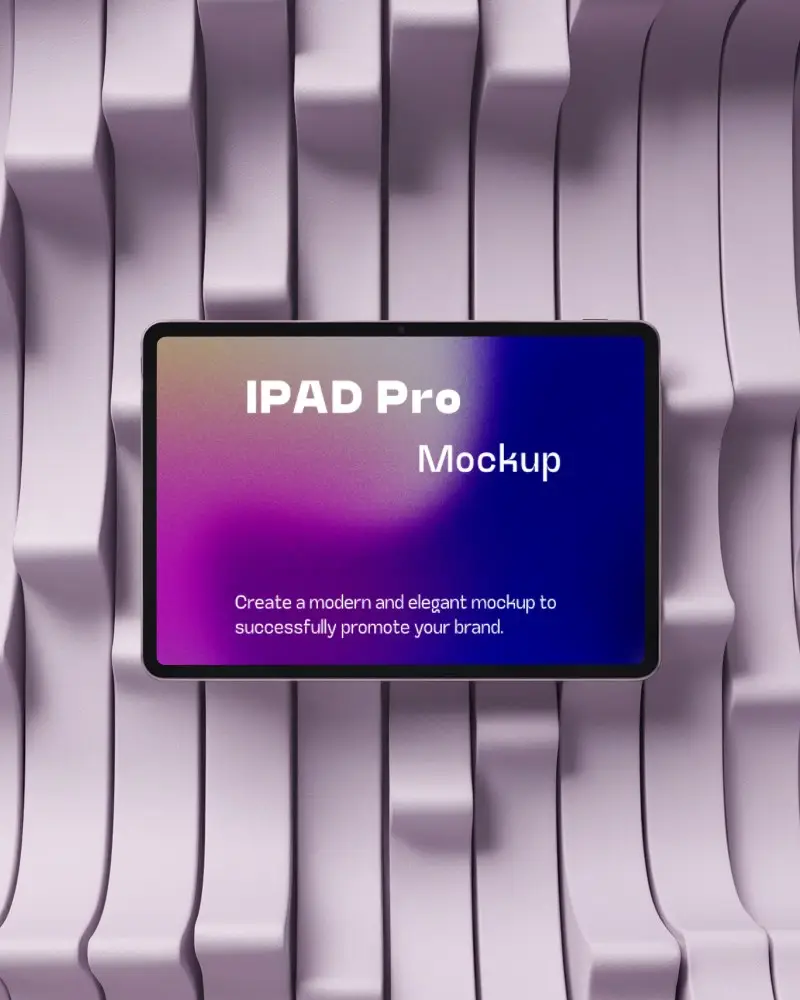
You get floating, angled, hand-holding, horizontal, and vertical styles to all iPad model types in Mockey's iPad video mockups.
