Modern Angled iPad Video Mockup to Present Your UI Designs
Mockey’s Angled iPad video mockup turns simple screens into engaging digital showcases. With fluid motion and sharp clarity, your UI, app designs, or layouts instantly feel more premium and professional.
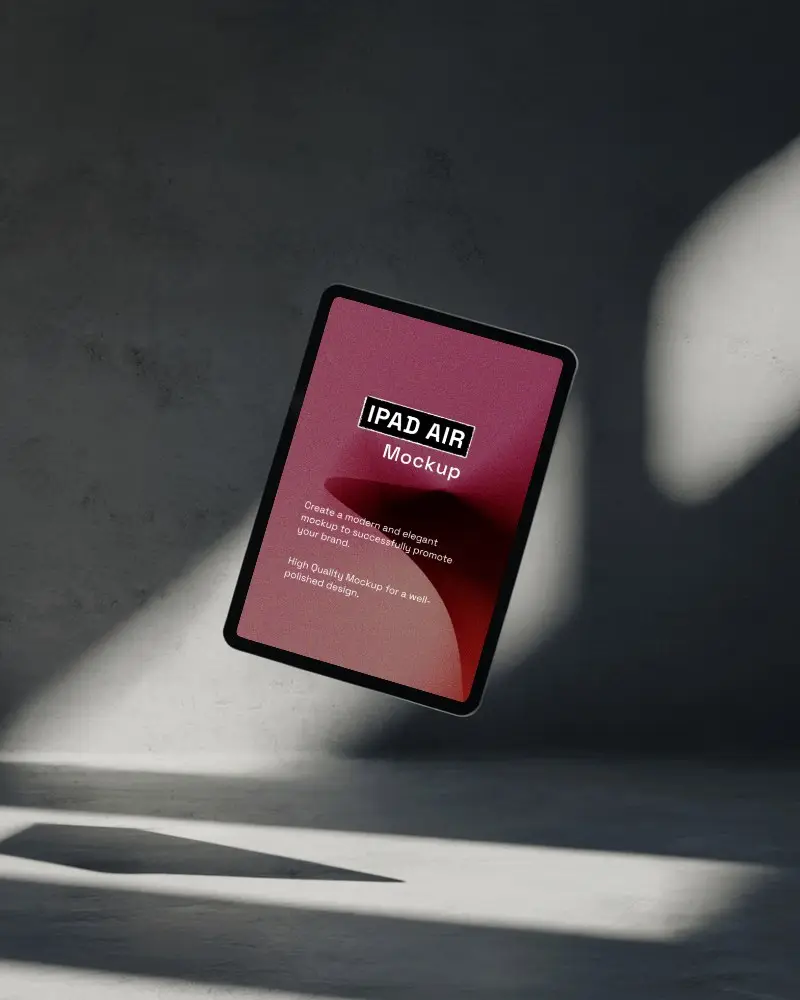
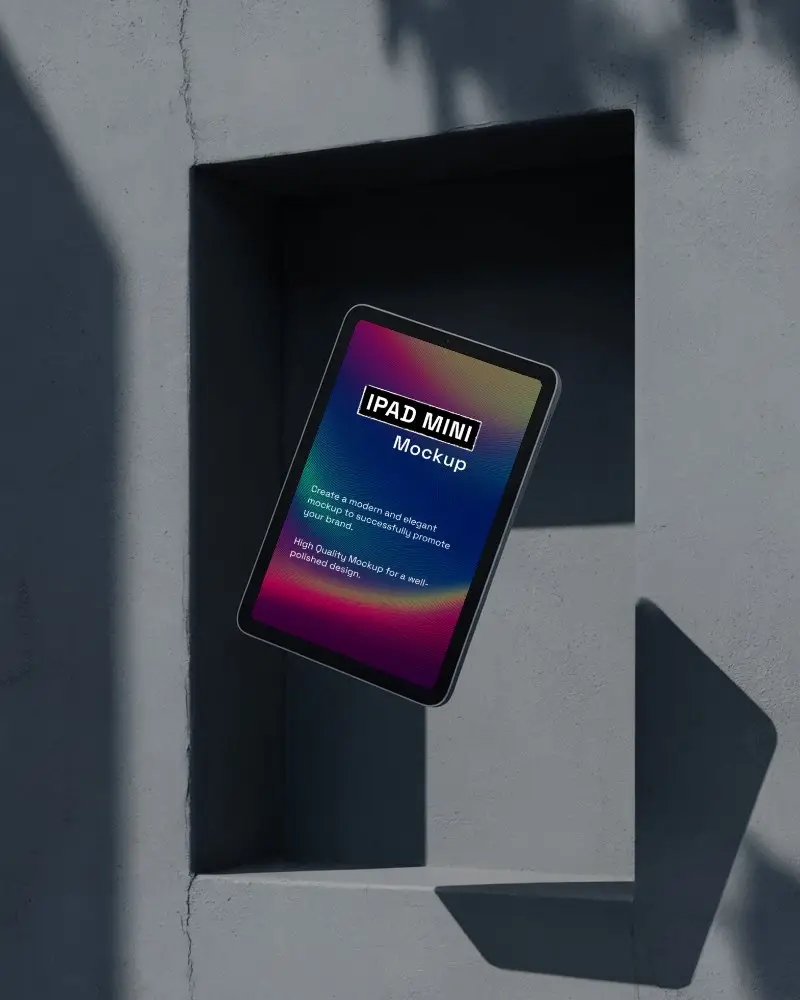
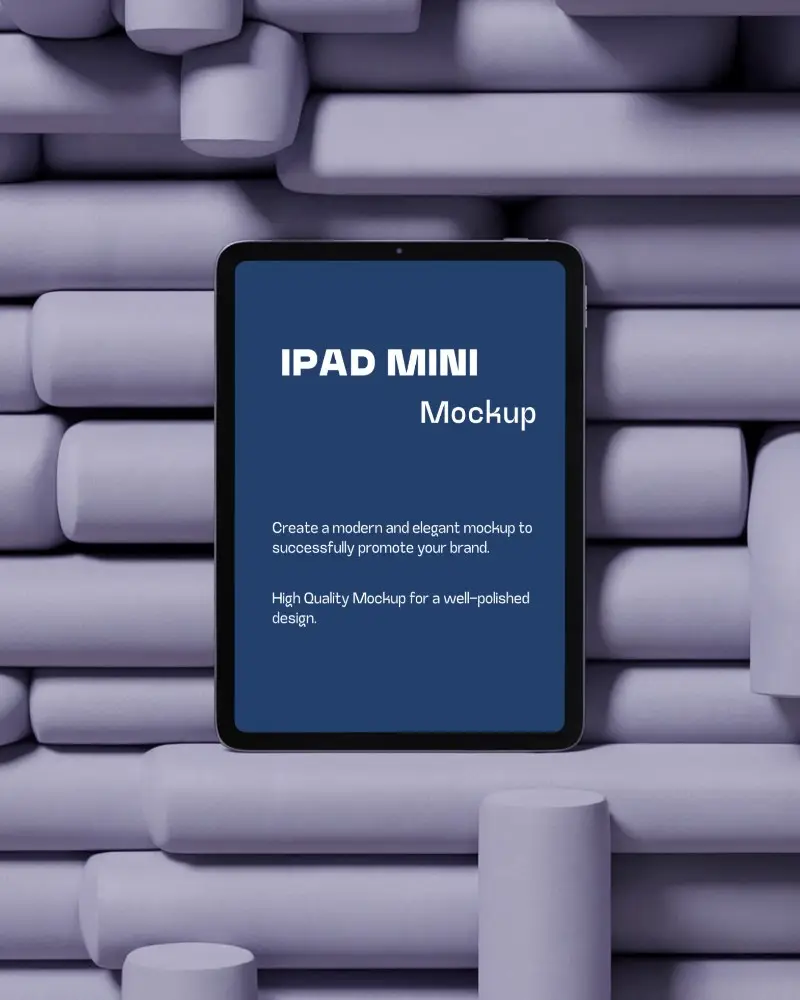

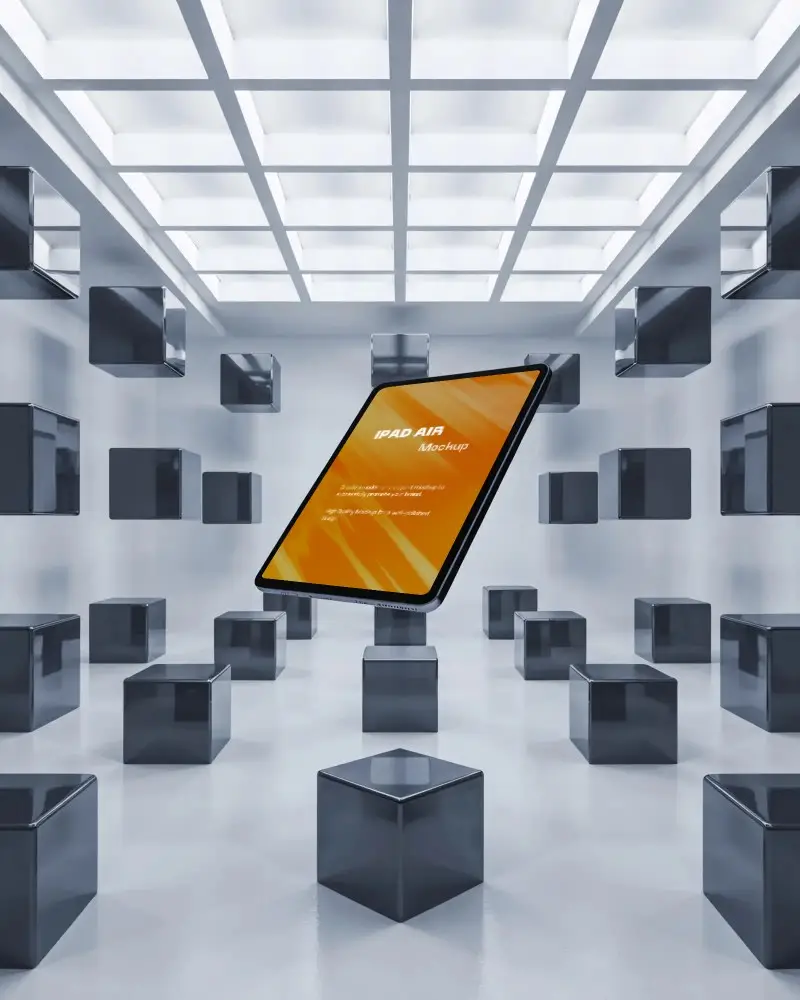
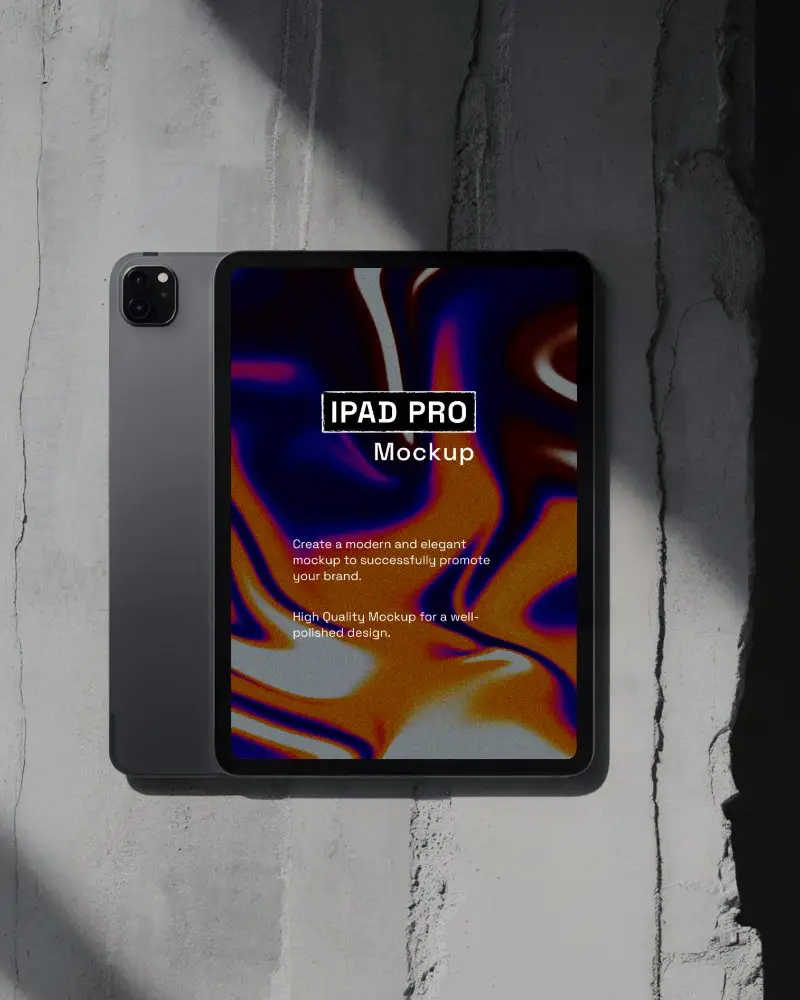
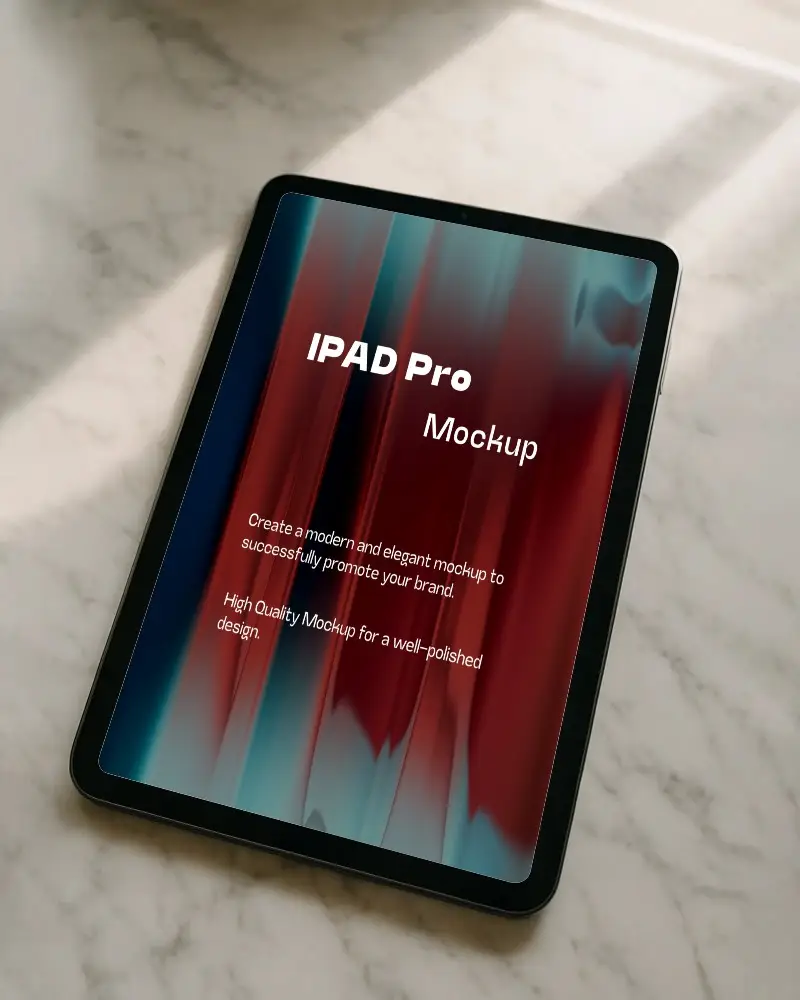
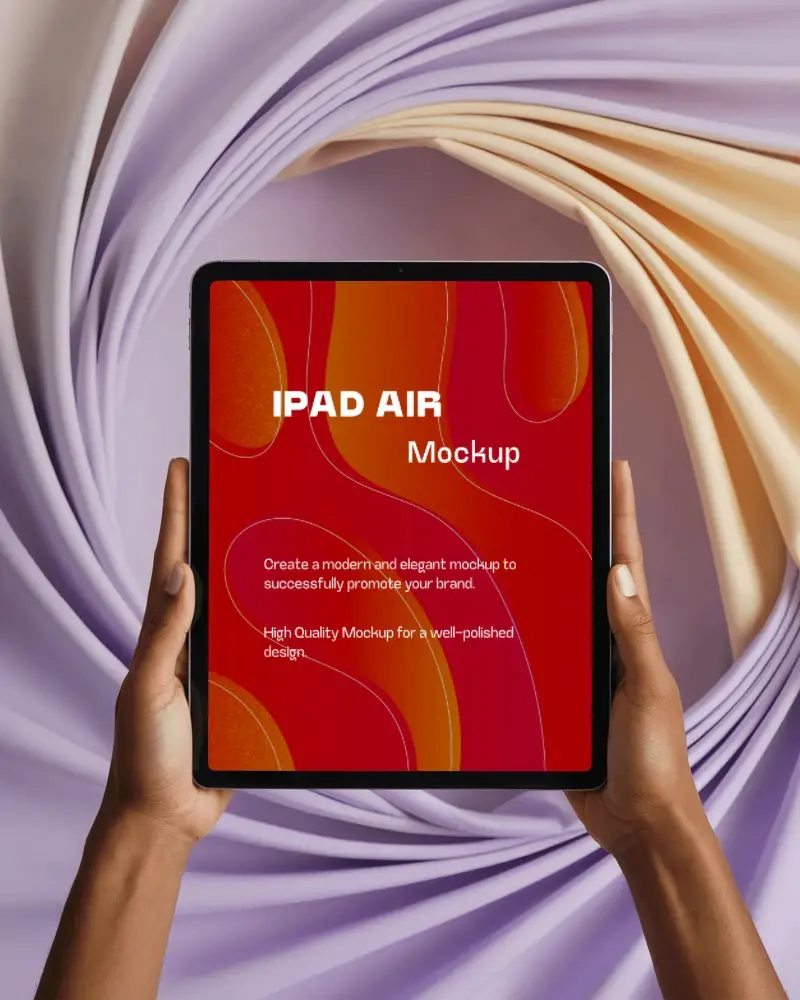

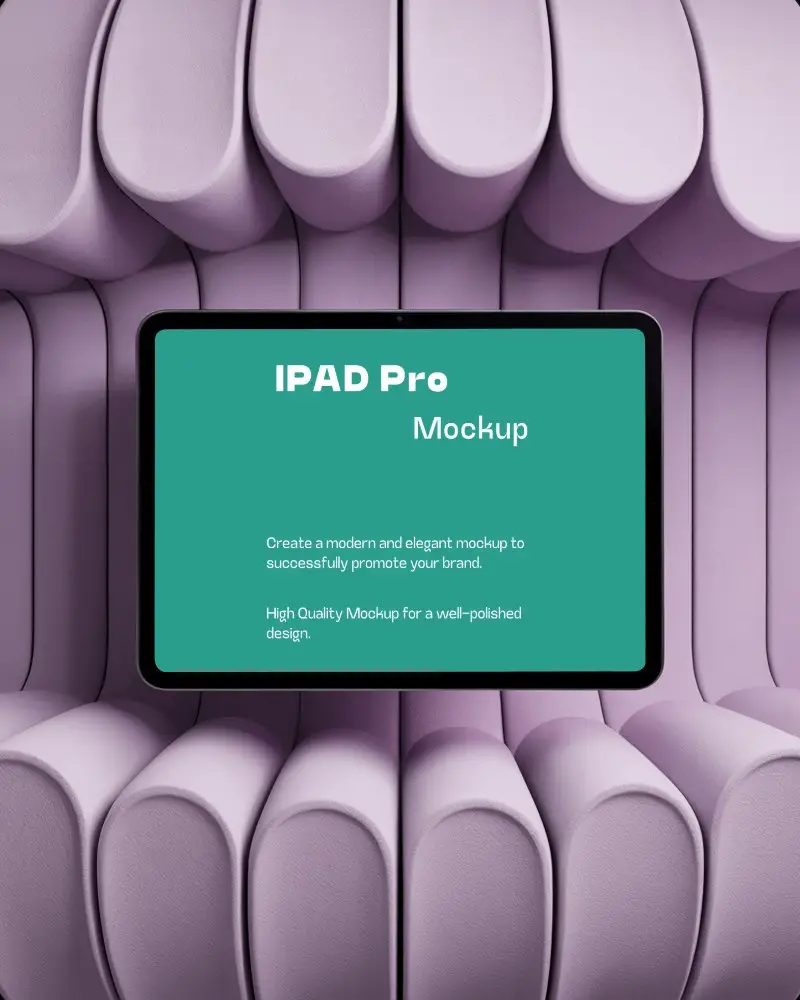
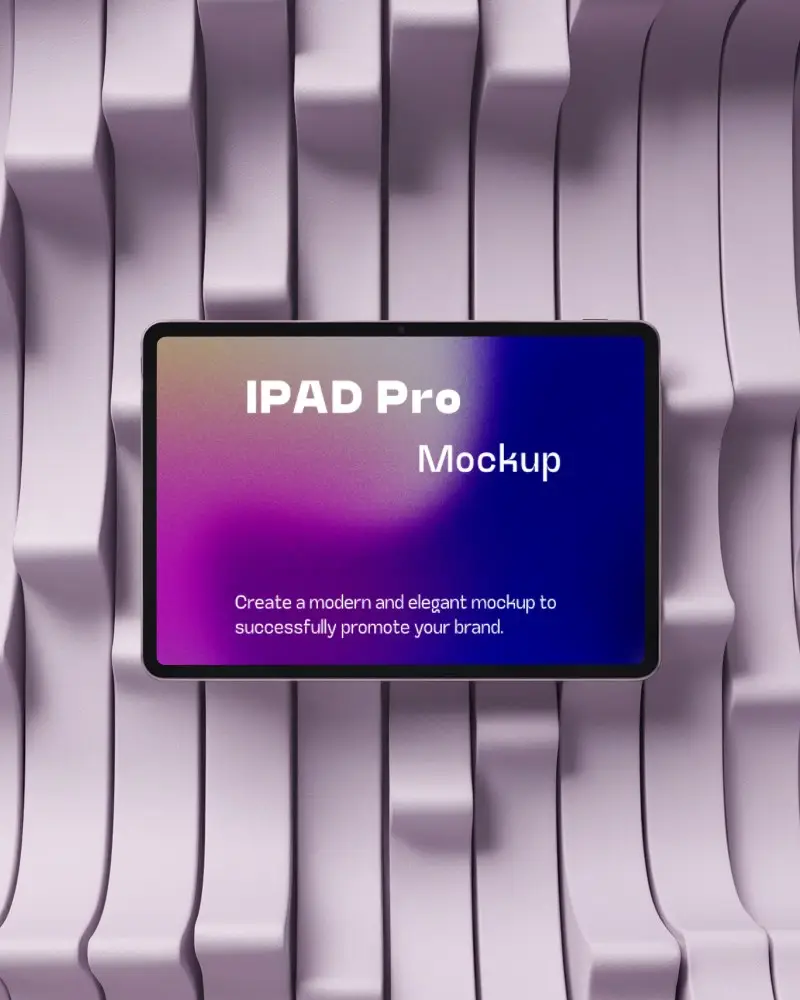
How to Create a Angled iPad Video Mockup
To create a Angled iPad video mockup:
- Step 1: Start by purchasing the CREATOR or ELITE plan. Open Video Mockups and select iPad from the Tech category.
- Step 2: Choose a video template, upload your design, crop it, and make any required adjustments.
- Step 3: Click Generate Video to export the Angled iPad video mockup in MP4 format.


FAQs on Angled Ipad Video Mockups
Can I upload my UI design directly into the Angled iPad video mockup?
Yes, you can upload your UI design using the Upload Design option. Crop it once, and the design will automatically fit cleanly on the iPad video template.
Does the Angled iPad video mockup maintain sharp screen quality?
All designs added to Mockey AI’s Angled iPad video mockups retain their original sharpness and clarity in the final output.
Will my uploaded design animate smoothly in the Angled iPad video mockup?
Yes, the exported Angled iPad video mockup plays smoothly with optimized frame rate and resolution settings applied automatically.
What format does the Angled iPad video mockup export in?
The Angled iPad video mockup is exported in MP4 format and is ready to use immediately after download.
