pouch
Pouch Video Mockup – Bring Your Packaging to Life
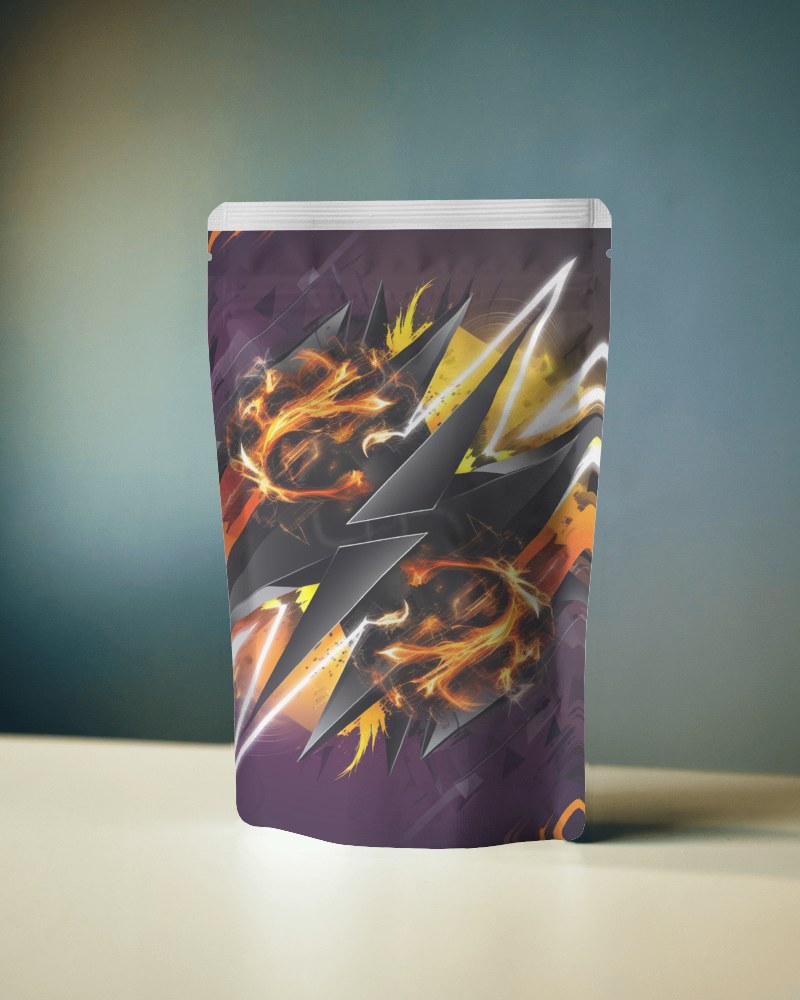
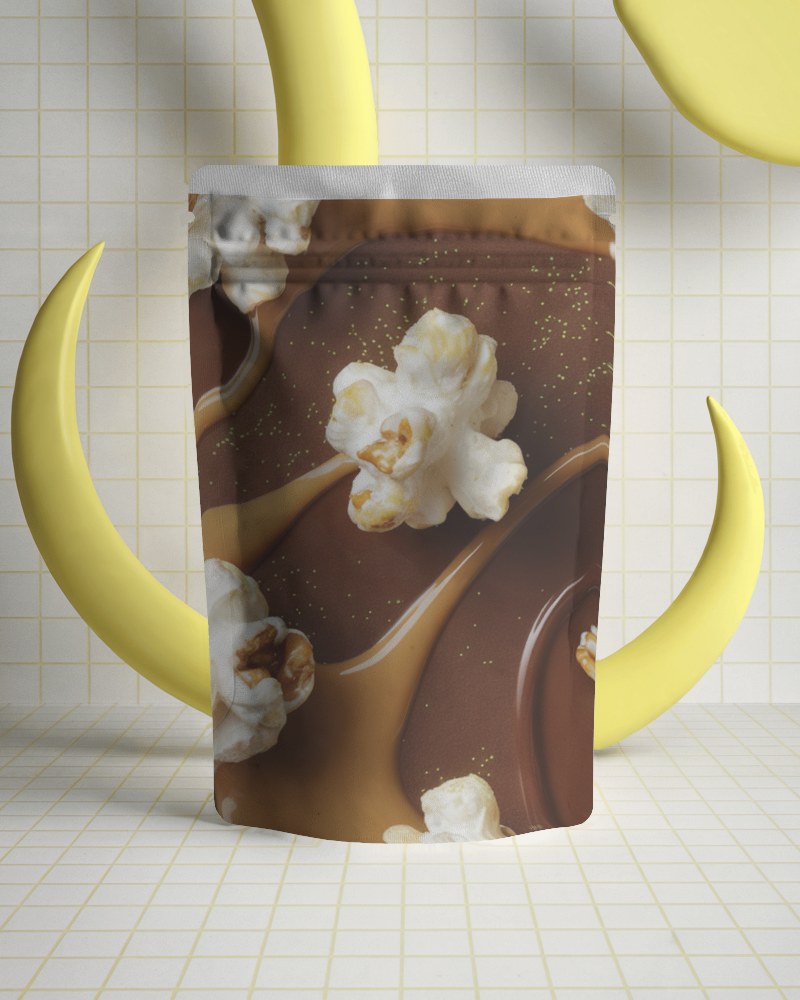
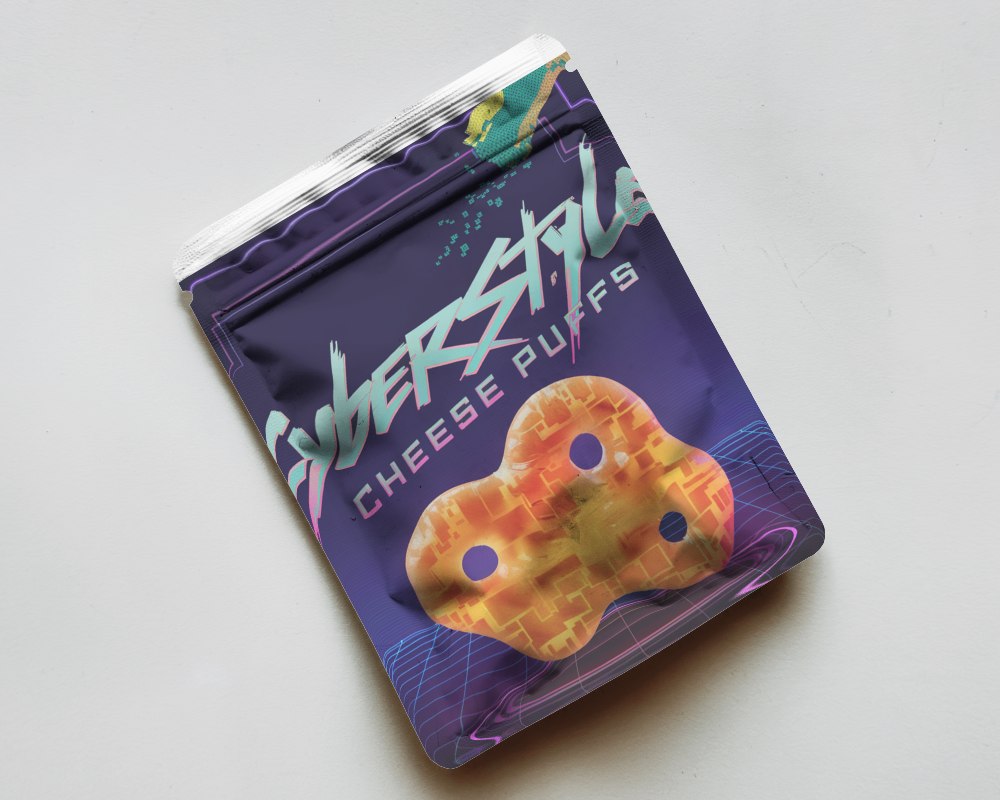
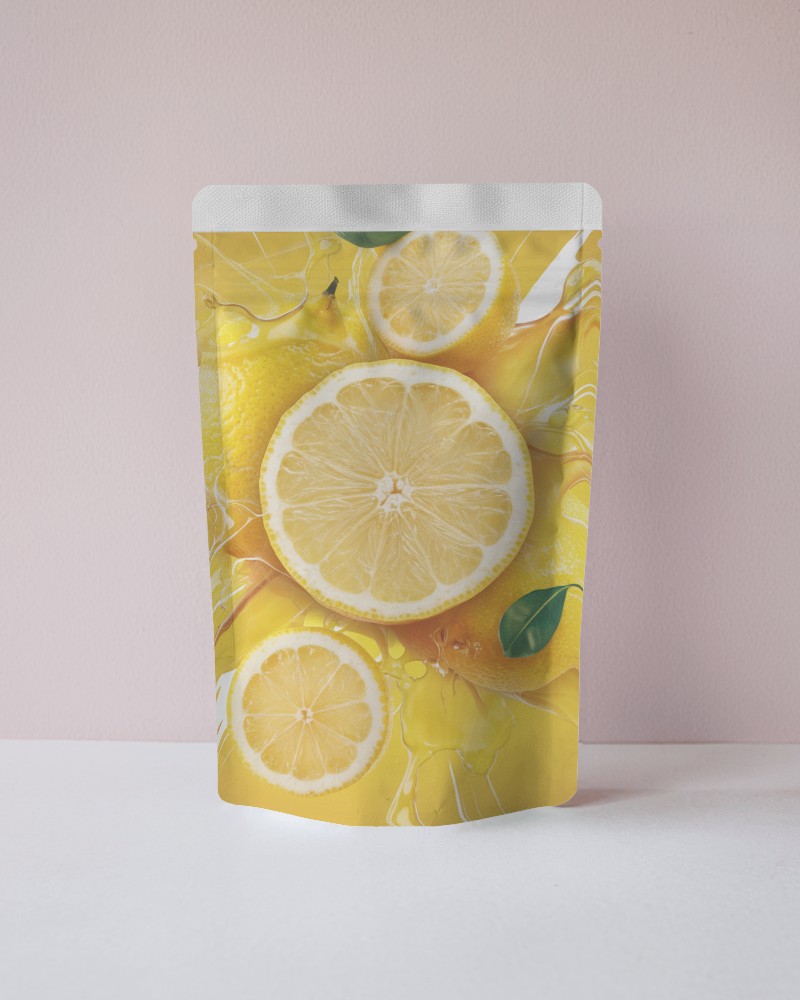
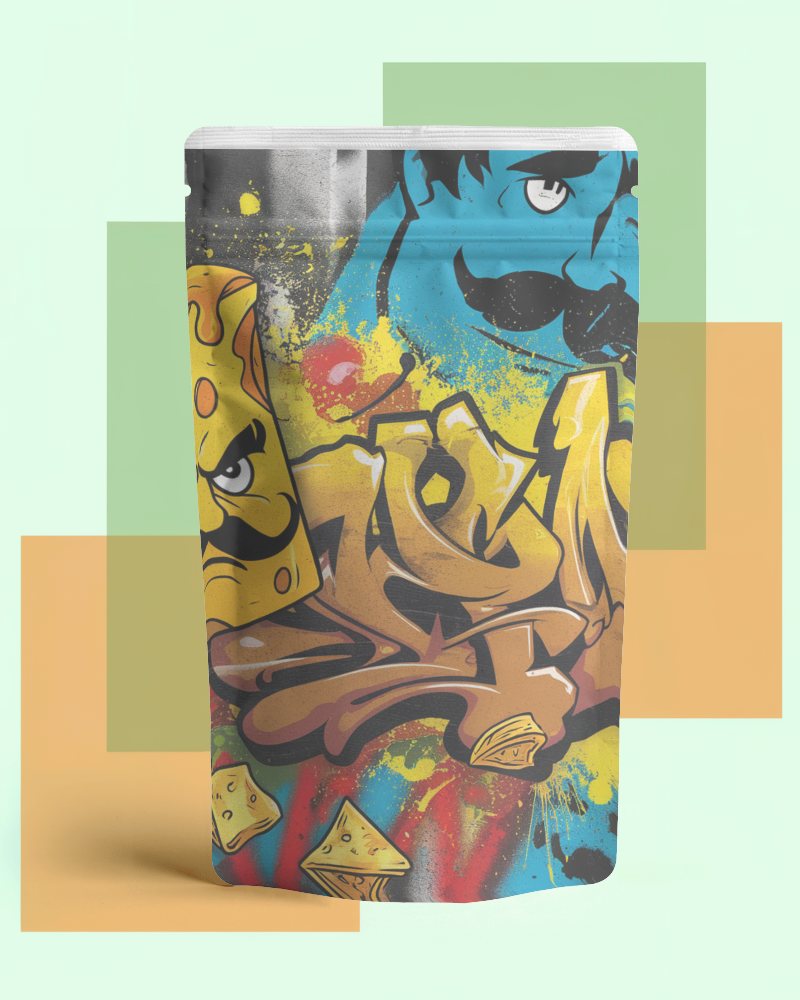
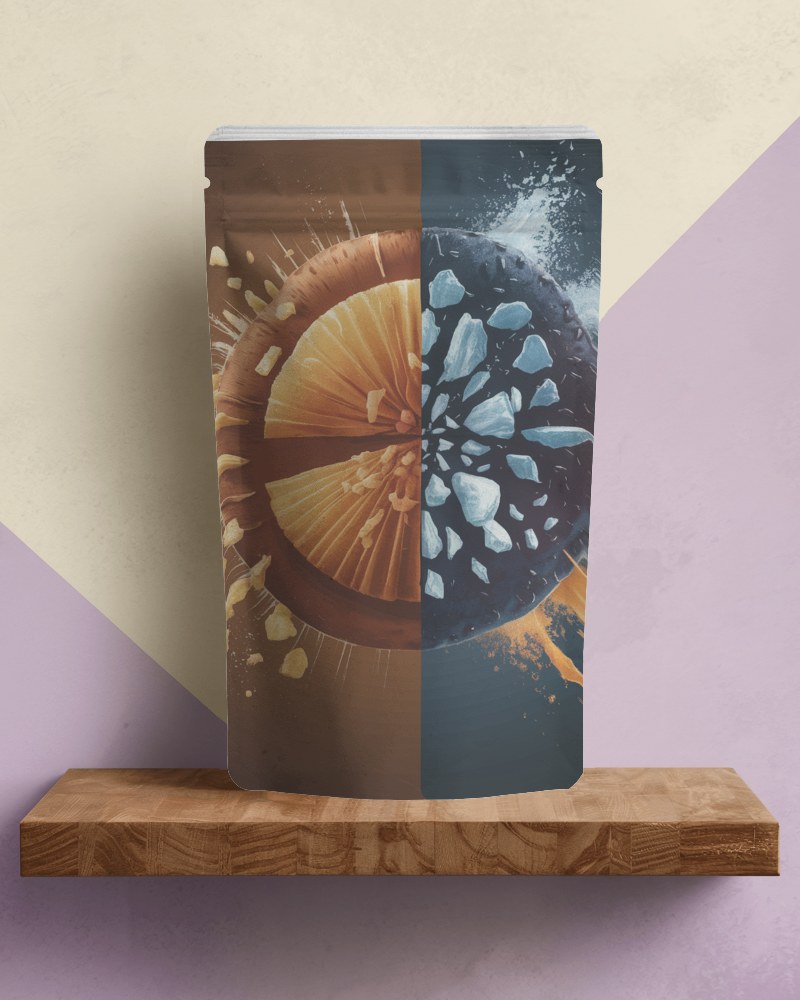
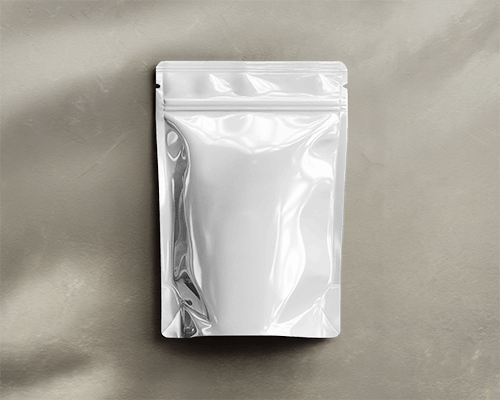
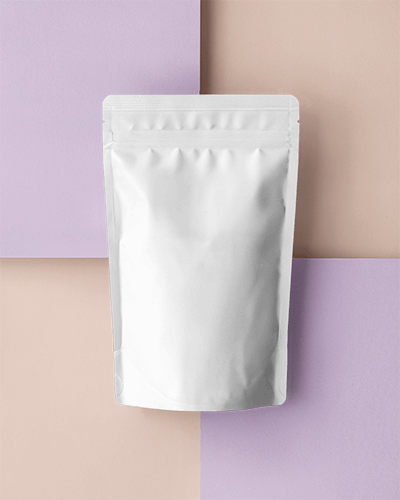
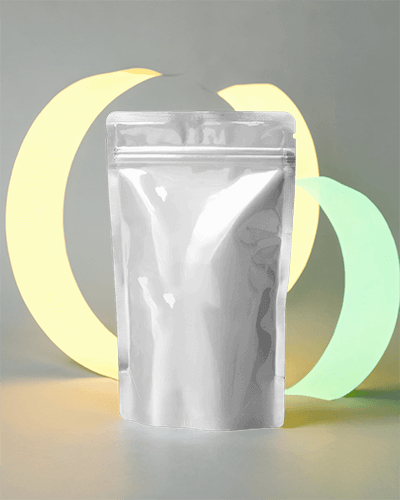
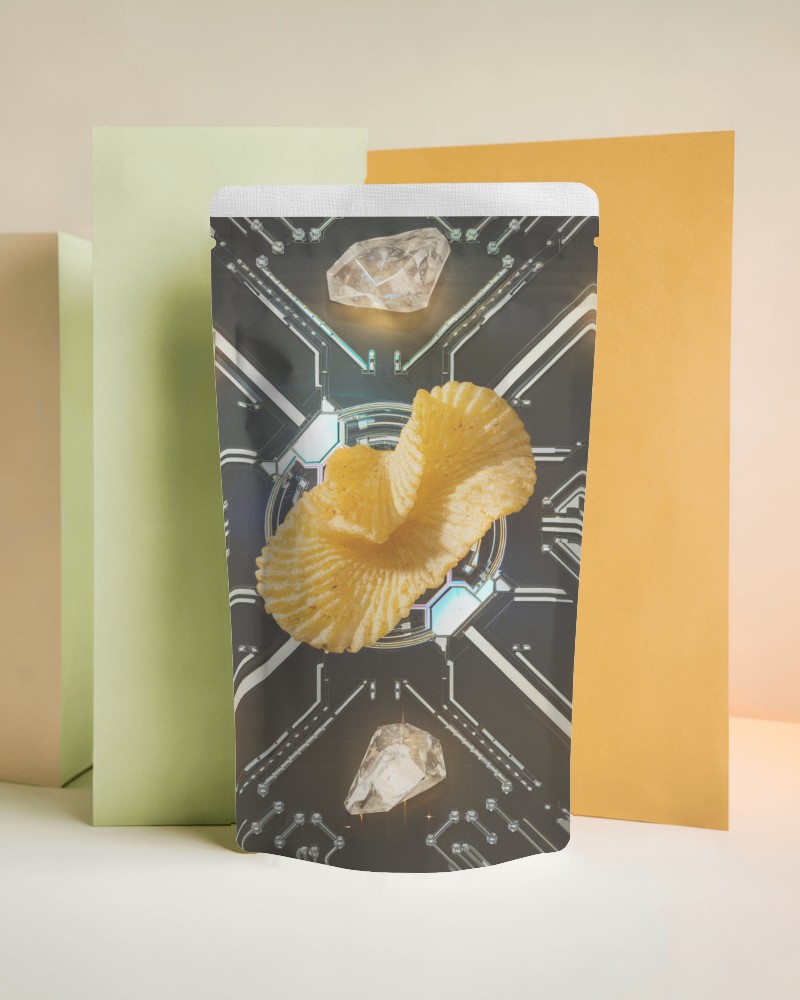
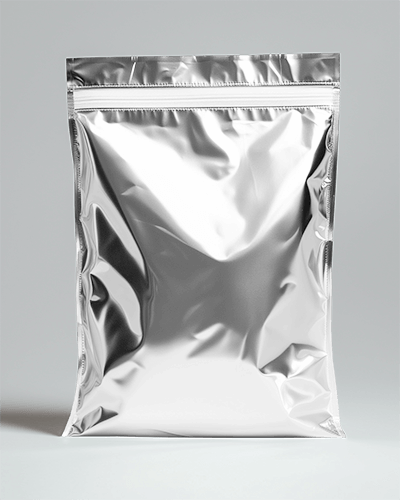
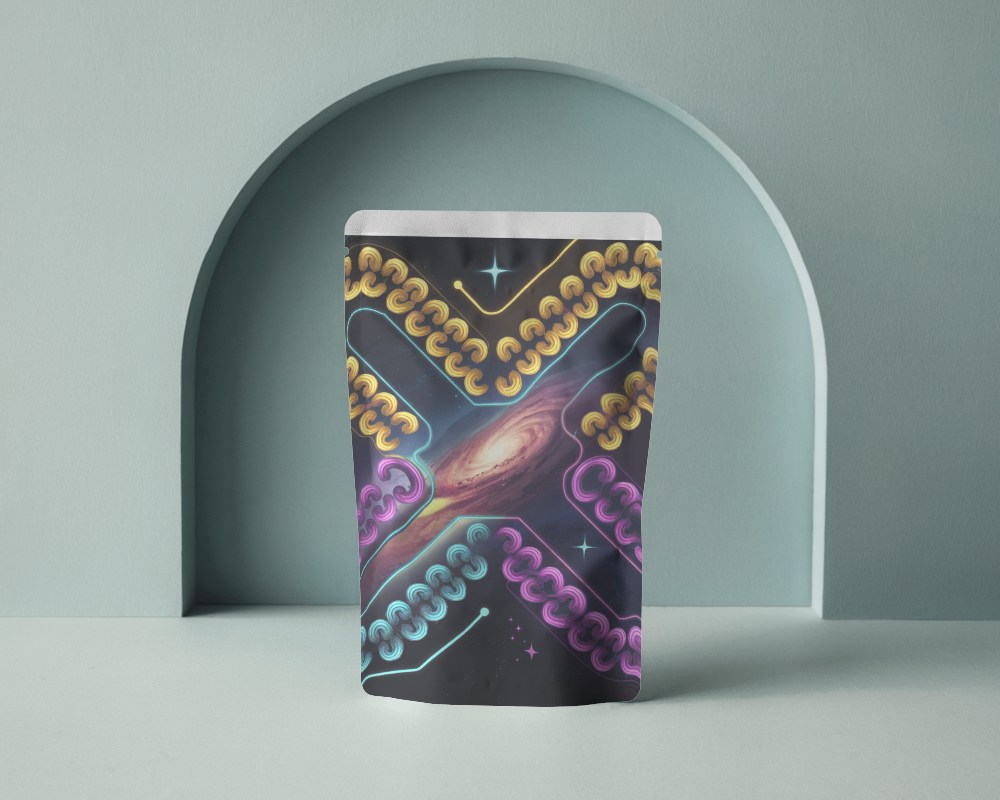
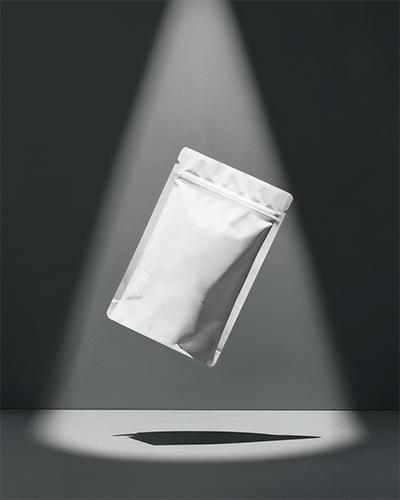
Flat images don’t do your packaging justice. With Mockey’s pouch video mockup, you can bring your design to life—adding depth, motion, and a professional edge that grabs attention.
How to Create a Pouch Video Mockup in Mockey AI
To create pouch video mockups:
- Step 1: Sign up or log in to Mockey AI. Navigate to 'Video Mockups' and select 'Packaging > Pouch'.
- Step 2: Choose a template, click 'Upload Design', and make any adjustments to your pouch design.
- Step 3: Click 'Generate Video' to save the pouch video mockup in MP4 format.


FAQs on pouch Video Mockups
What is a pouch video mockup?
Pouch video mockups show how your pouch design will look in motion before production. They help present, promote, or test your packaging design and allow easy tweaks for perfection.
Can I customize the pouch video mockup background and angles?
When using Mockey AI, you can select video templates to add your design and adjust the angle. However, the background cannot be modified.
What file formats are supported for pouch video mockup design uploads?
Pouch video mockups support MP4 files. Uploaded designs are exported as MP4 videos to maintain high quality and smooth motion.
