White Business Card Mockup Free Download
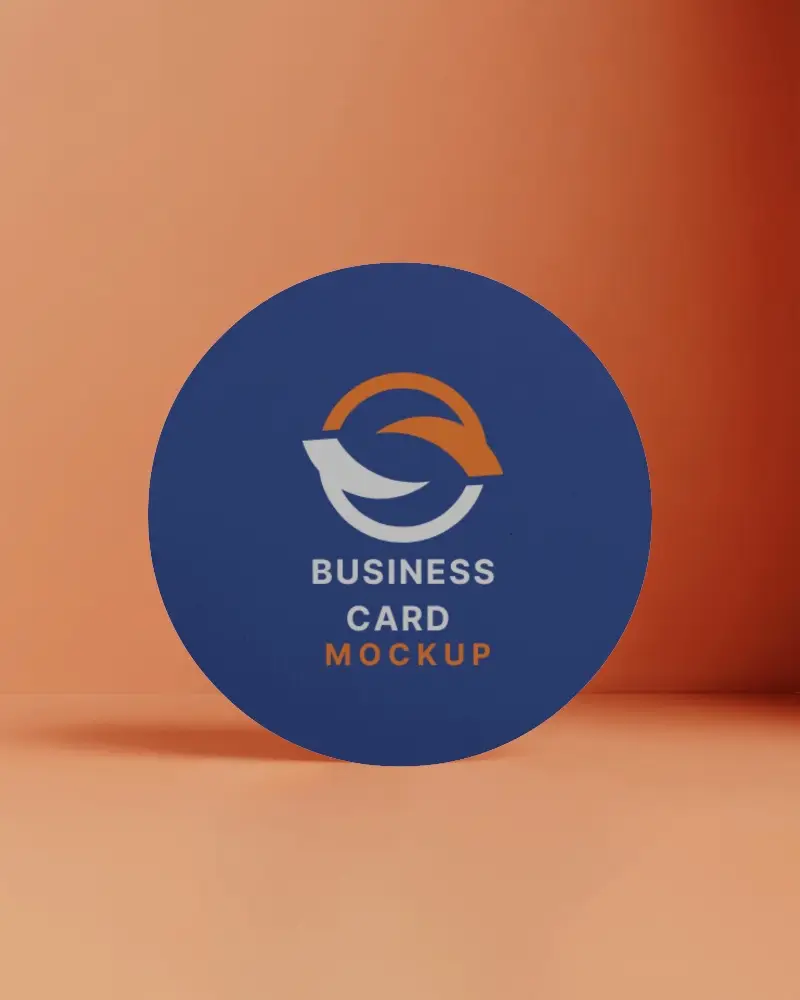
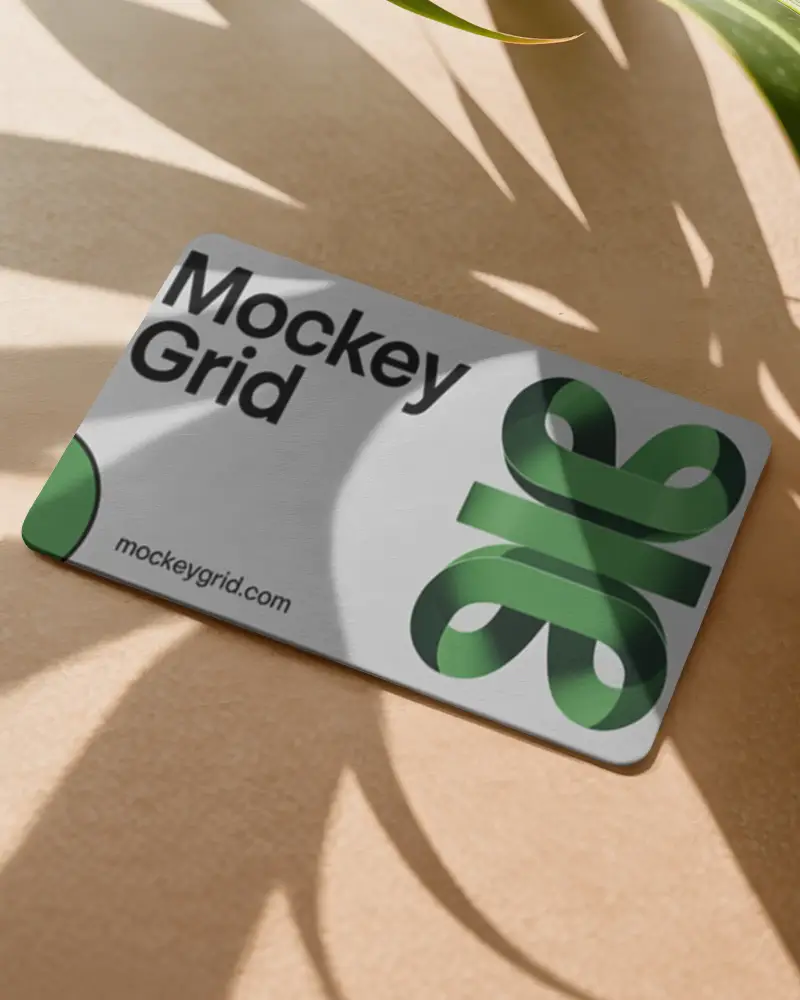
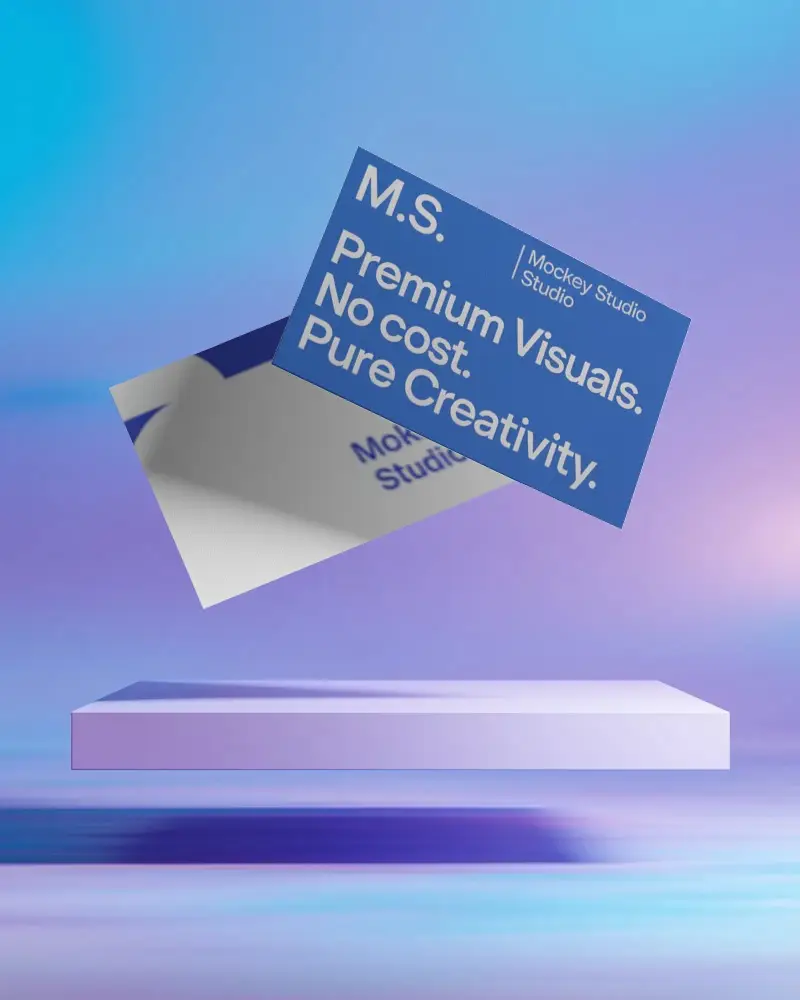
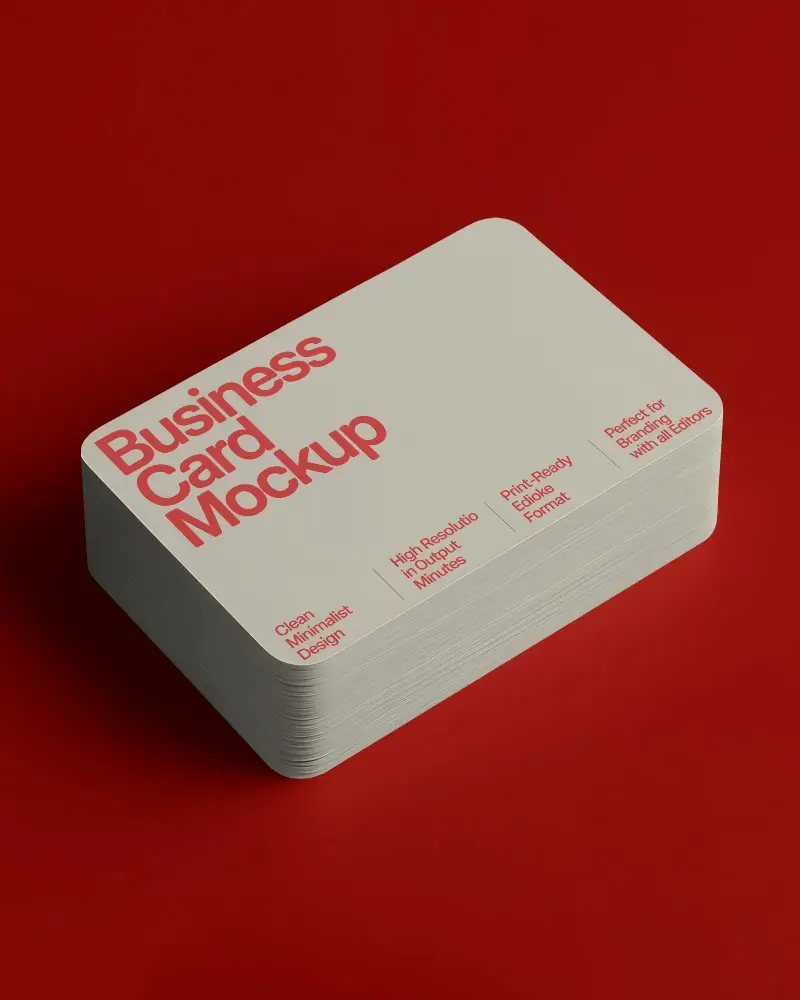
Design a White Business Card Mockup online with Mockey. Customize your layout and download a polished, professional-looking Business Card mockup instantly.
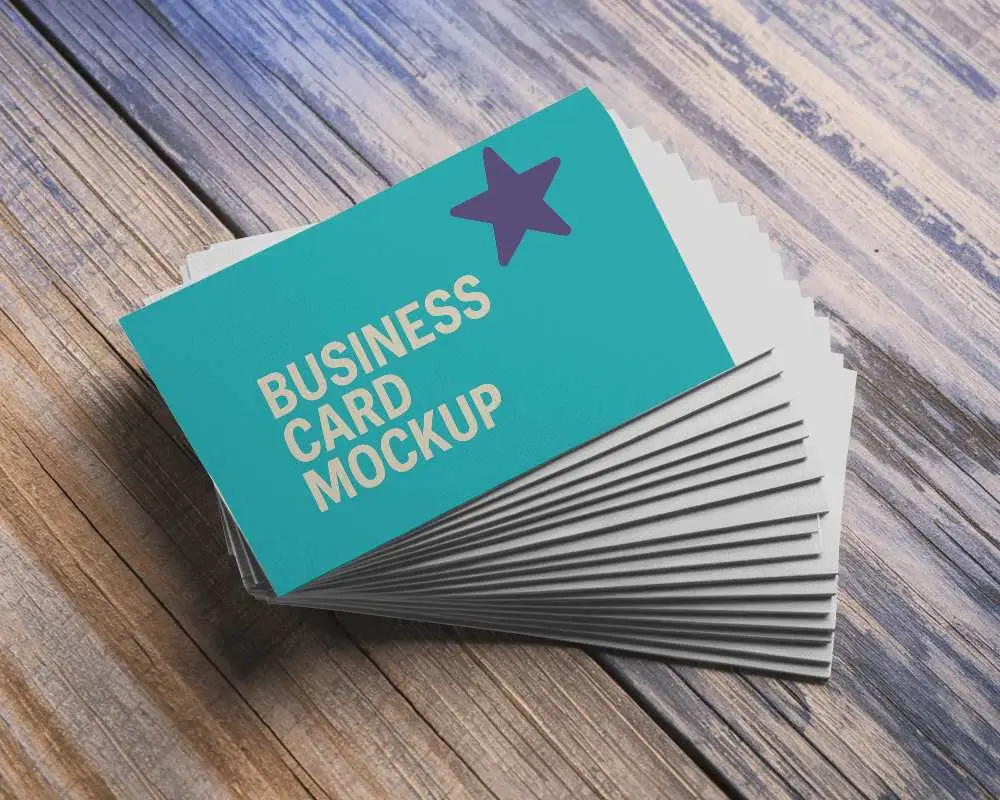
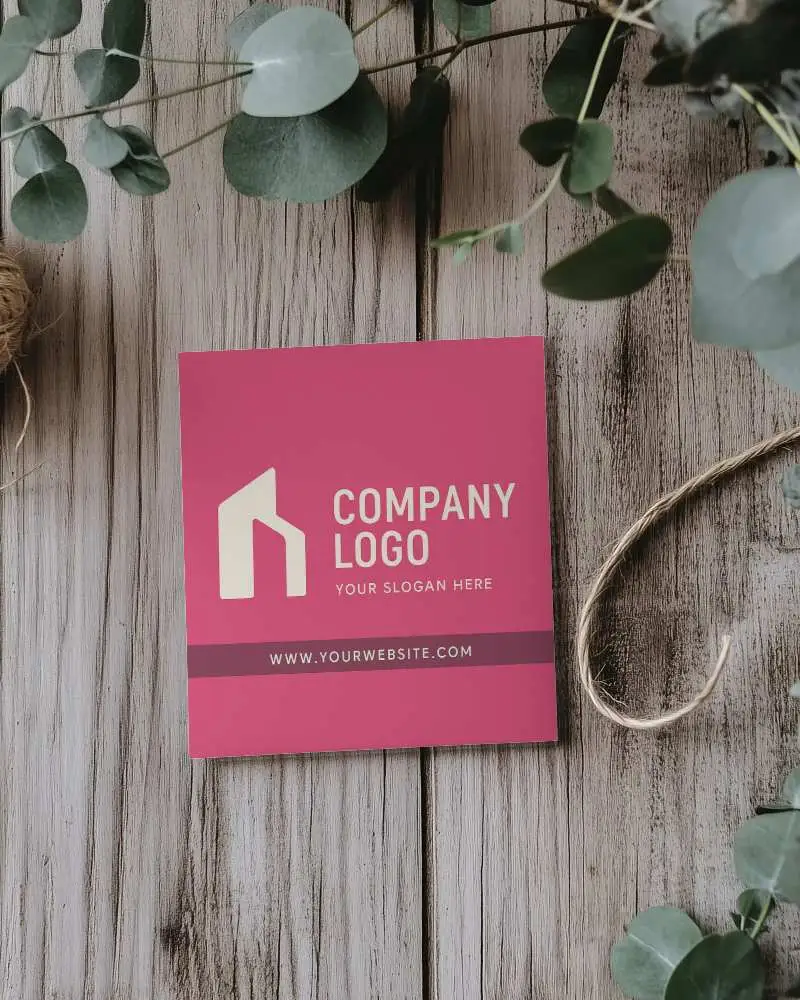
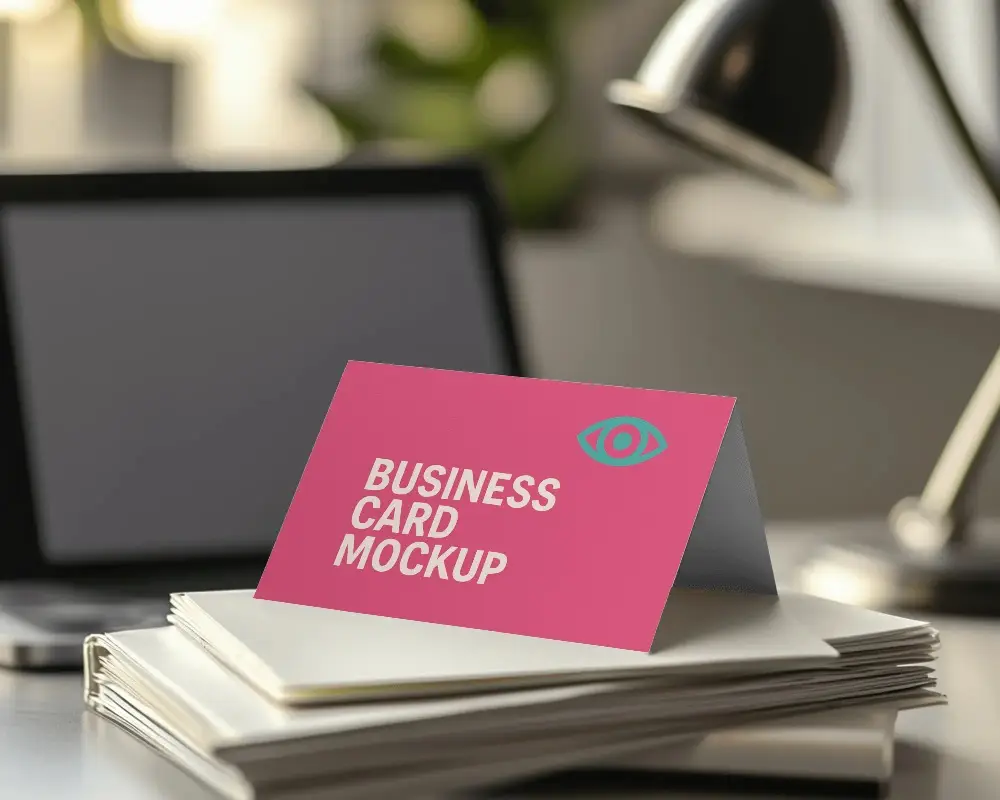
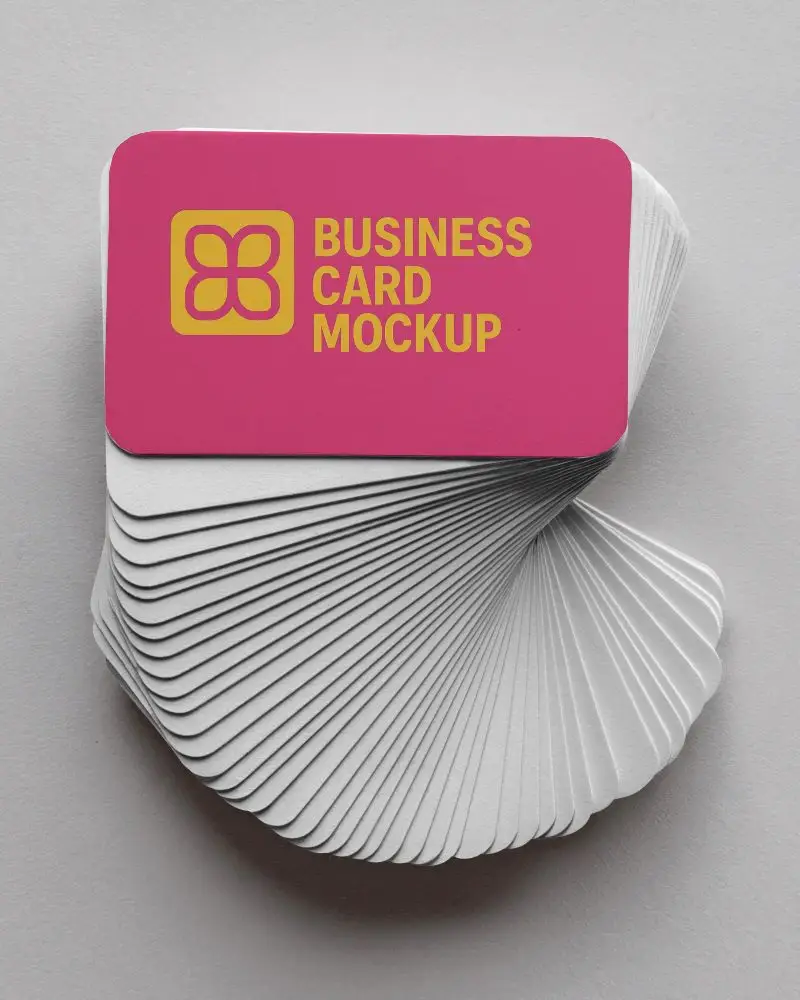
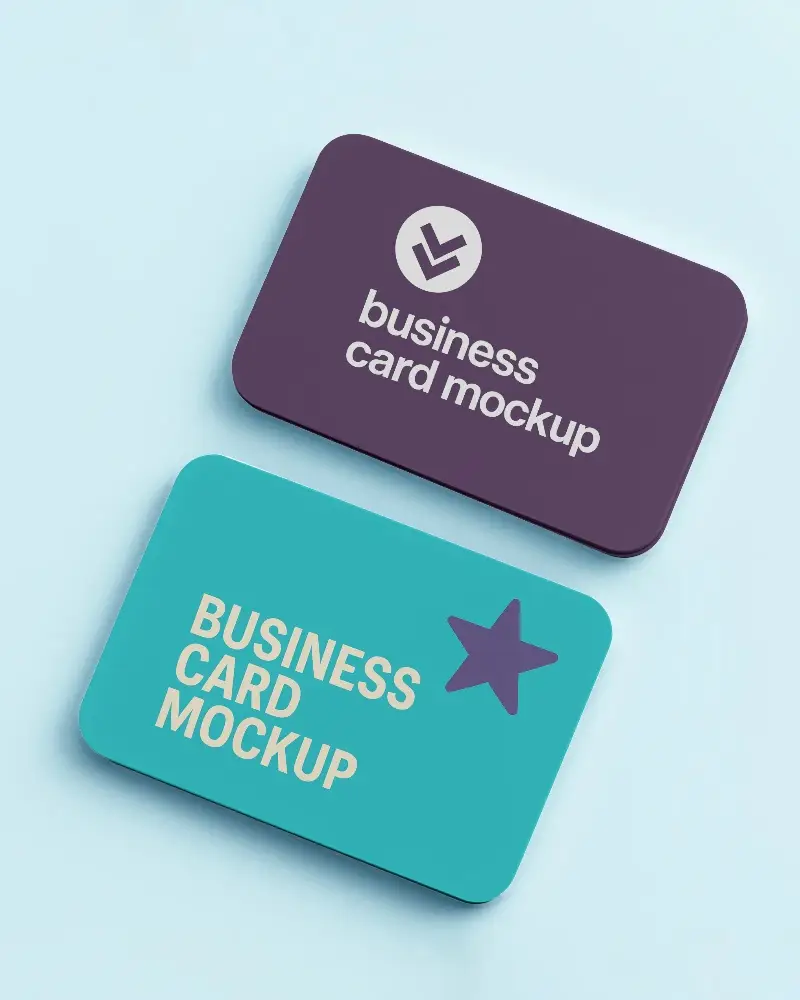
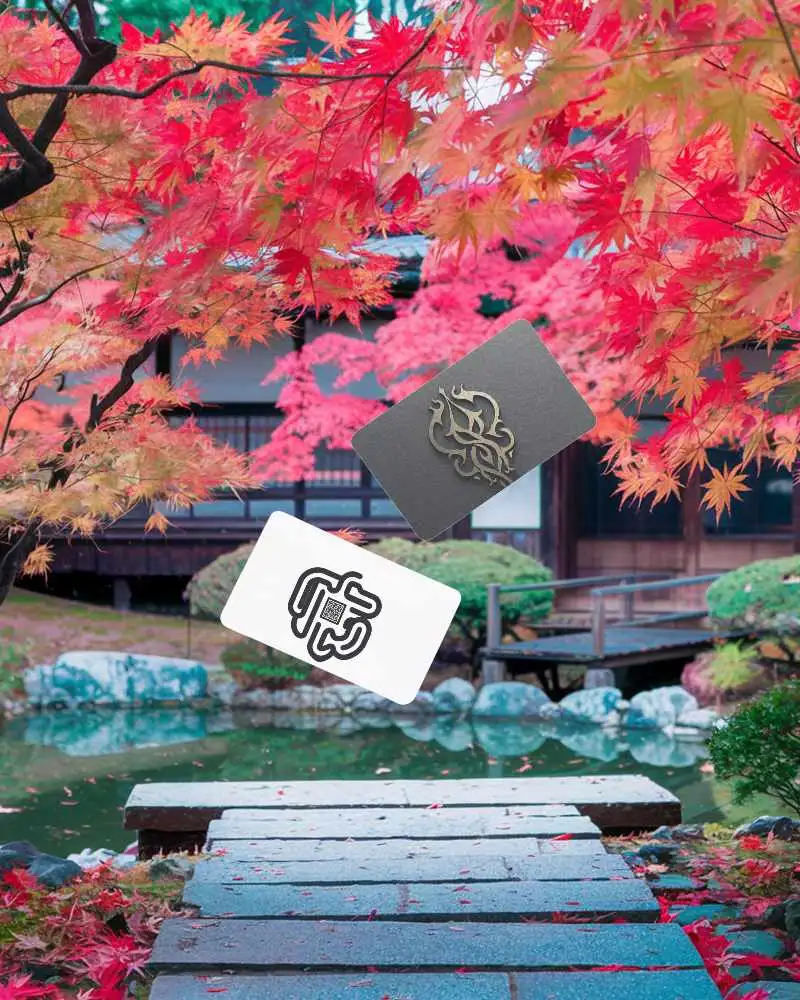
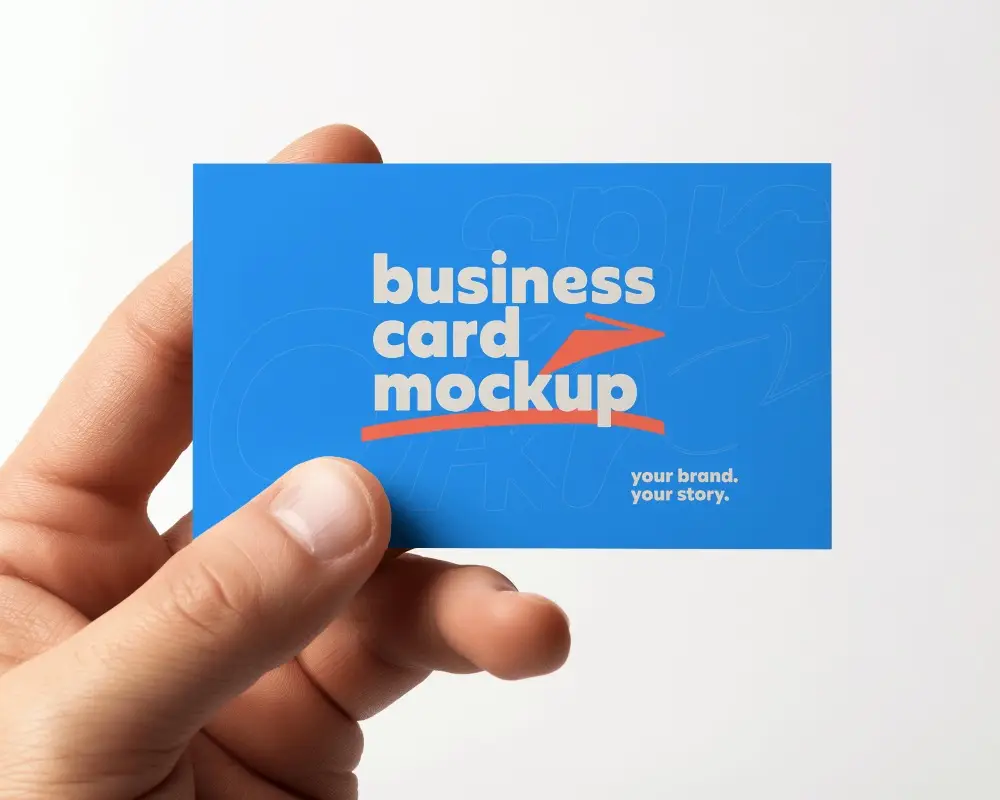
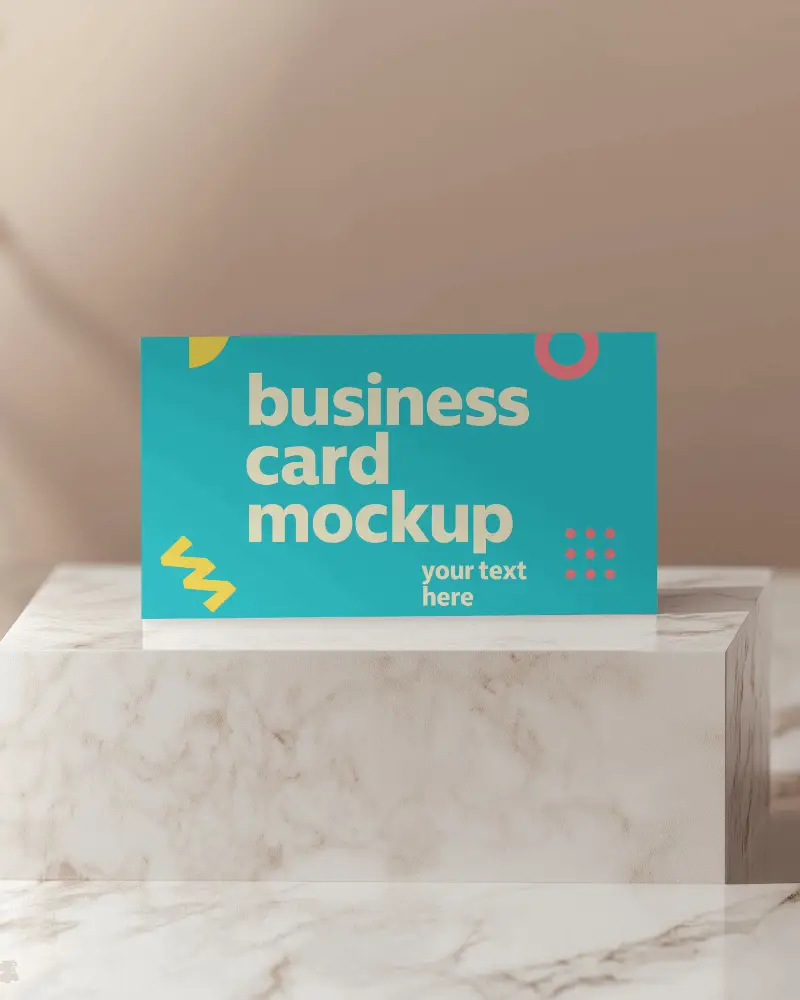
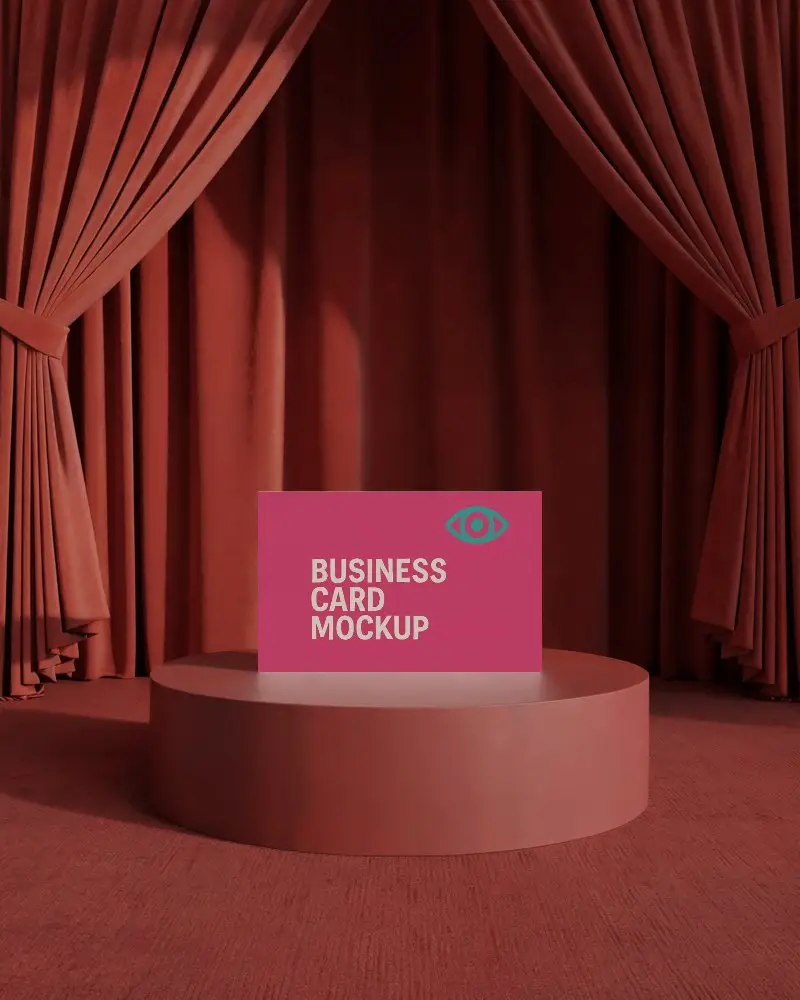
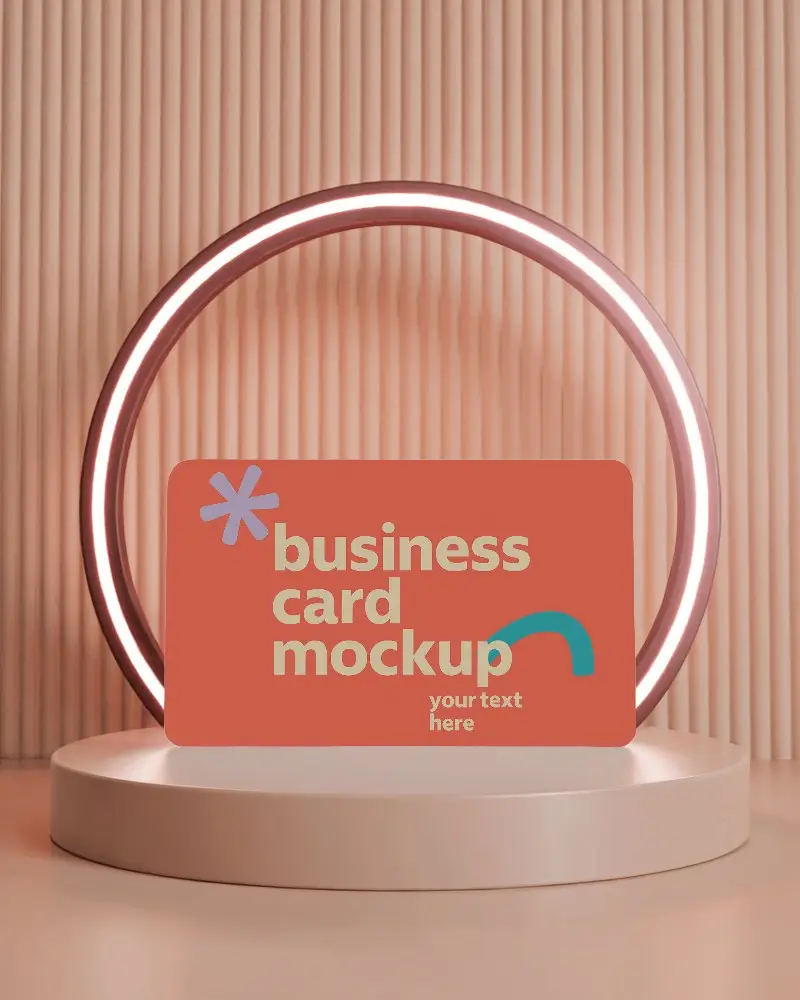
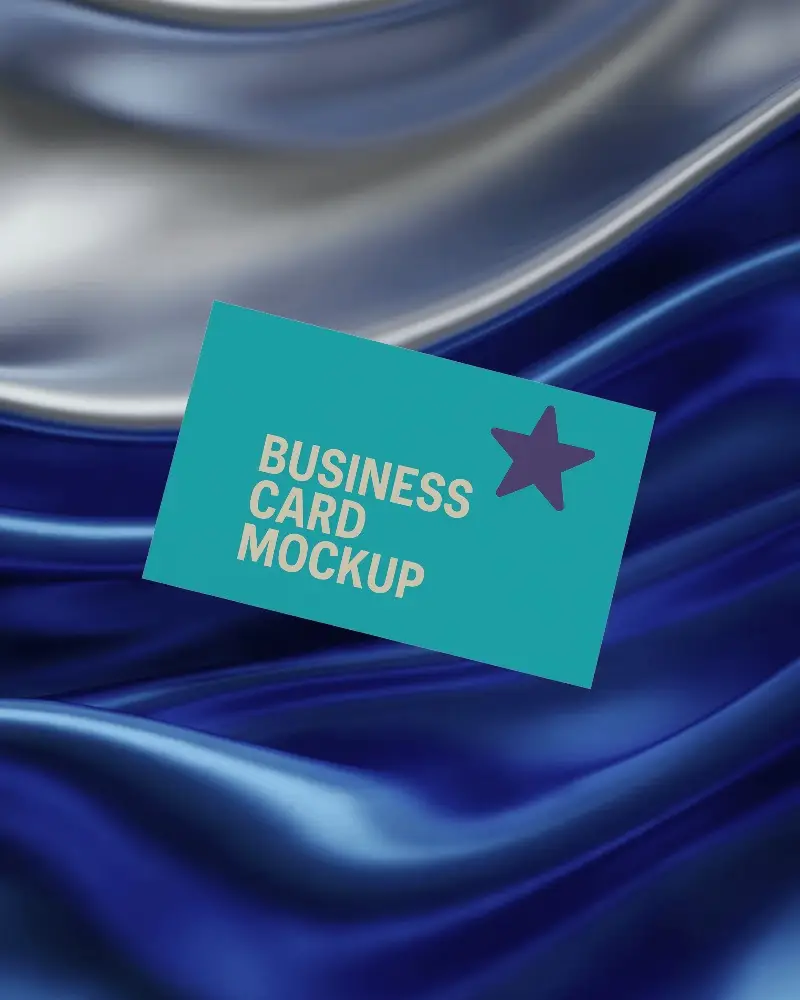
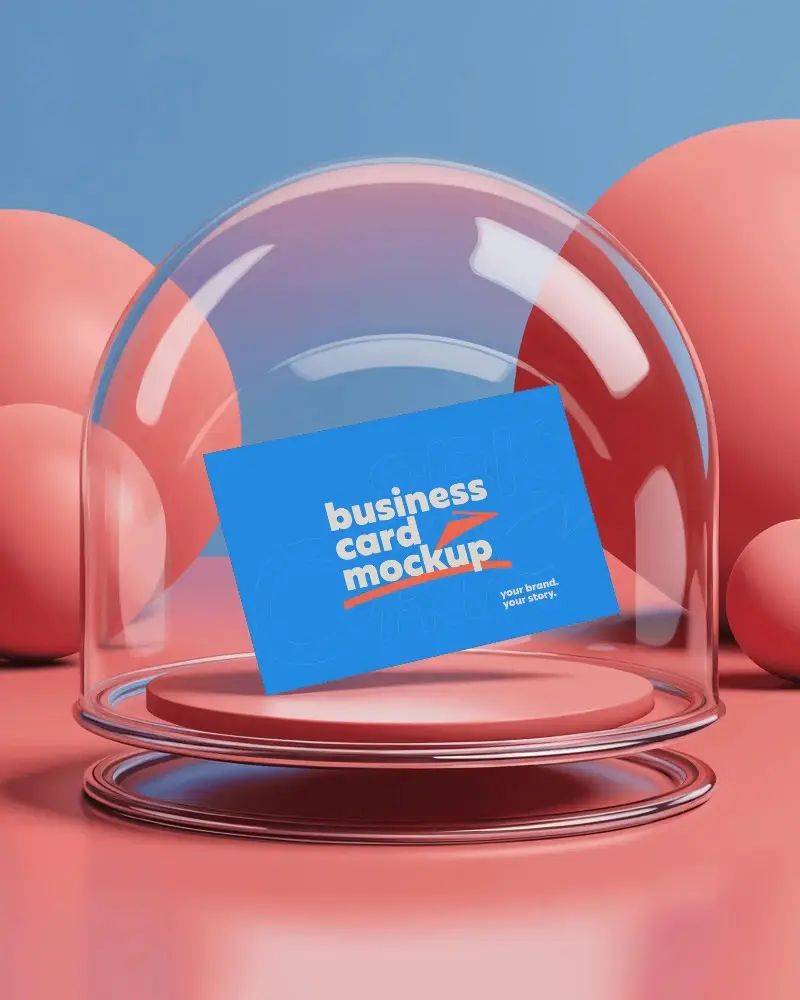
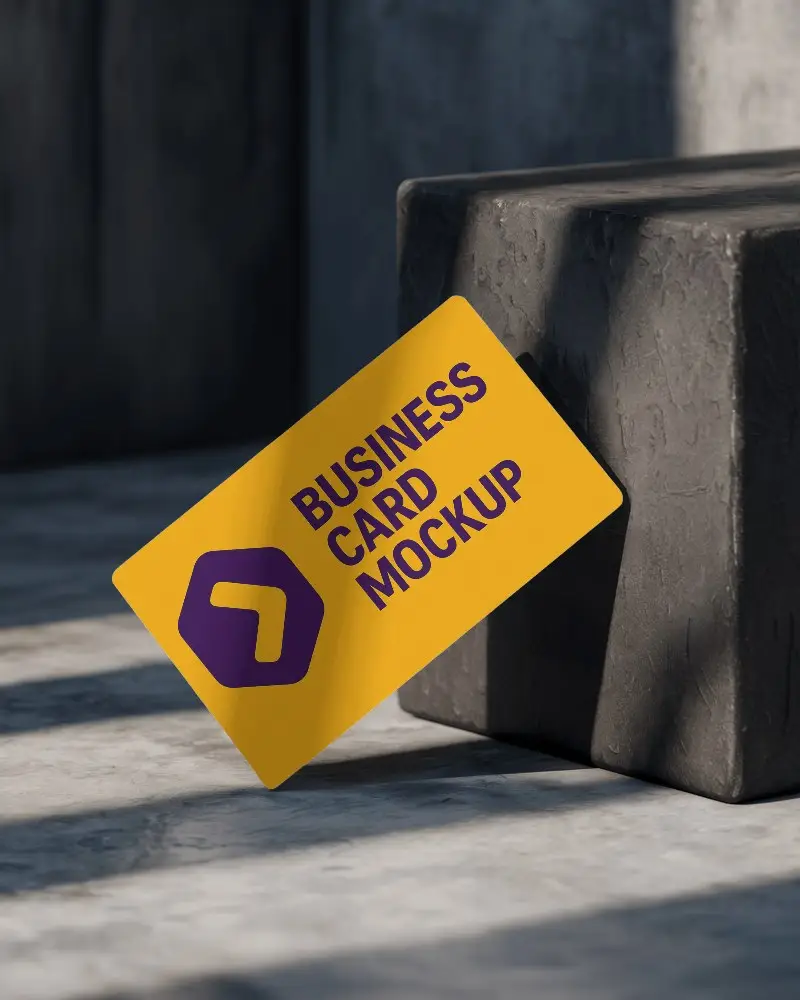
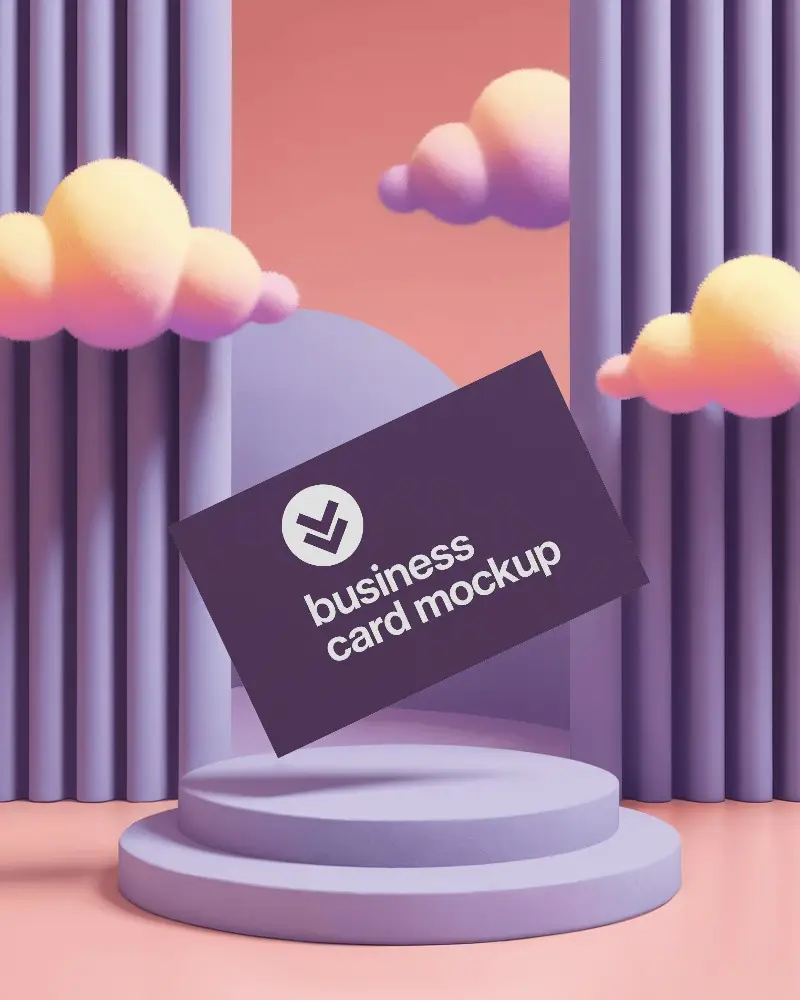
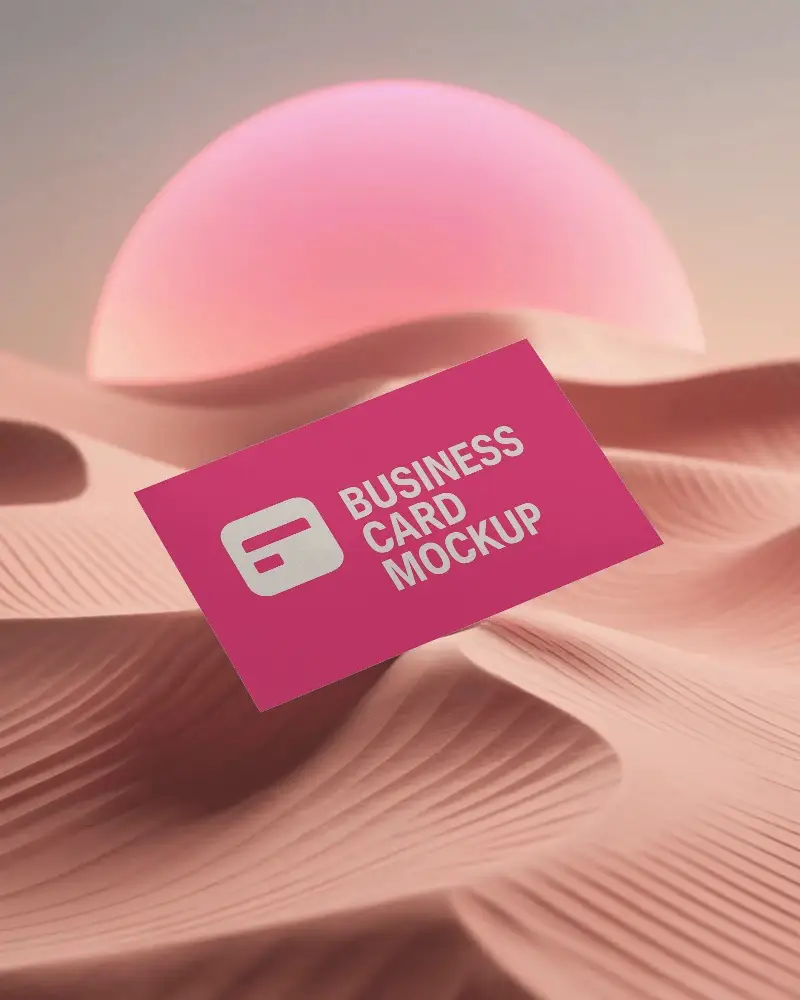
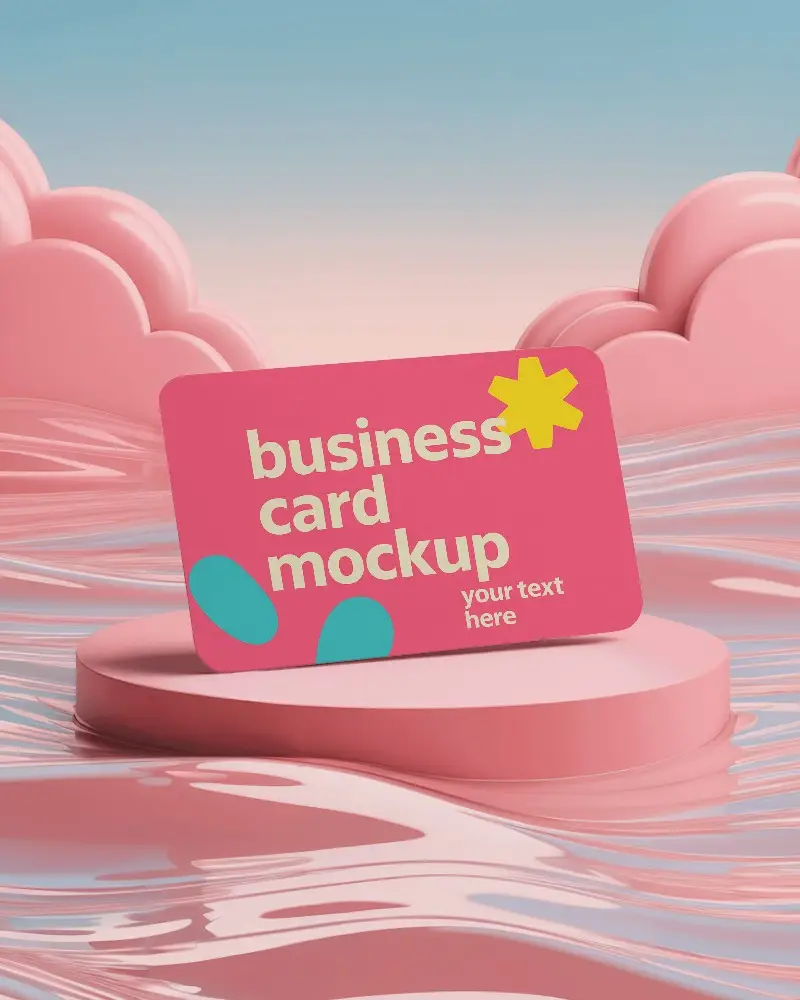

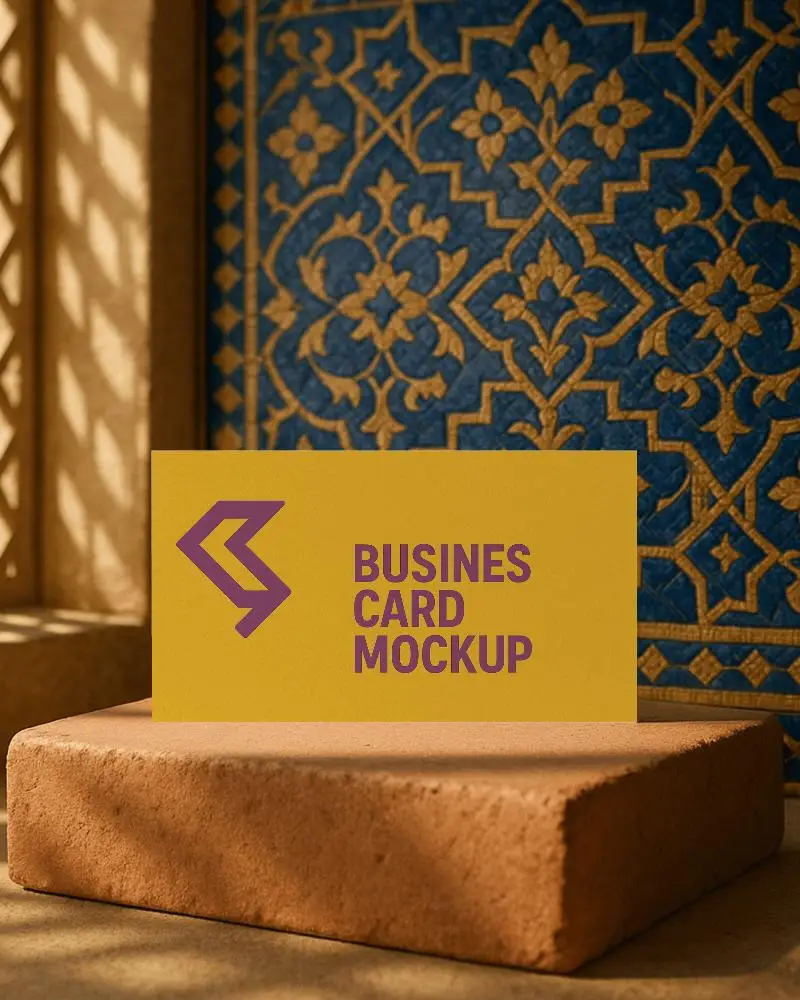
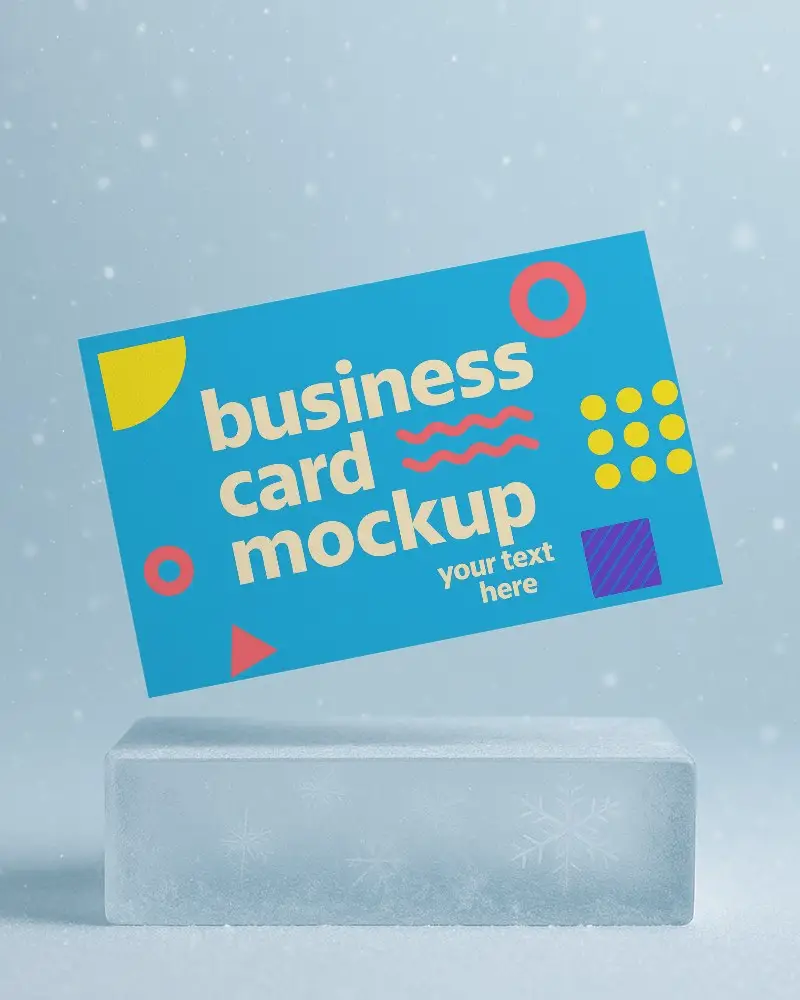



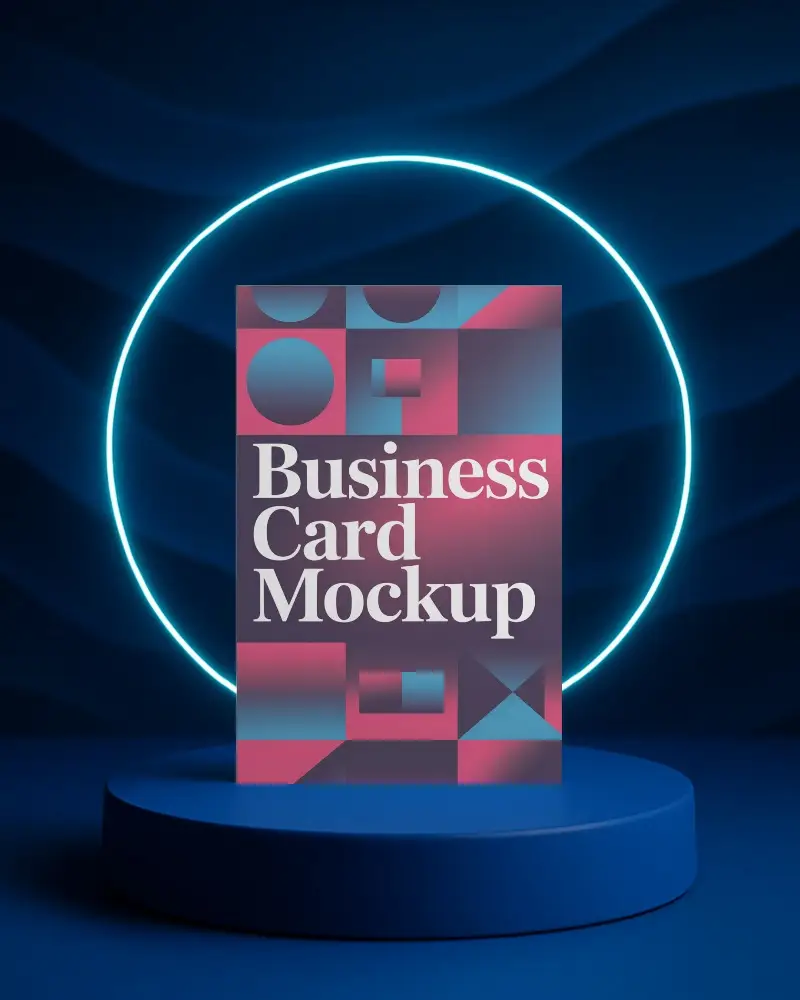
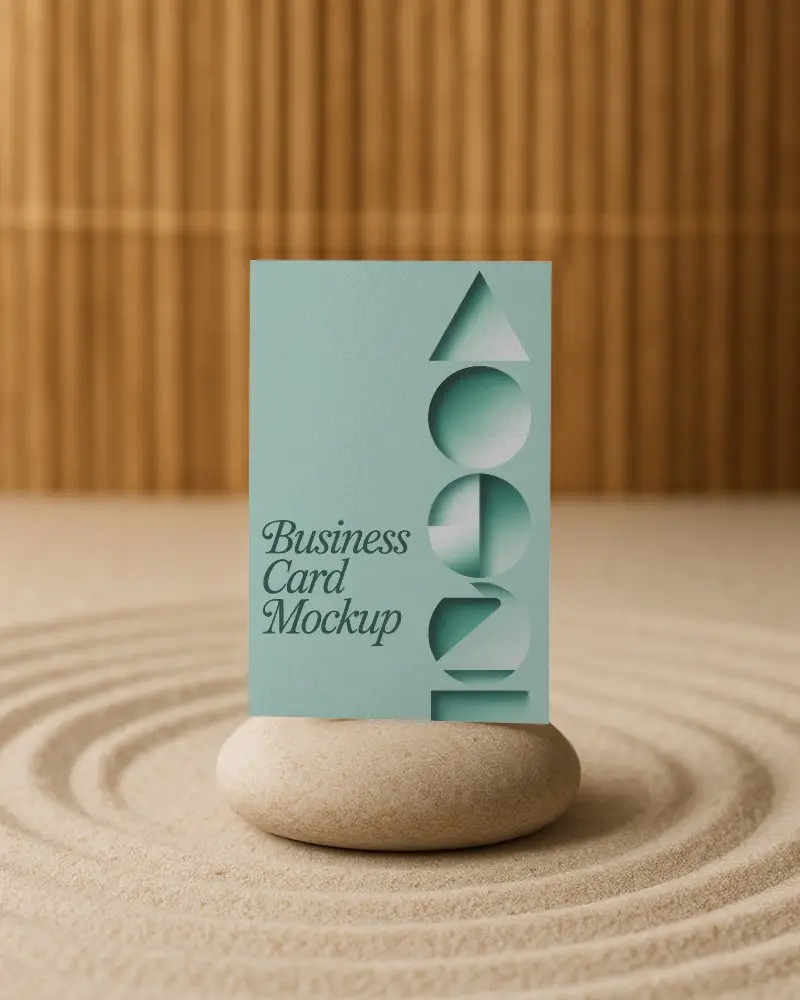
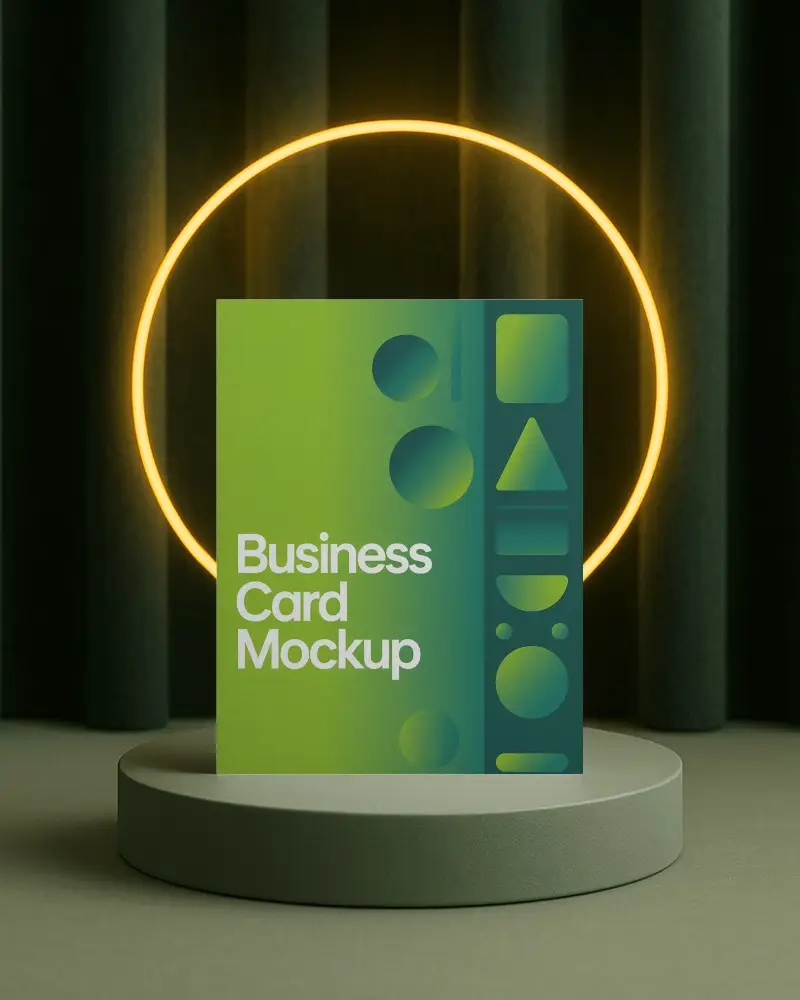
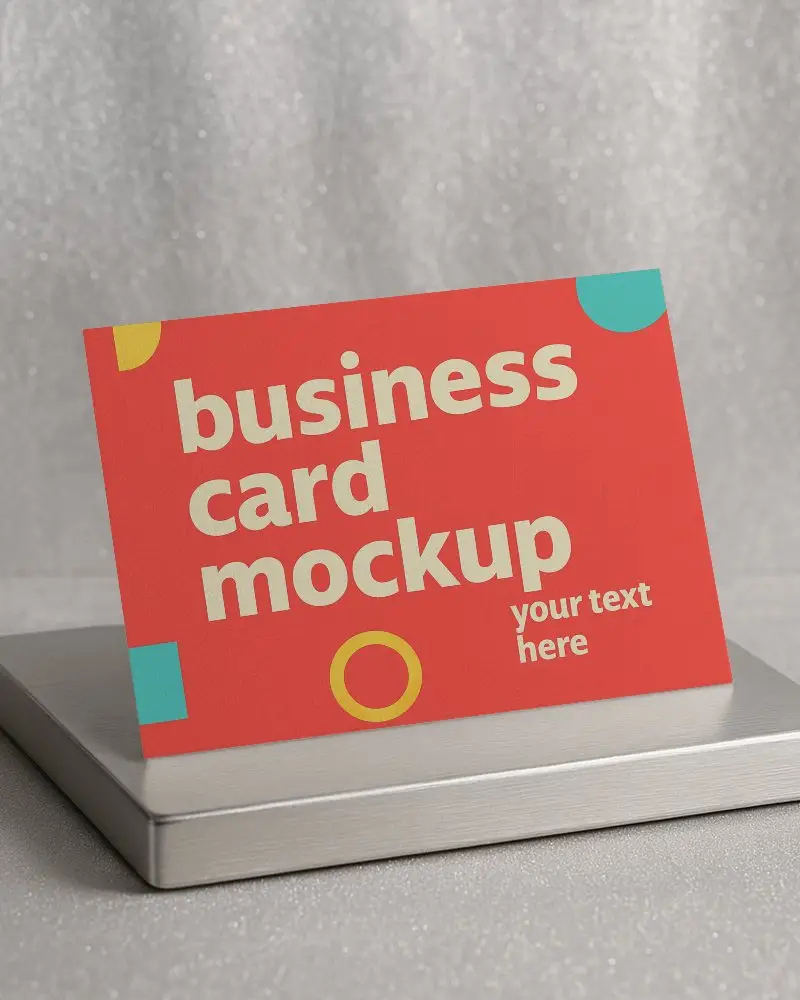
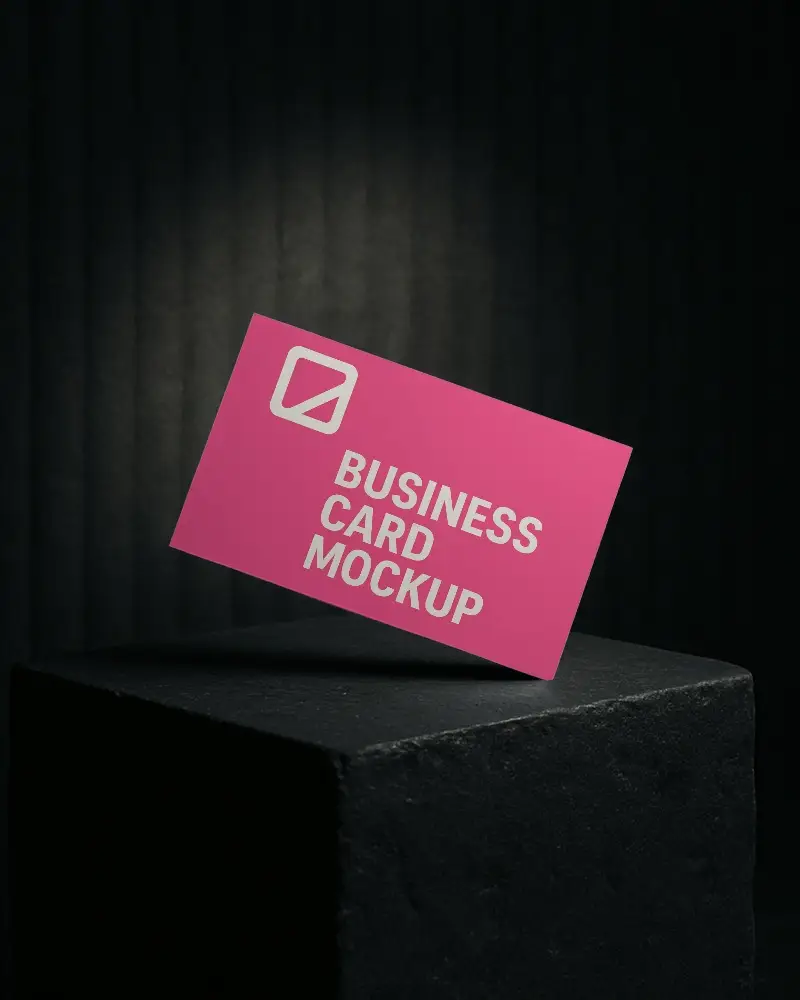
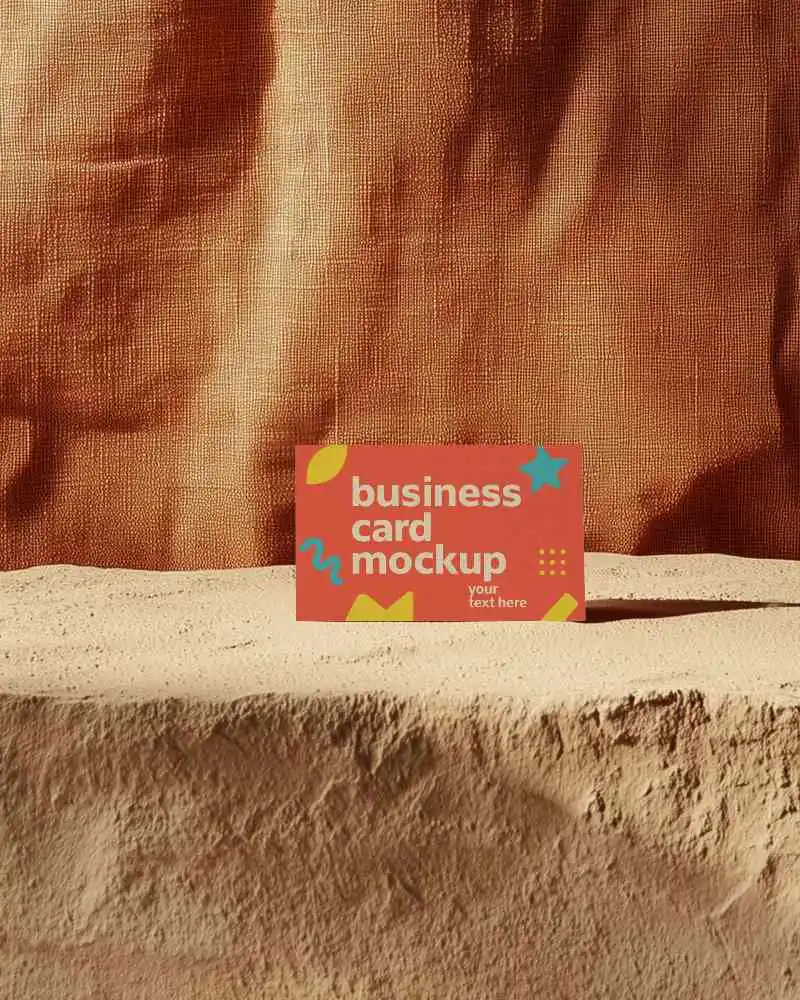
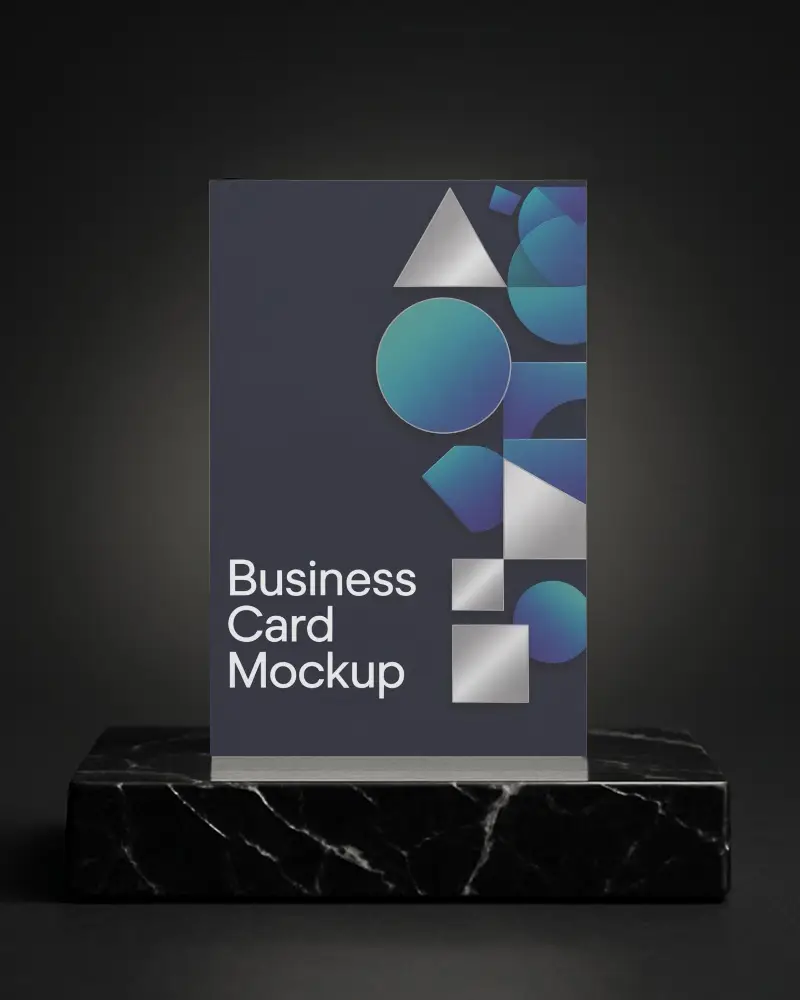


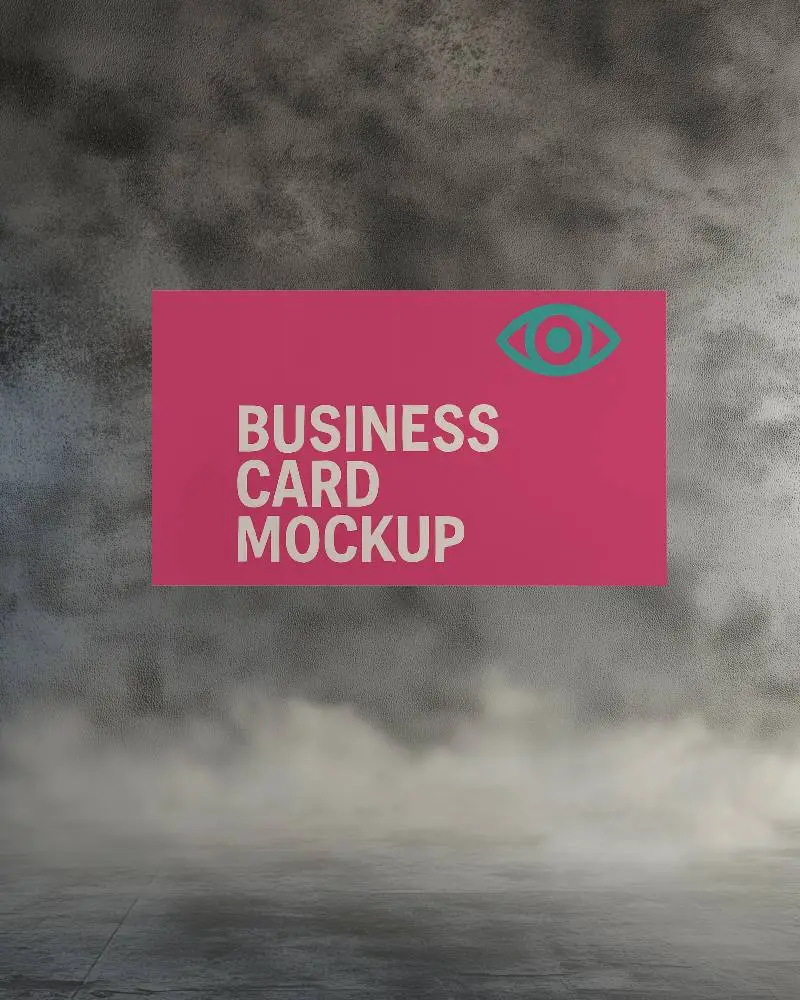
How to Create White Business Card Mockup with Mockey
To create a white business card mockup in Mockey AI:
- Step 1: Follow "Mockups > Print > Business Card > White" and select a template from the library.
- Step 2: On the next page, upload your logo and change the template color in the Edit section. If you upgrade to the Creator Plan, you can also use AI tools.
- Step 3: Tap Download to save your white business card mockup as a PNG or JPEG in different sizes.


FAQs on White Business Card Mockups
What is a White Business Card Mockup?
A white business card mockup is a digital template that shows how a business card design looks on a plain white background.
Why create a White Business Card mockup?
Making a white business card mockup offers a simple, adjustable background for displaying designs, which successfully improves visual appeal and brand identification.
Why Use Mockey’s White Business Card Mockup?
Use Mockey's white business card mockup to see your card digitally before printing to save time and money. It provides a neat, expert design preview.
Is this White Business Card Mockup Free?
Yes, you can create, edit, and download free white business mockups using Mockey AI.
Does Mockey offer free White Business Card Mockup templates?
Most white business card templates in Mockey AI can be customized for free.
Do I need Photoshop to use a White Business Card Mockup?
If you're a professional designer, you can customize white business card mockups in Photoshop. But if you have no design skills or want ready-made templates with easy editing tools, try Mockey AI.
Can I download high-resolution White Business Card Mockups from Mockey?
You can get a high-quality image by downloading the white business card mockup as a PNG file.
What file format can I download my White Business Card Mockup in?
Mockey AI allows you to save your white business card mockups as JPEG or PNG files.
