Free Soda Can Mockup - Customize Can Designs with Mockey
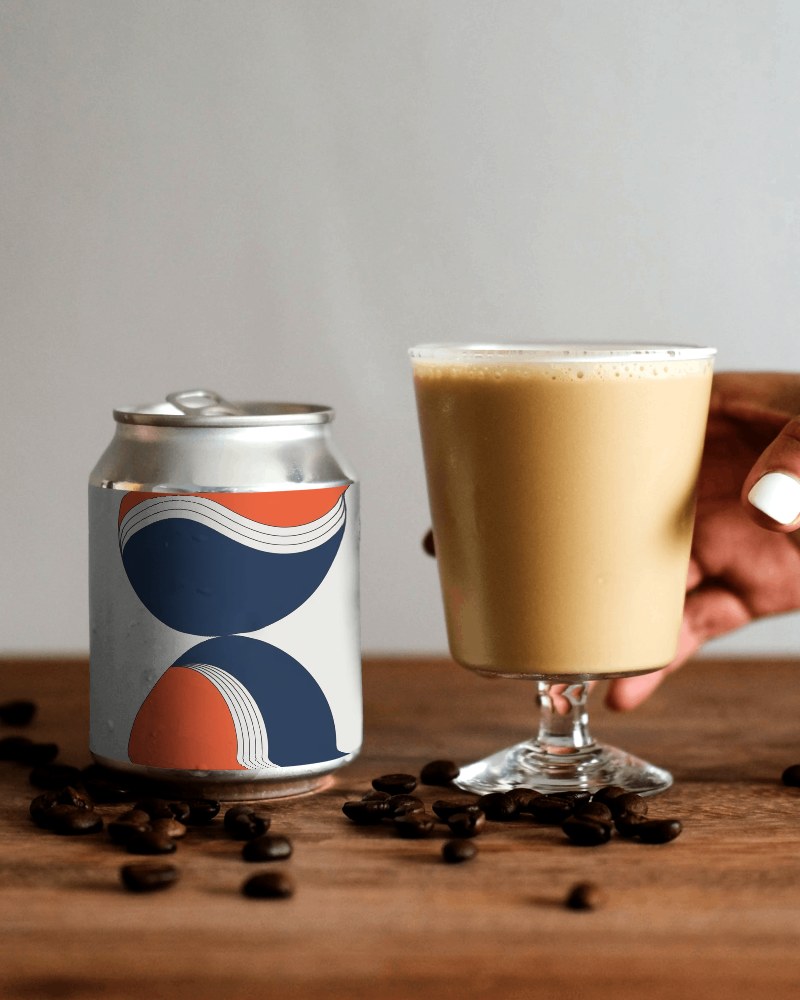
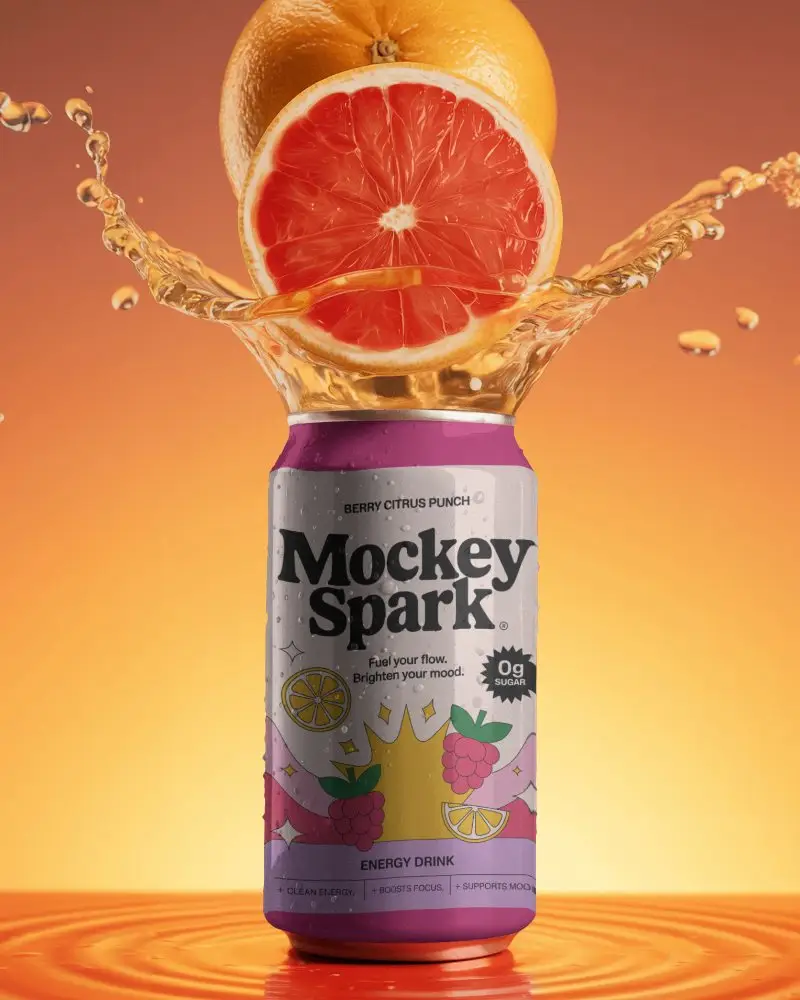
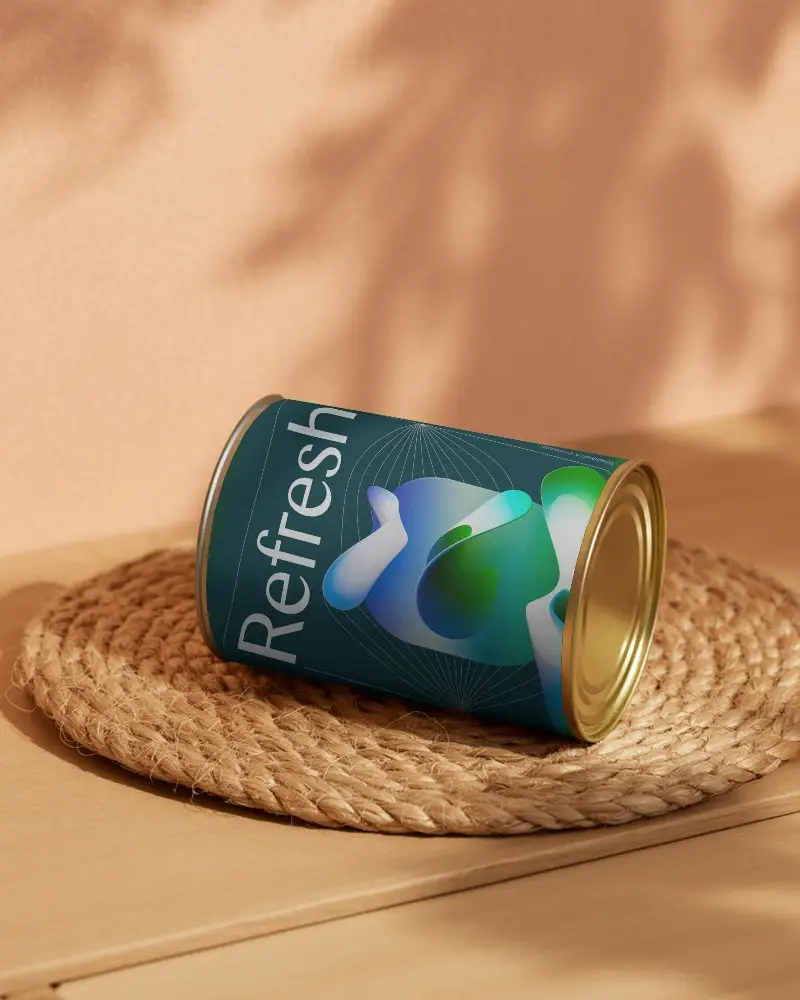
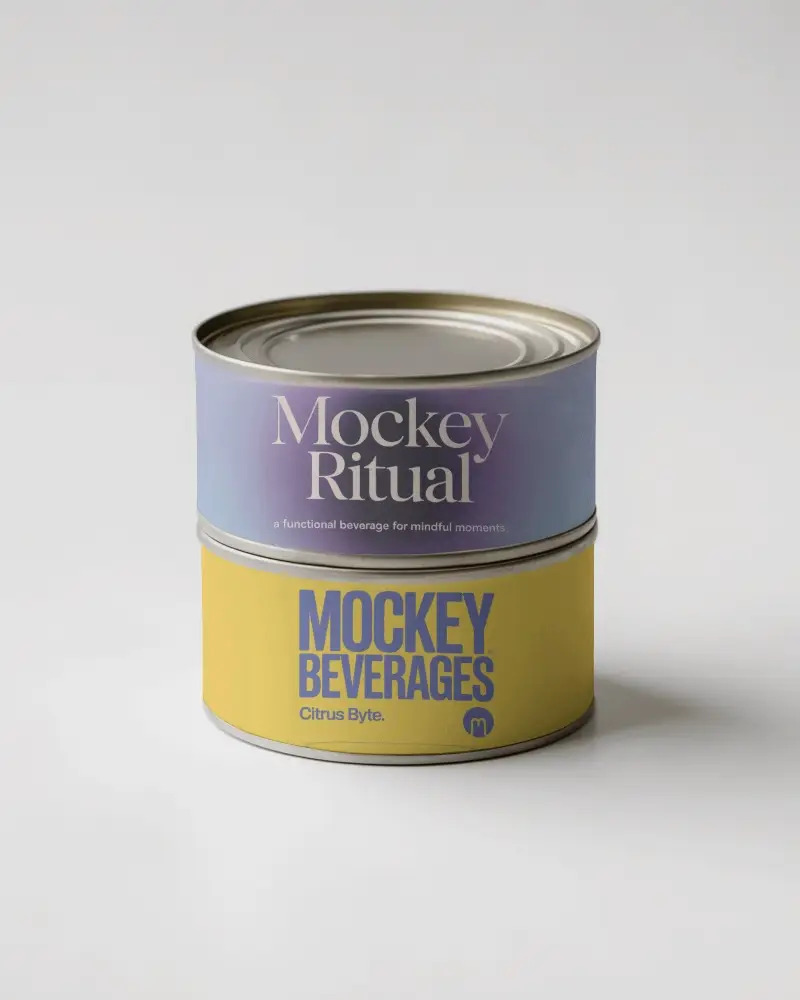
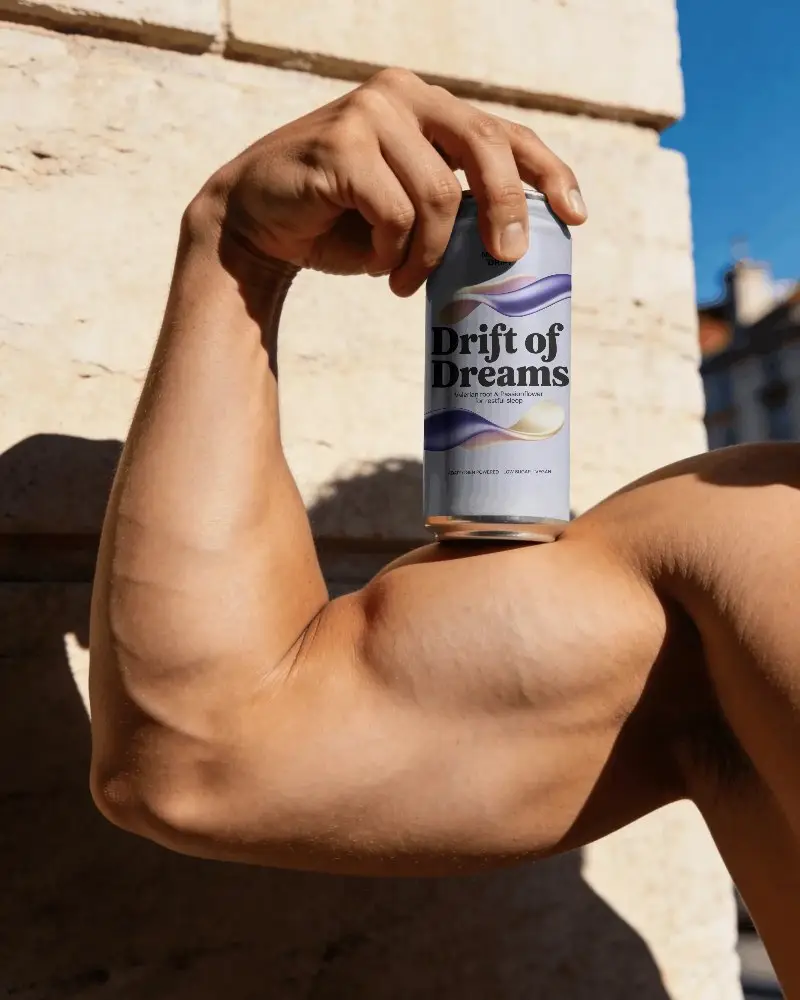
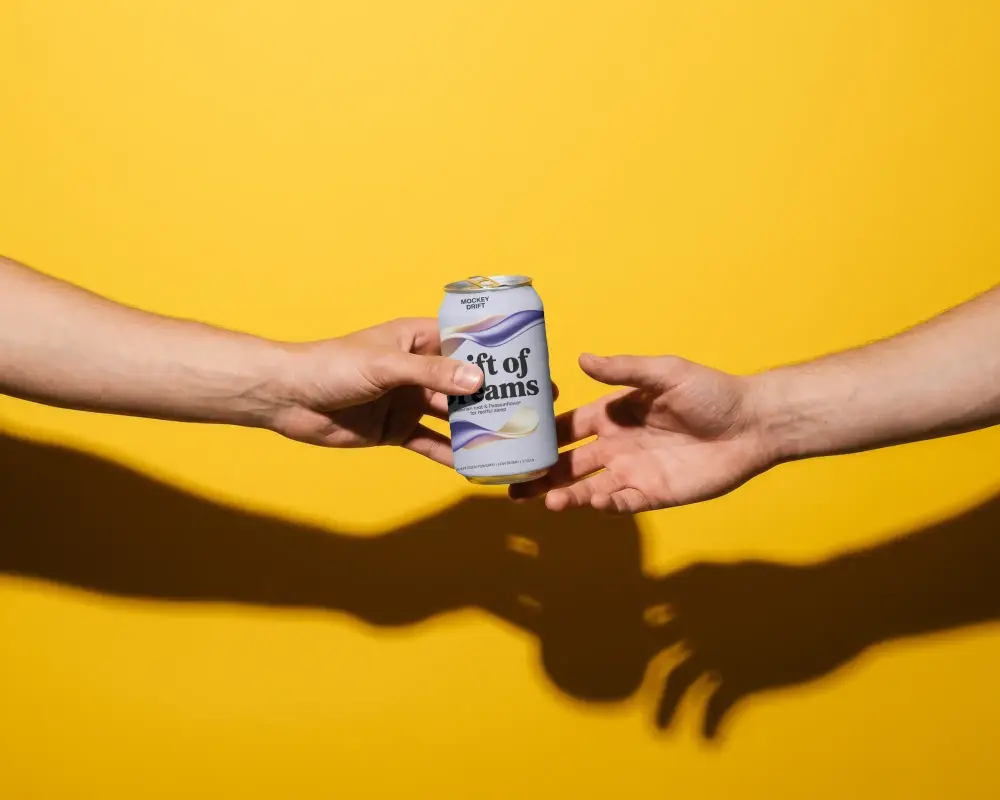
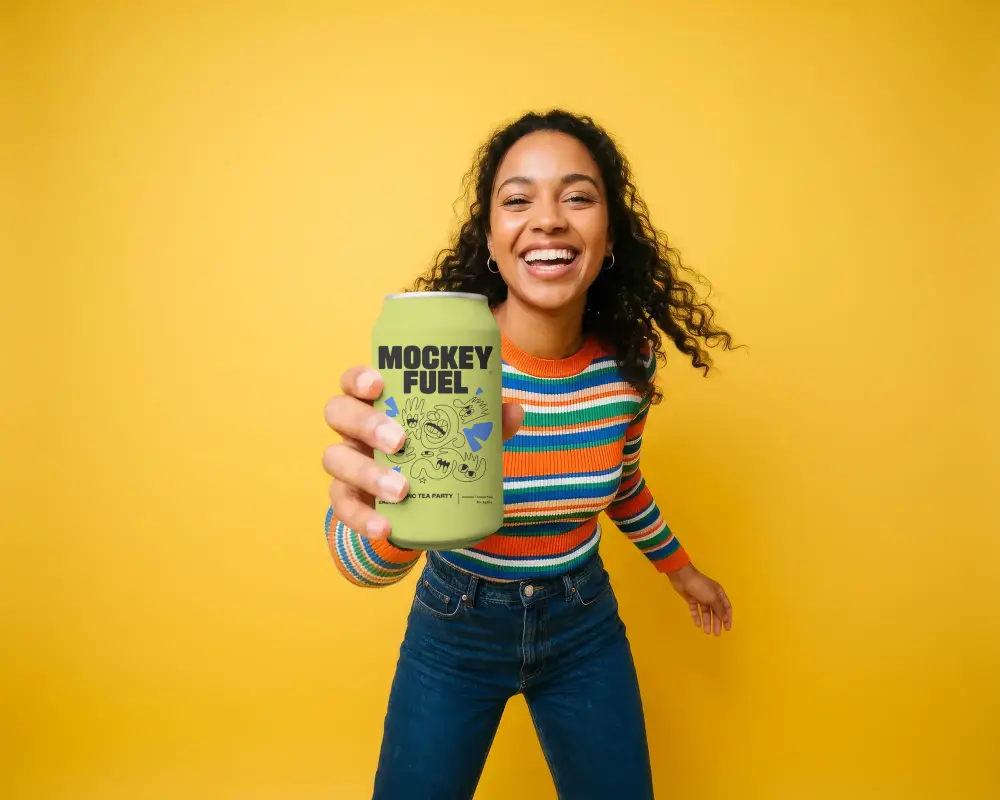
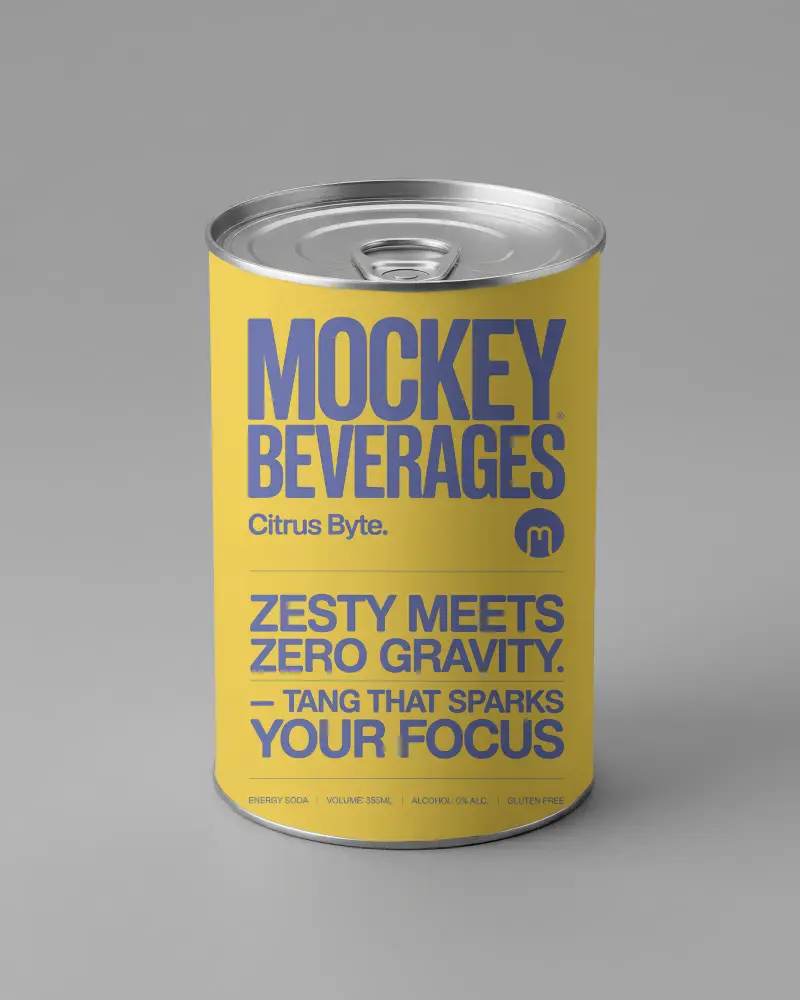
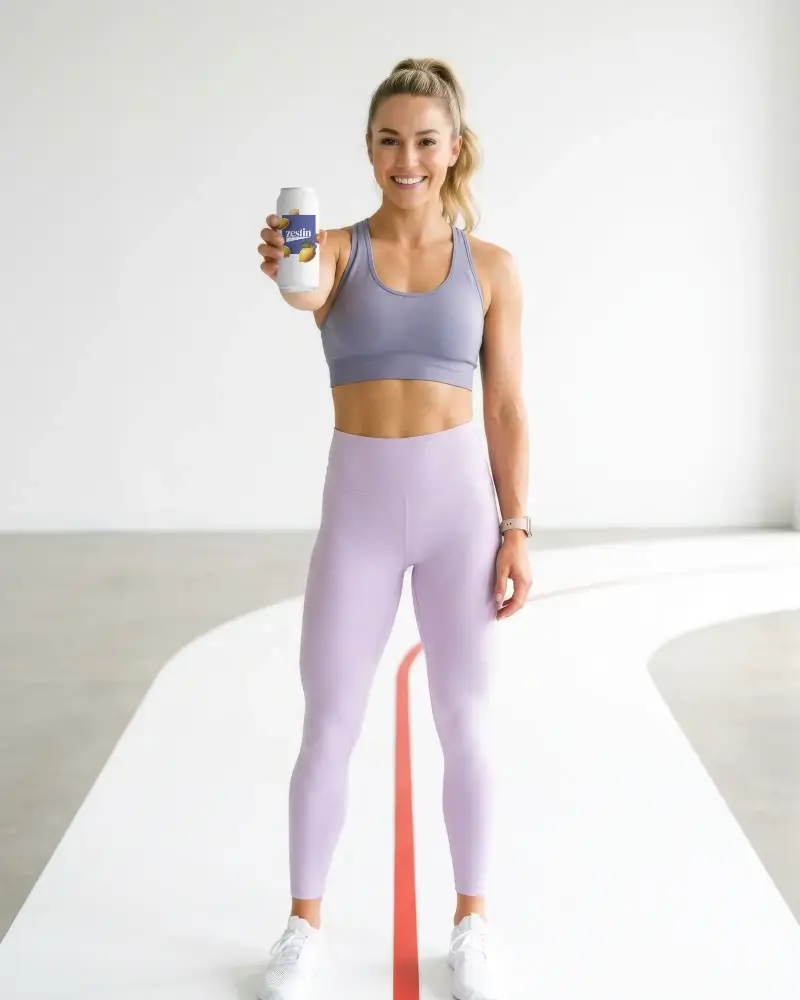
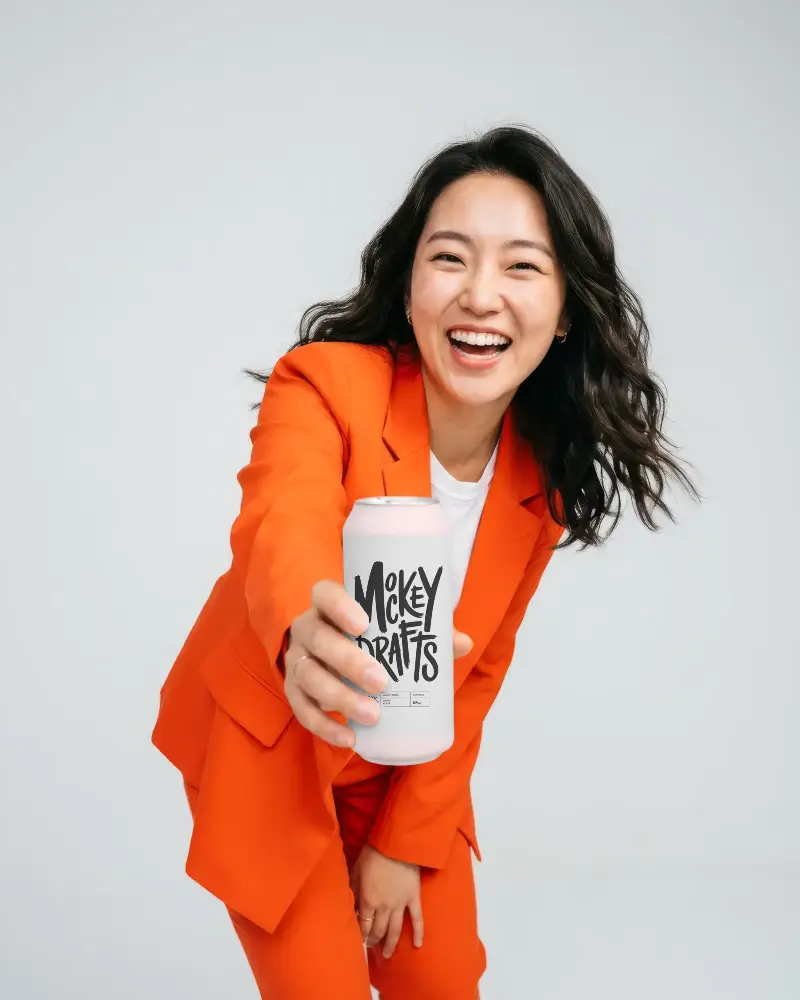
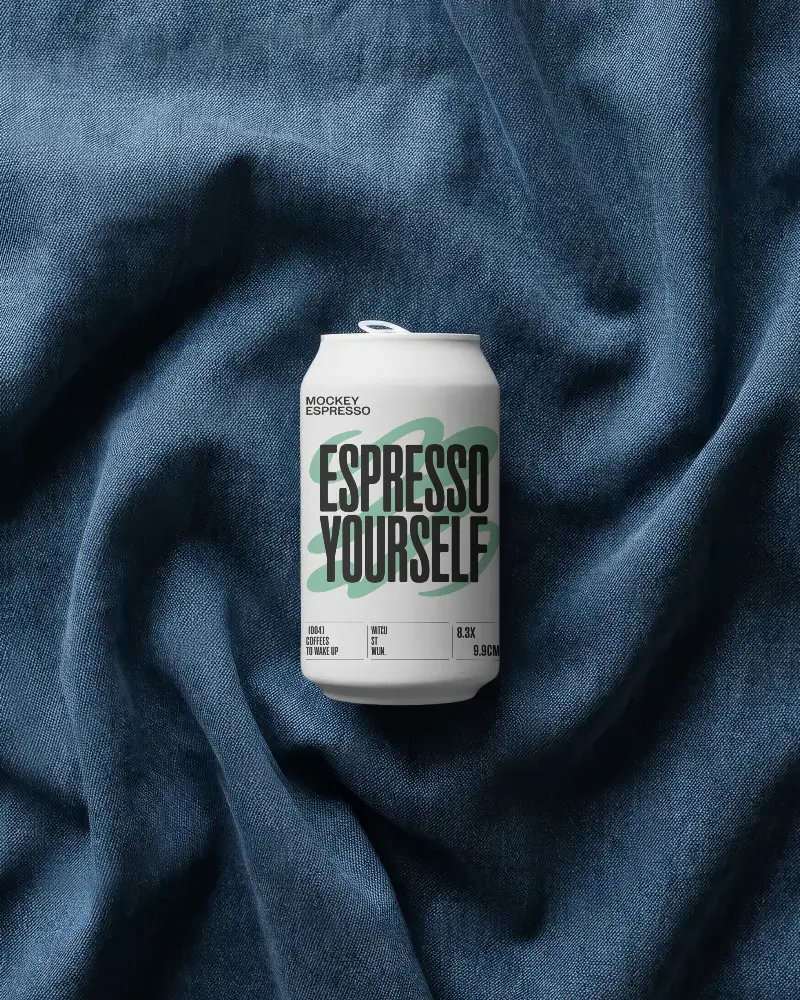
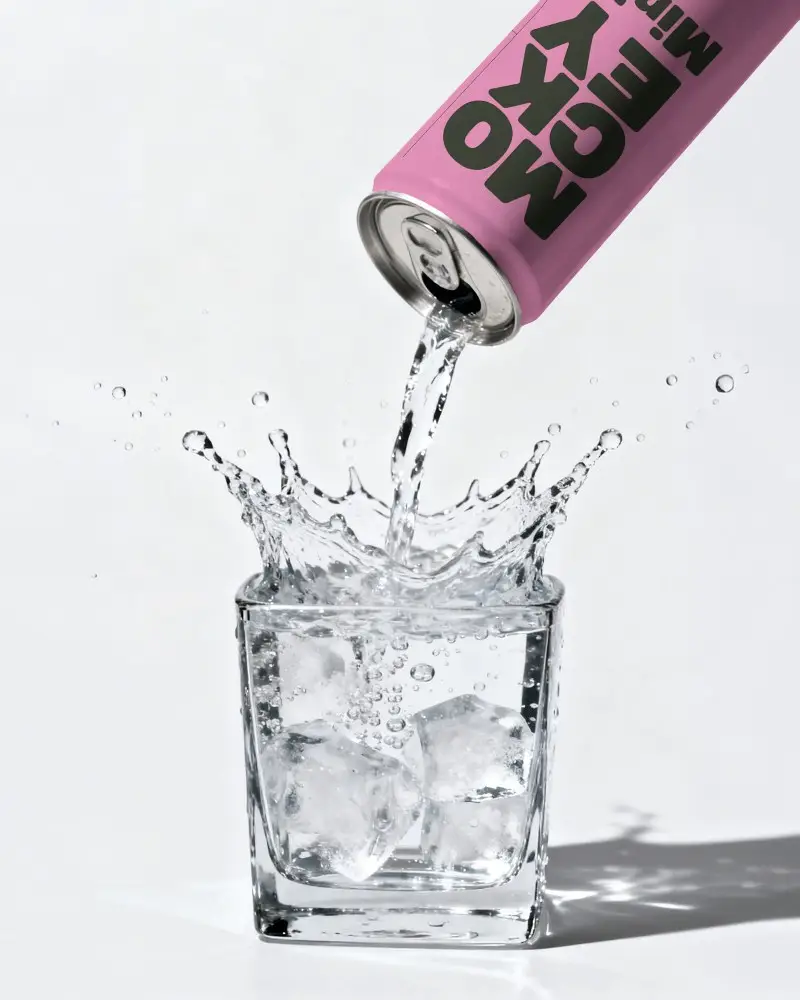
Show off your beverage designs with Mockey’s Soda Can Mockup. Easily edit colors, apply logos, and see your artwork on a realistic 330ml can. This editable mockup is ideal for creating professional previews, brand presentations, and allows you to download your finished design quickly.
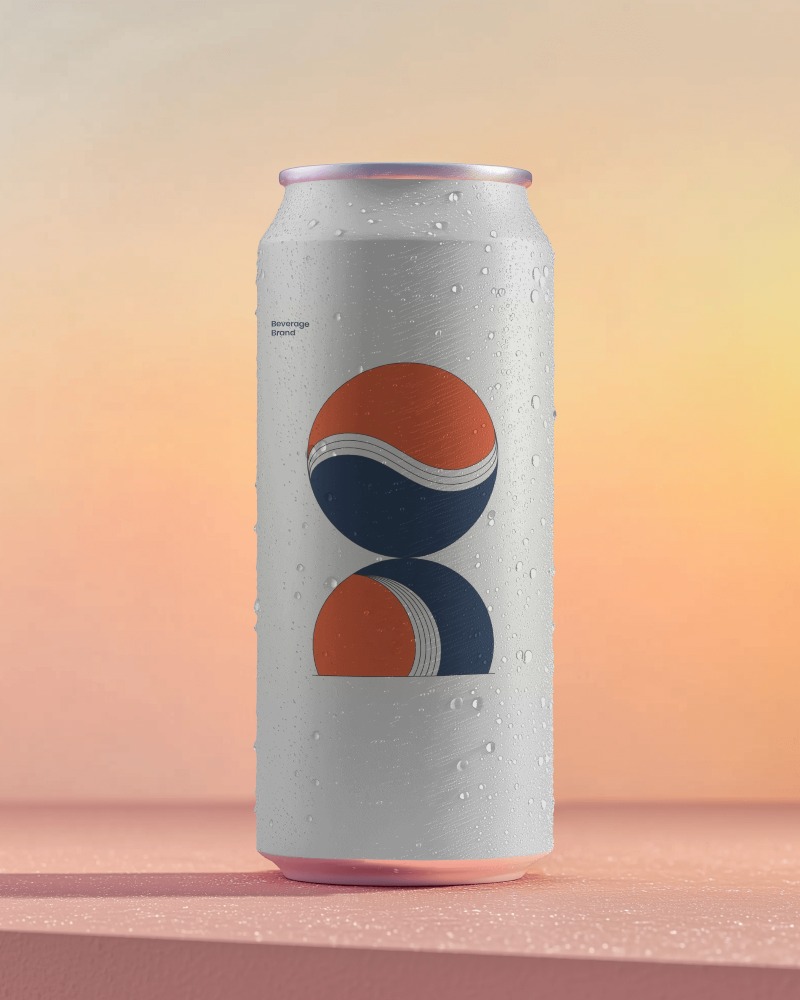
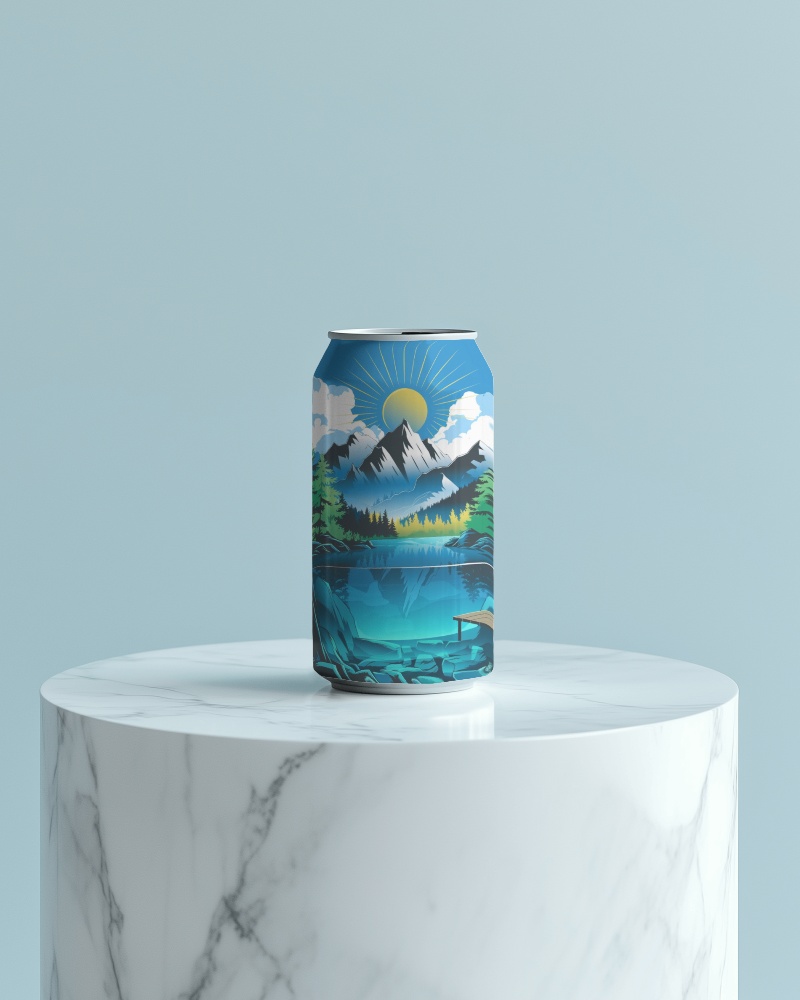
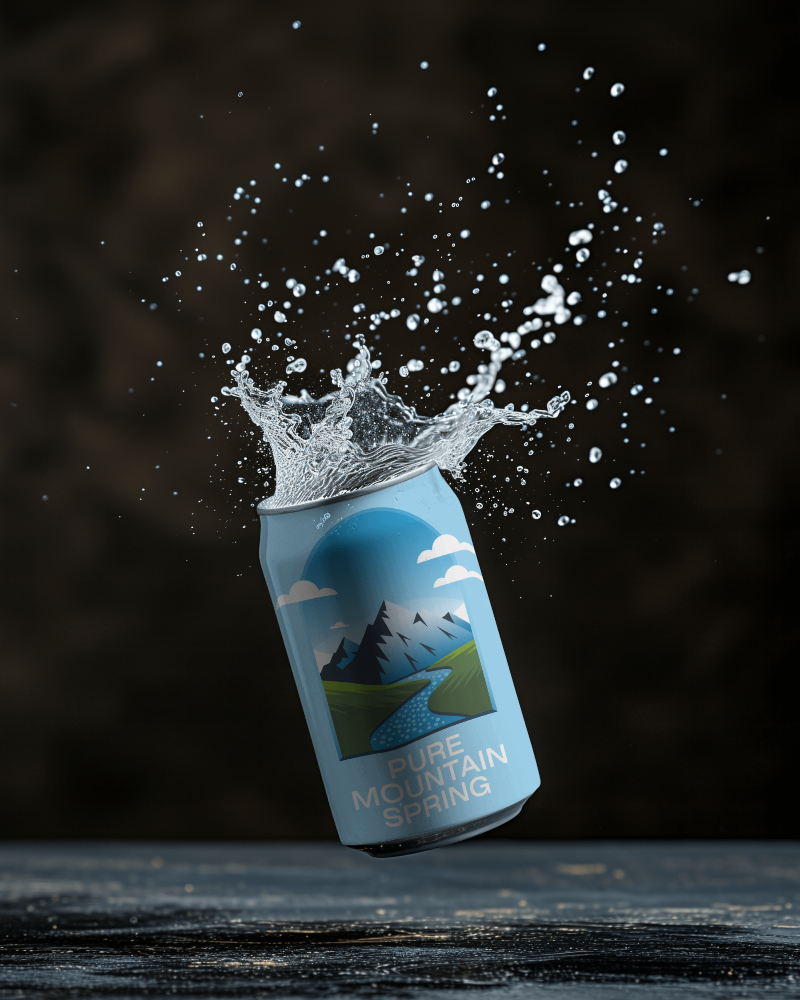
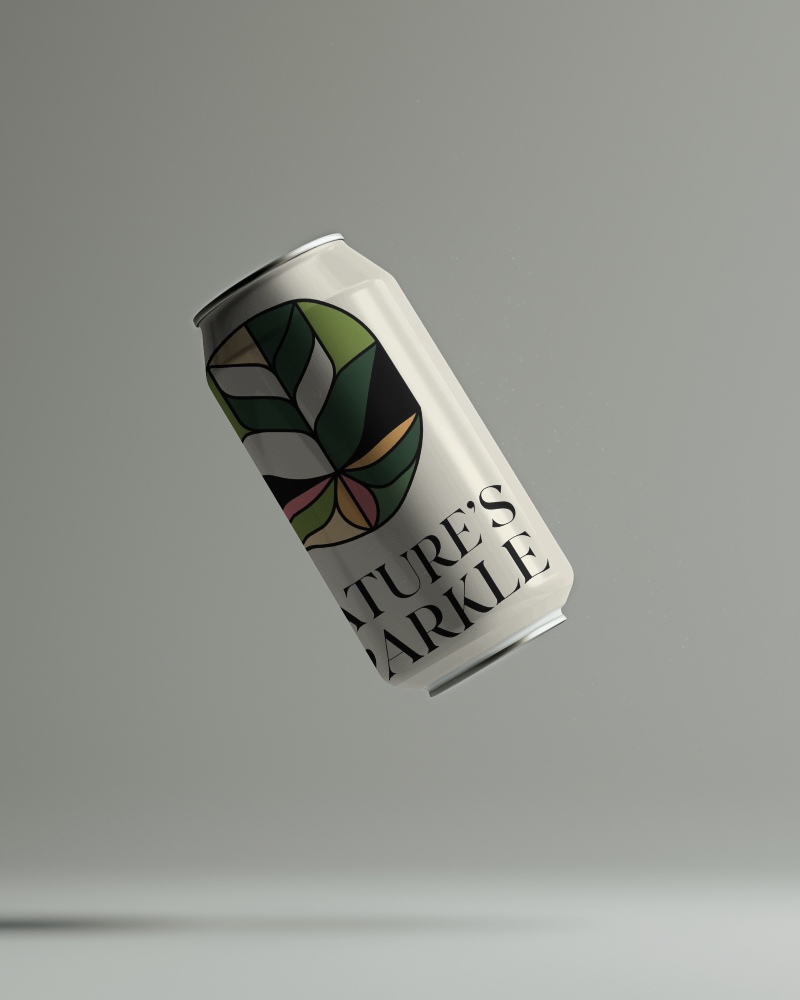
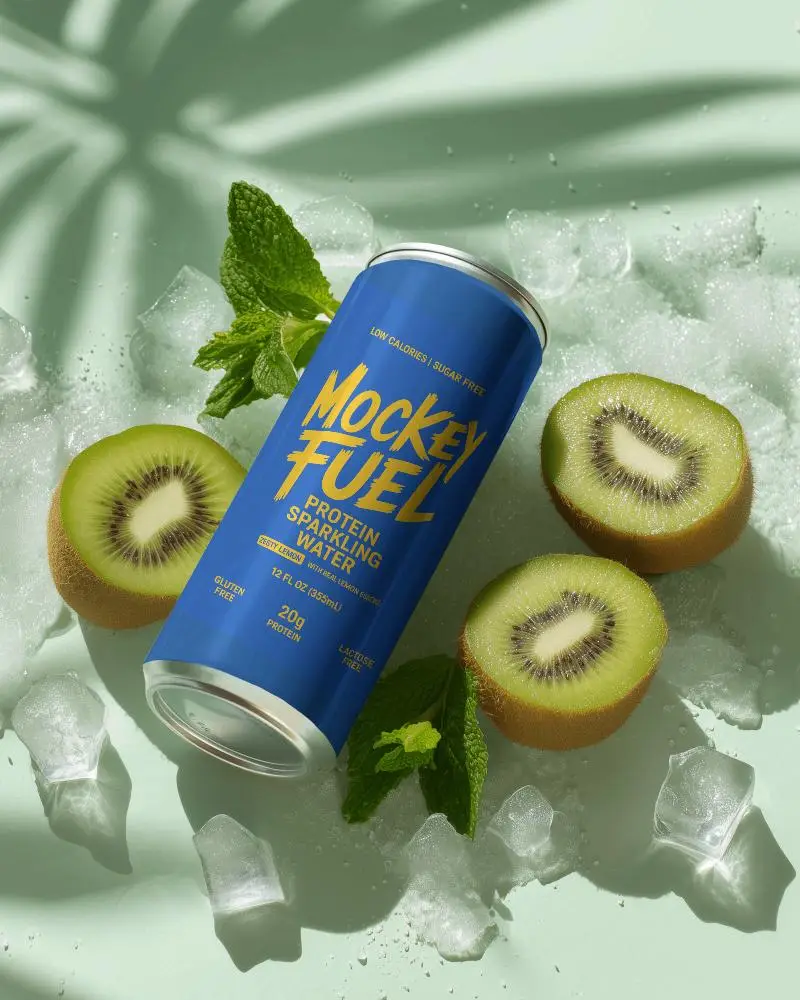
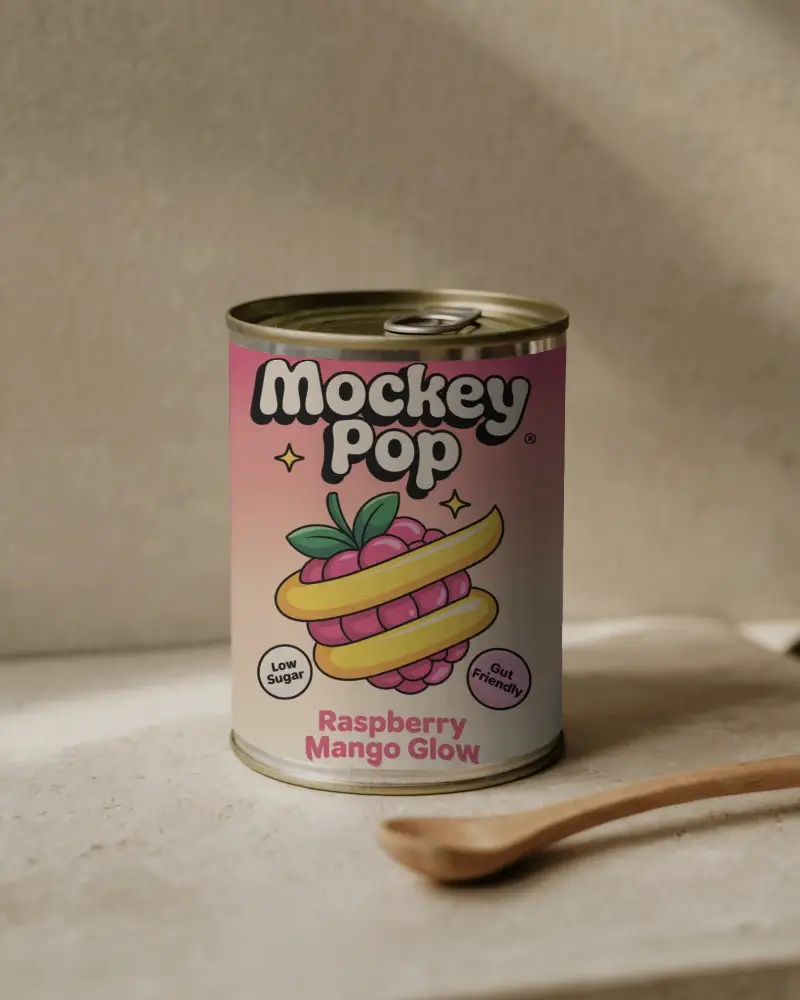
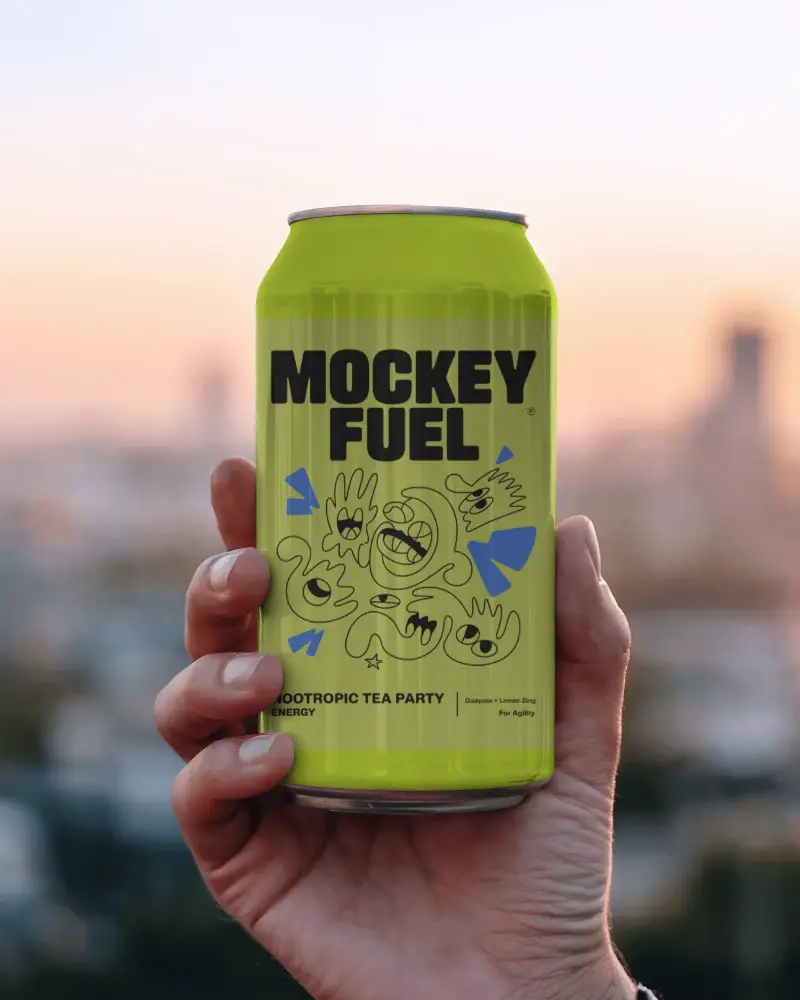
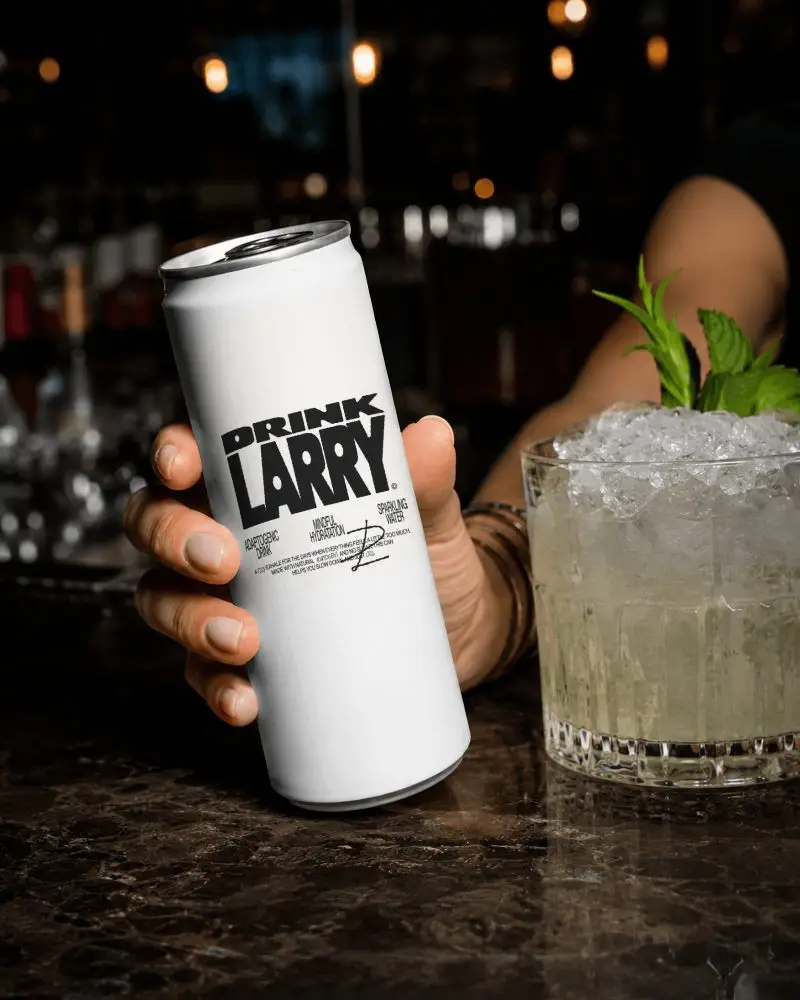
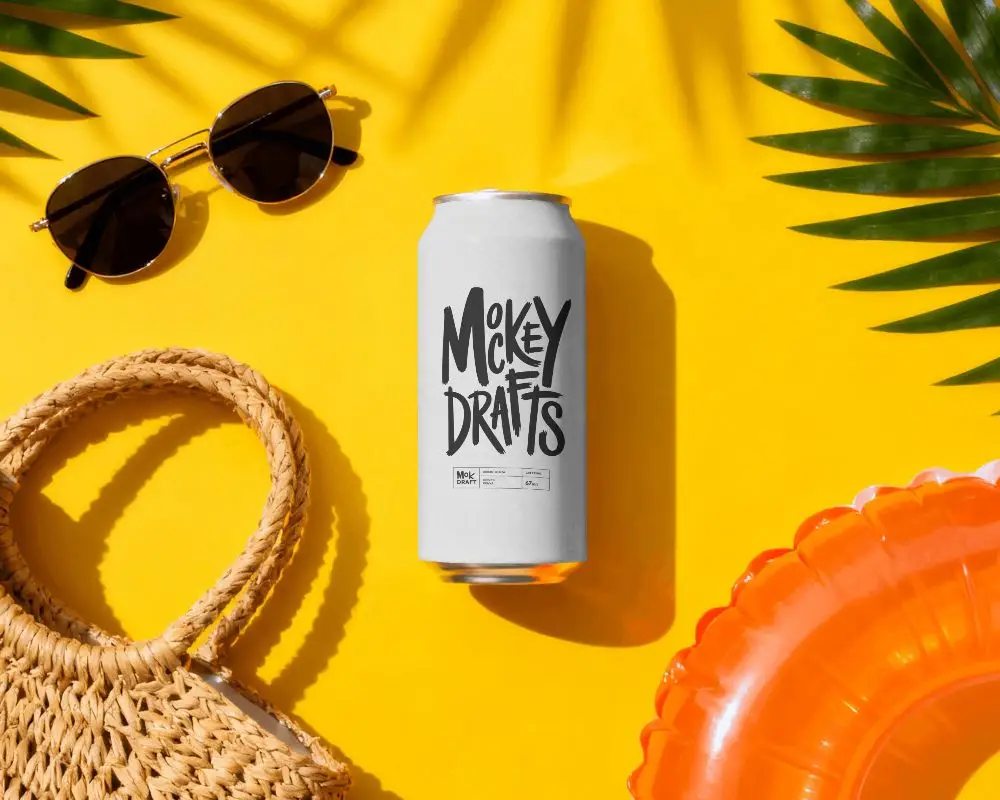
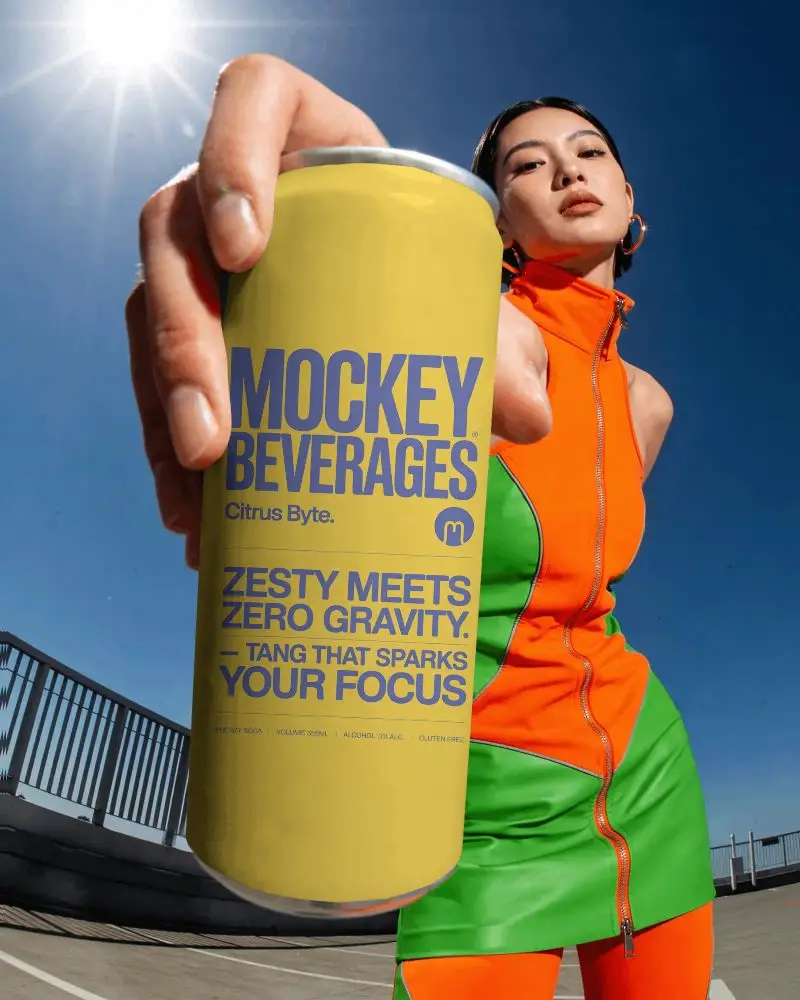
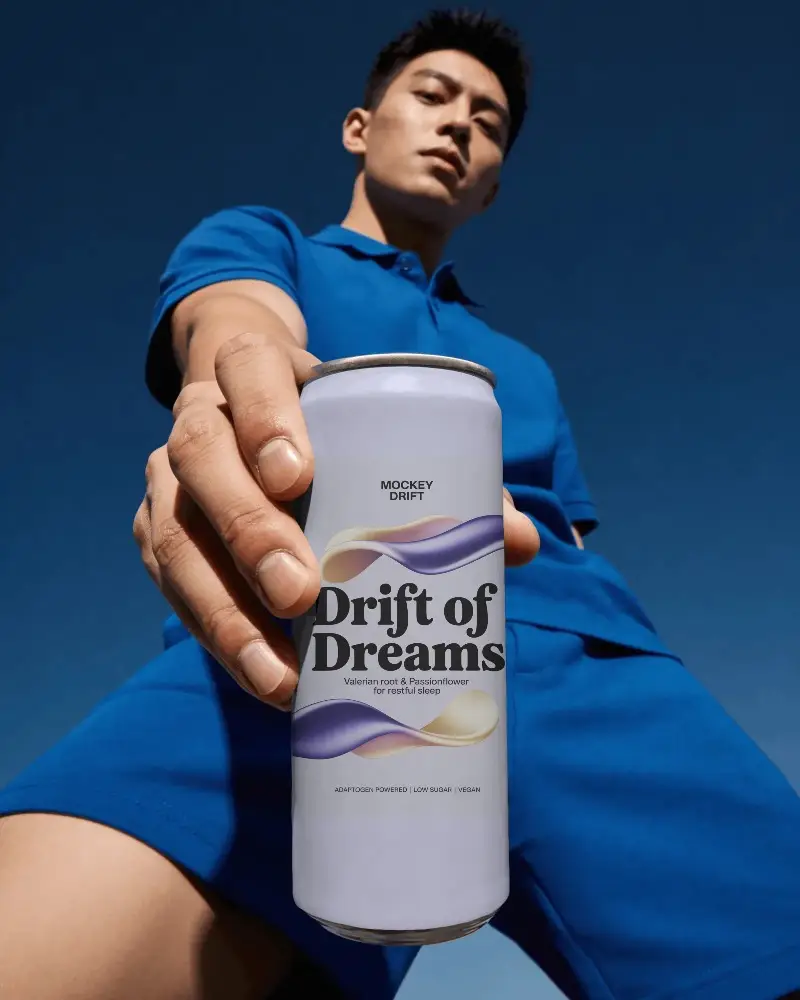
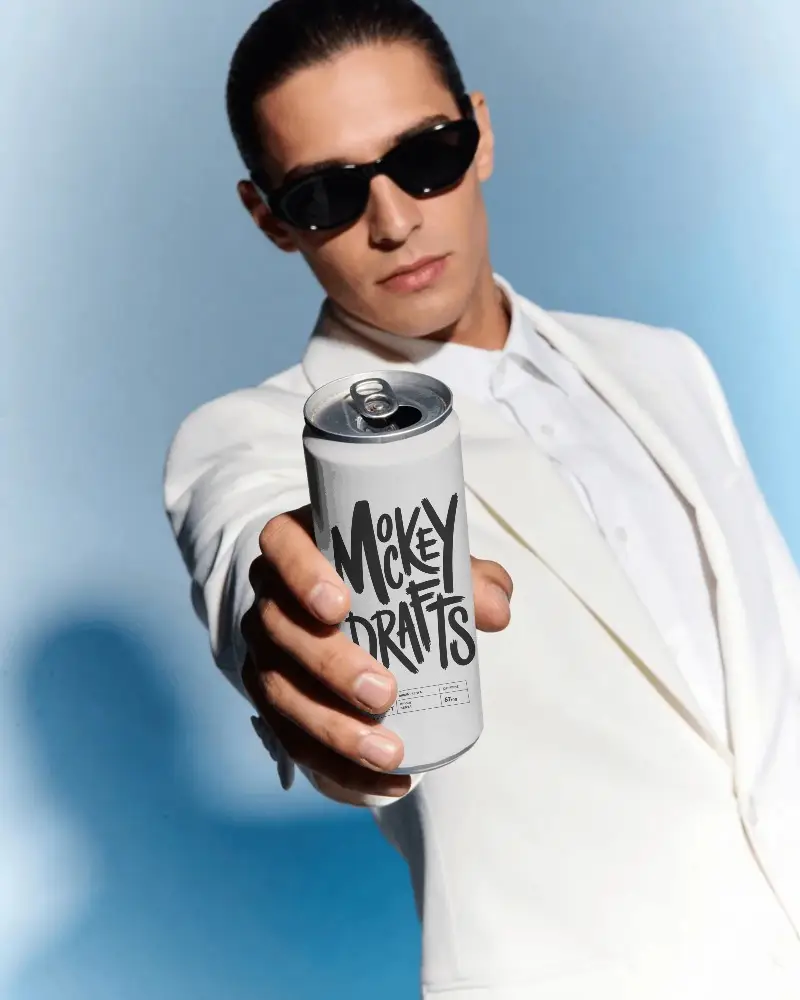

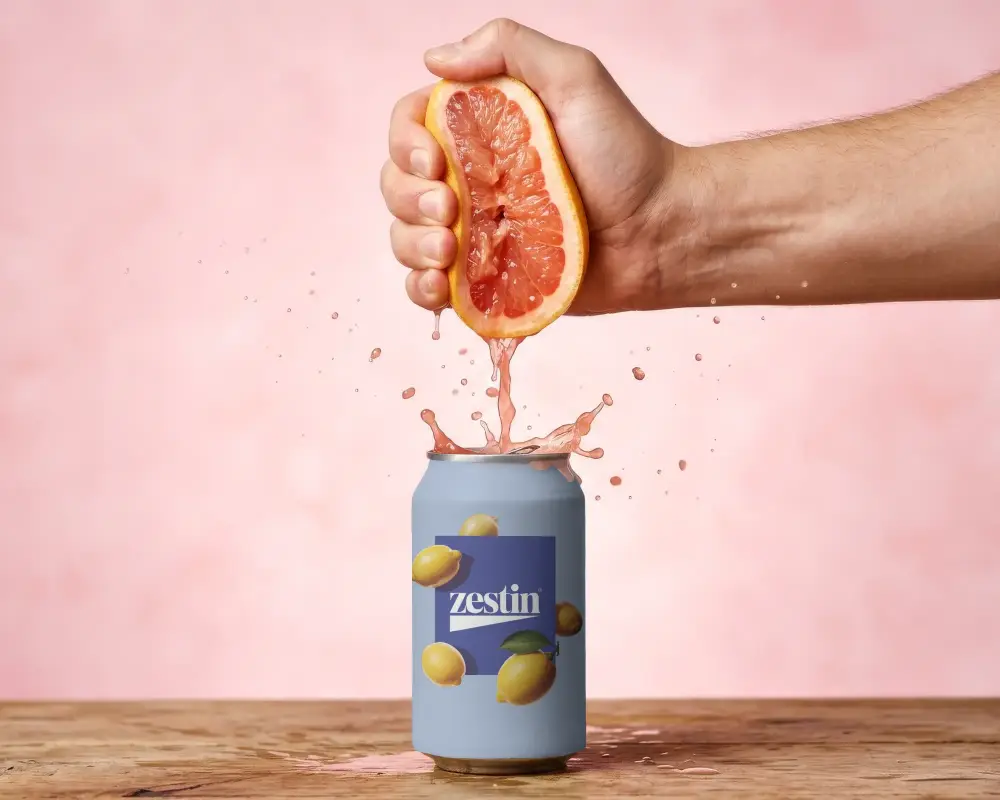
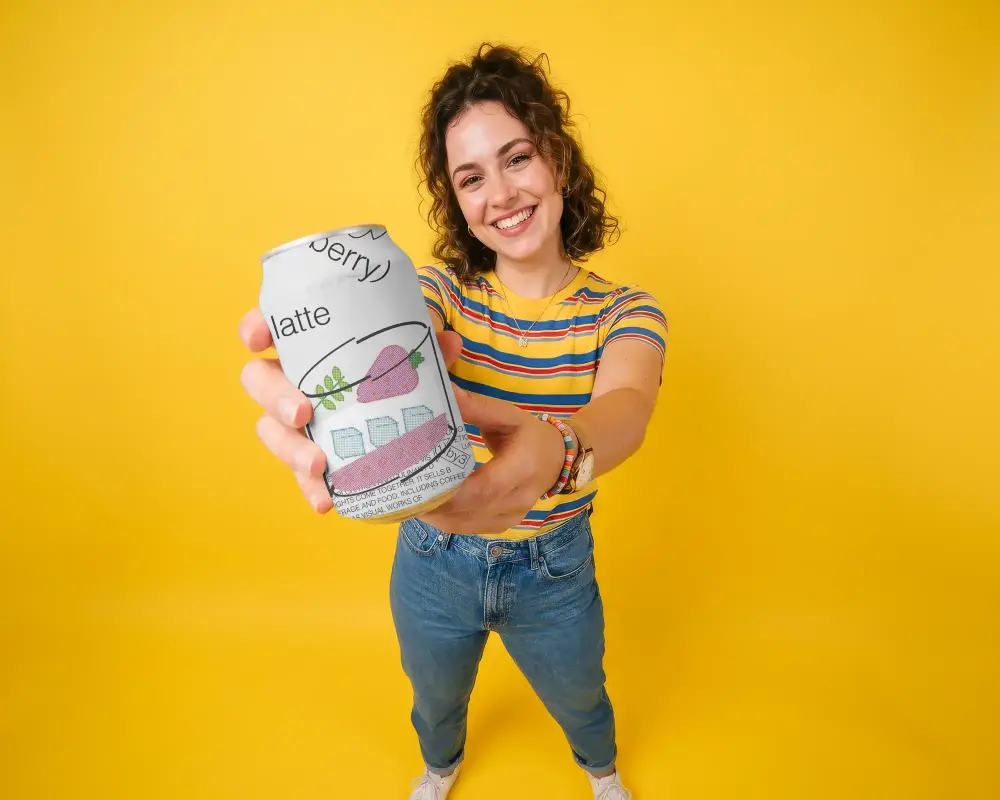
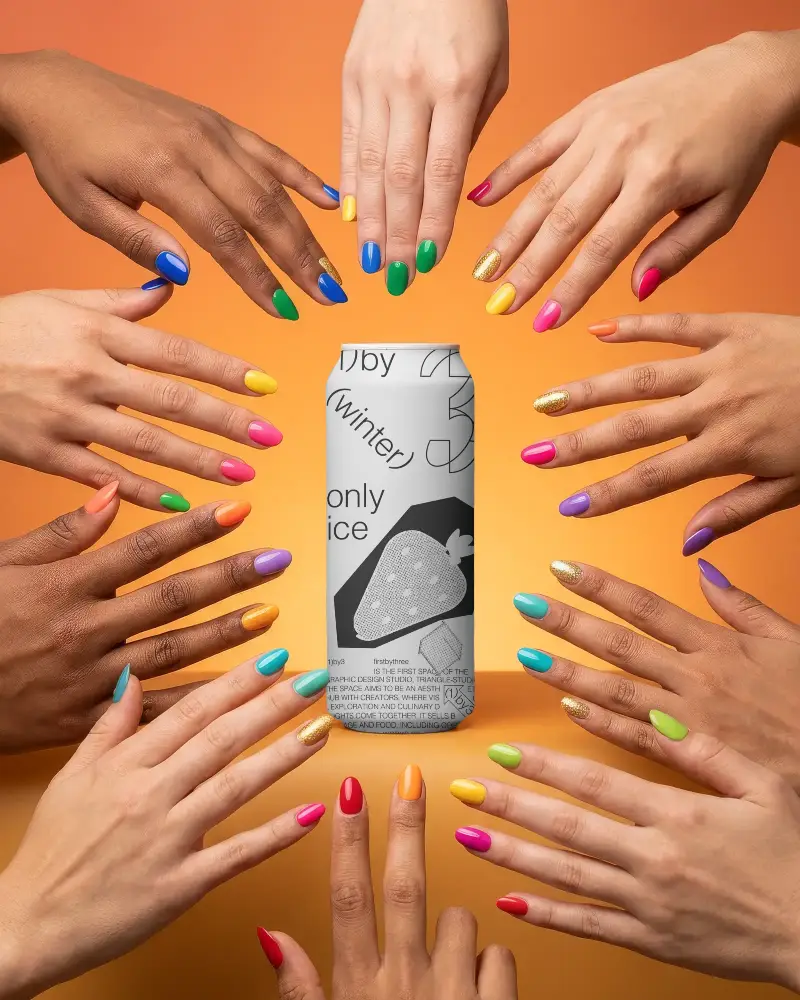
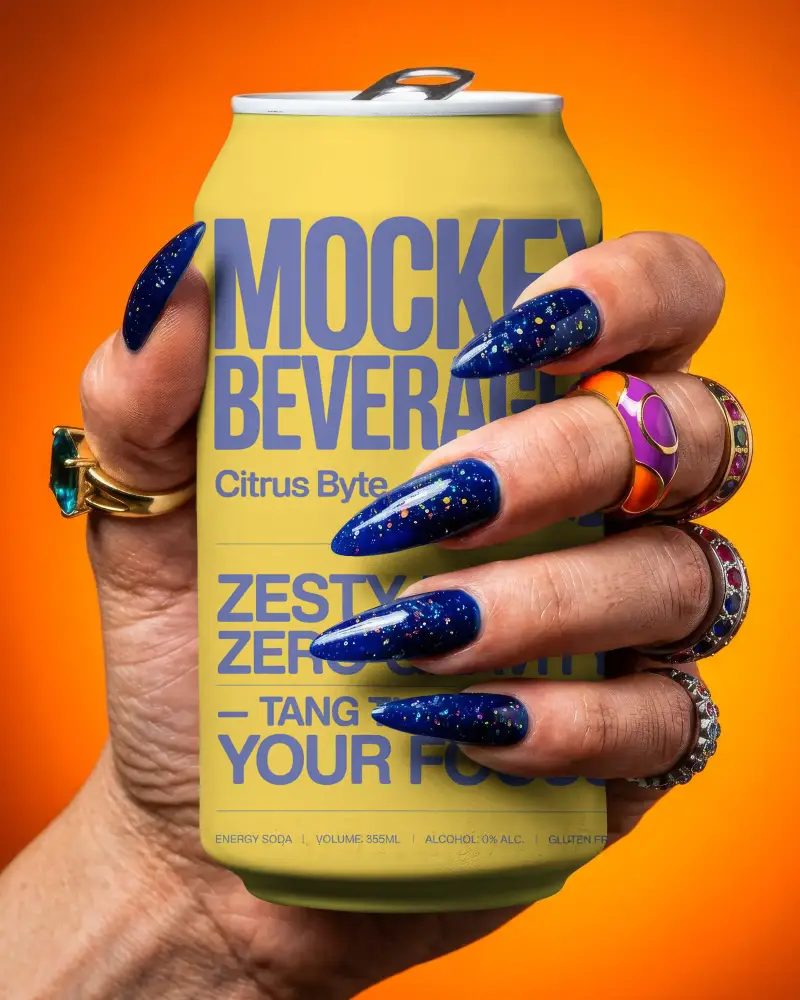
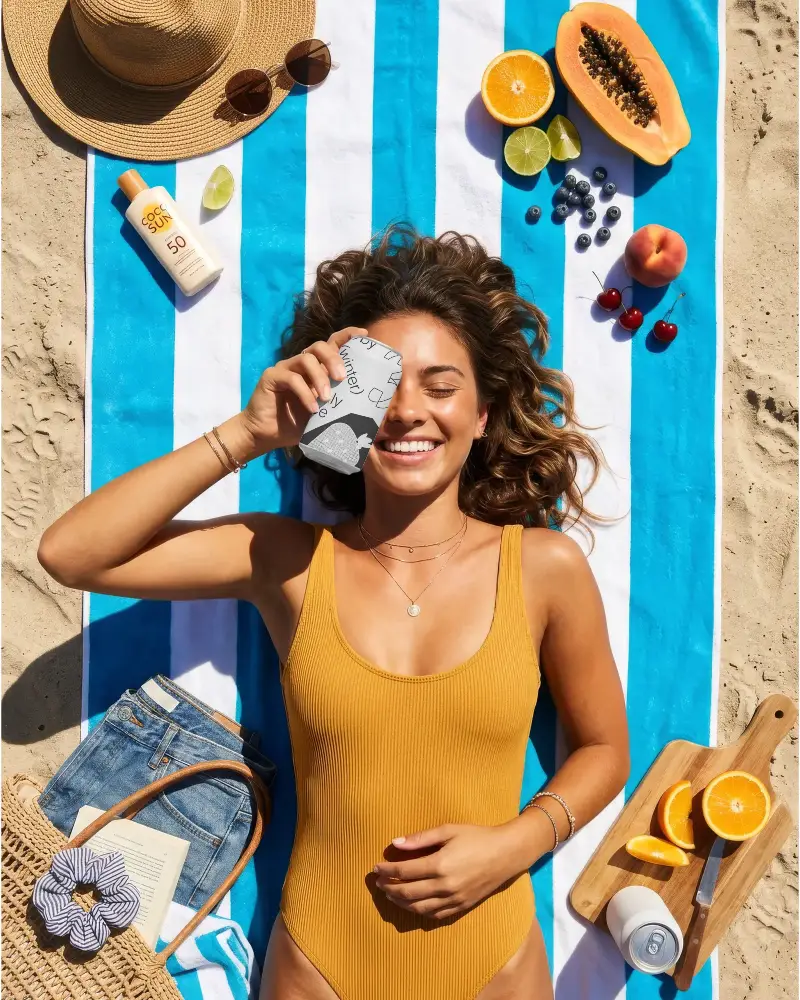
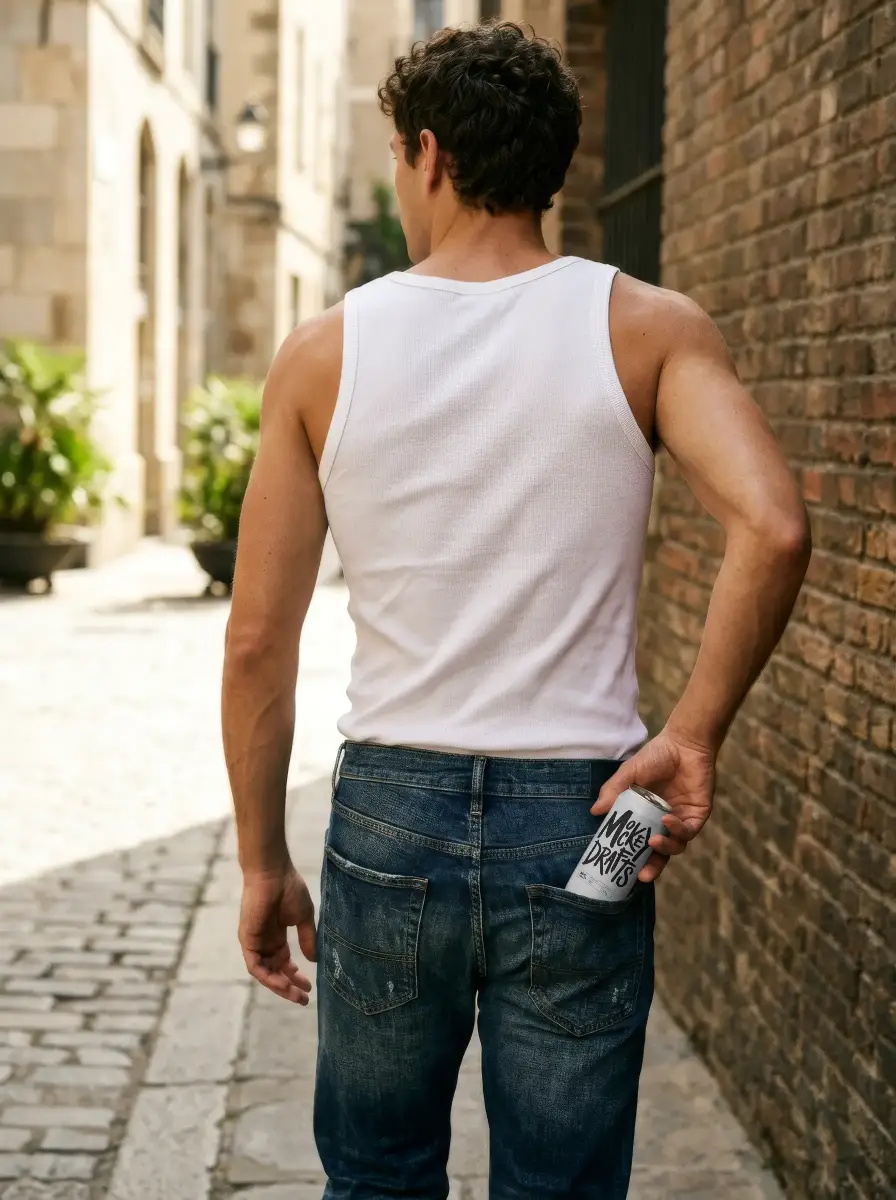
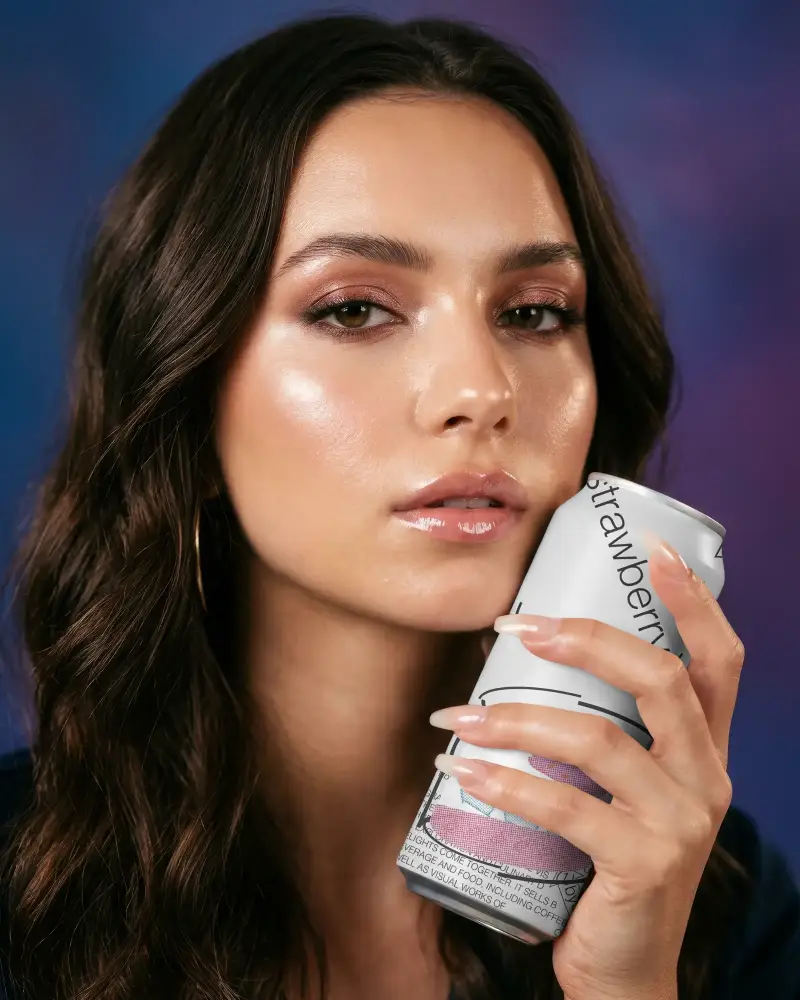
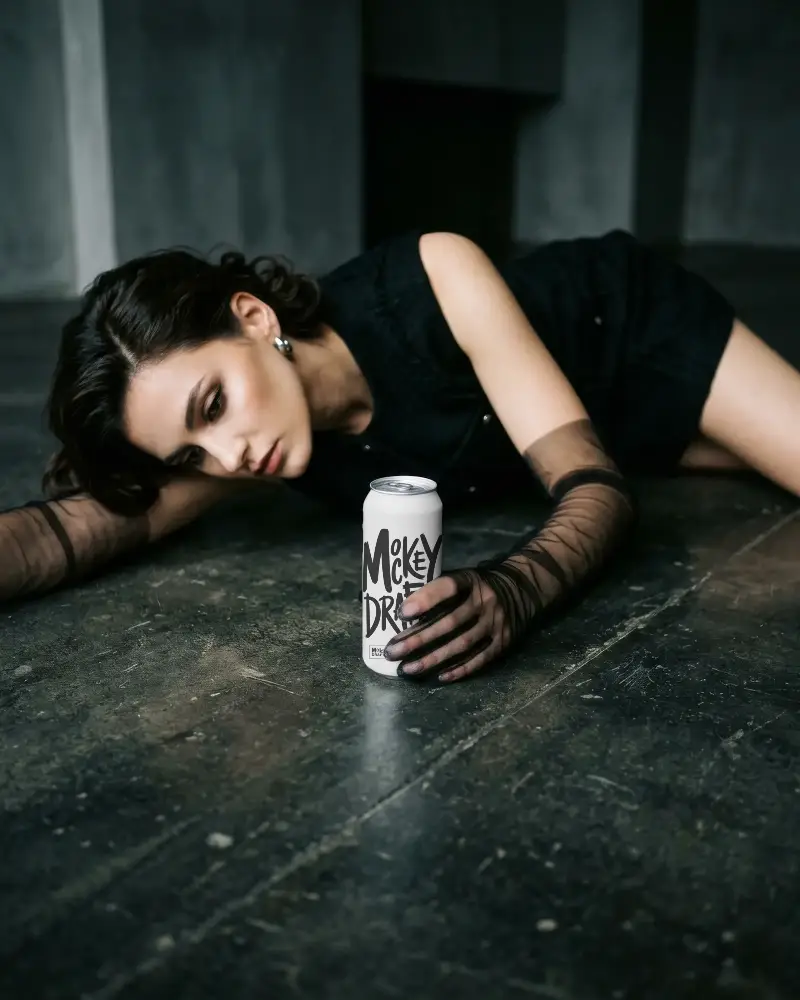

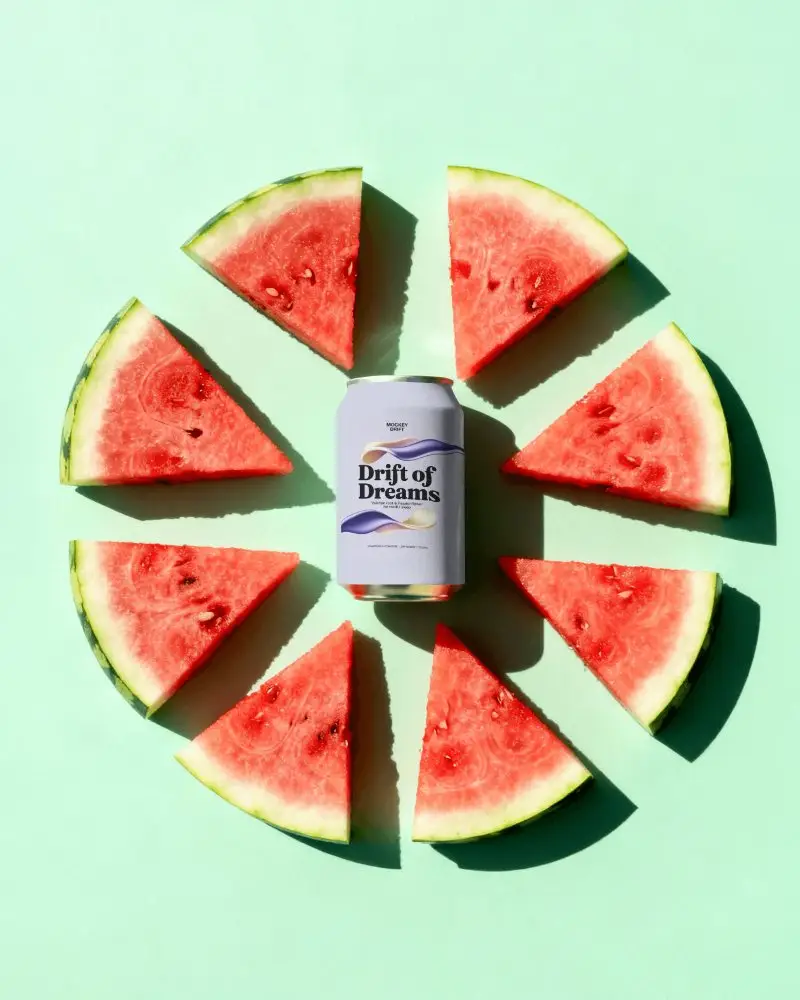
How to Create Soda Can Mockup with Mockey
To create Soda Can mockups:
- Step 1: Go to Mockey.ai and log in to your account.
- Step 2: Navigate to ‘Mockups > home and living> Can’ and select the ‘Soda Can’ tag.
- Step 3: Upload your design, adjust the color and texture, then download the mockup as a PNG or JPEG file.


FAQs on Soda Can Mockups
Can I customize the Soda Can Mockup for different sizes?
Yes! Mockey’s Soda Can Mockup is editable and allows you to create designs for various sizes. For larger options, check out our 500ml Can Mockup. Soda Can mockups are available in 250ml and 500ml sizes for you to customize. You can also click on the specific 250ml or 500ml Can mockup tags to use those templates directly.
Can I use this Soda Can Mockup for aluminium cans?
Absolutely! While this Soda Can Mockup is perfect for standard cans, you can also check out our Aluminium Can Mockup for sleek metallic designs and packaging presentations.
Can logos and artwork be added to this Soda Can Mockup?
On Soda Can mockups, you can upload your logo, artwork, or brand name design. It’s best if the image is in PNG or JPEG format for optimal quality.
