New Year Mockups for Creative Celebrations
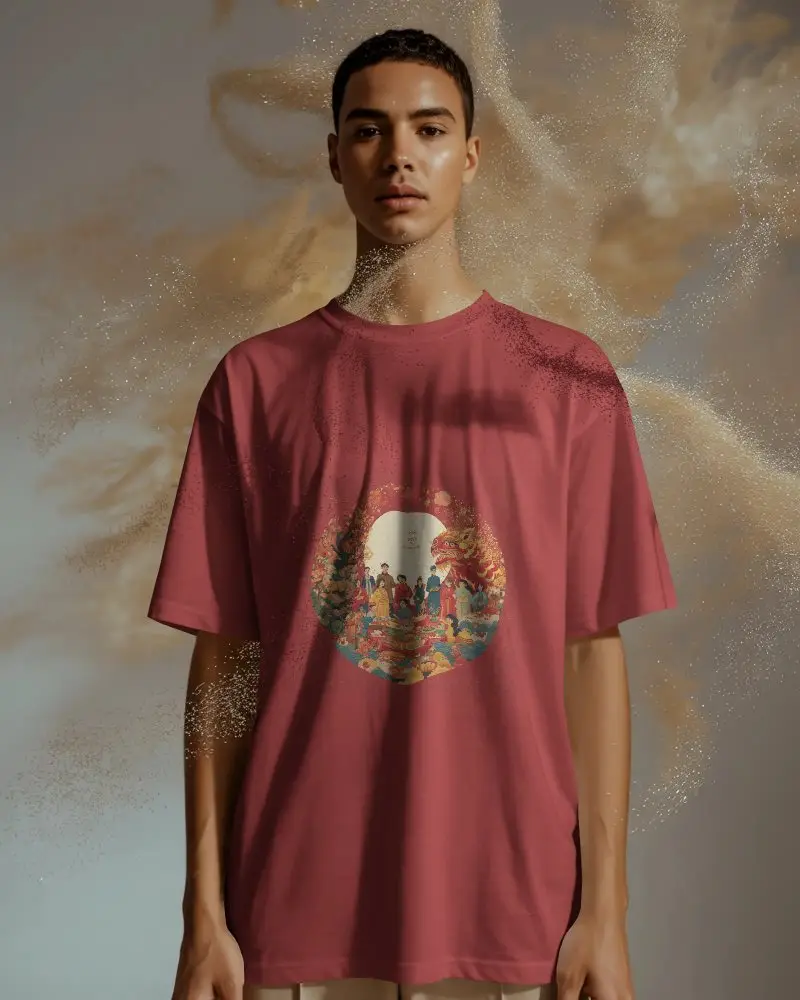
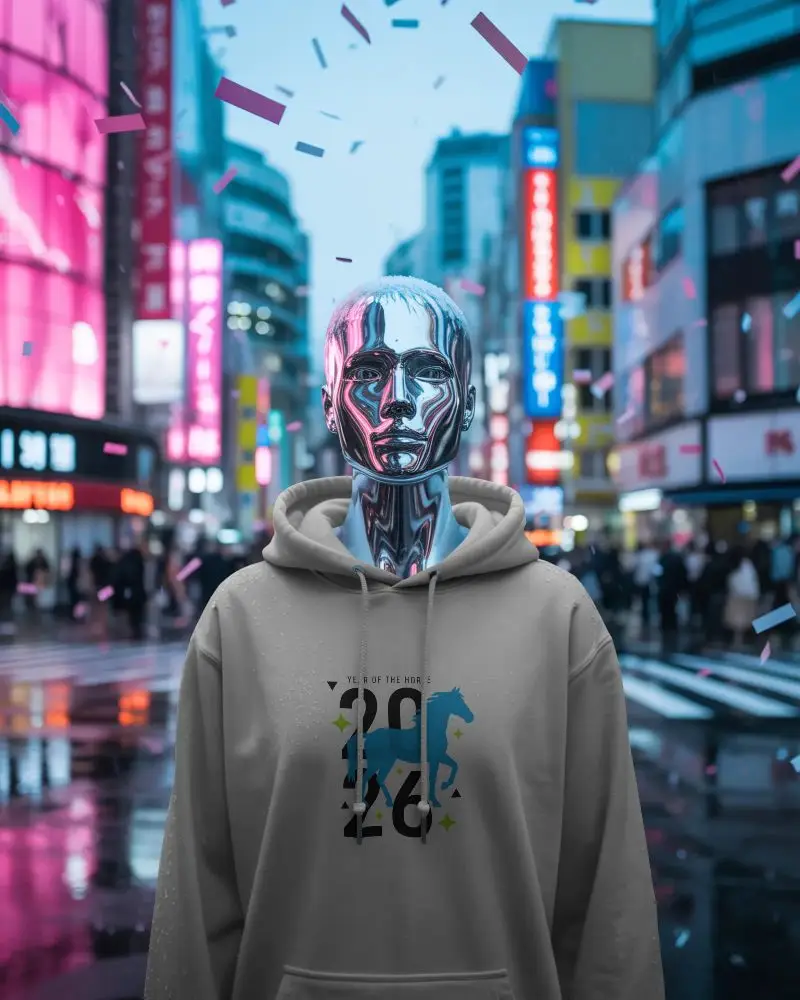
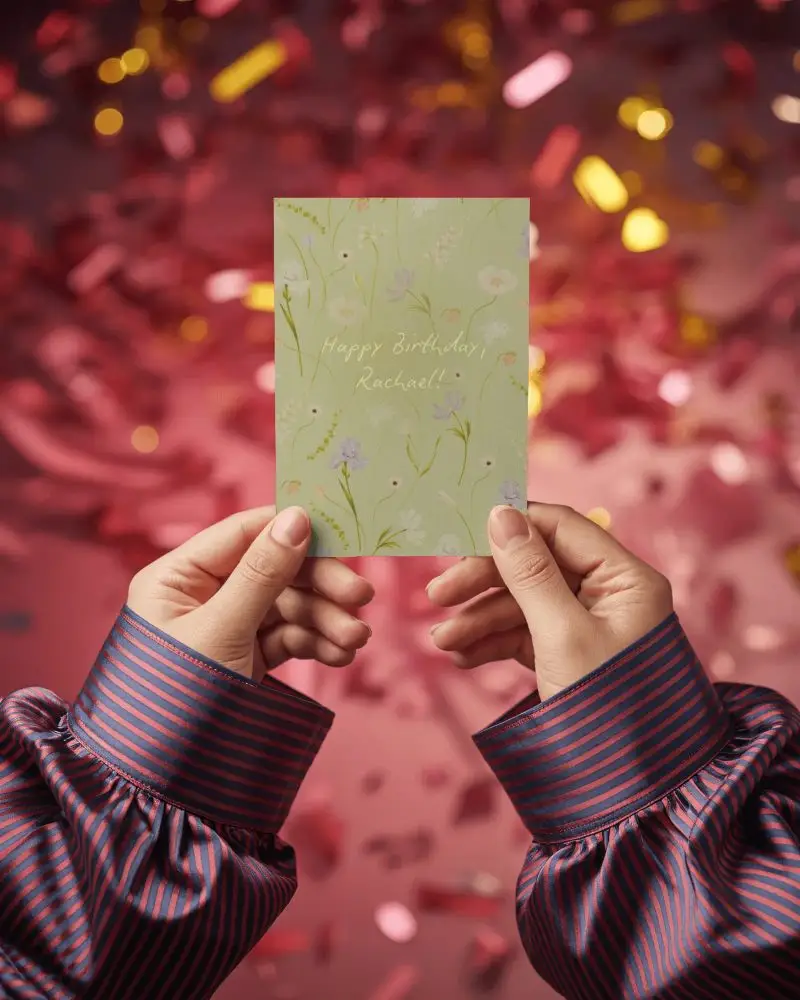
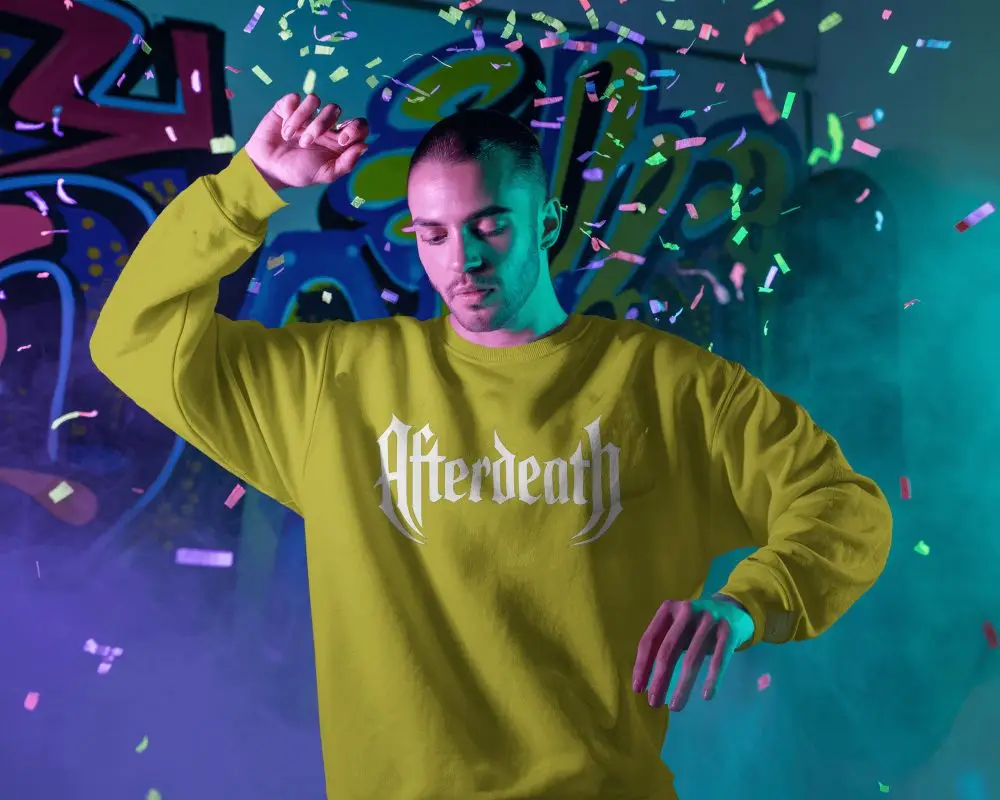
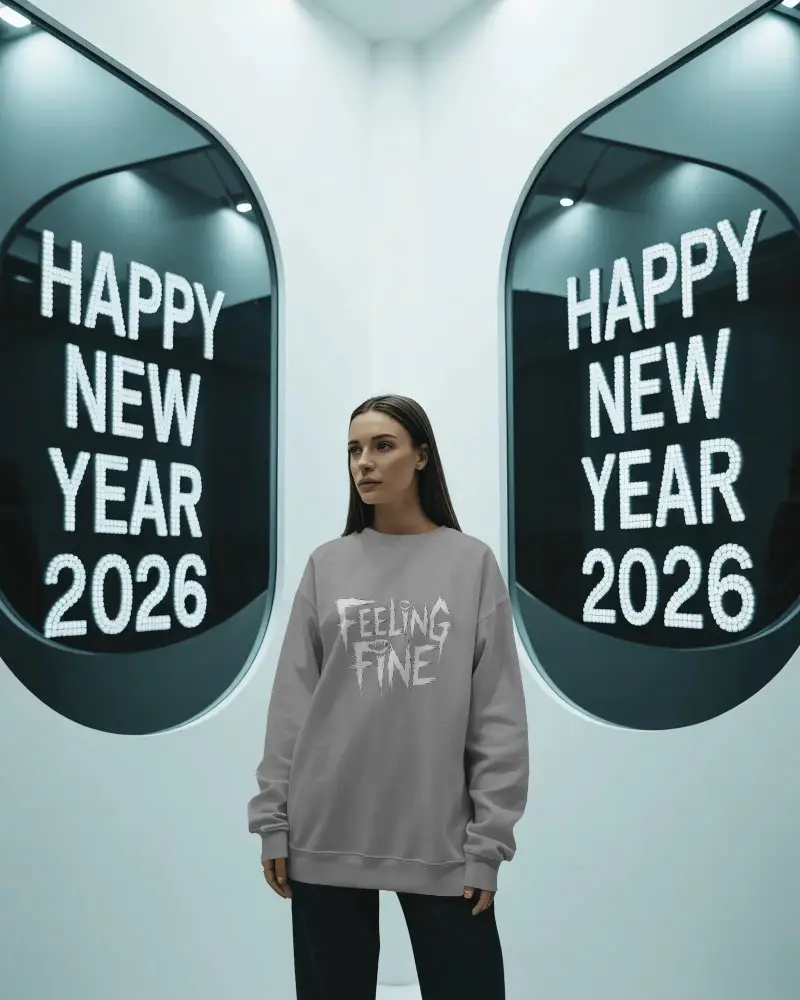
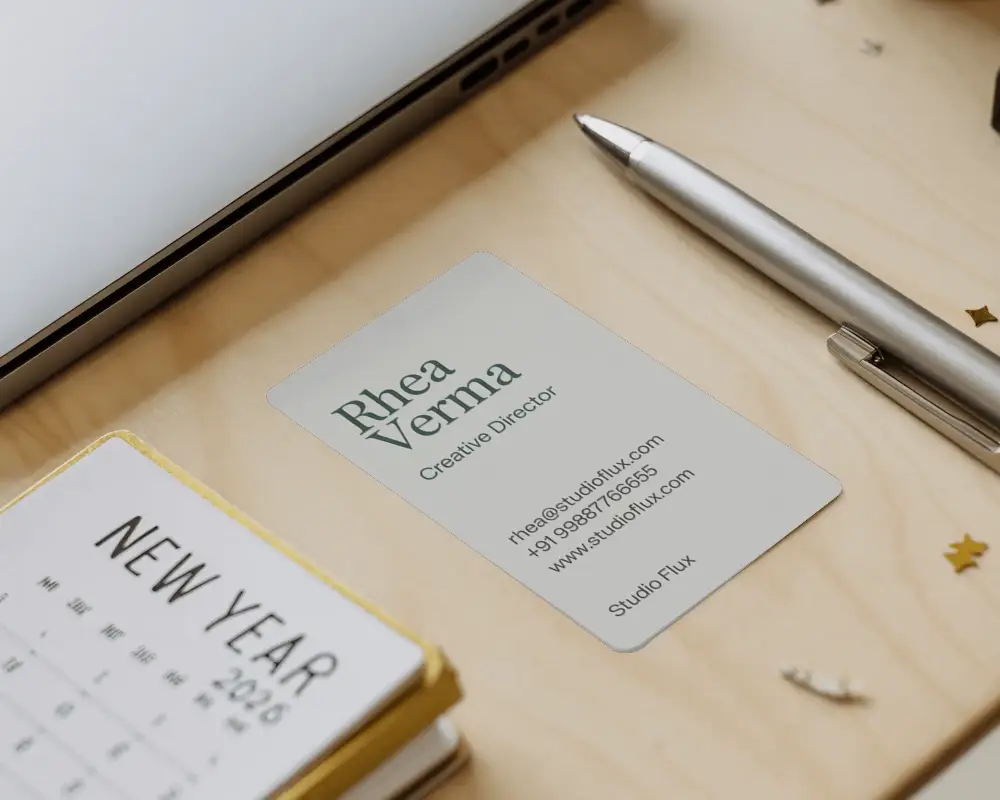
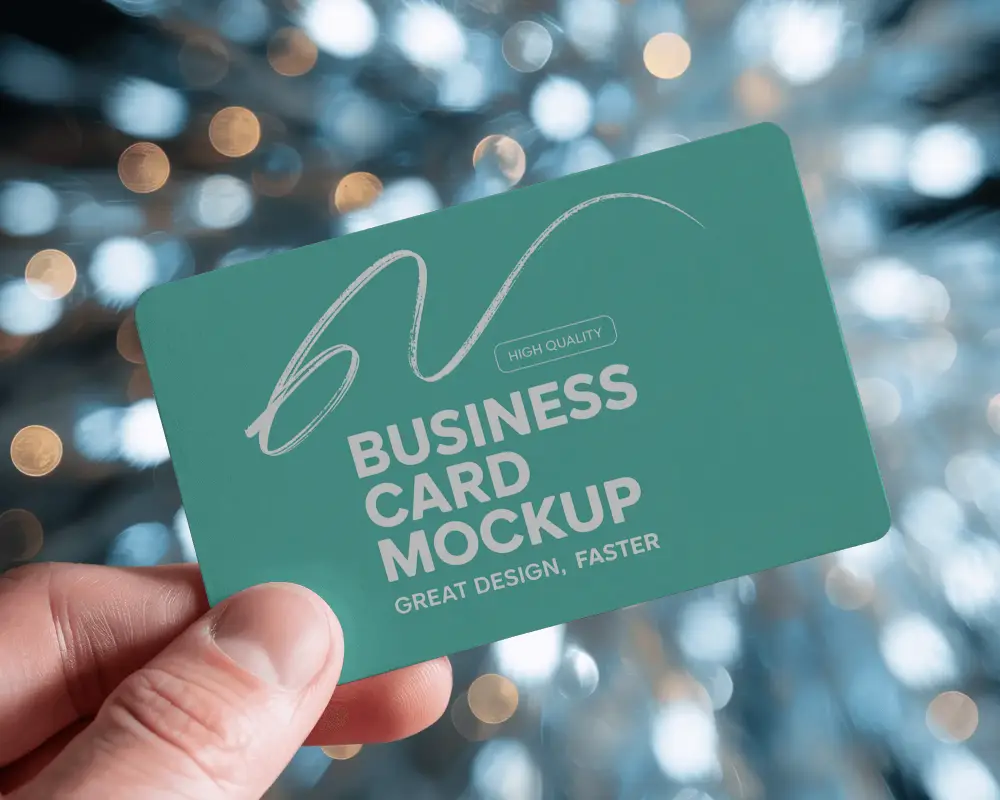
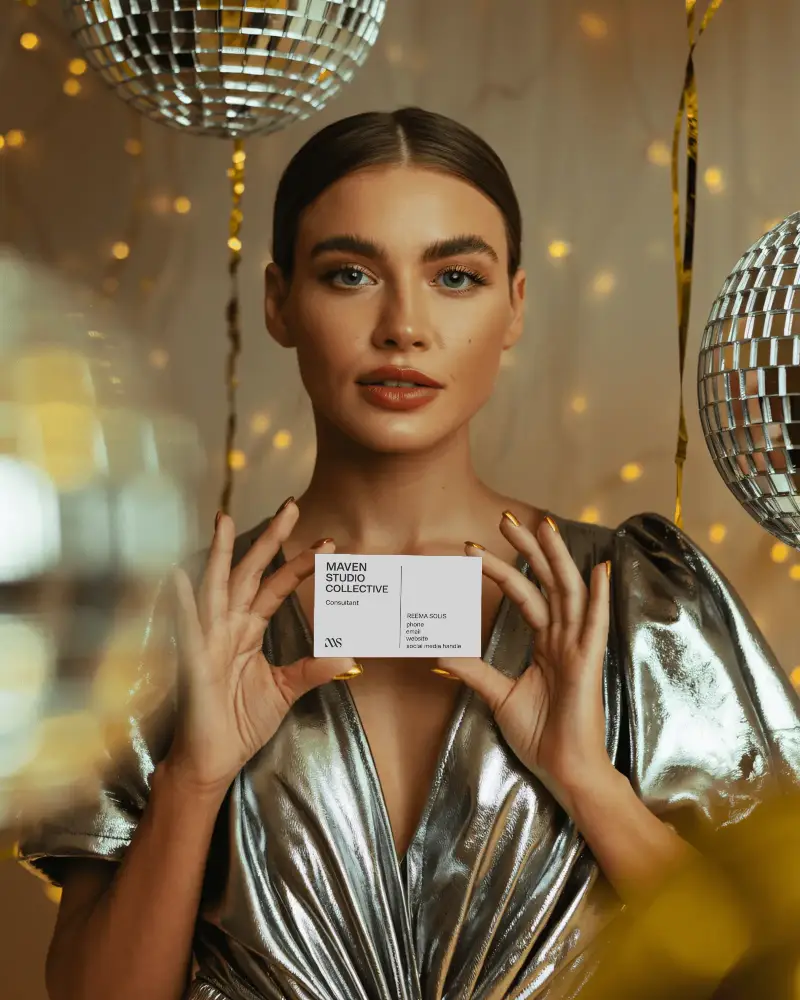
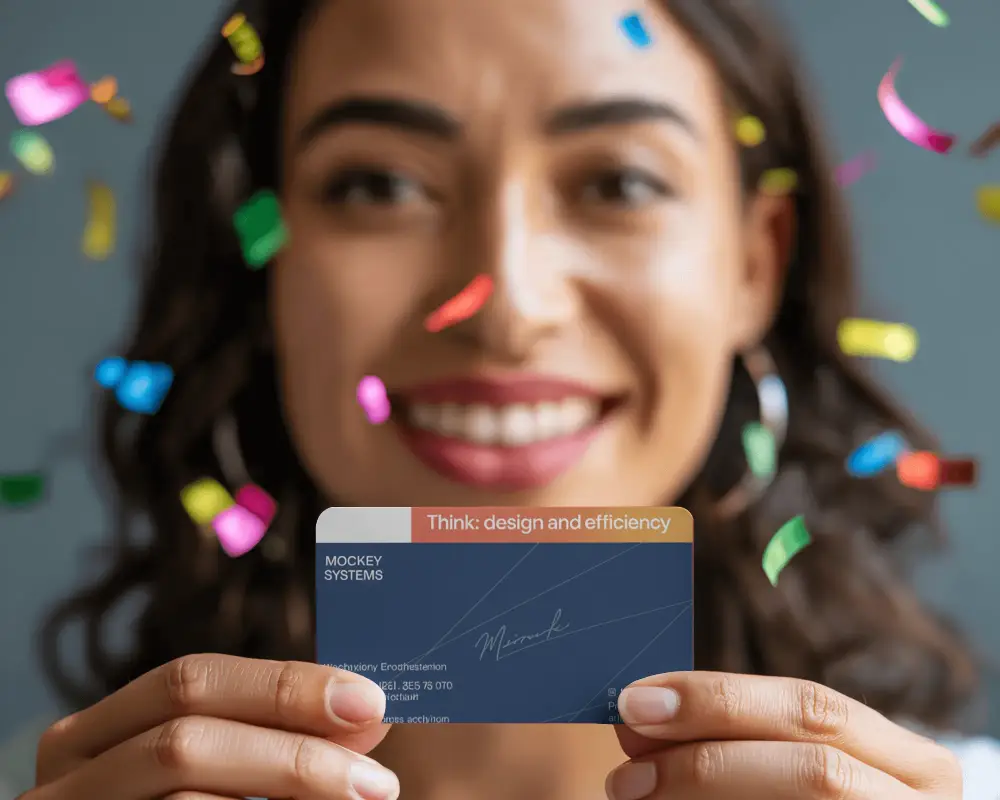
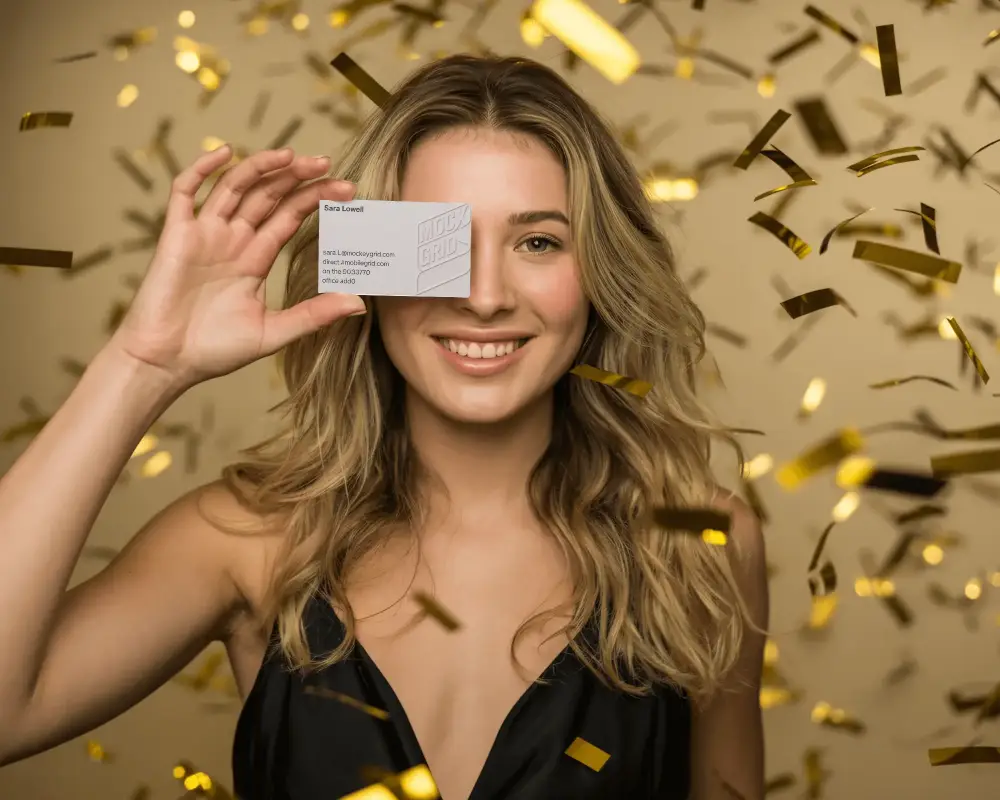
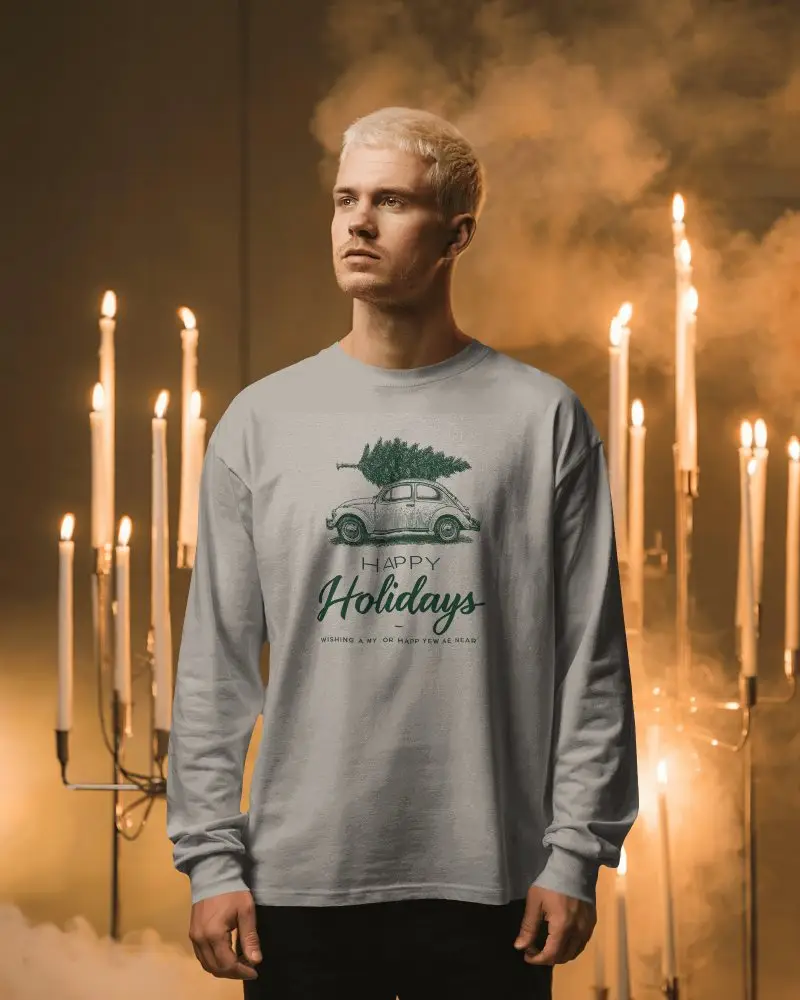
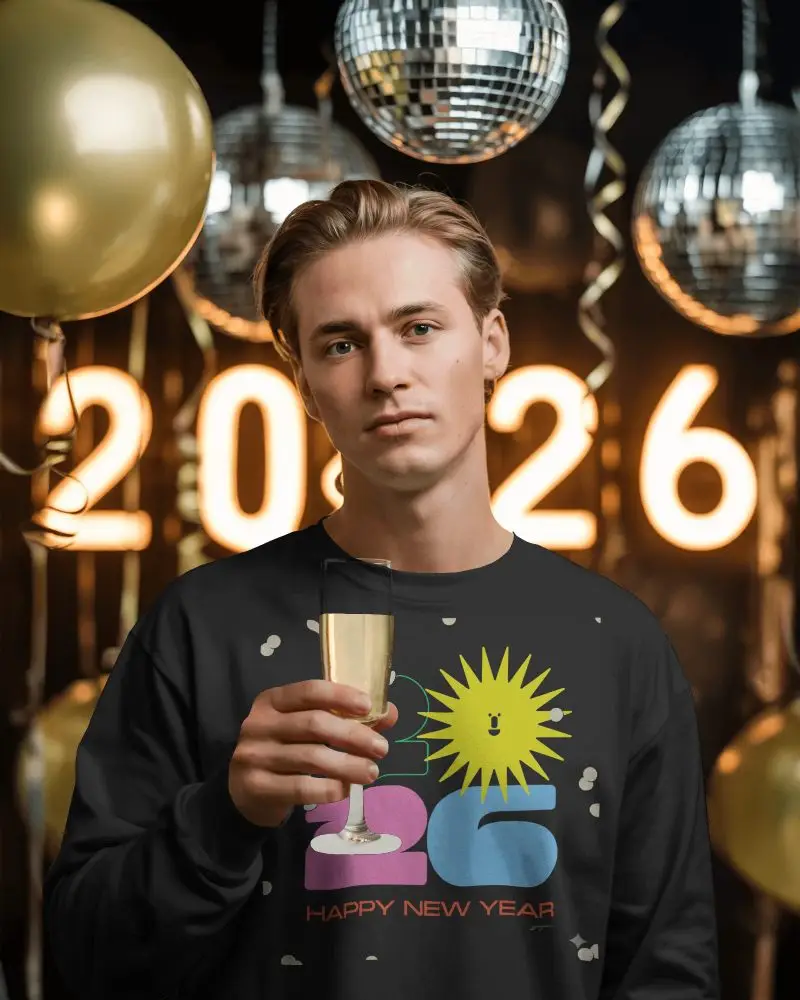
Start the year in style with Mockey’s New Year Mockups. From T-shirts and mugs to posters and greeting cards, these realistic templates make it easy to customize, preview, and showcase your designs. Perfect for designers and POD sellers wanting to make their New Year products shine.






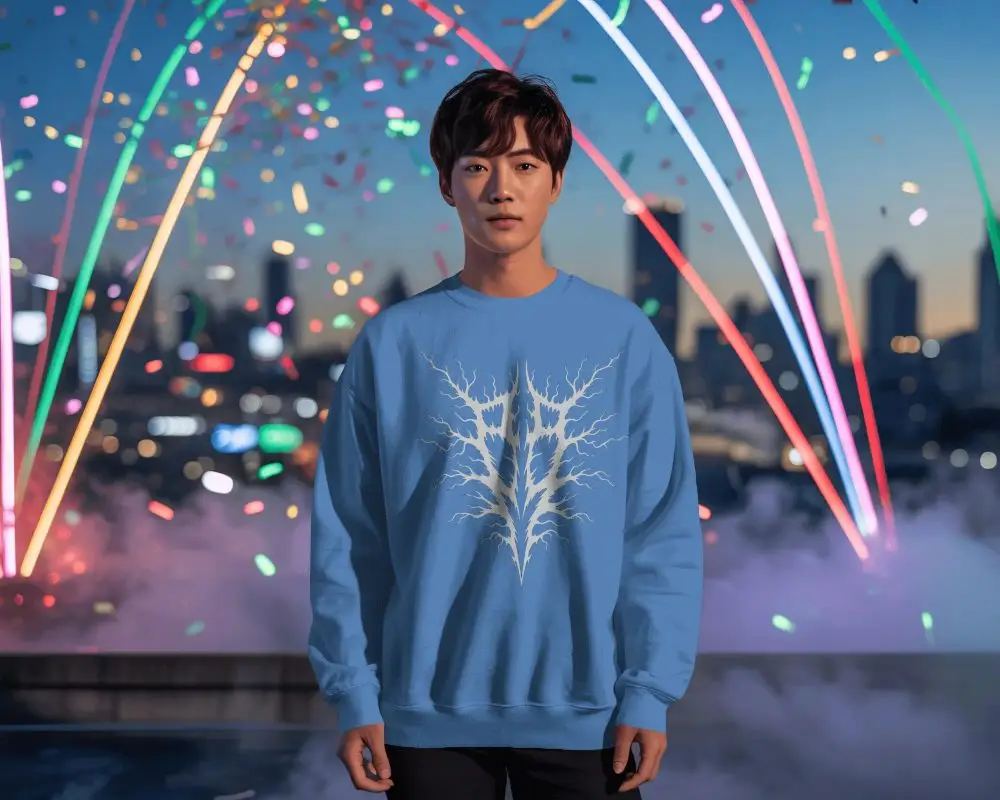
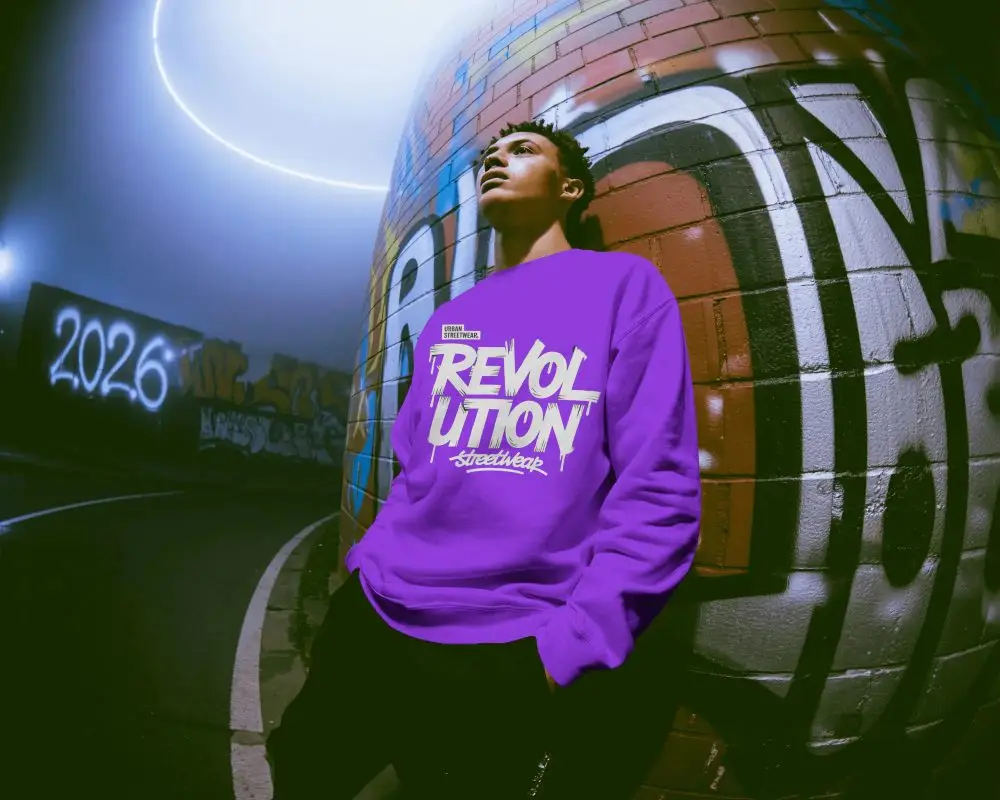
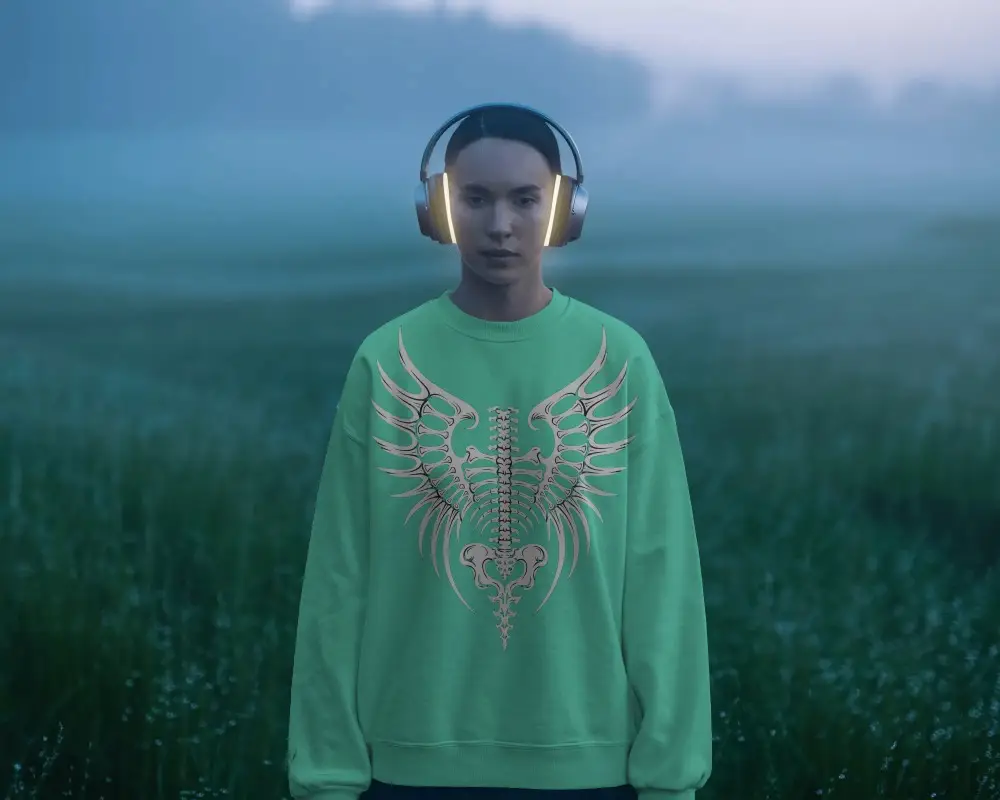
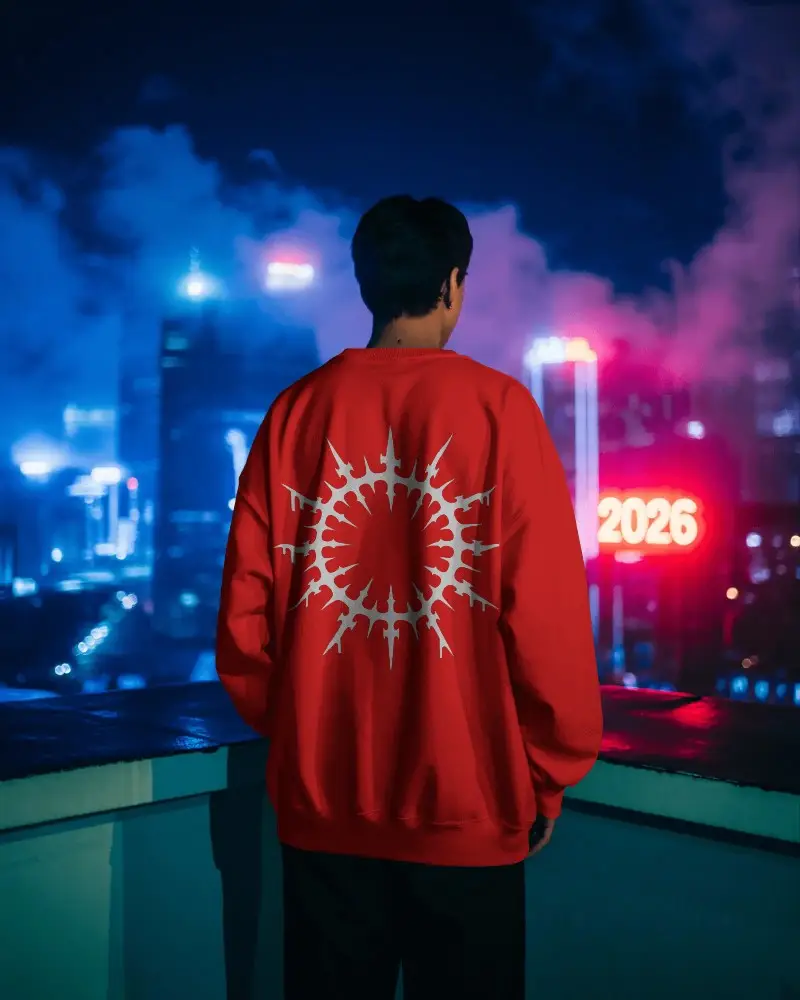
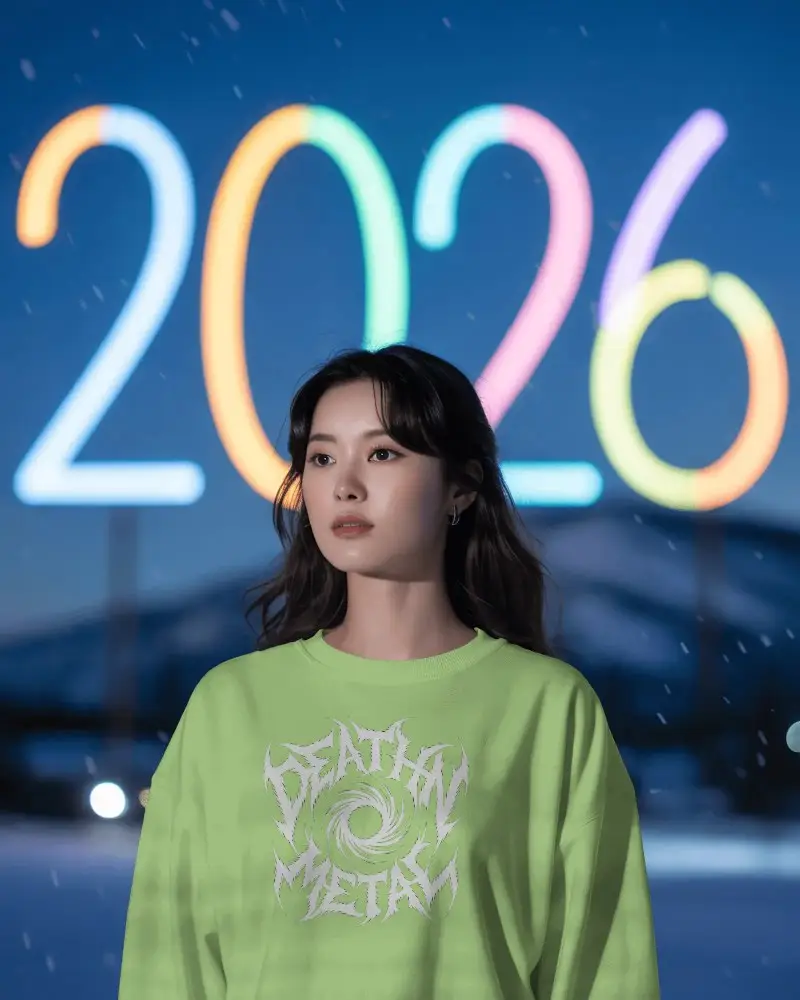
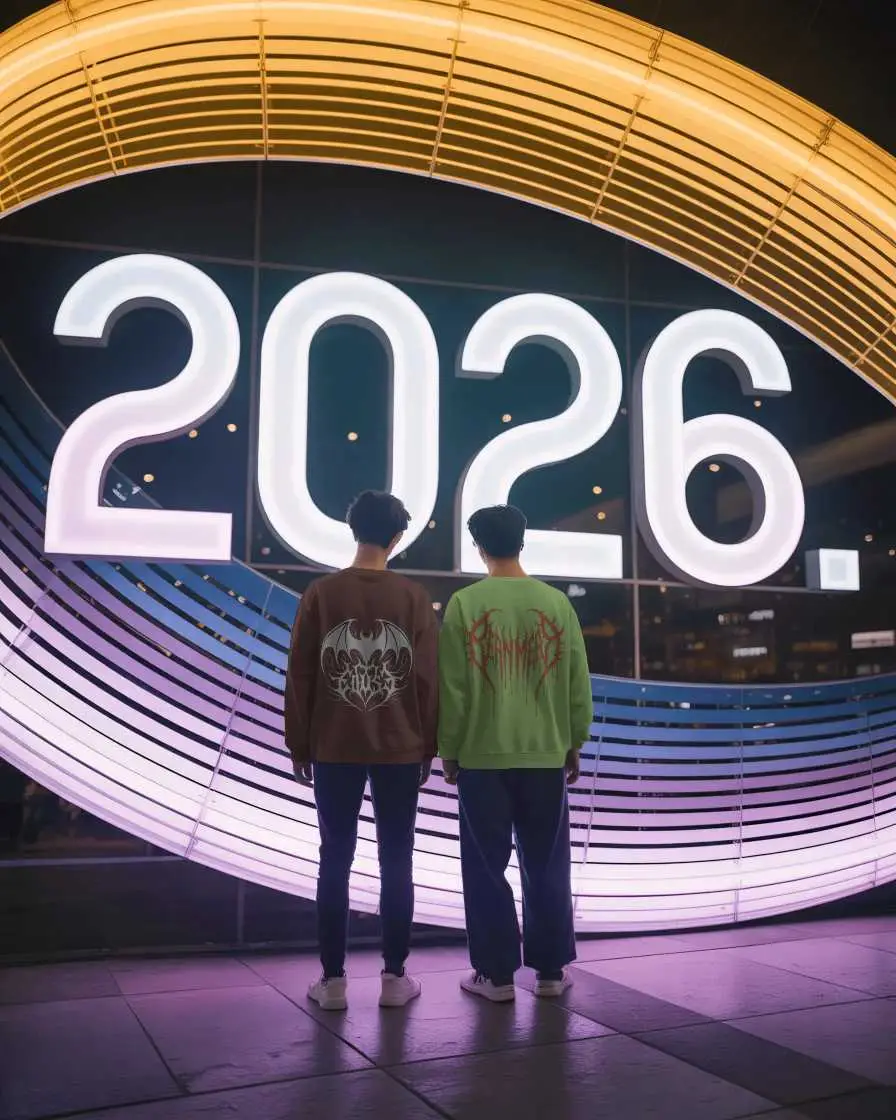
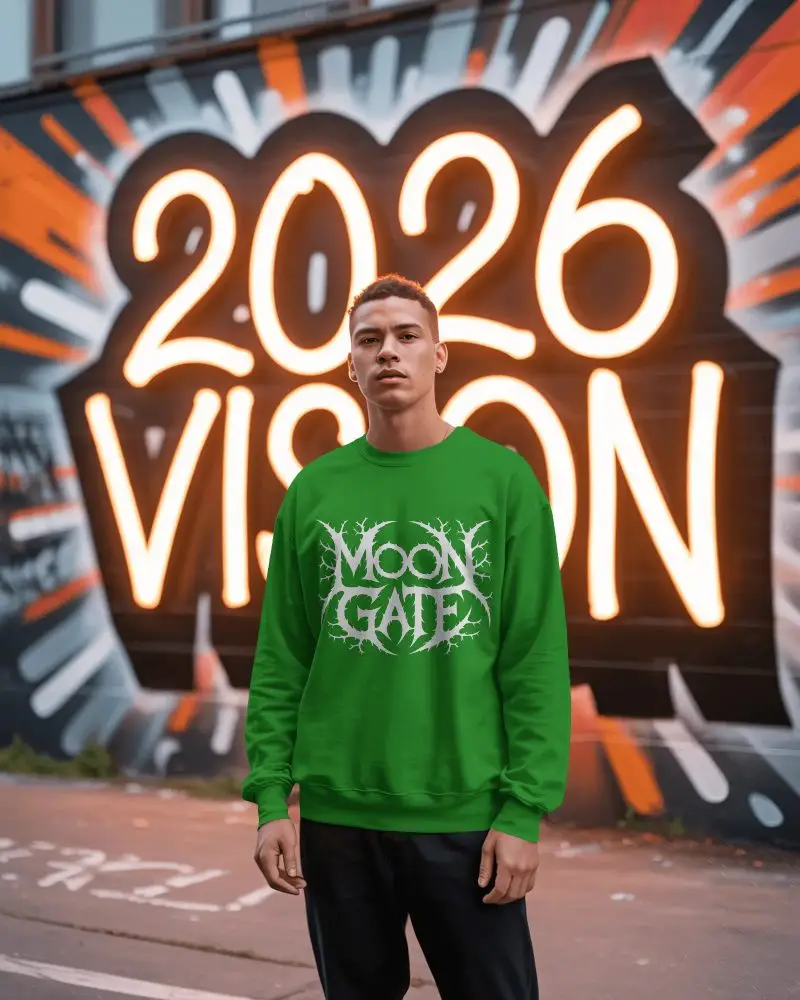
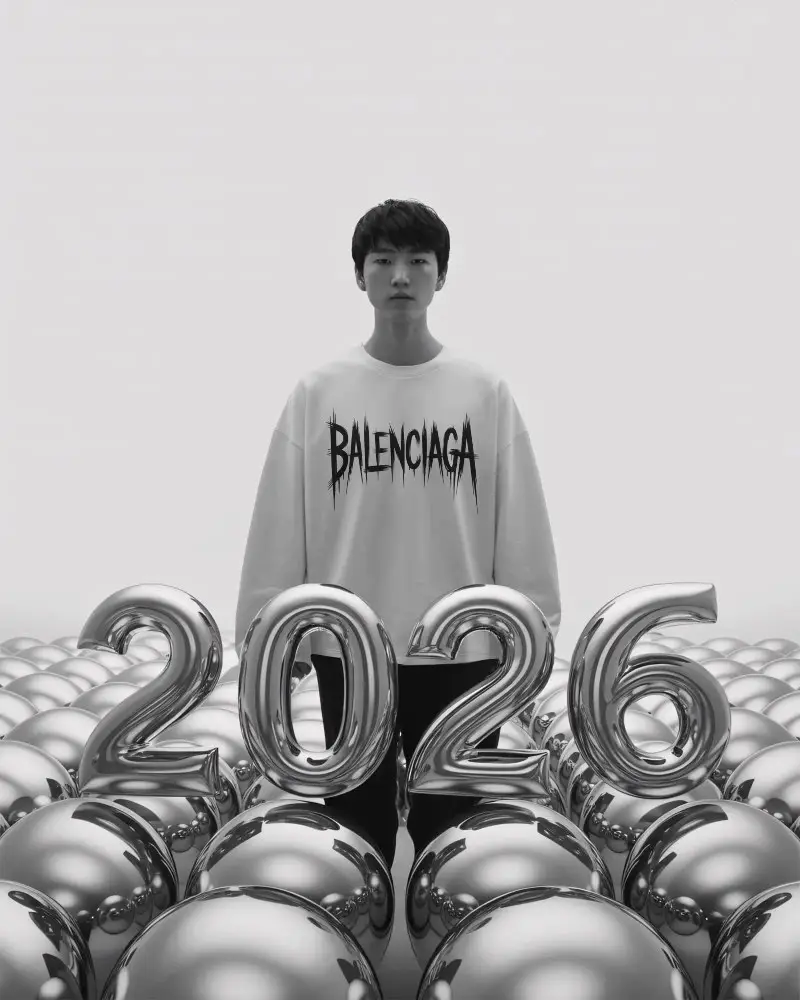
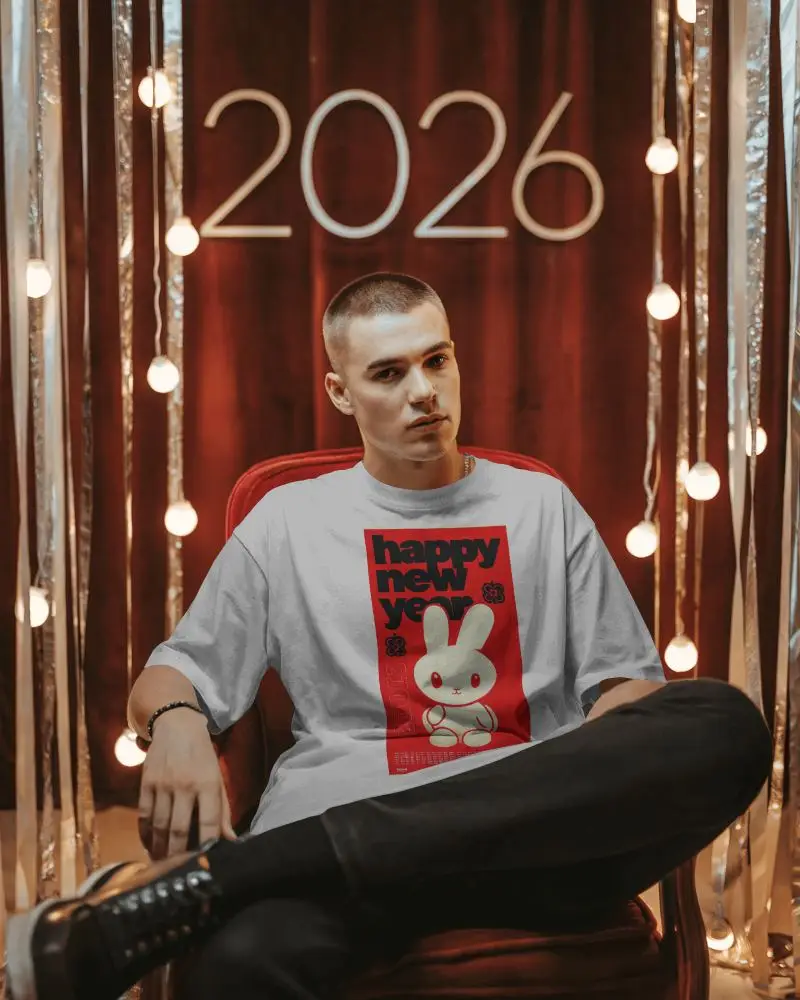


How to Create New Year Mockup with Mockey
To create New Year mockups:
- Step 1: Sign up and navigate to the “Mockups” section, then select “Seasonal > New Year.”
- Step 2: Find a template that fits your needs and upload your design.
- Step 3: Make your edits and save the New Year mockup in either PNG or JPG format.


FAQs on new-year Mockups
What is a New Year Mockup?
A New Year mockup is a ready-made template you can customize by adding your design. It displays events or products in a joyous New Year’s fashion. You can use it for flyers, invitations, or product previews.
Why create a New Year mockup?
A New Year mockup helps visualize your design ideas for various New Year-themed projects, such as marketing materials, social media posts, party invites, and festive cards. It’s perfect for bringing your holiday creativity to life.
Why Use Mockey’s New Year Mockup?
Use the Mockey AI mockup generator for your New Year designs. You’ll get plenty of free templates to start with. You can change the background, adjust the lighting, tweak the colors, and generate high-quality final mockups effortlessly.
Is this New Year Mockup Free?
Yes! You can create New Year mockups using Mockey AI’s free plan. The final mockup can be downloaded as a JPG file without any watermark, ready for use in your festive promotions.
What types of New Year mockups does Mockey offer?
Mockey offers New Year mockups for a variety of uses — from digital posts, social media banners, and event flyers to physical items like T-shirts, posters, cards, and calendars. You can even make invitations or personalized greeting cards for parties and events.
How can I preview my design on a New Year mockup before downloading?
Mockey’s editor includes a Preview button that allows you to view your design before downloading. You can make any necessary changes to ensure your New Year mockup looks perfect before finalizing it.
