Business Card Mockup Templates for Branding & Presentations
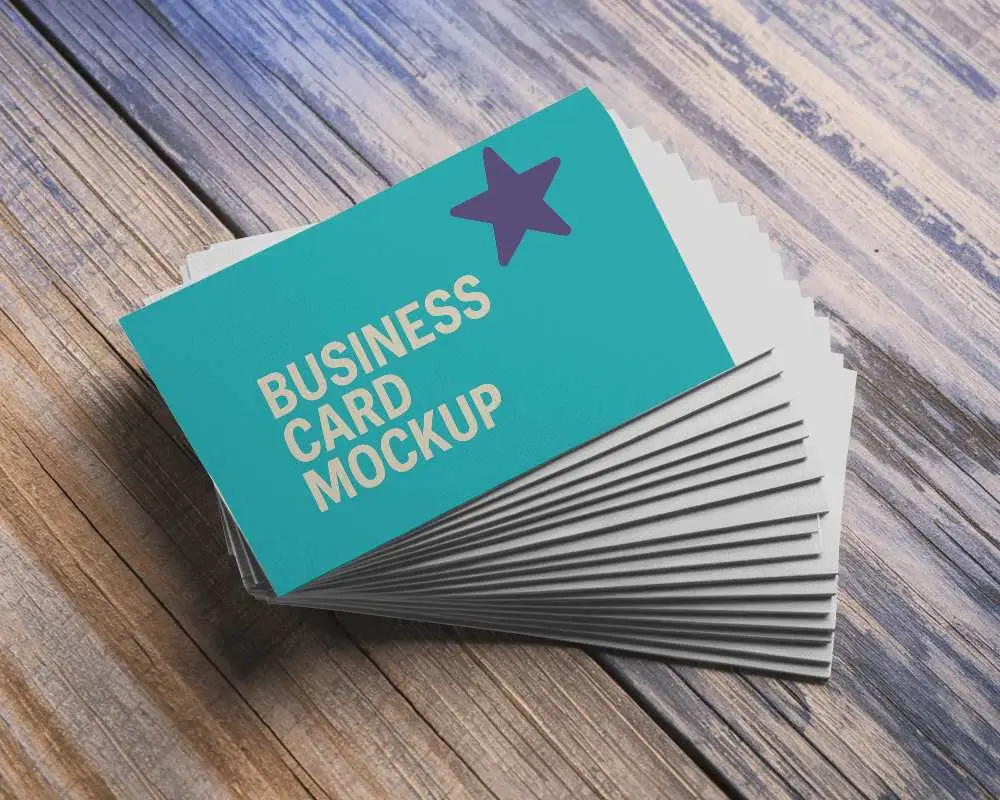
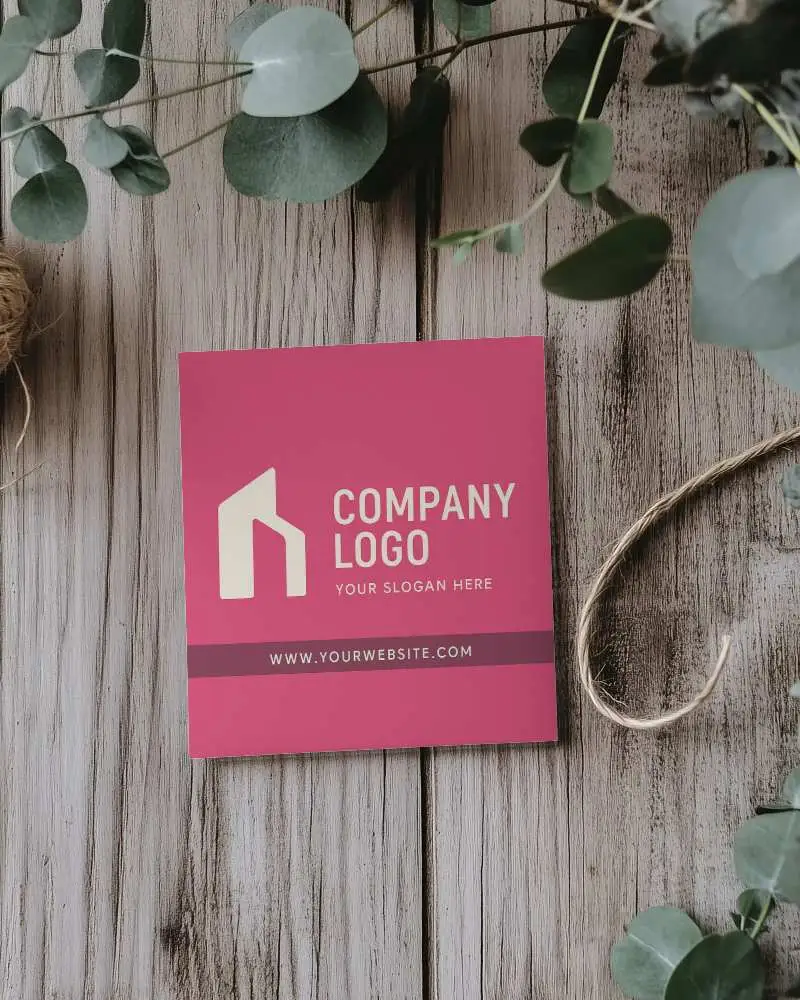
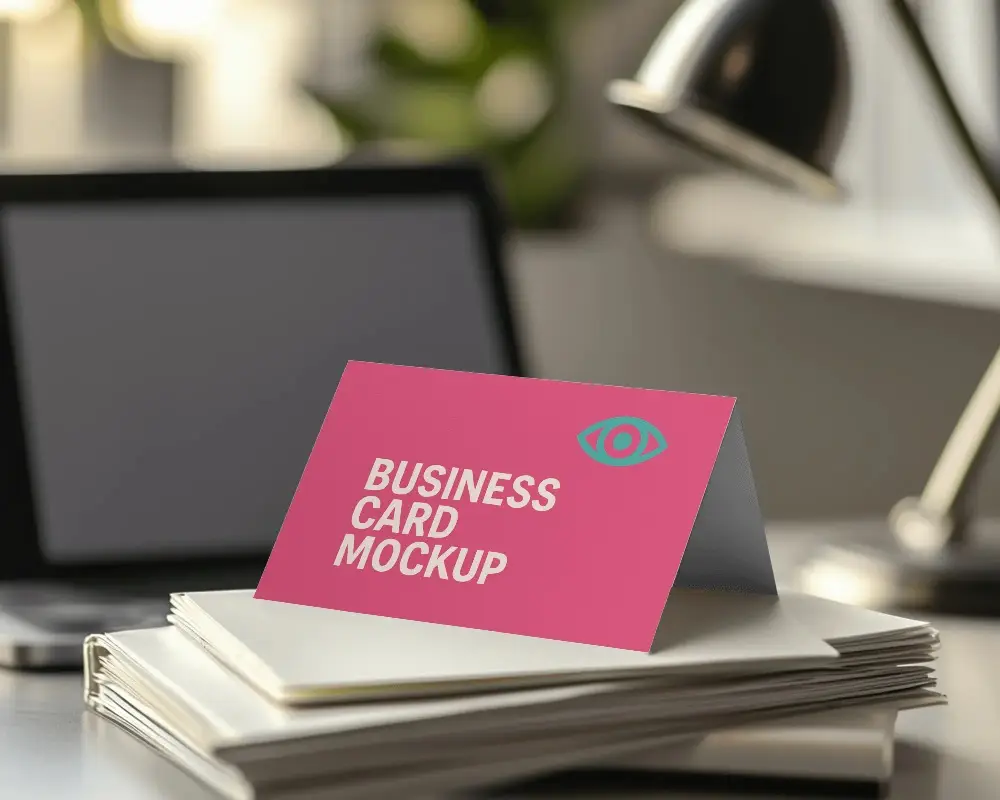
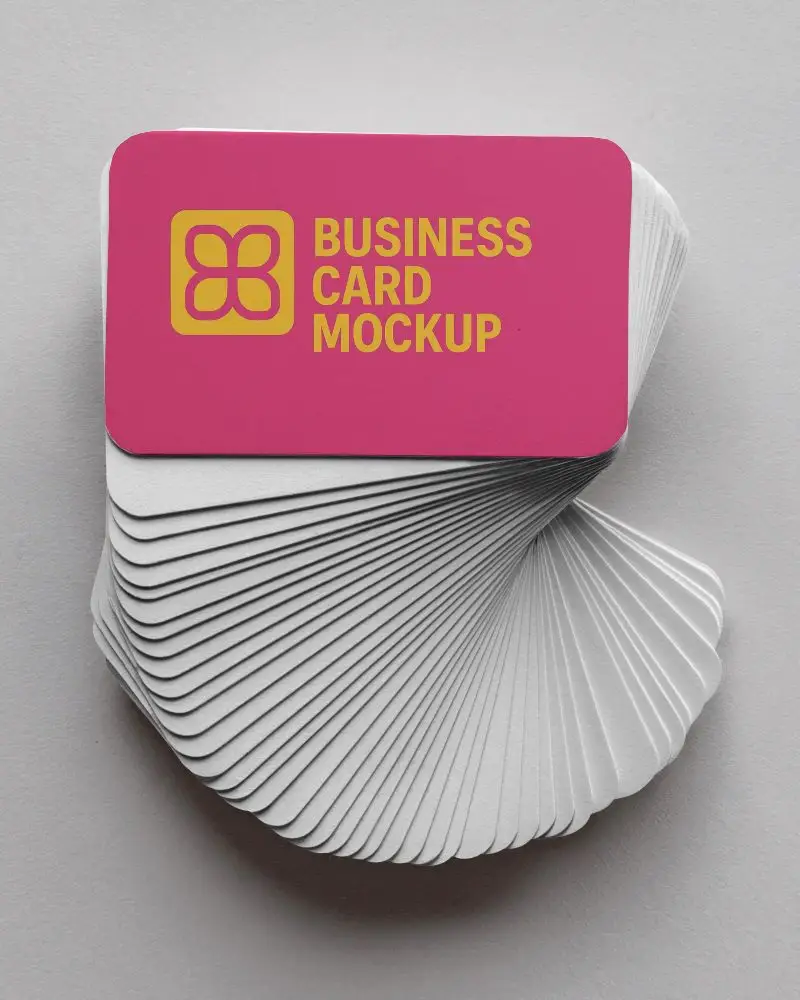
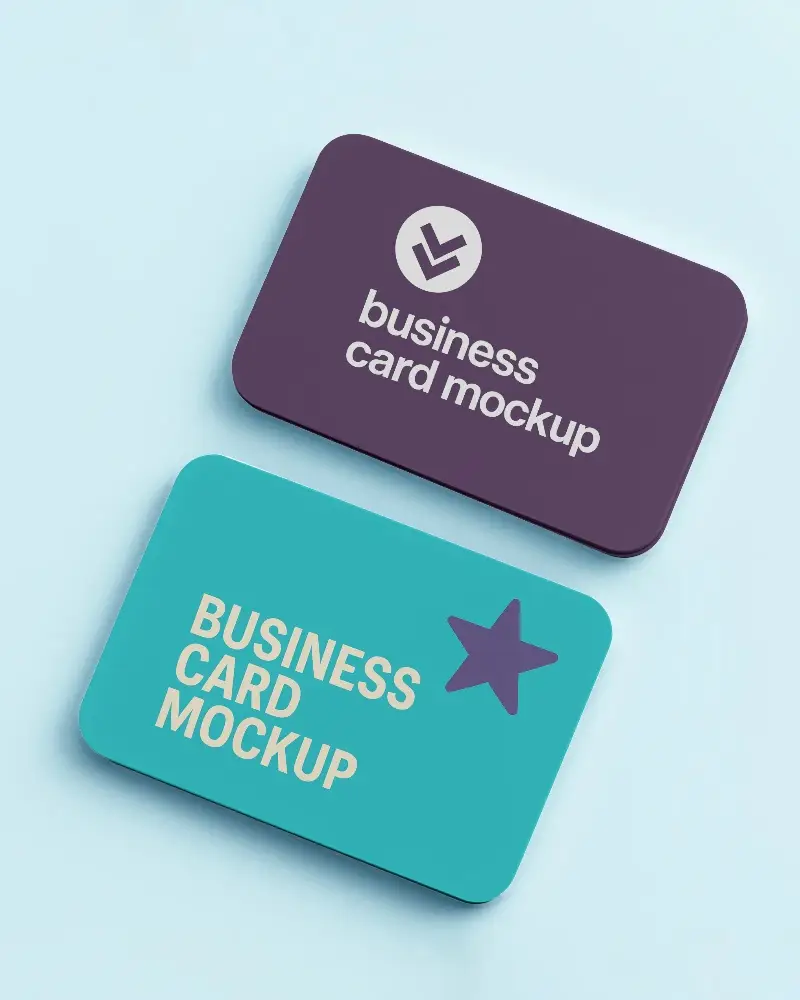
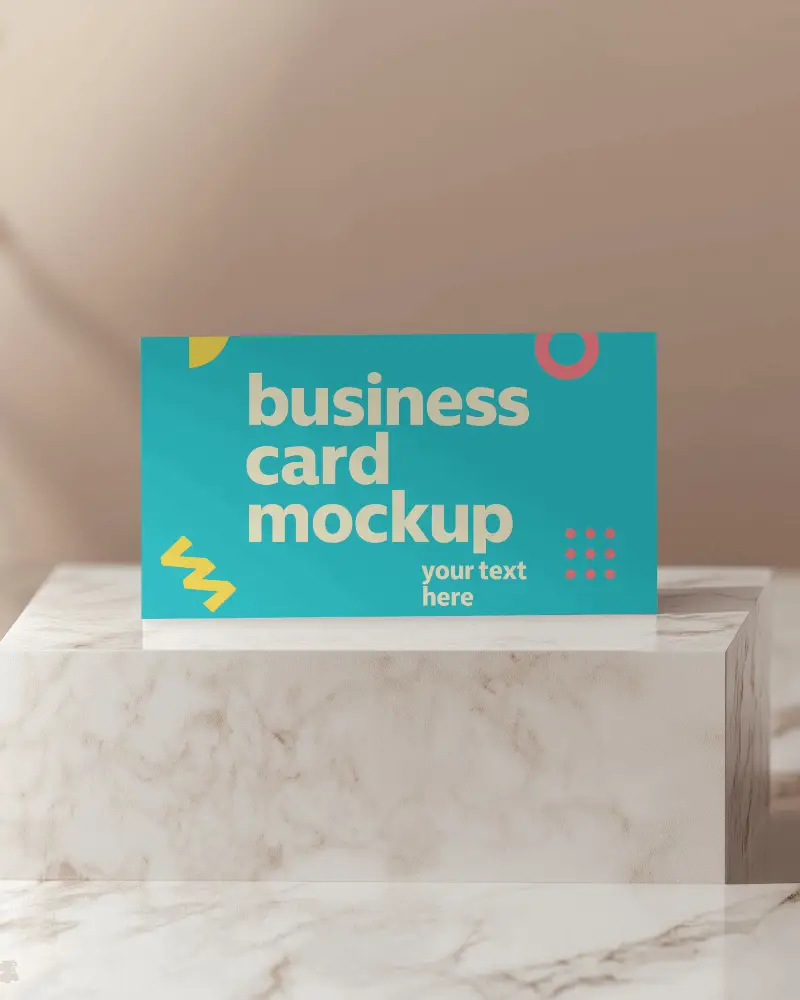
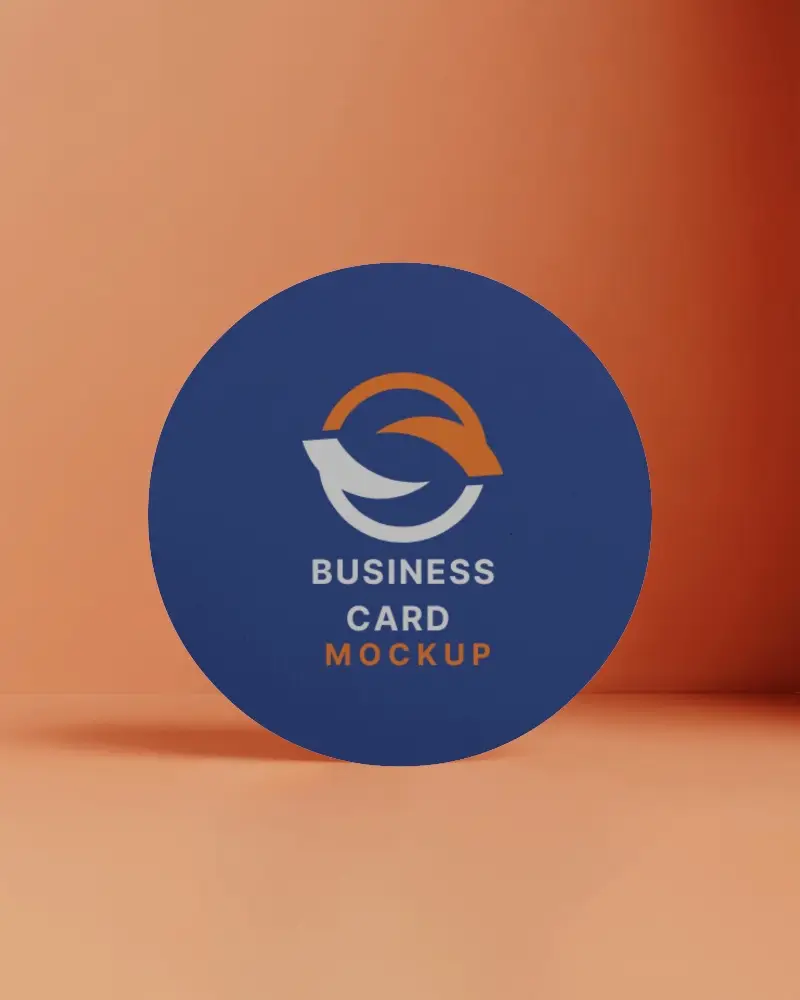
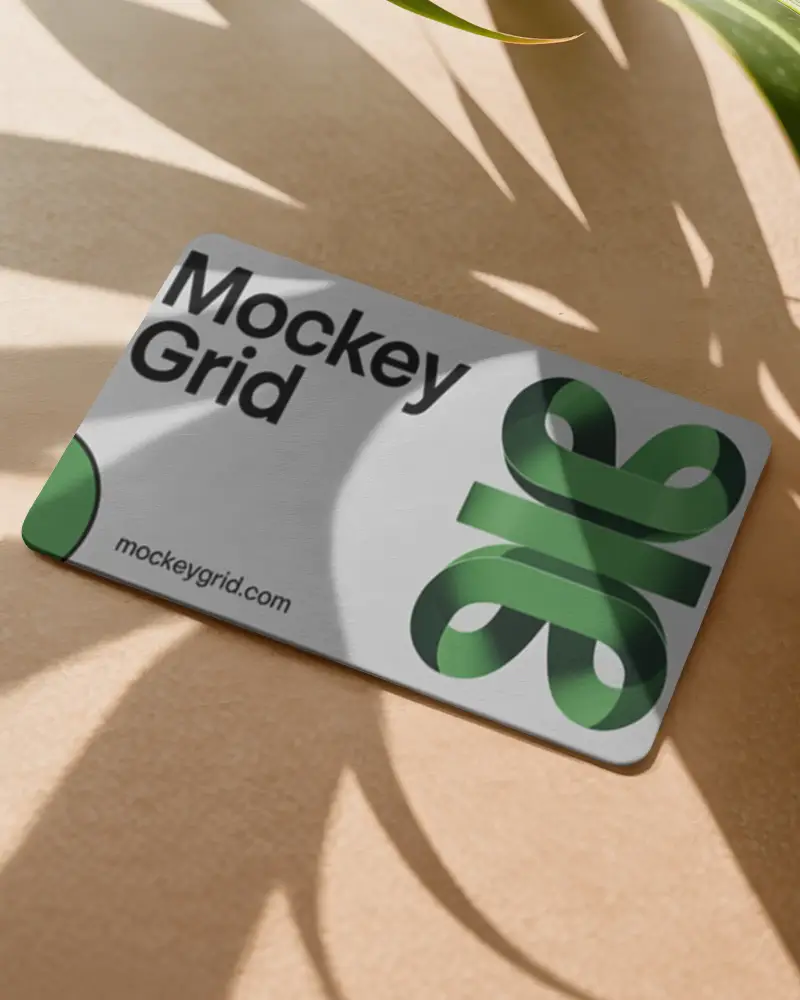
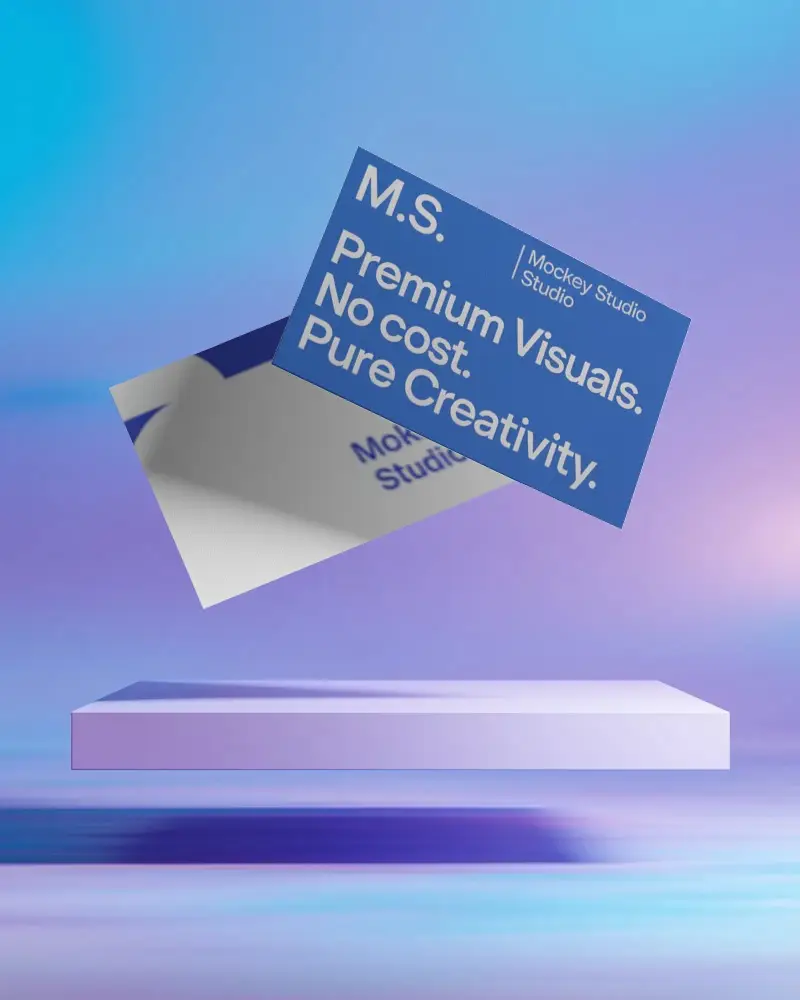
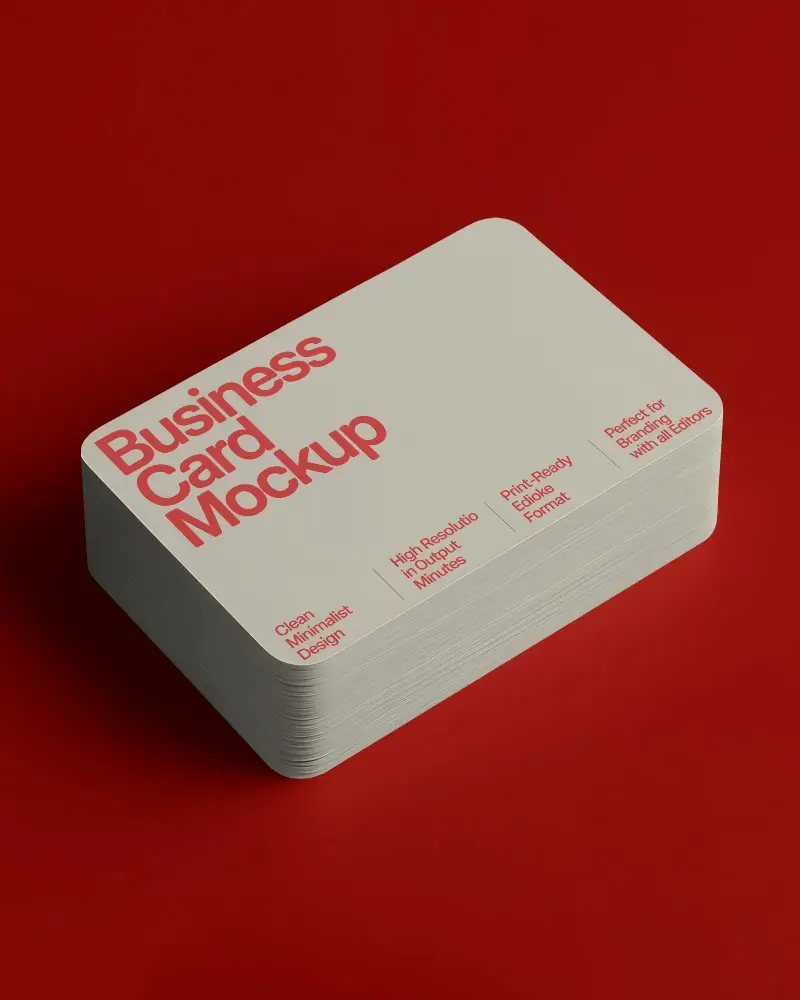
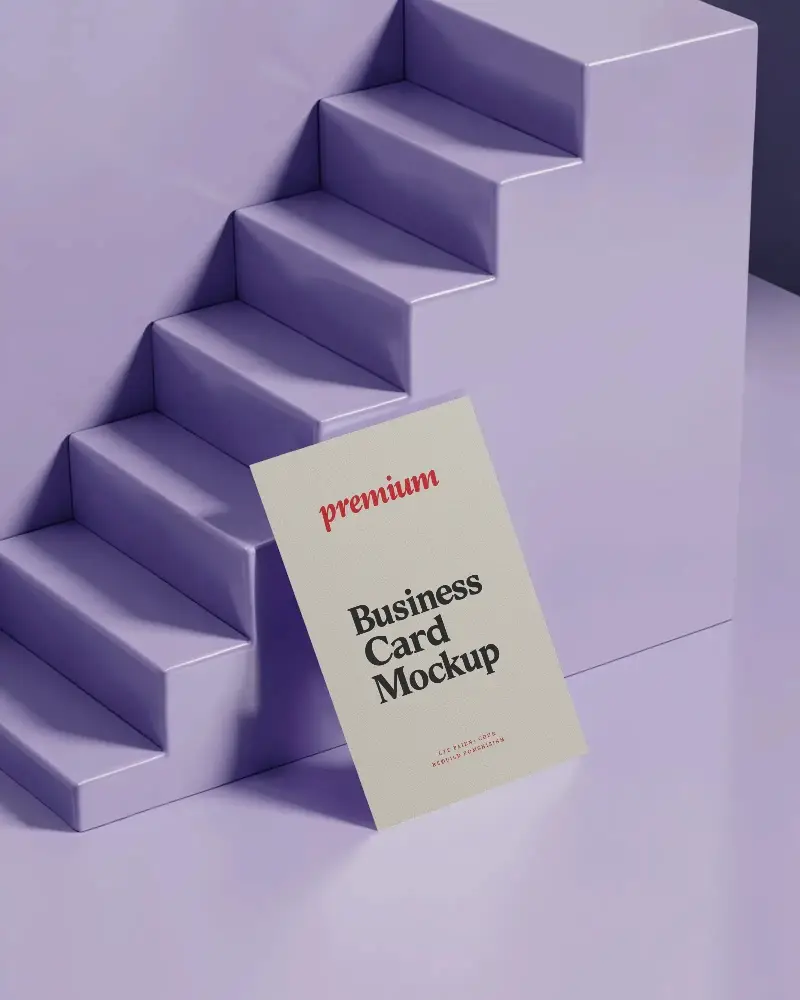
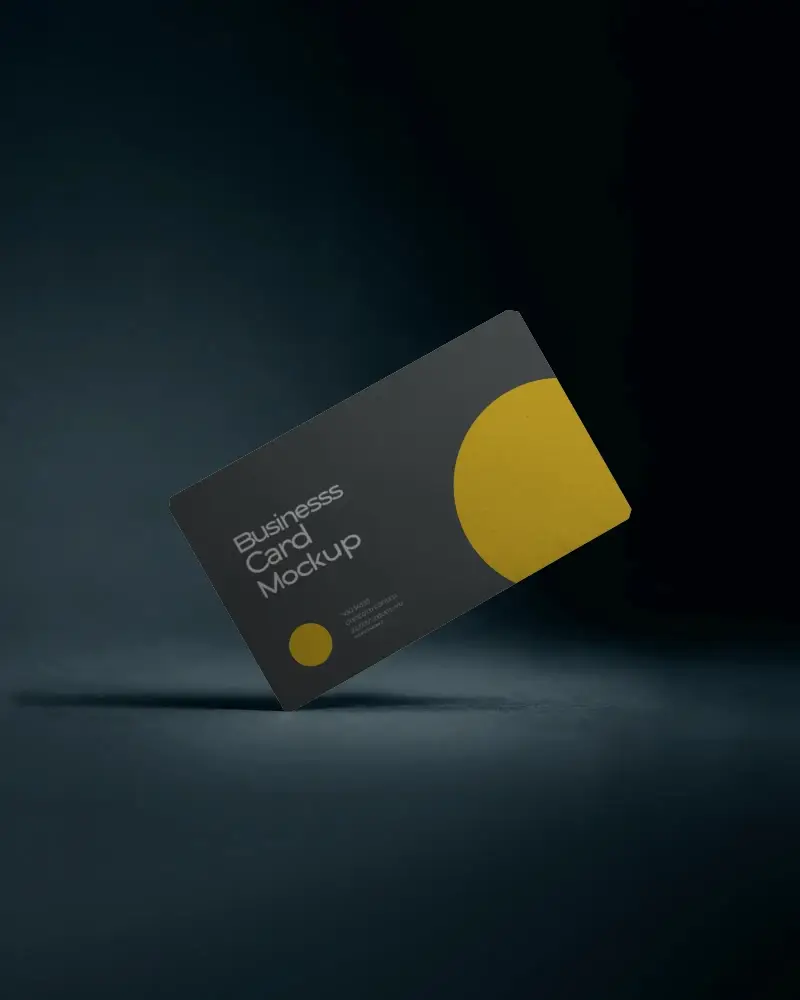
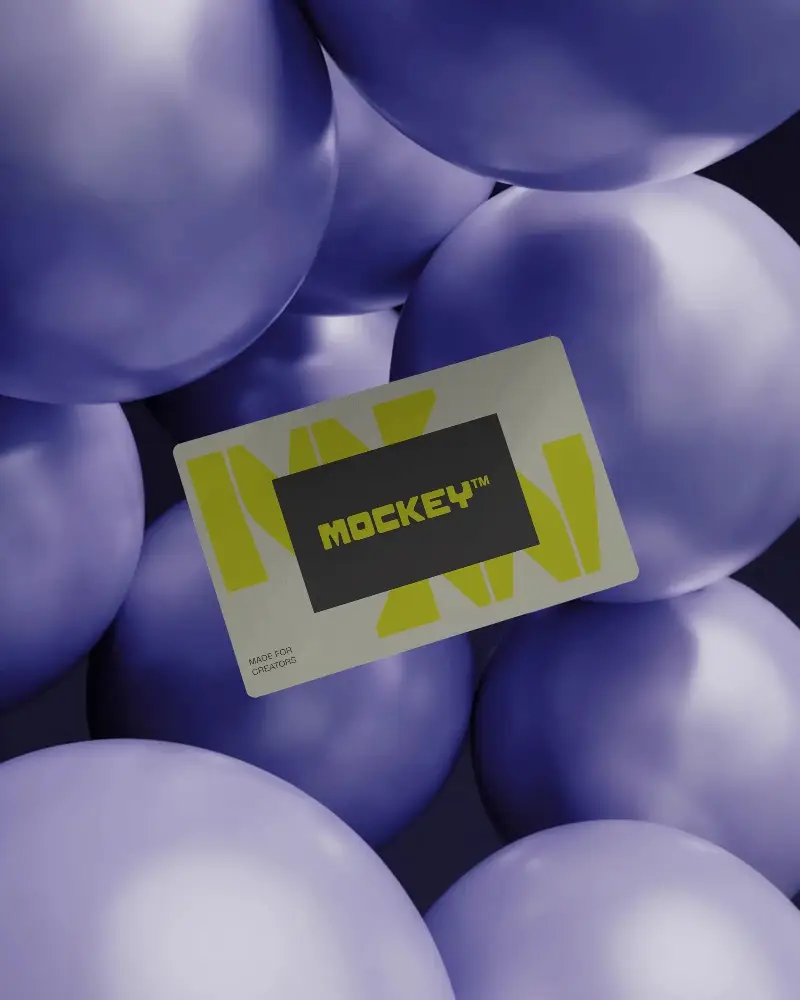
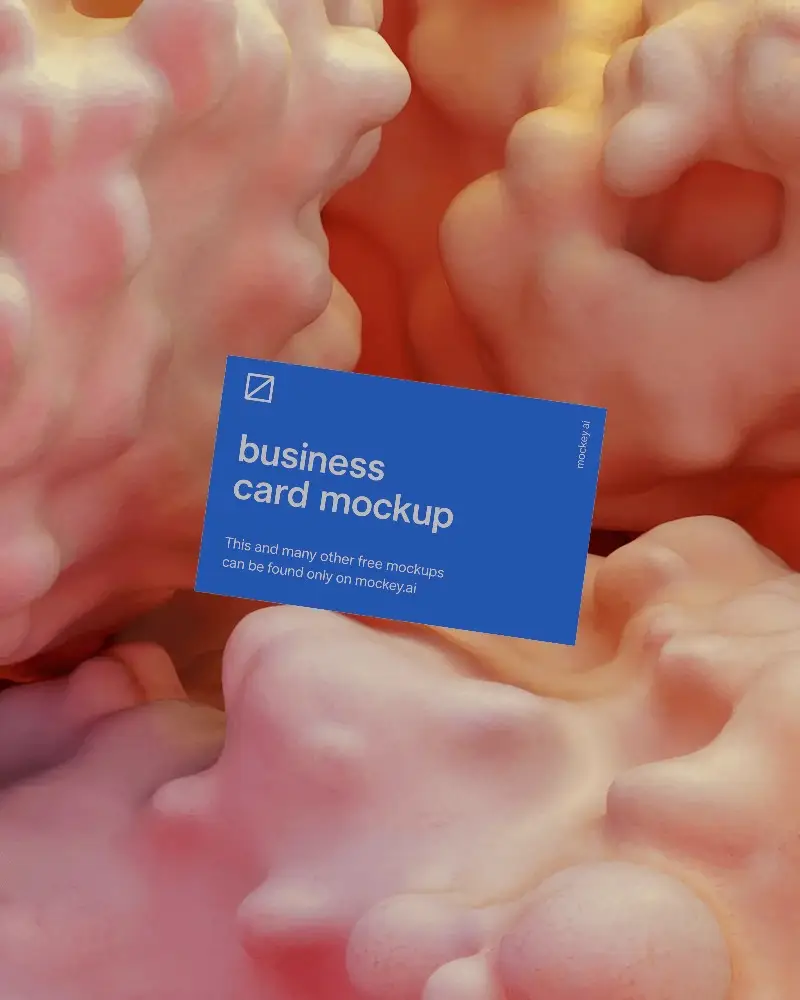
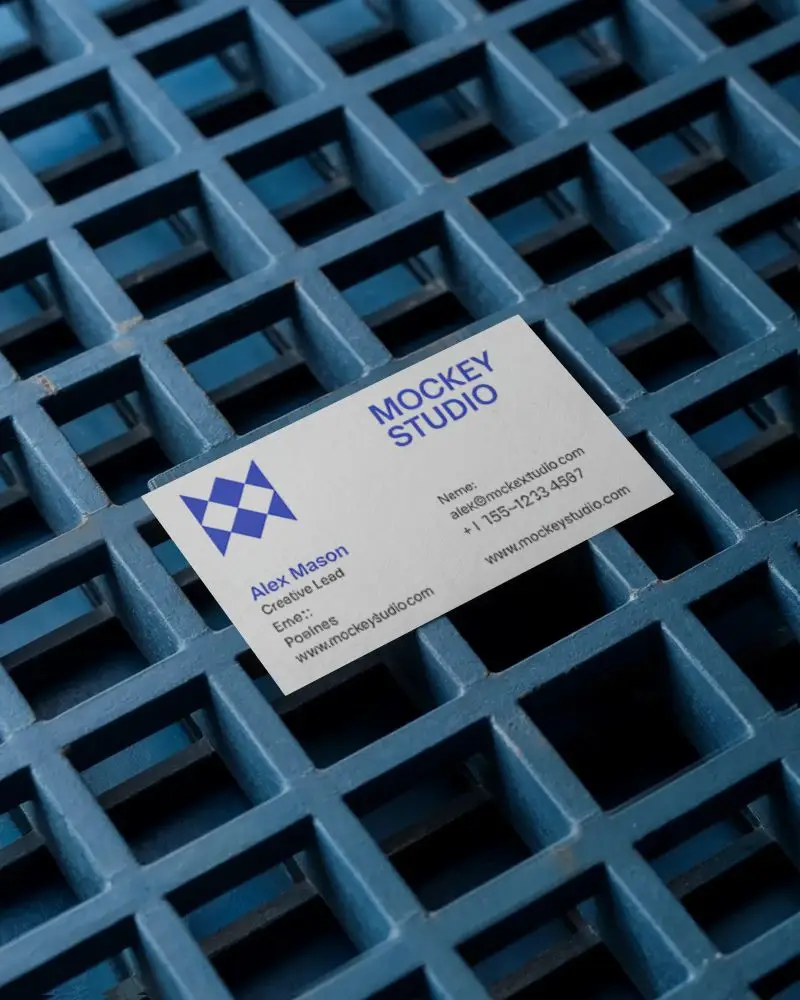
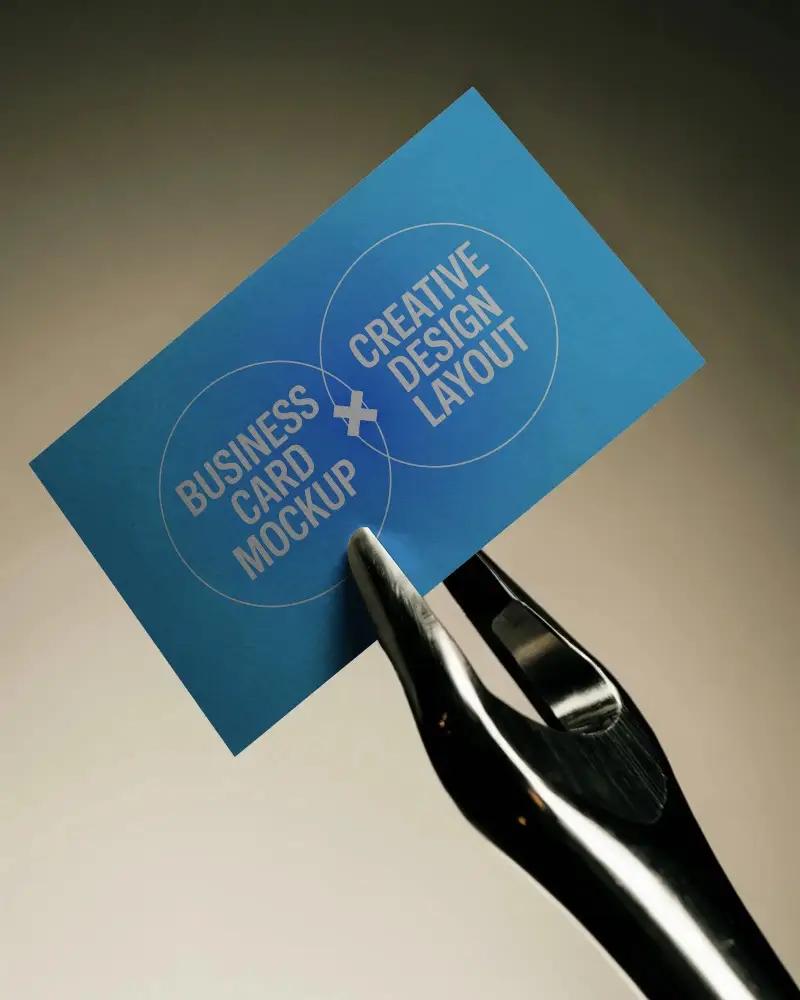
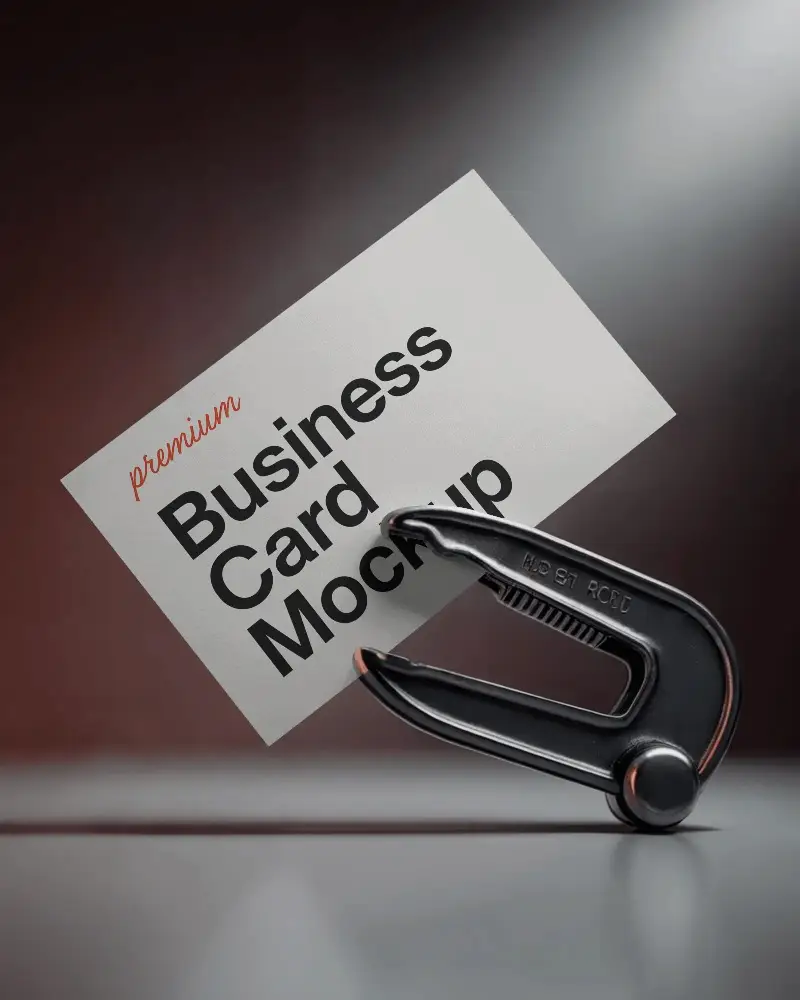
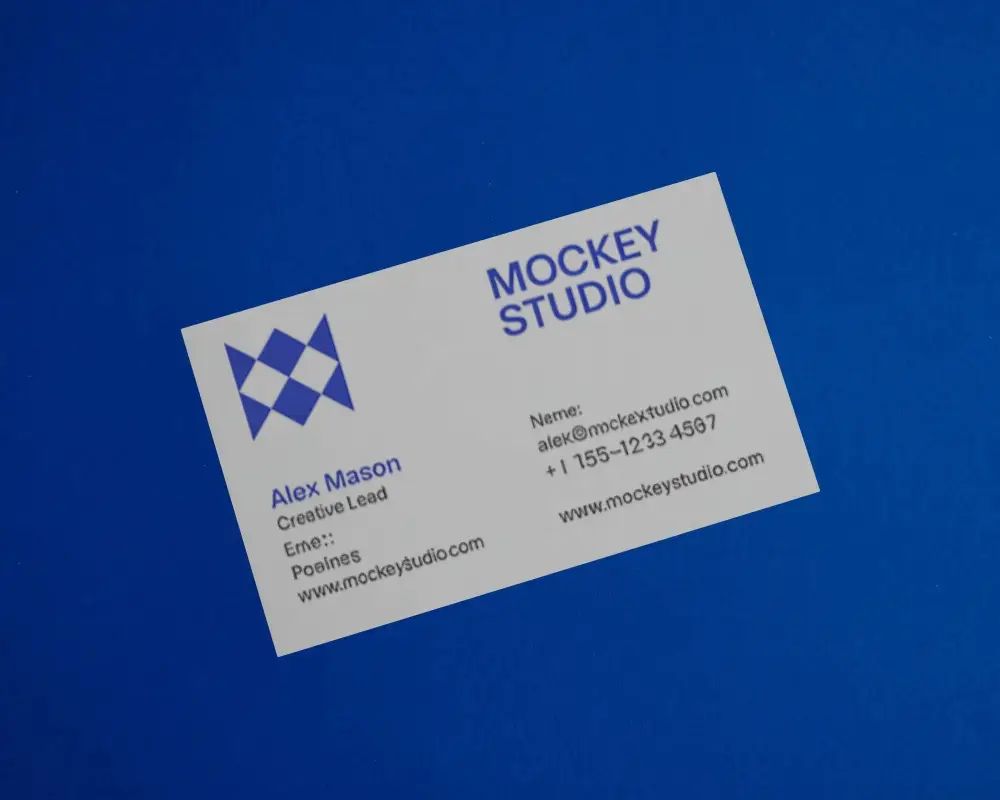
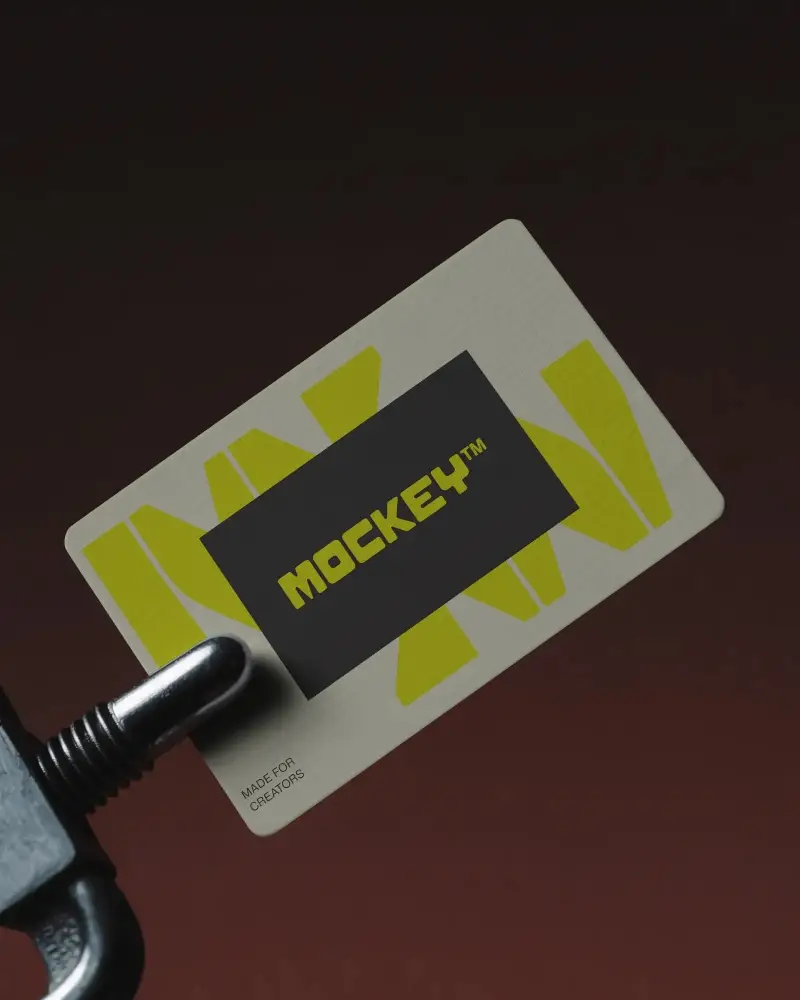
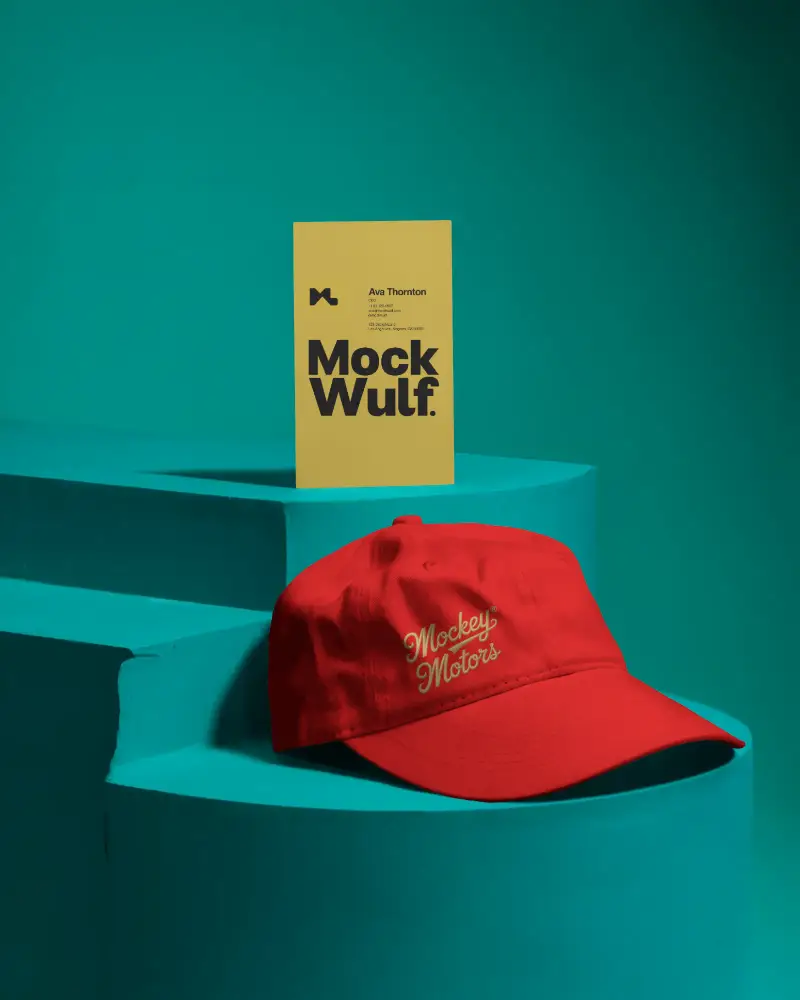
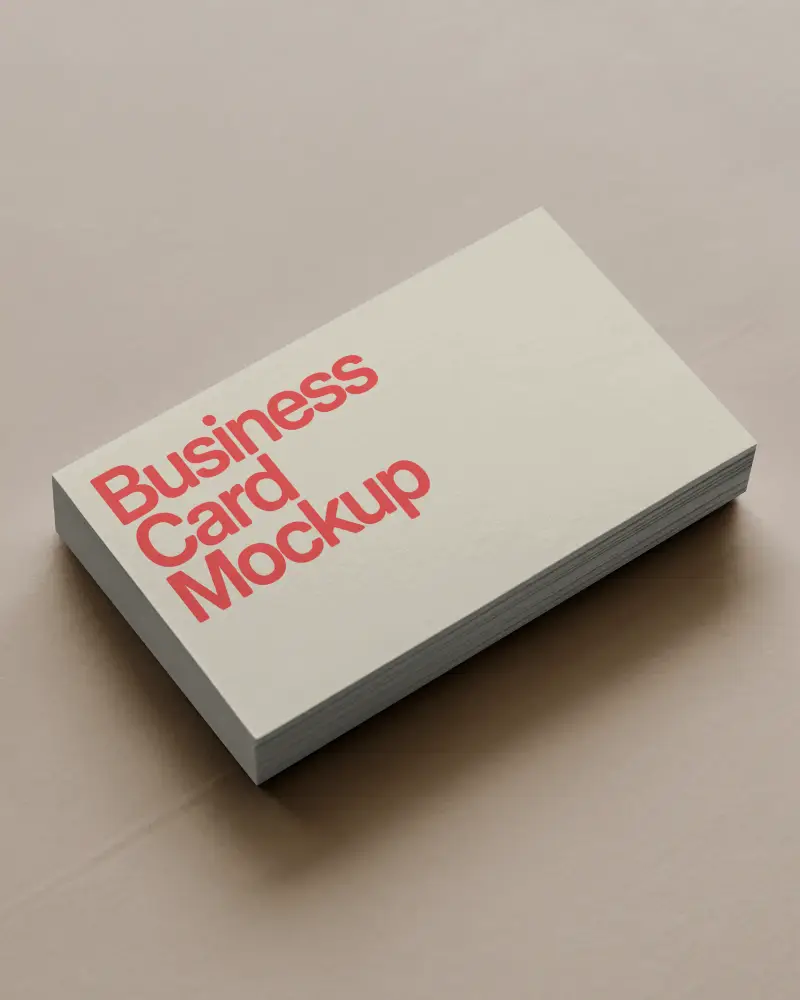
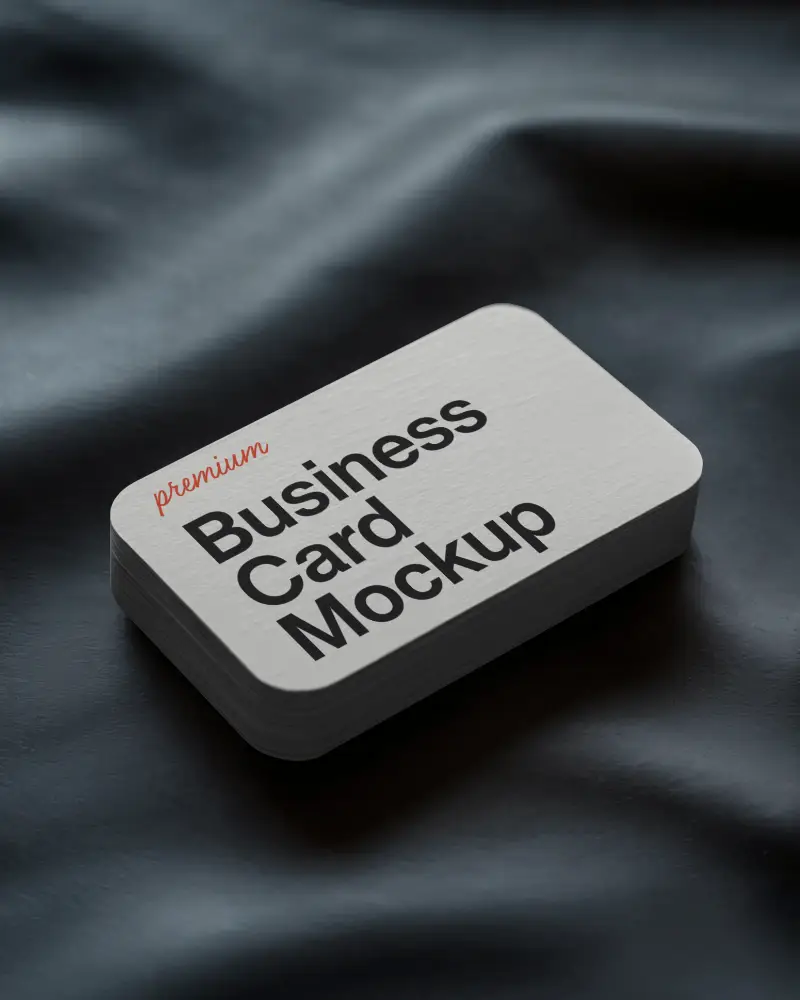
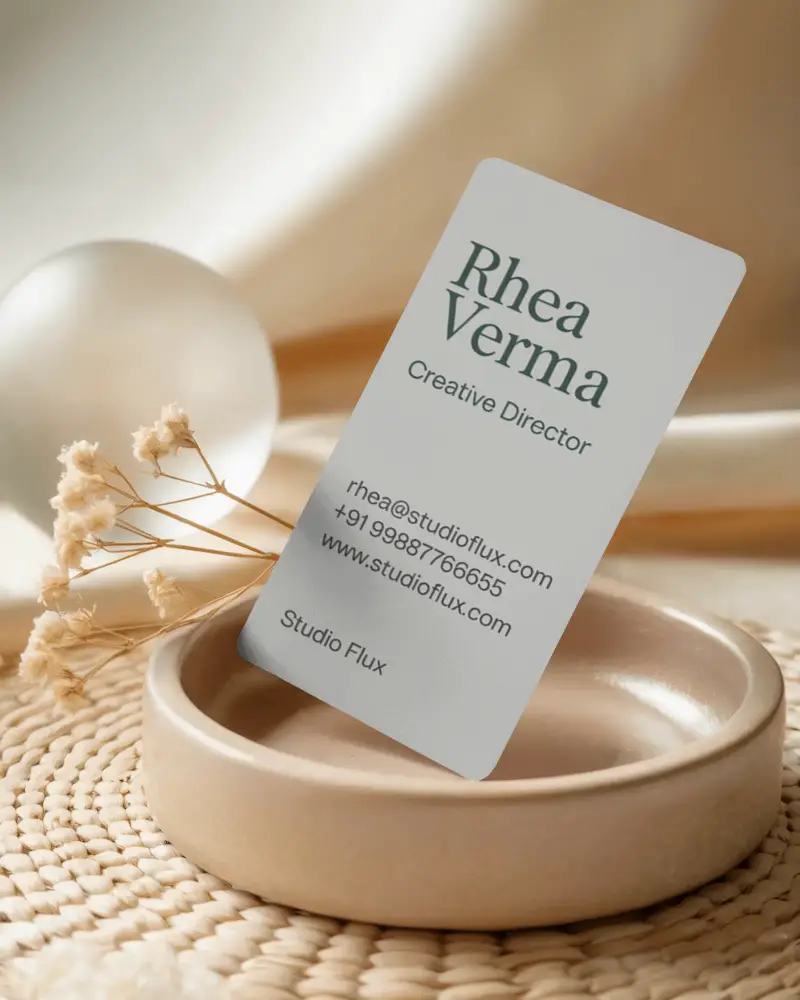
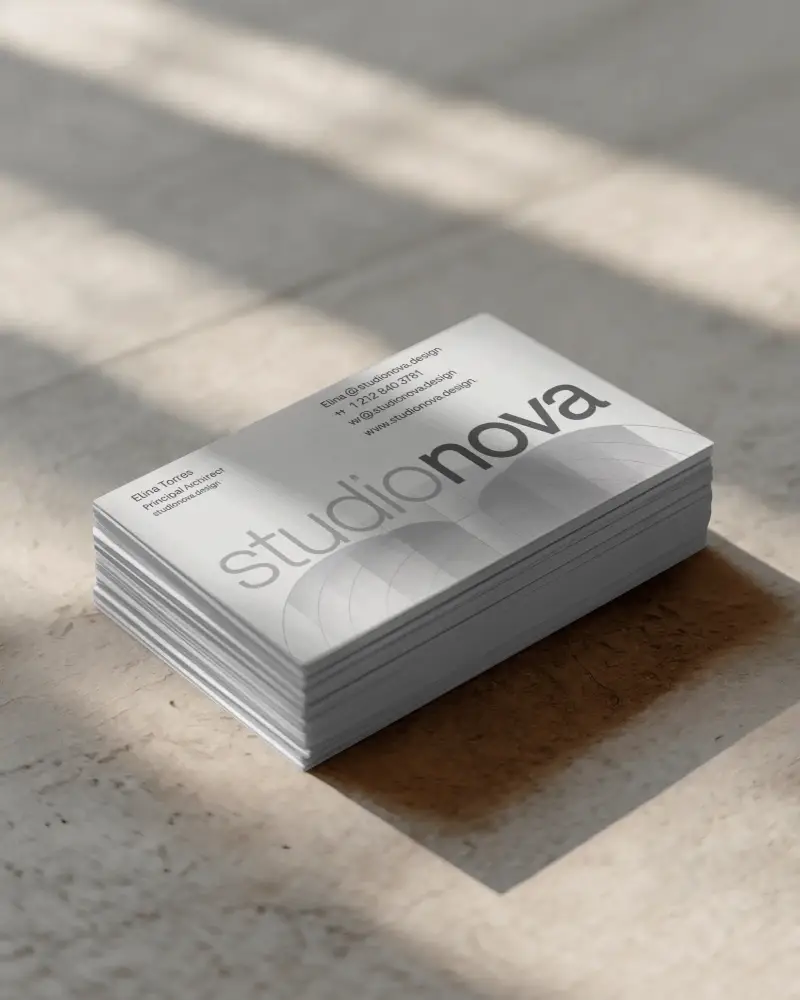
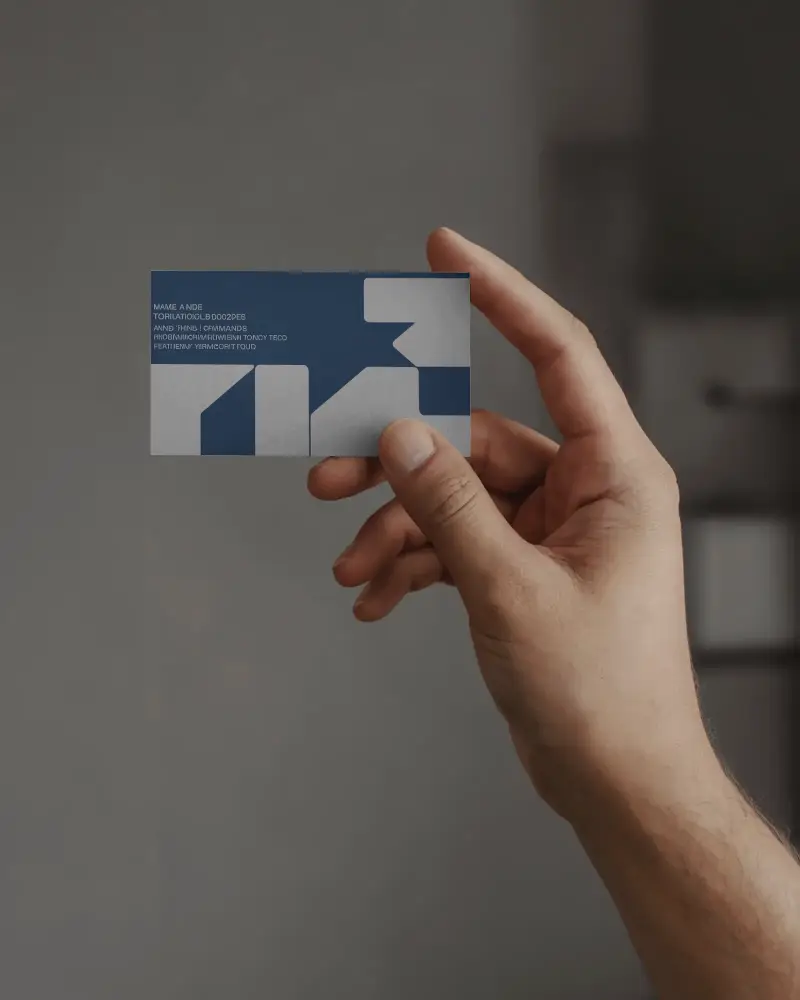
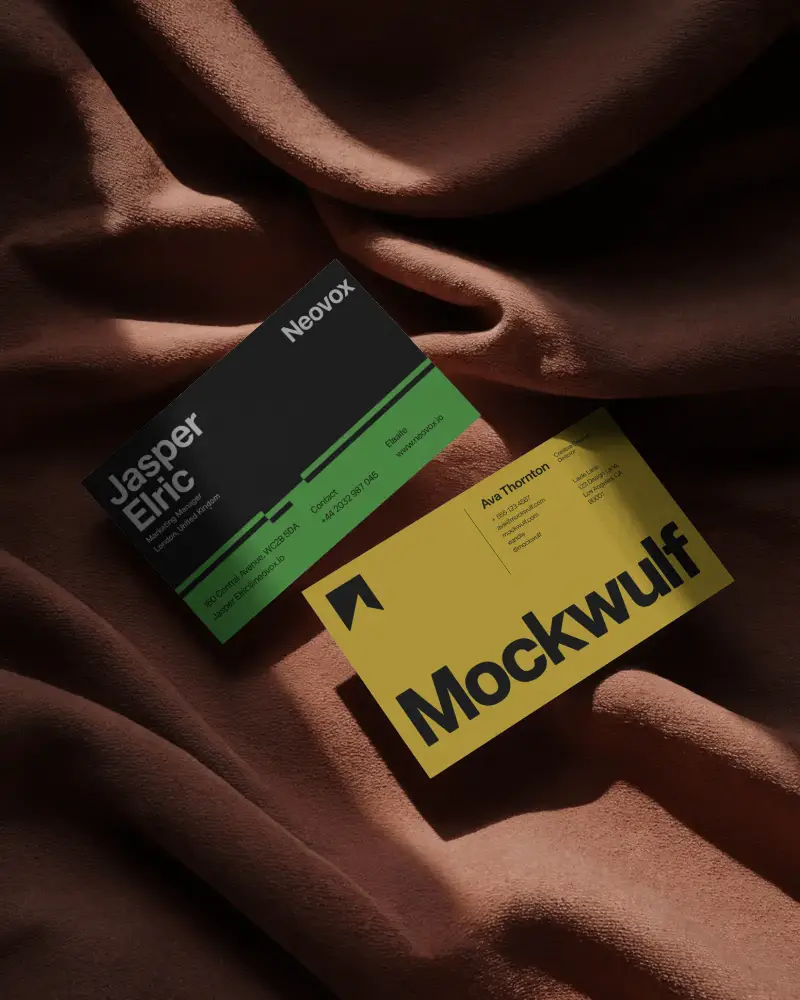
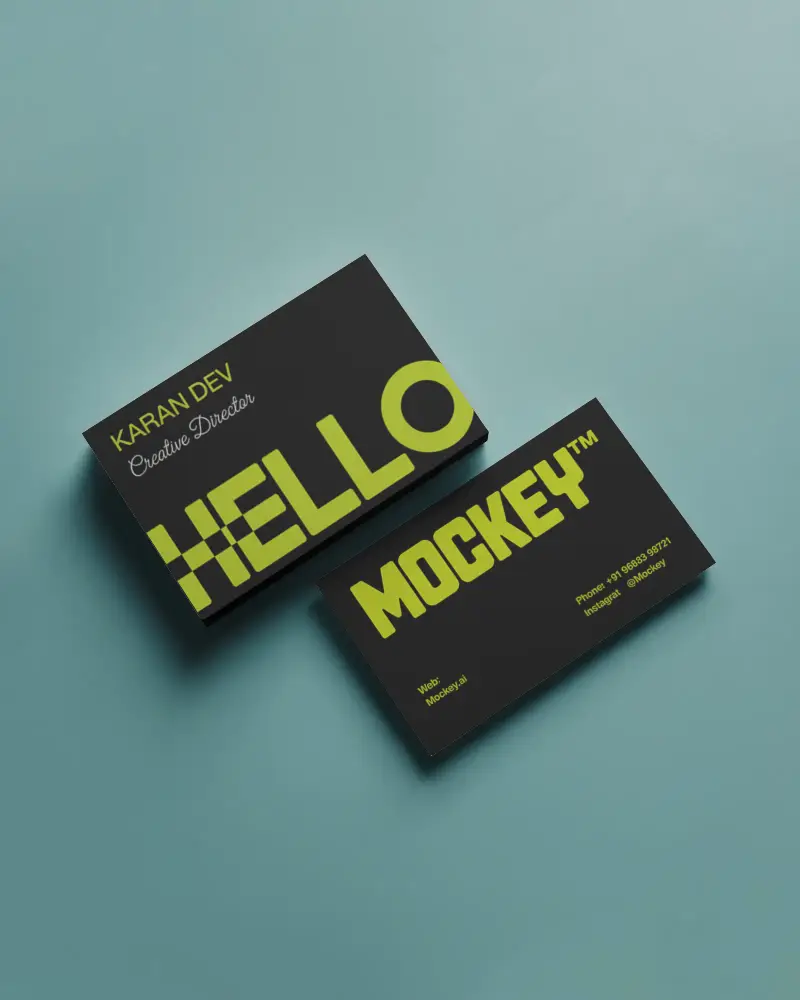
Business card mockups, also known as visiting card mockups, let you preview your design on square, rounded, vertical, horizontal, stacked, or front-and-back cards before printing. Showcase in a pitch deck, portfolio, or client presentation using our ready-made templates.
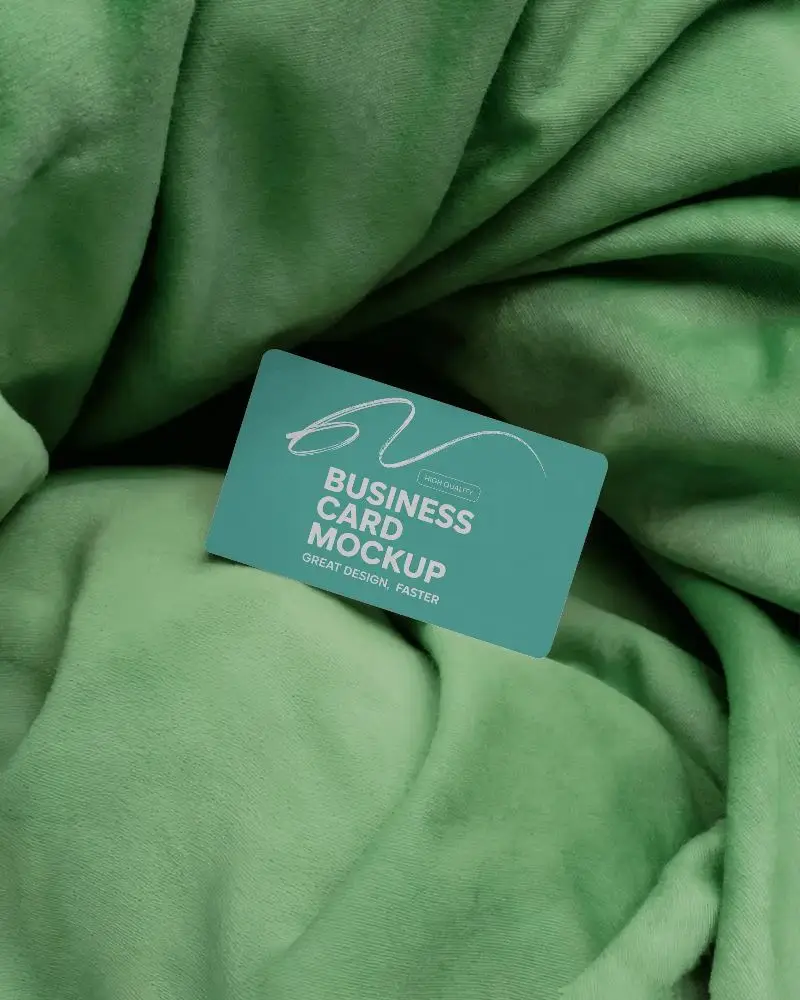
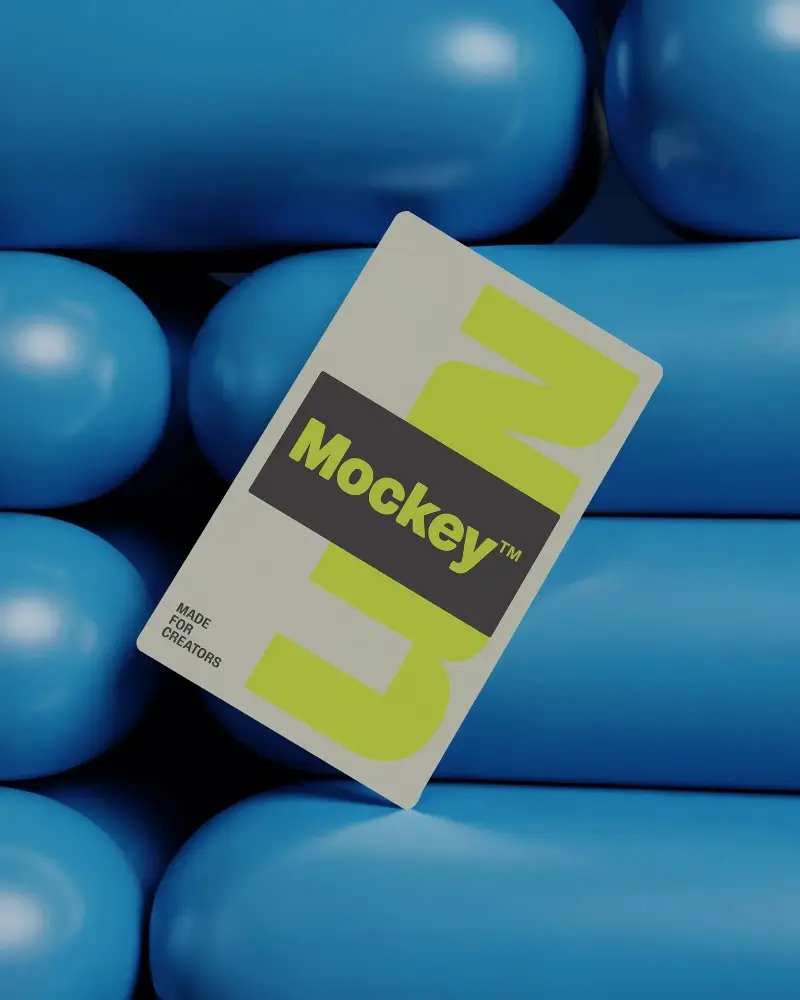
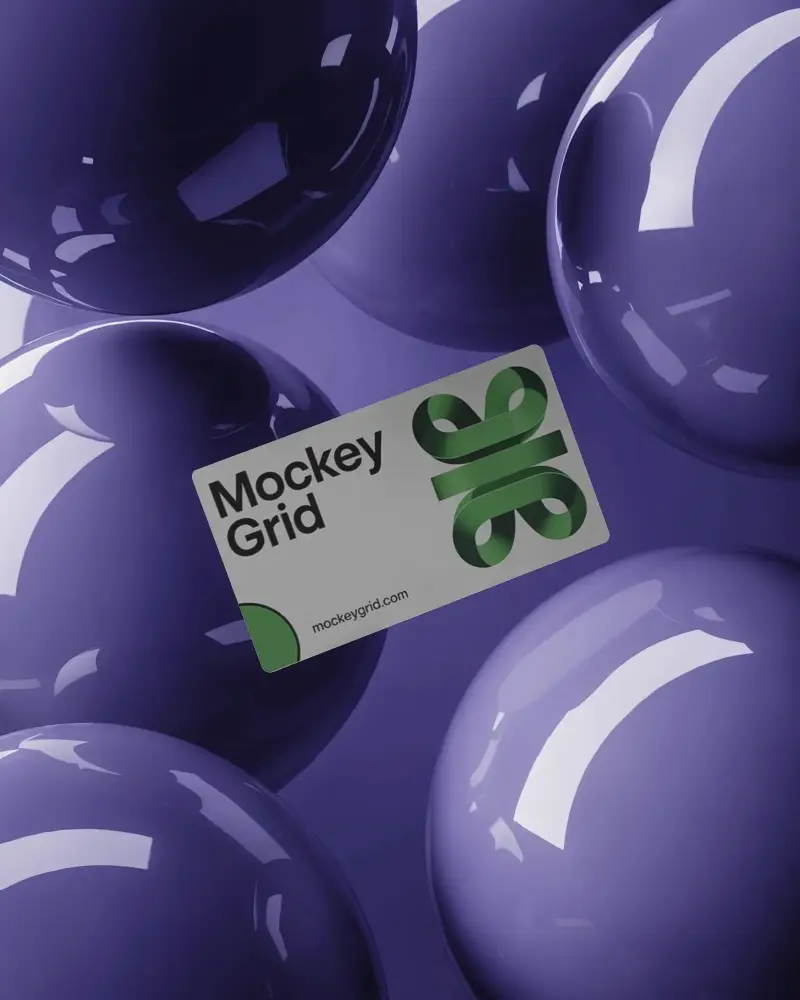
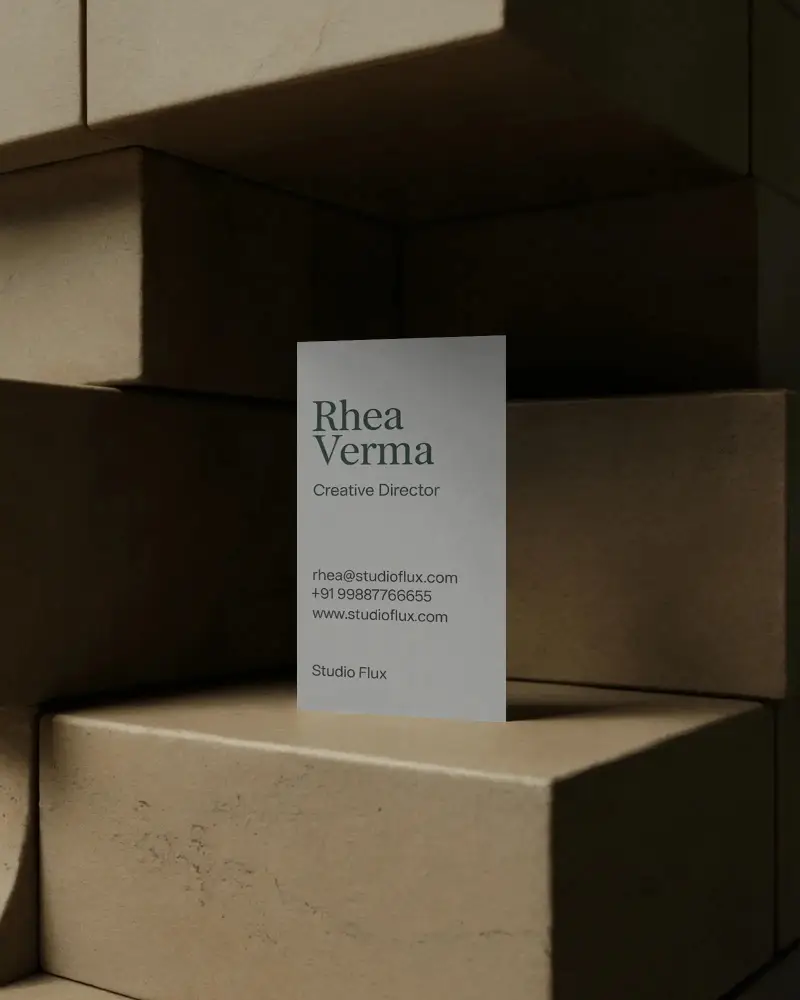

How to Customize a Business Card Mockup
To customize a business card mockup:
- Step 1: Select from different business cards
- Step 2: Add design and adjust using fit, fill, rotate, or align options.
- Step 3: Change the business card color if you want.
- Step 4: Try AI tools like Multi Shot, Animate, or Photoshoot.
- Step 5: Click Export to download the business card mockup.


FAQs on business-card Mockups
What is a business card mockup?
A business card mockup shows your flat design on a digital version of the card. You can see how the logo, text, and other details come together before the cards are printed.
Can I use business card mockups for commercial projects?
Mockey allows commercial use with the Starter plan or higher. The free plan is limited to personal use, so you’ll need to upgrade if the mockup is going on a product listing, client project, or other business work.
Can you make visiting card mockups on Mockey AI?
You can easily create visiting card mockups on Mockey AI. With 1,500+ customizable visiting card templates, the platform lets you upload your designs and export high-quality mockups—all for free.
Why Use Mockey’s Business Card Mockup?
Mockey.ai offers 1,500+ ready-made business card mockup templates, along with a free plan and a user-friendly interface. It also includes a built-in editor that lets you modify colors, backgrounds, and other design elements easily.
Is this Business Card Mockup Free?
Yes, Mockey offers a free business card mockup tool. You can access 1,500+ customizable templates, upload your design, adjust colors and backgrounds, and download high-quality mockups without any watermarks.
What formats are available for business card mockups on Mockey?
Mockey gives you business card mockups in different file formats like PNG and JPG. You can download high-quality business card mockups for free after customizing the templates.
Does Mockey offer luxury business card mockups?
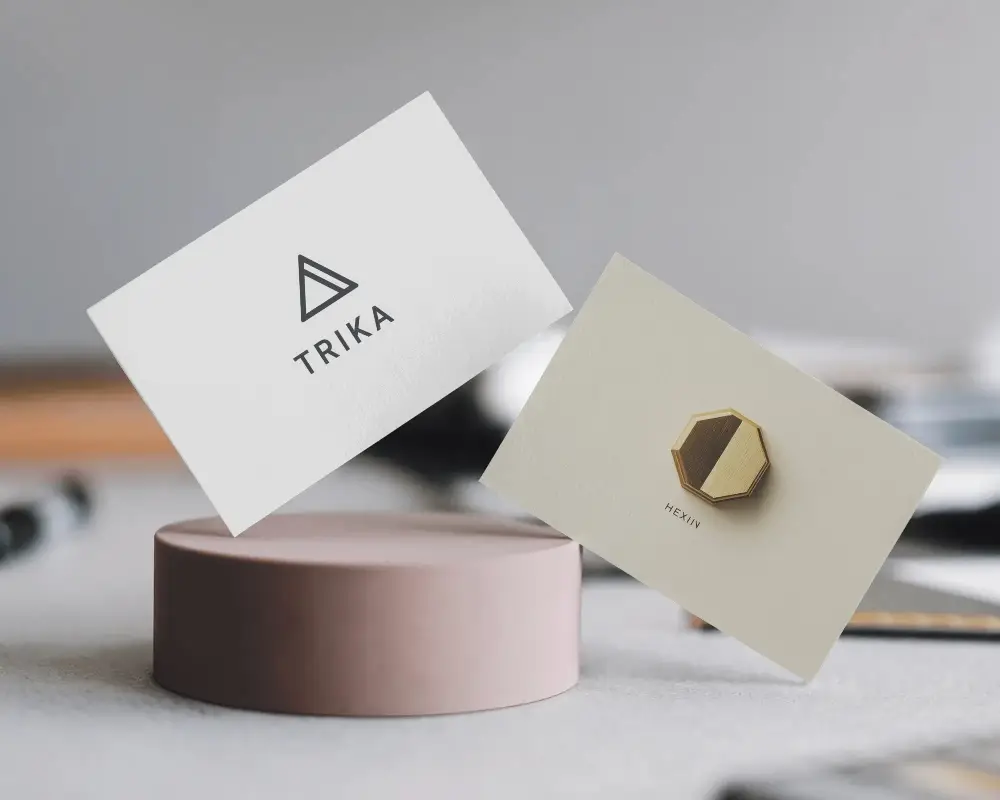
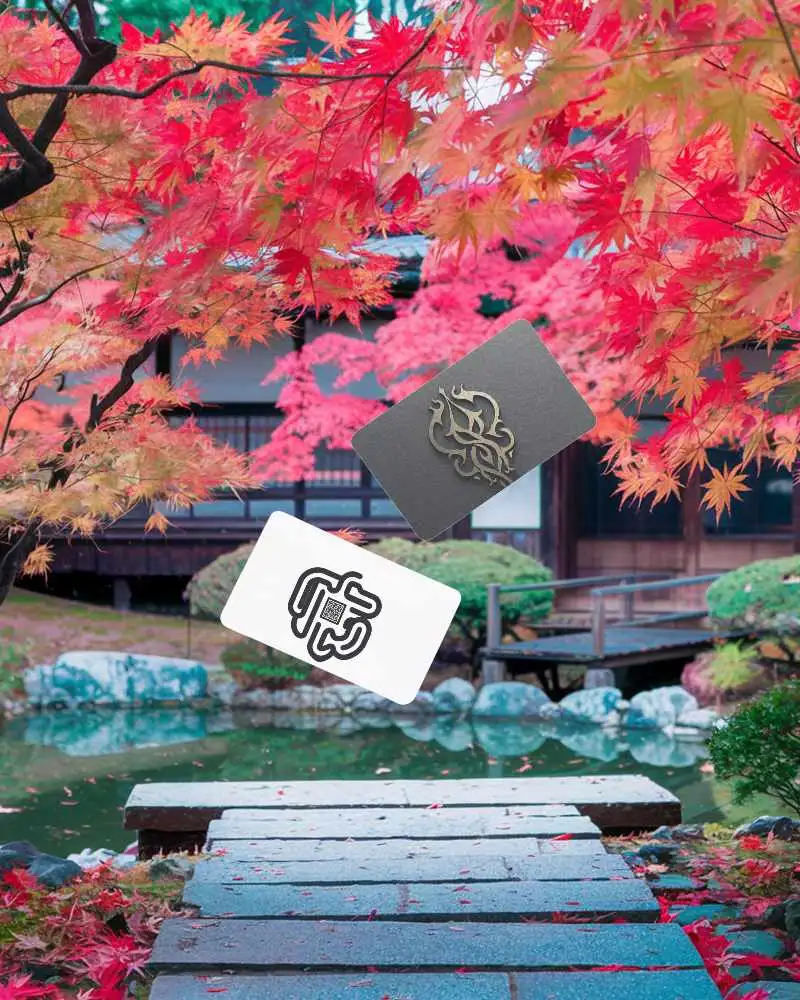
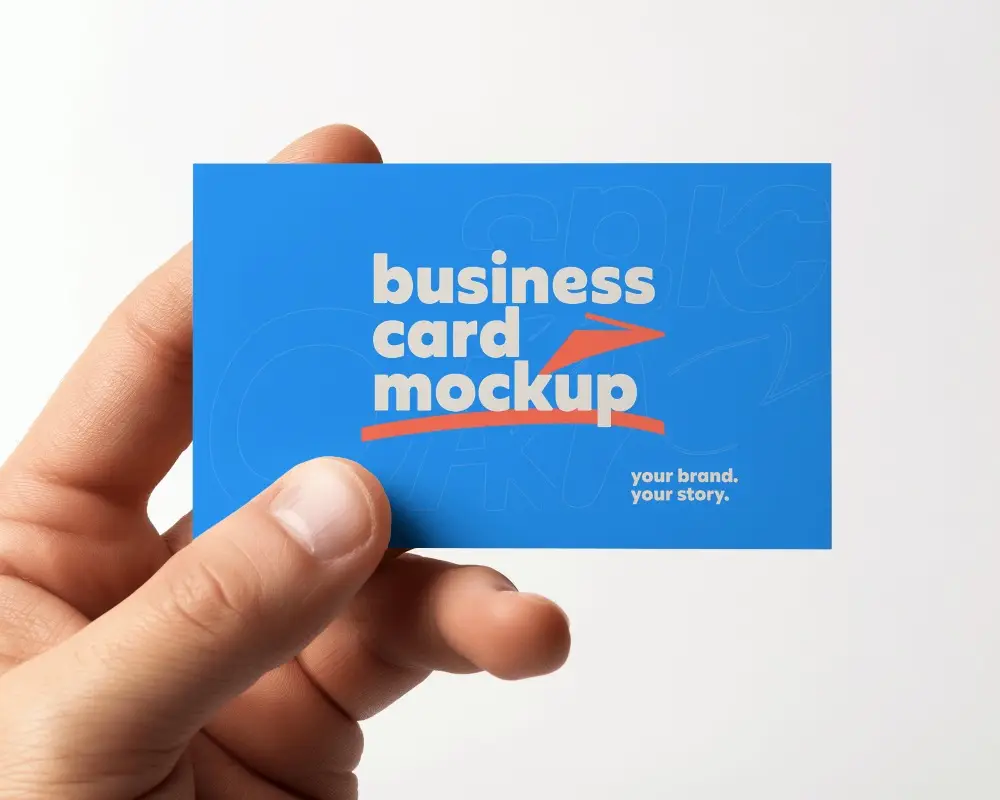
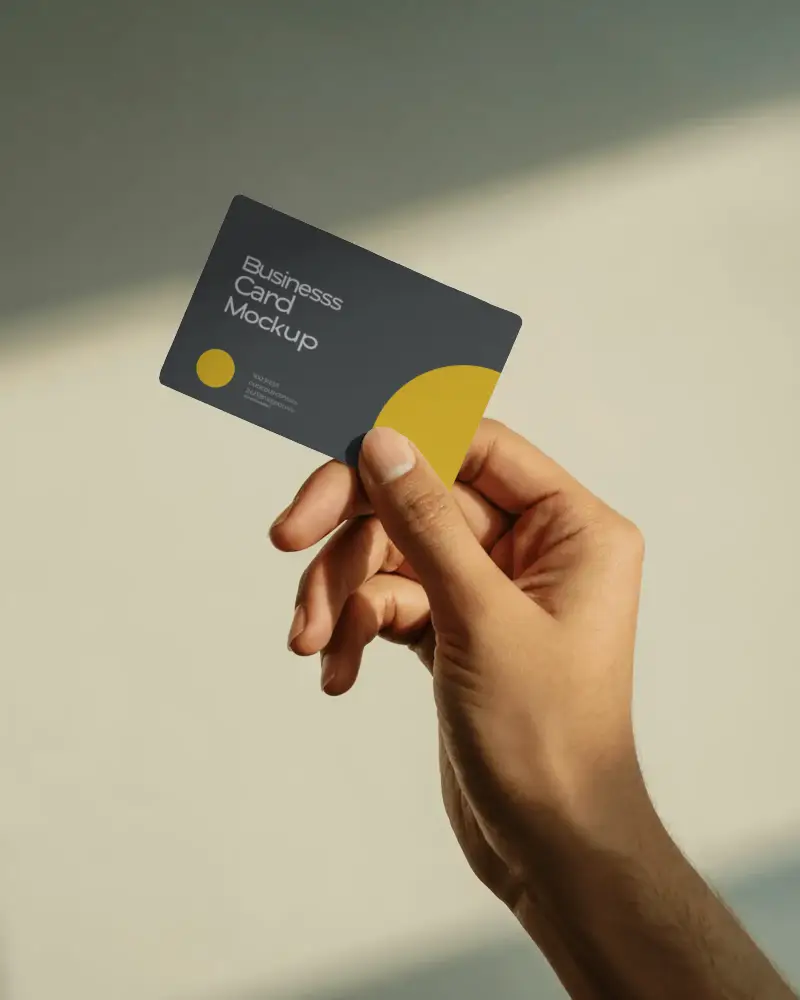
On Mockey AI, many business card mockups are available that offer luxury and premium branding. You’ll find luxury card templates displayed in floating style, stacked layouts, held in a model’s hand, or placed on marble surfaces.
Can I preview my business card design on Mockey AI?
You can preview your business card while designing it. Use the preview button while customizing on the editor page, and check for any flaws before downloading.
What types of business card mockups are available?
Mockey.ai offers a wide range of business card styles, including round business card mockups and square business card mockups, along with hand-holding, vertical, floating, and stacked designs.
What is the difference between a business card mockup and a visiting card mockup?
For mockups, business card and visiting card usually mean the same thing. The difference is mainly the name used for the card. Business card is the more common term in the USA and Europe, while visiting card is still used in South Asia.
