Plain Bandana mockup free download online without watermark
Unlock creativity with High quality Free Bandana mockup Templates. Display your bandana designs with Mockey’s realistic mockups. Start designing now!
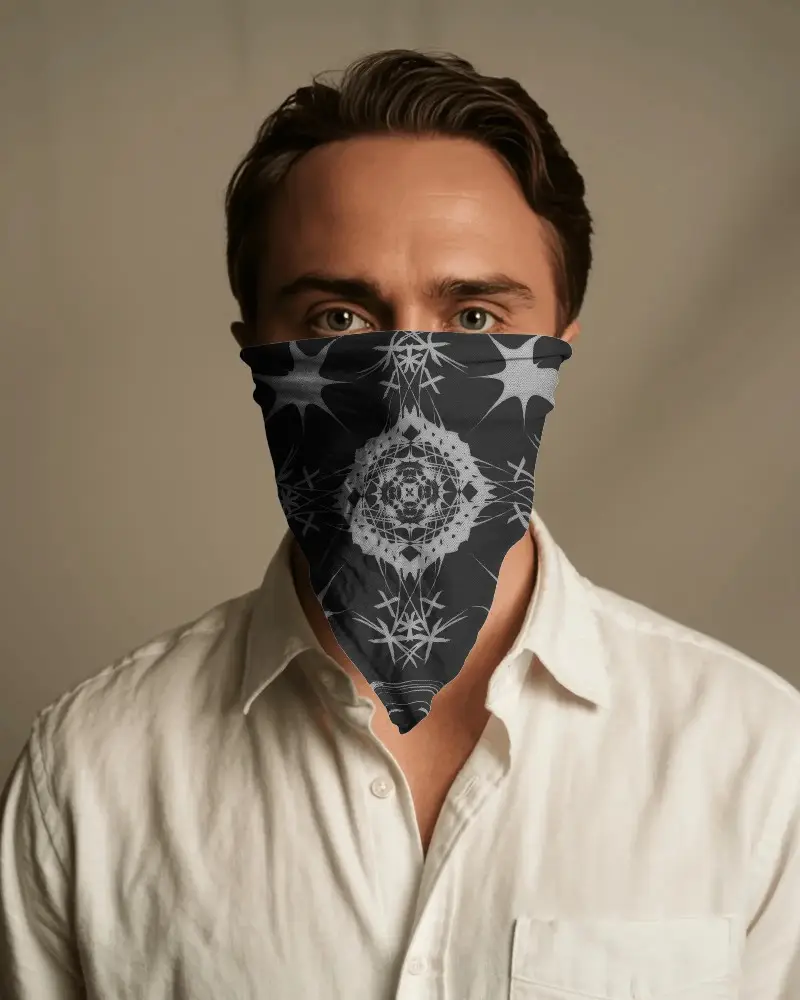
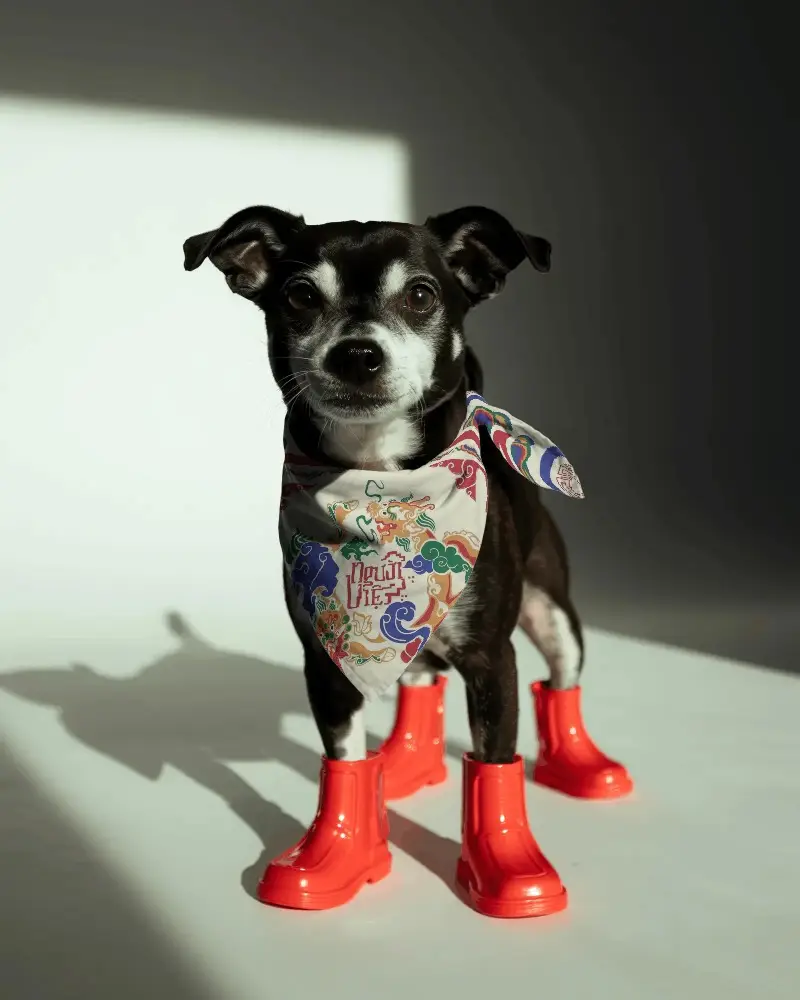
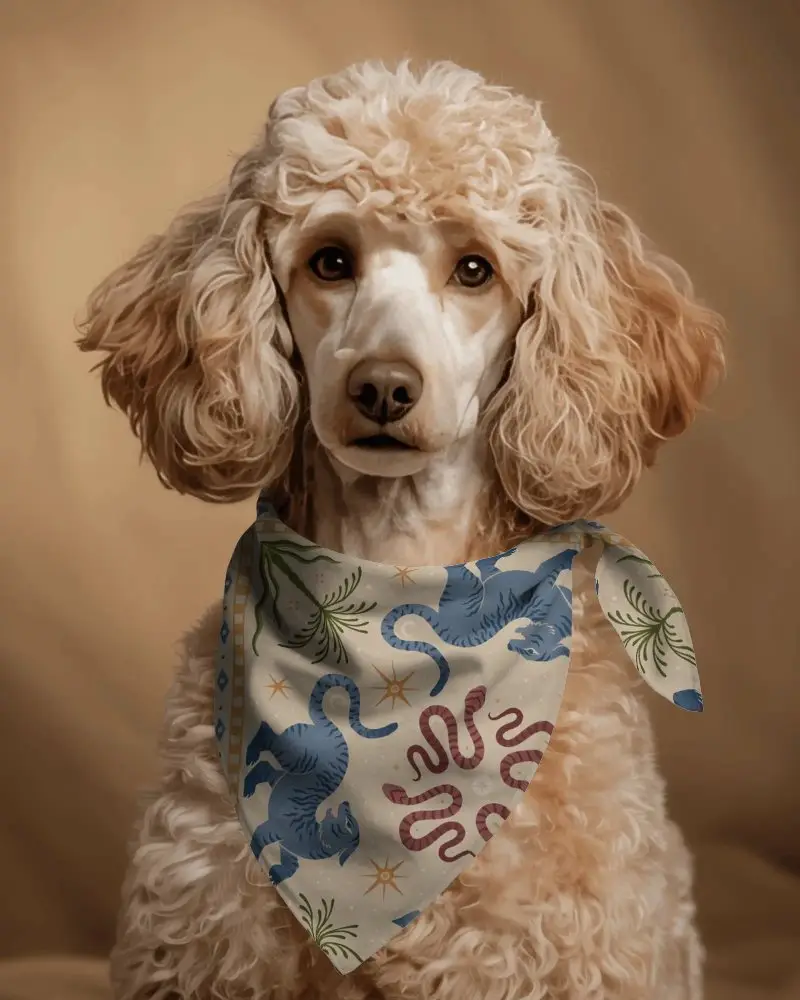
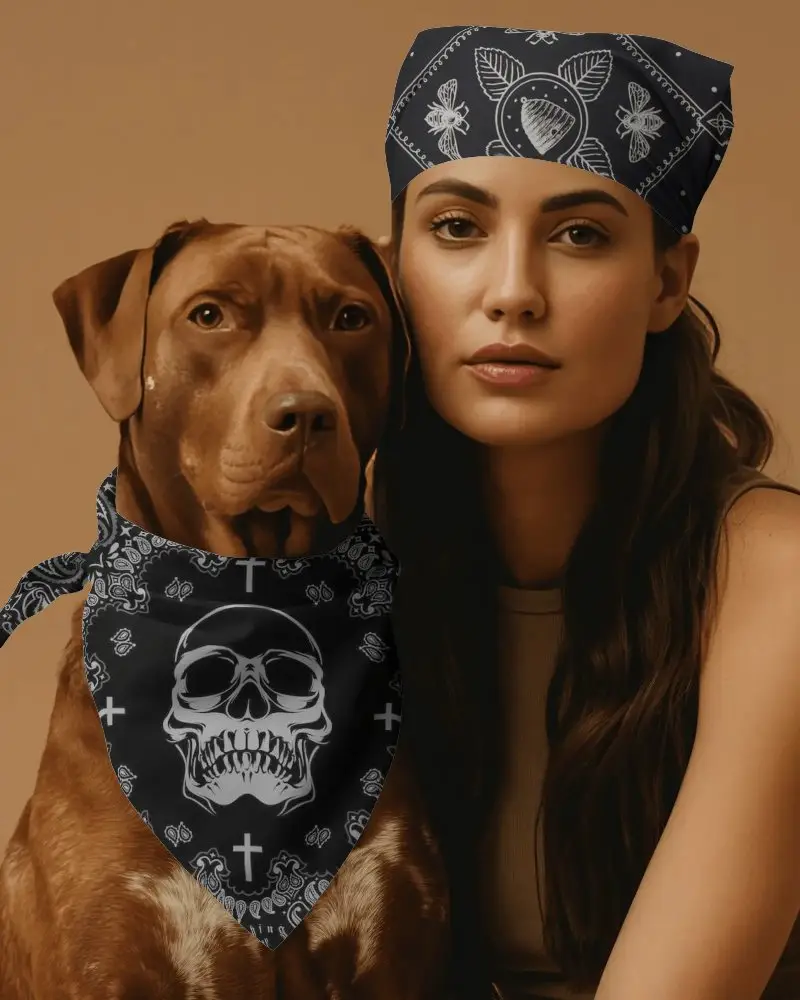
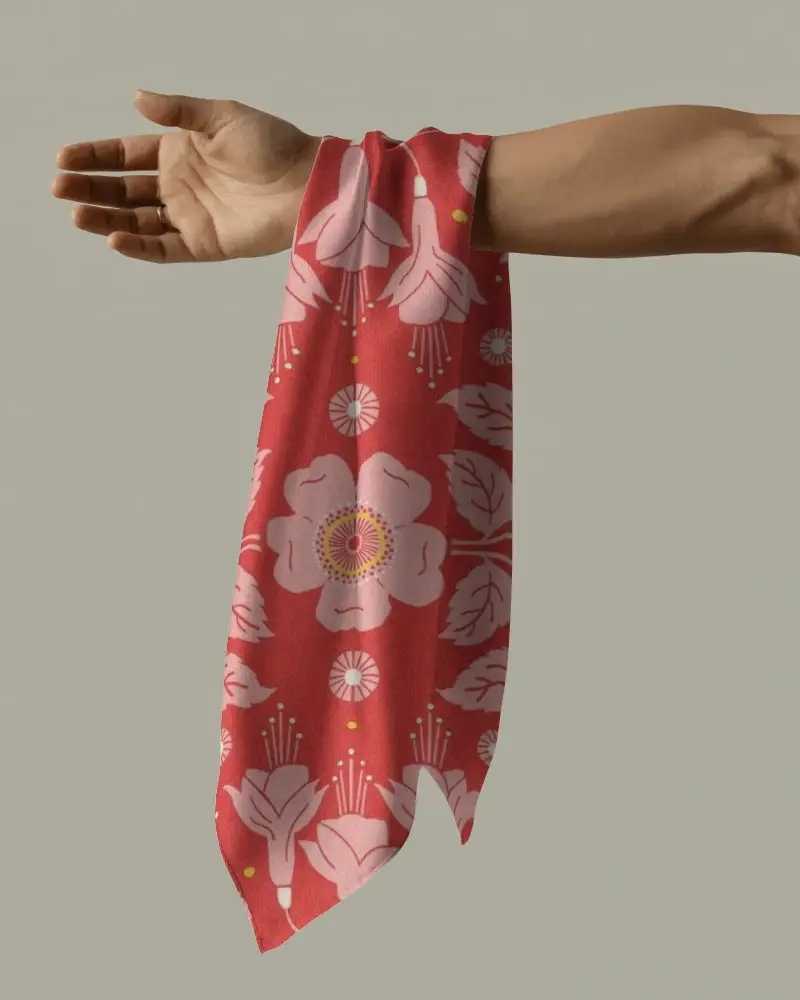
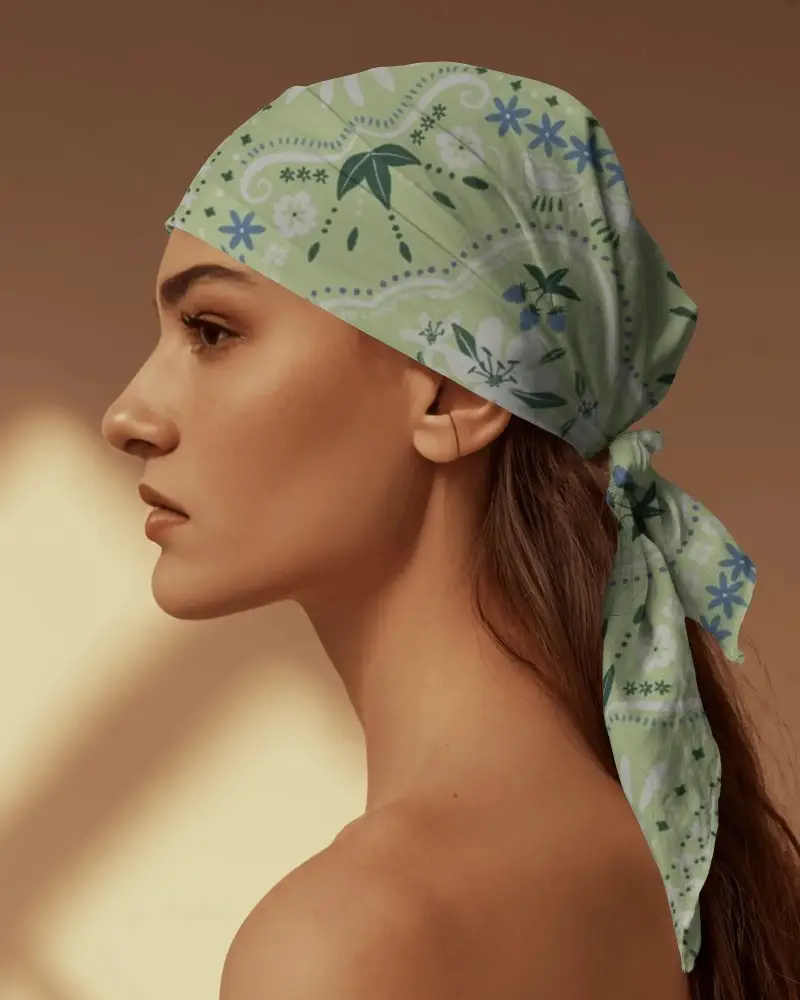
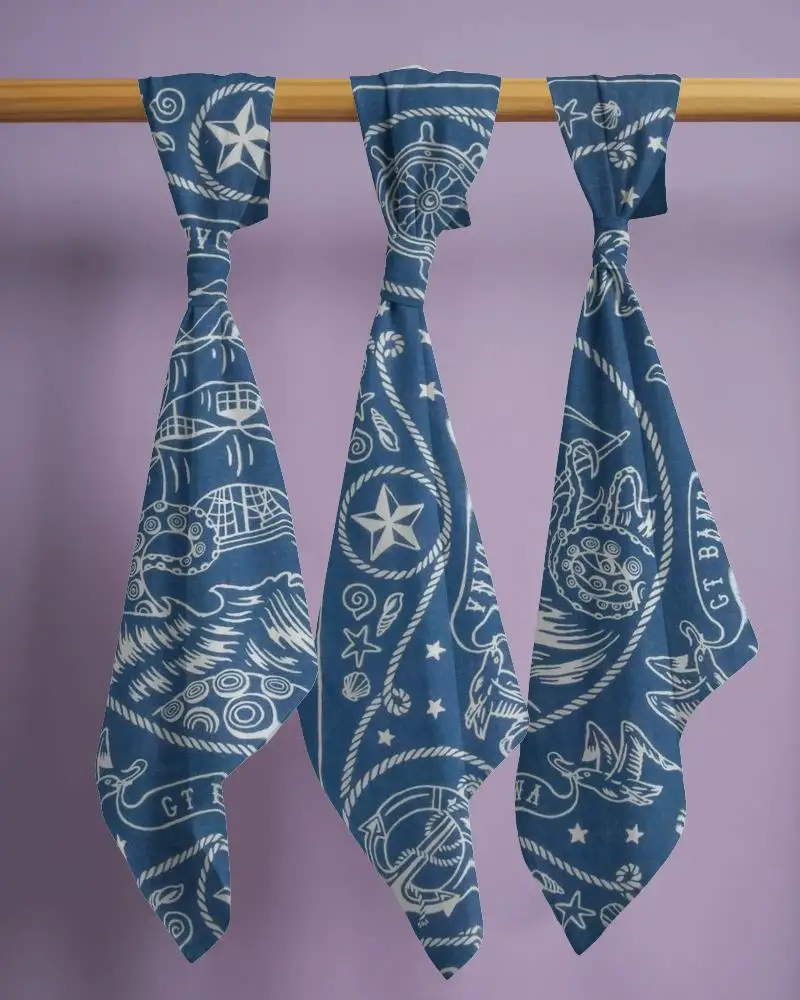
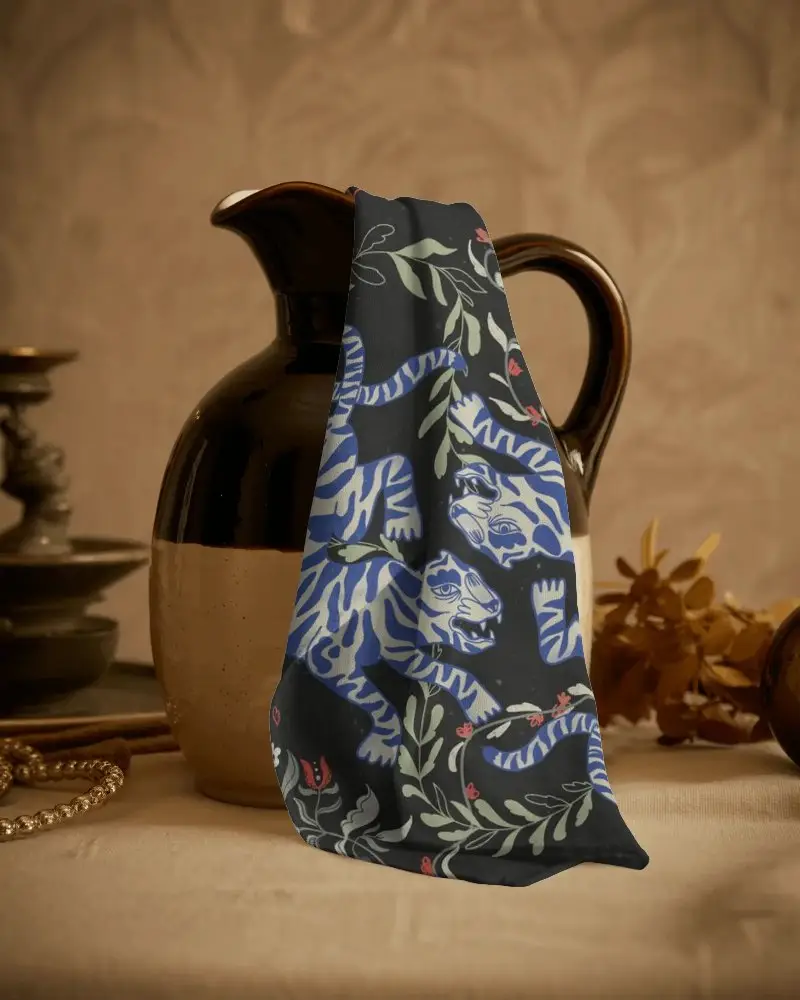
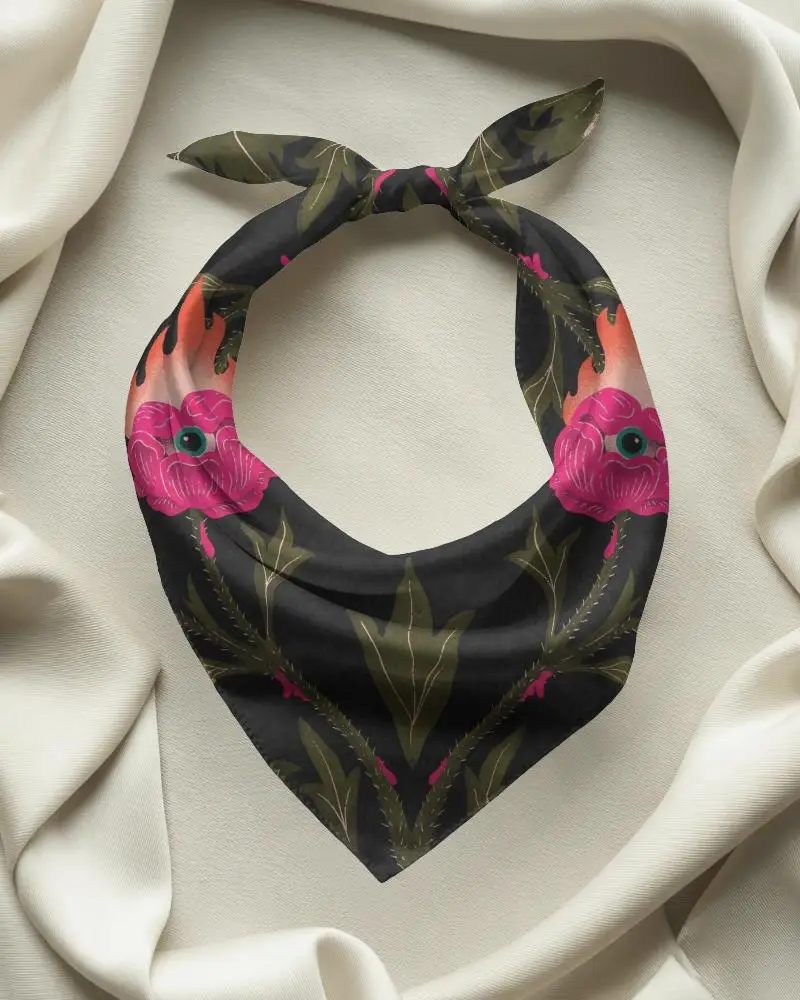
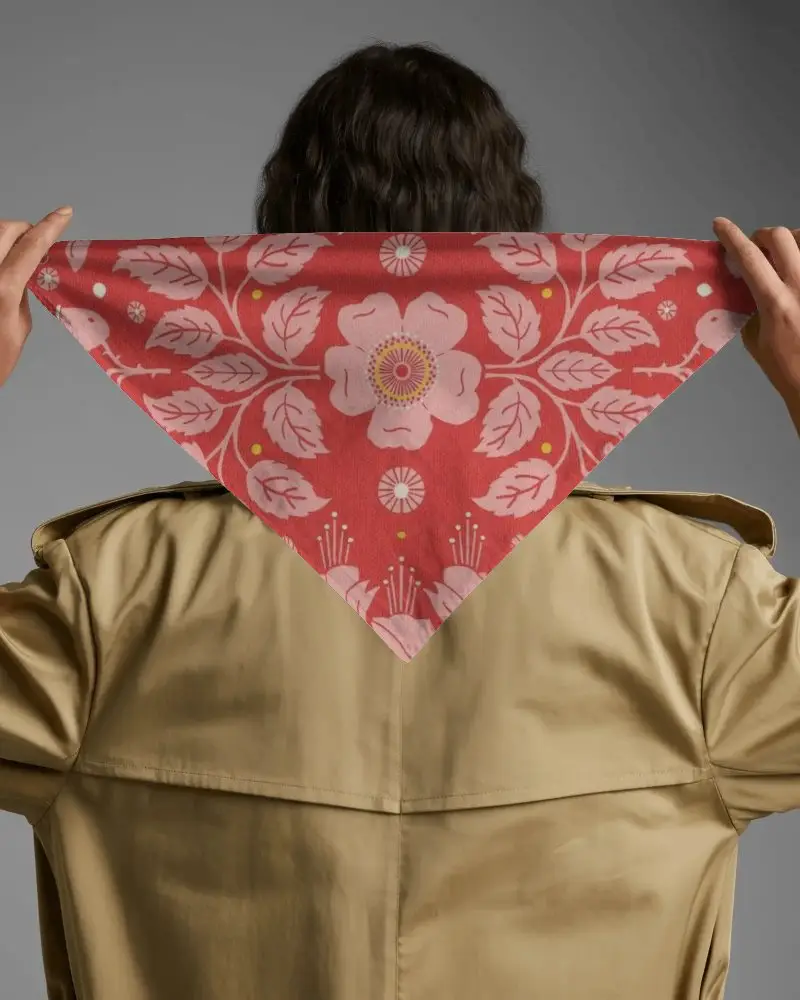
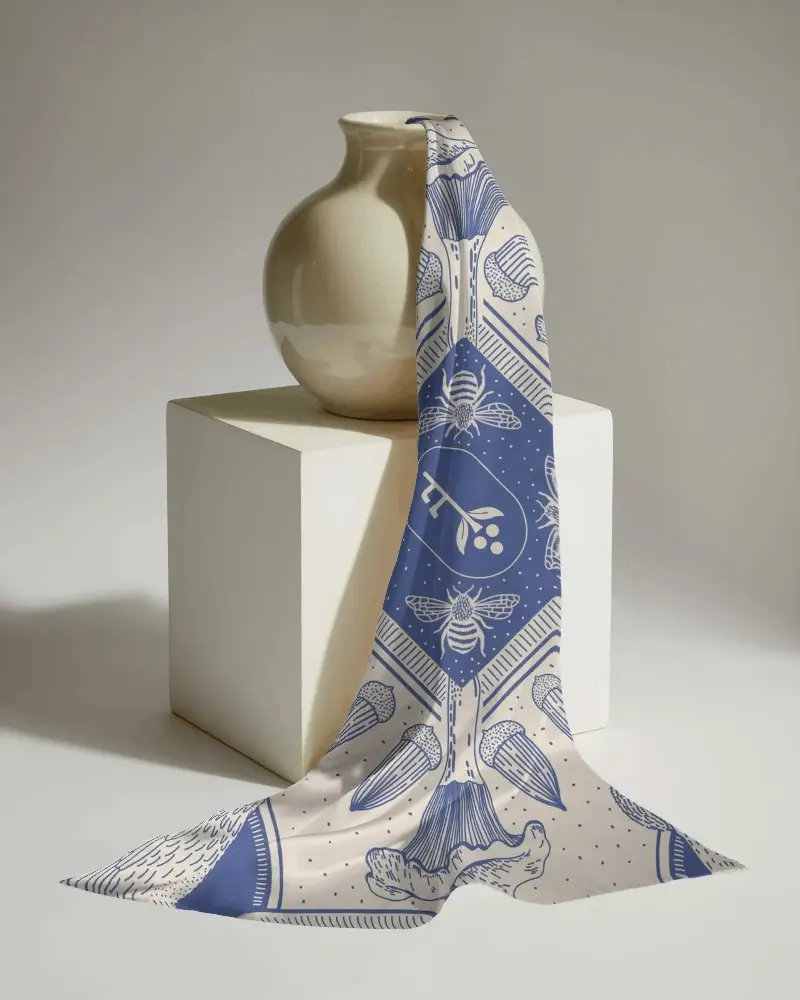
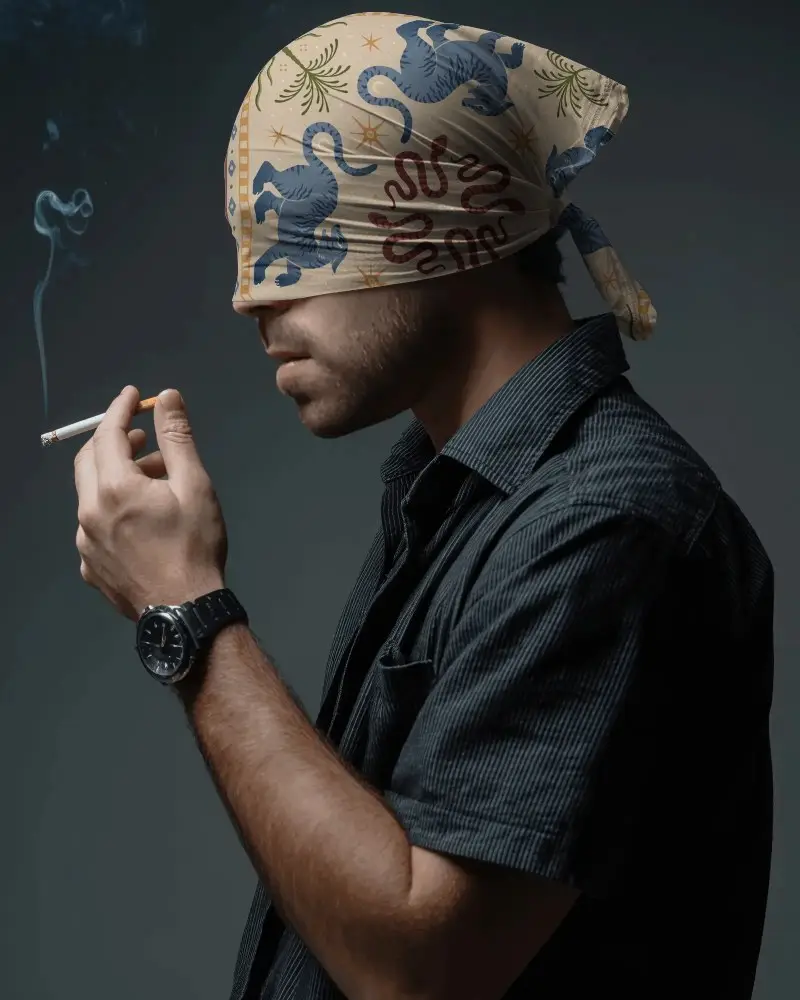
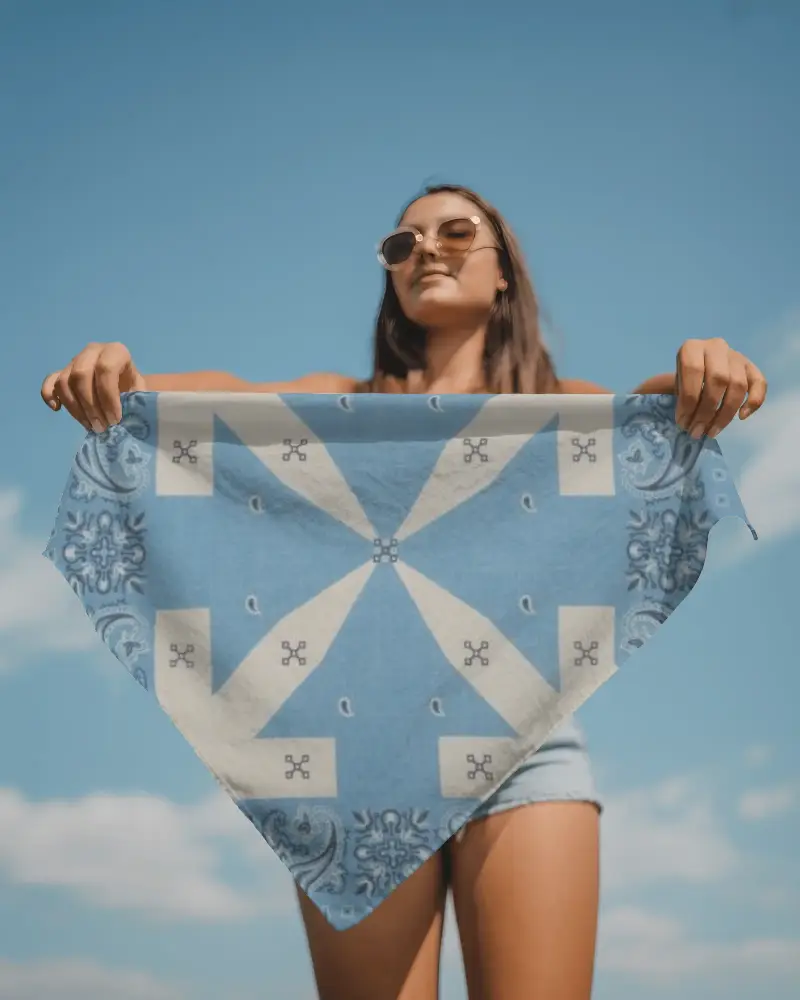
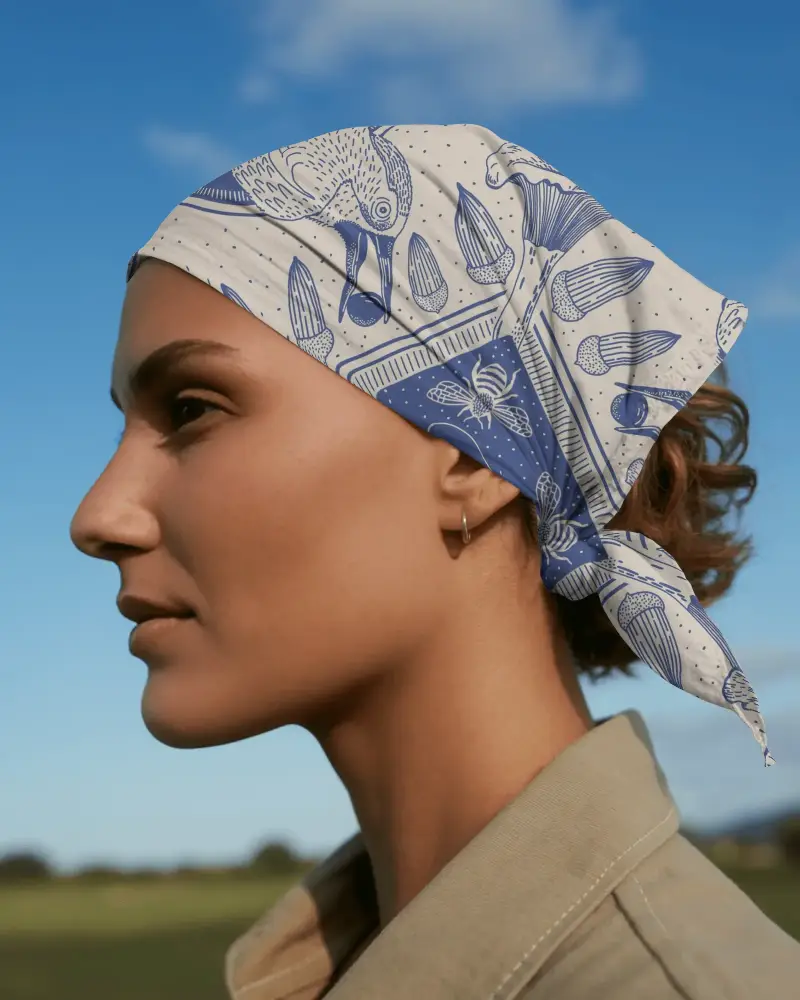
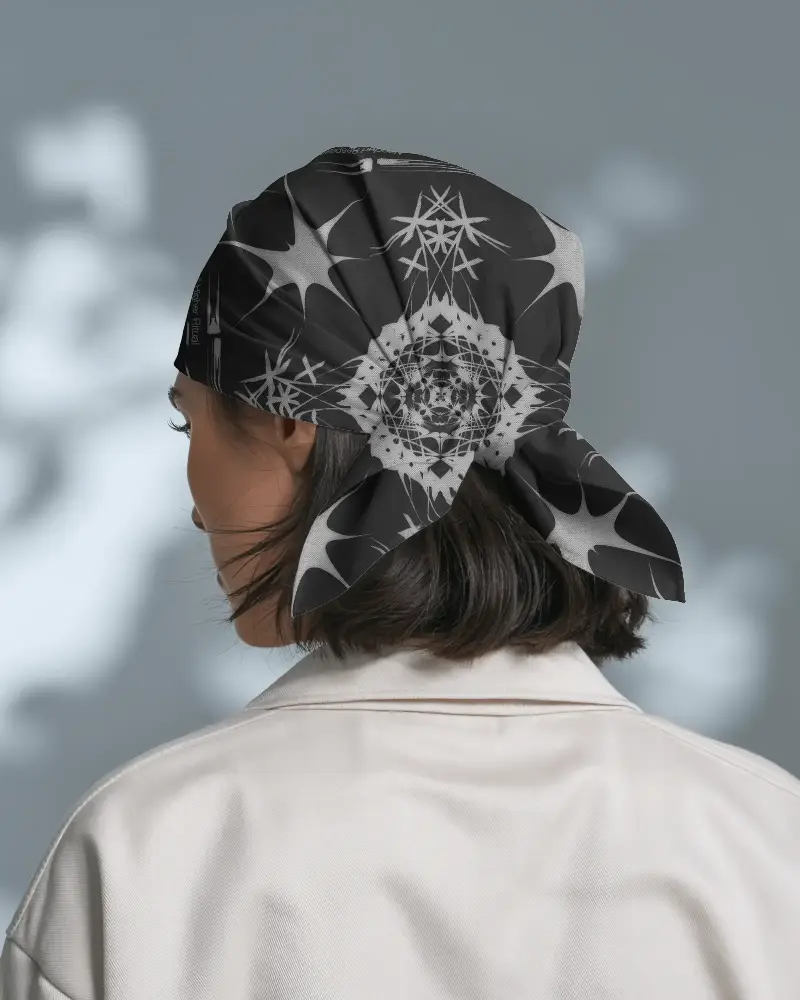
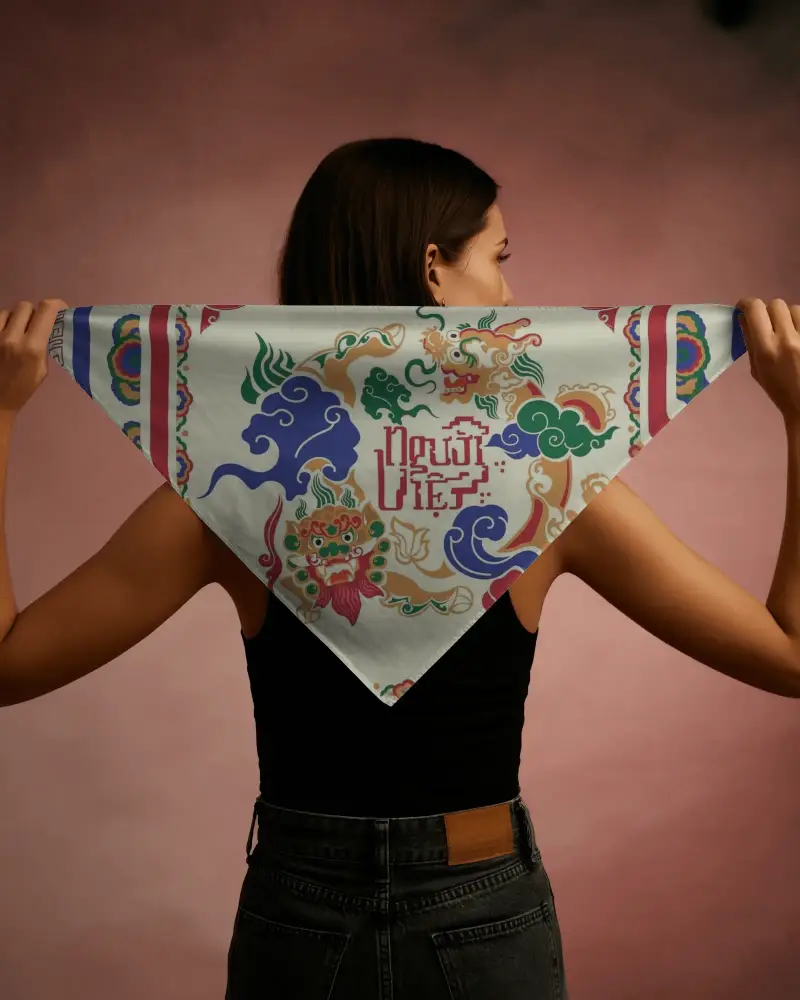
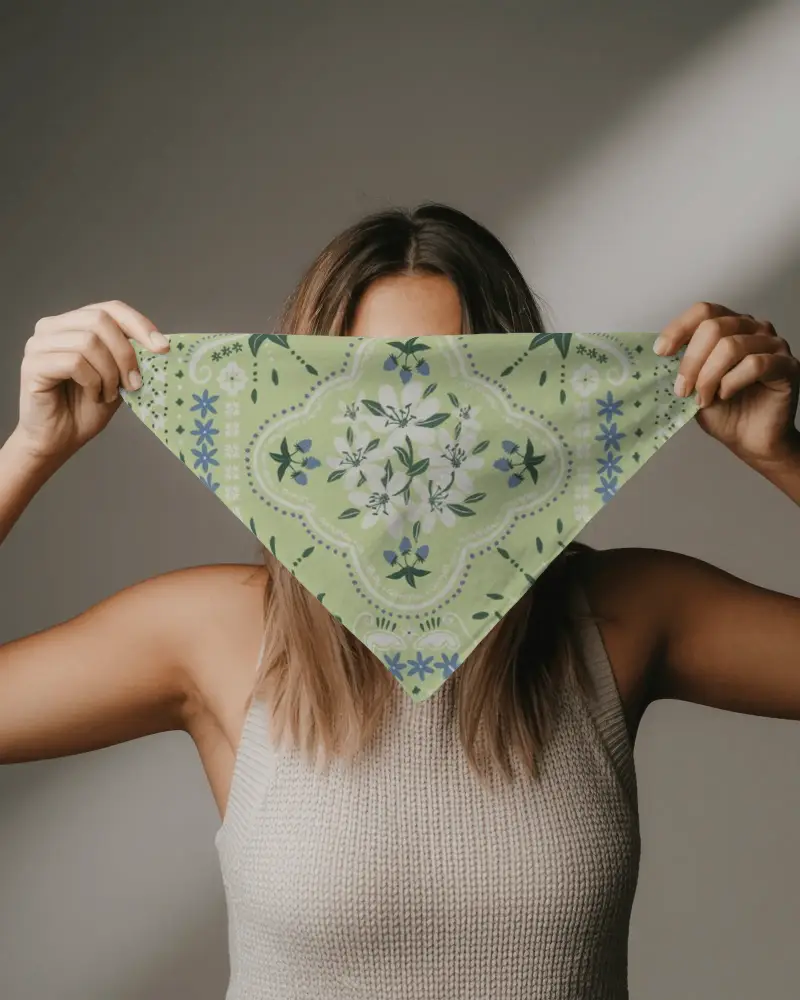
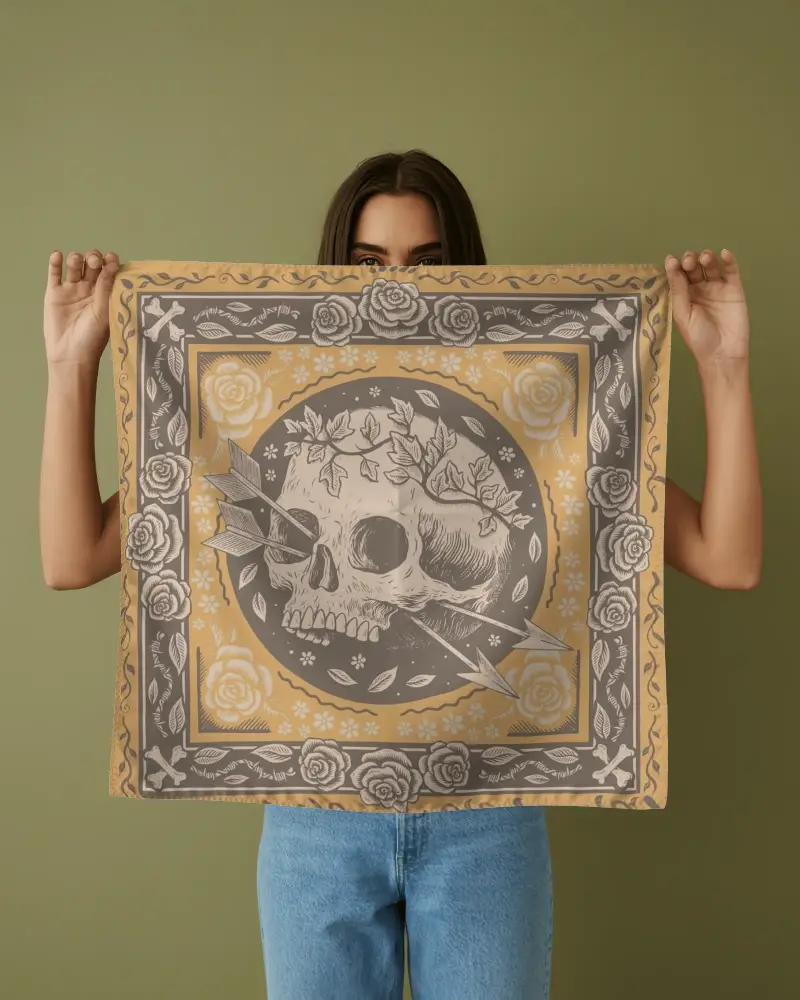
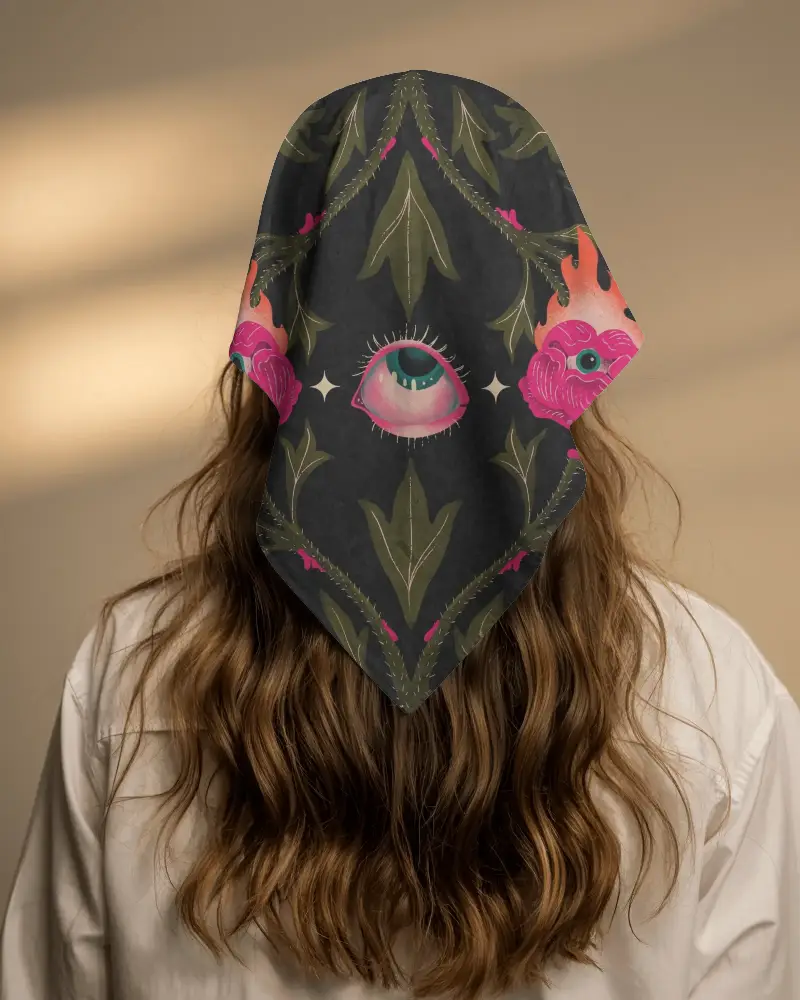
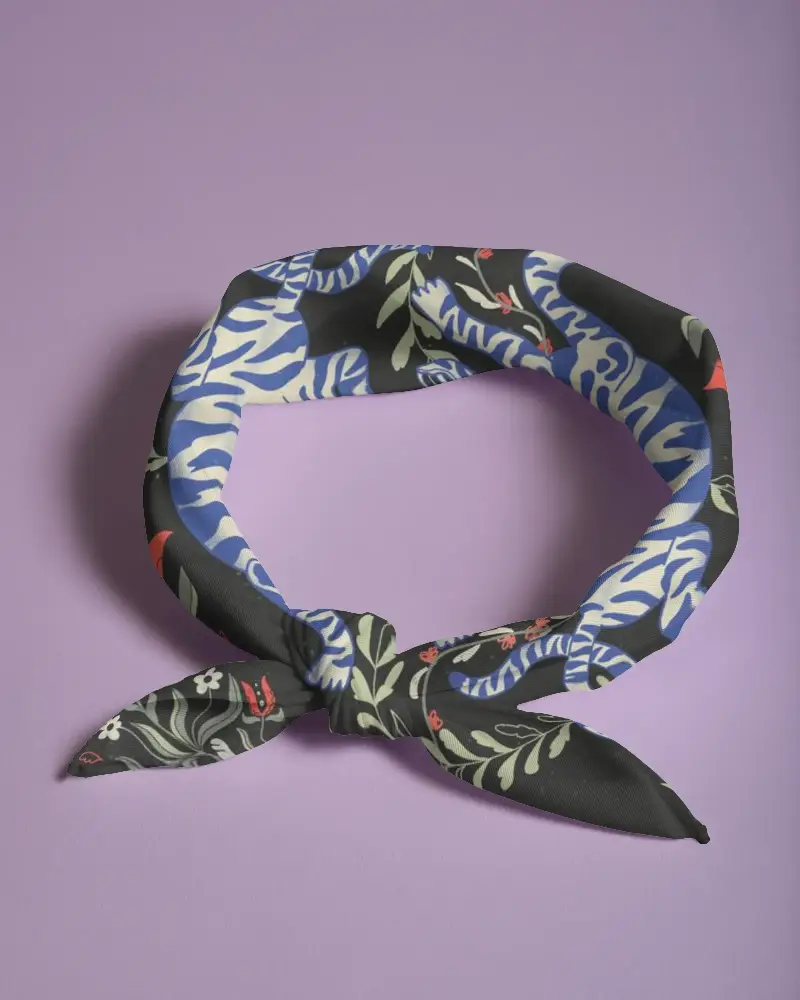
How to Create Plain Bandana Mockup with Mockey AI
Follow the steps to create Plain Bandana mockups in Mockey AI
- Step 1: Follow Mockups > Apparel > Bandana > Plain Bandana in the tag bar.
- Step 2: Select your preferred template and upload your design.
- Step 3: Customize and download the high-quality Plain Bandana mockup.


FAQs on Plain Bandana Mockups
What is Plain Bandana Mockup?
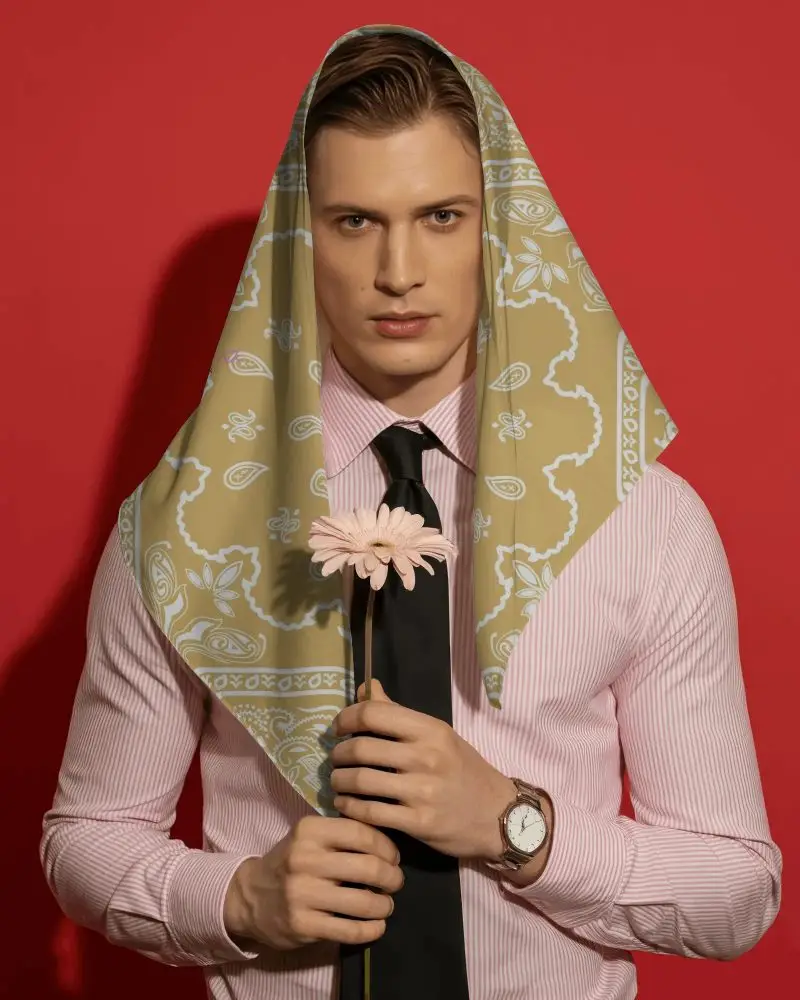
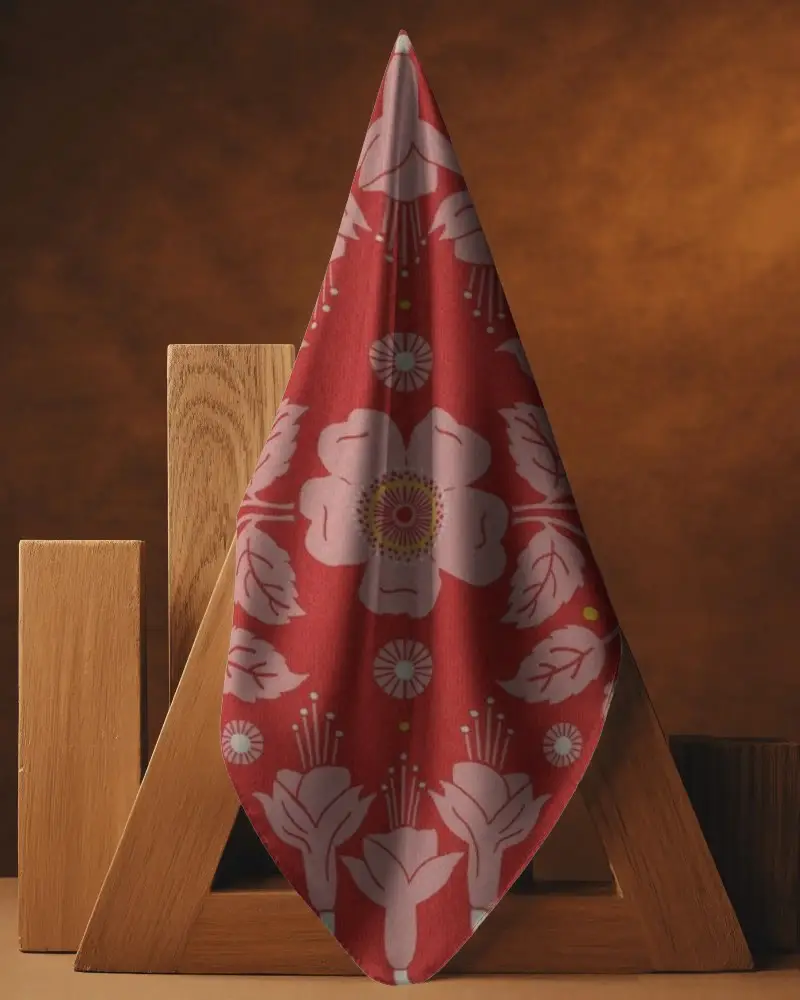
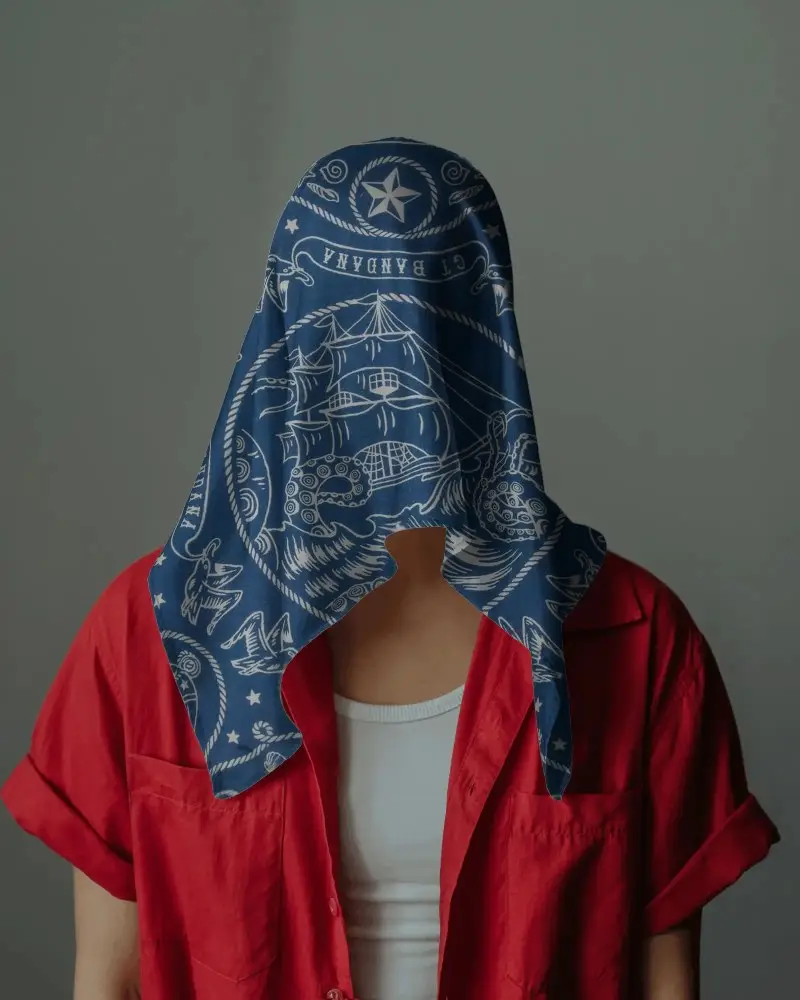
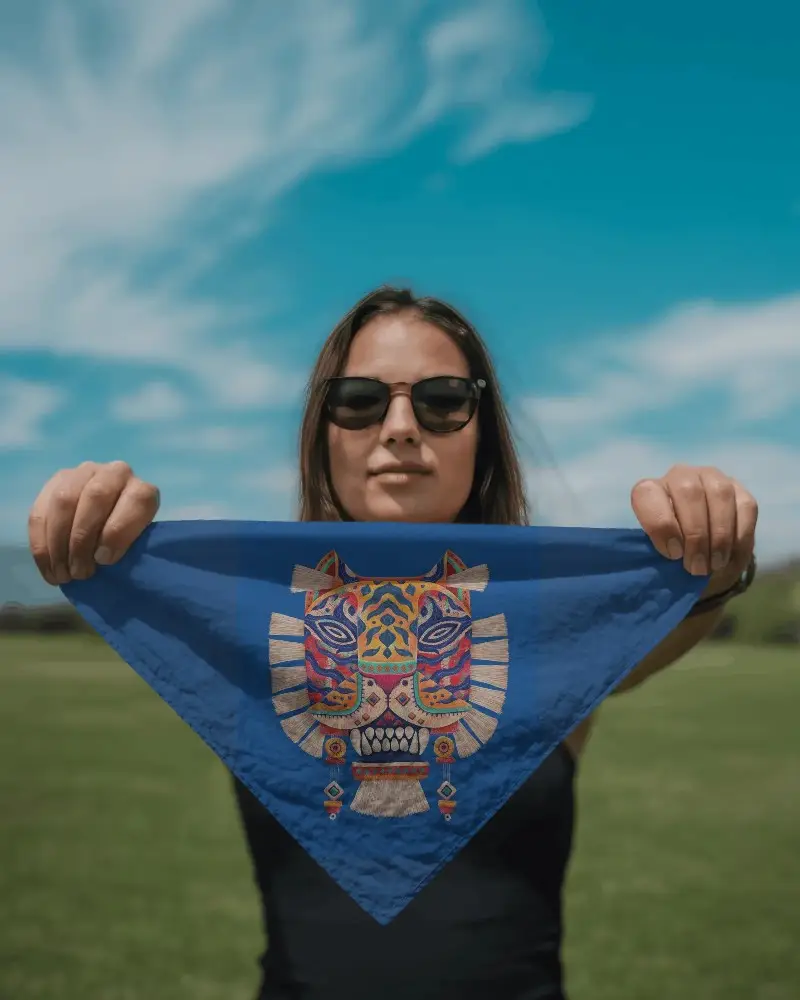
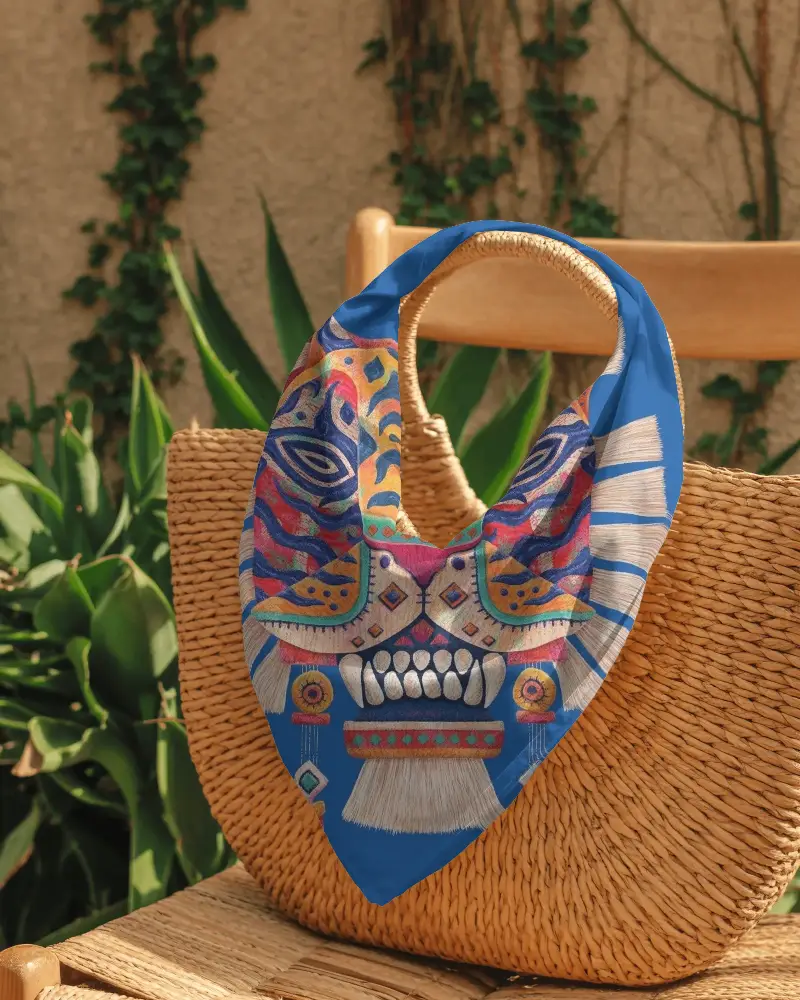
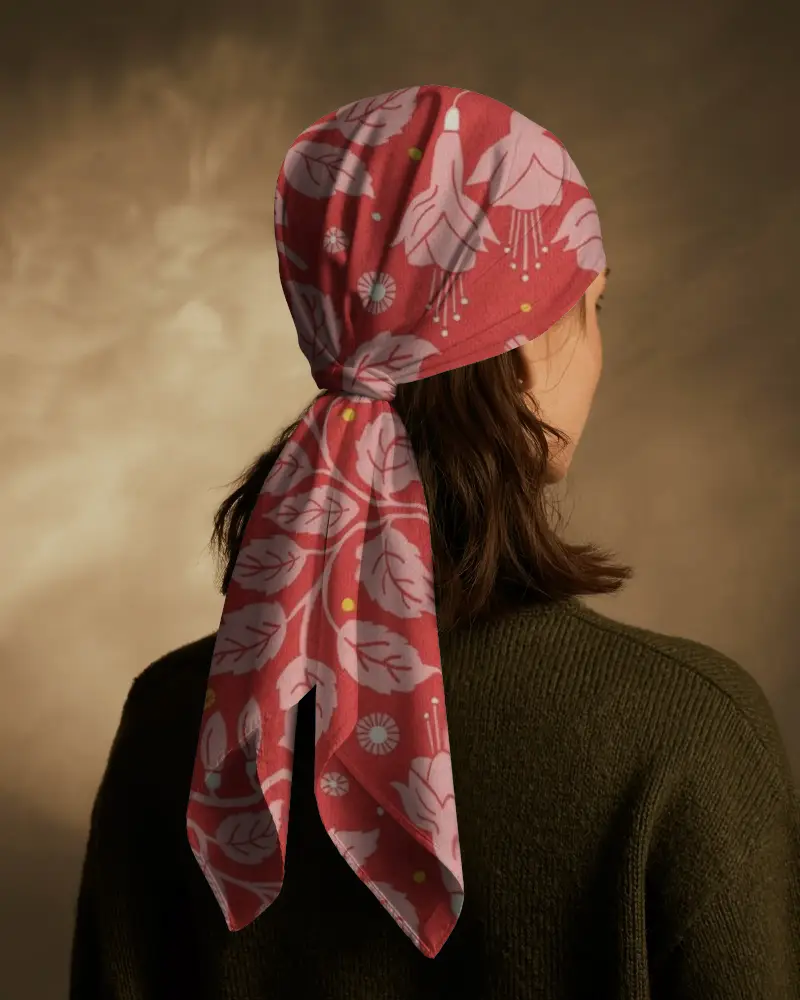
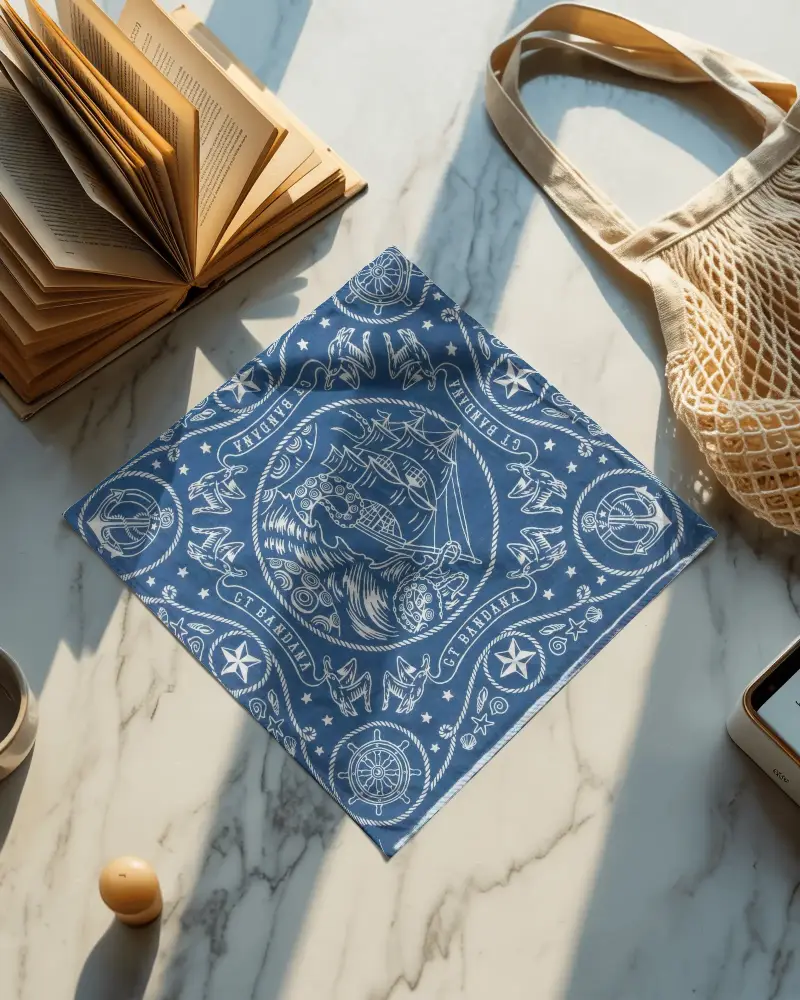
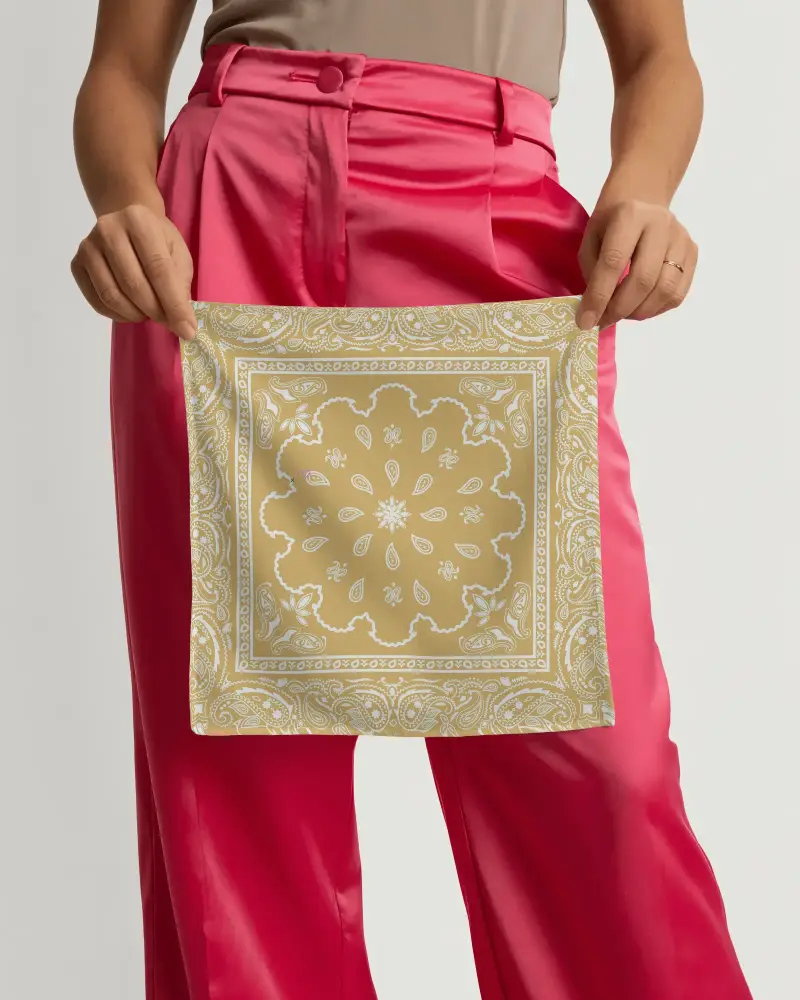
A Plain Bandana mockup is a digital representation used to display and promote creative designs on bandanas. Fully customizable in color and background, these mockups highlight apparel aesthetics and styling, serving as both a trendy fashion accessory and a protective face mask.
Why create a Plain Bandana mockup?
Create a Plain Bandana mockup featuring a model with a bandana to boost your brand's promotional appeal. The versatile templates adapt to diverse marketing needs—customize the bandana, background, and shirt colors to match your company’s style or to effectively promote bandana sales.
Why Use Mockey’s Plain Bandana Mockup?
Mockey AI offers customizable Plain Bandana mockups with user-friendly features. Upload your design, select a background and color, and use AI tools. Improve your brand promotion quickly with Mockey AI's extensive mockup library.
Is this Plain Bandana Mockup Free?
Yes, the Plain Bandana mockup is free in Mockey AI. It offers customizable, free templates so you can download your mockup at no cost.
Are the Plain Bandana mockups downloadable in high resolution?
A lot of Plain Bandana mockups available on reputable sites, such as Mockey AI mockup generator, can be downloaded in high resolution as PNGs or JPEGs.
