Free Wall Logo Mockup for Your Design
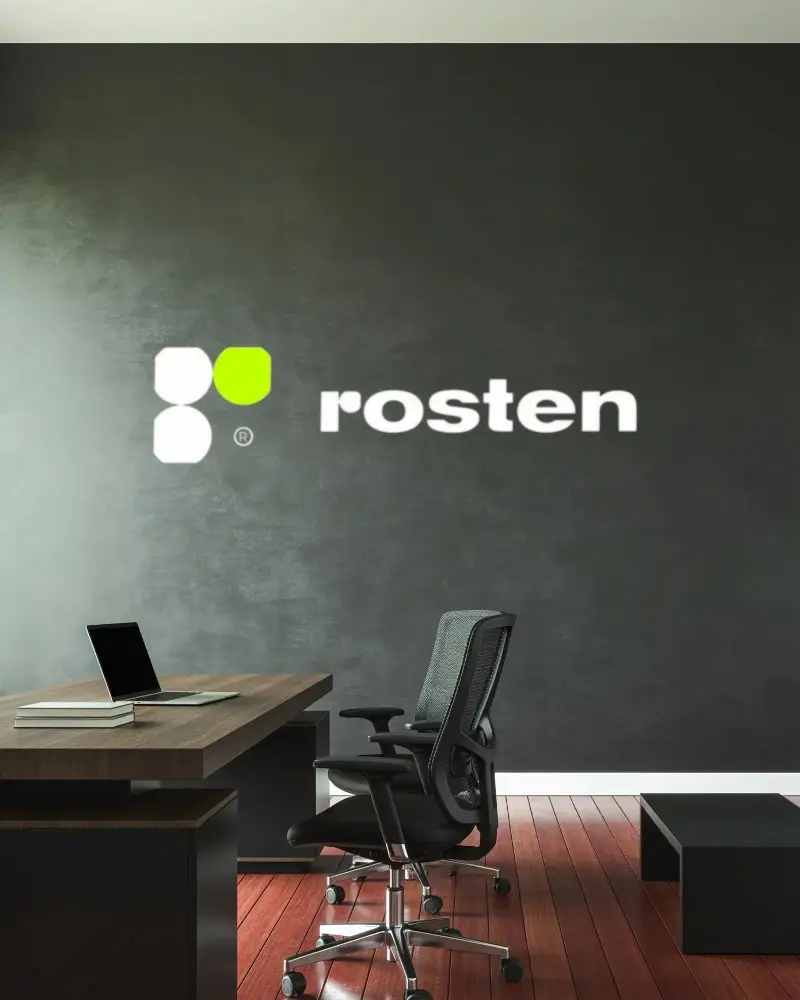
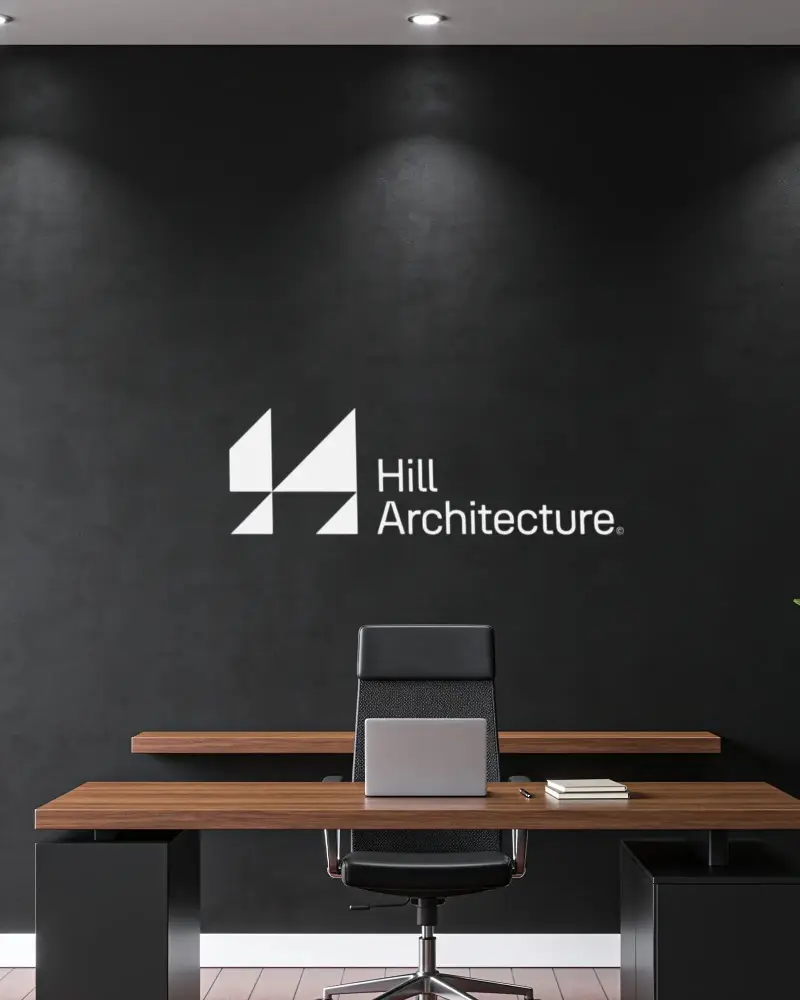
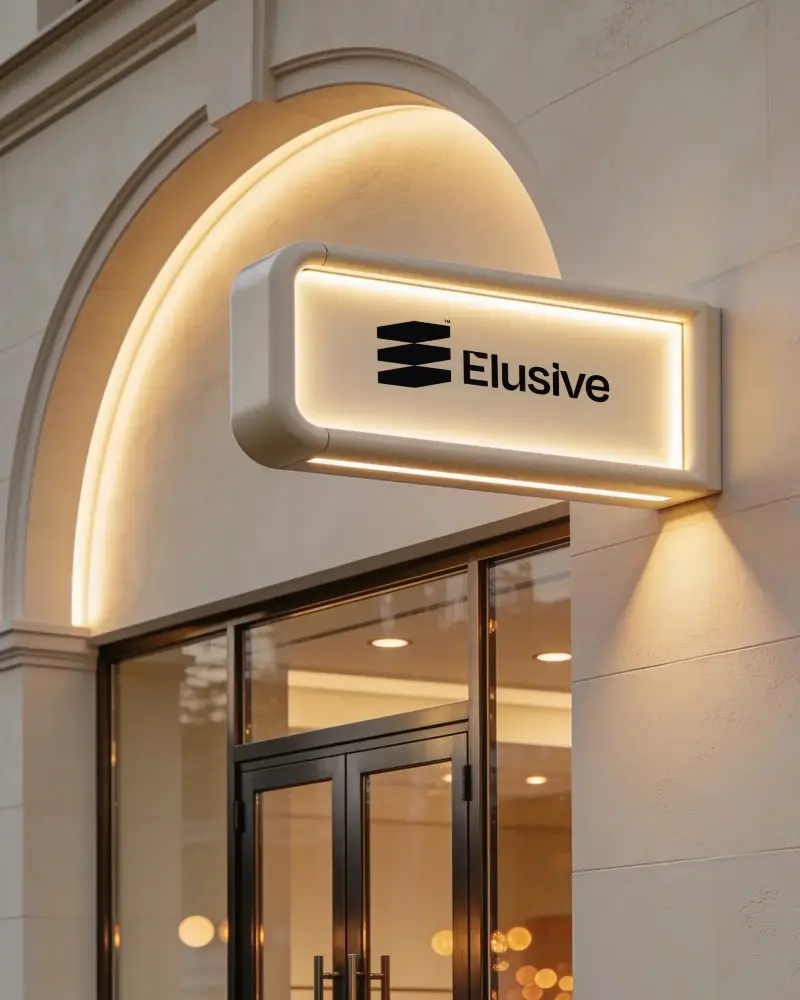
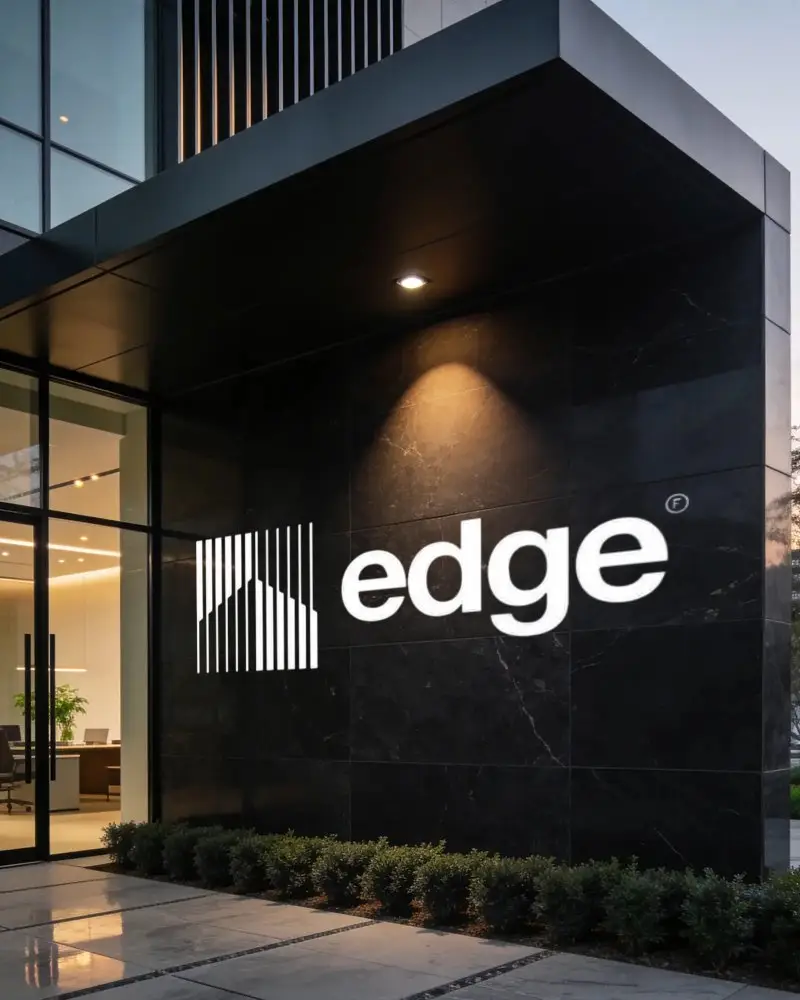
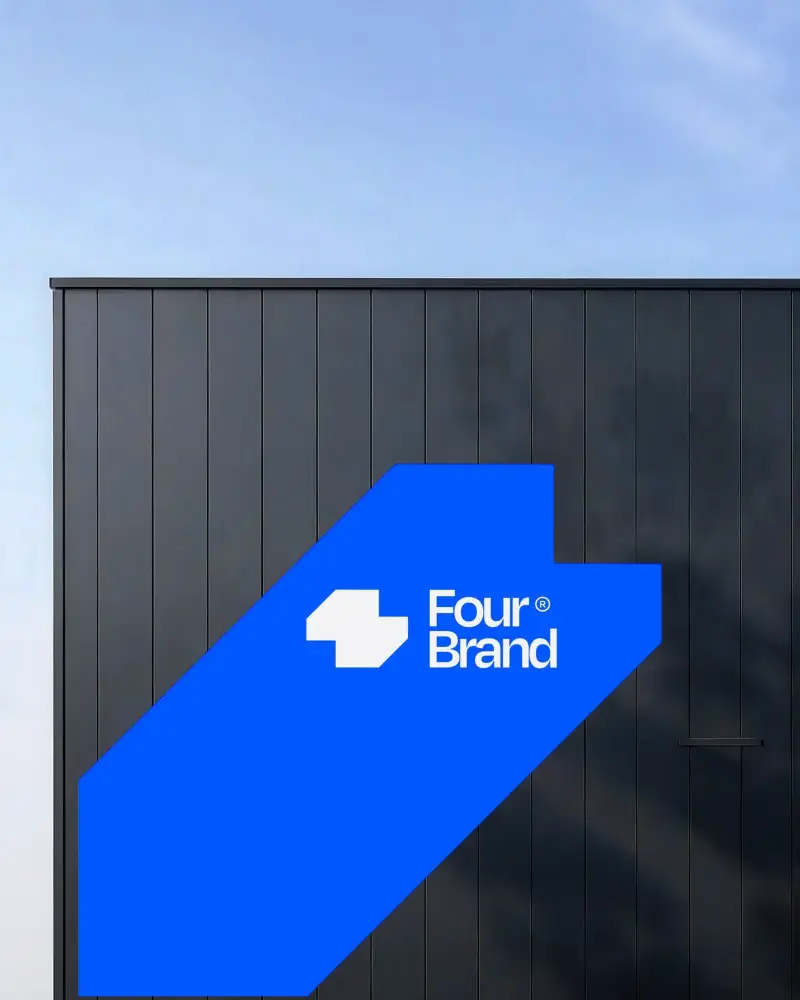
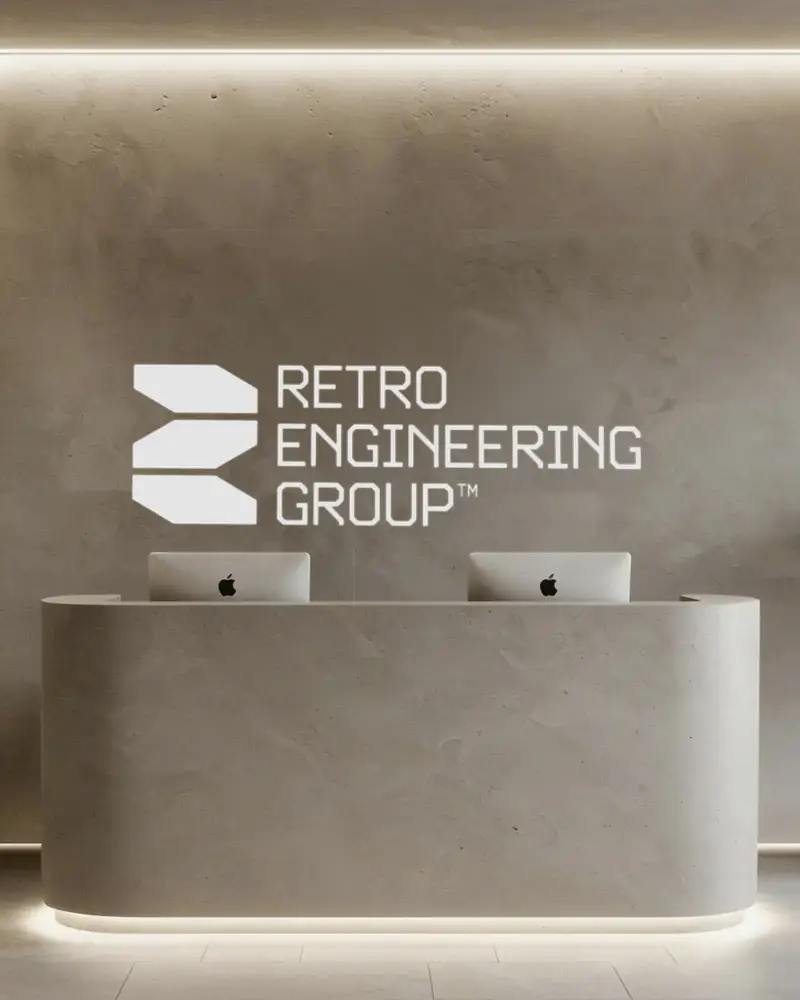
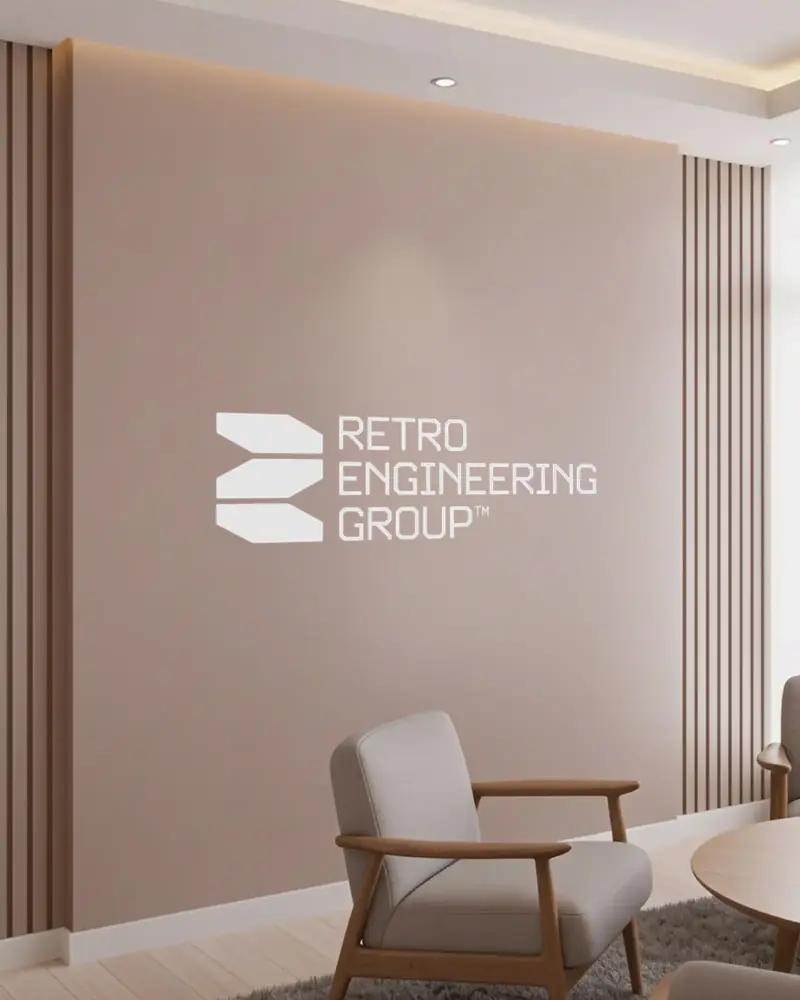
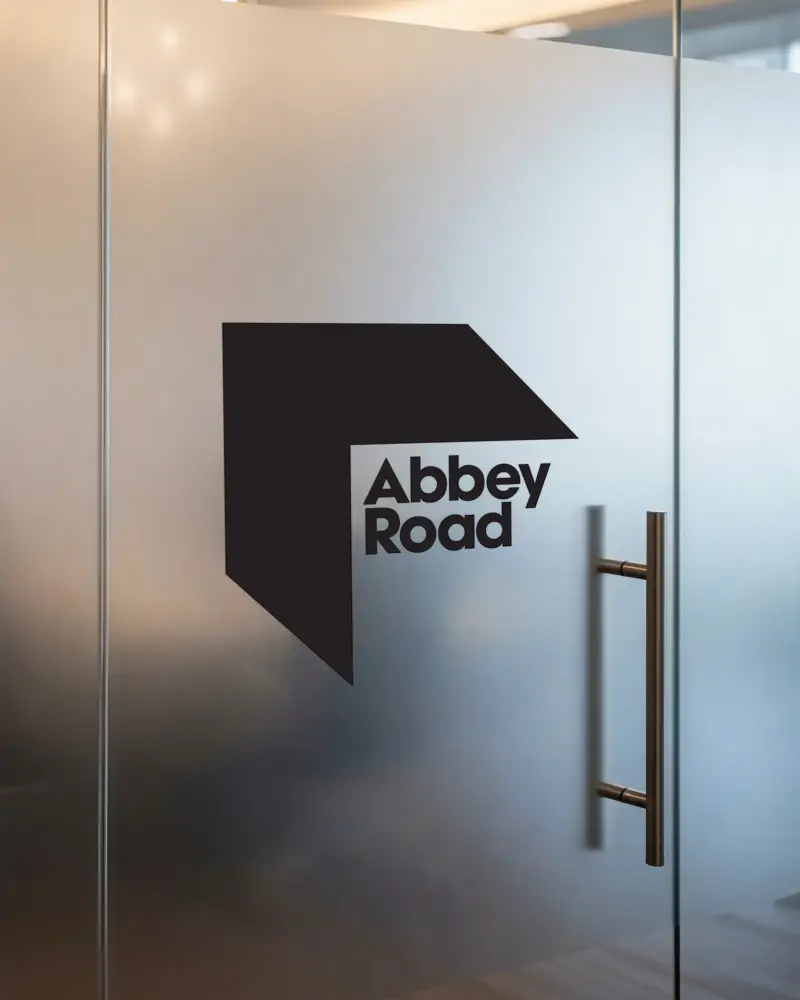
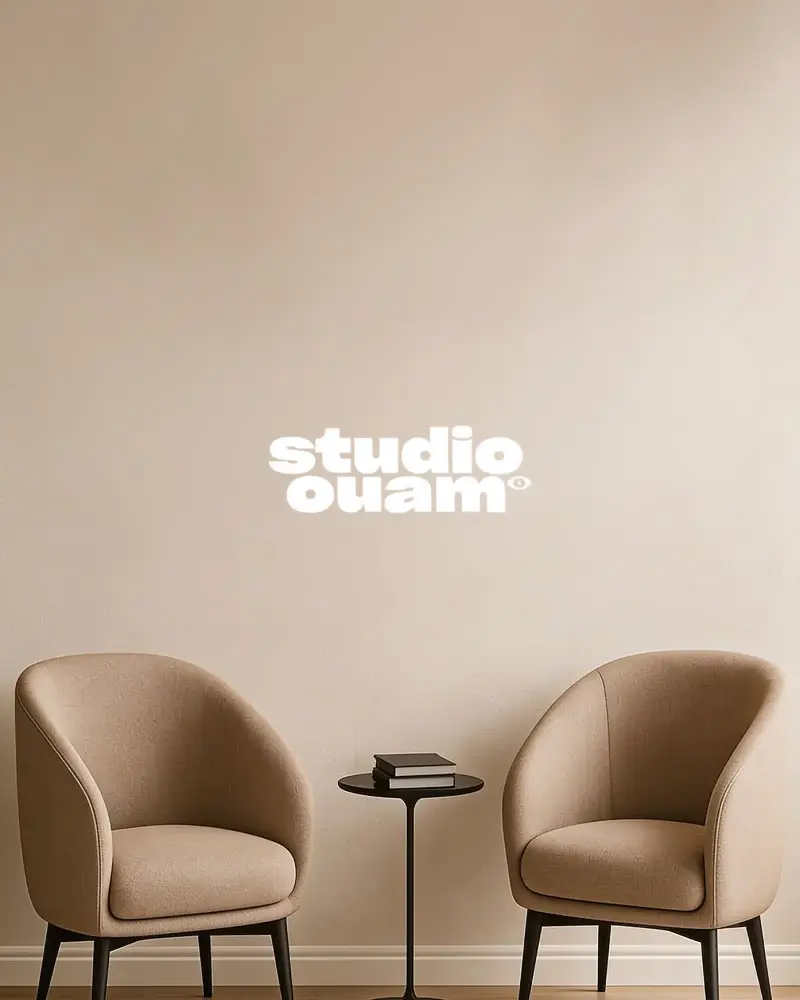
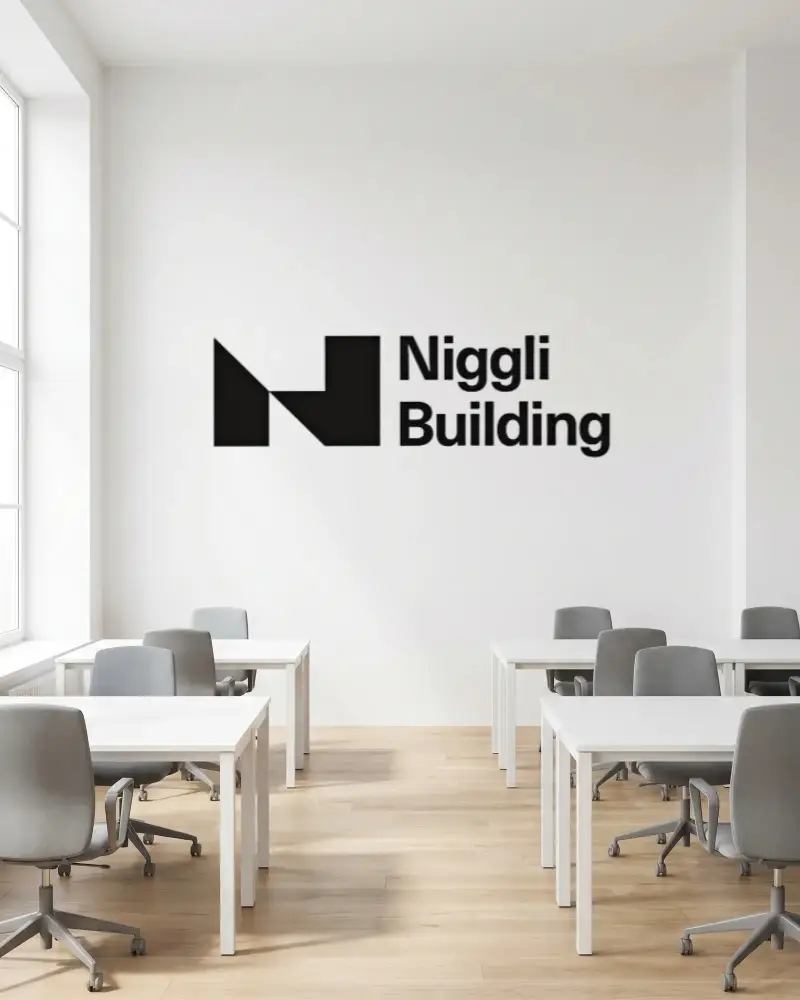
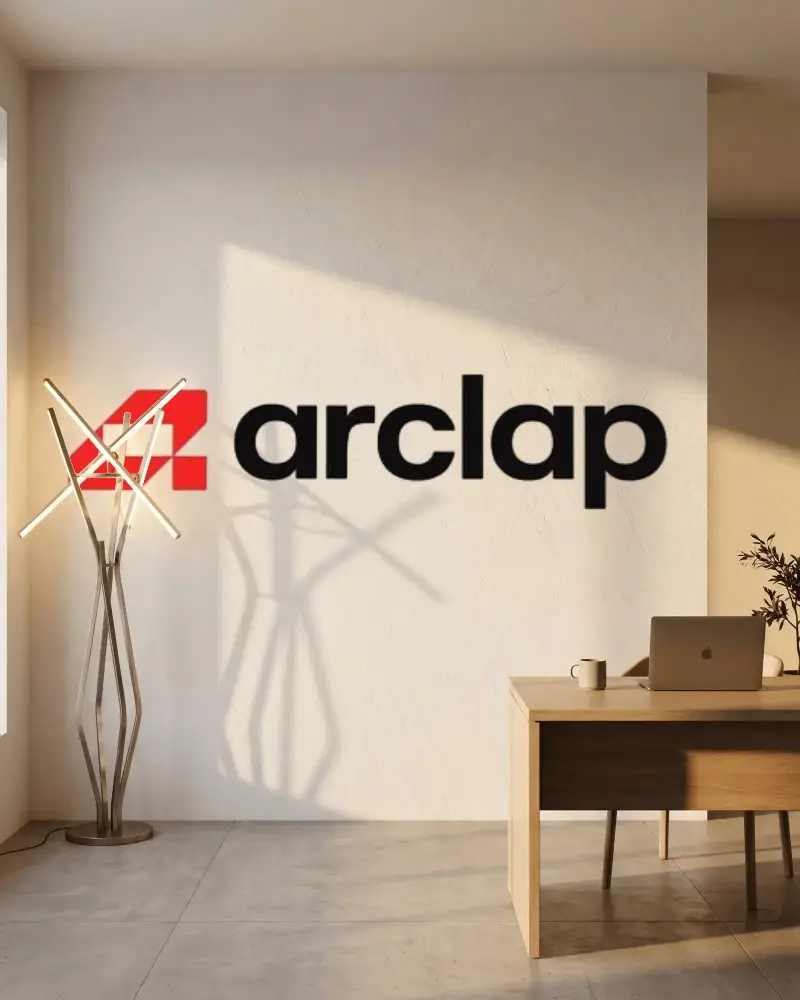
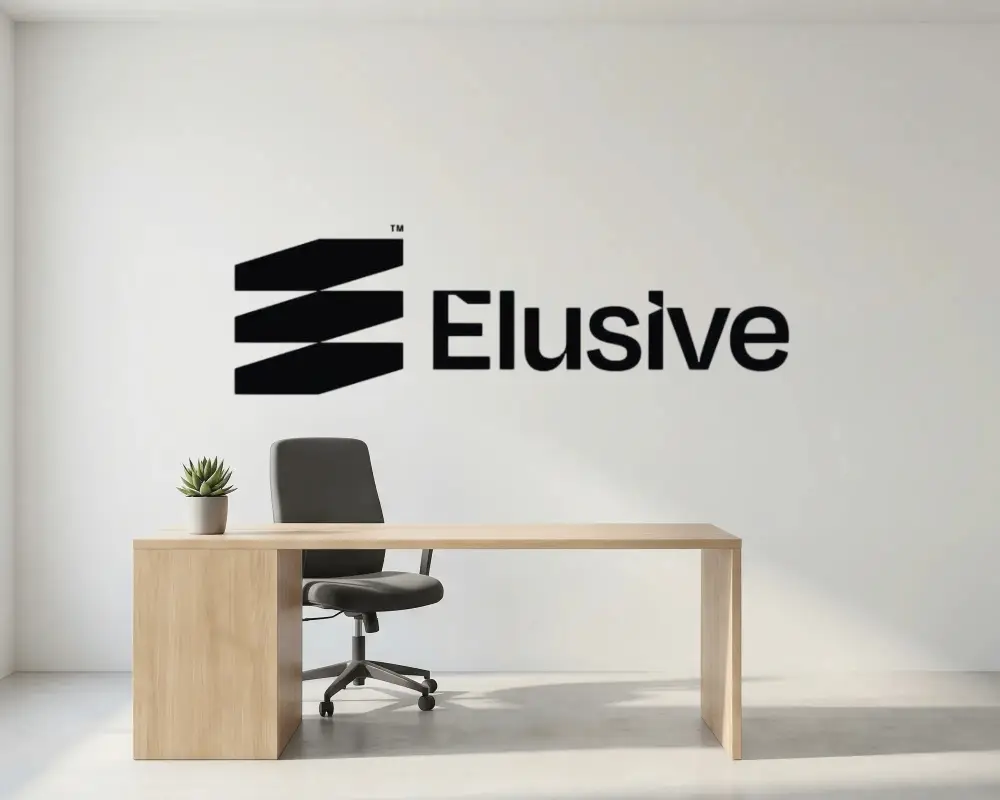
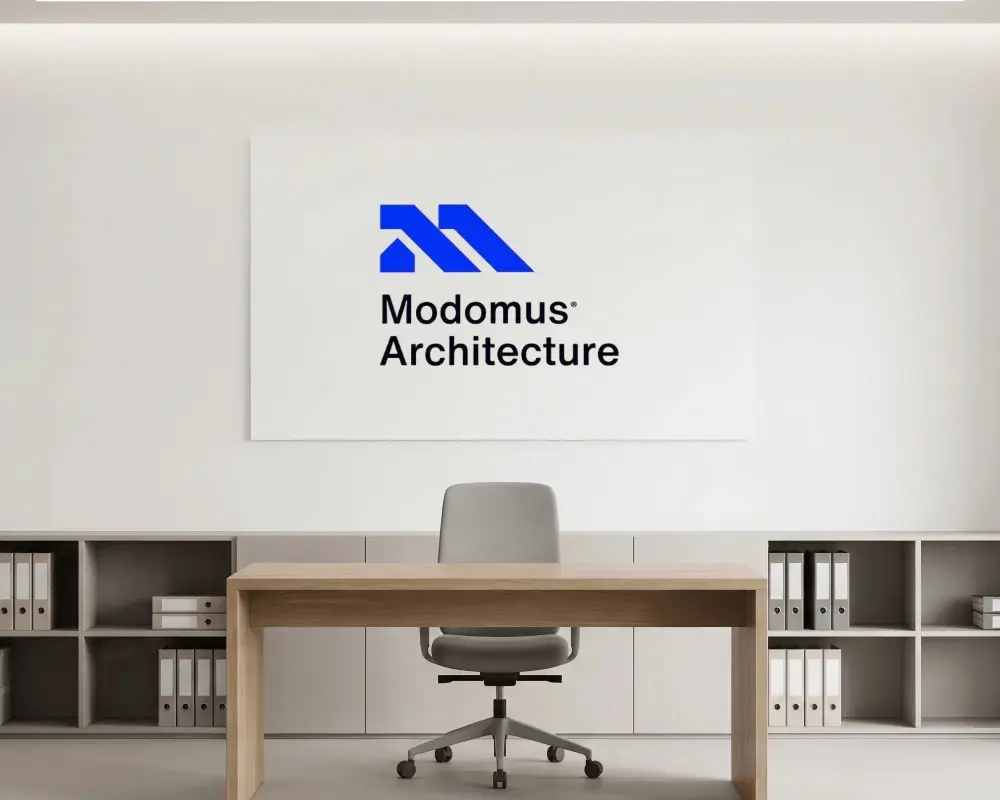
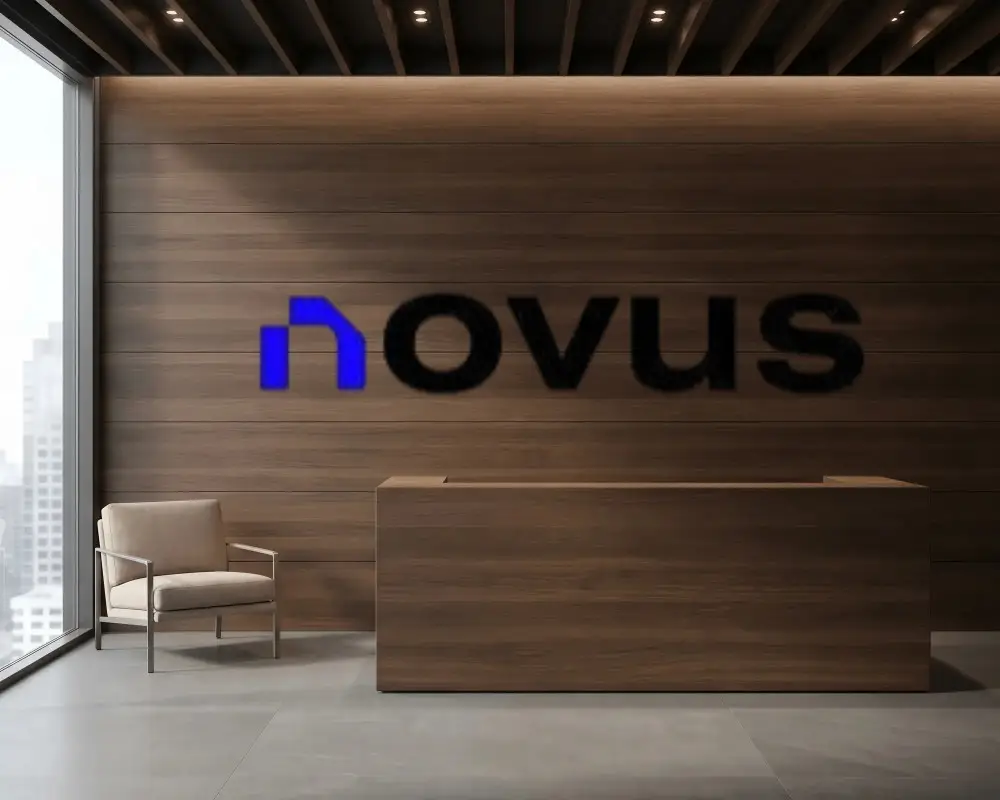
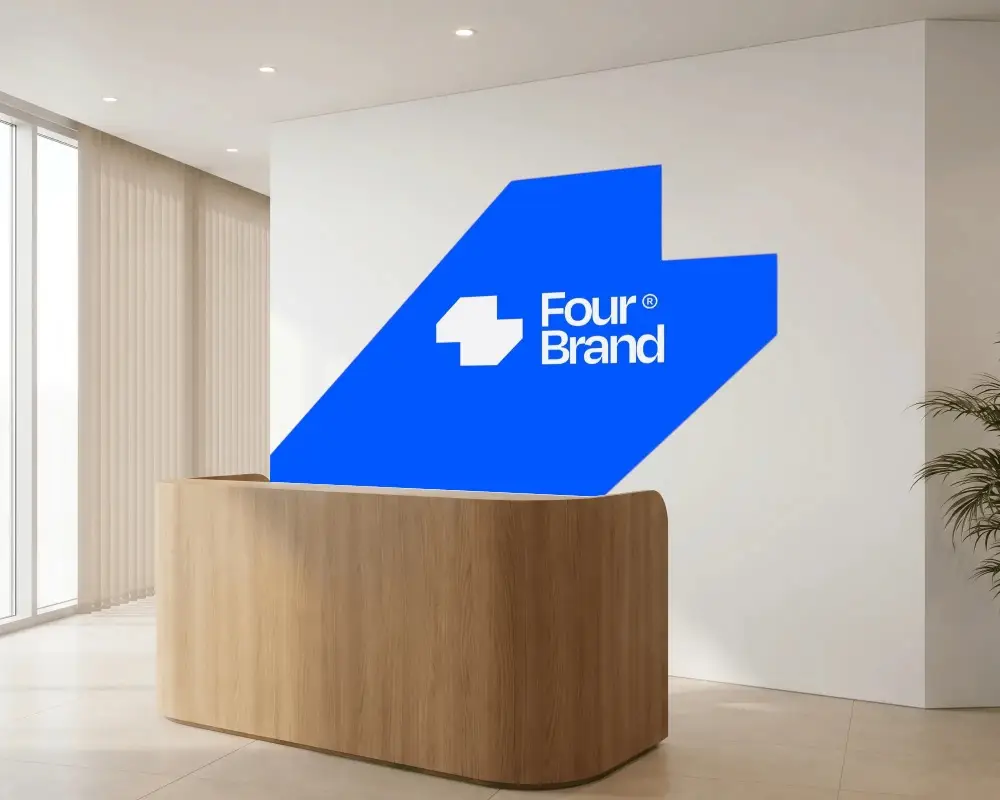
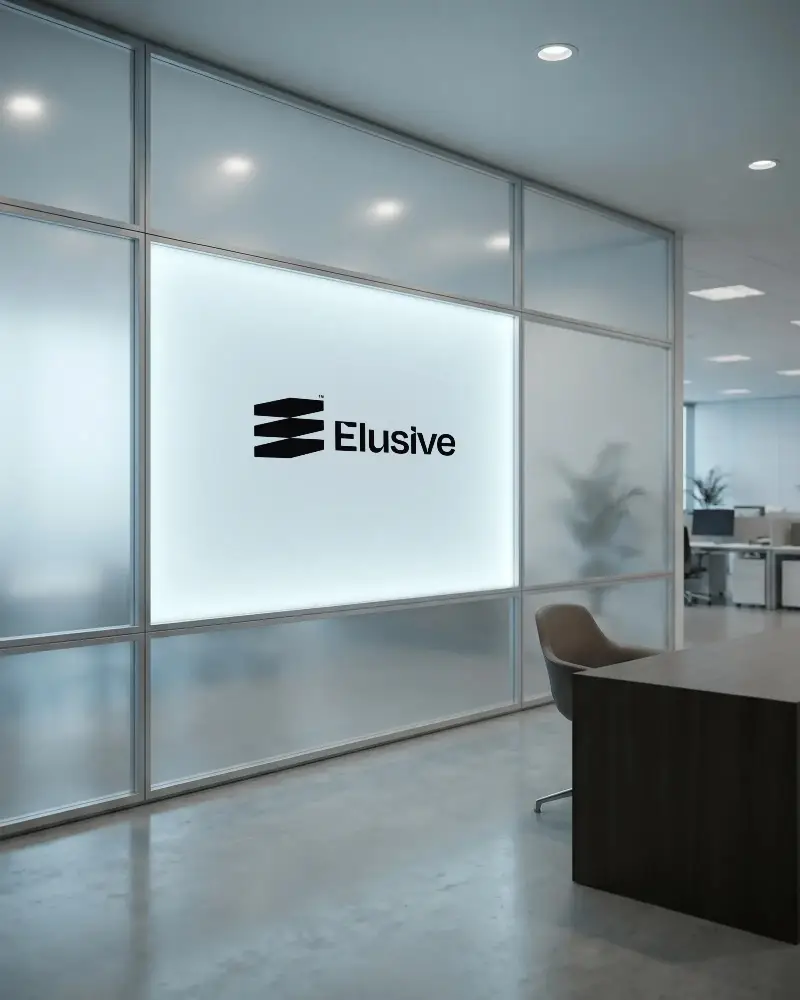
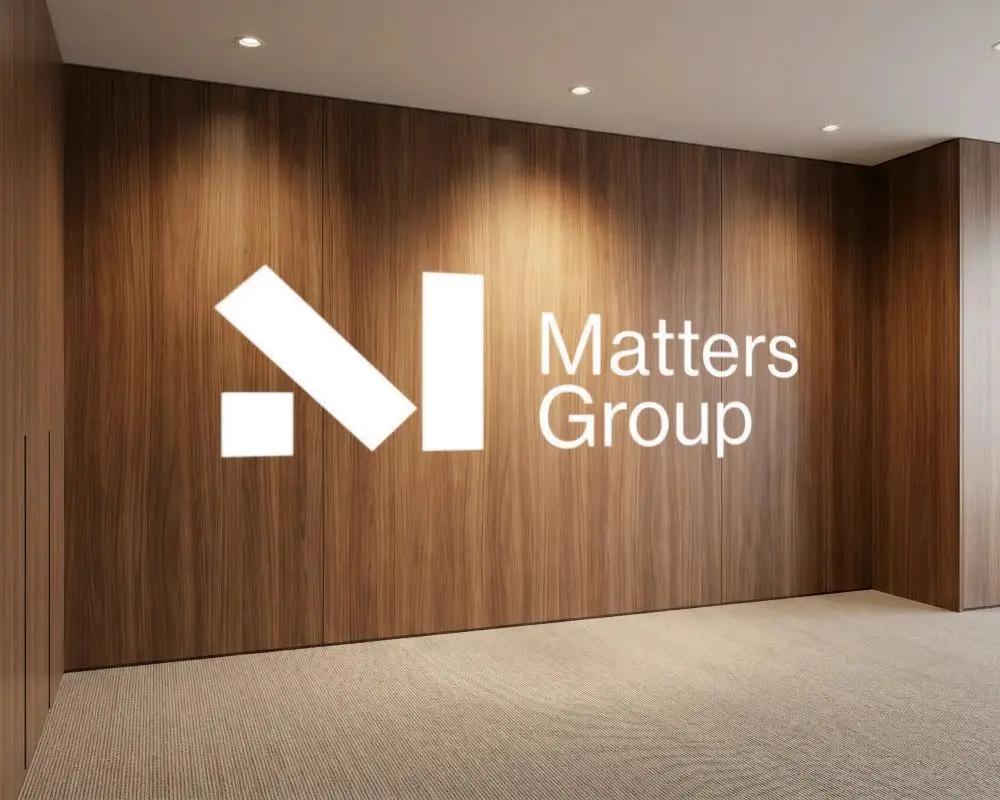
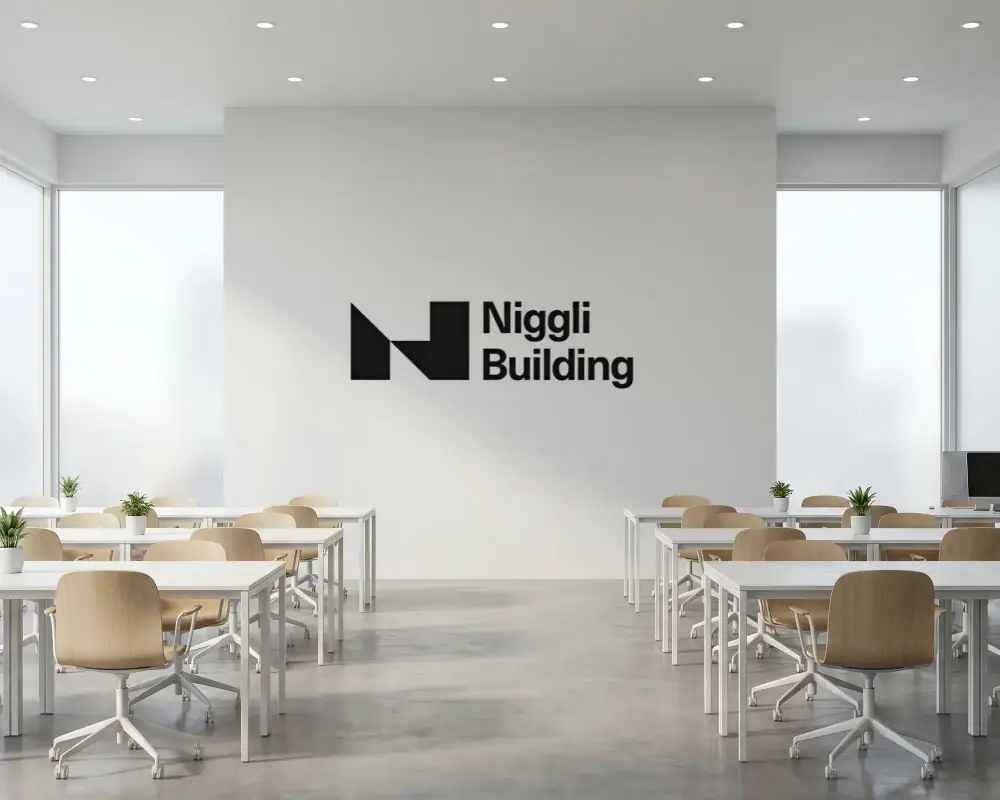
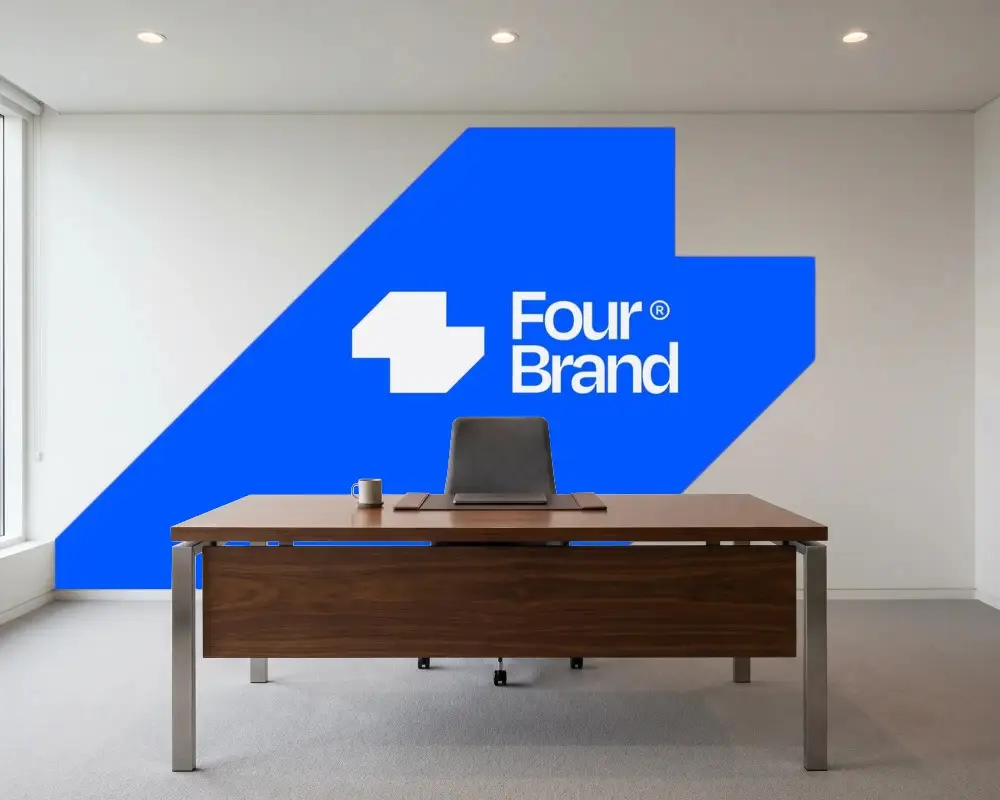
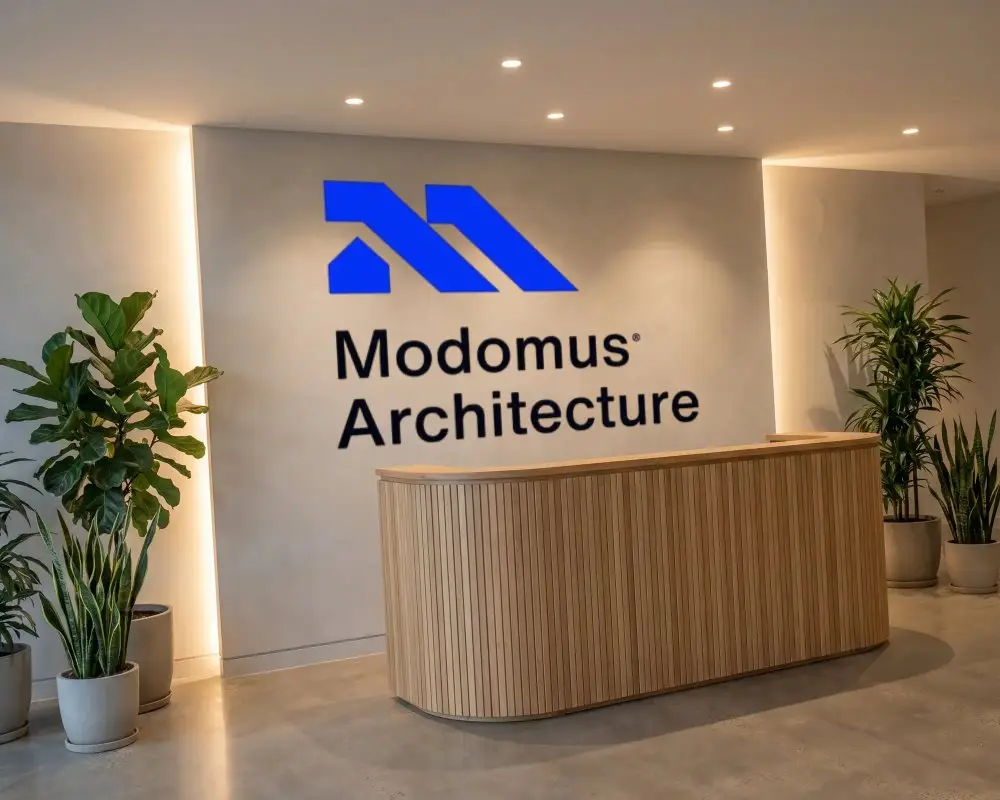
Sometimes a logo looks fine on screen but you still wonder how it will look in real life. That is where a wall logo mockup helps. You can place your logo on a wall and get a better idea of how it actually feels as a brand. With Mockey AI you can do this quickly without any complicated steps. Just upload your logo and see a simple clean preview in seconds.
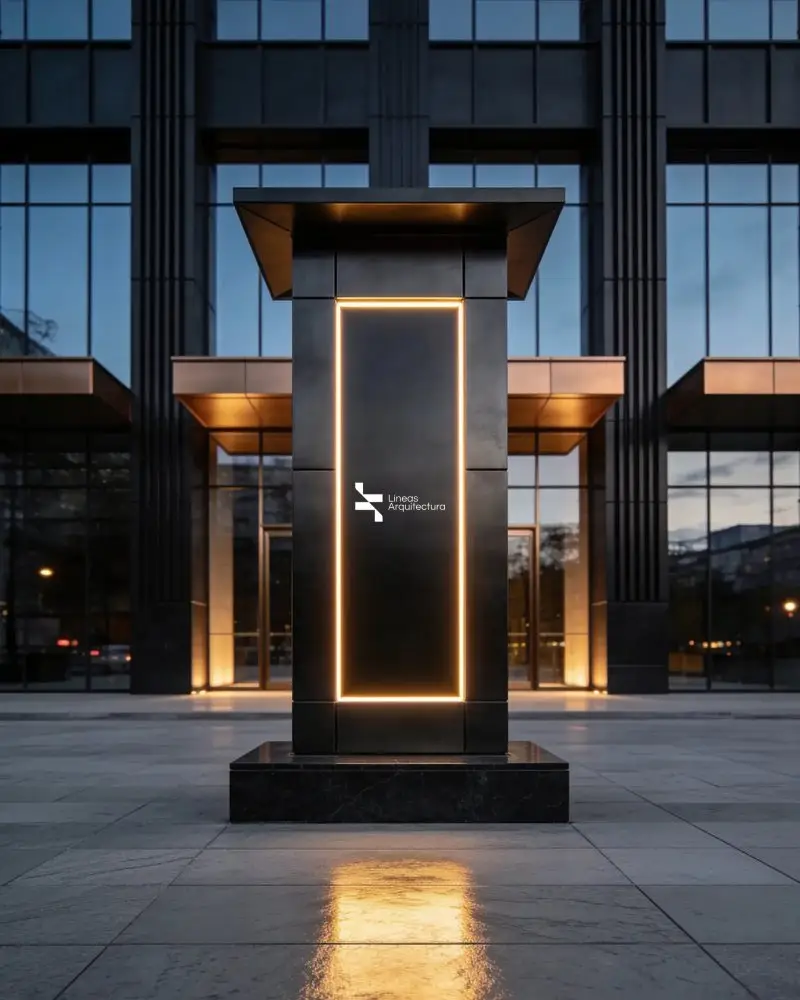
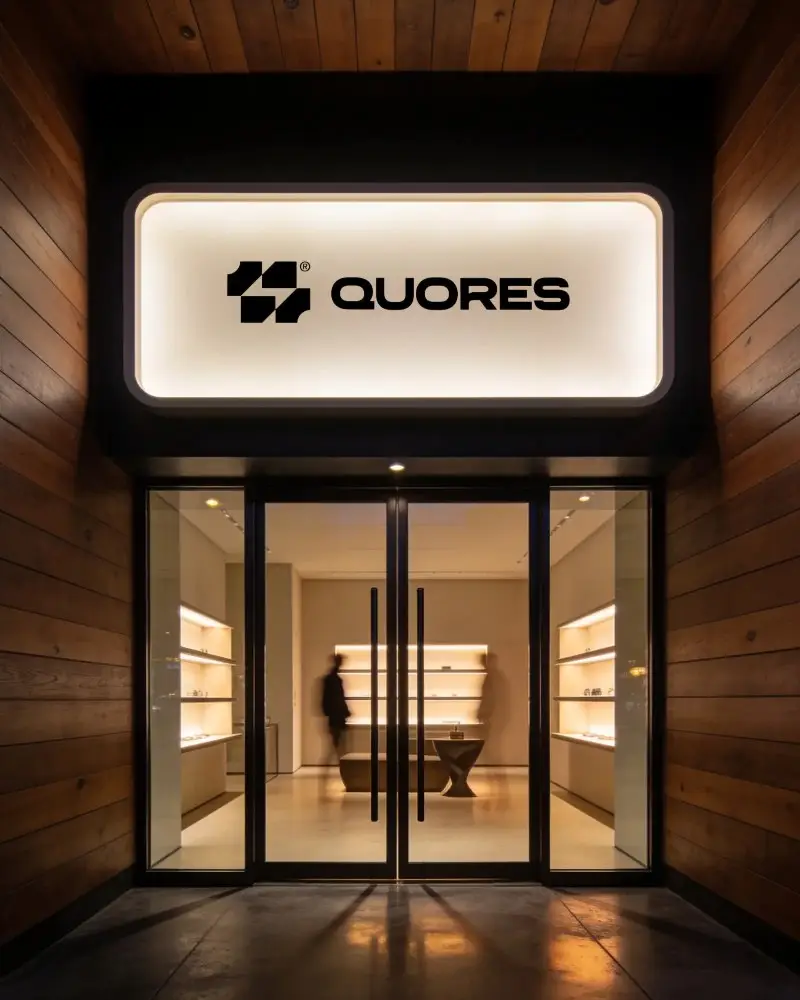
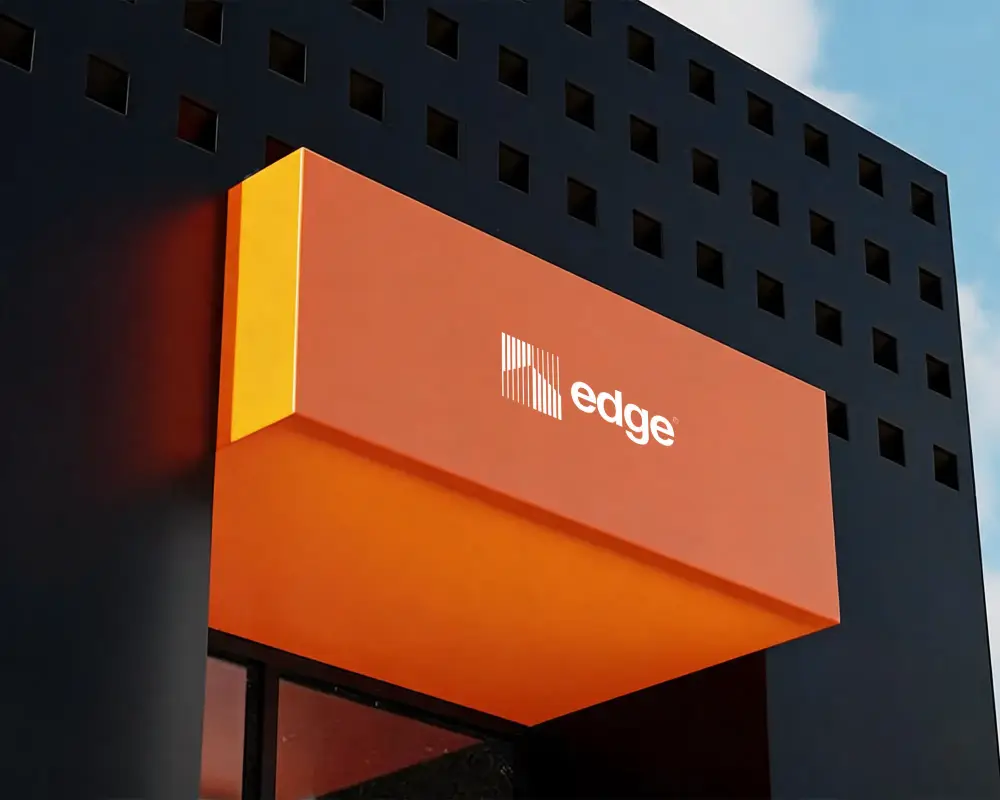
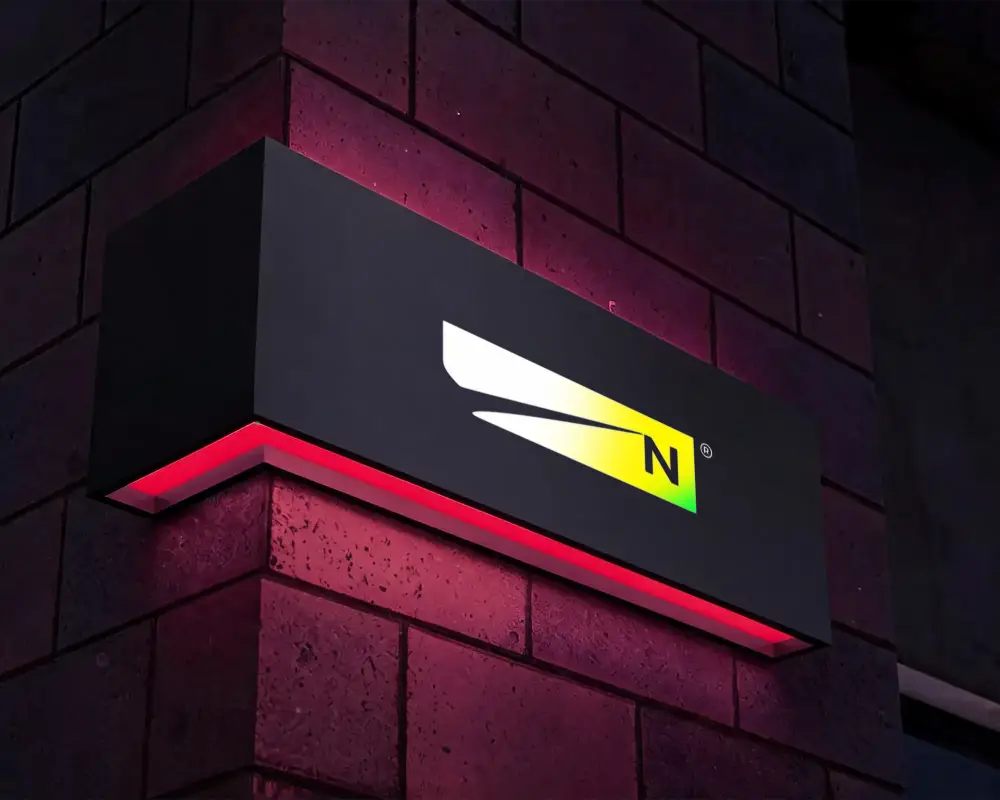
How to Create a Wall Logo Mockup with Mockey
To create wall logo mockups:
- Step 1: The mockup collection has a variety of wall logo styles for you to choose from.
- Step 2: Upload a design and adjust until it looks right.
- Step 3: Download the final wall logo mockup as a high-quality JPG or PNG.


FAQs on wall-logo Mockups
What is a wall logo mockup?
A wall logo mockup is a preview of a logo placed on a wall, such as brick, concrete, or wood. These types of mockups are available in Mockey in a huge number.
Is the free wall logo mockup easy to use for beginners?
Mockey's free wall logo mockups are very easy for beginners to use. Create designs without needing even basic design knowledge. You can add your logo, make adjustments, and use editing tools without any guidance.
How fast can I create a wall logo mockup?
You can make a wall logo mockup within 1 minute using Mockey. Because uploading a design, adjusting it, or placing it takes just a few seconds, even for non-designers.
Is the PNG format available in the free wall logo mockup?
In the free wall logo mockup, you don't get a PNG file. Instead, only a JPG option is available for download. If you want to download the wall logo mockup in PNG format, purchase the Starter plan, which is $7 per month.
Is this wall logo mockup watermark free?
Wall logo mockups on Mockey can be downloaded without any watermark, even if you are on the free plan.
