Free Company Logo Mockup for Professional Branding
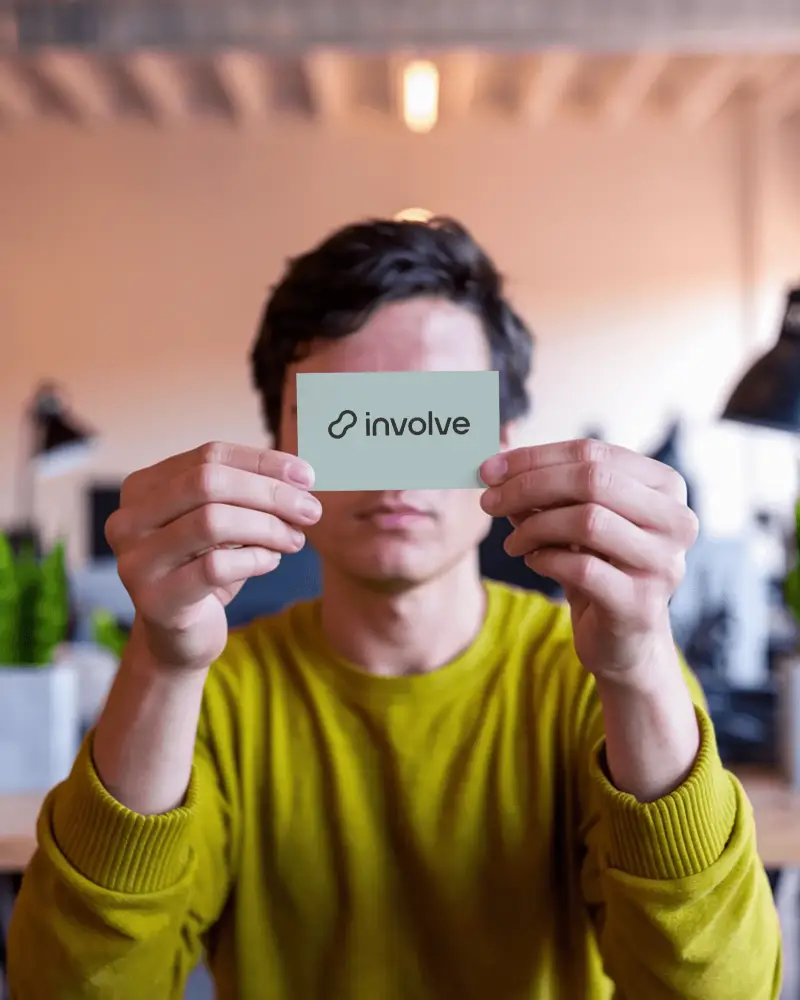
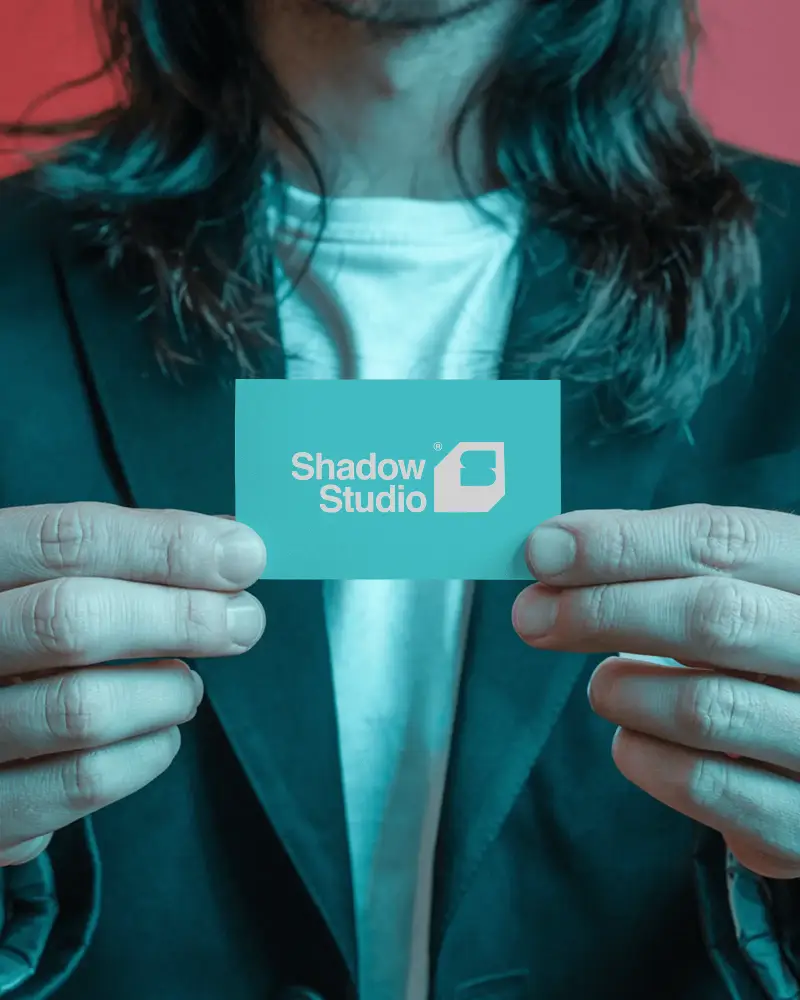
A company logo is more than just a symbol. It is the first thing people notice about your brand. But before you print it on office walls, signage, stationery, or merchandise, you need to know how it actually looks in context. A company logo mockup lets you place your logo into realistic scenes so you can review, refine, and present it with confidence. With Mockey AI you can create a clean professional company logo mockup in seconds without any design experience.
How to Create a Company Logo Mockup with Mockey
To create a company logo mockup:
- Step 1: Browse the Mockey library and select a company logo template that fits your brand style.
- Step 2: Upload your logo and use the built-in editor to adjust size, position, and color.
- Step 3: Download your company logo mockup as a high-quality PNG or JPG instantly.


FAQs on company Mockups
What is a company logo mockup?
A company logo mockup is a digital template that lets you place your logo on realistic brand surfaces like office walls, stationery, signage, or packaging. It helps you visualize how your logo looks before committing to print or production.
Is the company logo mockup free to use?
Yes, Mockey offers free company logo mockups with no watermark. On the free plan you can download in JPG format with a limit of 3 downloads per day. Upgrade to the Starter plan at $7 per month to unlock PNG downloads and more.
Who should use a company logo mockup?
Company logo mockups are ideal for business owners, branding agencies, freelance designers, and startup founders who want to present or review their logo in a professional and realistic setting before going live.
How quickly can I create a company logo mockup?
You can create a company logo mockup in under a minute with Mockey. Simply upload your logo, pick a template, make quick adjustments, and download. No tutorials or design tools needed.
Is the company logo mockup watermark free?
Yes. All company logo mockups downloaded from Mockey are completely watermark free, even on the free plan.
