Apparel Logo Mockup Free and Easy to Use
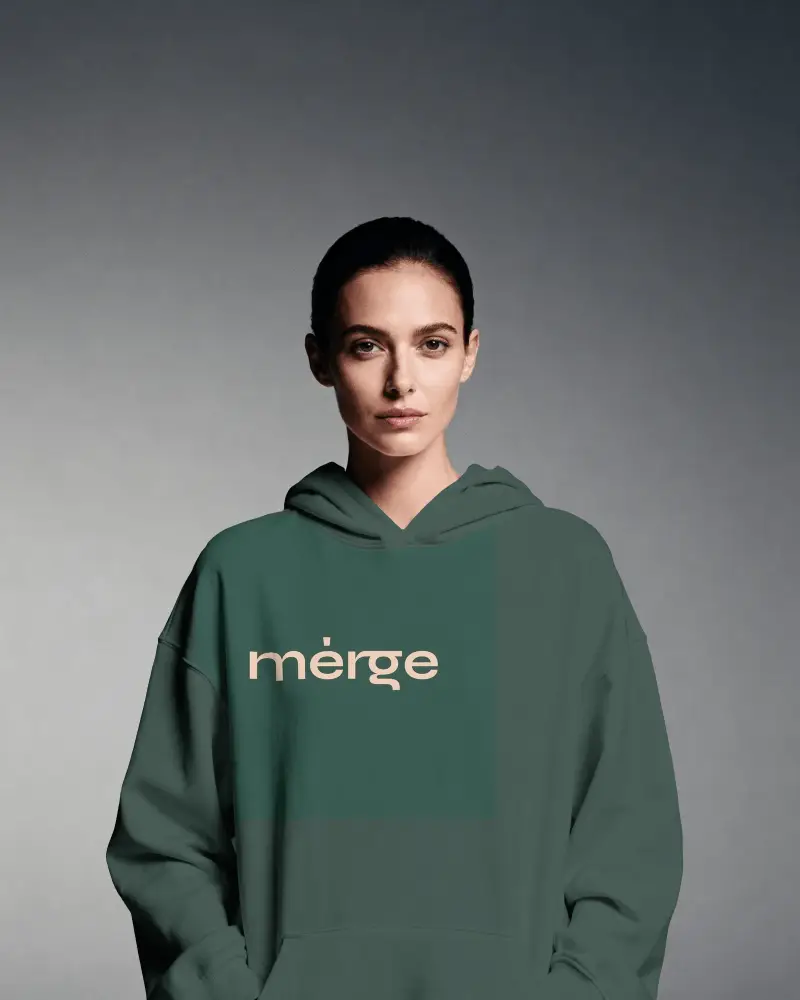
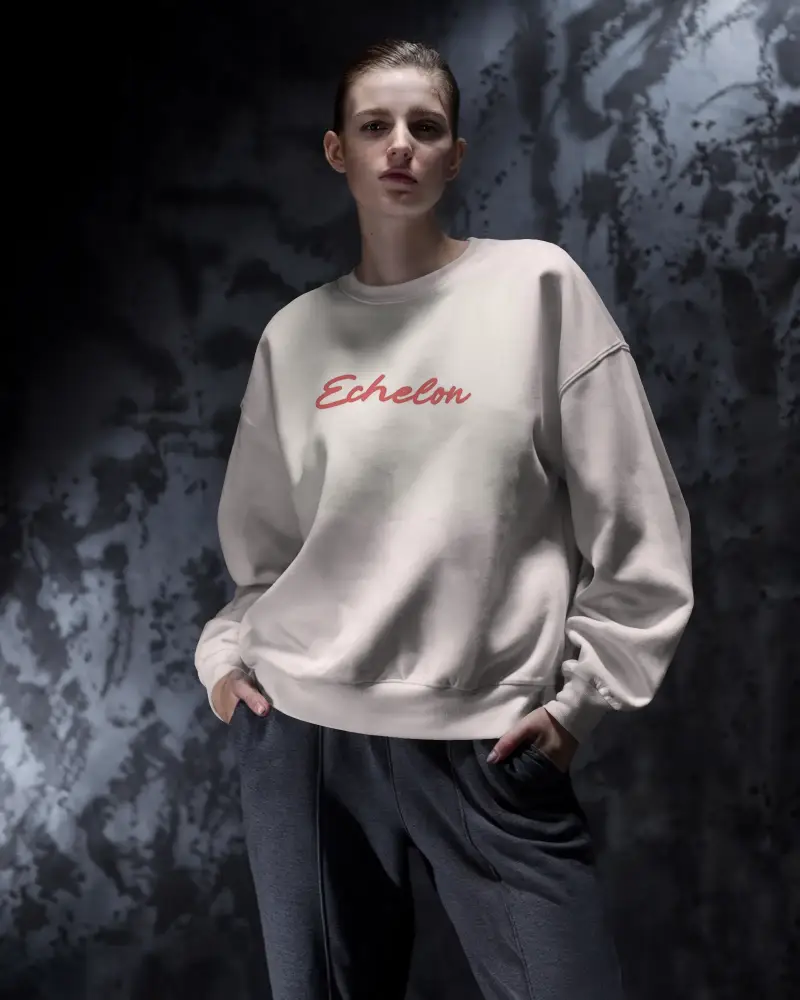
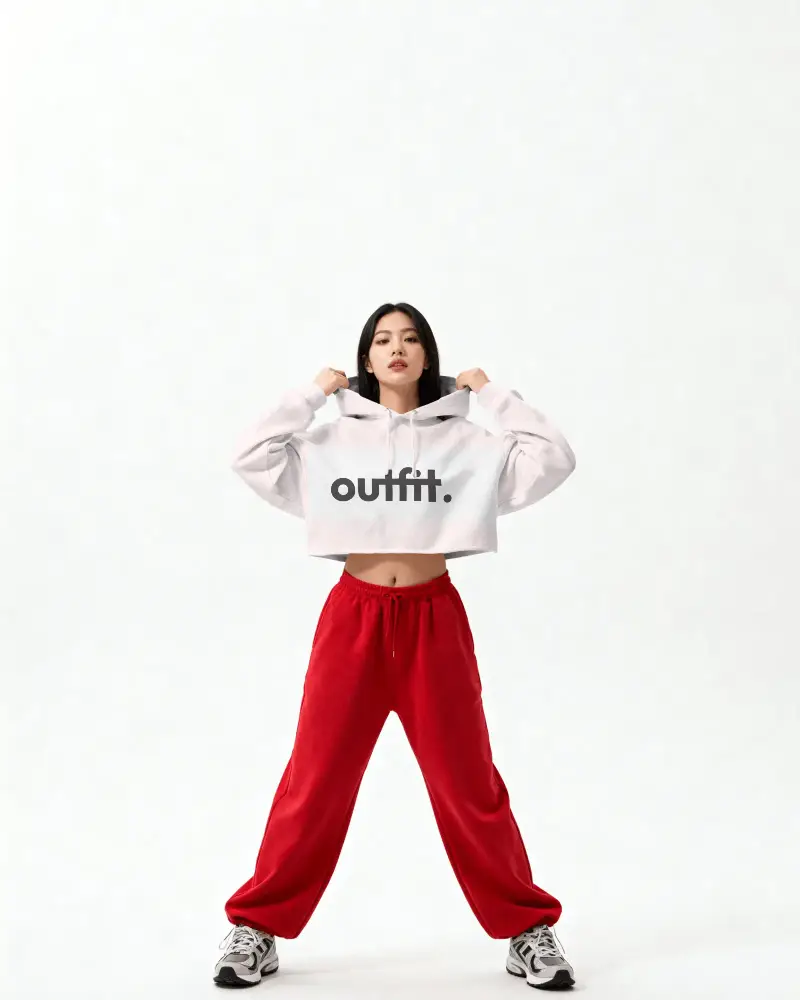
An apparel logo mockup helps you see how your design looks on real clothing like t-shirts and hoodies. It makes your logo feel more real and ready for customers. With this apparel logo mockup you can quickly create clean and professional visuals without any design skills. Just upload your logo and get a high quality preview that is perfect for branding or print on demand.




How to Create an Apparel Logo Mockup with Mockey
To create an apparel logo mockup:
- Step 1: Select an apparel logo template from our library.
- Step 2: Add a custom logo using the Upload Design option and edit it.
- Step 3: Finally, save your apparel logo mockup by clicking the Download button.


FAQs on apparel-logo-mockup Mockups
What is an apparel logo mockup?
An apparel logo mockup is a digital photo that shows how your logo or design will look on clothing like T-shirts, hoodies, or hats. Designers and brands use Mockey for ready-made templates to add their logo design.
Why should I use an apparel logo mockup?
With apparel logo mockups, you can see how the logo looks on fabric and folded clothes. They help avoid mistakes by checking size and placement early. You can explain ideas to manufacturers before production.
Can I use this apparel logo mockup for print-on-demand?
Mockey provides many ready-to-use templates for POD. Upload your logo as a transparent PNG and adjust it properly. Its output attracts more buyers compared to plain product photos.
Can I download the apparel logo mockup?
Download apparel logo mockups from Mockey without any watermark. Whether you are on the free plan or the paid plan, you can download it in one click.
