Free Juice Bottle Mockups Online
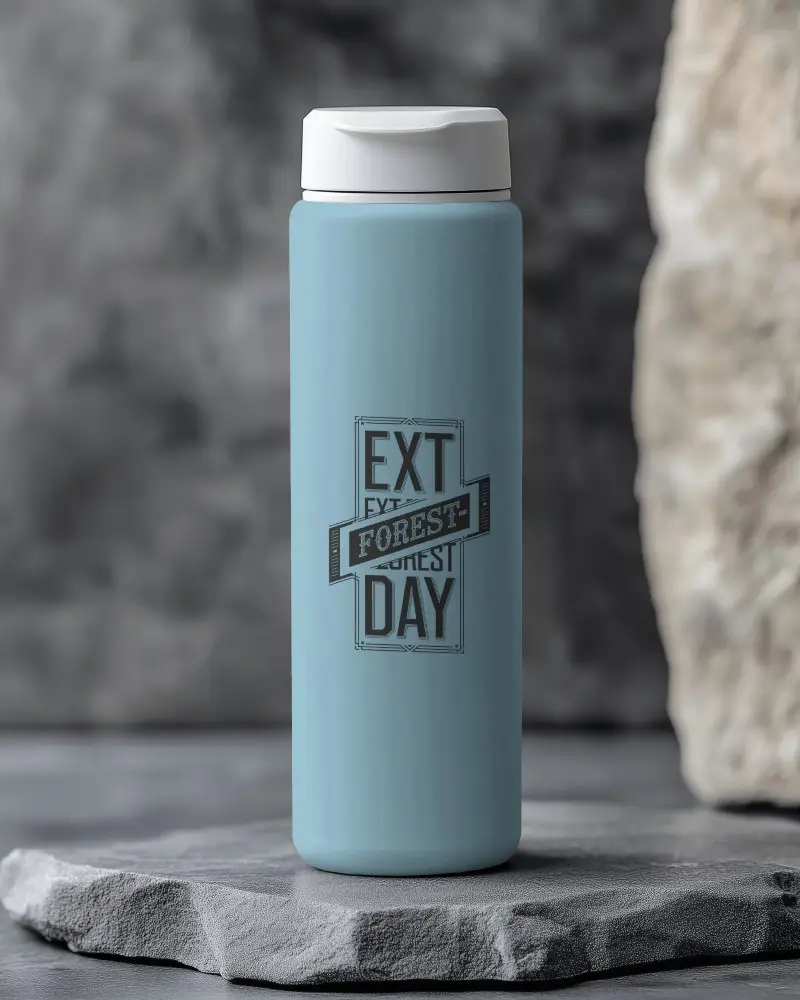
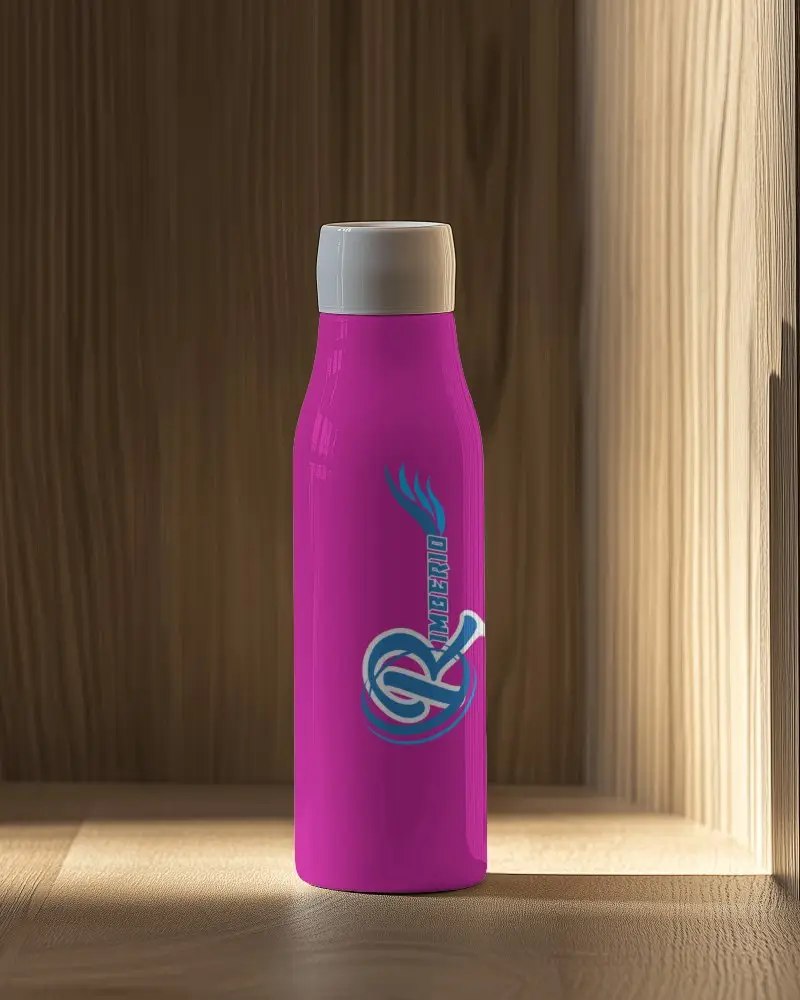
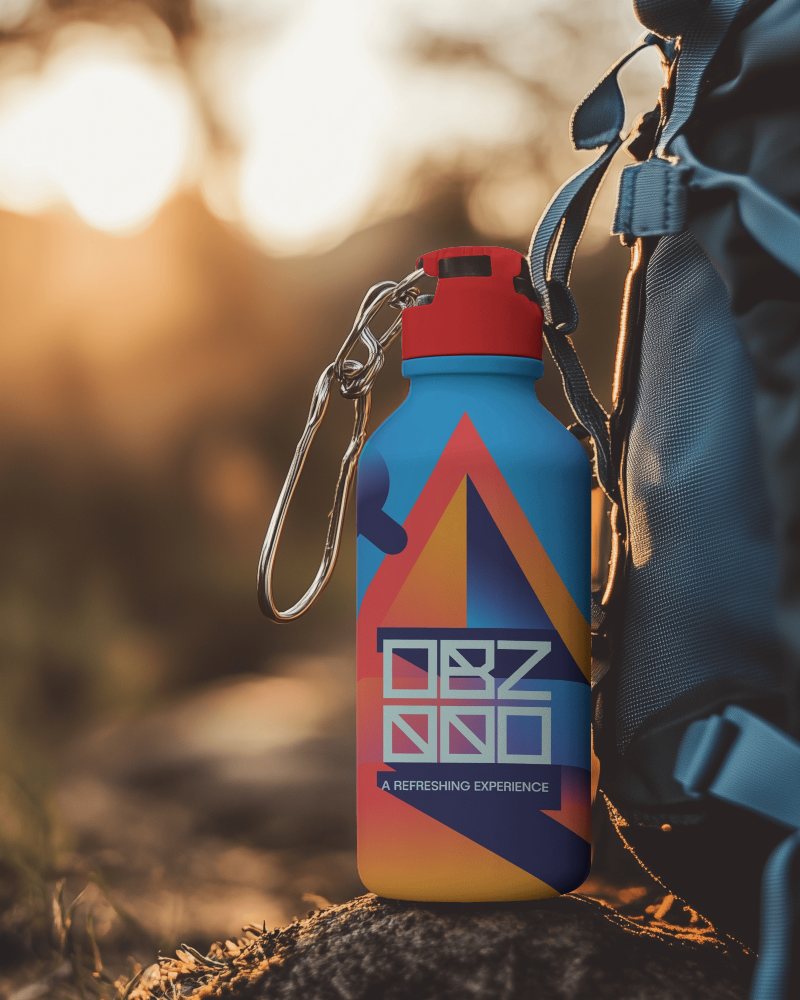
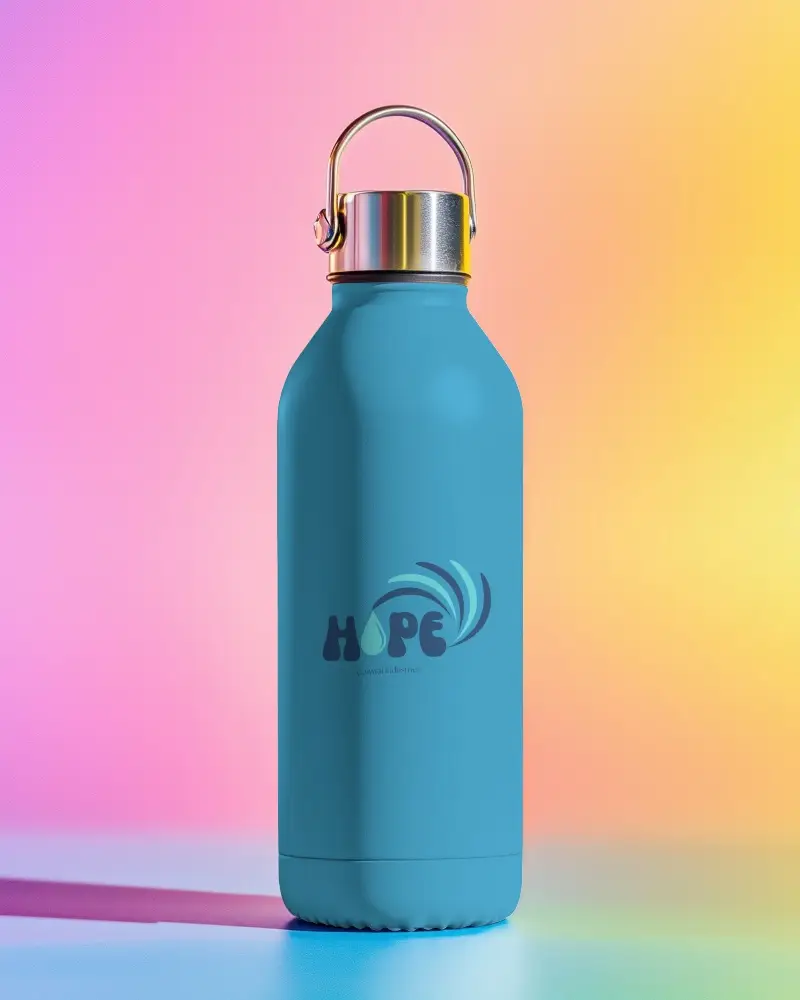
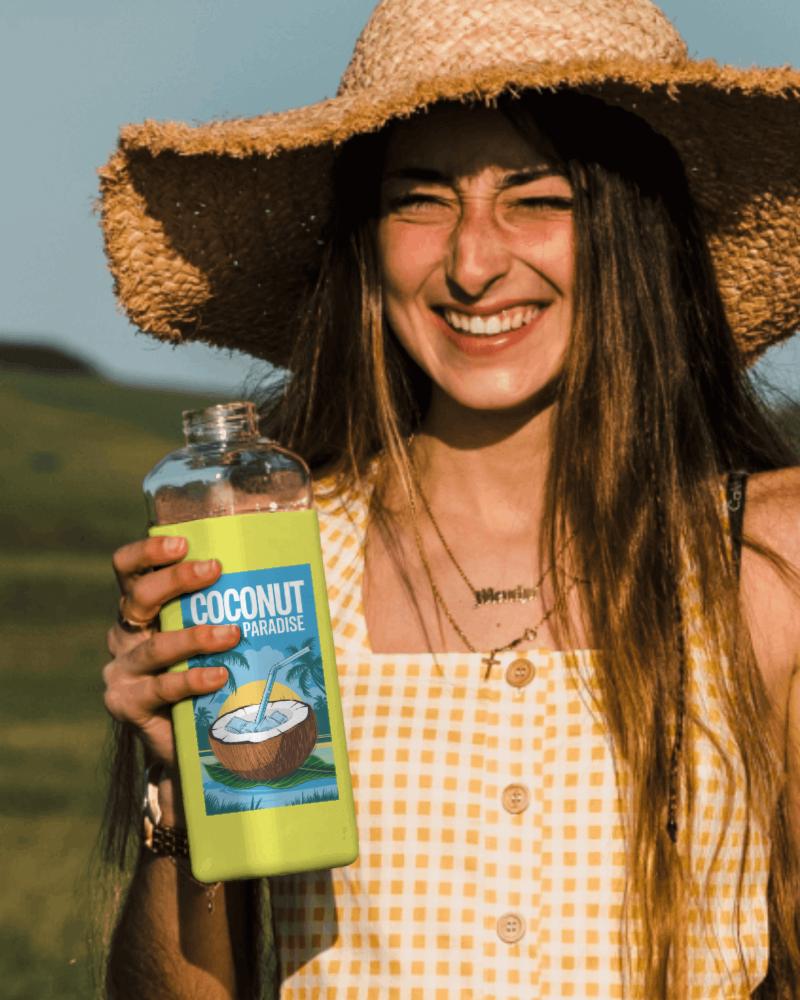
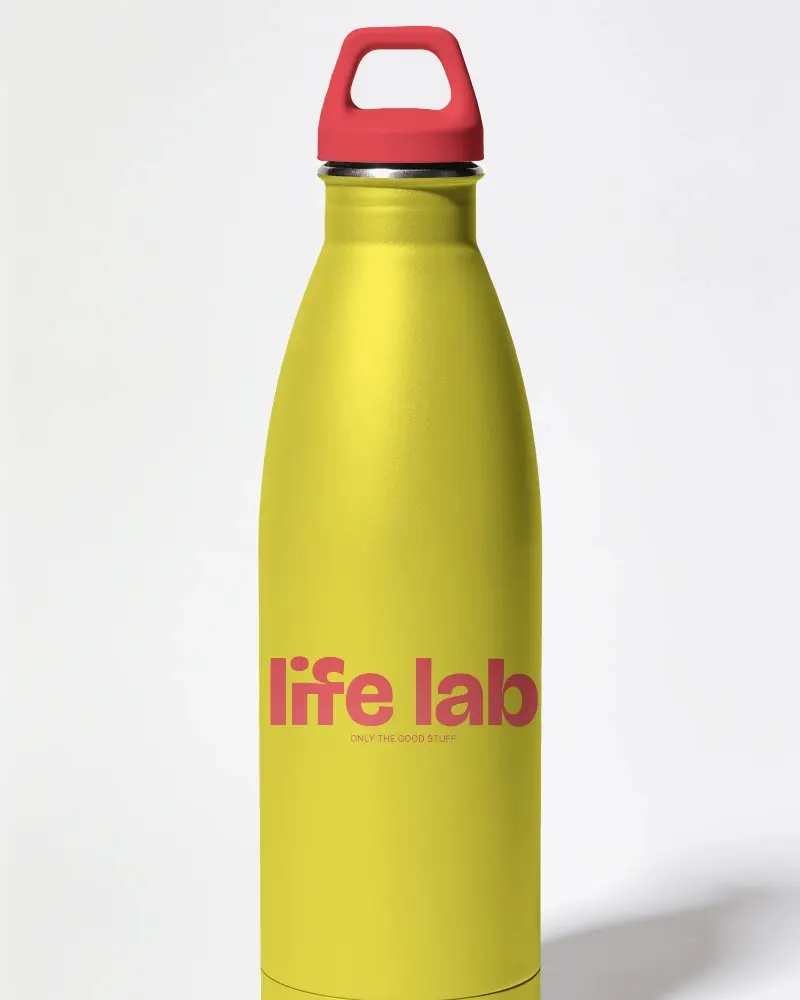
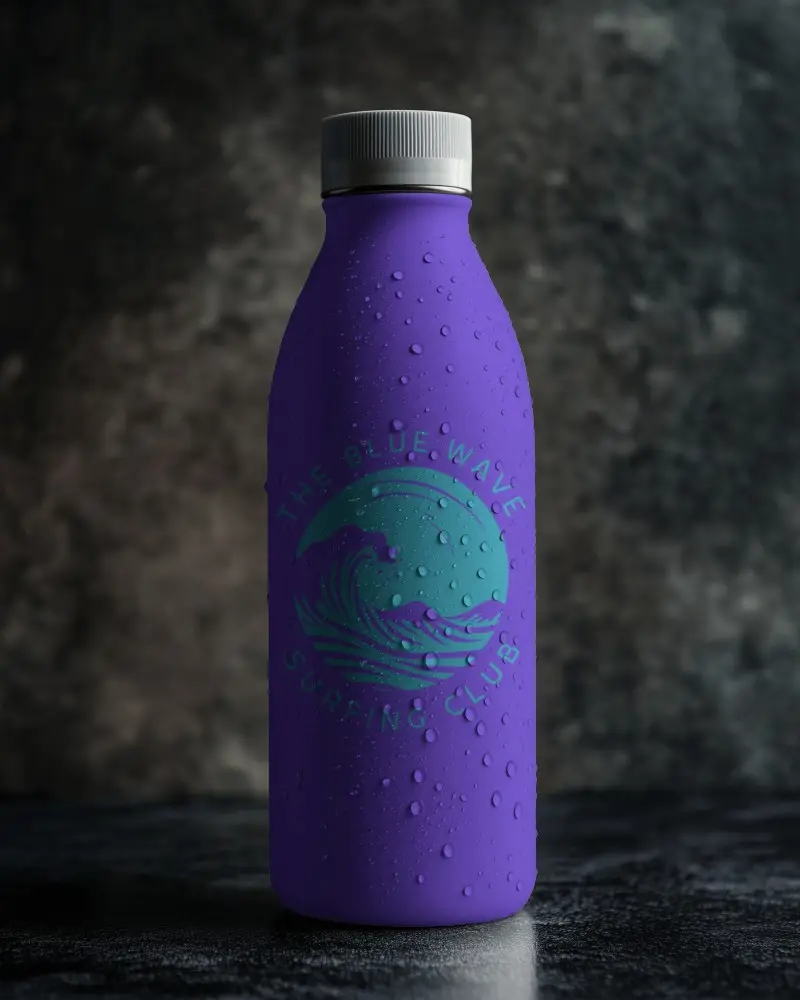
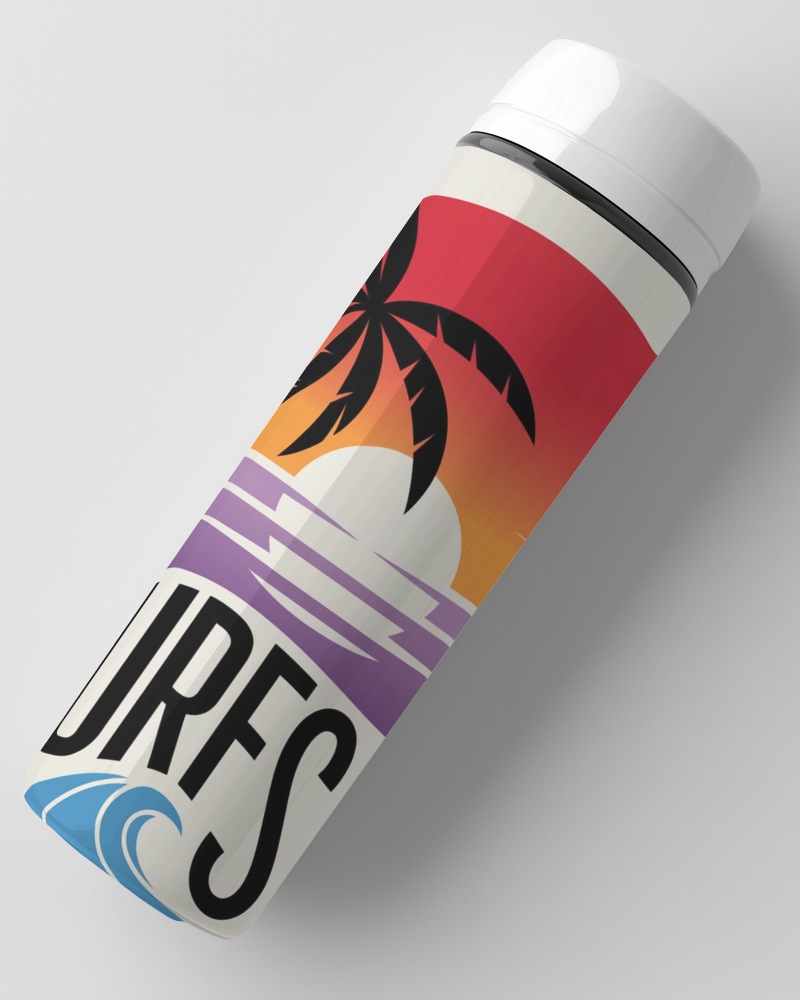
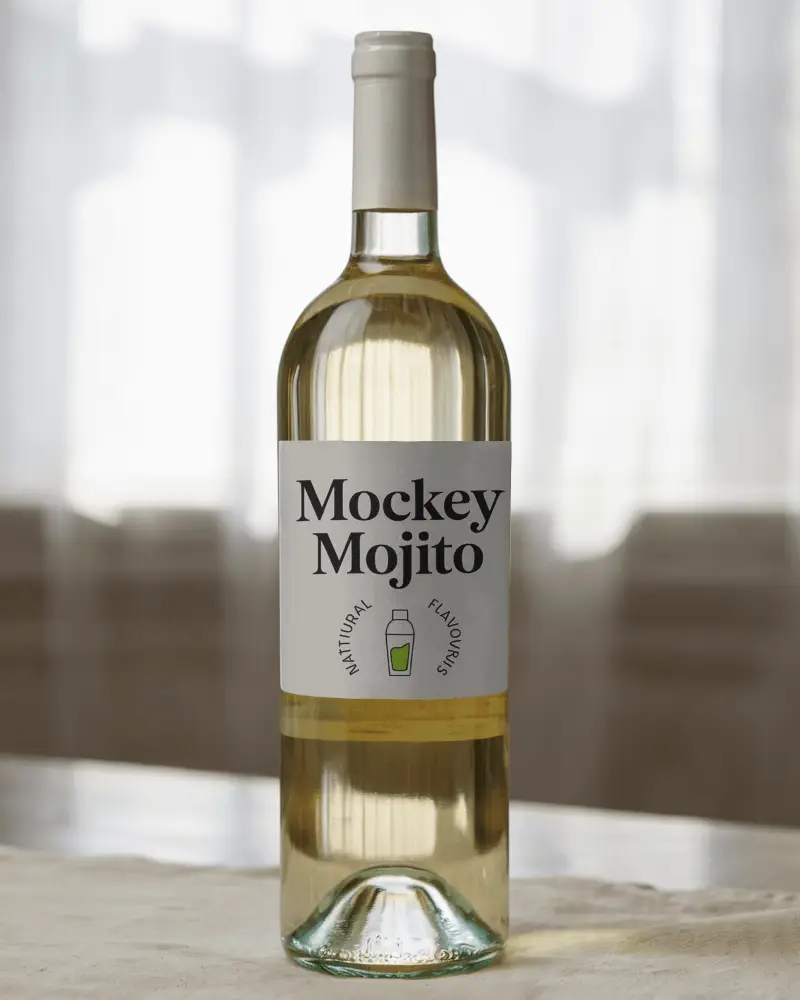
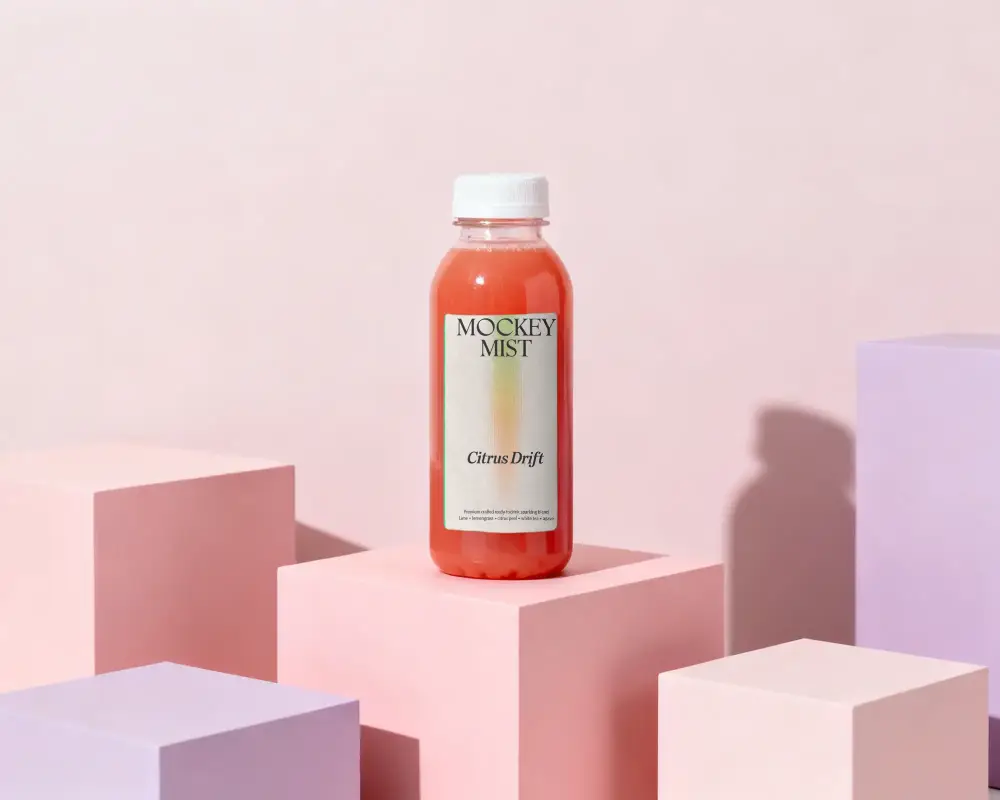
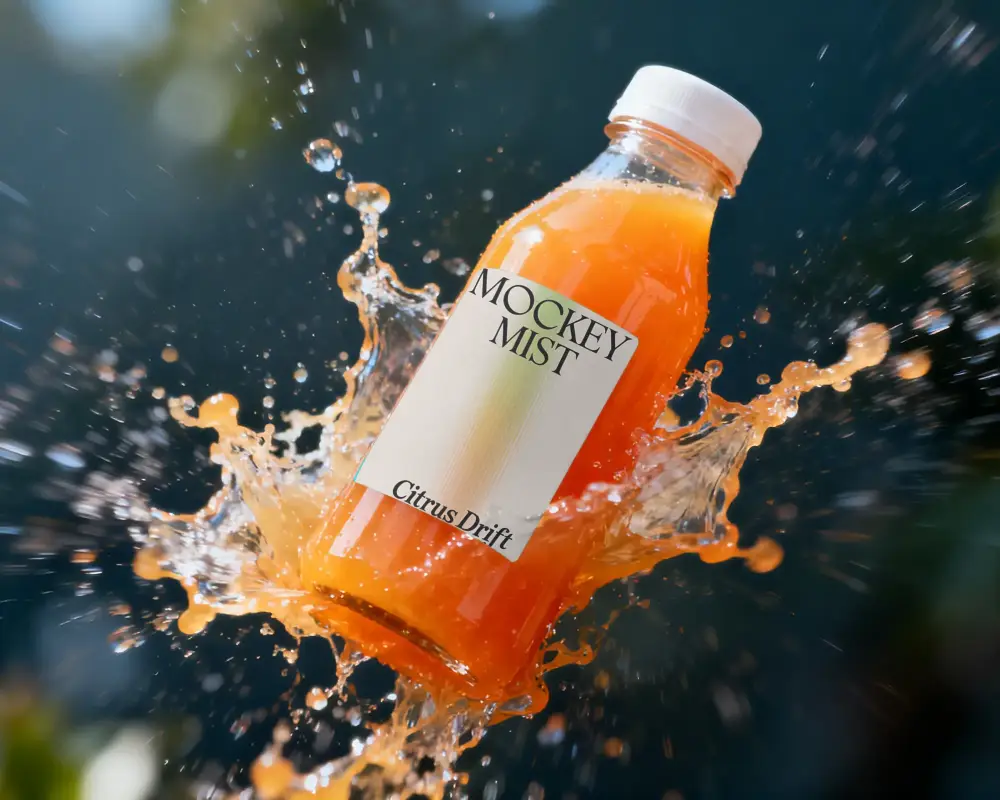
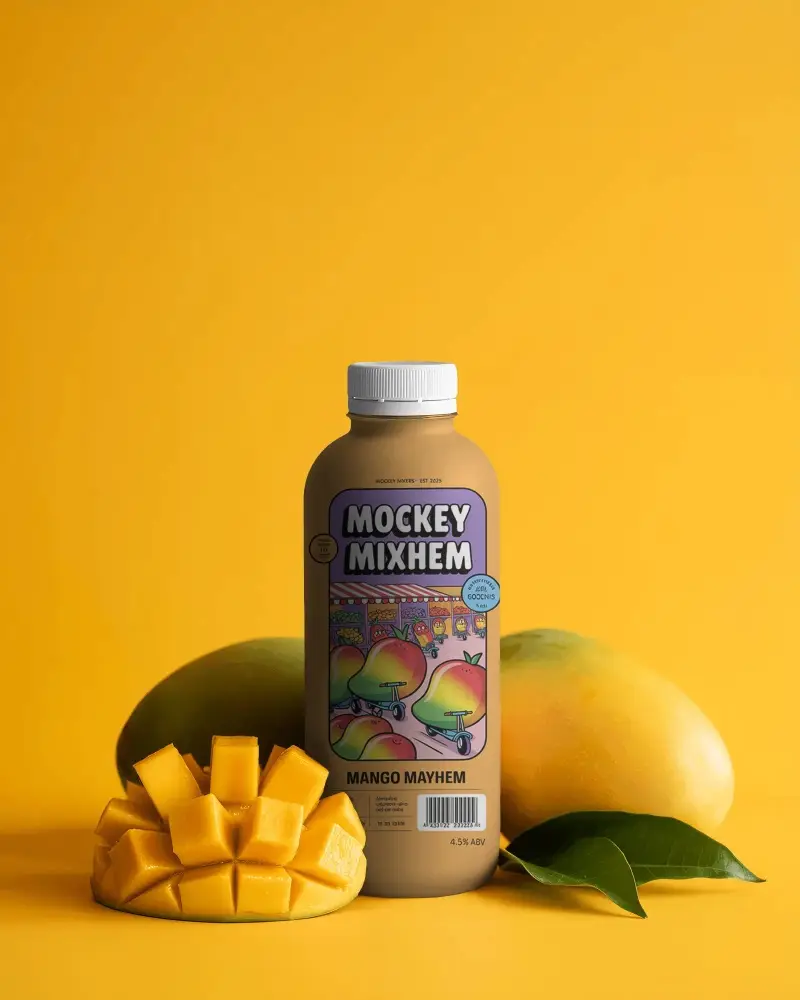
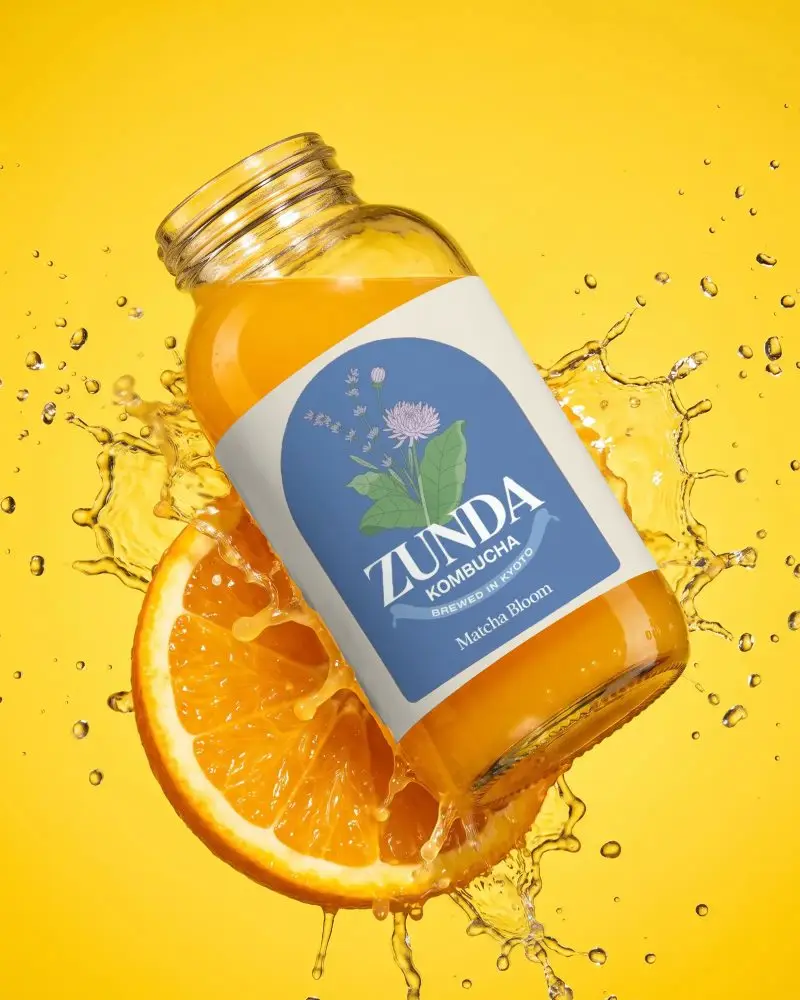
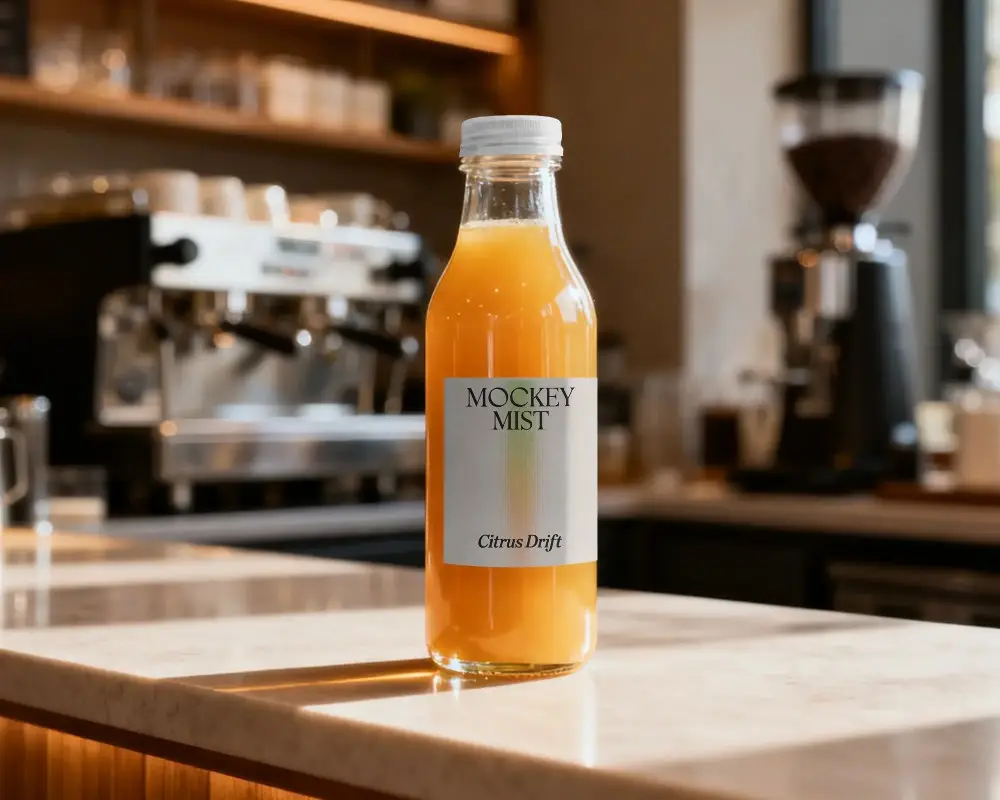
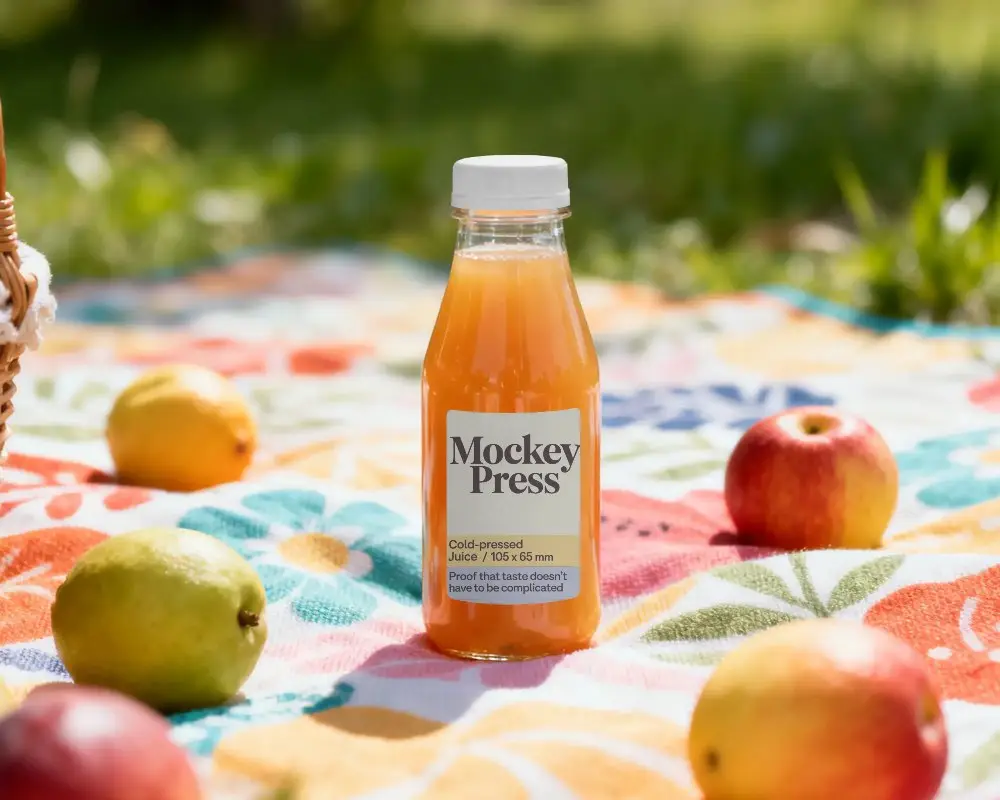
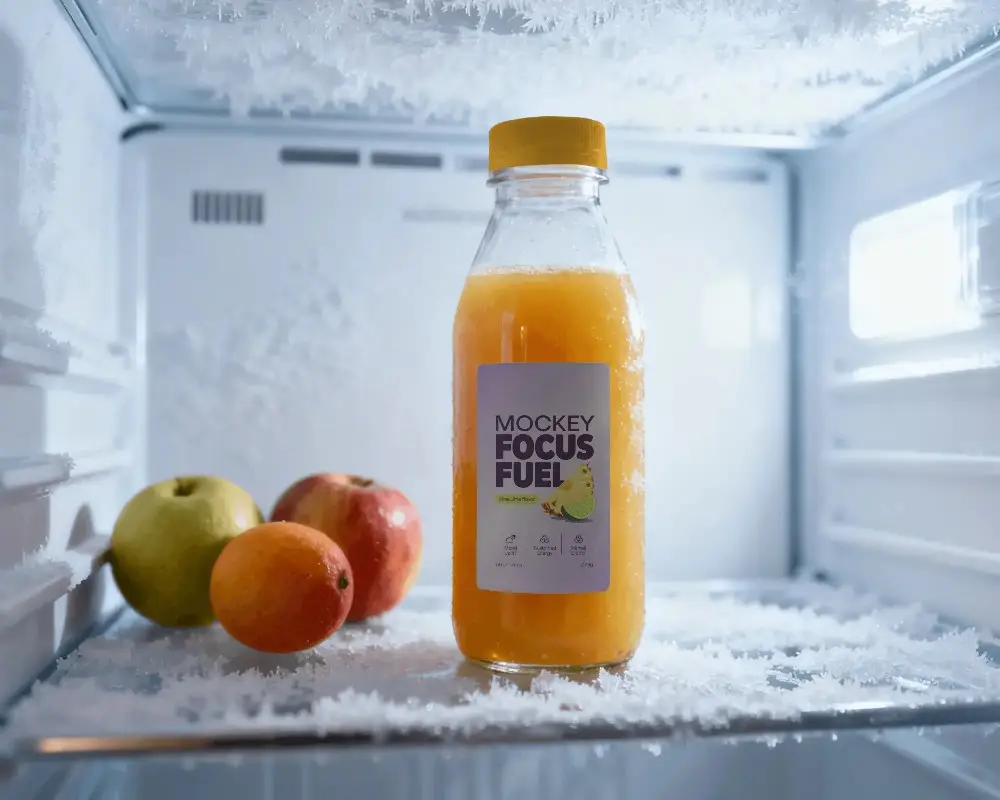
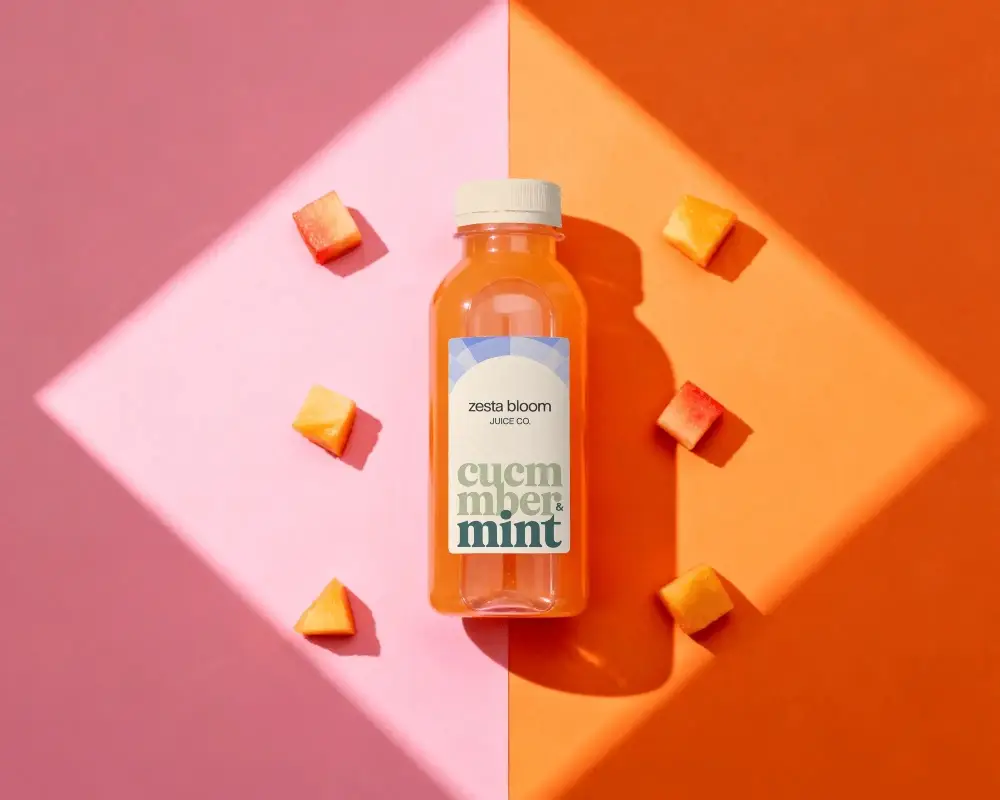
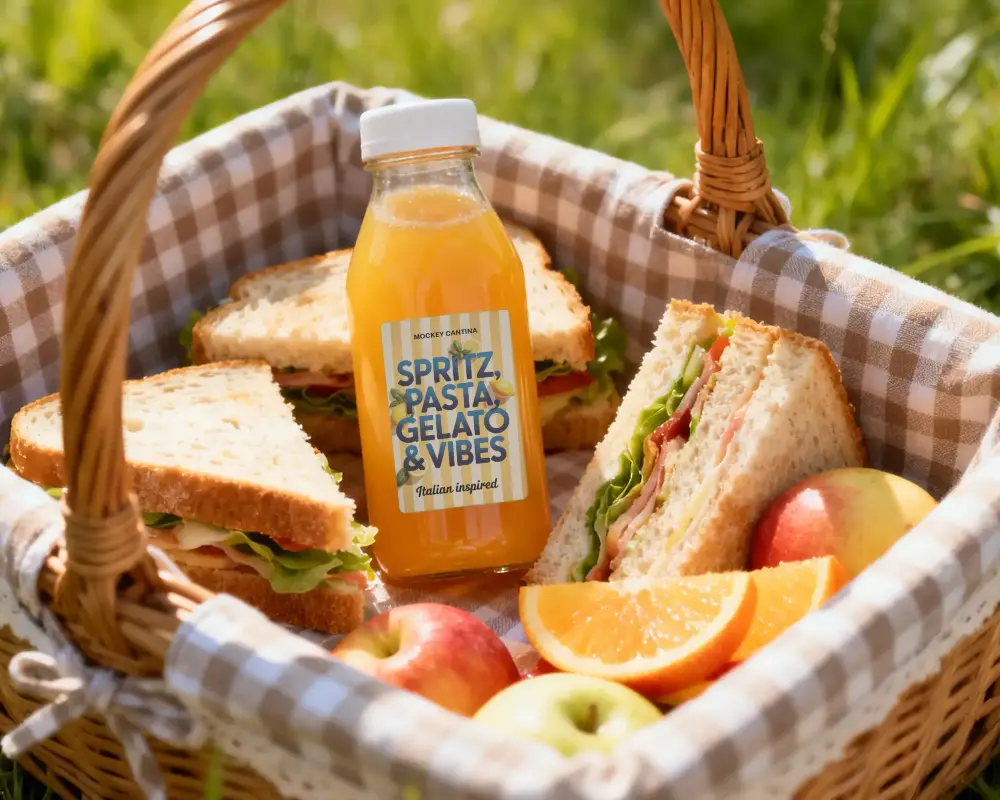
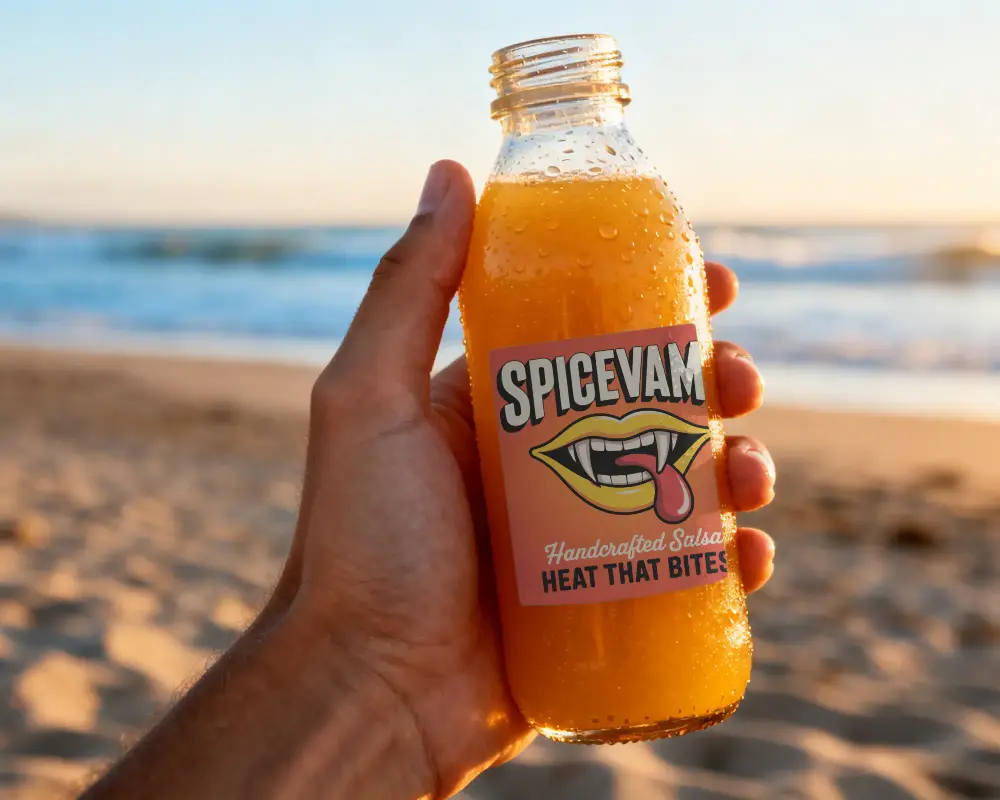
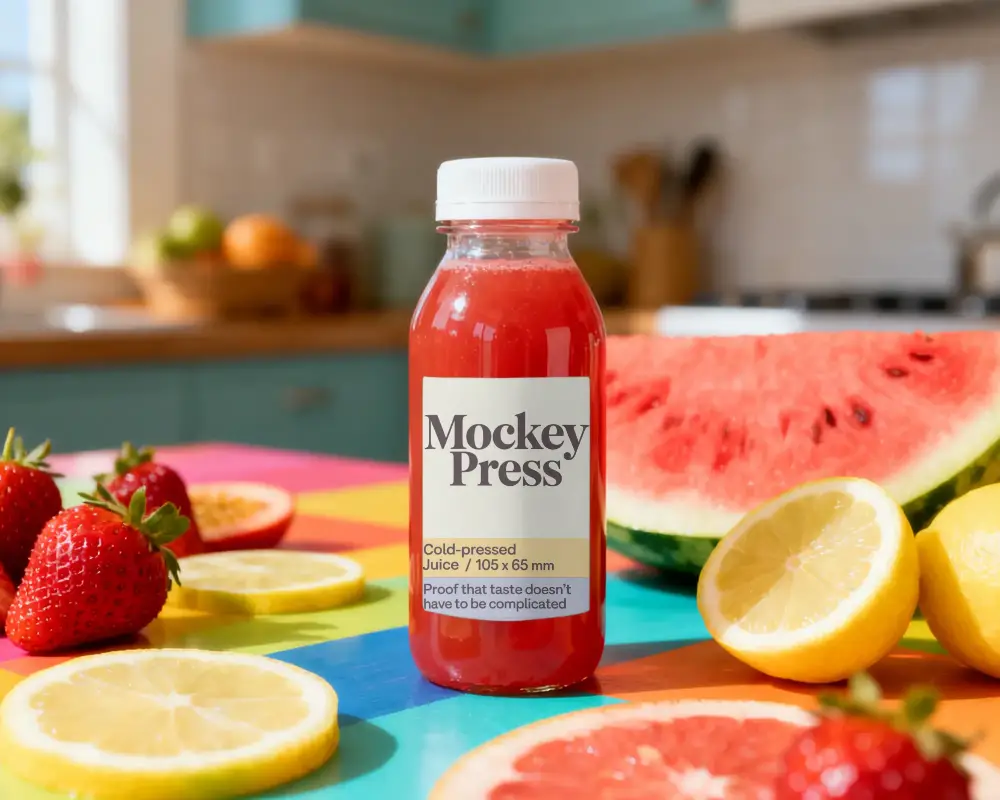
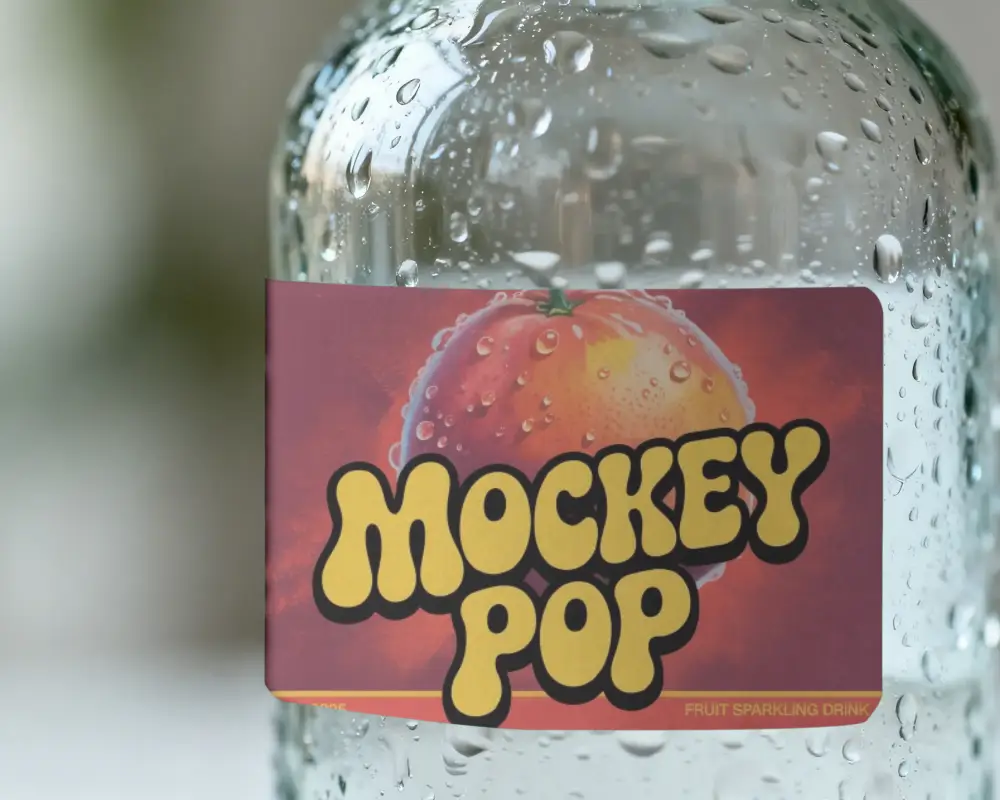
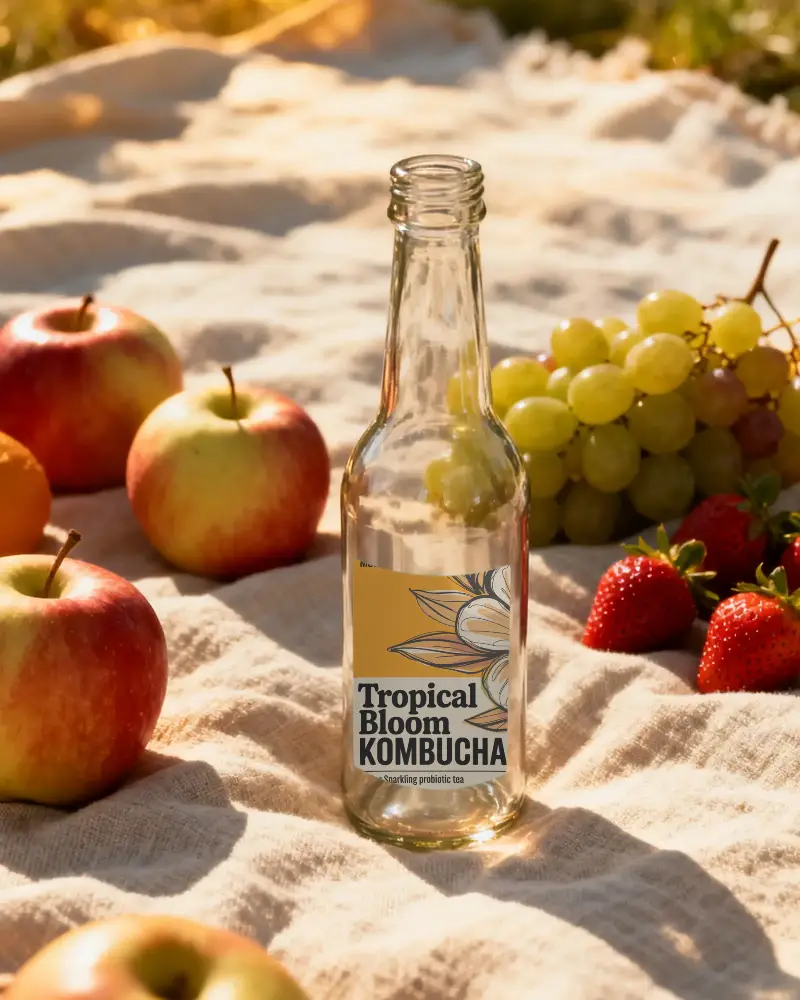
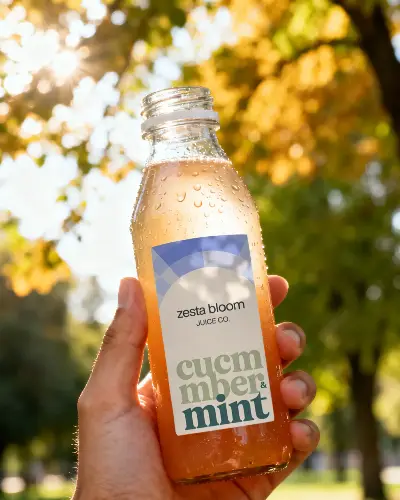
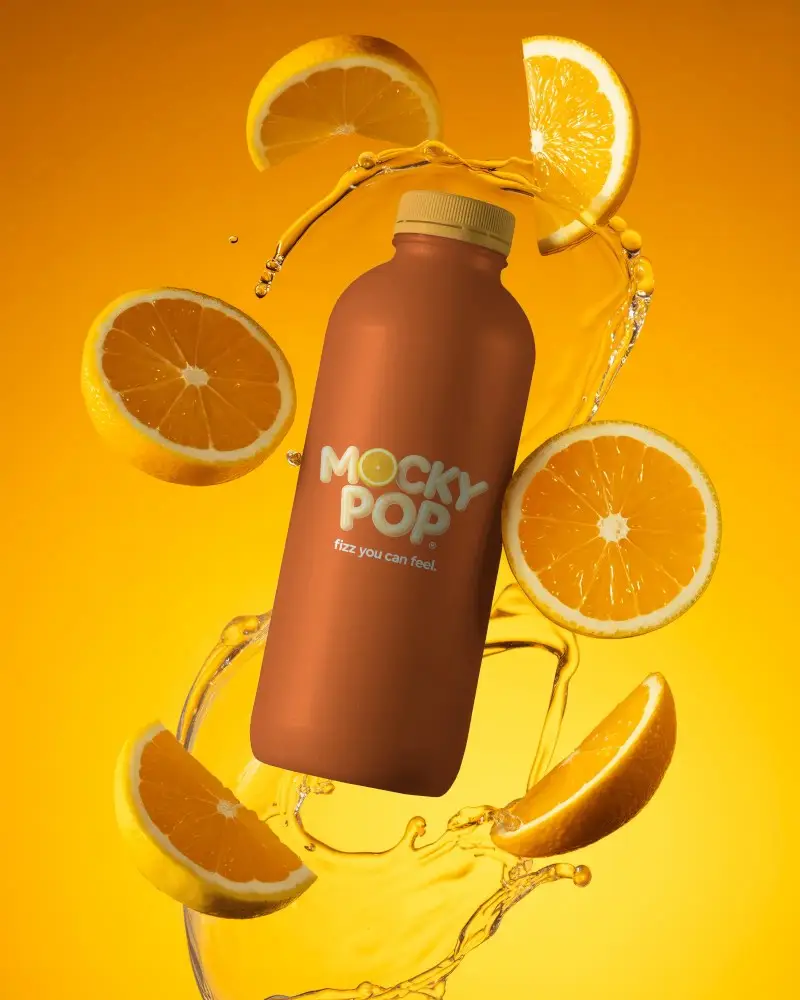
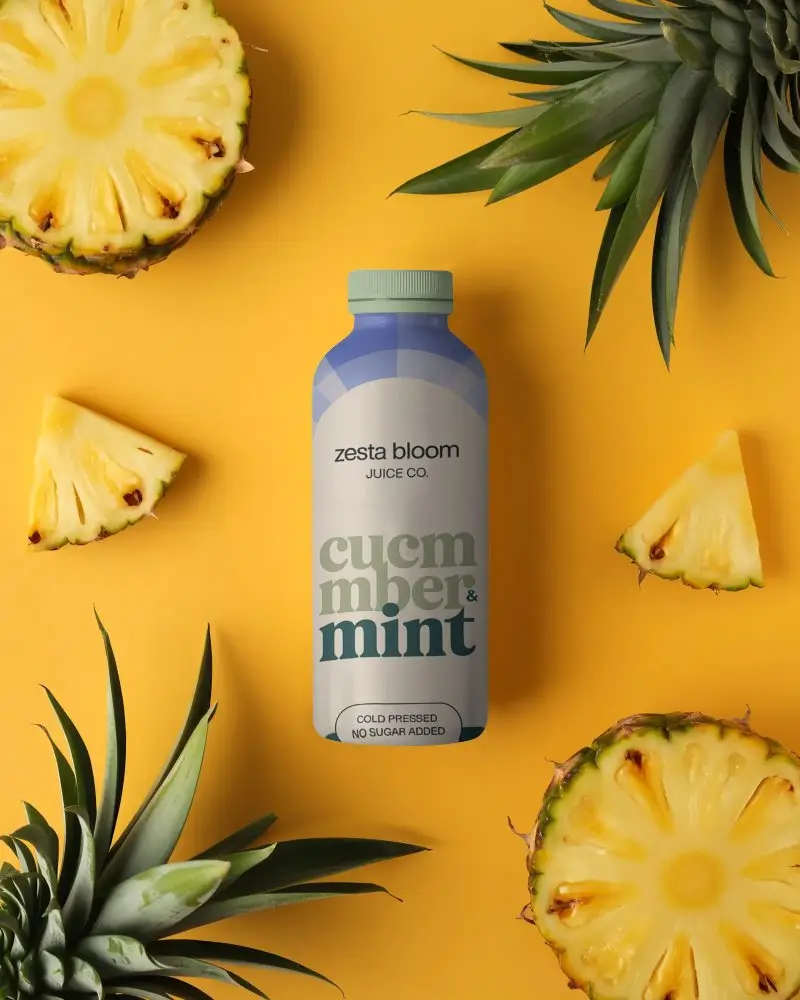
Explore free juice bottle mockups on Mockey. Upload your artwork and see your design on realistic bottles within seconds. Perfect for showcasing packaging, branding, or juice label ideas for your store.
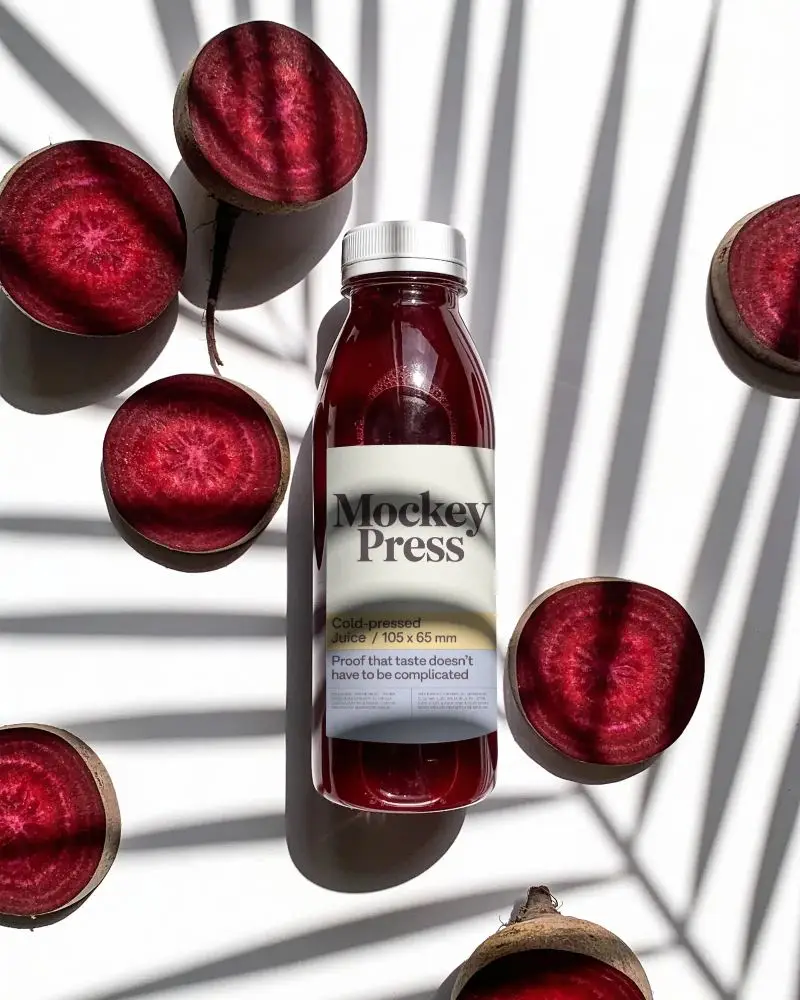
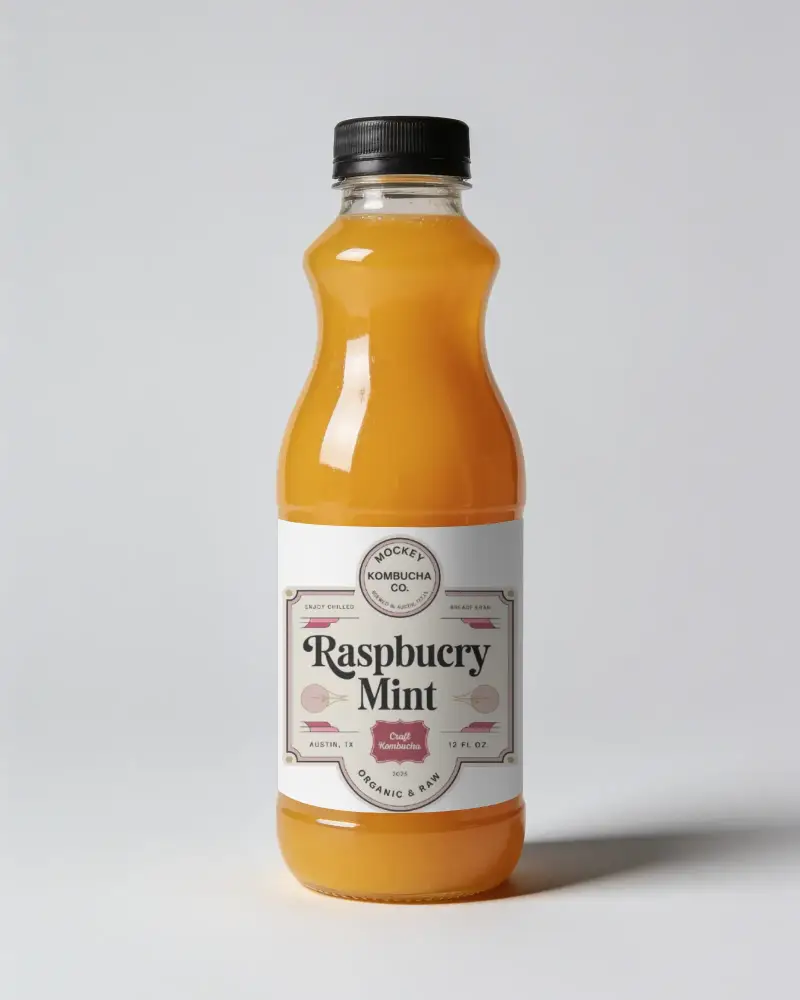
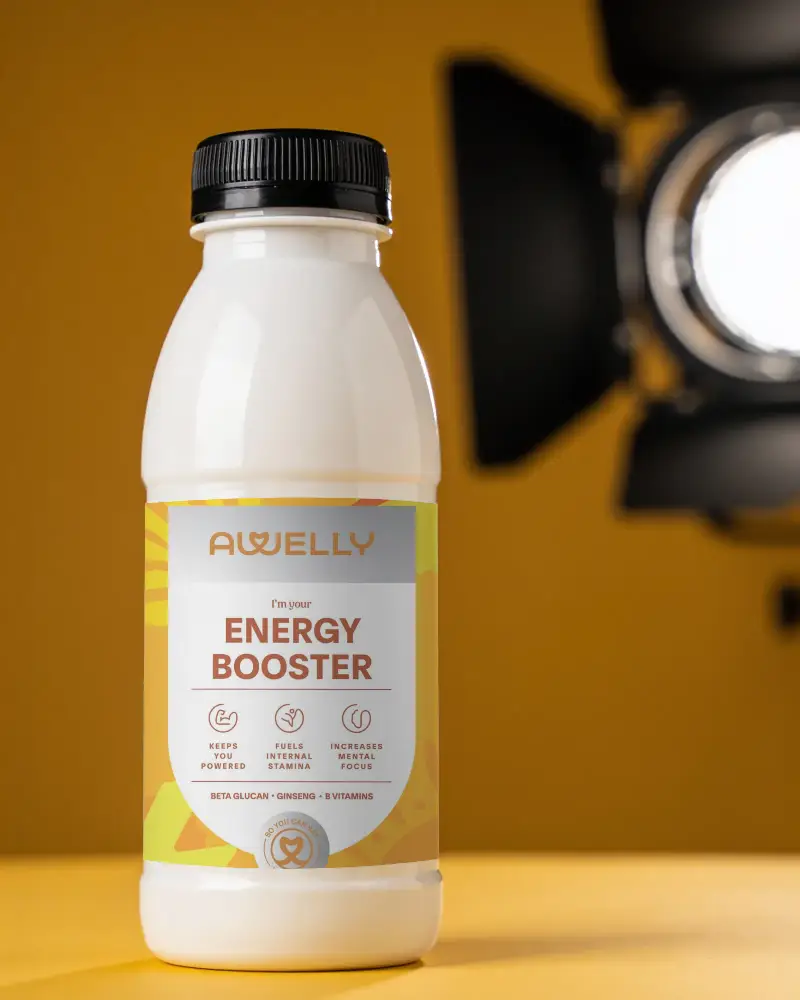
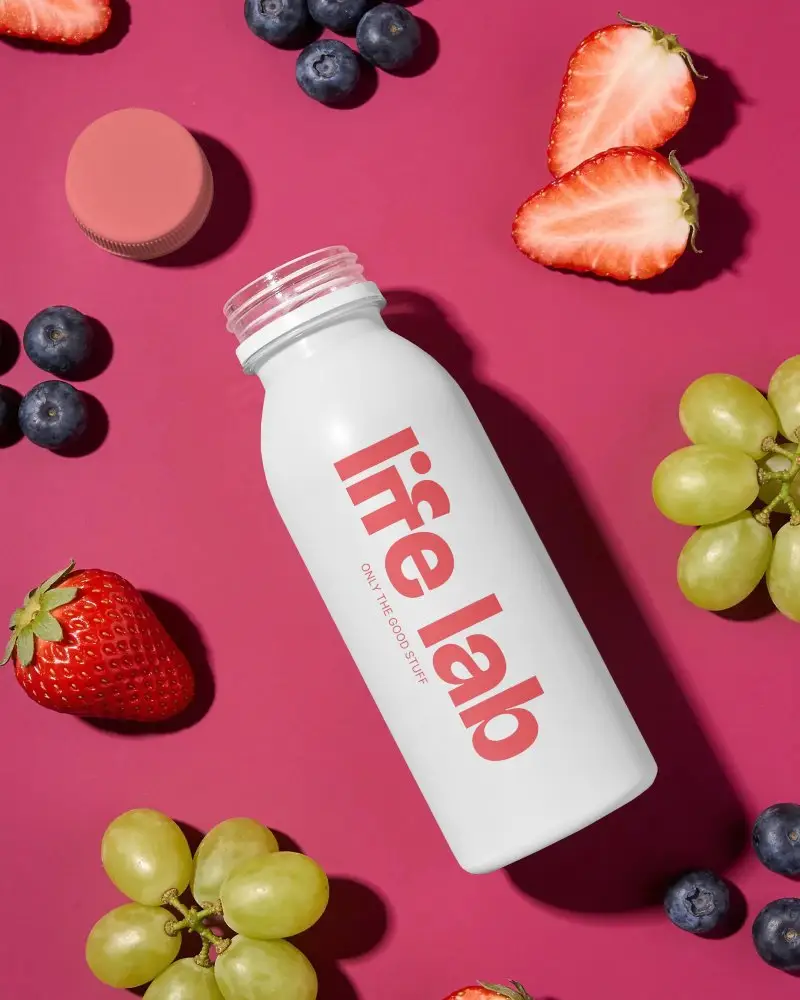
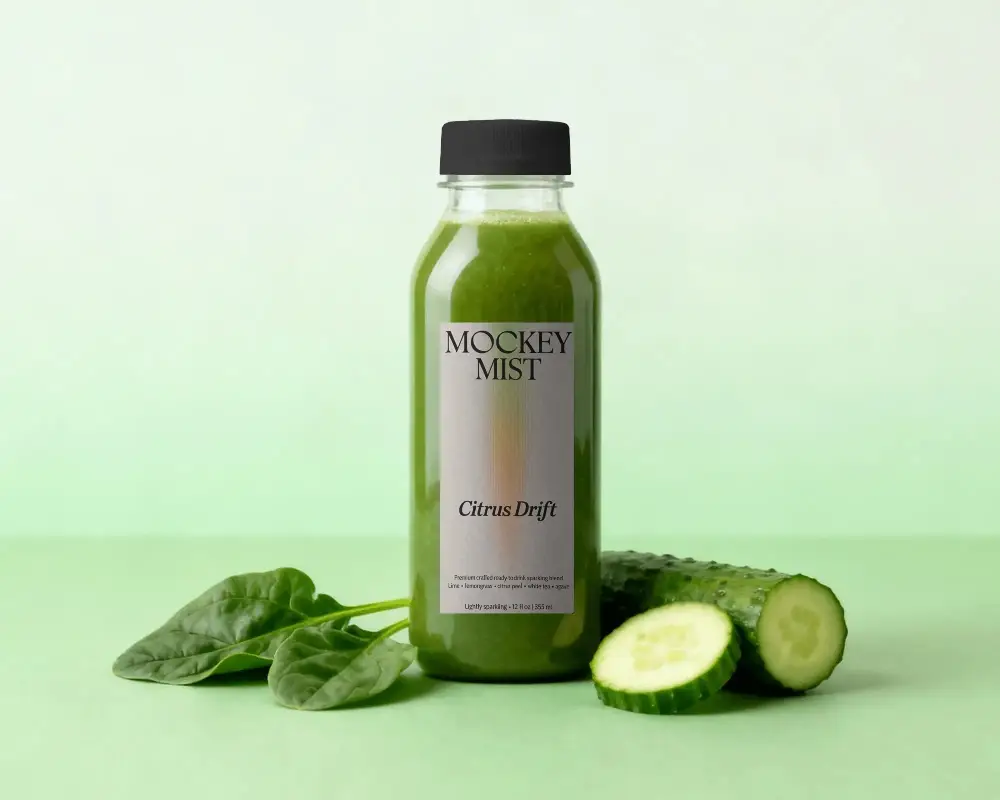
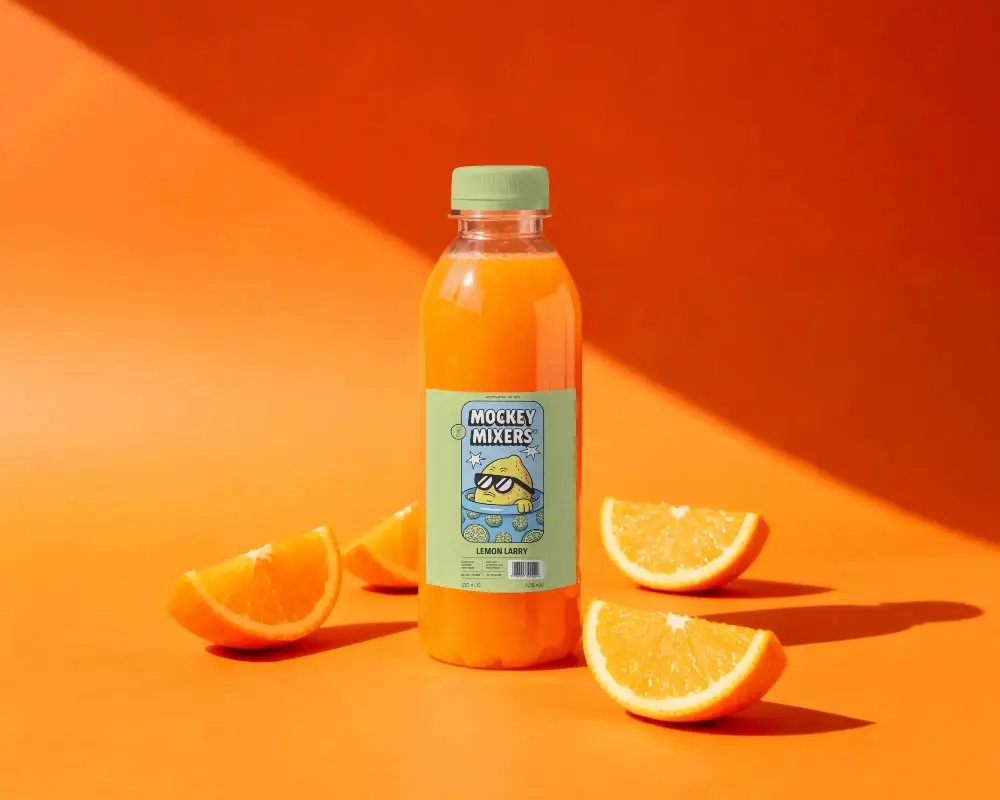
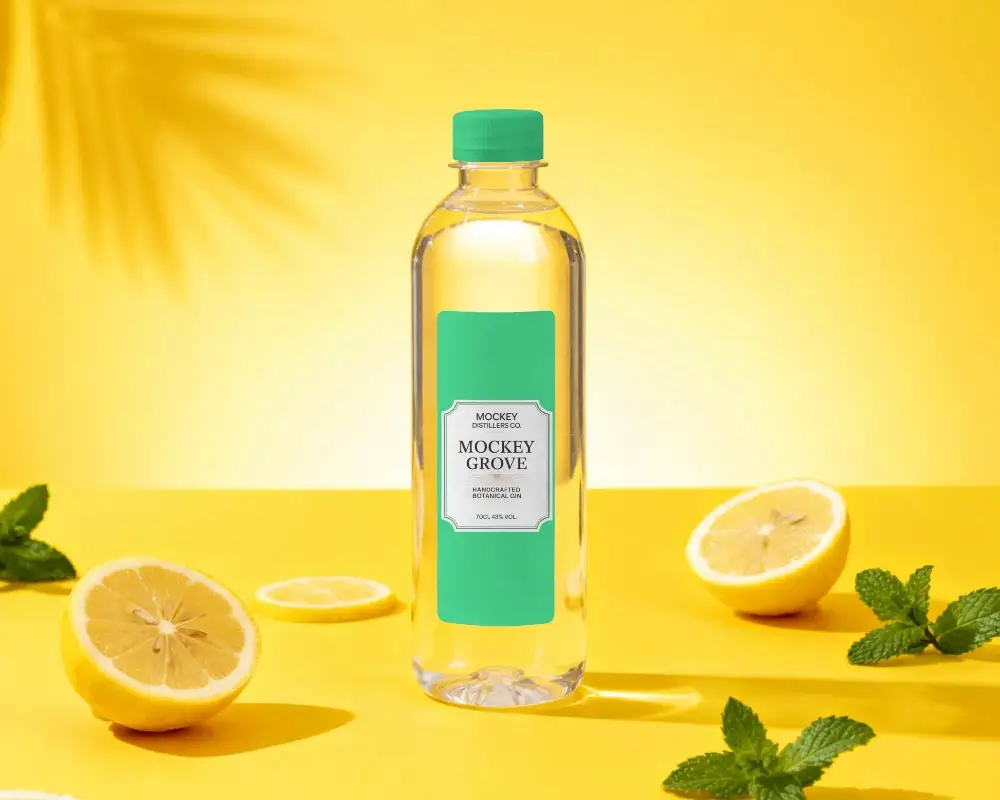
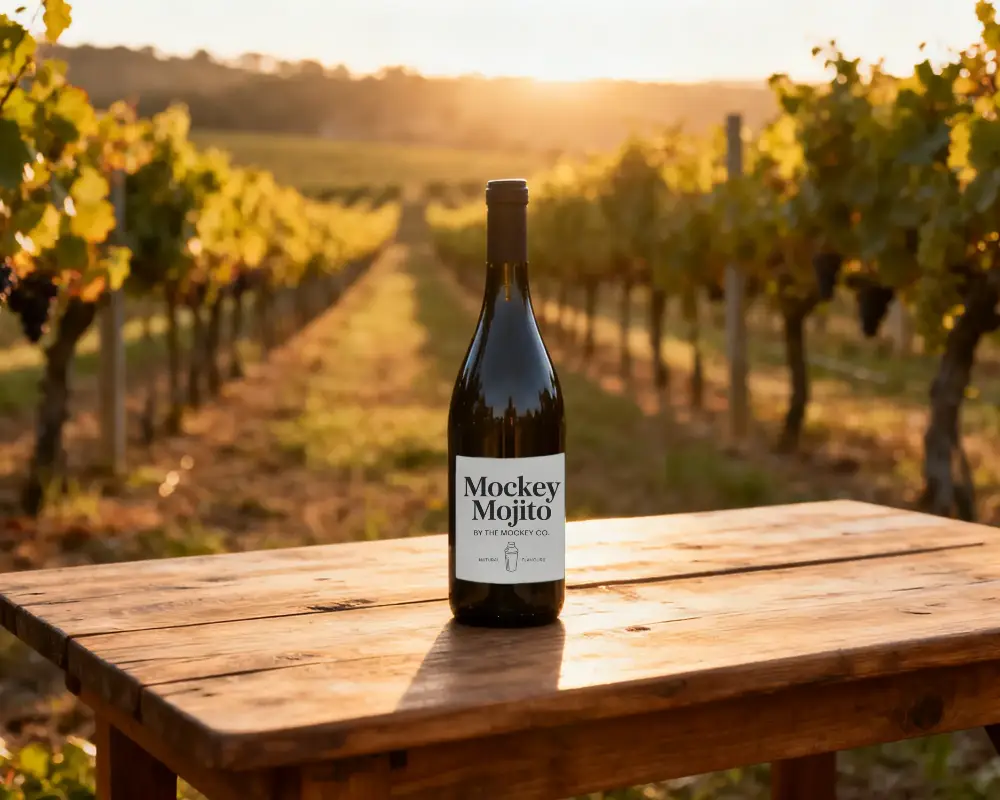
How to Create a Juice Bottle Mockup
- Step 1: Set up an account and navigate to Mockups. Follow “Categories > Packaging > Bottle”.
- Step 2: Choose the “Juice” tag and select a template to upload your design.
- Step 3: Make edits such as adjusting colors, label placement, or lighting.
- Step 4: Click “Download” to save the juice bottle mockup in JPG or PNG format.


FAQs on Juice Bottle Mockups
Can I use these mockups for my packaging or store?
Mockey AI’s juice bottle mockups are perfect for packaging or online stores. They are easy to customize and download, making them ideal for branding and product visualization.
Can I change the juice color or cap color, too?
Yes! You can change the color of the juice and the bottle cap using the Mockey AI editor. Use the color wheel or enter a hex code to customize any color you want.
Where can I find more mockups like this?
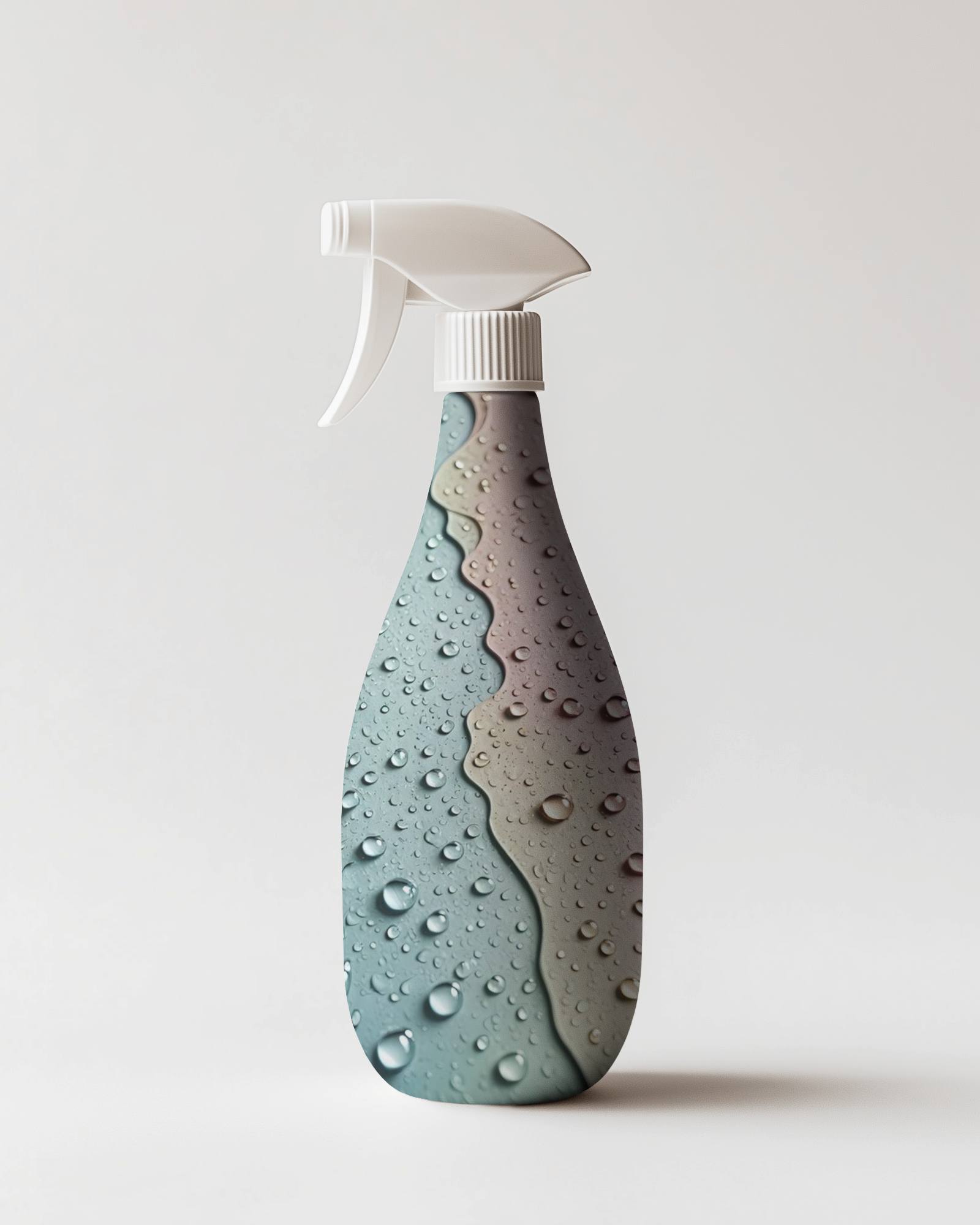
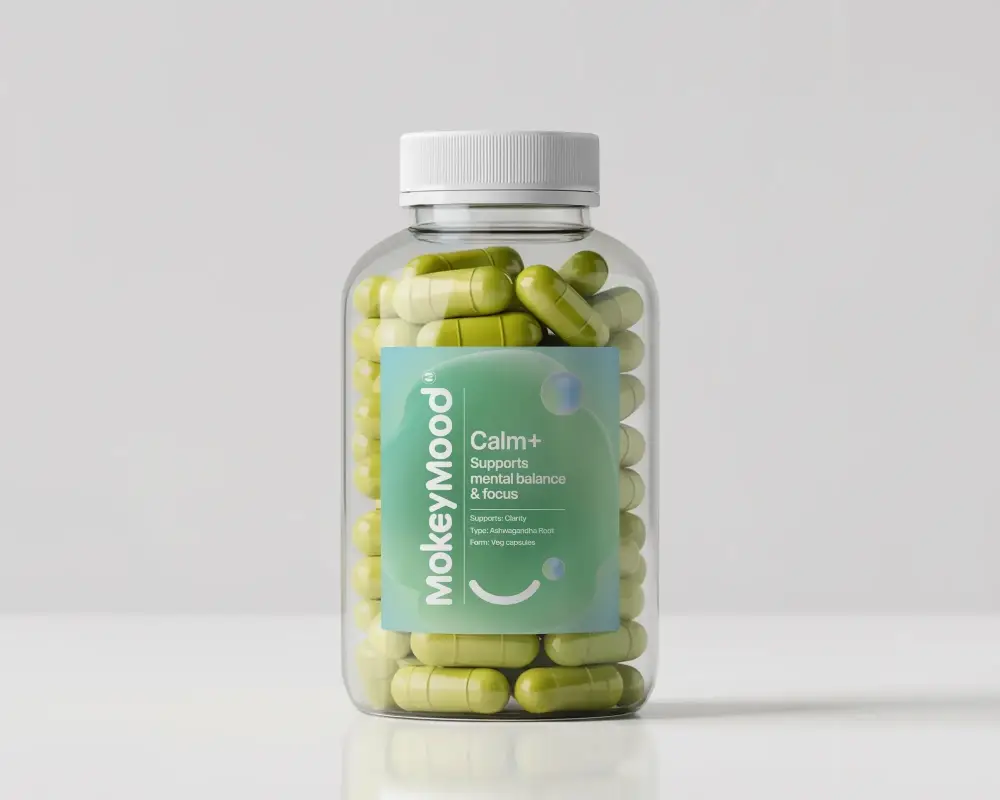
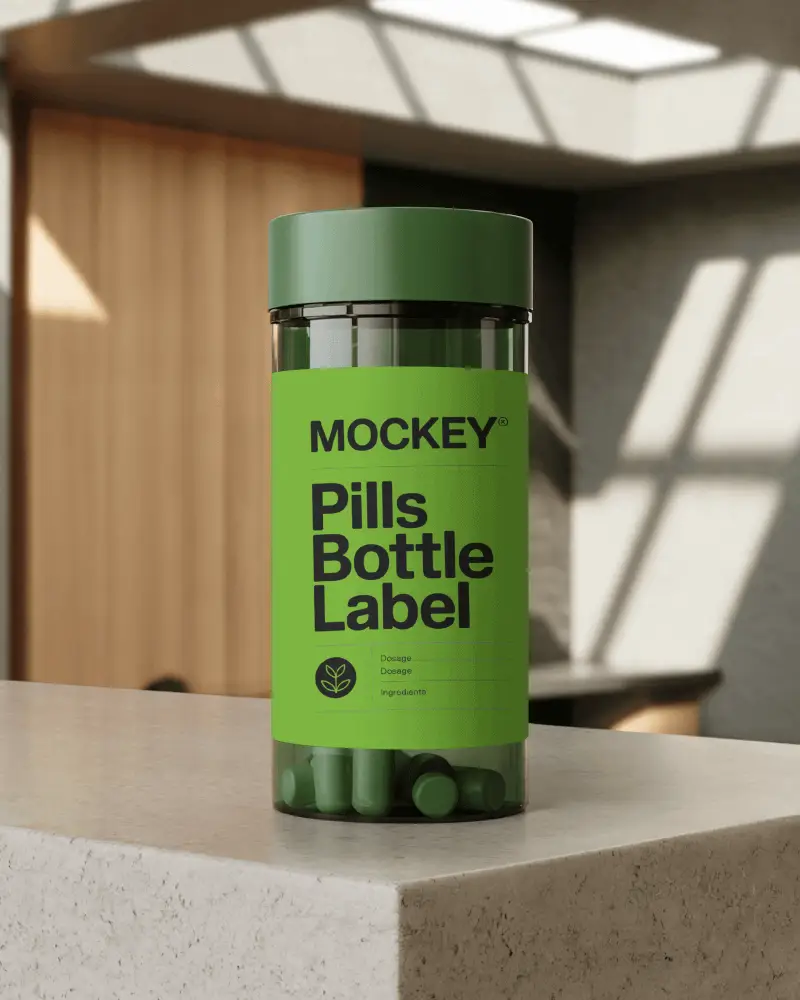
Inside Mockey AI’s bottle mockups, you will find supplement, spray, pill, sports, and many other styles of packaging mockups.
Does Mockey AI offer other beverage packaging mockups?
Beyond bottles, Mockey AI offers a wide variety of beverage packaging mockups such as realistic can mockups for energy drinks, sodas, and sparkling water.
