Baby Bib Mockup Templates for Baby Brands
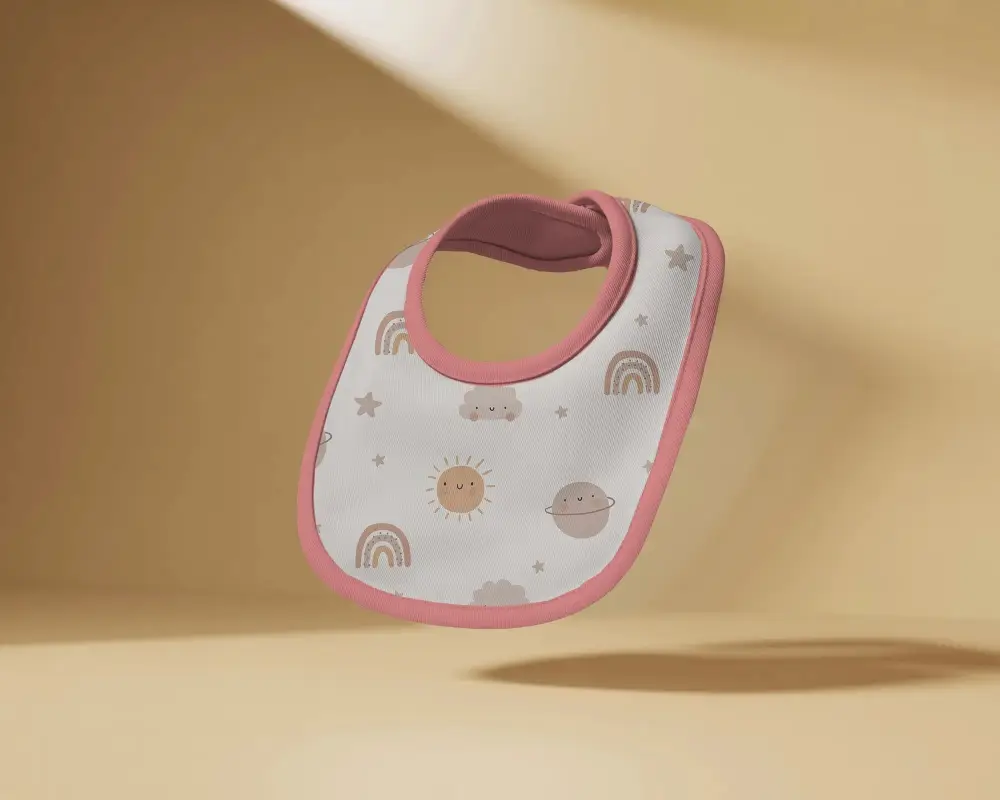
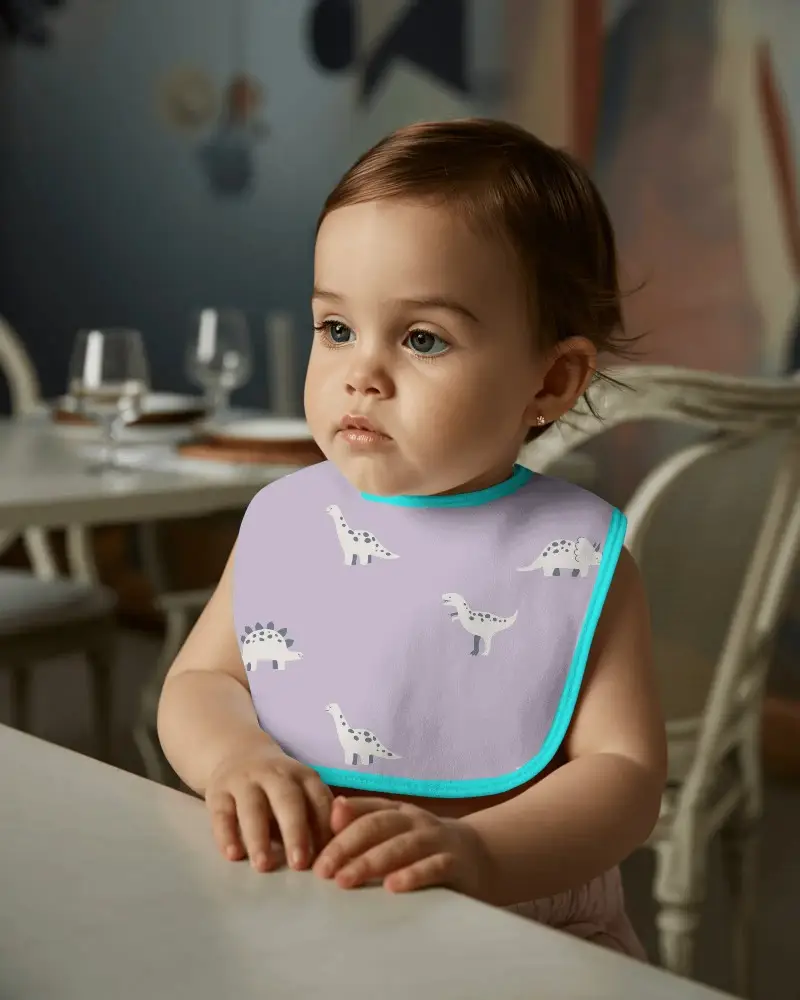
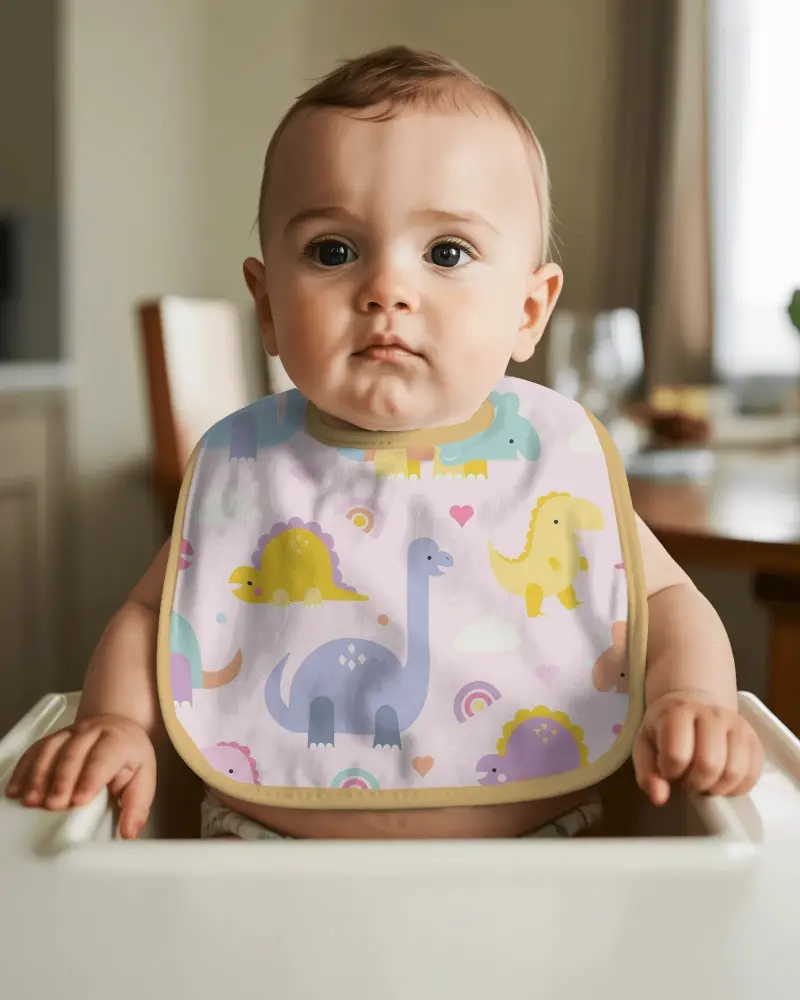
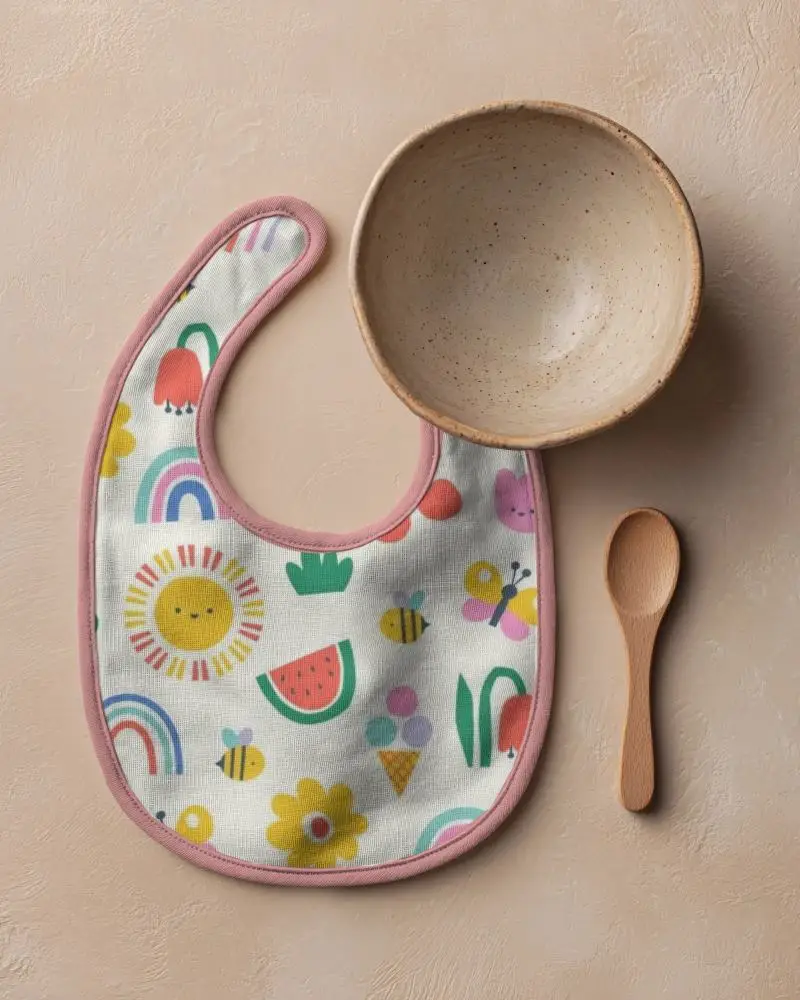
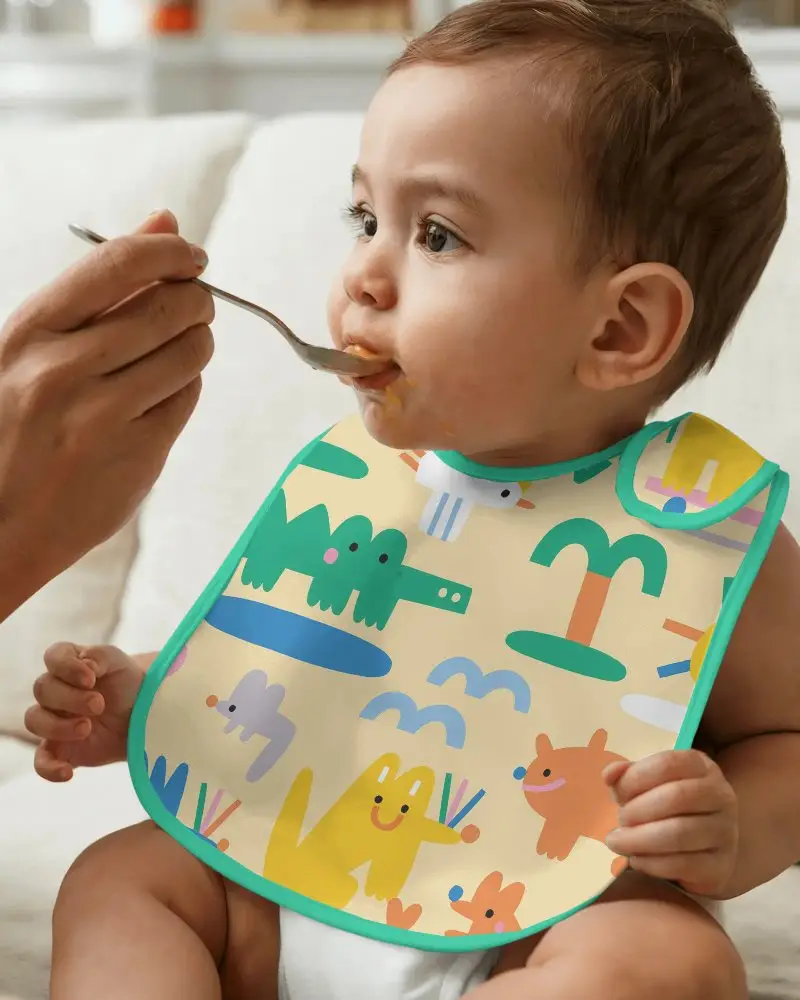
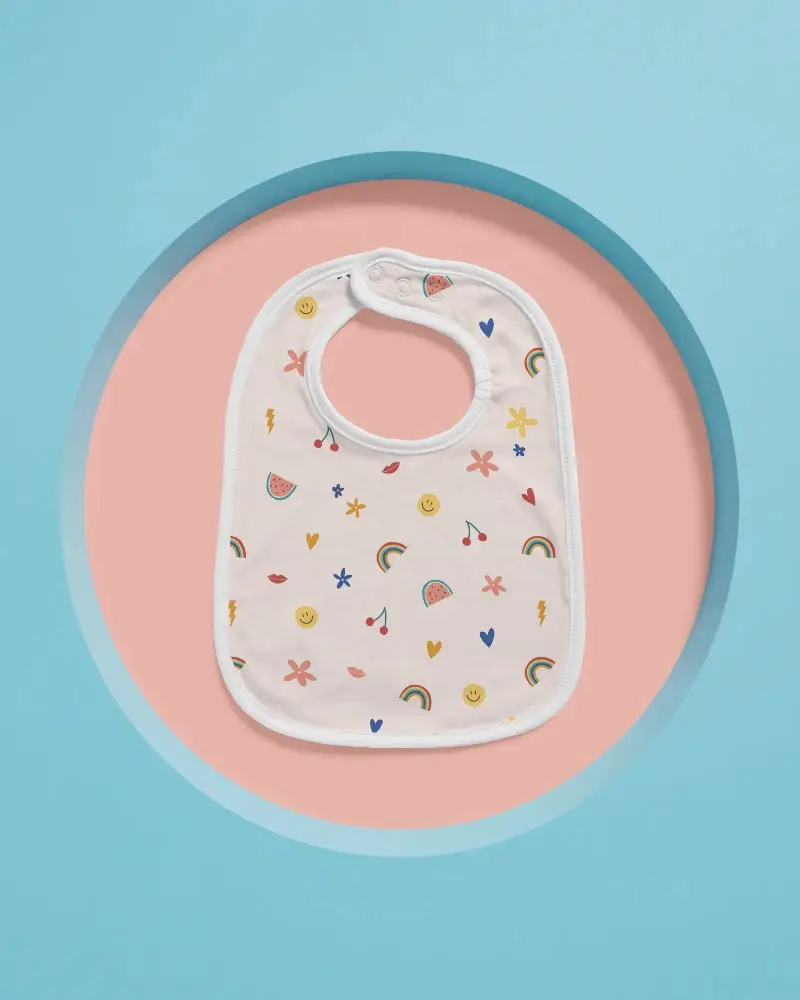
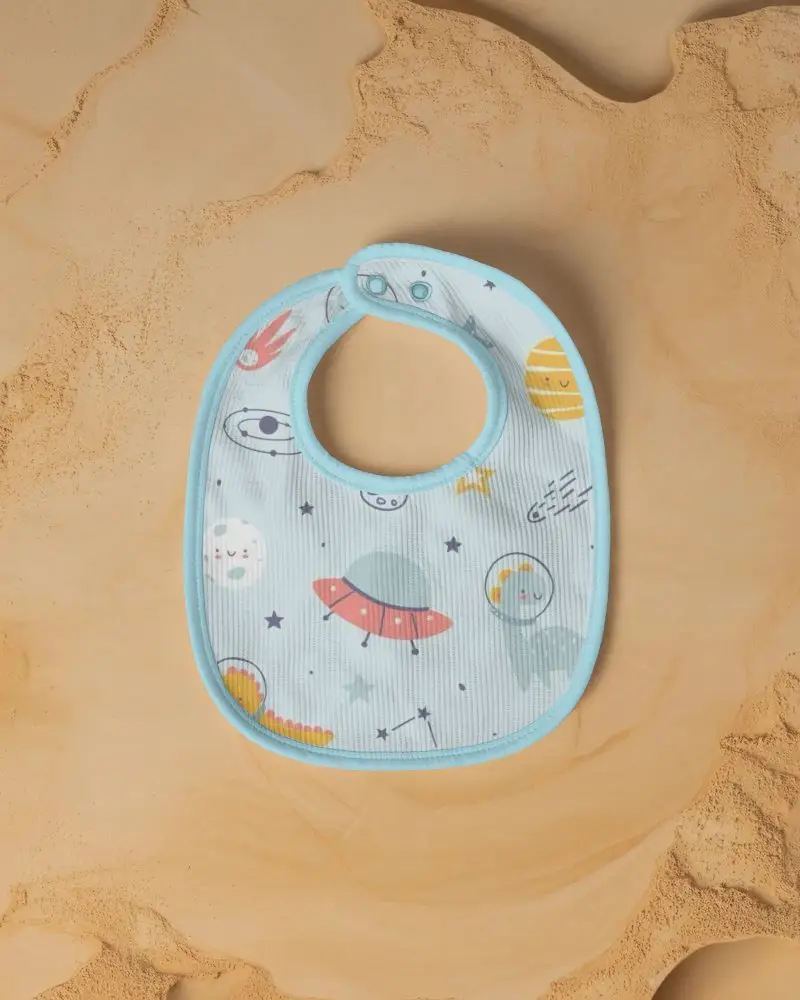
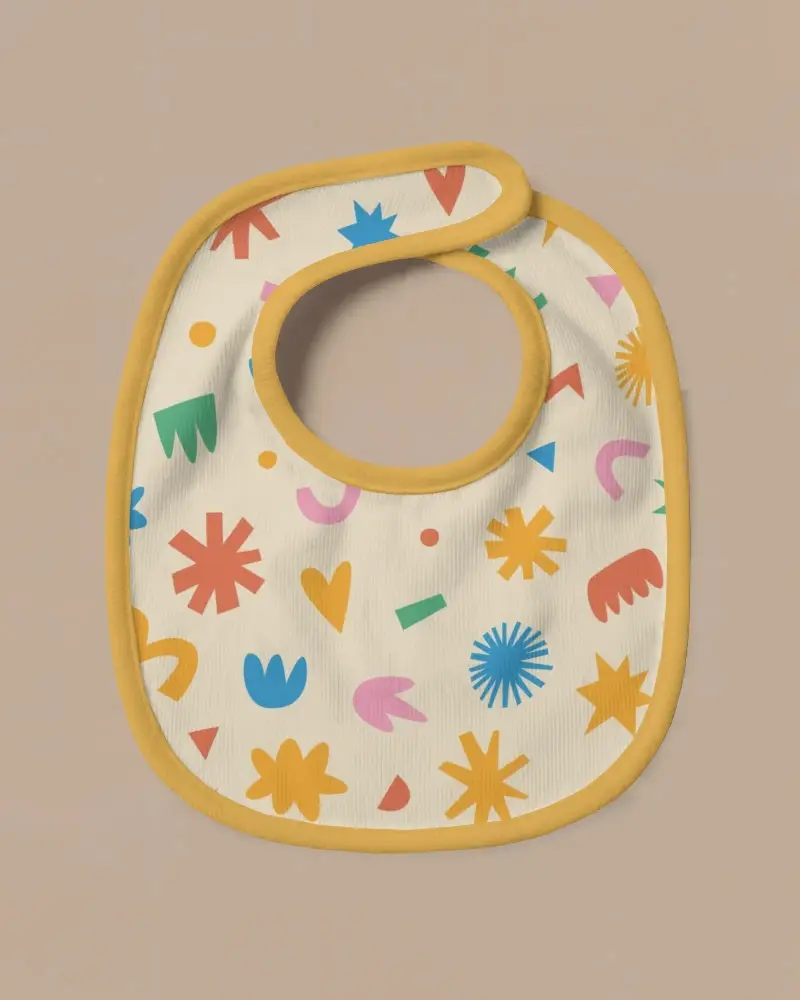
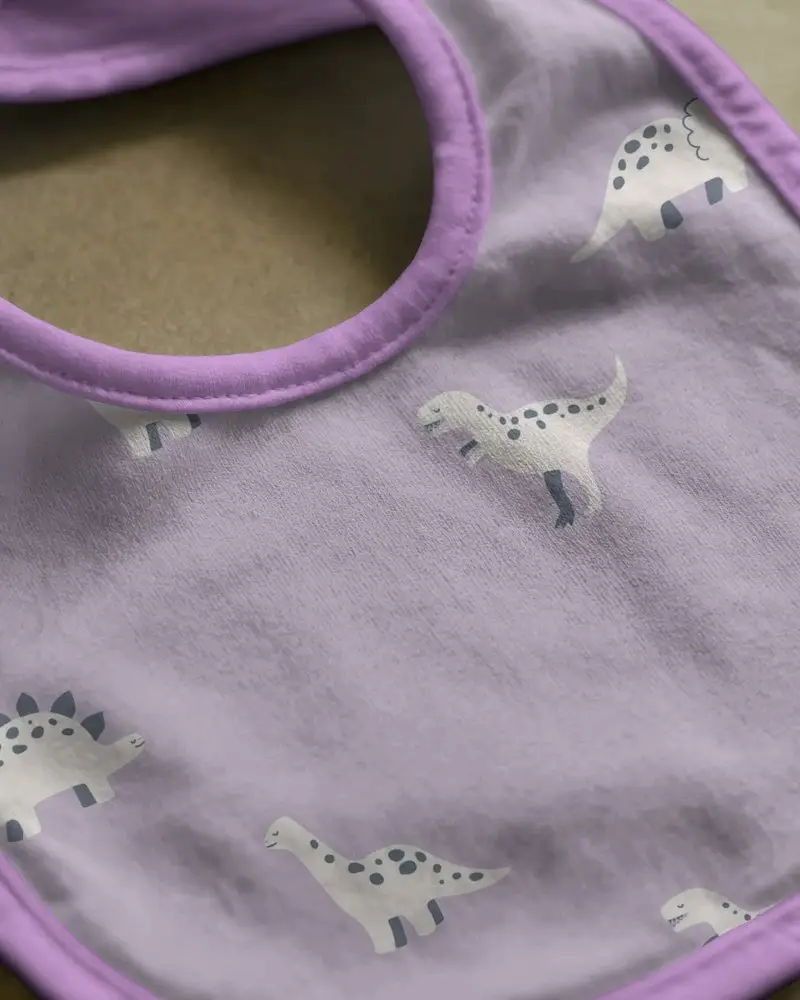
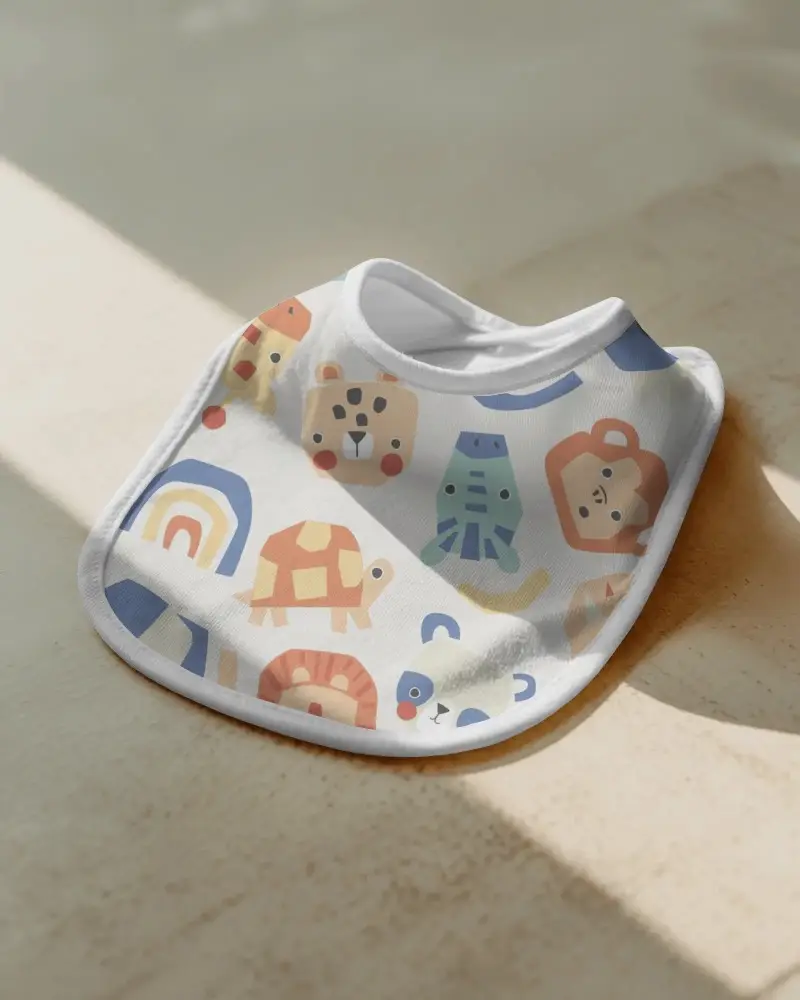
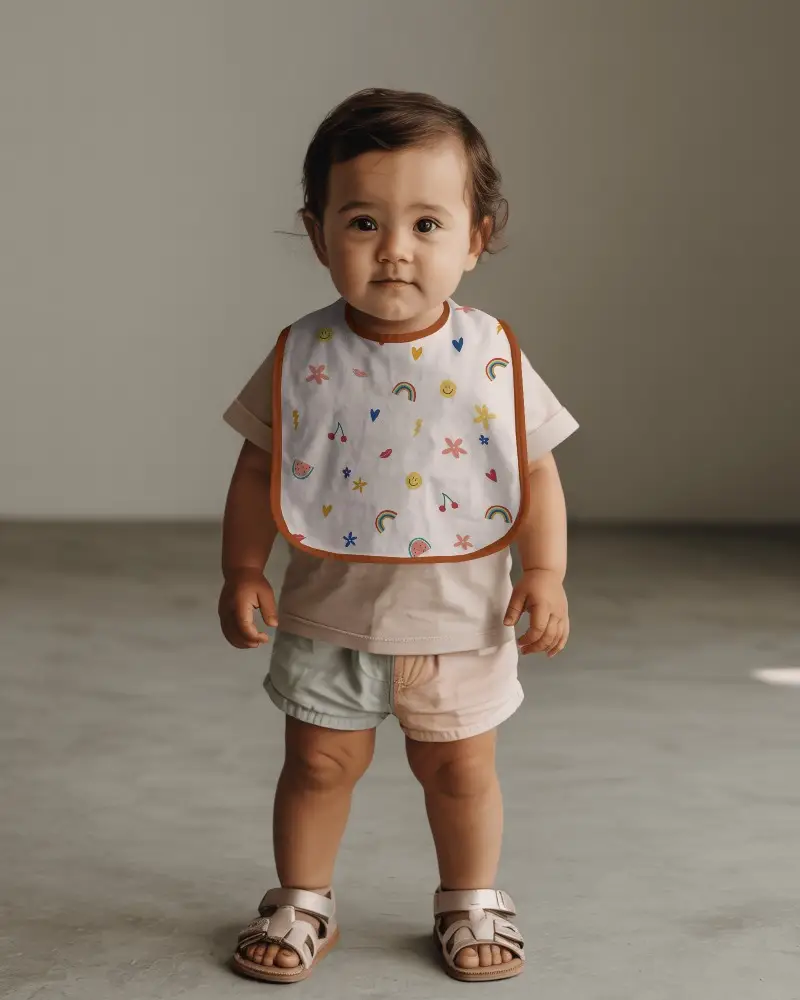
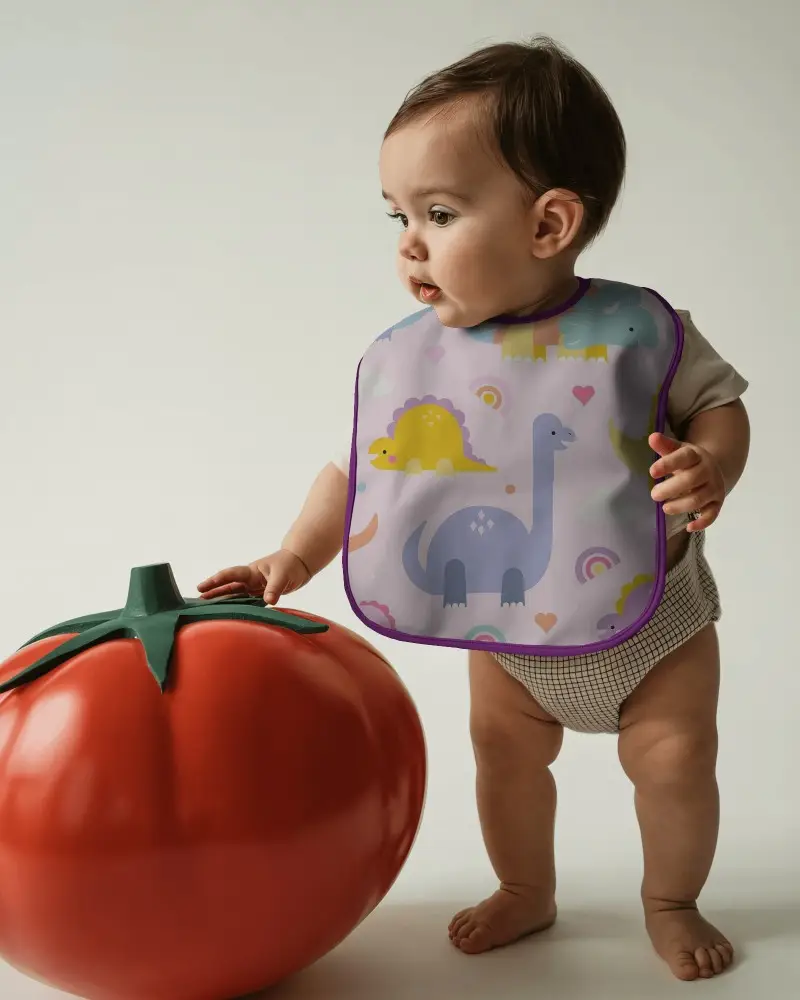
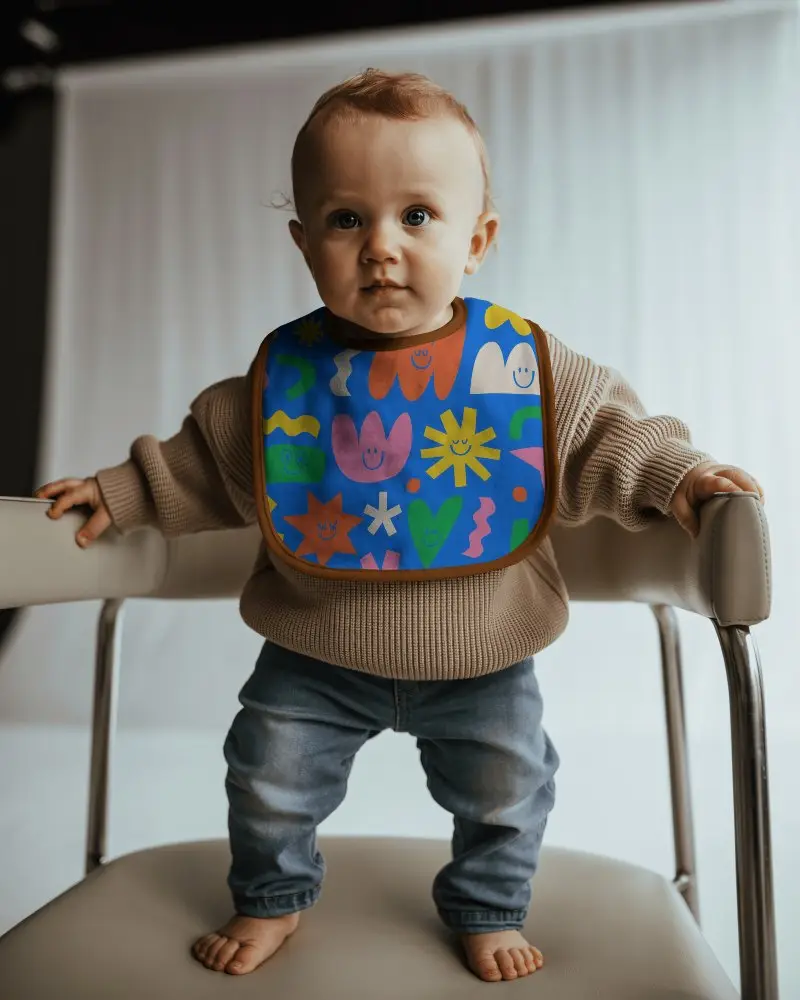
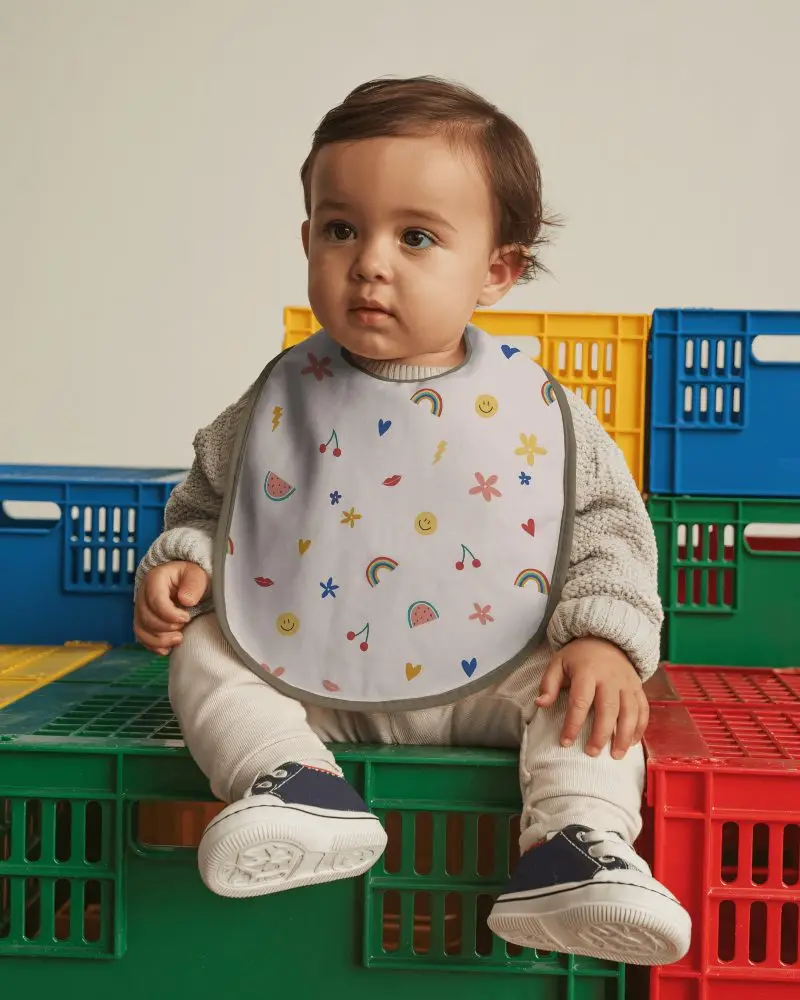
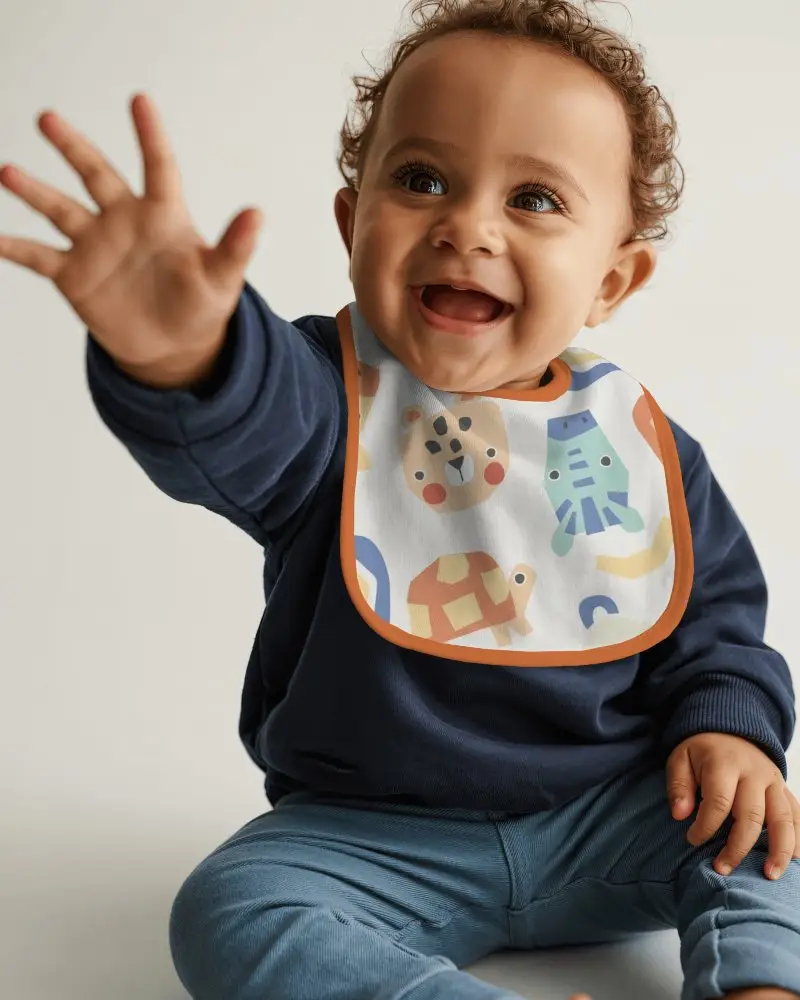
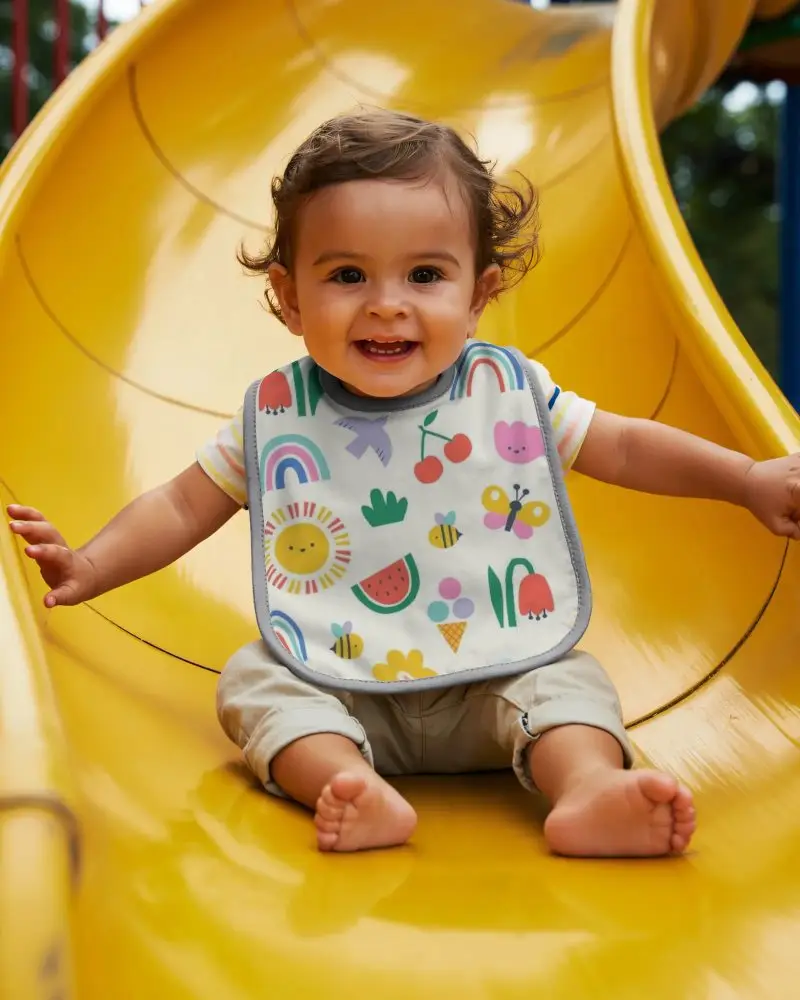
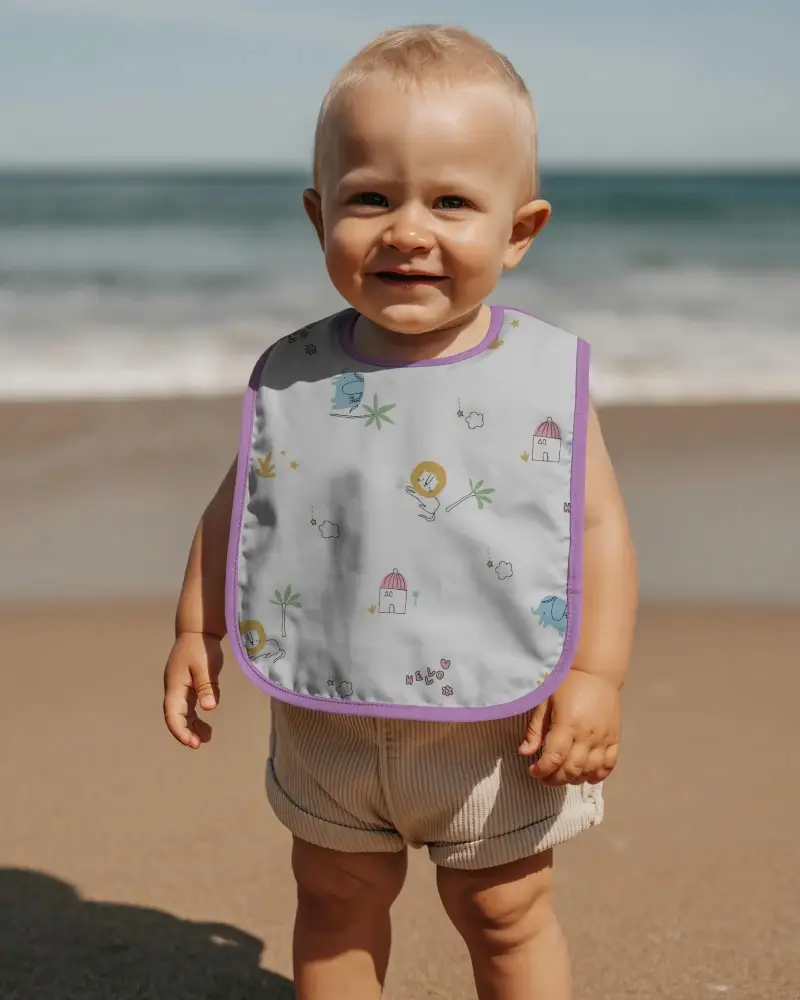
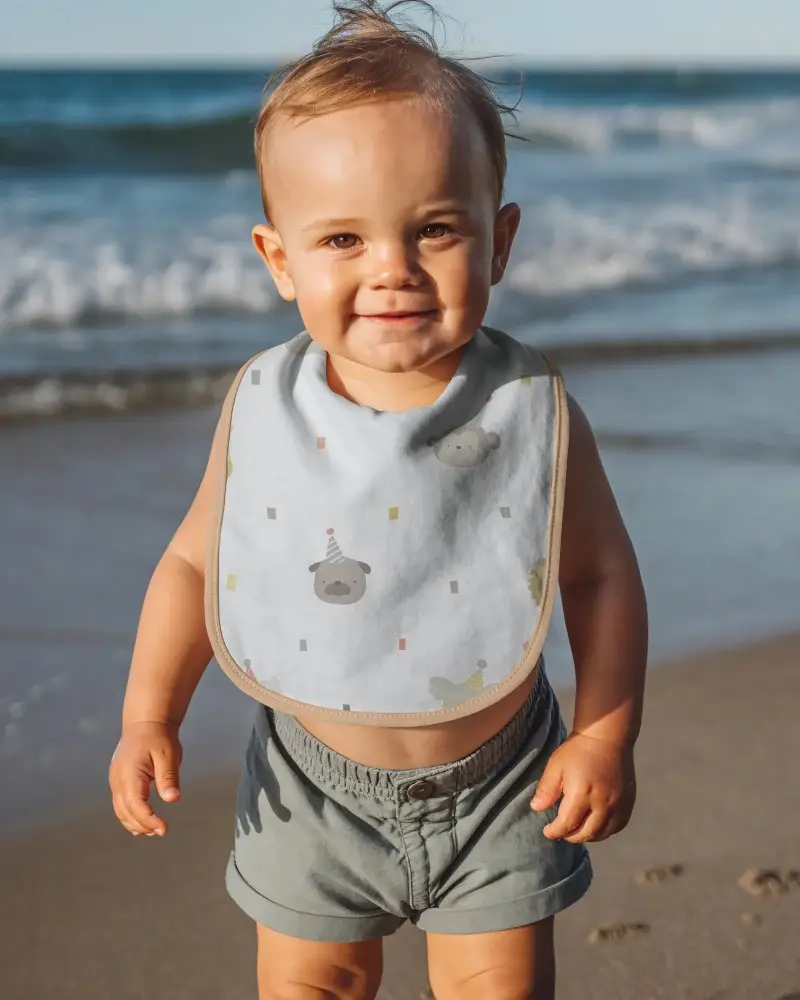
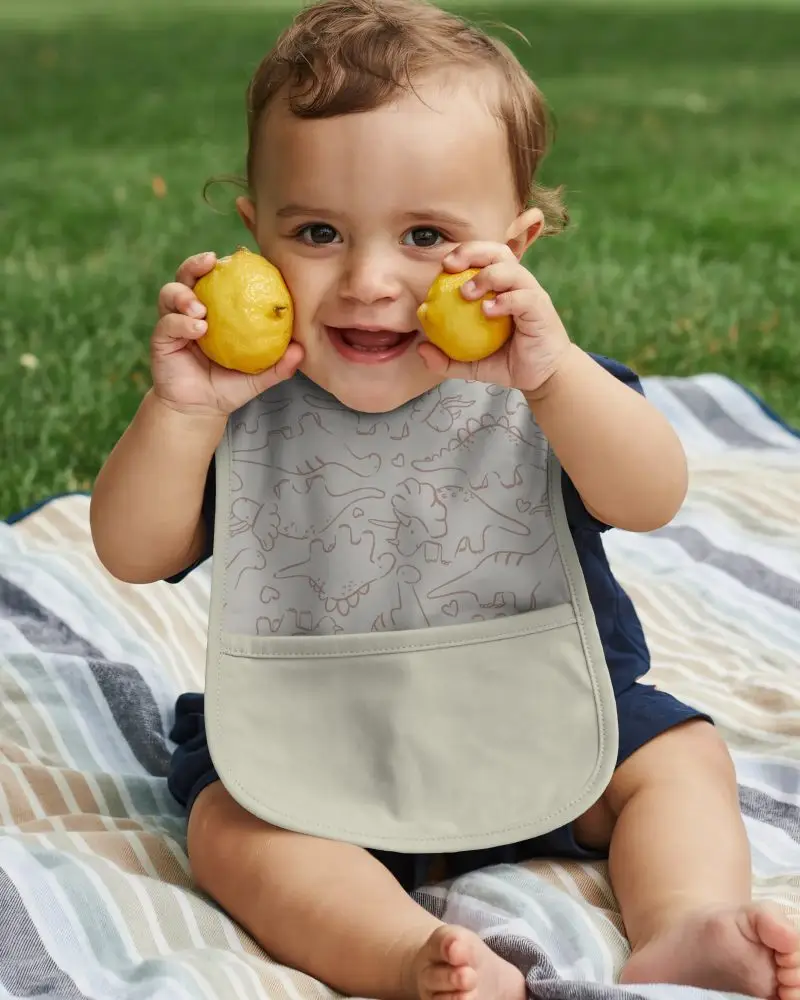
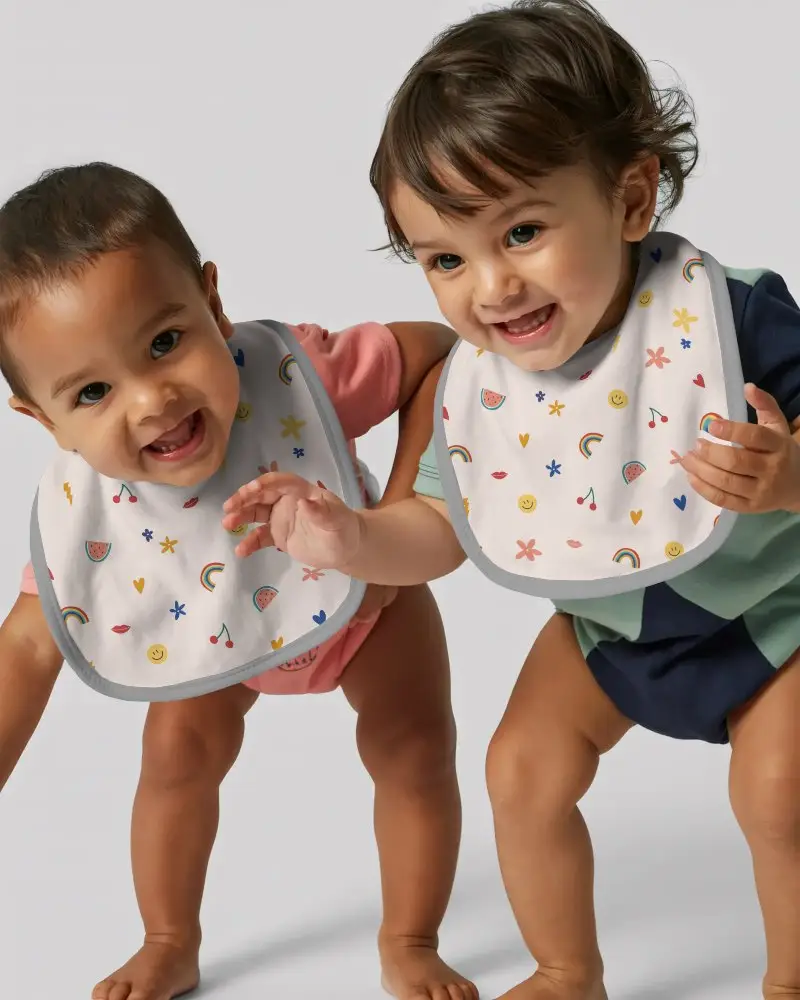
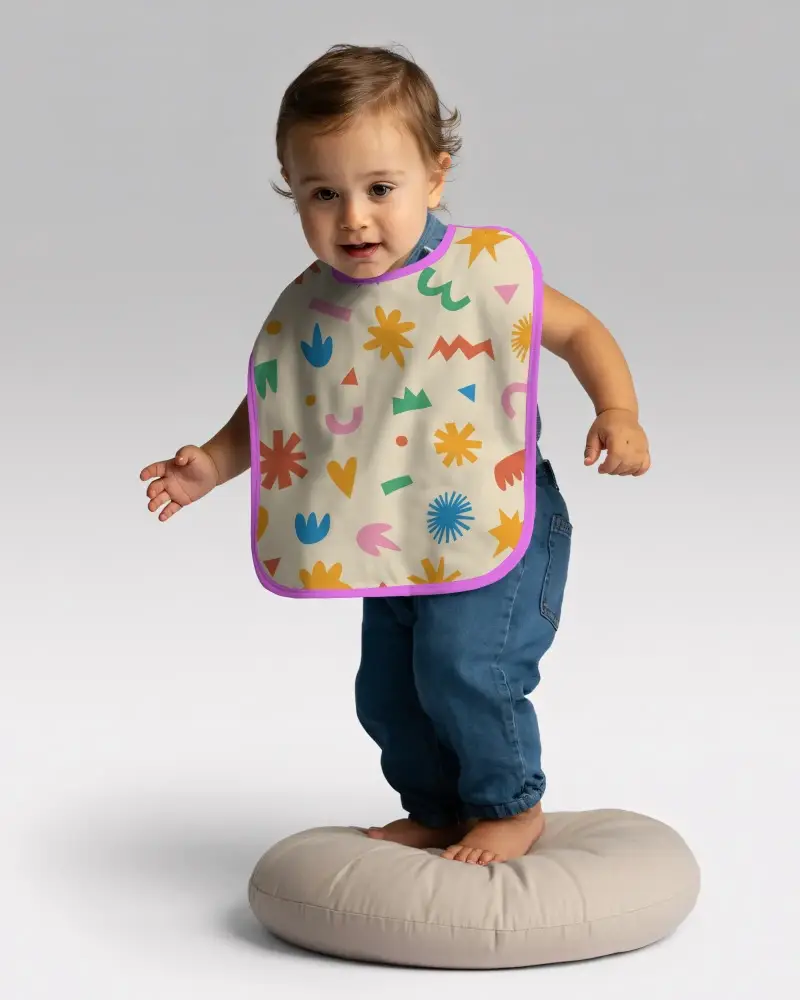
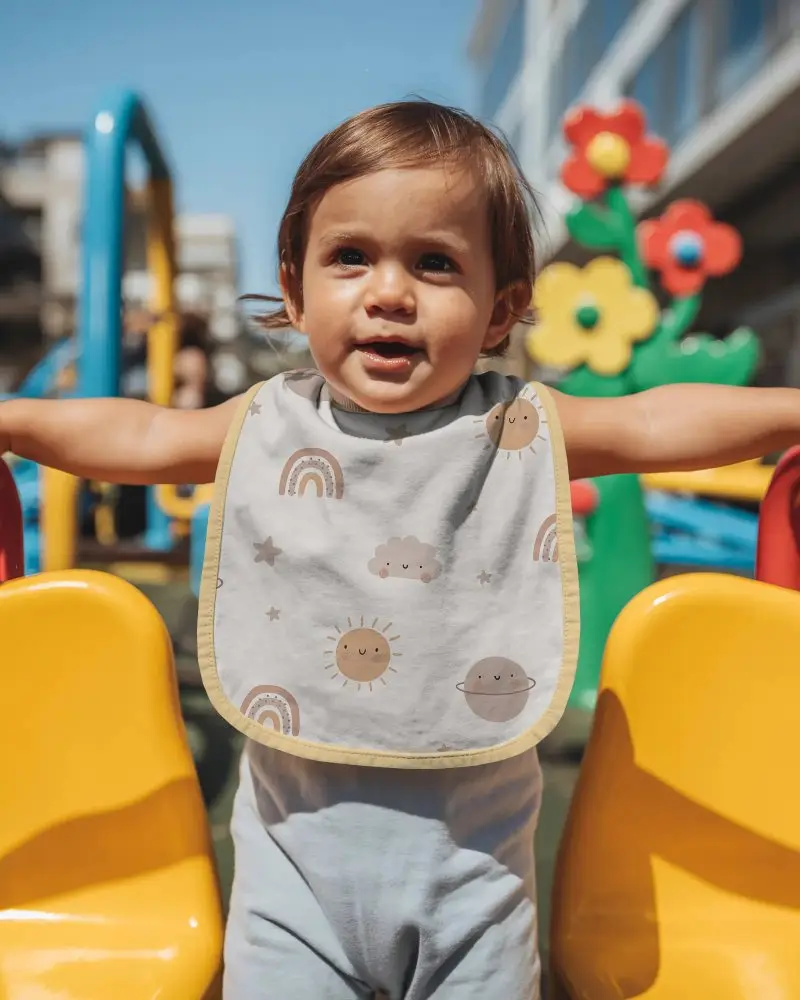
Bib mockups help you show your baby product designs in a clean and realistic way without needing a physical shoot. With Mockey AI you can create high quality previews in seconds that work for stores, social posts, and brand presentations.

How to Create a Bib Mockup?
To create a bib mockup:
- Step 1: Set up your user account by tapping Login/Sign up.
- Step 2: Head to Mockups, follow Baby > Bib, and choose a template.
- Step 3: Upload an image, and personalize it. Use the Download button to save the bib mockup.


FAQs on bib Mockups
What is a bib mockup?
A bib mockup is a digital template of a baby bib where you can insert your design. It helps you visualize the final product before manufacturing.
Why should I use a bib mockup?
To show customers how a design will look on a bib, a mockup is the best option. It saves time and removes the need for a photoshoot.
Can I use bib mockups for client approvals?
Bib mockups are excellent for client approval. Clients can visualize the design, suggest changes, and give feedback so you can avoid costly mistakes before production.
Do bib mockups work for patterned designs?
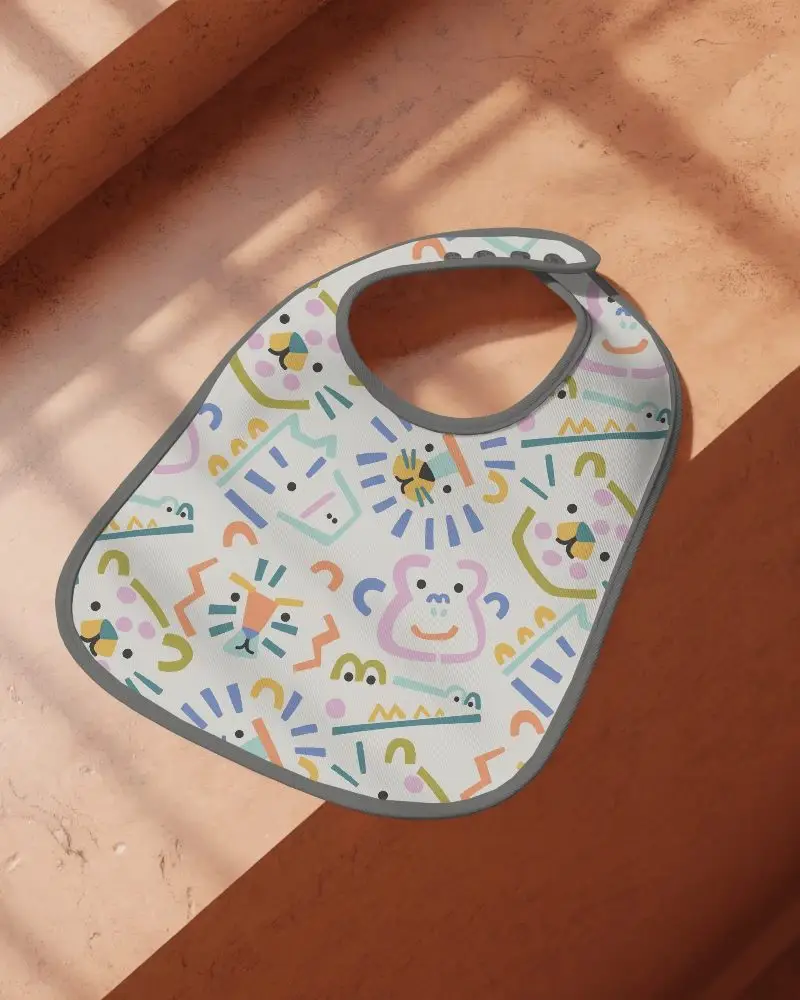
No matter what pattern your design has, uploading it to a Mockey AI’s bib mockup and exporting a high-quality result is easy.
