Baby Tee Mockups for Your Product Preview
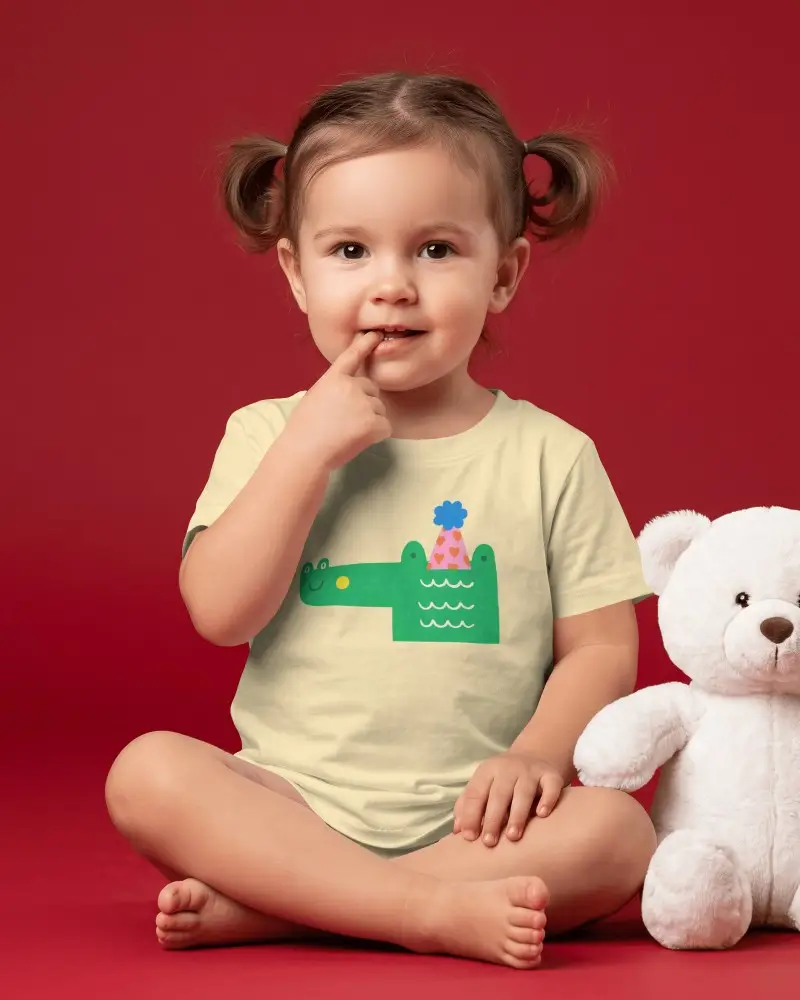
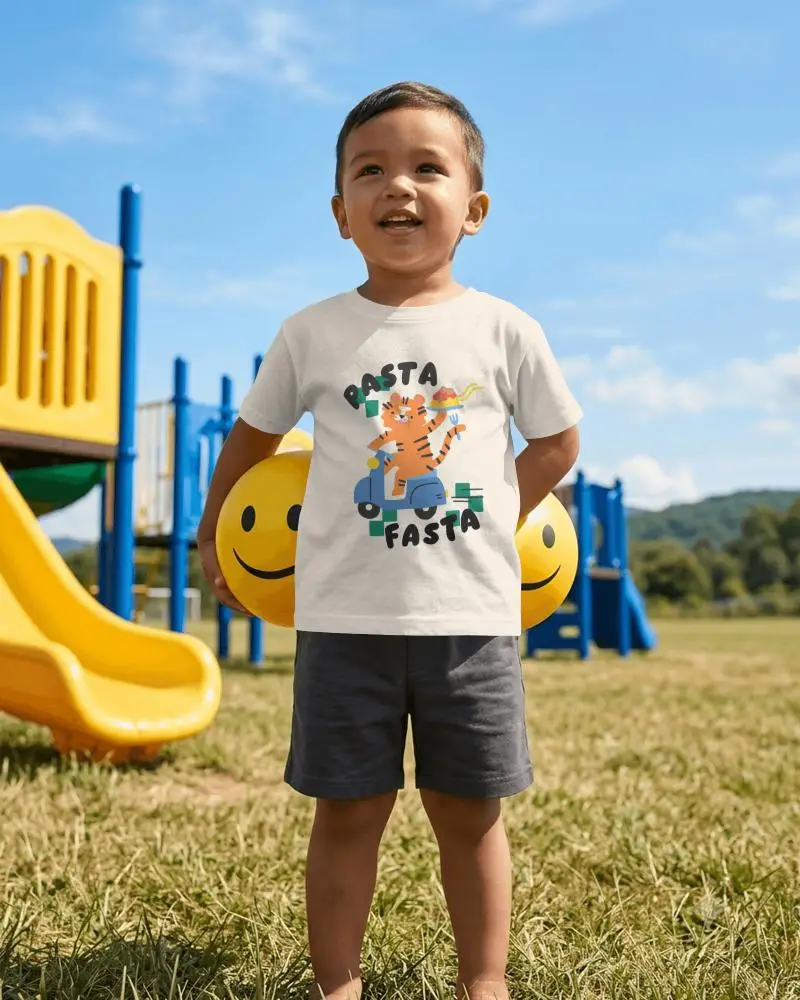
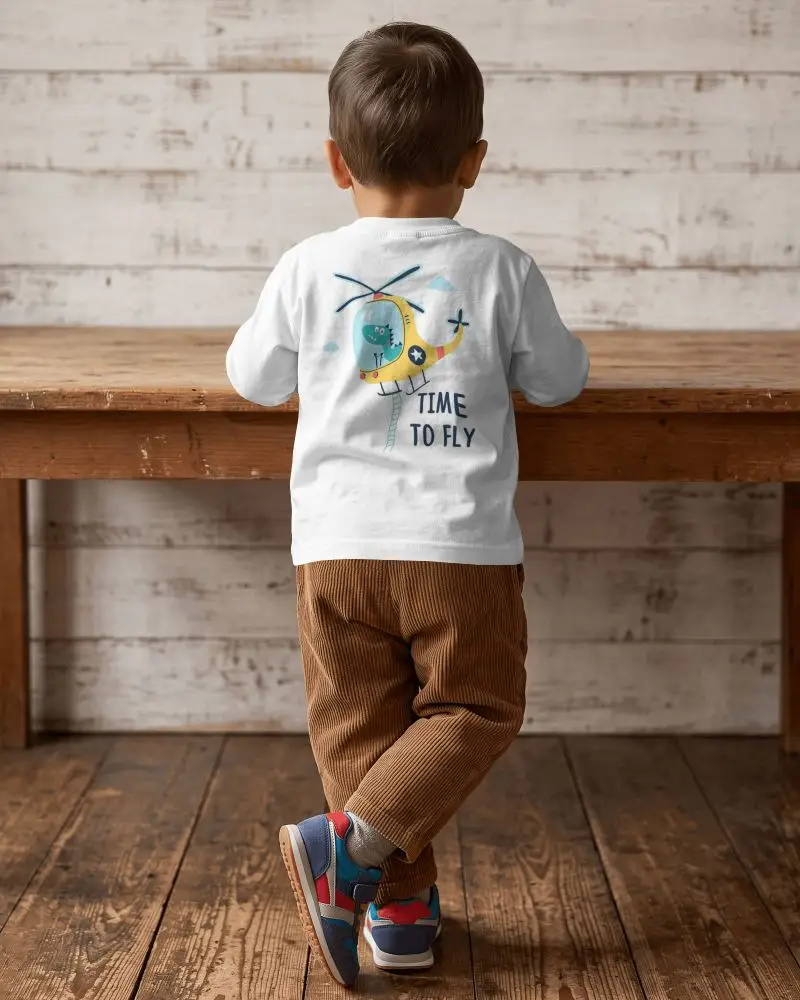
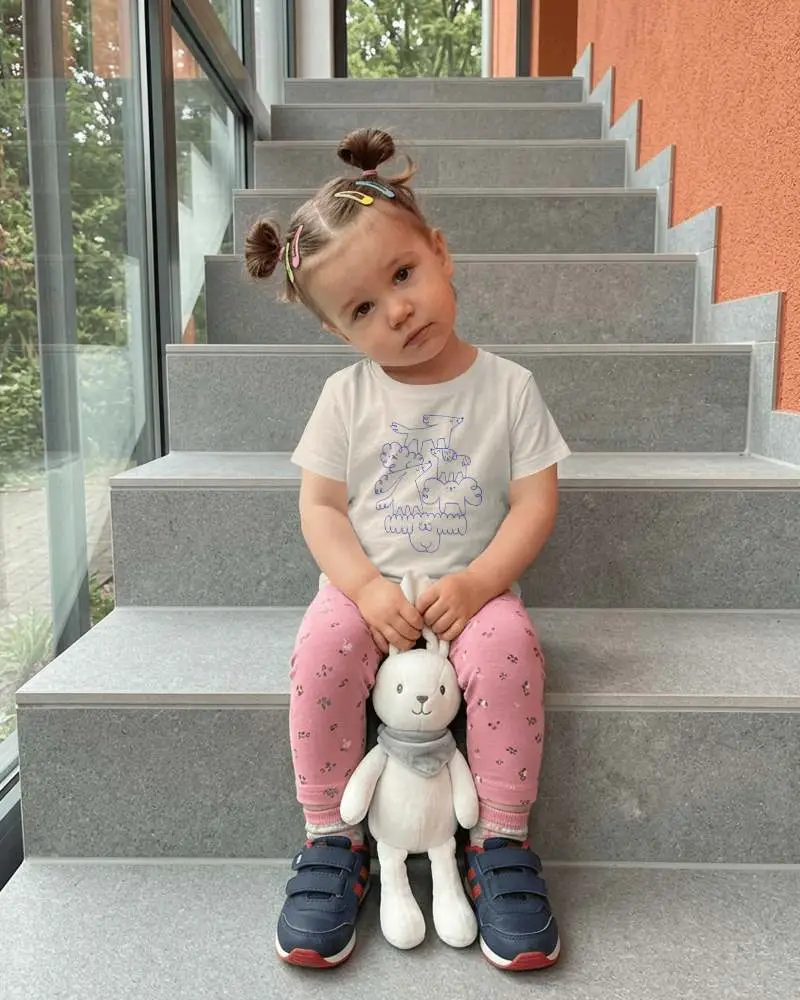
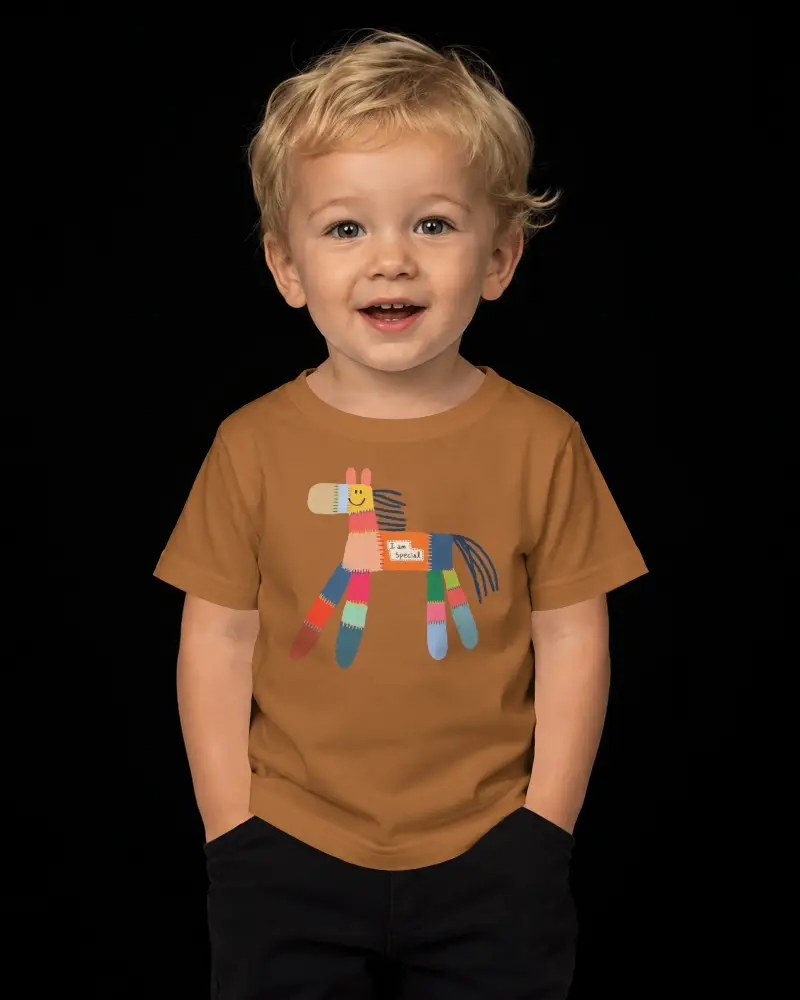
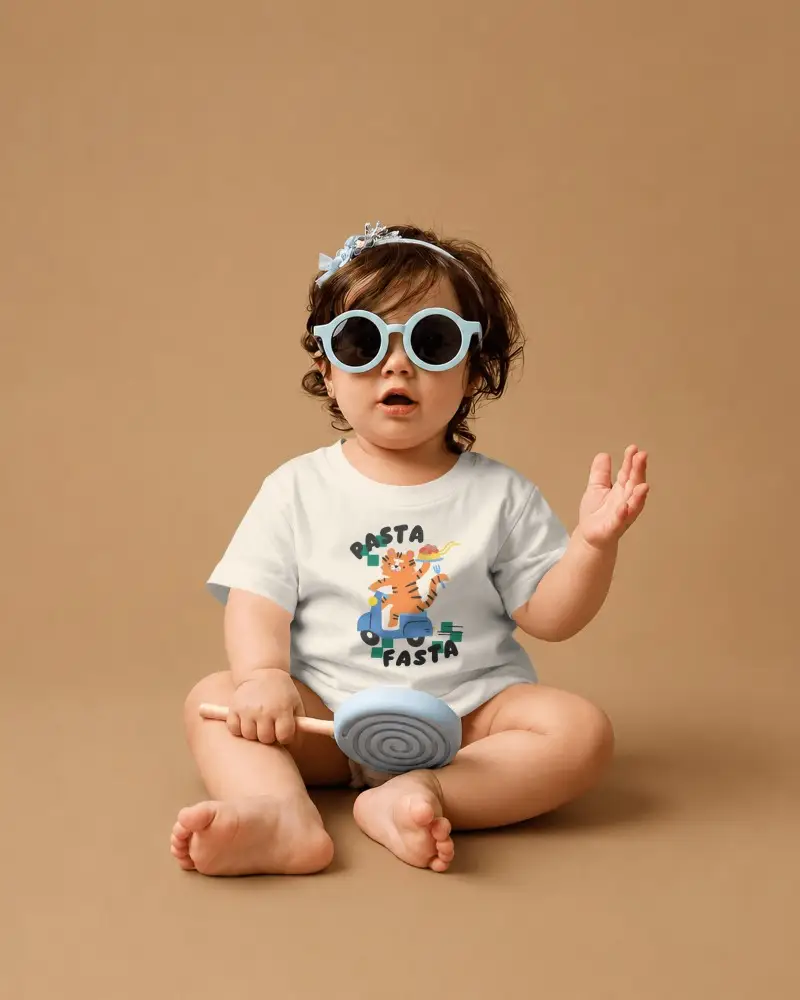
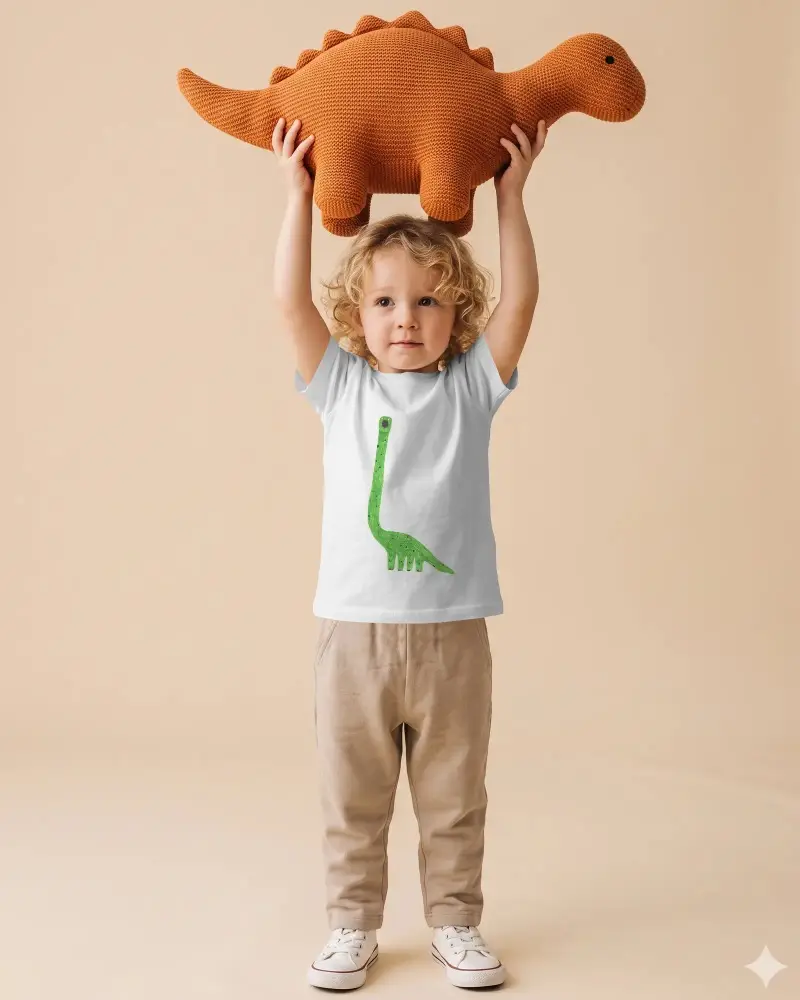
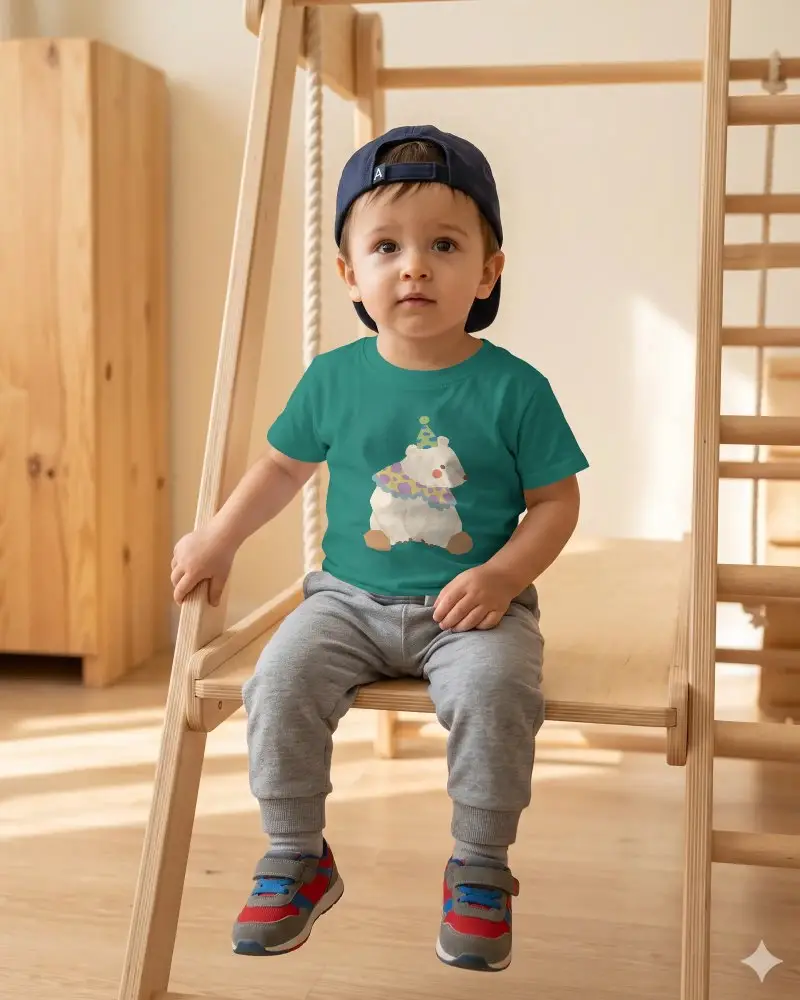
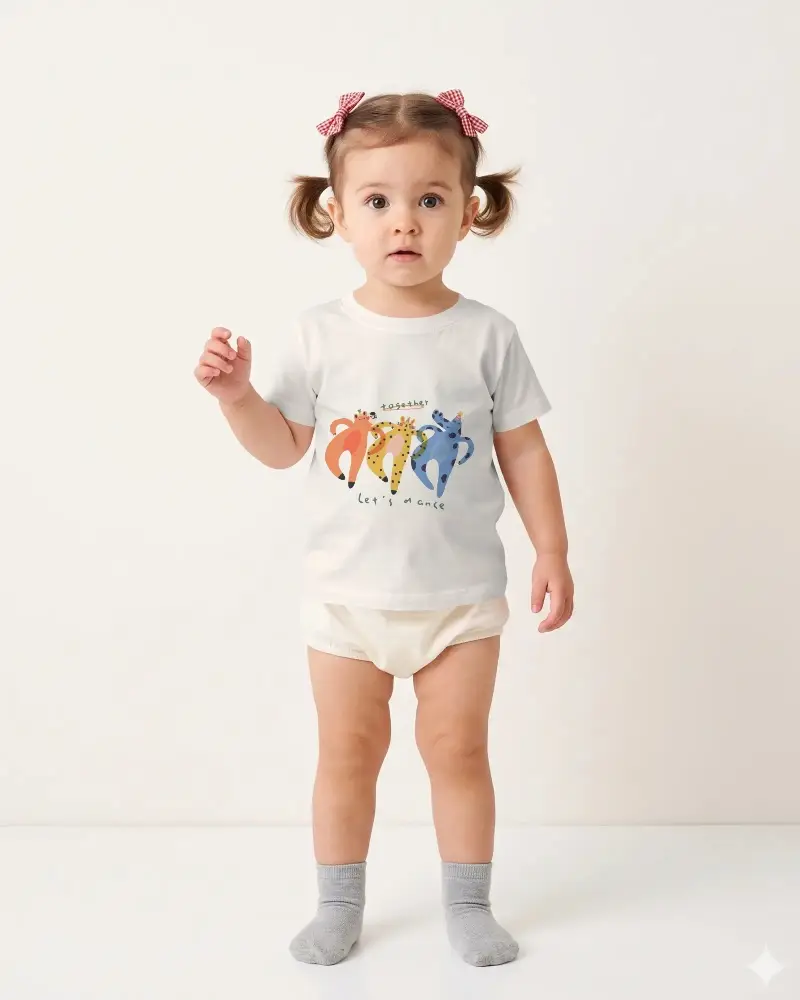
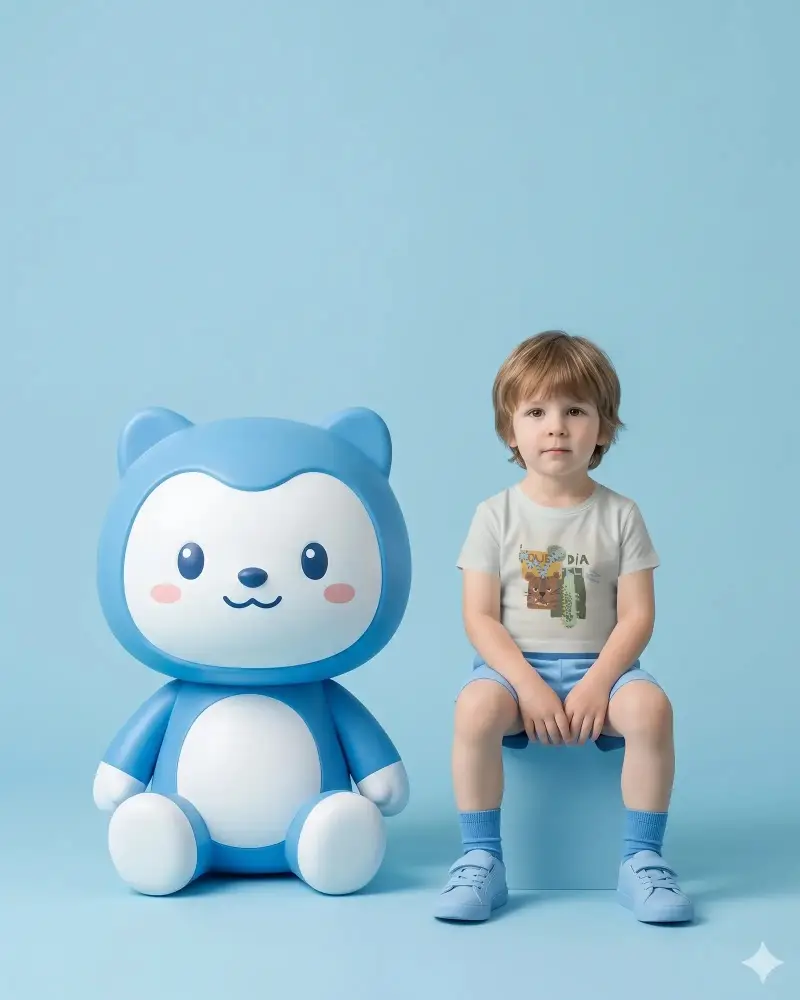
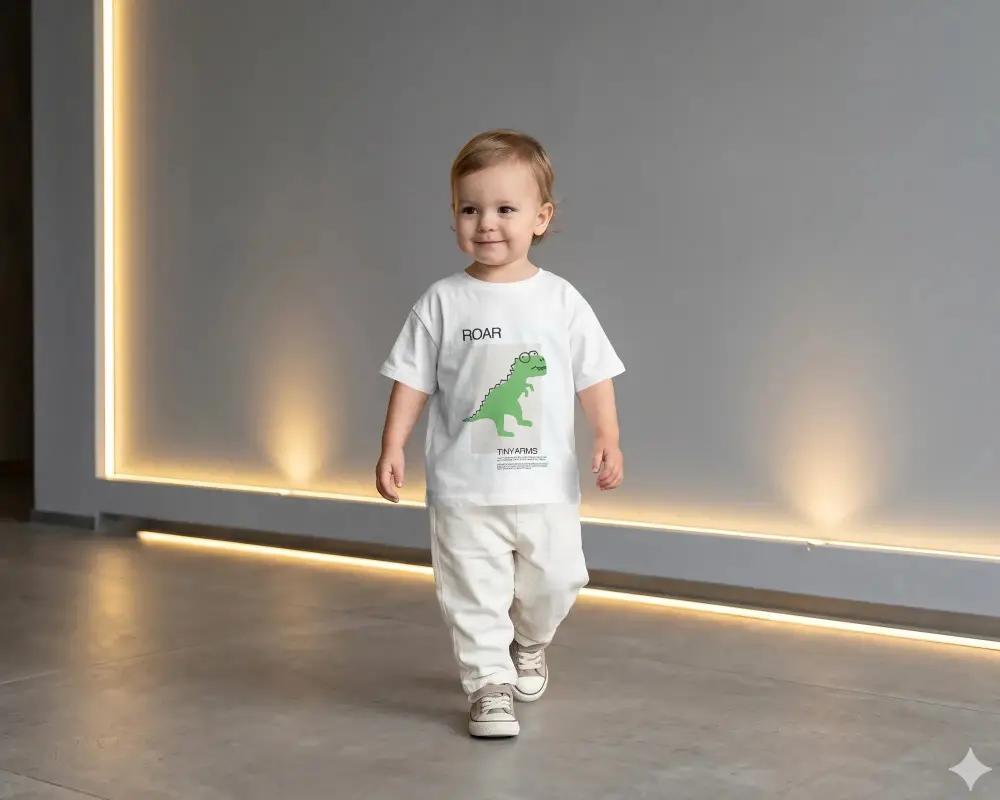
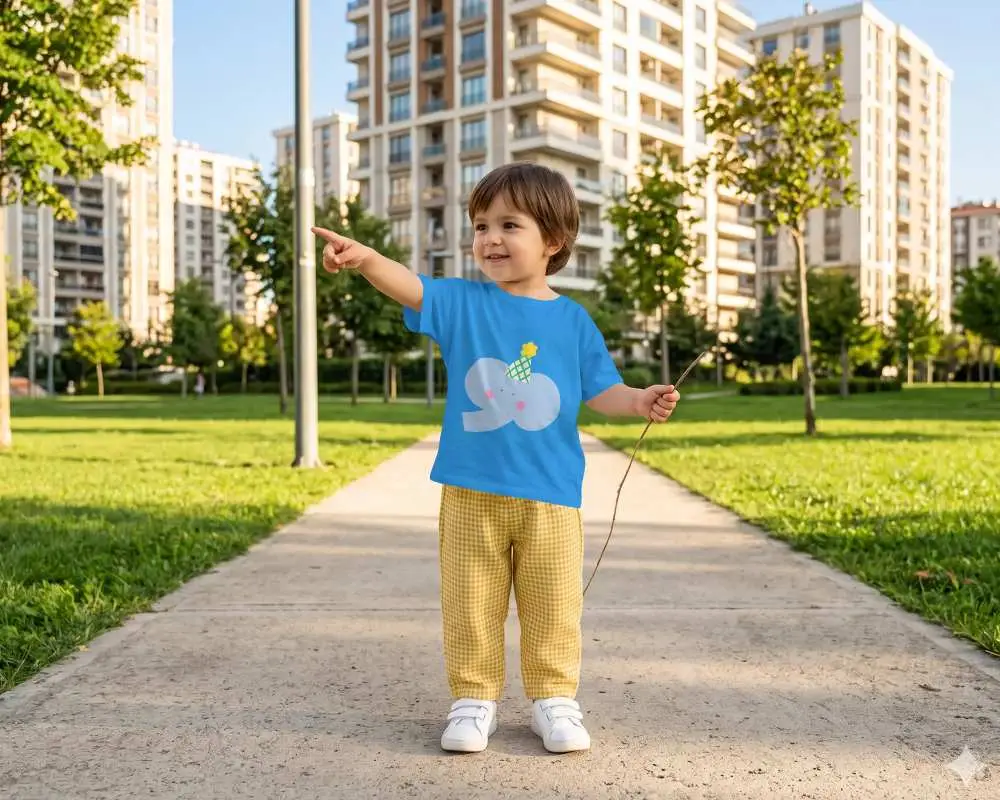
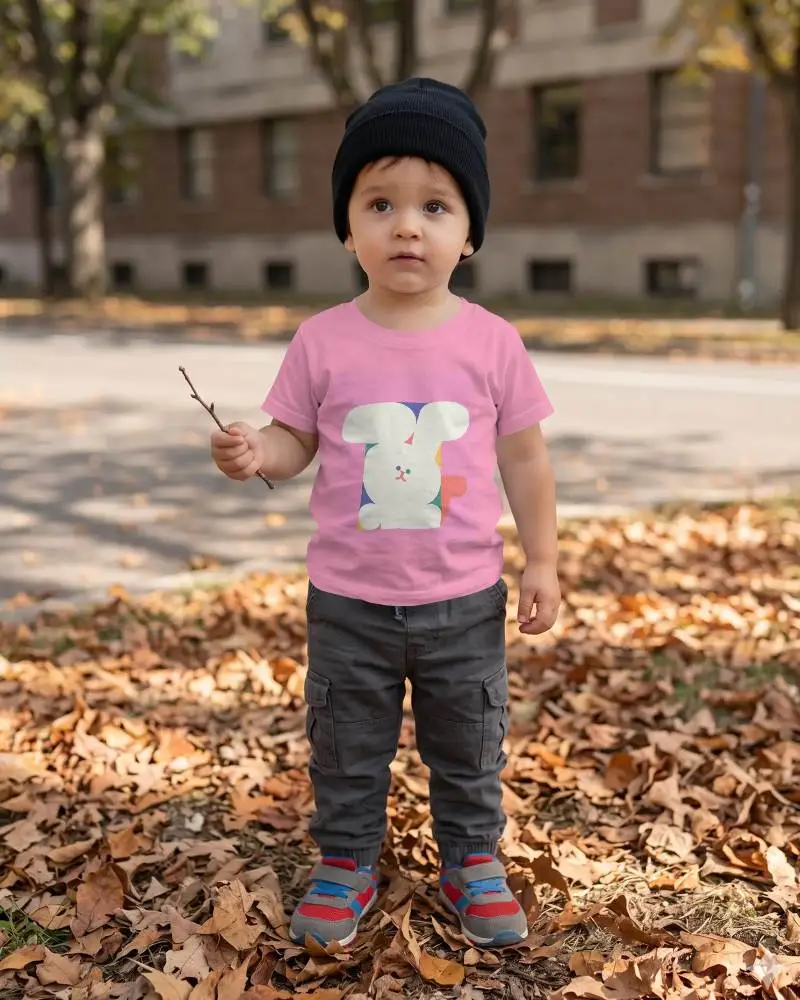
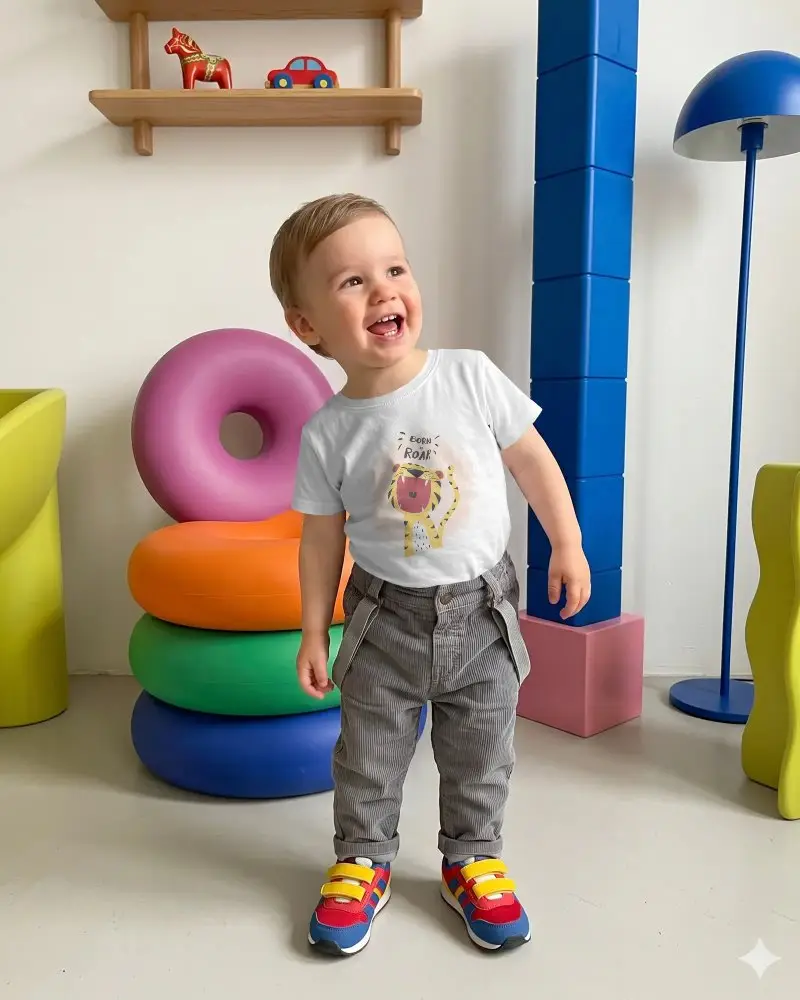
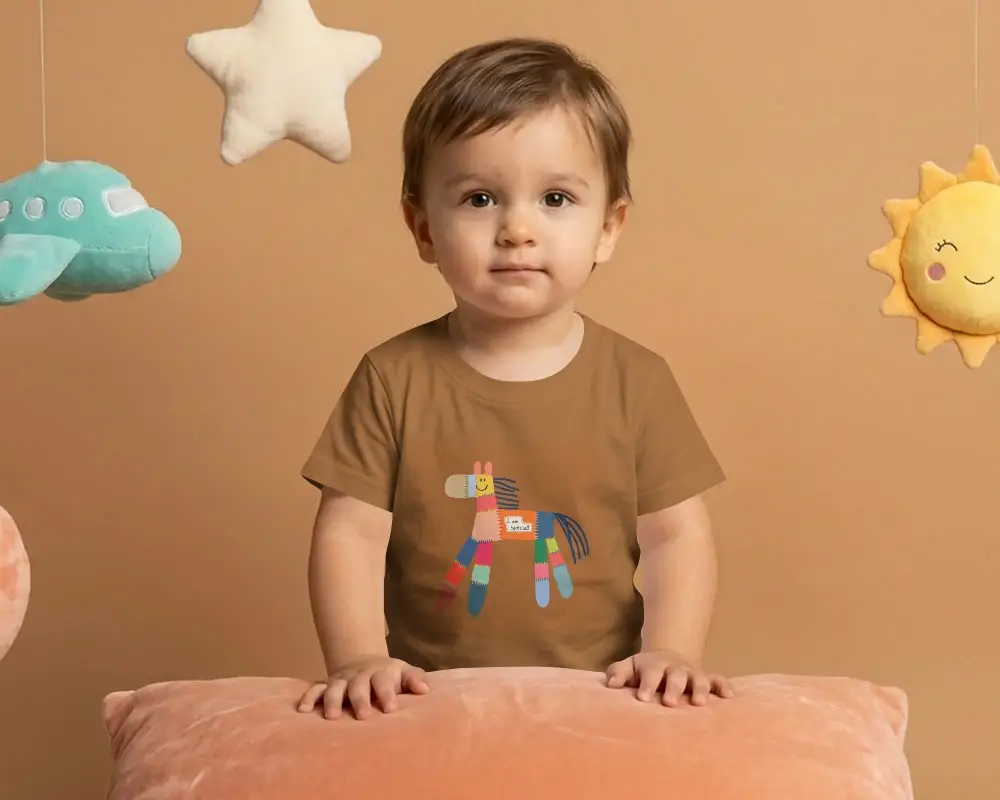
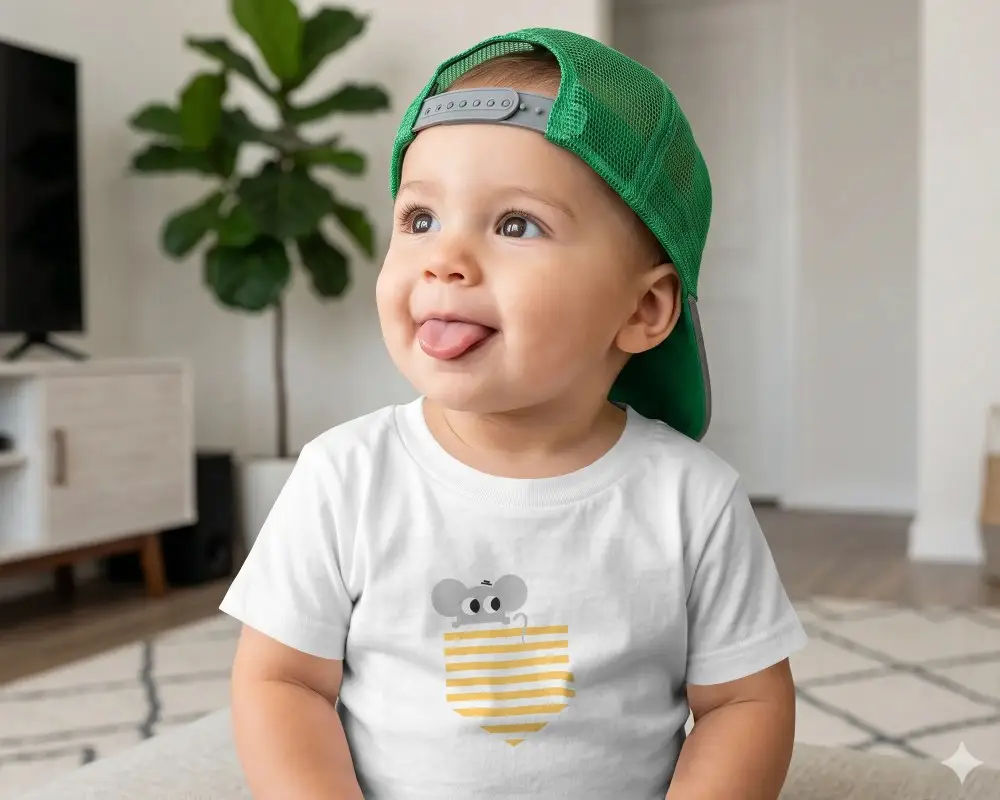
Baby tee mockups help you show your design on real baby clothing with clean natural previews. Use Mockey.ai to create soft, cute and professional visuals in a few clicks.
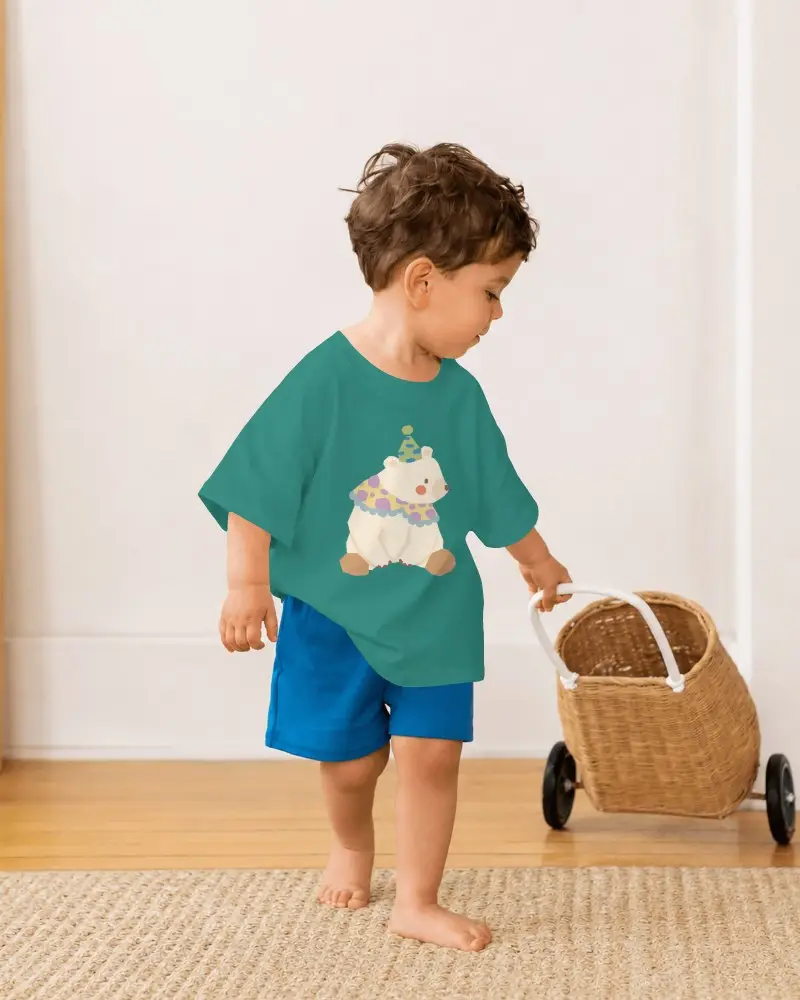
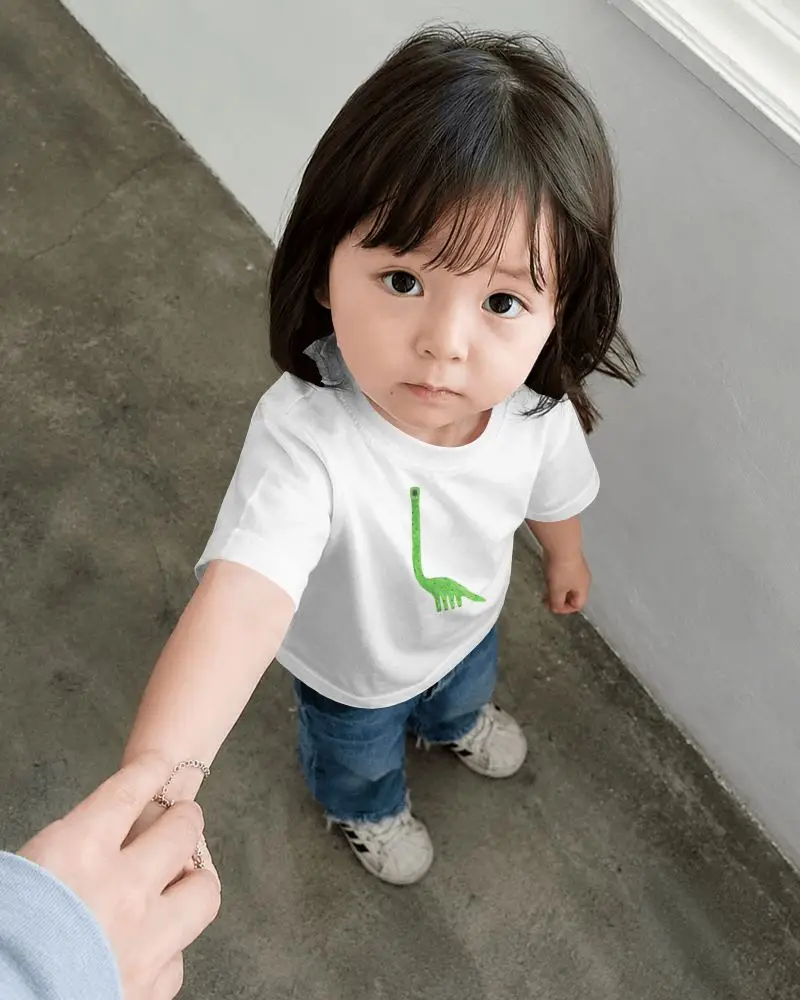
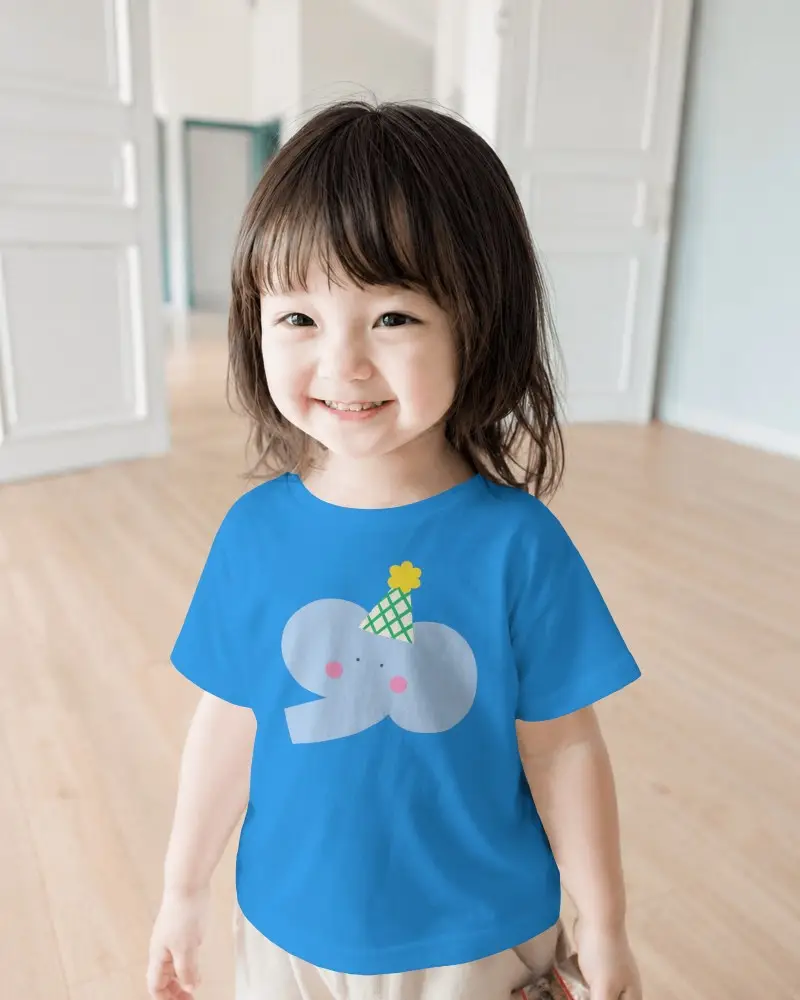
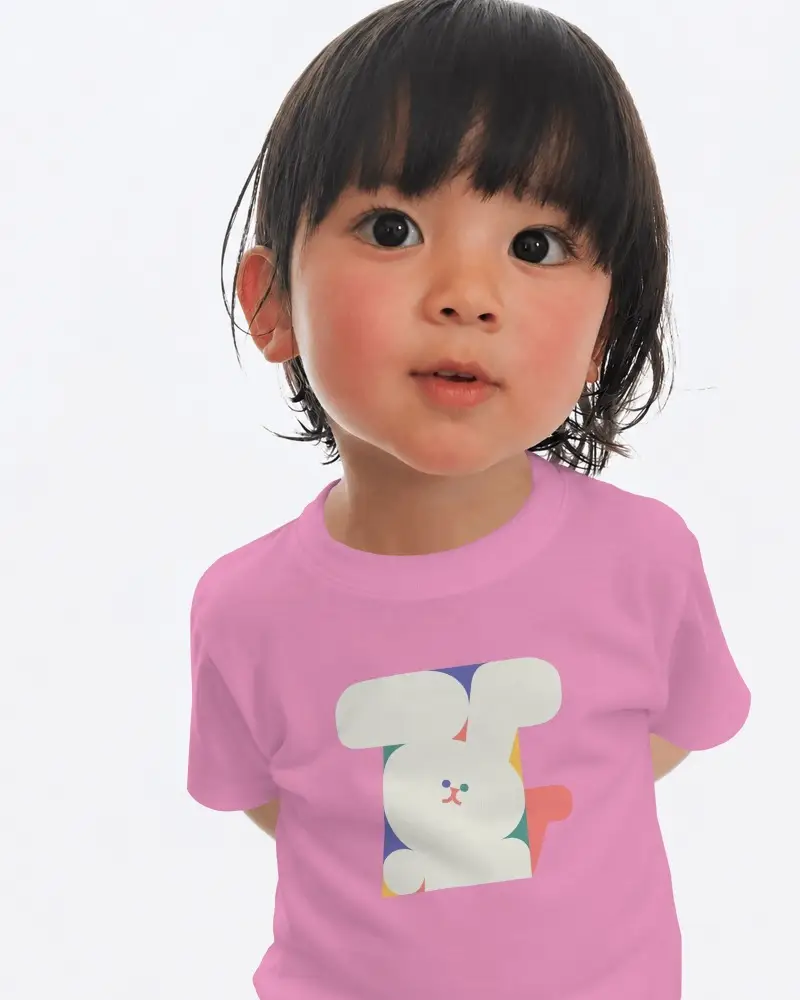
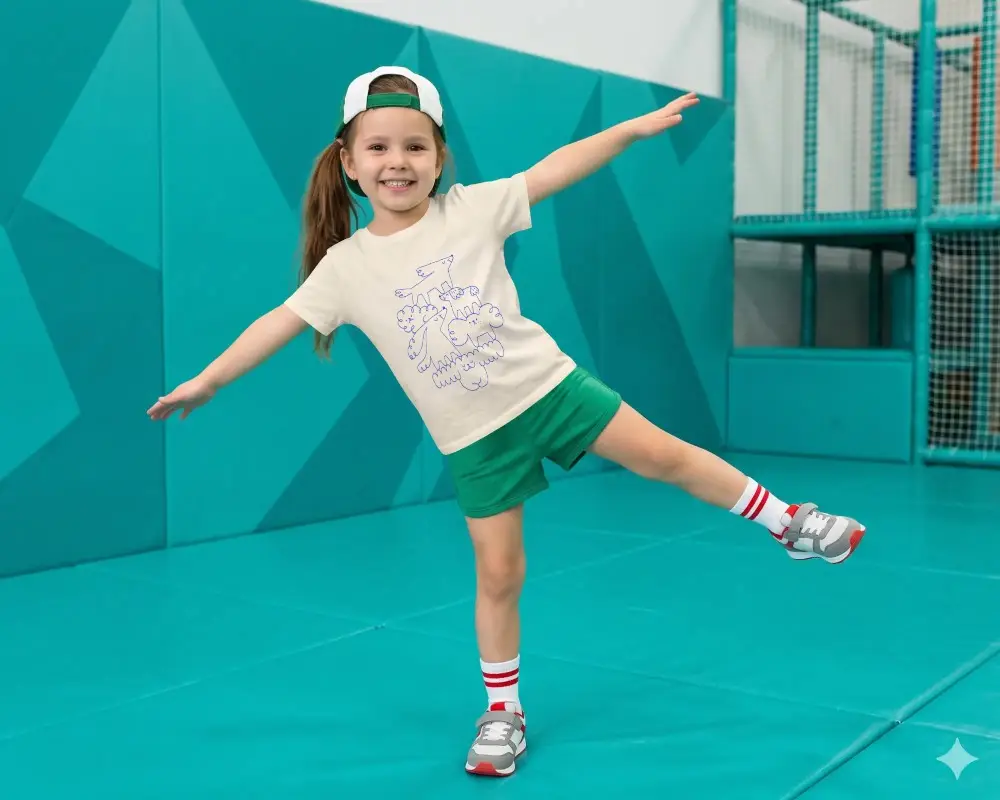
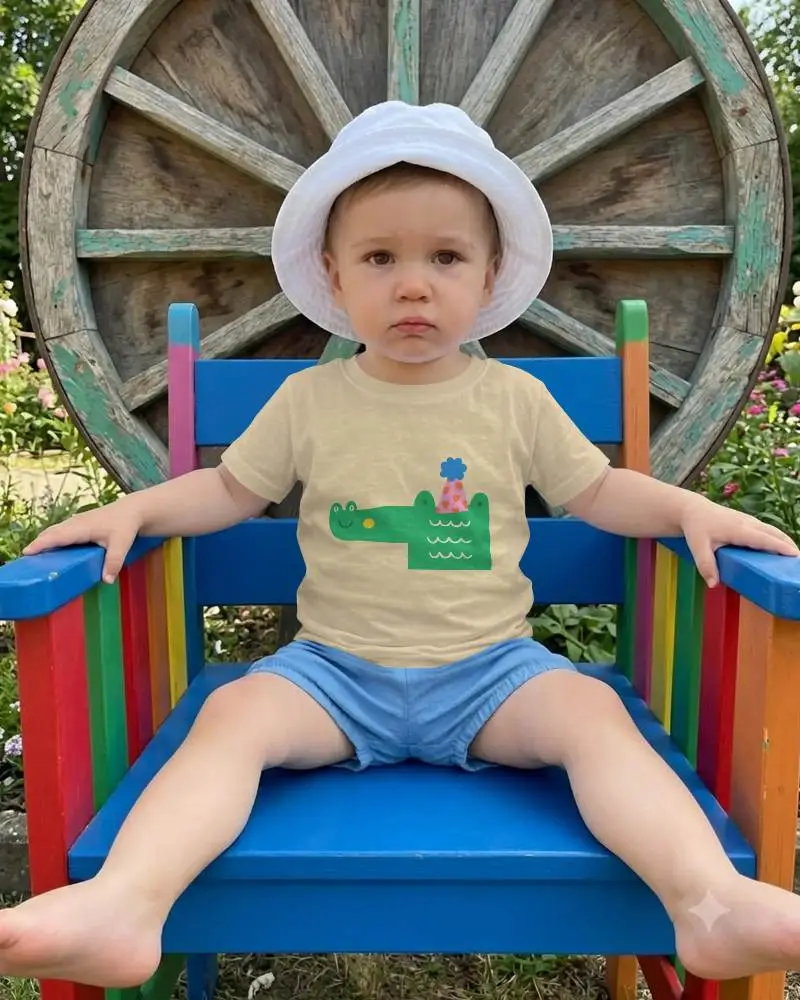
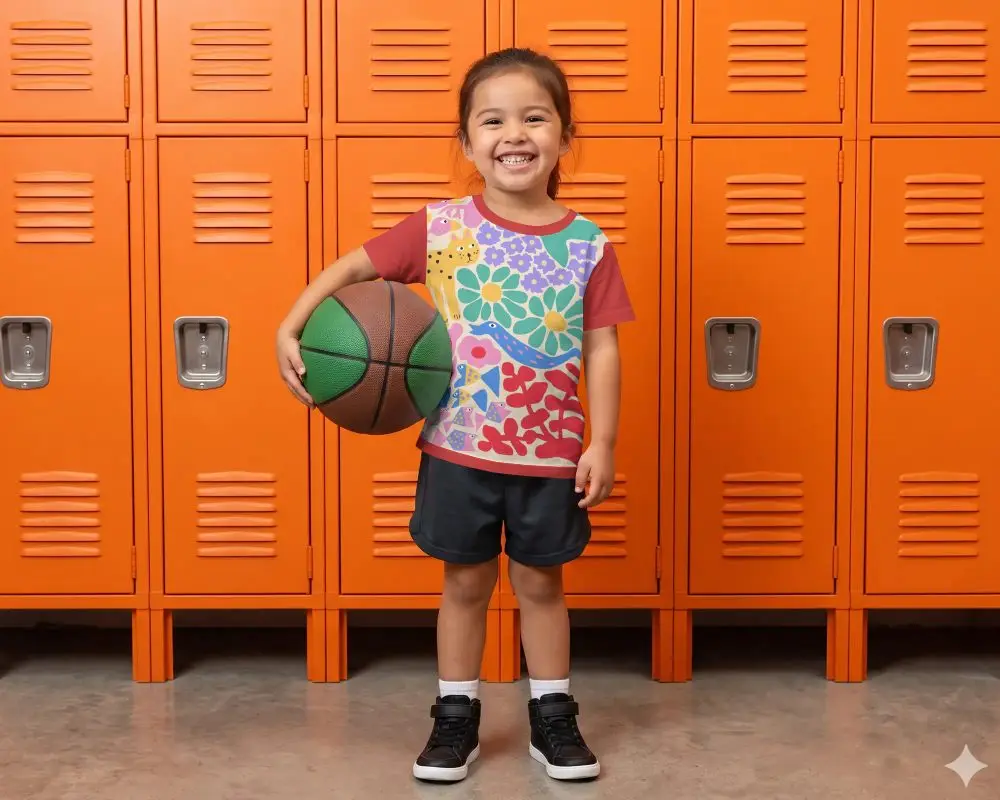
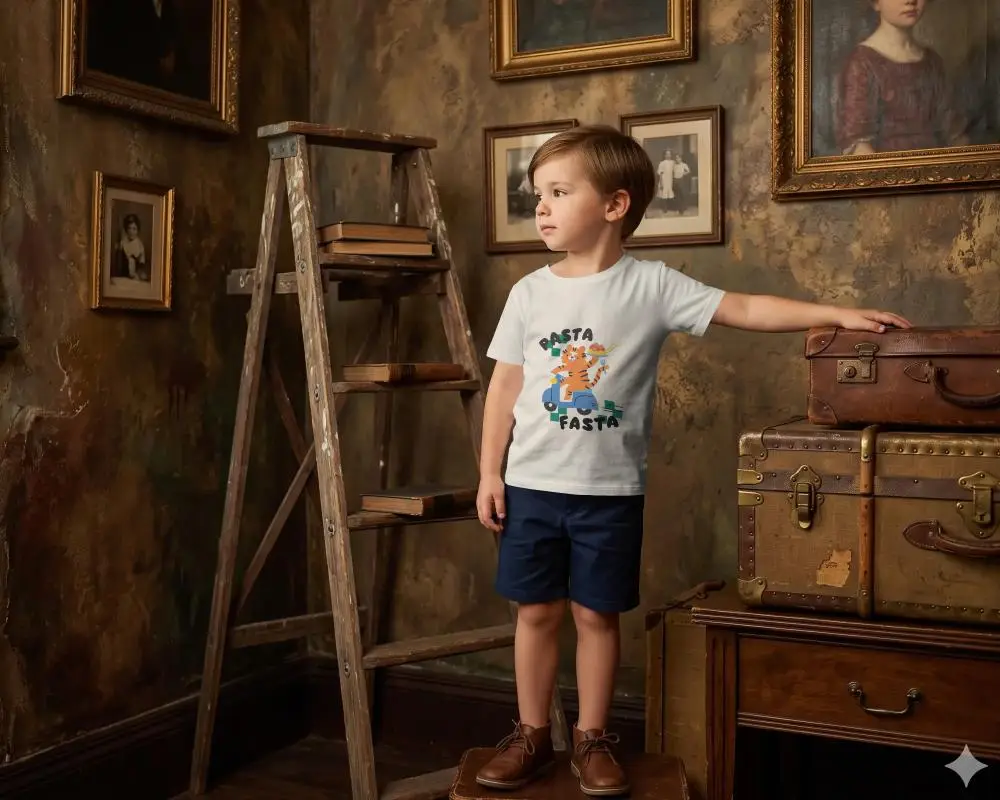
How to Create Baby Tee Mockups with Mockey AI
To create a baby tee mockup:
- Step 1: Hit the Login/Sign Up option to open your account.
- Step 2: Go to Mockups, and follow Baby > Tee to select a template.
- Step 3: Add your design, and adjust it as you like. Press Download to get the baby tee mockup.


FAQs on baby-tee Mockups
What is a baby tee mockup?
A baby tee mockup is a digital template of cropped or snug-fitting baby T-shirts. Sellers or designers upload custom designs to visualize how the design will look on the garment after production. It is an important tool for e-commerce websites, POD sellers, and Etsy creators.
Why should I use a baby tee mockup?
A baby tee mockup helps you visualize the product before production. It removes the need for a real photoshoot, saving both time and money.
Is the baby tee mockup available in video format, too?
In Mockey AI’s video mockup generator video templates for baby tees are available. You can upload a design to it and download the output as an MP4 file.
Can I download the baby tee mockup without a watermark?
With Mockey AI’s free plan, you can create baby mockups and download the JPG output without any watermark.
