Editable Sweatpants Mockup Online - Baggy, Y2K, & Wide Leg
Customize over 300 high-res sweatpants mockup templates online. Easily edit baggy, wide leg, double-waisted, and streetwear sweatpants. Choose custom fabric colors, upload your apparel brand artwork, and download high-resolution mockup files instantly with no watermarks.
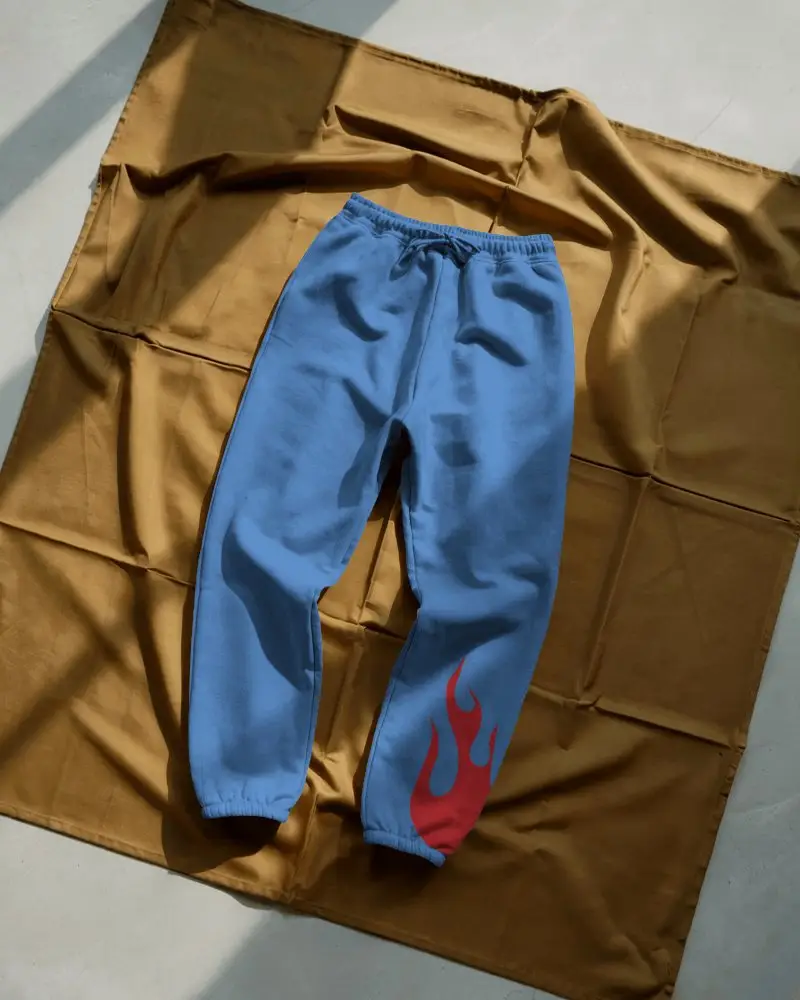
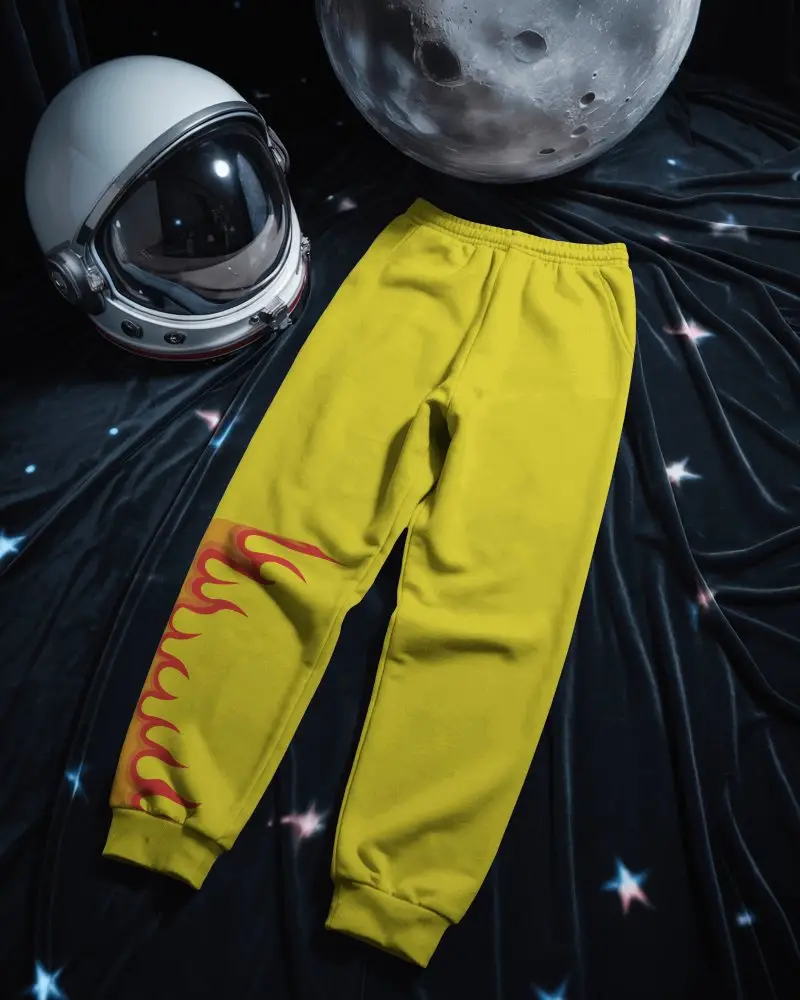
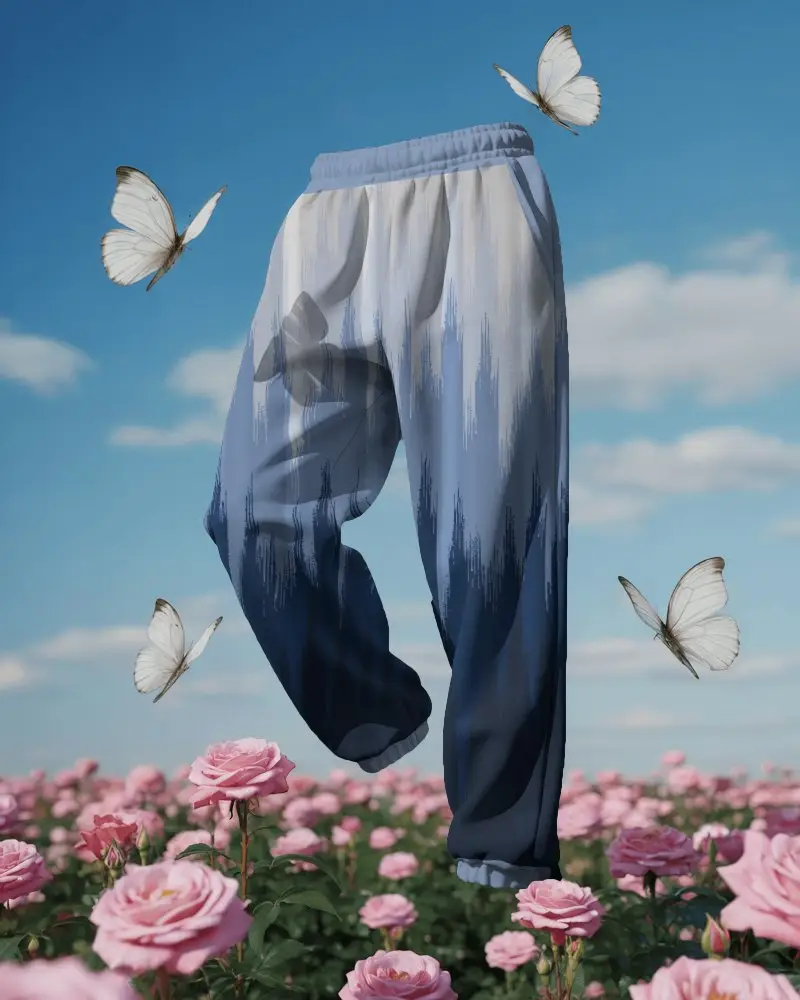
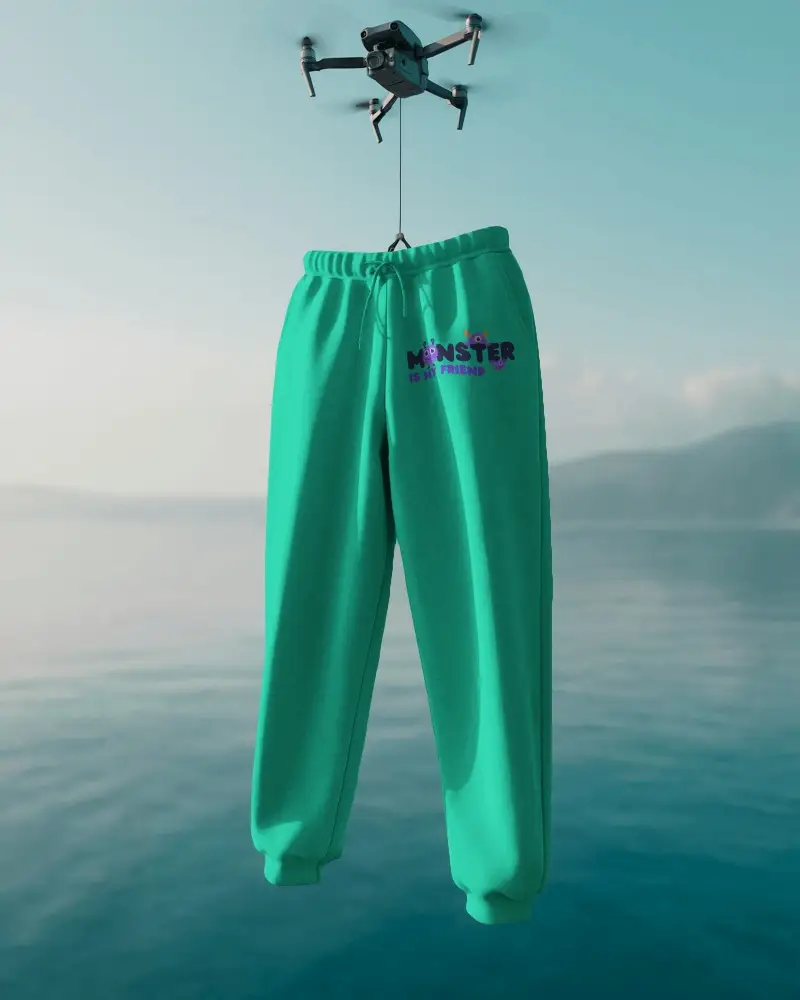
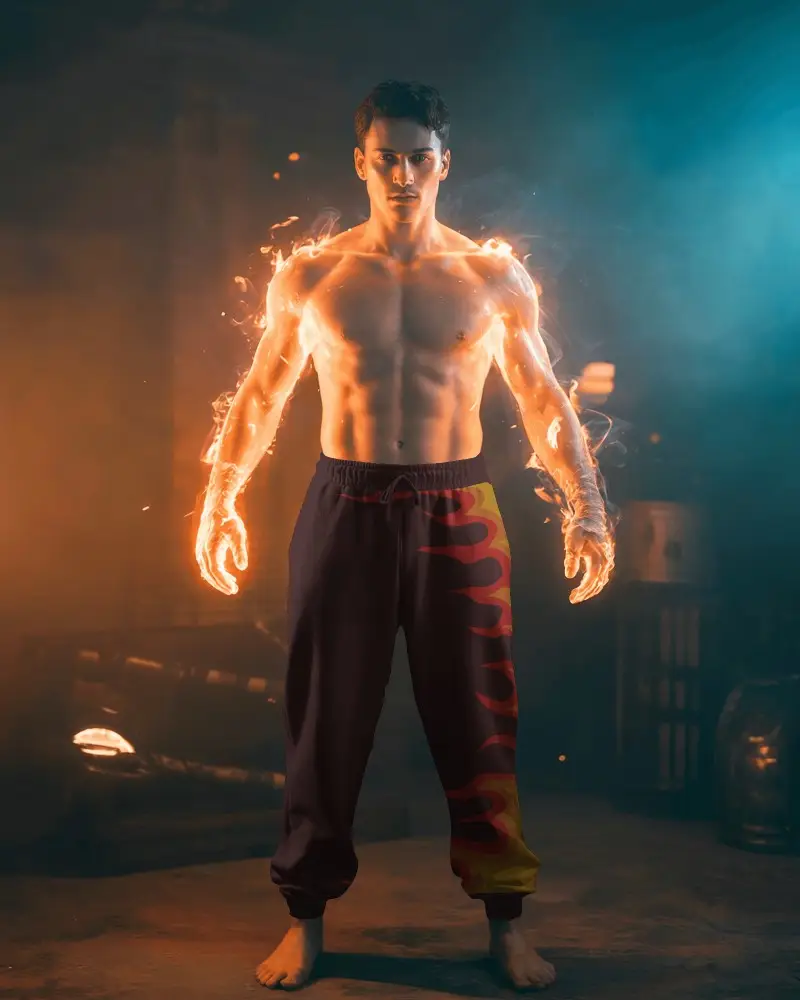
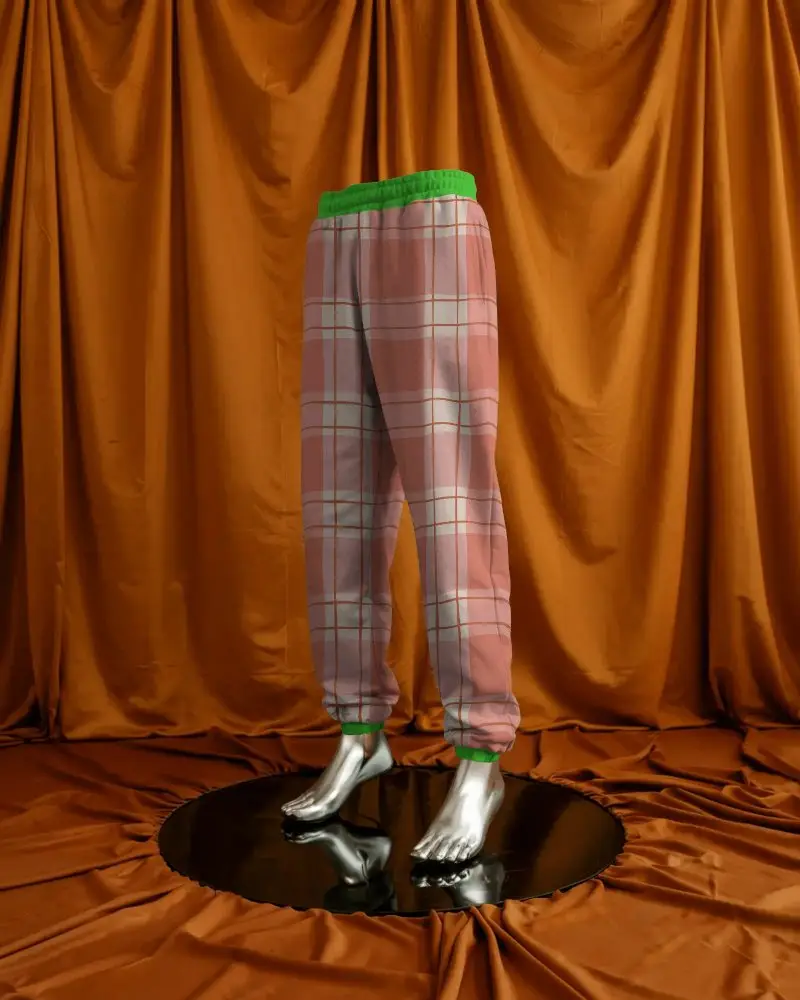
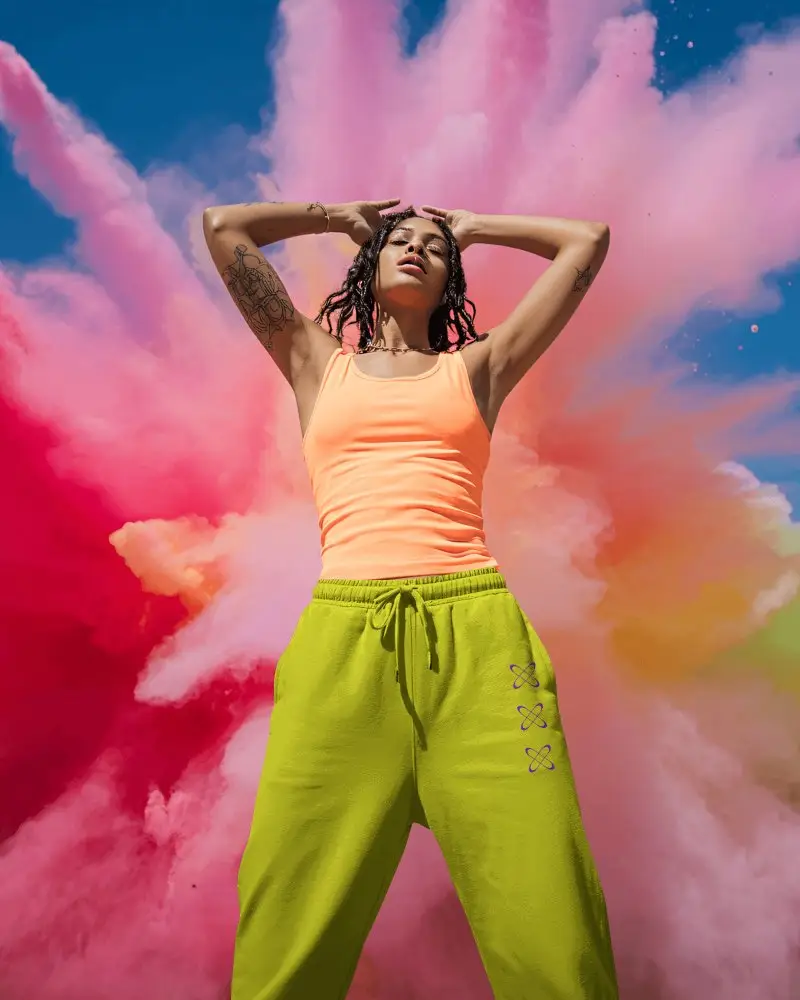

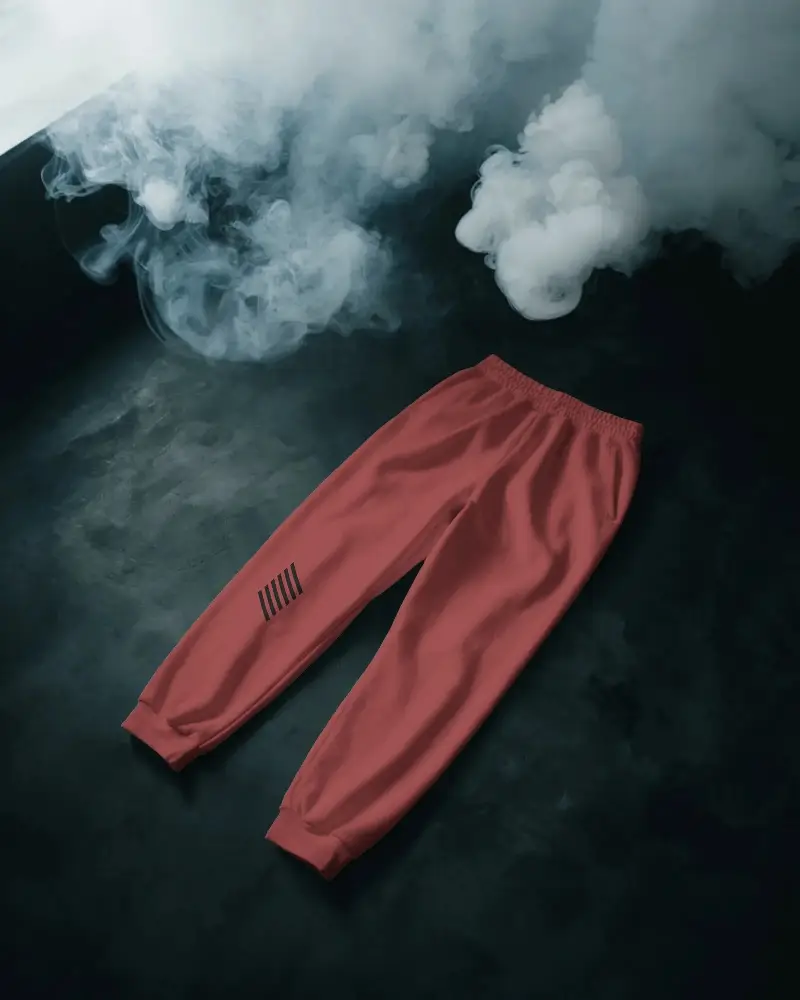
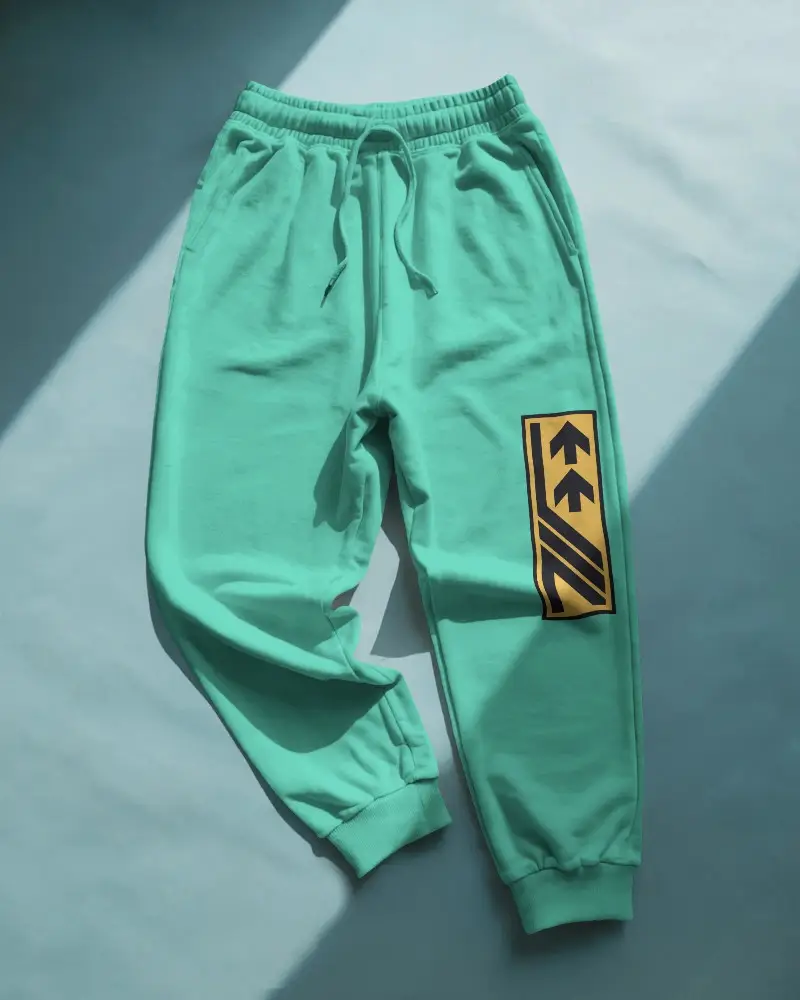
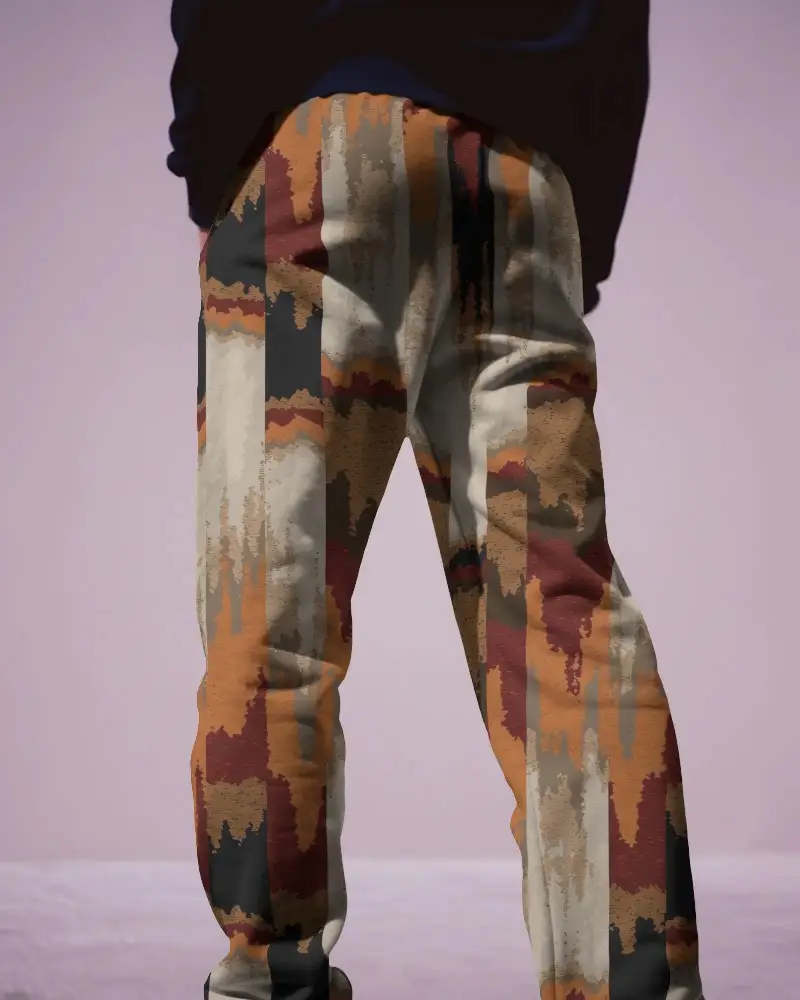
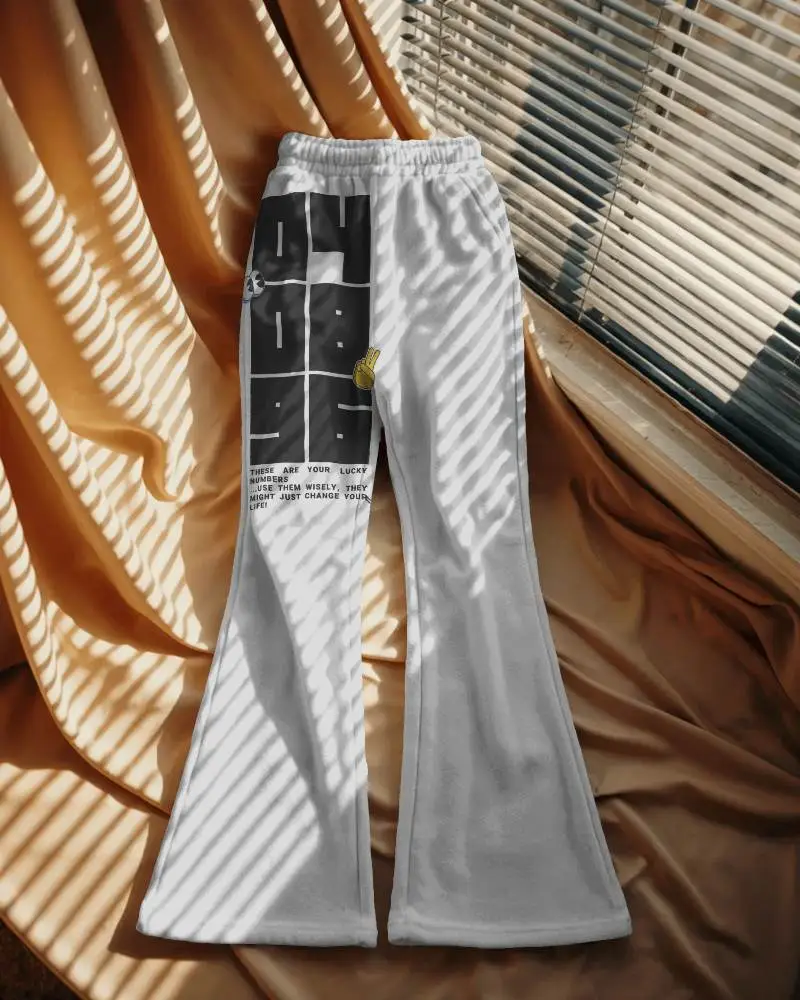
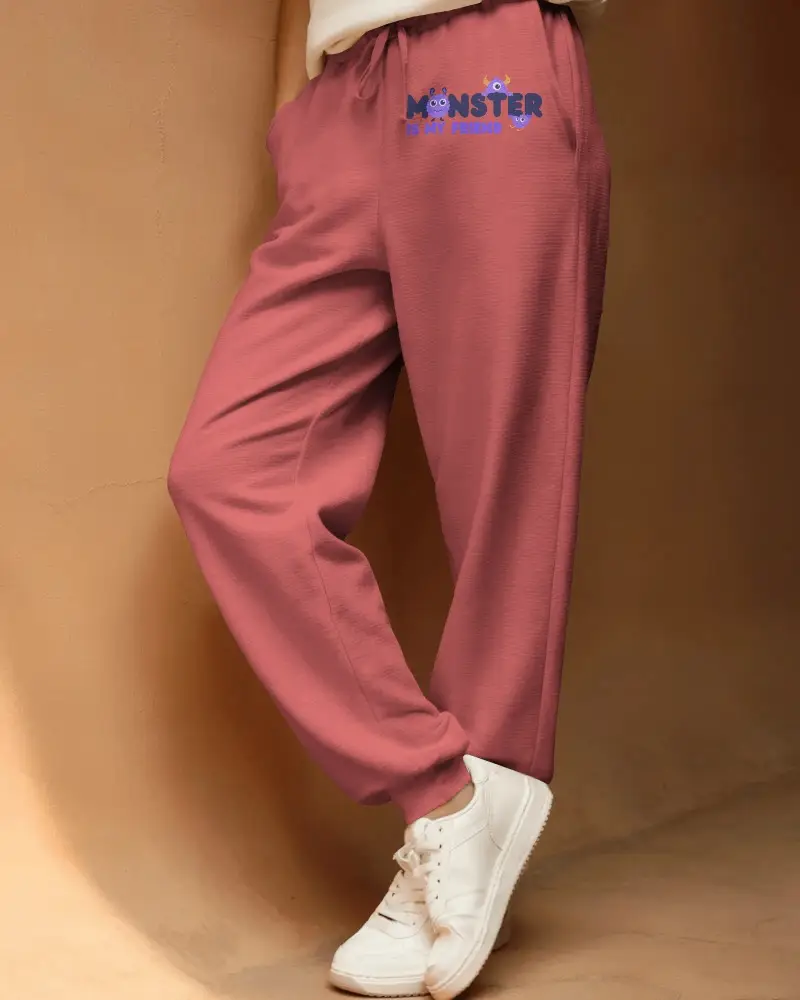
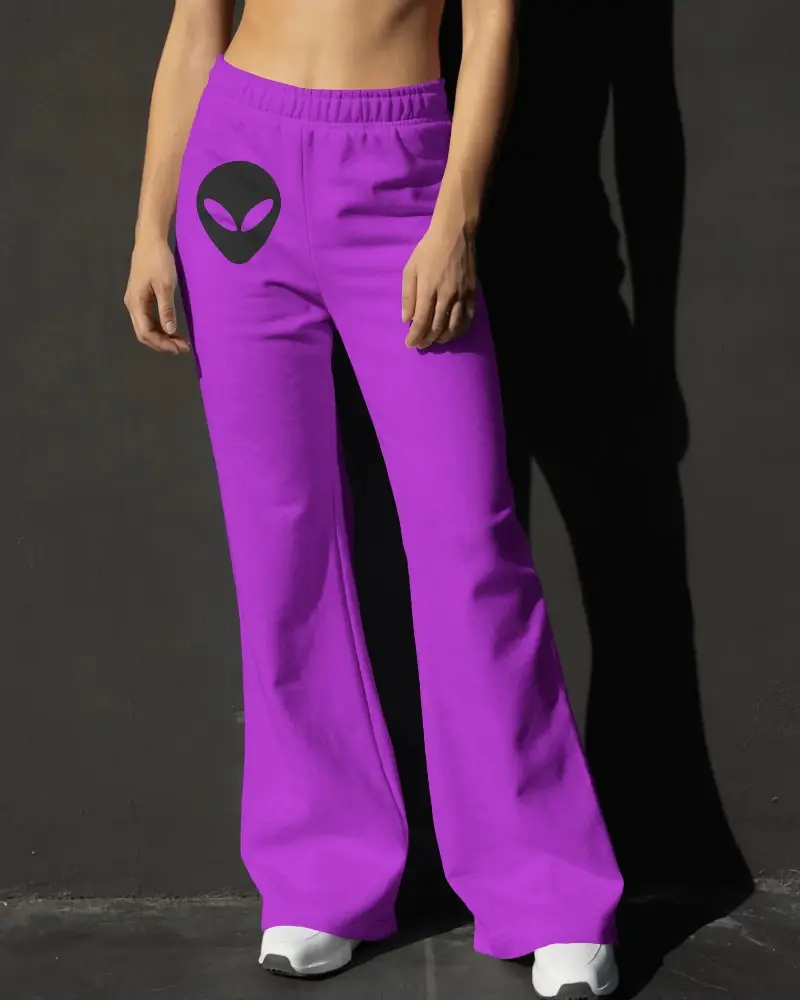
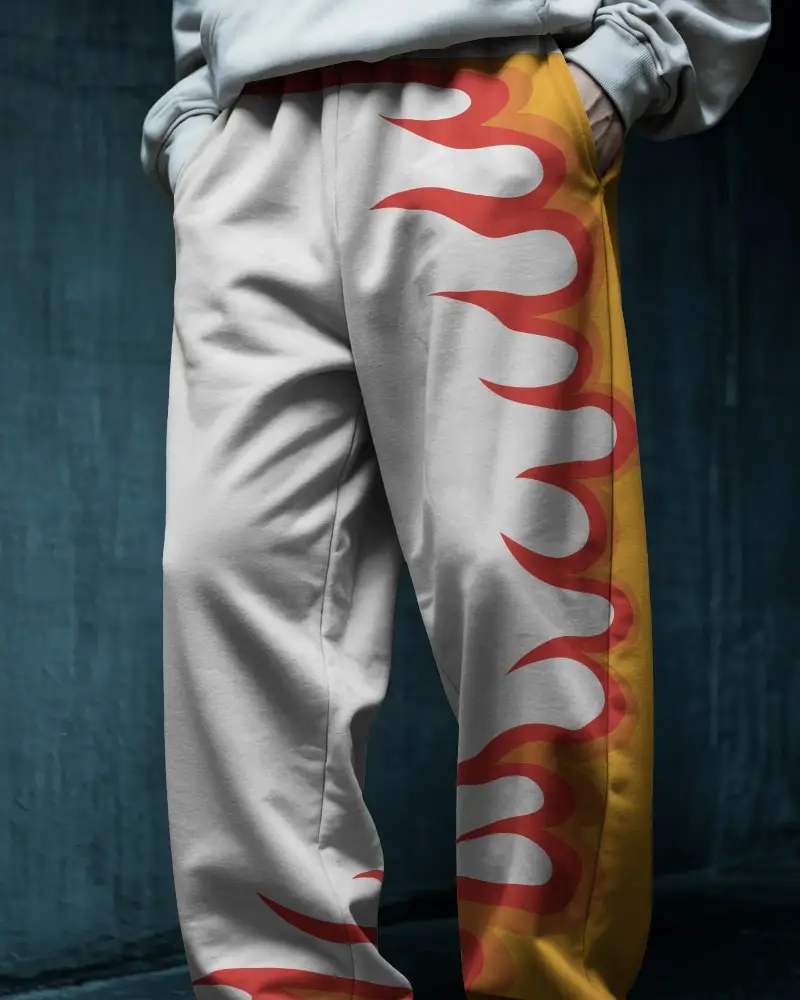
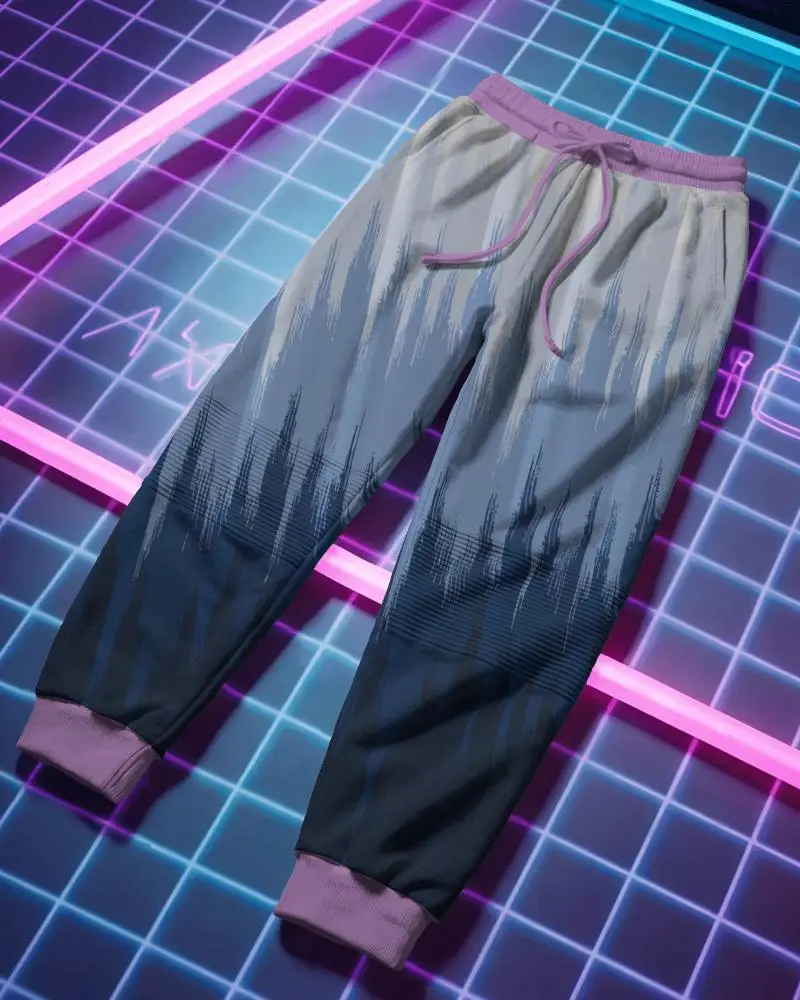
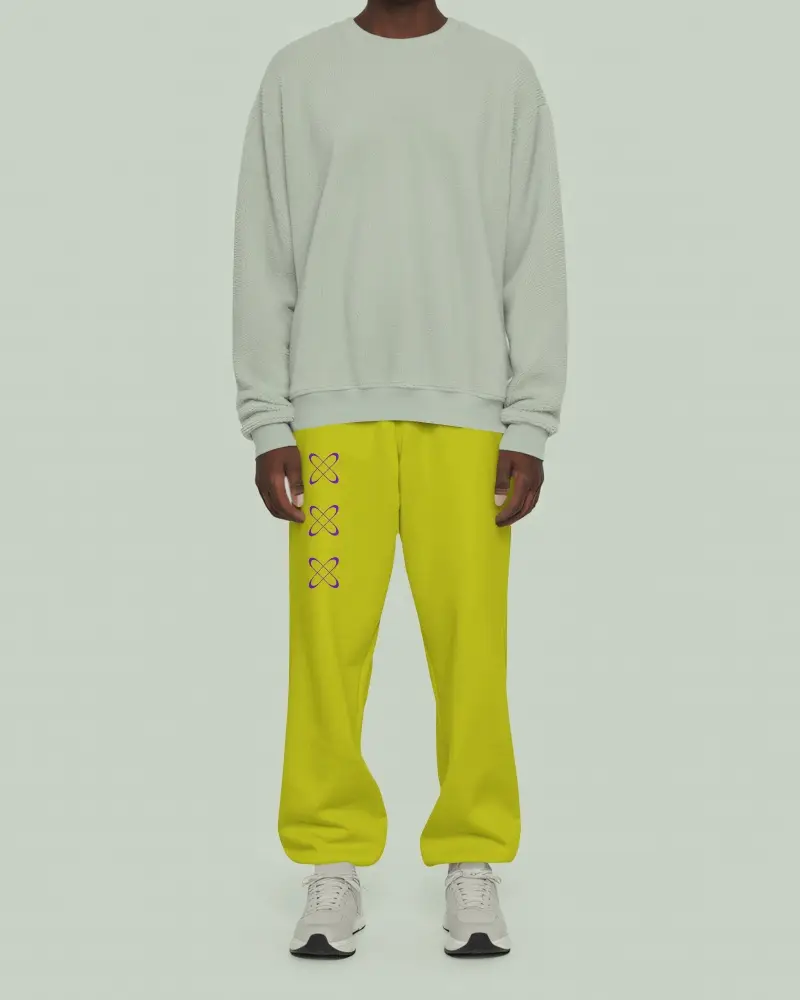
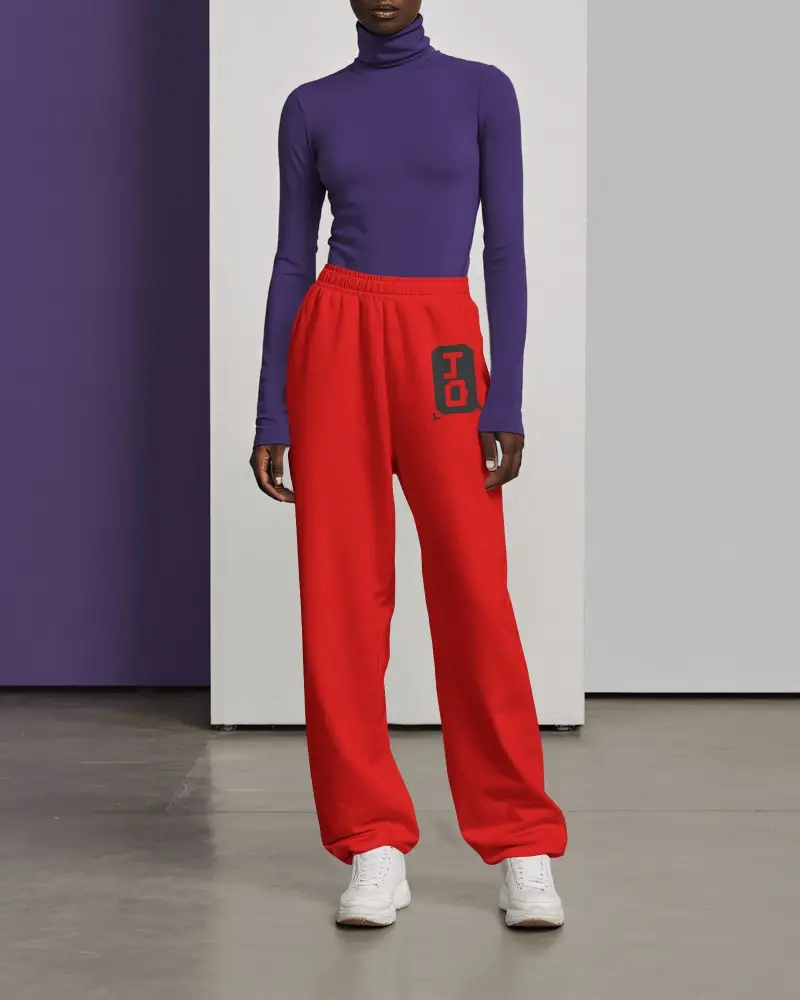
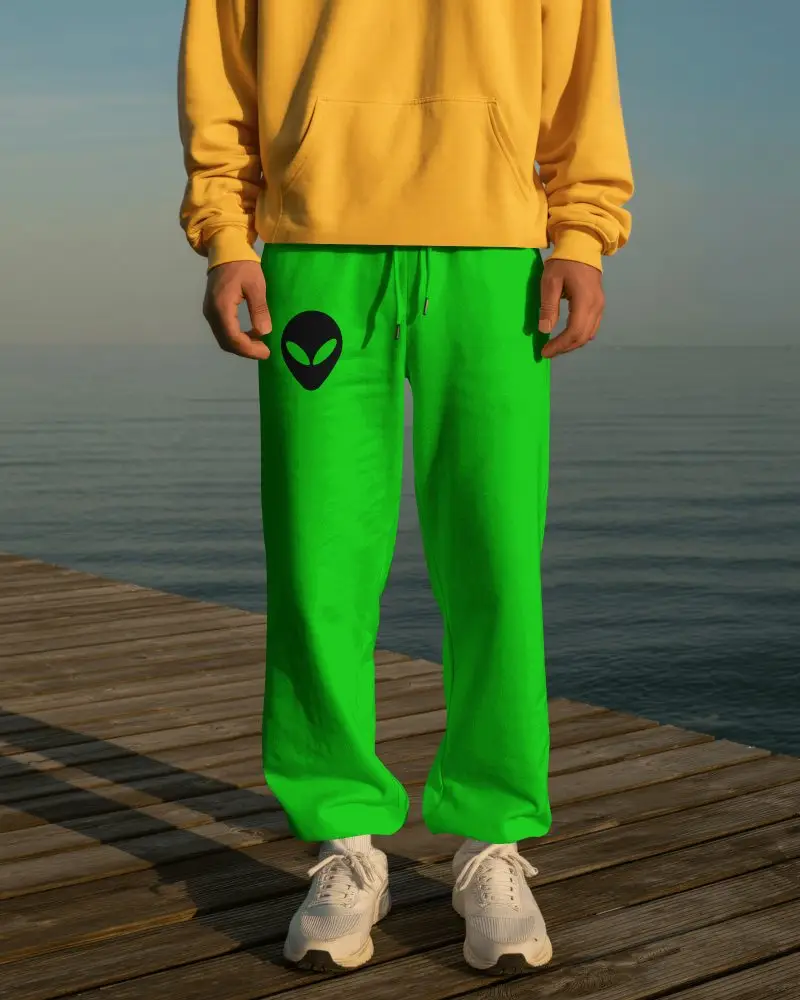
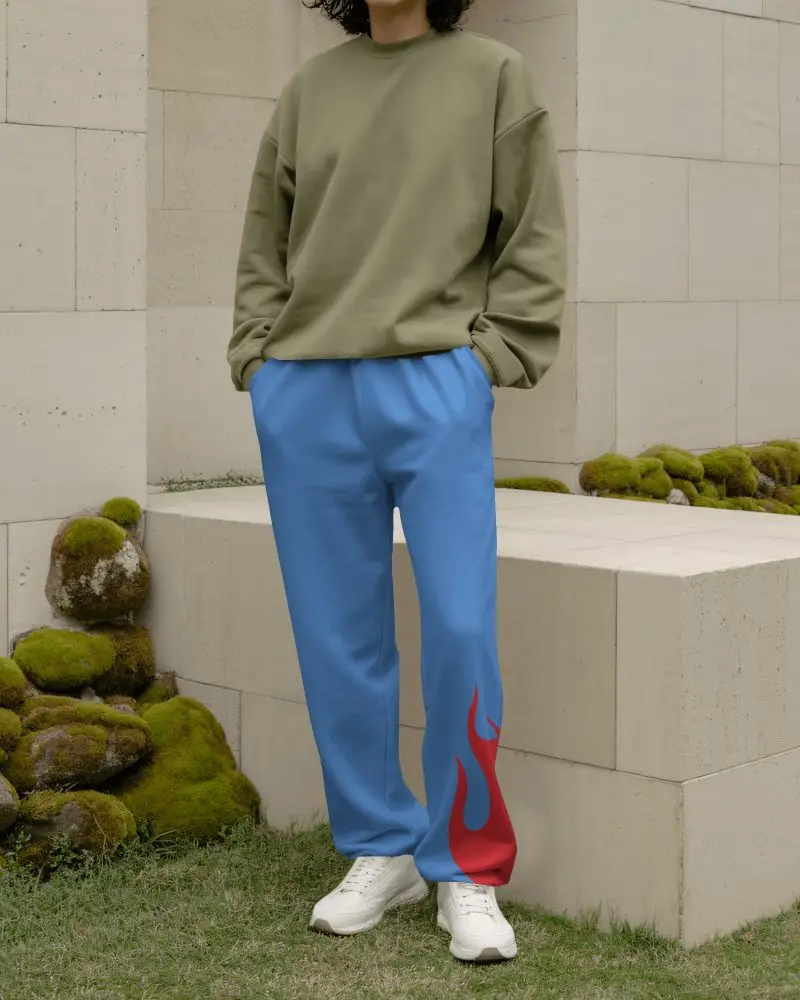
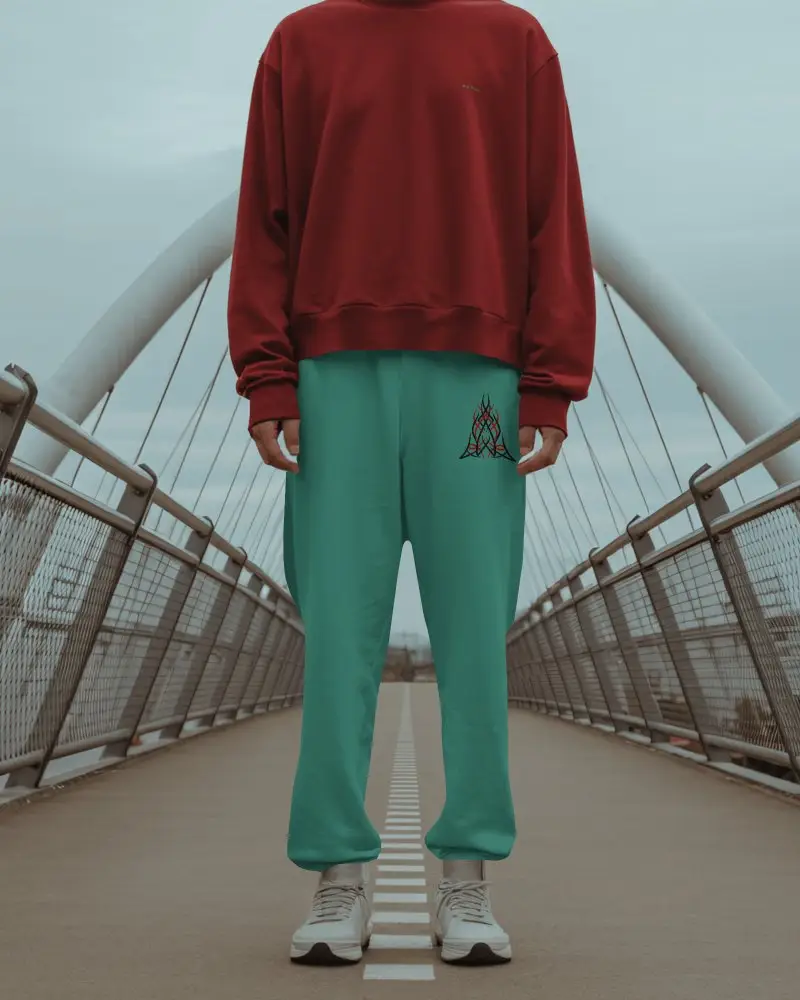
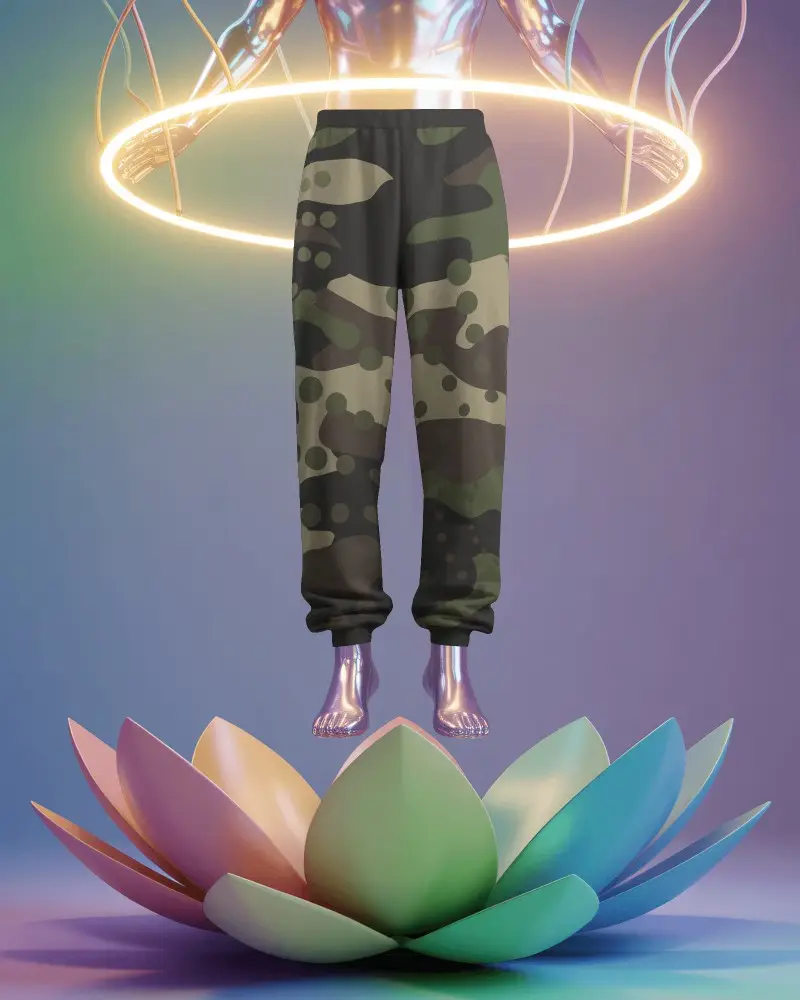
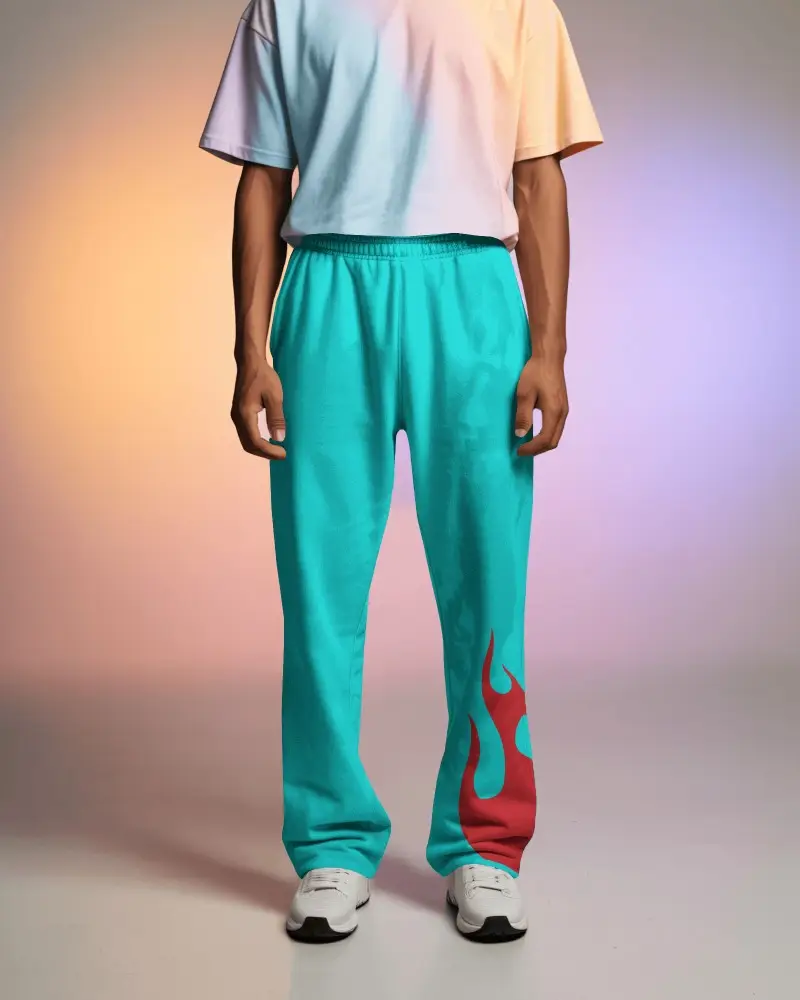
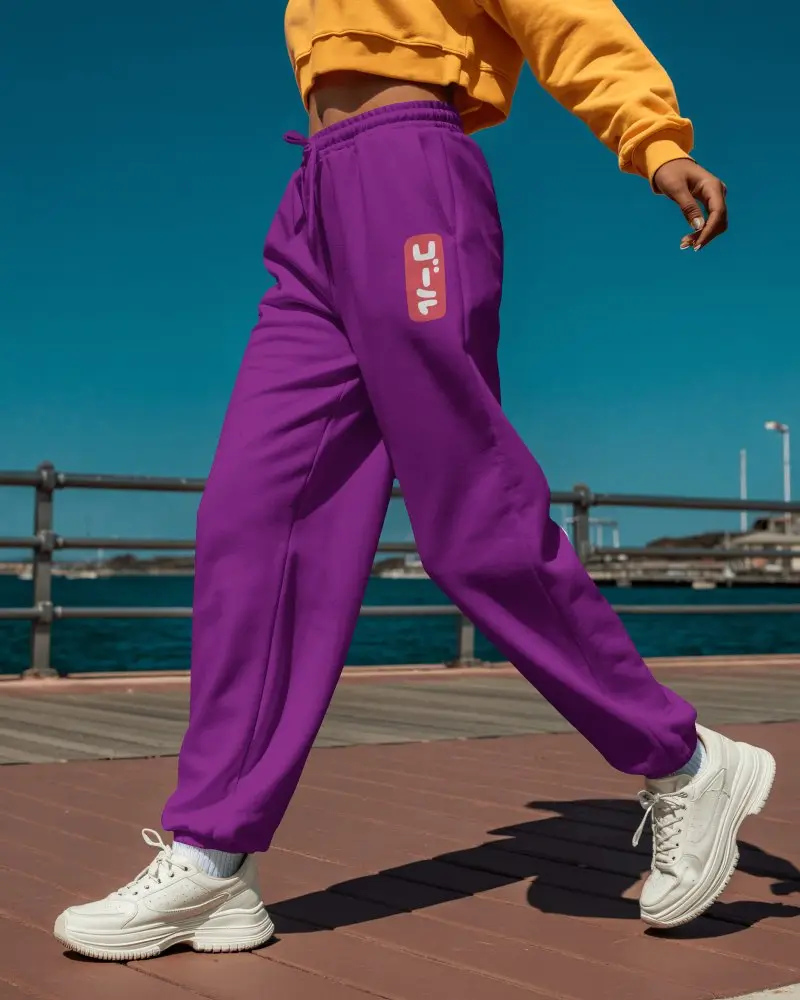
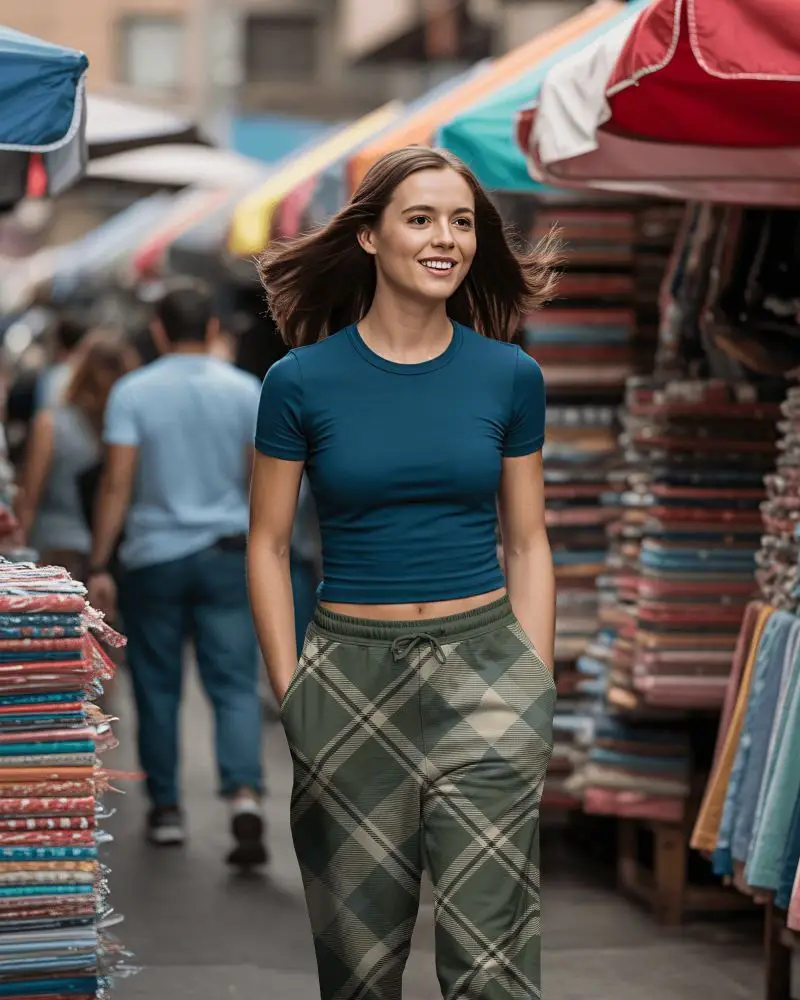
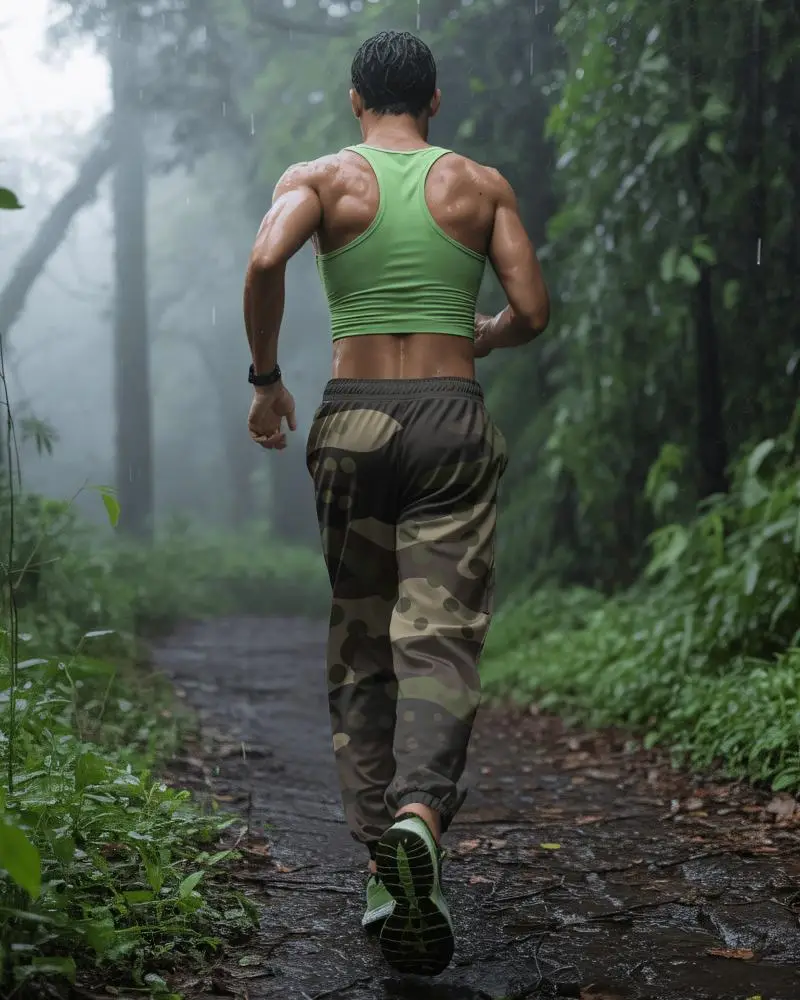
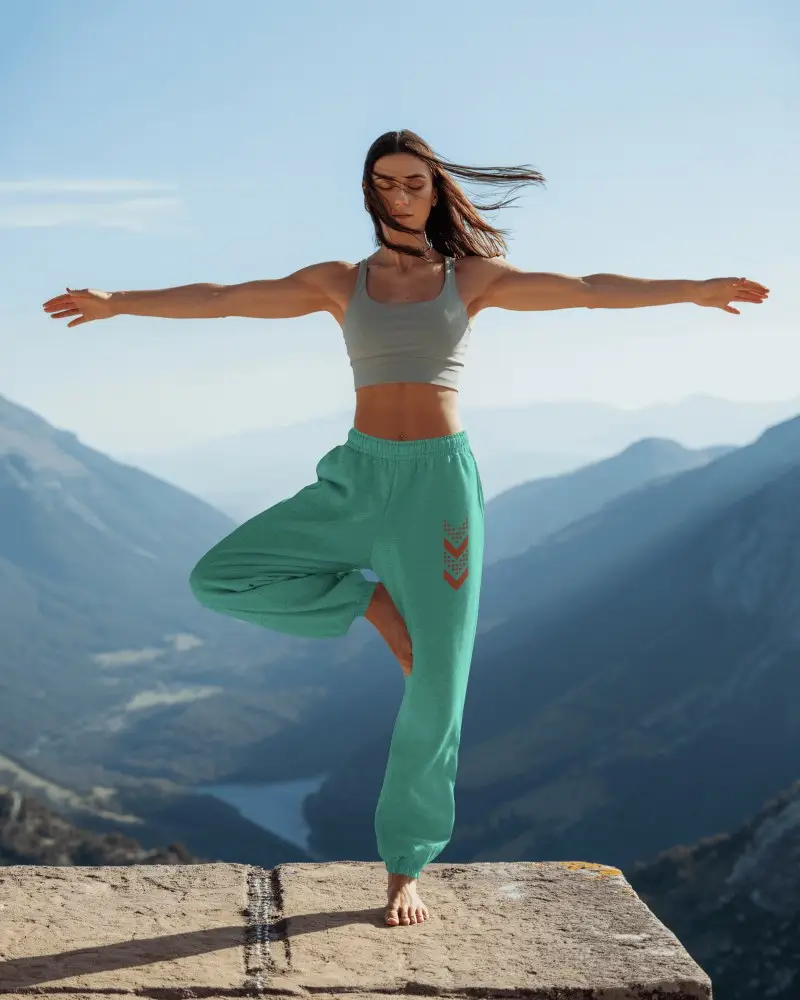
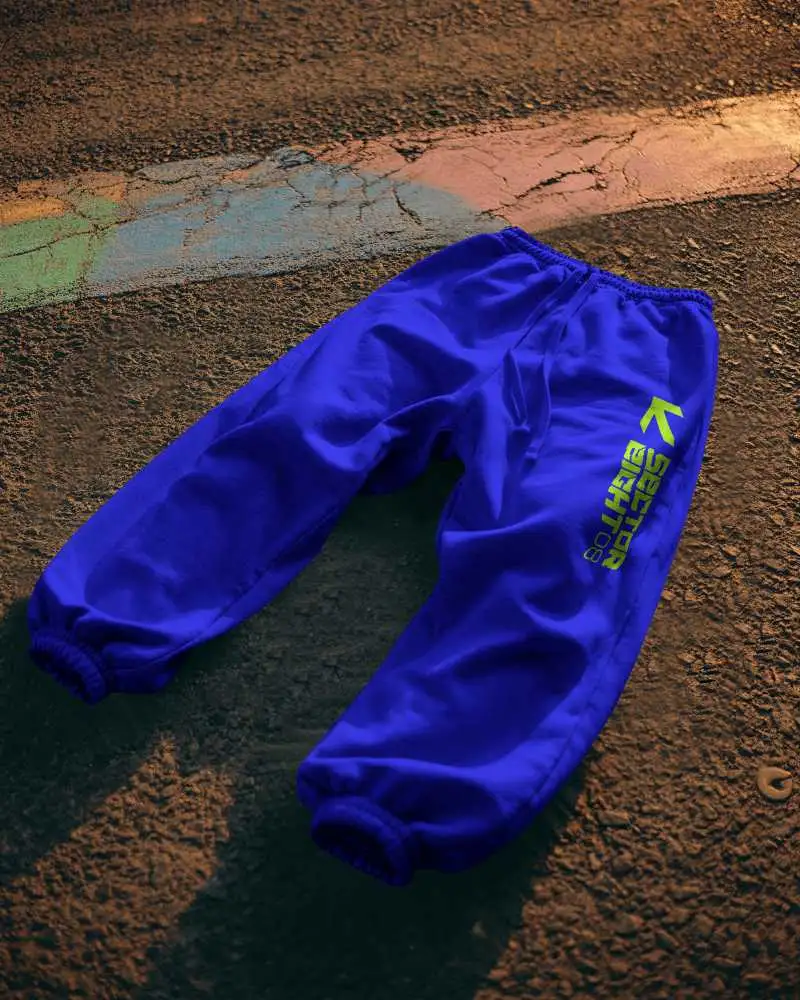
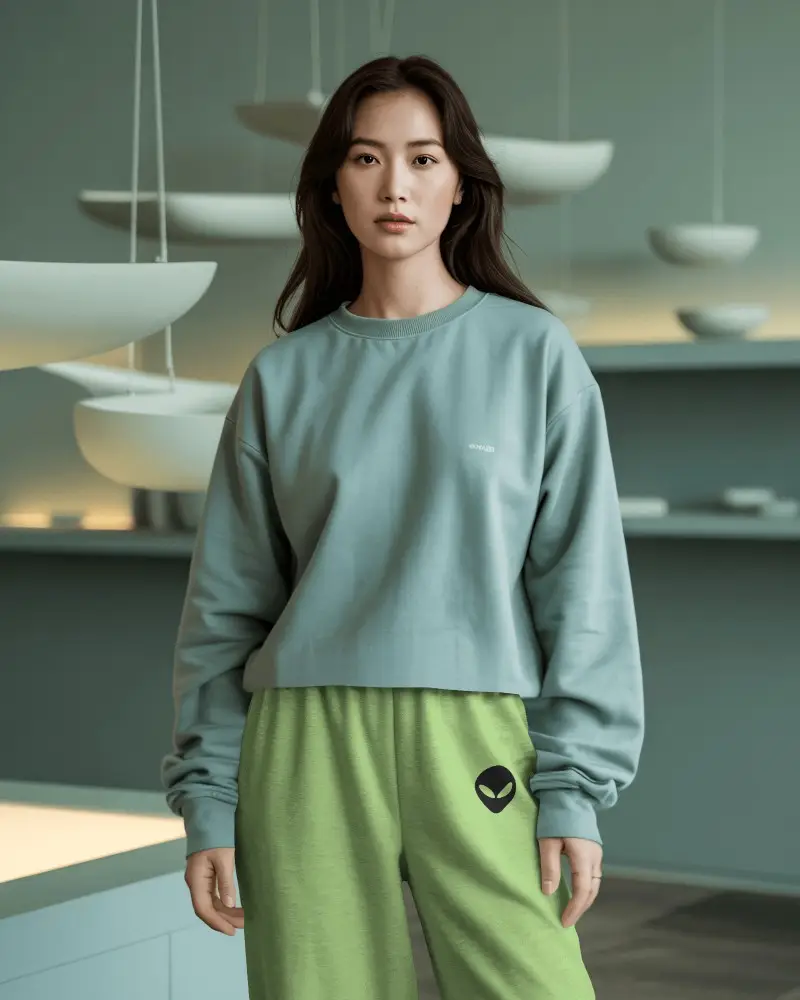
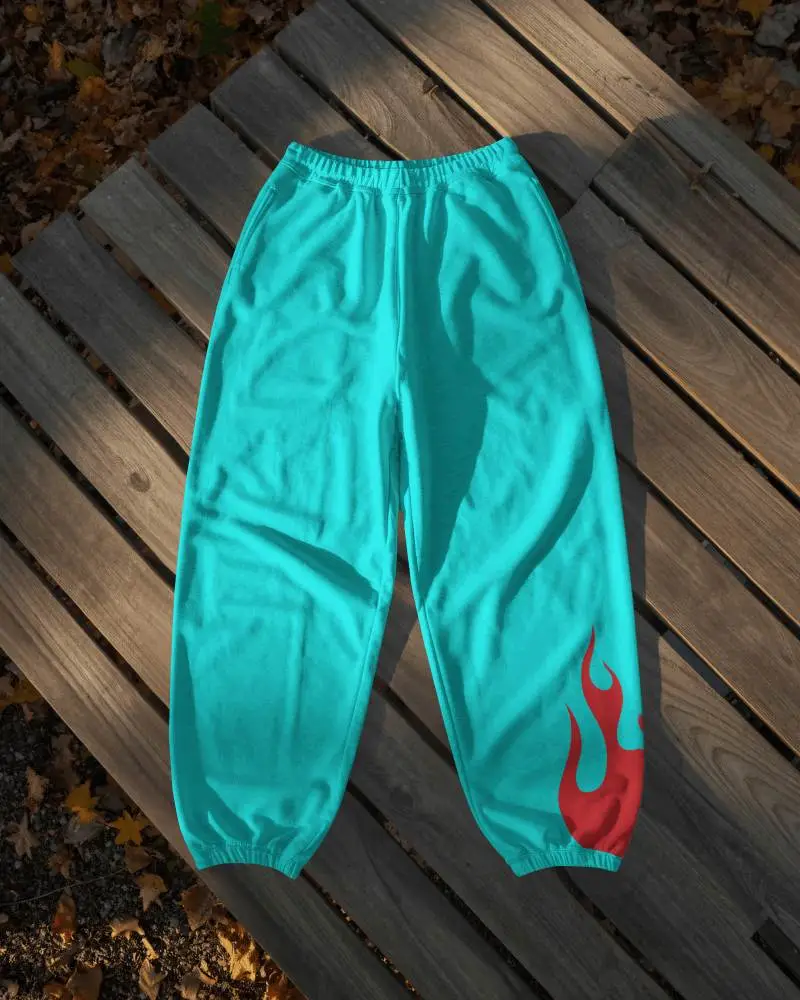
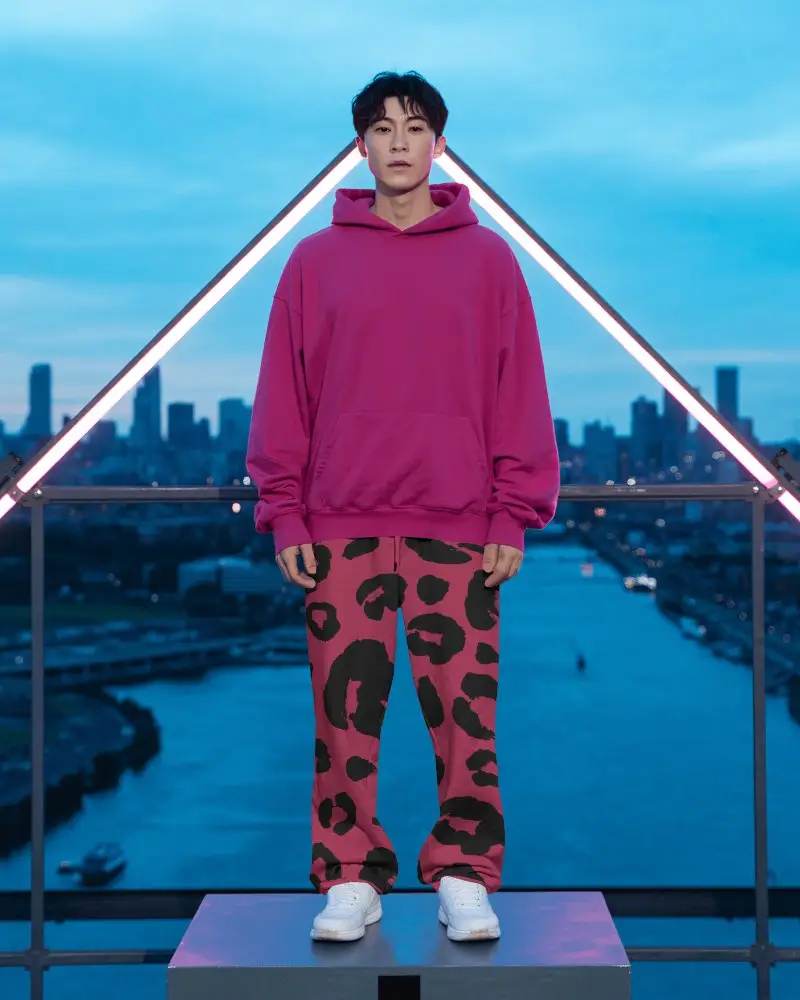
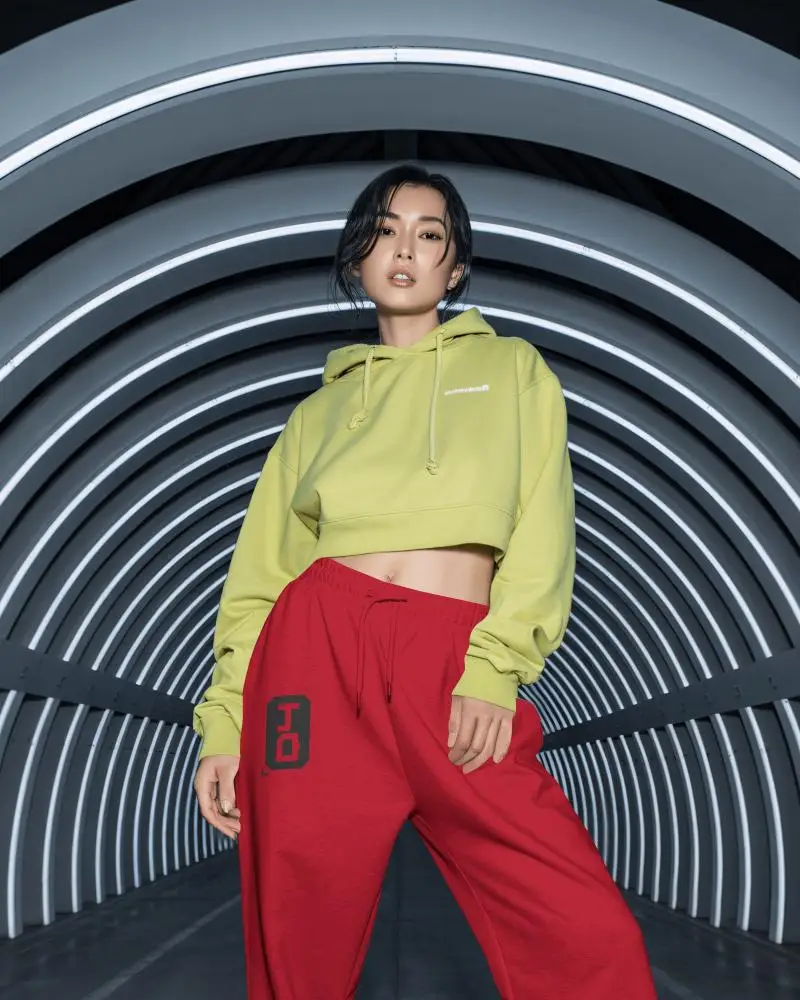
How to Create a Sweatpants Mockup with Mockey AI
To create sweatpants mockups:
- Step 1: Login. Follow 'Apparel > Sweatpants' in the Categories.
- Step 2: Pick the template where you want to add the design and customize it.
- Step 3: Press the download button and save the sweatpants mockups in whatever format and size you want.


FAQs on sweatpants Mockups
How can I create a sweatpants mockup using Mockey AI?
If you want to create sweatpants mockups on Mockey AI, first log in and go to the Apparel section. Click on Sweatpants and choose any template. After that, you can design, change colors, or customize the background; everything is possible. Finally, click the download button to save it.
Why should I use sweatpants mockups for my online store?
Sweatpants mockups show off your designs like a pro. Customers see the final product before buying. Skip costly physical samples and use them for top-quality store visuals. Buyers trust what they see clearly, which often leads to more sales.
Can I use sweatpants mockups for print-on-demand platforms?
Yes, you can use sweatpants mockups for print-on-demand. Pick high-quality mockups and ensure they have a commercial license. Use them for product listings, previews, and promotions. Check each platform's rules carefully. Follow their sizing requirements and placement guidelines.
What styles of sweatpants mockups are available on Mockey?
Mockey has sweatpants mockups in baggy, flared, acid wash, oversized, stacked, streetwear, grey, black, double-waisted, and wide-leg styles.
Are the downloaded sweatpants mockups watermarked?
The sweatpants mockups you download from Mockey do not have watermarks. You can show your designs without any extra logos or marks on the image.
Can I download sweatpants mockups with transparent backgrounds?
You can download sweatpants mockups with transparent backgrounds on Mockey. This means you can place the mockup on any background you want without doing extra editing.
Can I add branding or labels to the sweatpants mockup?
Use Mockey AI to add a logo on the sweatpants mockup. It's easy. Upload your brand name or custom label by clicking Upload design. Position it anywhere on the template. Resize it just how you like. Show your product perfectly.
