Free Apparel Mockups for Your Store Listings
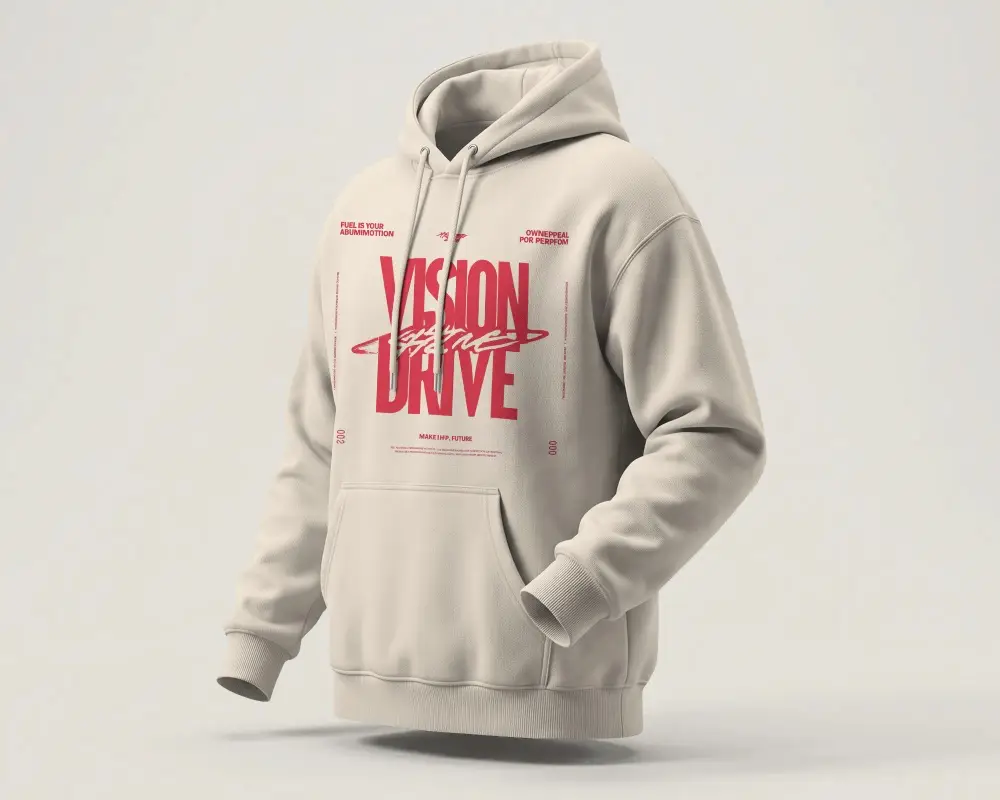
Got a great design? Show it off on real clothes. We built these free apparel mockups specifically for POD, Etsy, and Shopify sellers. Skip the studio and build professional listings for t-shirts, hoodies, sweatshirts, and tank tops using our fashion mockups. Just pick your blank, upload the art, and download your photos right away.
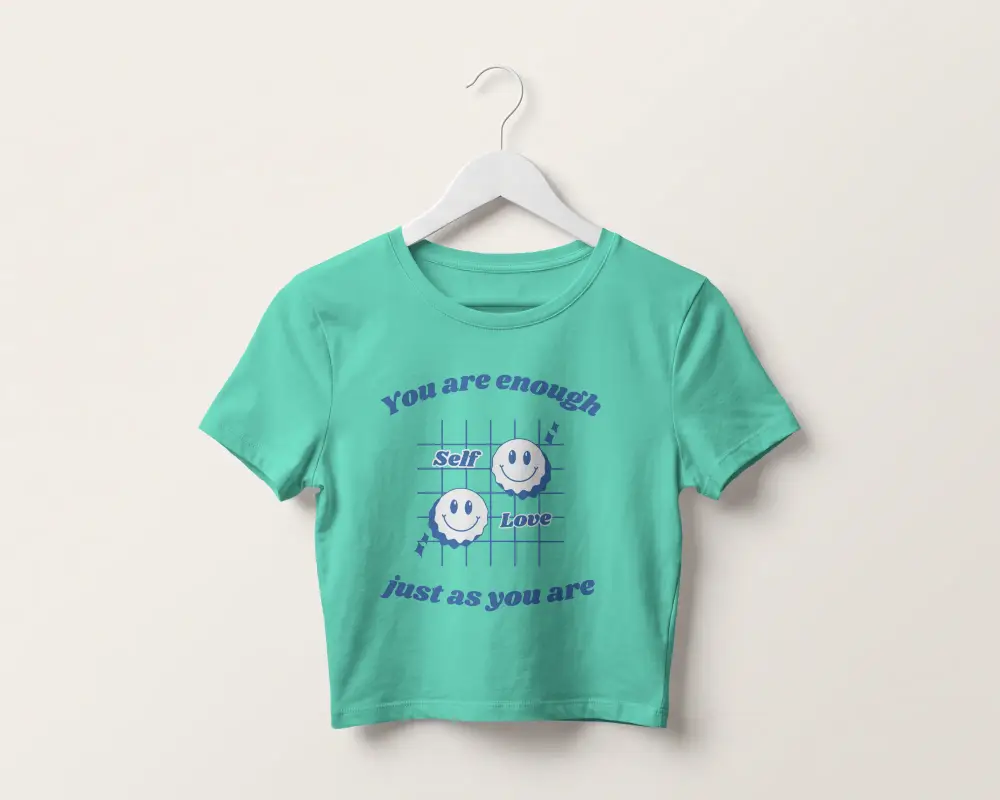
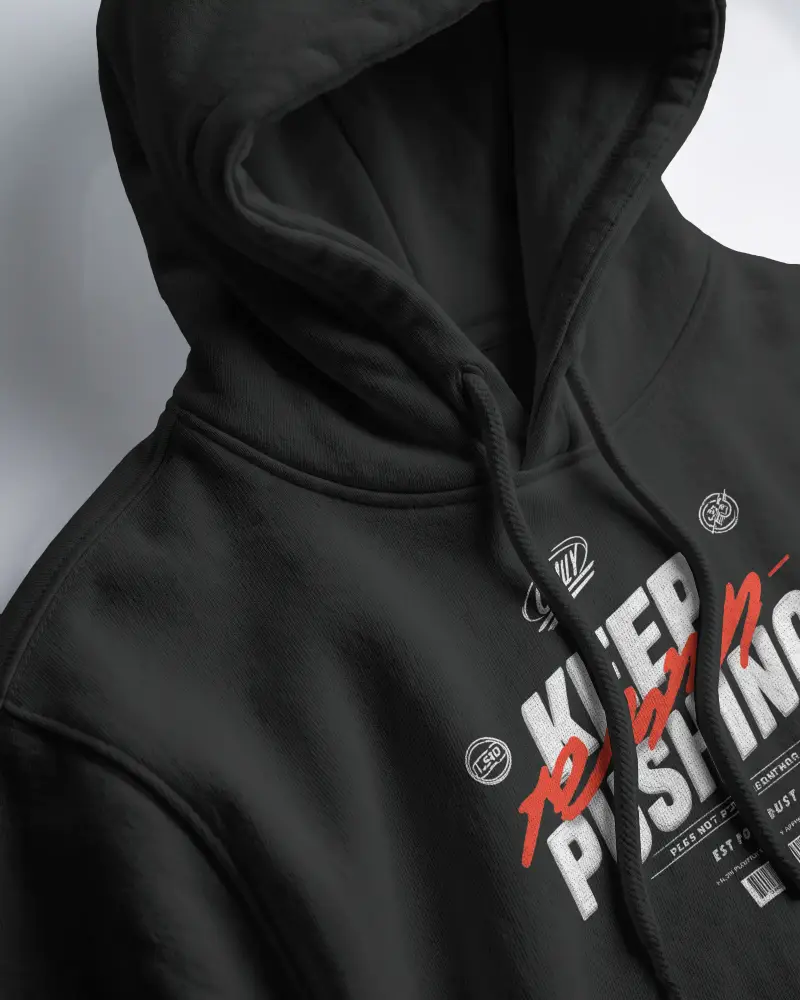
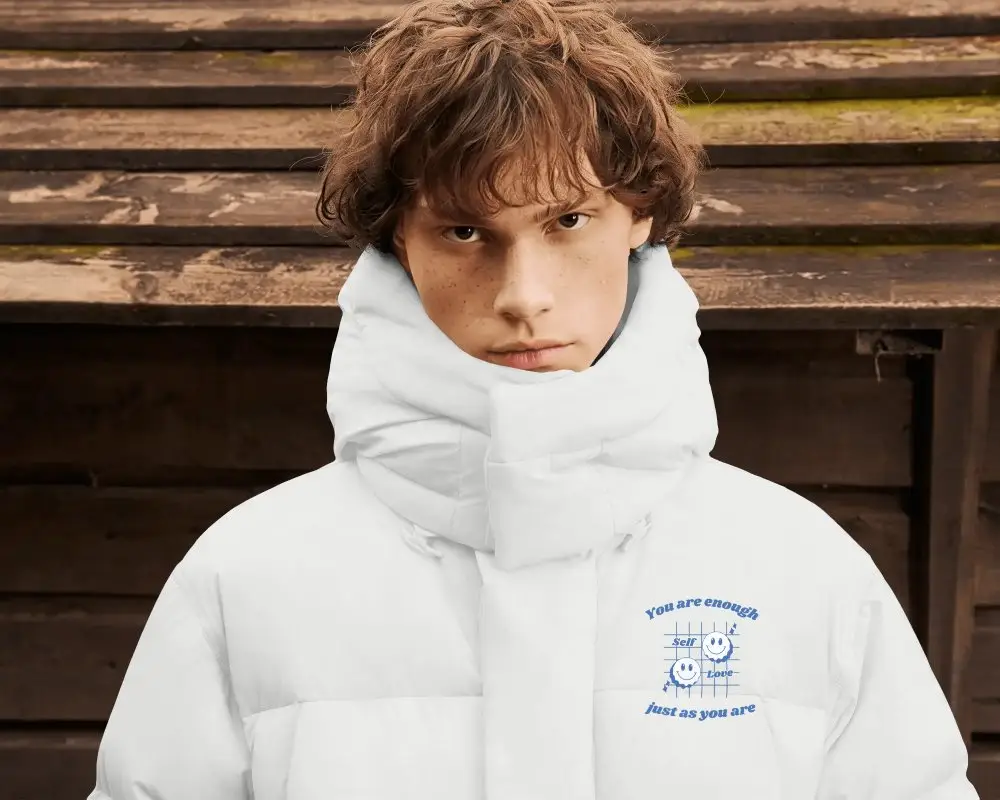
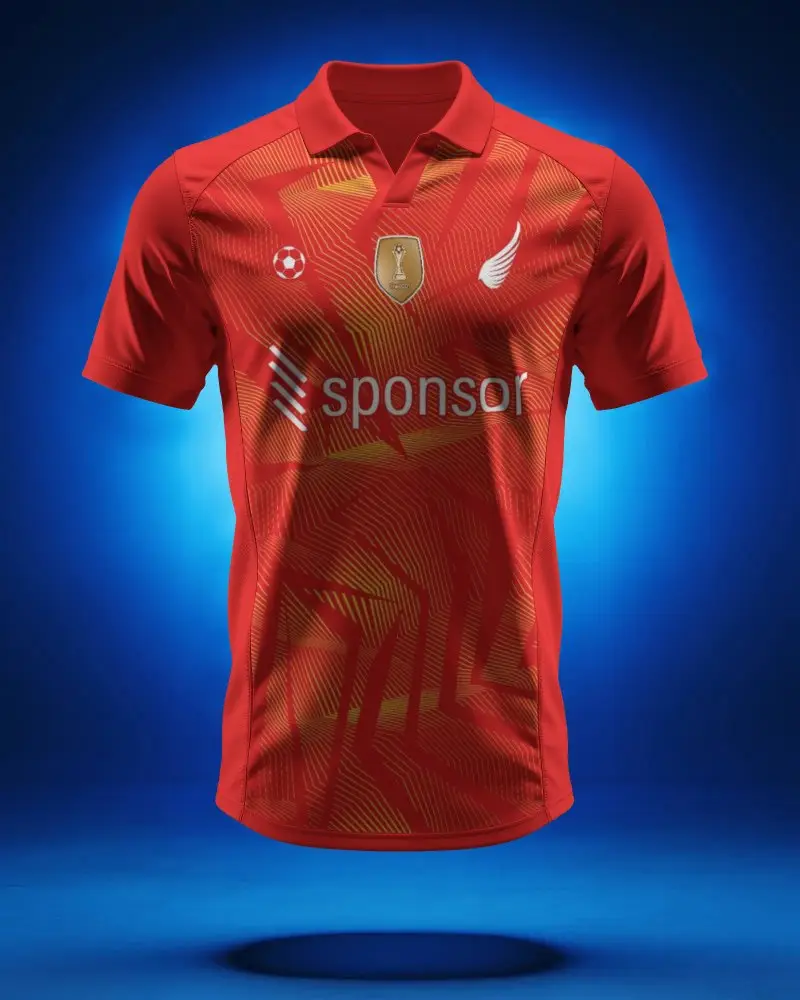
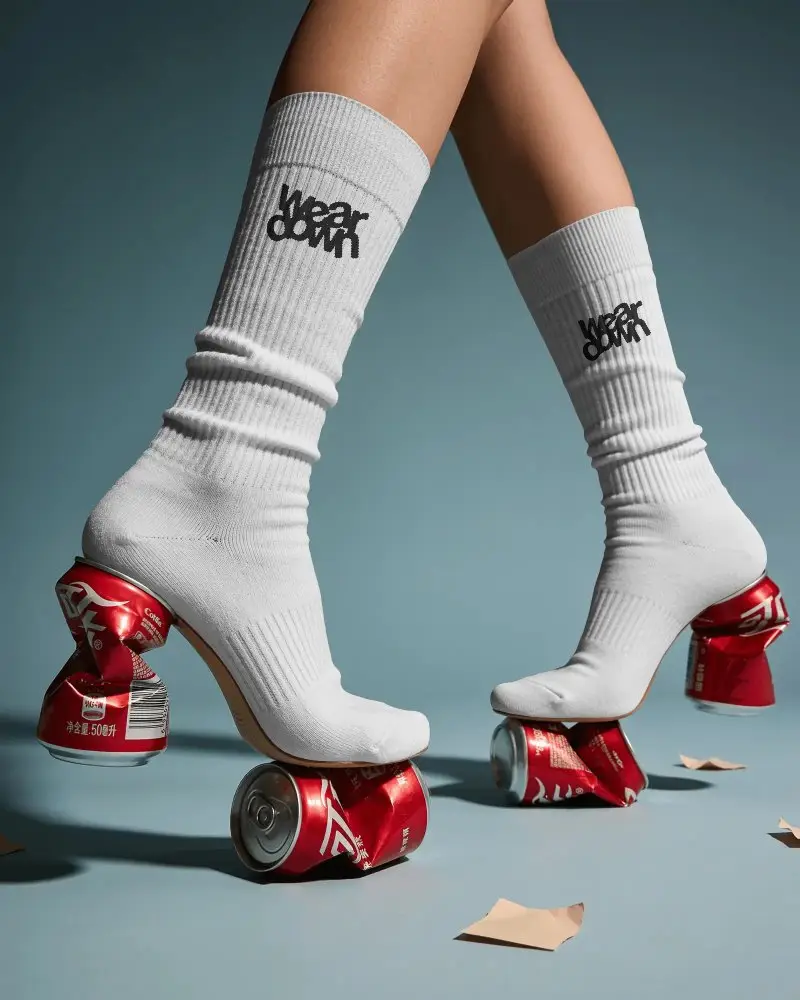
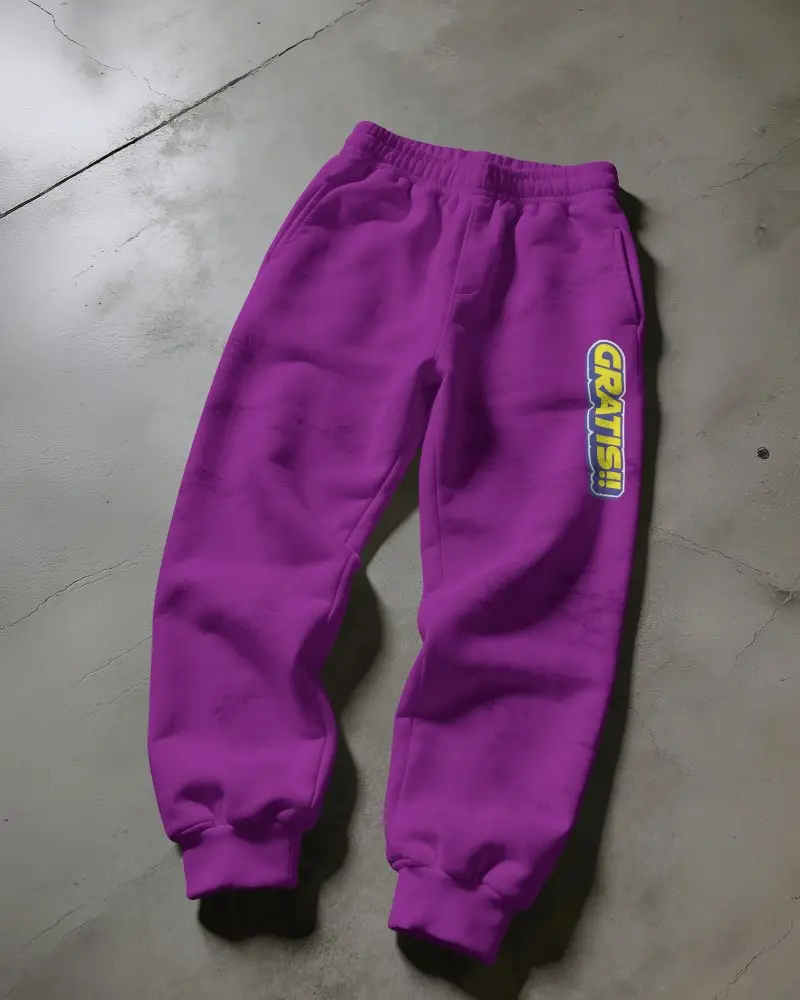
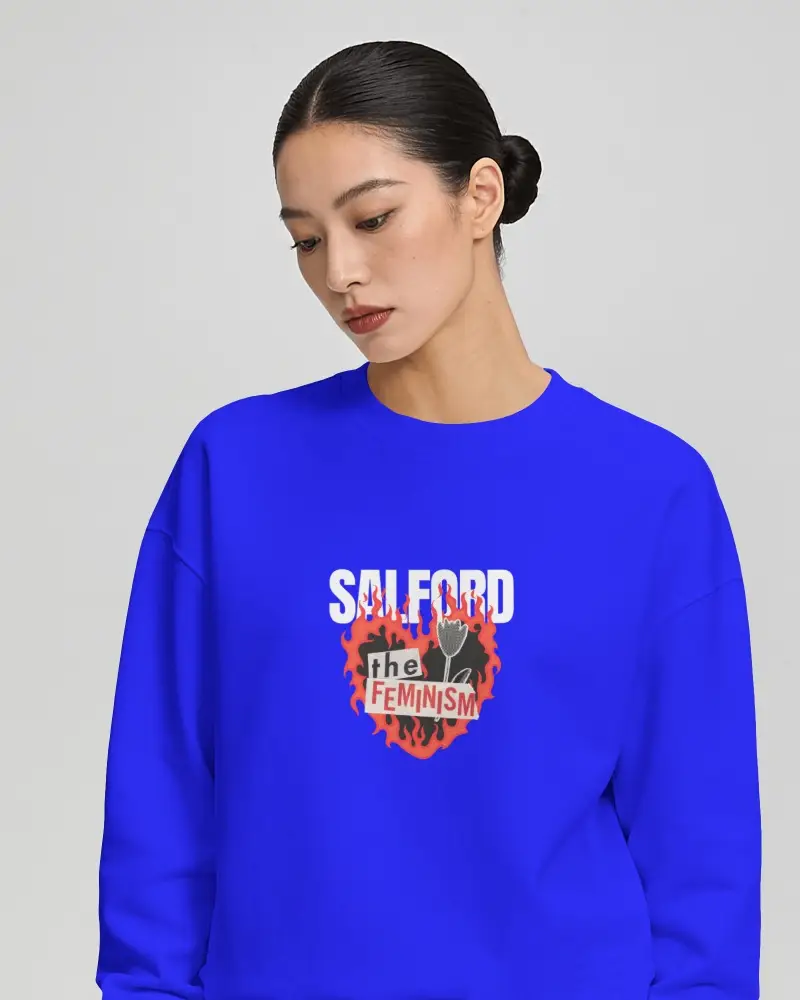
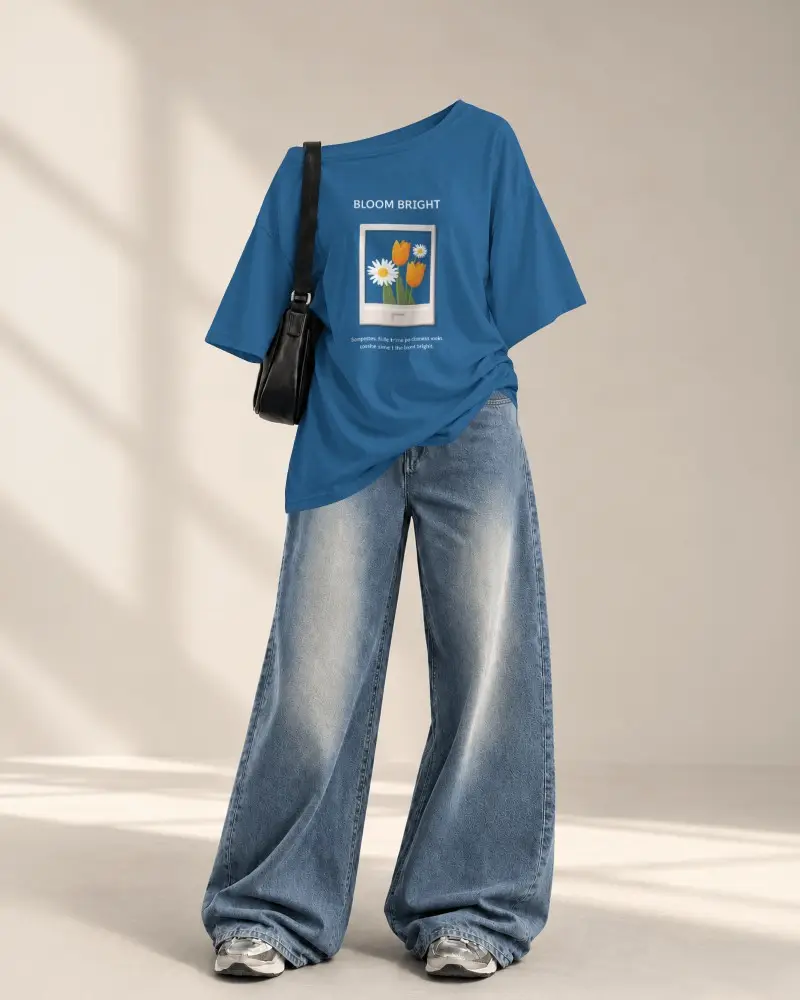
How to Customize Apparel Mockups in Mockey AI
To customize apparel mockups:
- Step 1: Choose from T-shirts, hoodies, or other apparel types.
- Step 2: Upload your design, adjust it, and change the garment color.
- Step 3: Adjust warping or turn on Place Anywhere to fit your design.
- Step 4: Try Multi Shot, Photoshoot, or Animate.
- Step 5: Download apparel mockup as PNG or JPG.
- Step 6: Turn on Bulk Mode if you need the same hoodie design applied across multiple templates at once.


FAQs on Mockups
What is an apparel mockup?
An apparel mockup is a digital preview of your design placed on a t-shirt, hoodie, or hat before you start production. It lets designers and brands check how the colors and layout look and show it off to clients or customers without paying for real samples first.
Why create an apparel mockup?
An apparel mockup shows how your design sits on fabric, folds, shadows, and all, before printing. It catches scaling or alignment errors early, saving you from wasted samples. Also, factories get a clear placement reference too, and you end up with clean product shots for every colorway.
Why use Mockey's apparel mockup?
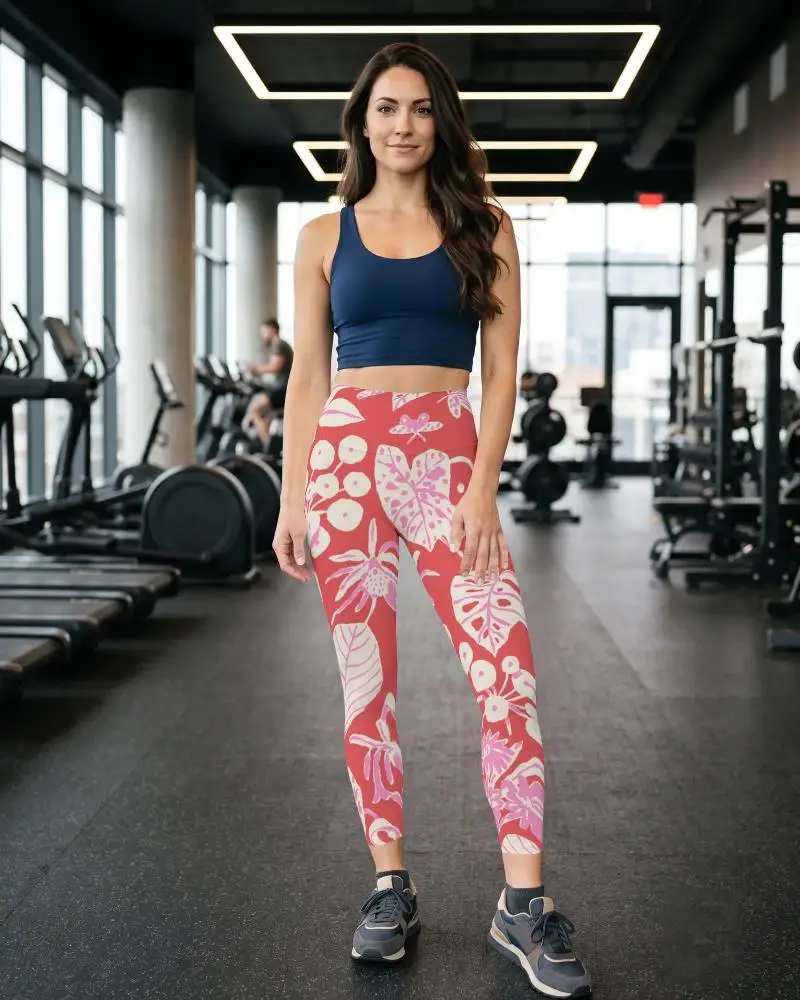
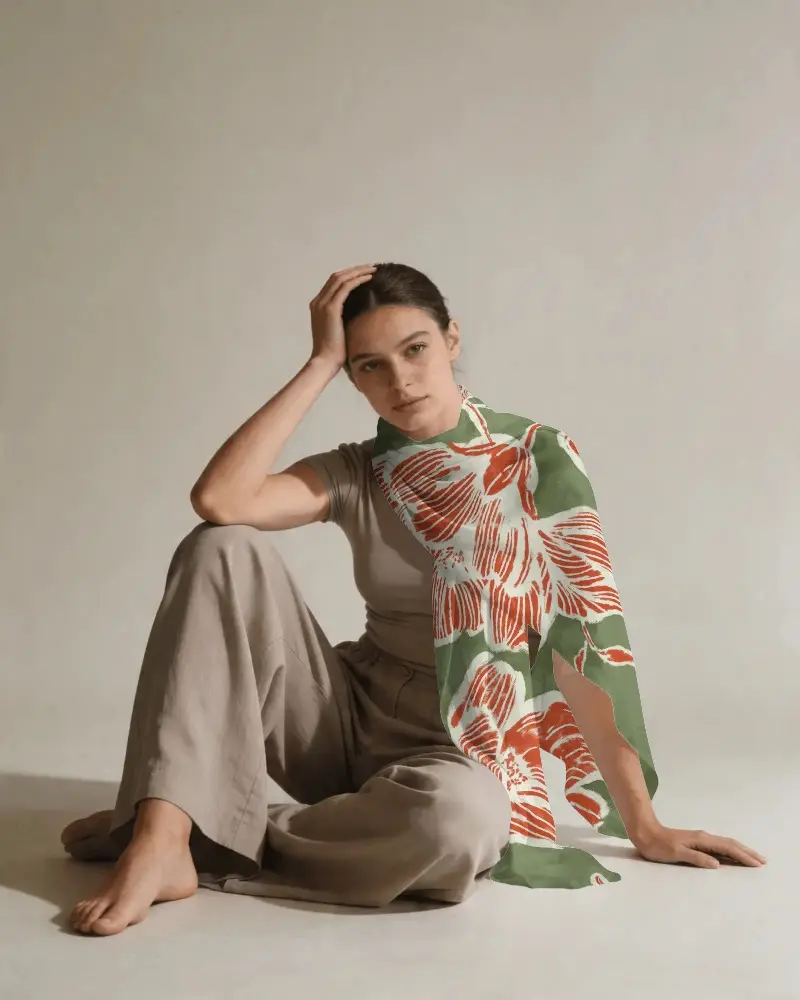
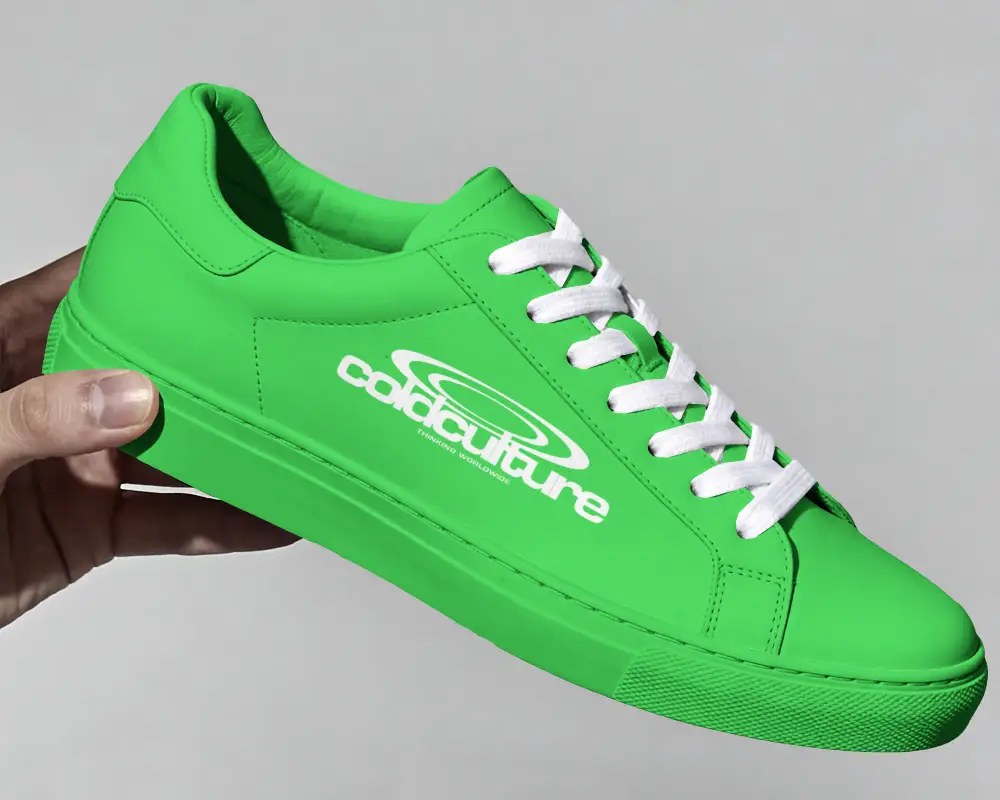
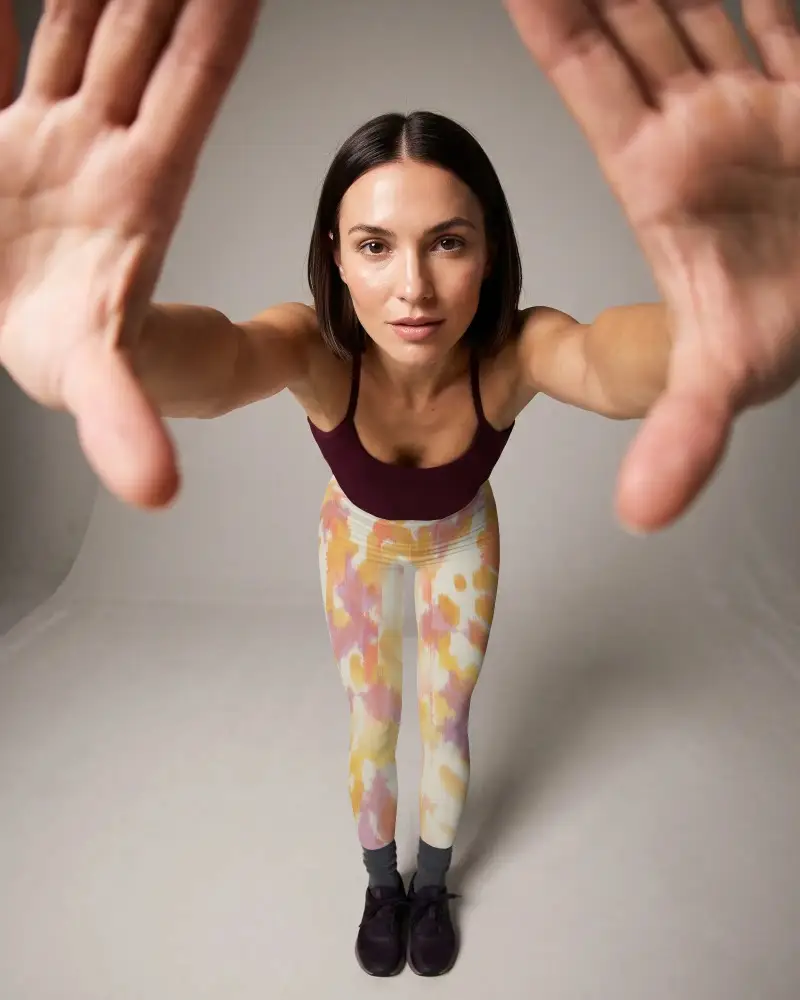
Mockey AI gives you a free plan to start. Plus a huge range of products, from T-shirts and hoodies to aprons, scarves, and shoes. You can also pick from lifestyle model shots to match your brand, then use color, warping, and Multi Shot features for editing.
Is this apparel mockup free?
Yes, Mockey's apparel mockups are free to use without a watermark on your downloads. If you're putting these on a store or listing, you'll need the Starter plan for commercial use.
Can I use these free apparel mockups for commercial purposes on my Shopify store?
Mockey's free apparel mockups are for personal use only, so they're not meant for a live Shopify store. If you want to use them commercially, look for the Starter plan or above, which adds commercial rights.
Are there any watermarks when I download your free apparel mockups?
Free apparel mockups don't come with a watermark. Use downloaded files in personal work, without any brand marks on them.
What types of clothing are included in your apparel mockups collection?
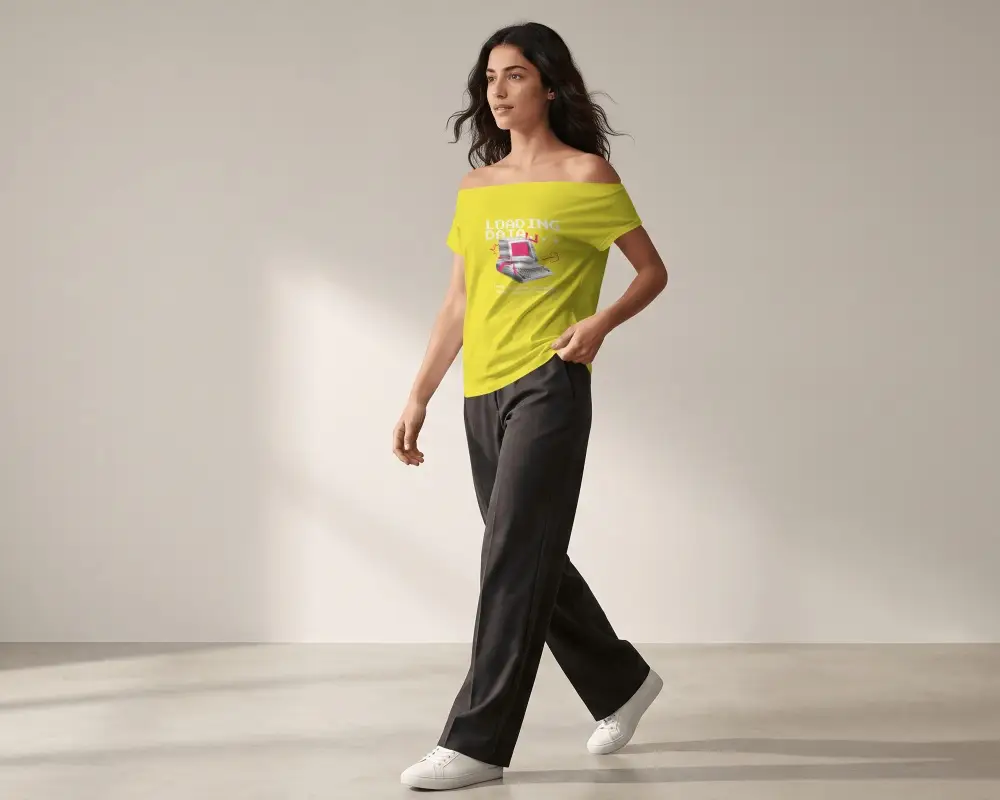
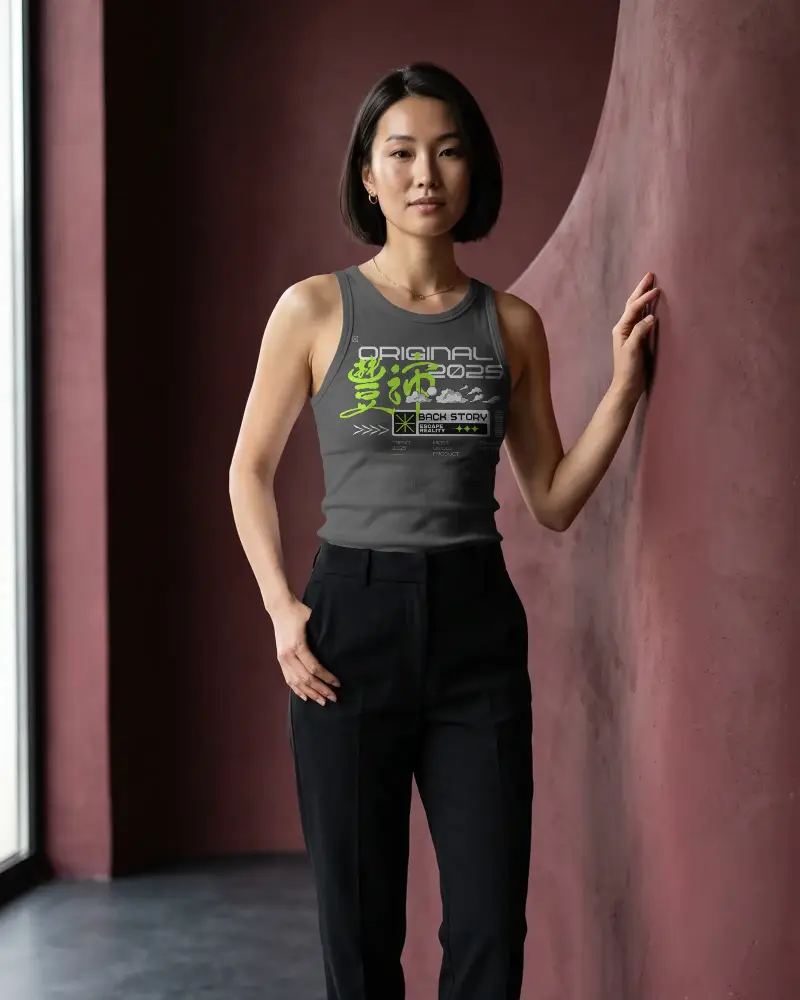
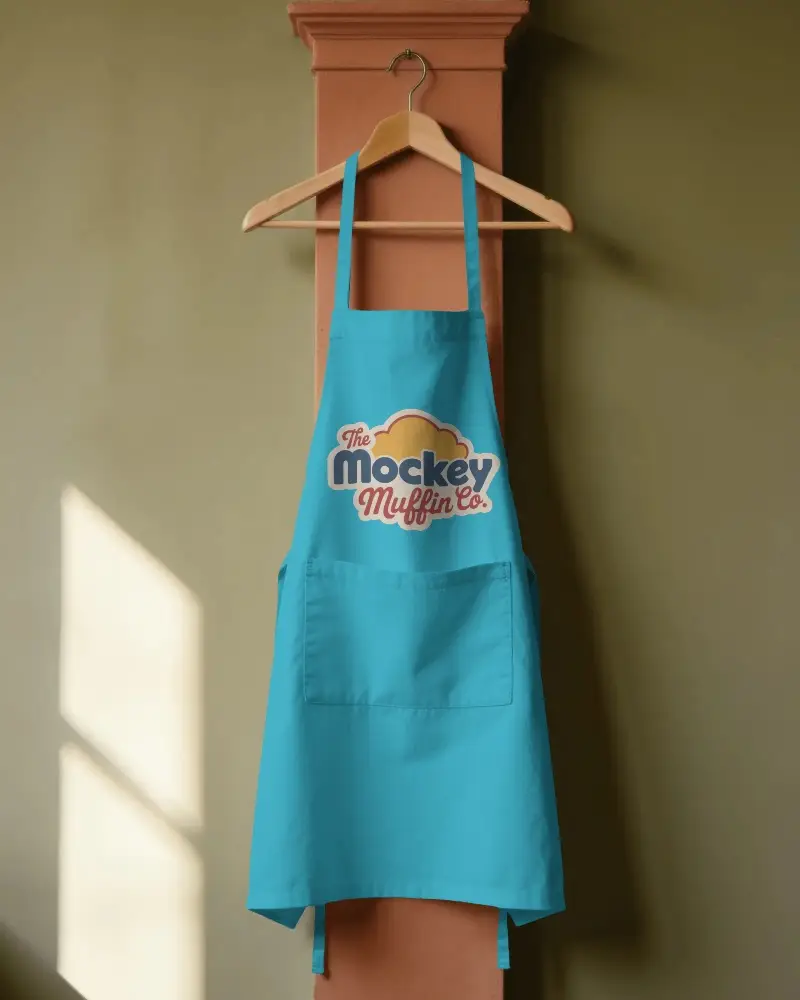
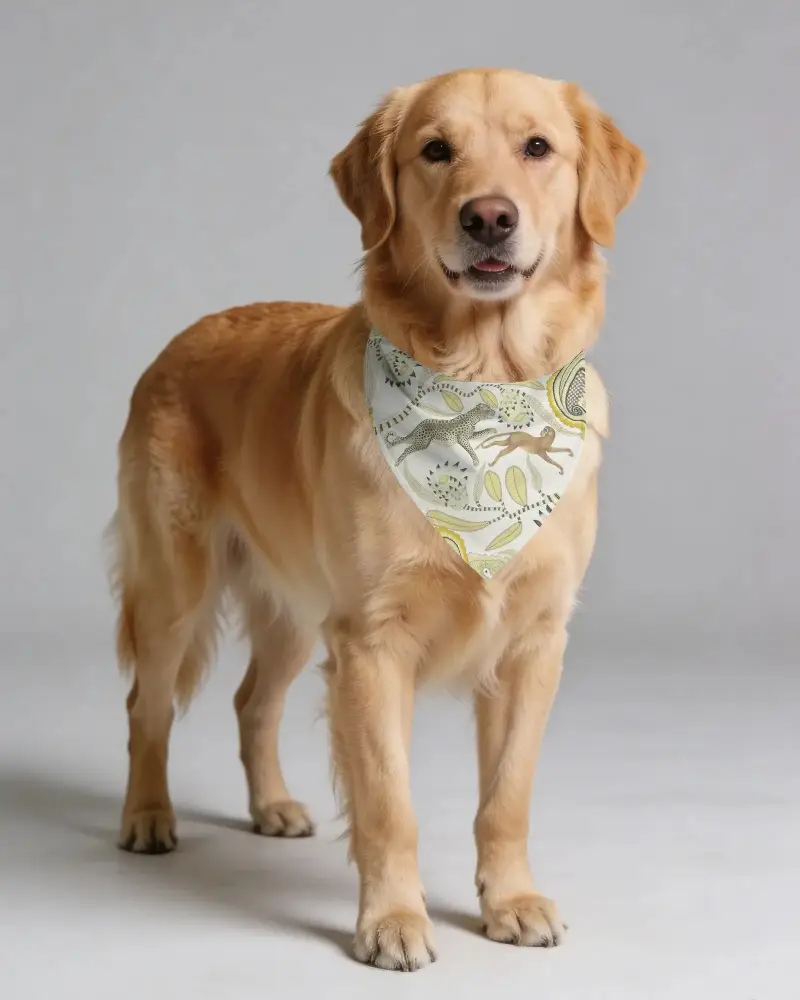
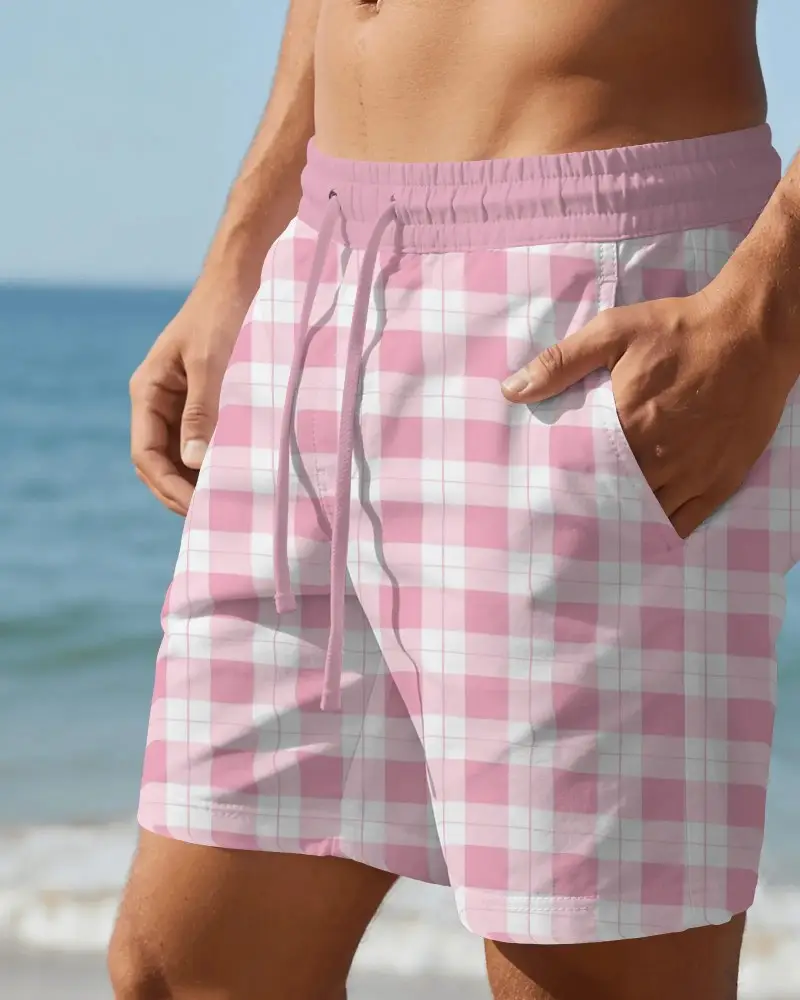
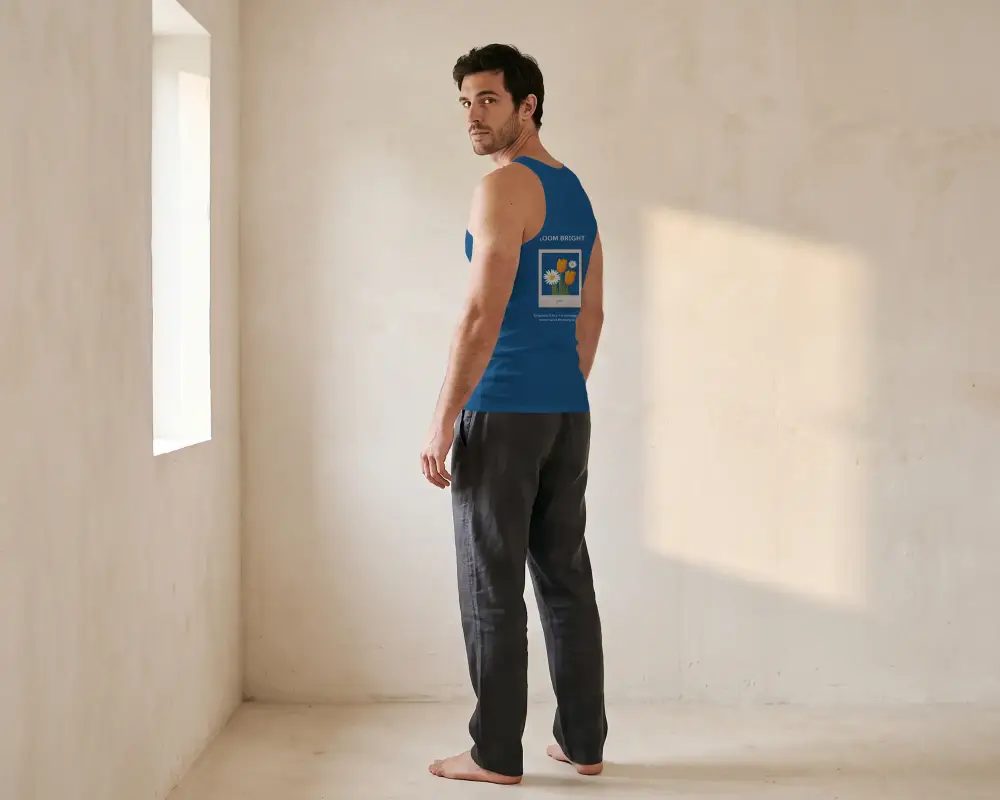
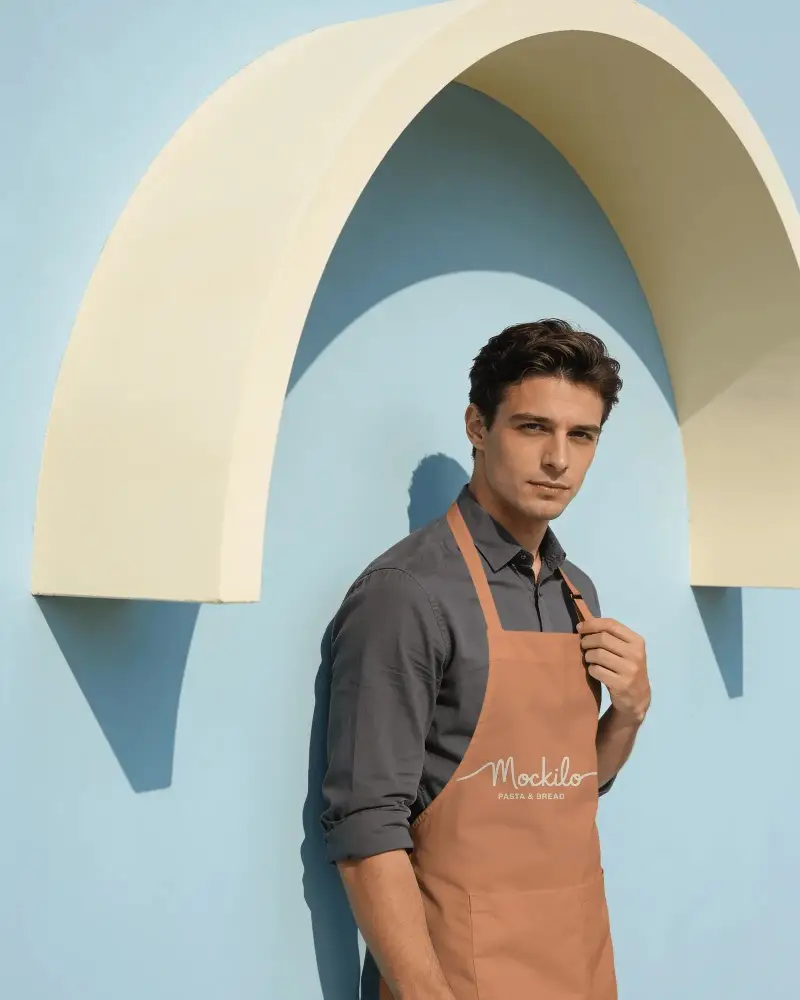
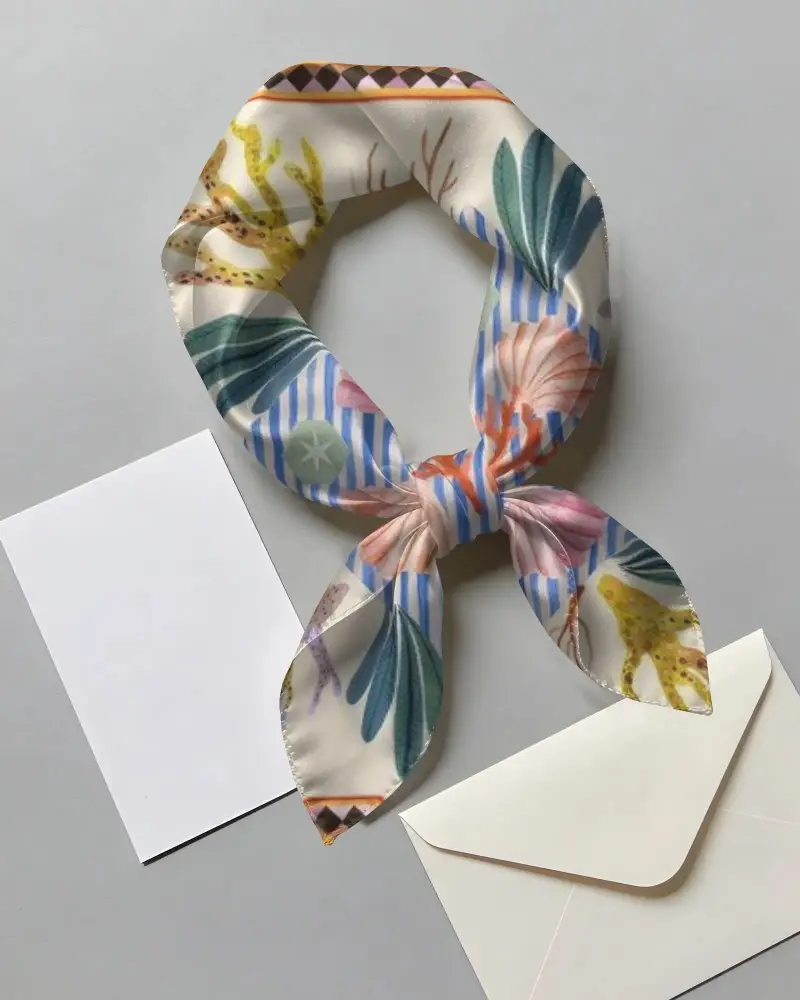
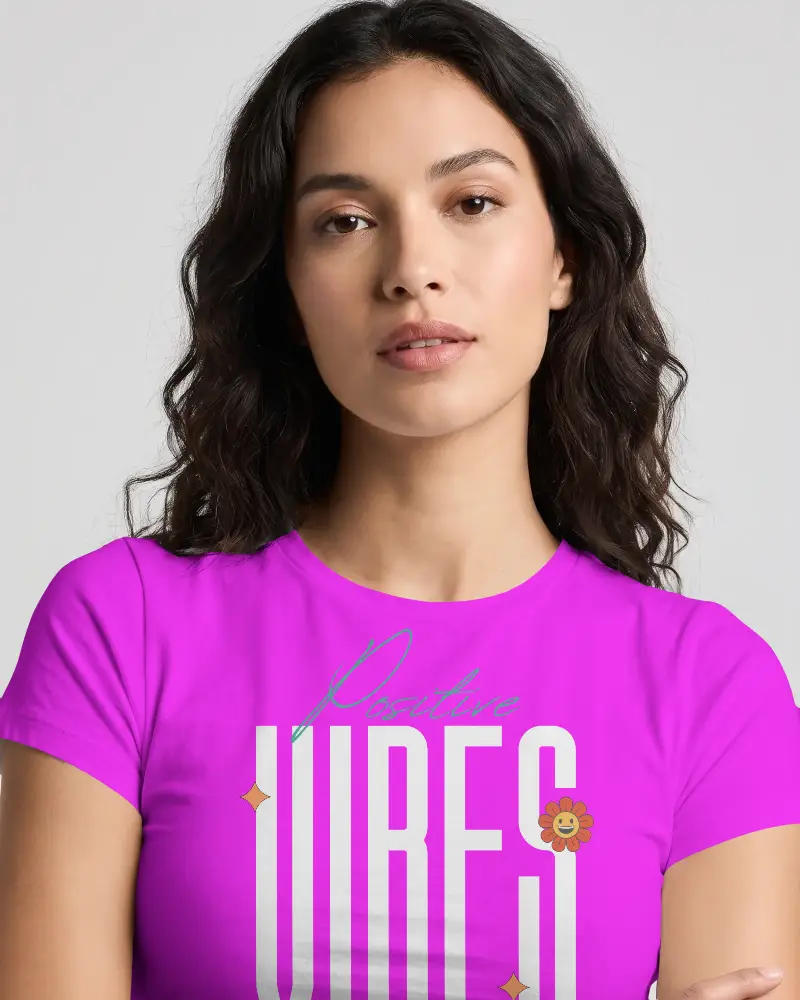
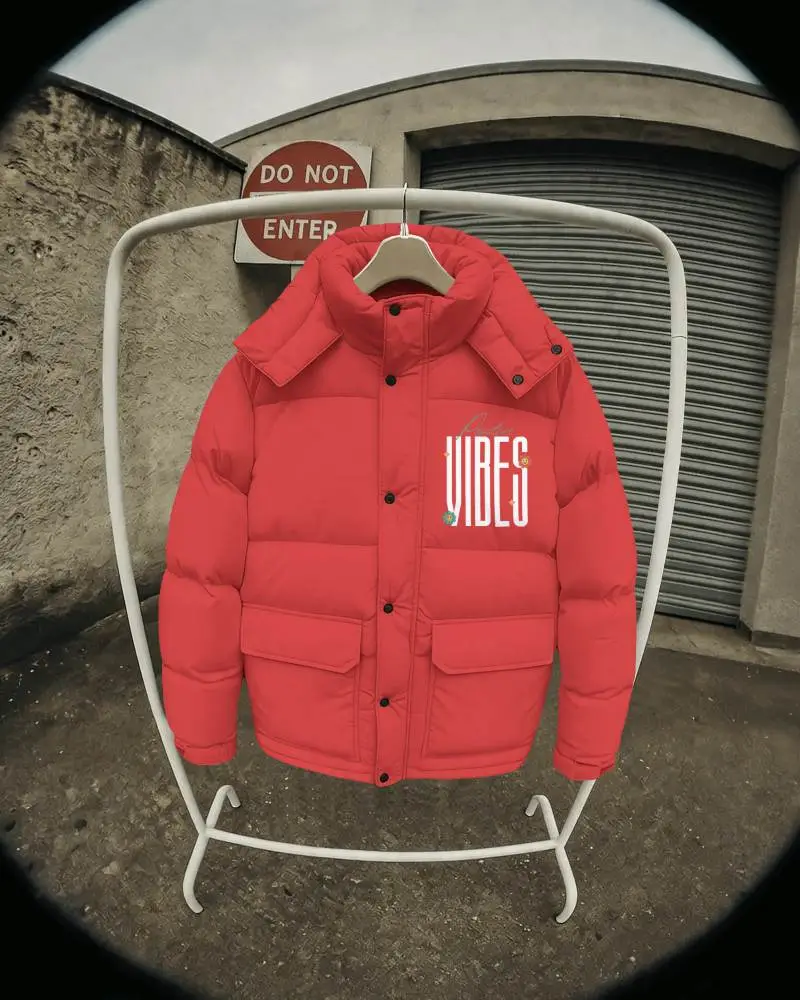
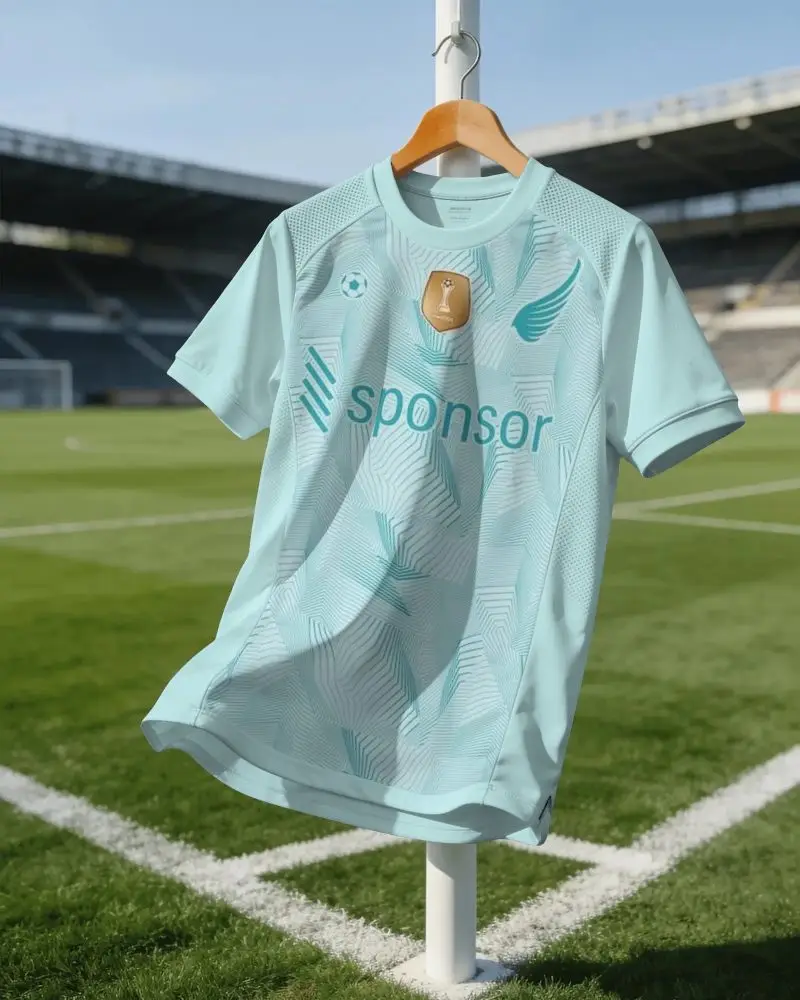
You've got T-shirts, tank tops, hoodies, sweatshirts, jackets, crop tops, jerseys, shorts, sweatpants, socks, aprons, bandanas, scarves, and shoes under the apparel category.
Can I change the garment colors on these apparel mockups?
Yes, you can. Use the color wheel or type in a hex code to set the garment color. Once you upload your design, it also pulls a set of matching shades straight from your artwork.
Do I need Photoshop to use these apparel mockups?
No, everything happens right in the browser. Upload your design, adjust the fit and color, use editing tools, and download; no Photoshop or any other design software needed.
Do these apparel mockups include real lifestyle models or just flat lays?
Get both real lifestyle model shots and flat lay options if you want a product-only look. You will see aprons on a person, jerseys shown flat, a T-shirt worn on a model, or styled in a scene.
