Free Tote Bag Mockup Templates You Can Customize
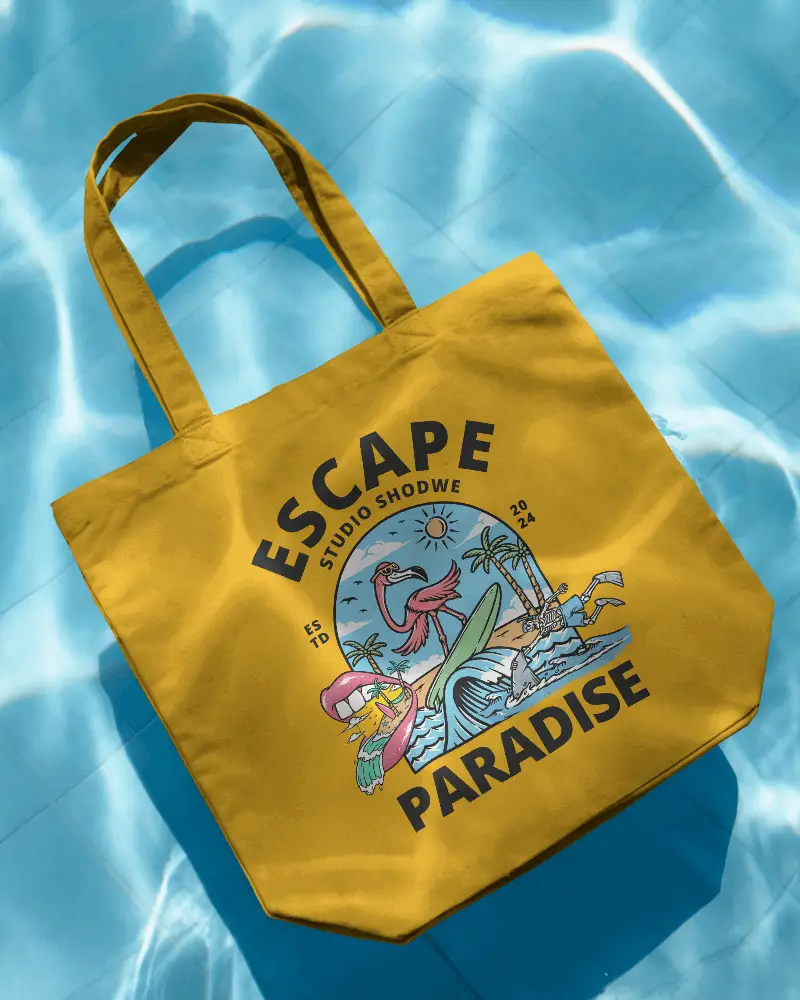
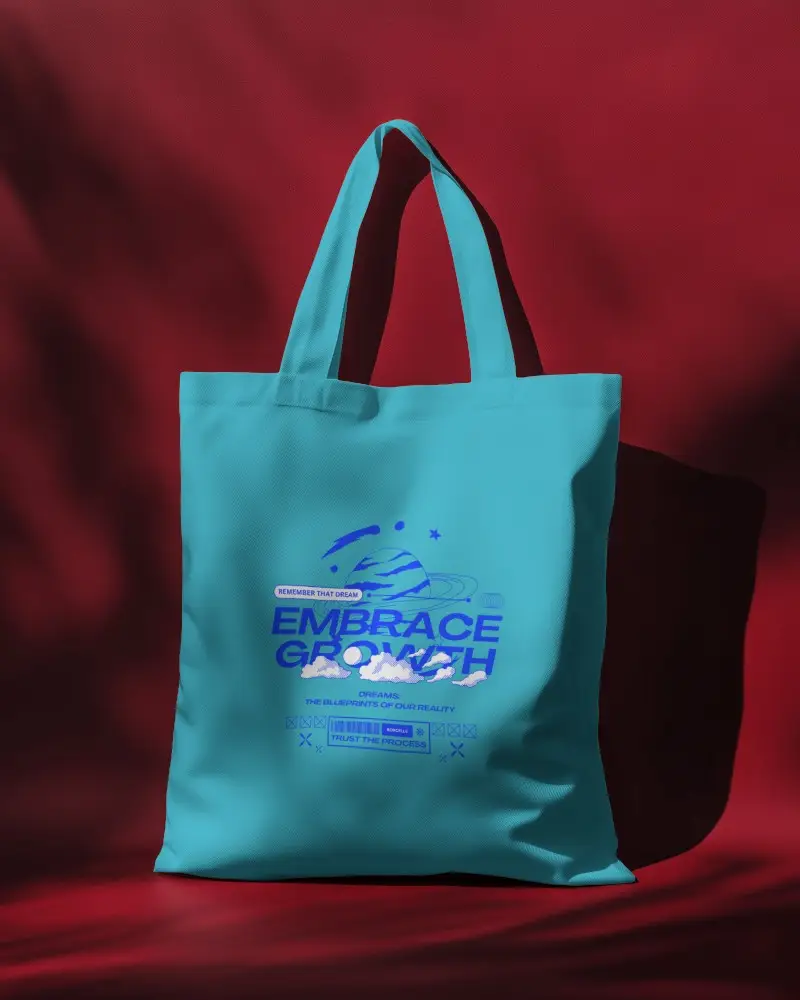
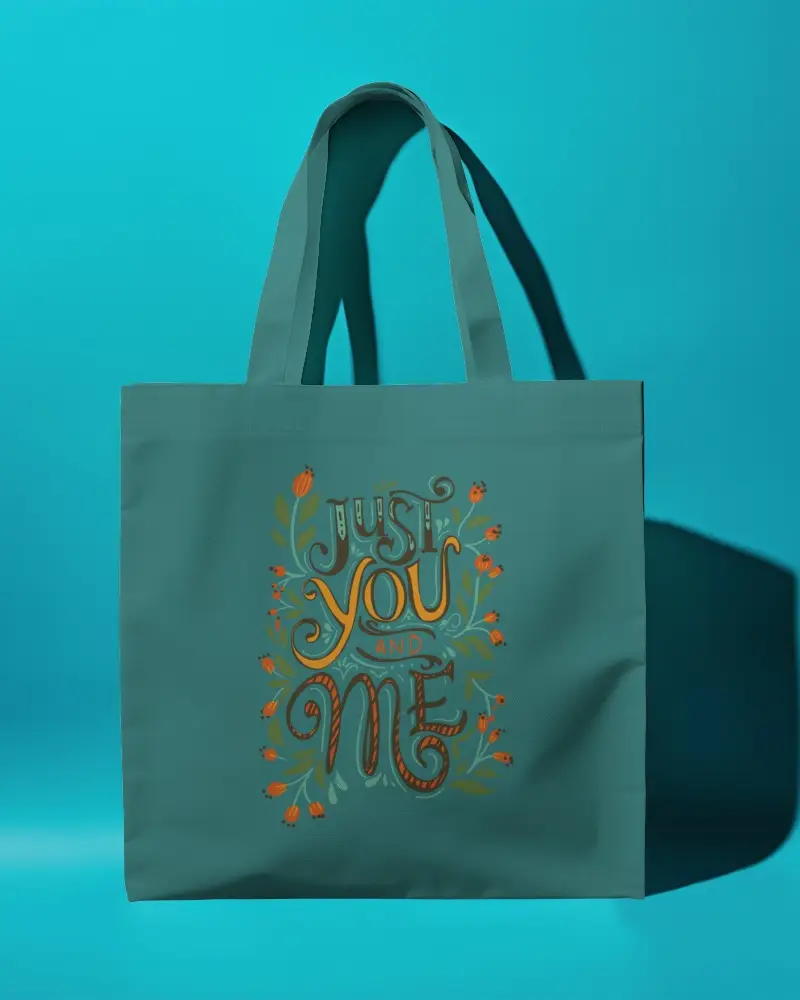
A great design on a fake-looking mockup just won't sell. If you run a print-on-demand store or do freelance branding, you already know this. That's exactly why we put together over 500 super realistic tote bag mockups. The best part? Zero watermarks, and you don't even need to open Photoshop. Just drag and drop your artwork right here in your browser to get professional product shots in seconds. Go ahead and drop your design in to see how it looks
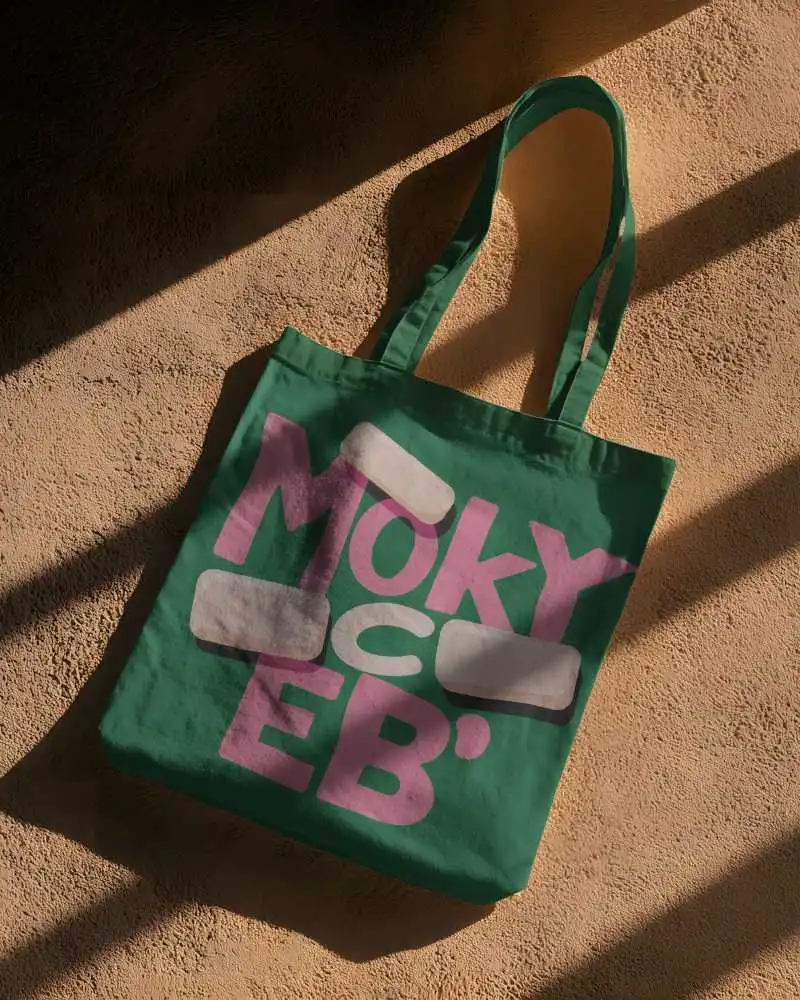
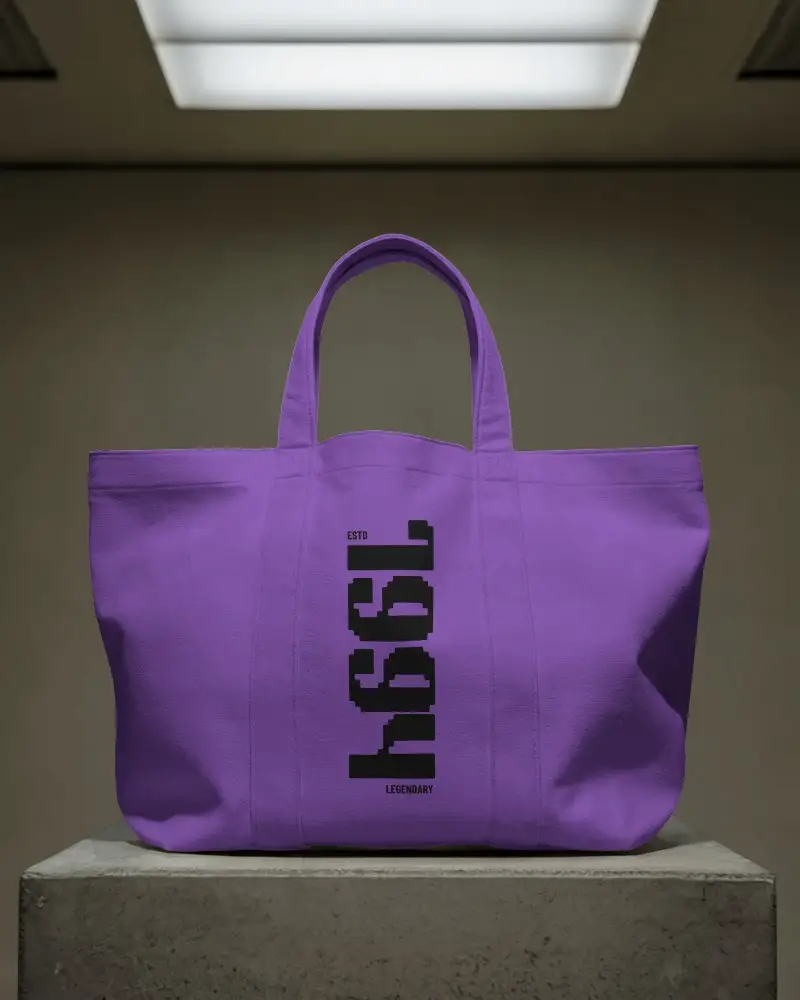
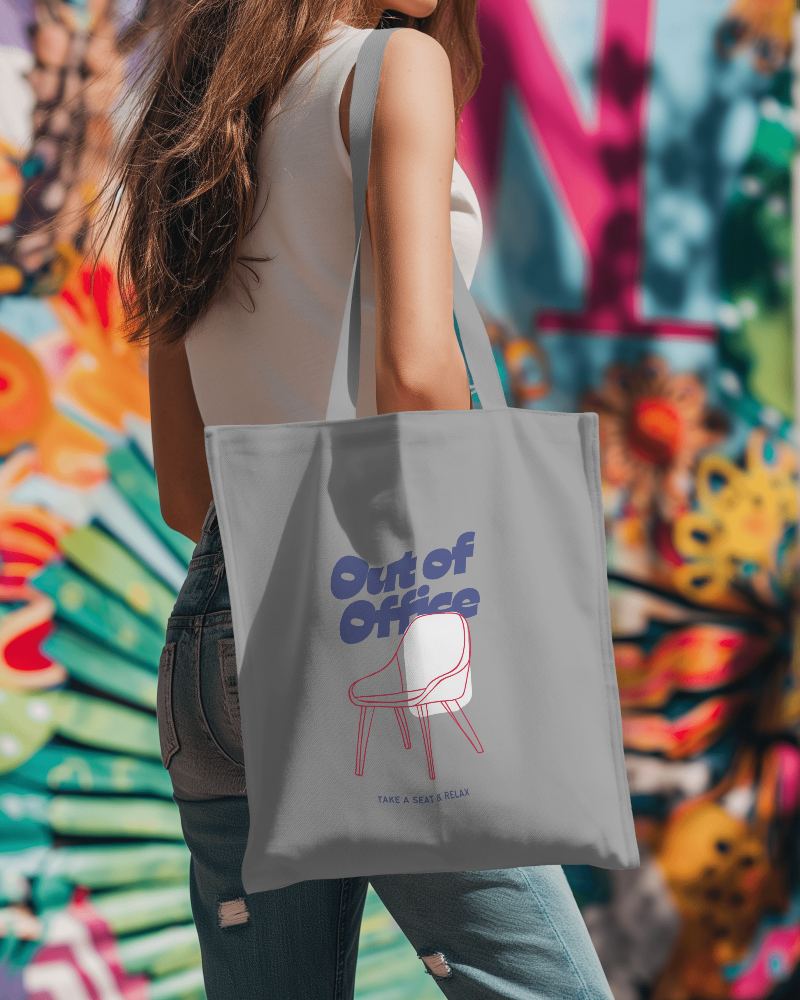
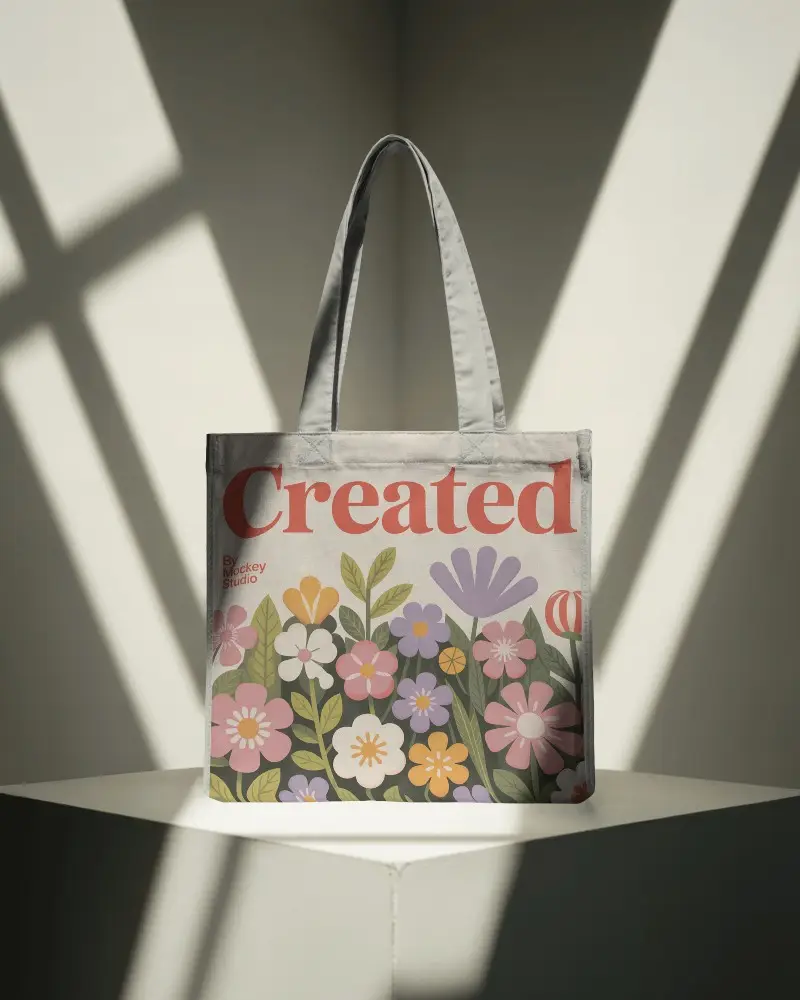
.png)
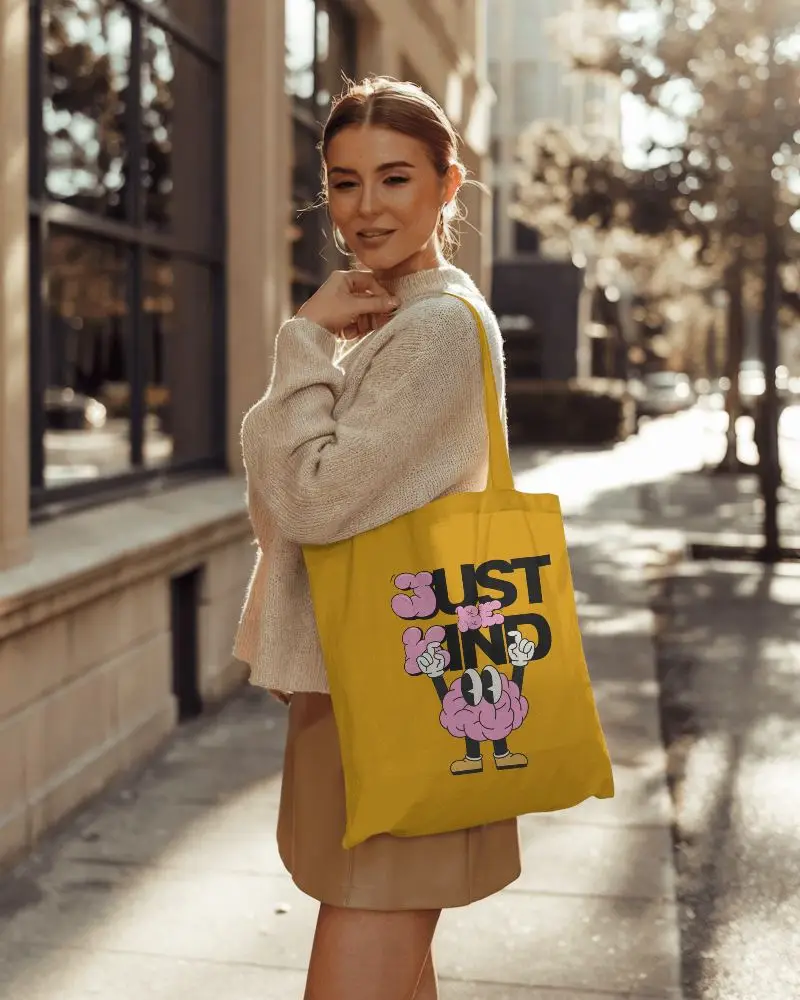
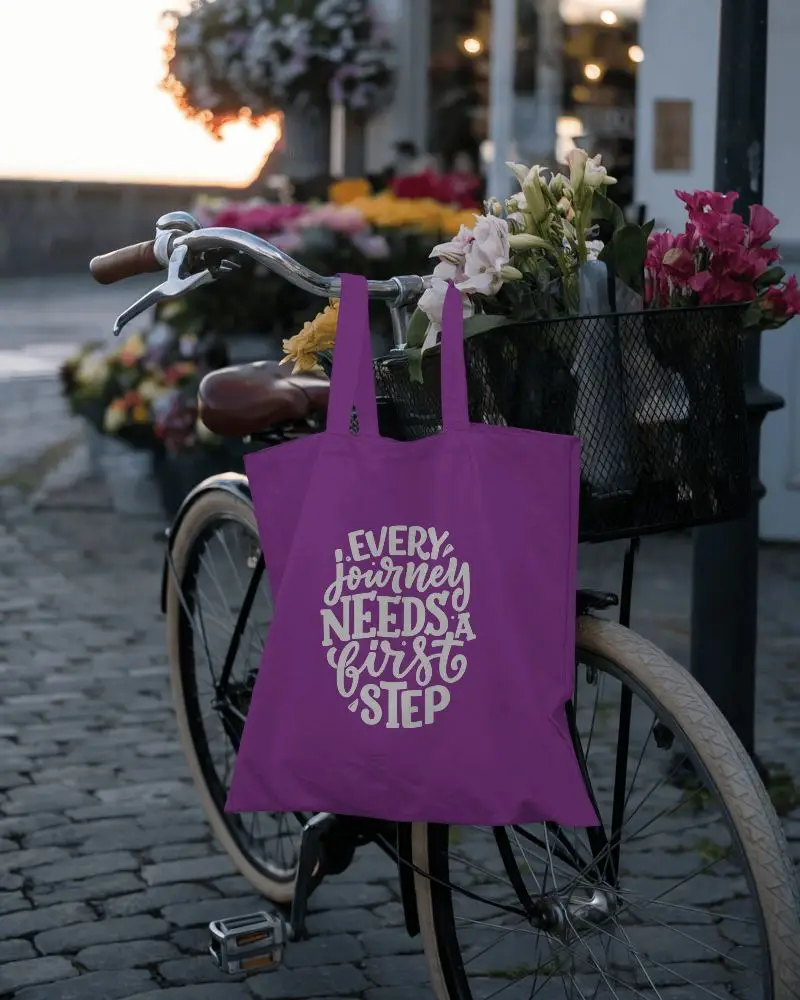
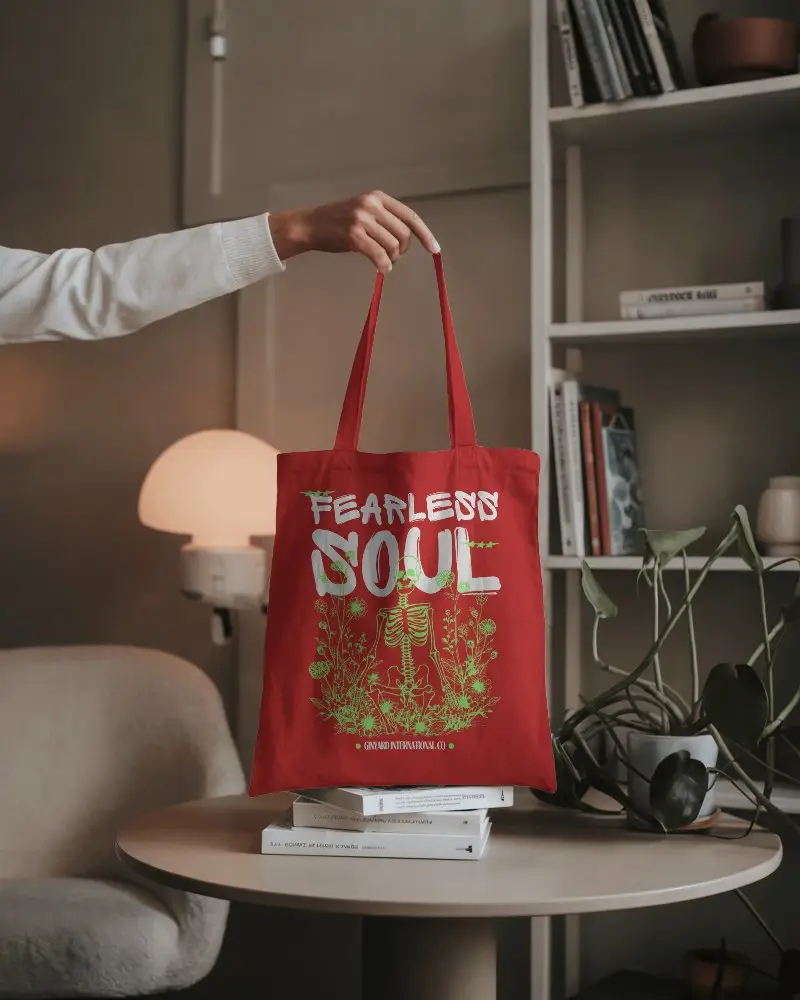
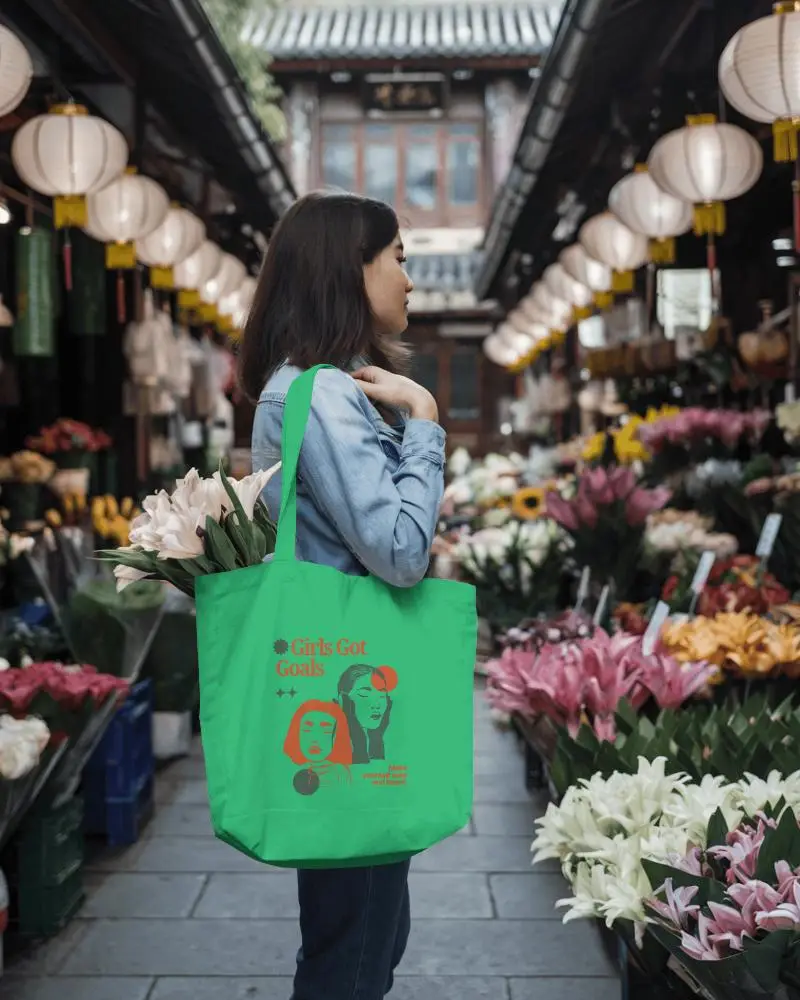
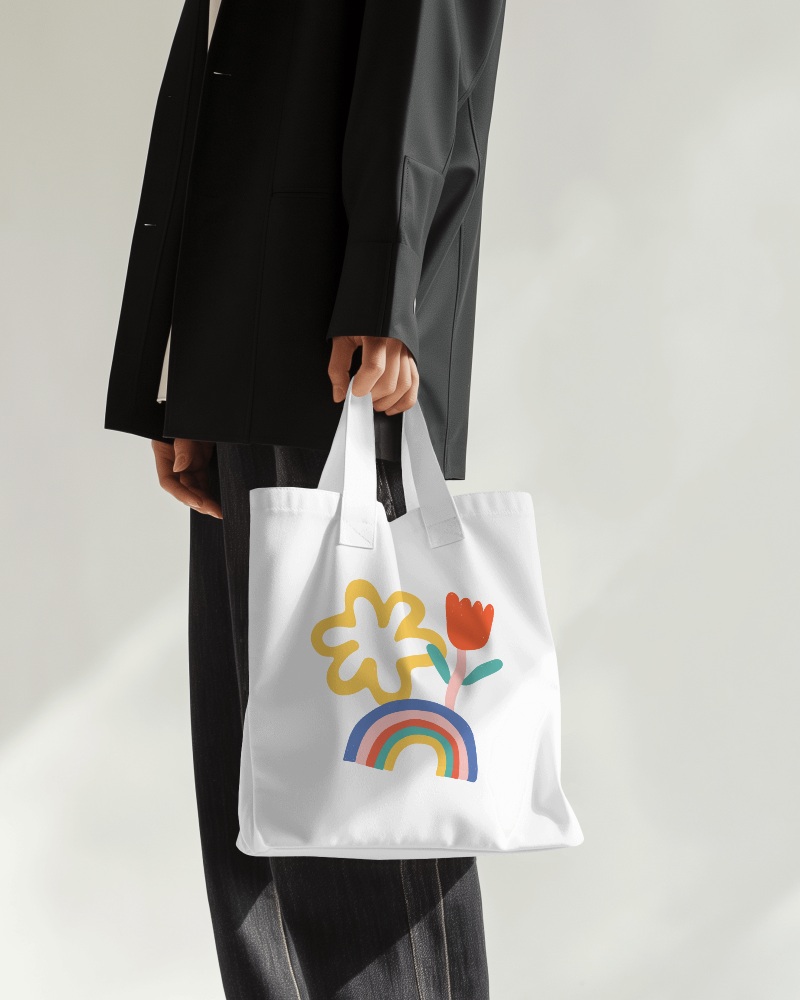
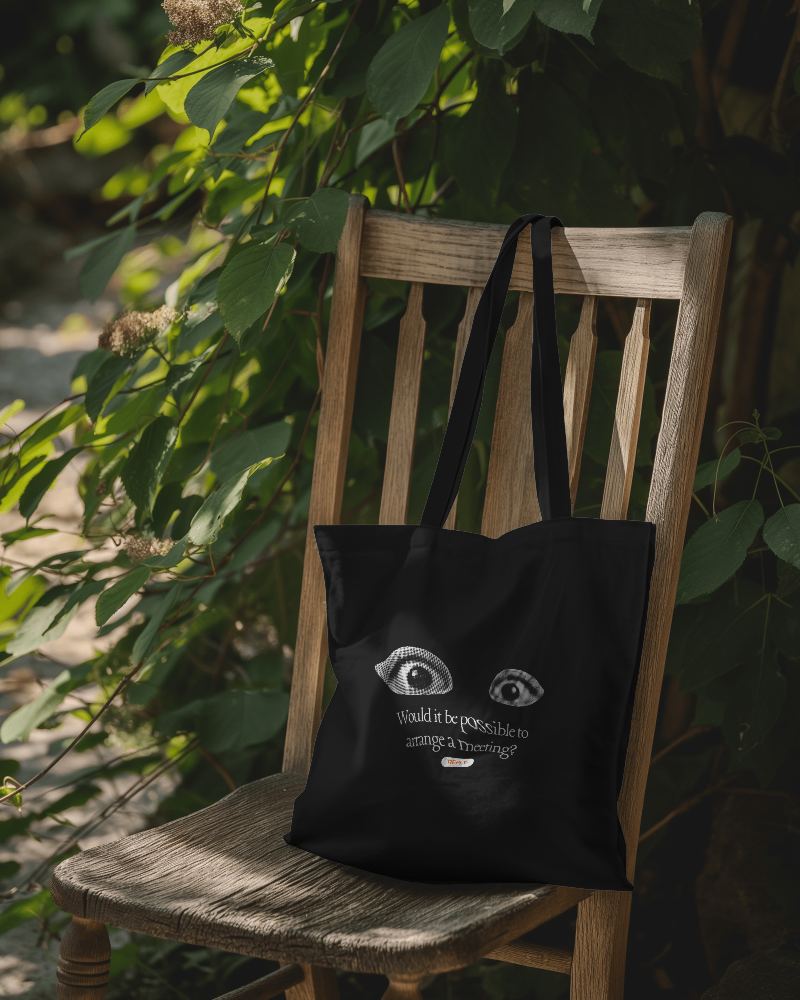
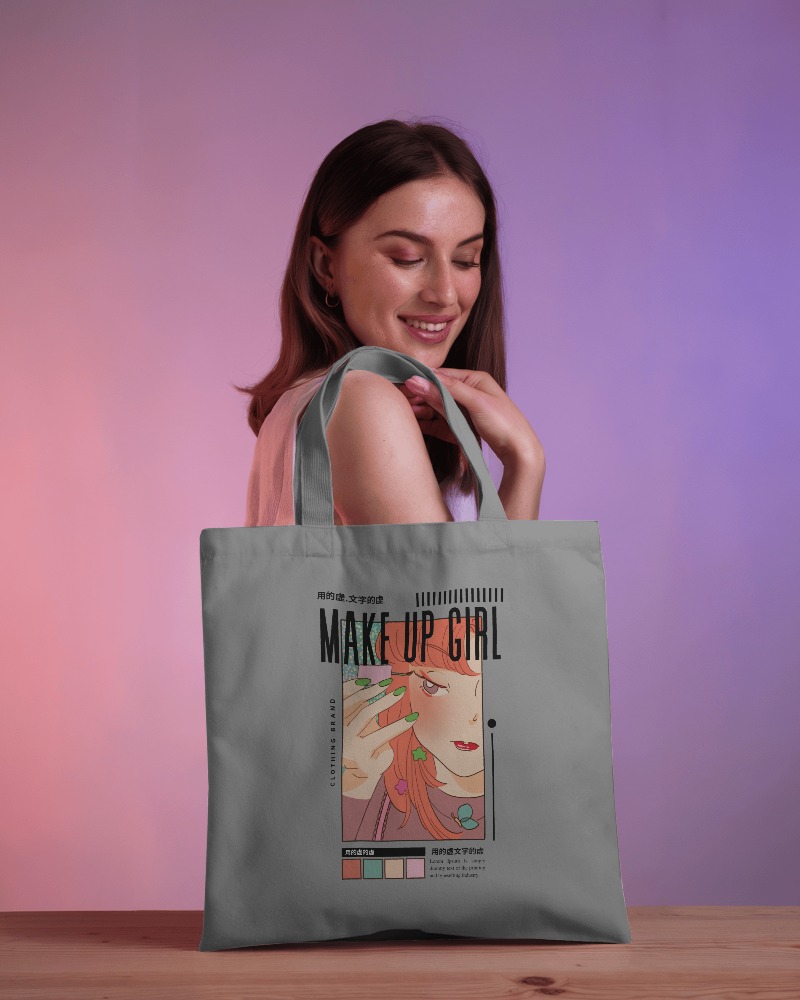
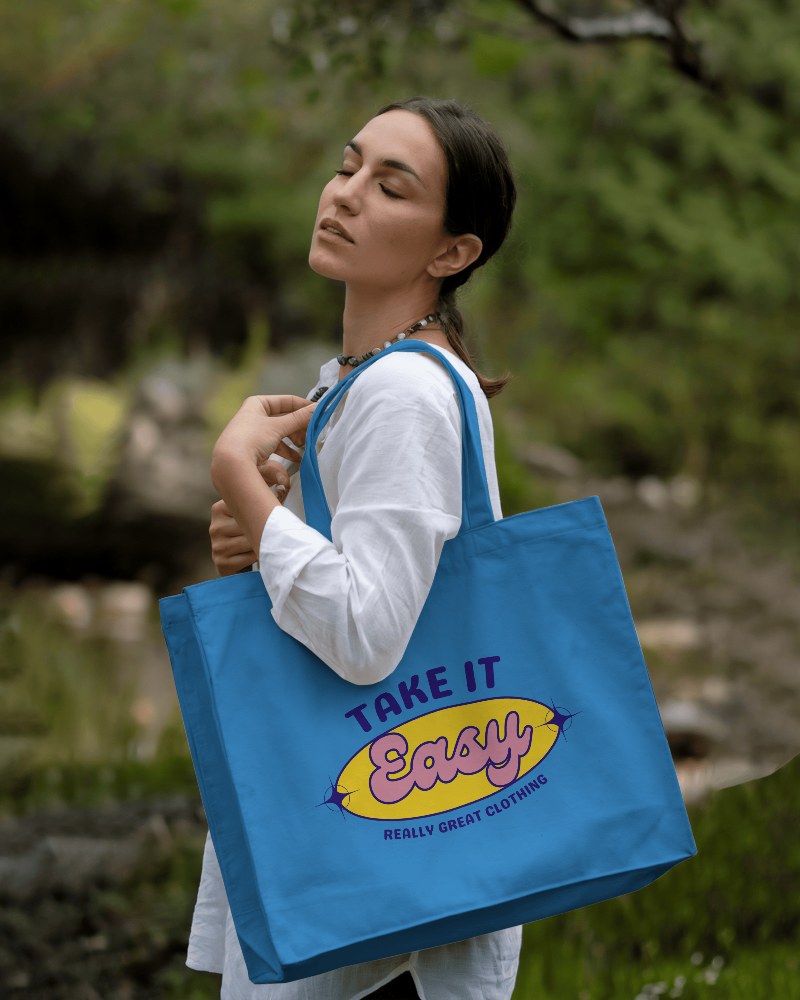
.png)
.png)
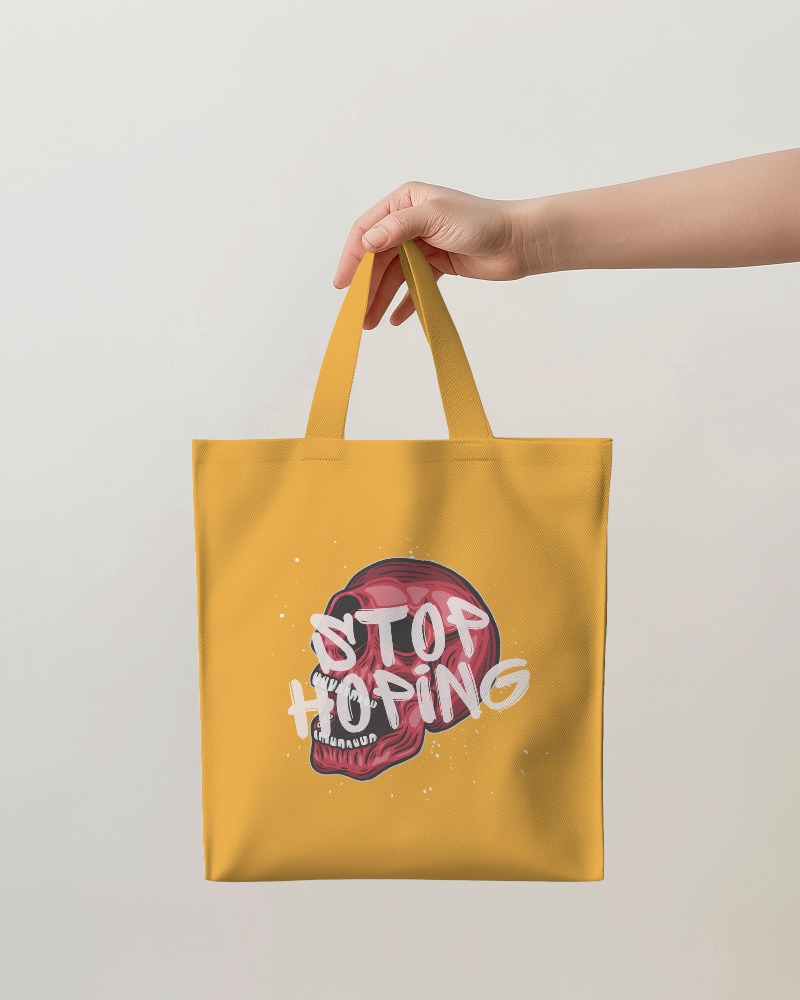
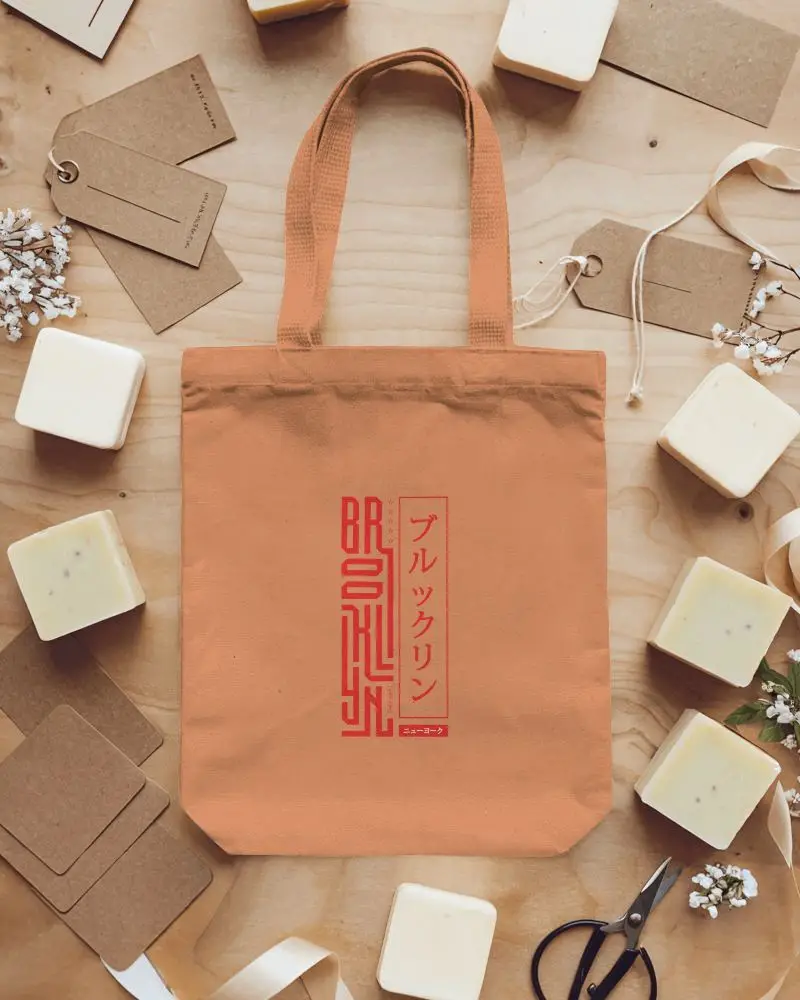
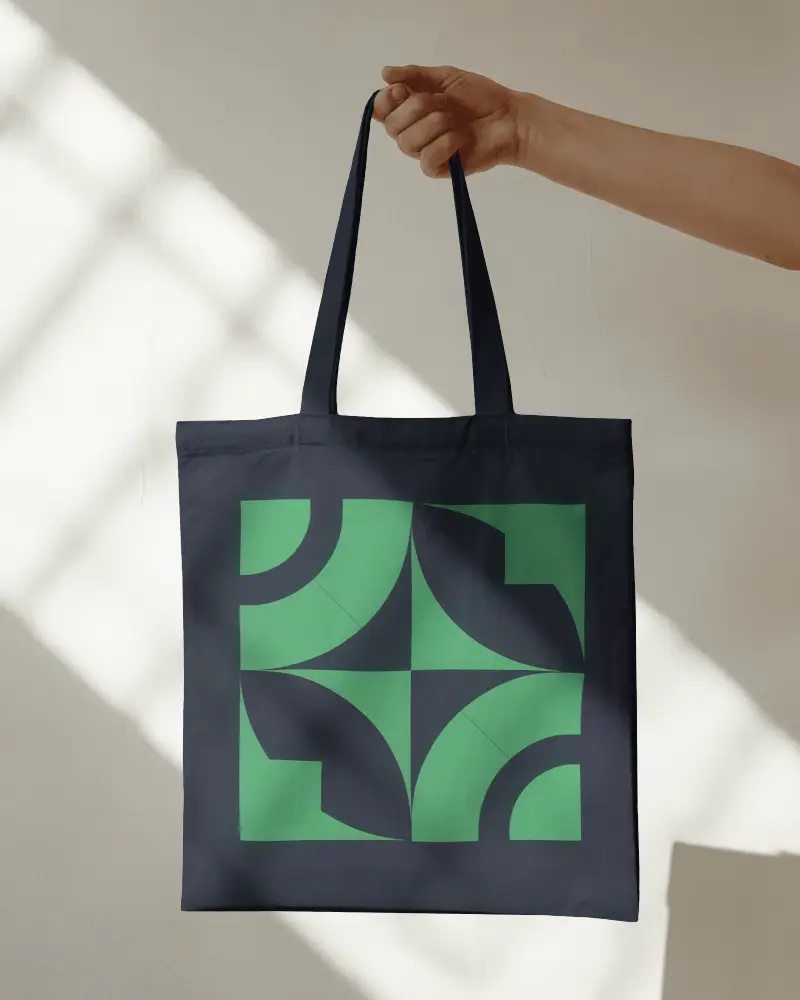
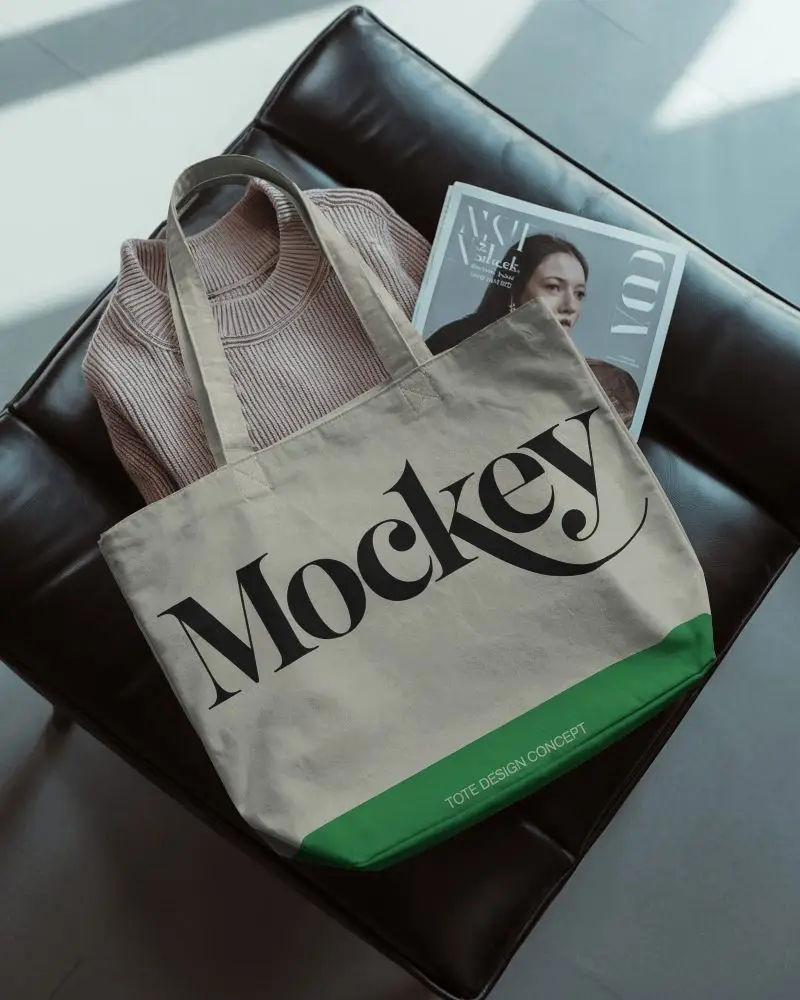
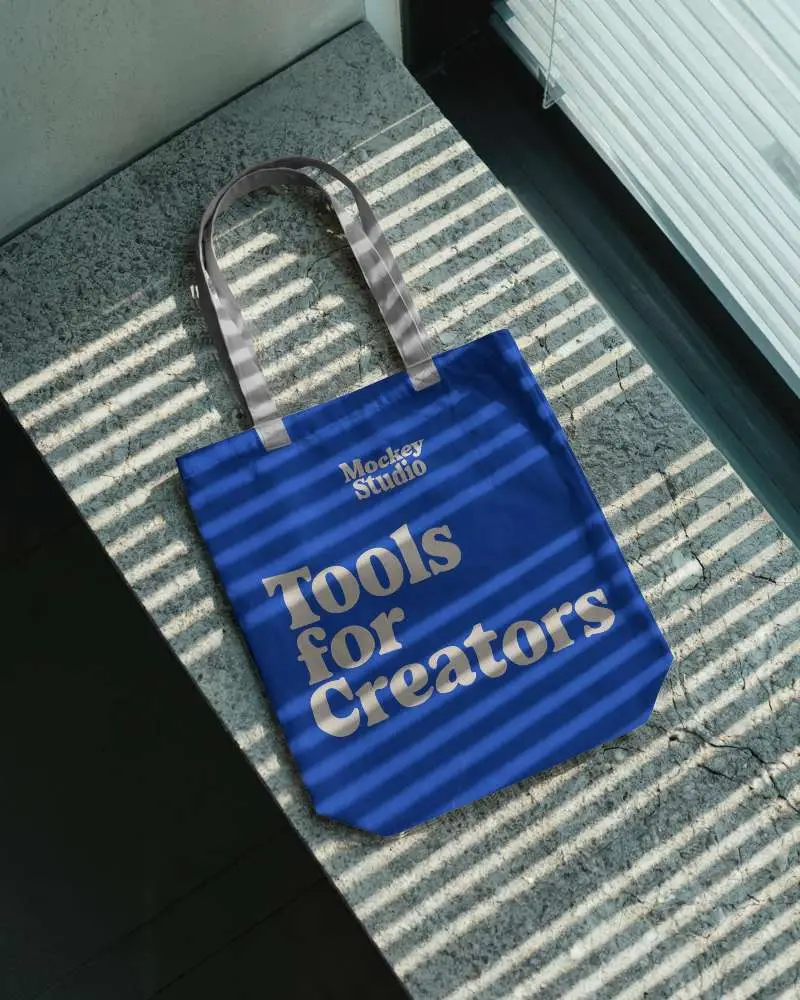
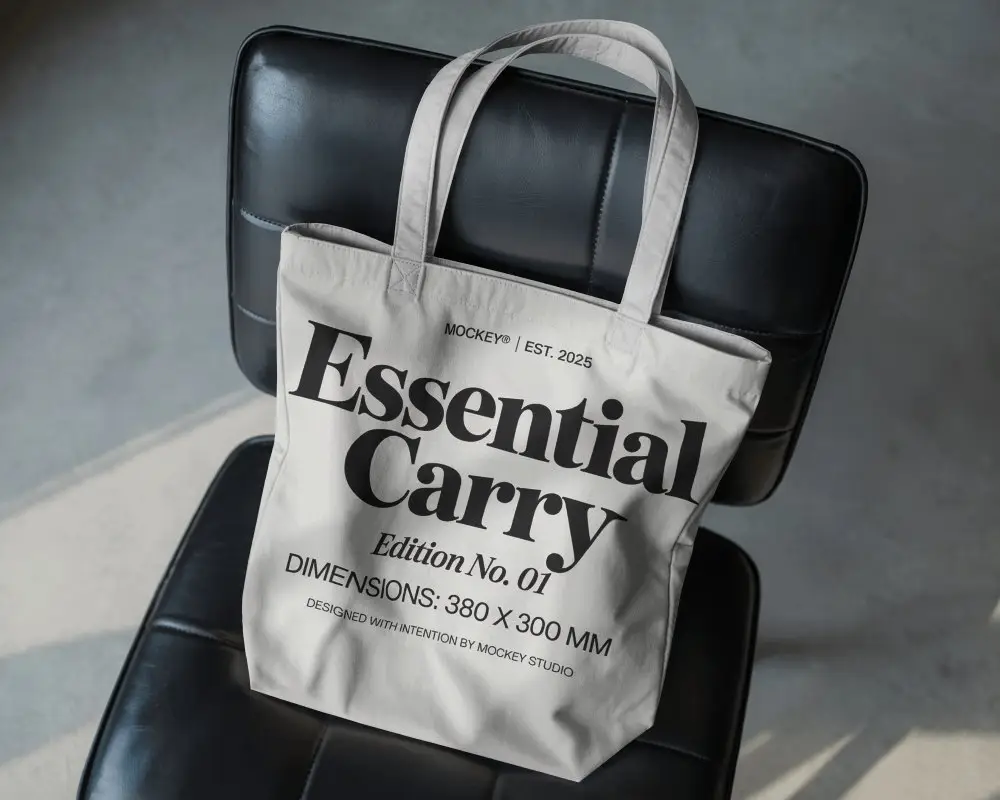
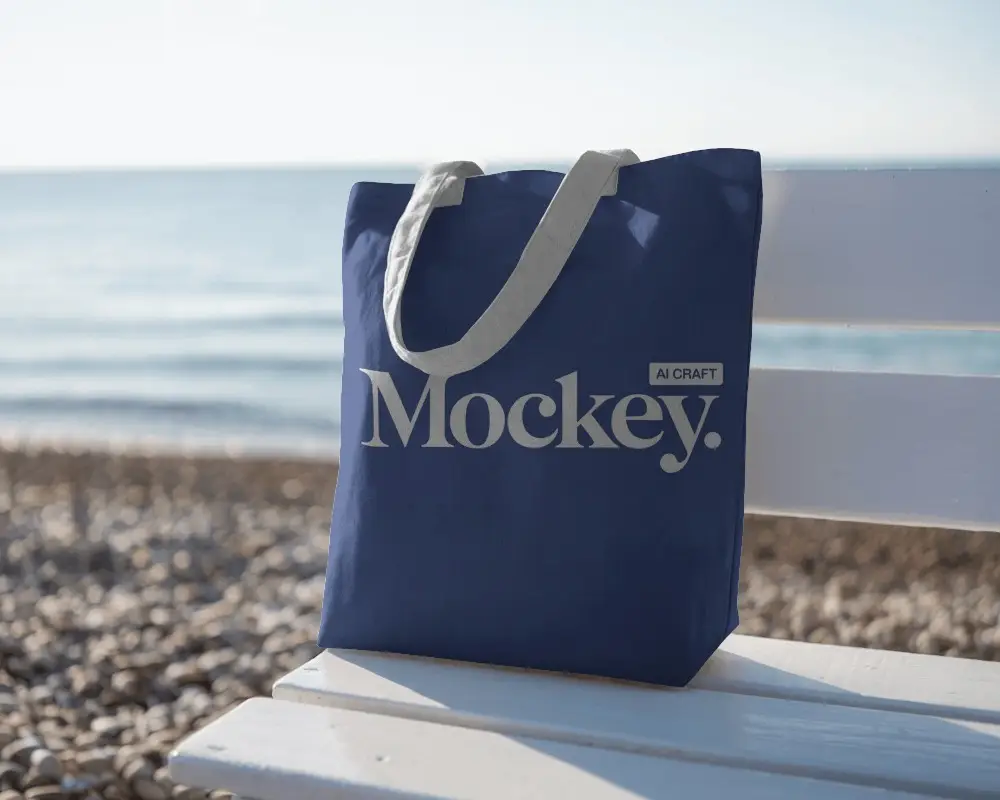
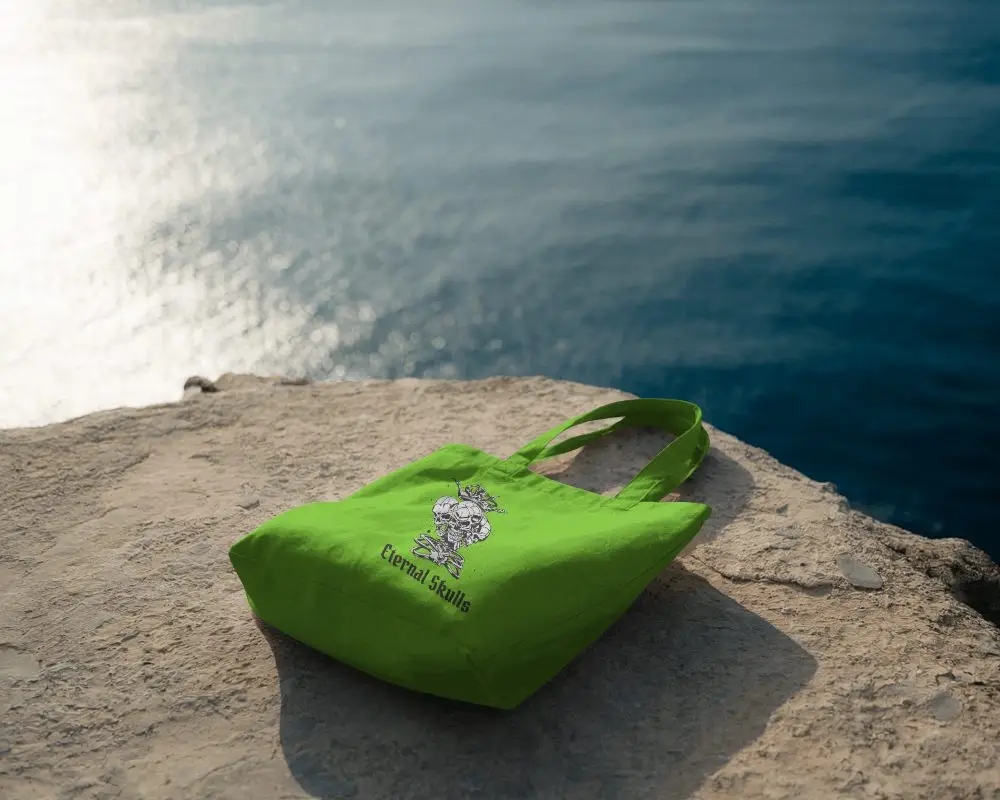
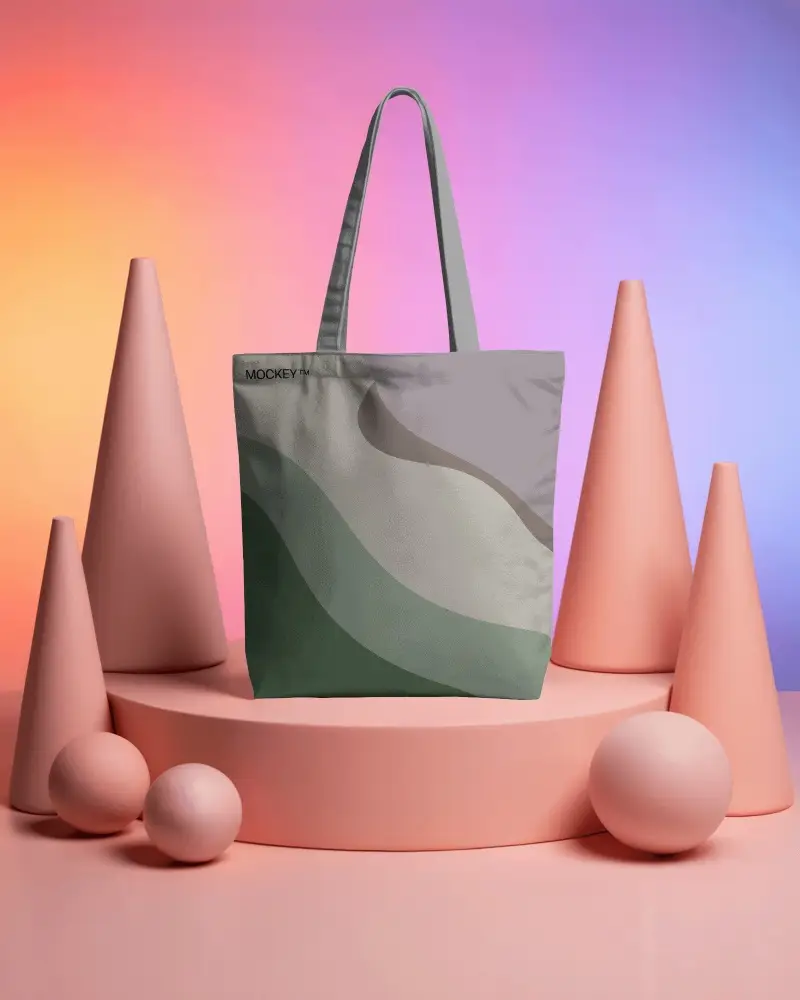
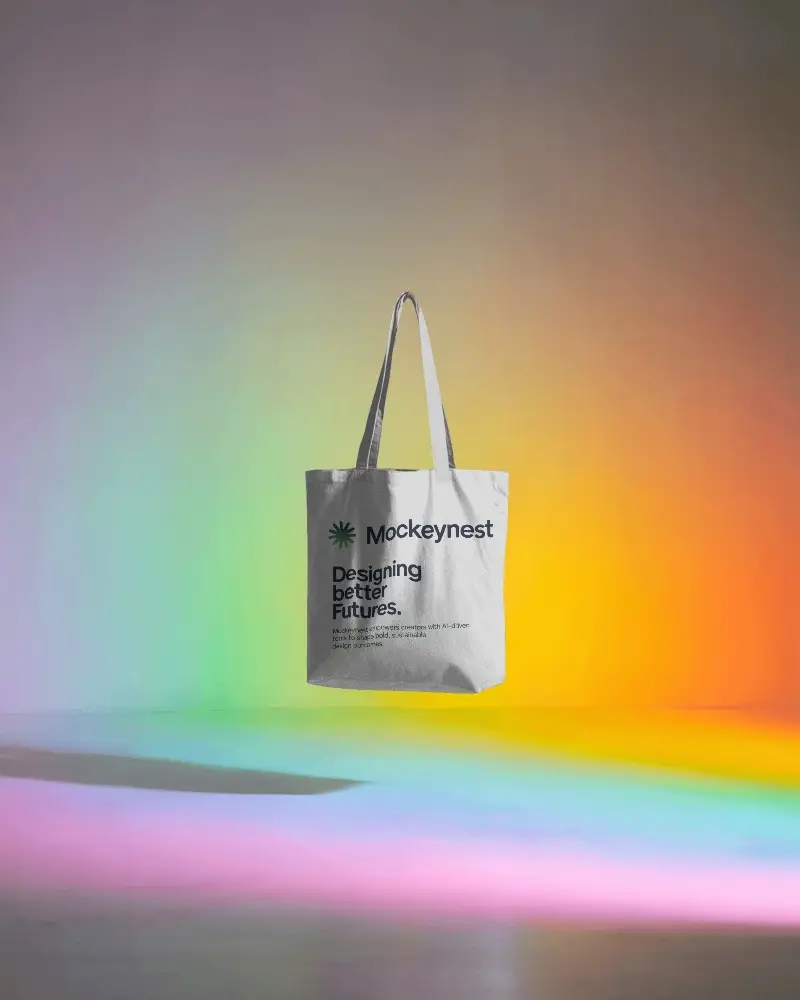
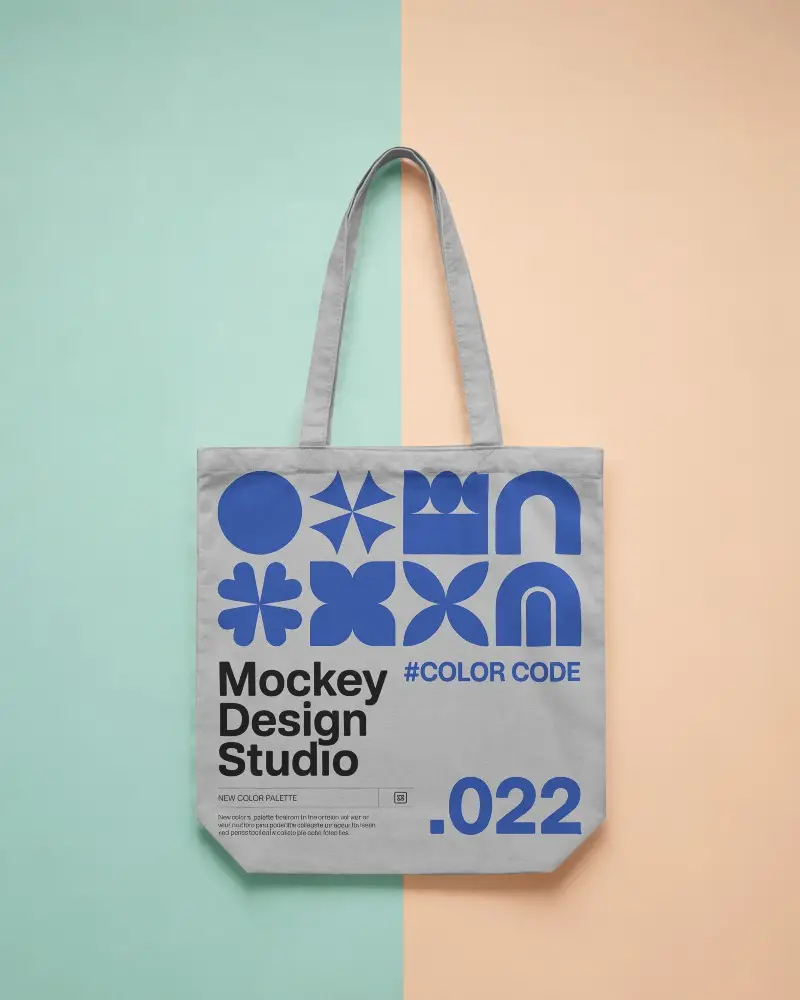
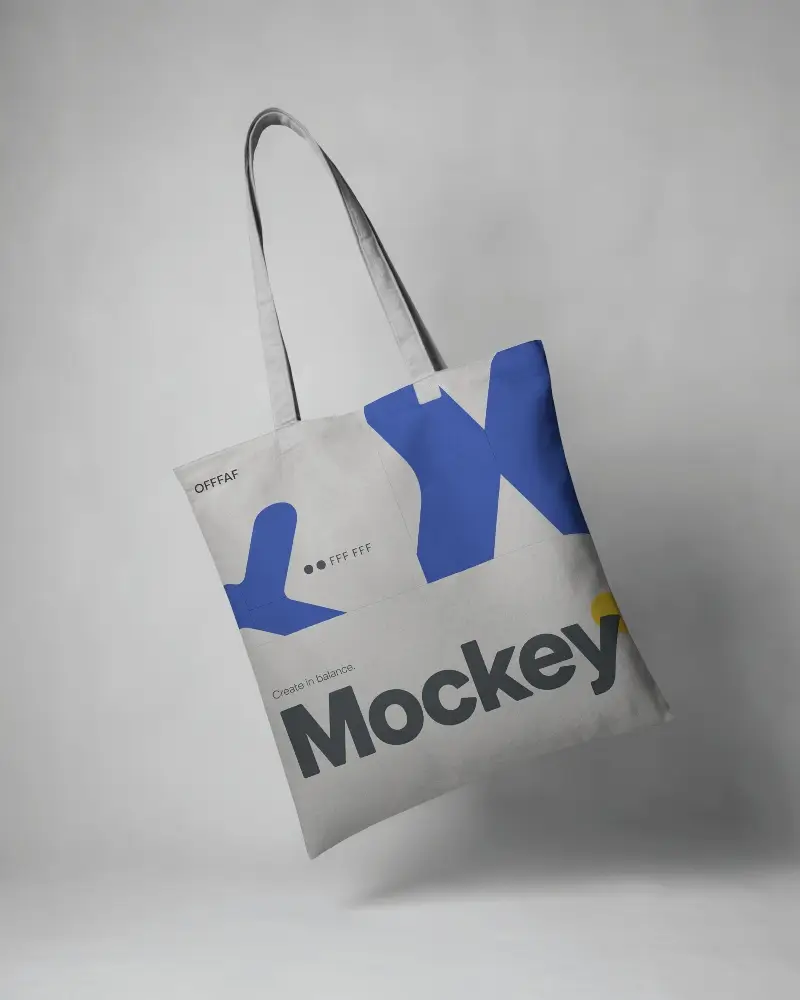
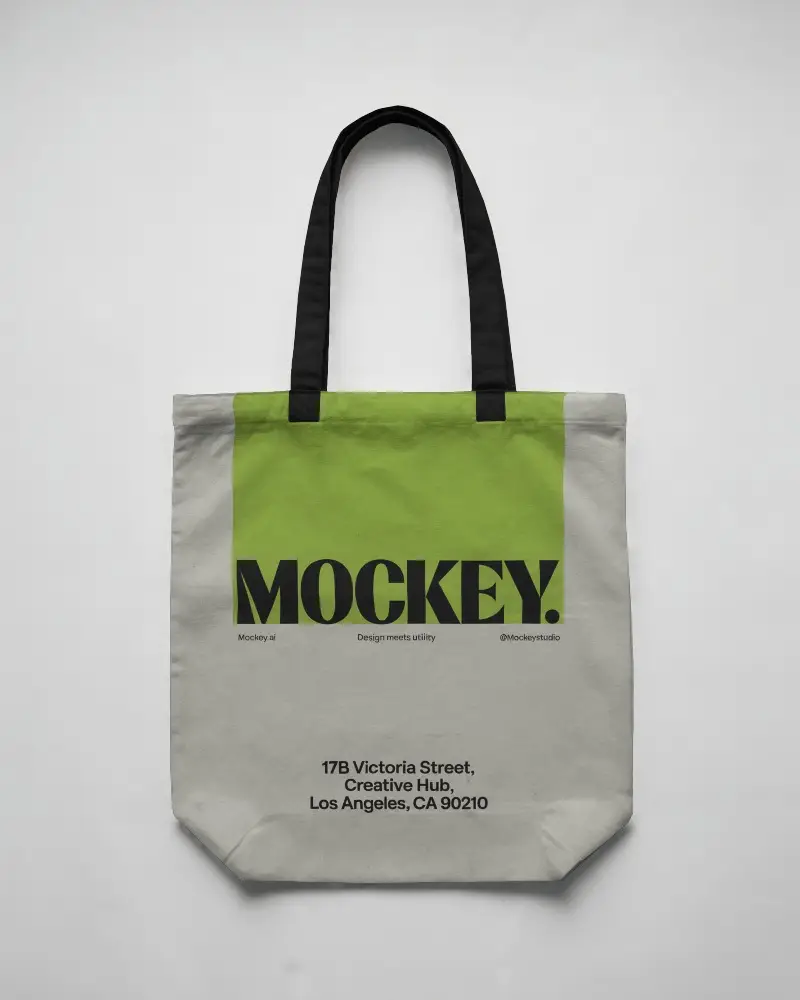
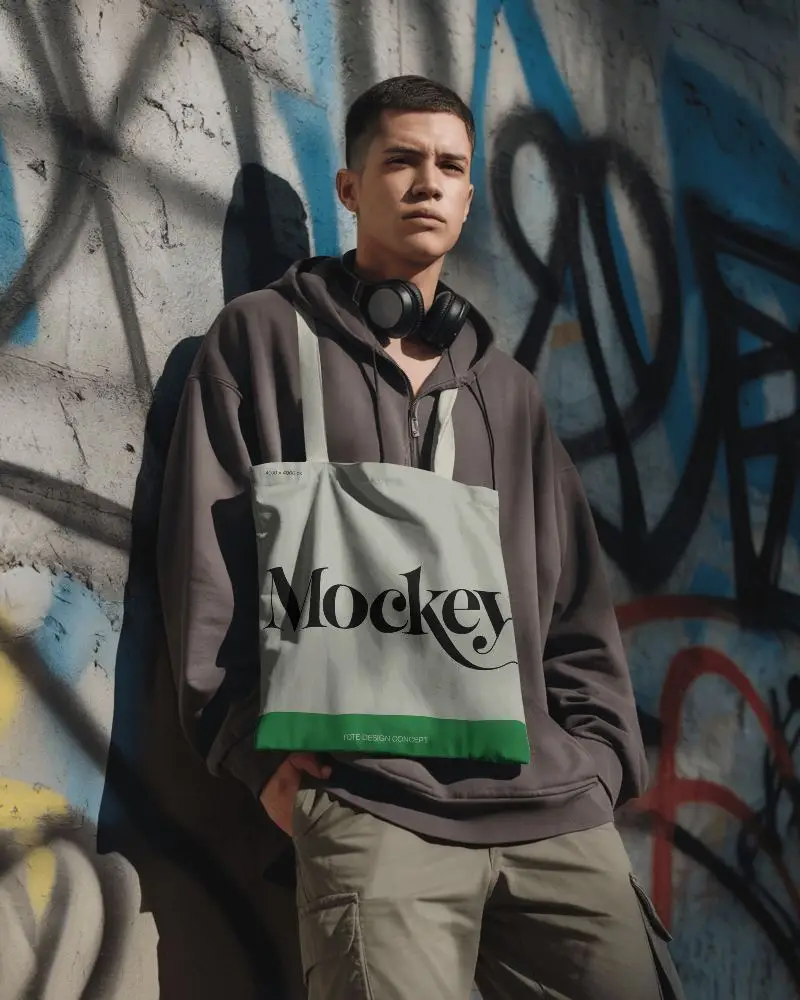
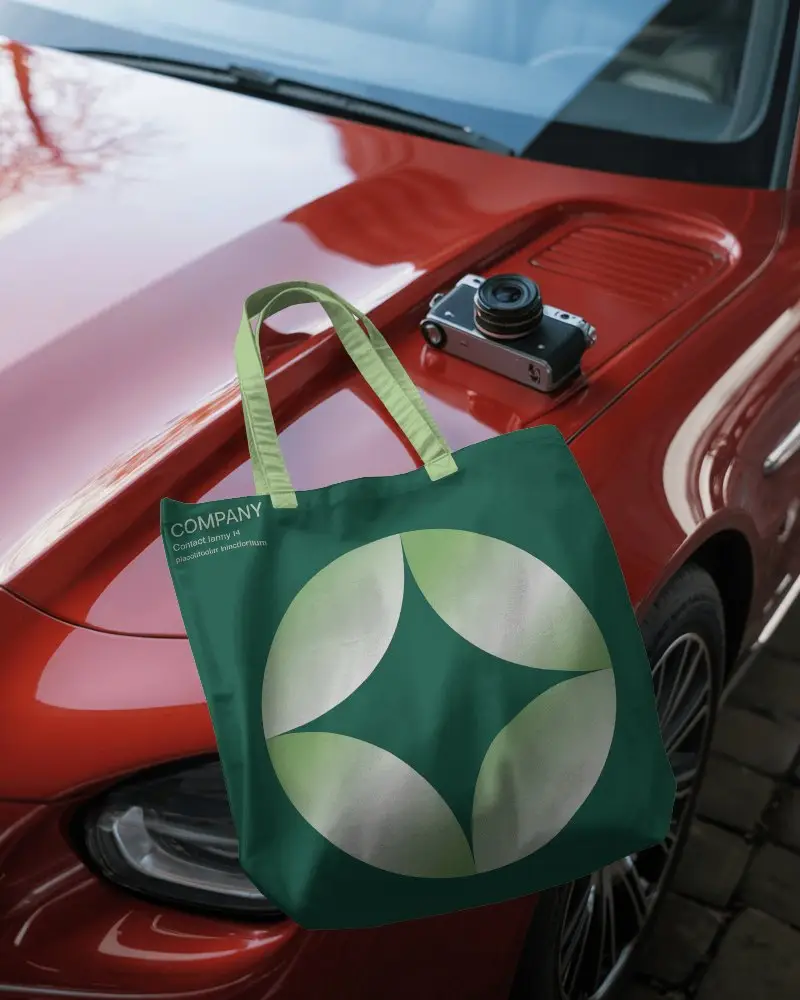
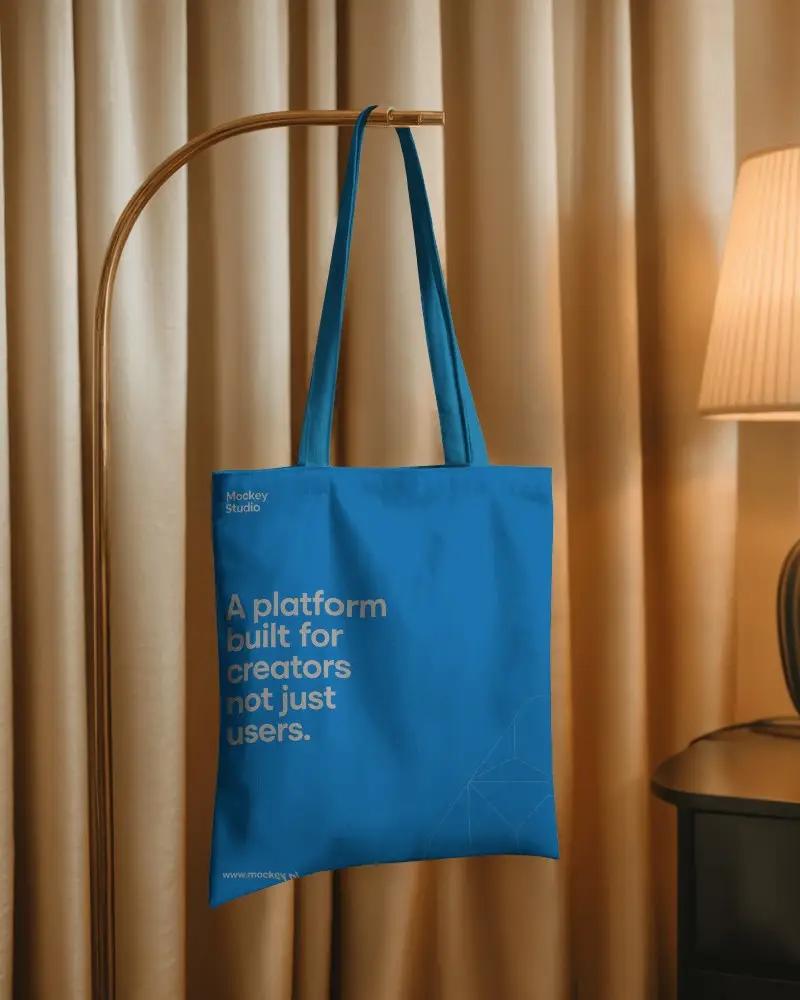
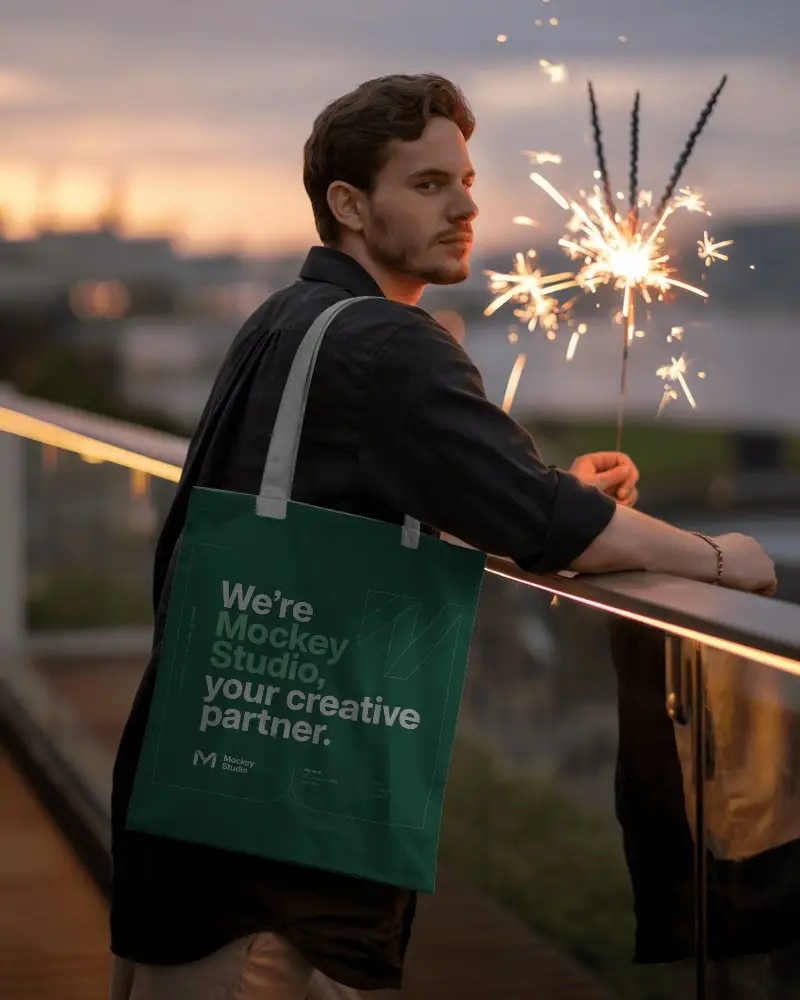
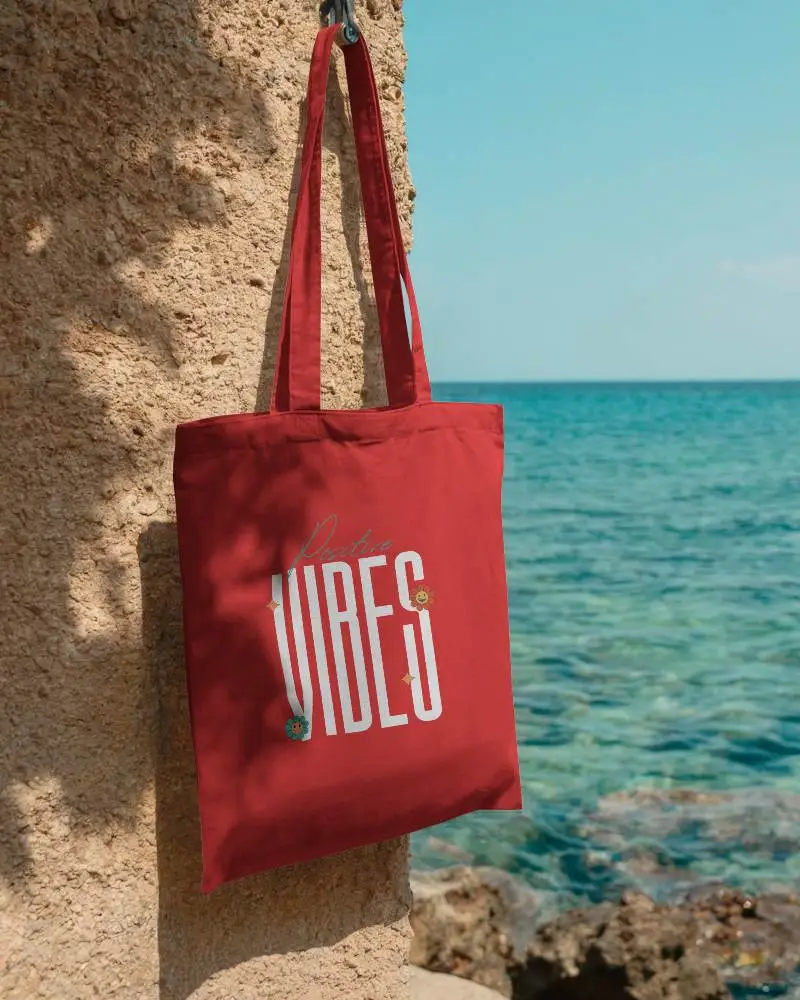
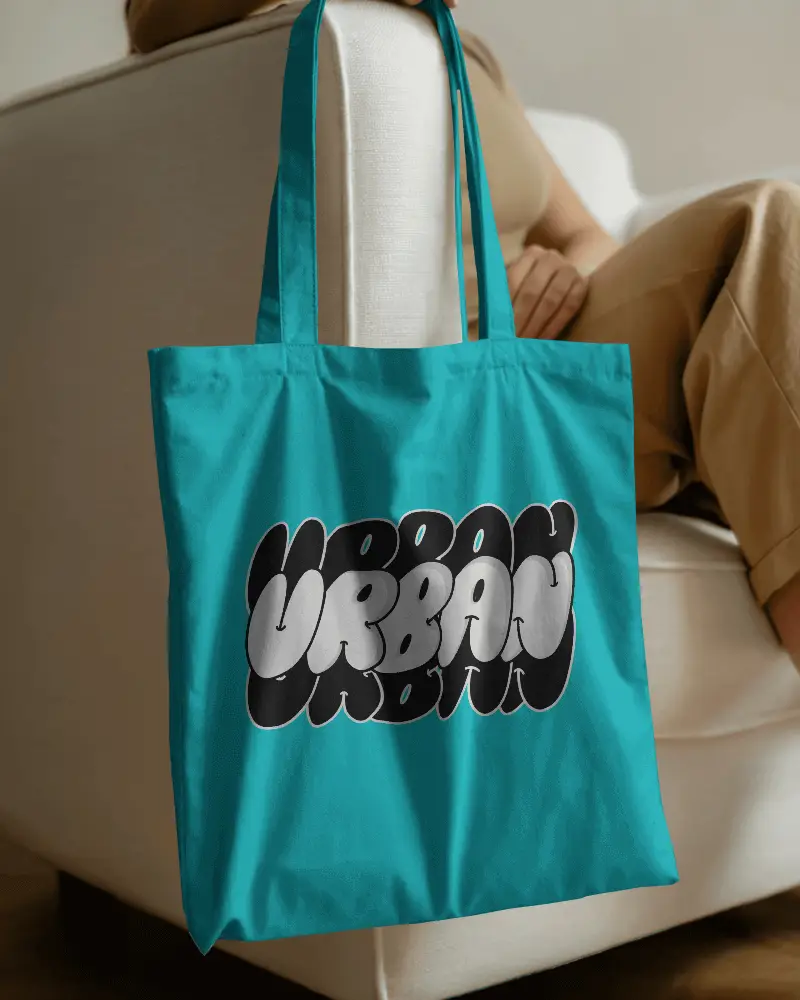
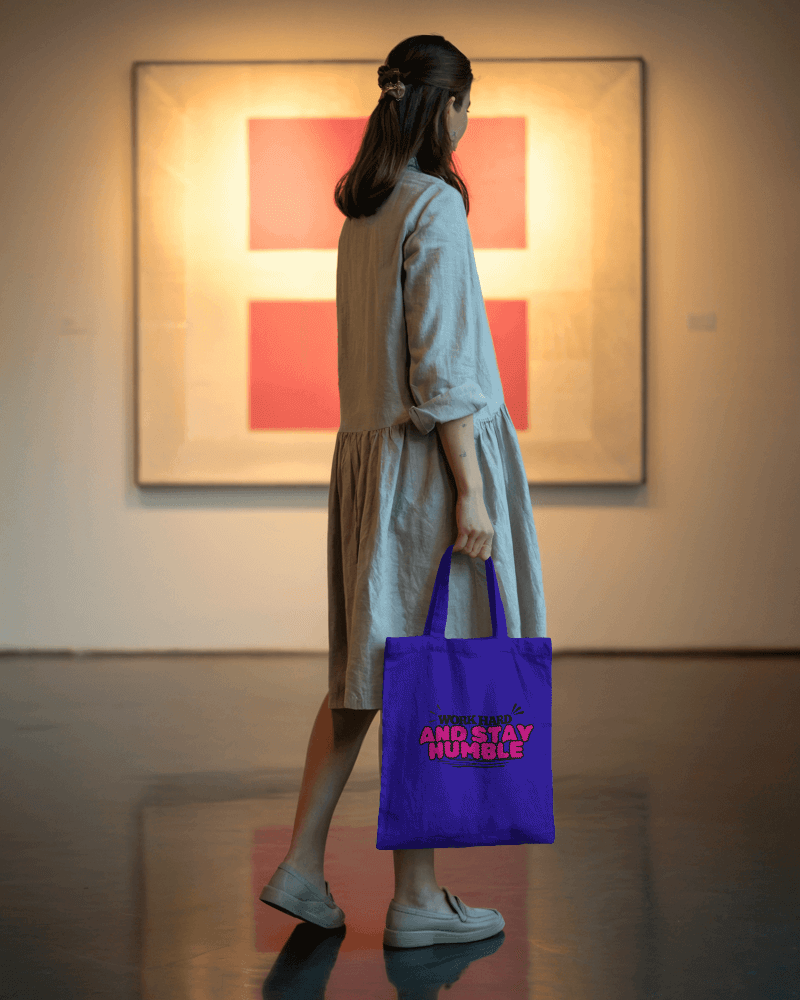
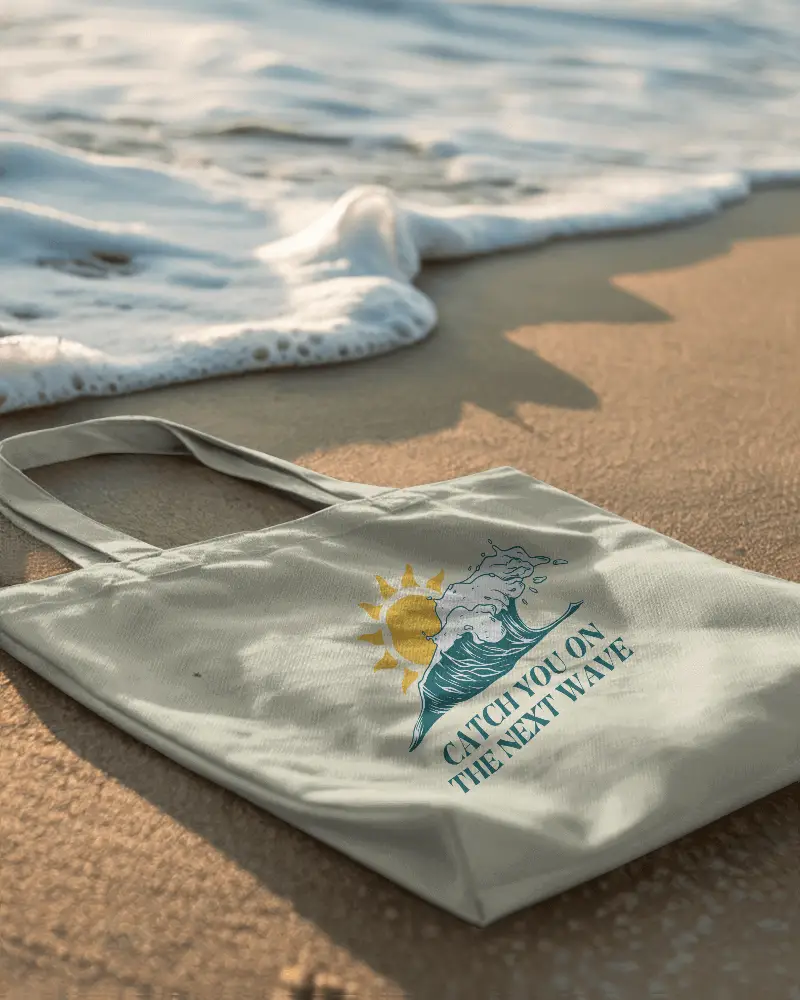
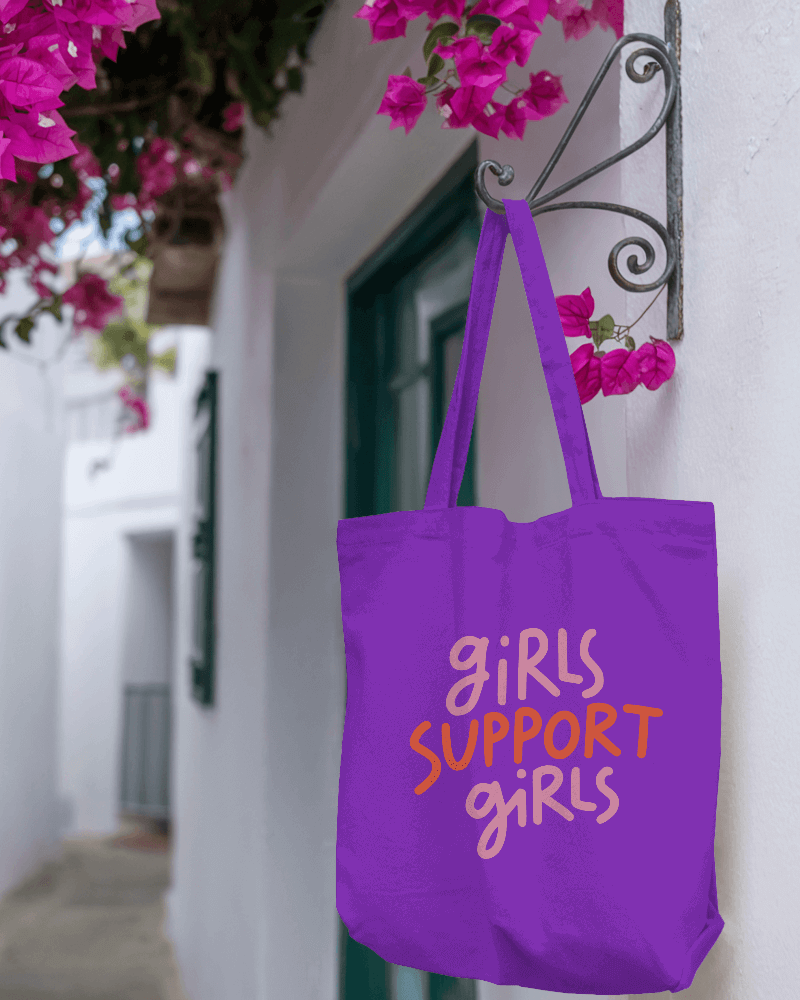
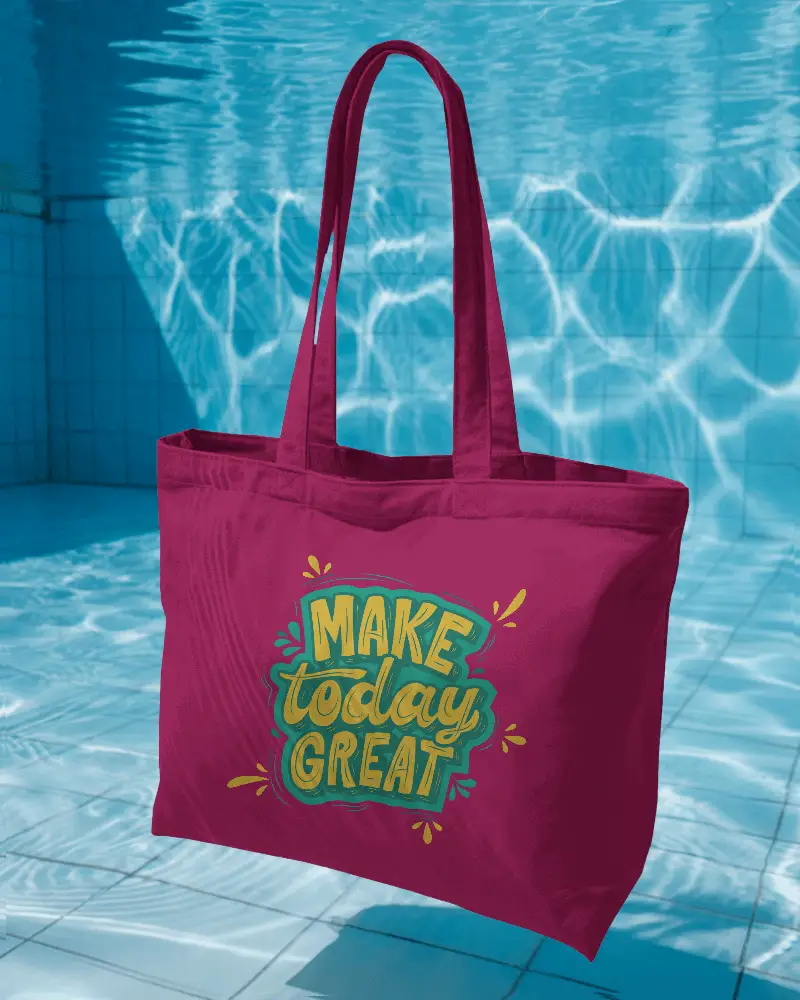
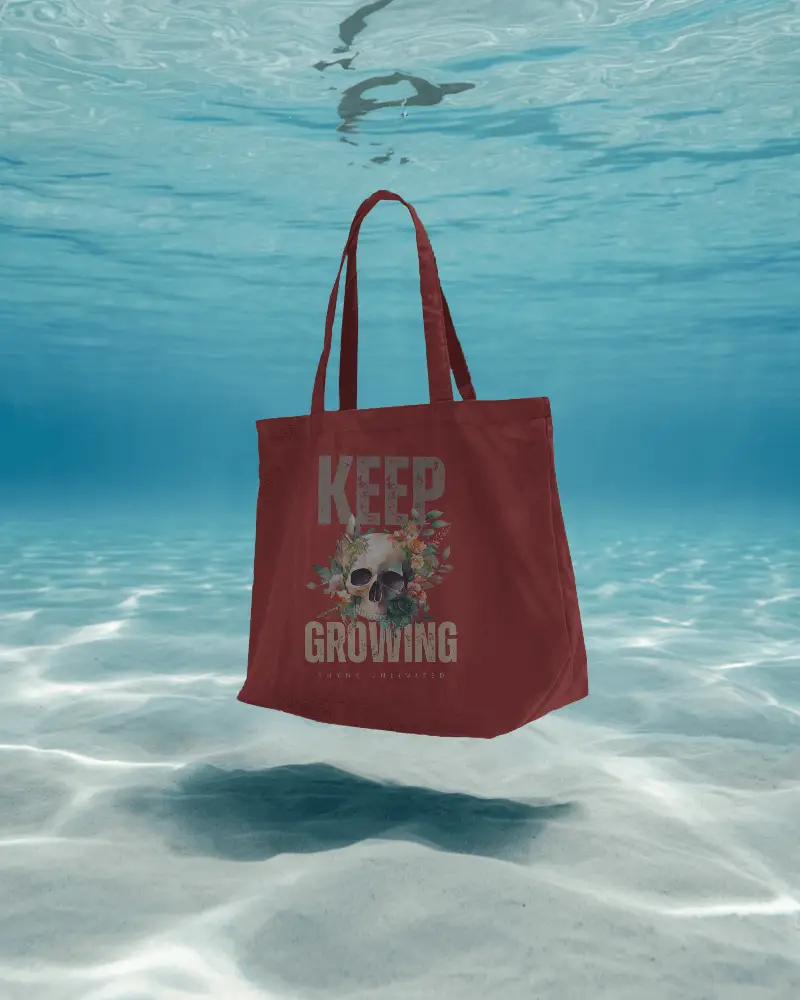
How to Customize Tote Bag Mockups with Mockey AI
To customize tote bag mockups:
- Step 1: Step 1: Pick from the canvas, cotton, big, or aesthetic tote bag.
- Step 2: Step 2: Upload your design or logo.
- Step 3: Step 3: Change the tote bag color using the color picker or hex code.
- Step 4: Step 4: Adjust with warping, or turn on Place Anywhere to drop your design where you want.
- Step 5: Step 5: Create various angles, a styled scene, or turn to animation.
- Step 6: Step 6: Download the tote bag mockup in high resolution.


FAQs on tote-bag Mockups
Can I use these tote bag mockups for my Etsy or Shopify store?
Yes. Just make sure your plan covers commercial use, and that the mockup matches your actual product so buyers know what they're getting. If you're on Etsy, the main listing photo can't be blank or show placeholder text. It needs to show your real design.
Will I really get a tote bag mockup without a watermark for free?
Yes, all Mockey mockups, including tote bags, download without a watermark, even on the free plan. You just get a limit of 3 downloads a day and personal use only.
Are these tote bag mockup templates easy to edit without Photoshop?
Yes, everything happens right in the browser. Upload your design, adjust the tote color with the color wheel or hex code, tweak the warping if you need it to sit more naturally on the fabric, and download. No Photoshop, no software to install.
Can I get an animated tote bag mockup template download for branding?
Yes. Use the Animate tool on the editor page, describe the motion you want, and it generates a short video clip of your tote bag mockup you can download for branding, social posts, or ads.
