
Ecommerce Mockup Generator for Store-Ready Product Images
Brands need images for Amazon listings, shopping websites, and launch campaigns before a product goes live. Mockey AI helps them create ecommerce mockups from product designs. Simply upload a design to a template and preview.
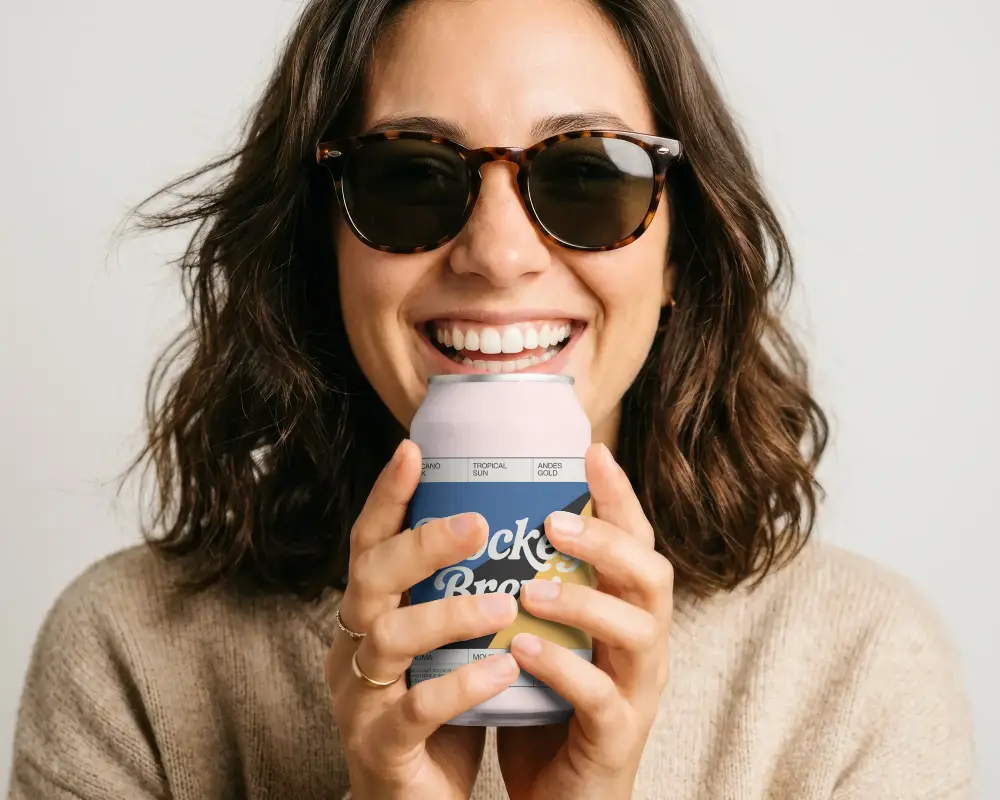
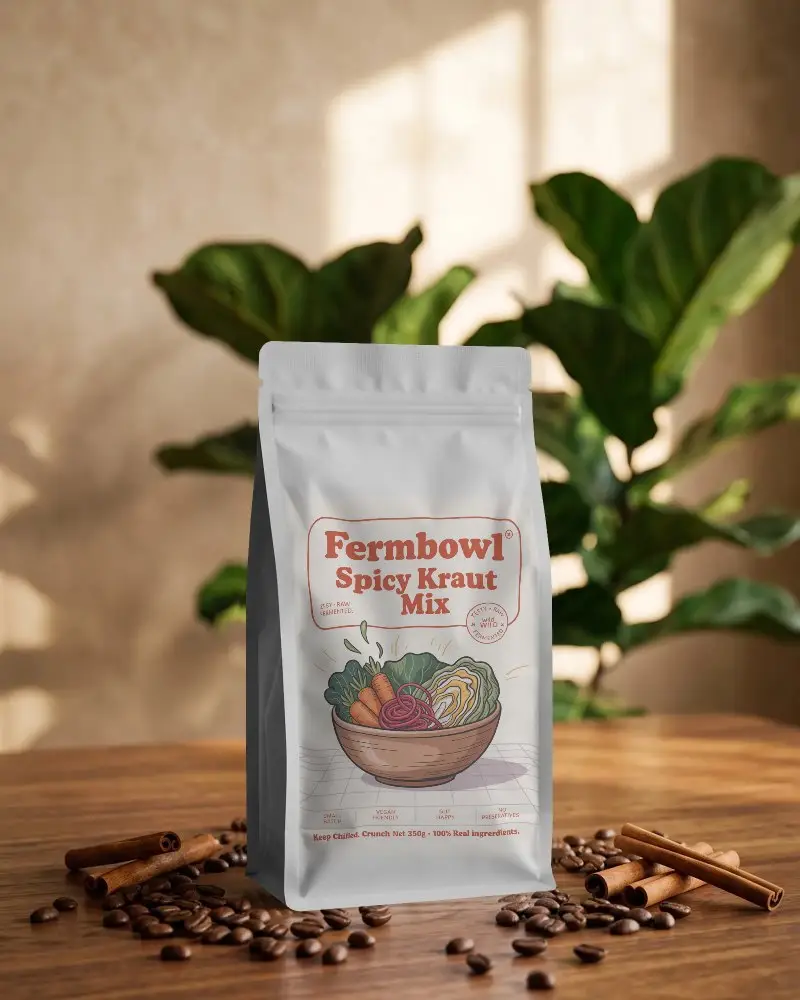
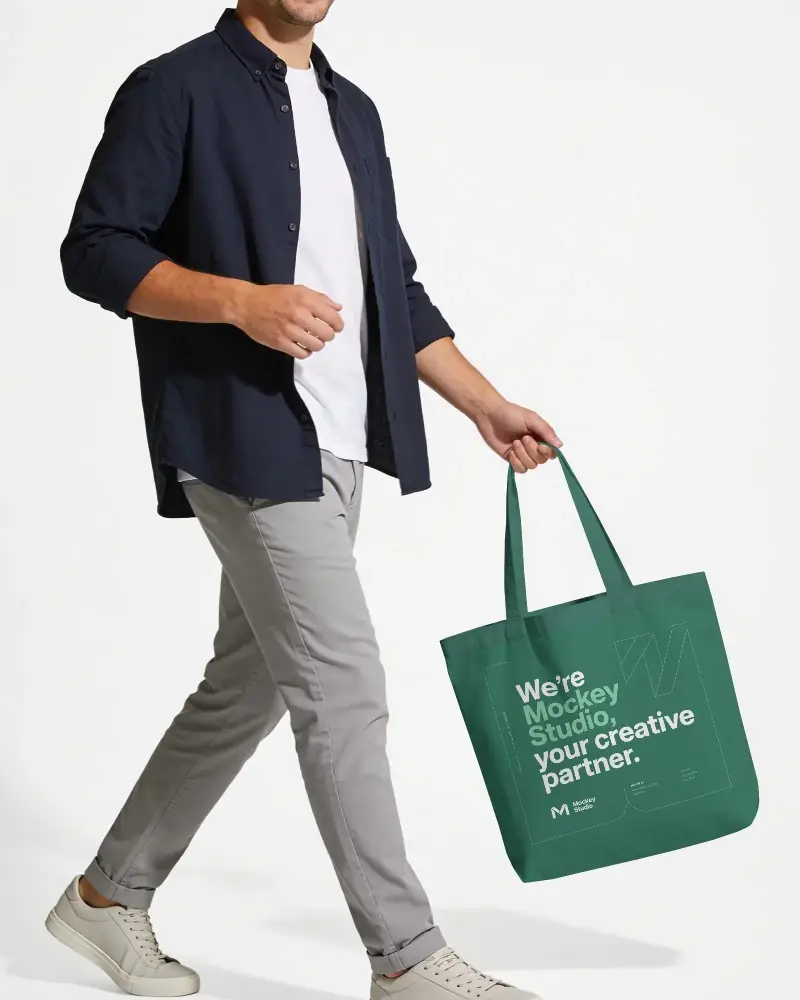
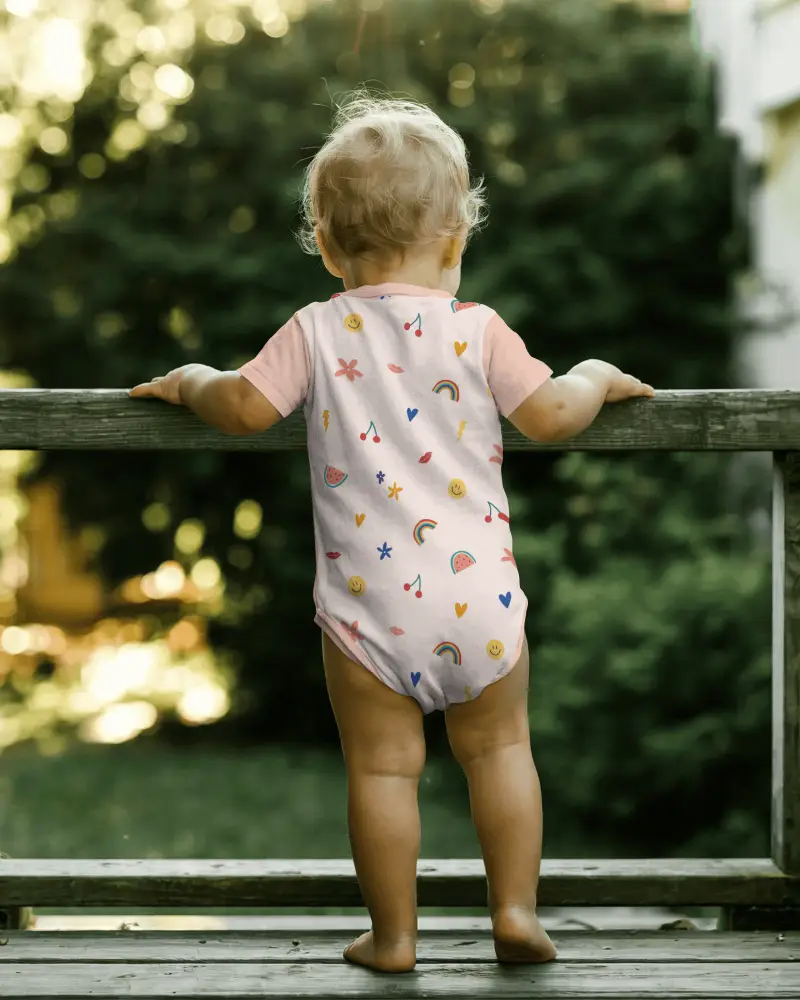
Ready for every store you sell on









Three Simple Steps to Your Ecommerce Mockup
Choose Your Product
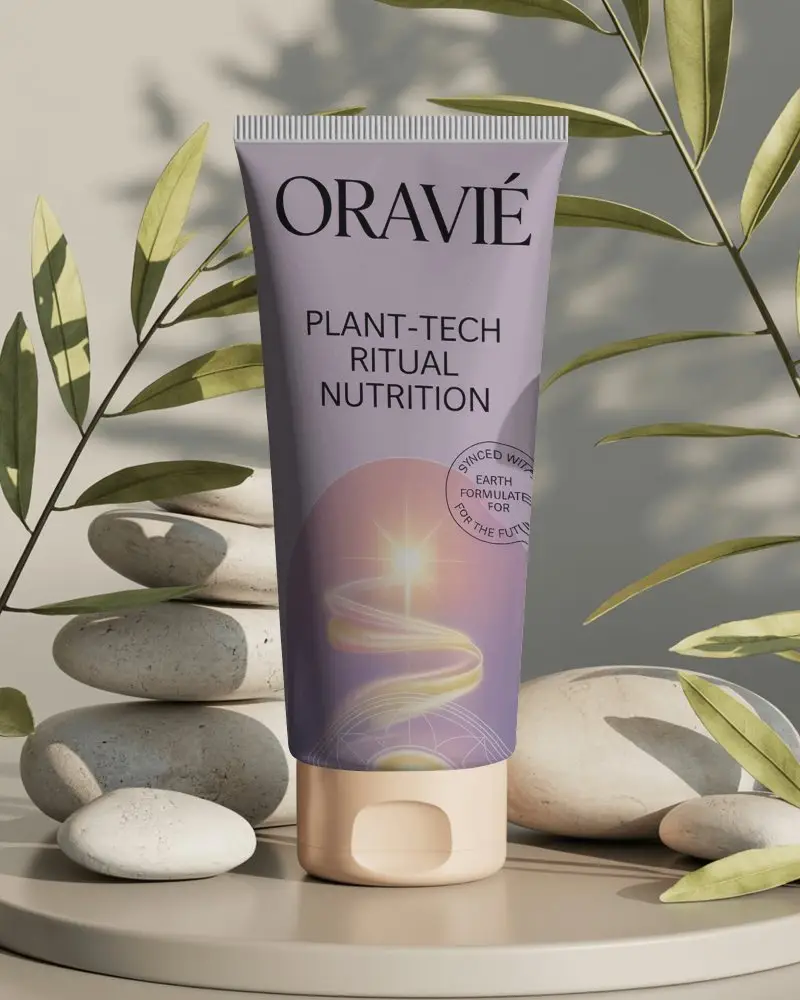
Start with the product you want to present. Select from the apparel, packaging, or home decor category and pick a template.


Upload Design and Edit
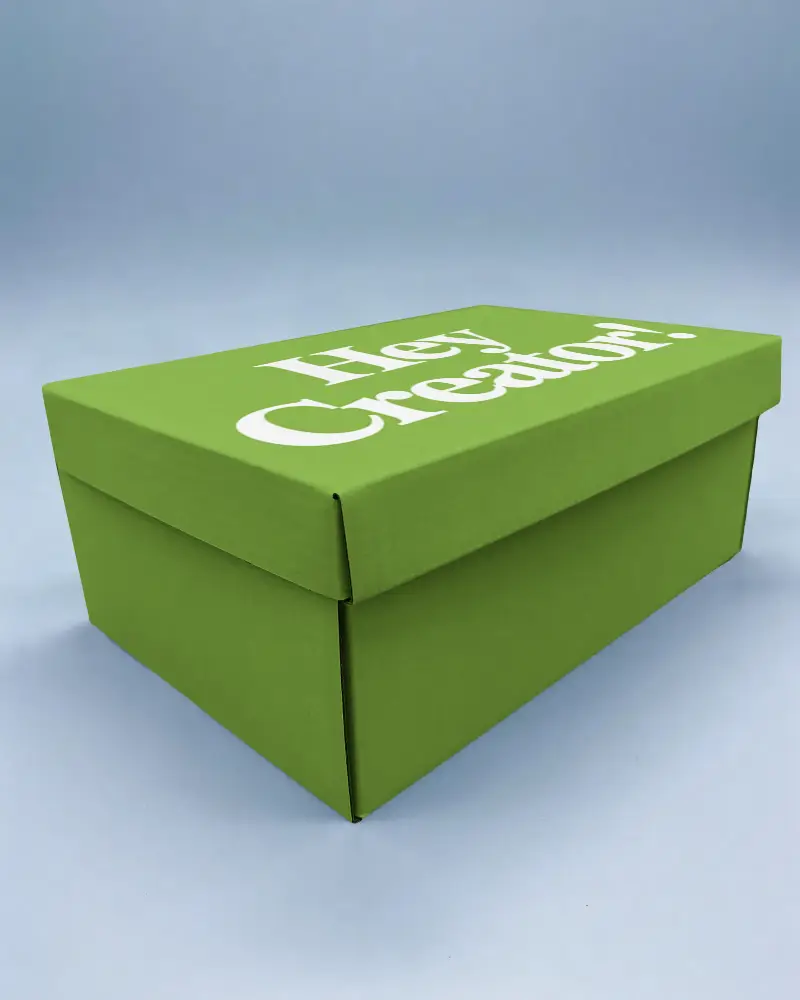
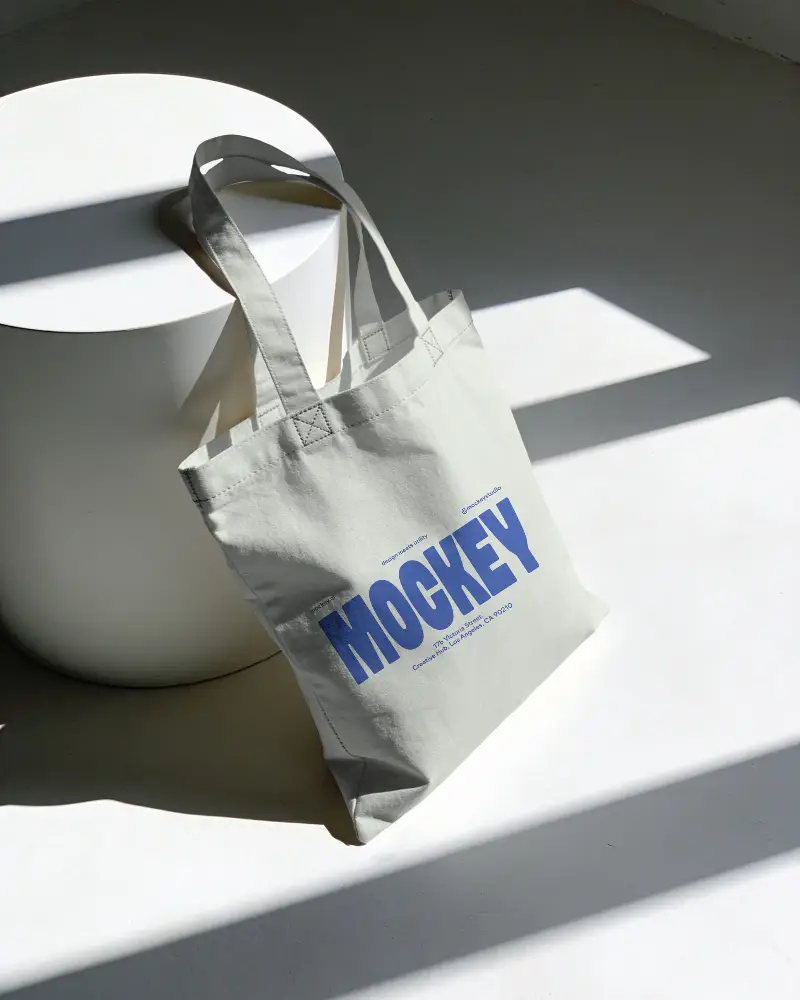
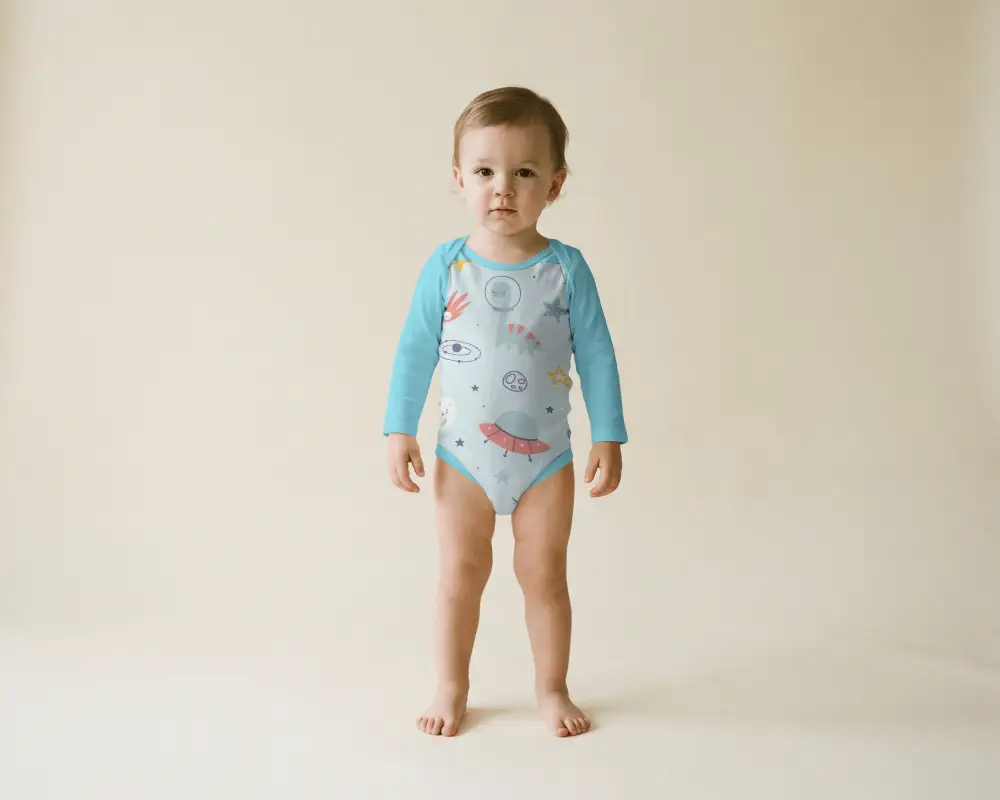
Upload your design and adjust its placement, color, and shape. Warp the artwork, use Place Anywhere, or try the AI tools.
 Warp Artwork
Place Anywhere
Choose Your Size & Download
Download the ecommerce mockup as a PNG or JPG. Choose from available sizes for your store, marketplace, or campaign.


Show Your Products the Way Customers See Them
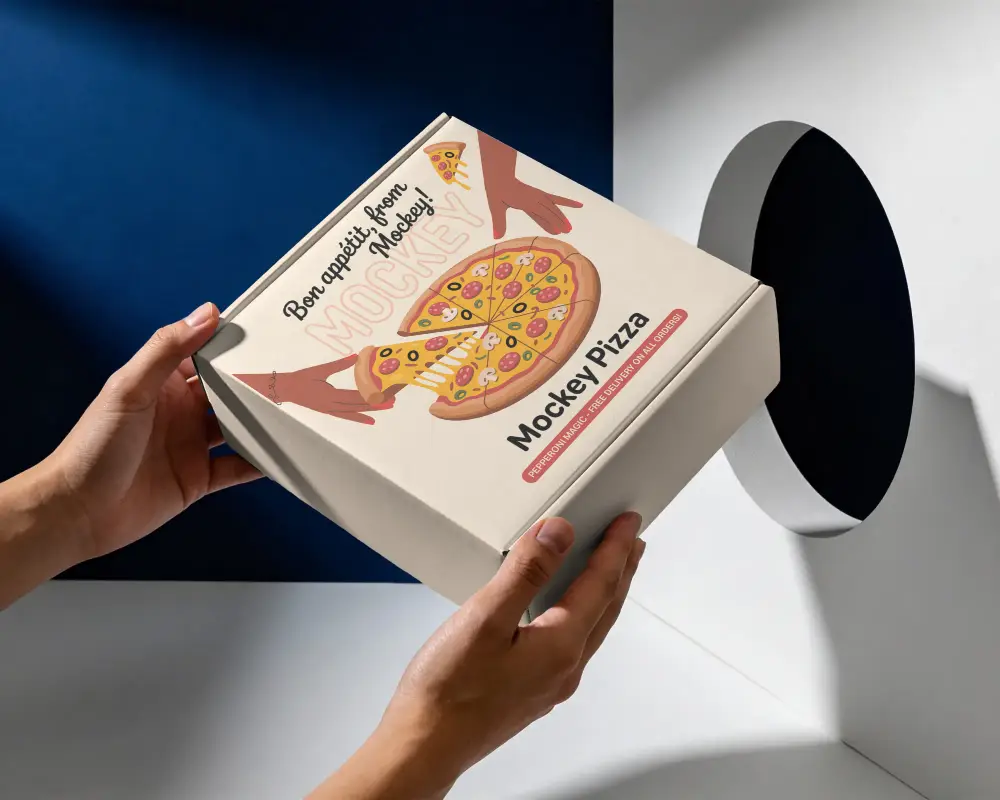
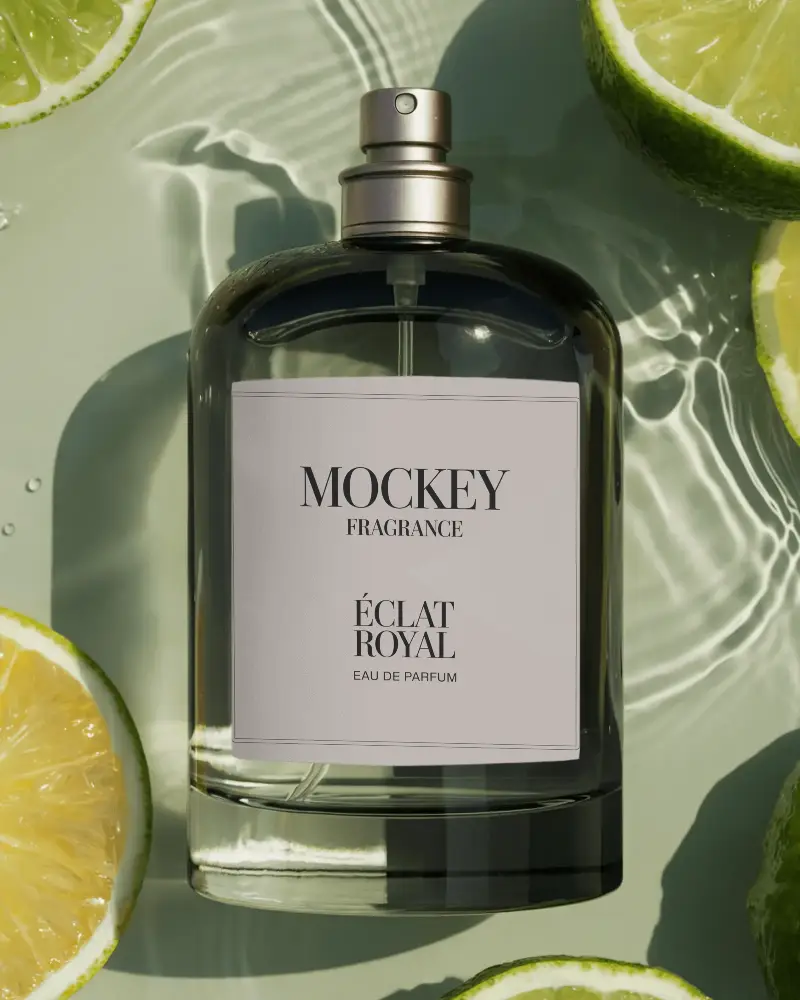
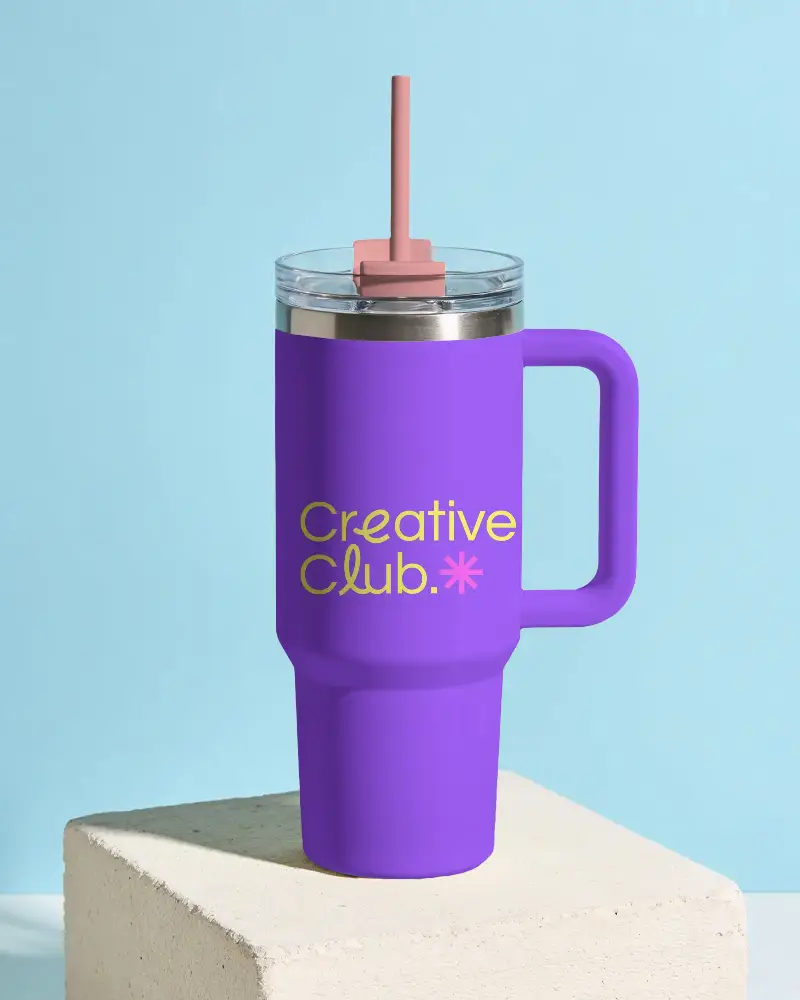
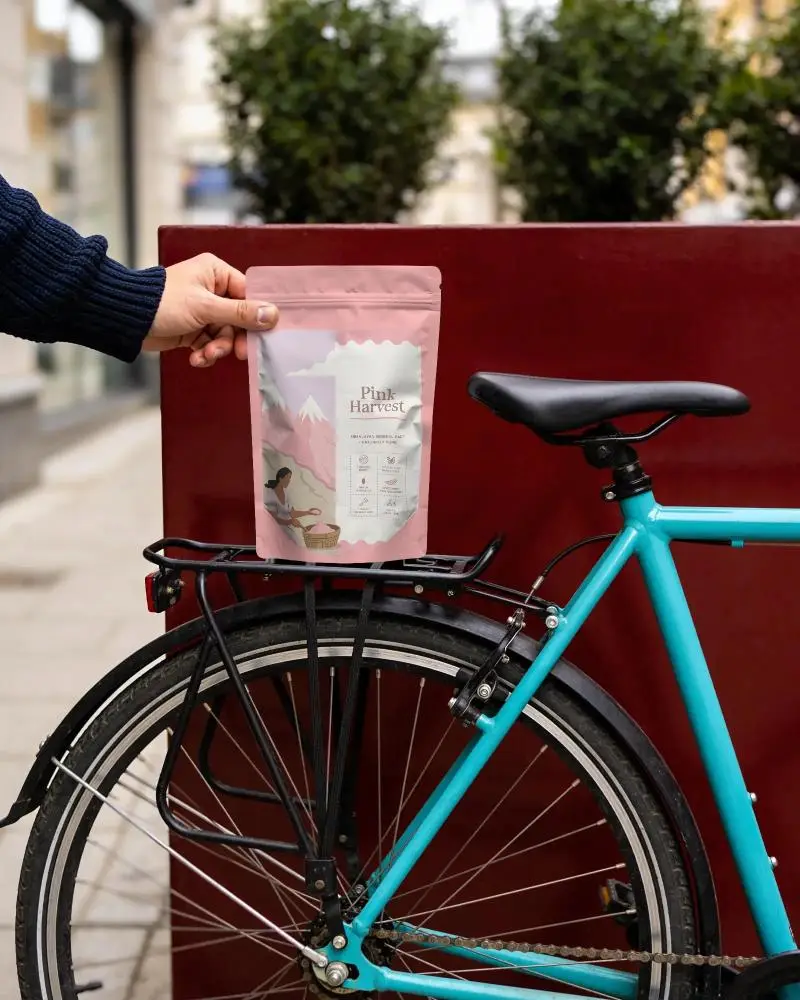
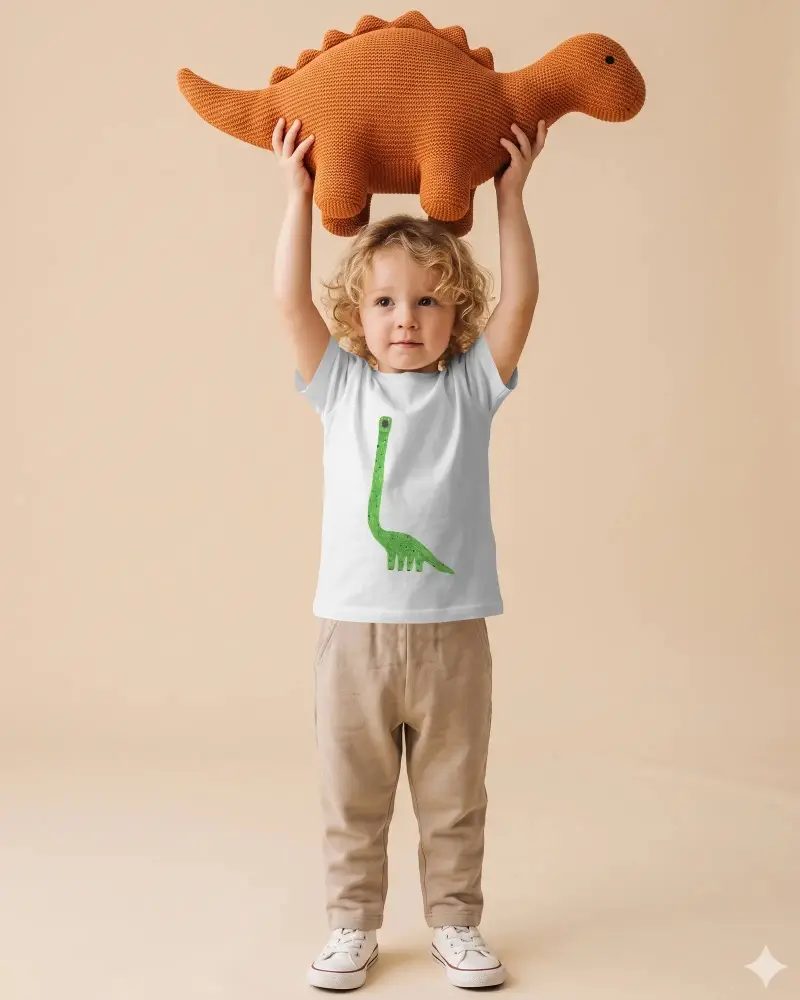
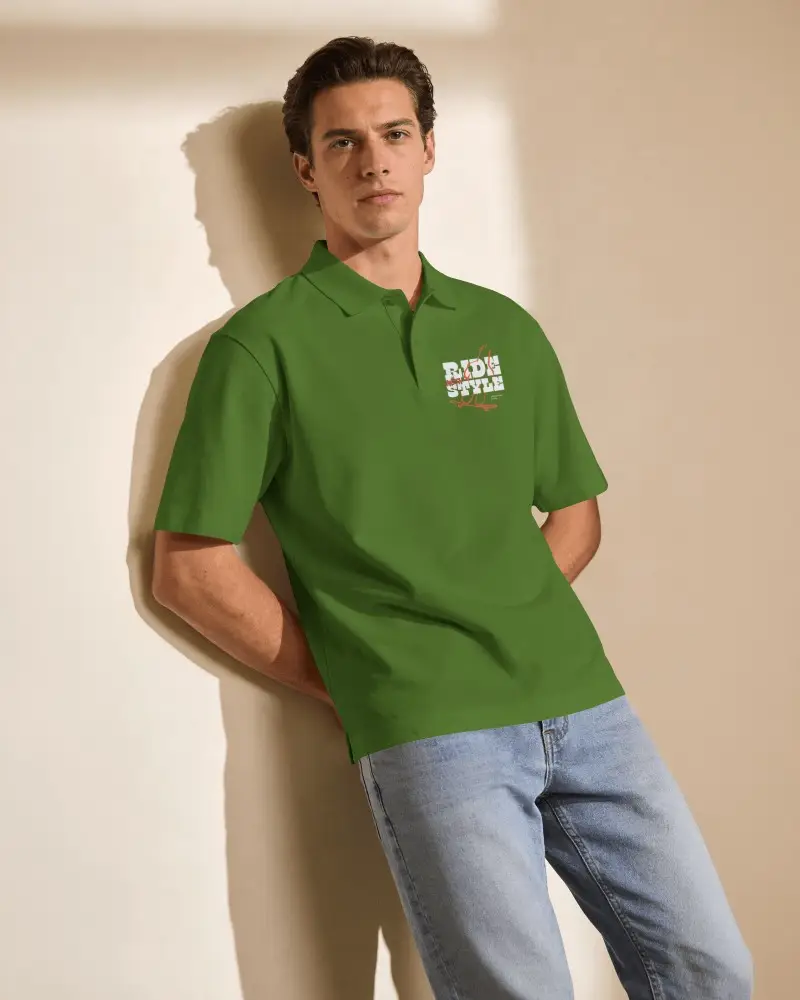
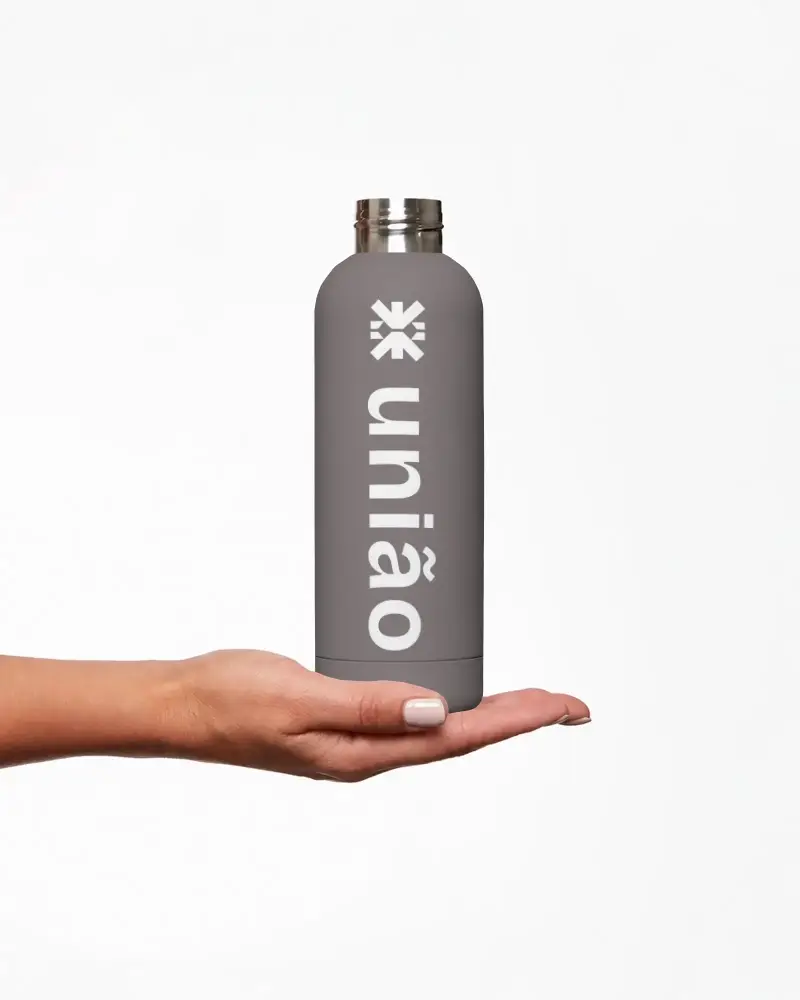
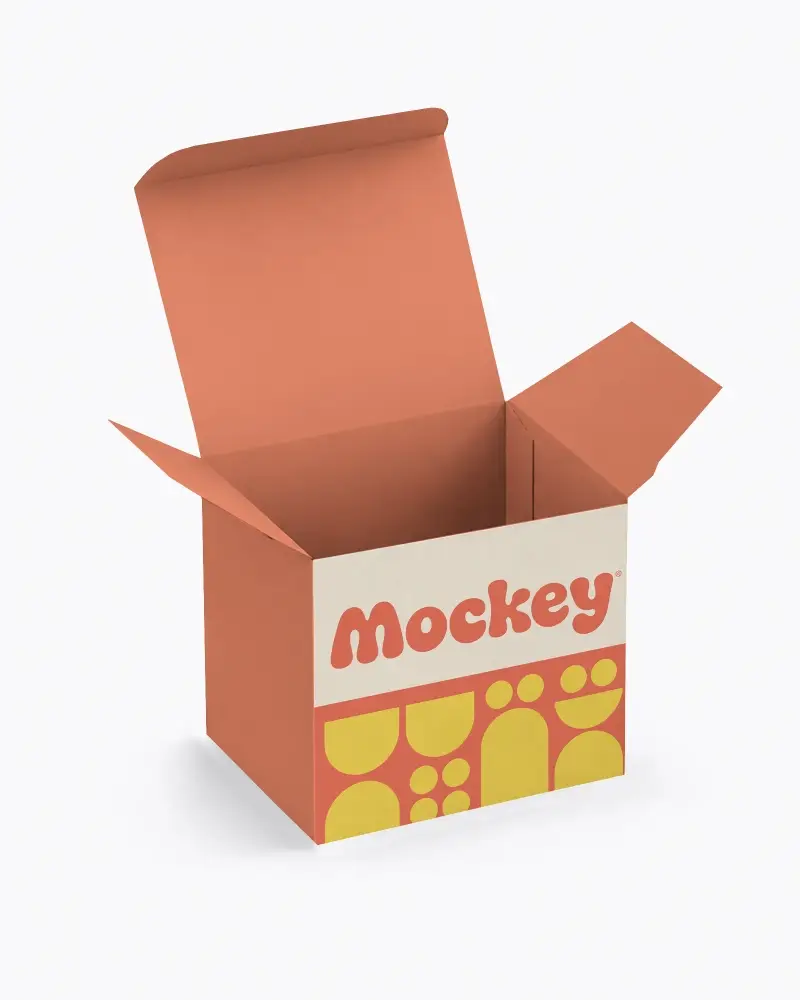
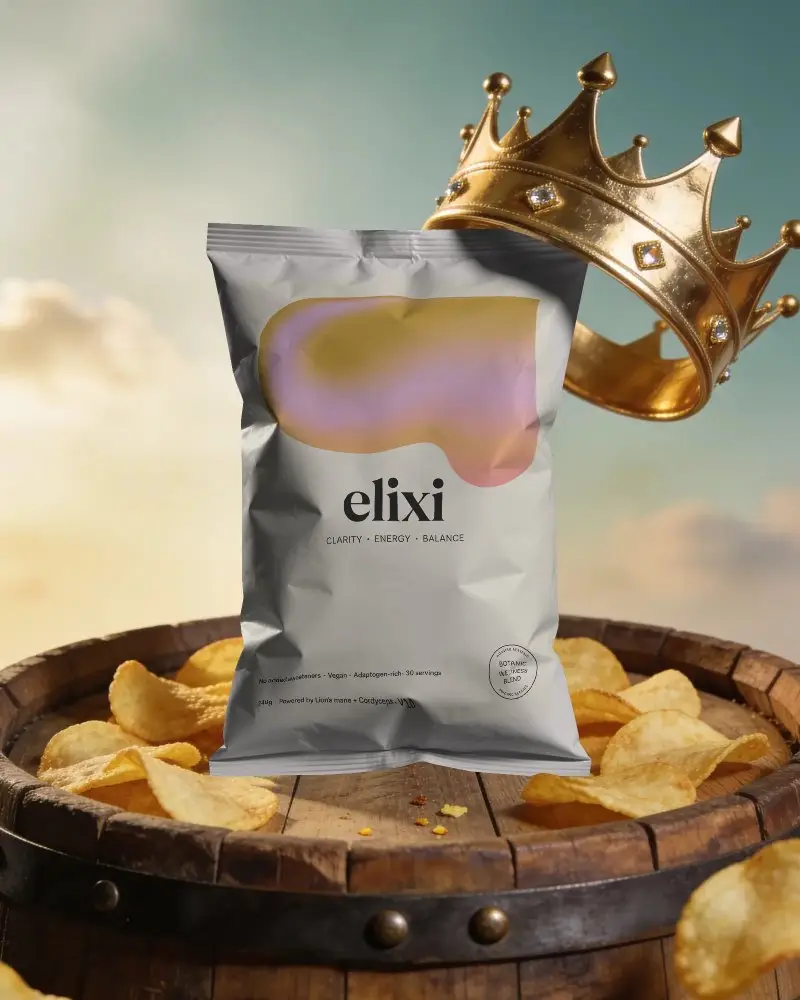
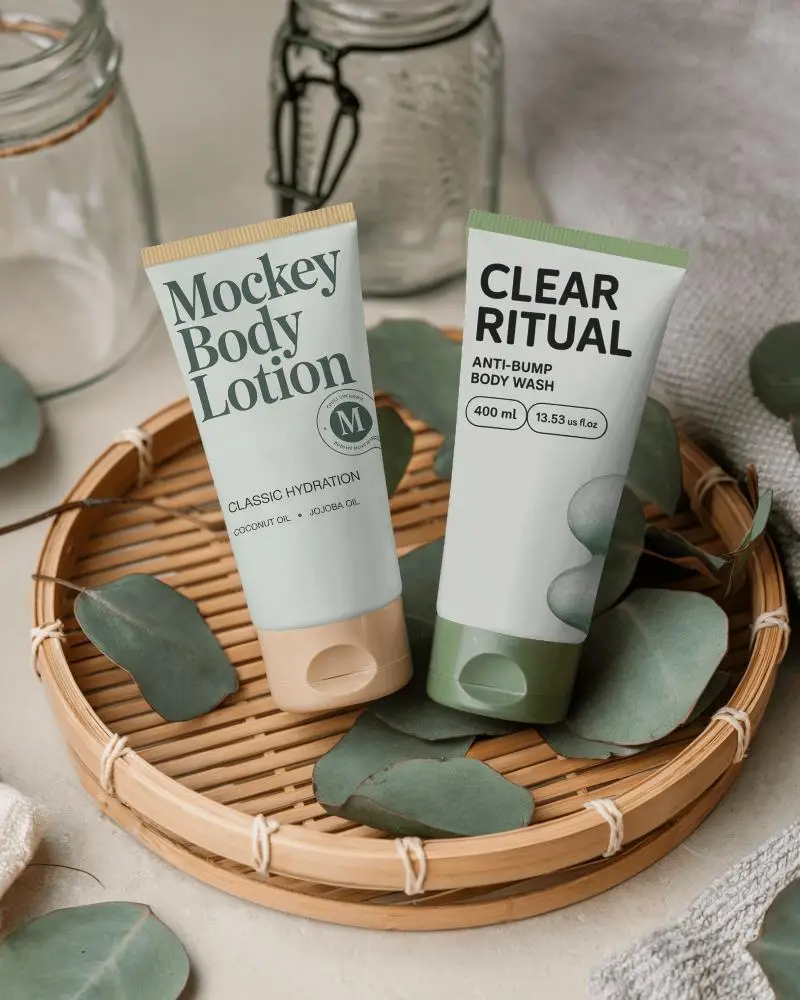
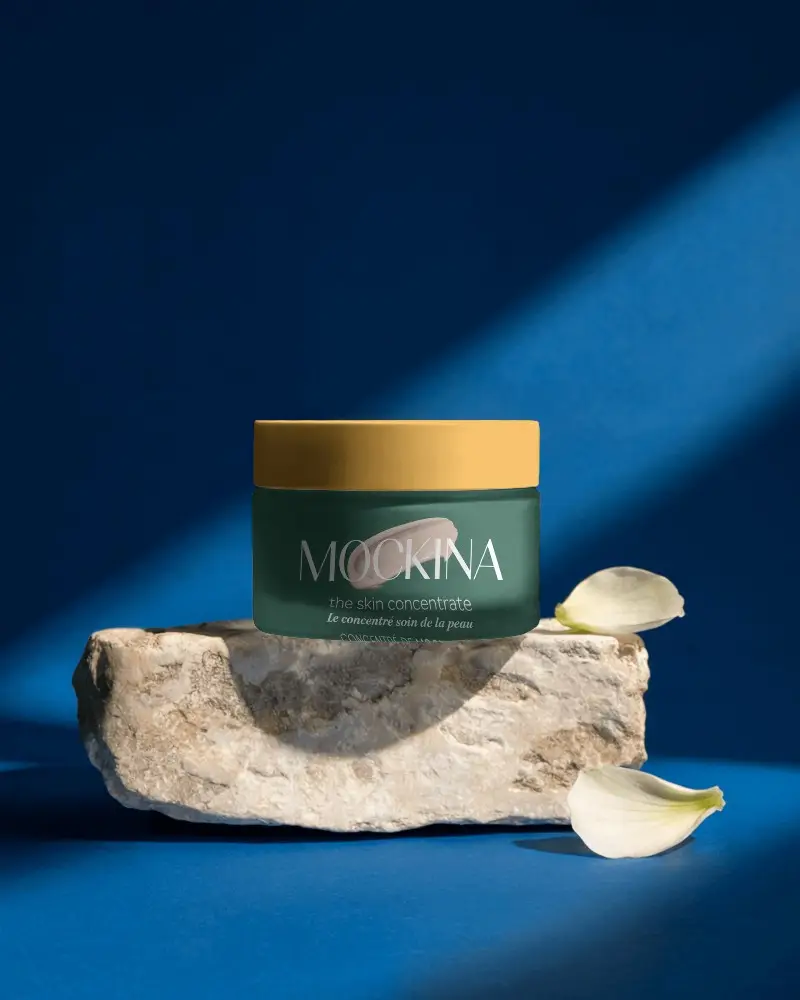
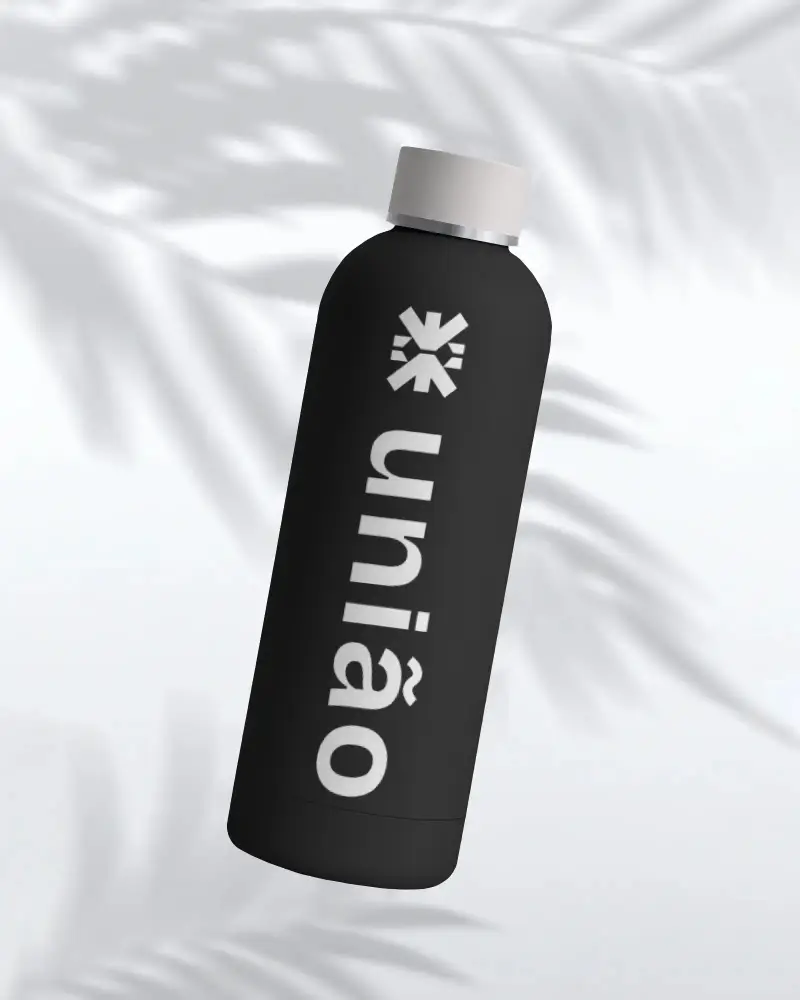
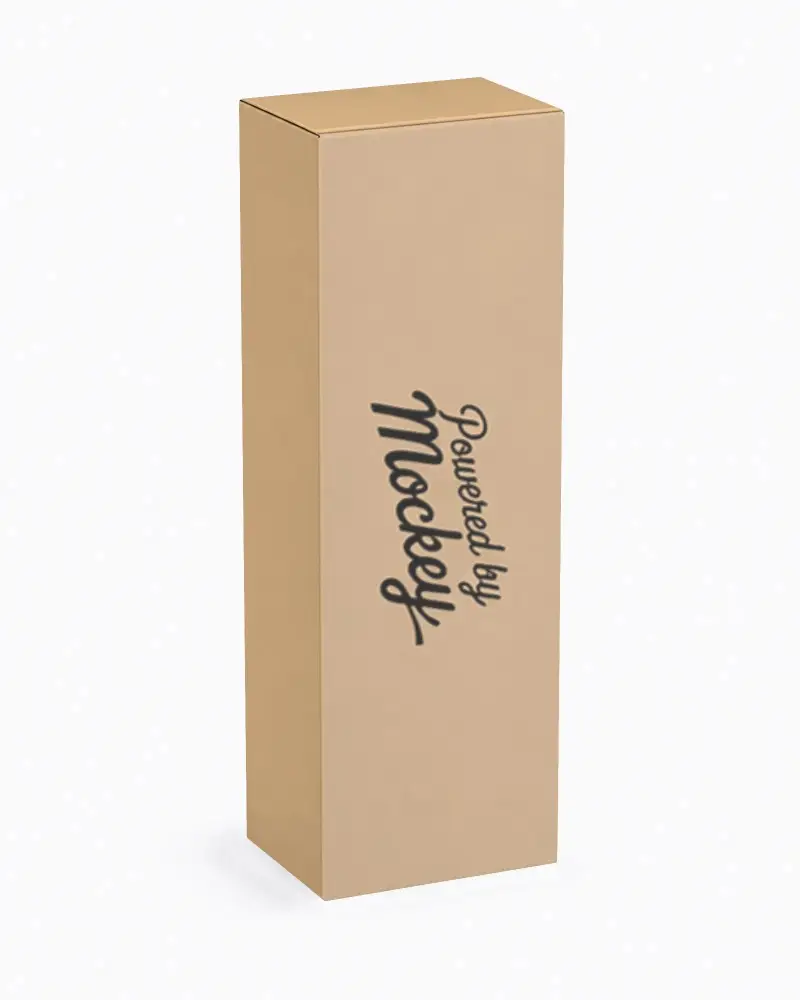
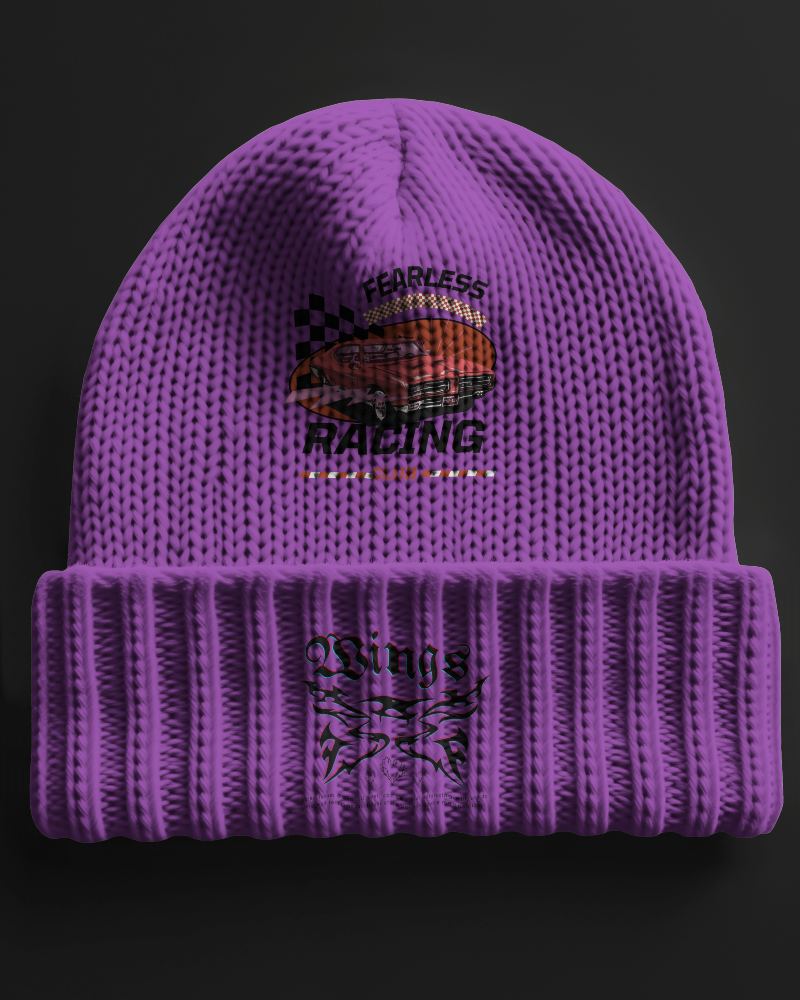
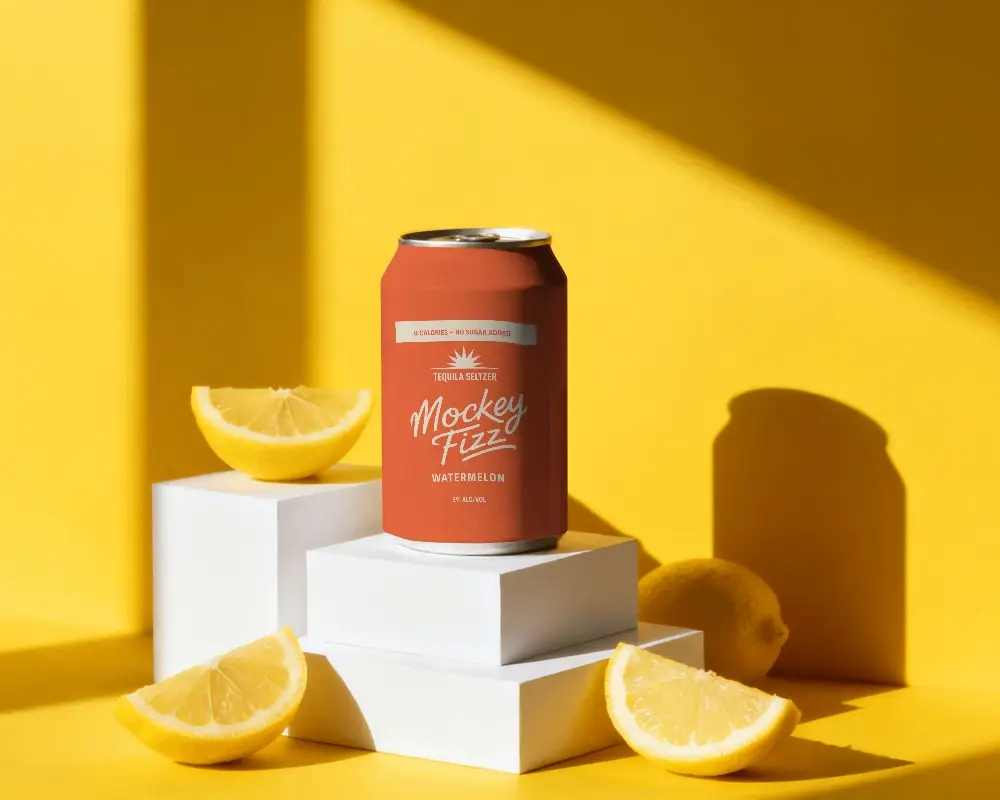
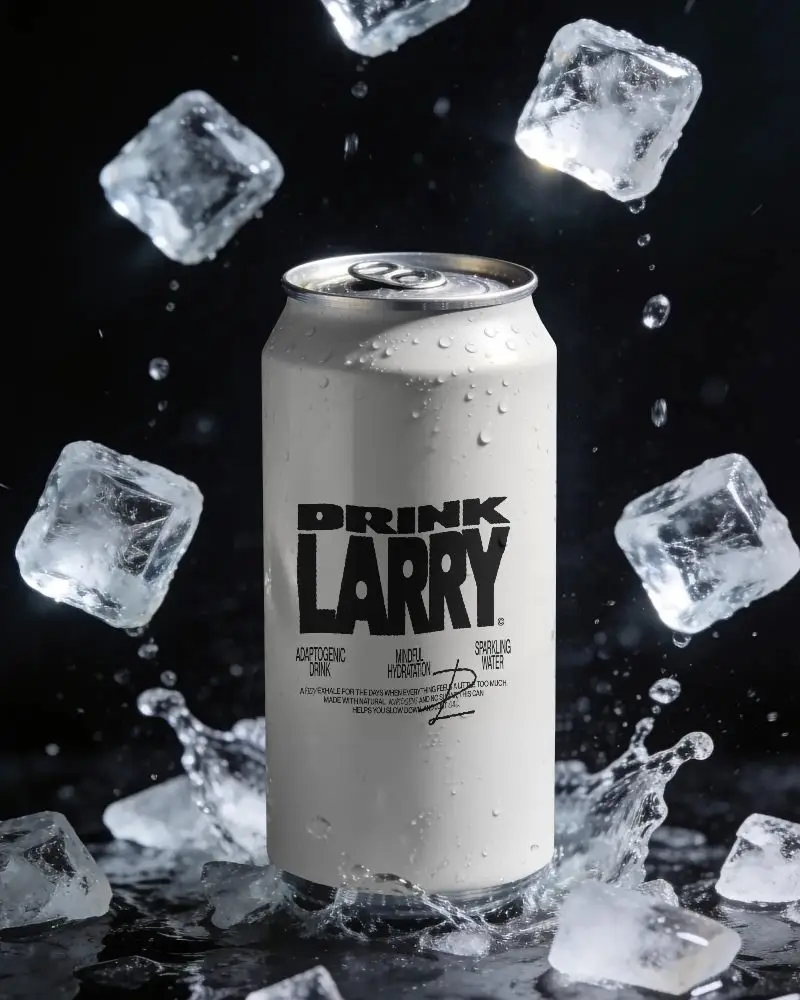
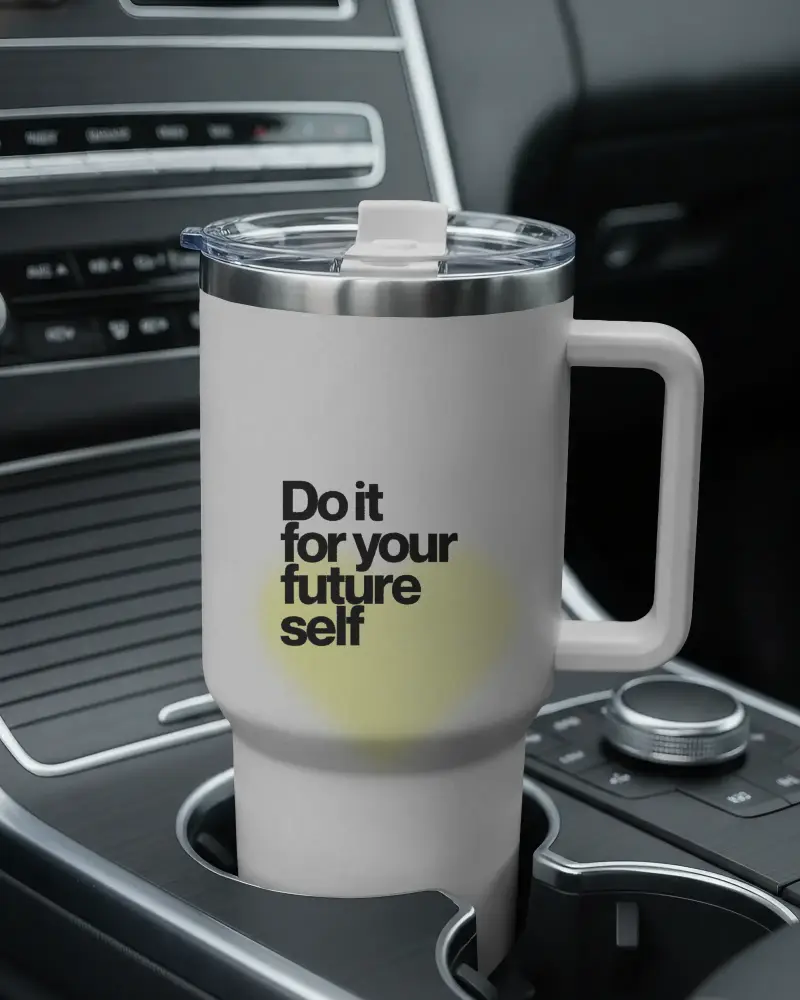
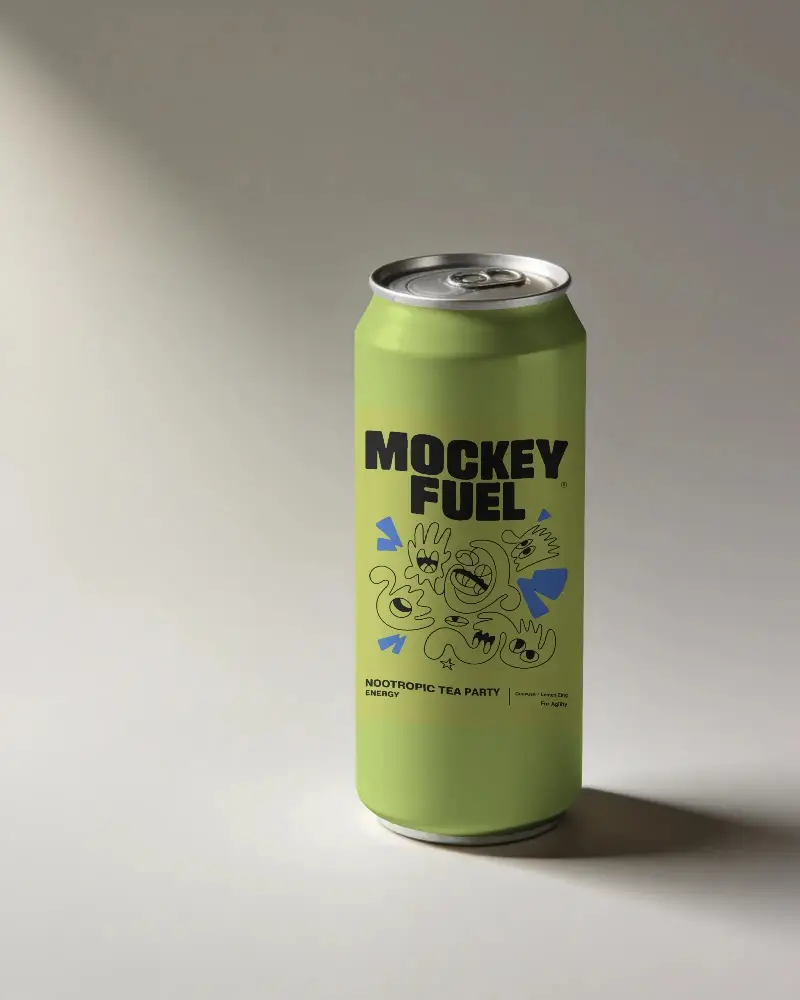
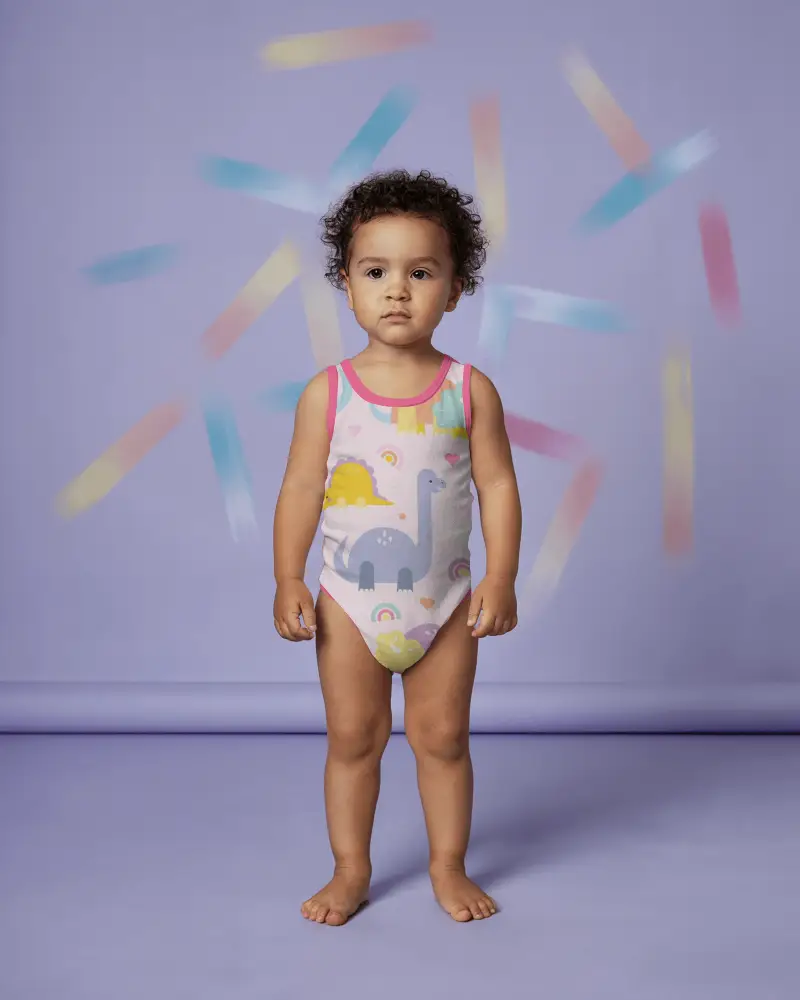
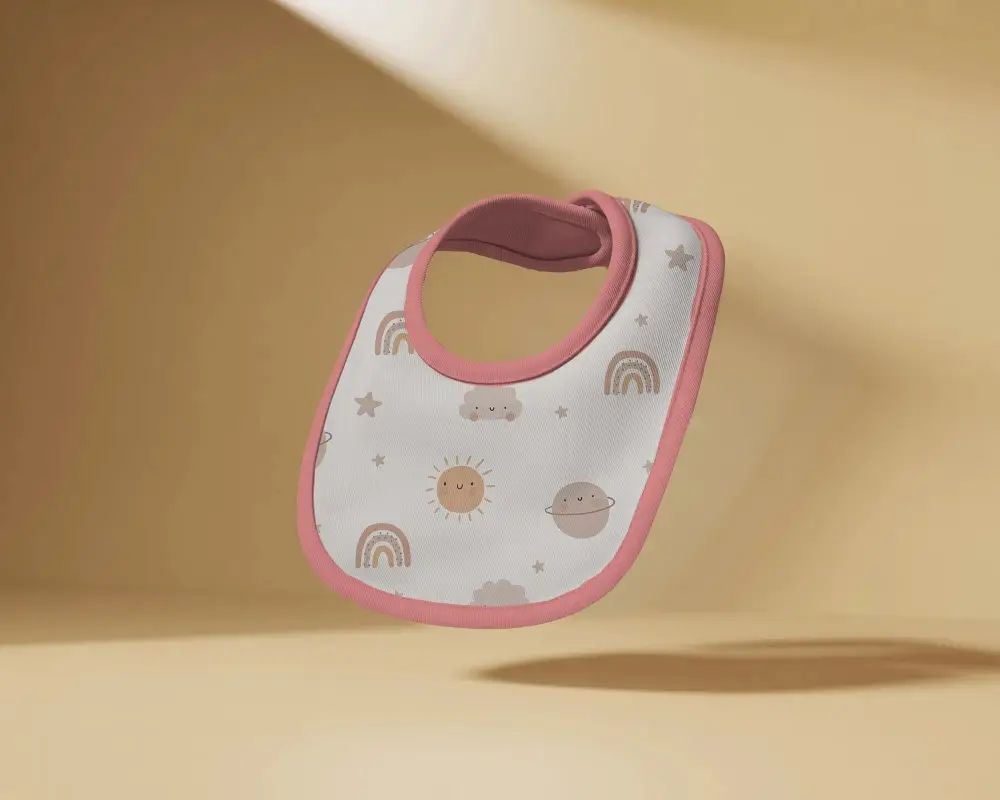
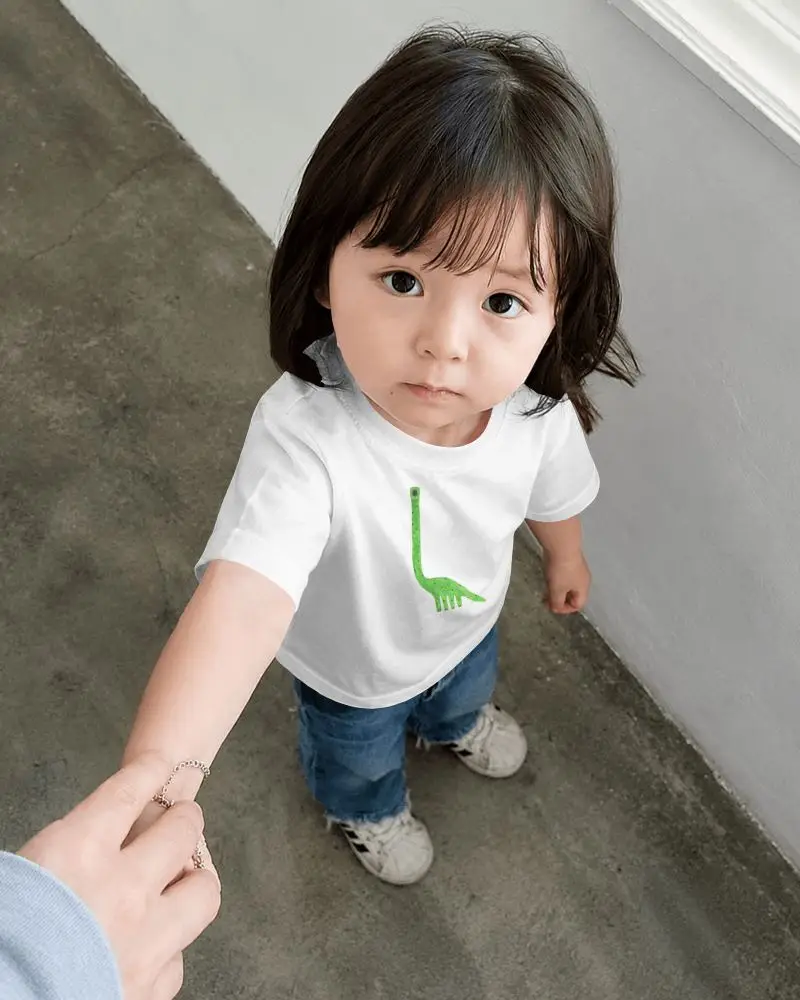
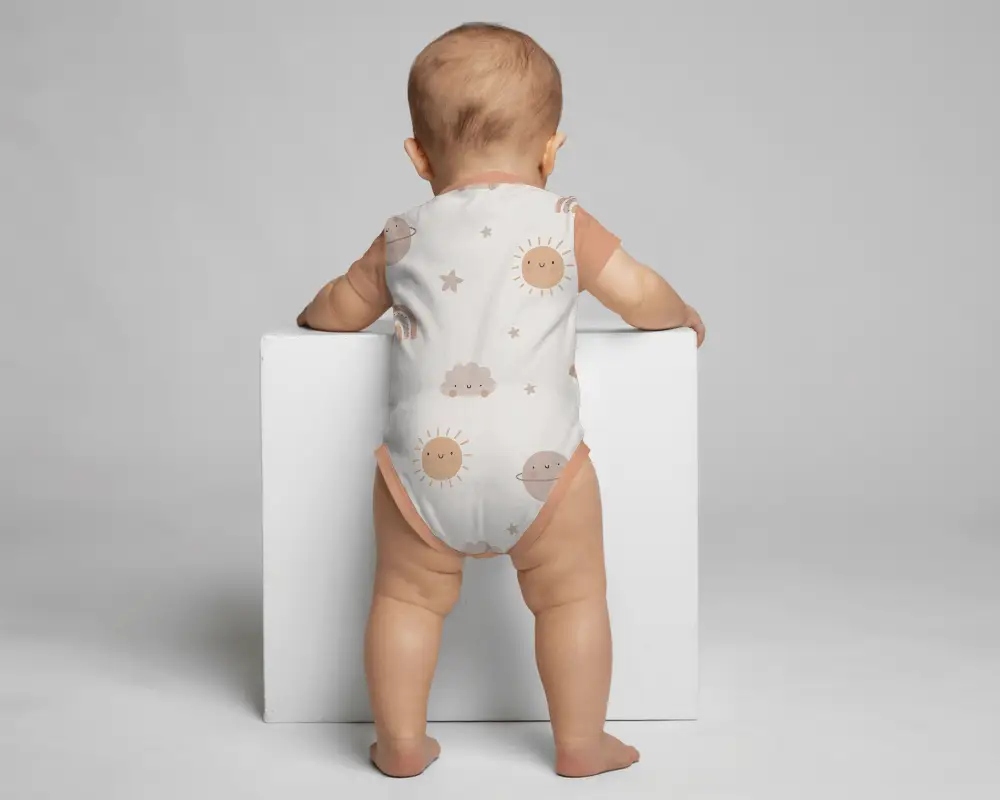
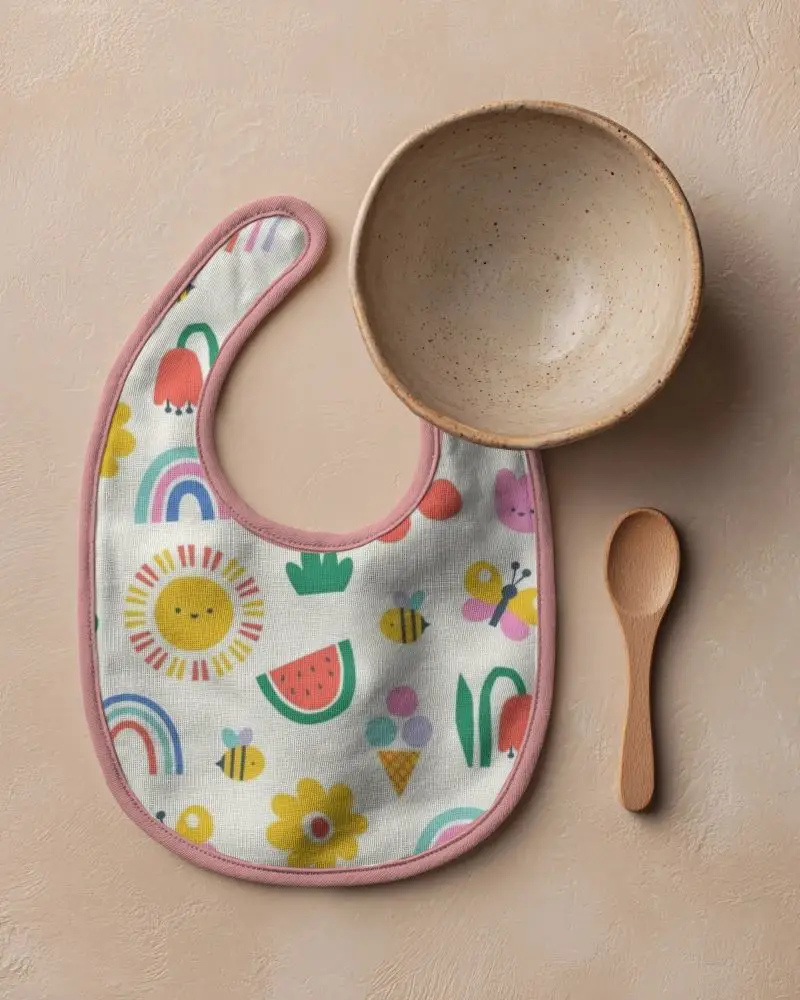
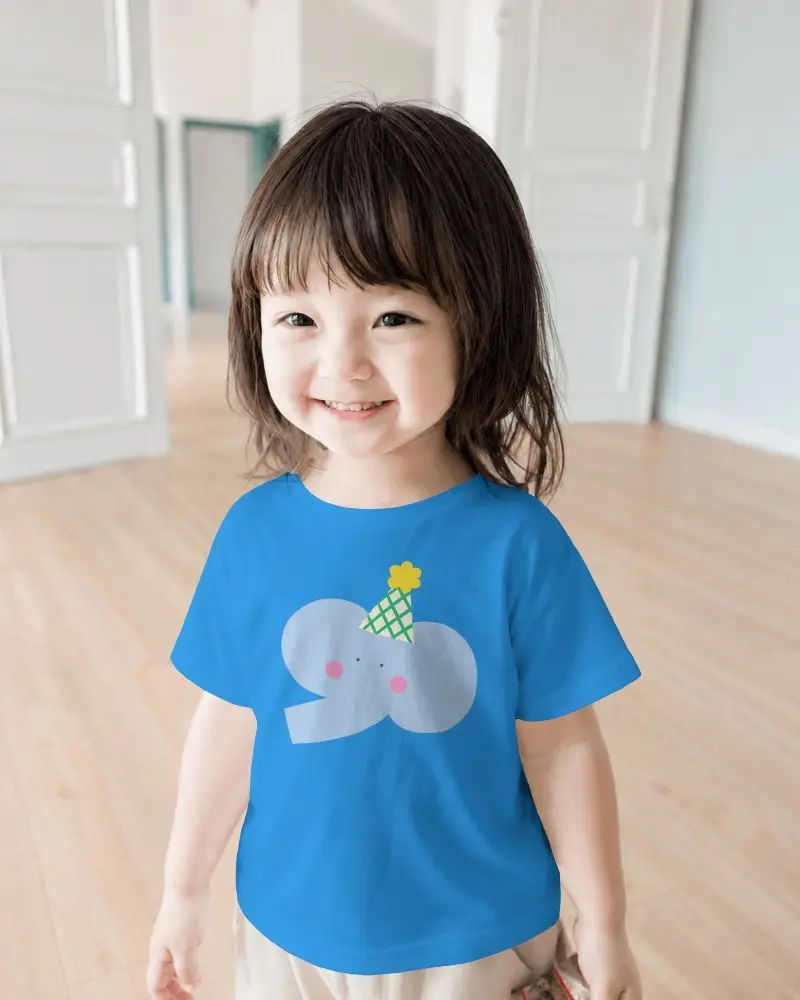
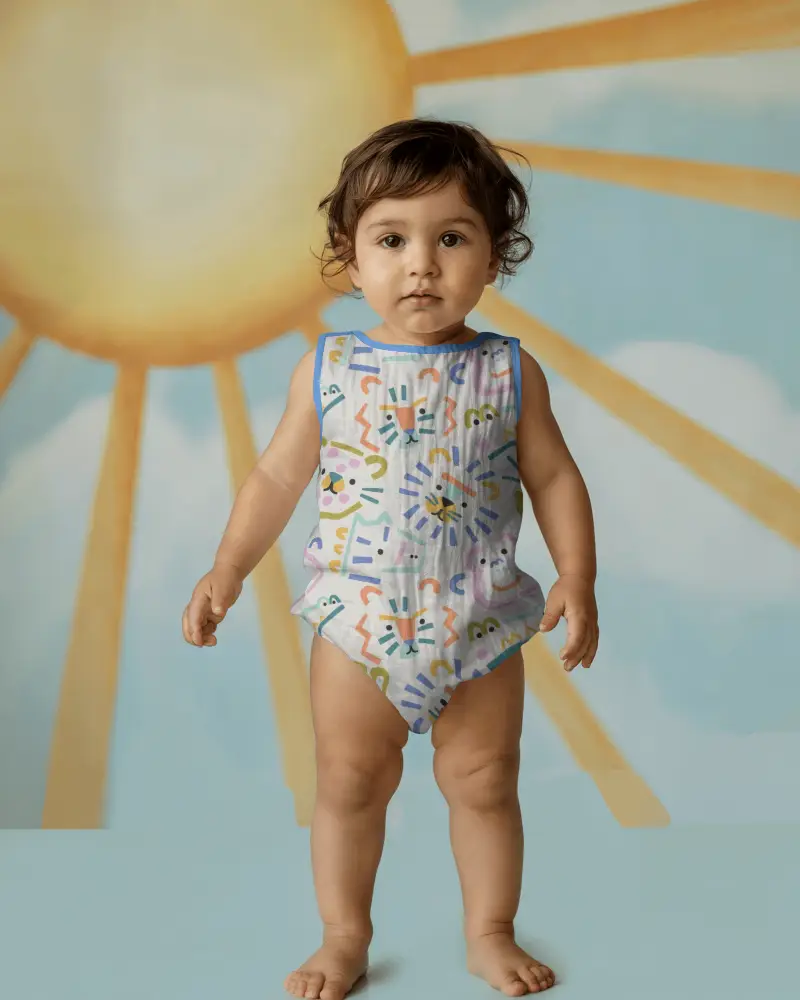
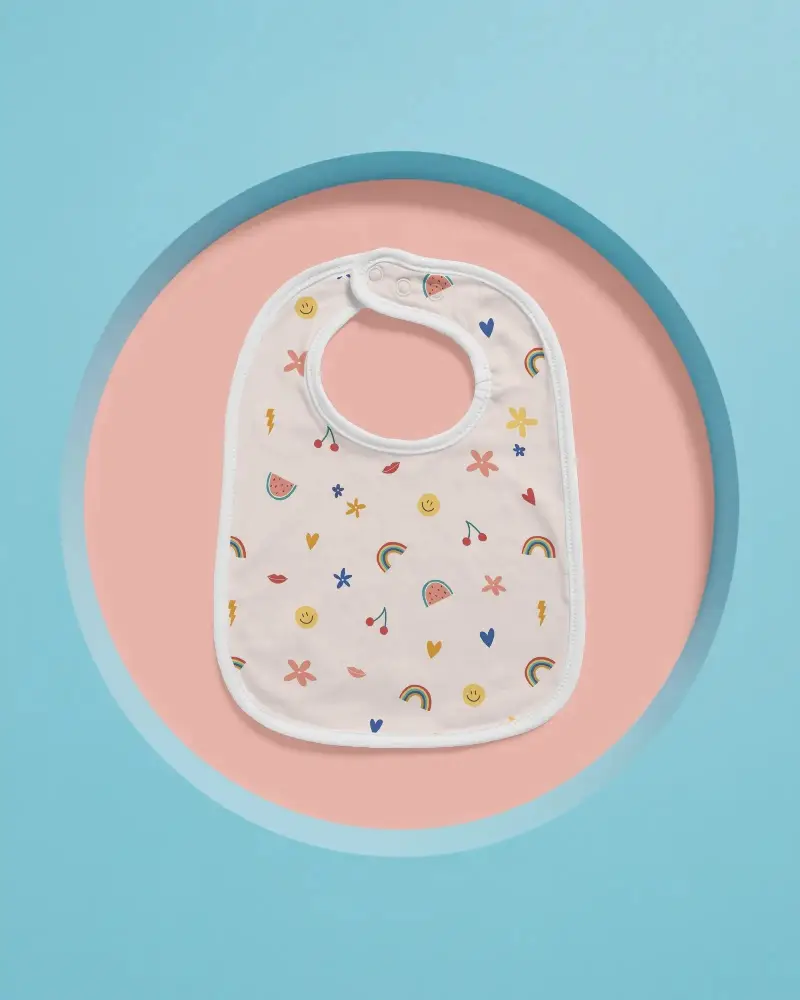
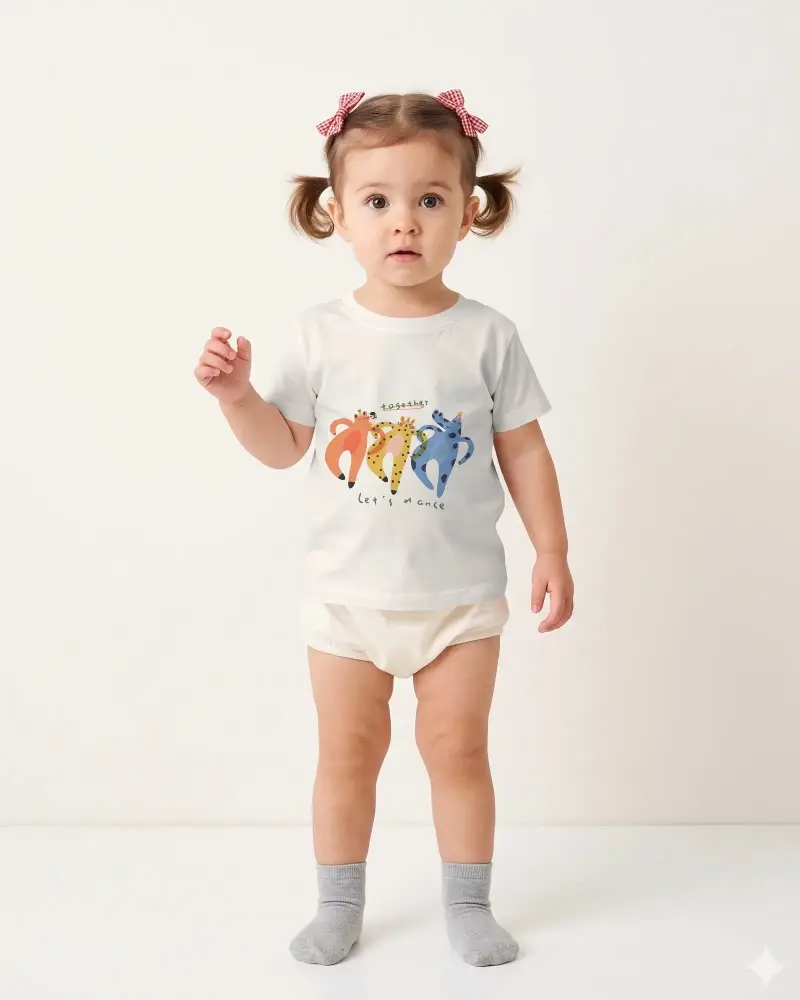
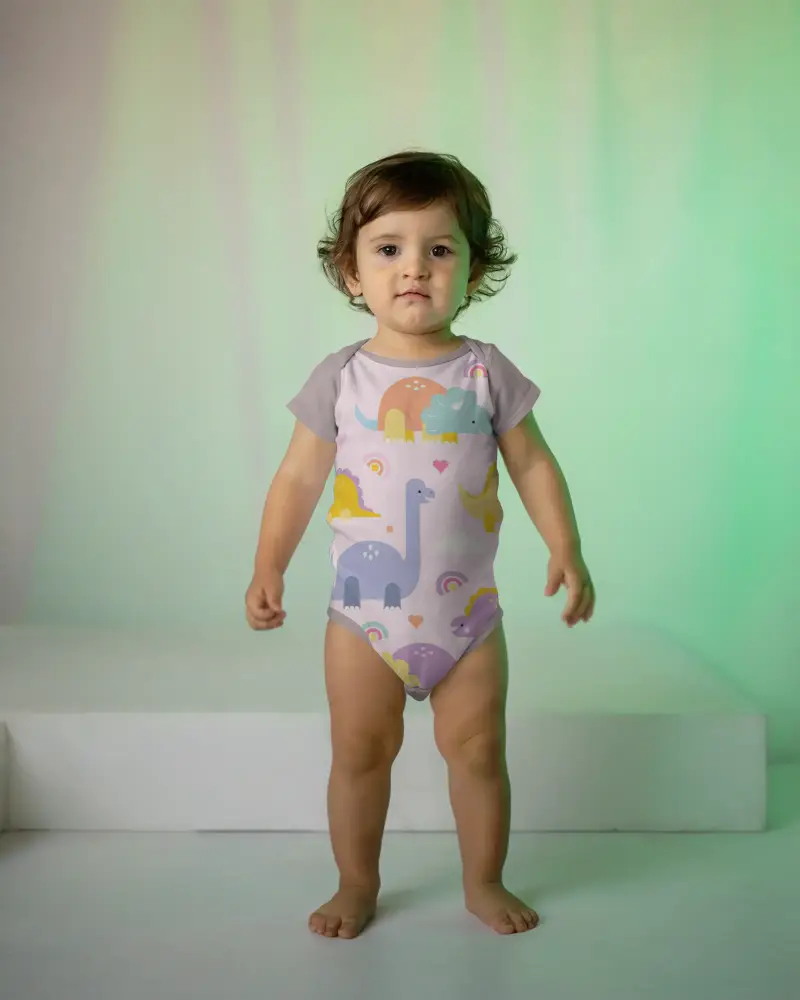
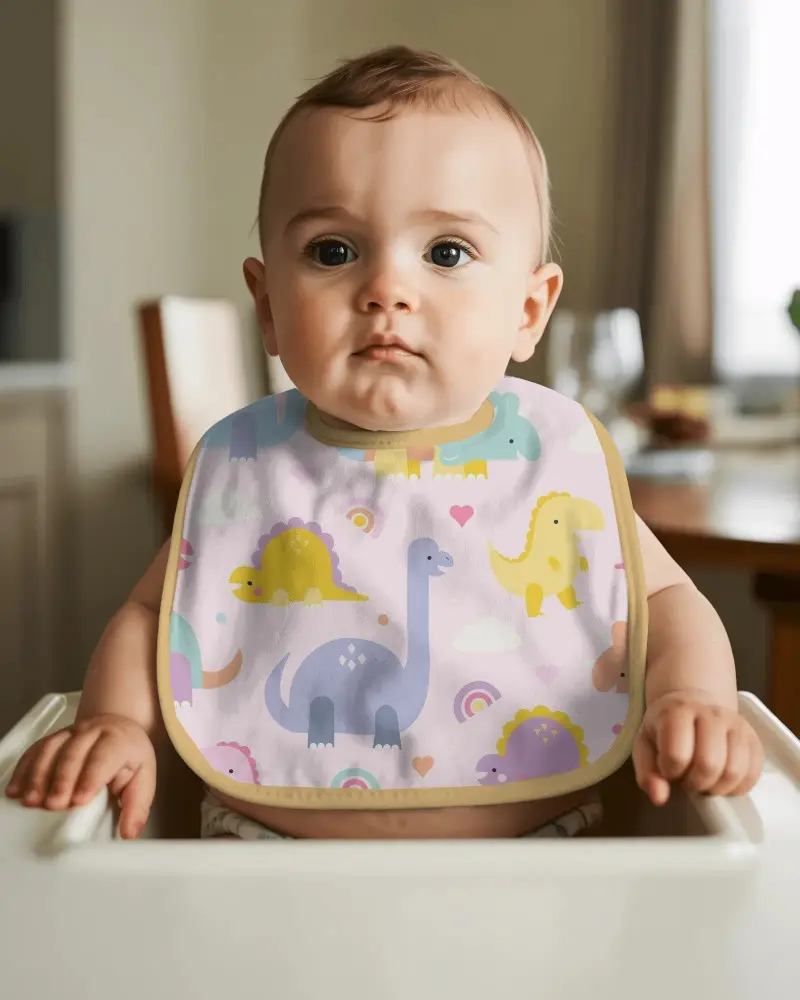
Choose from thousands of ecommerce mockups across clothing, home decor, accessories, packaging, baby products, and more. You'll see a hoodie on a model, a package on a studio table, or a baby product in a real home. Put your product into a lifestyle scene or use a studio shot for focused product imagery.

















The Features Behind Your Ecommerce Mockups


Ready-Made Lifestyle Templates
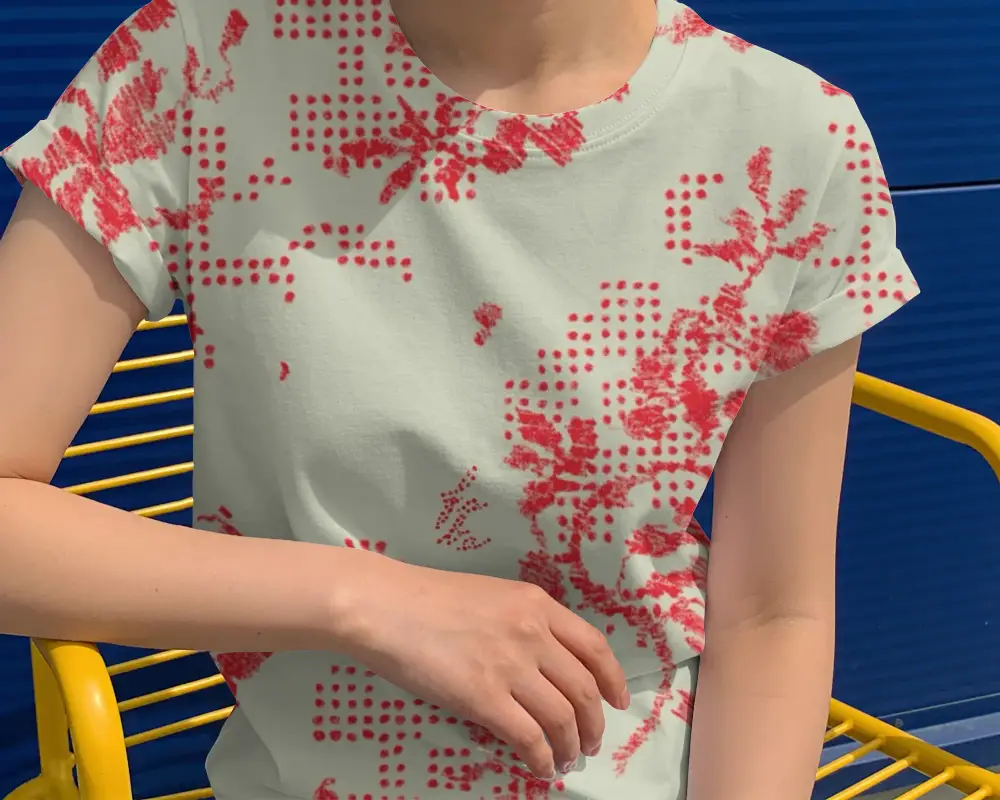
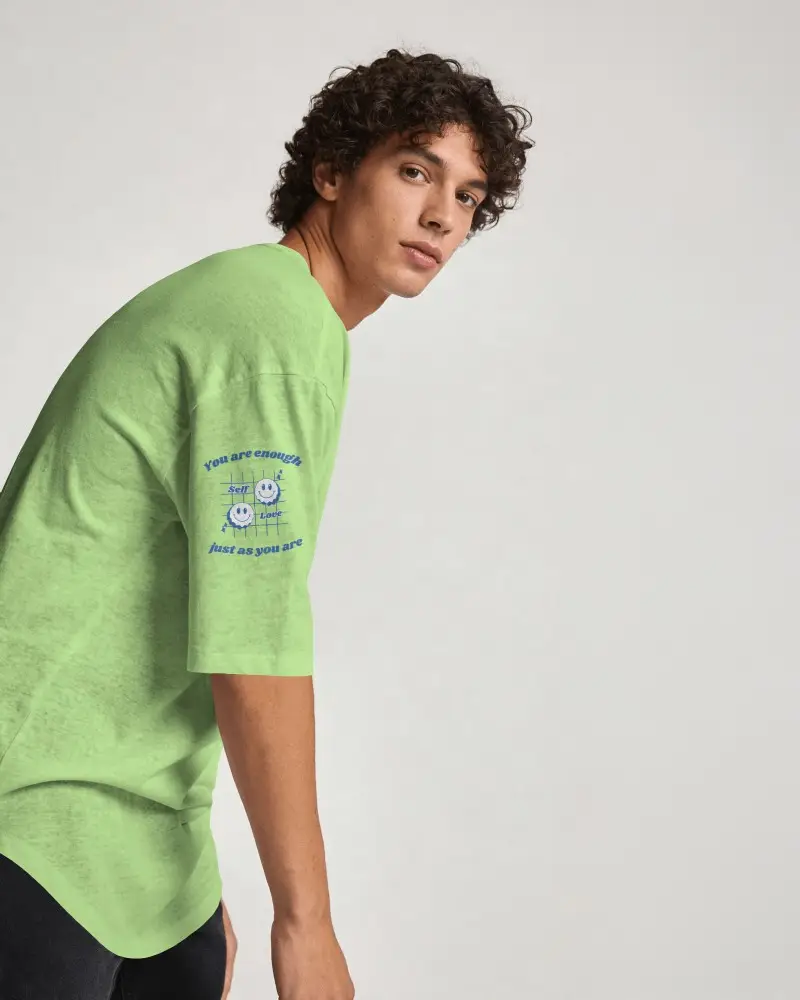
See how your product looks in use with lifestyle scenes from our ecommerce mockup generator.
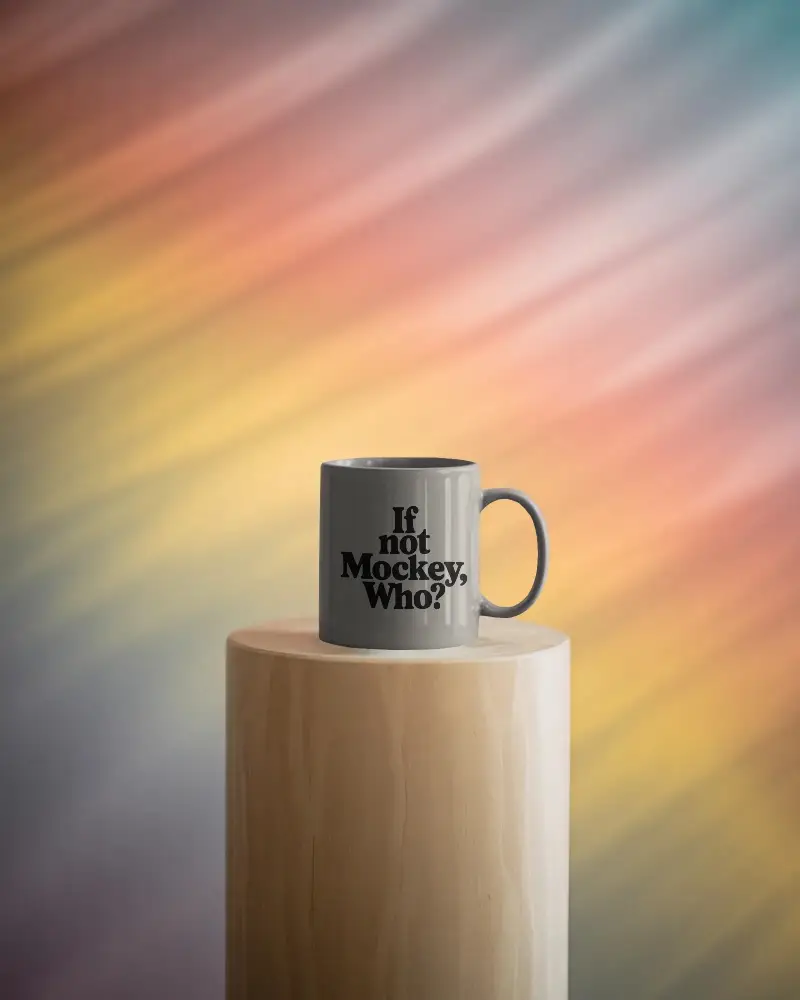
Get a T-shirt on a model, a poster in a furnished room, or a mug on a table. Choose templates with models or everyday scenes and use the mockups across your store.
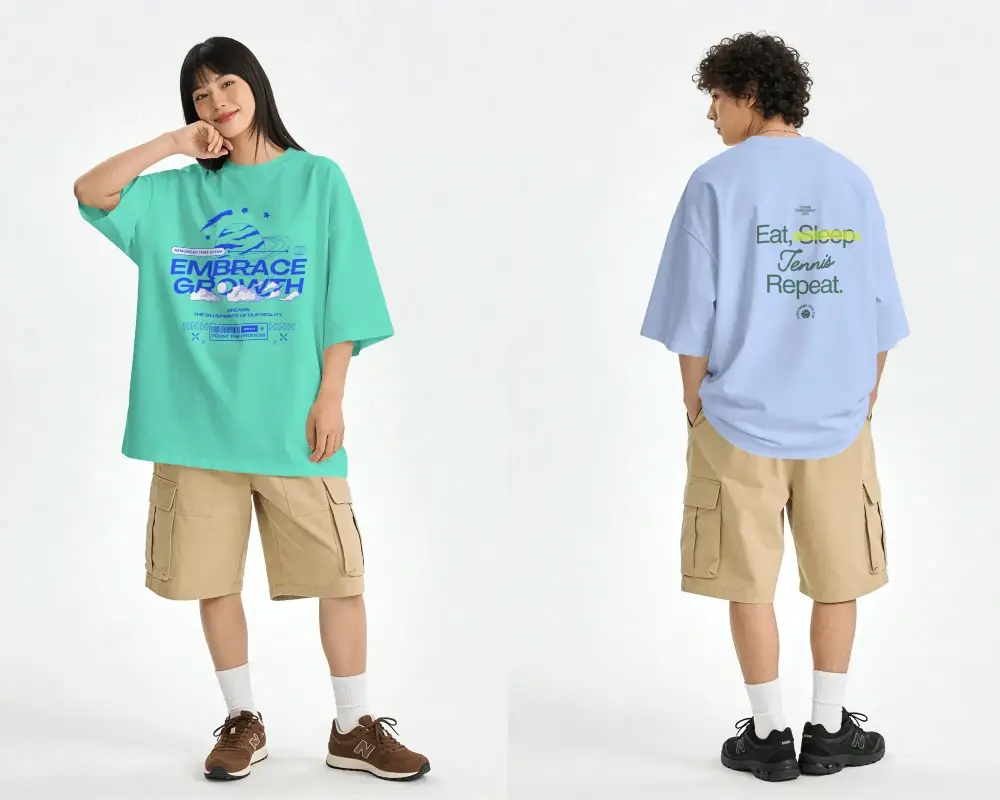 Apparel T-shirts, hoodies, sweatshirts, and more
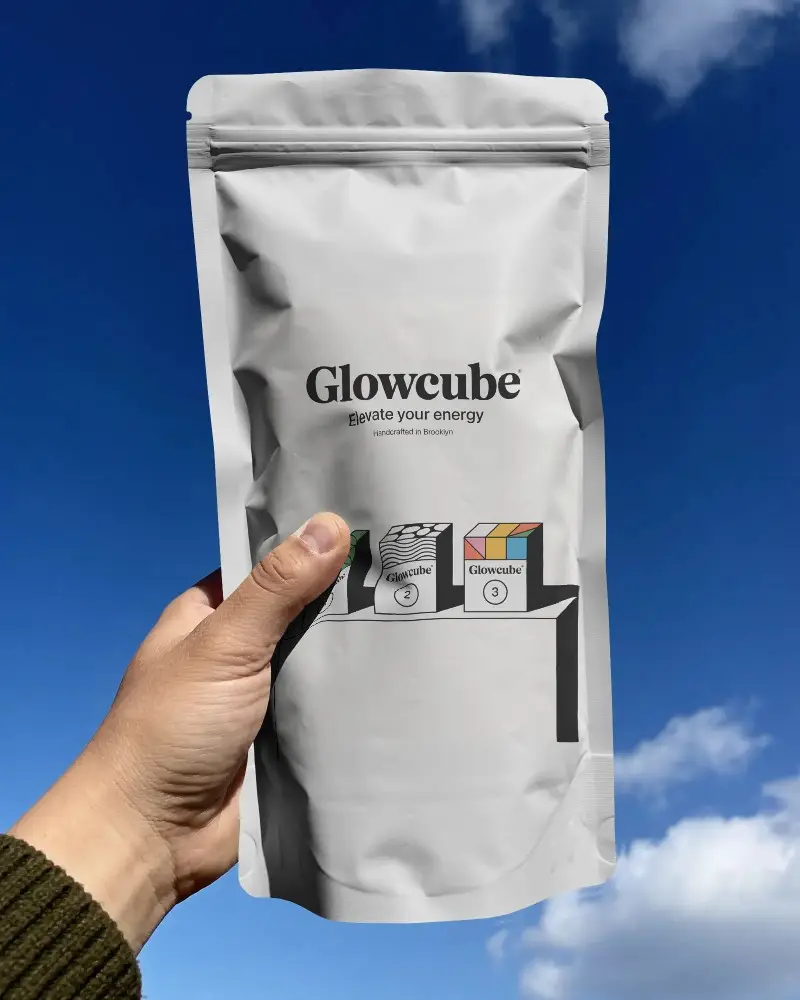
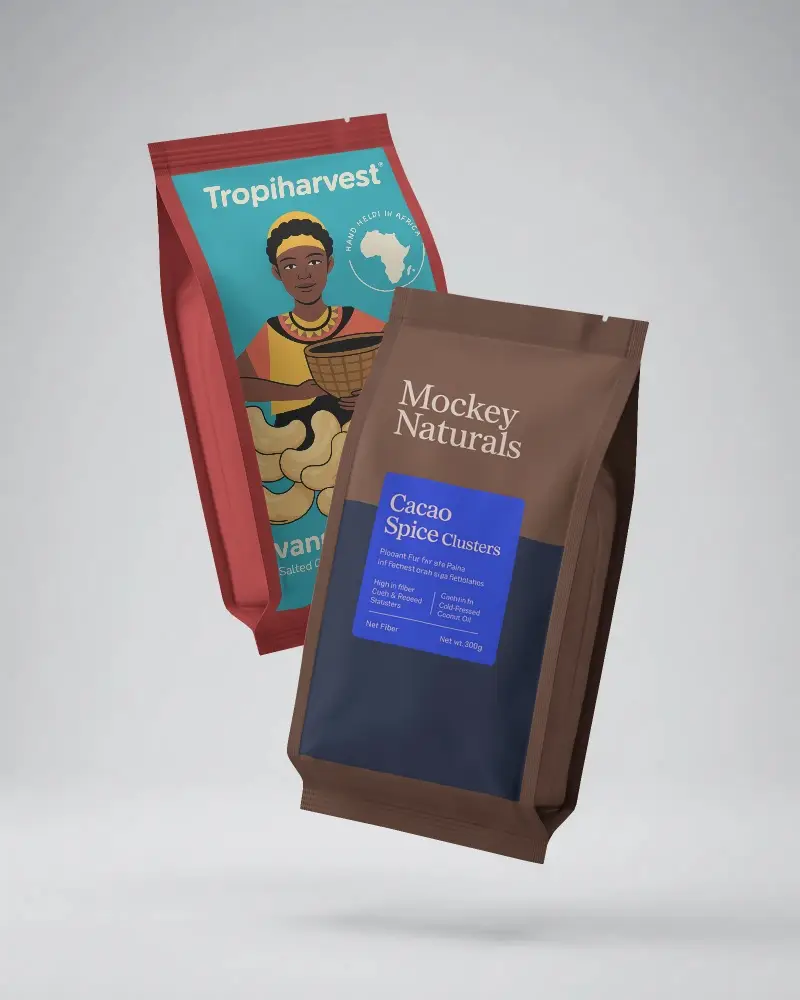
 Packaging Boxes, pouches, bottles, and more
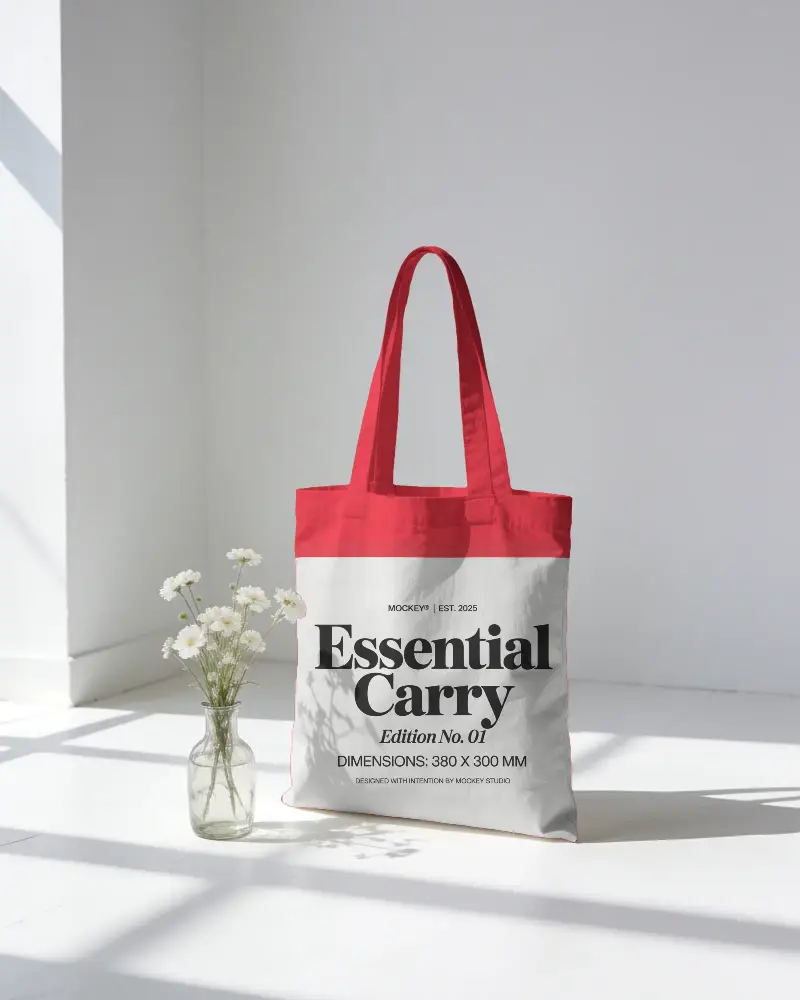
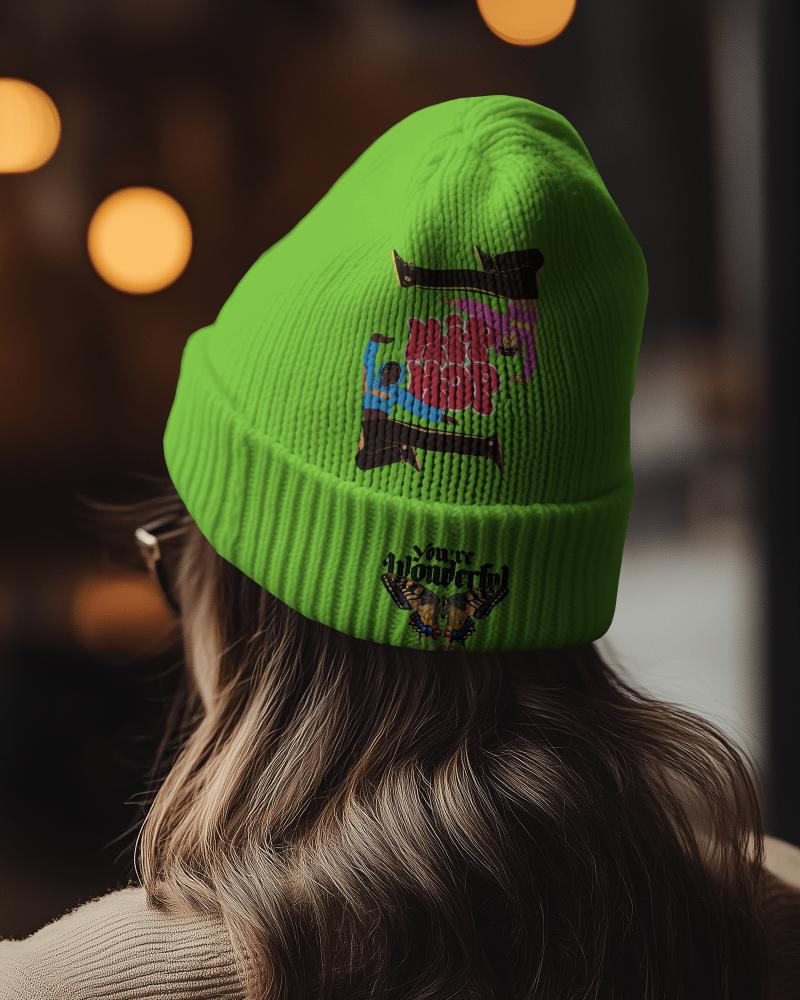
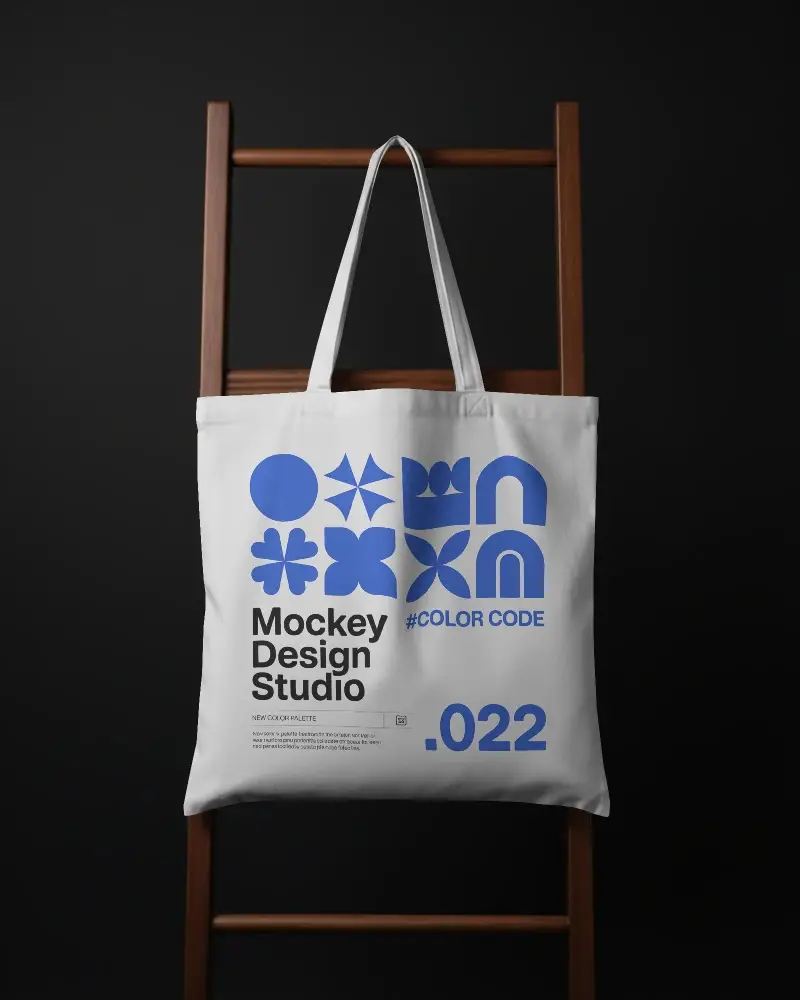
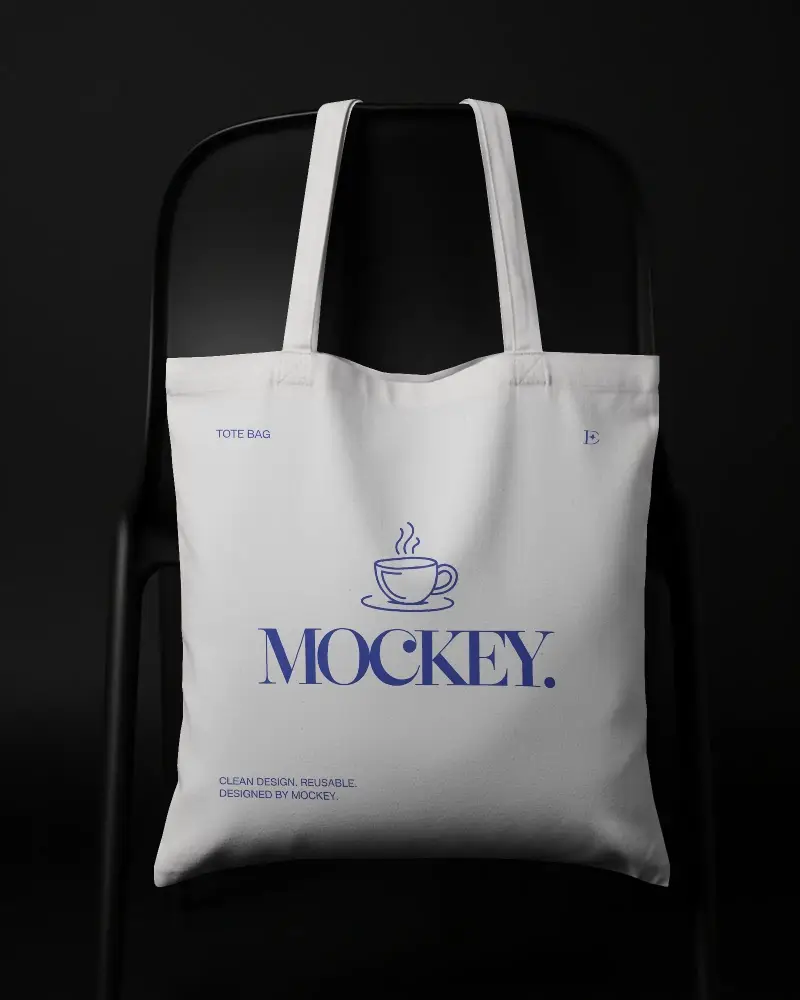
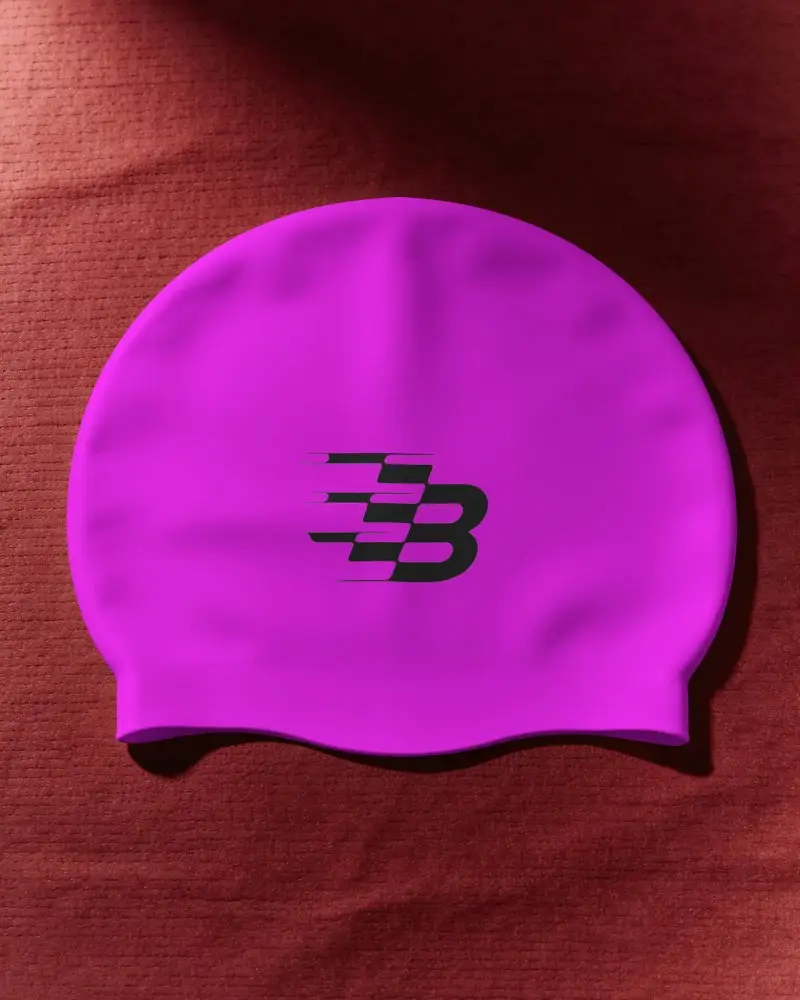
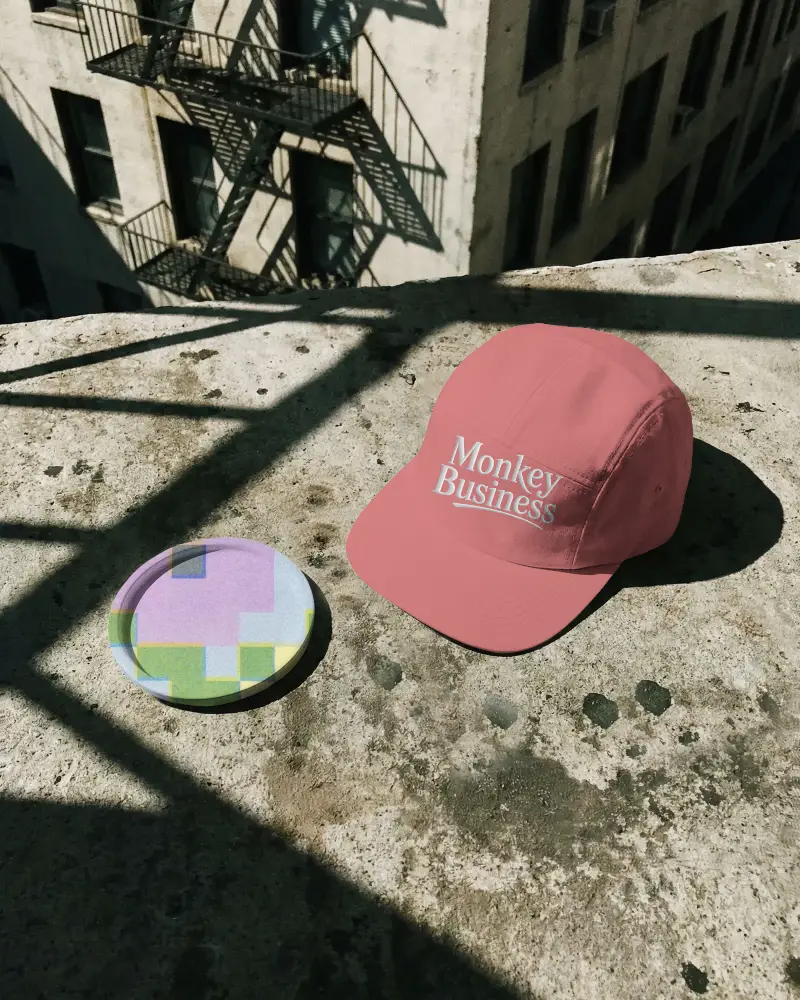
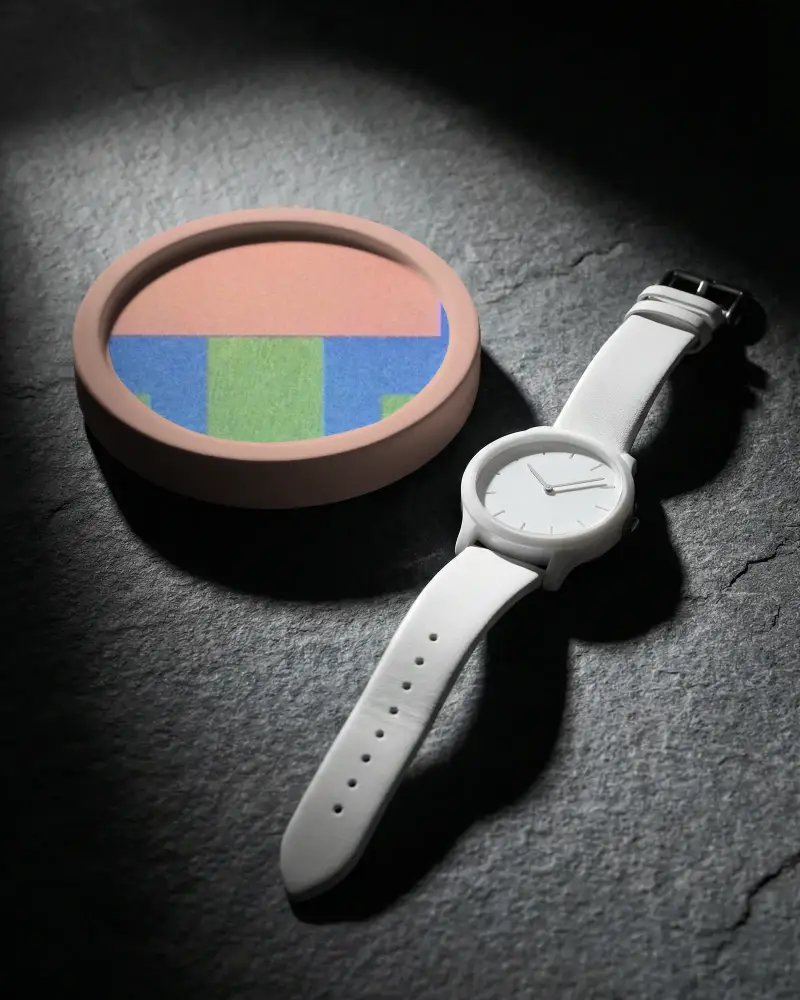
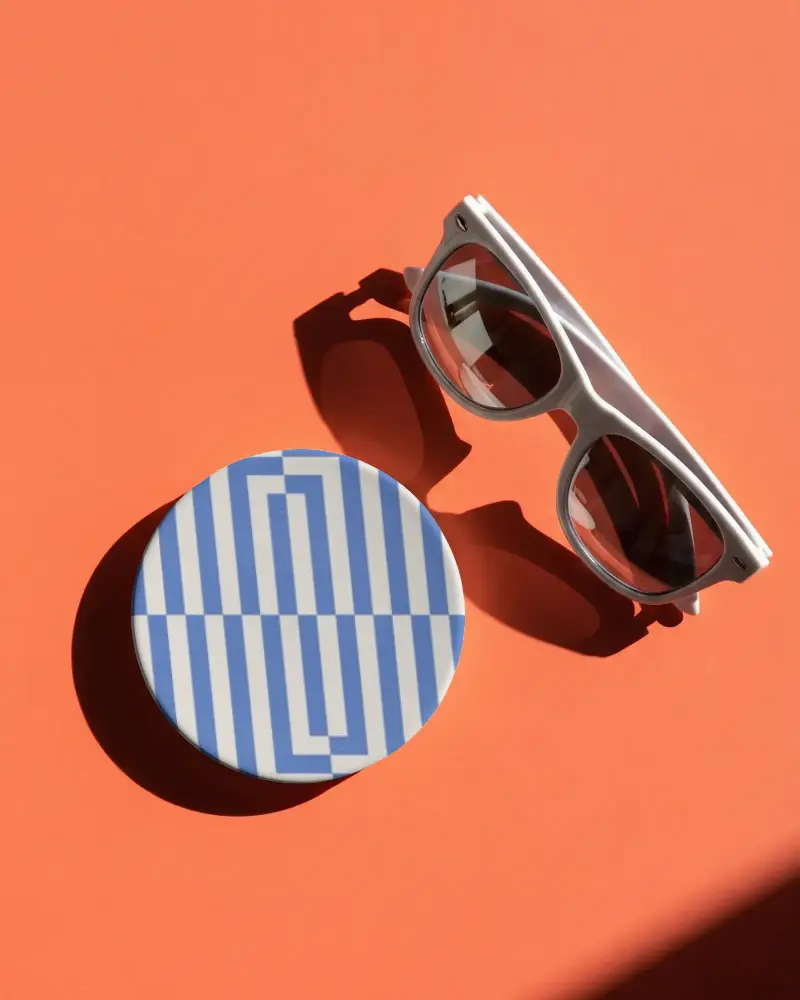
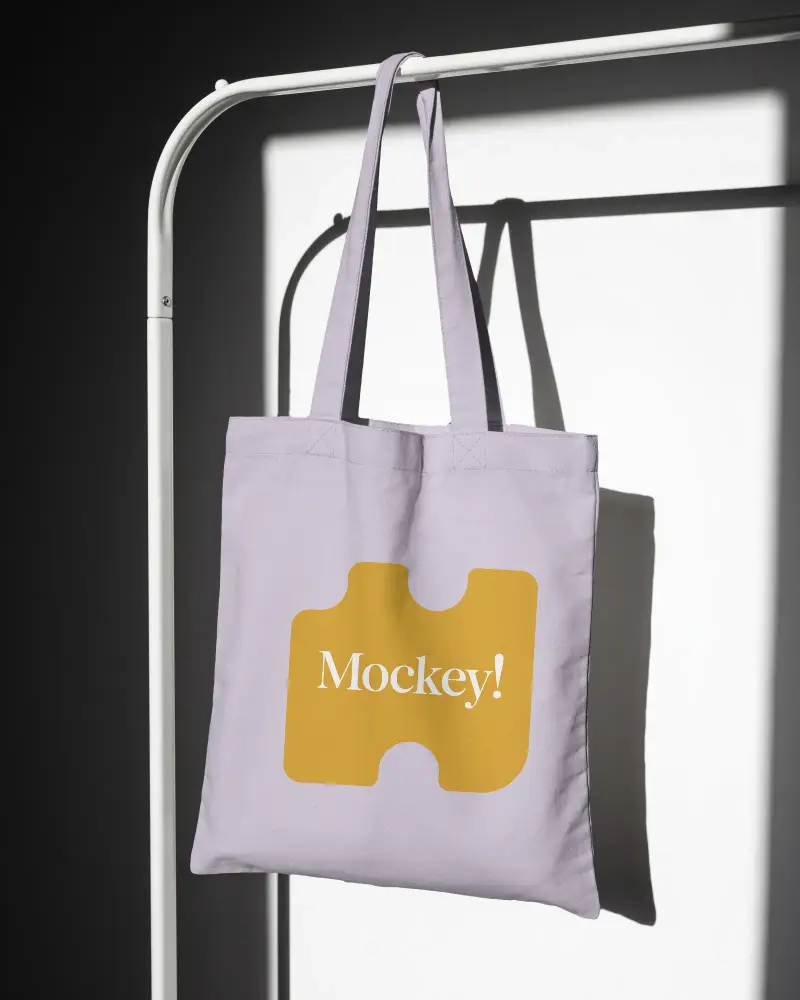
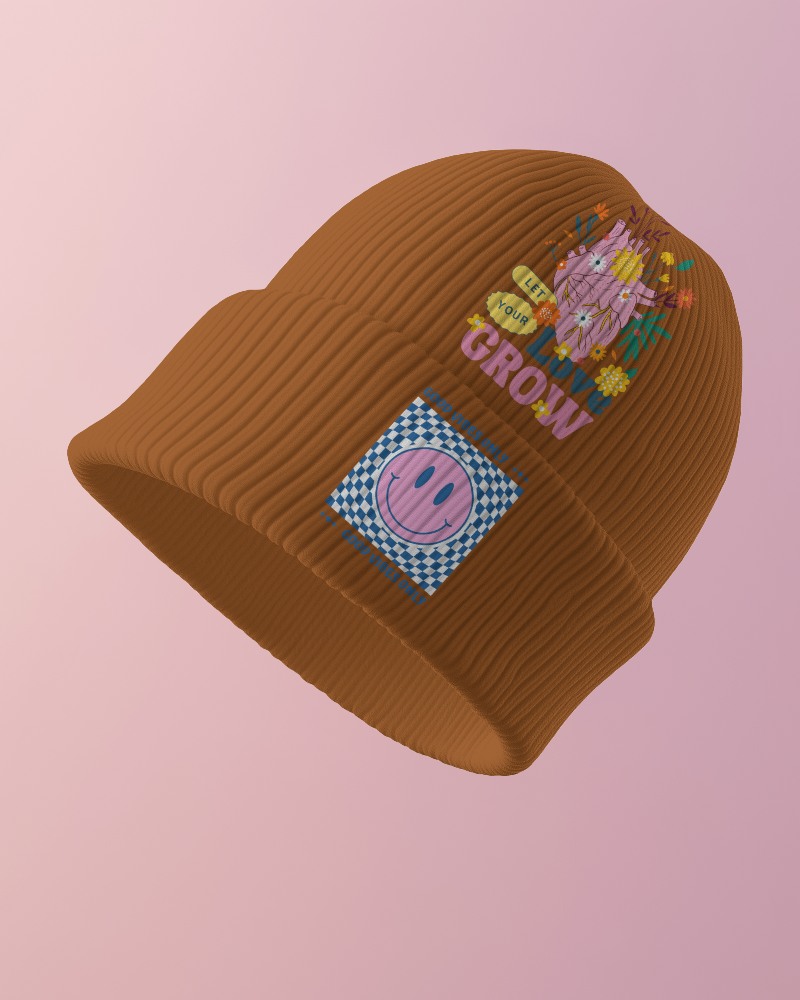
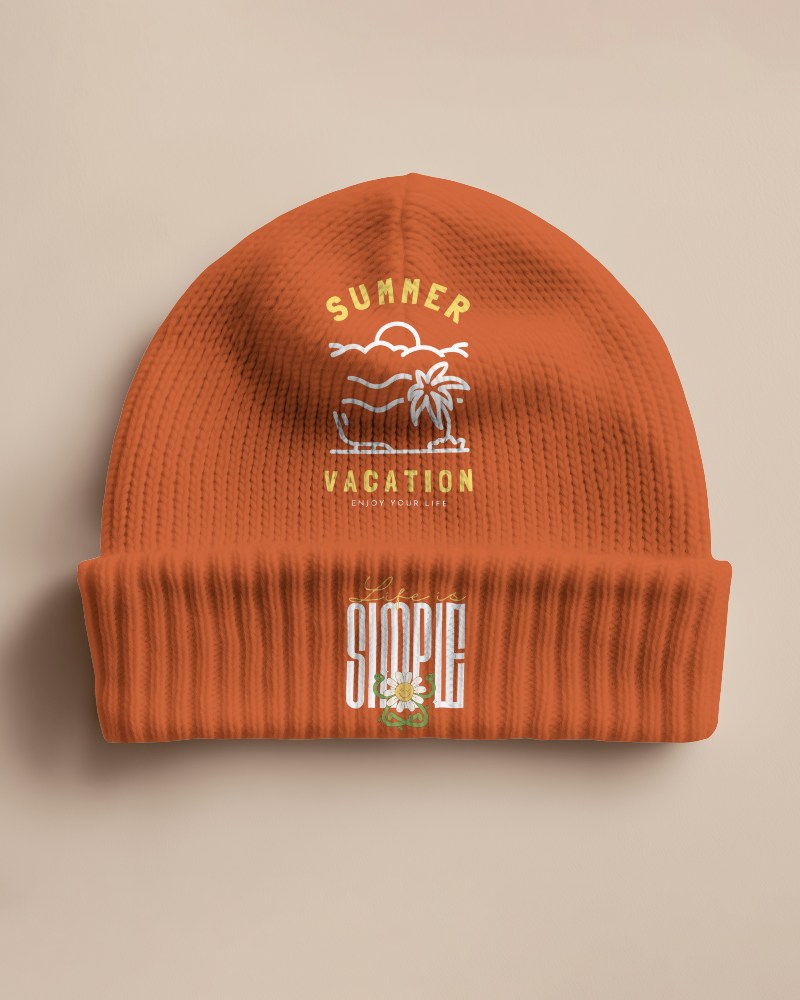 Accessories Tote bags, caps, phone cases, and more
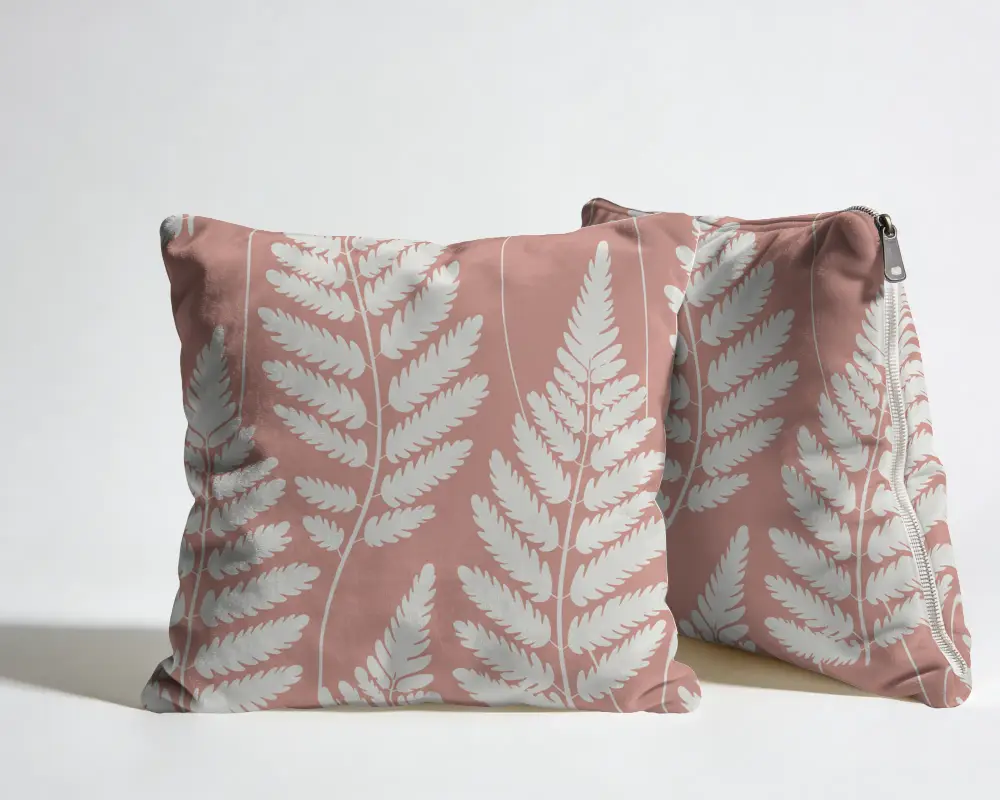
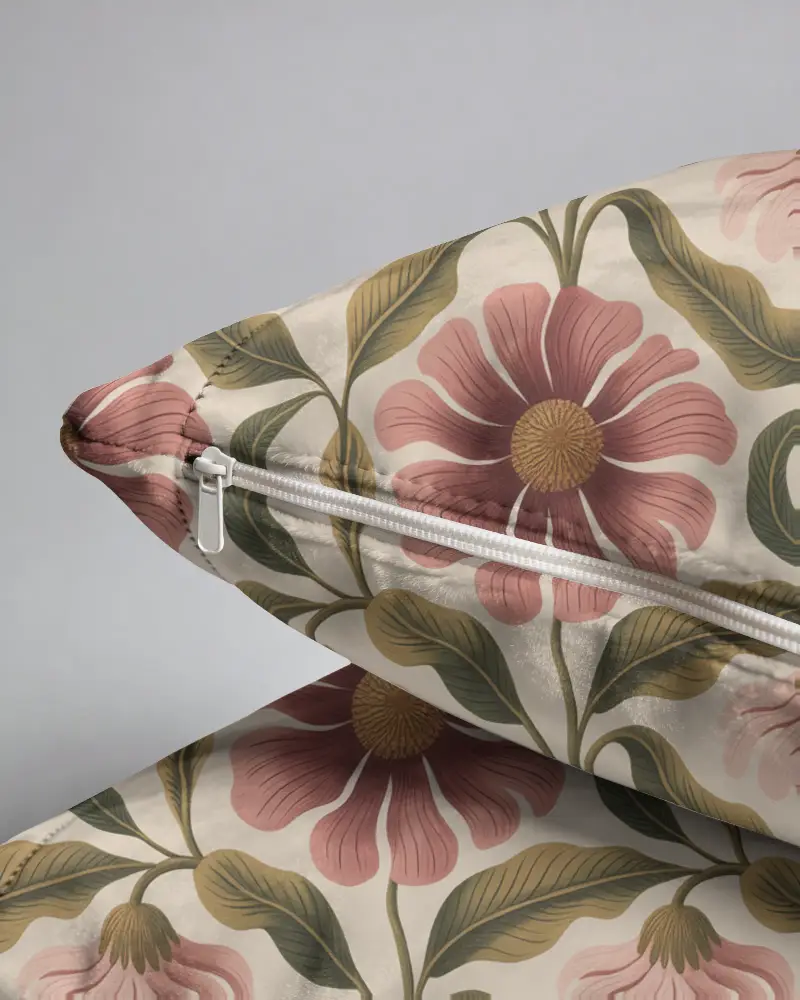
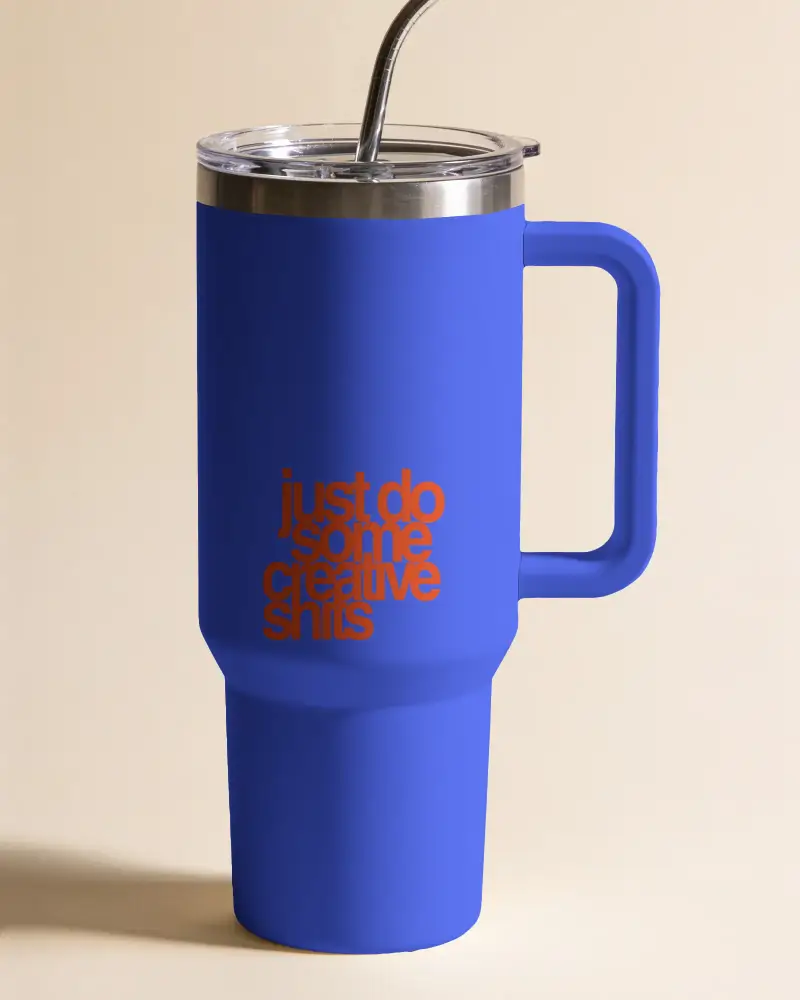
 Home & Lifestyle Pillows, mugs, frames, and more
A Mockup Library Built Around What You Sell
Whatever you sell, you can start with a product template made for it.

Describe 4:5
A perfume bottle held up under a sunlit Moroccan archway, warm golden light
Have a Specific Scene in Mind? Build It
Can't find the exact scene you want in the template library?
Upload your product image to Mockey AI Studio, describe the scene with a prompt, choose an aspect ratio, and create the ecommerce mockup from scratch.
Create Your Own Ecommerce Mockup


Multi-Angle Views
Product listings on Amazon, ecommerce stores, and marketplaces use multiple images to show a product from different sides.
Use our mockup generator, choose a product template, upload your design, and select the Multi Shot feature for 3/4, close-up, or side view.
This gives you different shots of the same product to use across your listings and product pages.
Show Your Product in Video
A static mockup works for a product page, but a video version fits better when you're promoting that product through a video ad, social post, or short product clip.
With Mockey AI, you can animate your product mockup and use the resulting video wherever you need.
You can also use video mockups for ready-made video templates.
One Product. More Ways to Show It.
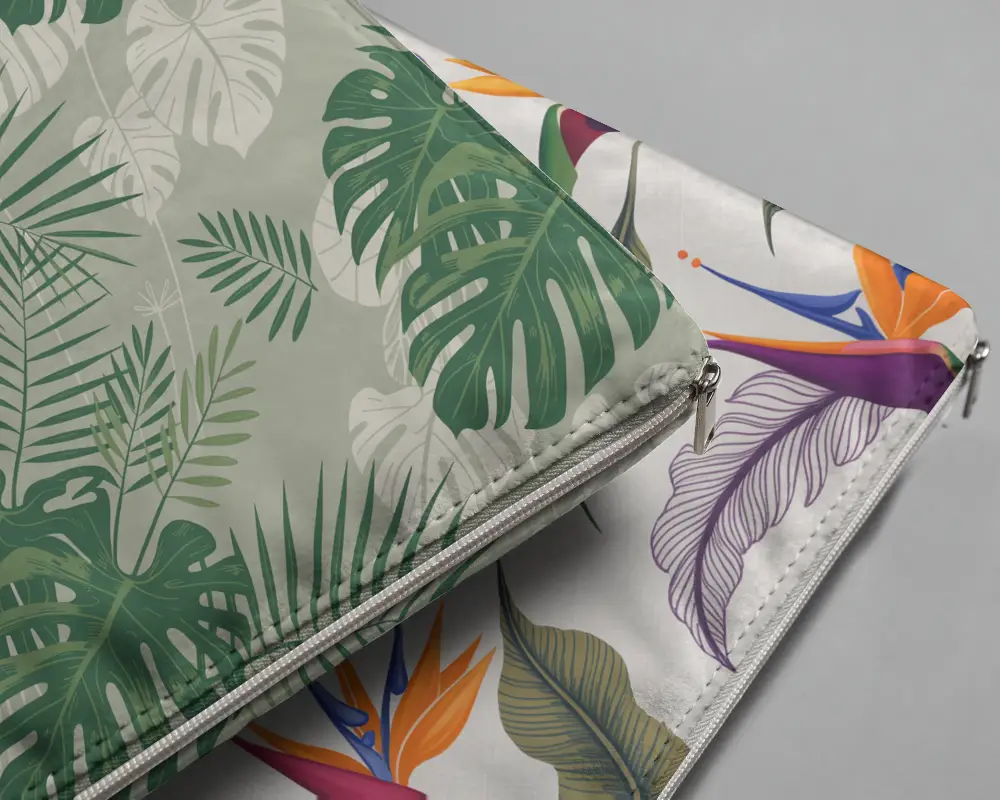
Give Your Shopping Website Better Product Images
Show your product in a scene that feels natural to the customer. A T-shirt worn by a model, a pillow placed on a sofa, a tote bag carried outdoors, or a mug shown on a desk.
Use these scenes on your shopping website to show the product beyond a standalone product image.
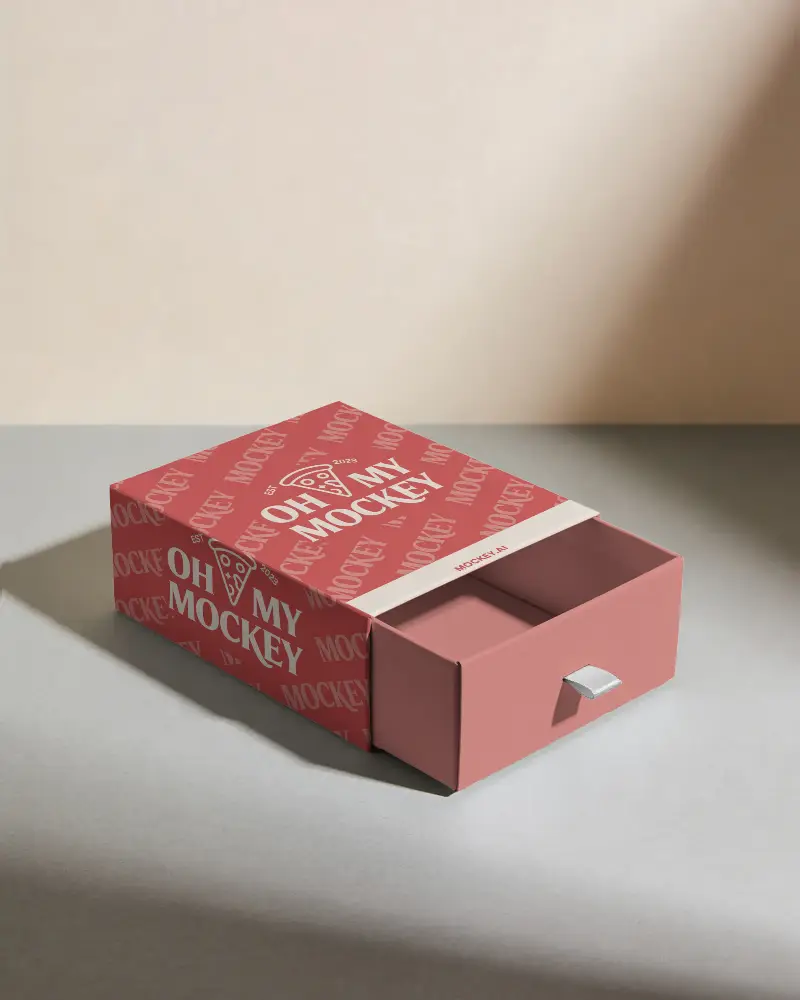
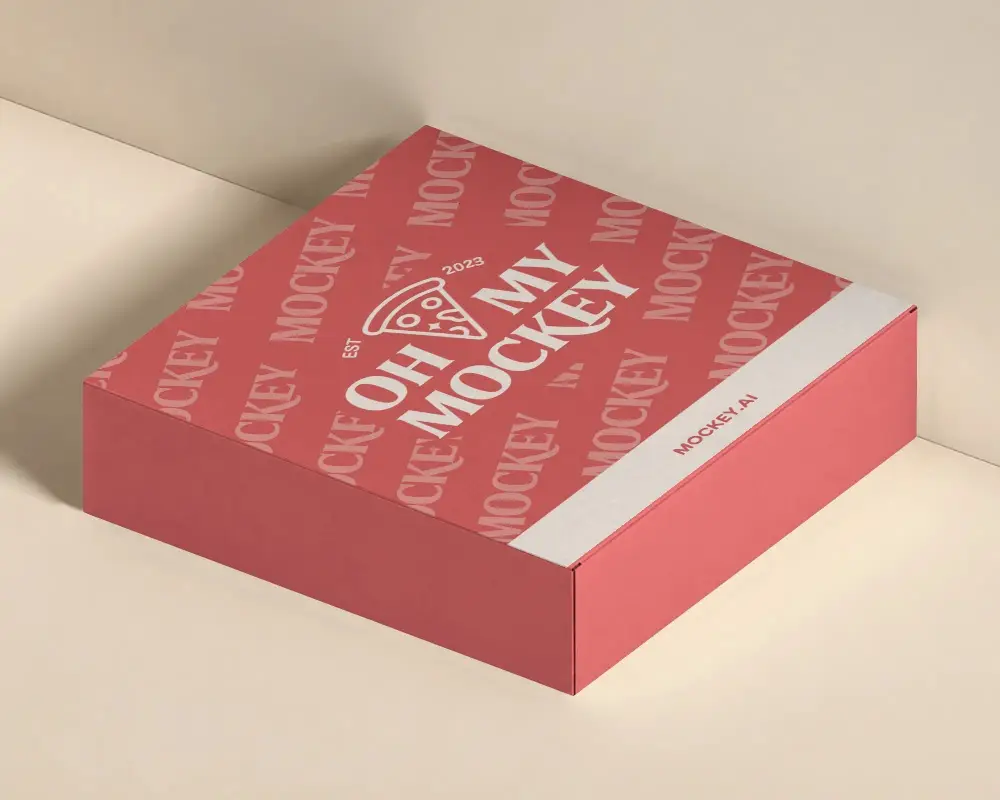
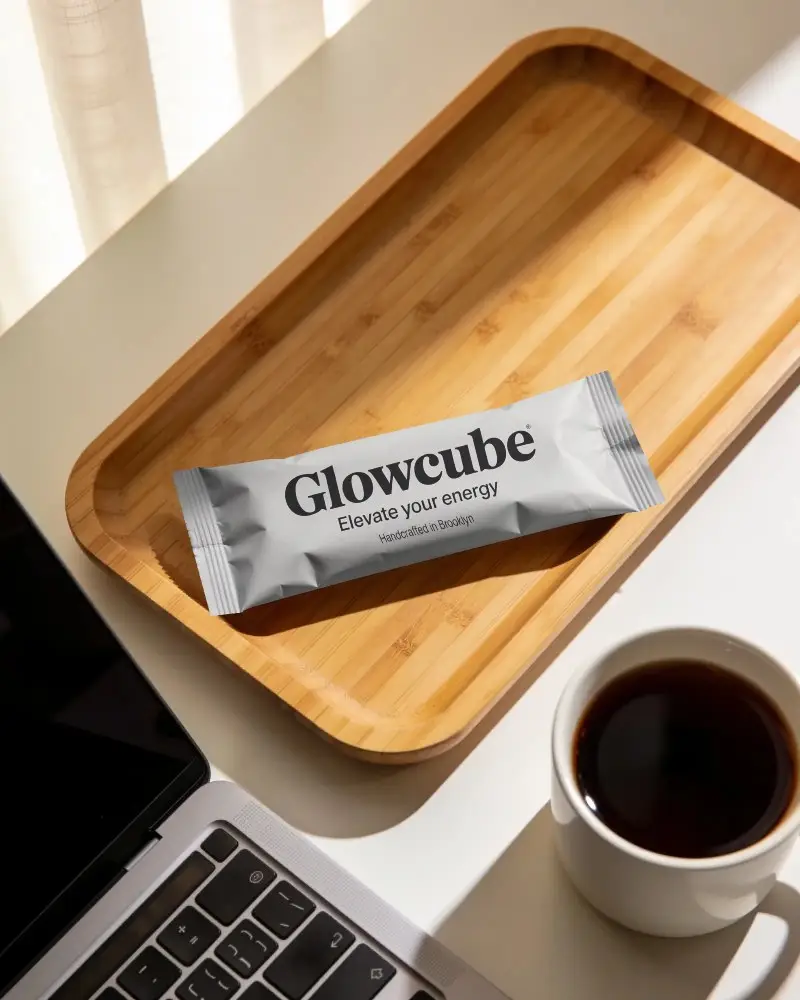 +4
Create a Complete Product Listing for Amazon
For an Amazon listing, you can show the same product through several images instead of relying on a single product shot.
Create different views of the product so shoppers can see its shape, details, and overall look before they decide to buy.
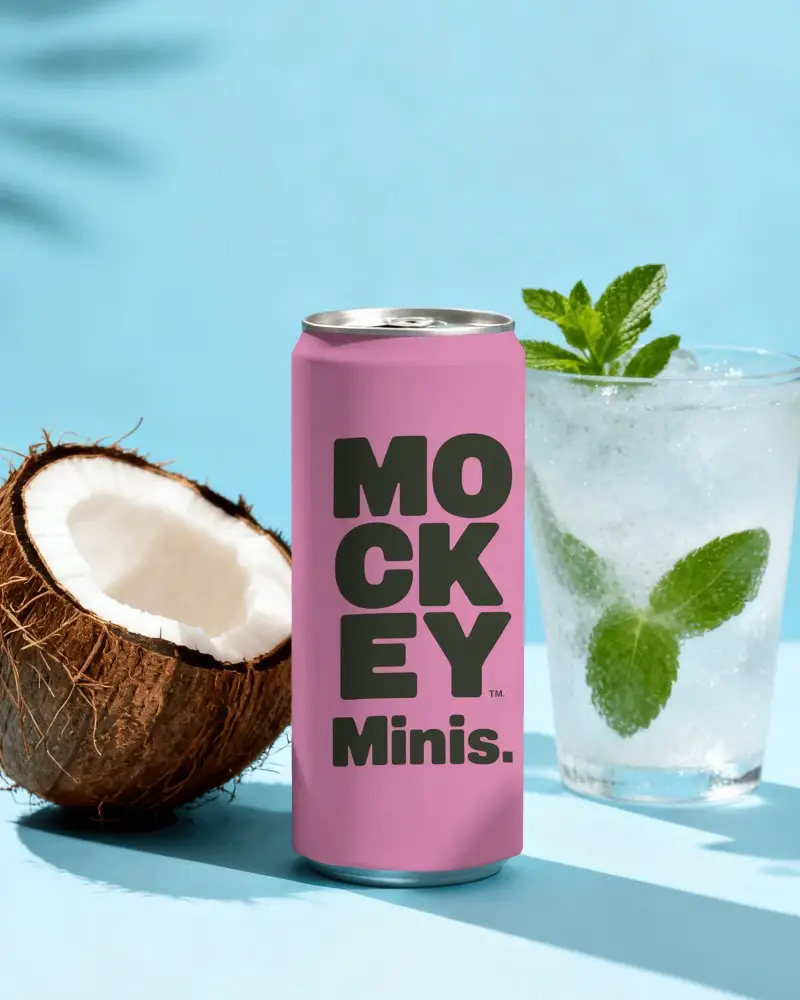
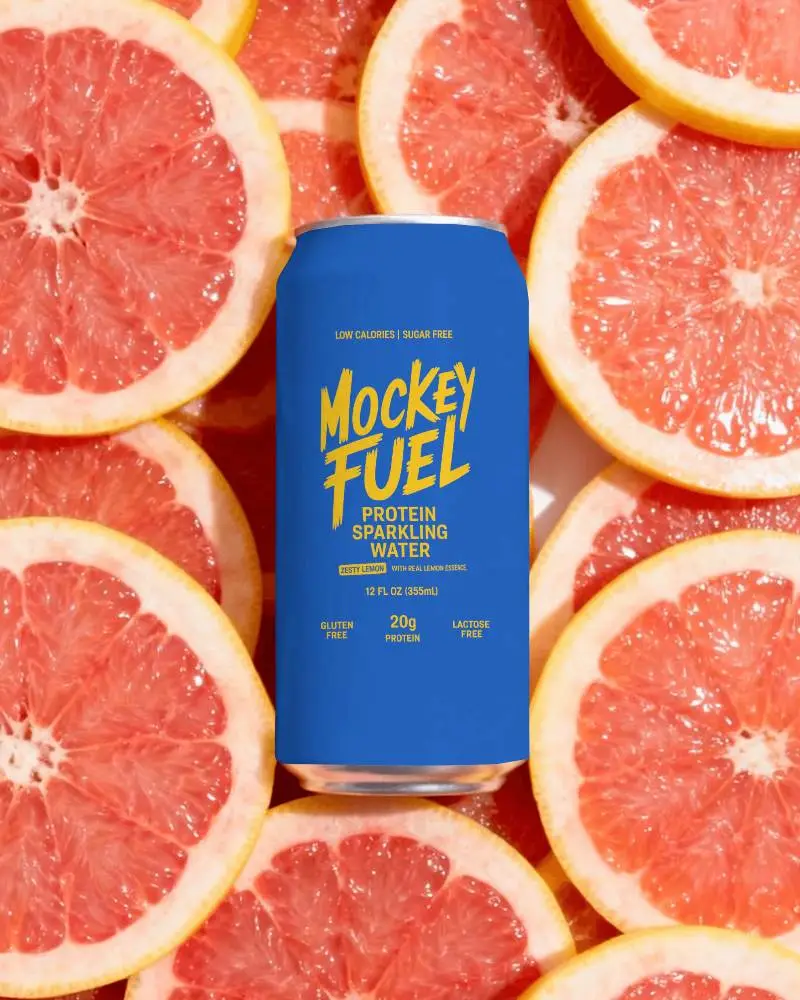
Prepare Your Product for Its Big Launch
A new product needs visuals before it goes live. Add your design to the product in our ecommerce mockup generator, place it in a suitable scene, and use the images across your launch page and social posts.
Customers see the same product consistently wherever they come across the launch.
Looking for a More Specific Mockup Generator?
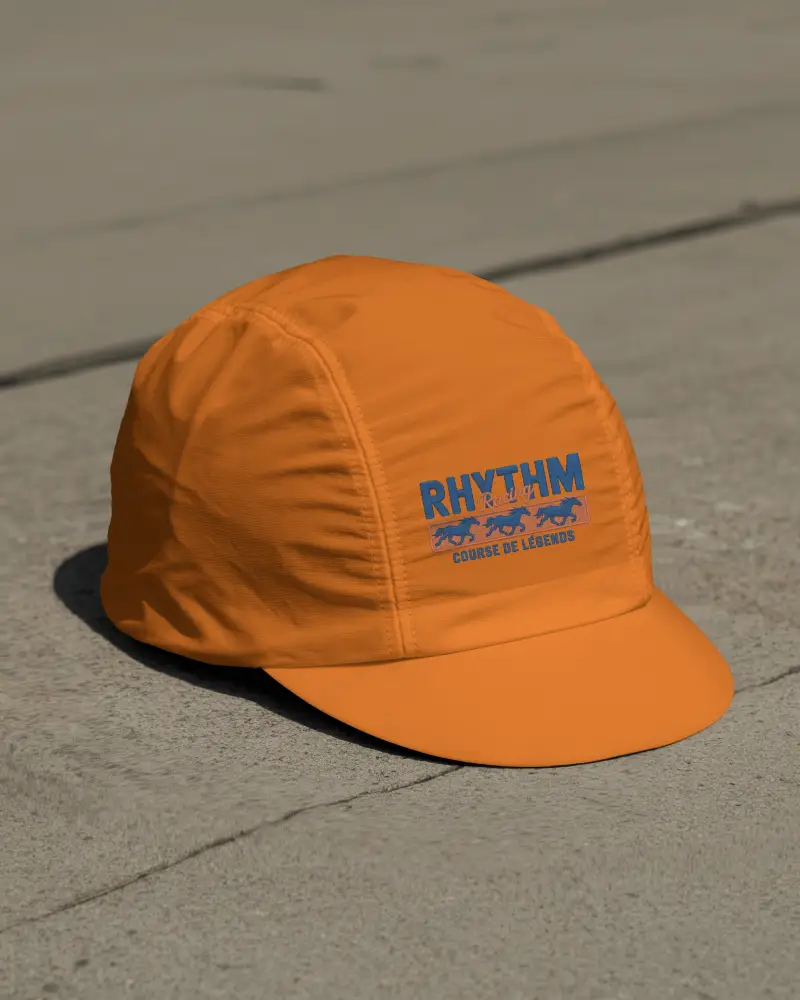
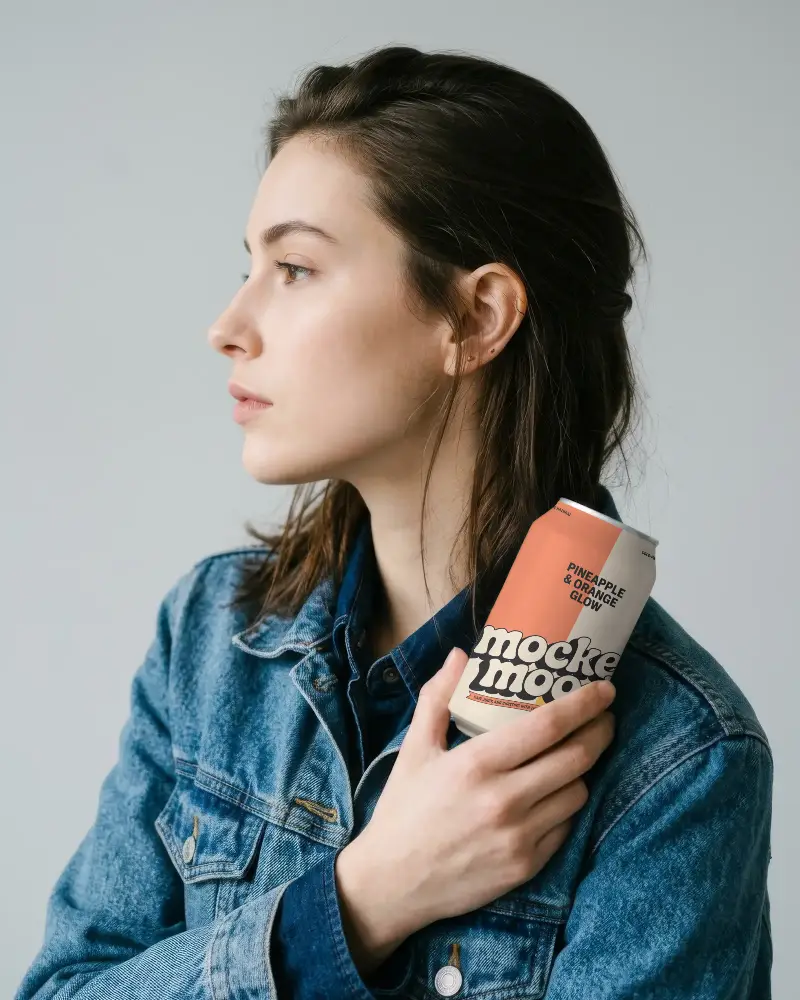
Show Your Product, Your Way
From lifestyle scenes to multiple product views, create the ecommerce mockup that fits where you sell.


FAQs
01 Which mockup generator works best for ecommerce mockups?
If you want huge apparel or lifestyle catalogs, Mockey AI has the biggest template library, AI product photography, and branded scenes. This mockup generator is beginner-friendly without much of a learning curve.
02 What can I use ecommerce mockups for?
Use ecommerce mockups to fill your Shopify or Etsy shop with product shots. Print on demand sellers can preview artwork on shirts, hats, or phone cases. Show digital products like planners or e-books in use, tease launches on social media, and keep lighting and styling consistent across your whole catalog.
03 Can I get clothing mockups with models for my ecommerce store?
Yes, you can get your designs placed on real model photos for your store listings. Mockey AI does have the exact style you need. It lets you upload a shirt or dress design and drop it onto a real model.
04 What kind of products can I make mockups for?
In Mockey AI, you get apparel like t-shirts and hoodies, accessories like tote bags and phone cases, home decor like mugs and pillows, and even website or app screens.