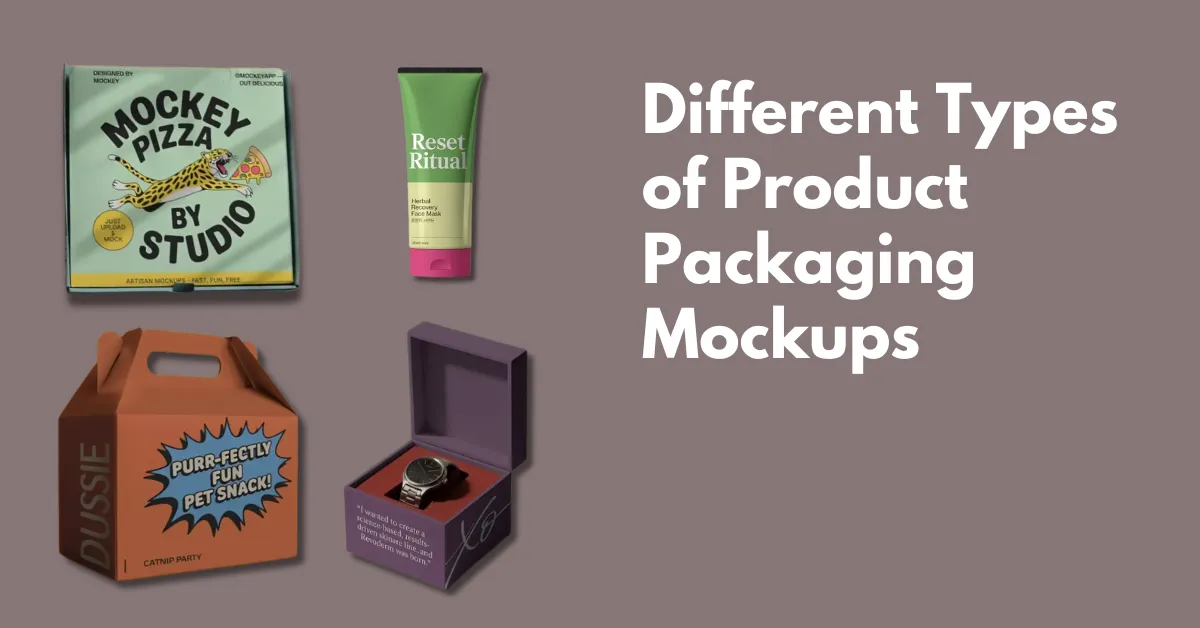
The top types of product packaging mockups are food packaging, box packaging, clothing packaging, and cosmetic boxes. You can create using a mockup generator.
Sometimes, organizing a professional photo shoot for your products isn’t an option. You might be limited by time, budget, or lack access to the product itself. Or maybe you want to create scenes that are difficult to set up in real life.
Despite these challenges, product packaging is crucial for your marketing campaign. If you can’t do a full photo shoot for every product, using packaging mockups is a great alternative.
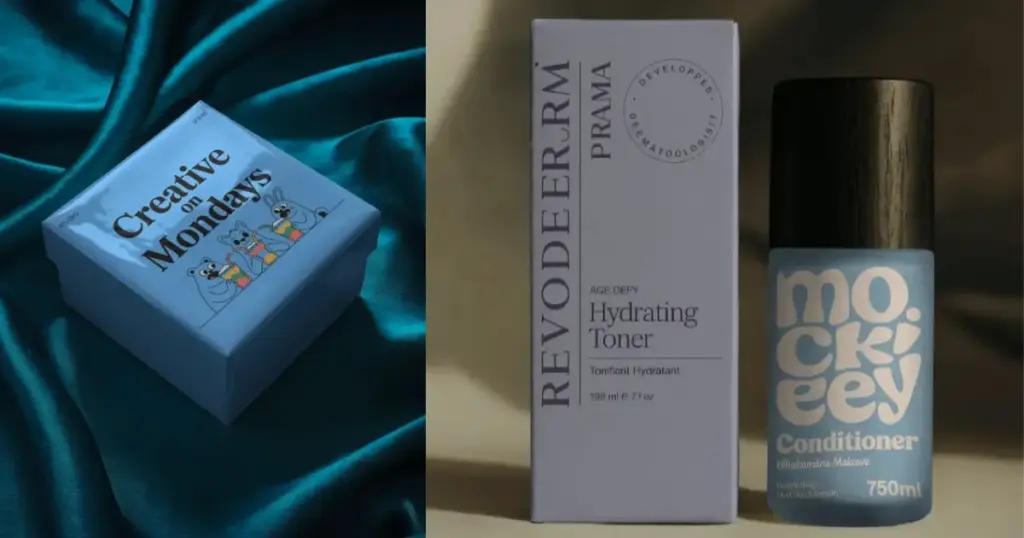
A product packaging mockup is a digital template for items like boxes or perfume bottles. You can upload your design on it and show it to your client. It’s a cost-effective and fast way to create a sample of a product for testing, websites, catalogs, and more.
Mockups are used in many industries to highlight the features of their products. With a wide range of options available, you can use these digital models to design the best packaging and give it the engagement it needs.
Let’s cover the types of product packaging mockups.
The 4 best types of product packaging mockups you can choose from.
The food industry relies heavily on mockups, and there’s a good reason for that. Most food packaging, like bottles and cans, follows standard shapes and designs. While the labels and colors on the packaging may look unique, the actual shapes are usually very similar across brands.
This makes it easy for media agencies to quickly recreate these models. With minimal effort, they can produce accurate mockups for websites, social media, and advertisements, saving time and resources.
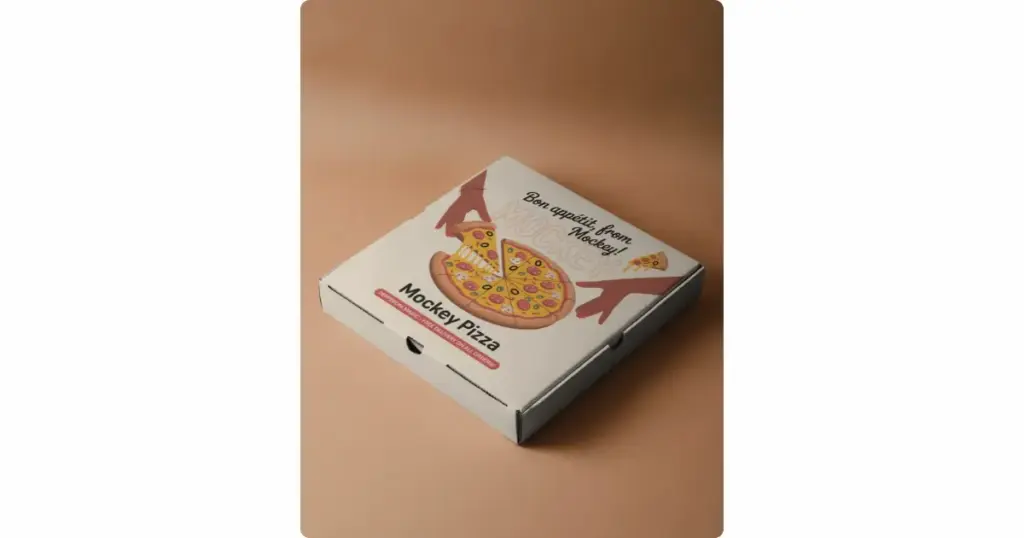
Food product packaging mockups not only speed up the image design process but also offer great flexibility. Organizing real food photo shoots is tough—food melts, spoils, and gets damaged easily. Mockups, on the other hand, are much more reliable.
You can place them in settings that aren’t possible in real life, experiment with colors, and create stunning compositions. They allow you to achieve results that even experienced food photographers struggle with.
Plus, mockups let you experiment freely without the need for precision, unlike real food photography, where every shot requires extra care.
Package box mockups are widely used because most products come in some type of packaging. These mockups cover a range of packaging types like toothpaste boxes, gift boxes, toy boxes, and shipping boxes.
You may find it difficult to make a choice. Mockups help solve this by giving you a preview of how your design will look on different packaging styles.
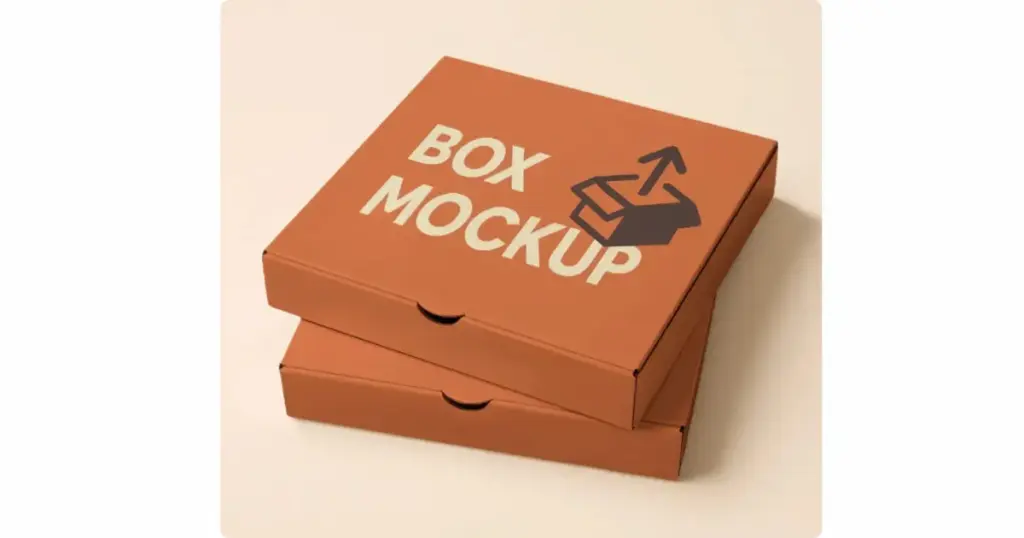
With package box mockups, test different designs and pick the one that makes your product look its best. The great thing is, they are digital, so you don’t need a physical version of each design to see how it looks. Mockups let you try out various colors, sizes, and shapes before making a final choice.
Usually, just seeing the mockup is enough to know if it’s right for you. It’s a smart, cost-effective option for businesses that want to save money without lowering the quality of their packaging.
It can be complicated and impractical to photograph every item in your clothing collection, especially if you run an e-commerce business. For example, imagine you’re creating a collection of T-shirts with fun quotes.
Photographing, uploading, and editing each one would be time-consuming and hard to manage. In these situations, using apparel mockups becomes essential. Mockups let you showcase your designs without needing photos of every single item, making the process faster and more efficient.
With a mockup generator, you can design a new T-shirt mockup in just a few minutes. While it’s true that this isn’t the same as hiring a professional photographer to capture every detail of your product, pre-made and pre-generated mockups are more than enough to get the job done.
They give customers a clear idea of what the clothing will look like on a person or in a specific setting. The quality of these mockups is so good that the only noticeable difference will be the cost—using mockups will save you a lot of money compared to professional photos.
Cosmetic packaging mockups are widely used and offer a lot of variety. You can explore different shapes, create unique layouts, and play with colors to give your images a distinct look—all without needing the physical product. Thanks to advanced technology, these mockups look so real that even professionals may have trouble telling if it’s a photo or a mockup.
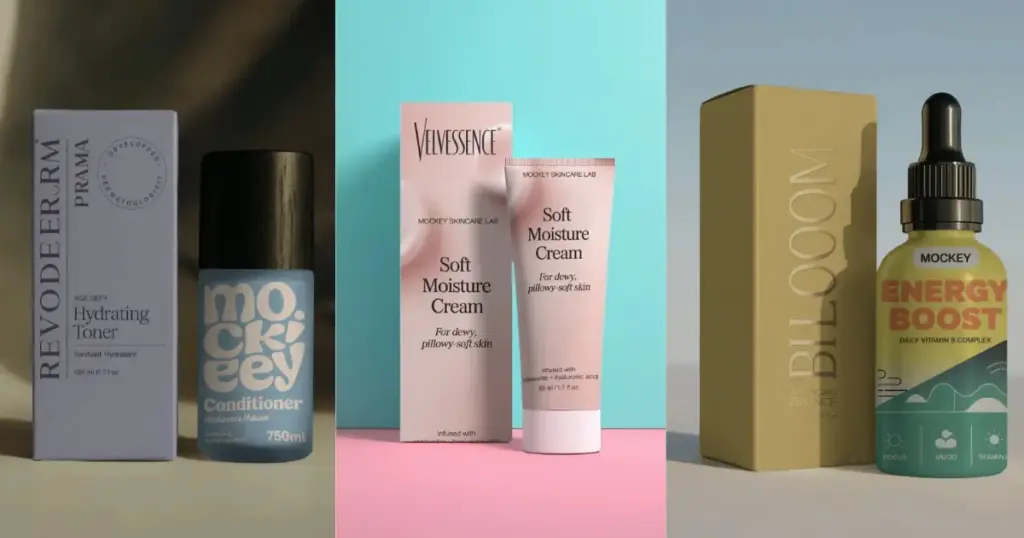
Cosmetic packaging mockups offer endless creative possibilities. They let you explore a wide range of designs, making it easier to create eye-catching packaging. You can use these mockups to design stunning ads, websites, and catalogs. Plus, you have the freedom to bring any design idea to life, starting from scratch.
1. To create box packaging mockups, go to Mockey.ai and sign up there by pressing the “Login/Sign up” button. Click on “Mockups,” then select “Packaging,” and choose “Box.”
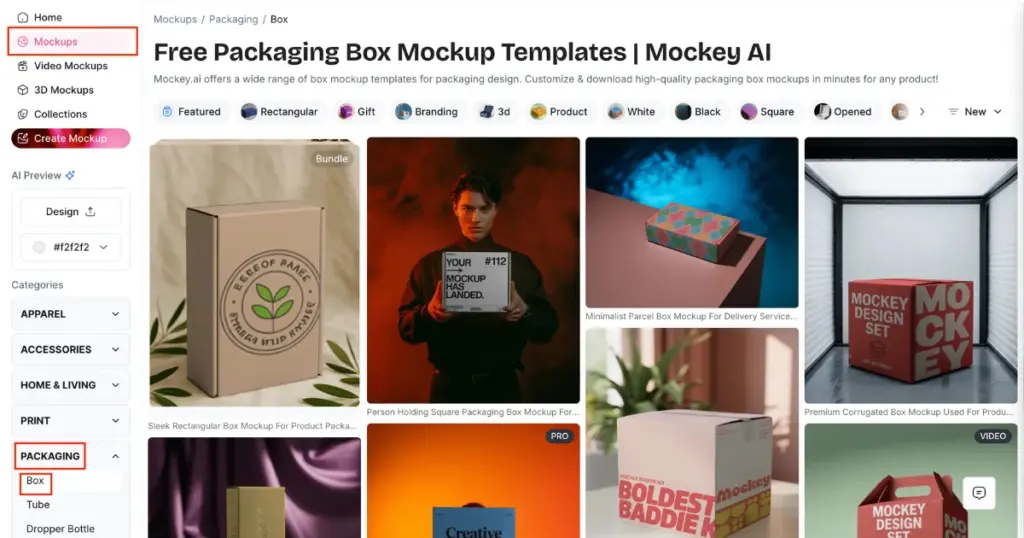
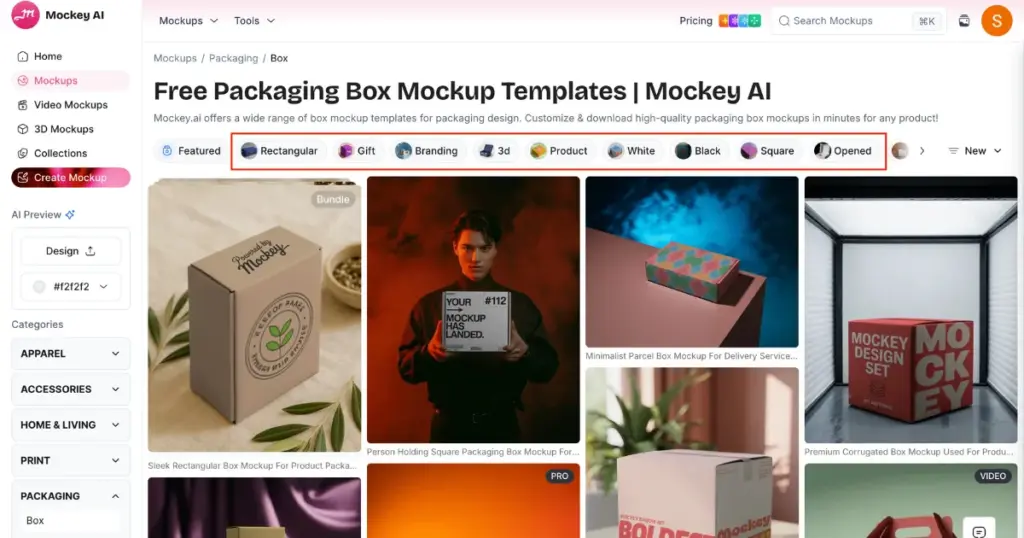
2. You’ll find various box categories, including square, gift, branding, 3D box, white, black, opened, flap, bundle, cuboid, and rectangular.
3. Choose a template and start customizing. You can change the color, use AI tools (AI Photoshoot, AI Anime) as well.
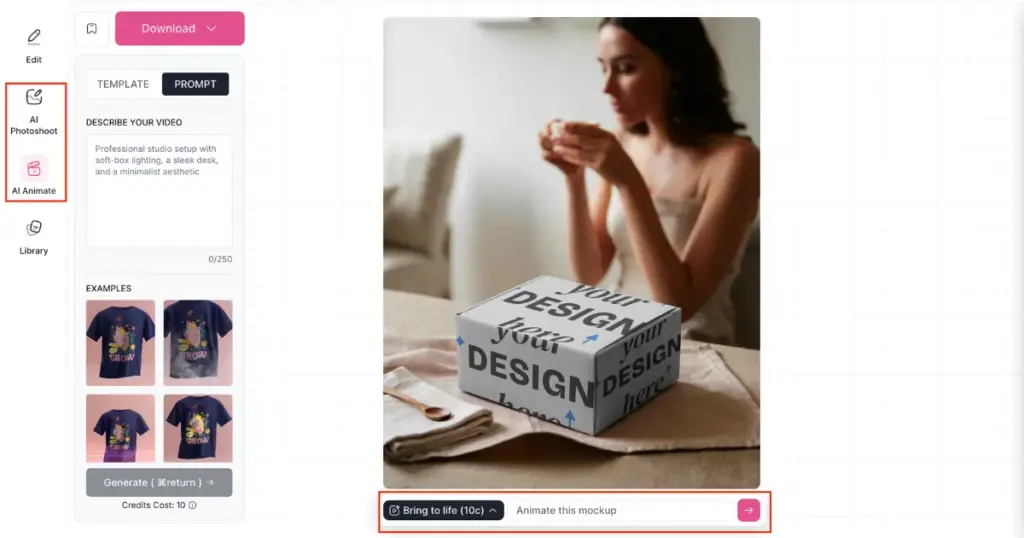
4. Once you’re happy with your design, click the “Download” button to export your box mockups for free, without any watermark if you are in the free plan.
But you will have to compromise on the JPG file quality. It’s better to use the STARTER plan, which is very affordable and has no restrictions. And for AI tools, you will need to take the CREATOR or ELITE plan.
If you like your company to stand out visually, it’s important to focus on how it looks and how effectively it communicates with your audience. This is just as crucial as the quality of your products.
That’s where product packaging mockups come in handy. They help you visualize how your products will be presented, making it easier to attract and connect with customers.
Many businesses that sell products use mockups because they are very convenient. Mockups help you create attractive social media posts, eye-catching websites, and engaging presentations. They actually make your work feel less stressful and more creative.
However, we have covered the best types of product packaging mockups and also, learned how the Mockey app can help you generate 2d and 3D box mockups.
The four key elements of packaging are visuals, colors, typography, and format. These aspects help consumers connect with the brand and remember it better. Colors, in particular, have a strong psychological effect and can attract attention to your product.
Samples can be basic items like paint, tiles, bricks, or carpets. Mockups are smaller or full-sized versions of things like parts of walls, window setups, or brickwork.
A mockup is a realistic visual of a product. In manufacturing, it can be a small or full-sized model of the product.
Mockey AI’s box mockup generator considered the best, offering great trendy templates, easy customization, and unlimited free box mockup downloads without watermarks.
If you need gift box templates for packaging, you can explore many options on Mockey AI. These templates will help you create gift box mockups easily.
With Mockey AI’s video mockup generator, you can explore many video templates for products like cosmetics, boxes, tubes, and more. You can visualize your design in a video style.
Related reading:

Sangram Sahoo
I’m a content writer with 4 years of experience. I specialize in creating practical content around mockups, print-on-demand, apparel, and e-commerce design.
