The best Mock Magic alternatives for device mockups are Mockey AI, Device Frames, PostSpark, Shots, and Artboard Studio.
Mock Magic lets you upload images, screen recordings, and videos to create device mockups. There are still some limitations. So, here are the top 6 mockup websites worth checking out.
We'll look at how many templates they have, whether you can upload videos, change backgrounds, and use them for free. Each tool will also let you know if you need to register.
Mock Magic has a few issues and glitches that are affecting the user experience. We noticed some of these while writing this blog. Hopefully, the team addresses them in future updates to make the platform more reliable and easier to use.
1. Sign-Up Issues
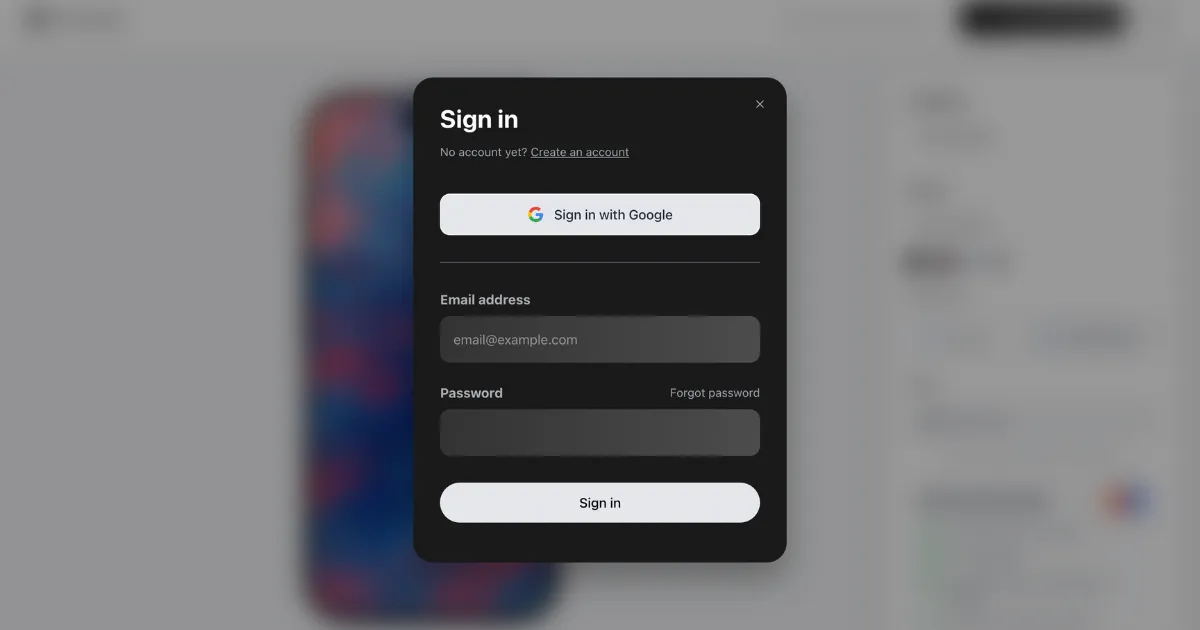
When you try to create an account, the sign-up process gets stuck even after entering your email address, preventing you from completing registration.
2. Mobile Download Error
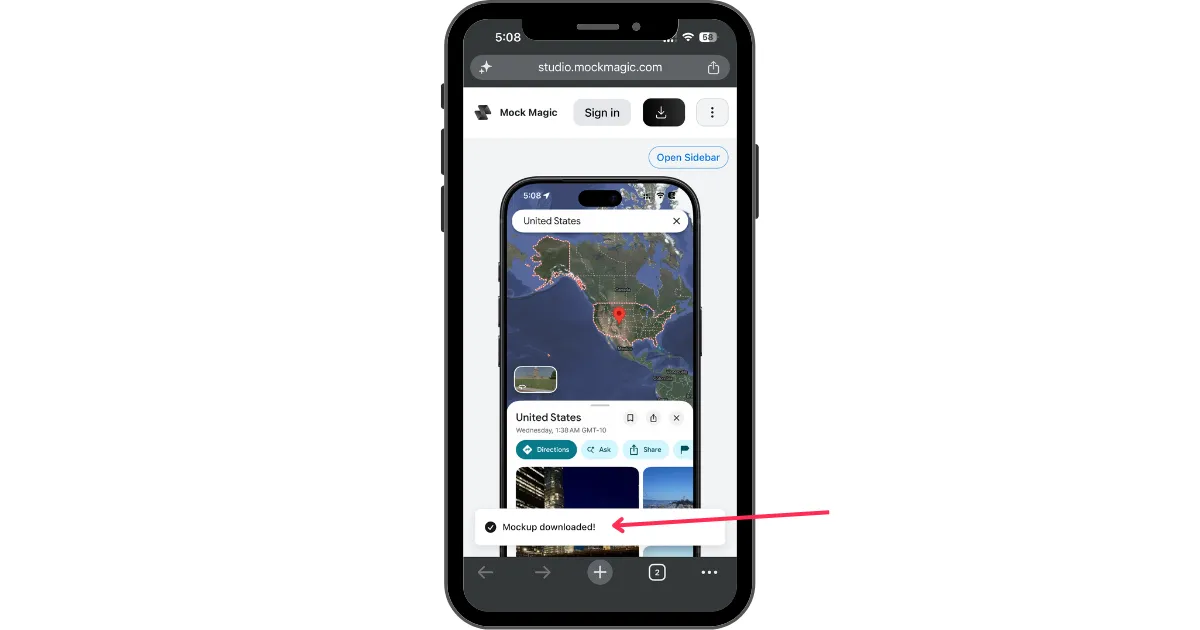
When you download a mockup on mobile, it shows that the download is complete, but the file doesn't actually get saved to your device. We experienced this issue on an iPhone but haven't tested whether it also occurs on Android devices.
3. Video Upload Restricted to Paid Plans
You can add images to device frames on the free plan. Video uploads are a paid feature.
Here are the best alternatives to Mock Magic that you can use:
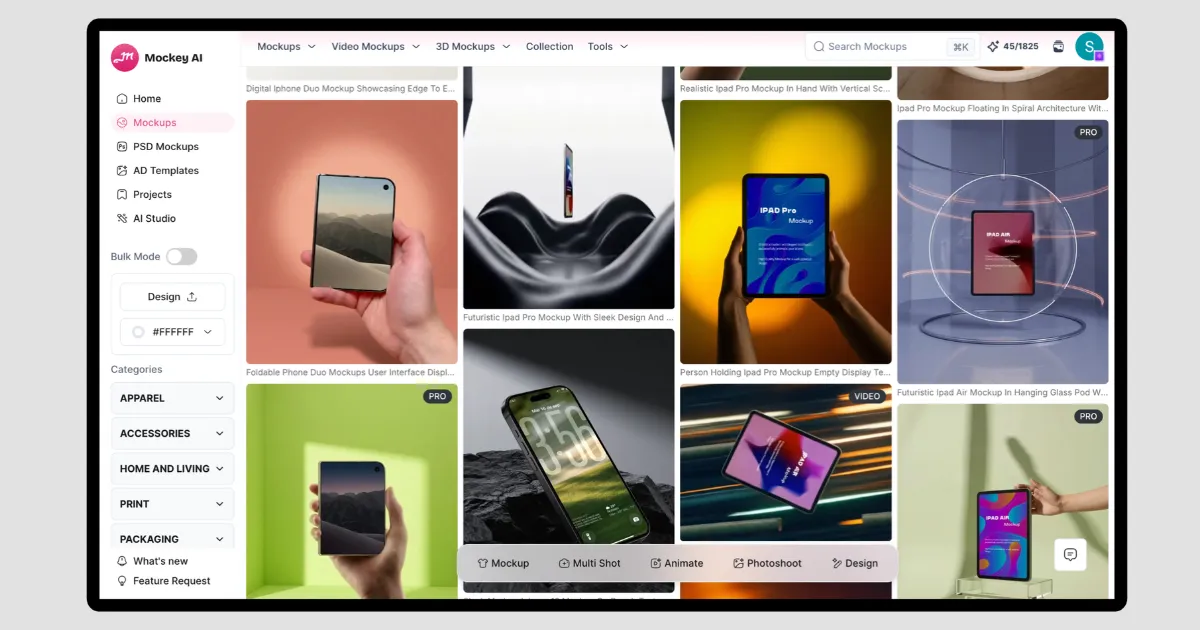
Mockey AI’s device mockup generator is one of the best Mock Magic alternatives. It has mockups for iPhones, iPads, MacBooks, desktops, and Windows laptops in huge numbers. You can upload images or videos to make your mockups even on the free plan. You don't need to upgrade for that.
| Sign-up Needed | Yes |
| Devices | - iPhones - iPads - MacBooks - Android Phones - Desktops - Windows Laptops - App icons |
| Number of Device Mockup Templates | 3500+ |
| Upload Images and Videos | Both |
| Change Background | Yes, with Photoshoot feature |
| Image Export Formats | PNG, JPG |
| Video Export Formats | MP4, MOV, WebM |
| Free video exports | Yes (Low Quality) |
| A Free Plan | Yes |
Device Frames is another device mockup generator that lets you place images and screen recordings inside different device frames.
It offers features like animated scenes, the latest device models, customization options, and 4K exports.
| Sign-up Needed | Yes |
| Devices | - iPhones - iPads - MacBooks - Android Phones |
| Number of Device Mockup Templates | 12 |
| Upload Images and Videos | Both |
| Change Background | Yes |
| Image Export Formats | PNG |
| Video Export Formats | MP4, WebM |
| Free video exports | No |
| A Free Plan | Yes |
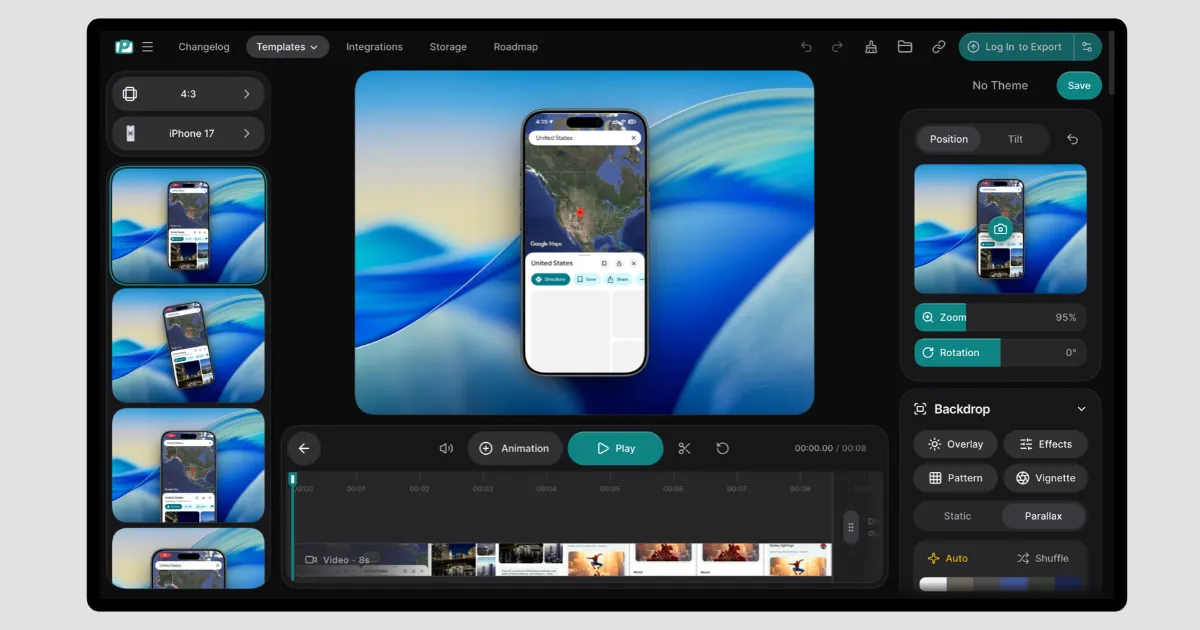
PostSpark is a Mock Magic alternative with more editing options. You can change the aspect ratio for different social media platforms, adjust animations, swap backgrounds, and tweak shadows and lighting.
You can export videos at 30 or 60 FPS in up to 2K resolution. The free plan, however, has limited access.
| Sign-up Needed | No for images and Yes for videos |
| Devices | - iPhones - iPads - MacBooks - iMacs - Android Phones - Apple TV - Apple Watches |
| Number of Device Mockup Templates | 43 |
| Upload Images and Videos | Both |
| Change Background | Yes |
| Image Export Formats | PNG |
| Video Export Formats | MP4, WebM |
| Free video exports | Yes up to 2K (3 times/month) |
| A Free Plan | Yes |
Shots lets you put your own screenshots or videos into device frames. You can pick a layout and make a few changes to it. The free plan covers image mockups, but video animations need a paid plan.
| Sign-up Needed | No |
| Devices | - iPhones - Tablets - Laptops - Desktops - Wearable |
| Number of Device Mockup Templates | 31 |
| Upload Images and Videos | Both |
| Change Background | Yes |
| Image Export Formats | PNG, JPEG, WebP |
| Video Export Formats | Up to 2K 60FPS |
| Free video exports | No |
| A Free Plan | Yes |
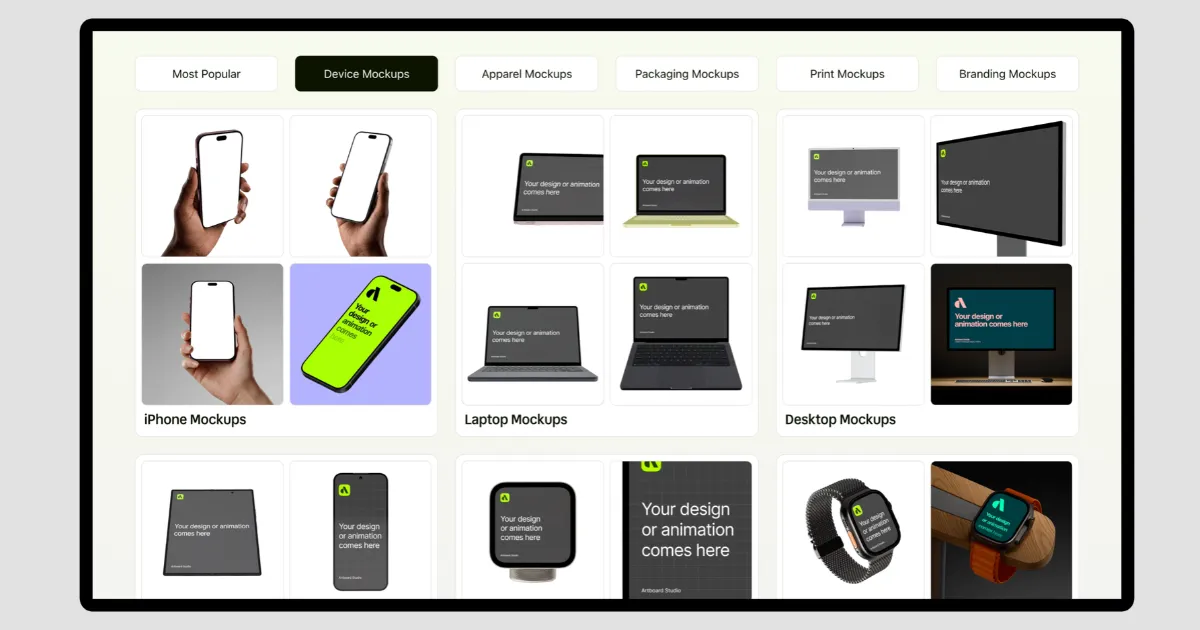
Artboard Studio has 1,000 device mockups. Some of them come with animations. The mockups can be edited with images, videos, and AI tools.
The free plan has fewer editing options, though. For that, you can check out our separate blog on the best Artboard Studio alternatives.
| Sign-up Needed | No for free mockups |
| Devices | - iPhones - Laptops - iPads - Desktops - Watches - Android Phones |
| Number of Device Mockup Templates | 1000+ |
| Upload Images and Videos | Both |
| Change Background | Yes |
| Image Export Formats | PNG, JPEG, WebP |
| Video Export Formats | MP4, WebM |
| Free video exports | Yes |
| A Free Plan | Yes |
We've looked at five Mock Magic alternatives, and Mockey AI offers the most complete package. On the free plan, you can add images or videos to device frames and export them too.
It also has everything from basic editing tools to AI features in one place. You don't have to use different mockup generators for different tasks. Its paid plans are affordable too.
Mockey AI is a free Mock Magic alternative that lets you download mockups without watermarks. However, paid plans provide higher-quality outputs and additional file format options.
Shots is one of the few Mock Magic alternatives that lets you create mockups without signing up or creating an account.
Mockey AI is a good option for iPhone mockups. Add your image, video, or screen recording to a template and customize it in the editor. There's a free plan too, so you can try it before paying.

Sangram Sahoo
I’m a content writer with 4 years of experience. I specialize in creating practical content around mockups, print-on-demand, apparel, and e-commerce design.
