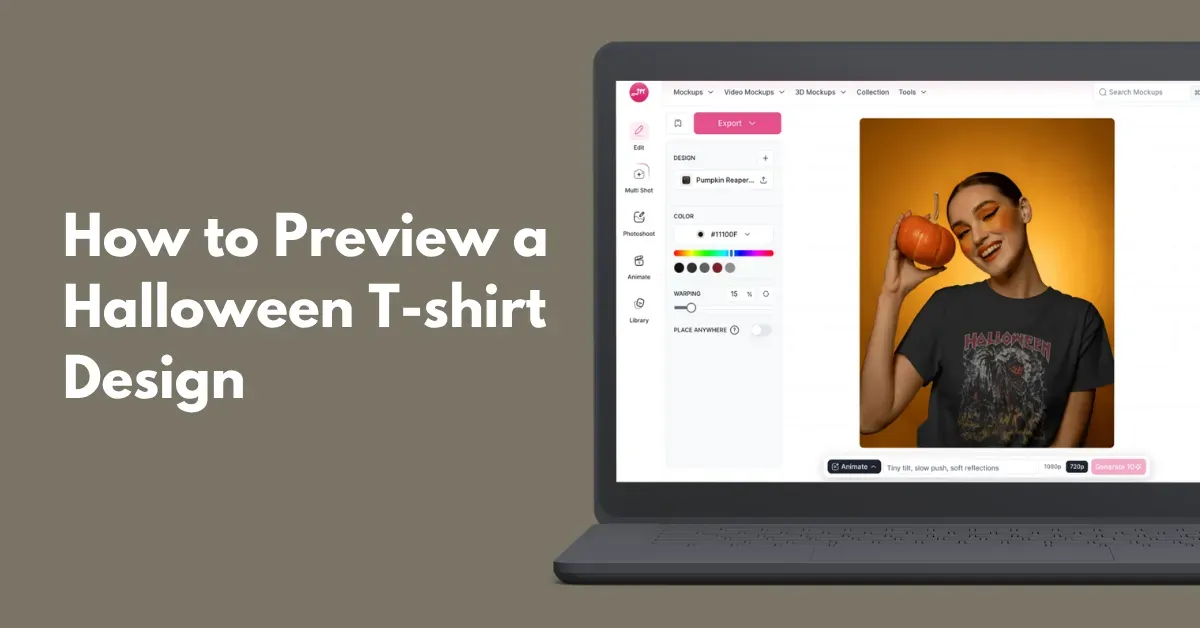
Unsure how to preview a Halloween T-shirt design? Use the Mockey AI mockup generator to see how your design looks on different Halloween-themed T-shirts.
Choose from Halloween-themed T-shirt mockup templates, upload your design, correct the placement, and test colors to see how it looks.
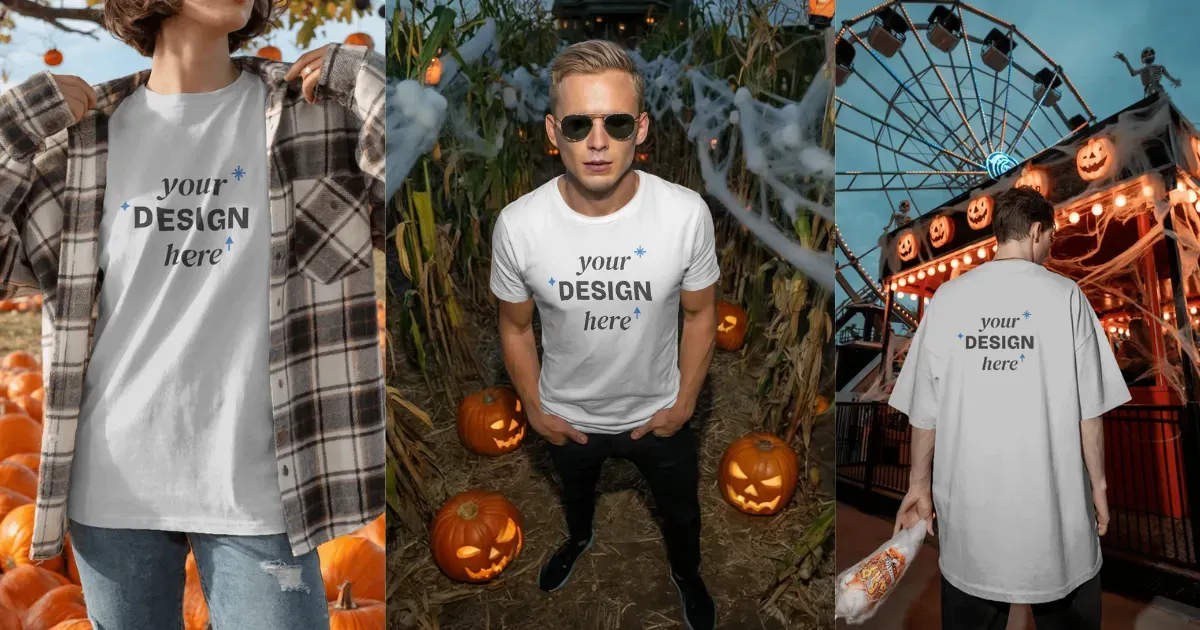
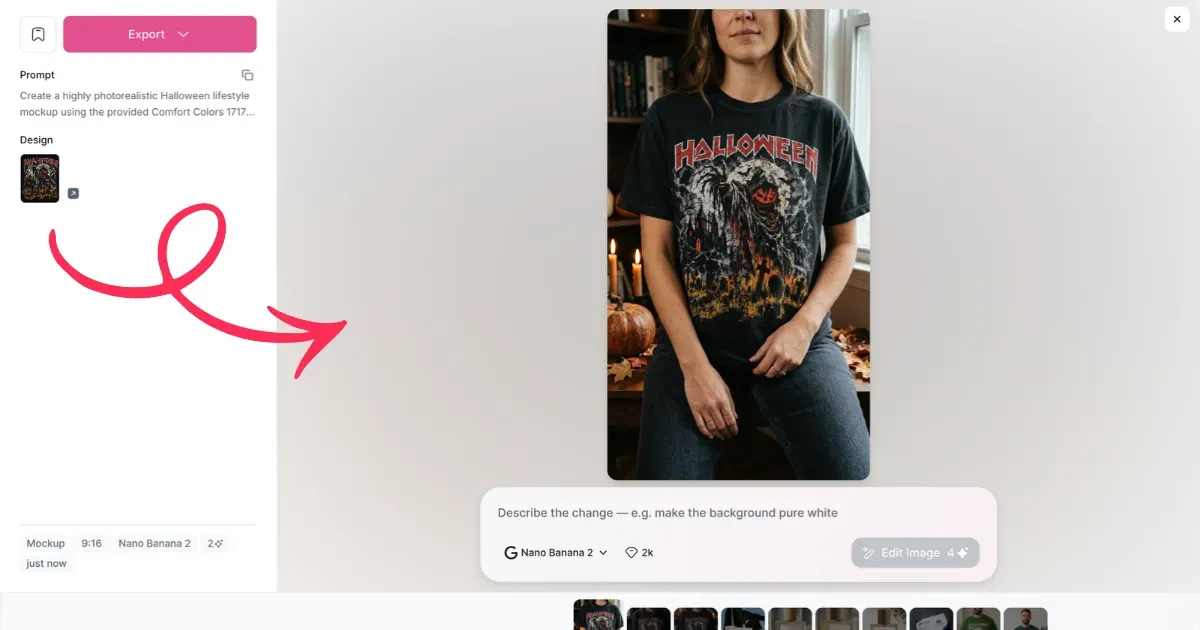
Alternatively, you can generate a mockup with a prompt. The mockup will be ready once you upload your design and describe a Halloween scene.
Let’s walk you through the process in detail.
Preview your Halloween T-shirt design before you publish it. A quick check can help you avoid poor sales, bad reviews, and wasted ad spend.
| Why Preview Matters | What to Check |
|---|---|
| 1. Check Placement & Scale | Make sure the design isn’t too low, too wide, or awkwardly placed |
| 2. Improve CTR & Sales | Use lifestyle mockups to help shoppers picture themselves wearing the shirt |
| 3. Protect Your Profits | Catch blurry, off-center, or poorly blended designs before printing |
Building a Halloween POD business starts with spotting trends and presenting your products well. Here’s a simple guide to finding a winning idea, designing it, and creating realistic mockups for Etsy or Shopify.
Look at what people already buy and add a fresh Halloween twist.
Watch what’s getting popular, like coquette bows, cowboy hats, ghosts, pumpkins, and leopard prints. Move beyond orange and black with pink, purple, retro fonts, and playful “preppy horror” styles.
This design theme has seen a 1,100% jump in monthly searches. Top shops are turning that interest into sales, with conversion rates reaching 48%.
Search Etsy for a broad term like Halloween t-shirt. Check listings with the orange “Bestseller” badge.
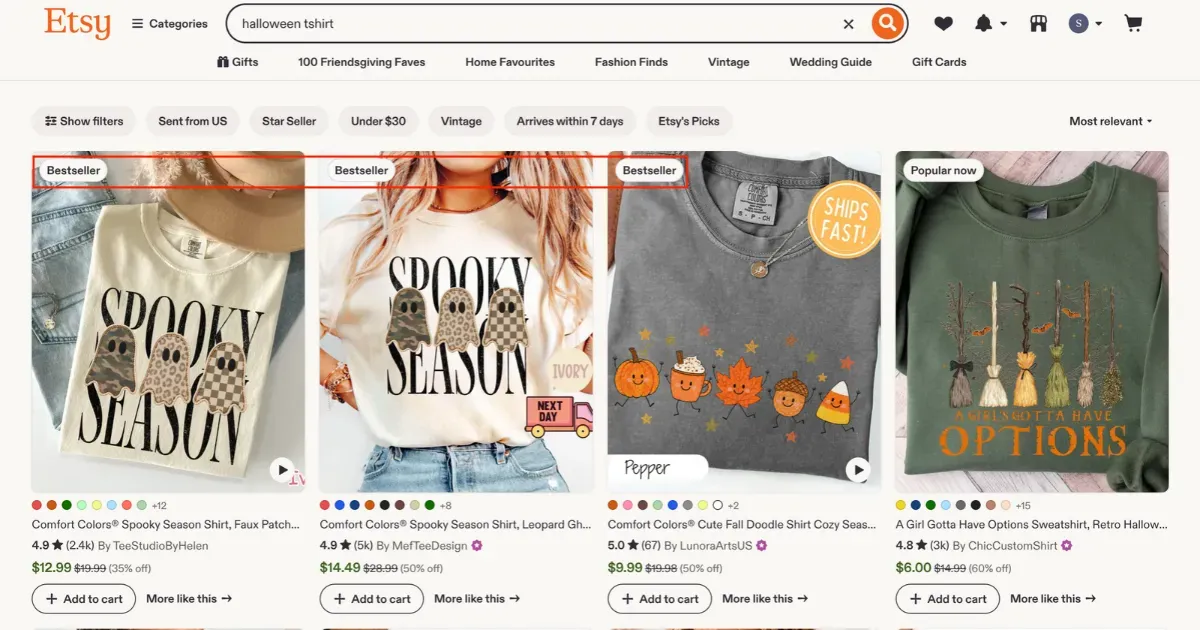
Notice the wording and style. Use the idea as inspiration, but create your own original design.
Use Canva or Mockey’s AI Design tool.
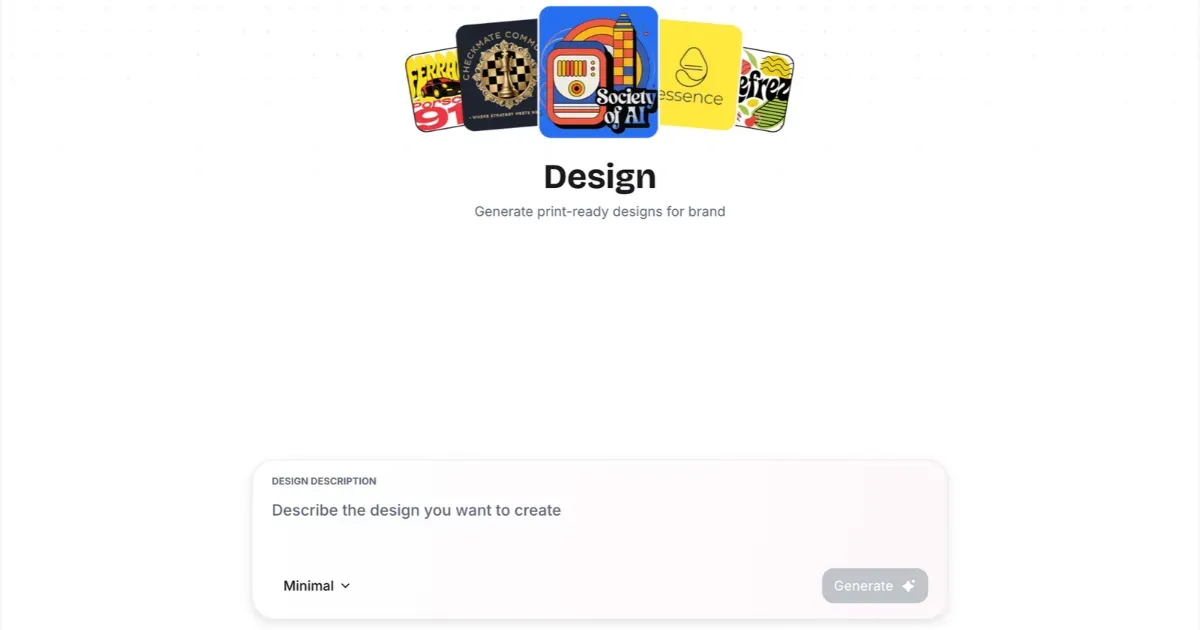
Go to Mockey’s AI Studio and select the “Design” tool. Describe how you want your design to look. You can include the pixel size or even the smallest details in your prompt. The limit is 800–900 characters.
Then, choose any style and click Generate. Here’s an example:
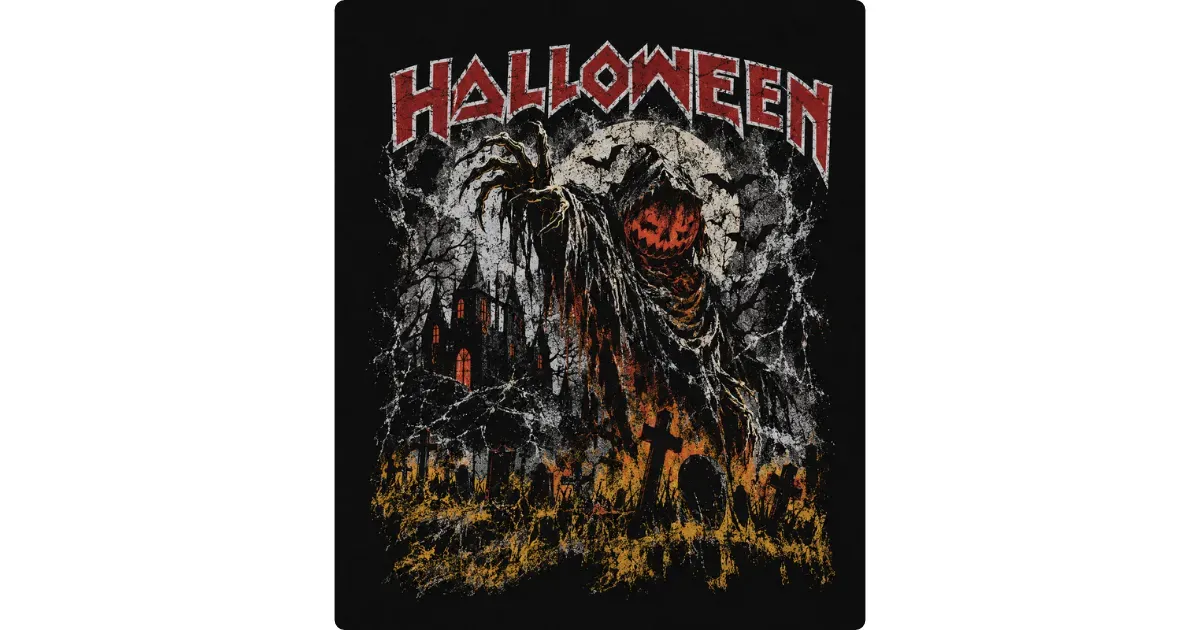
Before creating realistic previews, know which shirt you’re selling. Create a free account with a POD supplier like Printify or Gelato.
Look for Gildan 64000 or Comfort Colors 1717. Comfort Colors works especially well for Halloween designs because of its thick, vintage look.
Choose Pepper, Ivory, Sand, or Yam colors.
Add your transparent PNG to the shirt template. Place it on the chest, about 2–3 inches below the neckline.
Supplier previews are usually basic 2D images that look flat. On Etsy, that can make your listing easy to overlook.
Lifestyle mockups feel more real. Show the shirt on a person or in a fall flat lay with leaves and pumpkins.
Mockey AI is a free, browser-based mockup generator with seasonal T-shirt mockup templates.
Create a profile, go to Mockups, and open the Seasonal category. Then select Halloween.
On the Catalog page, click the T-shirt tag and browse the ready-made templates until you find one that fits your design.
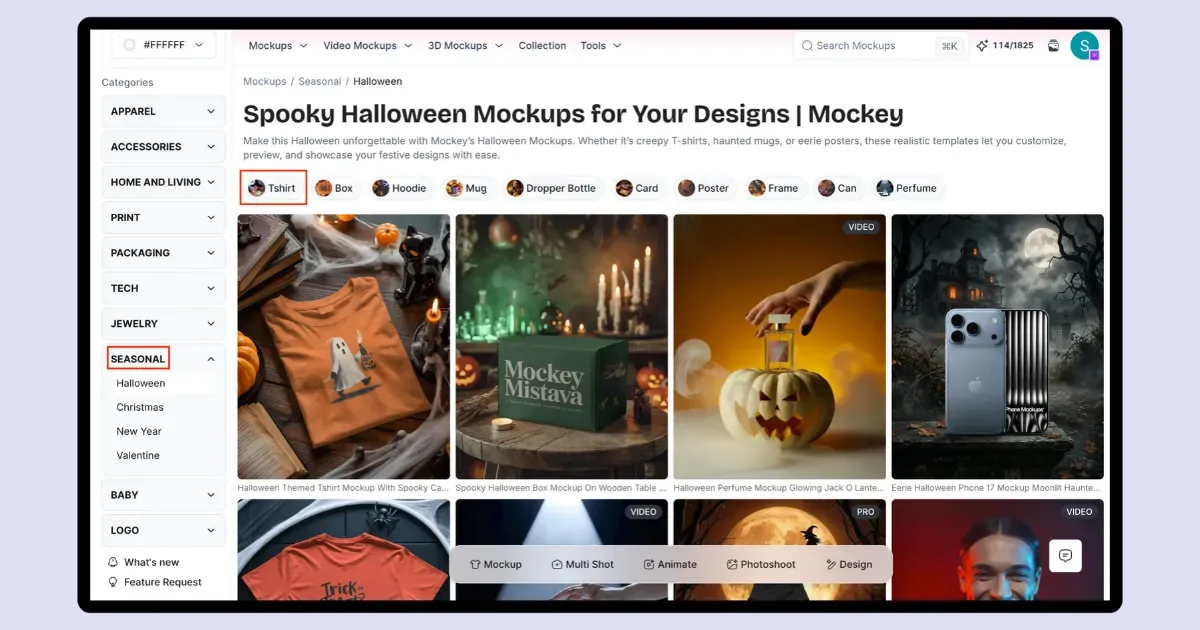
Choose a lifestyle scene and model, then upload your design. From there, change the shirt color, try Warping, add different views, and check the mockup before downloading it.
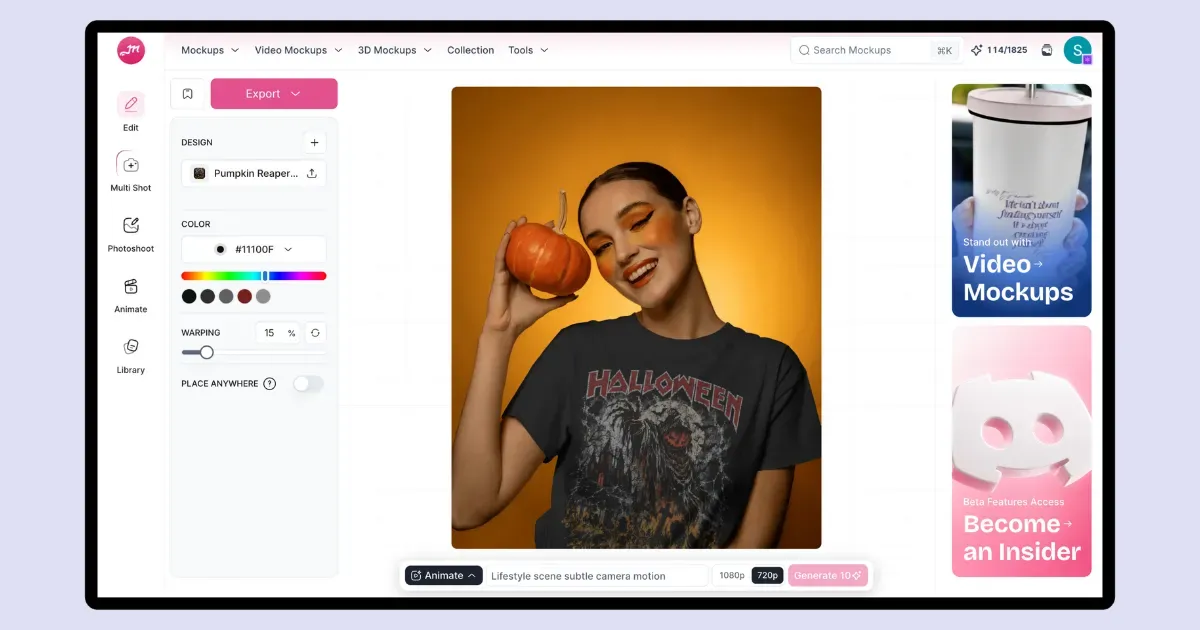
Another way to preview a Halloween T-shirt design is with Mockey’s DIY Mockup feature. Simply upload your design, describe the scene, choose an aspect ratio, and click Generate. Your Halloween-themed DIY T-shirt mockup will be ready in about 10 seconds.
Save your lifestyle mockups from Mockey in JPEG or PNG format at the highest available quality.
Next, open Printify or Gelato and hit Publish. It will send the product details, price, and inventory straight to your connected Etsy or Shopify store.
Open the new Etsy or Shopify listing and replace the supplier photos with your lifestyle mockups. Put the strongest image first, then add the other views after it.
You now completely understand how to preview a Halloween t-shirt design.
A high-converting Halloween t-shirt listing comes down to the right mockup, the right colors, and a clean design file.
Show your design on real people and in warm autumn scenes, pick seasonal colors, and use transparent PNGs.
Dark borders and text can disappear when the design sits on a dark shirt. Check the graphic on a few shirt colors before using it, and switch the dark elements to white, cream, or a seasonal accent like safety orange when needed.
For a full-front Halloween design, leave about 2.5 to 4 inches of space below the collar before the artwork starts. Use alignment guides to keep everything inside that area, so the print doesn’t sit too low or run into the seams.
With DTG printing, large areas of solid color leave the print feeling thick and stiff, and they crack sooner. If you don’t need the background, make it transparent instead. That lets the shirt color show through the artwork.

Sangram Sahoo
I’m a content writer with 4 years of experience. I specialize in creating practical content around mockups, print-on-demand, apparel, and e-commerce design.
