How to create black t-shirt product images for ecommerce? Display your design using black t-shirt mockup templates or create a mockup by describing the scene.
Black clothing is tricky to photograph. It loses small details in the shadows and makes dust or lint stand out.
Better to skip the camera photoshoot and use a mockup generator like Mockey. Place your design on digital black T-shirts or create a mockup by describing your scene that looks ready to sell.
If you’ve ever uploaded a black T-shirt to your store, you know it can be tricky. Black fabric reacts differently.
It Absorbs Light and Hides Shadows
Black fabric absorbs light, so the folds can easily disappear. Without enough contrast, the shirt doesn’t look real and wearable.
The Sticker Effect Ruins the Realism
On a white shirt, the design blends naturally with the fabric. On black, it can look like a stiff plastic sticker sitting on top.
There are two main methods that can be used to create images for black T-shirts for e-commerce.
To list black T-shirt images on an e-commerce site and drive sales, use ready-made mockup templates.
Prepare your graphic file before uploading it to Mockey.
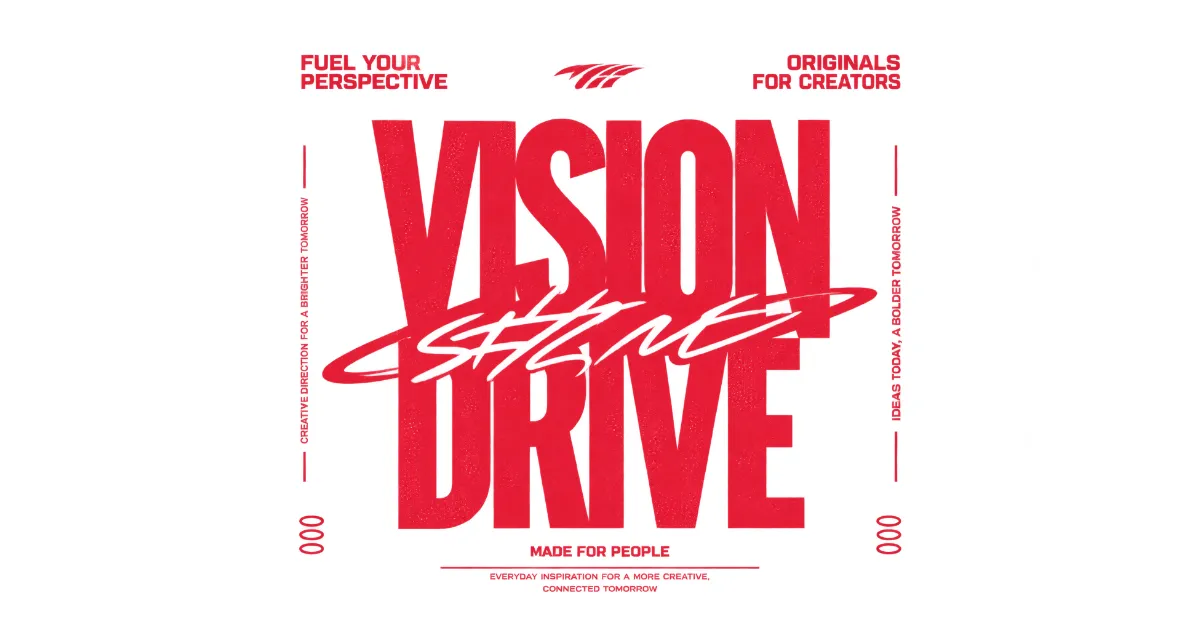
This helps the design look like real screen-printed or DTG ink, not a digital sticker.
Avoid pure black text. Pure black can disappear into the shadows and folds of a black T-shirt.
Trim Transparent Space
A transparent background 300 DPI PNG is best. Crop out extra space around the design so it scales and sits correctly in the mockup.
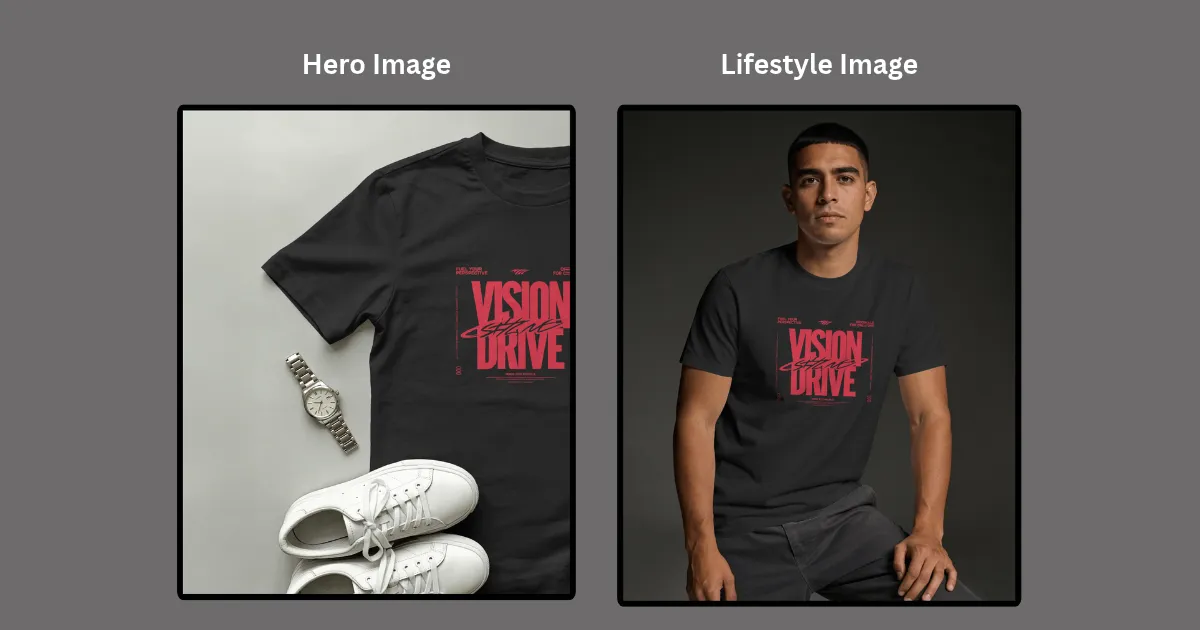
Don’t just use the first free flat-lay you find. Your listing needs a mix of images to guide shoppers from browsing to buying.
Getting the design in the right spot can take a little trial and error. Mockey gives you tools to resize it and move it around until it sits where you want.
| Tip | What to Do |
| 3-Finger Rule | 2–3 inches below the collar is ideal. |
| Match Lighting | Align the design with the template’s shadows and light. |
| Warping | Warp the design around wrinkles and fabric curves |
| Place Anywhere | Drag, resize, and position your design freely wherever it fits best. |
| Multi-Shot | Use matching templates to create front, close-up, and back shots. |
| Animation | Turn your mockup into a moving video for TikTok, Reels, or Etsy. |
Check the size before you save the mockup. Pick the file type you need, then download it for your store.
| Setting | What to use | Why use |
| Square Dimensions | 2000 × 2000 px (1:1) | Keeps images sharp when shoppers zoom. |
| File Compression | High-quality JPEG or optimized PNG | Keeps file sizes smaller without hurting image quality. |
Mockey lets you download files up to 1600 × 2000 px. The solution is to download the largest 1600 × 2000 px file from Mockey.
Skip the ready-made templates if you want something different. Upload your design, write what you want in the prompt, and create the model, pose, clothes, and background around it.
Use Mockey’s AI Studio.
There, you can create a design image for your black t-shirt and use the prompt-based or DIY mockup feature.
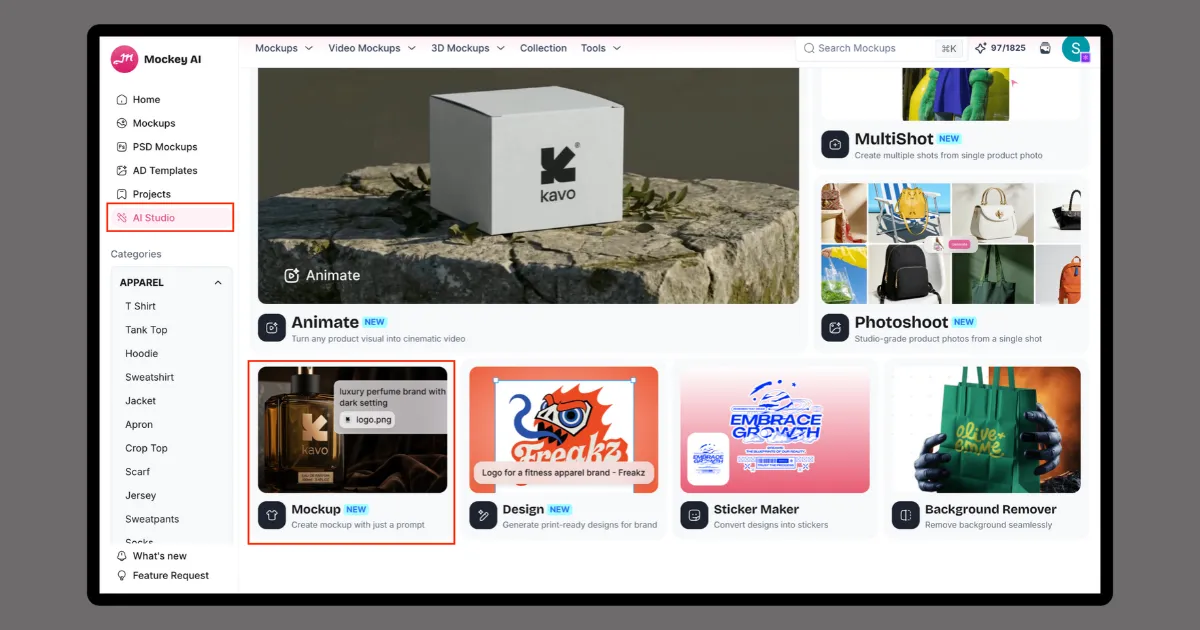
Since your design image is already ready, you can directly use the Mockup feature.
Click “+Add Design” to upload the design image.
Now, it’s time for you to describe the scene.
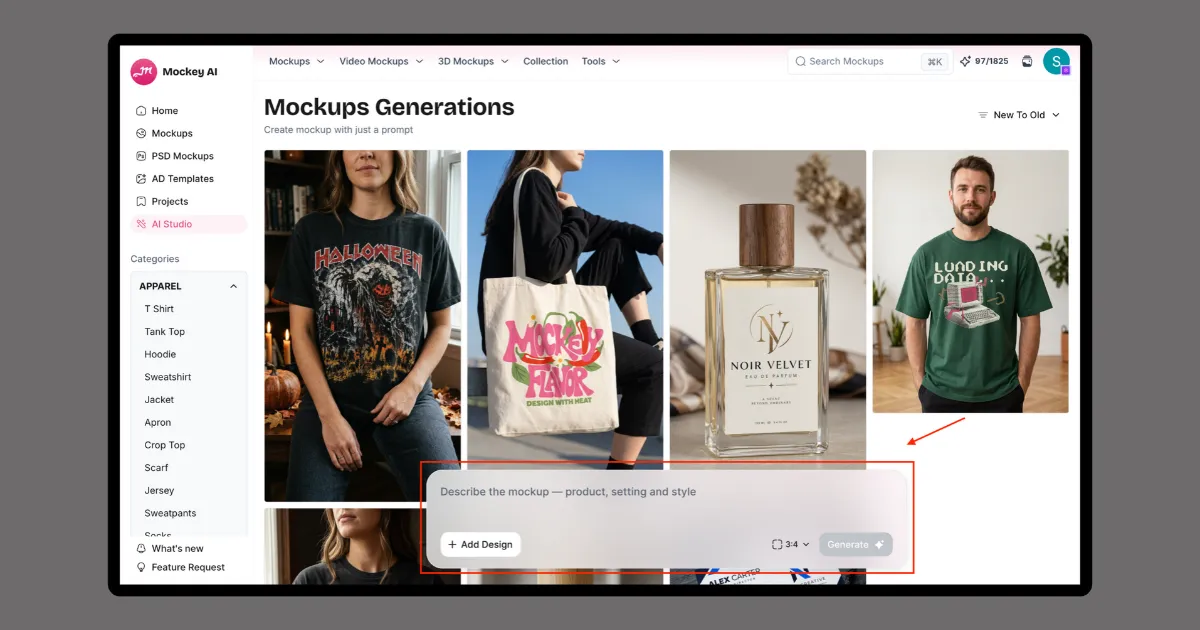
For commercial-quality results, be specific about lighting, fabric, and camera angles. Vague prompts lead to images that look unnatural or low-quality.
Follow this structure:
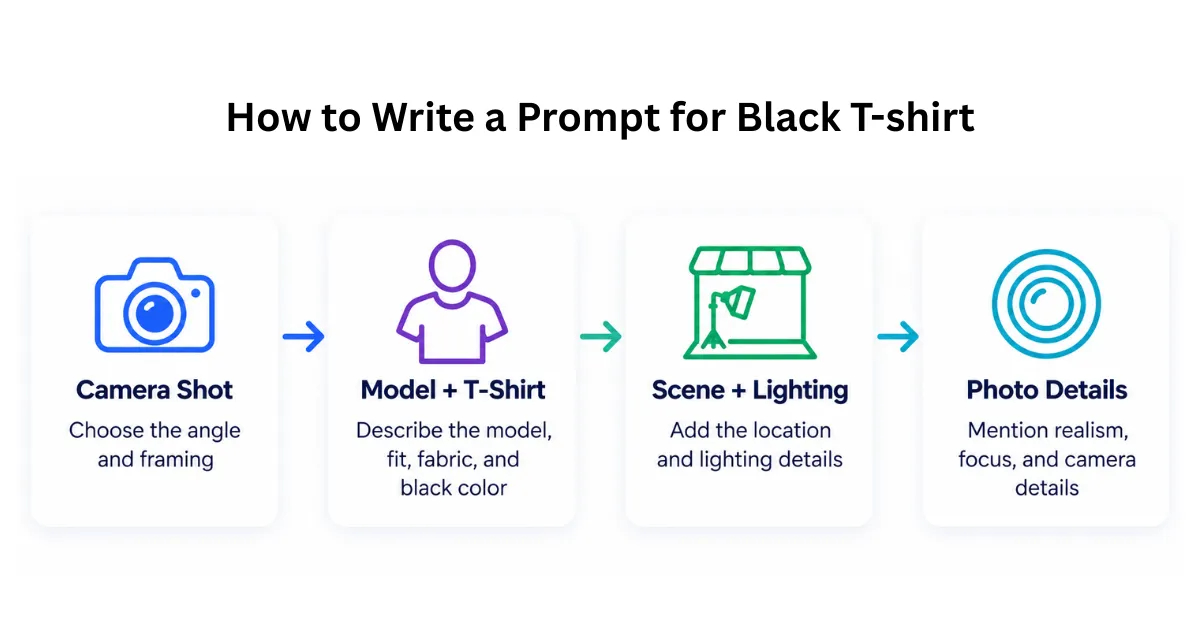
After entering your prompt, choose the image aspect ratio and click “Generate.”
You can further edit the output by describing the changes you want and download the final result in up to 4K quality.
You got a detailed guide on how to create black T-shirt product images for ecommerce.
Keep black T-shirt images dimensional and free from distracting lint.
For speed and scale, use Mockey AI Mockups, one of the best T-shirt mockup sites. This mockup generator is quick, affordable, and useful for creating consistent product images across multiple layouts.
You also get a prompt-based mockup feature. Quickly create unique models, scenes, and lifestyle shots that feel less like standard templates.
Whenever you upload a design onto a black T-shirt mockup template, it naturally follows the fabric folds. If the design doesn’t sit quite right, use Warping. Move the slider until the artwork fits the shirt better.
Go with white or a light gray background. A black shirt is easier to see against either one, and the design won’t get lost in the background.
Yes, you can showcase your logo using black T-shirt mockups. If dark parts disappear on black fabric, try white, metallic, or brighter colors. Choose the placement based on your style—small on the left chest or larger in the center.

Sangram Sahoo
I’m a content writer with 4 years of experience. I specialize in creating practical content around mockups, print-on-demand, apparel, and e-commerce design.
