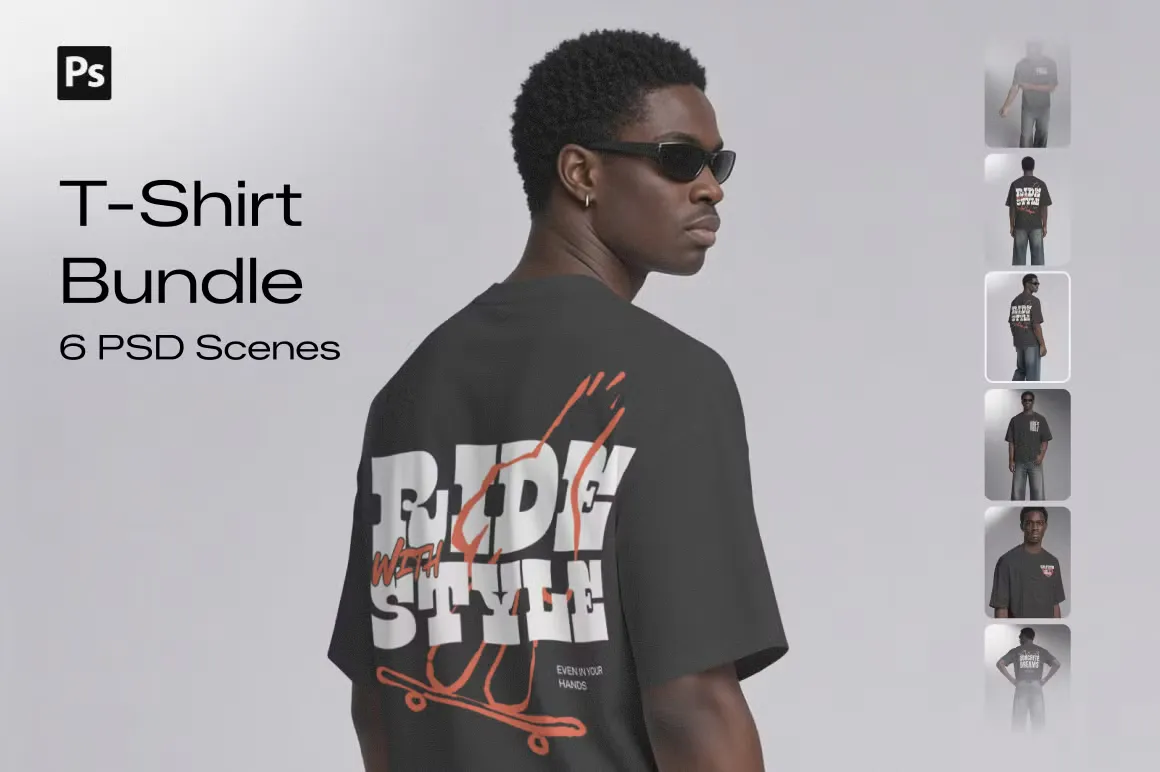
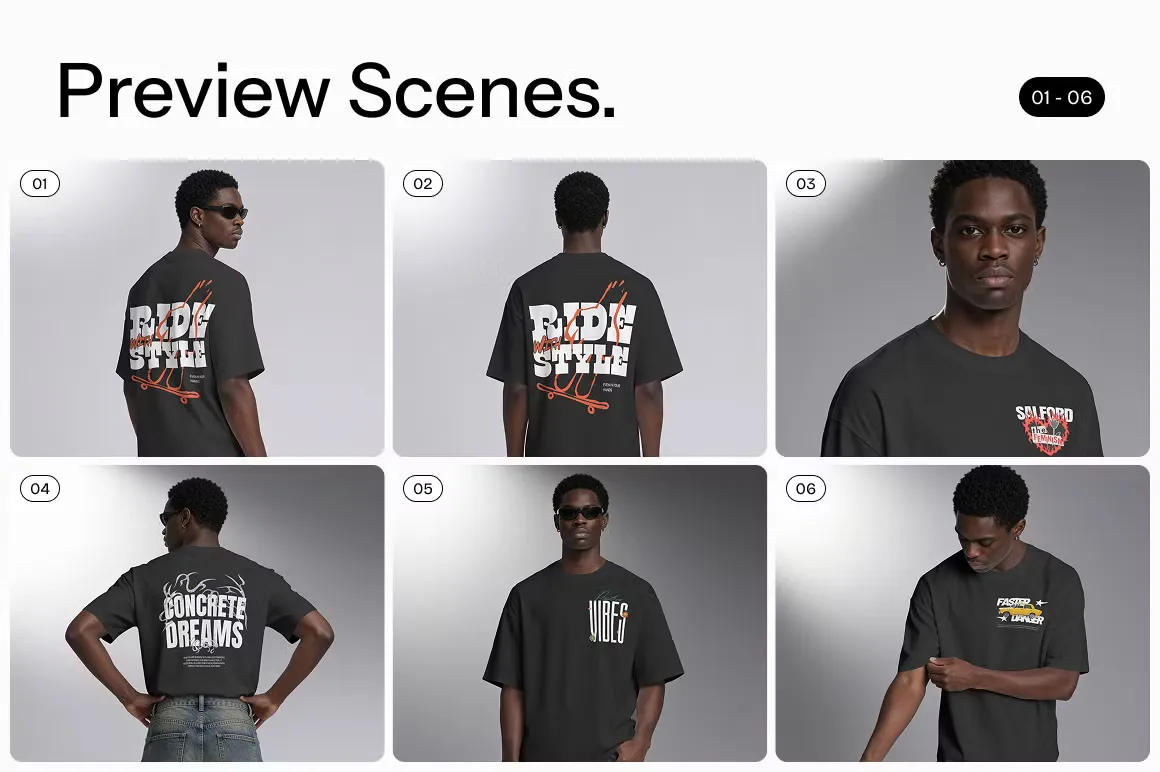
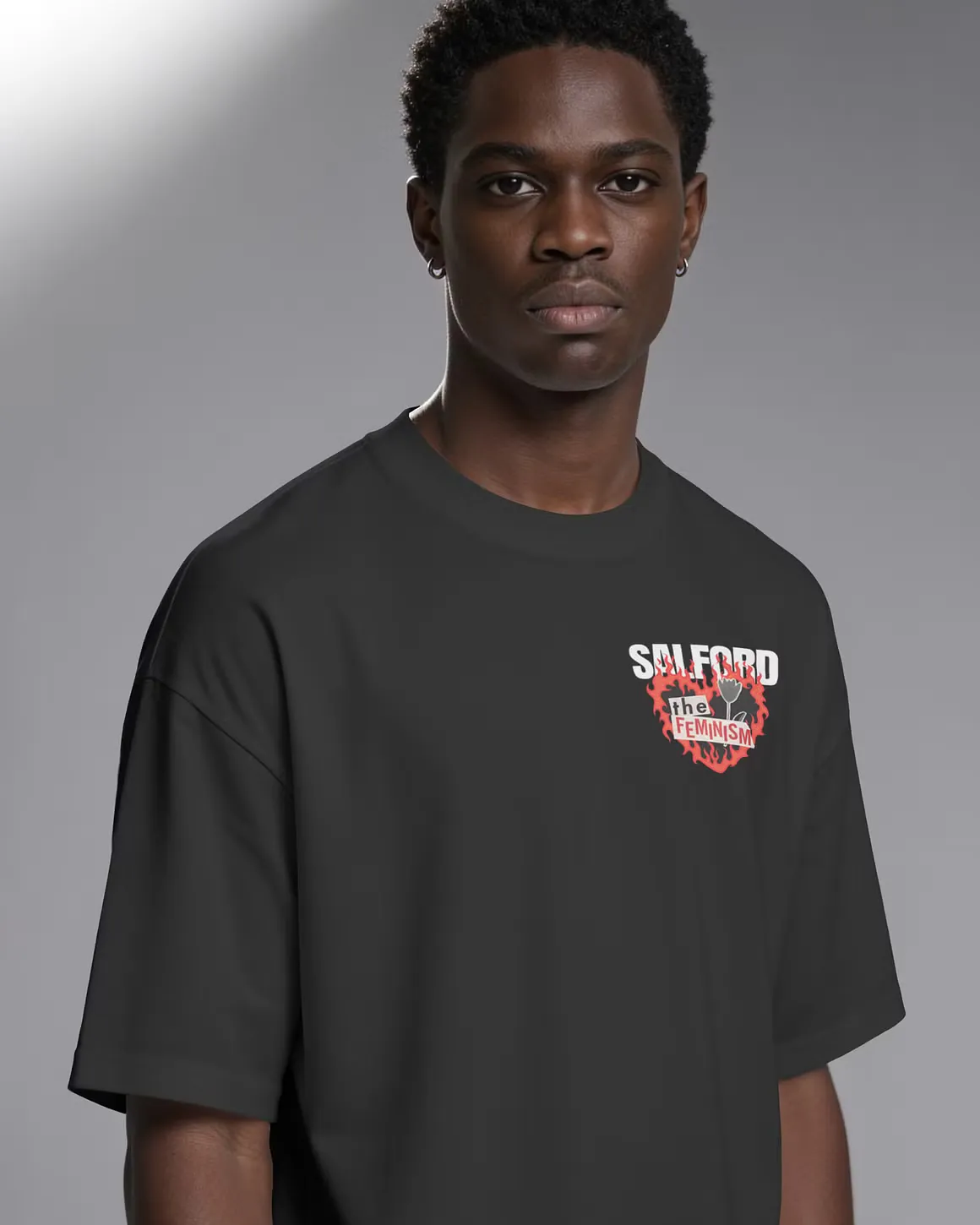
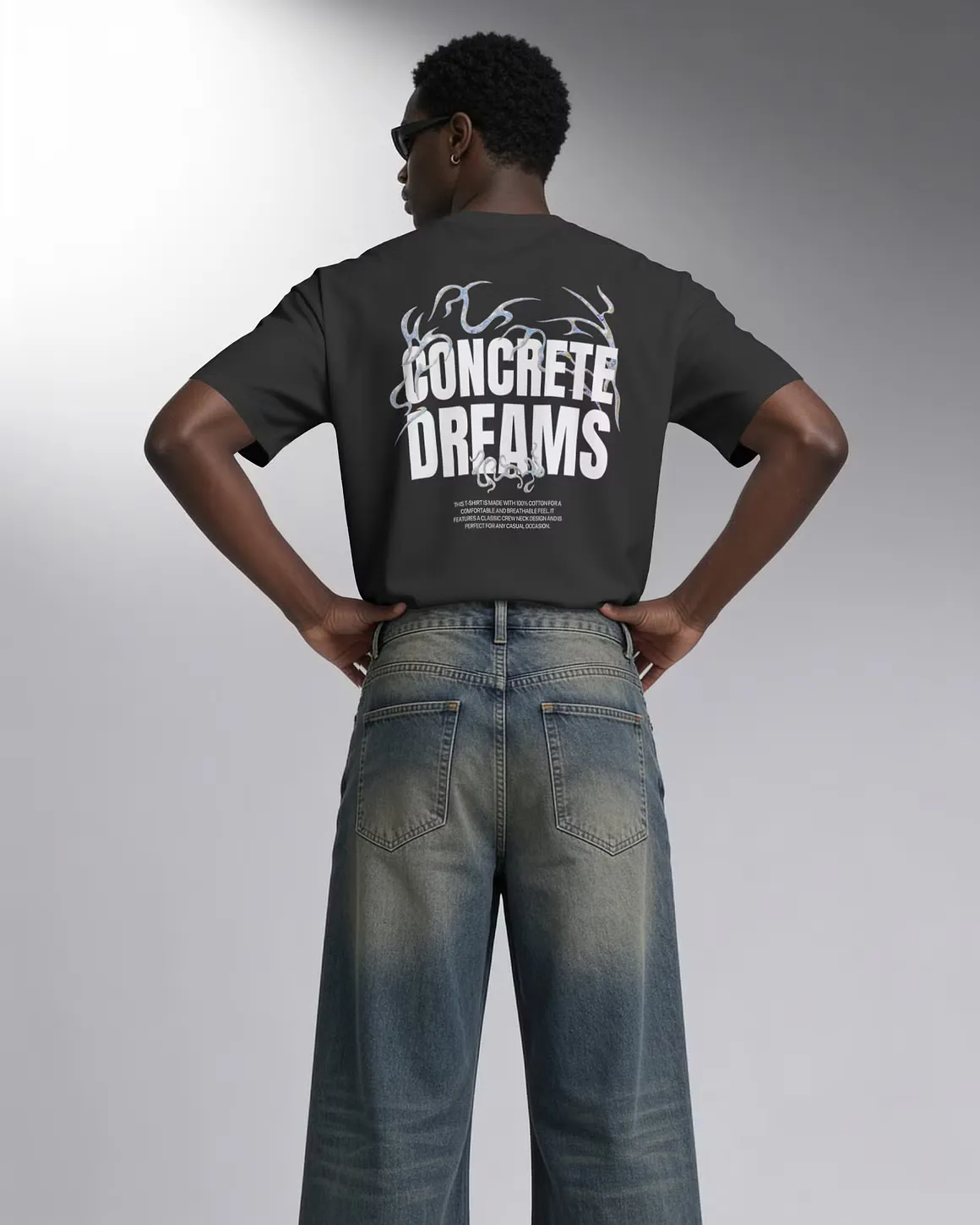
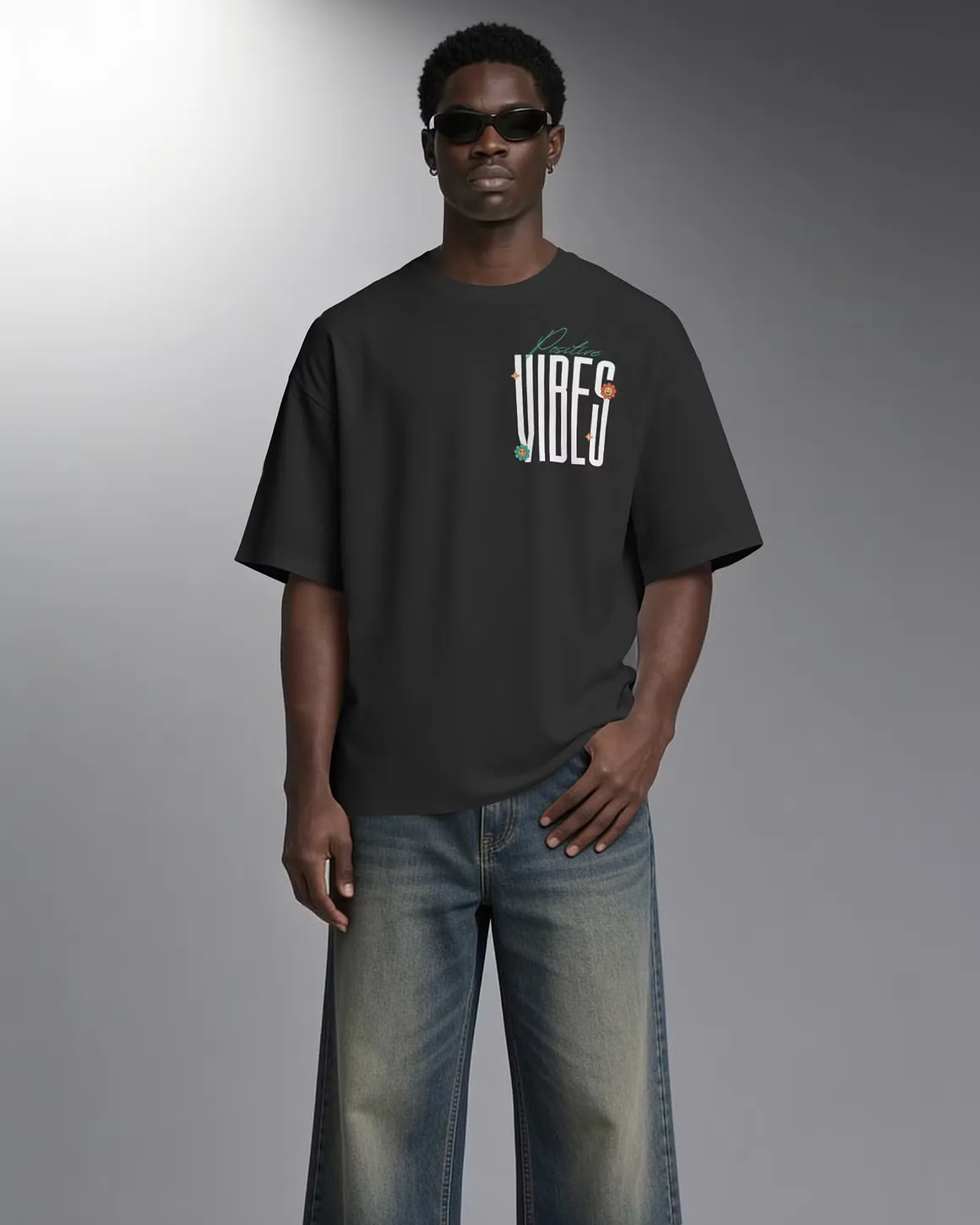
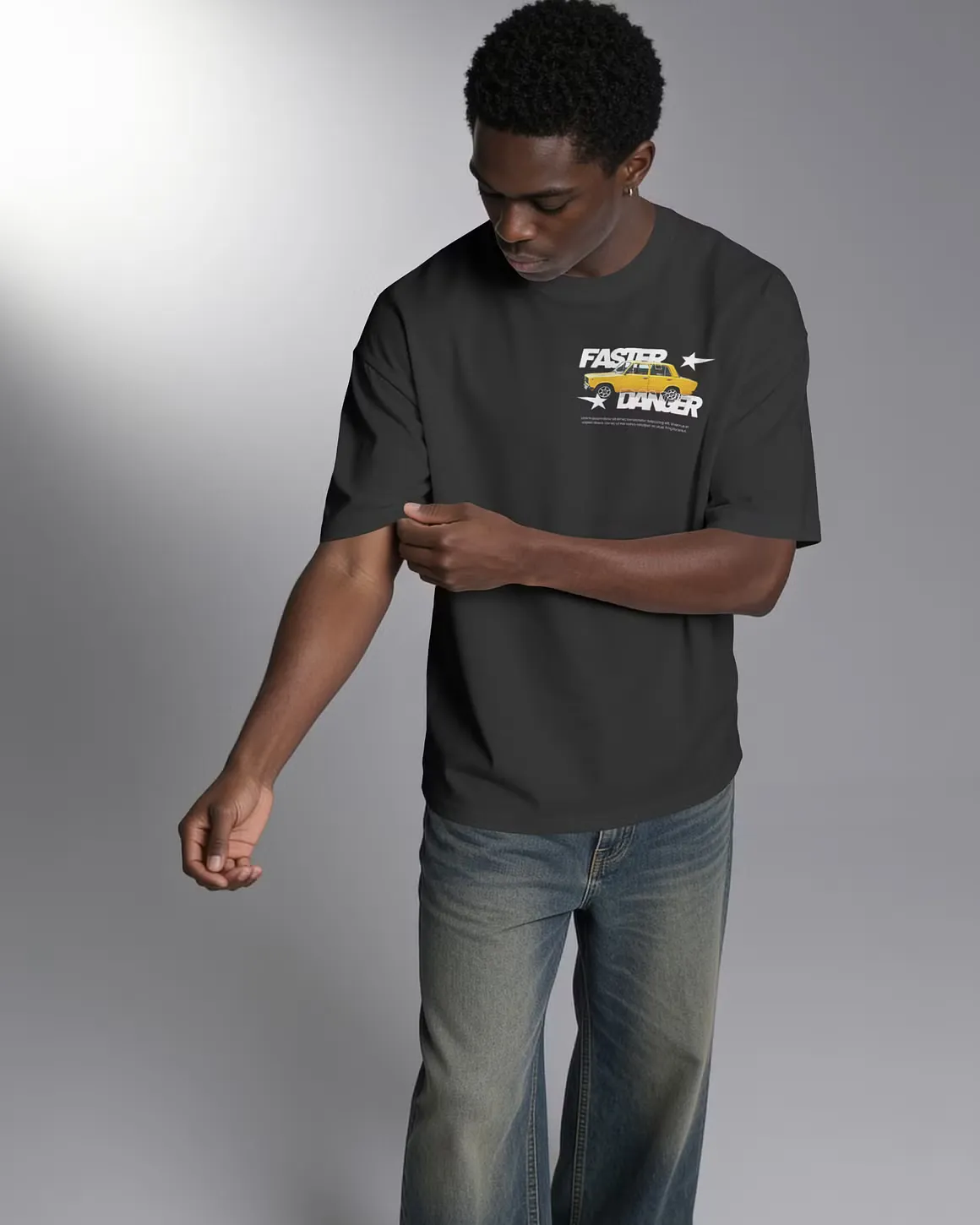
Premium T-Shirt Mockup Bundle
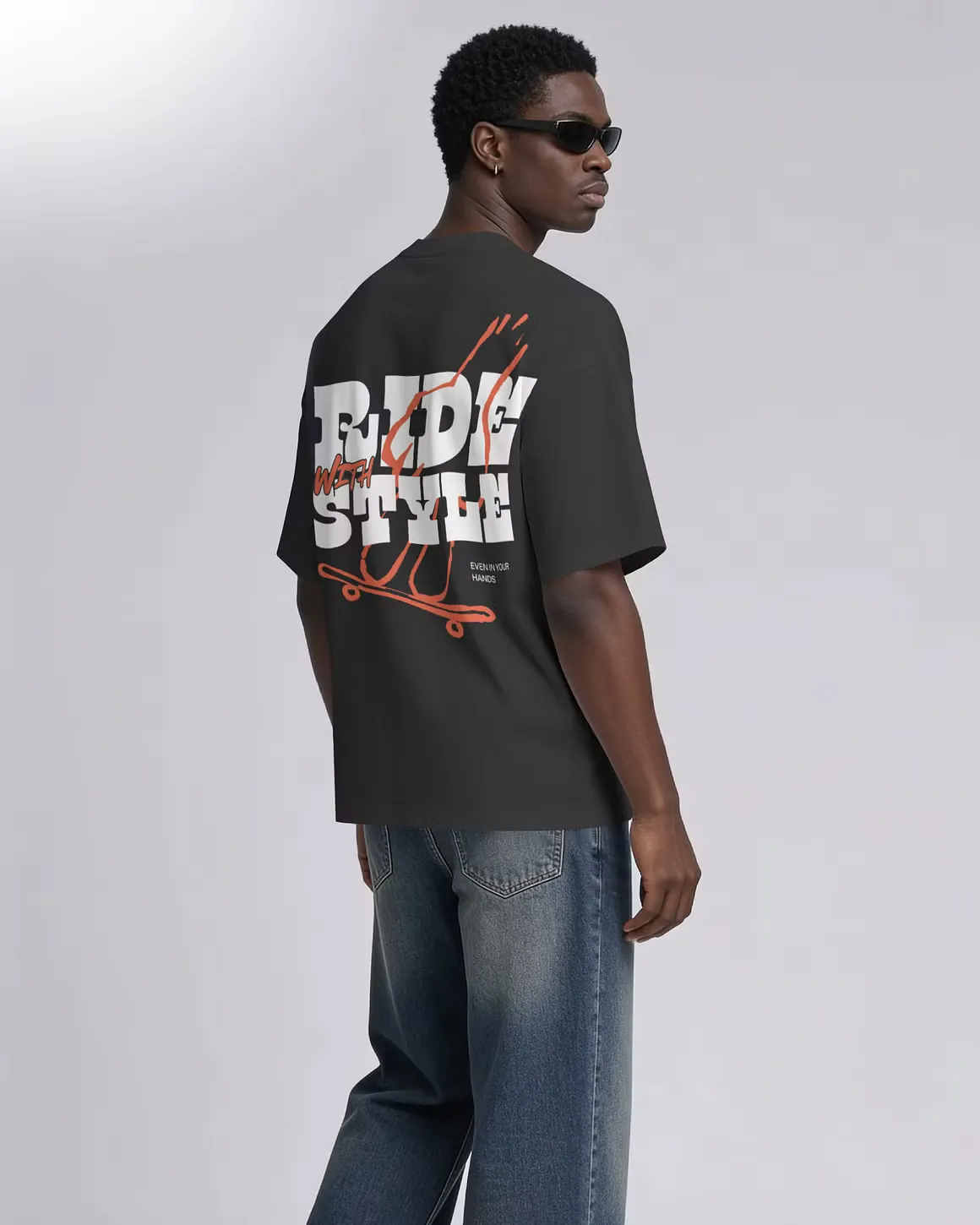
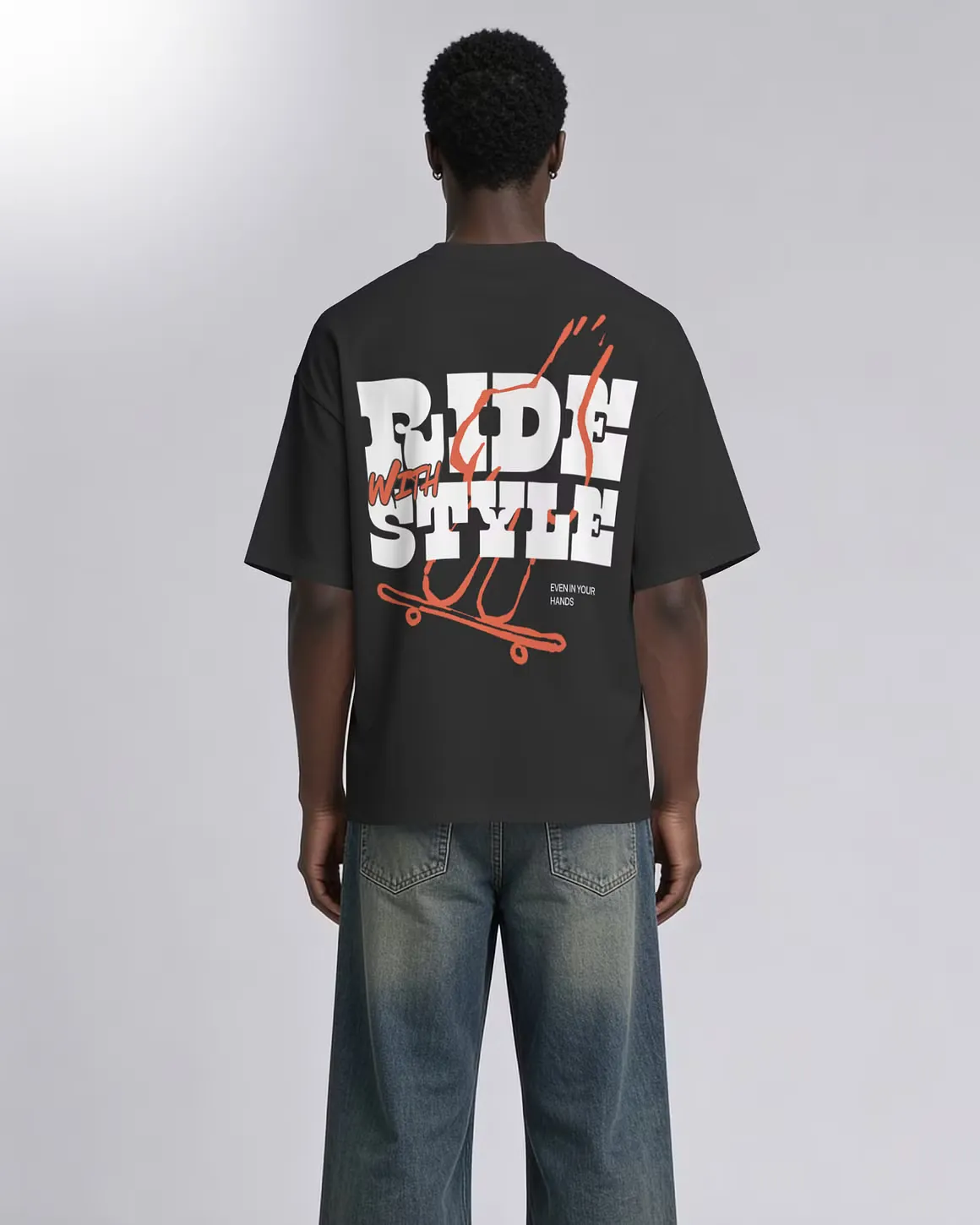
Showcase your apparel designs with this premium 6-scene T-Shirt Mockup Bundle, featuring realistic male model poses designed for modern fashion, streetwear, and clothing brands. Each scene features a clean, oversized T-shirt fit with realistic fabric textures, natural folds, lighting, and shadows. The variety of poses and compositions gives you multiple ways to present your designs across websites, social media, portfolios, and marketing campaigns. Simply place your artwork using the included Smart Object to create professional-looking apparel presentations in seconds.
- File Format
- PSD (Smart Objects)
- Resolution
- 300 DPI
- File Size
- 77.86 MB
- Scenes Included
- 6 Unique Scenes
- License Type
- Personal & Commercial Use
Tags
- t-shirt psd bundle
- apparel psd bundle
- psd mockup
- apparel mockup
- tshirt mockup
Similar Mockups
View all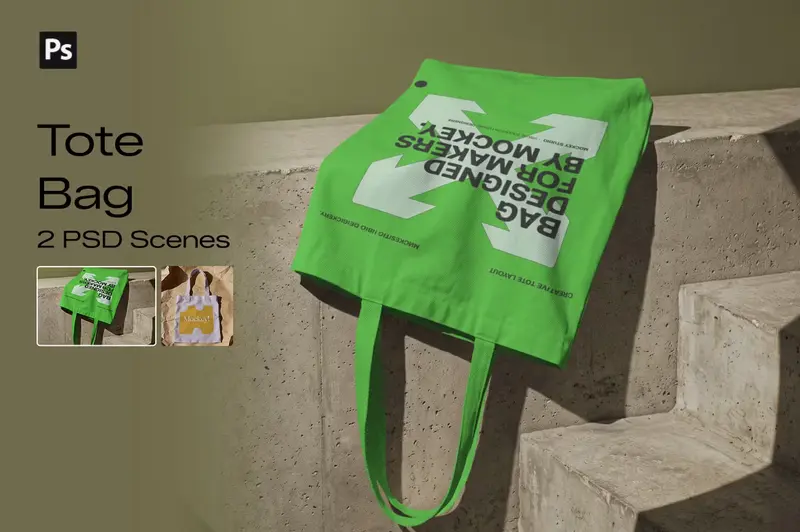
Tote Bag Mockup Bundle
Showcase your tote bag designs with this 2-scene Tote Bag Mockup Bundle, created for fashion brands, businesses, designers, and creative professionals. Featuring realistic canvas textures, natural folds, lighting, and shadows, these mockups are perfect for presenting logos, artwork, illustrations, typography, and branding designs in a professional and visually appealing way. Simply place your design using the included Smart Object and create a polished tote bag presentation in seconds.
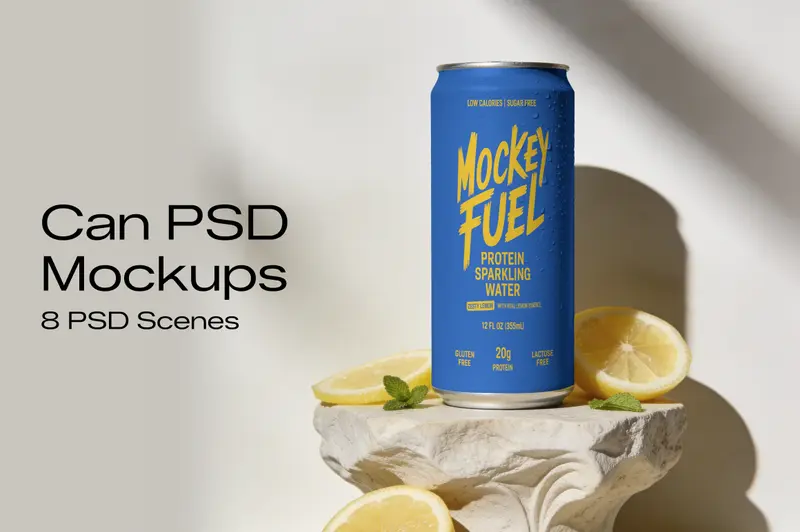
Premium Can Mockup PSD Bundle
Showcase your can packaging and branding designs with this Can Mockup PSD Bundle, featuring 8 scenes with different views and compositions. The collection gives you multiple ways to present can labels, logos, product artwork, and packaging concepts. Each PSD includes editable layers, Smart Objects, natural lighting, shadows, and surface details for a clean presentation. Replace the existing artwork with your own design in Photoshop and use the finished mockups for product pages, presentations, portfolios, or branding projects.
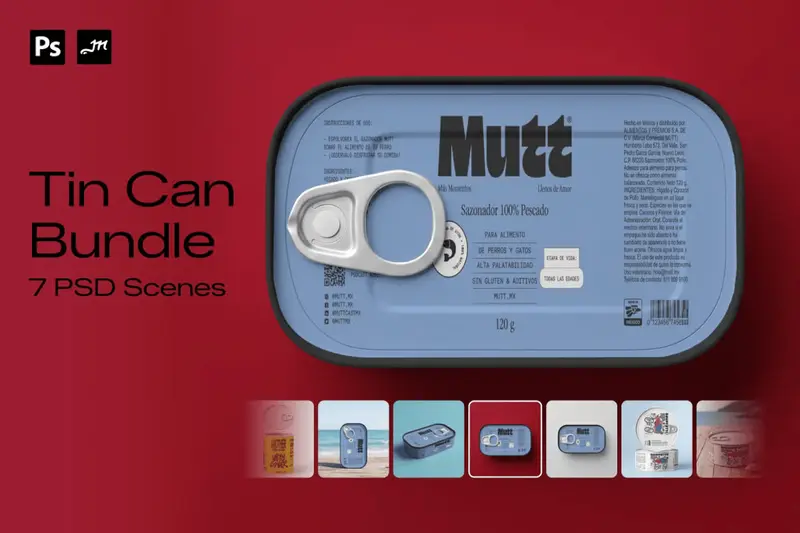
Tin Can Mockup Bundle
Showcase your packaging designs with this 7-scene Tin Can Mockup Bundle, featuring a versatile collection of rectangular and round metal tin packaging mockups. The bundle includes 4 rectangular tins, 2 short round tins, and 1 large round tin, giving you a variety of packaging formats for presenting different product designs. With realistic metal textures, natural lighting, shadows, and detailed surfaces, these mockups are ideal for creating professional packaging presentations for brands, products, and client projects. Simply place your artwork using the included Smart Objects and create realistic tin packaging presentations in seconds.
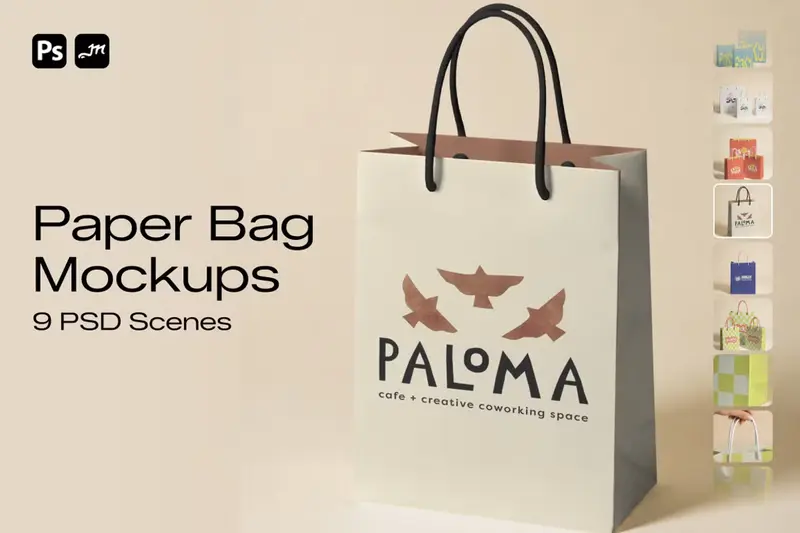
Paper Bag Mockup Bundle
Showcase your packaging and branding designs with this 9-scene Paper Bag Mockup Bundle, featuring realistic paper shopping bag scenes in multiple sizes and perspectives. The collection includes close-up detail shots and multiple paper bag sizes, giving you plenty of options to present logos, artwork, typography, and branding designs from different angles. Each mockup is designed with realistic paper textures, folds, lighting, and shadows for a professional and natural presentation. Simply place your artwork using the included Smart Objects and create polished paper bag presentations in seconds.
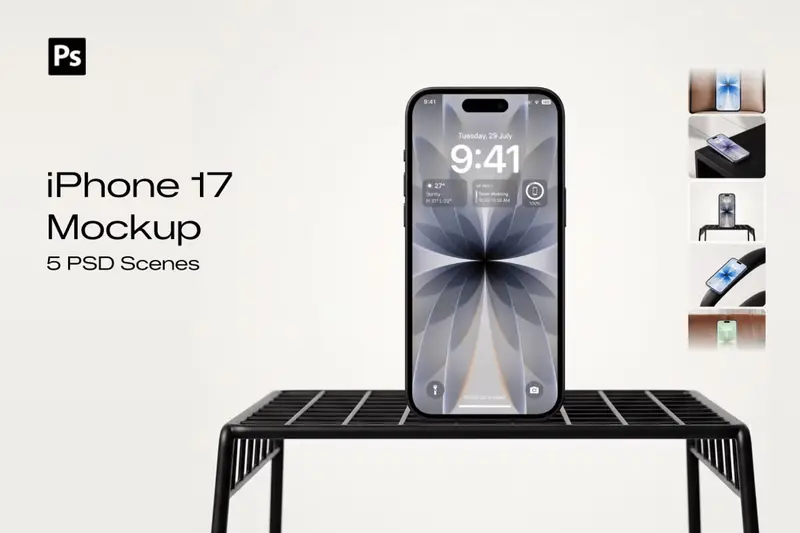
Premium iPhone 17 Mockup Bundle
Present your mobile app, UI, wallpaper, branding, or website designs with this premium iPhone 17 Mockup Bundle. Featuring 5 professionally crafted PSD scenes and 20+ device color variations, this collection makes it easy to showcase your work from multiple perspectives while matching the perfect iPhone finish to your design. Each mockup is created with high attention to detail, realistic lighting, and clean compositions. From elegant leather seating and modern furniture setups to minimal studio scenes, every mockup delivers a premium Apple-inspired presentation suitable for portfolios, client projects, websites, and marketplaces. Simply replace the screen using the included Smart Object layer and choose your preferred iPhone color in seconds. Whether you're presenting mobile UI, app designs, wallpapers, lock screens, or branding concepts, these mockups help create stunning, professional visuals with minimal effort.
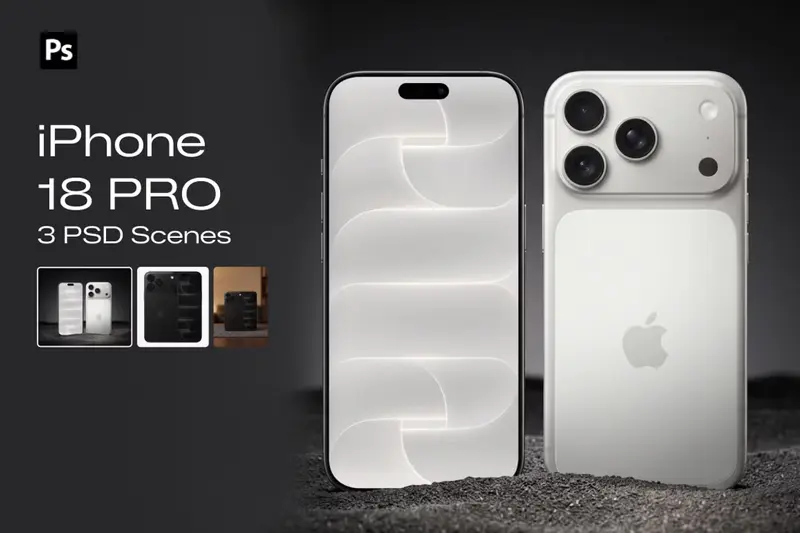
iPhone 18 Pro Mockup Bundle
Showcase your mobile designs with this 3-scene iPhone 18 Pro Mockup Bundle, featuring realistic and premium smartphone compositions designed for professional presentations. Perfect for showcasing mobile apps, UI/UX designs, websites, wallpapers, digital products, and branding, these mockups feature detailed device finishes, realistic lighting, shadows, and reflections. Simply place your design using the included Smart Objects to create polished iPhone presentations in seconds.
How to Customize Apparel Mockups in Mockey AI
To customize apparel mockups:
- Step 1: Choose from T-shirts, hoodies, or other apparel types.
- Step 2: Upload your design, adjust it, and change the garment color.
- Step 3: Adjust warping or turn on Place Anywhere to fit your design.
- Step 4: Try Multi Shot, Photoshoot, or Animate.
- Step 5: Download apparel mockup as PNG or JPG.
- Step 6: Turn on Bulk Mode if you need the same hoodie design applied across multiple templates at once.


FAQs on Apparel Mockups
What is an apparel mockup?
An apparel mockup is a digital preview of your design placed on a t-shirt, hoodie, or hat before you start production. It lets designers and brands check how the colors and layout look and show it off to clients or customers without paying for real samples first.
Why create an apparel mockup?
An apparel mockup shows how your design sits on fabric, folds, shadows, and all, before printing. It catches scaling or alignment errors early, saving you from wasted samples. Also, factories get a clear placement reference too, and you end up with clean product shots for every colorway.
Why use Mockey's apparel mockup?
Mockey AI gives you a free plan to start. Plus a huge range of products, from T-shirts and hoodies to aprons, scarves, and shoes. You can also pick from lifestyle model shots to match your brand, then use color, warping, and Multi Shot features for editing.
Is this apparel mockup free?
Yes, Mockey's apparel mockups are free to use without a watermark on your downloads. If you're putting these on a store or listing, you'll need the Starter plan for commercial use.
Can I use these free apparel mockups for commercial purposes on my Shopify store?
Mockey's free apparel mockups are for personal use only, so they're not meant for a live Shopify store. If you want to use them commercially, look for the Starter plan or above, which adds commercial rights.
Are there any watermarks when I download your free apparel mockups?
Free apparel mockups don't come with a watermark. Use downloaded files in personal work, without any brand marks on them.
What types of clothing are included in your apparel mockups collection?
You've got T-shirts, tank tops, hoodies, sweatshirts, jackets, crop tops, jerseys, shorts, sweatpants, socks, aprons, bandanas, scarves, and shoes under the apparel category.
Can I change the garment colors on these apparel mockups?
Yes, you can. Use the color wheel or type in a hex code to set the garment color. Once you upload your design, it also pulls a set of matching shades straight from your artwork.
Do I need Photoshop to use these apparel mockups?
No, everything happens right in the browser. Upload your design, adjust the fit and color, use editing tools, and download; no Photoshop or any other design software needed.
Do these apparel mockups include real lifestyle models or just flat lays?
Get both real lifestyle model shots and flat lay options if you want a product-only look. You will see aprons on a person, jerseys shown flat, a T-shirt worn on a model, or styled in a scene.
