Free Laptop Mockup Templates
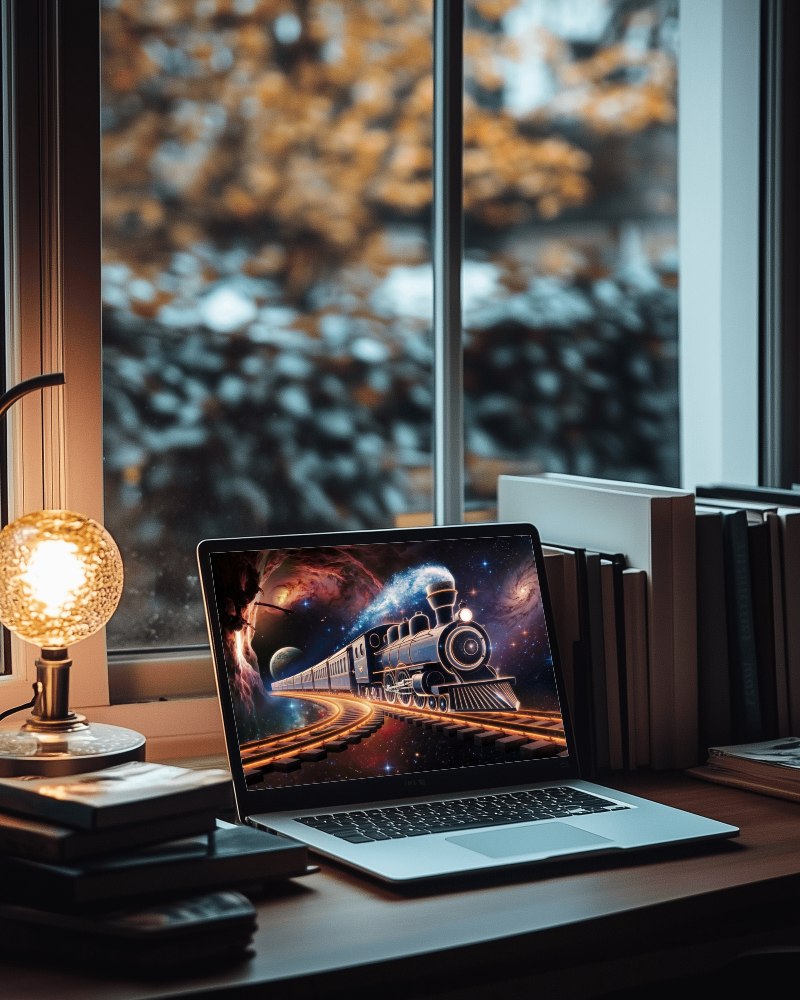
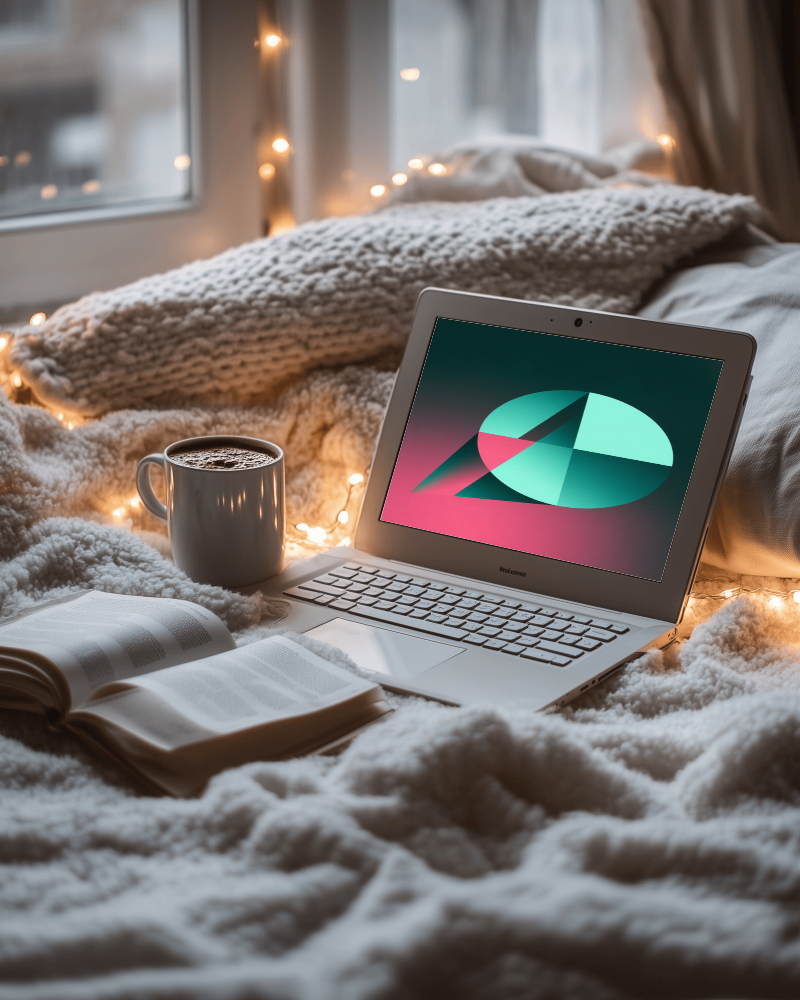
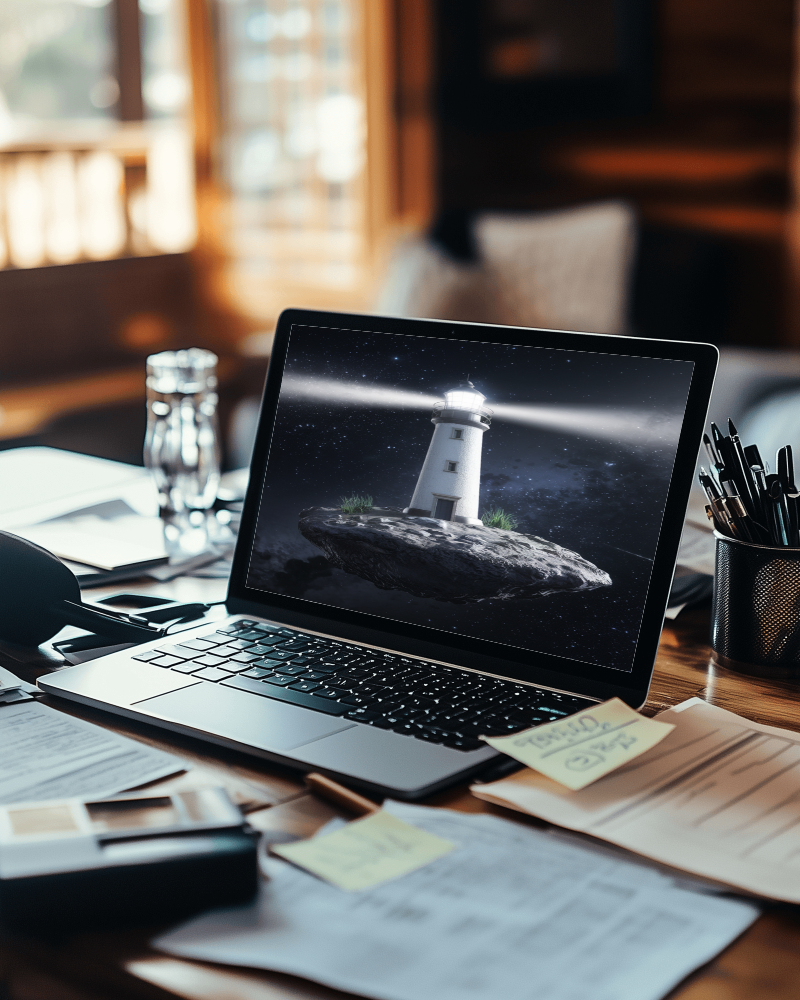
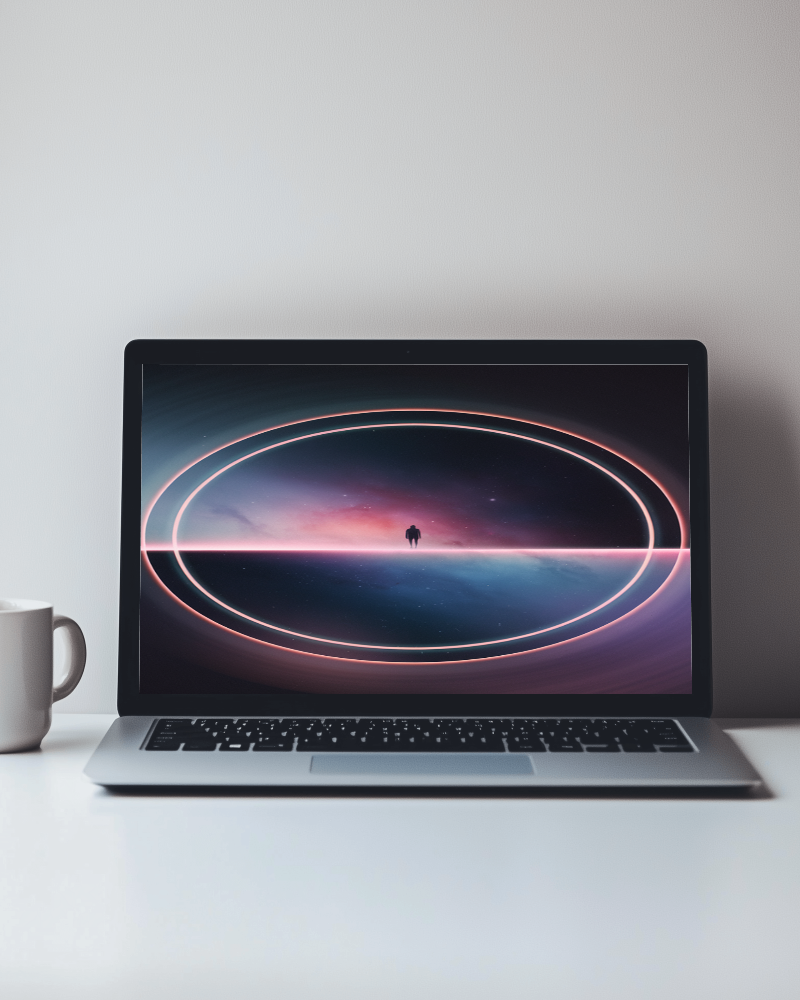
A realistic laptop mockup can make your website, app, dashboard, or UI design pop before launch. Explore free laptop mockup templates for Windows, Dell, HP, Surface, gaming laptops, and editable screen scenes, whether you're creating a SaaS page, portfolio, client presentation, product demo, or ad creative. Upload your design, customize the mockup, and download a professional result online.
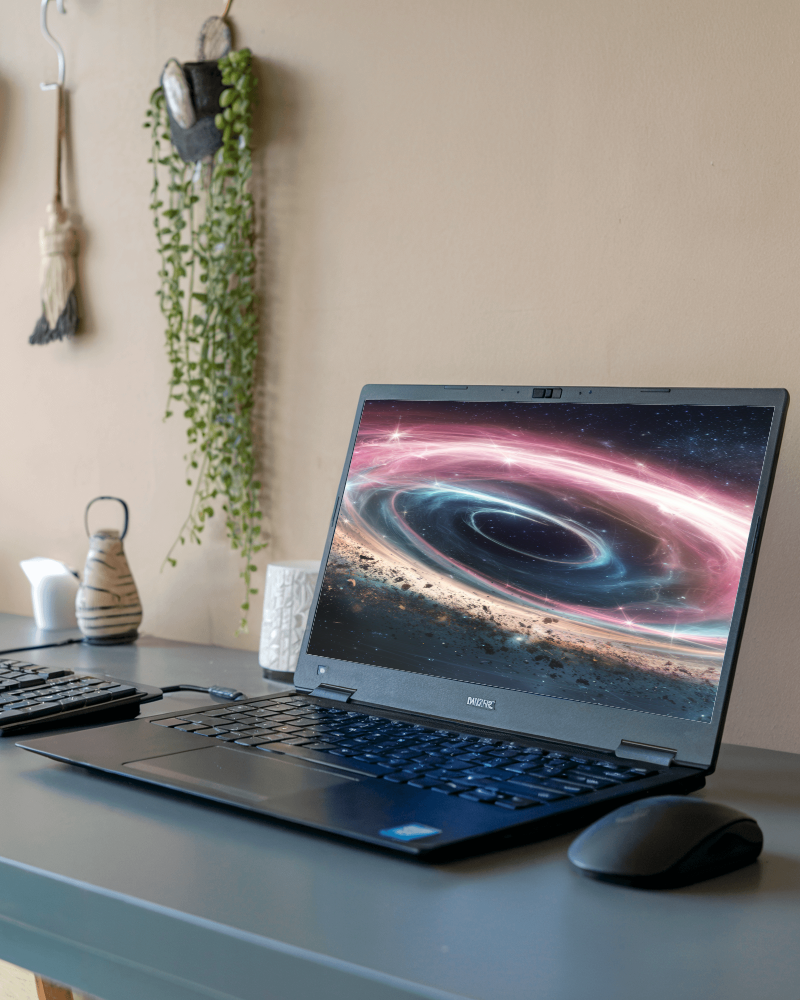
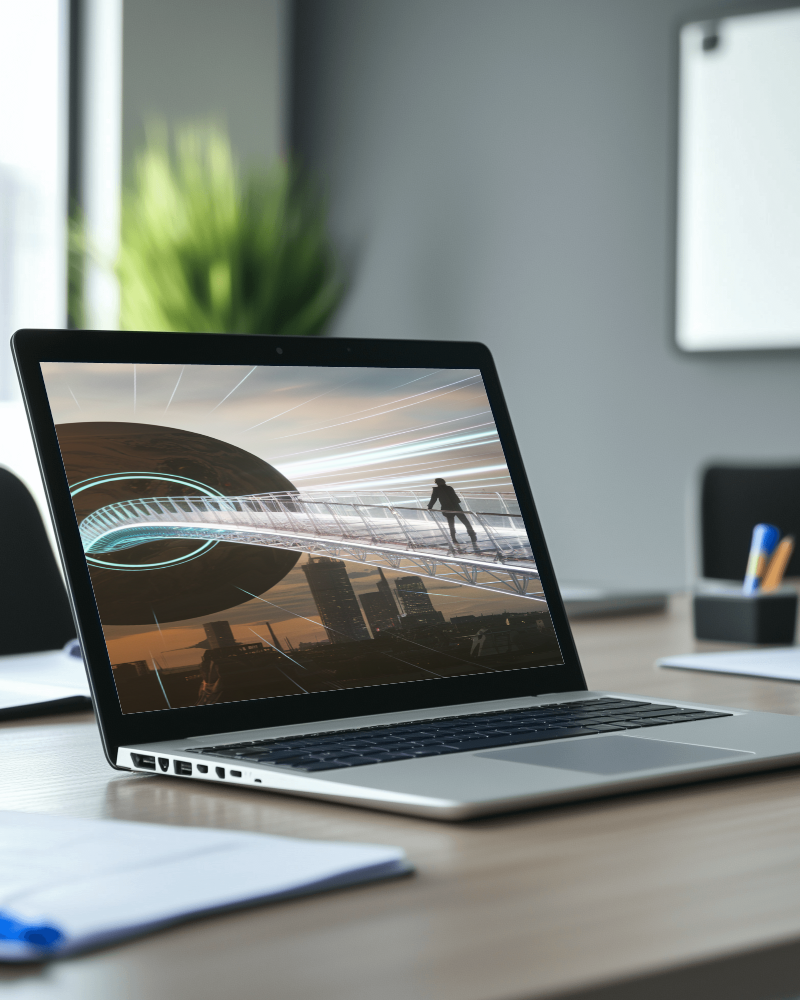
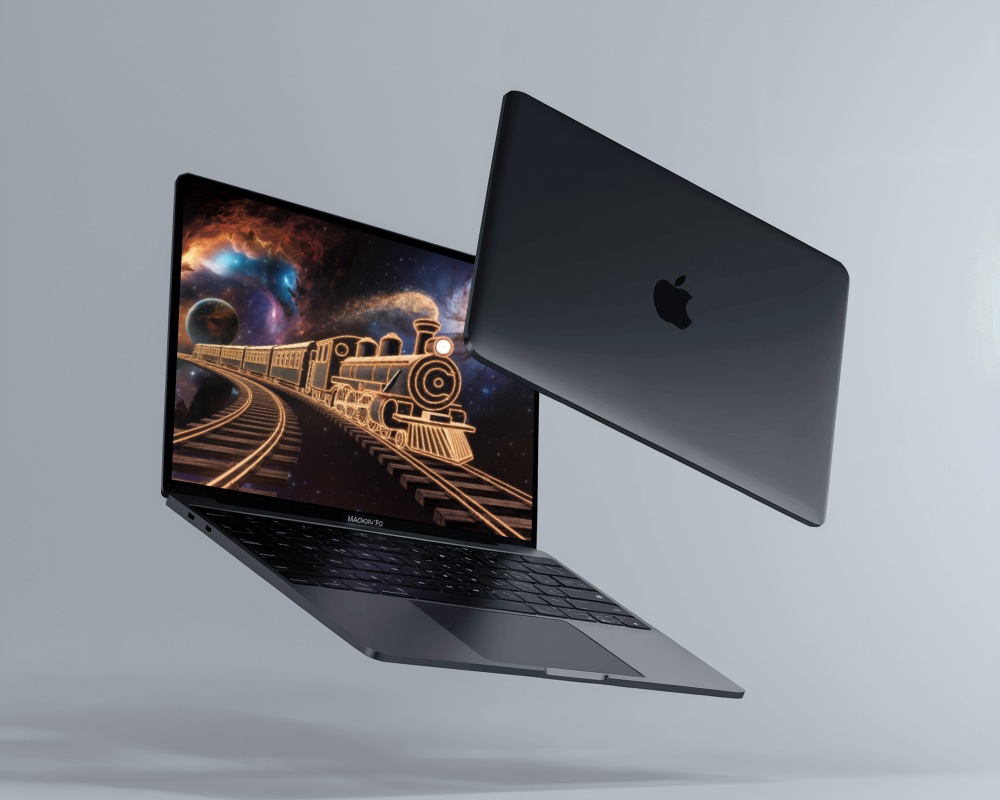
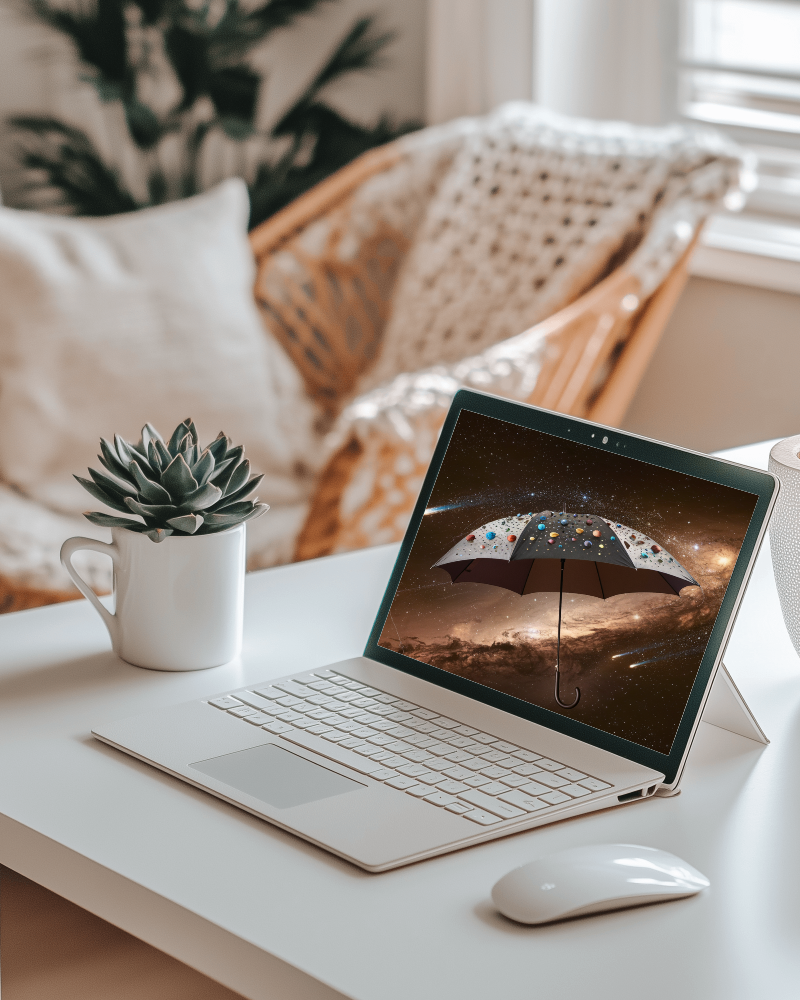
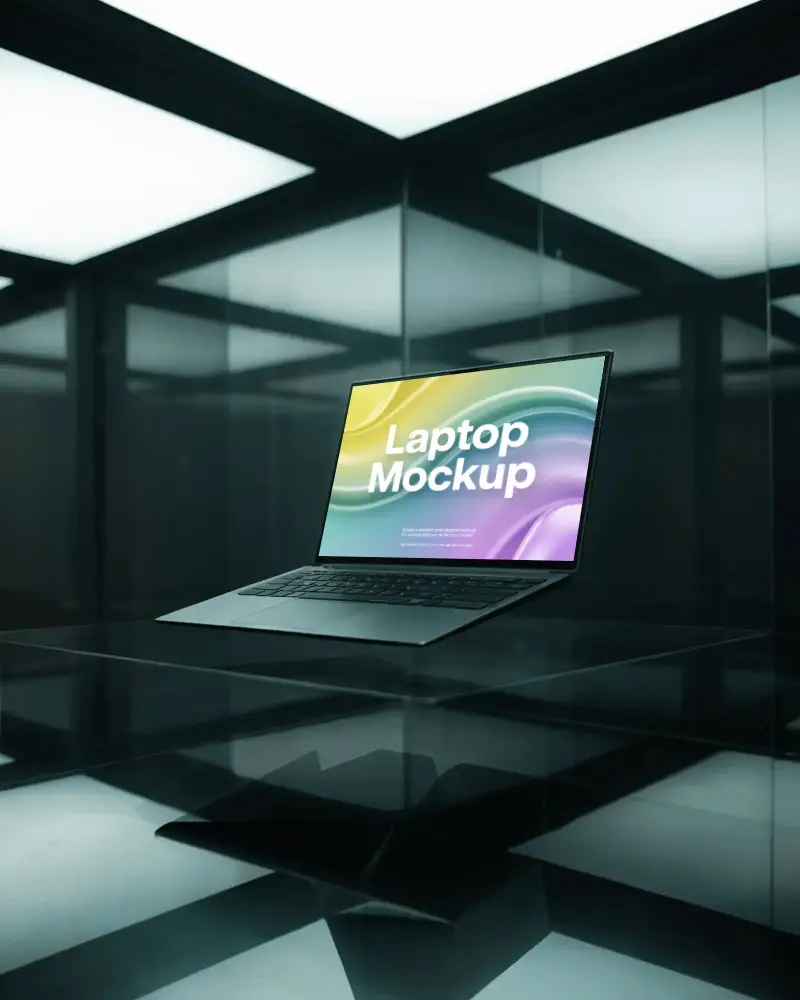
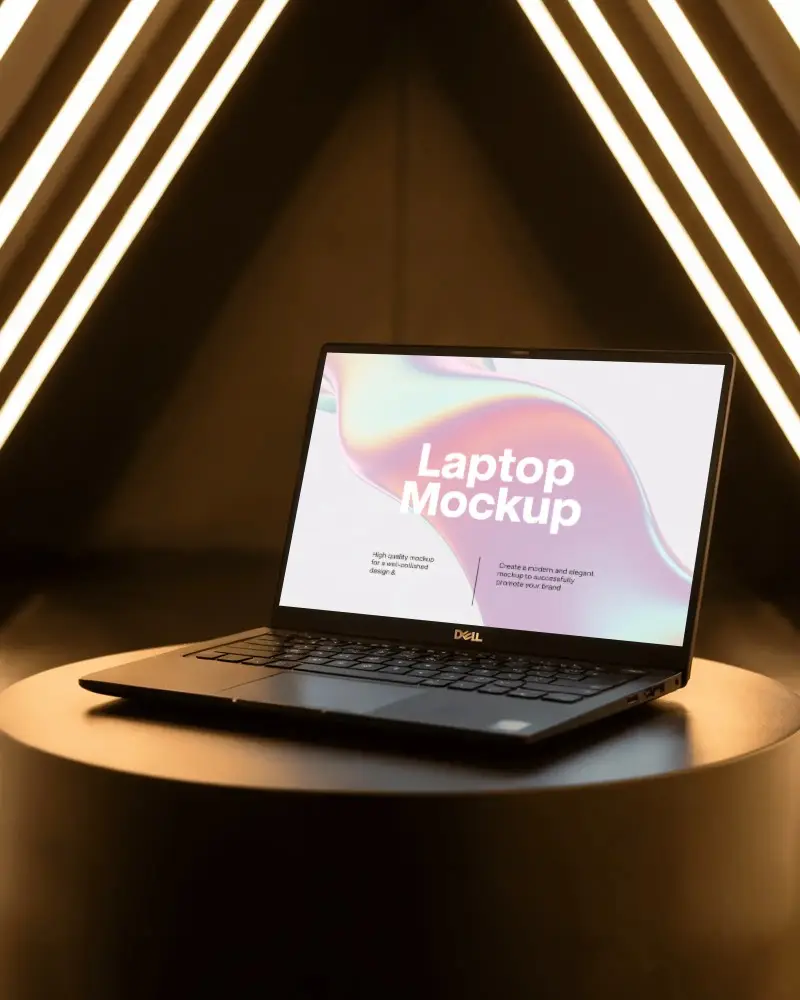
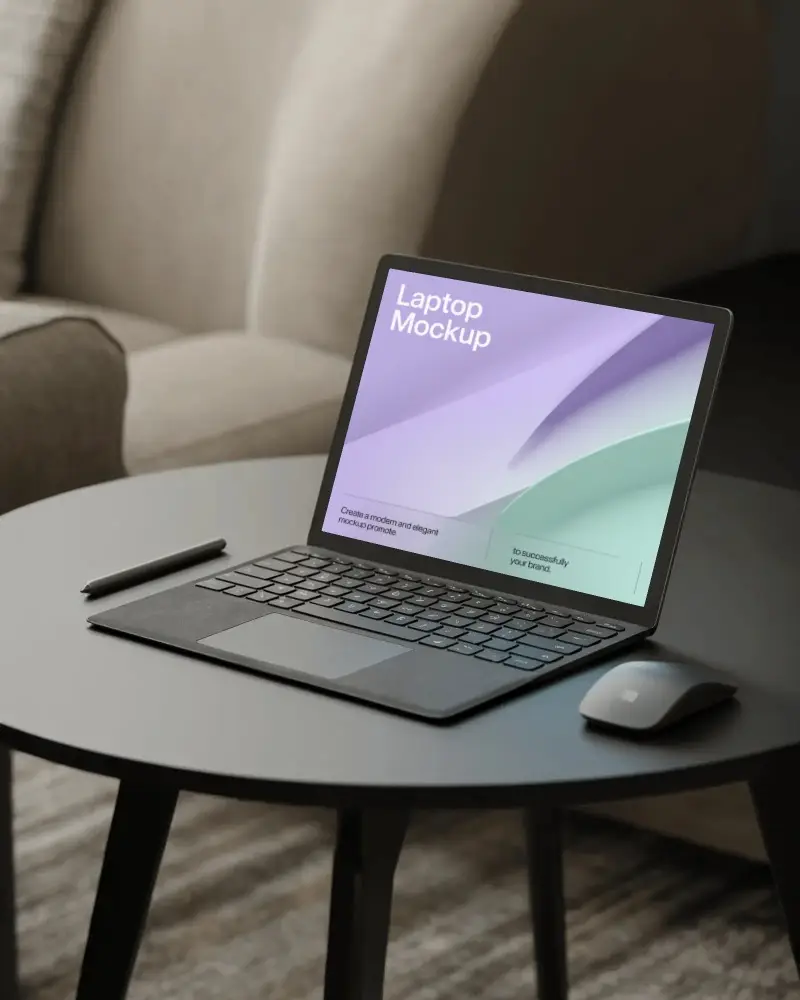
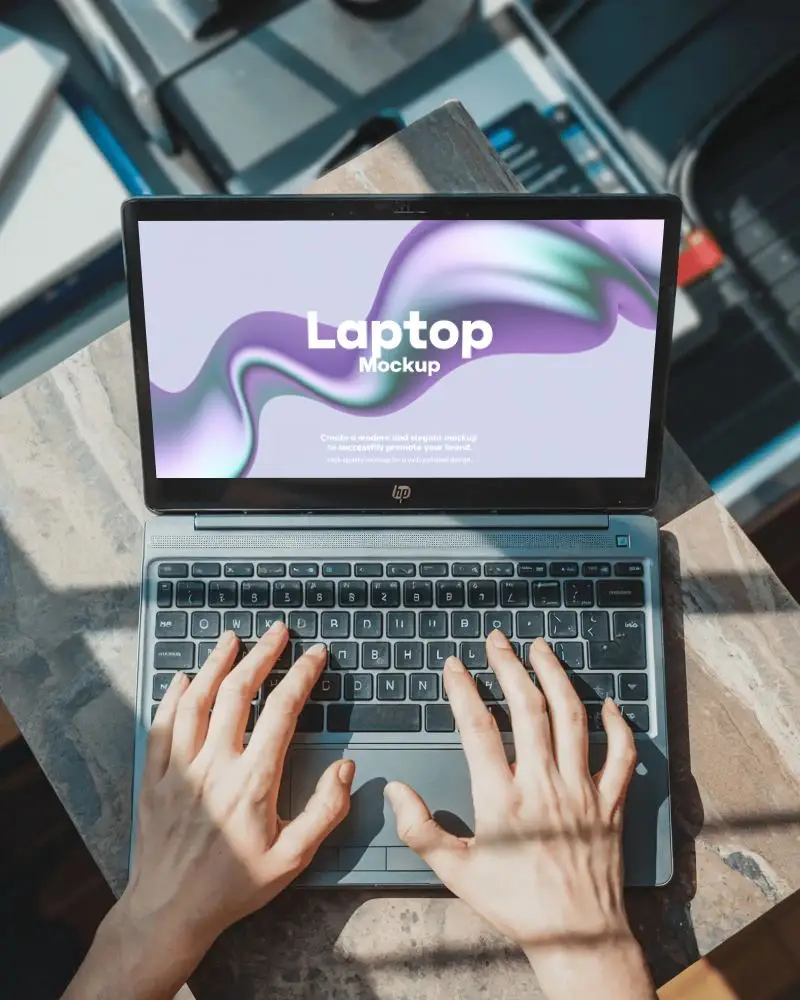
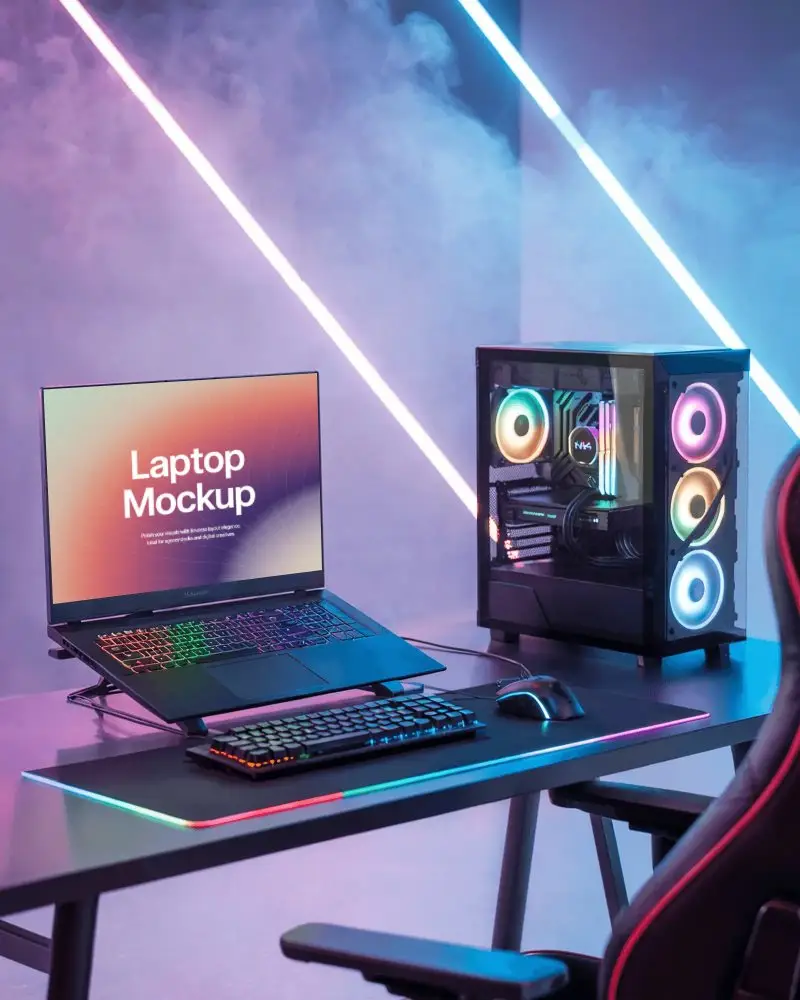
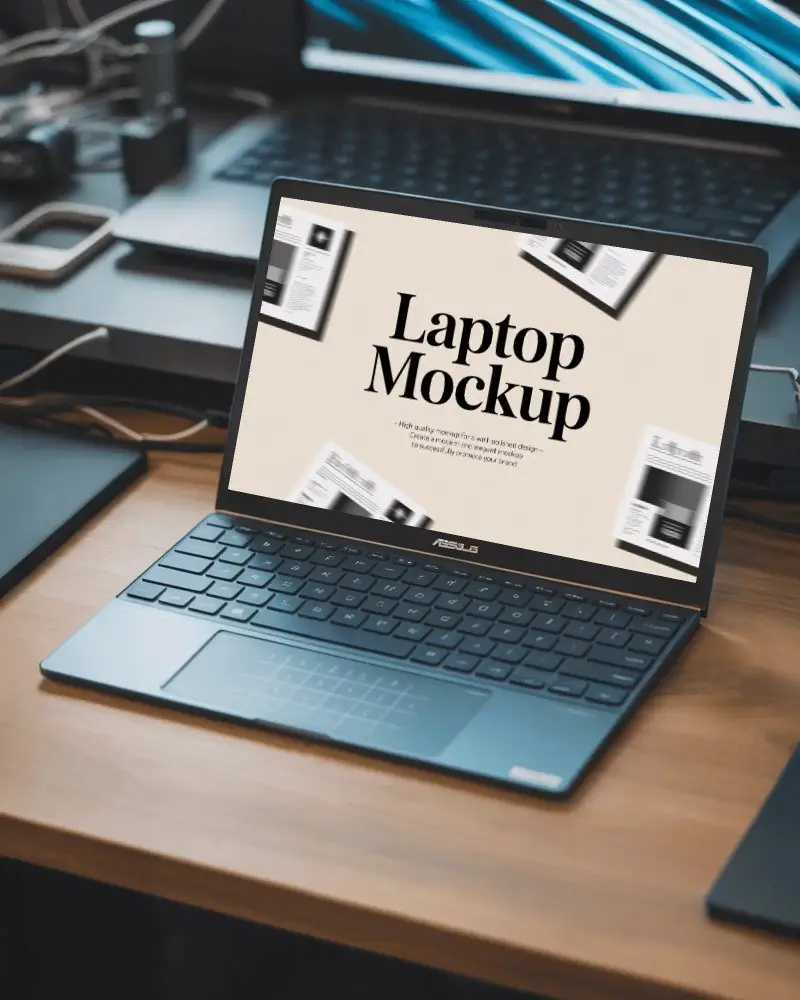
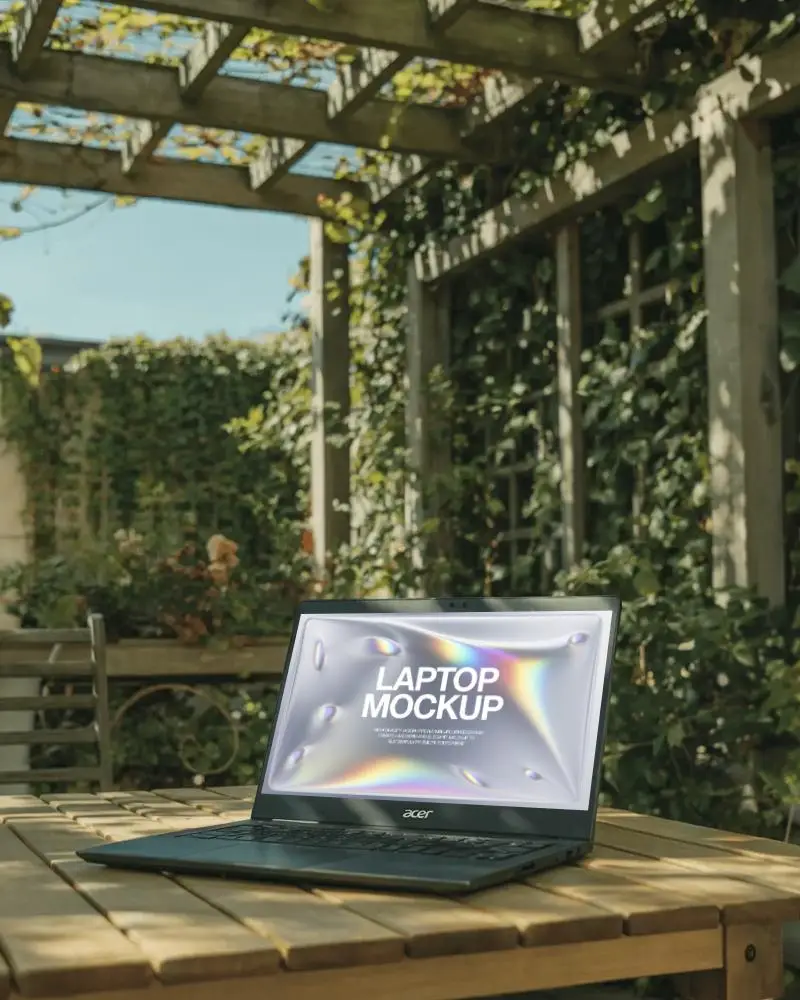
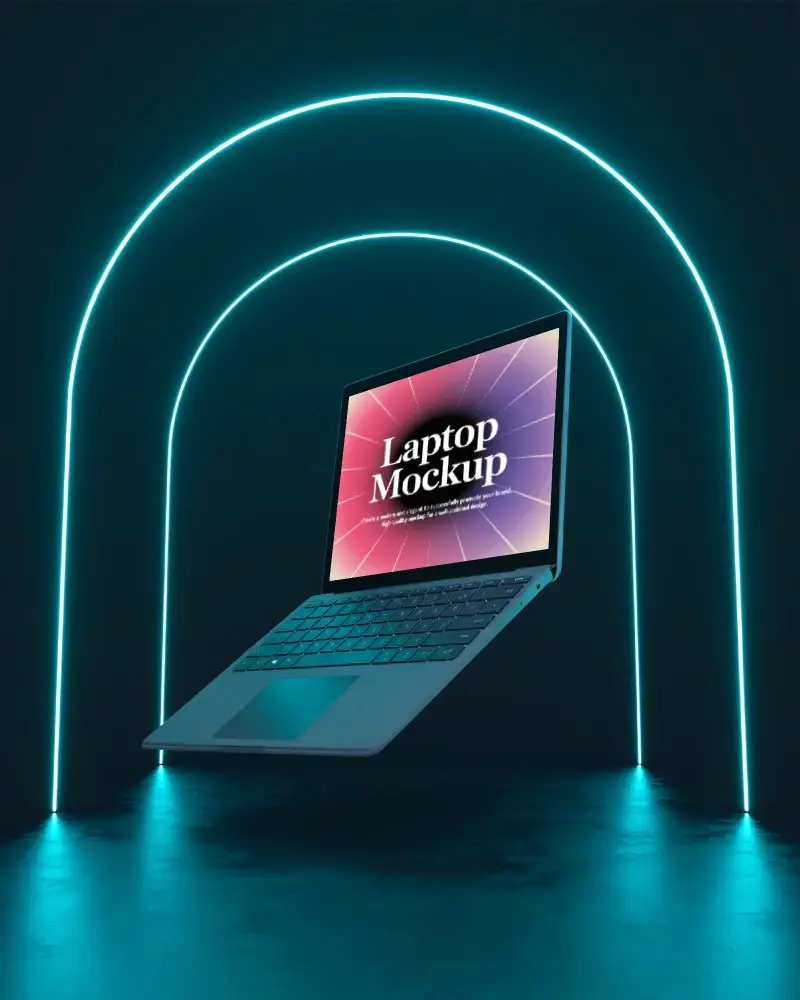
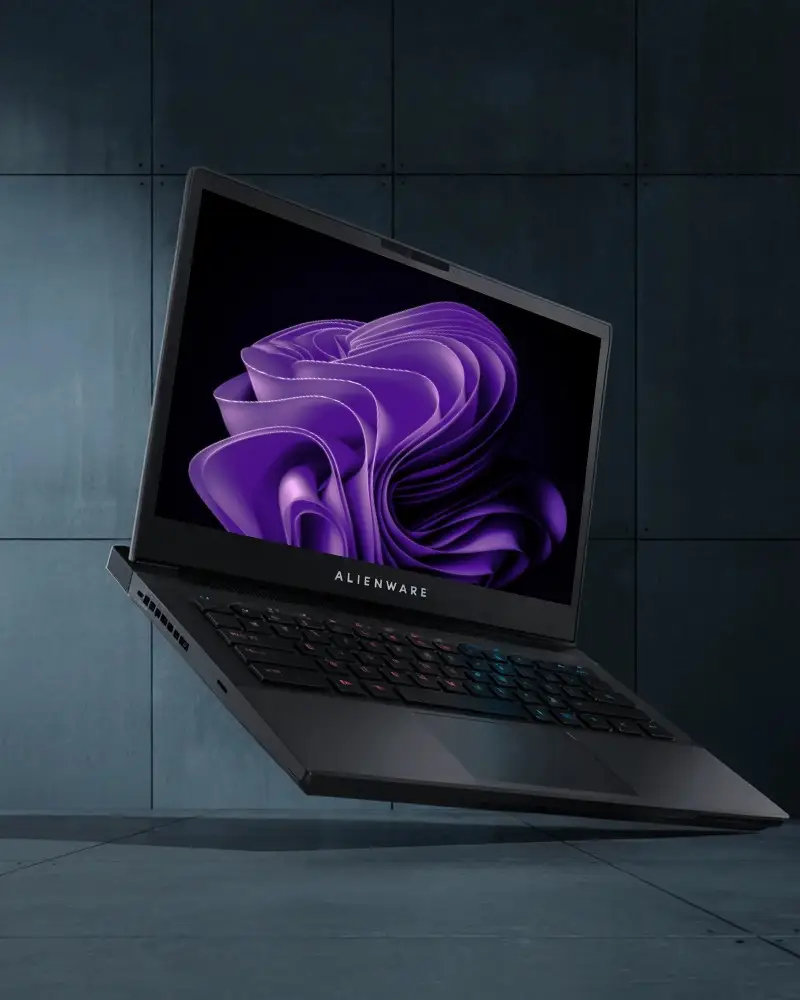
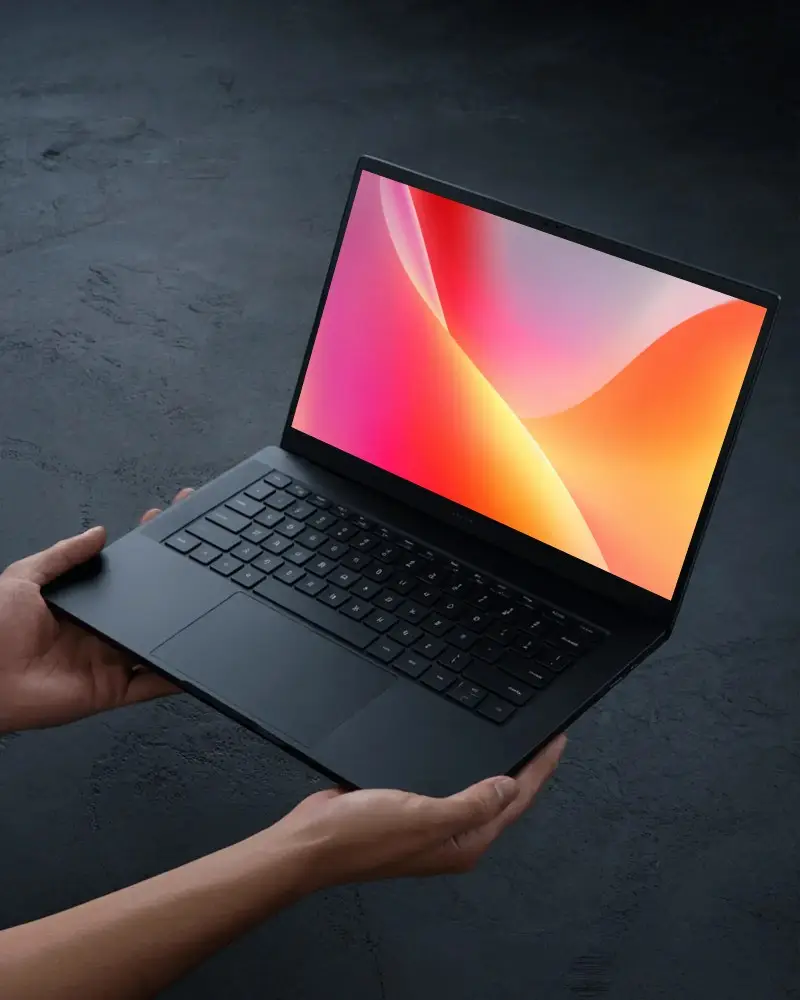
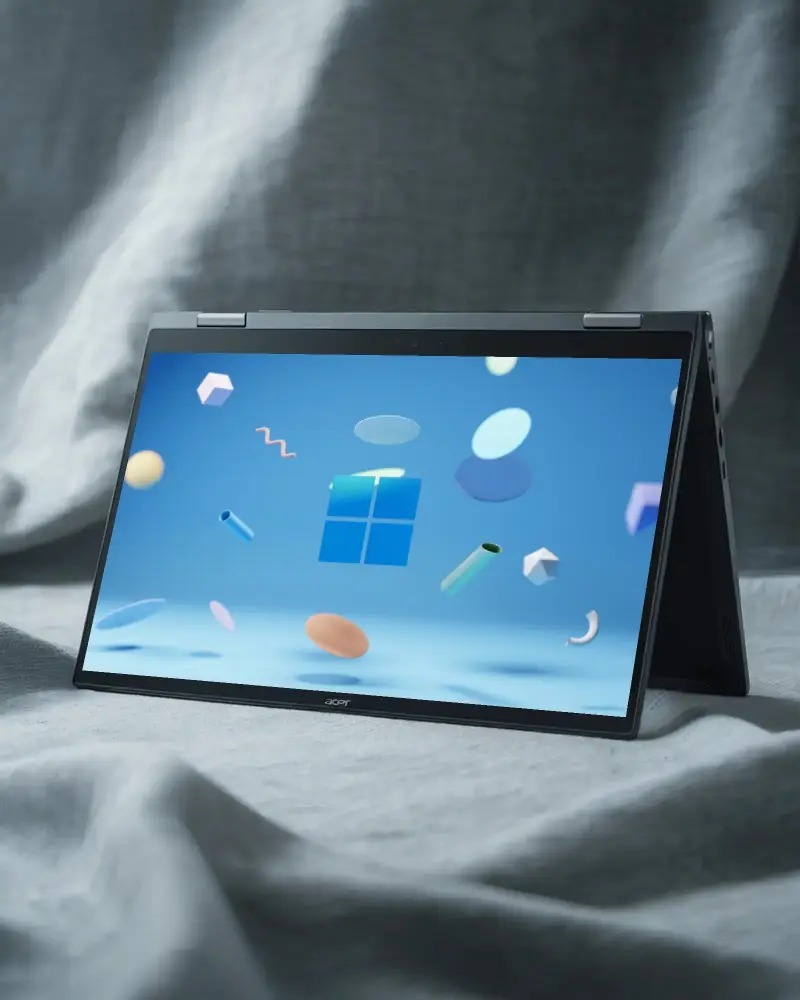
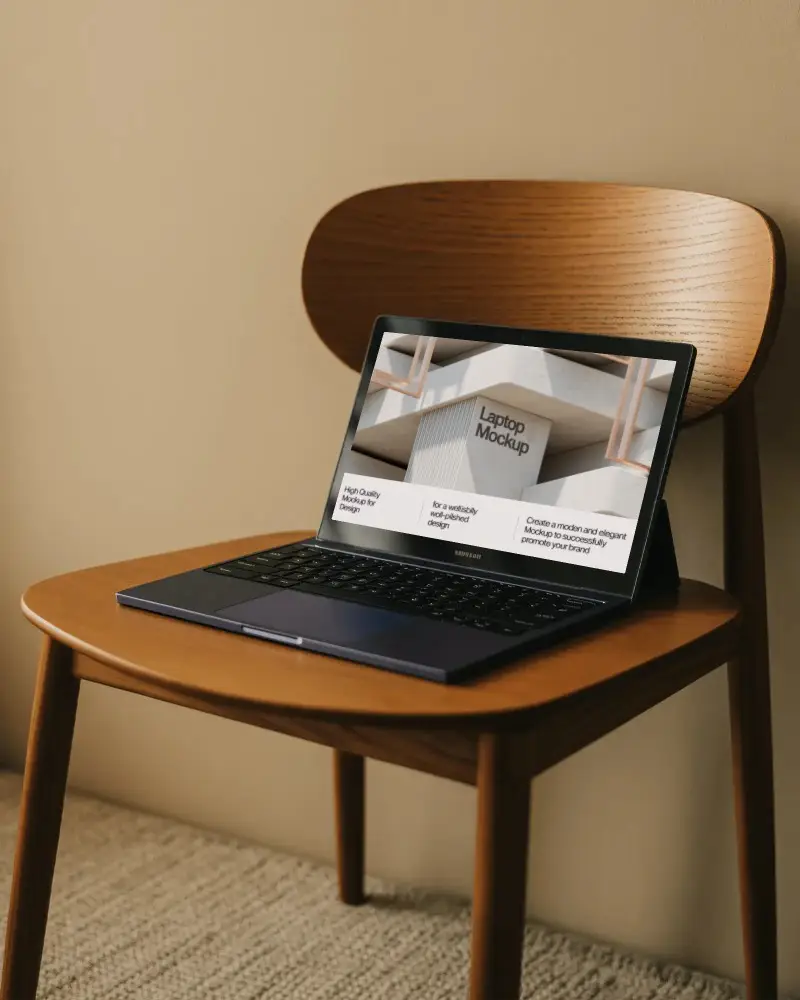
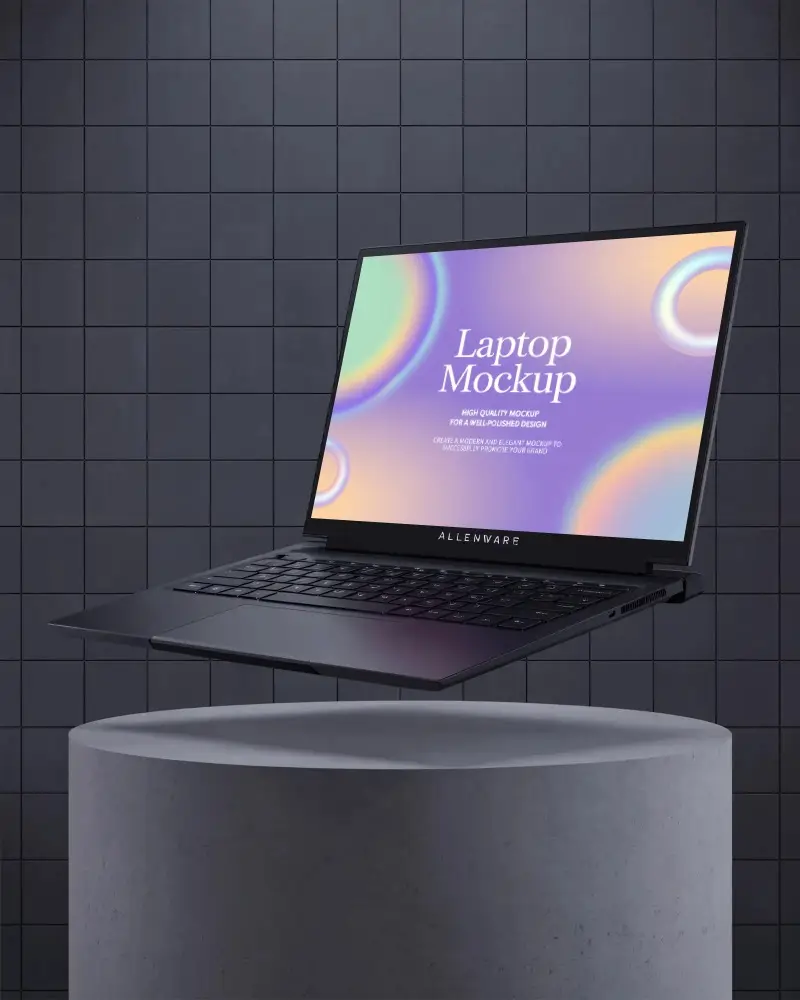
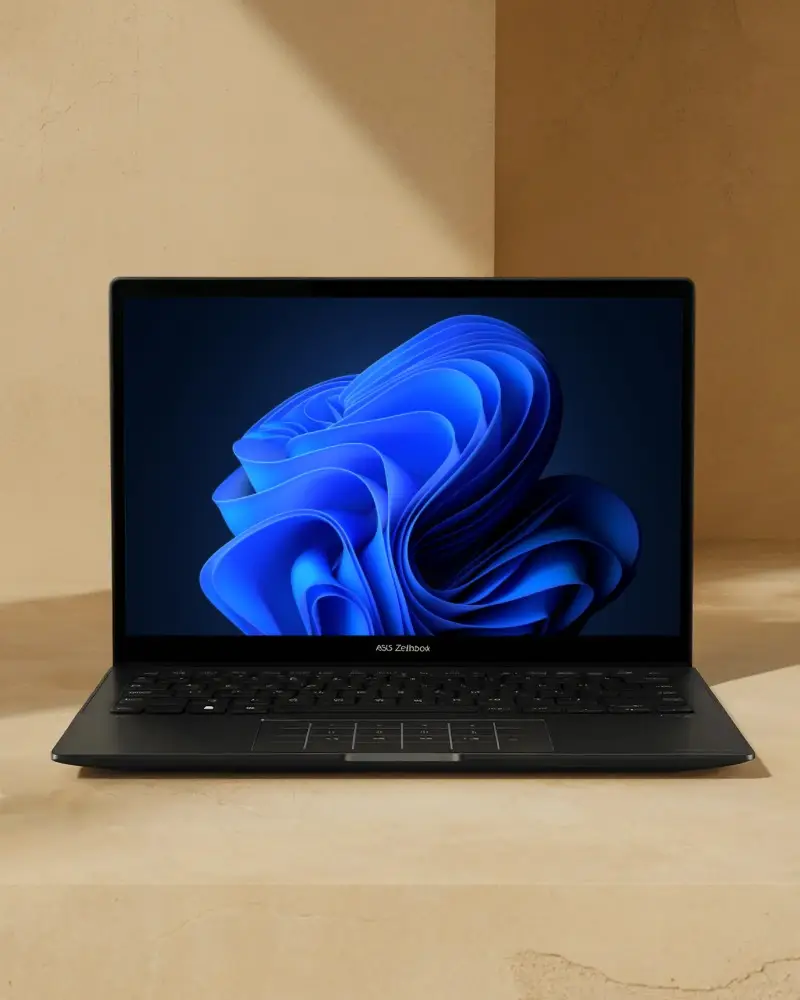
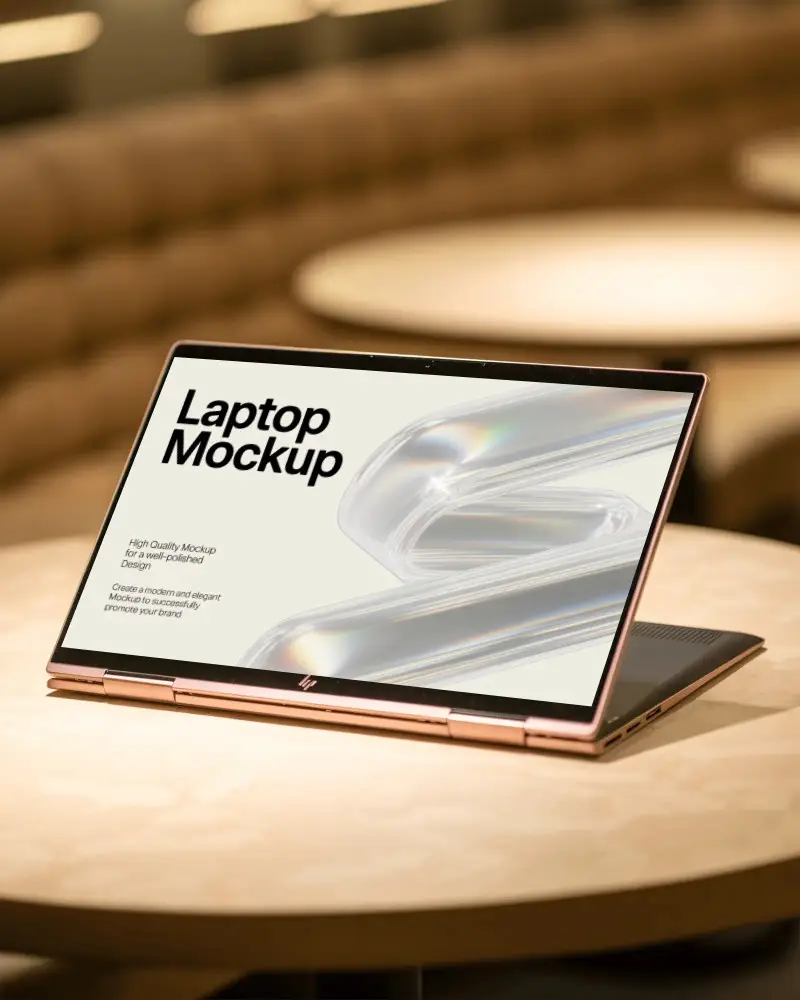
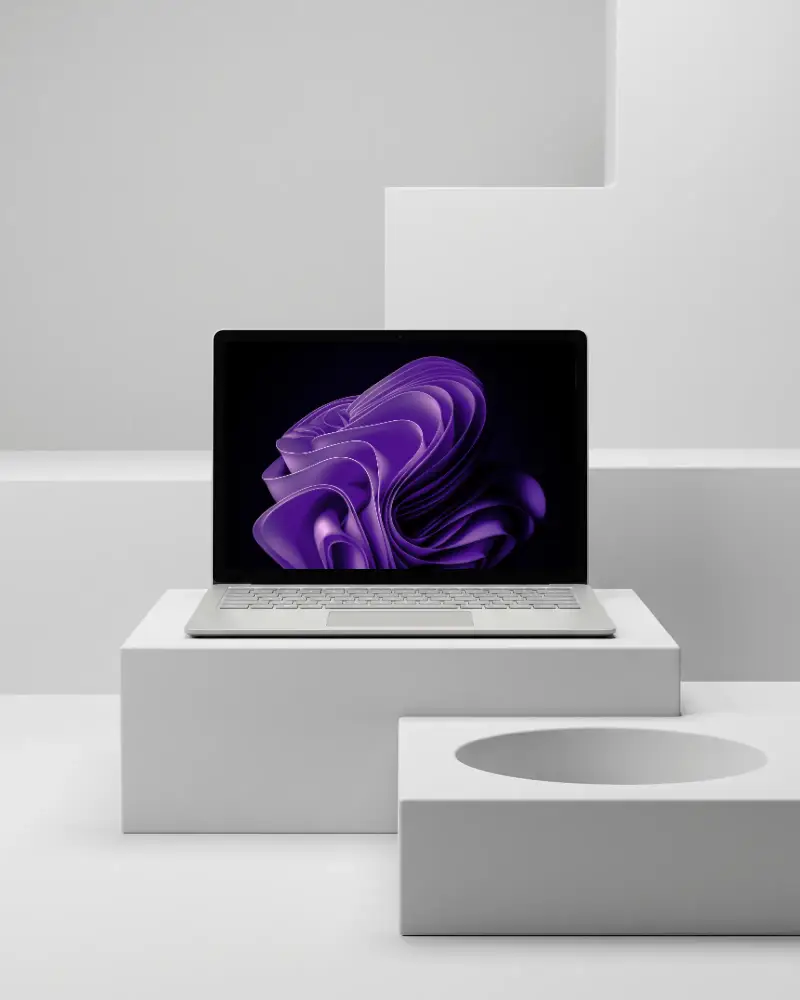
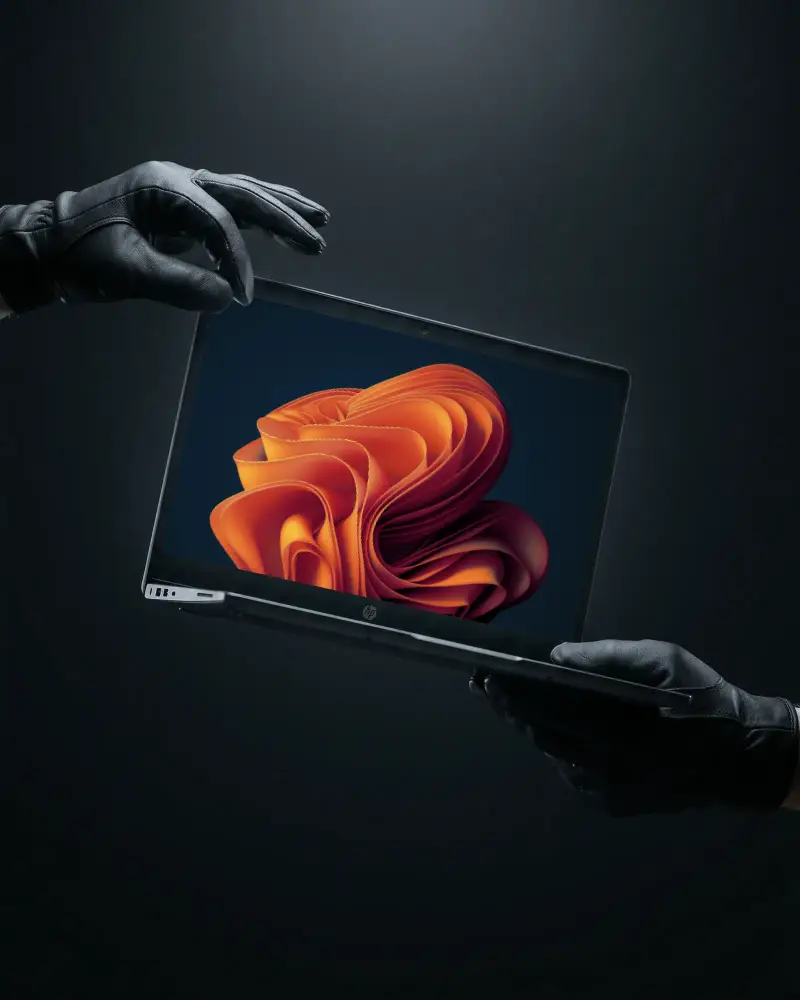
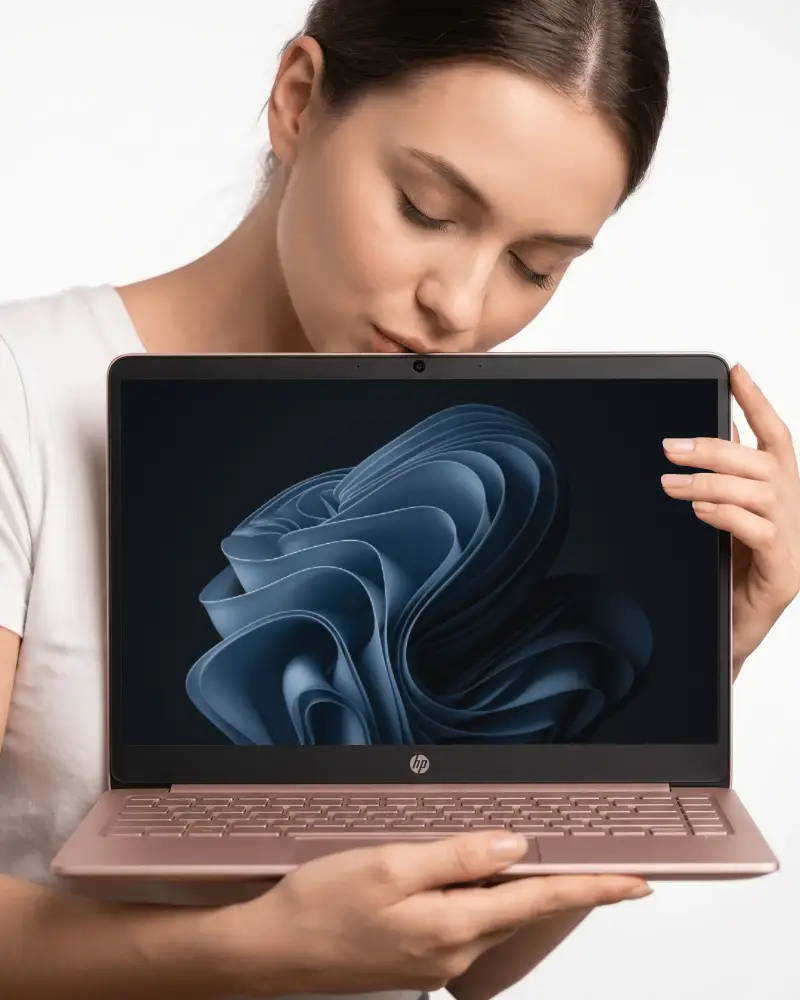
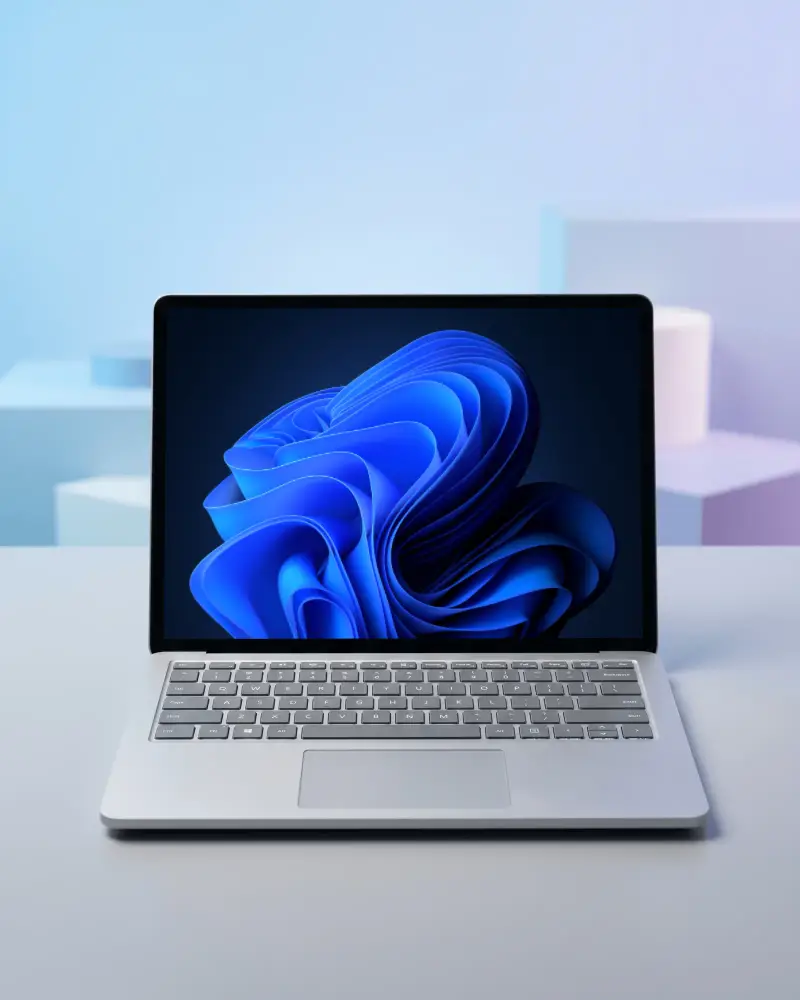
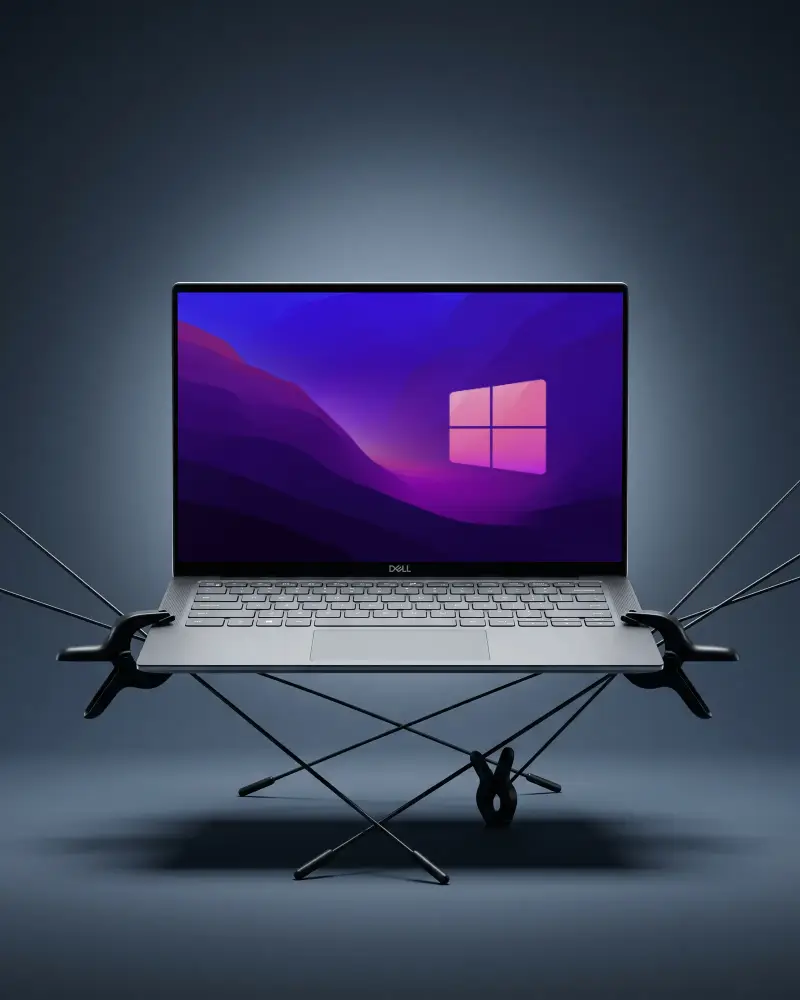
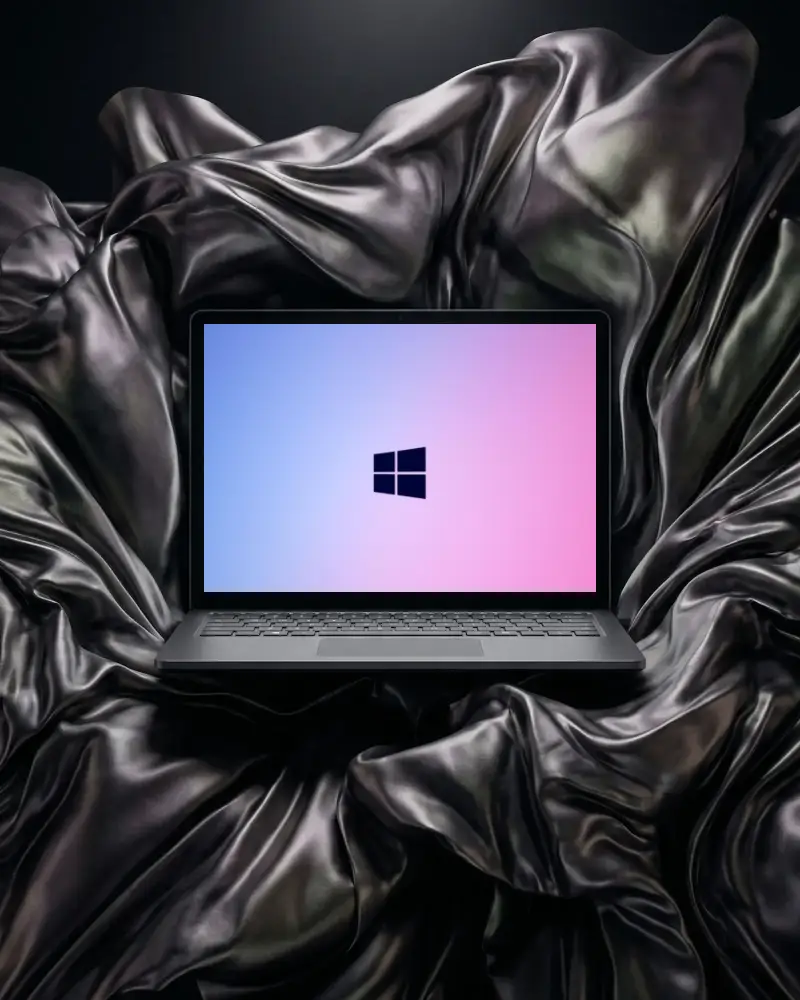
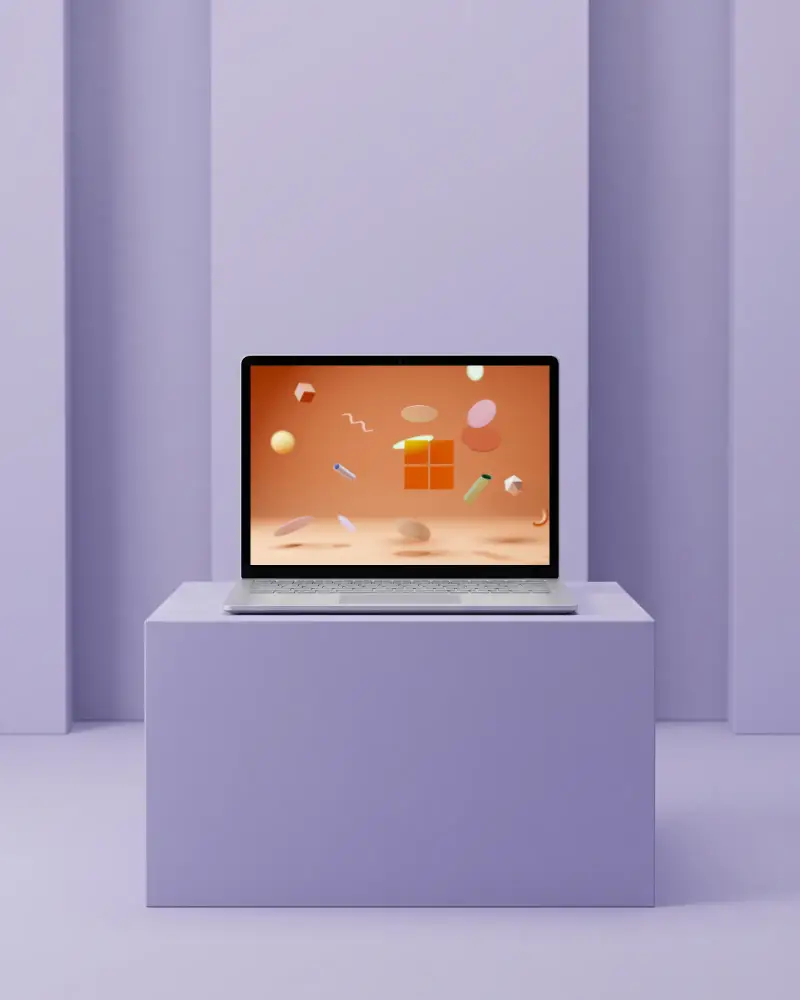
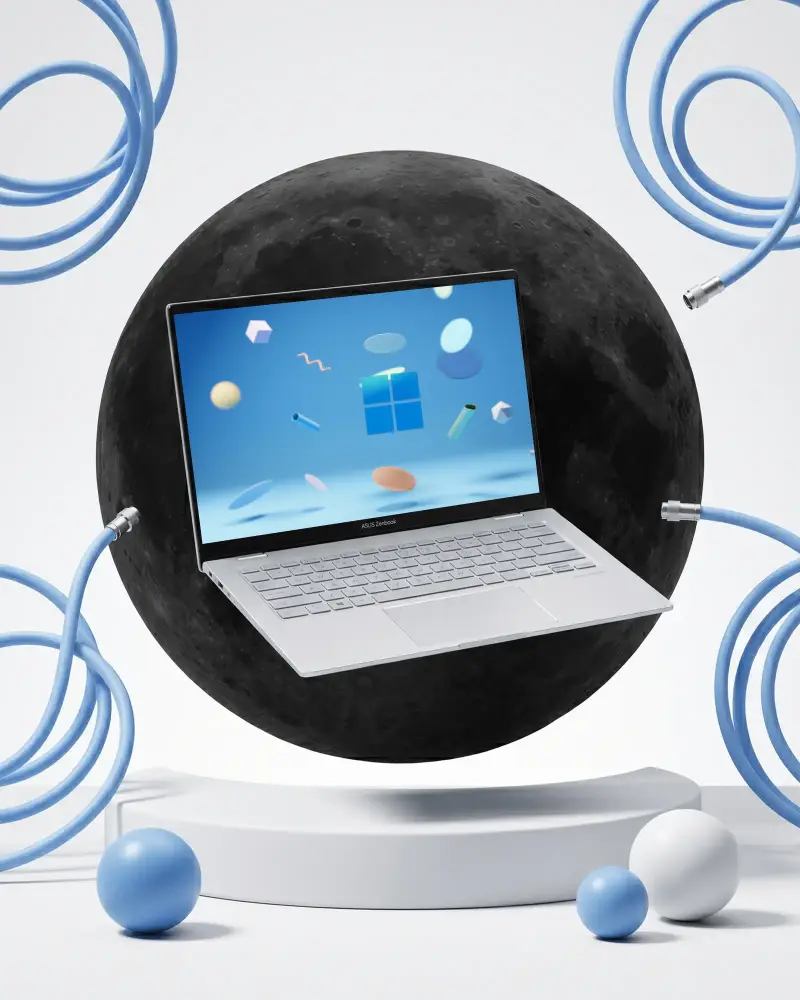
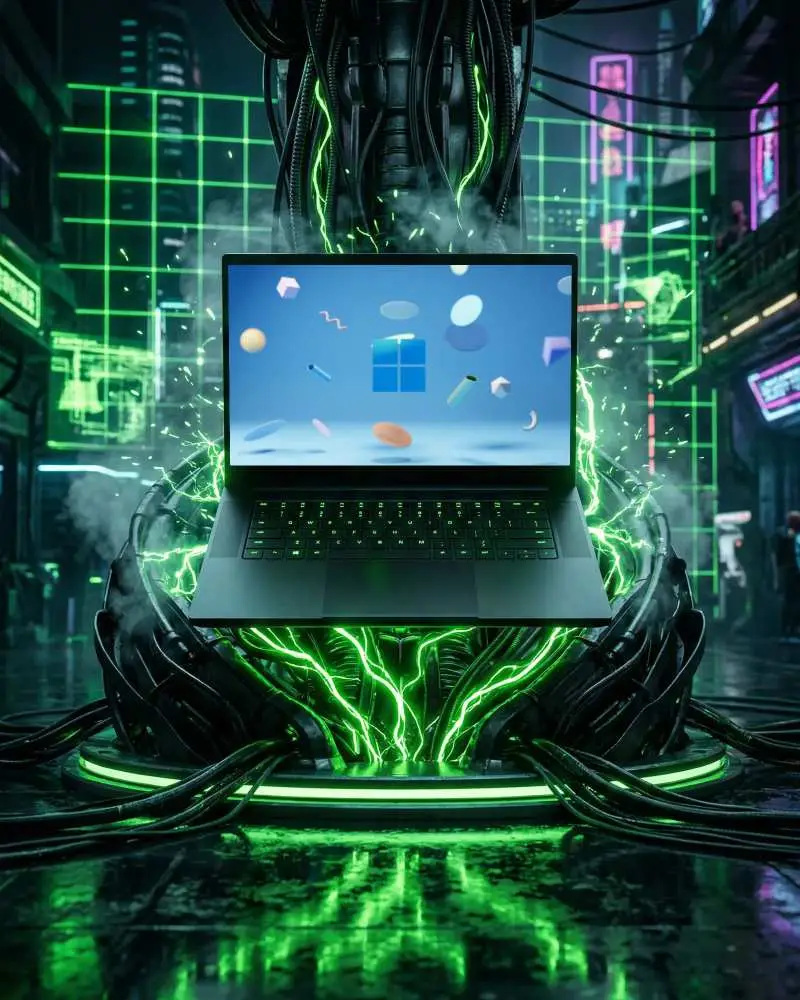
How to Customize Laptop Mockups in Mockey AI
To customize the laptop mockups:
- Step 1: Choose from Dell, HP, or a generic laptop mockup template.
- Step 2: Upload your design, then adjust screen placement with the crop, rotate, and align tools.
- Step 3: Swap the laptop's color using the palette or drop in your own hex code.
- Step 4: Run it through Multi Shot for more angles, Photoshoot for a styled scene, or Animate.
- Step 5: Select a template and upload your design.
- Step 6: Download your laptop mockup in high quality.


FAQs on laptop Mockups
What is a laptop mockup?
A laptop mockup is a digital image or template that drops your website, app, or design straight onto a laptop screen. It's a quick way to show how a project will look in everyday use. For web designers who create online previews, use Mockey AI.
Why use laptop mockups?
Instead of a flat screenshot, clients see the design sitting on an actual laptop, so they can picture how it'll actually feel to use. It also makes your pitch decks, portfolio, and social posts look more professional.
What types of laptop mockups are available?
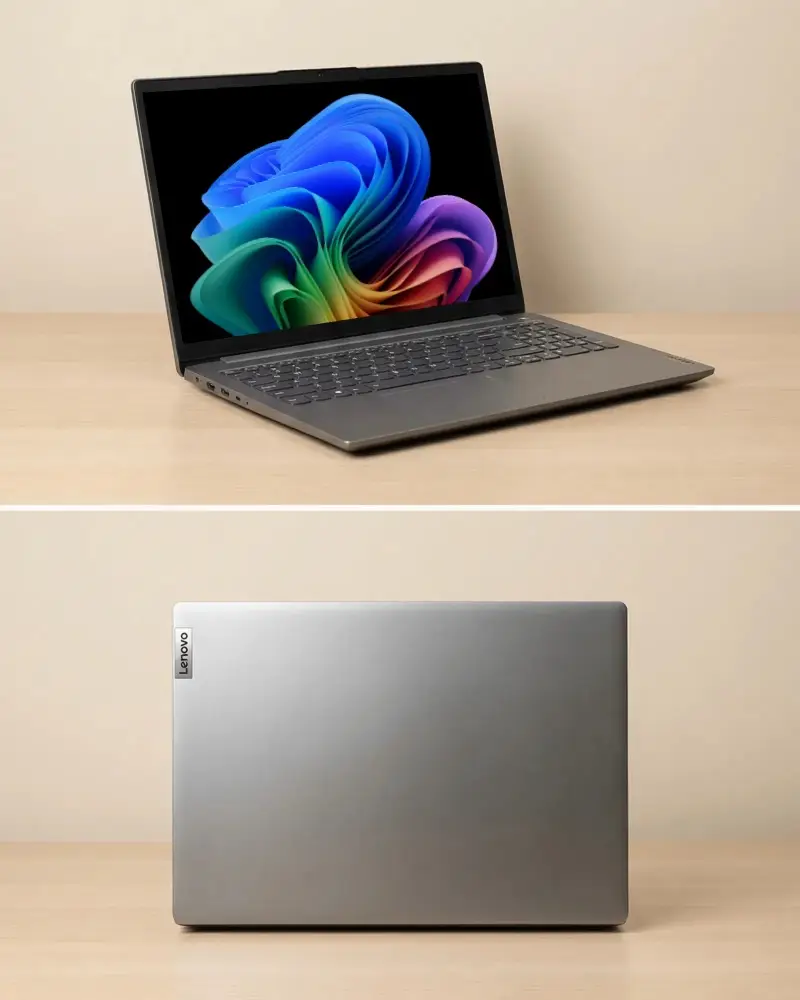
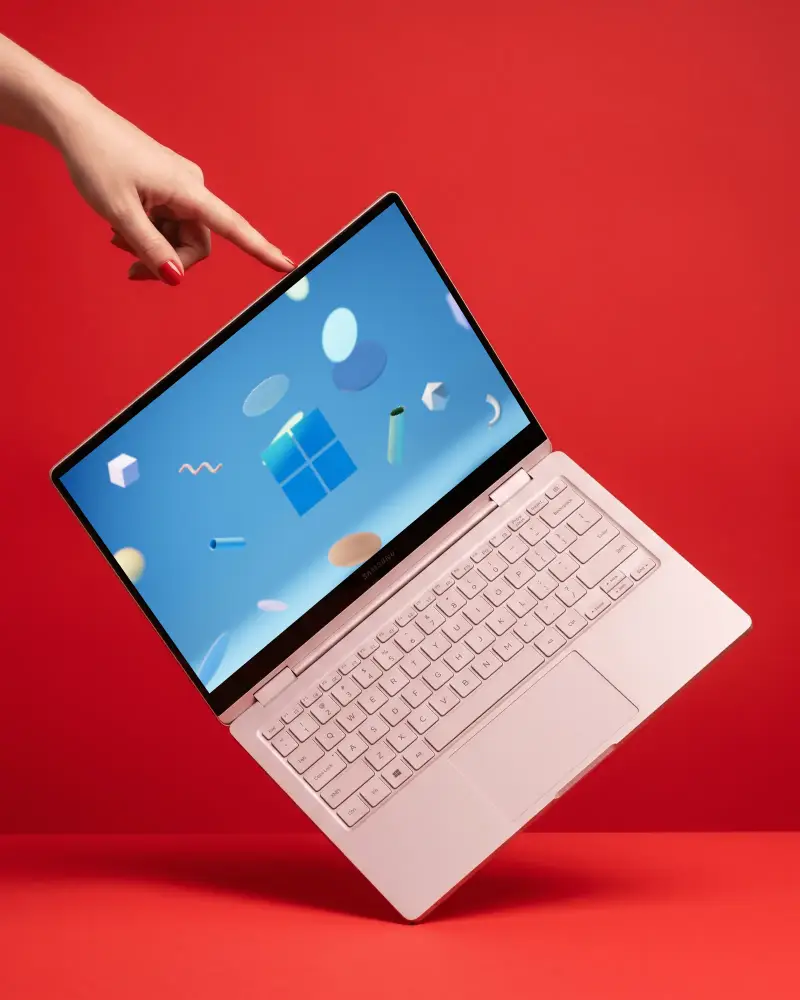
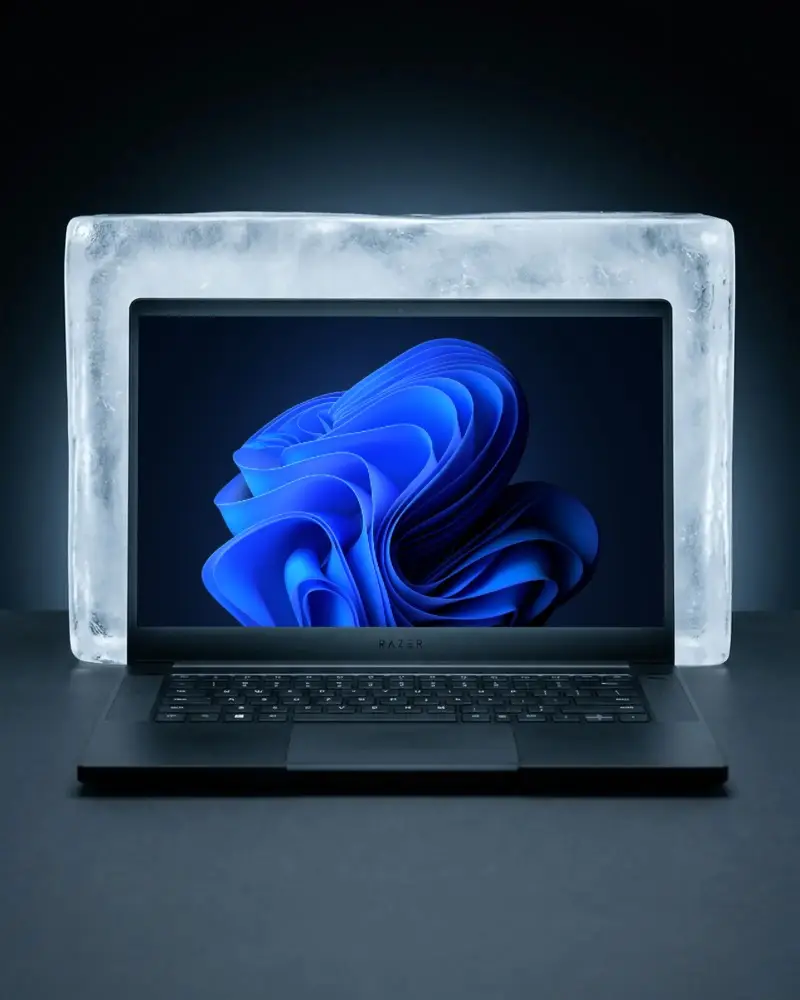
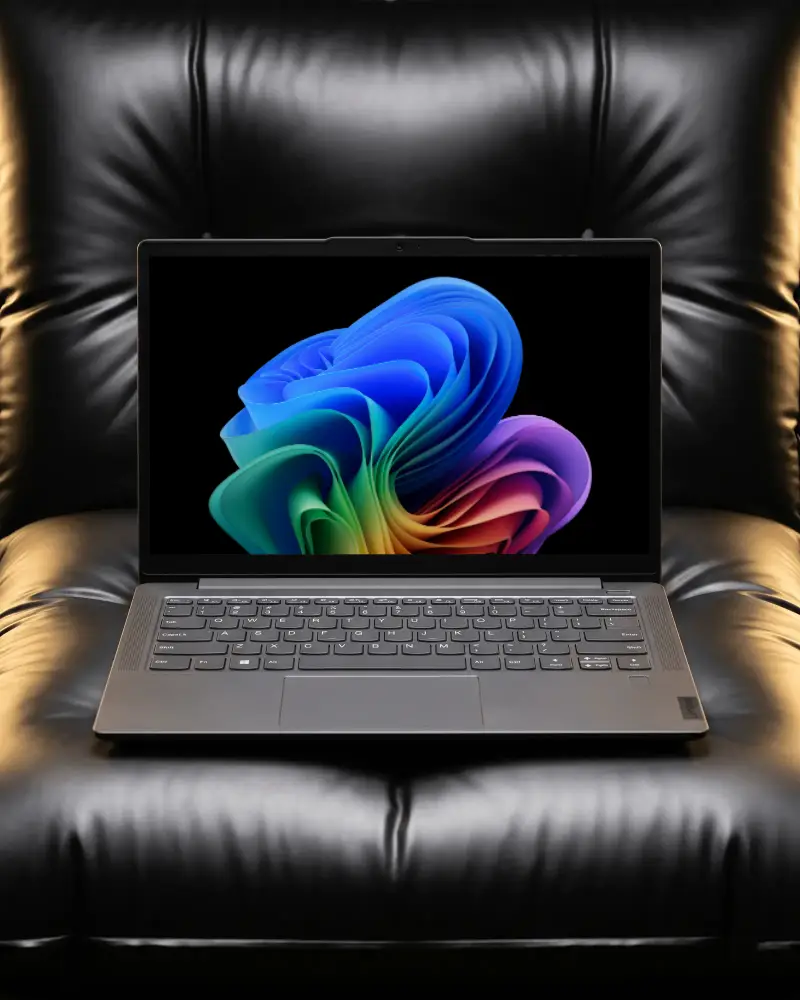
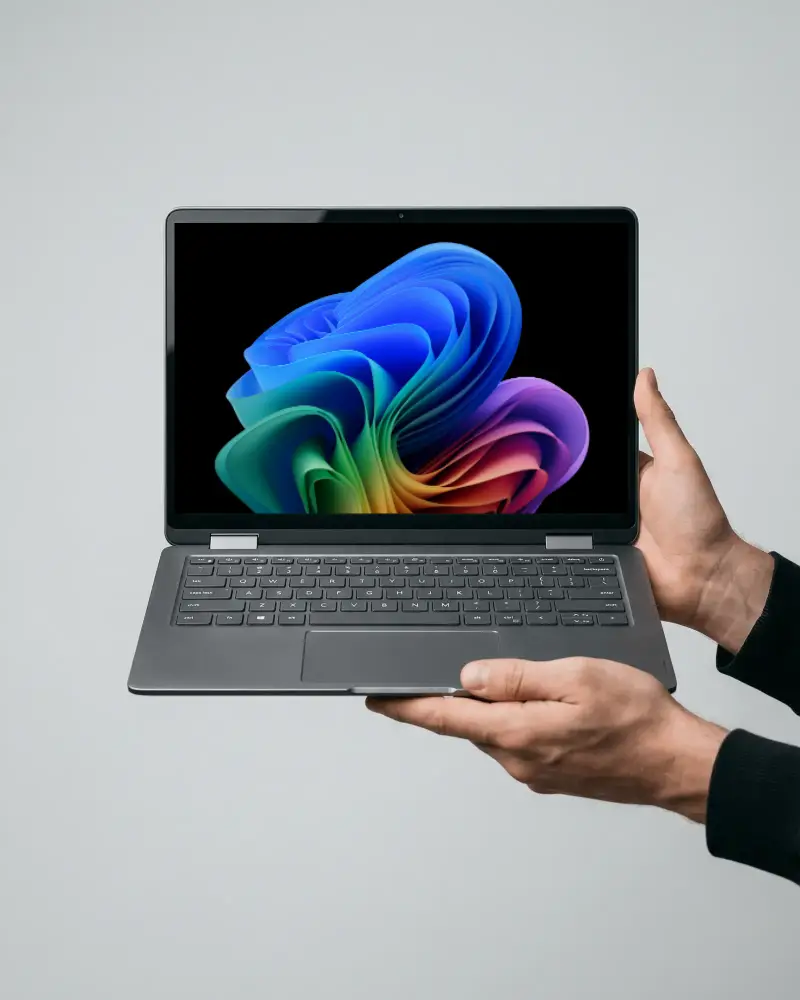
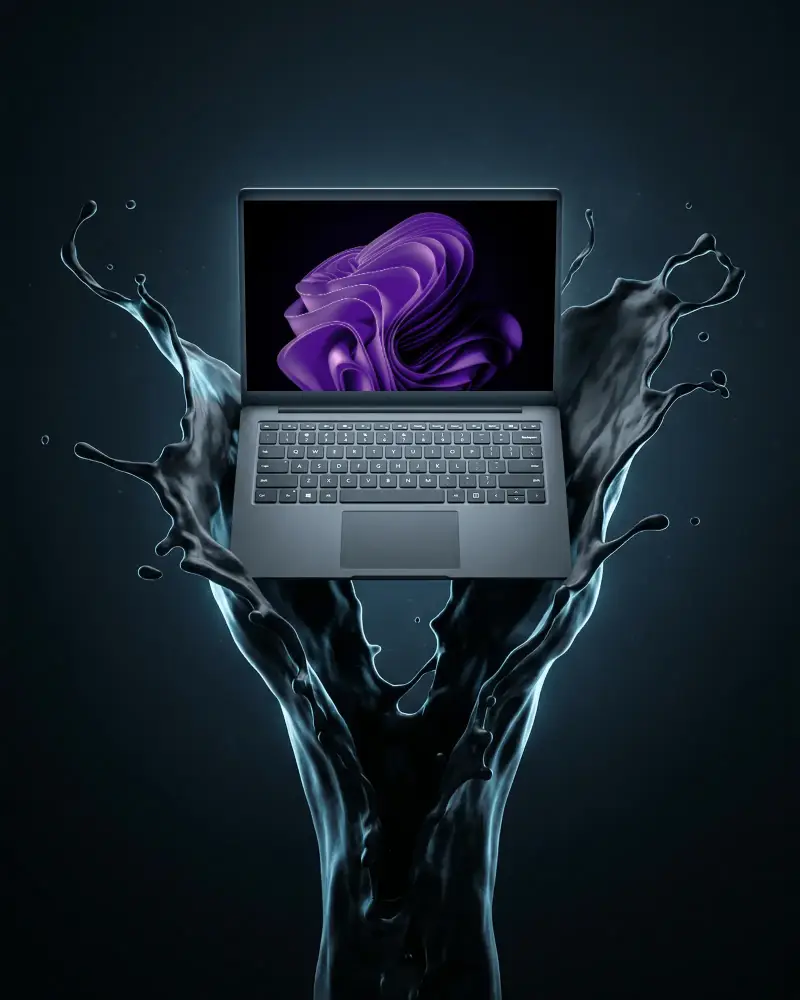
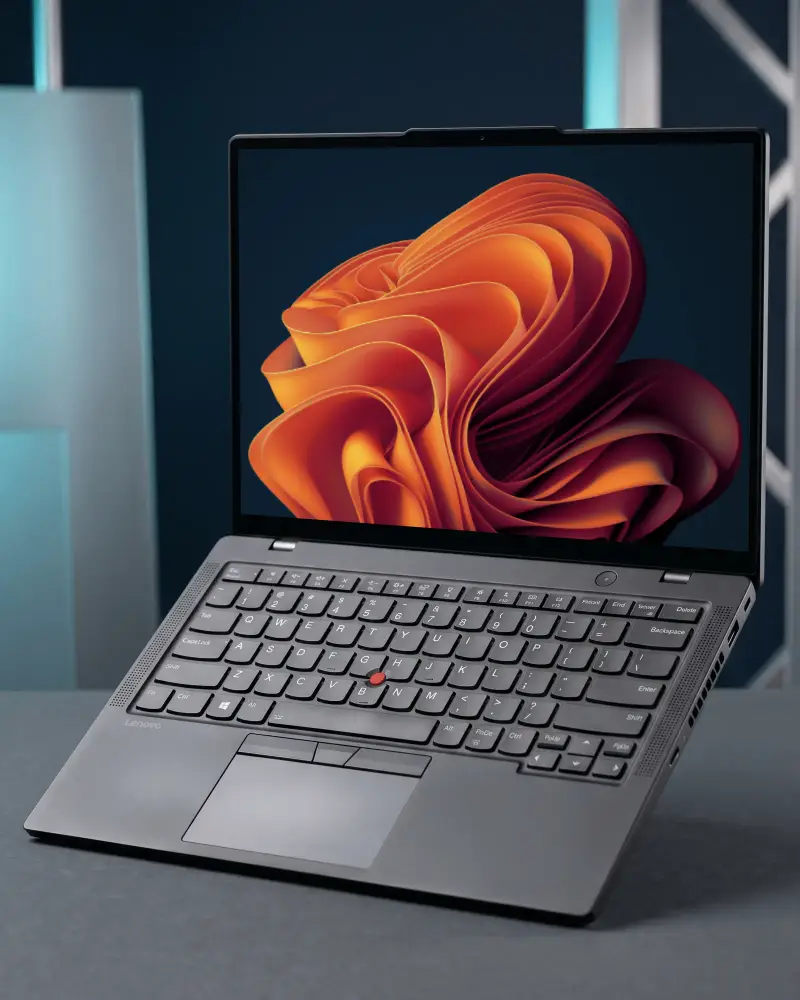
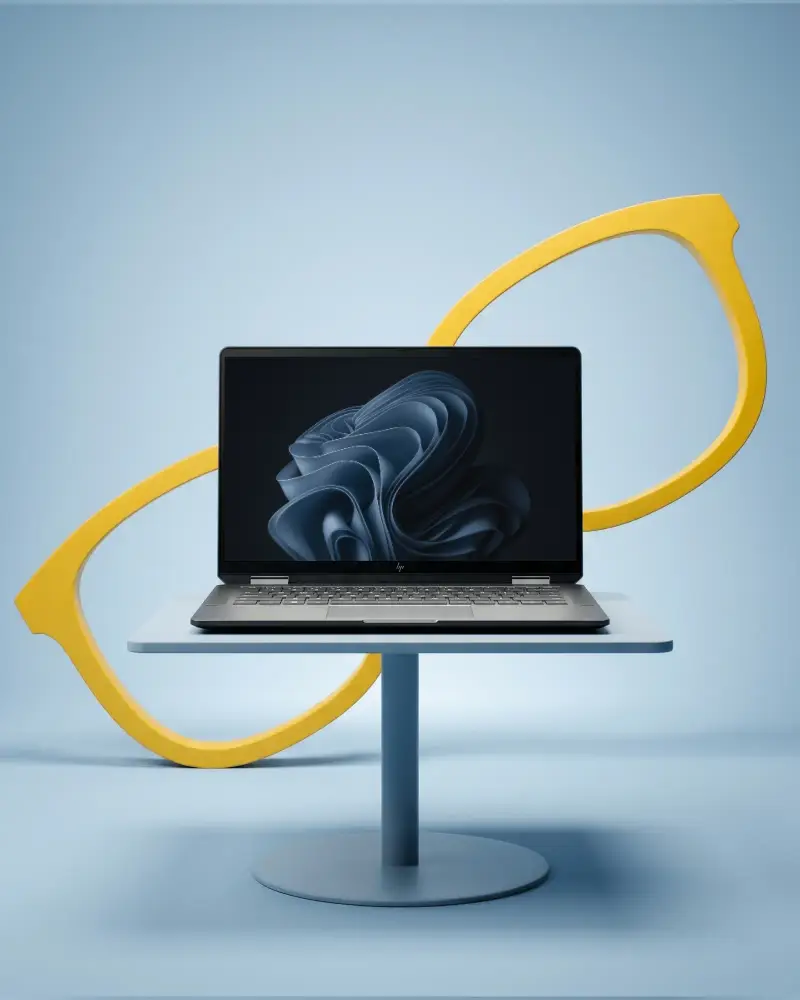
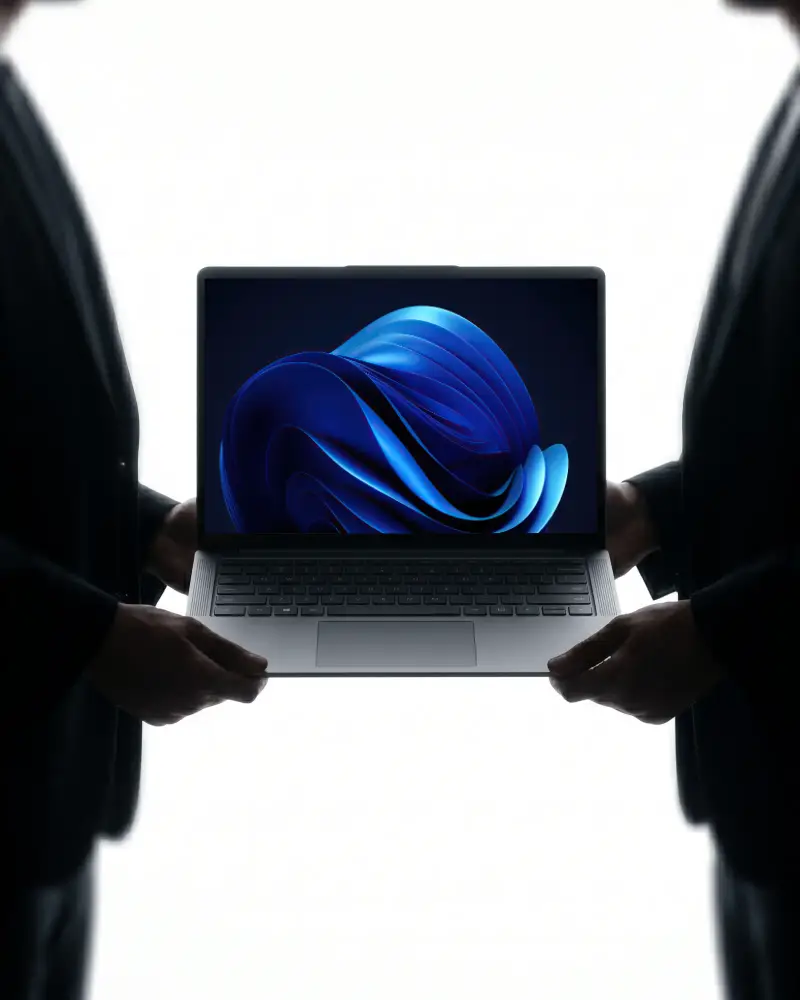
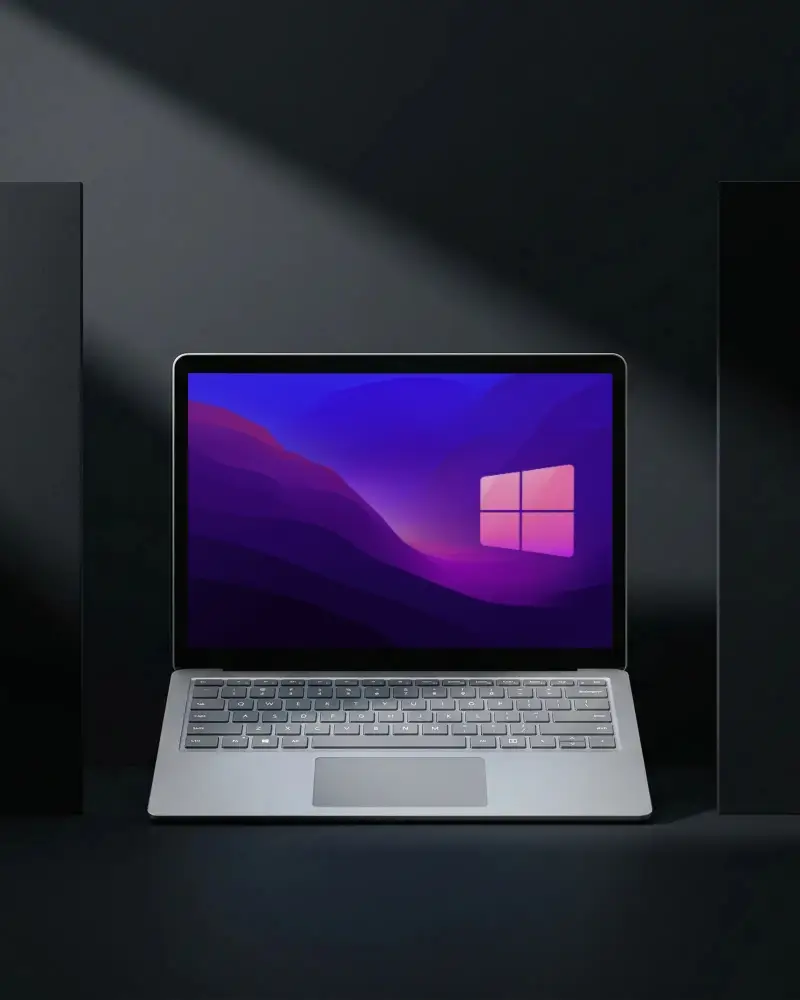
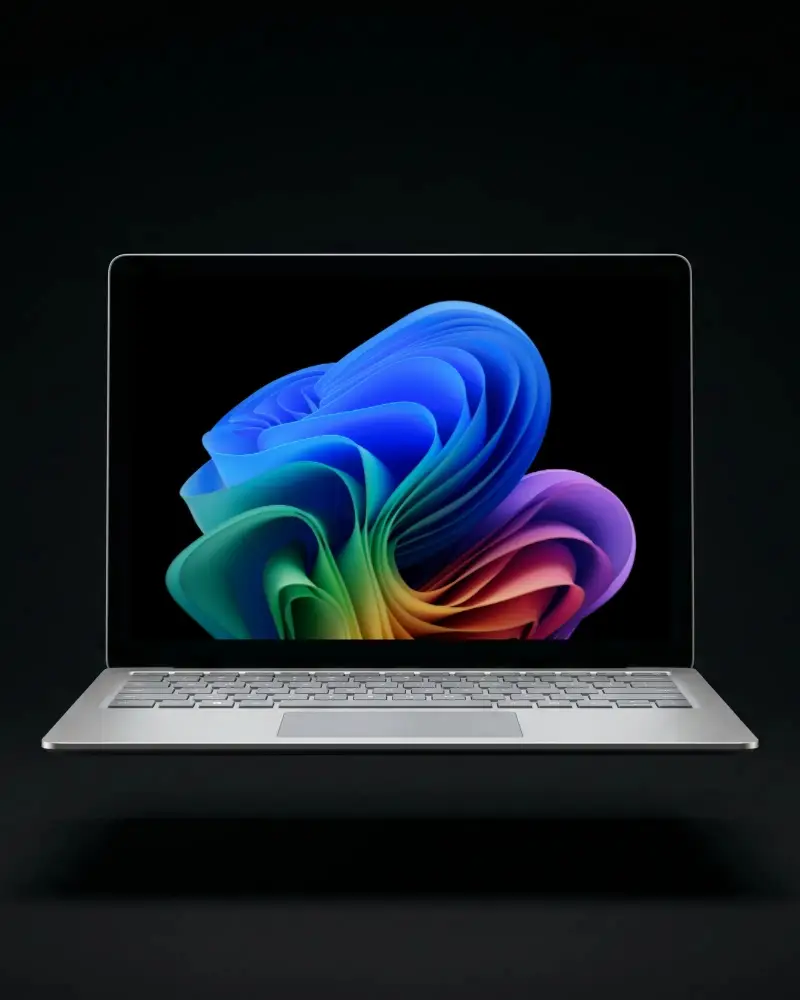
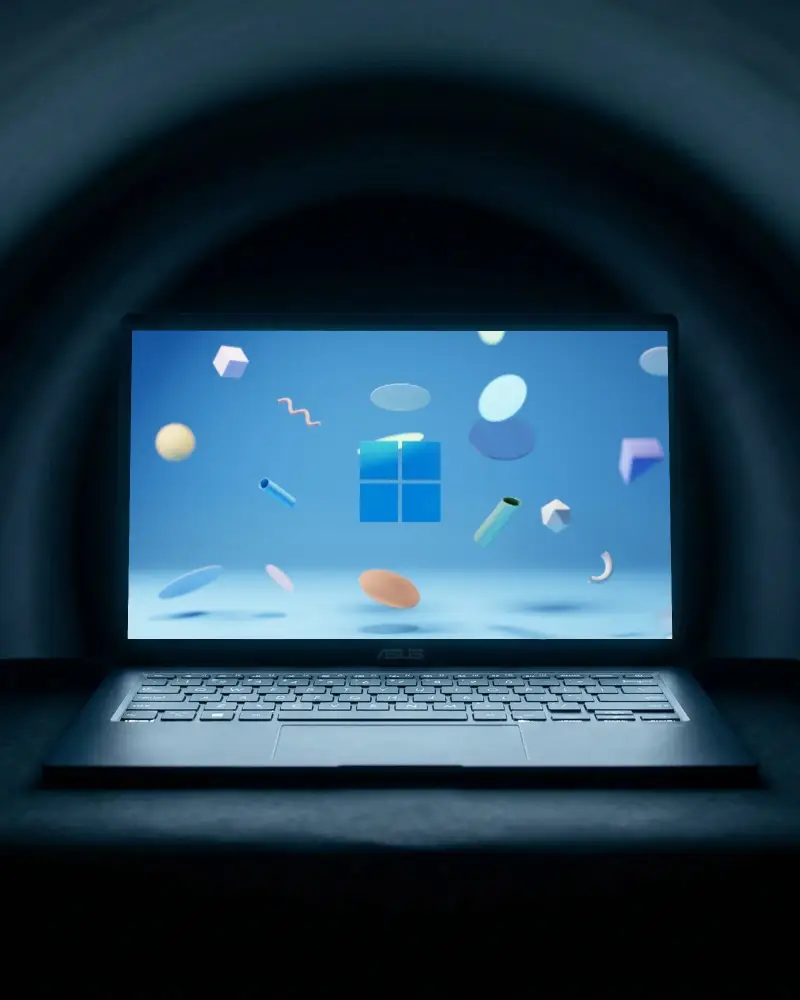
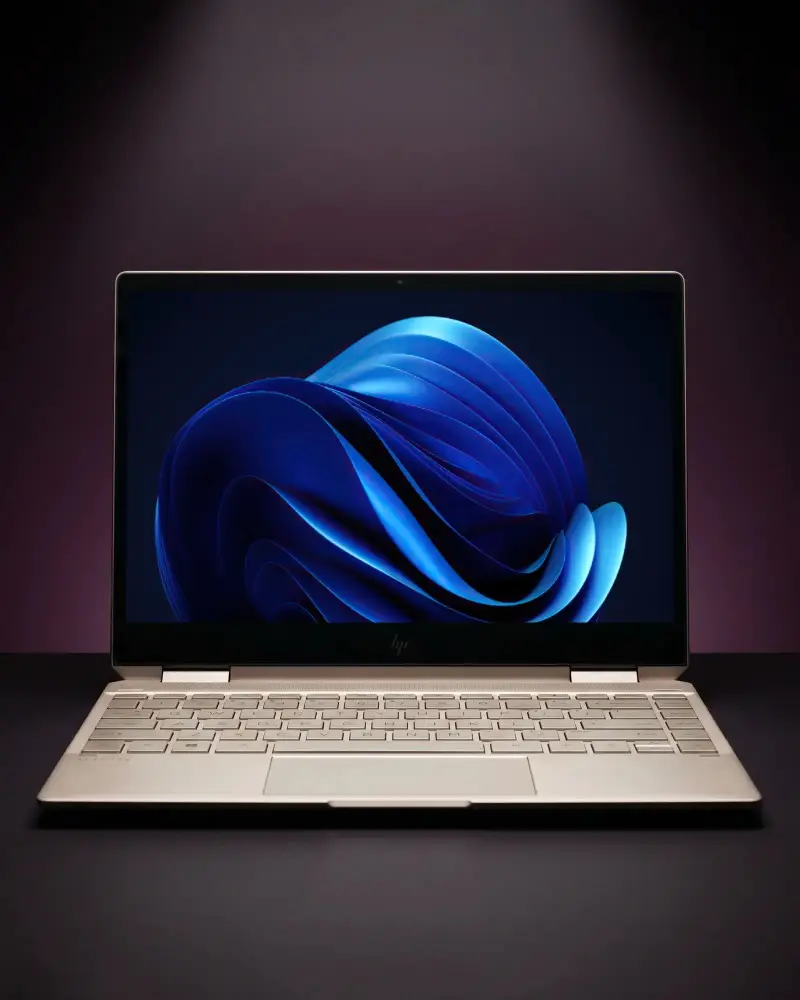
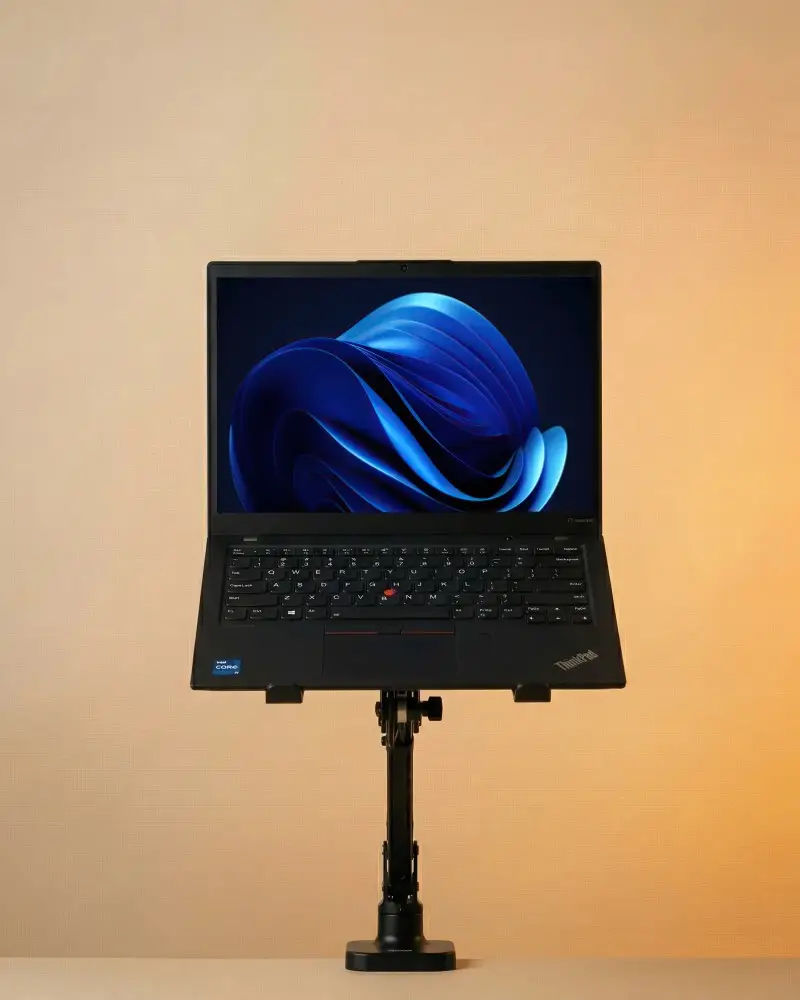
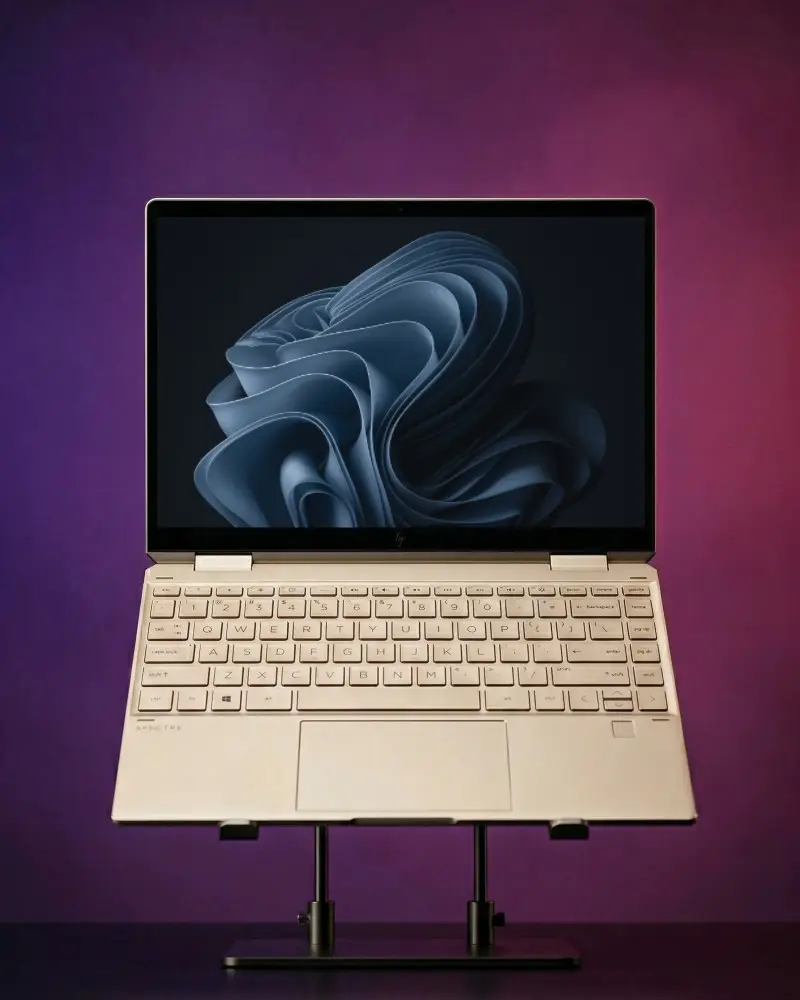
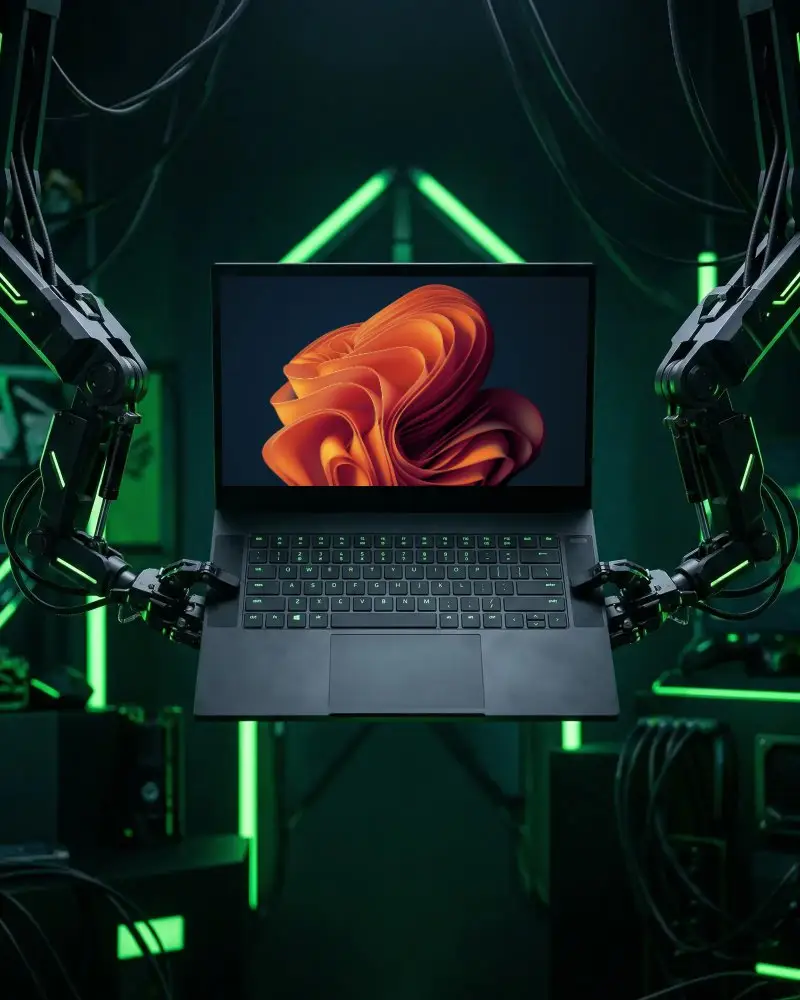
By brand, there's MacBook, Dell, HP, Asus, Acer, Lenovo, Samsung, Razer, Alienware, Predator, and the HP Specter 360. Style-wise, you can pick white, black, dark, or golden light setups, plus gaming-focused ones. Also, there are floating, angled, or hand-holding shots.
Can I use laptop mockups for commercial projects?
Yes, but keep in mind the free plan only covers personal use. If you're using it for client work, a business, or anything commercial, you'll need the Starter plan or above to unlock that license.
What file formats are available for laptop mockup downloads?
PNG and JPG, and you can pick your resolution too: 1600 x 2000px, 800 x 1000px, or 400 x 500px.
Can I use laptop mockups for website & app design presentations?
A laptop mockup shows how your layout sits on a real desktop screen, so it reads a lot more convincingly than a flat design file. It also makes the work look finished and production-ready, which is exactly what you want when you're dropping it into a portfolio, a case study, or a client pitch deck.
What's the difference between a laptop mockup and a MacBook mockup?
A laptop mockup can be any generic PC or Chromebook, while a MacBook mockup shows the real Apple look, aluminum body, black bezel, and familiar keyboard.
