Squeeze Tube Mockups Free Download - Squeeze Tube Mockup Templates
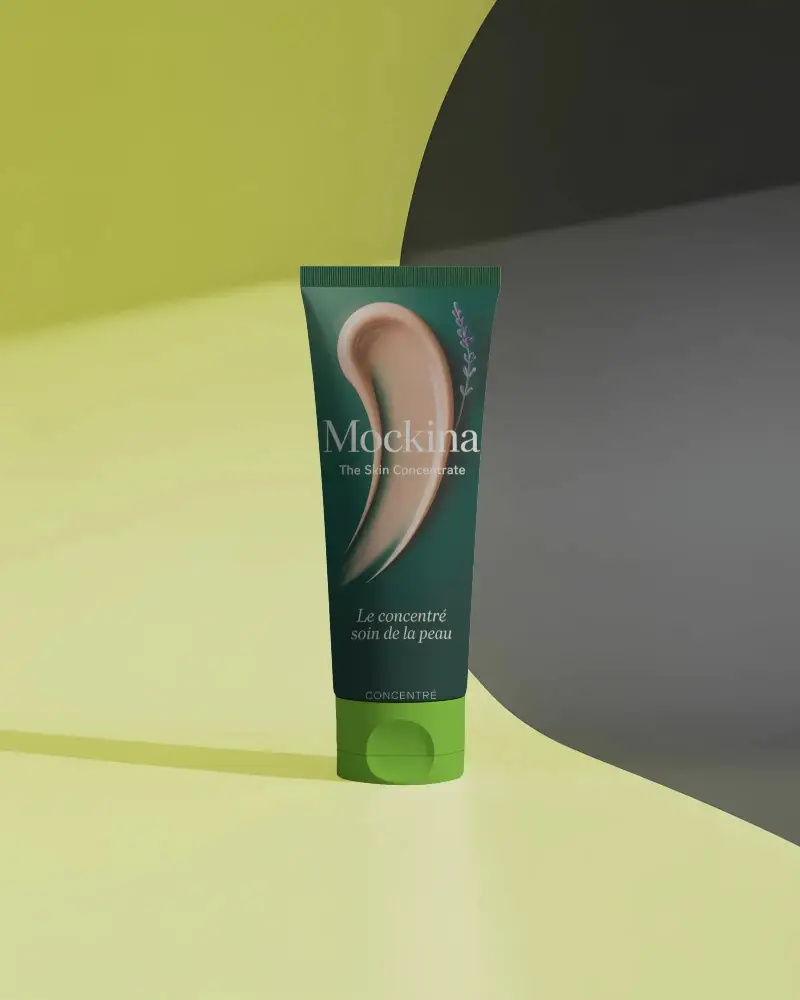
Mockey’s free Squeeze Tube mockups make design simple! Download high-quality, realistic Squeeze Tube mockup templates for professional branding and packaging.
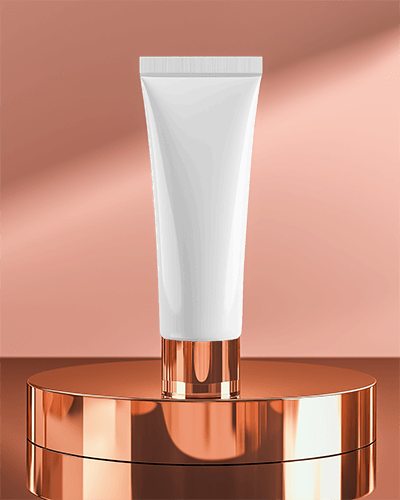
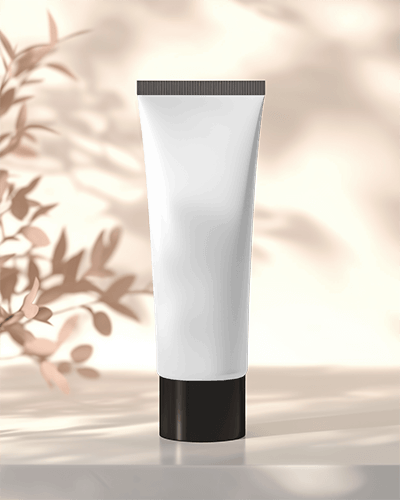
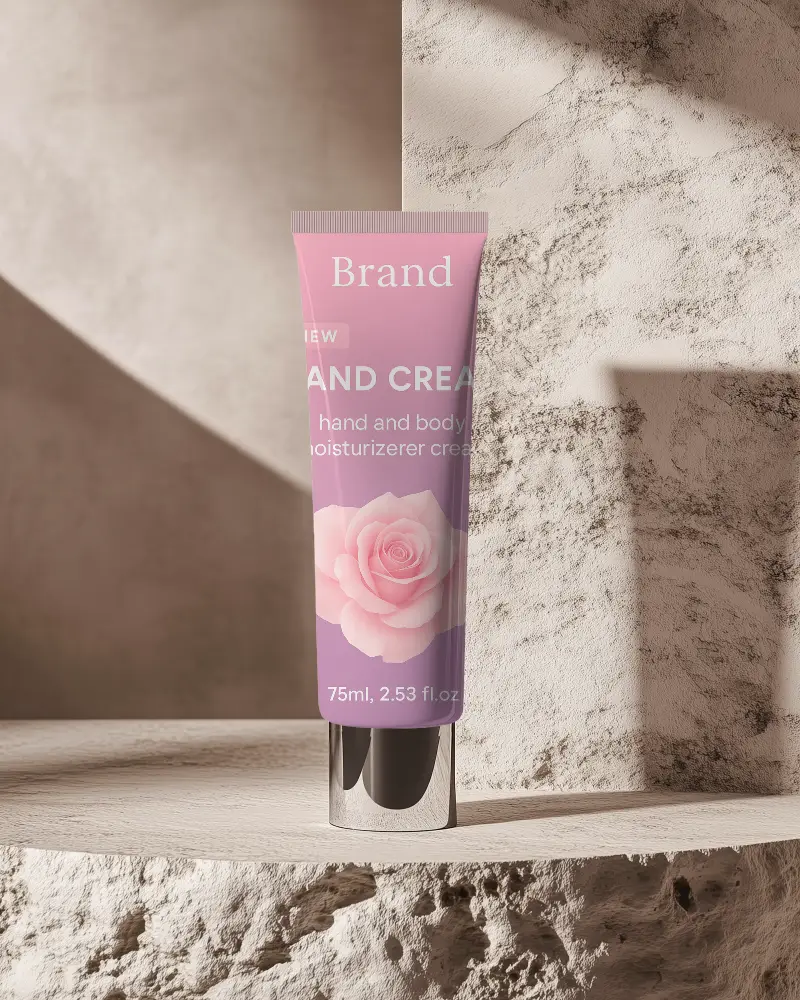
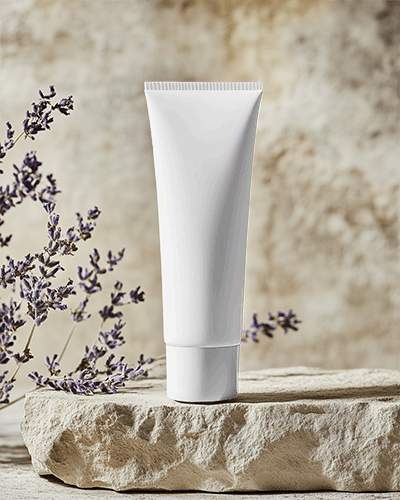

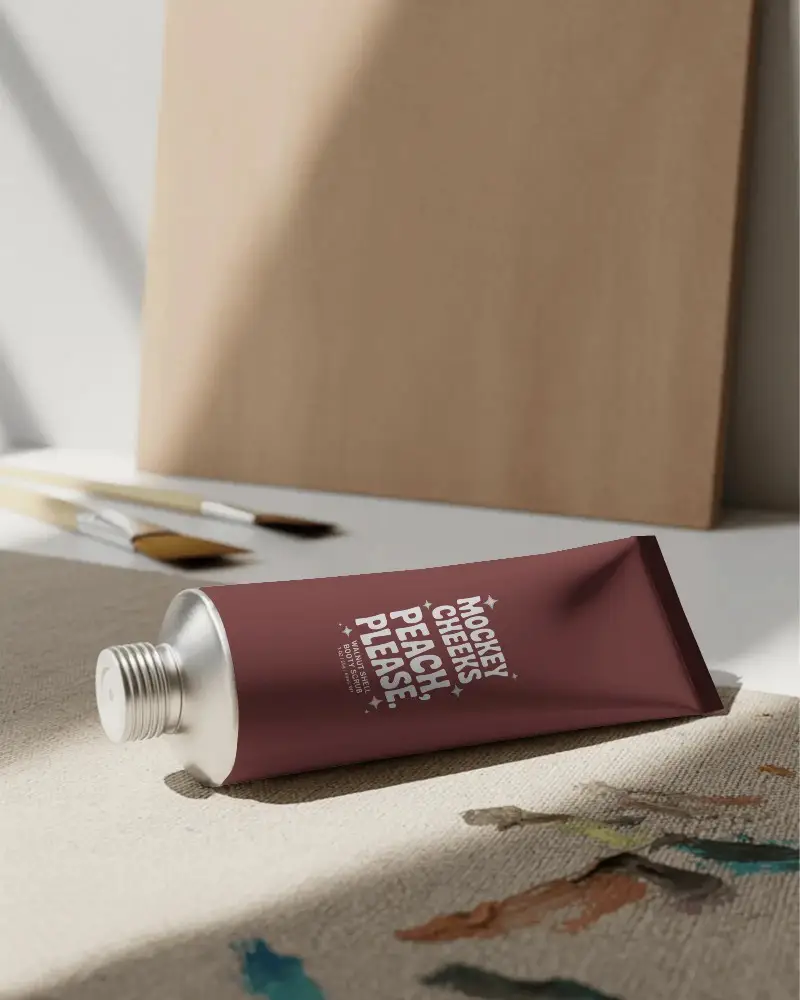

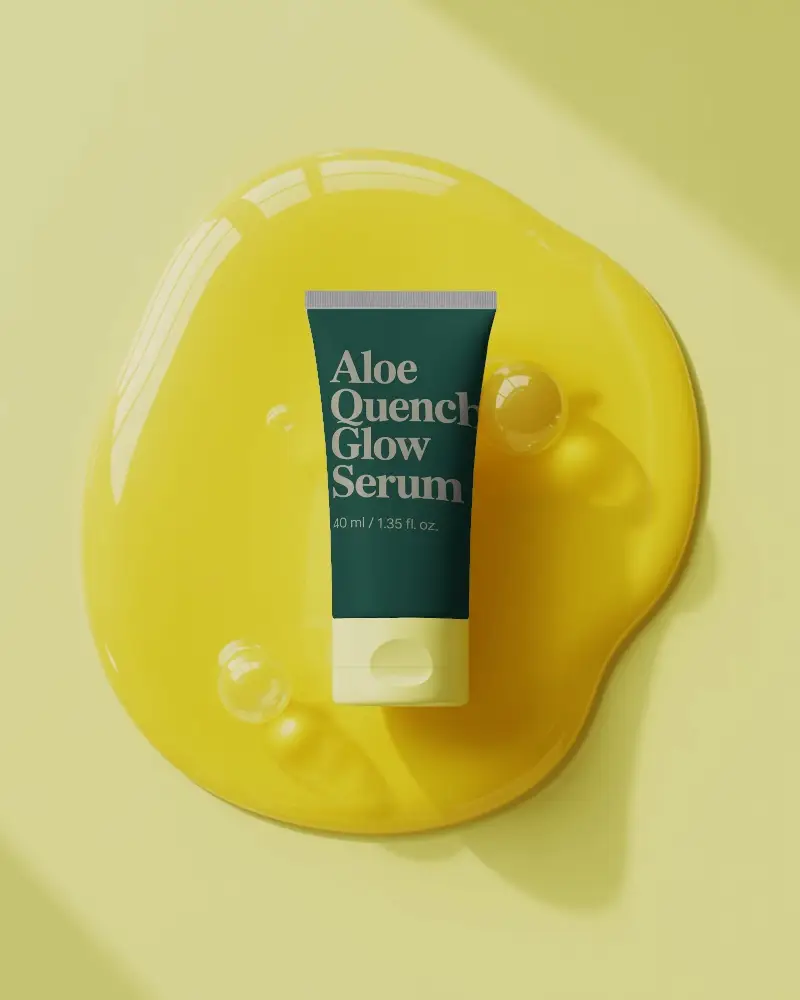
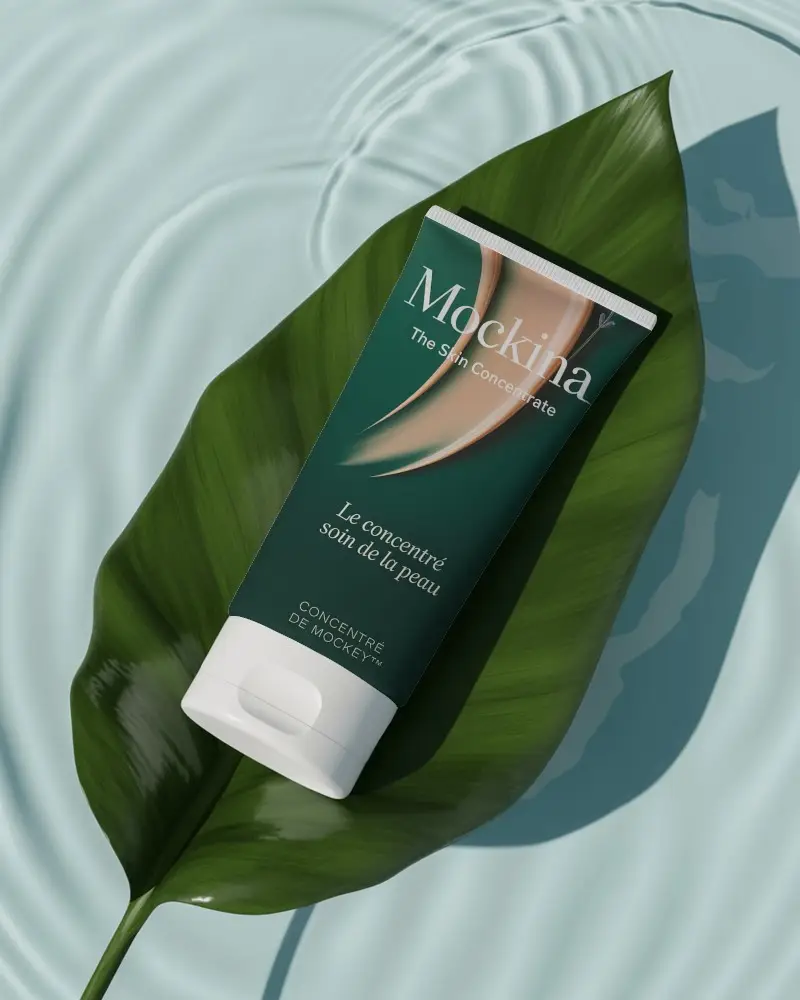
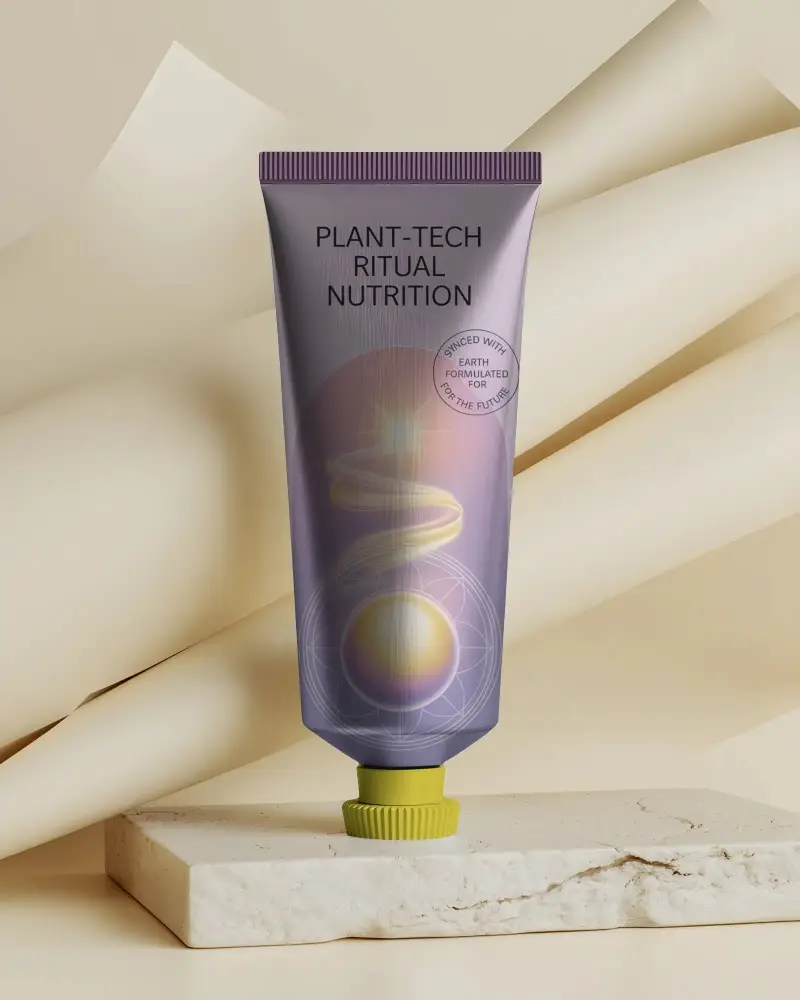

How to Create Squeeze Tube Mockup with Mockey
Follow the steps to create Squeeze Tube Mockups in Mockey AI
- Step 1: First, go to 'Mockups' in the menu, then select 'Packaging' and click on ' Squeeze Tube.'
- Step 2: Choose a template and upload your design.
- Step 3: Finally, customize your Squeeze Tube mockup until you're satisfied, then download it in high quality.


FAQs on Squeeze Tube Mockups
What is a Squeeze Tube Mockup?
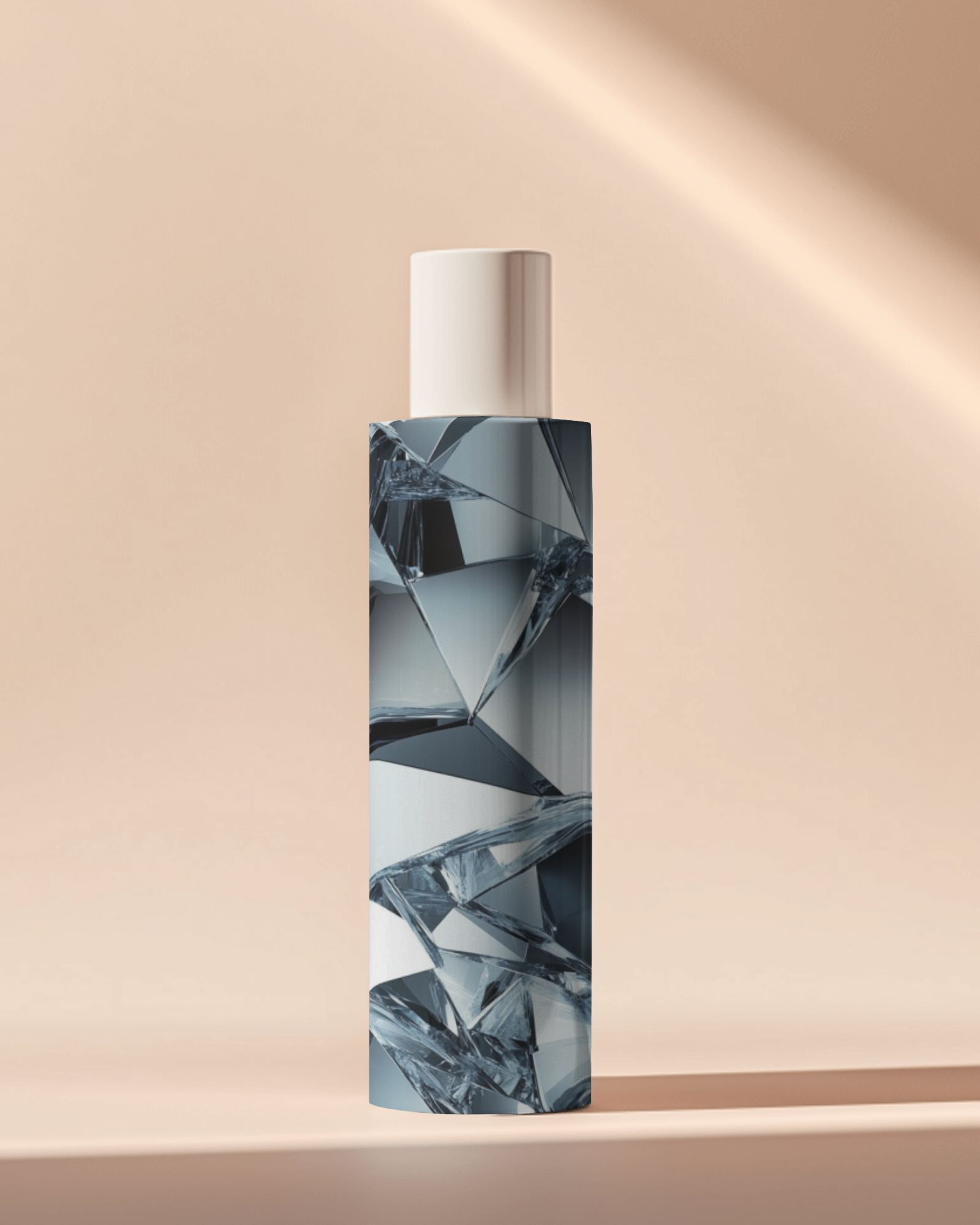
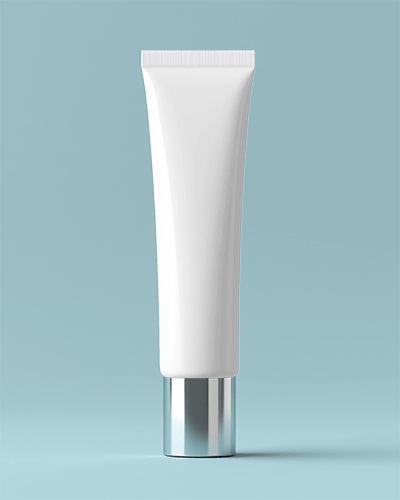
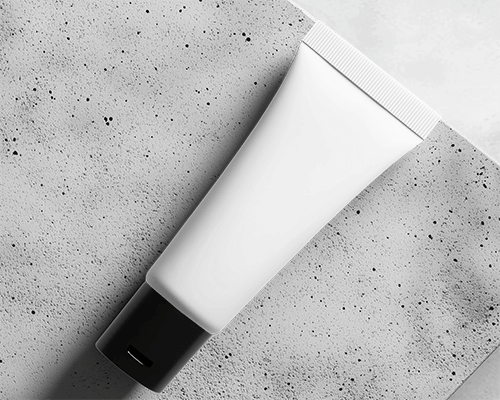
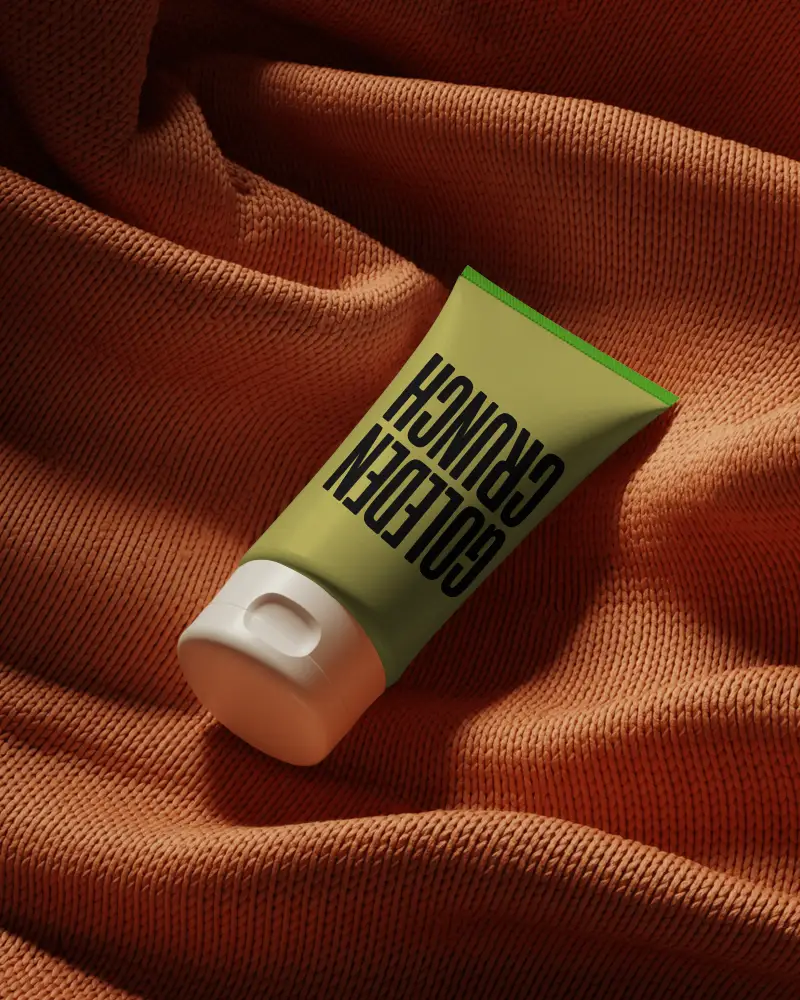
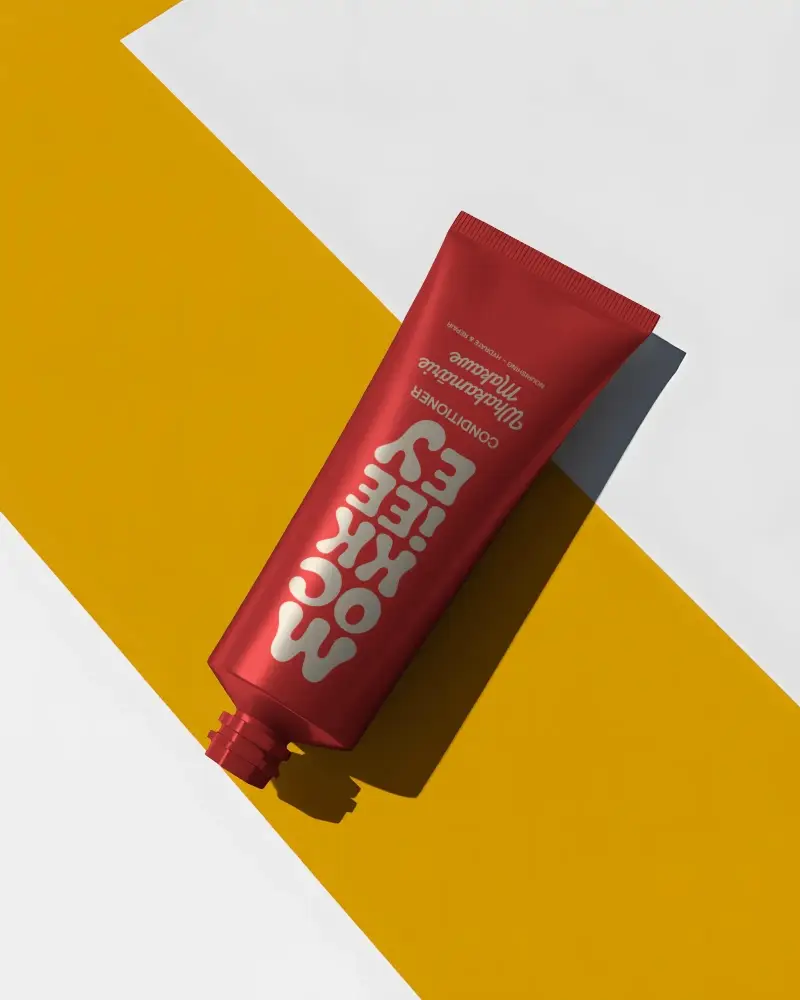
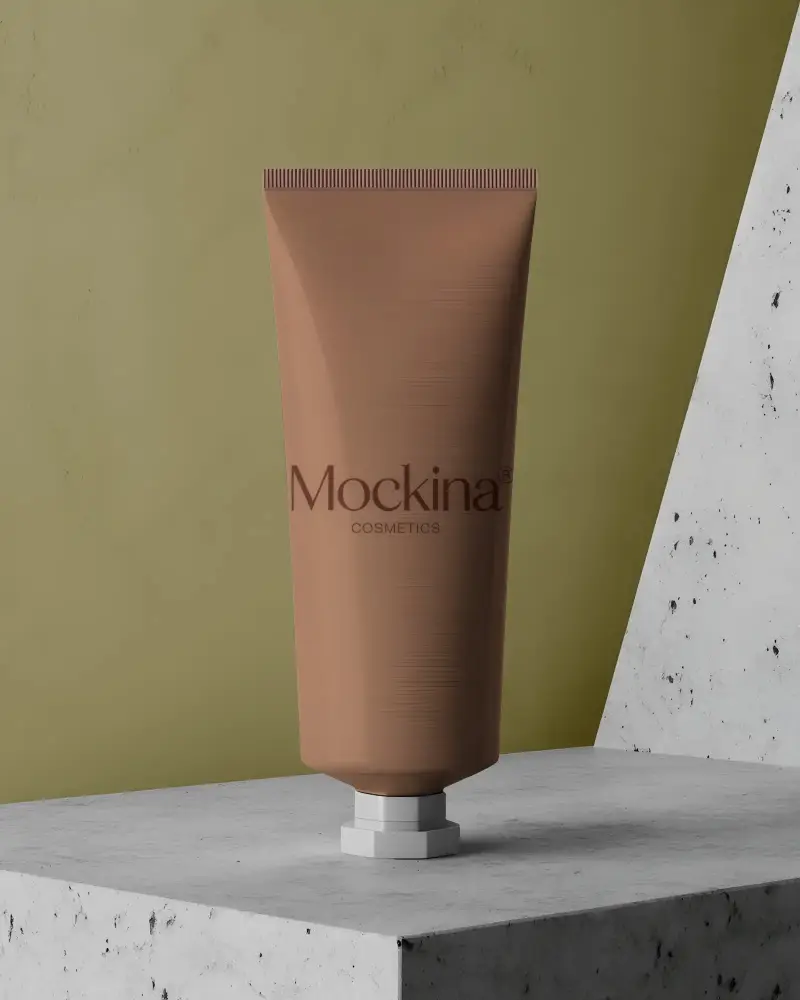
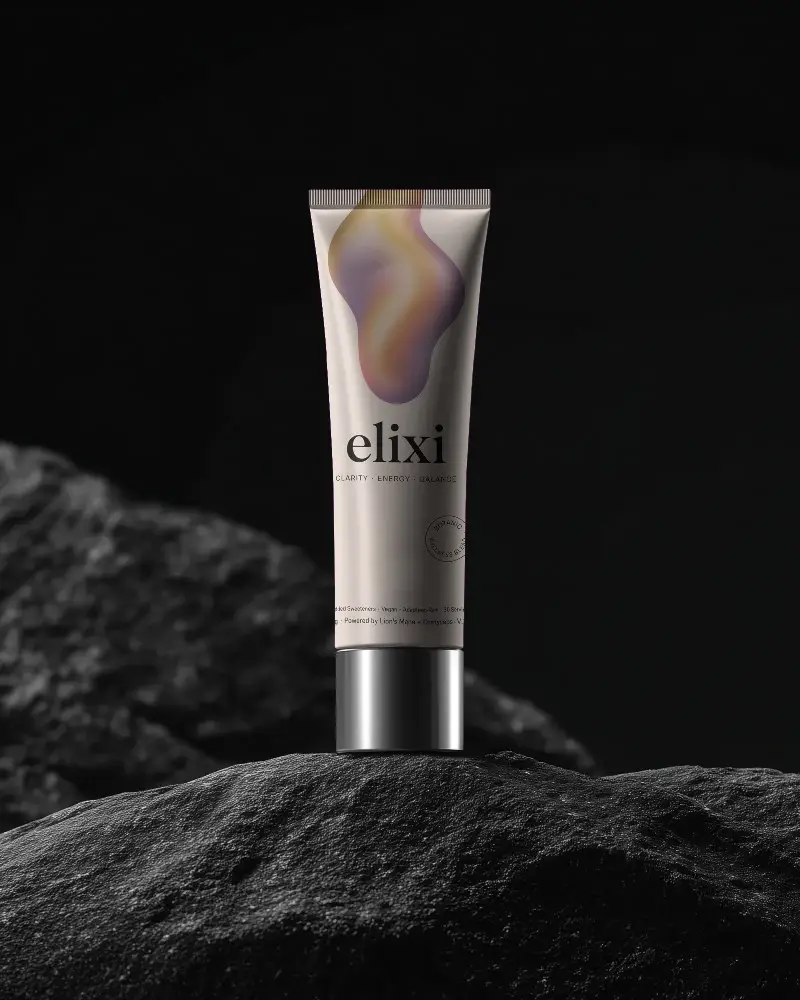
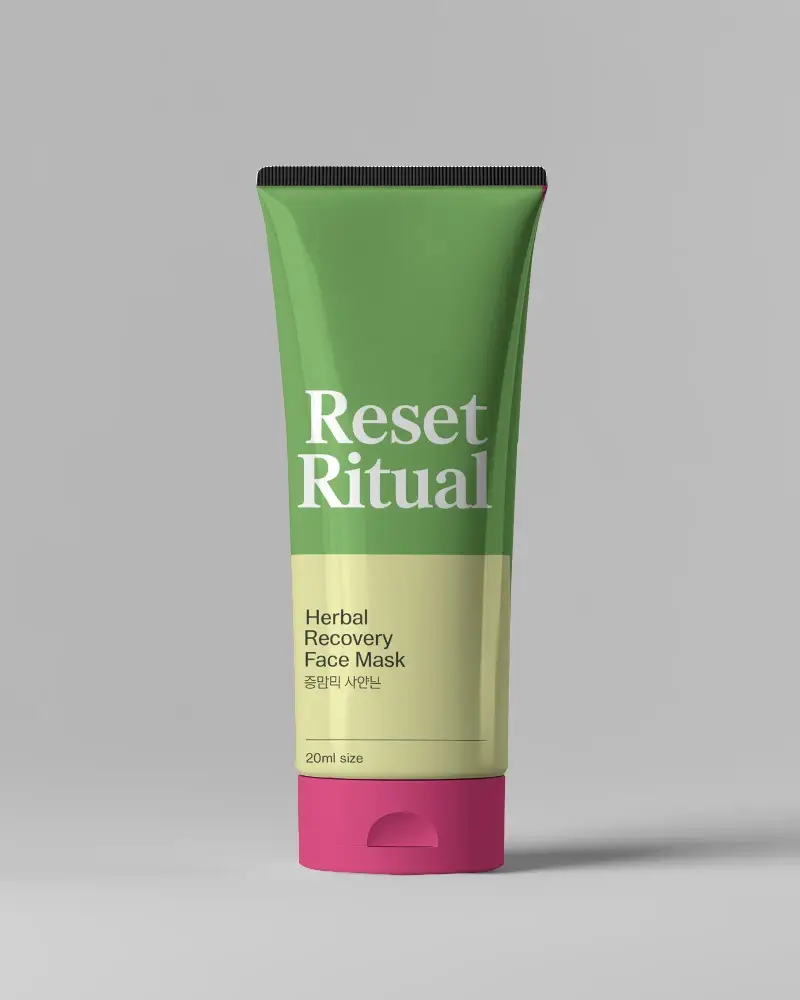
A Squeeze Tube mockup is an image that shows what a design looks like on a tube. It’s often used for products like lotion, toothpaste, or shampoo. The mockup helps companies see how their design will appear on packaging before it’s printed or made.
Why create a Squeeze Tube Mockup?
Creating a Squeeze Tube mockup helps designers show how their packaging designs will look in real life. It’s like putting a design on a 3D version of the product.
Why Use Mockey’s Squeeze Tube Mockup?
Mockey’s Squeeze Tube Mockup is an easy-to-use AI tool that helps you create realistic product images quickly. It gives you customizable Squeeze Tube templates, saves you time while editing, and doesn’t need any design skills, so anyone can make professional-looking Squeeze Tube mockups.
Are Mockey’s Squeeze Tube mockups suitable for cosmetic brands?
Mockey’s Squeeze Tube mockups are best for cosmetic brands, giving them realistic designs that are easy and quick to customize.
Do I need design experience to use Mockey’s free Squeeze Tube mockups?
Mockey's free Squeeze Tube mockups are easy to use. You can upload and customize your designs without needing any graphic design skills or fancy software like Photoshop.
