Free Can Mockup Templates
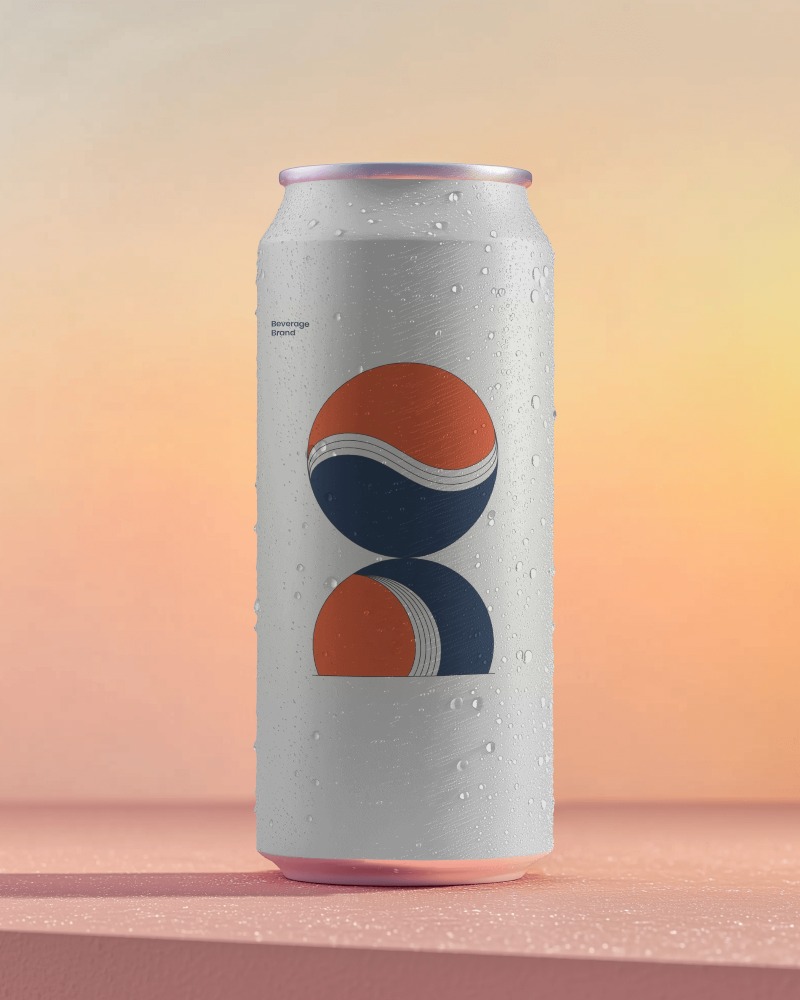
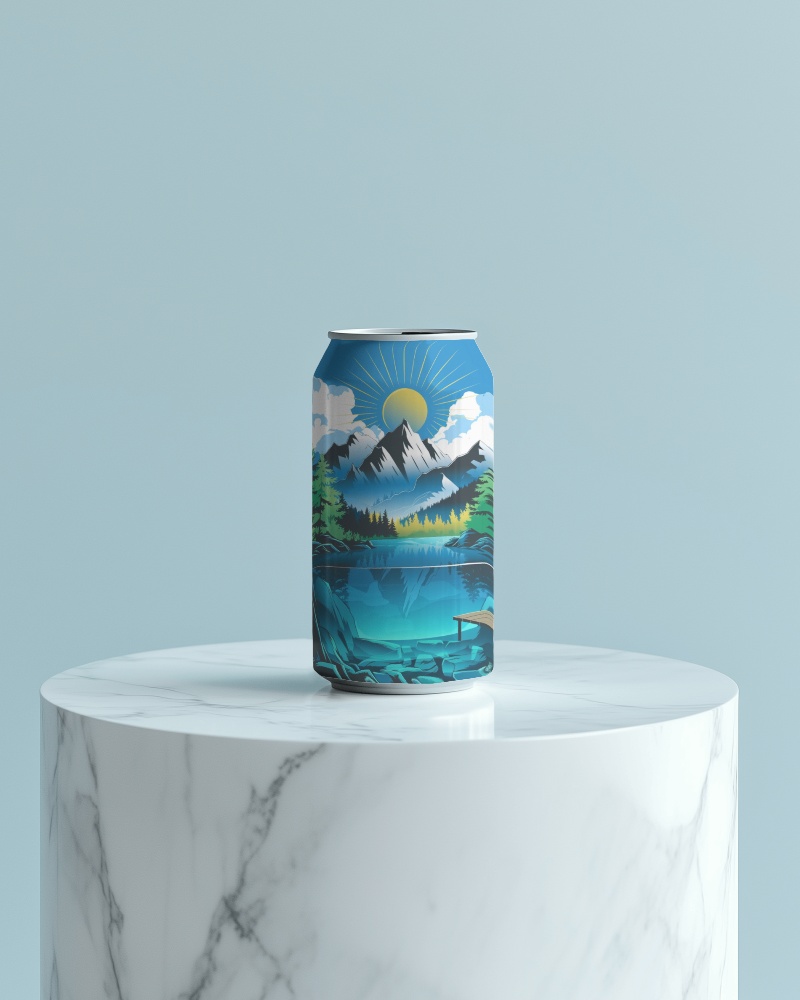
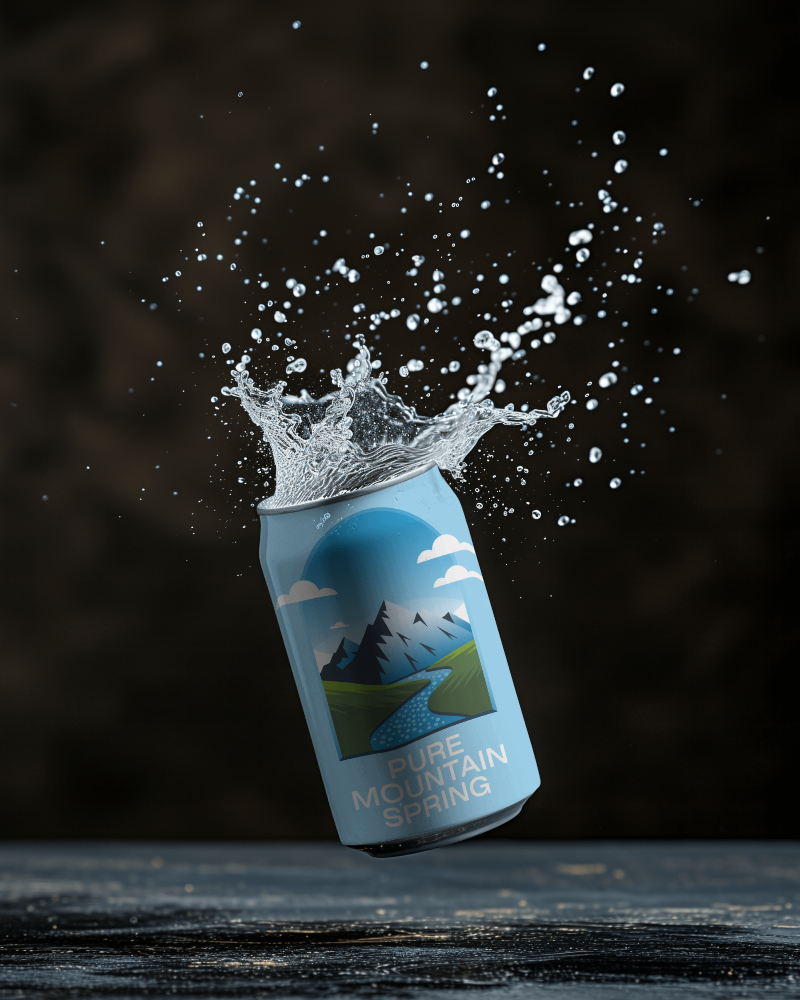
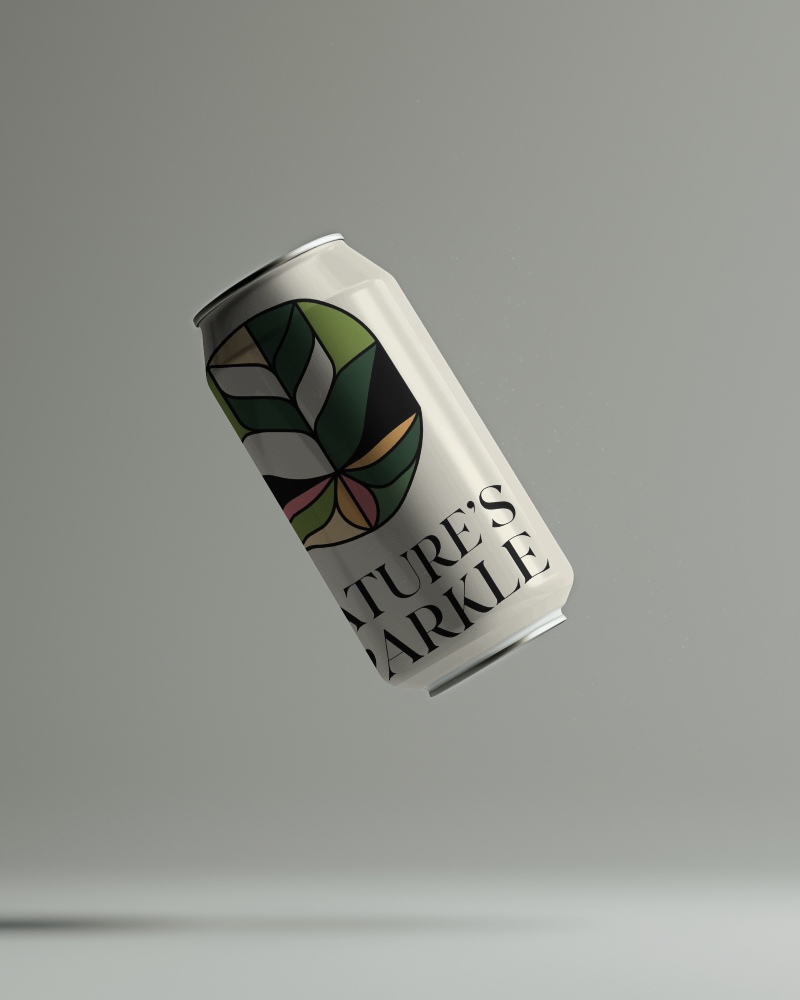
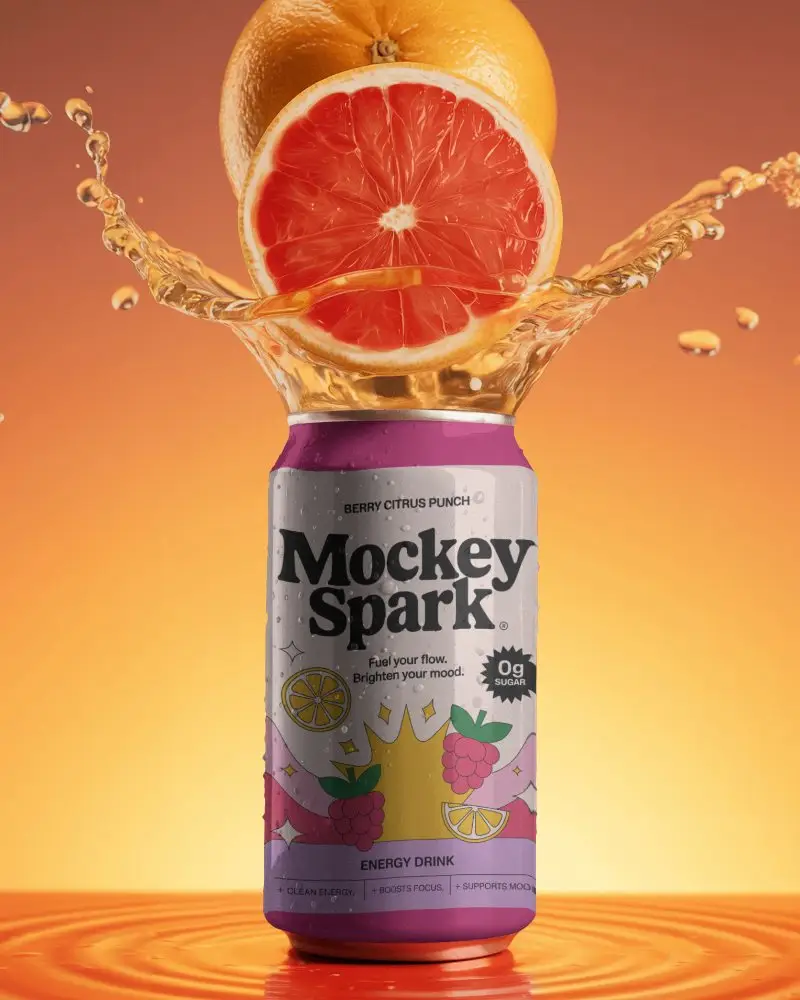
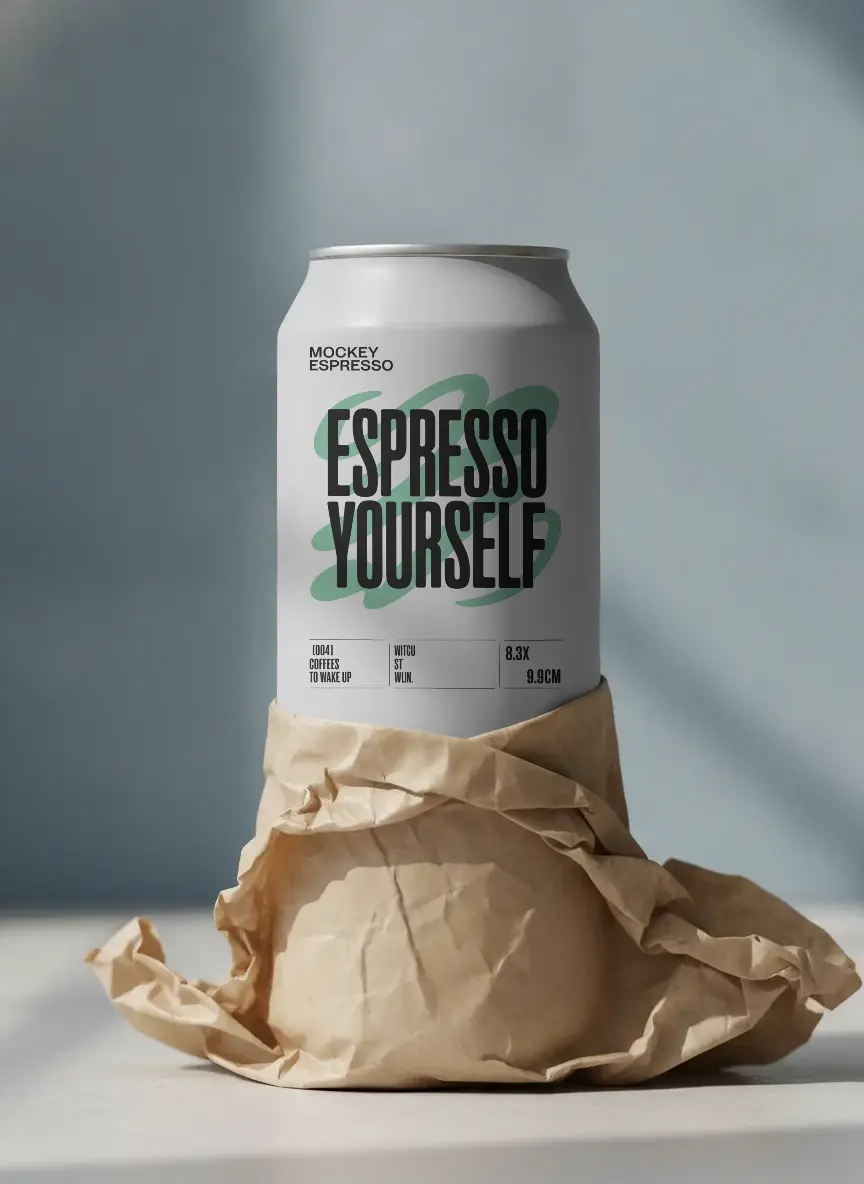
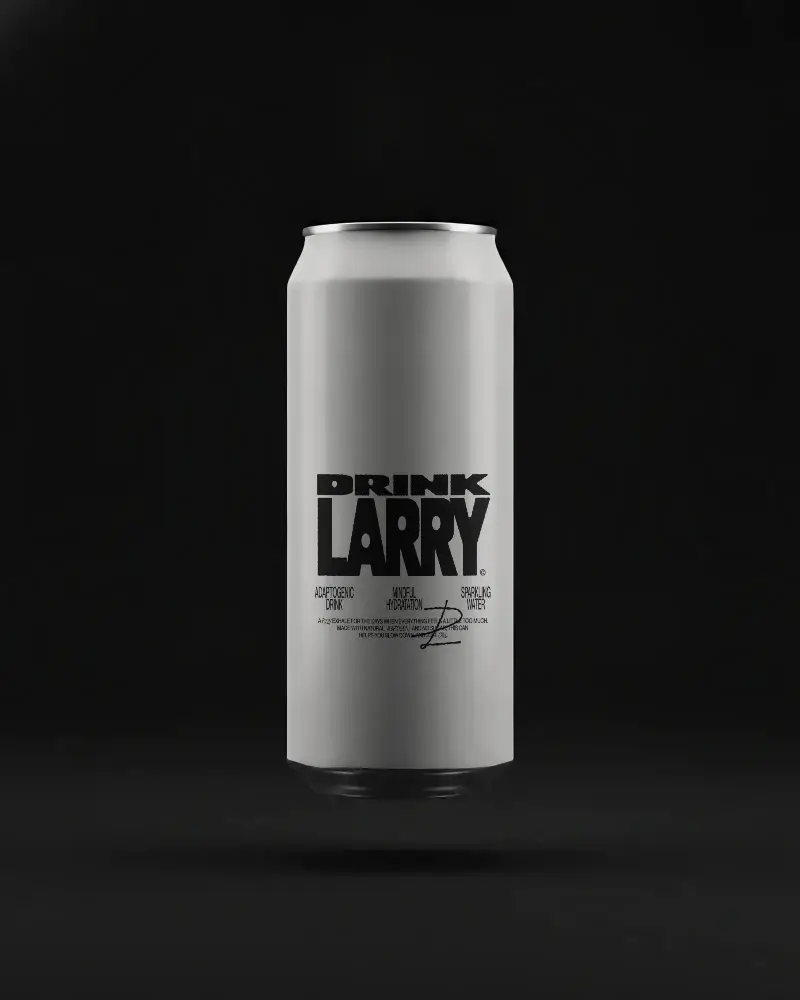
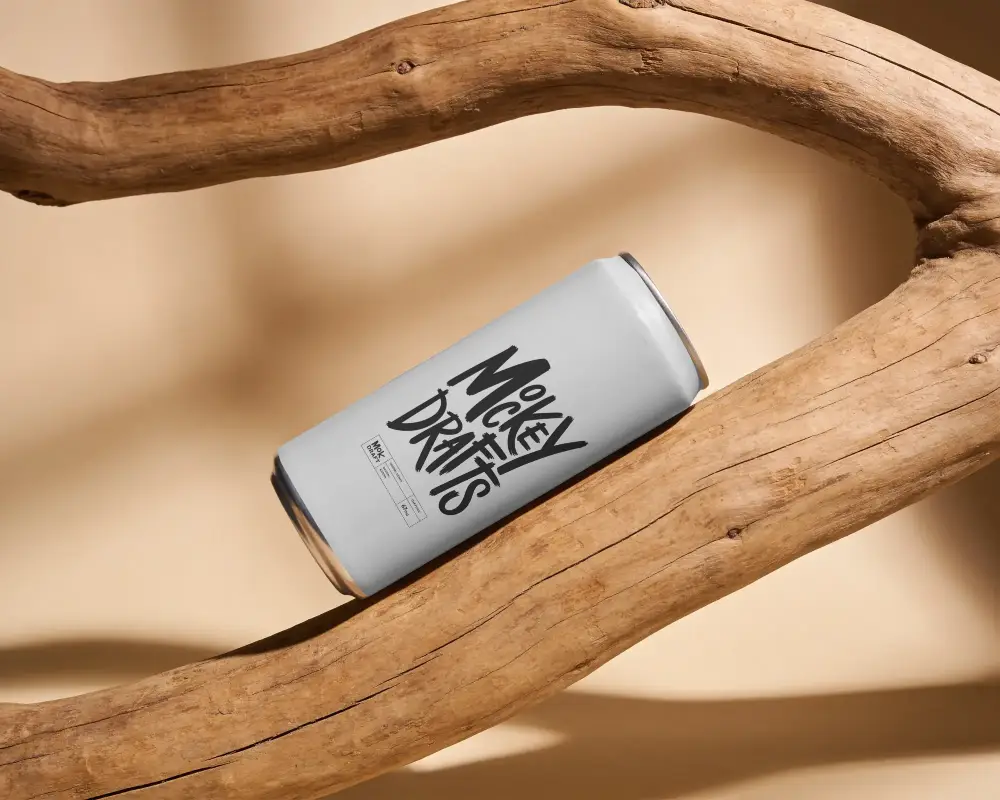
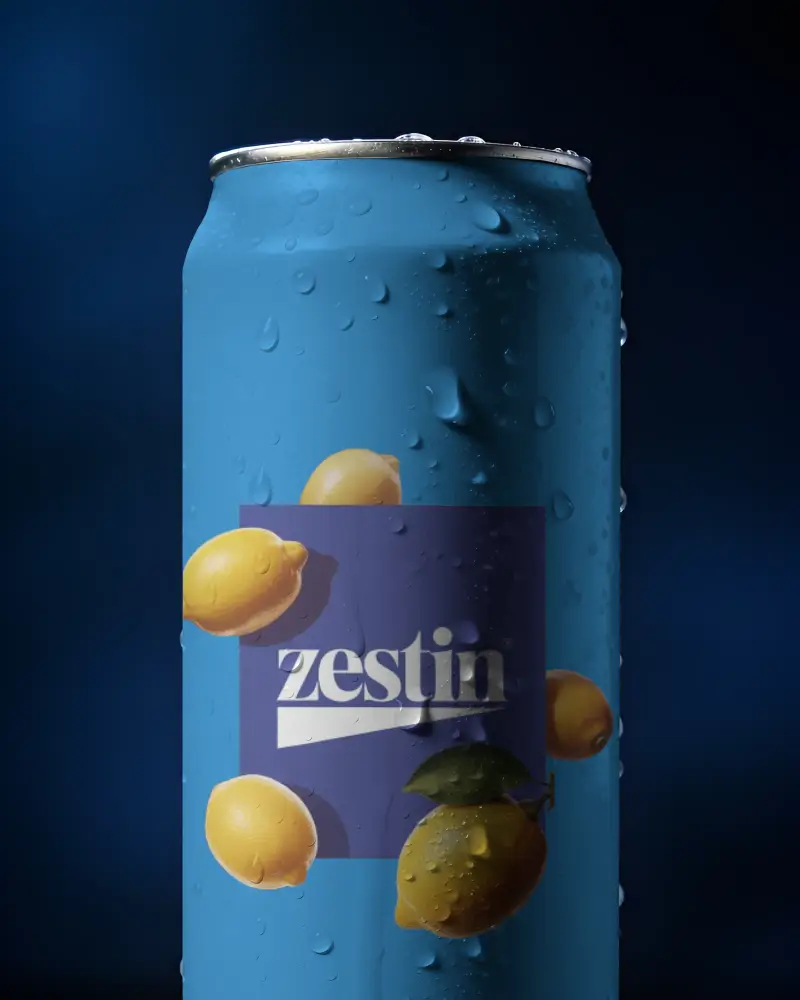
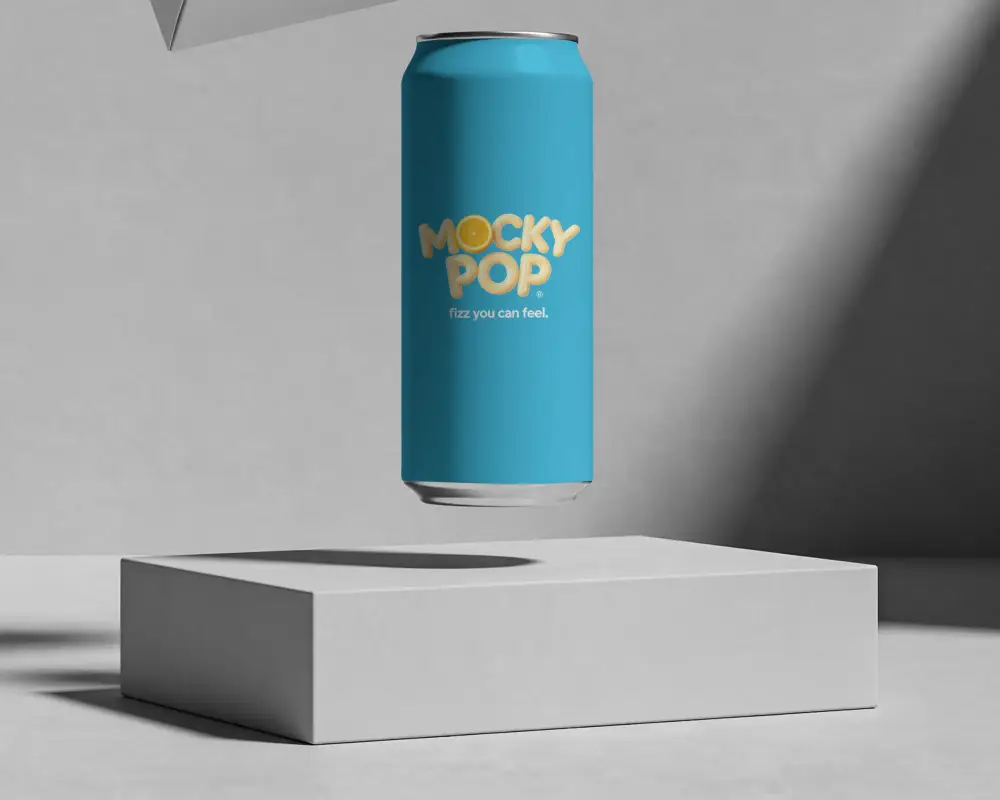
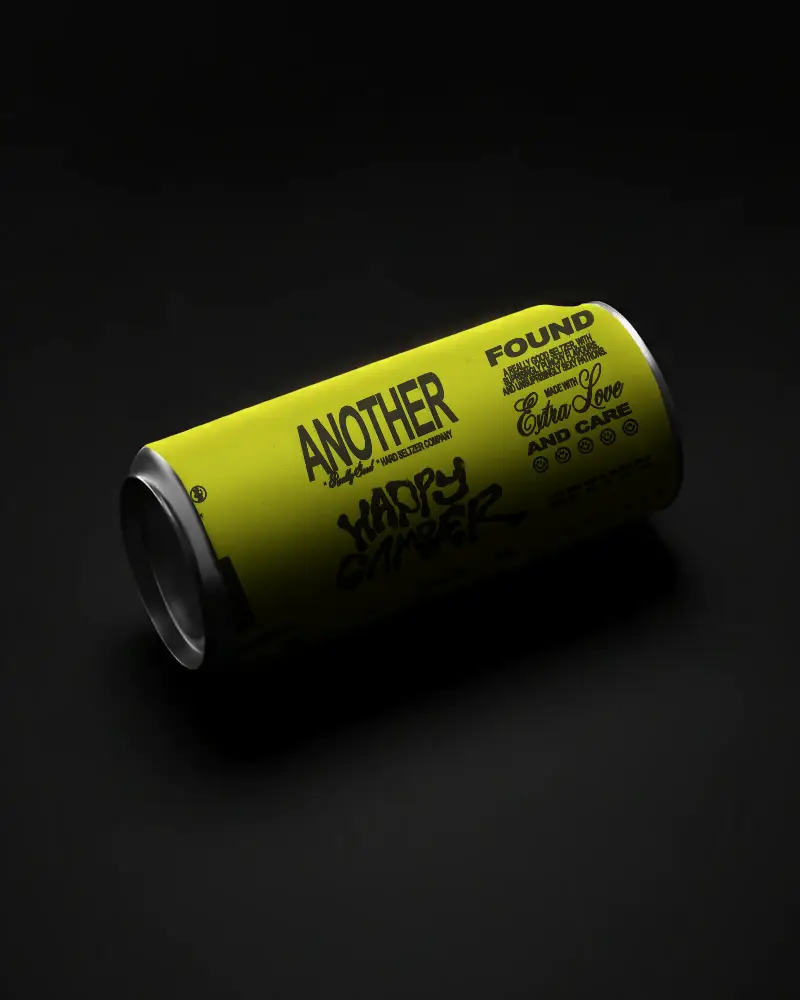
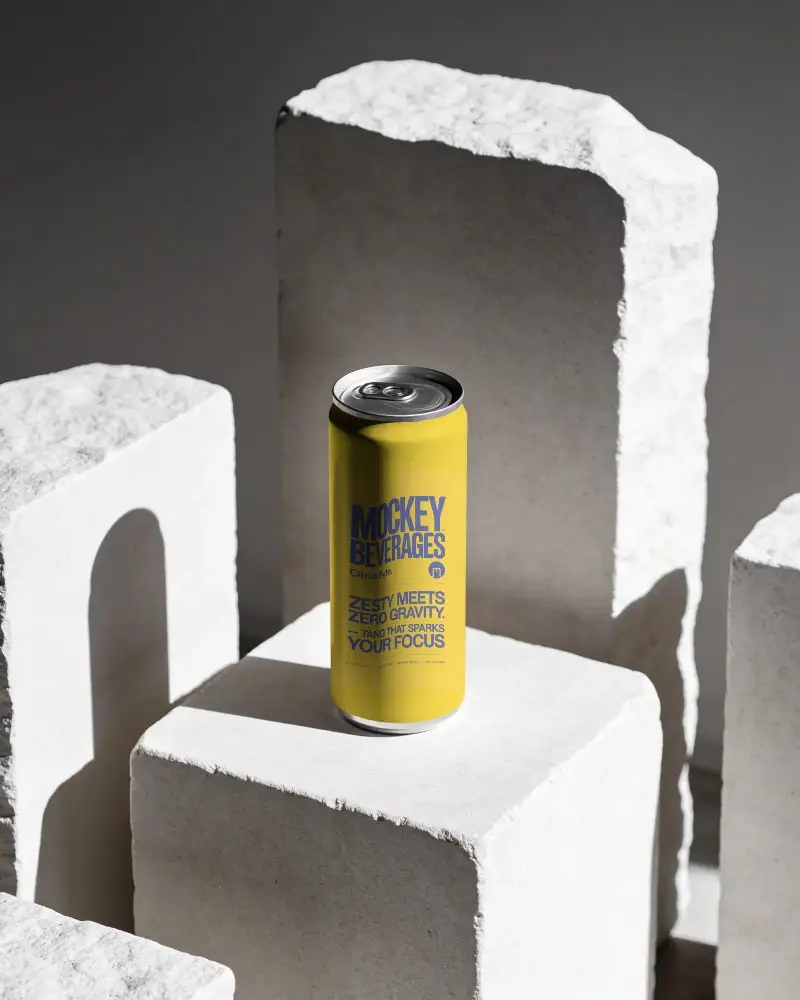
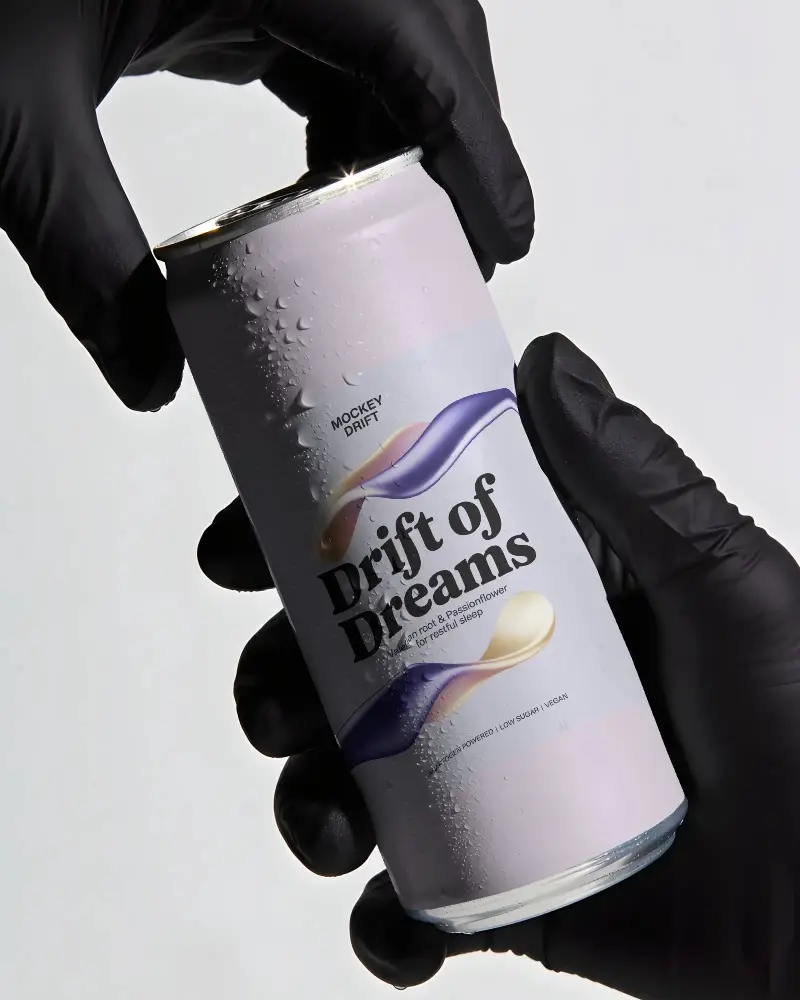
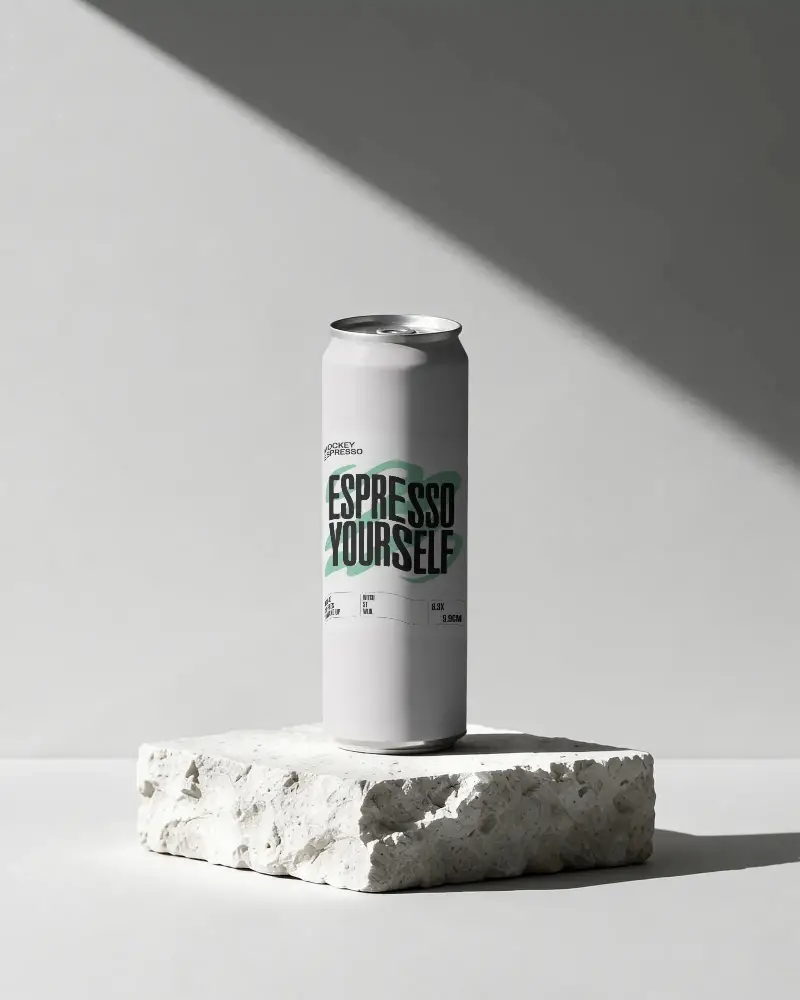
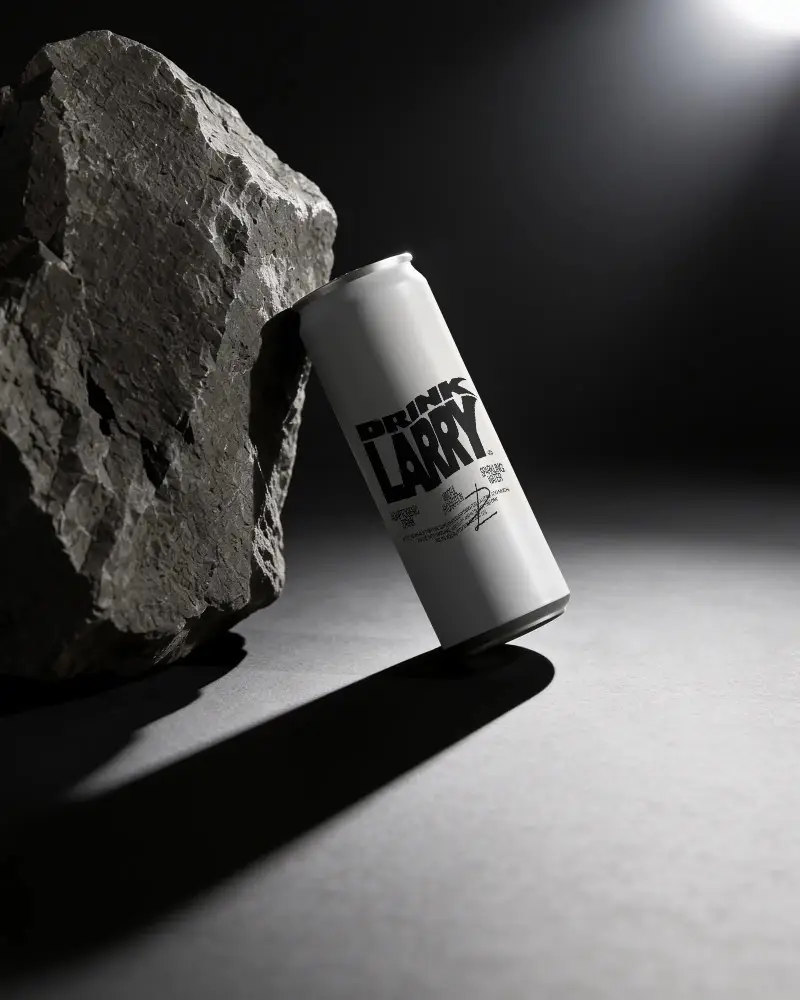
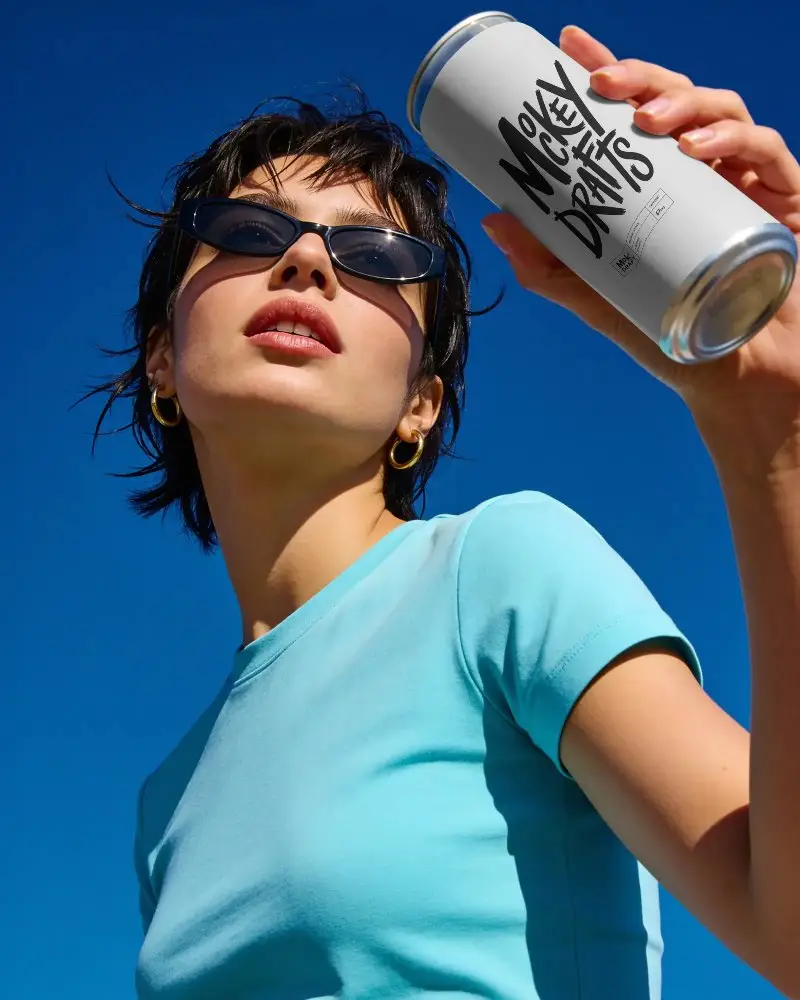
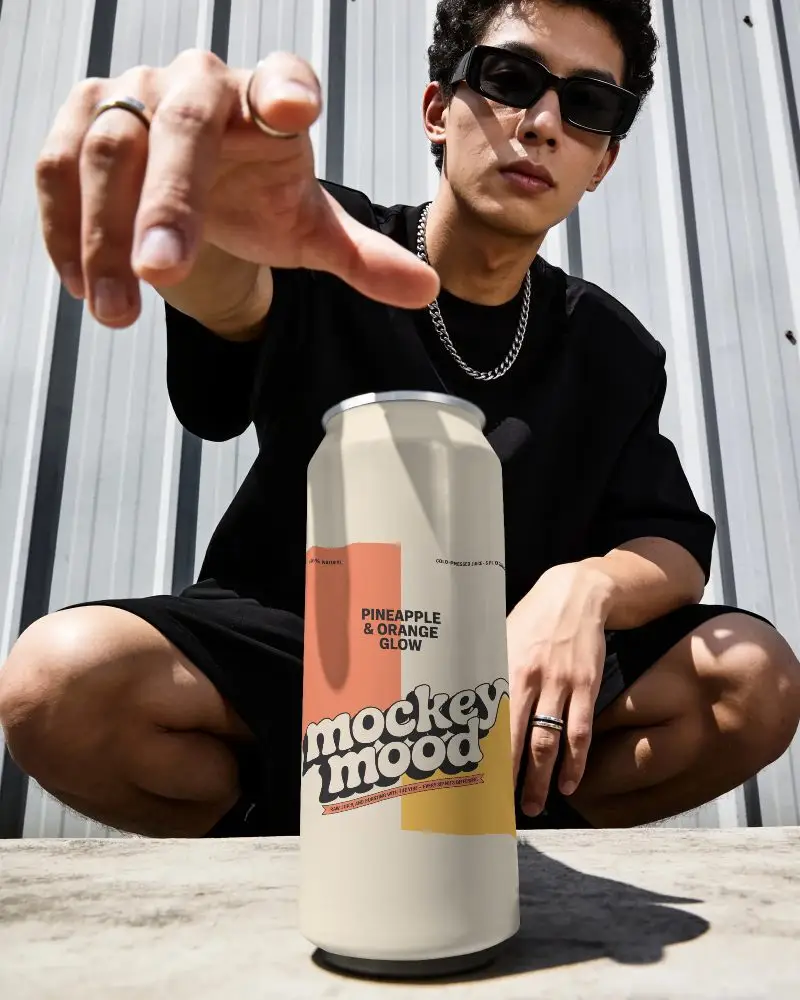
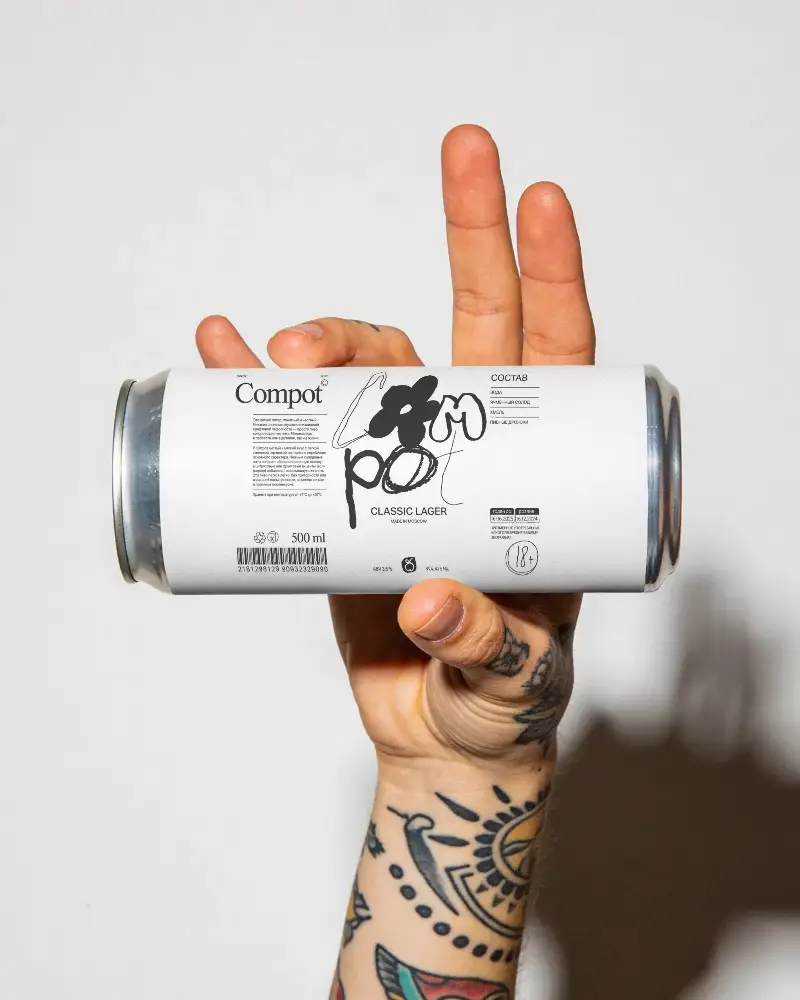
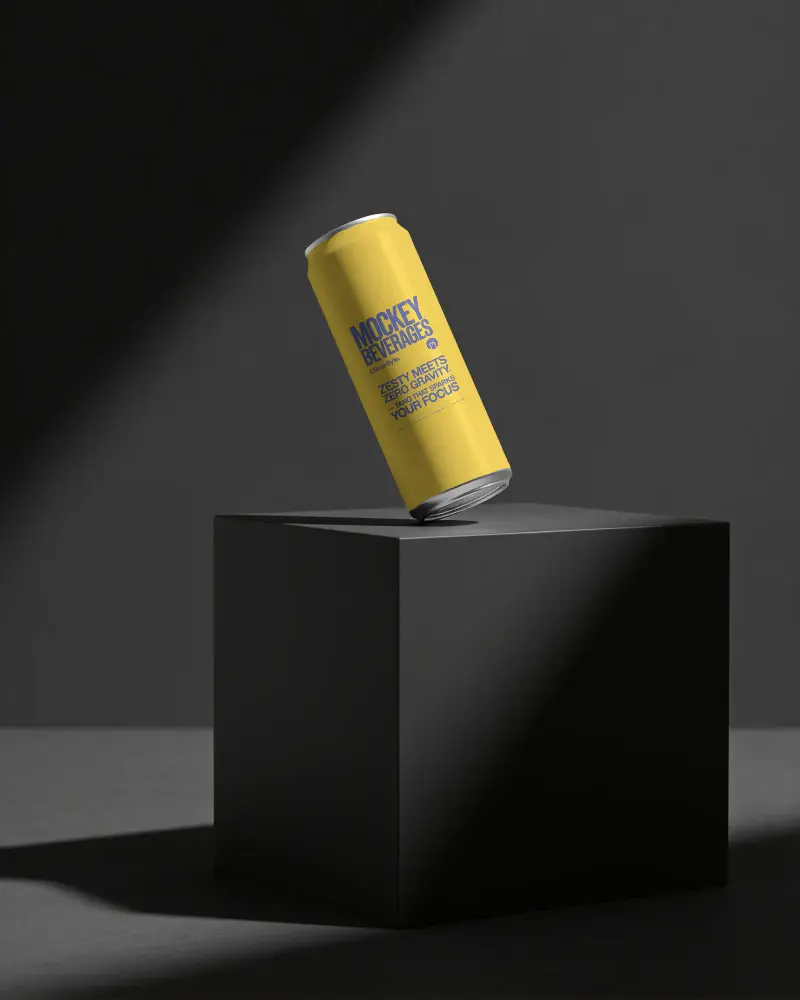
Explore can mockup templates for soda, beer, energy drinks, sparkling water, and cold brew. Find slim, tall, and standard can styles made for US beverage brands, packaging presentations, ecommerce listings, ads, and launch campaigns.
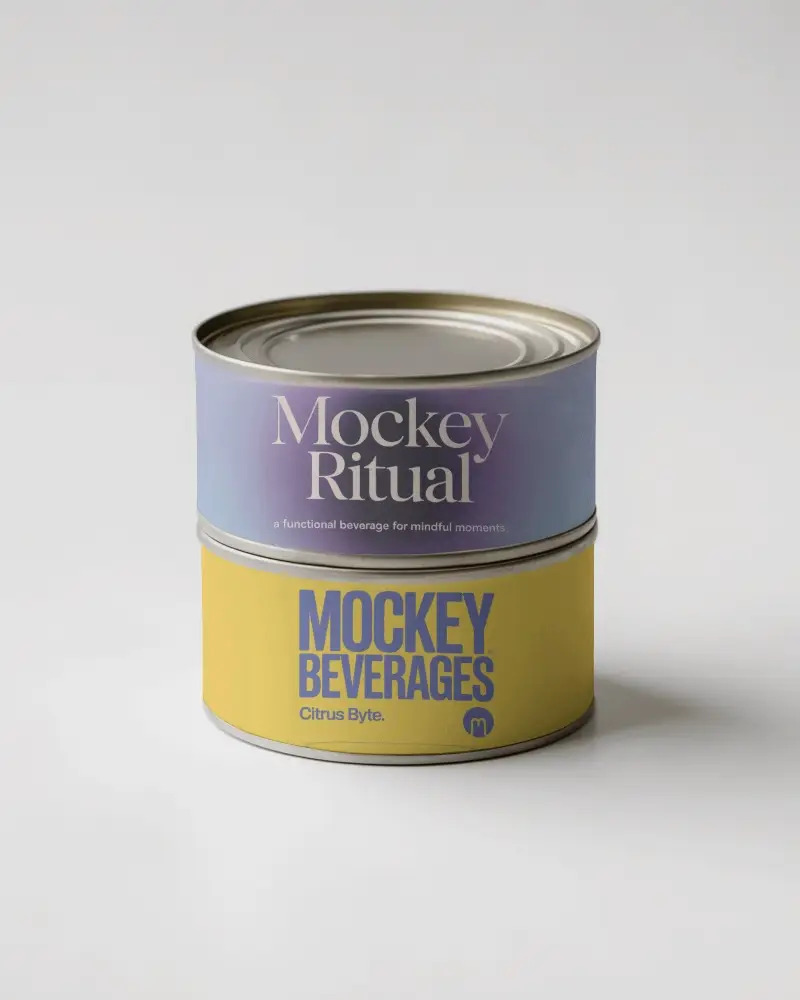
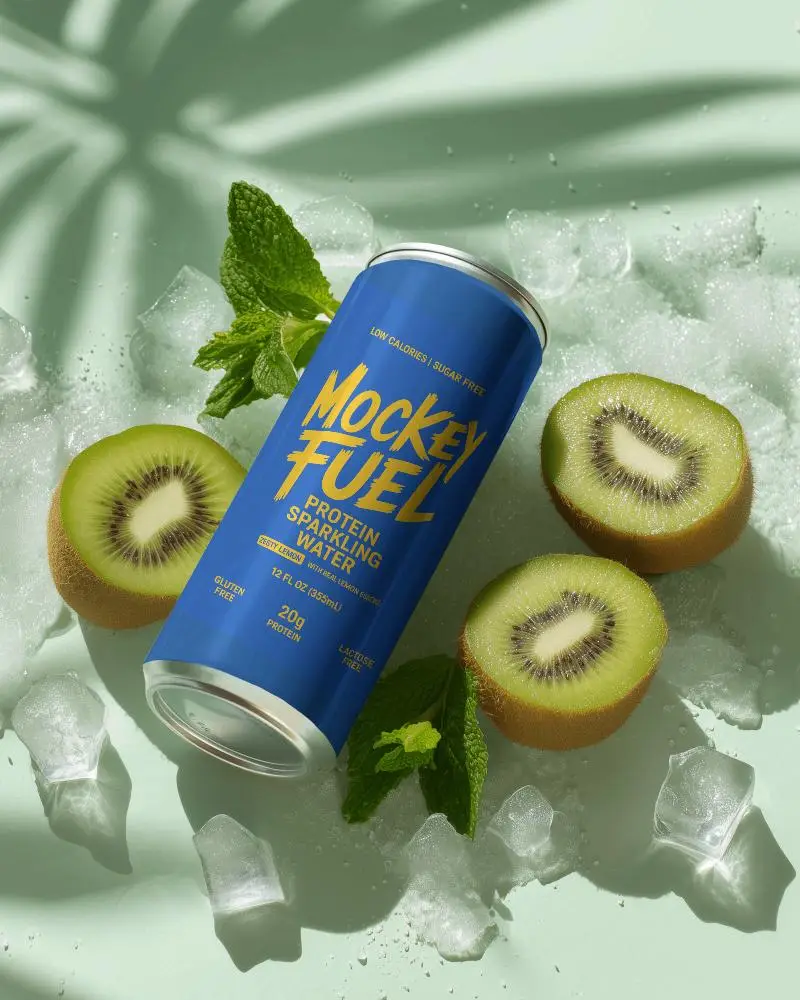
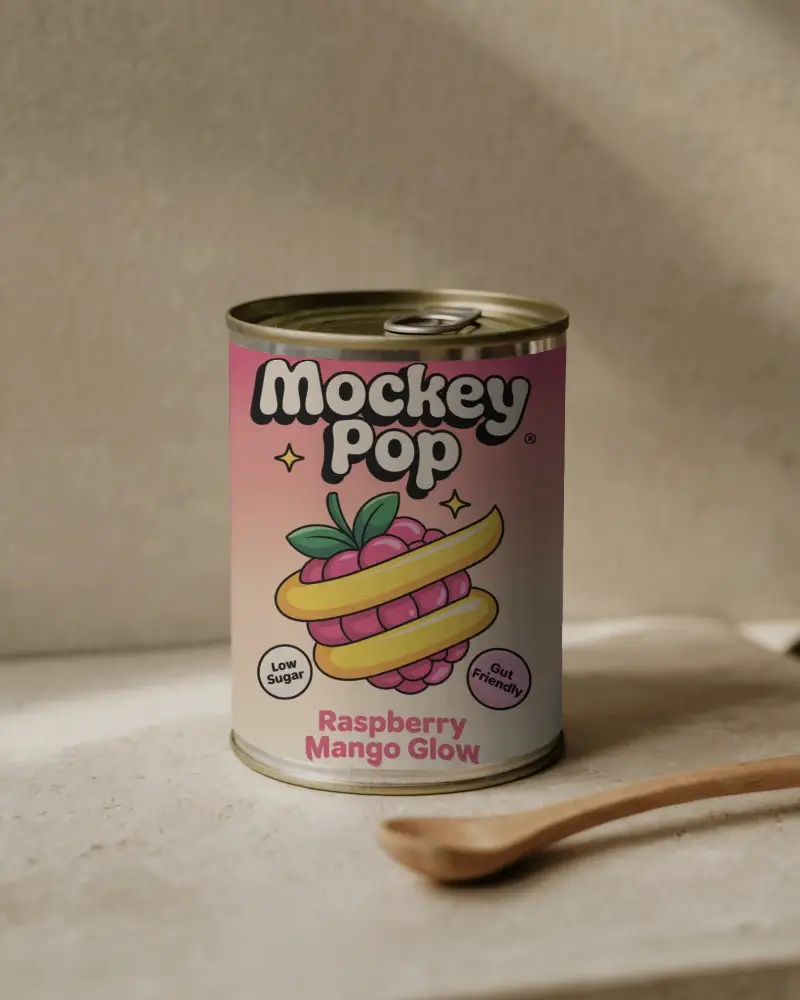
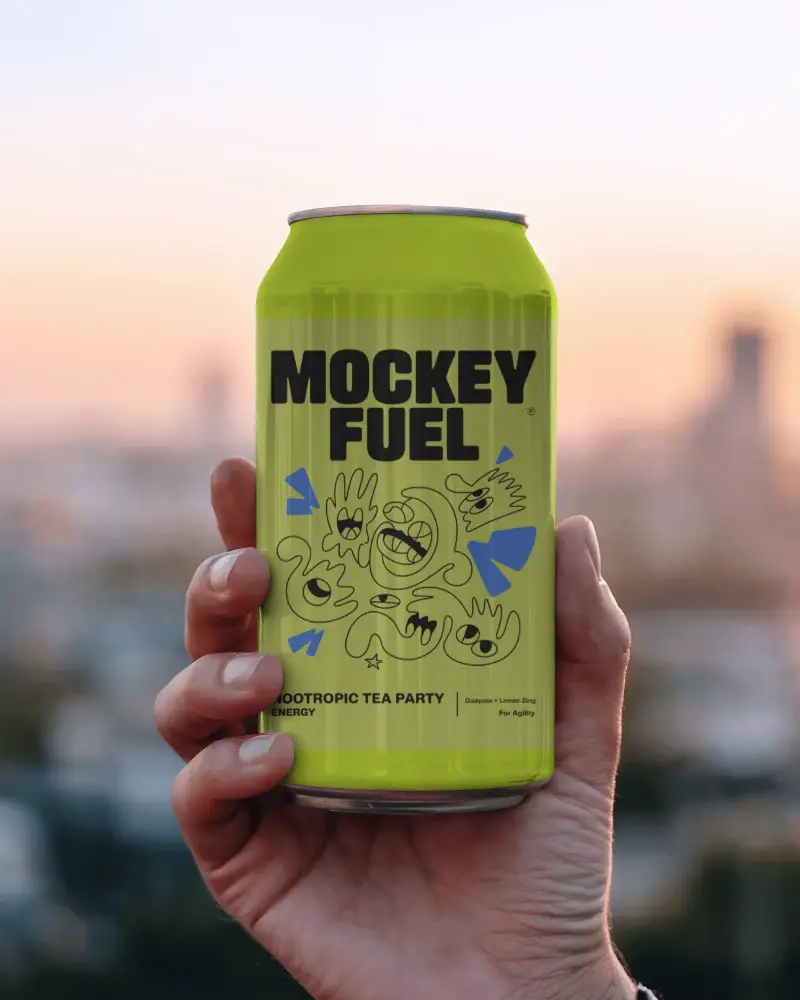
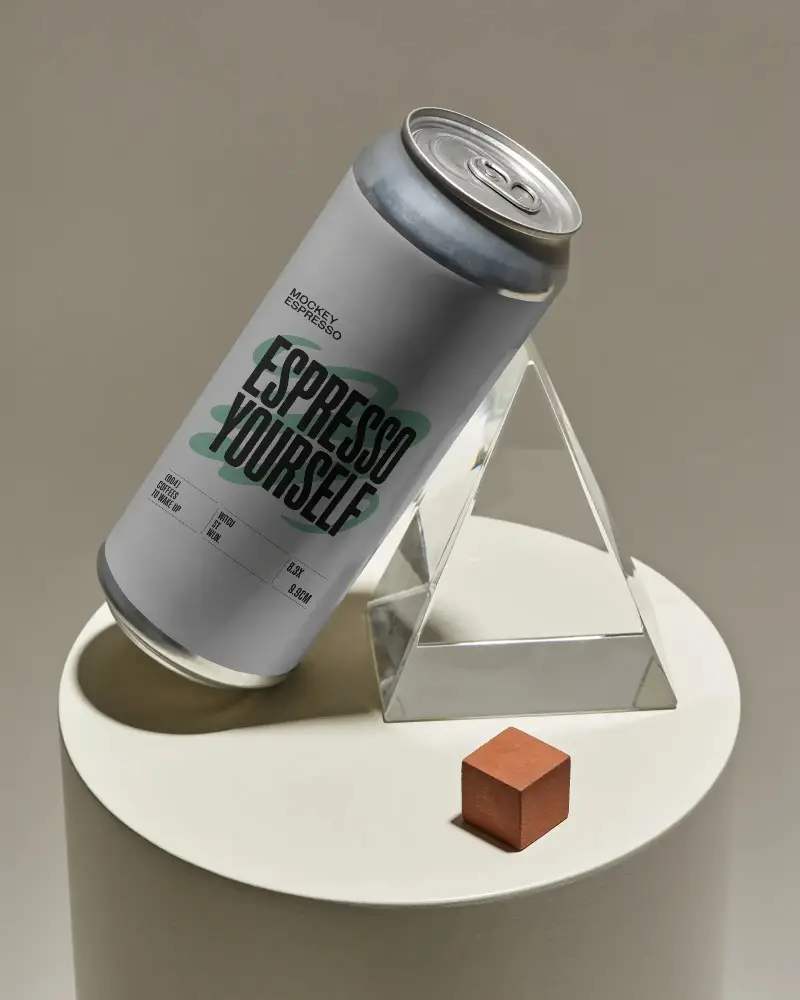
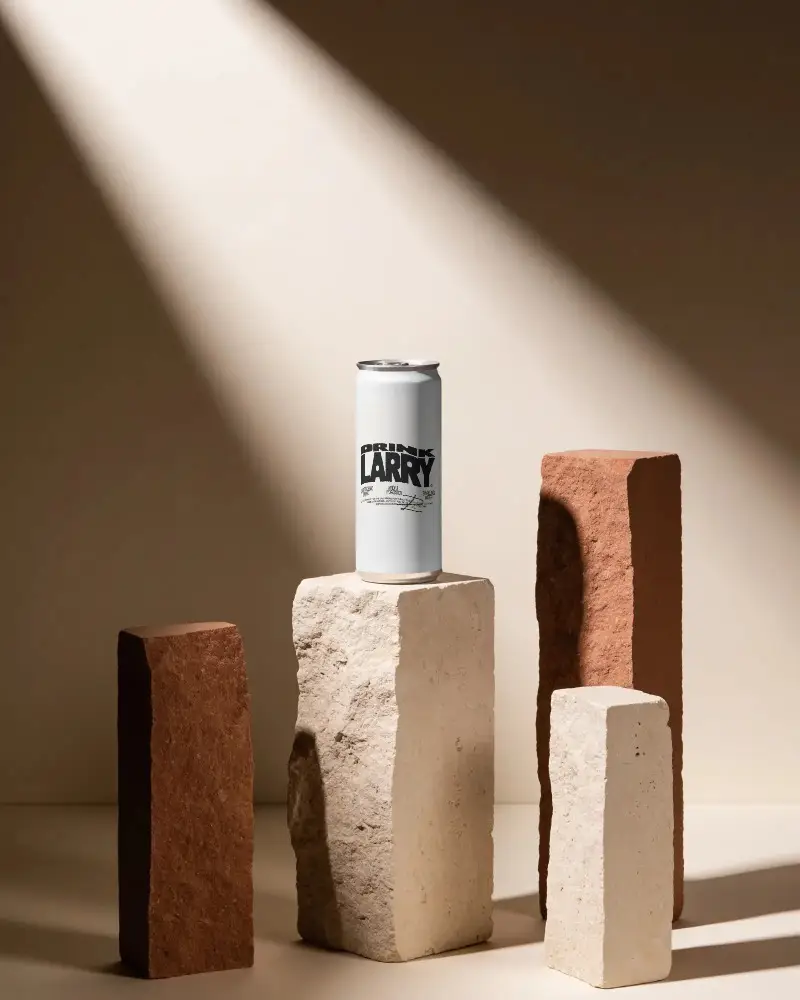
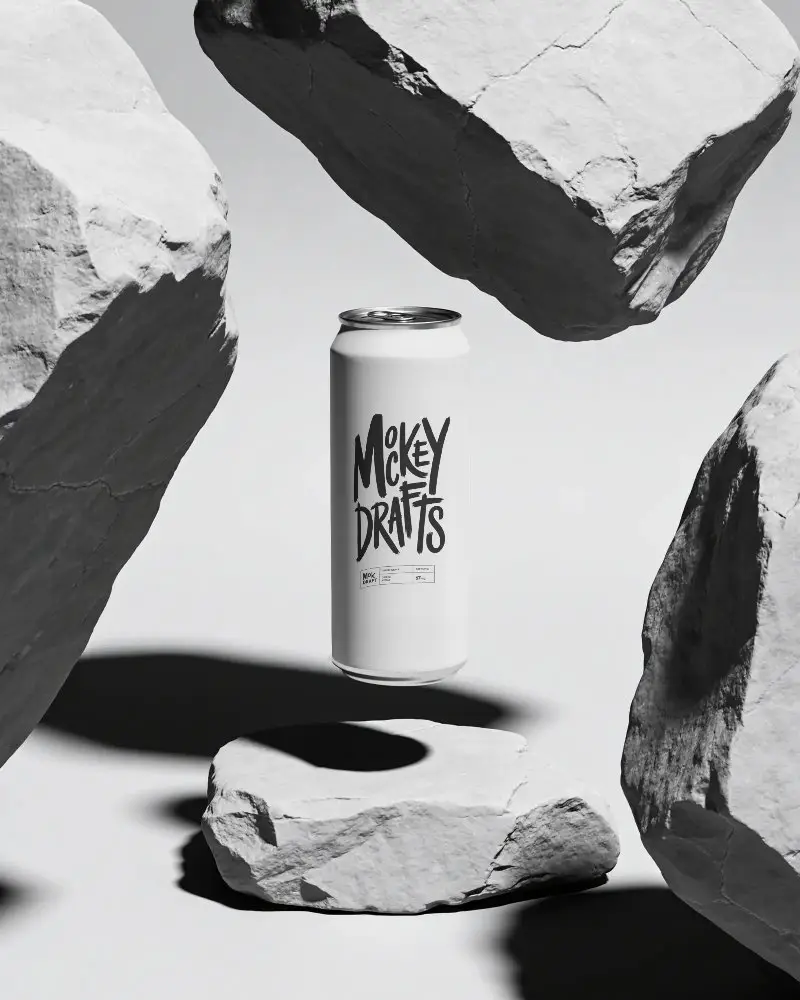
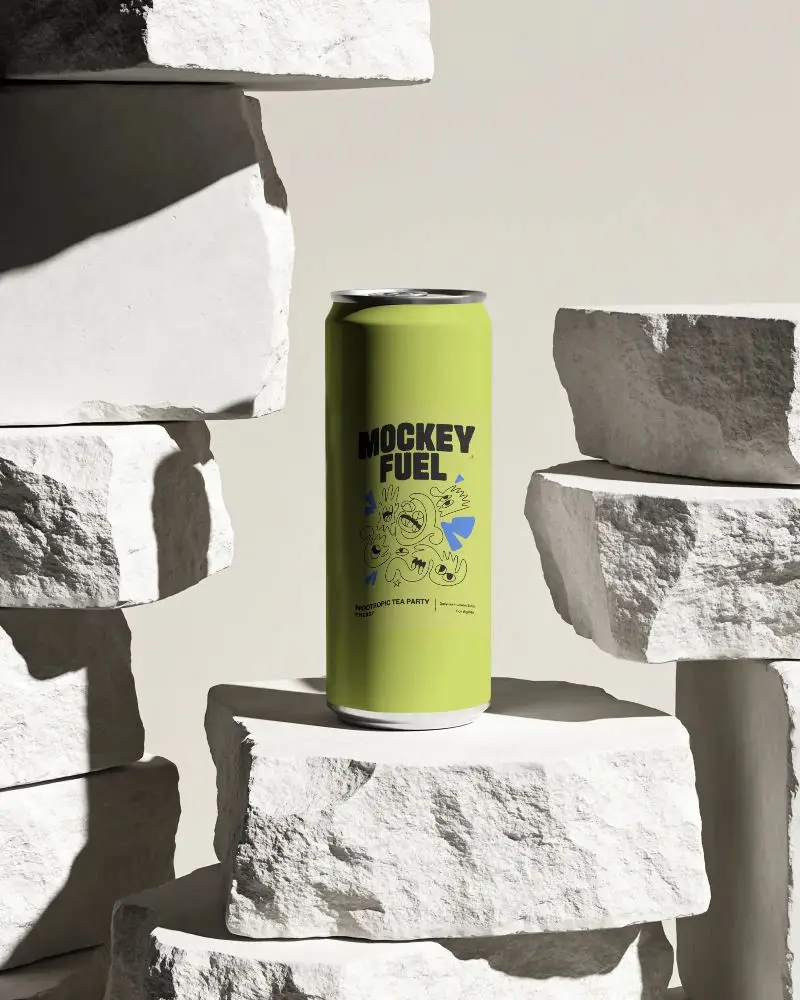
How to Create Can Mockups with Mockey AI
Follow the steps to create Can Mockups:
- Step 1: Sign up. Click on Mockups, then go to Home & Living and pick Can.
- Step 2: Select a template and add your design by clicking “Upload Design”.
- Step 3: Personalize your Can mockup to make it special and download it in high quality.


FAQs on can Mockups
What is a Can Mockup?
A can mockup is a digital template that lets you display your designs on a soda or beer Can. It helps display your branding, packaging, or labels in a professional and attractive way.
What types of can mockups are available?
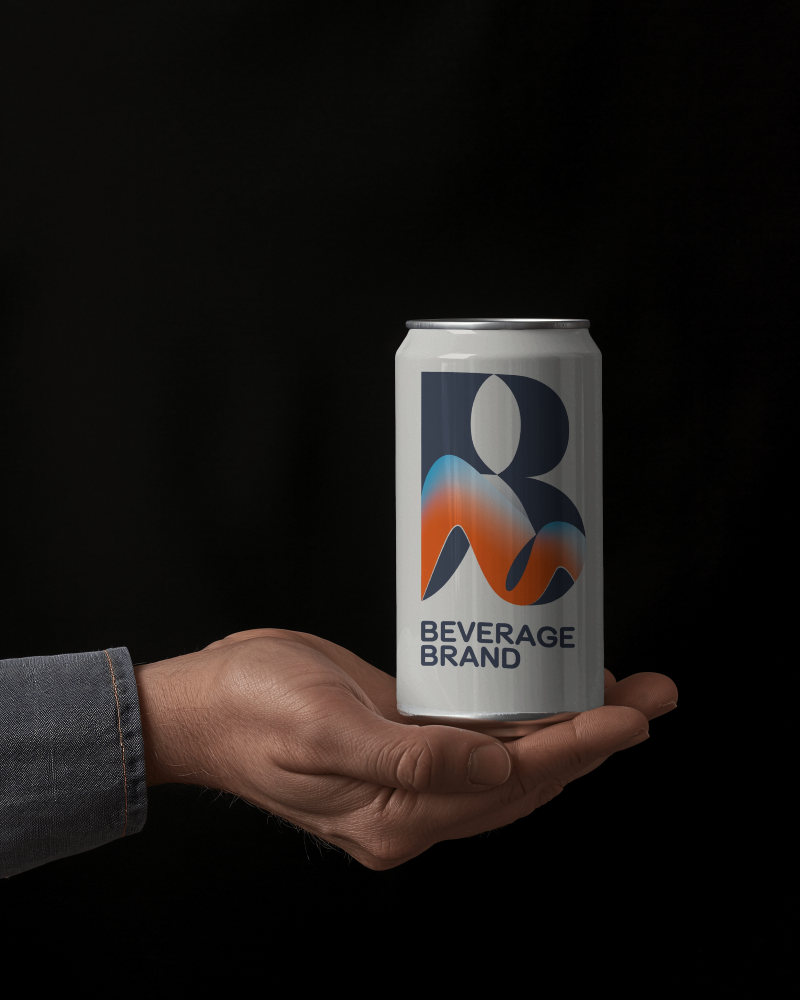
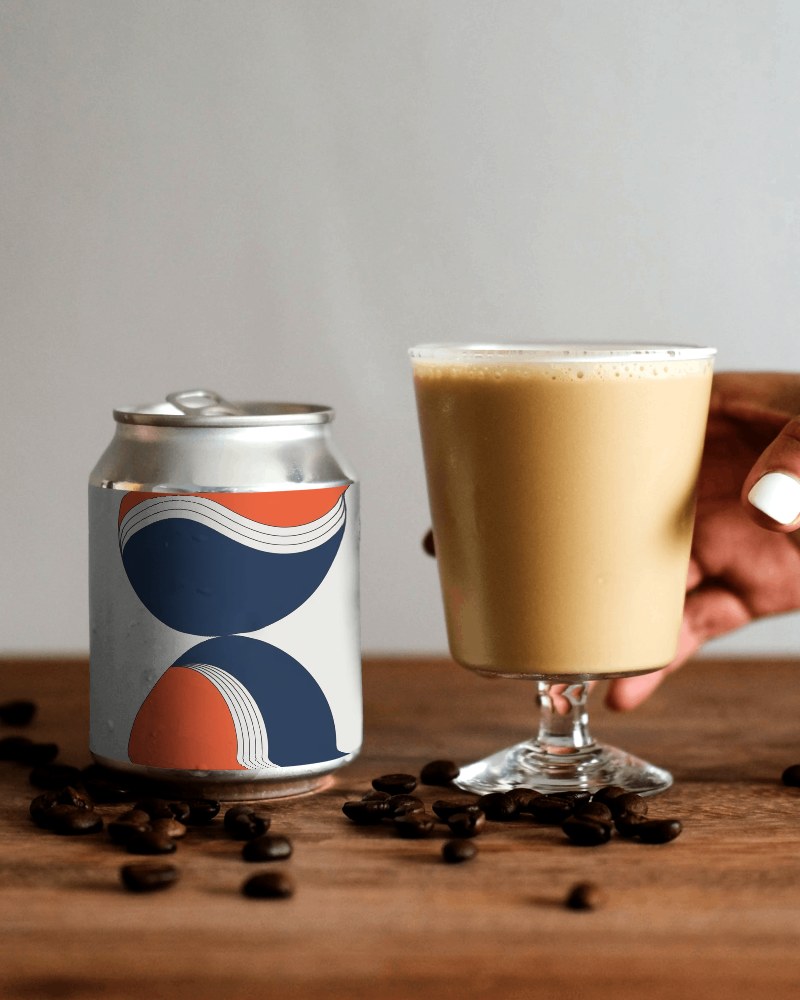
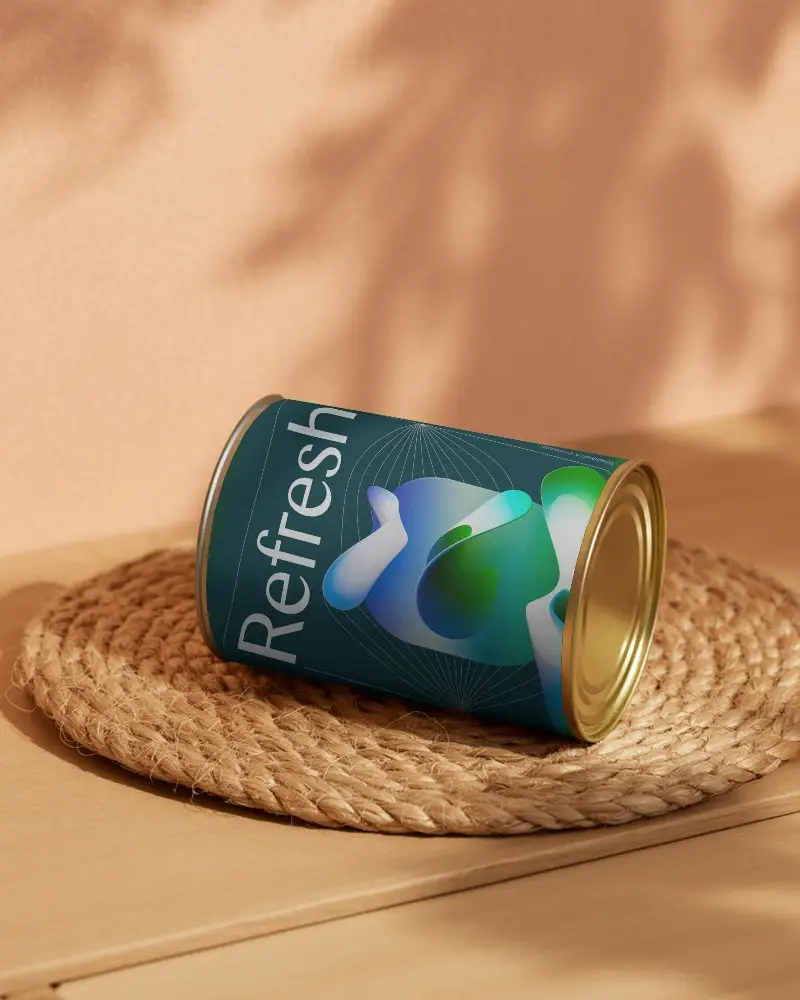
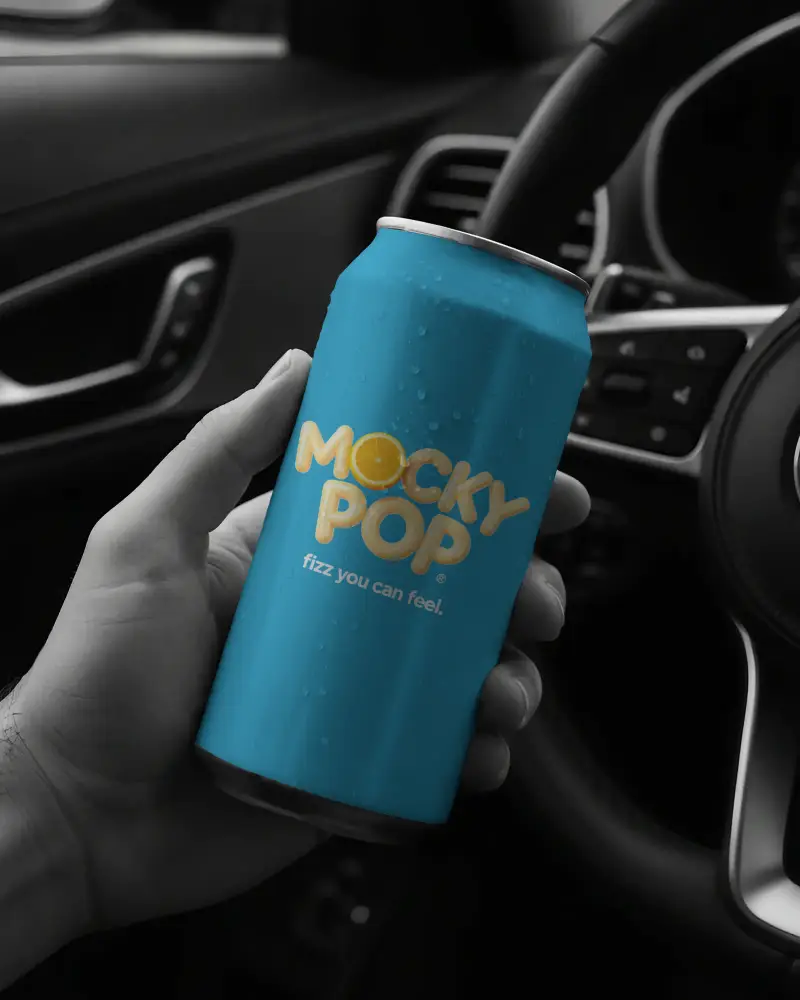
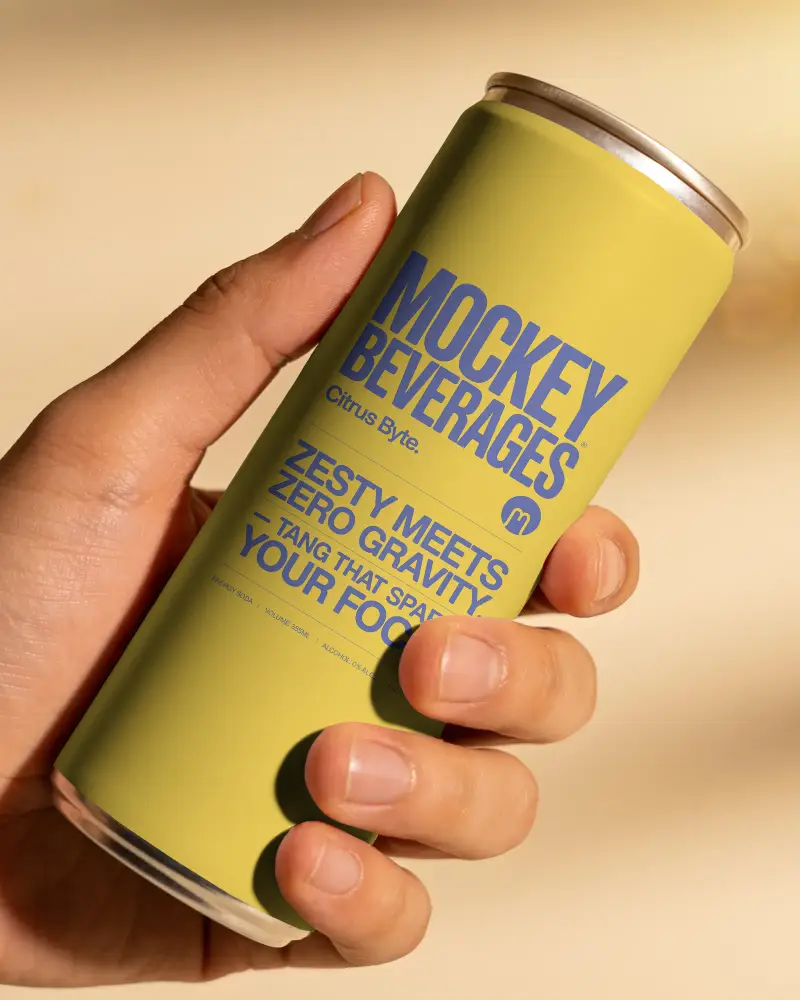
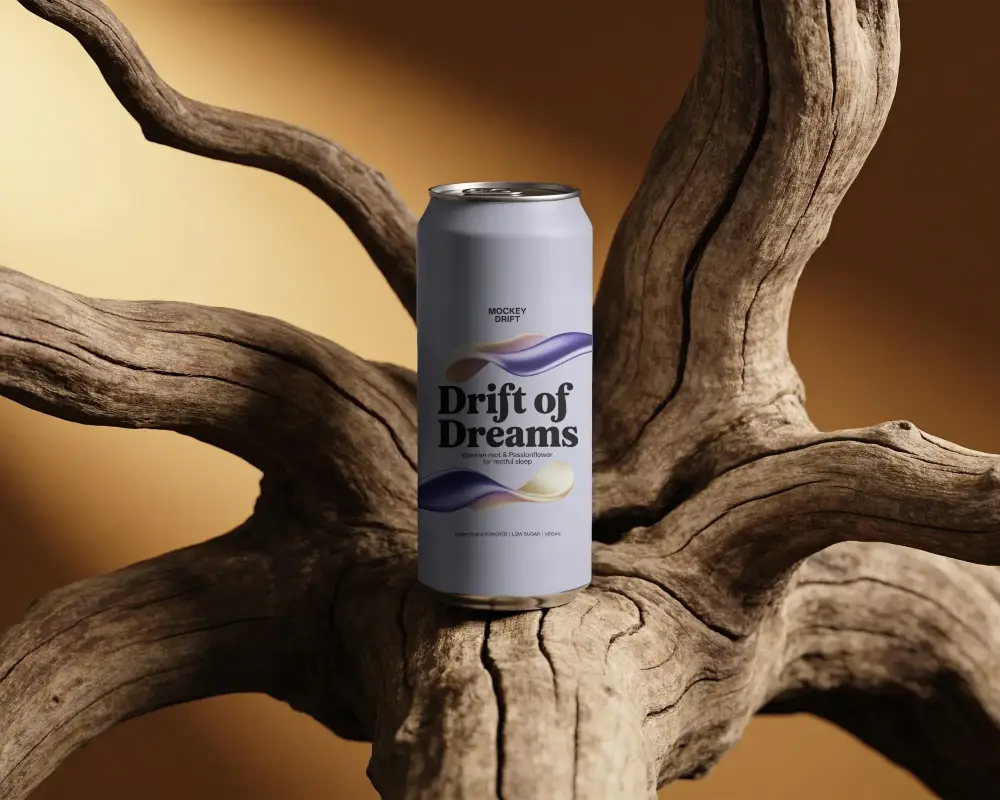
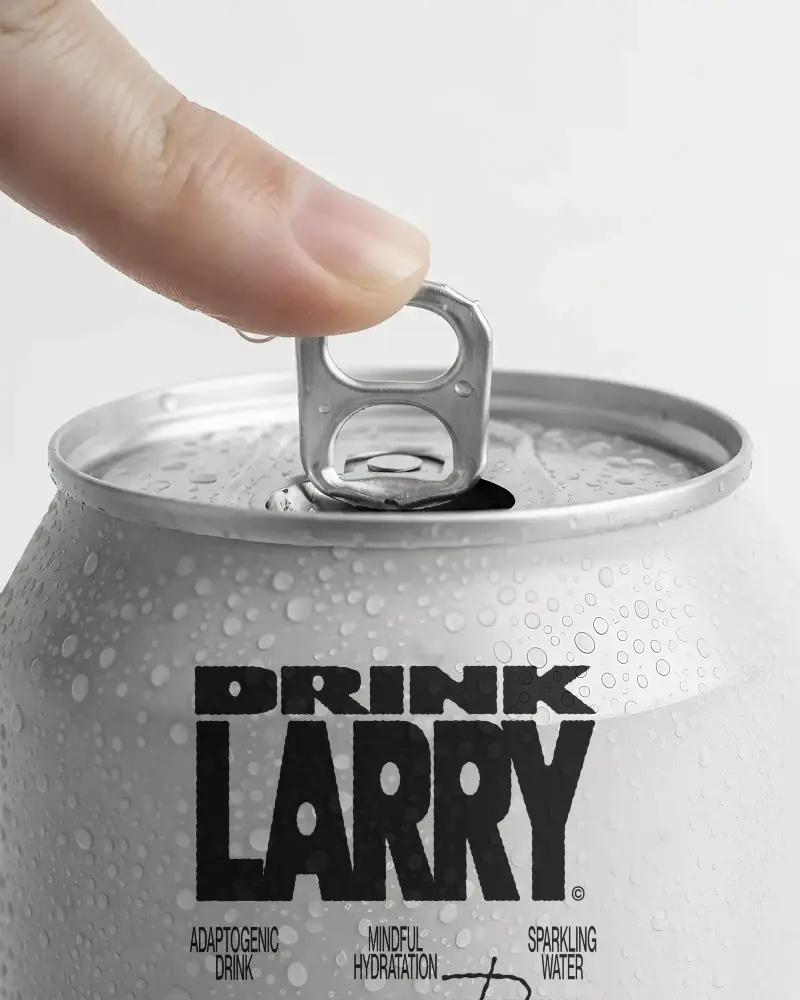
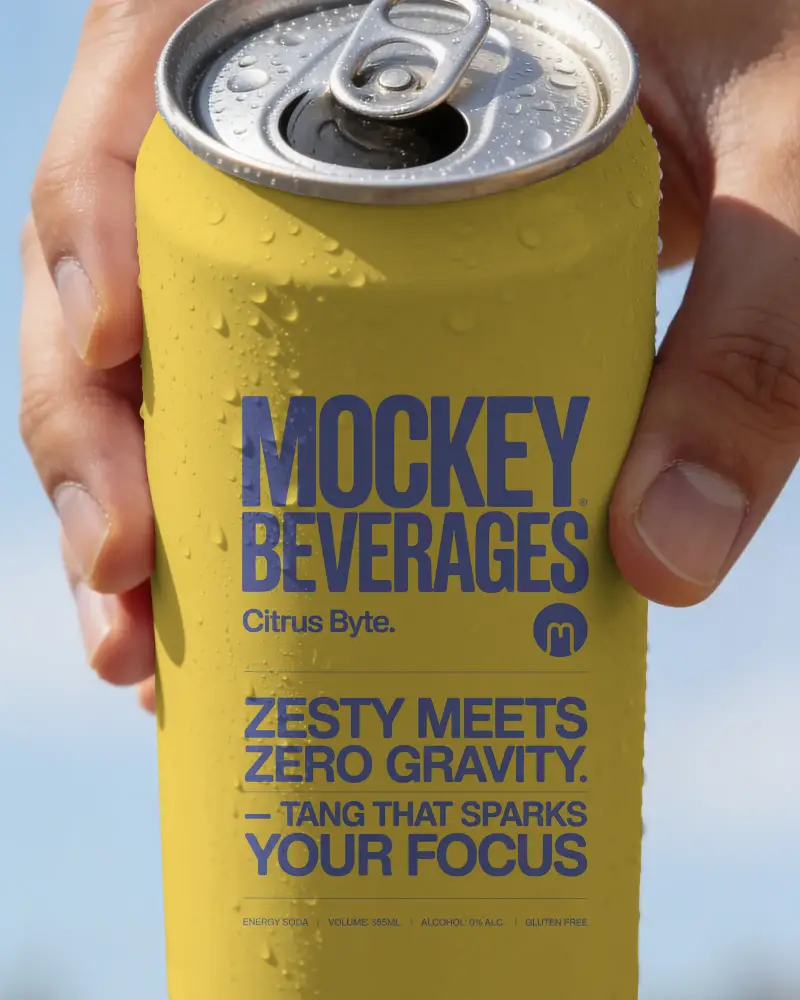
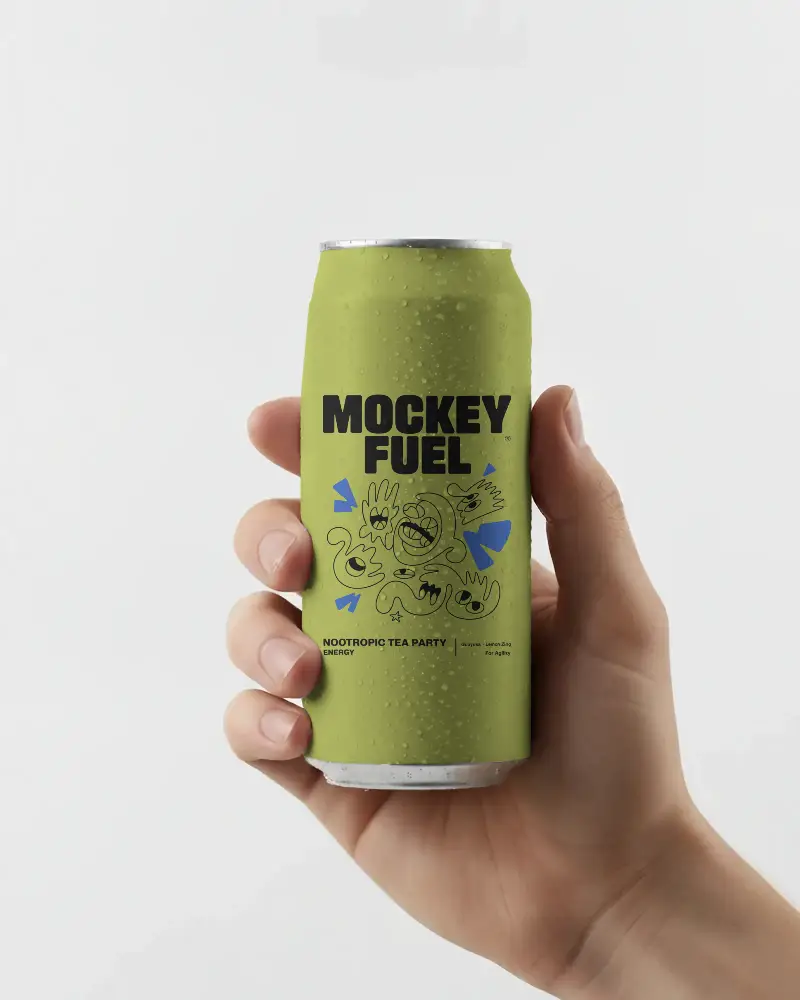
Mockey covers different can materials, aluminium, tin, and paper, and different sizes like 250ml and 500ml. It also covers beer, coffee, and soda can mockups. On top of that, you can get hand-holding shots.
Can I use can mockups for ecommerce product listings?
Yes. Can mockups save you from paying for an early photo shoot and get your product live faster. You can swap backgrounds, colors, or seasonal touches anytime. Just keep images high resolution, make sure the label fits the can's shape correctly, and follow your marketplace's background rules.
Is this Can Mockup Free?
Yes, the Can Mockup Generator on Mockey.ai offers a free plan. You can create and download high-quality, customizable Can mockups without watermarks.
