Realistic Christmas Box Mockups for Every Design
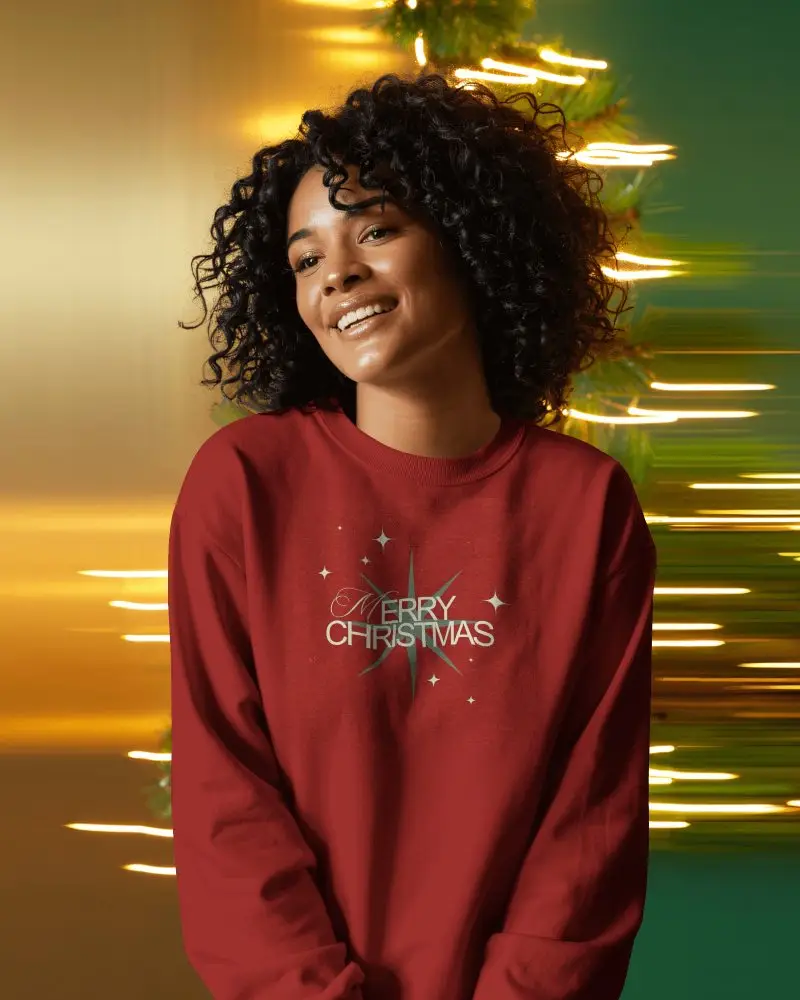
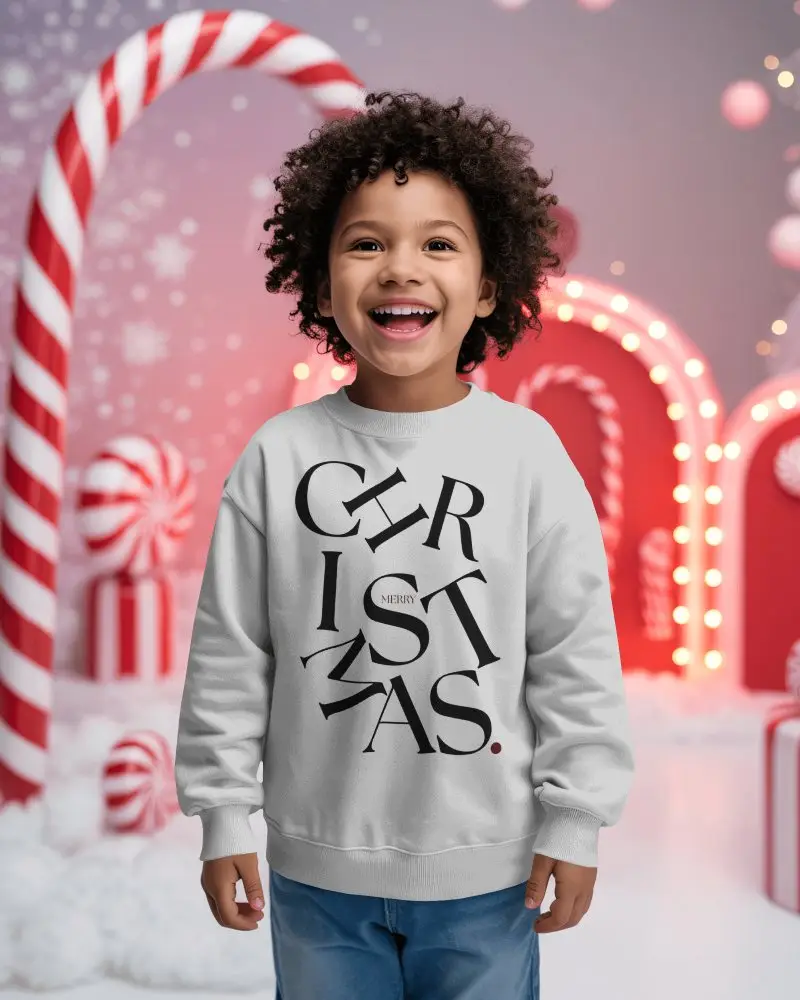
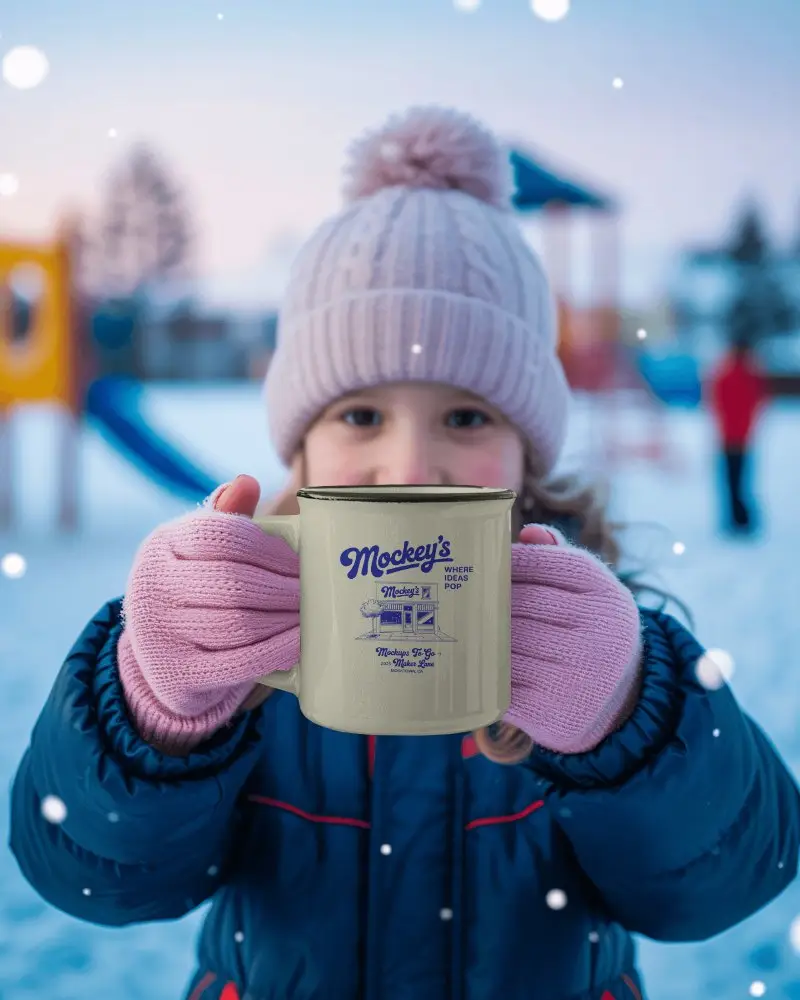
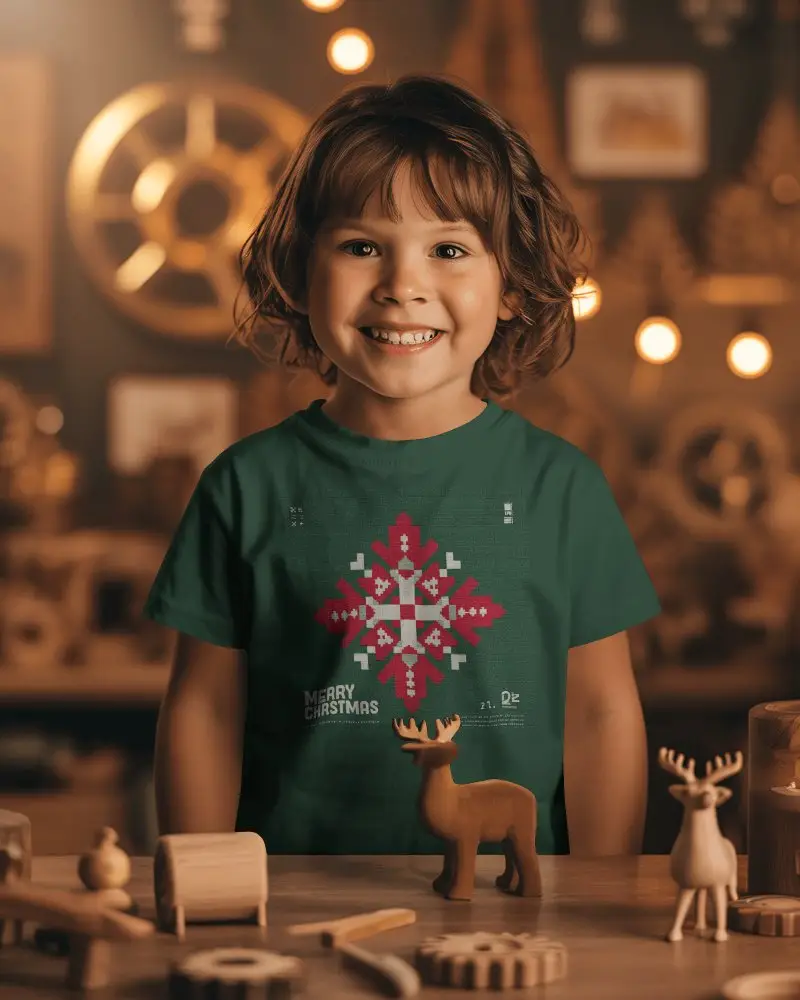
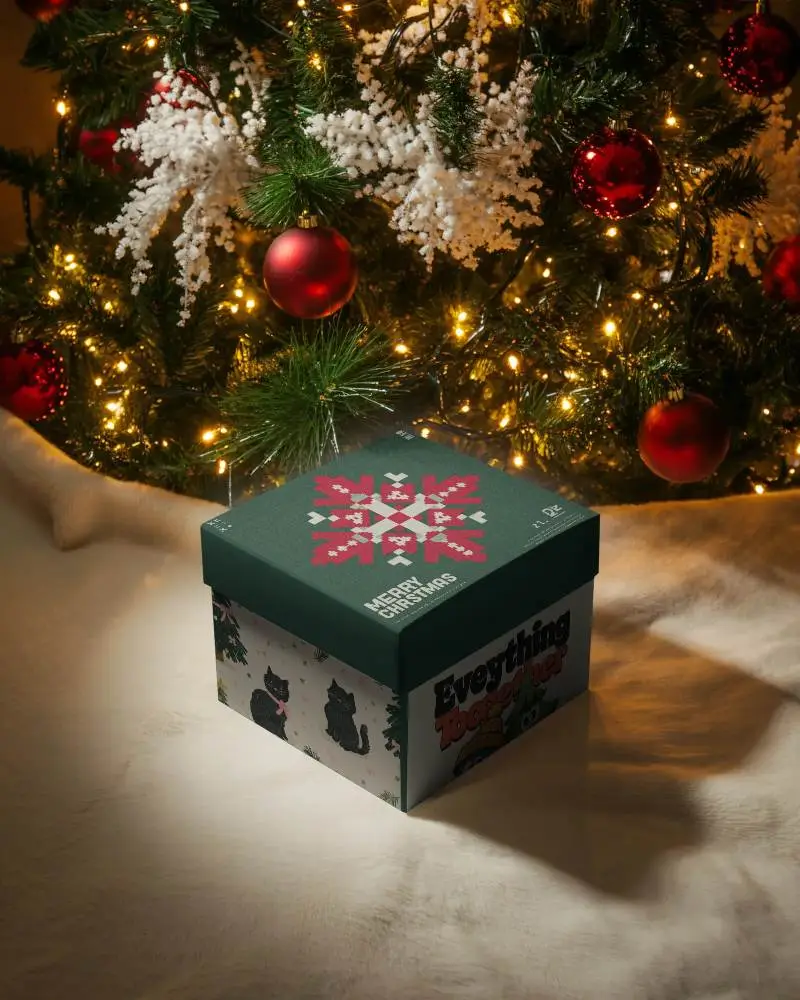
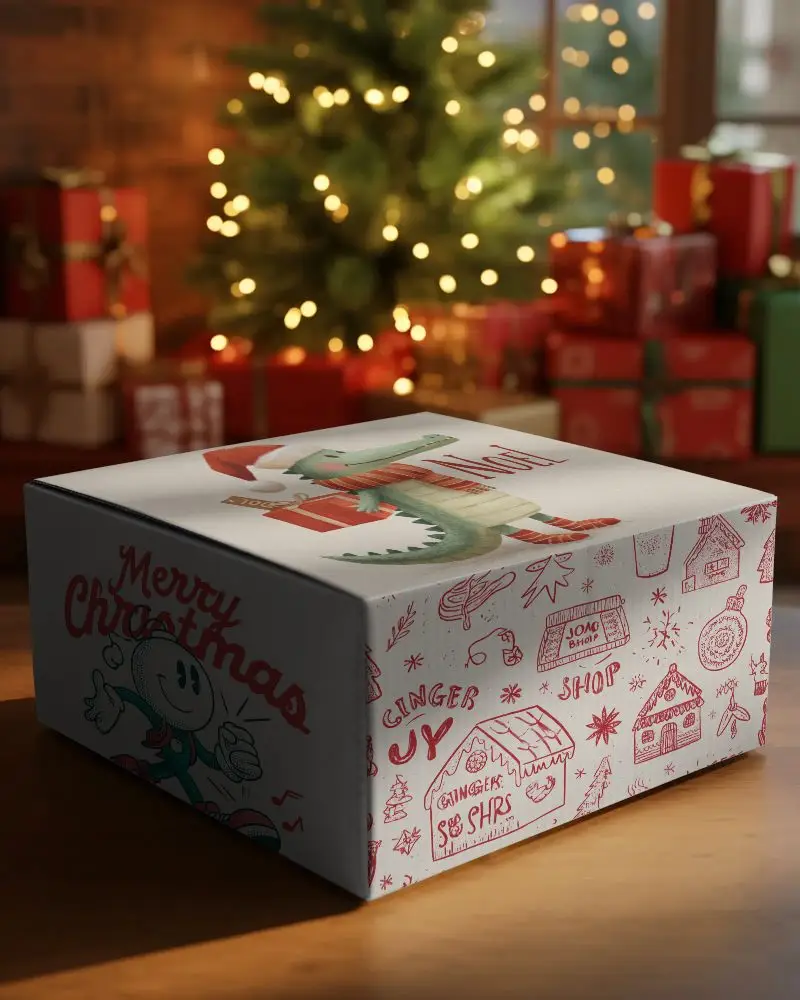
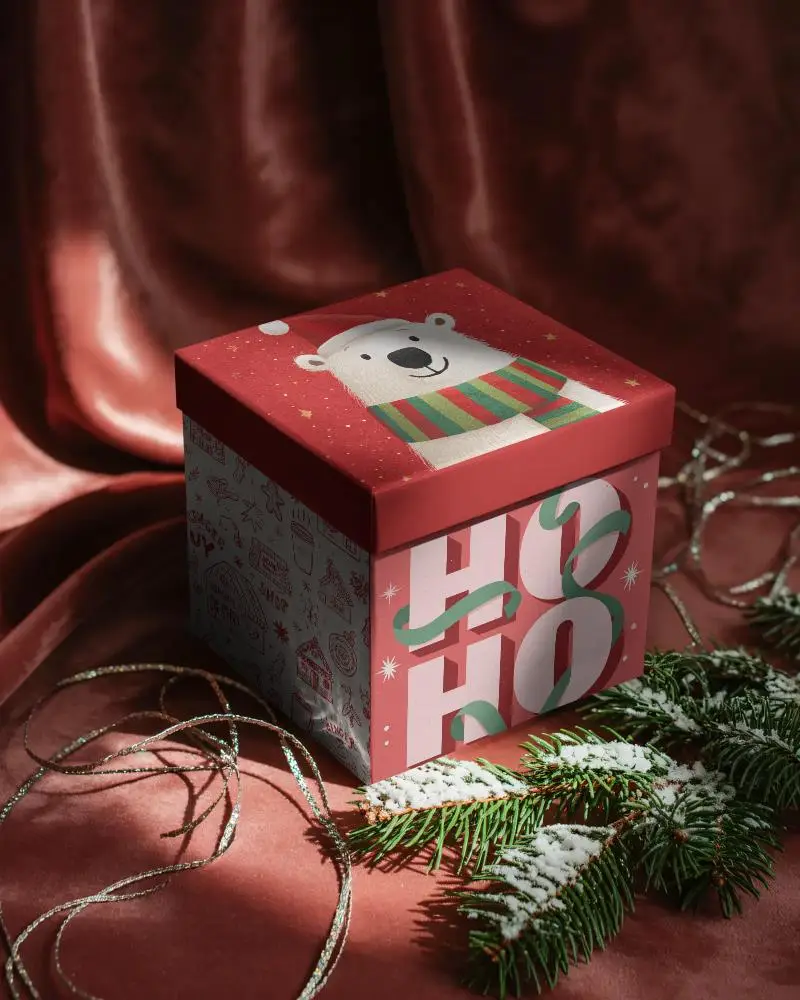
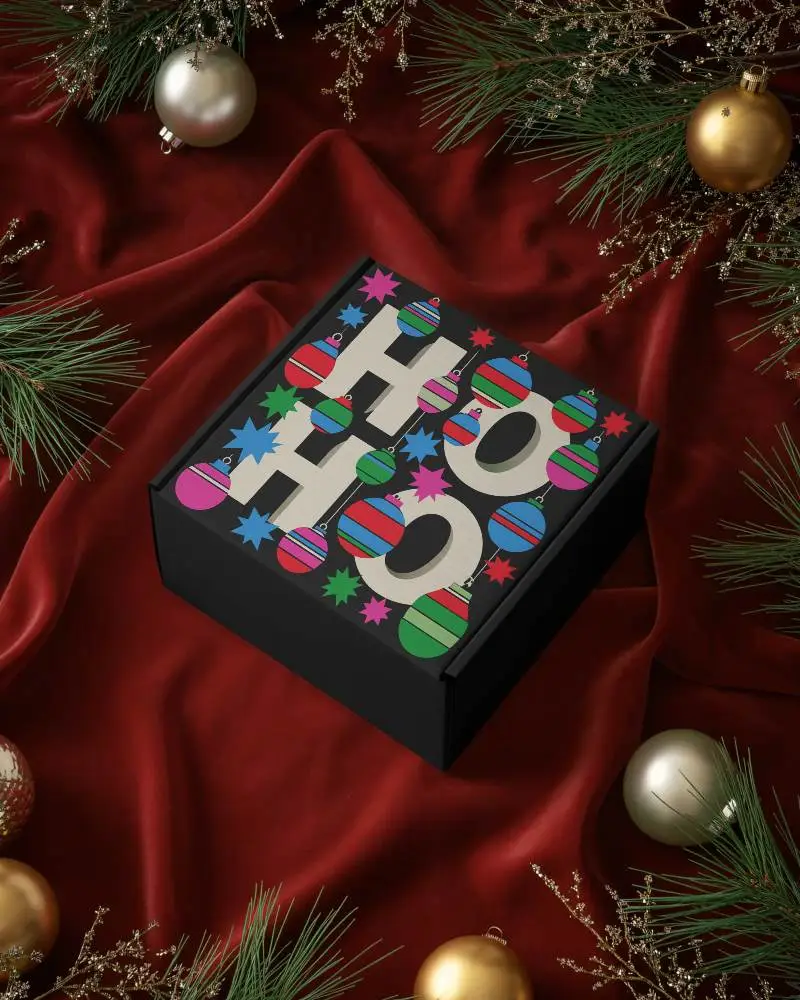
Make this holiday season unforgettable with Mockey’s Christmas Box Mockups. From T-shirts and mugs to greeting cards and posters, these realistic templates let you customize, preview, and showcase your festive Christmas Box designs effortlessly.
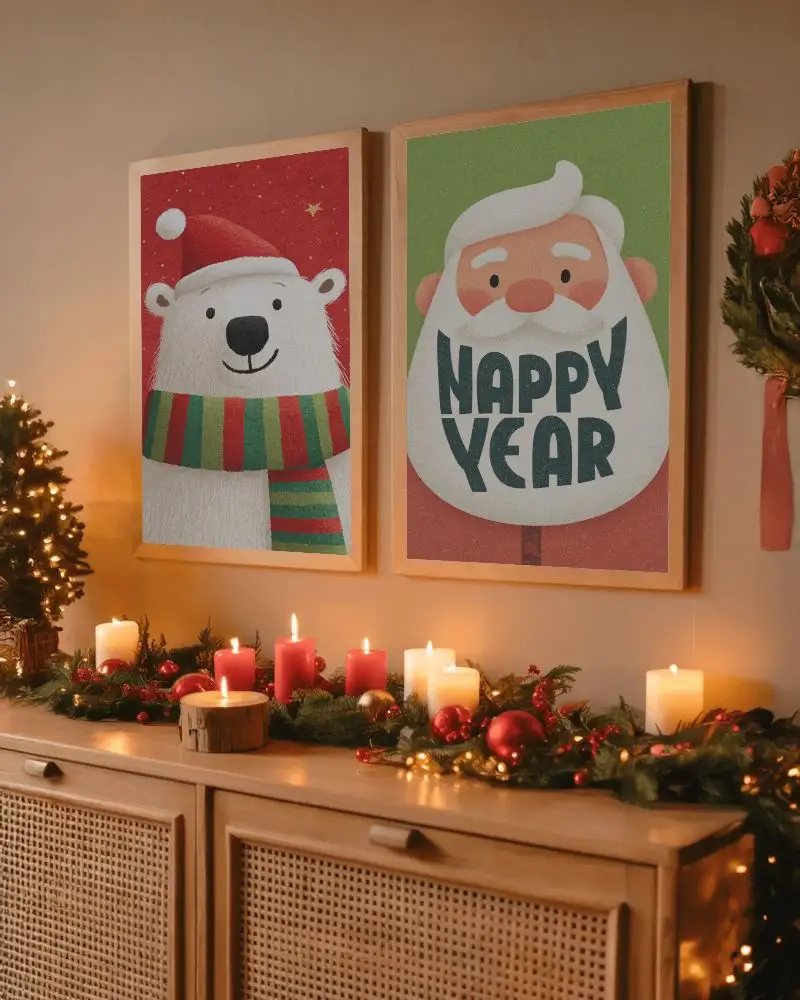
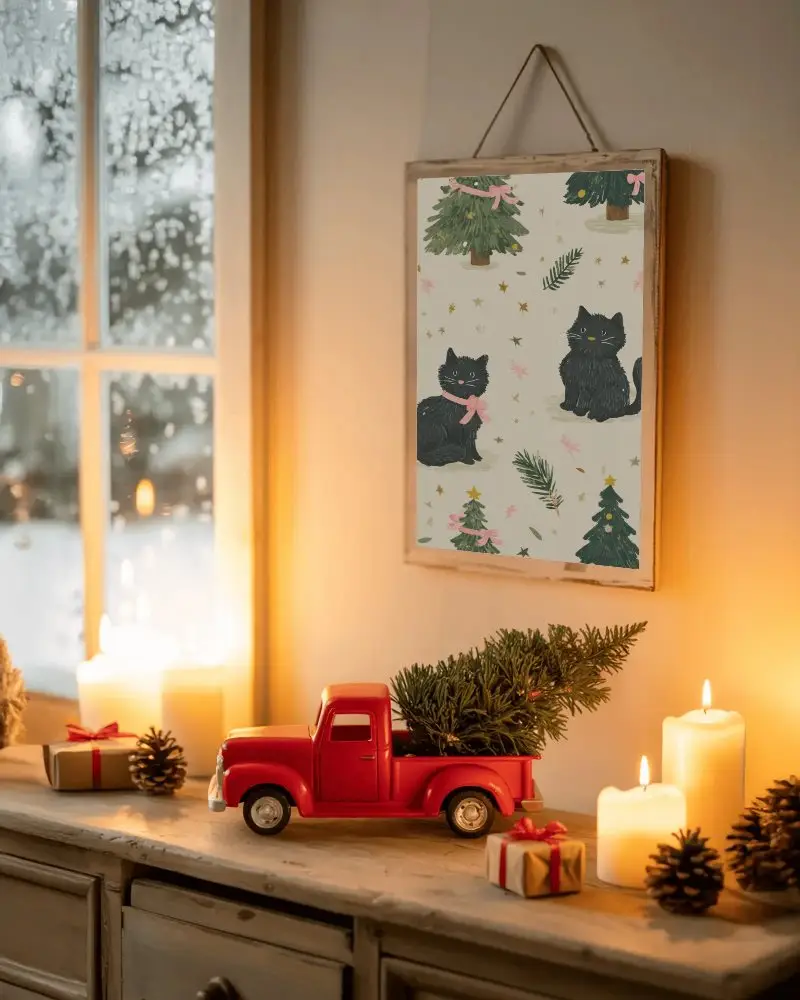
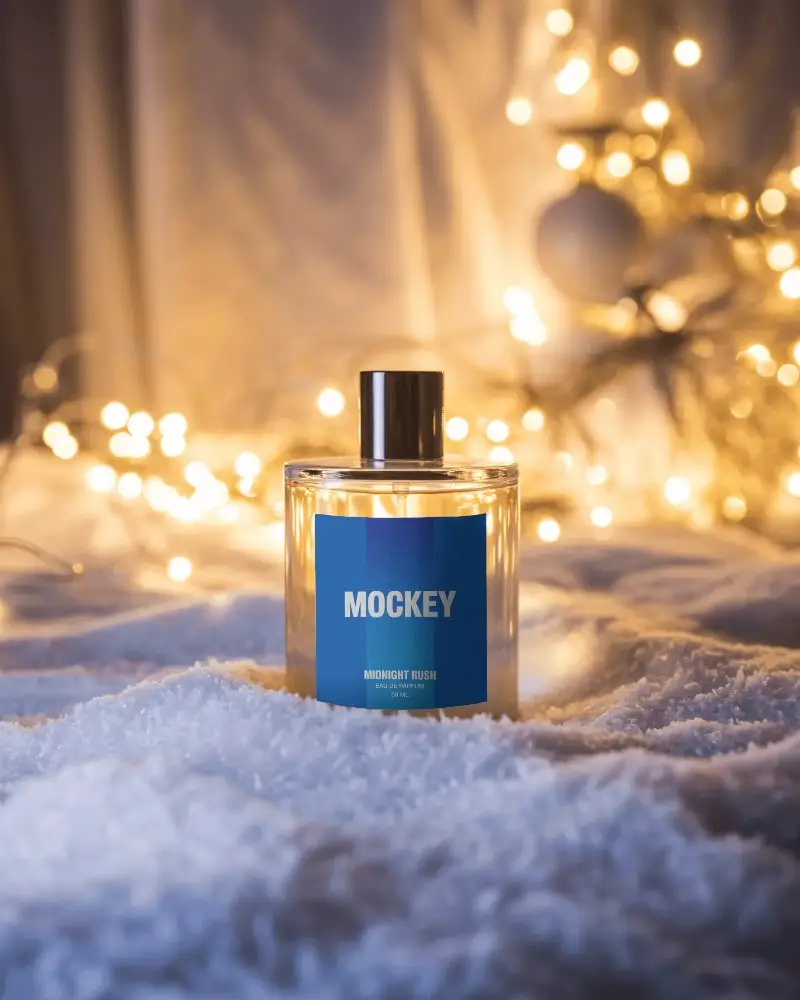
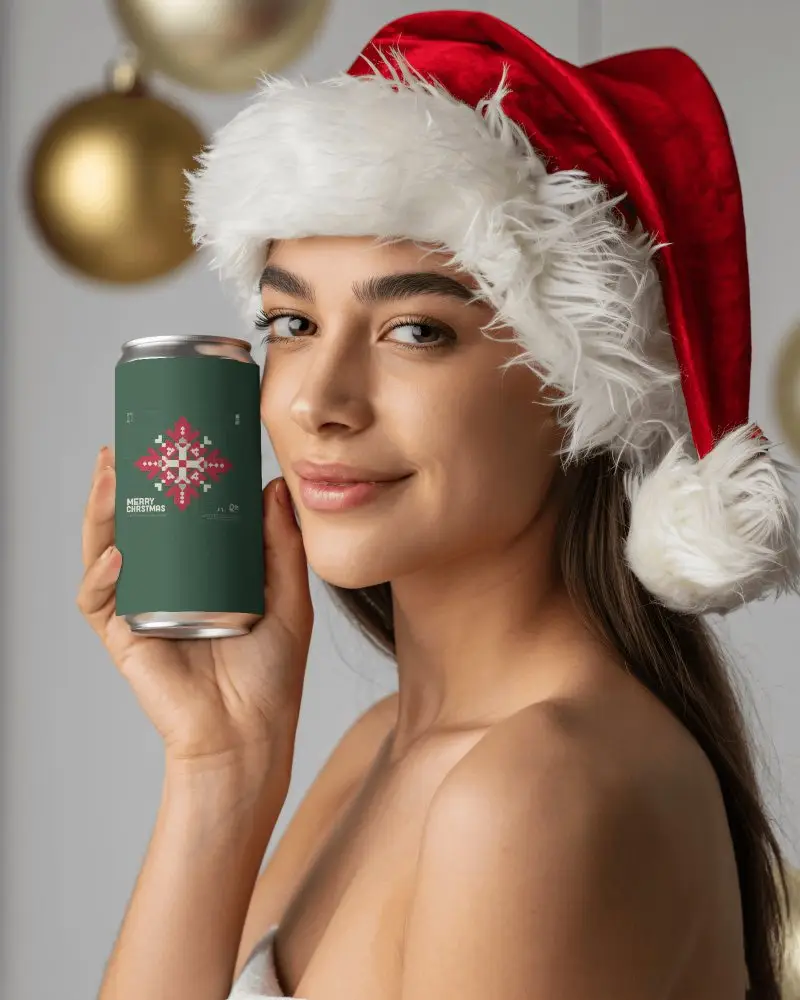
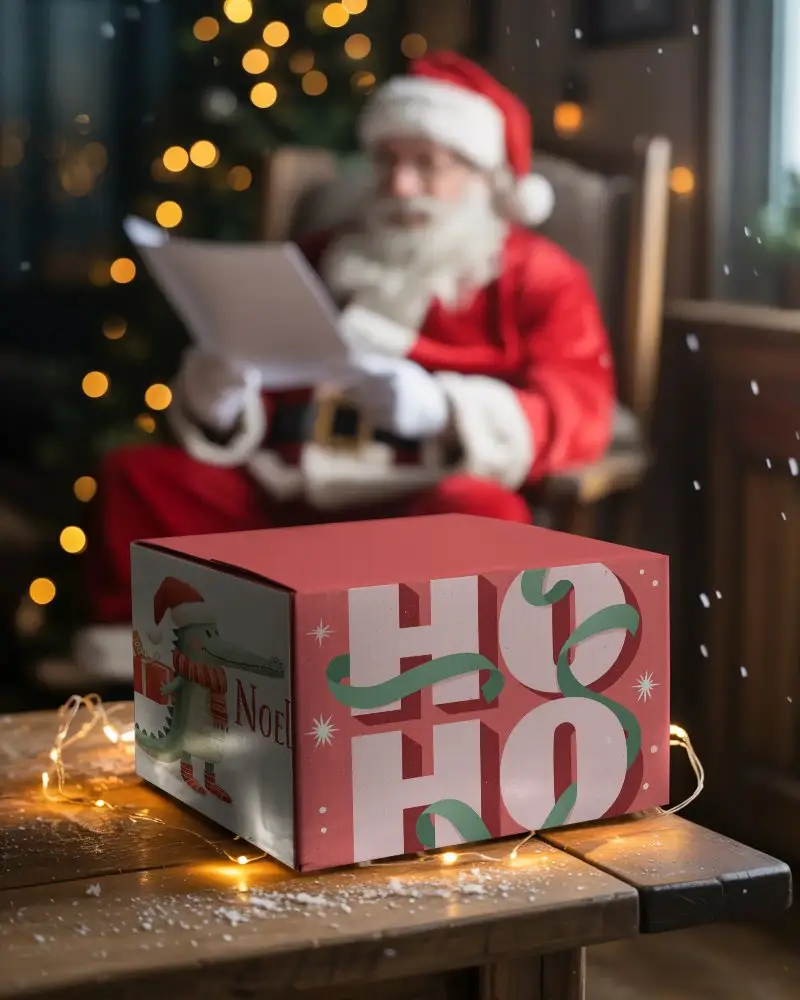
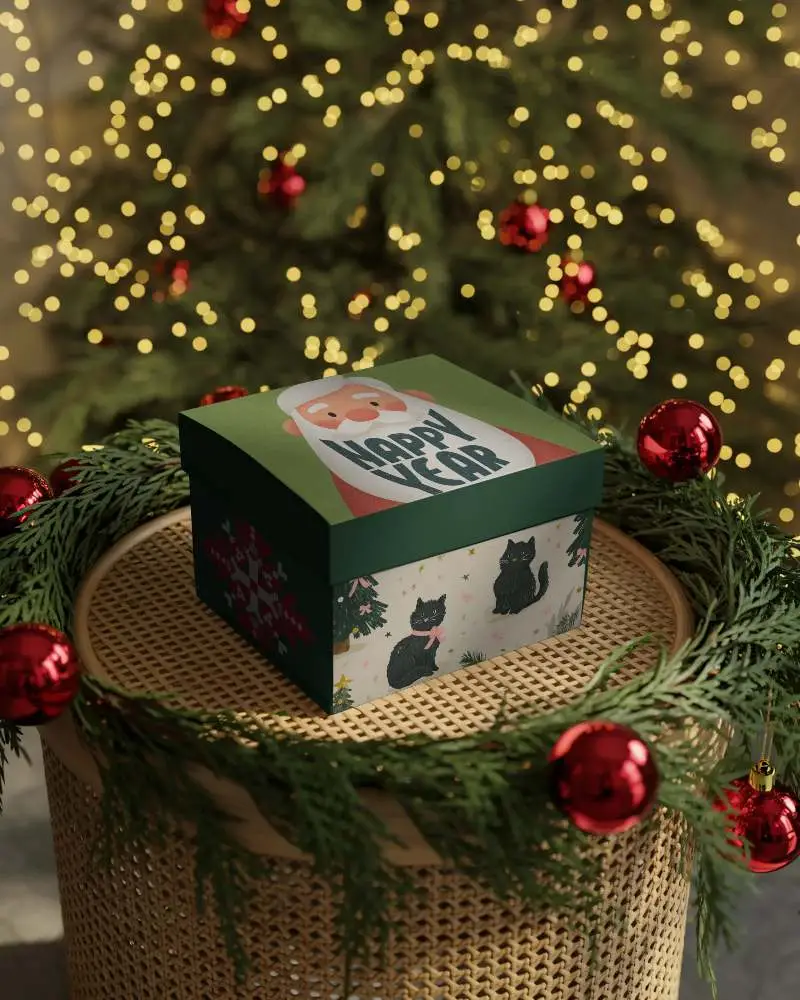
How to Create Christmas Box Mockup with Mockey
To create Christmas Box mockups:
- Step 1: Sign up and go to “Mockups”, then follow “Seasonal > Christmas.”
- Step 2: Look for a Christmas Box template that suits you and upload your design.
- Step 3: Edit it and save the Christmas Box mockup in PNG or JPG format.


FAQs on Christmas Box Mockups
What is a Christmas Box Mockup?
A Christmas Box mockup shows your product or design in a festive environment. It helps you visualize how your Christmas Box looks during the holiday season, surrounded by ornaments, lights, pine cones, and cheerful backgrounds.
Why create a Christmas Box mockup?
You can create a Christmas Box mockup to see your designs in a joyful, holiday-themed setting. It’s great for personalized gifts, seasonal marketing, or previewing your products before printing or launch.
Why Use Mockey’s Christmas Box Mockup?
Mockey AI provides free and premium Christmas Box mockups powered by AI for realistic visuals. You can easily change colors, lighting, and backgrounds to make your Christmas Box design stand out this festive season.
Is this Christmas Box Mockup Free?
Yes! Many of Mockey AI’s Christmas Box mockups are free. Just sign up, upload your design, and download your watermark-free Christmas Box mockup instantly.
What types of Christmas Box mockups does Mockey offer?
Mockey offers a wide range of Christmas Box mockups — from apparel and greeting cards to mugs, gift boxes, and photo frames. Each comes with festive elements like snow globes, ornaments, socks, and holiday decorations.
