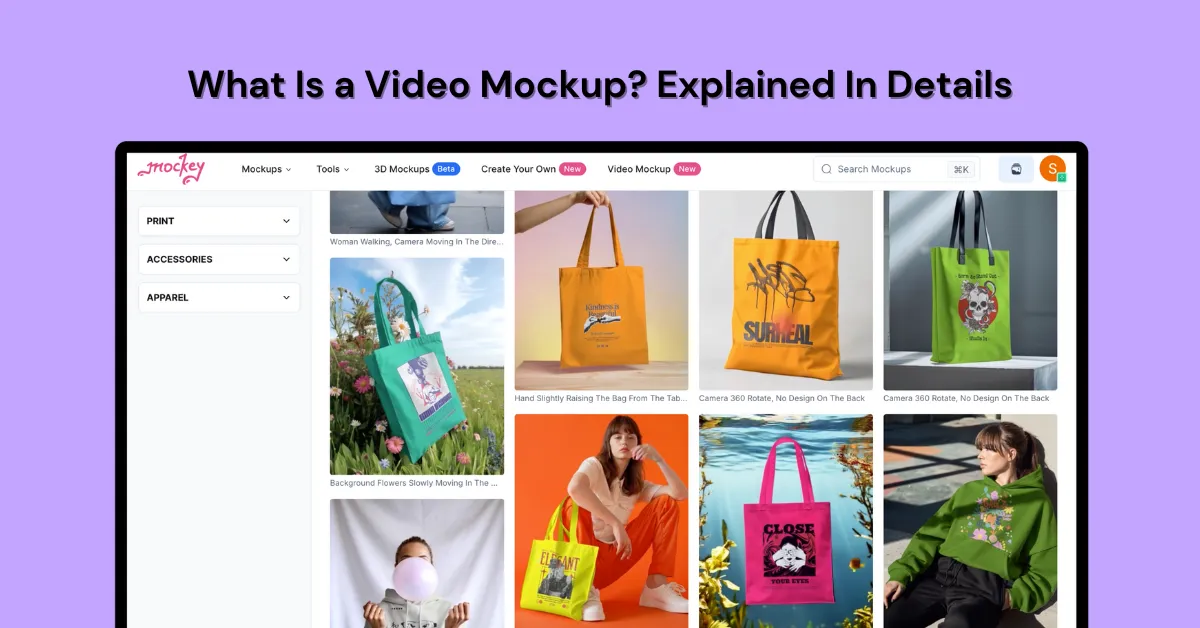
What is a video mockup? A video mockup shows your design on products like tees or phones in a video format that lasts between 5 and 8 seconds.
Let’s go over this with simple examples. Additionally, discover how to create video mockups.
Ready to begin now? Just click the button below and create your mockups in a minute using the best video mockup generator.
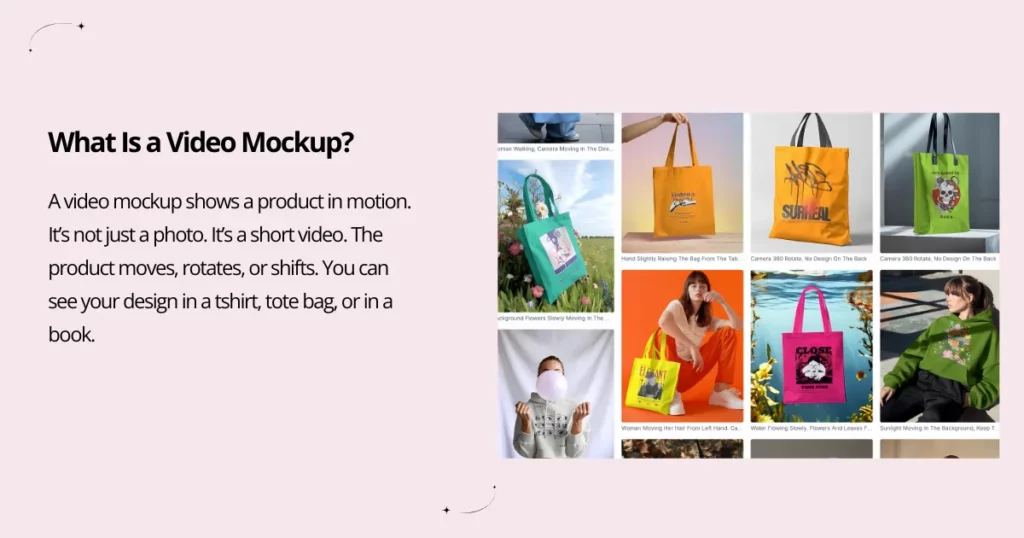
A video mockup shows a product in motion. It’s not just a photo. It’s a short video. The product moves, rotates, or shifts. You can see your design in a t-shirt, tote bag, or in a book. You can also see it on devices like a phone, tablet, or laptop. All can move to make the design feel more real.
Some video mockups just play a short screen recording. It shows how the user will click, swipe, or scroll through the design.
Video mockups help dropshippers and print-on-demand sellers show off their products. It’s easier for them to visualize. Seeing a model use a product or place it in a well-decorated setting makes it feel real. It works better than a straightforward, static image. Customers can better understand its size, details, and how it fits.
Dropshippers and print-on-demand sellers don’t physically carry a product. In fact, the items we sell often don’t exist when we make the sale. However, high-quality video mockups with smooth transitions can make viewers believe the product is already available.
Mockey AI has the best video mockup generator. Because this tool makes real video mockups in minutes.
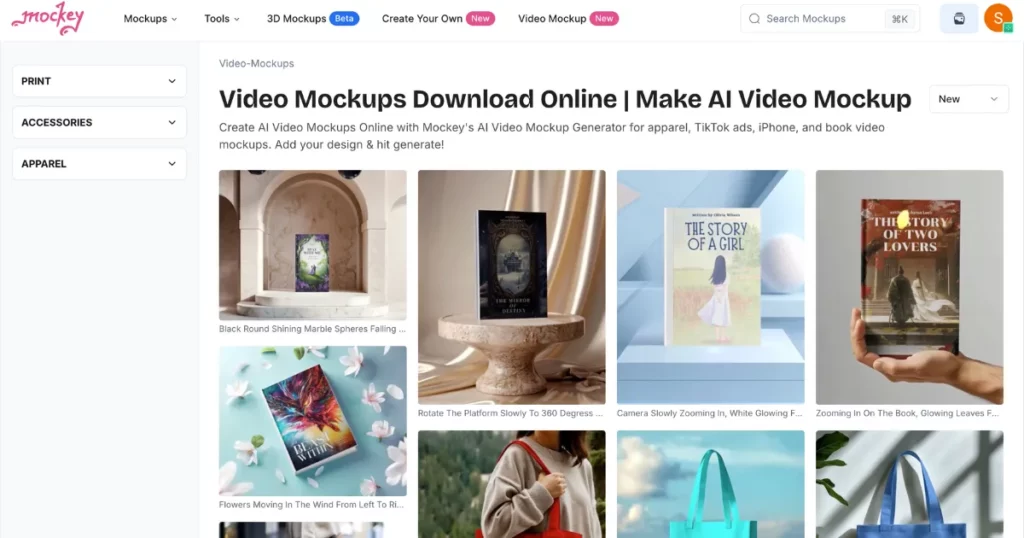
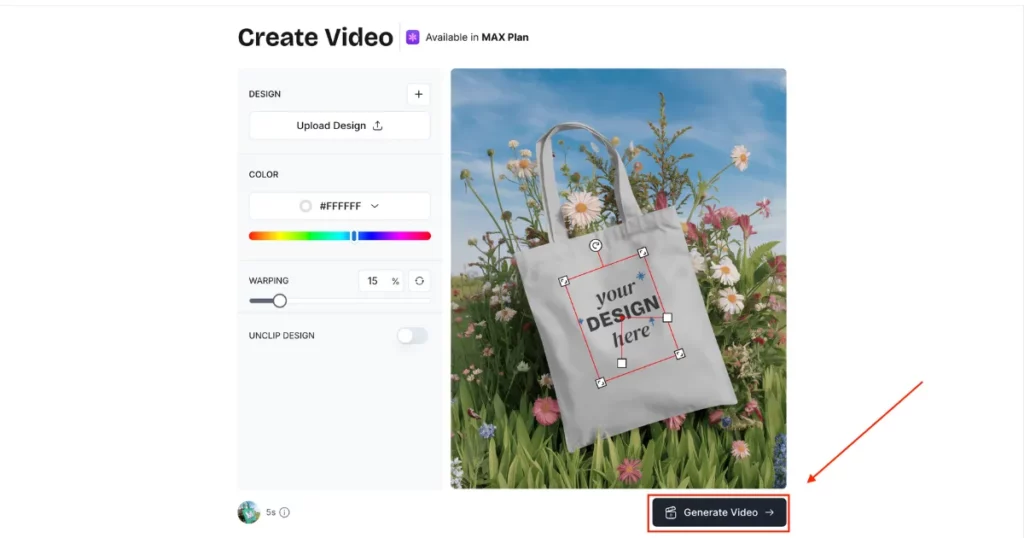
This tool is an image-to-video mockup generator. It transforms images into videos with or without a model. Add your image, modify it, and hit the generate video button to download your video. It also comes with advanced editing options. Choose from hundreds of templates. New templates are added often.
We have a dedicated blog post on how to create video mockups. You can check it out. Here, we will briefly discuss how to create them.
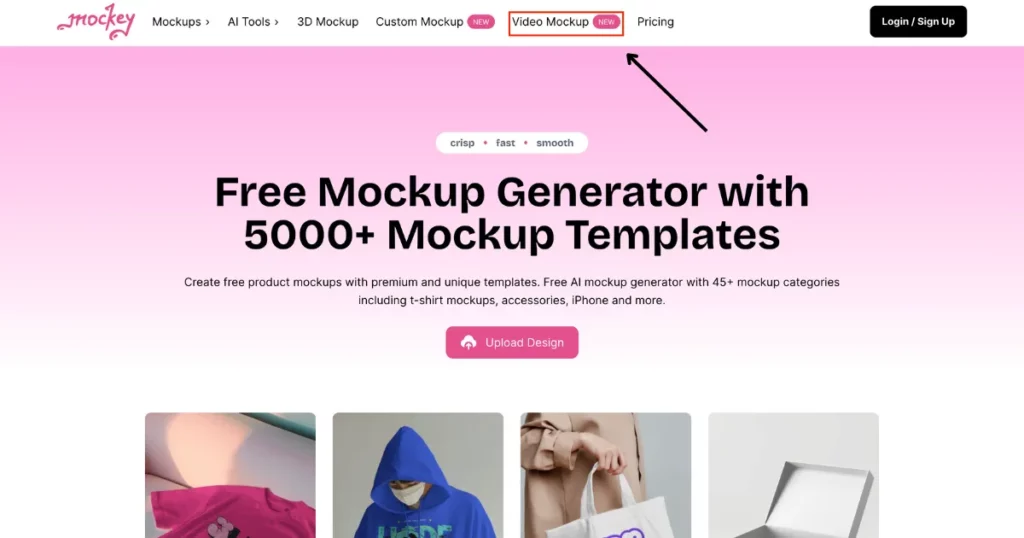
1. On Mockey AI, look for “Video Mockup” in the bar. Switch to the MAX plan by signing up.
2. On the next page, you’ll find all the moving templates. You can edit them, whether it’s for a tote bag, t-shirt, or book.
3. Upload your image, change the color, and click “Generate Video.” Your 5-second video mockup will be ready for download to your PC.
What makes Mockey AI Video Mockups the best?
Most generators, like Motion Array and VEED.IO, offer device templates. Canva, on the other hand, provides limited apparel mockups and mostly device mockups. Users often seek video mockups on devices, but what about apparel or accessories like tote bags? Mockey AI presents a large selection of models for any type of product.
With Mockey AI, you can edit them right from your web browser. No app download is required. Modify the video settings for better clarity. Change colors and more. Use our complete set of editing tools.
There are countless video templates to pick from. Whether you wish your video on tote bags, t-shirts, books, hoodies, or more, it’s easy. Just add your custom photo and place it inside a product mockup.
We’ve addressed all the key queries, like what is a video mockup, which video mockup generator is the best, and how to create them. If you wish to catch your customers’ attention and display your designs in a video format, Mockey AI is the best mockup generator to use. It delivers impressive results. Differentiate your designs. Try it today!
You can view the mockup of your custom design in a video format on a product template. Visualize your design in action using this method.
The MAX plan requires to use of Mockey AI video mockup generator. It costs $19.99 per month. With this plan, you also get AI features like anime, photoshoots, background remover, and blur.
The video mockups in Mockey AI will run for 5 seconds. Sharing the generated video on Instagram and other platforms is simple.

Sangram Sahoo
I’m a content writer with 4 years of experience. I specialize in creating practical content around mockups, print-on-demand, apparel, and e-commerce design.
