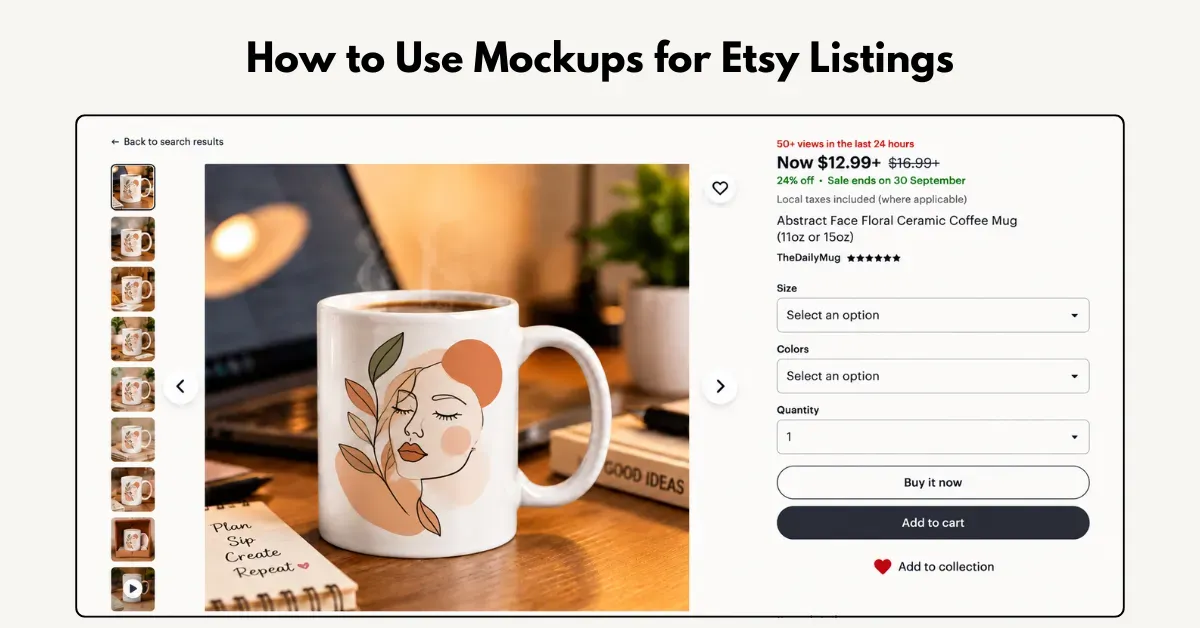
Wondering how to use mockups for Etsy? Format your design correctly, set the aspect ratio, add the design to Mockey AI mockups, and sync directly to Etsy.
Etsy shoppers judge your listing by the thumbnail first. If the mockup looks fake or poorly lit, they’ll scroll past it.
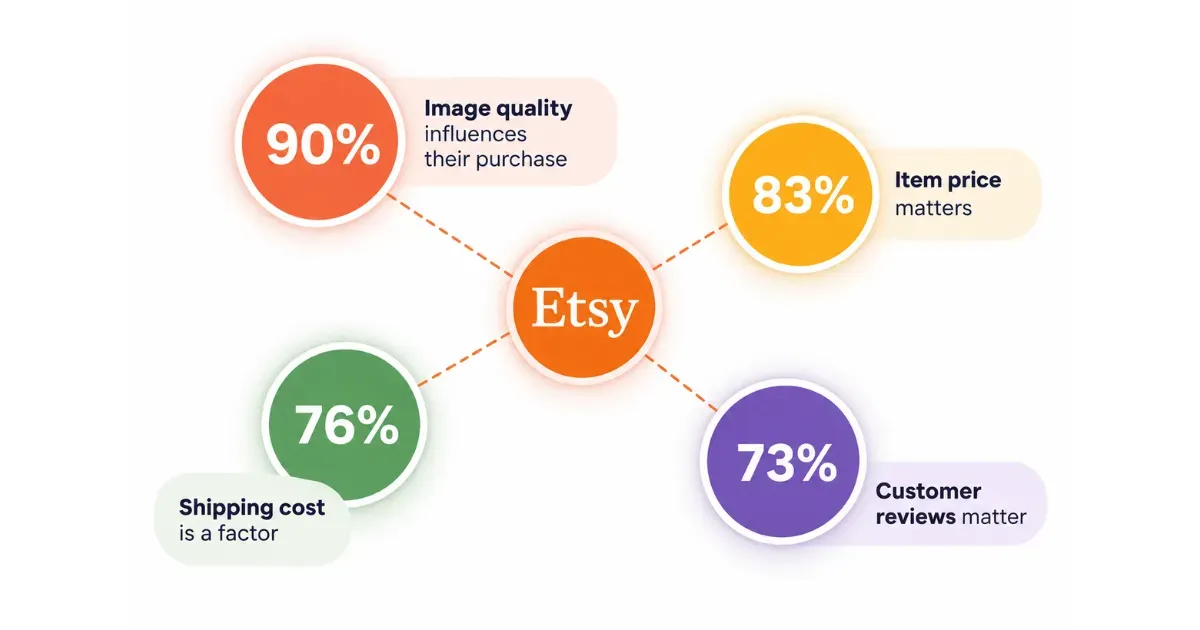
90% of buyers say image quality strongly influences their purchase decision. In fact, shoppers care more about good product images than price, shipping costs, or even customer reviews.
Here’s a simple, step-by-step method on how to use mockups for Etsy.
A step-by-step guide on how to use mockups for your Etsy listings.
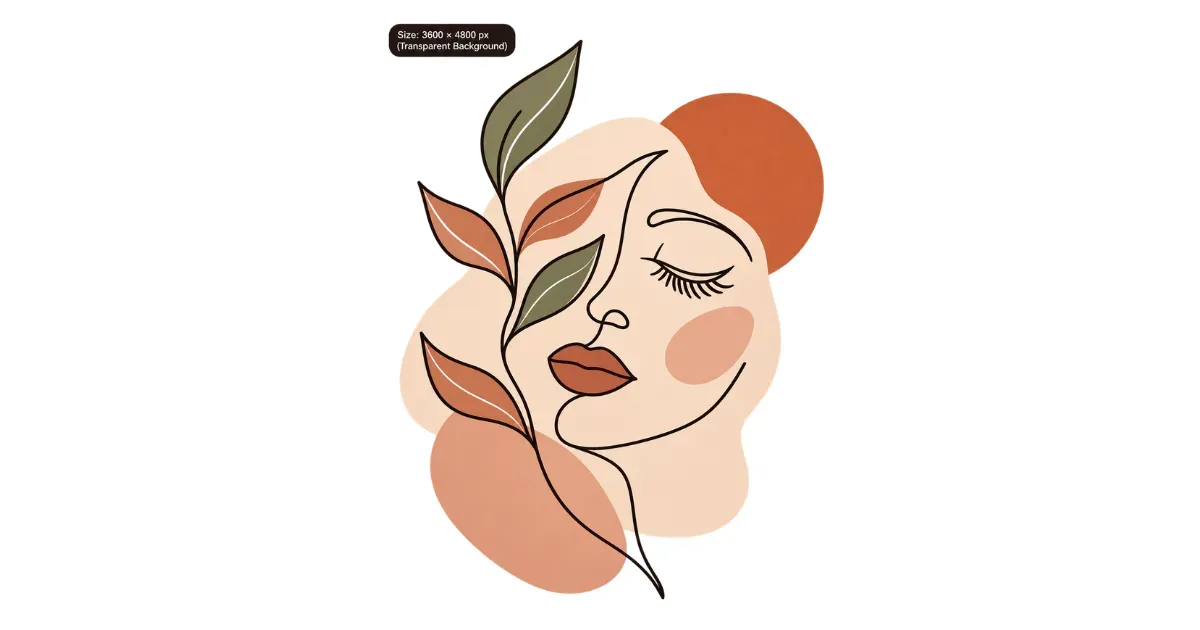
Before using a mockup, make sure your artwork is print-ready. It helps avoid blurry prints or a fake digital sticker look.
Many beginners confuse DPI with resolution.
Resolution is the file size in pixels, like 3000 × 2250 px. DPI controls how densely those pixels are printed on the final product.
| Product Type | Recommended DPI | Example Print Size | Recommended Canvas |
|---|---|---|---|
| Mugs, posters, tote bags, wall art | 300 DPI | 12 × 16 in | 3600 × 4800 px |
| T-shirts, hoodies, sweatshirts | 150–300 DPI | 14 × 16 in | 4200 × 4800 px |
Formula: Print size (inches) × DPI = Required pixels.
Want more ideas for mug designs? See our guide to popular mug design ideas.
Etsy handles listing photos differently from most platforms.
When you upload your main thumbnail, Etsy automatically crops it for different placements.
| Aspect Ratio | Where Etsy Uses It |
|---|---|
| 1:1 Square | Desktop search, Etsy Ads, dashboards |
| 4:3 Landscape | Category pages, tablets, marketing emails |
| 3:4 Portrait | Etsy mobile app |
In Etsy Shop Manager, open Adjust Thumbnail after uploading your main mockup.
Preview it in square, landscape, and portrait formats. If it looks off-center, use the placement slider to adjust it before publishing.
The question is: where to get mockups for Etsy? Use Mockey AI, a browser-based mockup generator.
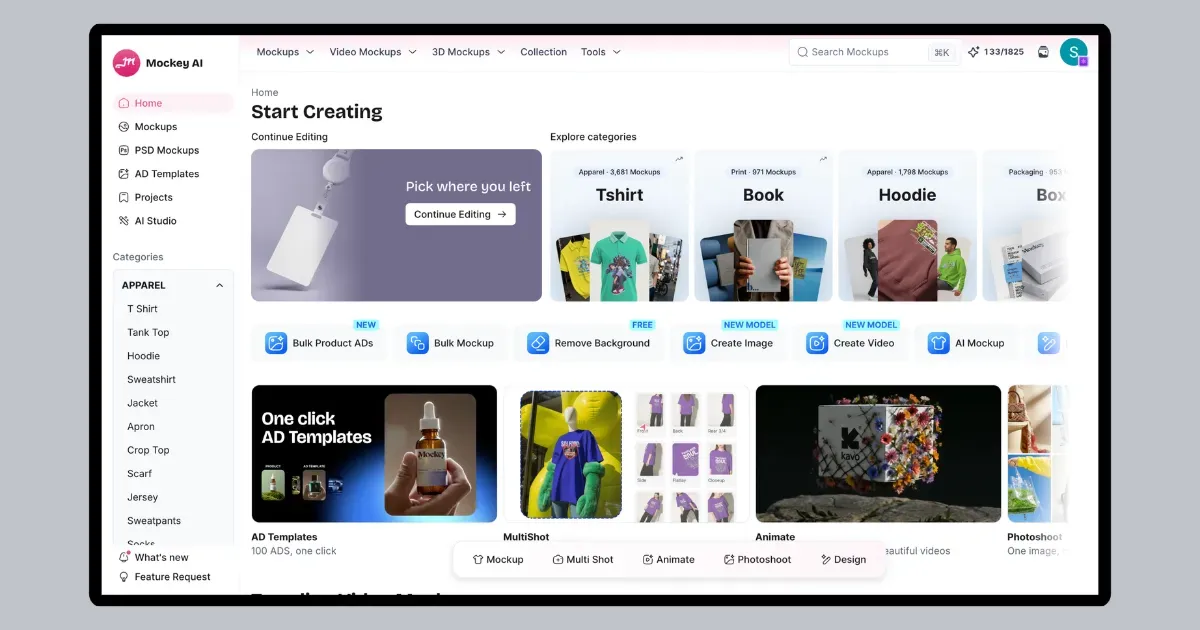
Create your account there.
From the dashboard, go to the Mockup catalog page.
Choose your product, such as a T-shirt, mug, cap, hoodie, or tote bag.
One design? Select a single template.
Multiple variations? Turn on Bulk Mode. Up to 50 templates can be applied simultaneously. Bulk mockups useful when you need several views for your Etsy listing.
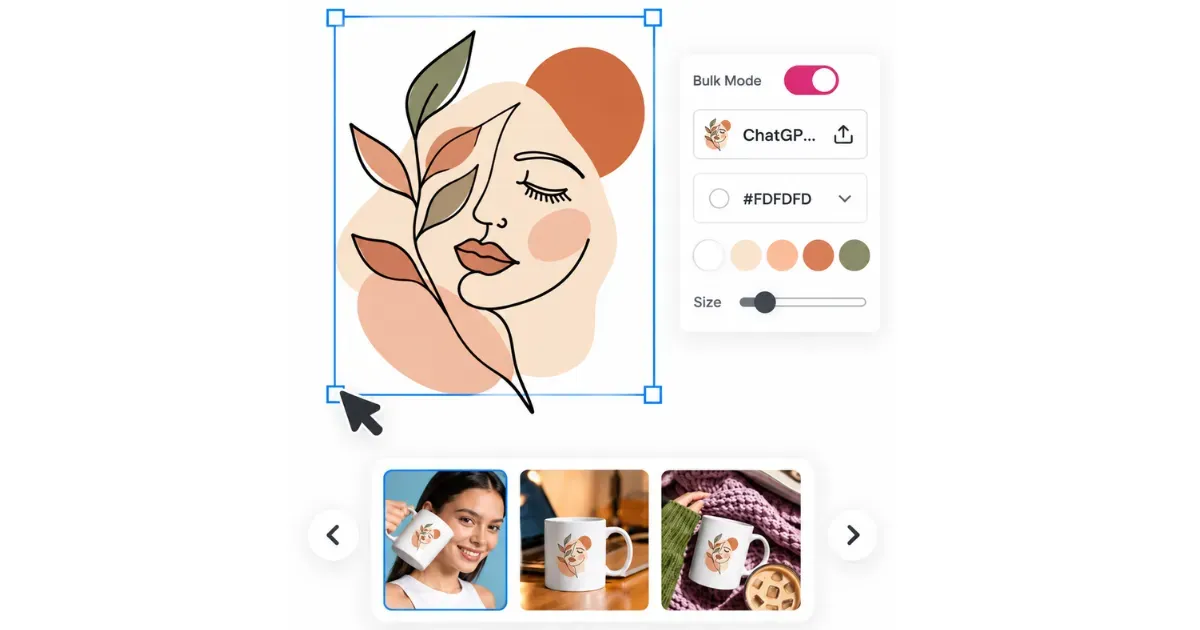
Add your transparent PNG file by clicking Upload Design.
Turn on Place Anywhere to move it freely. Position your design on the chest, back, sleeve, or lower hem—wherever you plan to print it.
Find the Warping slider in the editor.
Move it forward and watch your design curve and follow the fabric folds or mug shape. Shadows adjust automatically, so there’s no need to change layer modes manually.
Use Multi Shot to create front, back, side, and close-up views of the same setup.
Connect your Etsy account directly to Mockey AI. No need to download your mockup. Your high-resolution mockups are sent straight to your Etsy listings.
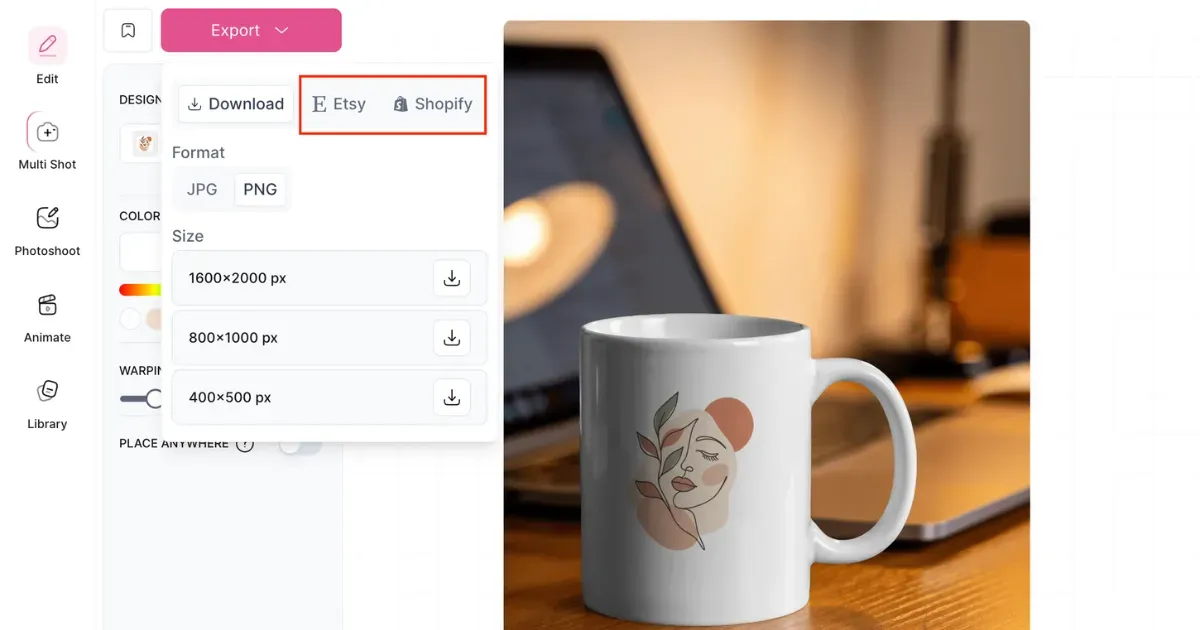
Choose your main image. Pick the most eye-catching mockup for your cover image.
Add supporting images. Select lifestyle shots, close-ups, and color variations to complete your listing.
You now understand how to use mockups for Etsy.
Avoid the pasted-on look. Use realistic warping and folds so the design fits the product naturally. Bulk mockups can place one design on multiple views.
Use Mockey’s Etsy mockups. Show more than one image. Mix a product shot, lifestyle scenes, close-ups, and a size or color chart.
Selling hoodies? Check out our guide to hoodie mockups for Etsy listings.
You can use Mockey AI for free mockups for your Etsy shop. You get no watermarks on your exported image.
Etsy automatically crops your main listing photos into different shapes, such as square, portrait, or landscape. So even if your mockup is square, Etsy zooms or reframes it depending on where it appears. Too close to edges can be cut off.
Renaming mockup files won’t directly help Etsy SEO. Etsy ignores file names and renames uploaded images automatically.

Sangram Sahoo
I’m a content writer with 4 years of experience. I specialize in creating practical content around mockups, print-on-demand, apparel, and e-commerce design.
