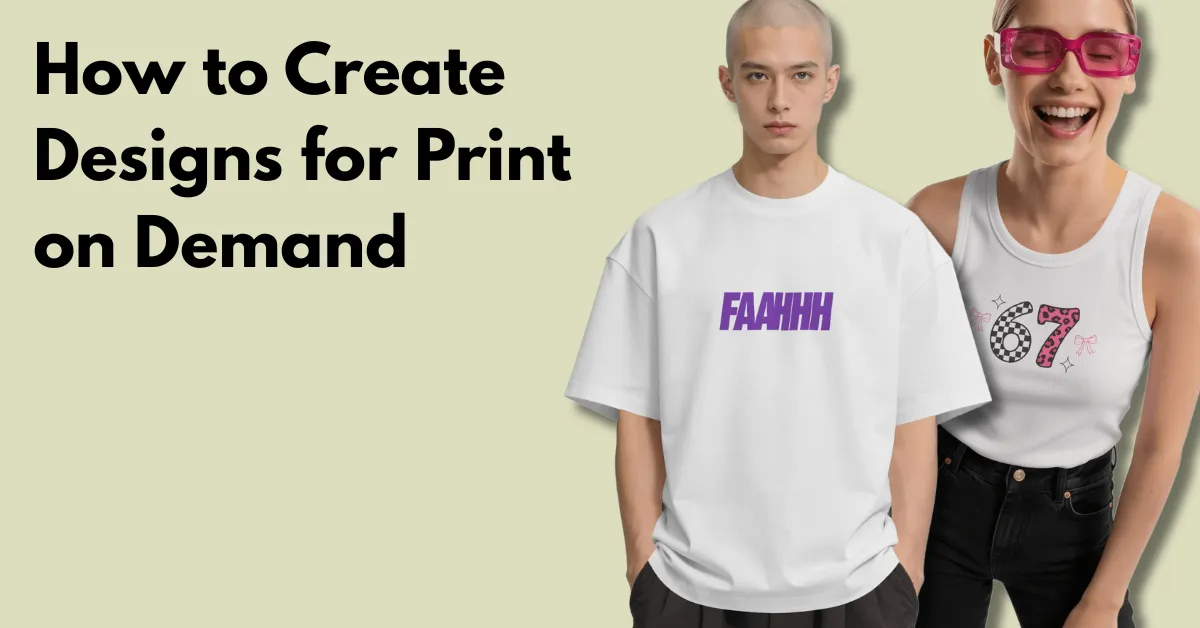
The obvious POD niches are crowded for a reason. Once a phrase like “Dog Mom” takes off, sellers start making their own version.
If you want to get ahead in POD, copying whatever is already selling isn’t enough. Look at what people are talking about, wearing, watching, and buying, then turn those changes into product ideas before they become crowded.
With this step-by-step guide, you can create designs for print on demand based on early trends and sell them on platforms.
When a trend becomes popular on Etsy or Amazon, many sellers are already selling it. So, look at places where new trends start to find ideas before everyone else does.
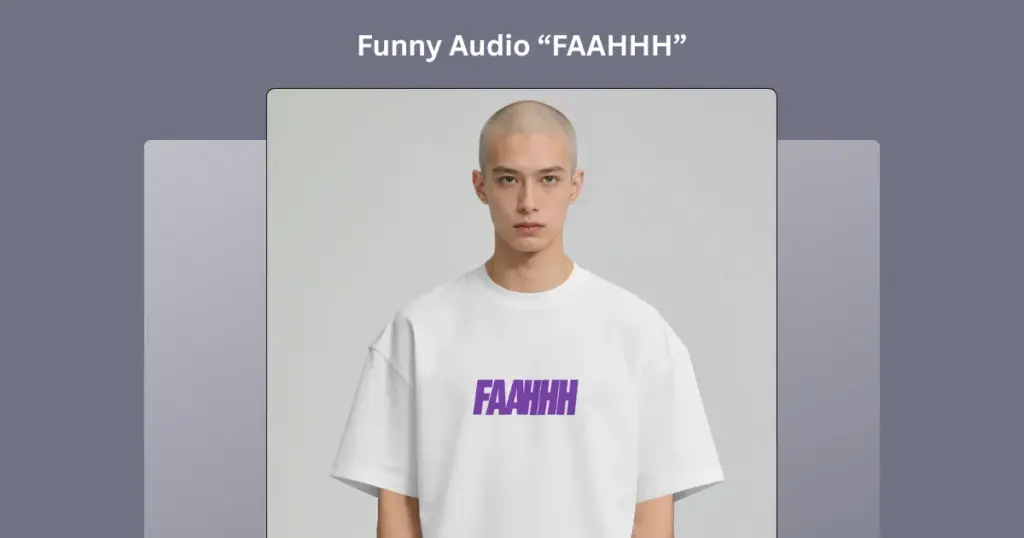
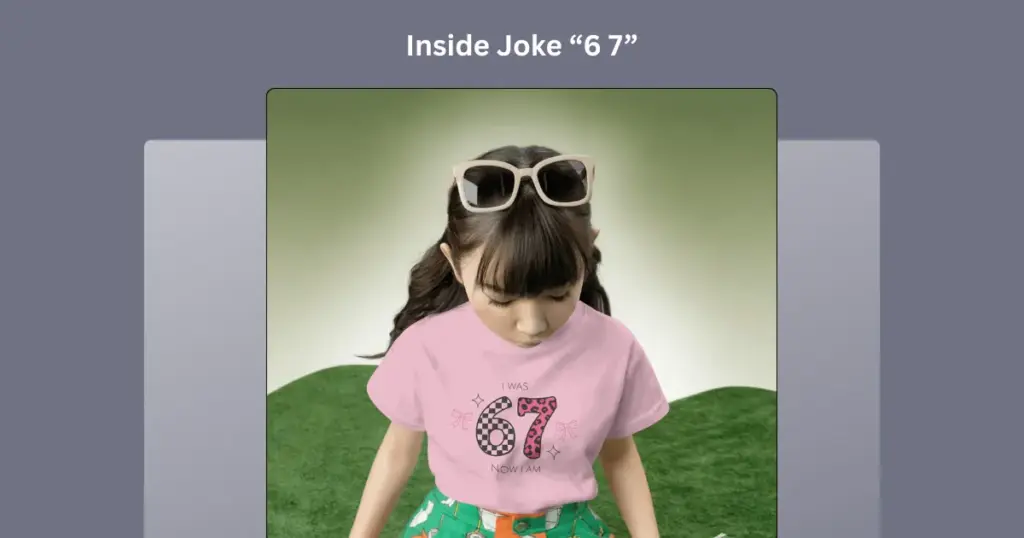
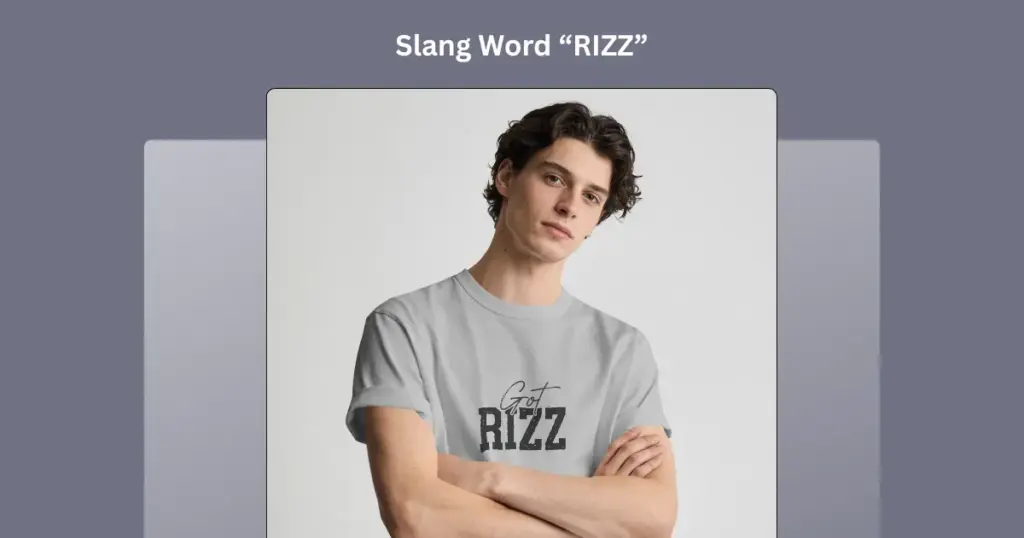
Check the Trending Sounds every week. If you see a new funny sound, slang word, or inside joke becoming popular, it could be a good idea for a new design.
Funny Audio
Inside Joke
Slang Words
If you want to create particular T-shirt design for print-on-demand, you can check out our detailed blog.
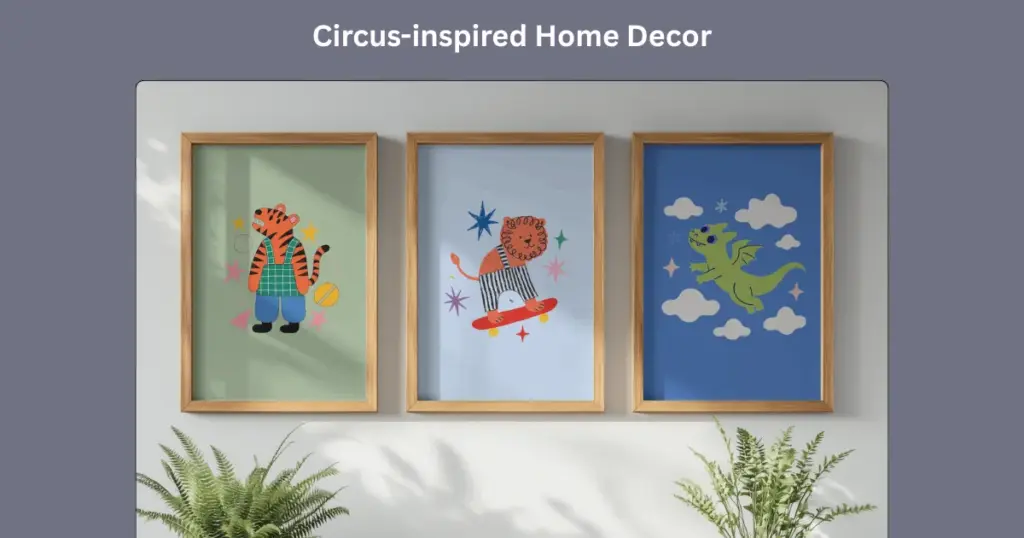
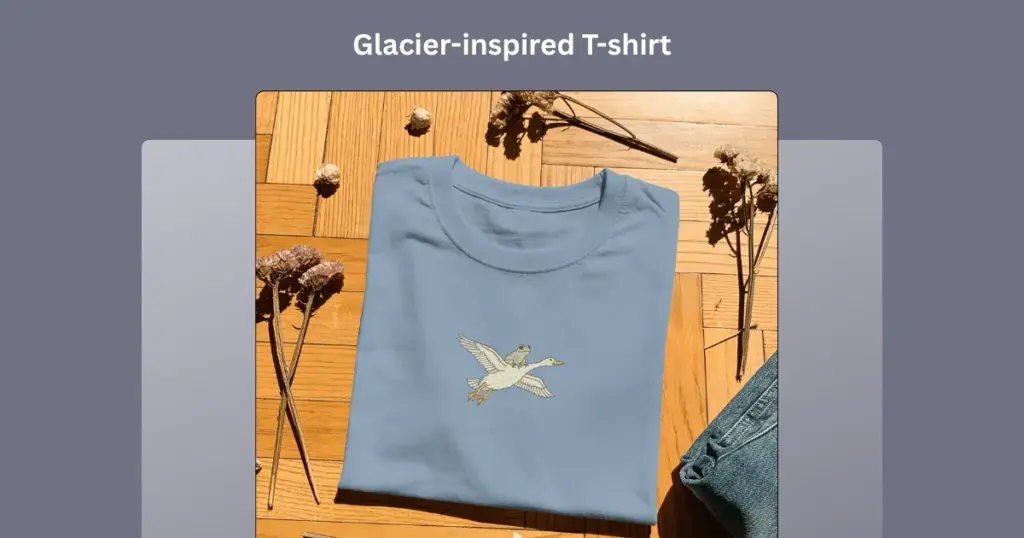
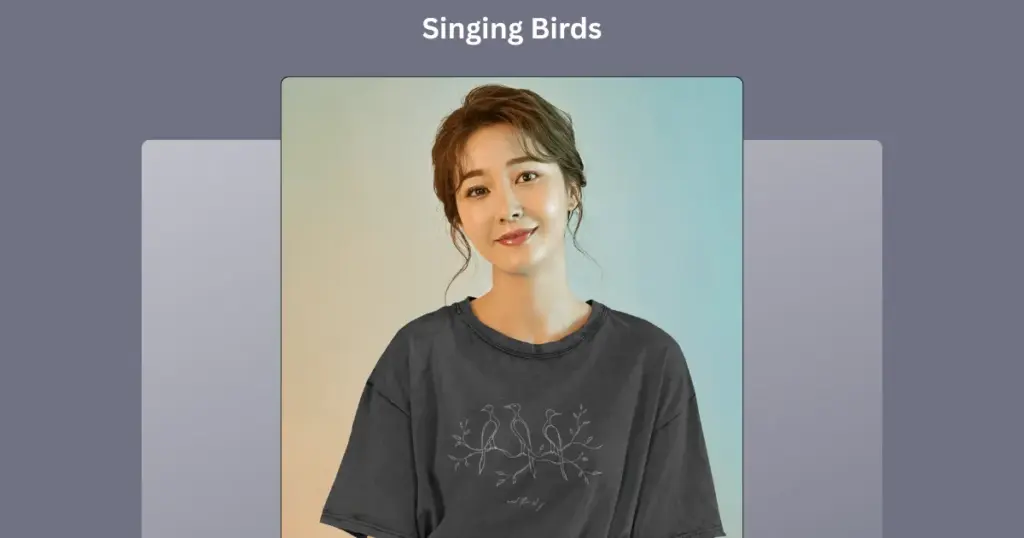
Pinterest Predicts looks at what people are searching for and uses that data to guess what styles may become popular next. For example:
Circus-inspired Home Decor
Glacier-inspired T-shirt
Singing Birds
Thank you, Adrian Vonarx, for these ideas.
Look at small memes on Reddit and hobby communities. Find jokes that people really enjoy and share. If a joke gets lots of attention, it could be a good idea for a t-shirt.
Before you start designing, check if your phrase is already trademarked. If it is, you could get into trouble or even lose your store.
If you are selling in the US, search your phrase in the official USPTO Trademark Search tool.
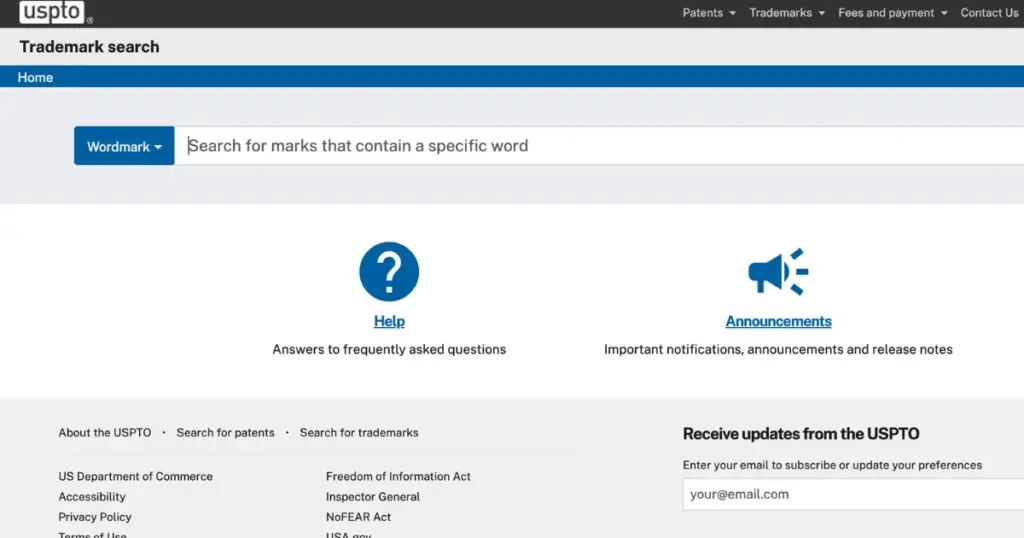
If someone has already registered the phrase for clothes (Class 25) or posters (Class 16), it is better not to use it.
Don’t use celebrity names, movie lines, or song lyrics in your designs, even if they are popular.
There are two methods: text-based design and blank canvas. We’ll explain both methods. The first one is Mockey’s AI Design.
This tool has no trouble with text. It can spell words correctly or ensure accurate spacing. Even if you give it a simple joke, the words come out perfectly.
To create designs for print on demand:
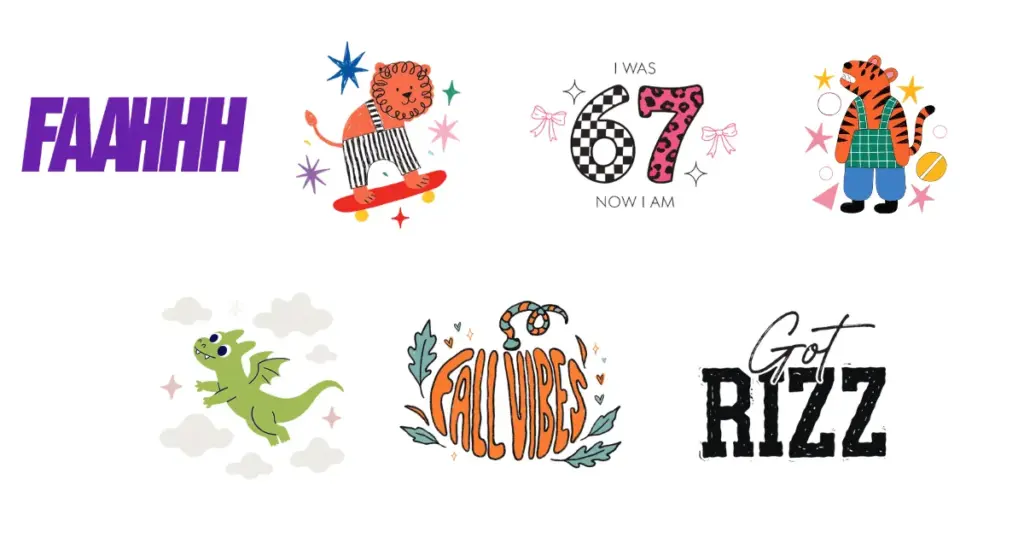
These are the design examples of Mockey we showed you with products.
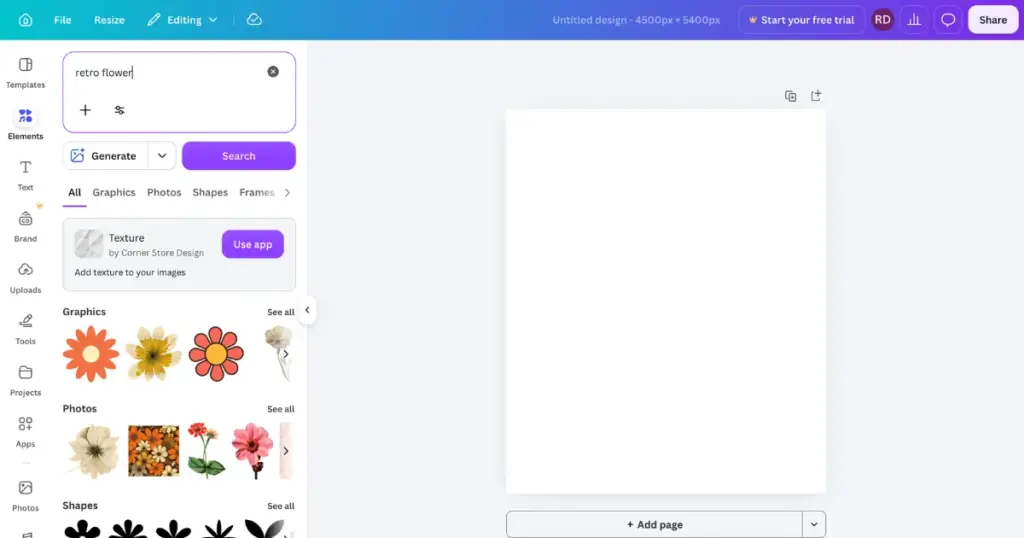
Use Canva or sites like Canva to create your design file.
You need a POD supplier to make and ship your products when someone places an order. For example, Printify.
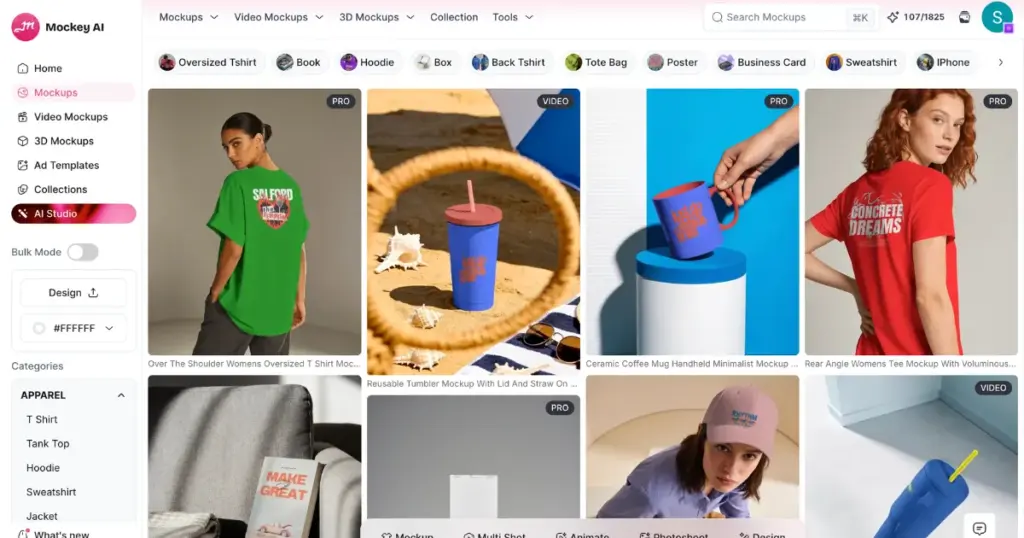
Printify and Printful can create a basic product preview once you upload your PNG. For a more distinctive look, you want lifestyle mockups that show the product in a real-world scene.
Connect your printing partner to your Shopify or Etsy store. You can do this easily with their app in just one click.
Think about what people would type into Google or Etsy to find this trend.
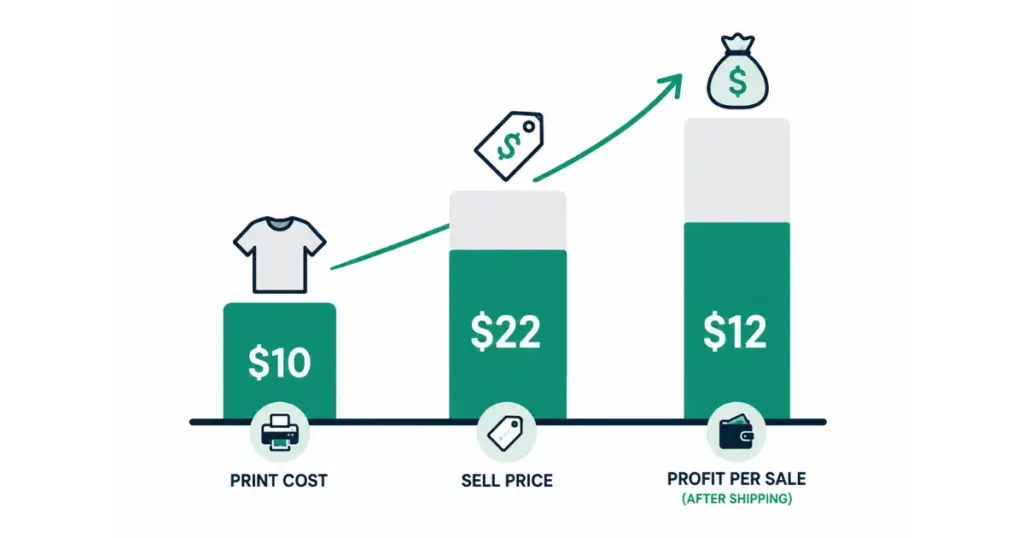
Don’t try to be the cheapest seller. Make sure you earn a good profit. For example, if a t-shirt costs you $10 to make, you can sell it for $22. This can leave you with $12 or more from each sale after shipping.
You understand how to create designs for print on demand.
Remember to look at TikTok, Reddit communities, and Pinterest where trends begin.
Use Mockey’s text-based design tool or a proper design canvas in Canva, Kittl, or a similar tool. For apparel, work at 4500 × 5400 pixels and 300 DPI.
Try retro lettering, unusual color combinations, or distressed textures.
Search the USPTO trademark database before putting phrases or names on products. Stay away from copyrighted artwork, celebrity names, movie quotes, and other protected material unless you have the necessary rights.
Using an image from Google or Pinterest doesn’t mean you have permission. A small edit won’t remove the original creator’s rights either. Use artwork that comes with a commercial license.
Screen colors differ from fabric colors. Your monitor uses RGB light, while textile printing relies on physical inks.
A white background in your design file can cause a problem when it goes to print. You end up with a white block behind the artwork. Export the file with a transparent background if you want those areas to remain the fabric color.
Don’t push the artwork right up to the edges of a 4500 × 5400 px canvas. It can end up looking oversized once it’s printed on a shirt. Keep the text and graphics around the upper-middle area.

Sangram Sahoo
I’m a content writer with 4 years of experience. I specialize in creating practical content around mockups, print-on-demand, apparel, and e-commerce design.
