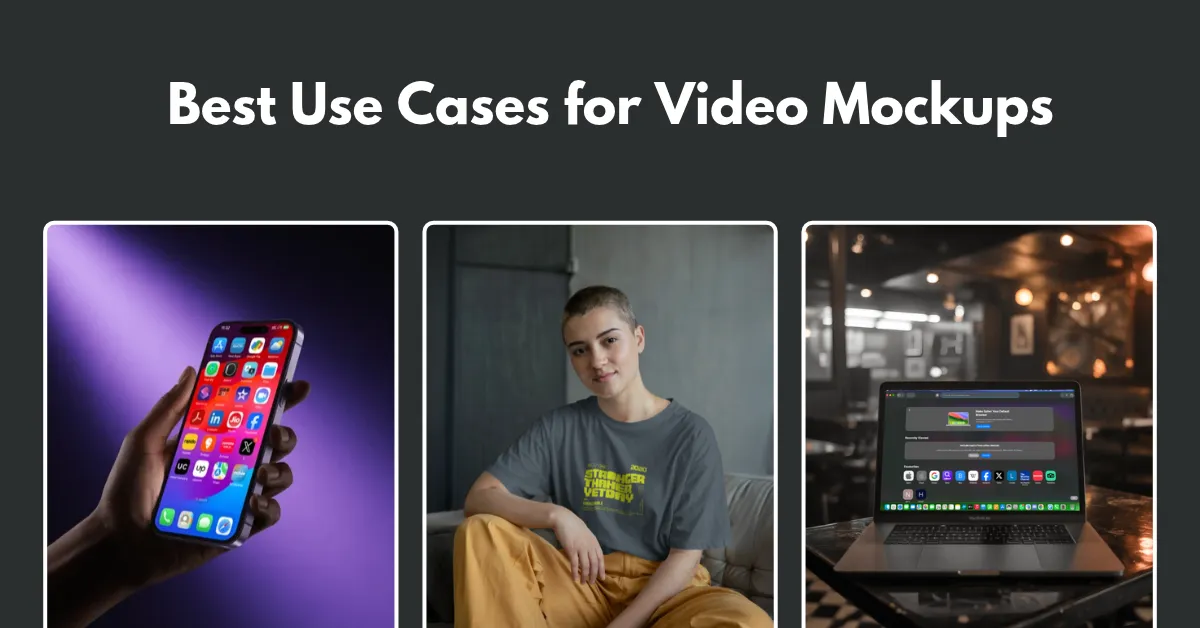
The best use cases for video mockups are to make engaging product ads, show UI/UX interactions, improve tech product launches, and encourage more app downloads.
Ads with similar product photos are ignored. A short video mockup helps your product stand out and lets people picture owning it. That’s the difference between static and video mockups.
By highlighting small details, video mockups build trust, make ads more effective, and avoid returns.
Let’s discuss in detail.
A video mockup shows how a product, app, website, or design looks in motion. You see a product turning, a camera angle changing, or someone scrolling through a website or swiping through an app.
You can also check out our detailed guide on what a video mockup is.
A list of the best uses for video mockups.
With print-on-demand, you don't print a product until someone orders it. It's up to your photos to convince customers. A video mockup gives them another way to see the product before placing an order.
| Platform | Video Type |
| Shopify / WooCommerce | 360° spin or fabric close-up |
| Etsy | 5–6 sec lifestyle loop |
| TikTok / Meta Ads | UGC-style video |
Traditional product photography gets expensive fast when you sell POD products. Take a Gildan 64000 T-shirt in 5 different sizes. You'd have dozens of variations to photograph, which takes far too much time and effort.
Video mockups make it easier.
You don’t need Adobe software for this. Create video mockups with Mockey AI.
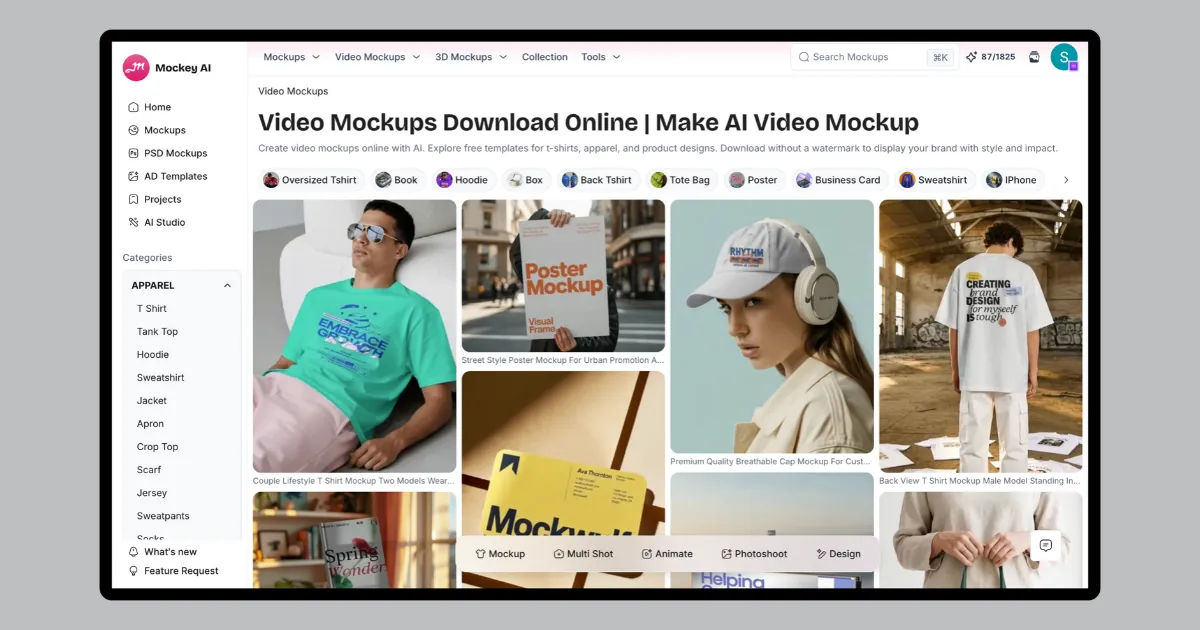
Just upload your design, customize the mockup, and you're done.
Start with one video of a model wearing a plain white T-shirt. Change the shirt color, for example, switching to Cracoal Grey.
Your design stays in place as the shirt color changes. Create five product videos from one clip. Use them in ads or listings to see which colors get more clicks before investing in stock.
Screenshots show the app’s screens. A video shows what happens when someone uses it. People can get a feel for the app before they install it.
| Rule | Apple App Store | Google Play Store |
| Submission Format | Direct upload | YouTube URL |
| Duration | 15–30 sec | Up to 2 min |
| Content | In-app UI only. No hands or external shots. | UI, animation, live action |
| Resolution | Exact device size | Minimum 1080p |
| Display | Muted autoplay | Muted autoplay, up to 30 sec |
Apple has strict rules for app preview videos under Section 2.3.4 of its App Review Guidelines.
Show the app in action with a straight screen recording that fits the device size. Holding a rotating 3D phone or lifestyle scene is not recommended. If the video doesn’t autoplay, that image is what people see instead.
Google Play gives you more creative freedom. You can use video mockups and transitions. You’ll also need a 1024 × 500 px feature graphic to act as the video cover. Don't block the YouTube play button with the main content. And make sure ads are turned off on the linked YouTube video, or your preview may not appear as expected.
Before signing up, people want to see how it works. A video mockup can show the dashboard, key features, and steps involved in using it.
SaaS brands can use abstracted UI mockups to keep the focus on what matters.
| Placement | Video Style |
| Website Hero | 3D workflow animation |
| Feature Sections | 3–5 sec feature loops |
| Social / Product Hunt | Fast-paced hype video |
Now you understand the best use cases for video mockups.
You can display your design in action without letting people imagine it. You can show a product in use, a website being scrolled, or an app running on a phone. Customers can see what they're looking at before buying.
Yes, Etsy lets sellers add videos of up to 15 seconds to their listings, but the videos play without sound. Visuals will be the only way to convey your product clearly.
No. A 30-second app preview video must match the dimensions of Apple's supported devices. Google Play uses a YouTube video link in landscape or portrait format and allows videos up to 2 minutes long, giving you more room to show off your app.
B2B SaaS landing pages and short-form ads. It's more likely for people to click through when they can see it in action.

Sangram Sahoo
I’m a content writer with 4 years of experience. I specialize in creating practical content around mockups, print-on-demand, apparel, and e-commerce design.
