The best AI product mockup generators are Mockey AI, Freepik, Flair AI, Midjourney, Fotor, Mockupgenerator.ai, Pacdora, and Recraft.ai.
The main concern is to get the best AI product mockup generator and create images that look realistic and sellable. Because they know that it is possible to get 10% more sales with AI mockups than with simple default images.
This blog not only discusses the best generators but also gives you a real user experience.
An AI product mockup generator helps you upload your design to products (t-shirts, bottles, packaging) and generate background scenes, lighting, and models using AI. Some mockup generators have AI templates, while others require you to generate mockups using prompts. However, in both methods, the mockup’s lighting and shadows are accurate.
Mockey AI is an AI mockup generator that offers AI templates, an AI Photoshoot tool for changing background scenes, and a custom mockup feature that lets you upload designs onto your own product images.
The most important features that users are looking for in the best AI product mockup generator are:
Let’s break down the best AI product mockup generators properly instead of just listing them.
Mockey is the best AI product mockup generator because you get over 30,000 AI templates that look like real photoshoots and are also creative. It also offers a wide variety of products, with more than 60 options available.
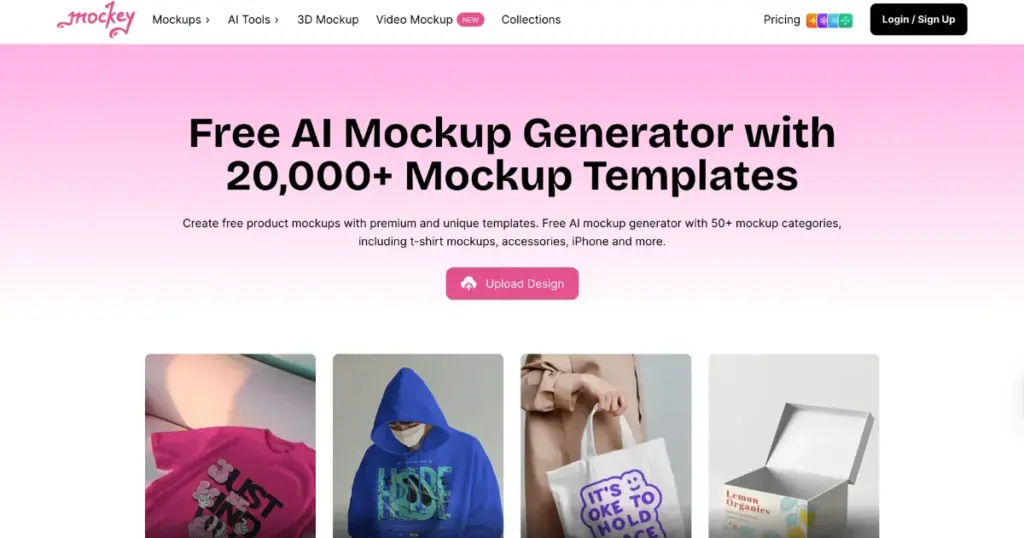
For mockup customization, many AI editing tools are provided. With the Multi Shot feature, you can create different-angle shots. Using Animate, you can turn designs into motion animations. And with AI Photoshoot, it’s possible to personalize scenes.
Let’s show the output examples of all AI tools.
Multi Shot
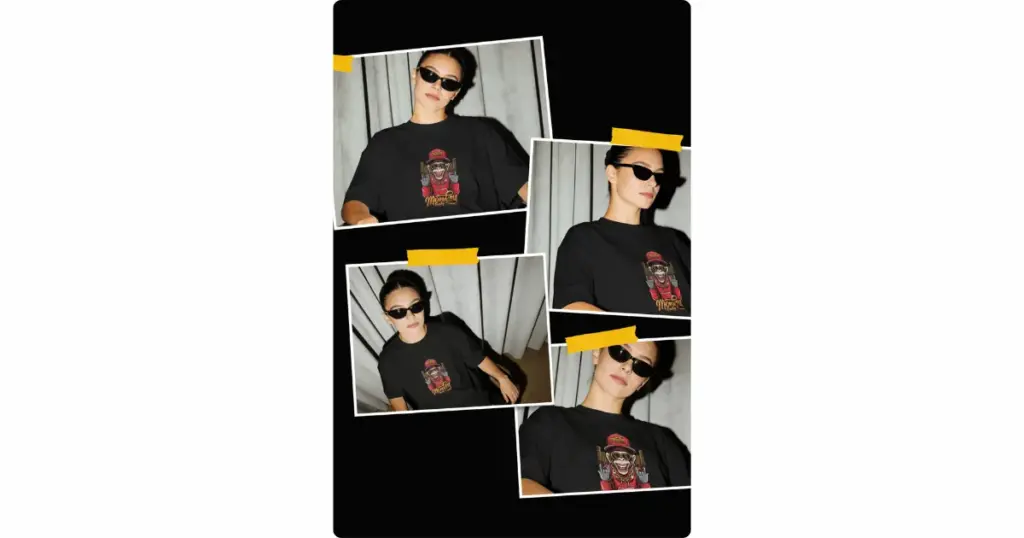
Animate
Another AI product mockup generator is Freepik because it uses AI to create mockups, so the images look more real compared to basic tools. People like it because it helps them make product visuals quickly, without spending too much time editing.
It works well for e-commerce images and ad creatives. But sometimes, the results are not always the same, and a few outputs may look a bit off. If you feel Freepik is limited in product varieties, check out Freepik alternatives.
Flair AI is a tool that helps create product mockups using AI. What makes it stand out is that it focuses on making products look like real photos, with better lighting and composition. Many online sellers use this when they want to skip expensive photoshoots.
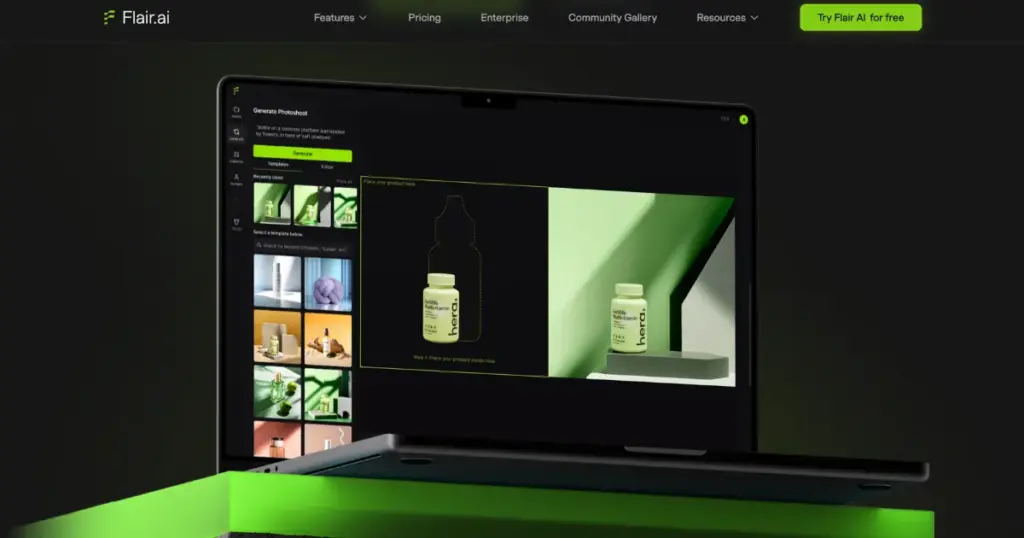
It is a good choice for brands and anyone who wants professional-looking product images. But it can take some time to learn, and it is not fully simple to use right away.
Canva is a popular product mockup site because it is very simple to use. Even if someone has never made a mockup before, they can create one easily. Everything works inside one platform, so users can design graphics, add text, and create mockups without switching tools.
But Canva is not a true AI mockup generator. Most mockups are template-based, so designs can start looking similar after some time. It also gives fewer customization options compared to advanced mockup tools.
Fotor AI Mockup Generator lets you turn your ideas into images using text. You just type what you want, and it creates a mockup very quickly. It’s good when you want to try ideas fast or make simple designs.
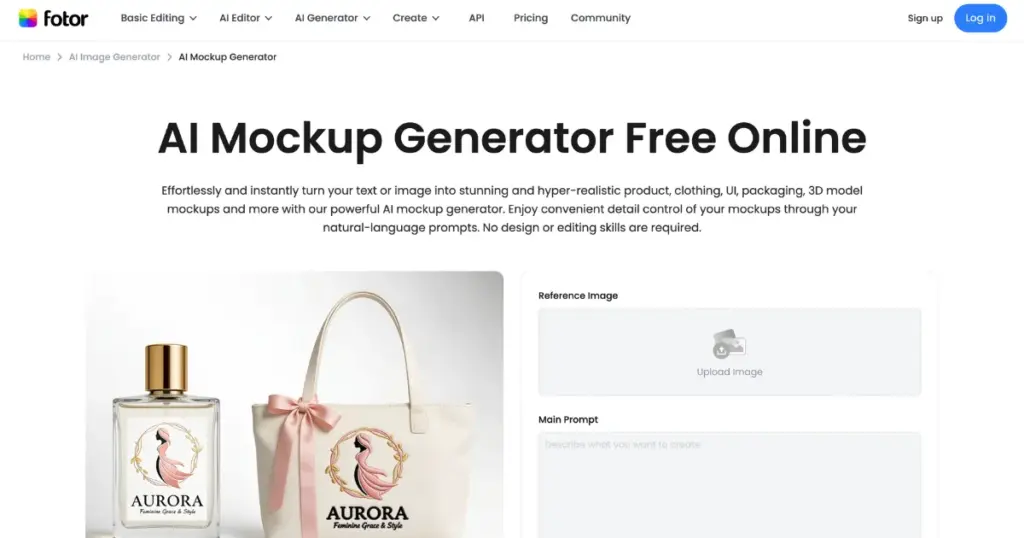
But you don’t get much control over how it looks, and sometimes the quality is not the same every time.
With the help of Mockupgenerator.ai, you can get free AI templates for 25+ products. After uploading your design, you can change the product color, background color, and add a custom background at no cost. But the drawback is that ads keep running on the pages, and the design products don’t warp very well.
Pacdora is mainly used for packaging mockups. It is different because it gives 3D-style designs and focuses only on packaging, not clothes.
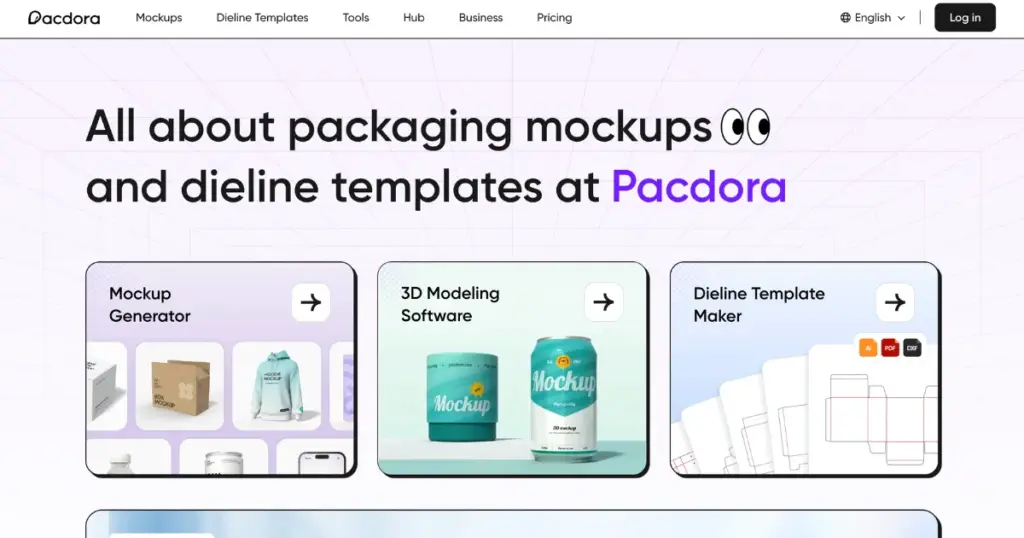
You can use its basic features for free, and if you want more, there is a paid plan for $9 per month. For mockups such as food packaging, bottles, or boxes, this is the best tool to use.
Another generator is Recraft.ai. Use this platform to create a mockup base by describing it through a prompt, then upload your design onto it. You can easily adjust or resize the design to fit the product perfectly.
You won’t find ready-made templates here. Instead, the platform mainly offers a text-to-image generator.
We’ve discussed the best AI product mockup generators. If you need a large number of AI templates for products, along with features like generating multi-angle shots or converting them into AI animations, then there’s no better AI product mockup generator than Mockey AI.
Even if you sell on Etsy, Mockey is the appropriate mockup site for Etsy sellers to improve product listings.
AI mockups are faster and easier to create. Traditional mockups (like Photoshop templates) give better control and consistency.
Use an AI mockup generator like Mockey AI, choose from an AI product template, adjust placement, and download the AI mockup in PNG. Check the full guide on how to make AI mockups.
Some AI mockups look fake because the lighting doesn’t match, the shadows are incorrect, and the design placement is not accurate.
AI mockups place your design on real product templates. AI-generated images create completely new scenes using prompts.

Sangram Sahoo
I’m a content writer with 4 years of experience. I specialize in creating practical content around mockups, print-on-demand, apparel, and e-commerce design.
