
AI Multi Shot Photography That Creates Every Angle You Need
Customers compare every angle before they buy. Create them all from one product photo using the AI Multi Shots Photography Generator.
Trusted by brands & designers on


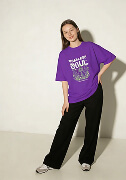
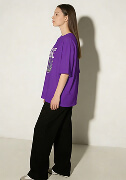
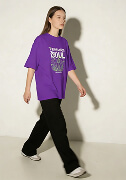
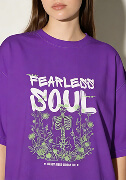
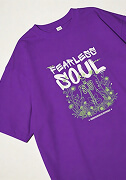
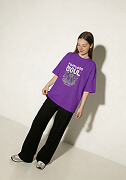
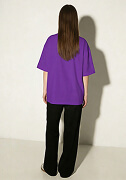
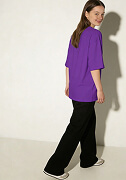
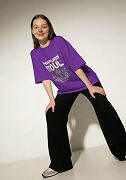
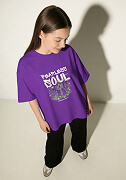
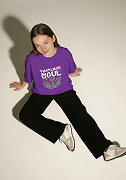
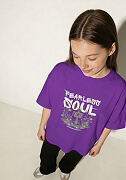
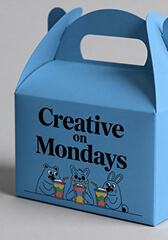
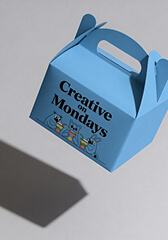
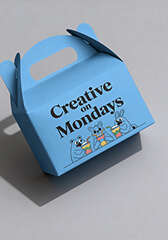
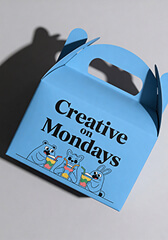
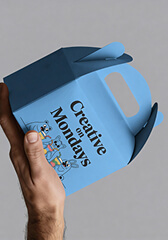
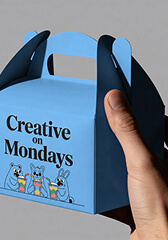
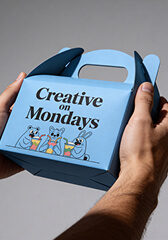
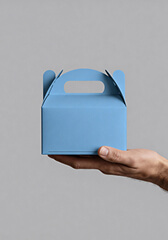
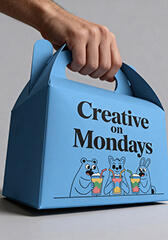
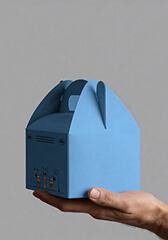
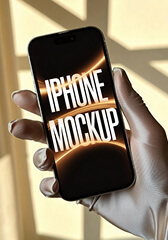
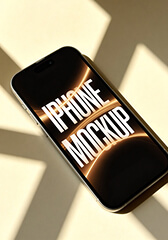
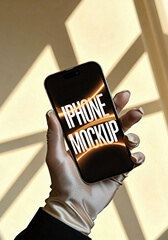
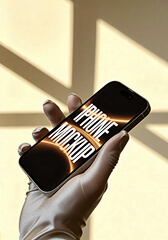
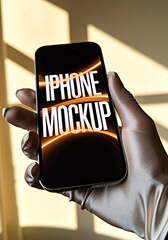
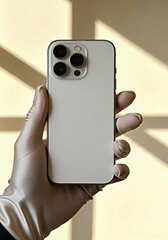
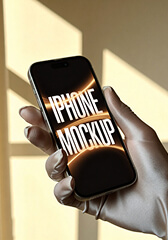
Shoppers Don't Stop at the First Photo
- Marketplace-ready product shots.
- Lifestyle scenes for online stores.
- Ad visuals tailored to your product.
- Seasonal looks for holiday sales.
Create multiple product shots each sales channel needs.
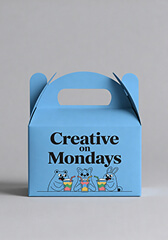
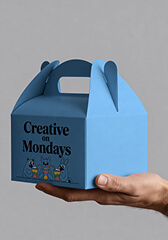
Creative on Mondays Treat Box
4.8 · 5 photos
Add to cartFrom One Photo to a Complete Product Gallery
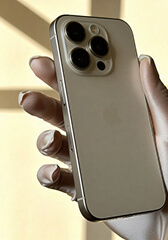
You already have one image. Now turn it into the front, back, side, and detail shots that buyers expect.
Step 1
Start With the Photo You Already Have
Step 2
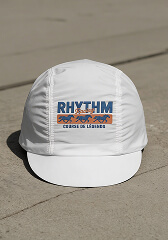
Pick the Shots Your Listing Is Missing
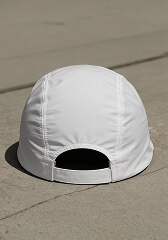
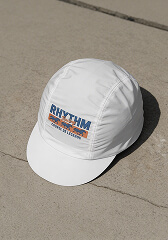
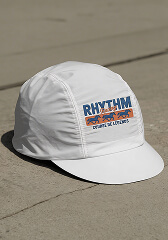
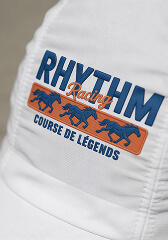
Step 3
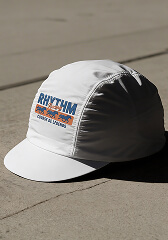
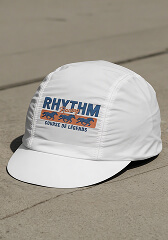
Click on Generate, Download All, and Publish Everywhere
Choose From Ready-Made Shot Presets
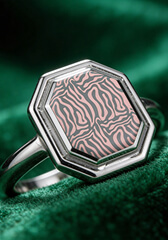
Whether you're selling apparel, tech, packaging, or jewelry, choose from 12 ready-made shot presets to create the angles your listing is missing.
Reasons to Use Our AI Multi Shot Photography Generator
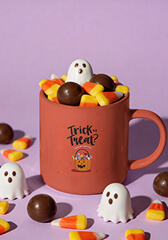
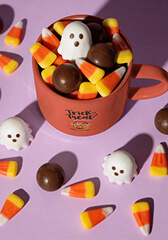
Describe
Look down at the mug from above, candy spilling over the rim
Can't Find the Shot? Describe It.
Sometimes the angle you need isn't in the presets.
Instead of settling for the closest match, describe the shot you have in mind and create it.
More Shots, Fewer Credits
One product listing can easily need six or seven images. That shouldn't cost a fortune.
Each shot uses just 2 credits, so you can create more multi-shots without worrying about every click.
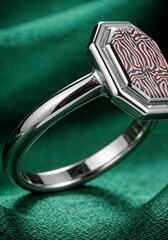
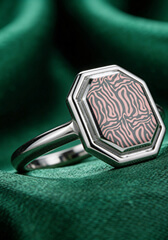
 Ready in under 10s
From Upload to Download in Seconds
The faster your product gallery is ready, the faster your customers can see it.
In under 10 seconds, you can generate your shots.
Multi Shot Photography That Works Across Categories
Marketplace Listings
Fill your Amazon, Flipkart, Etsy, and Shopify listings with every shot shoppers expect.
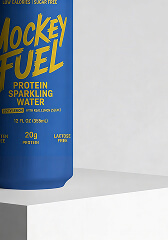
Beauty & Skincare
Highlight every label, texture, and product detail clearly.
Apparel Stores
Keep your clothing catalog consistent across every listing.
Tech Products
Create front, back, side, and detail shots in seconds.
Packaging Products
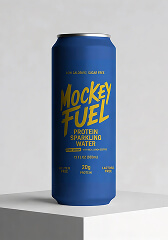
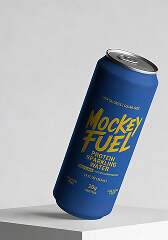
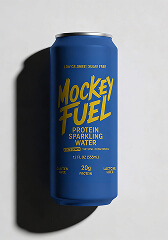
Show bottles, boxes, jars, and pouches from every important angle.
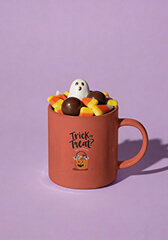
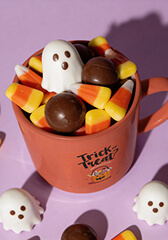
Seasonal Campaigns
Refresh your listings for every sale or launch.
Need More Than Multi-Angle Product Photos?
Choose a tool for the shot you need, from ecommerce listings and fashion model photos to jewelry close-ups.
You've Got the Photo. We'll Handle the Rest.
Upload your image, choose your shots, and download them when they're ready.
Create AI Multi Shot Now FAQs
01 What is AI Multi Shot photography?
AI Multi Shot photography lets you turn a single product photo into a full set of professional shots showing different angles without a reshoot. You can create a complete gallery in minutes by uploading a photo.
02 What kinds of shots can I generate?
You can choose from a range of shot presets depending on your product category (Apparel, Accessories, Home & Living, Print, Packaging, Tech, Jewelry), including Close Up, Flatlay, Dutch Tilt, Back, Rear 3/4, Low 3/4, High 3/4, and more.
03 Can I create a custom shot instead of using a preset?
Yes. If none of the presets match what you're picturing, switch to the Describe option and type out the exact shot you want. The tool will generate it based on your description.
04 How much does each shot cost?
Two credits are used for each generated shot.
05 Do I need a paid plan to use Multi Shot?
Multi Shot is available on the Creator plan and above. It isn't included in the Free or Starter plans.
06 What's the best kind of photo to start with?
A clear, well-lit photo with your product in focus and minimal background clutter gives the best results. The more detail the tool can pick up from your original image, the more accurate and polished your generated shots will be.