
Launch Every Collection with AI Fashion Photography
Getting new fashion photos shouldn't require another photoshoot. Create AI fashion photography for your store, ads, and social media from a single clothing design.
Trusted by fashion brands & designers on



Fashion Isn't Meant to Hang on a Hanger
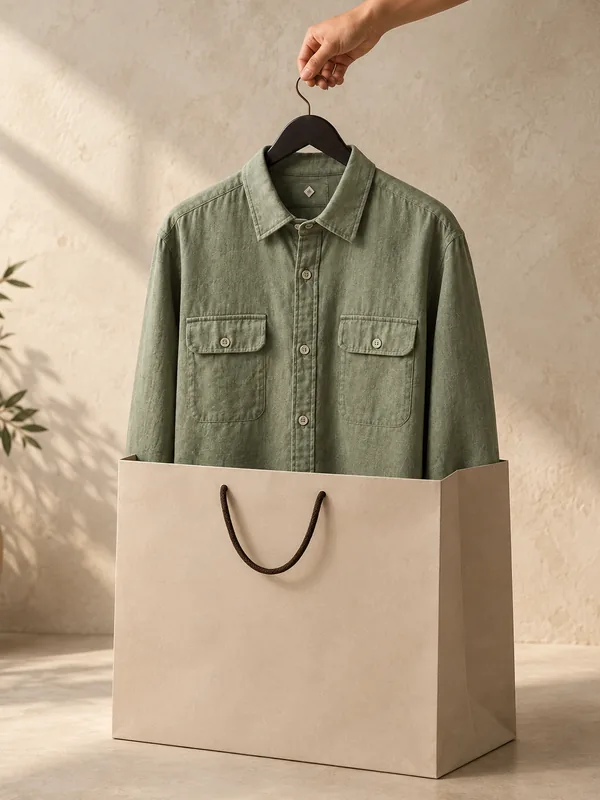
People don't just buy fabric; they imagine how it fits their style. Turn flat clothing designs into fashion photos that help shoppers picture themselves wearing every outfit.
- Keep every logo, print, and detail exactly as designed.
- Showcase your designs on realistic-looking models.
- Make every outfit look naturally lit.
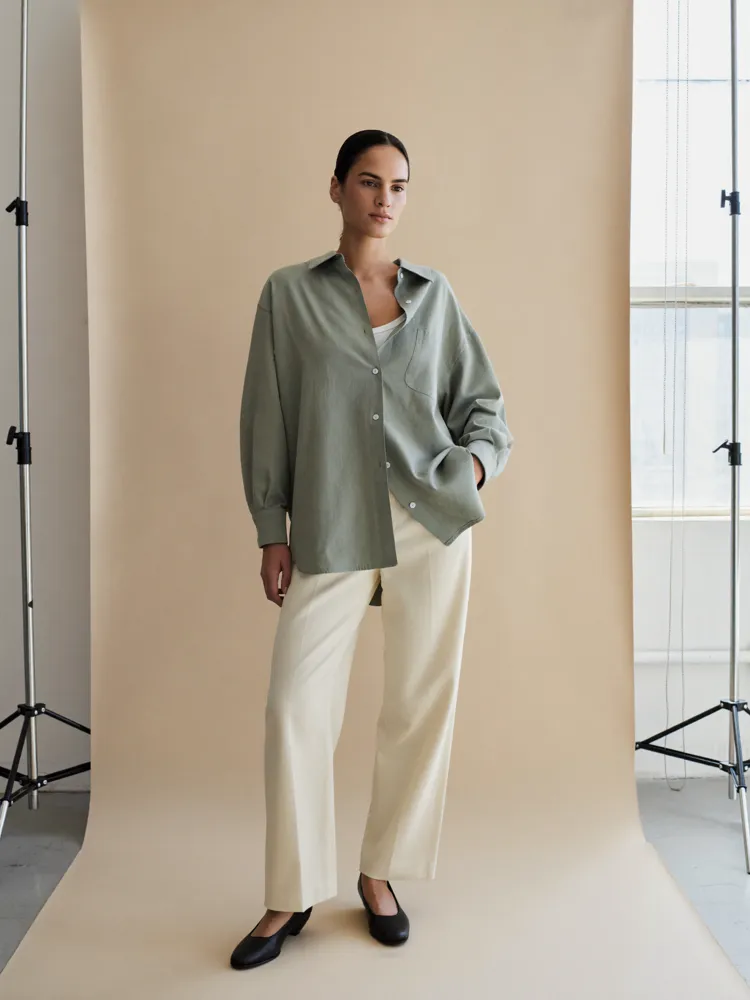
- Display how your clothing looks when worn.
Prompt
A stylish model wearing the exact sage green shirt with relaxed cream trousers. Natural pose, realistic fabric fit, soft studio lighting, clean backdrop, design unchanged and clearly visible.
Three Steps to Your Next Fashion Shoot
Go from a single apparel design to brand-ready fashion photos in just three simple steps.
Step 1
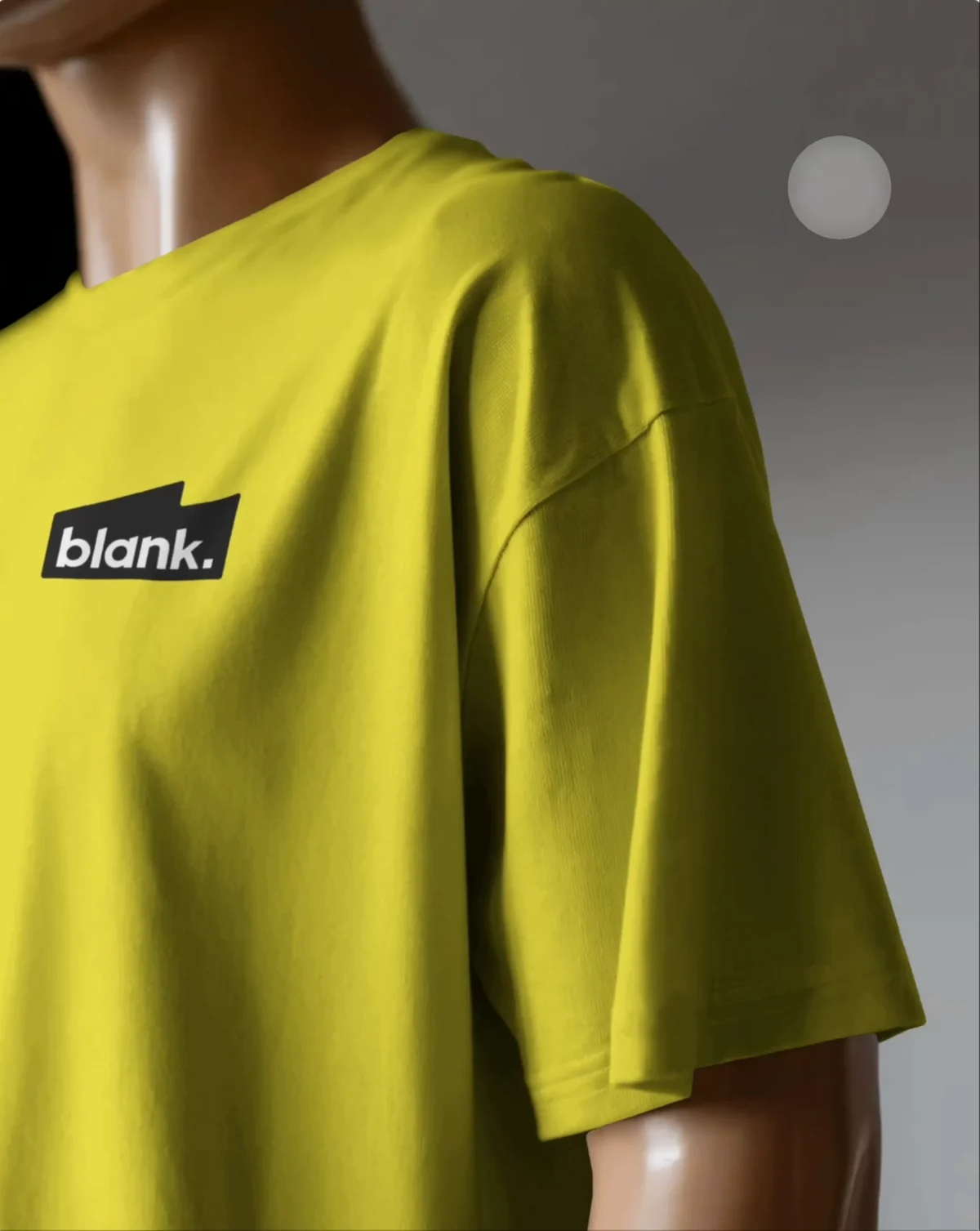
Upload Your Apparel Design
Step 2
Describe the Look You Want
Scene description
Casual streetwear look on a city rooftop at golden hour, natural pose, realistic fabric fit…
Step 3
Generate Ready-to-Use Fashion Photos
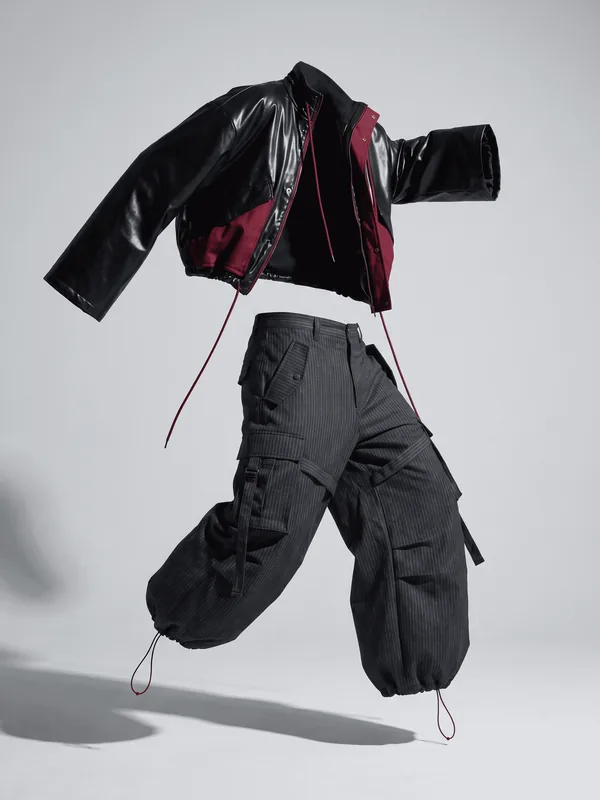
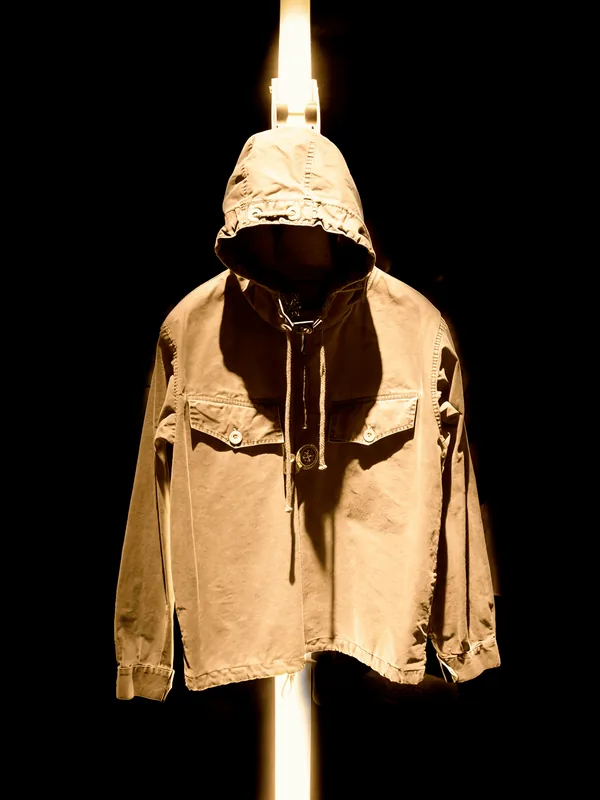 Download
Why Use Our AI Fashion Photography Generator
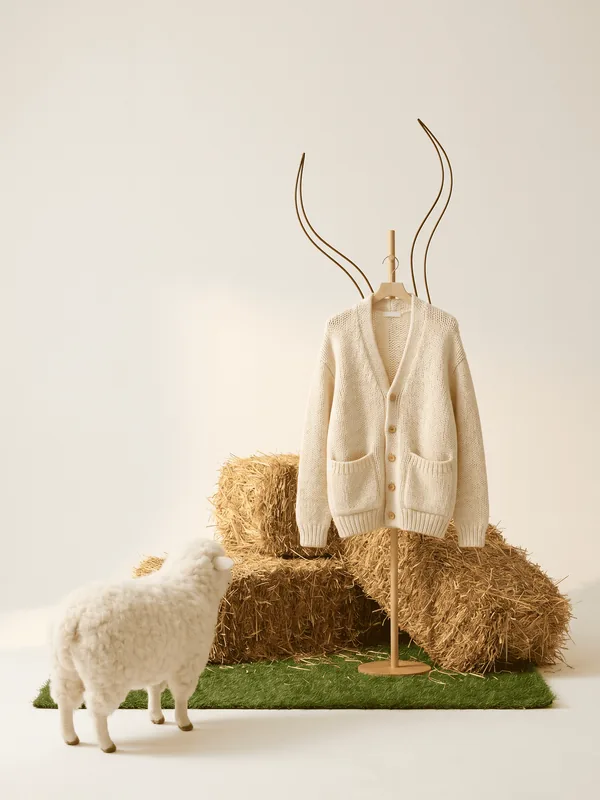
Describe
A cream knit cardigan on a wooden stand in a soft pastoral set, hay bales and a lamb beside it
Tell Us Your Vision by Describing
Describe the kind of fashion shoot you have in mind—streetwear, luxury studio, beach, or café.
Mockey turns your apparel design into the AI fashion photography you imagined.
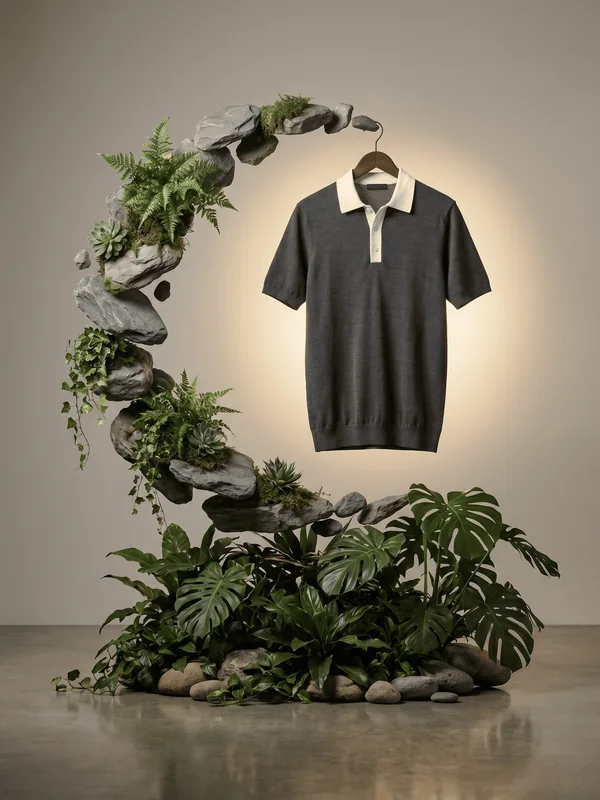
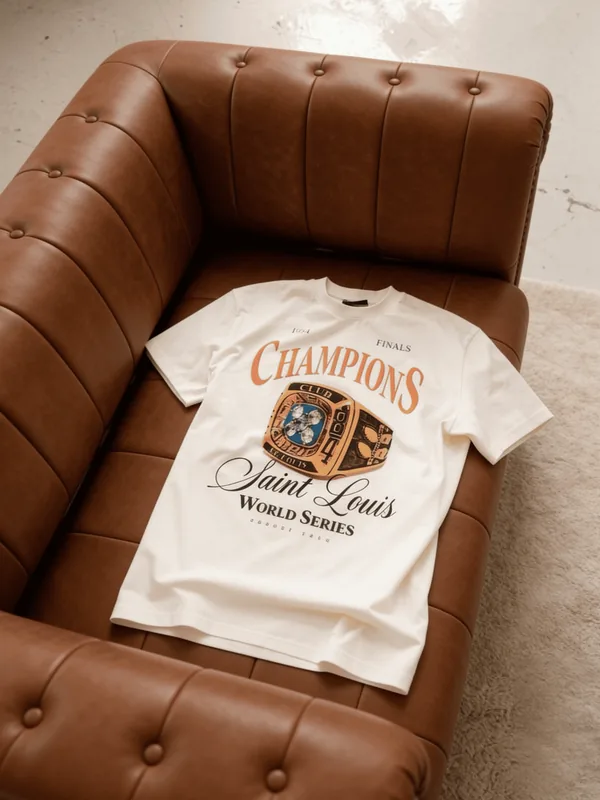
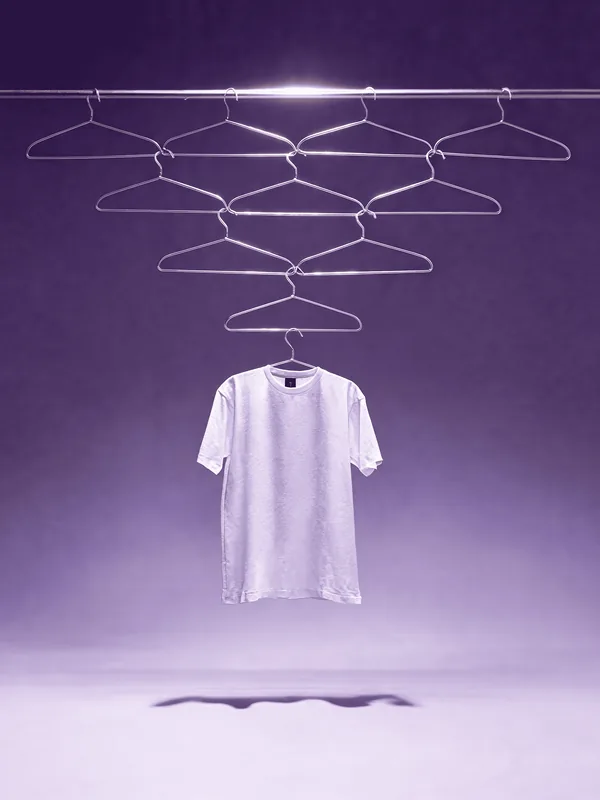
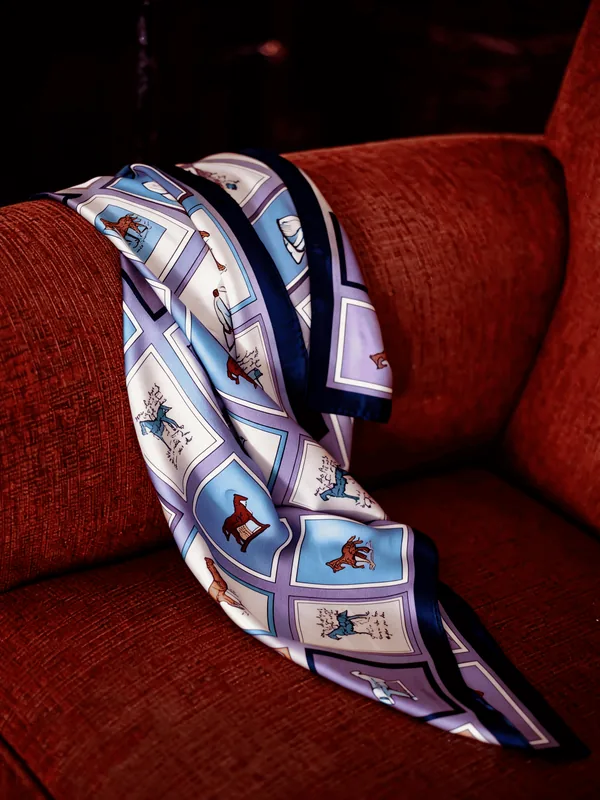
Ready-Made Fashion Templates
Don't know where to start?
Choose from ready-made fashion templates for product pages, lookbooks, social media, and ad campaigns. Replace your design and start creating in seconds.
View Fashion Ad Templates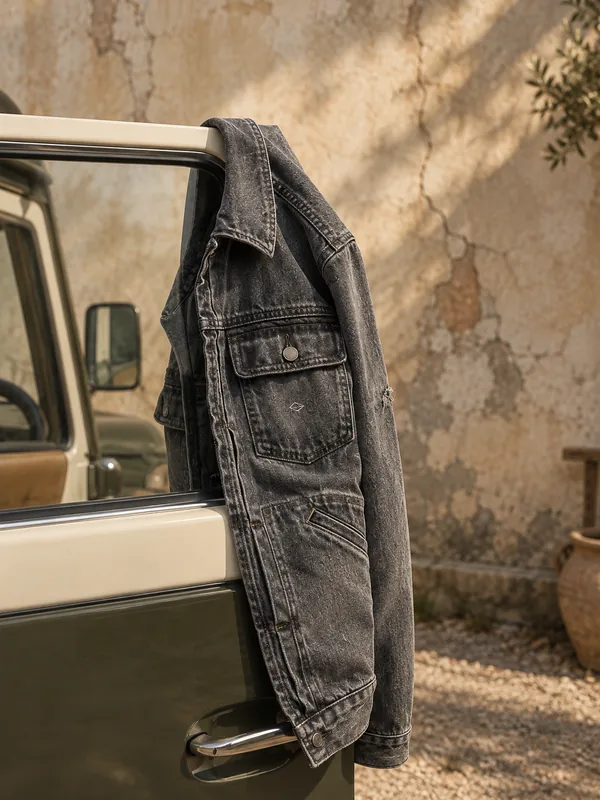
Aspect Ratio for Every Platform
Every platform has its own image size. Select the right aspect ratio before generating to create fashion photos that fit perfectly wherever you publish.
Add Motion to Your Fashion Photos
Your fashion shoot doesn't end with a photo.
Describe the movement you want and turn every AI generated fashion photo into an MP4 video, ready to post.
Designed for Every Fashion Category
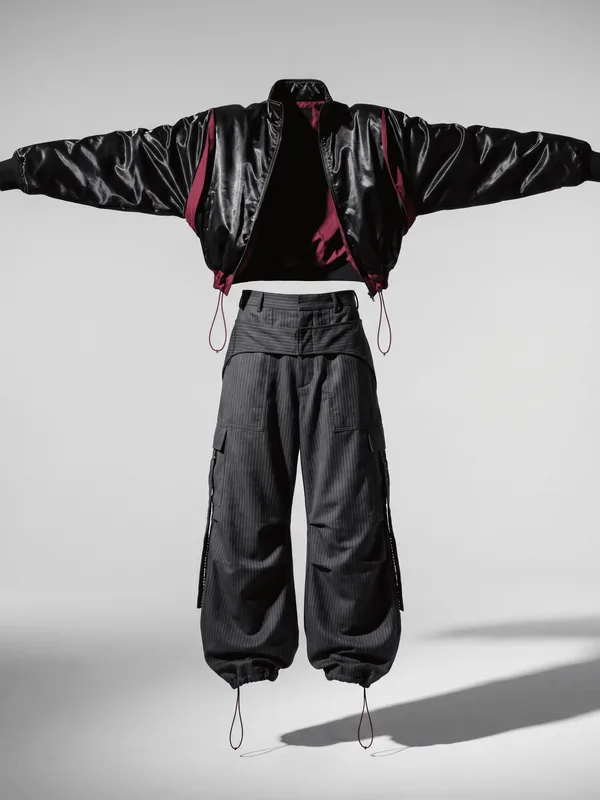
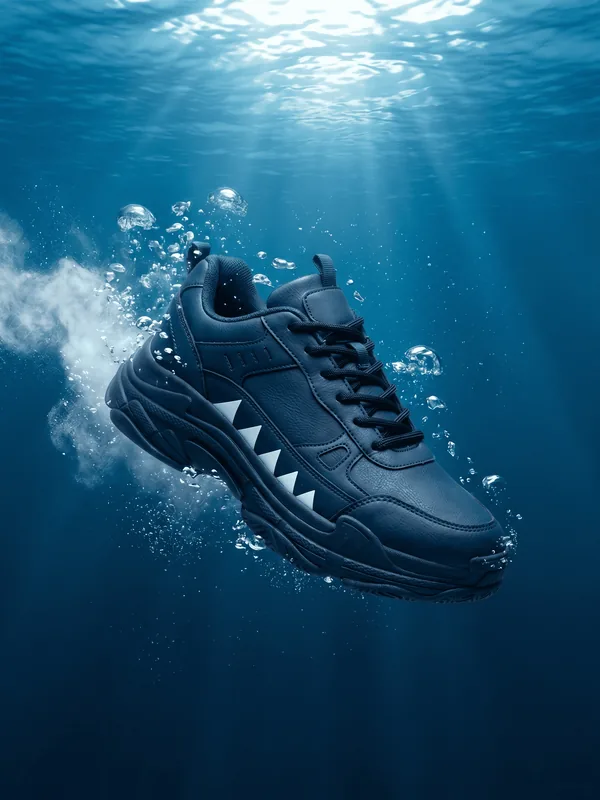
Launch Every Drop with Fresh Streetwear Photography
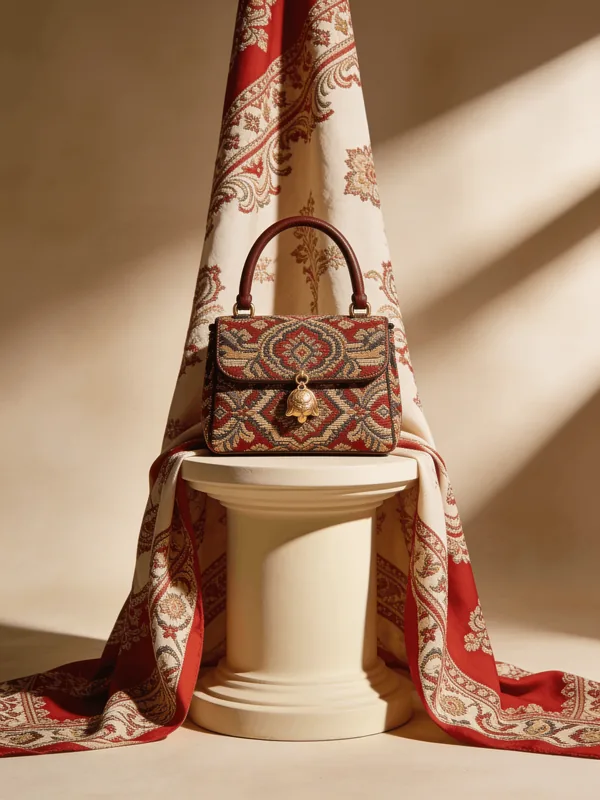
Luxury Products Need Luxury Presentation
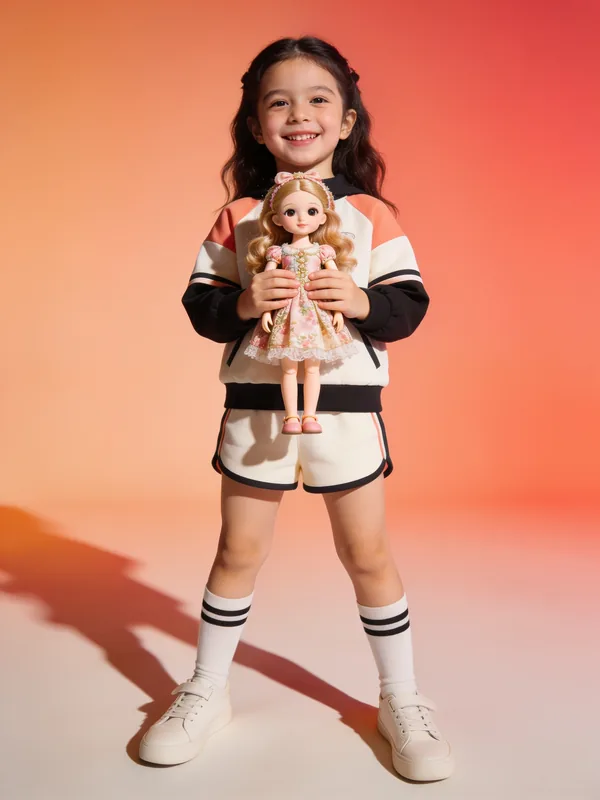
Create Kidswear Photos Without Organizing a Kids Photoshoot
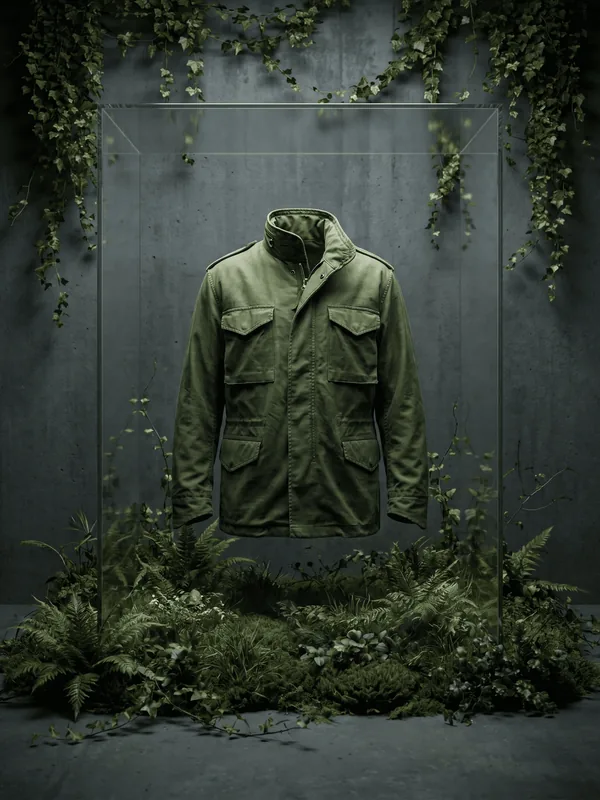
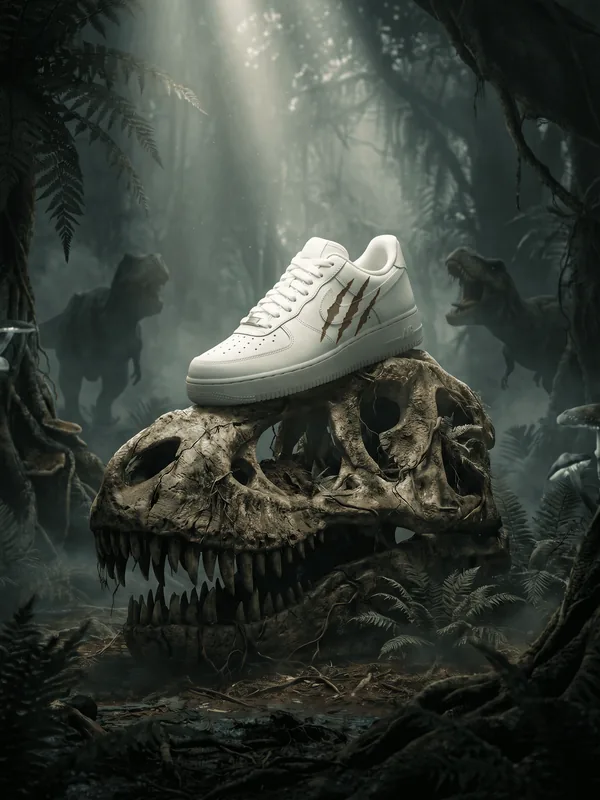
Take Your Outdoor Collection Anywhere
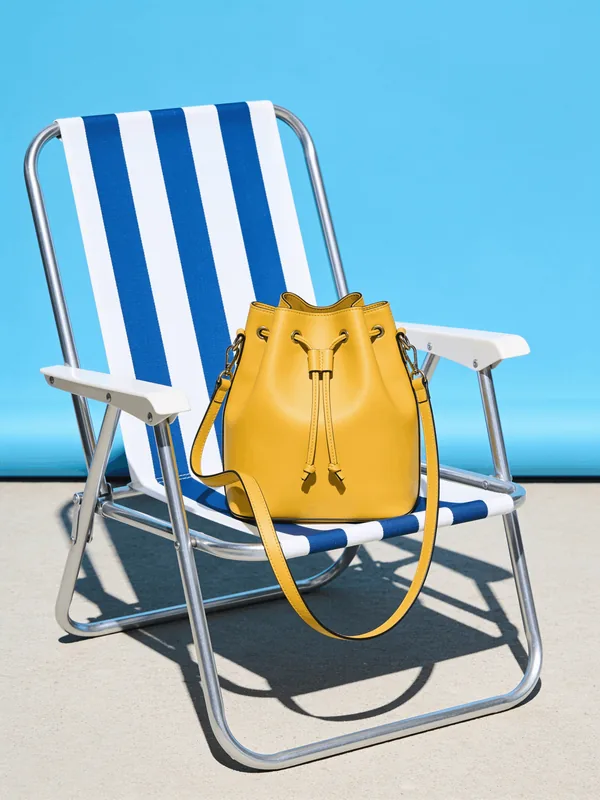
Create Summer Campaigns in Any Season
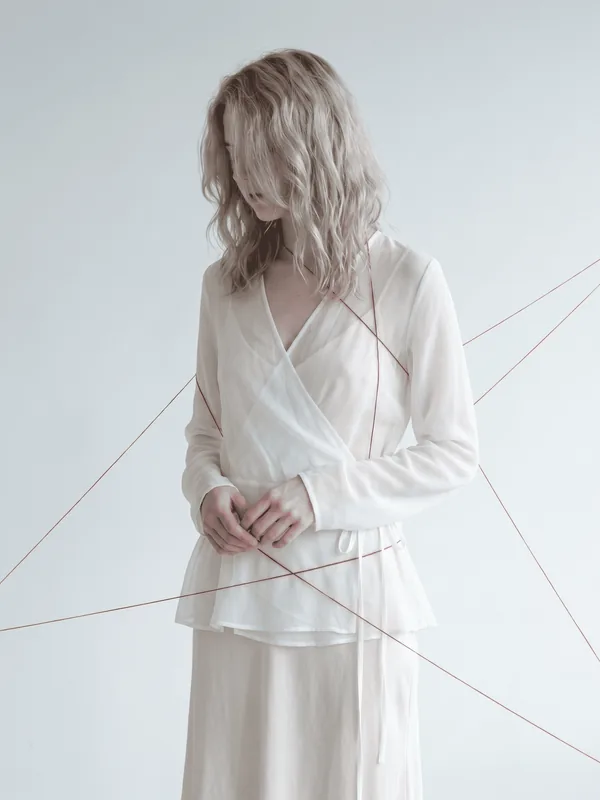
Every Wedding Collection Deserves a Beautiful First Impression
Make Every Launch Look Premium
Generate AI fashion photography with realistic models and scenes without planning another photoshoot.
Generate Fashion PhotosNew collection shoot
Regenerate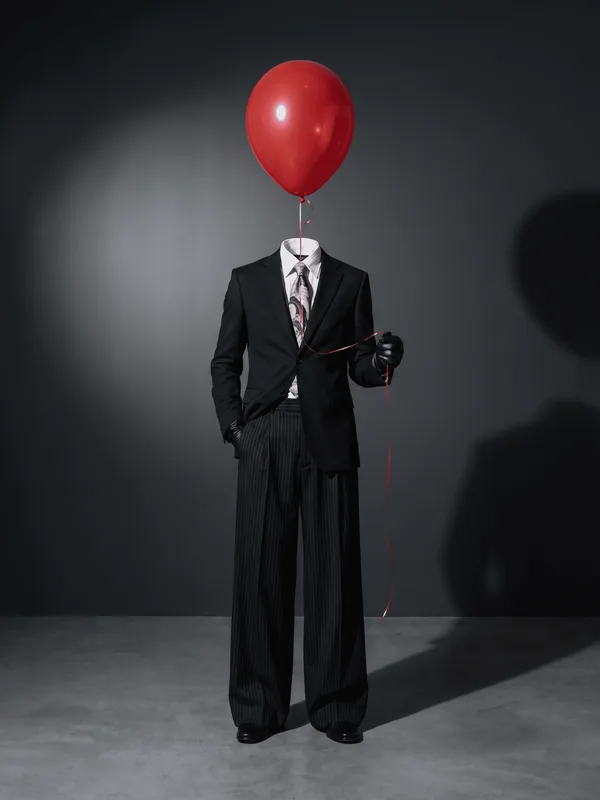
FAQs
01 What is AI fashion photography?
AI fashion photography lets you turn your apparel photo into a professional-looking fashion shoot with a model, lighting, background, and all. You upload the product, choose or describe a scene, and the final shot is ready in seconds.
02 How does AI in fashion photography actually work?
Once you upload a photo of your apparel, the system studies the fabric, cut, and design details, then places it into a realistic scene based on the template or description you choose.
03 What's the difference between templates and describing my own scene?
Templates give you instant, ready-made looks. The Describe option lets you type out exactly what you want — location, mood, pose. So fashion photography AI builds that specific scene instead of a preset one.
04 How long does it take to generate a photo?
About 10 seconds per shot once your product photo is uploaded and a description is selected.
05 What aspect ratios are supported?
You can pick from ratios like 1:1, 4:5, 3:4, 4:3, 2:3, 9:16, and 16:9, so the same shot works for Instagram, product listings, or story formats.
06 Can I turn the fashion photo into a short video?
Yes. After your shot is generated, hit Animate, add a short motion prompt, and it renders into a short video clip from that still image.
07 How can I learn the full process?
For a complete walkthrough of setting up a shoot from scratch, check out How to Create a Photoshoot with AI.