Best Free 3D Tote Bag Mockups
Customize this 3D Tote Bag Mockup right in your browser with your own designs. Easily generate your design on the 3D tote bag mockup scene.
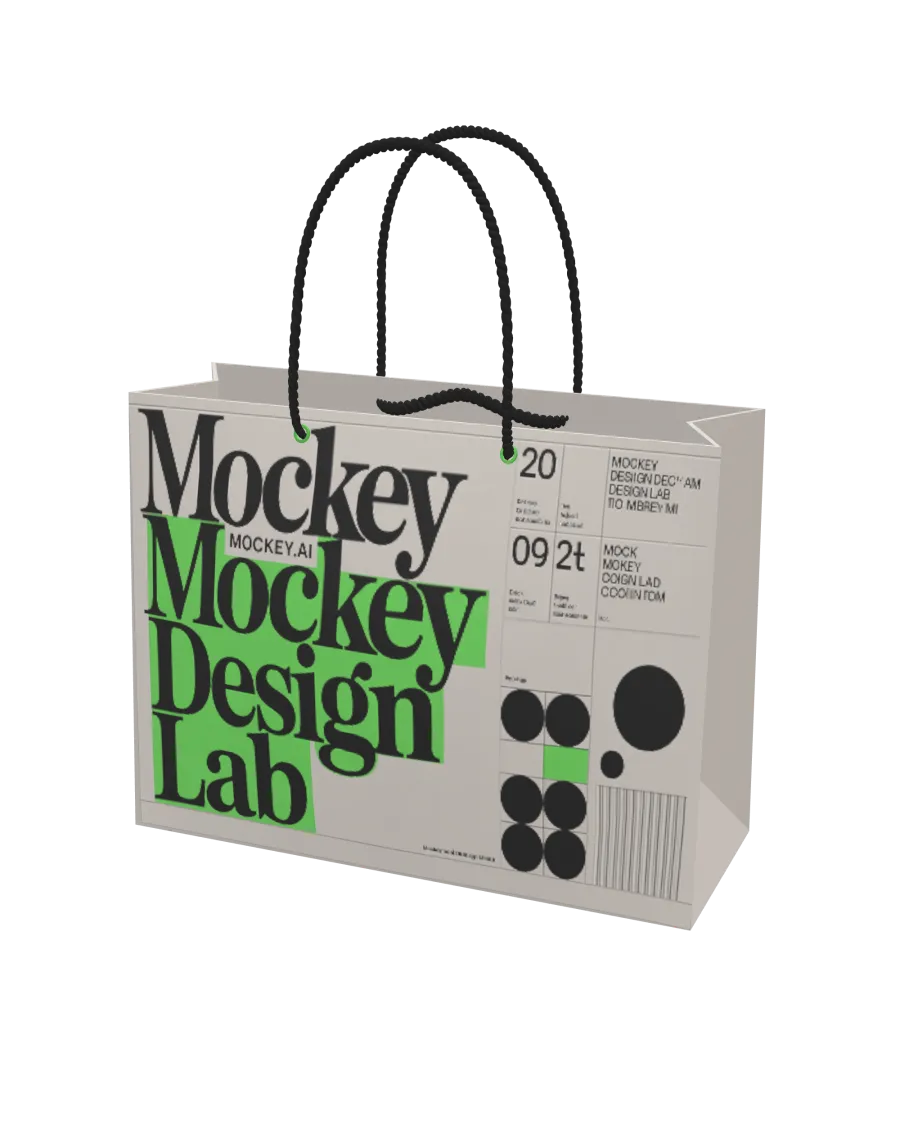
How to Create a 3D Tote Bag Mockup with Mockey
To make a 3D tote bag mockup in Mockey AI:
- Step 1: Go to 3D Mockup, select tote bag under Accessories, and pick a template.
- Step 2: Upload your images by dragging and dropping them. Choose colors for the bag and handles, then set a background in 360, gradient, or a single color.
- Step 3: Select the Aspect Ratio, then download your tote bag as a PNG, JPEG, or a short 5-second WebM video.


FAQs on 3D Tote Bag Mockups
What is a 3D Tote Bag Mockup?
A 3D tote bag mockup is a digital model that looks like a real tote bag. You can view the bag from different angles so you can see how the design will appear before printing.
How can I create a 3D Tote Bag Mockup?
Go to 3D Mockup, select Tote Bag under Accessories, choose a template, upload your images, adjust them, and change the background and textures using Mockey AI’s 3D Tote Bag Mockup Generator.
Can I customize the 3D tote bag color and design?
Yes, you can change the 3D tote bag's color using a color code and move the design anywhere on the template
What file formats are available for download?
Mockey AI lets you save images as PNG or JPEG and short videos (up to 5 seconds) as WebM.
Do I need design skills to use a 3D Tote Bag Mockup tool?
Mockey AI is a simple online tool for making 3D tote bag mockups. You don’t need any design skills or Photoshop! Just pick a tote bag style, change the background and color, and adjust your design.
Can I use 3D Tote Bag Mockups for commercial purposes?
Yes, you can use 3D tote bag mockups for business, but it depends on the platform's rules. For example, MockeyAI allows you to use its mockups to sell products
How realistic are the 3D Tote Bag Mockups?
Mockey AI lets you edit high-quality 3D tote bag templates to appear realistic. You can also add a background and download your design as a high-quality file.
Are these mockups free to use?
The Mockey AI website provides the best 3D tote bag mockups that you can personalize and download for free. Simply register on the site to export an image or animation style.
Can I create animated 3D Tote Bag Mockups?
After customizing, click the Video button to make your 3D tote bag mockup into a short 5-second animation.
Where can I use my 3D Tote Bag Mockups?
You can use 3D tote bag mockups to showcase your products online, promote them on social media, run ads, and test designs.
