3D Pouch Mockup Download | Animated Pouch Mockup Templates
Easily download 3D pouch mockups from Mockey.ai and showcase your designs with detailed animated videos. Try it now and create 3D animated pouches.
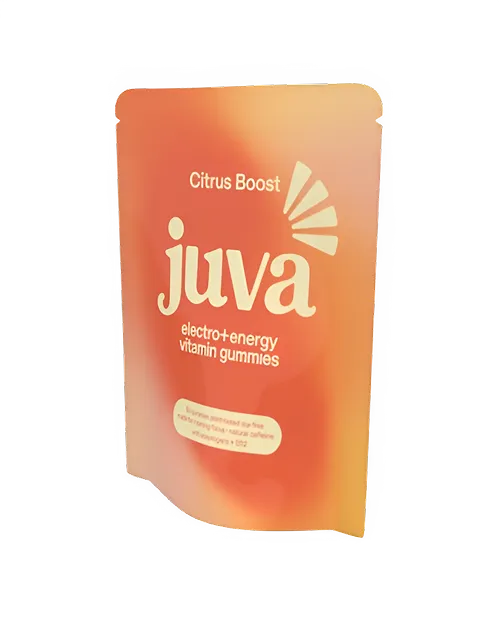
How to Create a 3D pouch Mockup with Mockey
To make a 3D pouch mockup in Mockey AI:
- Step 1: Go to 3D Mockup, select Pouch under Packaging, and pick a template. Upload your logos or designs. You can also change the pouch color.
- Step 2: Select Background from the Editor. You can upload your custom background, use a gradient, or pick one from the Mockey AI library.
- Step 3: Click Motion to add a short video visual (up to 5 seconds, WebM format). To save the 3D pouch mockup as a photo file, tap Download and choose PNG or JPEG.


FAQs on 3D Pouch Mockups
What is a 3D Pouch Mockup?
A 3D Pouch Mockup is a digital model of a pouch in a clear, three-dimensional view. You can upload multiple images and display your mockups in 3D.
How can I make a 3D Pouch Mockup?
To make a 3D pouch mockup, visit Mockey AI and sign up there. Then, open 3D Mockup and pick a pouch template in the Packaging. Add your logo and change the pouch color if you want. Next, change the background and use the Motion feature to save in a short video. For the image file, click Download button and pick a format.
Can I customize the 3D Pouch color and design?
Yes, you can customize the color of the 3D pouch and upload multiple designs on the Editor page. It works well if you use a PNG or JPEG picture with a file size under 10 MB.
Is it possible to animate 3D pouch mockups on Mockey.ai?
Mockey AI has a Motion feature that lets you save your 3D pouch mockup in an animation style from different angles. It creates a short 5-second WebM video.
