Customize & Download Free 3D Frame Mockups
Create professional 3D frame mockups using Mockey.AI. Upload your art or photo, choose frame styles and colors, and get high-quality downloads instantly.
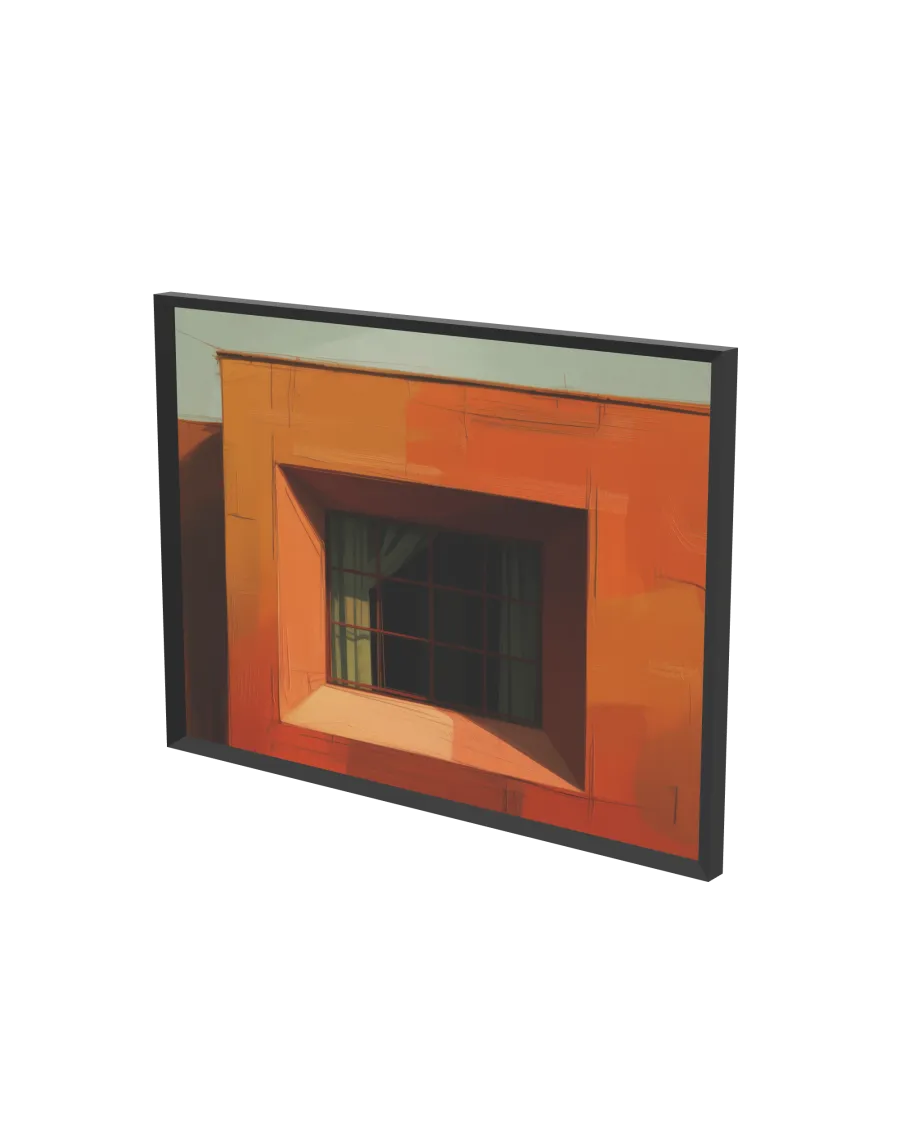
How to Create a 3D Frame Mockup with Mockey
To make a 3D frame mockup in Mockey AI:
- Step 1: Click 3D Mockup from the menu and select Frame under Home Decor.
- Step 2: Upload your design or photo, choose the frame style, border color, and background setting.
- Step 3: Preview your framed design and download it as a PNG, JPEG, or animated clip.


FAQs on 3D Frame Mockups
What is a 3D frame mockup?
A 3D frame mockup is a digital representation of a framed artwork or photo used for realistic visualization and presentation purposes.
Can I create a free frame mockup online?
Yes, Mockey AI allows you to make and download high-quality 3D frame mockups for free.
What types of frames are available?
You can create mockups with different frame styles, including wood, metal, modern, and classic designs.
Do I need design skills to use Mockey?
No, Mockey AI is easy to use and doesn’t require professional design skills—just upload your image and customize.
Can I adjust the background and frame color?
Yes, you can fully customize the frame color, border style, and choose solid, gradient, or 360° backgrounds.
Is it free to download frame mockups?
Absolutely! All frame mockup templates on Mockey AI are free to use and download.
What formats can I download the mockups in?
You can download your 3D frame mockup as a PNG, JPEG, or short video.
Can I use frame mockups commercially?
Yes, Mockey AI allows commercial use of mockups, perfect for portfolios, product listings, or presentations.
How do frame mockups help artists or businesses?
They help showcase art or photography professionally, attract more buyers, and save time on physical product samples.
Where can I get high-quality 3D frame mockups?
Mockey AI offers a variety of customizable and realistic 3D frame mockup templates available for free download.
