Free 3D Can Mockup Templates
Whether you need a 3D can mockup for soda, beer, energy drinks, or more, Mockey.ai has you covered! Customize and create your perfect mockup in minutes.
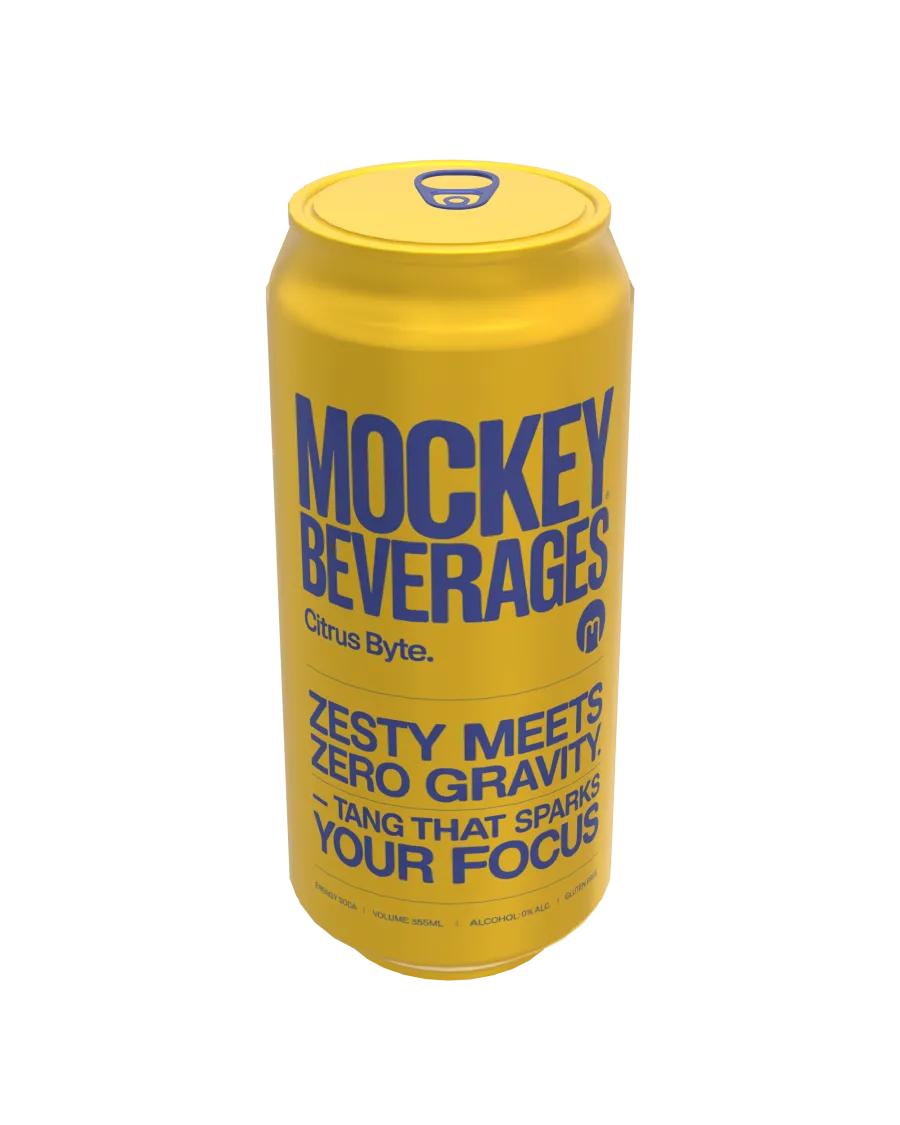
3d Slim Can Mockup Floating Front View Minimalist White Aluminum Can With Realistic Lighting And Reflections
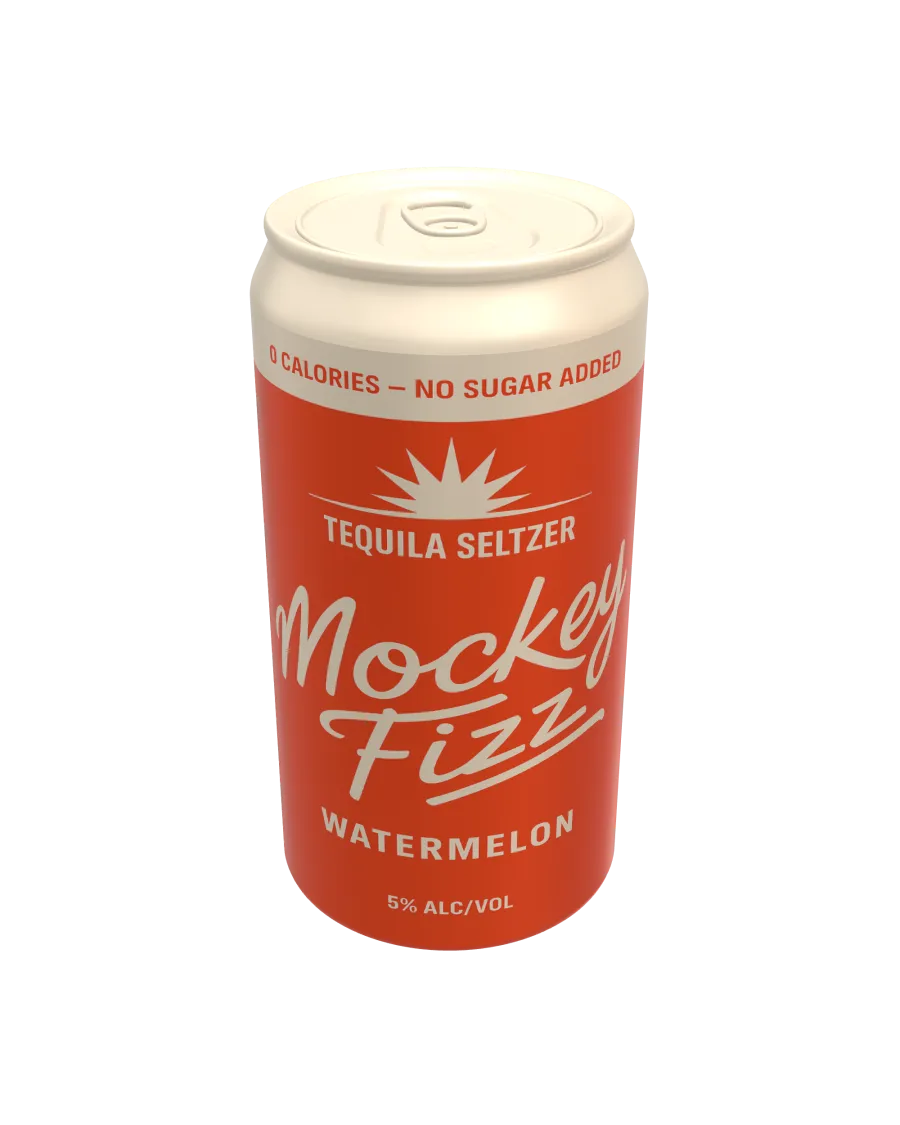
3d Standard Can Mockup Floating Front View Minimalist White Aluminum Can With Realistic Lighting And Metallic Reflections
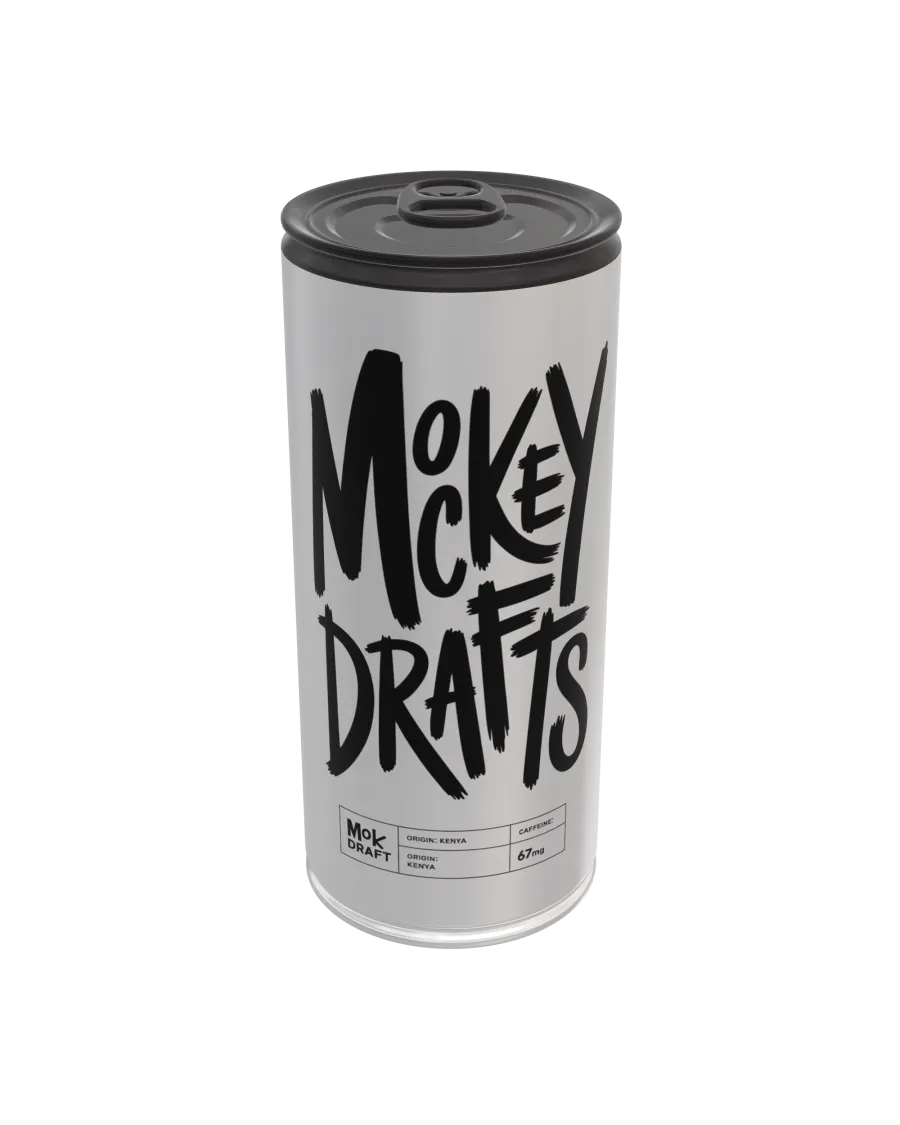
3d Cylinder Can Mockup Minimalist Floating Front View White Aluminum With Metallic Reflections And Realistic Lighting
How to Create a 3D Can Mockup with Mockey
To create a 3D Can mockup in Mockey AI:
- Step 1: Click 3D Mockup in the top menu, then select Can under Home & Living. Pick an editable template you like.
- Step 2: Upload your images, choose colors for the body and cap, and set the background to 360°, gradient, or solid color.
- Step 3: Click Download to save your 3D Can as a PNG or JPEG or download an animated 5-second WebM video.


FAQs on 3D Can Mockups
What is a 3D Can mockup?
A 3D Can mockup is a digital, three-dimensional portrayal of a Can's design made using rendering software. Visualizing packaging artwork, evaluating branding components, and improving visual appeal is possible via a 3D mockup generator.
How can I create a 3D Can mockup?
Join Mockey AI, pick a 3D mockup, navigate to the Home & Living category to select a Can template, and upload your images. Tailor the colors, textures, and background options to your liking. Review your changes, fine-tune the details, and download your polished 3D Can mockup in either image or video format, all without any watermarks.
Why should I use a 3D Can mockup?
A 3D Can mockup makes your product look better, helps you see the design clearly, and makes marketing easier. It shows a realistic view, grabs customer attention, and helps create eye-catching visuals, making your brand more memorable.
Are 3D Can mockups free to use?
The Mockey AI website provides the best 3D Can mockups that you can personalize and download. Simply register on the site to export your designs in either PNG or video format.
Can I customize the background and lighting in a 3D Can mockup?
You have complete control over the background and texture in a 3D can mockup. With Mockey AI, you can modify backgrounds, textures, and colors, as well as upload several images into the template.
What file formats are available for 3D Can mockups?
Mockey AI provides 3D mockups that can be downloaded in high-quality JPG and video formats on the free plan. For those on the Pro plan, premium PNG files with higher sizes are available.
Do I need design experience to use a 3D Can mockup tool?
Using a 3D Can mockup tool doesn't require extensive design experience. Mockey AI provides an easy-to-navigate interface, ready-made templates, and intuitive controls, all of which are improved with AI features.
Can I use 3D Can mockups for commercial projects?
The ability to use 3D can mockups for commercial purposes varies based on the licensing terms of each asset. While Mockey AI permits commercial use, some other assets may impose restrictions or necessitate attribution.
