Free Remove BG Alternatives for Image Background Removal
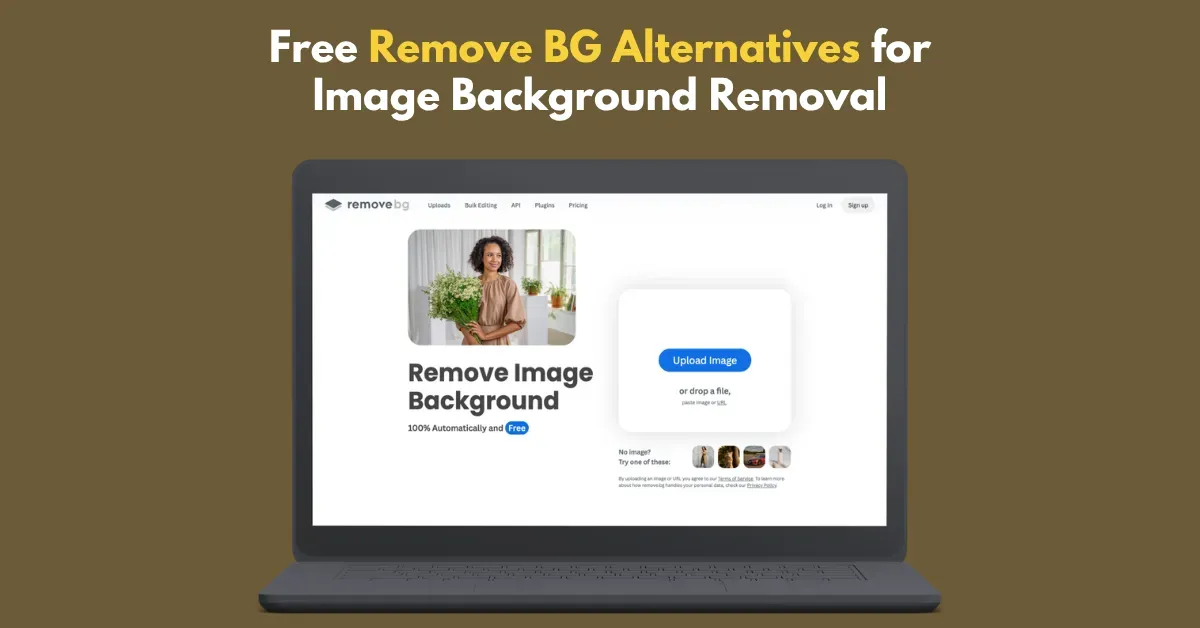
The best free Remove BG alternatives are:
- Mockey’s Background Remover for removing backgrounds in bulk
- Adobe Firefly for fine details
- Photoroom for high-speed batch processing
- Picsart for faster results
- Pixelcut for quickly creating product cutouts with realistic shadows
- Photiu AI for removing backgrounds in bulk
Table of Contents
Alternatives to Remove.bg at a Glance
| Background Removers | Best for | Export Format | Pricing |
|---|---|---|---|
| Mockey’s Background Remover | Ecommerce and product photos | PNG | – Free – Plan starts from $19/month (for bulk processing) |
| Adobe Firefly | Quick edits and social content | PNG | – Free |
| Photoroom | Ecommerce and product photos | PNG | – Free – Plan starts from $12.99/month (for bulk processing) |
| Picsart | Mobile editing | JPG | – Free |
| Pixelcut | Ecommerce and online sellers | PNG | – Free |
| Photiu AI | Social content | PNG | – Free – Plan starts from $1.50 (5 credits) |
Breaking Down the Best Remove BG Alternatives in 2026
There’s more to compare than just background removal. Look at how well each tool handles fine details, whether it can remove backgrounds in bulk, if there’s a mobile app, and what you’re allowed to do with the images commercially.
1. Mockey AI
Mockey’s Remove Background tool is one of the best free Remove BG alternatives for getting high-quality results, whether you’re removing the background from a logo, product, or almost any other type of image.
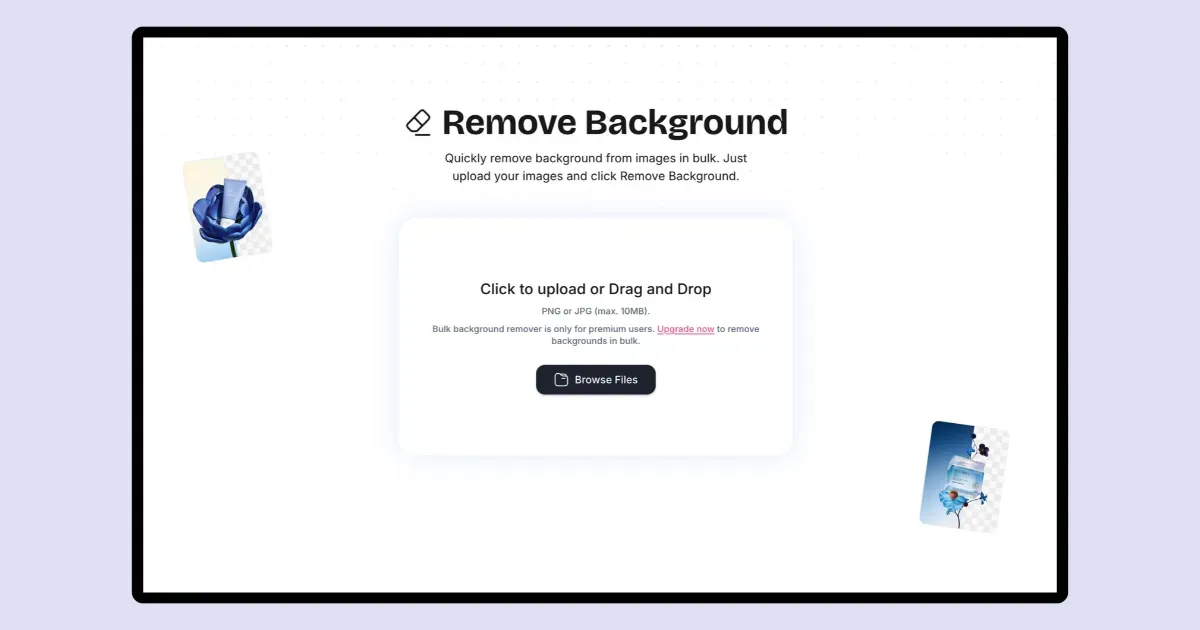
Mockey AI is primarily a mockup generator, but it also offers several image editing tools, including a Remove Background tool.
You can remove backgrounds from your images on the free plan. The bulk background remover is one of its more useful features. It handles up to 20 images in one go, so there’s no need to remove each background separately. The catch is that bulk processing is available on the paid plan, which costs $19 a month.
Let’s learn how to remove the background from an image using Mockey AI:
How to Use Mockey’s Background Remover Tool
- Click “Login/Sign up”. Create your account.
- Go to “Tools” and follow “Image Editing > Background Remover”.
- Then, drag your file or browse.
- Choose your image.
- Click “Remove Background”.
- The background will be removed from your image in under 10 seconds.
- Then, click “Export” to download the image as a high-quality PNG.
| Features | Mockey’s Remove Background Tool |
|---|---|
| Fine Details | Yes, hair, fur, products & edges |
| Batch Removal | Yes, up to 20 images at once |
| Mobile App | Yes (Only for Android users) |
| Commercial Use | Yes |
| Best for | Ecommerce and product photos |
| Free Plan | Yes |
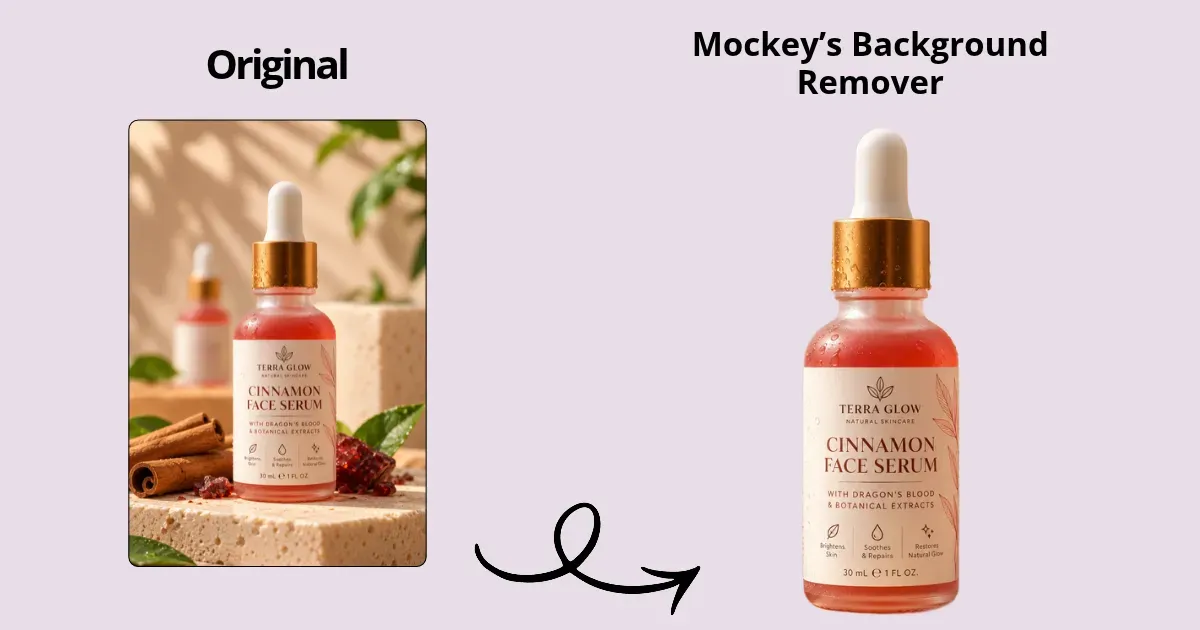
Output Example
Pricing Plan
- Free
- Plan starts from $19/month (for bulk processing)
2. Adobe Firefly
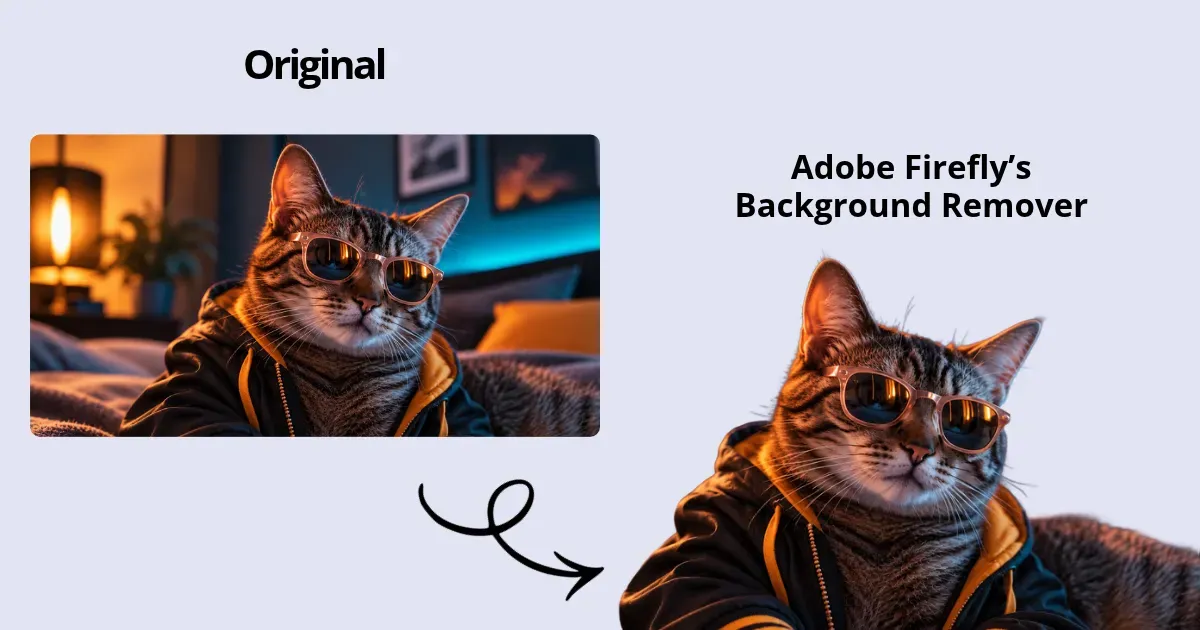
Adobe Firefly’s Background Remover is another free alternative to Remove.bg.
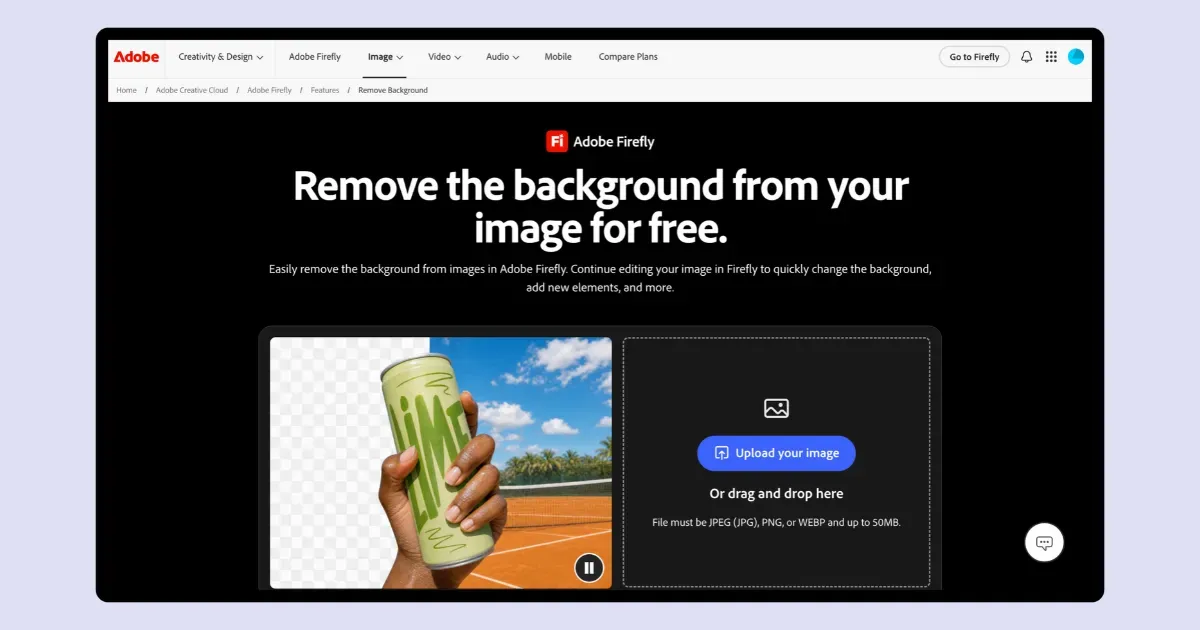
You can upload images up to 50 MB and download the result as a transparent PNG. It also does a good job of preserving fine details for clean background removal.
How to Use Adobe Firefly’s Background Remover
- Visit Adobe.
- In the “Apps”, click on Adobe Firefly.
- Look for Remove Background and tap it.
- Upload or drag & drop your image.
- Click Remove Background.
- The result will be ready.
| Features | Adobe Firefly’s Remove Background Tool |
|---|---|
| Fine Details | Yes, strong on hair and small details |
| Batch Removal | No |
| Mobile App | Yes |
| Commercial Use | Yes |
| Best for | Quick edits and social content |
| Free Plan | Yes |
Output Example
Pricing Plan
- Free
3. Photoroom
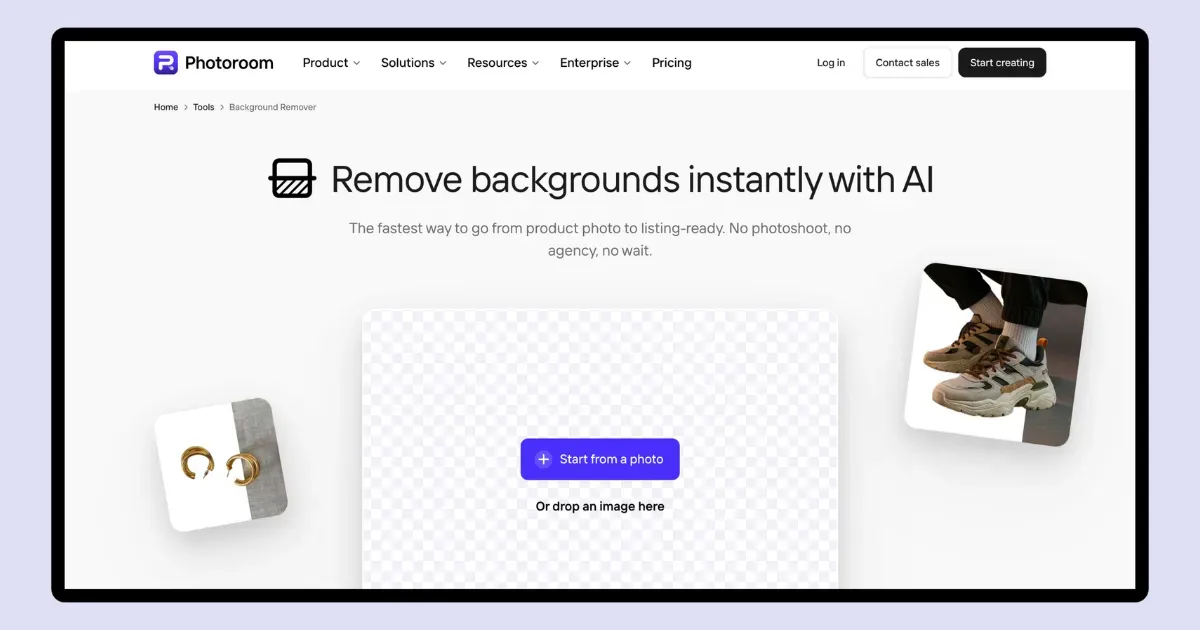
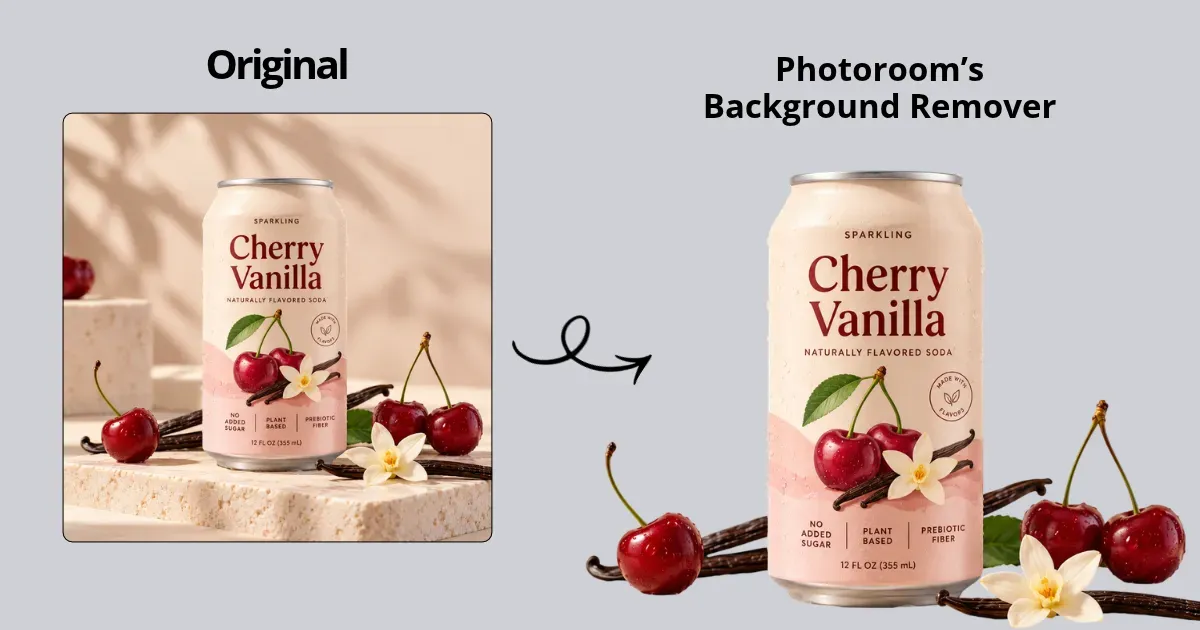
Photoroom's background remover is an AI-powered tool made for e-commerce and product visuals, quickly creating professional cutouts.
How to Use Photoroom’s Background Remover
- Visit Photoroom.
- Click “Product” and pick “Background Remover”.
- Upload by clicking “+ Start from a photo”.
- Click “Download”.
- The image will be saved automatically.
| Features | Photoroom’s Remove Background Tool |
|---|---|
| Fine Details | Yes, without jagged edges |
| Batch Removal | Yes |
| Mobile App | Yes |
| Commercial Use | Yes |
| Best for | Ecommerce and product photos |
| Free Plan | Yes (Not for batch processing) |
Output Example
Pricing Plan
- Free
- Plan starts from $12.99/month for batch processing
4. Picsart
Picsart’s AI Background Remover removes backgrounds from photos. It’s easy to use across devices, but high-res downloads and batch features are paid.
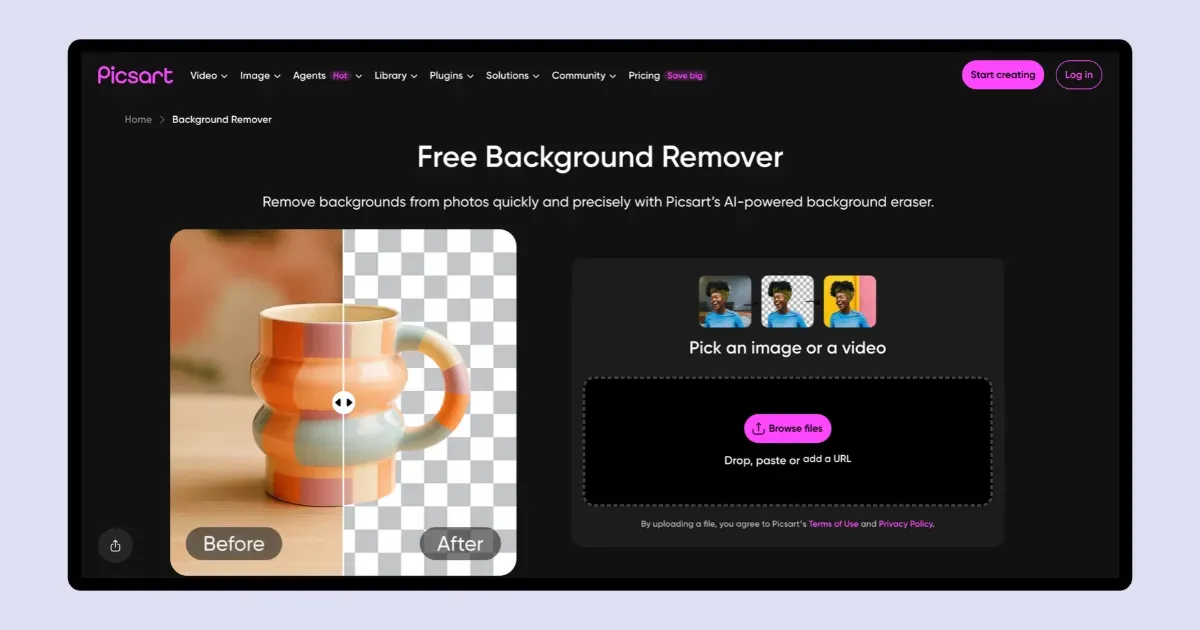
Sometimes it shows an error, and even after trying again, the tool still doesn't work. That’s one of the biggest downsides of Picsart
How to Use Picsart’s Background Remover
- Visit Picsart.
- Look for “Remove the Background”.
- Click “Browse Files” to upload your image.
- Remove the background and download the result.
| Features | Picsart’s Remove Background Tool |
|---|---|
| Fine Details | Clean transparent JPG |
| Batch Removal | Yes |
| Mobile App | Yes |
| Commercial Use | Yes |
| Best for | Mobile editing |
| Free Plan | Yes but limited |
Output Example
- NA (Because it shows an error)
Pricing Plan
- Free
- Plan starts from $15/month for batch processing
Want a Picsart-like editing tool? Explore these Picsart alternatives.
5. Pixelcut
Pixelcut is a fast AI background remover that creates clean cutouts in about 3 seconds. It’s mainly useful for e-commerce sellers and mobile creators who want quick background replacements.
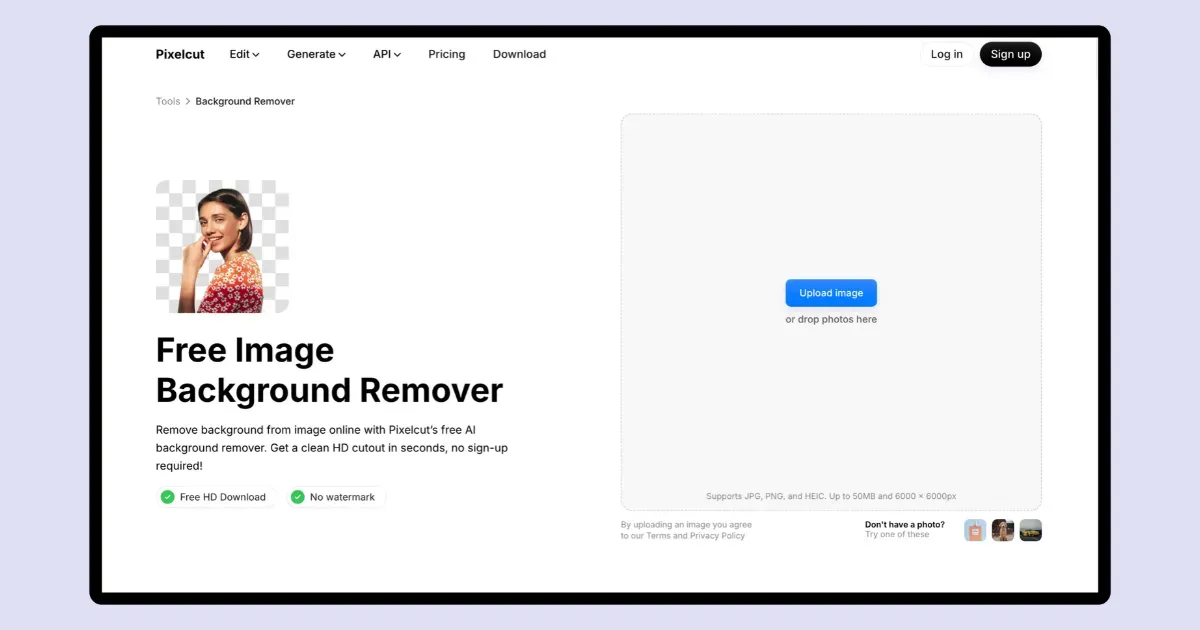
You can also add shadows to your images after removing the background, even on the free plan.
How to Use Pixelcut’s Background Remover
- Visit Pixelcut. Create your account.
- Look for “Remove Background” in “Quick Edits”.
- As soon as you click it, you’ll be able to upload your image.
- Then, click “Remove Background”.
- Add a shadow if you want.
- Press “Download” to save the image.
| Features | Pixelcut’s Remove Background Tool |
|---|---|
| Fine Details | Yes, strong edge detection |
| Batch Removal | No |
| Mobile App | Yes |
| Commercial Use | Yes |
| Best for | Ecommerce and online sellers |
| Free Plan | Yes |
Output Example
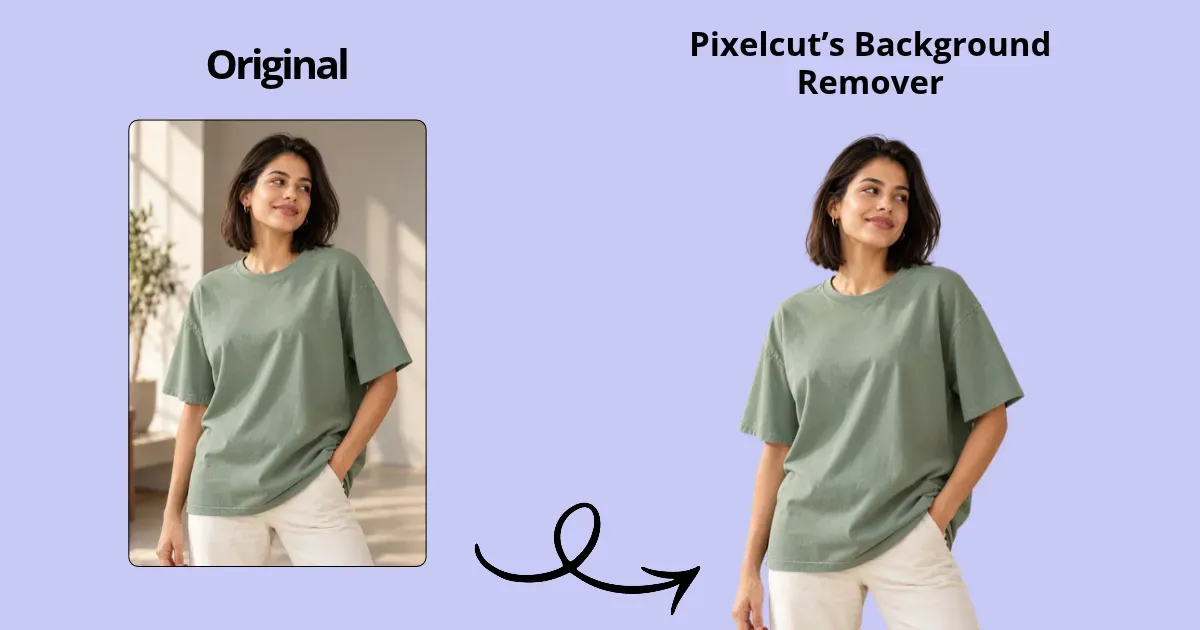
Pricing Plan
- Free
6. Photiu AI
Photiu.ai is a simple browser-based Remove Bg alternative. It removes backgrounds from portraits, products, and objects, leaving a transparent or solid-color background.
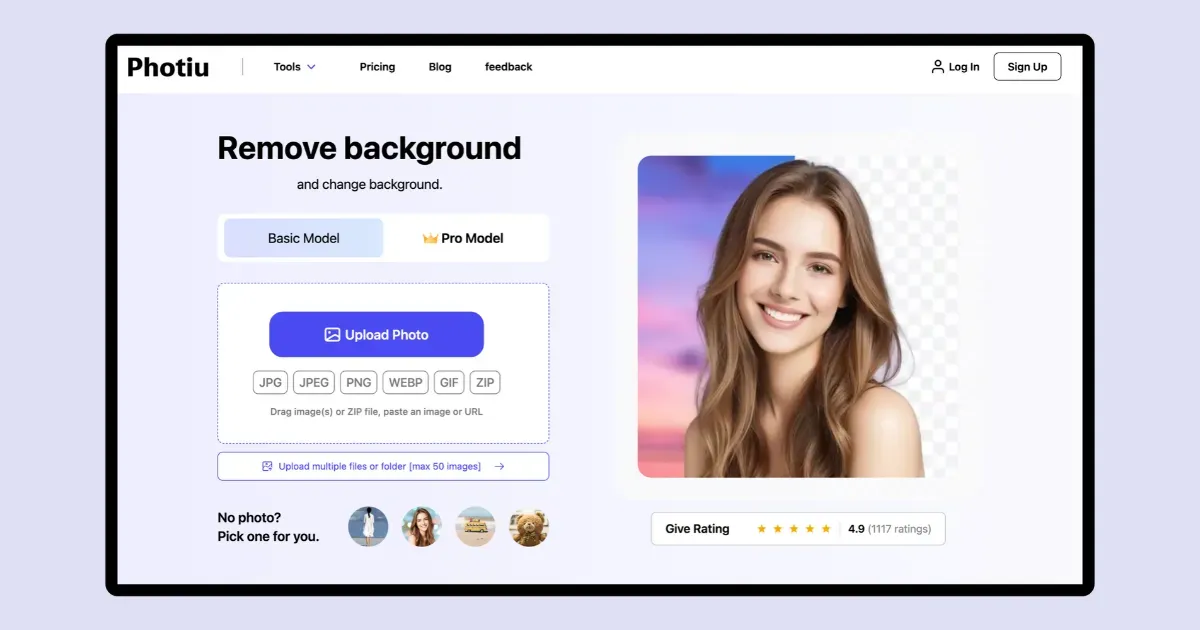
On the free plan, images are exported in medium quality. For high-quality exports, 1 credit is required.
Also, you can remove backgrounds from up to 50 images at once in bulk. Each image costs 0.5 credits.
How to Use Photiu AI’s Background Remover
- Visit Photiu AI.
- Click “Upload Photo” to add your image.
- Press Download to save the image.
| Features | Photiu AI’s Remove Background Tool |
|---|---|
| Fine Details | Yes, clean cutouts |
| Batch Removal | Yes, up to 50 images at once |
| Mobile App | No |
| Commercial Use | Yes |
| Best for | Social content |
| Free Plan | Yes |
Output Example

Pricing Plan
- Free
- Plan starts from $1.50/5 credits
Our Top Choice: Mockey AI
When it comes to bulk background removal, fine detail, and export quality, Mockey’s Background Remover is one of the best Remove.bg alternatives. The mobile app also runs smoothly without noticeable lag or crashes.
FAQs
Which Remove BG alternative offers unlimited free HD downloads?
Mockey’s Background Remover, Adobe Firefly, Photoroom, and PixelCut are the top Remove BG alternatives that offer unlimited free HD downloads.
Are there Remove.bg alternatives that don’t require signup?
Adobe Firefly, Photoroom, Picsart, and Photiu AI platforms don’t require signup to get started.
Which Remove BG alternative handles hair, fur, and transparent objects best?
Mockey’s Background Remover and Adobe Firefly handle hair, fur, and object edges best.

Sangram Sahoo
I’m a content writer with 4 years of experience. I specialize in creating practical content around mockups, print-on-demand, apparel, and e-commerce design.
